
Candid Flash Photography: Chaotic Holiday Party
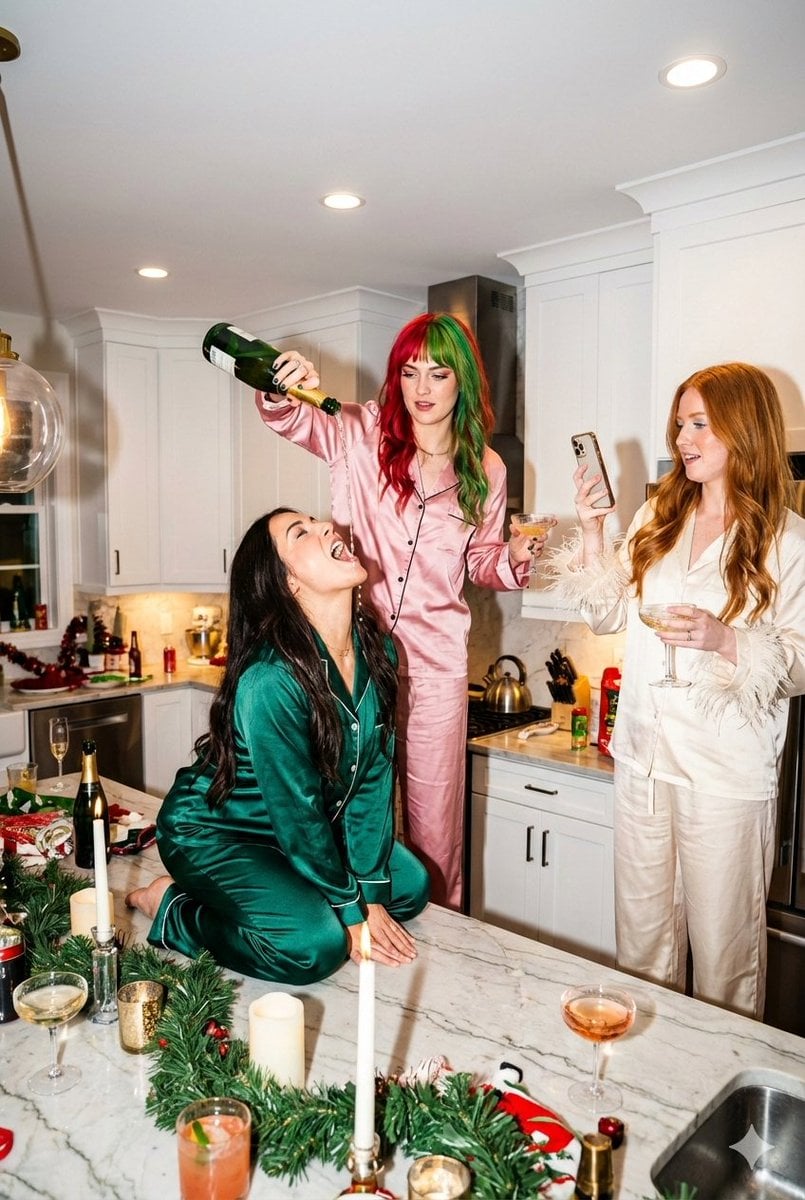
A highly detailed JSON prompt specifying a chaotic, high-energy holiday party scene in a modern kitchen, captured using candid flash photography.
- Prompt included
- Model and format preset
- Free template
The prompt behind this image
Copy the exact prompt behind Candid Flash Photography: Chaotic Holiday Party, or open it in the studio and make it yours.
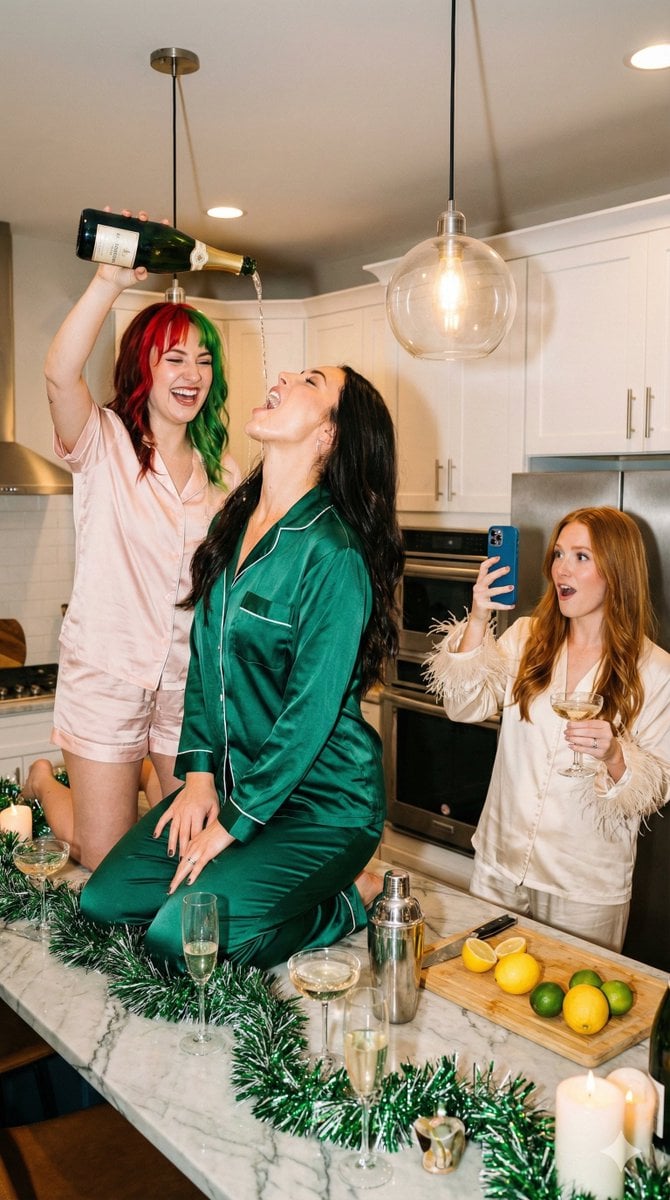
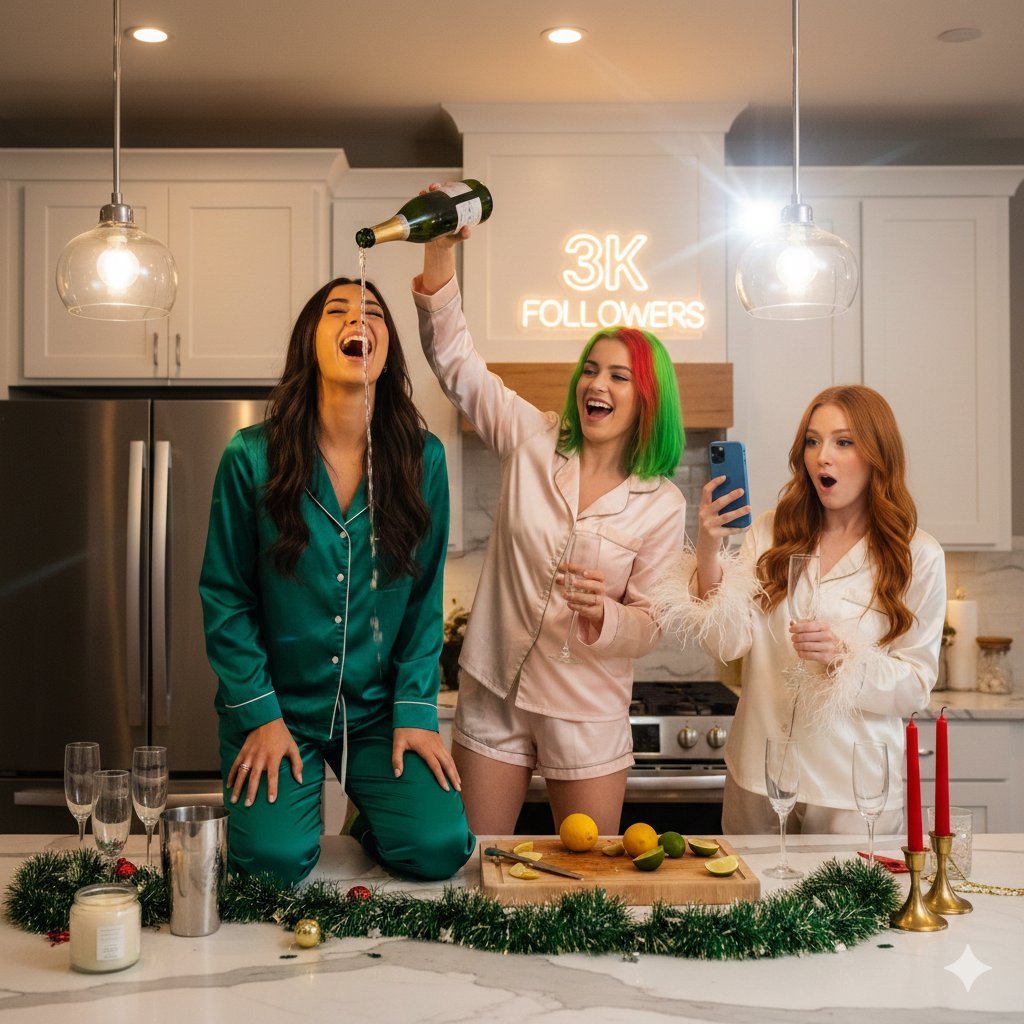
"scene_context": { "setting": "Modern kitchen interior with white cabinets and marble island", "occasion": "Holiday party / Girls' night in / New Year's Eve celebration", "vibe": "Chaotic fun, high energy, influencer lifestyle, candid flash photography" }, "camera_details": { "camera": "Canon EOS R5 Mirrorless Digital Camera", "lens": "Canon RF 24-70mm f/2.8L IS USM Lens", "focal_length": "35mm", "aperture": "f/4.0", "shutter_speed": "1/125 sec", "iso": "ISO 800", "lighting": "On-camera direct flash with warm ambient indoor light fill", "focus_mode": "AF-C (Continuous Auto-Focus) tracking the central subject", "composition": "Medium-wide angle, eye-level shot", "style": "Candid, unposed, flash-lit photograph" }, "subjects": [ { "id": "subject_left", "position": "Kneeling on top of the marble kitchen island", "appearance": "Young woman with long dark hair, ecstatic expression, head tilted back, mouth open", "apparel": "Emerald green satin pajama set with white piping (long sleeve button-down, long pants)", "action": "Catching a stream of champagne being poured from above into her mouth" }, { "id": "subject_center", "position": "Standing behind the kitchen island", "appearance": "Young woman with split-dyed hair (right side bright red, left side bright green)", "apparel": "Light pink satin pajama short set (short sleeve button-down, shorts)", "action": "Holding a green champagne bottle upside down high in the air, pouring it into the first subject's mouth, laughing" }, { "id": "subject_right", "position": "Standing to the right side of the frame", "appearance": "Young woman with long ginger/red hair, surprised and excited expression", "apparel": "Cream/white satin pajama set with ostrich feather cuffs on the sleeves", "action": "Holding a blue smartphone to record the scene, holding a champagne coupe glass in the other hand" } ], "props_and_decor": { "foreground_items": [ "Green holiday tinsel garland on the counter", "Champagne flutes filled with liquid", "Silver cocktail shaker", "Cutting board with sliced lemons and limes", "White jar candle", "Tall red taper candle in gold holder" ], "background_items": [ "Glass pendant lights emitting warm glow", "White kitchen cabinetry", "Stainless steel appliances" ] }, "technical_aesthetics": { "lighting": "Warm indoor ambient lighting mixed with direct camera flash", "color_palette": "Festive colors: Emerald green, red, pink, gold, silver, warm white", "composition": "Vertical shot, eye-level, focused on the action at the center island" }
How to use Candid Flash Photography: Chaotic Holiday Party in 3 steps
- 1
Open
The prompt is already in the box next to the preview, with the template's model and format selected.
- 2…a portrait of your subject in softgolden-hour light, 85mm…
Personalize
Edit the subject and creative details for your destination.
- 3Generate
Generate
Press Generate — your image is created in PicX Studio, so you can compare it with the original and refine one variable at a time.
More like this
Templates with the same subject, style or setup. Open one to see its prompt.
Candid Flash Photography: Chaotic Holiday Party (Duplicate)
Candid Flash Photography of a Chaotic Holiday Party

Nostalgic Digicam Café Afternoon Portrait

A 3x3 grid storyboard contact sheet comprised of nine candid, cinematic
A candid paparazzi-style street photography shot of a handsome man
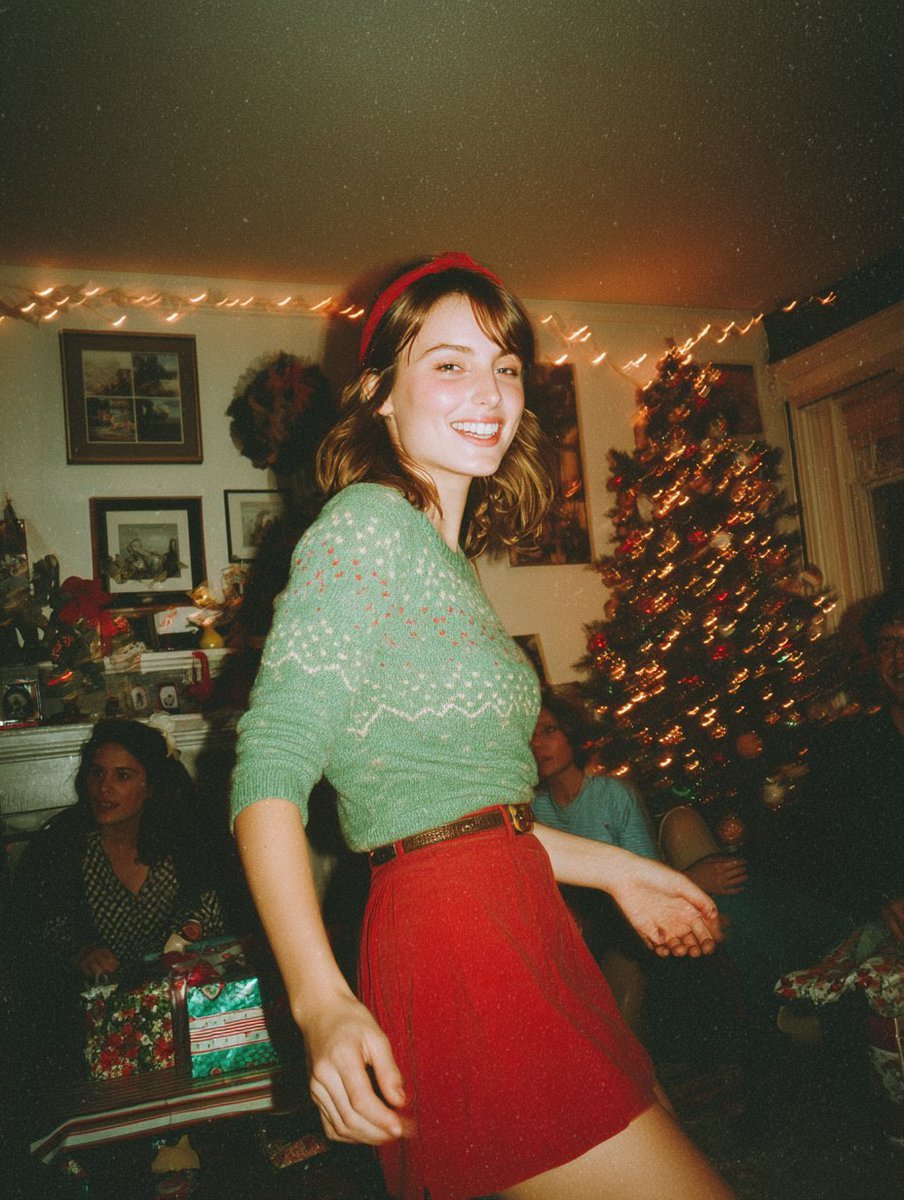
Candid Vintage Holiday Scene Photography Prompt
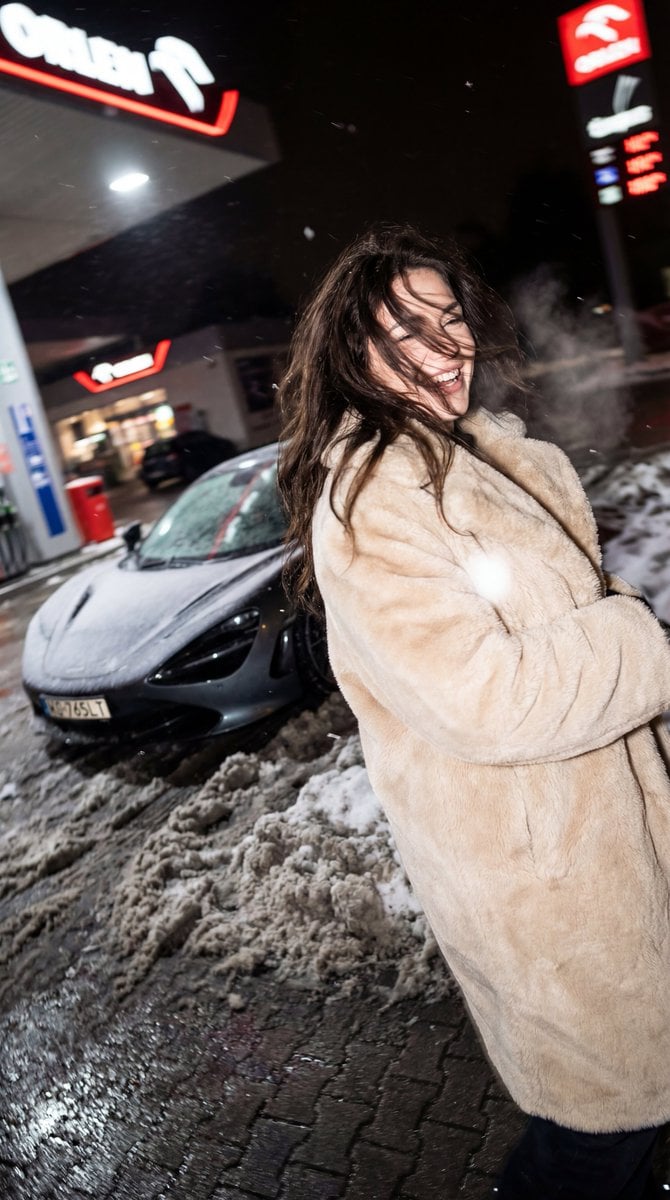
Chaotic Nightlife Flash Photography Portrait

Sunday Afternoon, 1988

One Dance Before Midnight

Our Song was on a Cassette

The Date After College

80s College Gate
Make it yours
Candid Flash Photography: Chaotic Holiday Party works as-is. These are the safest ways to change it without losing the look.
Change one field
Copy a single group, rewrite it, and generate again so you can see what that field is doing.
Keep the frame, change the subject
Hold the composition and light of Candid Flash Photography: Chaotic Holiday Party, then swap wardrobe, props or the person for a new take.
| If the result… | Why | Fix |
|---|---|---|
| The result drifts from the preview | Too many fields changed at once. | Reuse Candid Flash Photography: Chaotic Holiday Party as-is first, then change one group — subject, light, or setting. |
| The model over-stylizes the scene | The prose prompt leaves finish and camera underspecified. | Add one camera or lighting sentence and stay on Nano Banana 2. |
More Nano Banana 2 templates
Other prompts made for Nano Banana 2.

Photorealistic Leaf Shaped Like a Dragon

K-Pop Idol Portrait Grid for Rapid Selection

Poetic Rain Forest Portrait During Golden Hour

Urban Street Portrait with Cartoon Inner Self Duo

Candid Nighttime Photo with Cat Prompt

High-Concept 3D Diorama Generation Prompt

Cinematic Futuristic Studio Portrait Template

Skincare Editorial Photography Collage Prompt

Hyper-Realistic Commercial Product Photography (Splash Effect)

Hyper-Realistic Nightclub Portrait Prompt
More image prompts
Fresh picks from across the catalog.
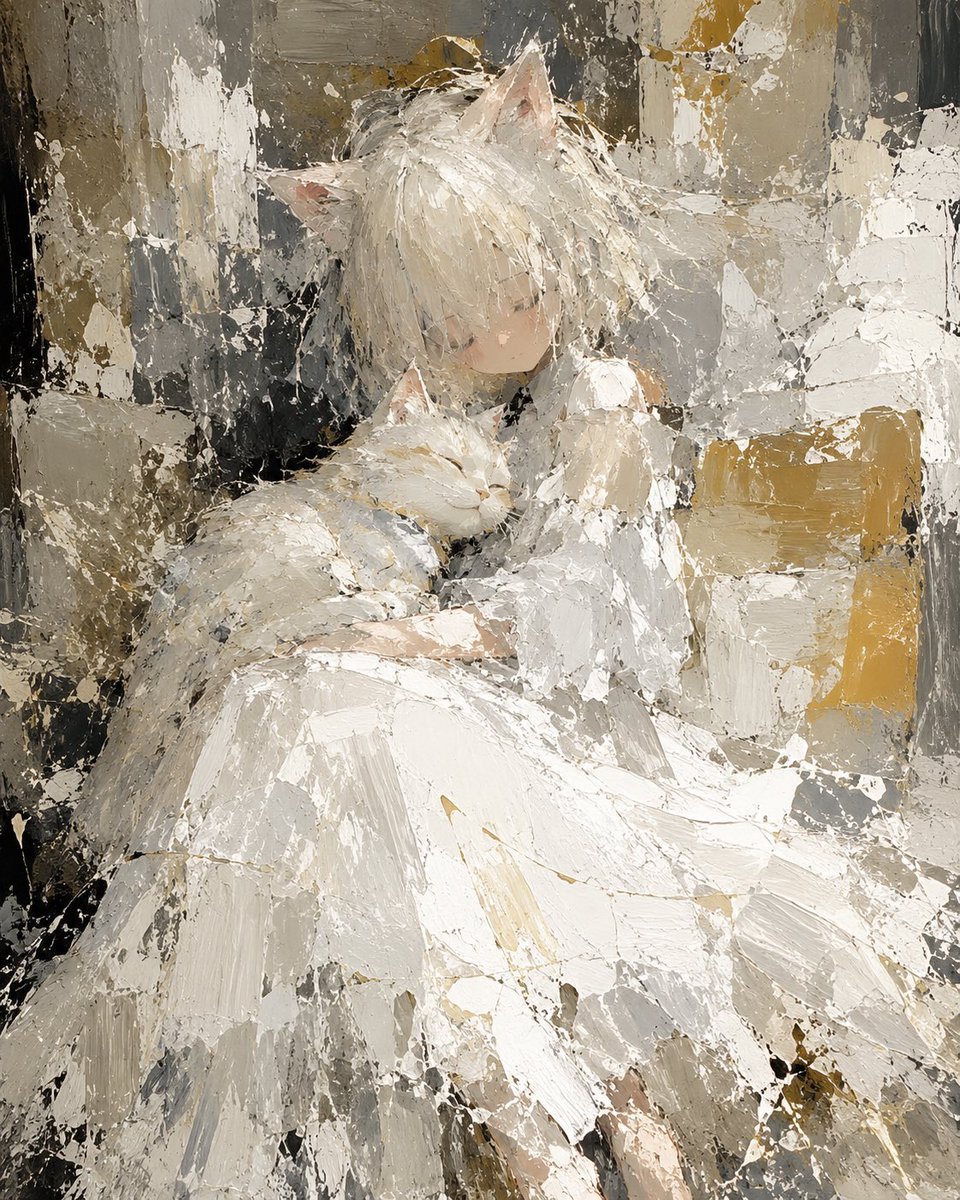
Abstract Cat Girl and Gentle Cat Painting

Couple Goals from the Google Gemini Nano
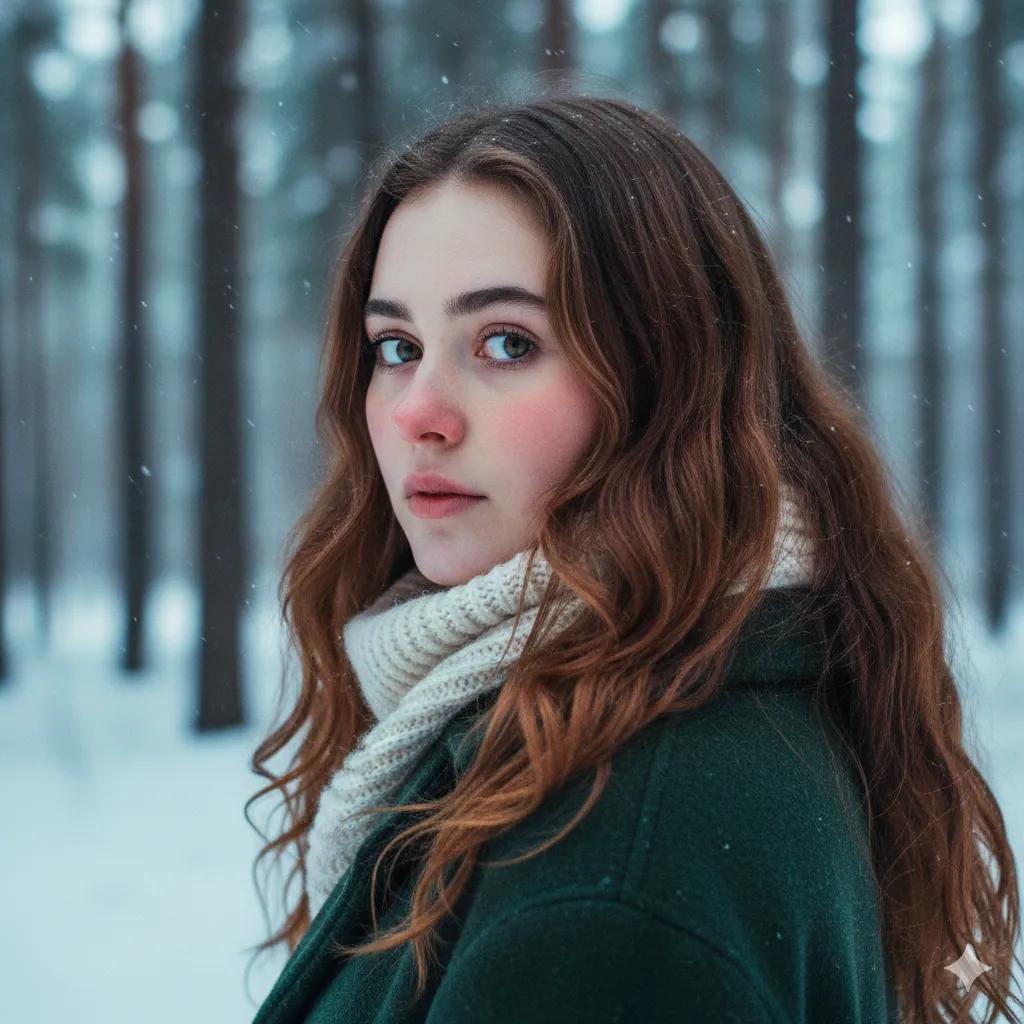
Cinematic Winter Portrait Prompt for Gemini
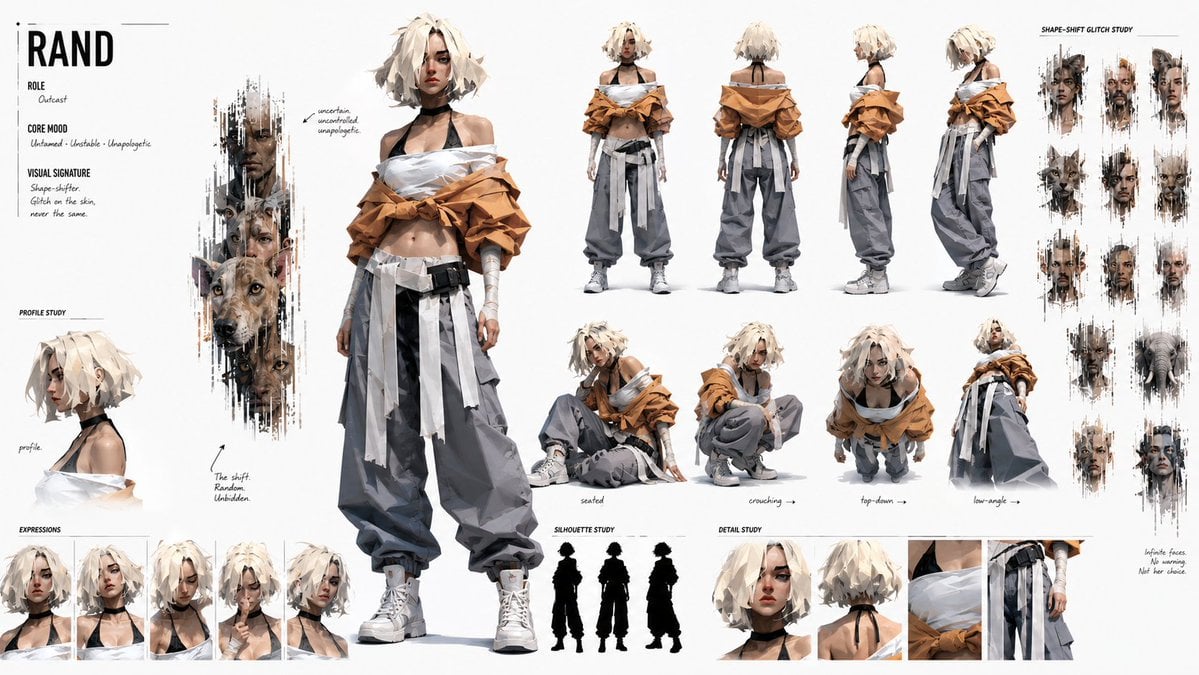
Cinematic Storyboard Project Card
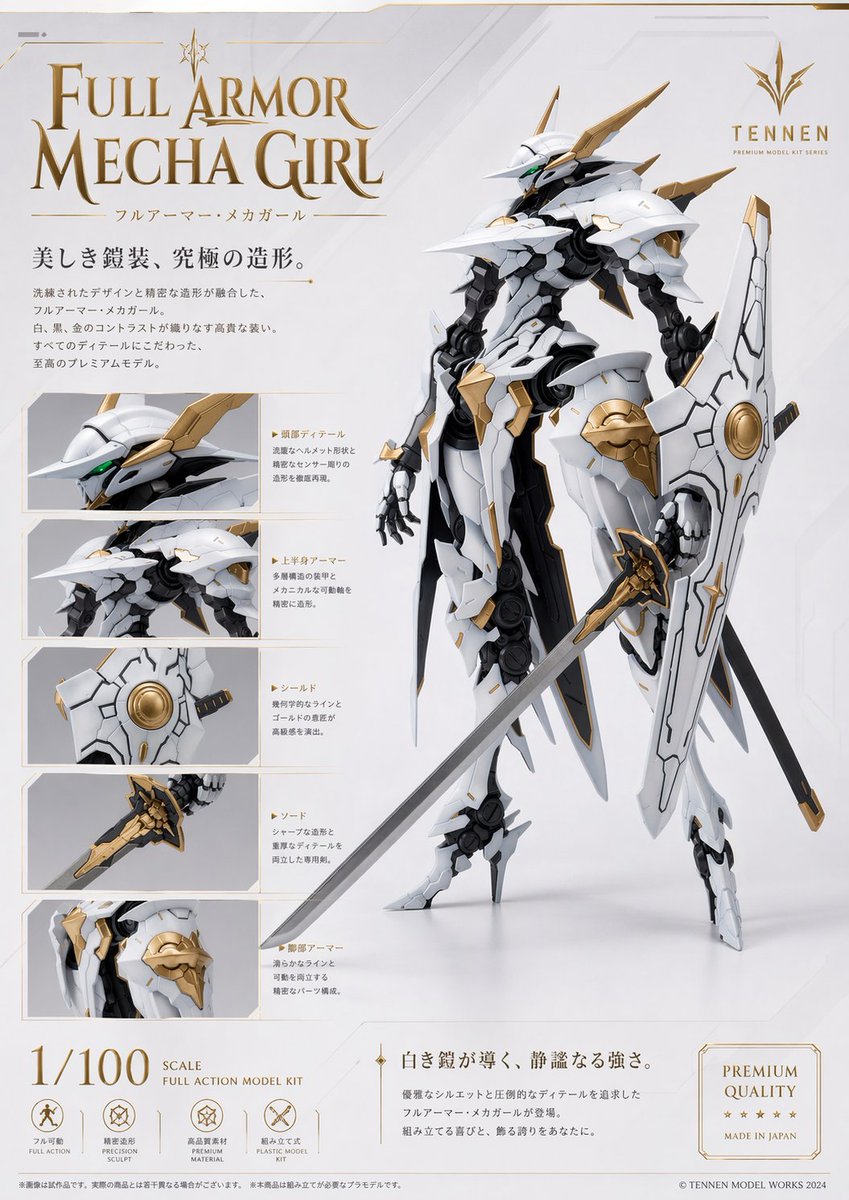
Premium Mecha Girl Model Kit Poster

敦煌纸雕飞天 — 3D Layered Paper Cutout
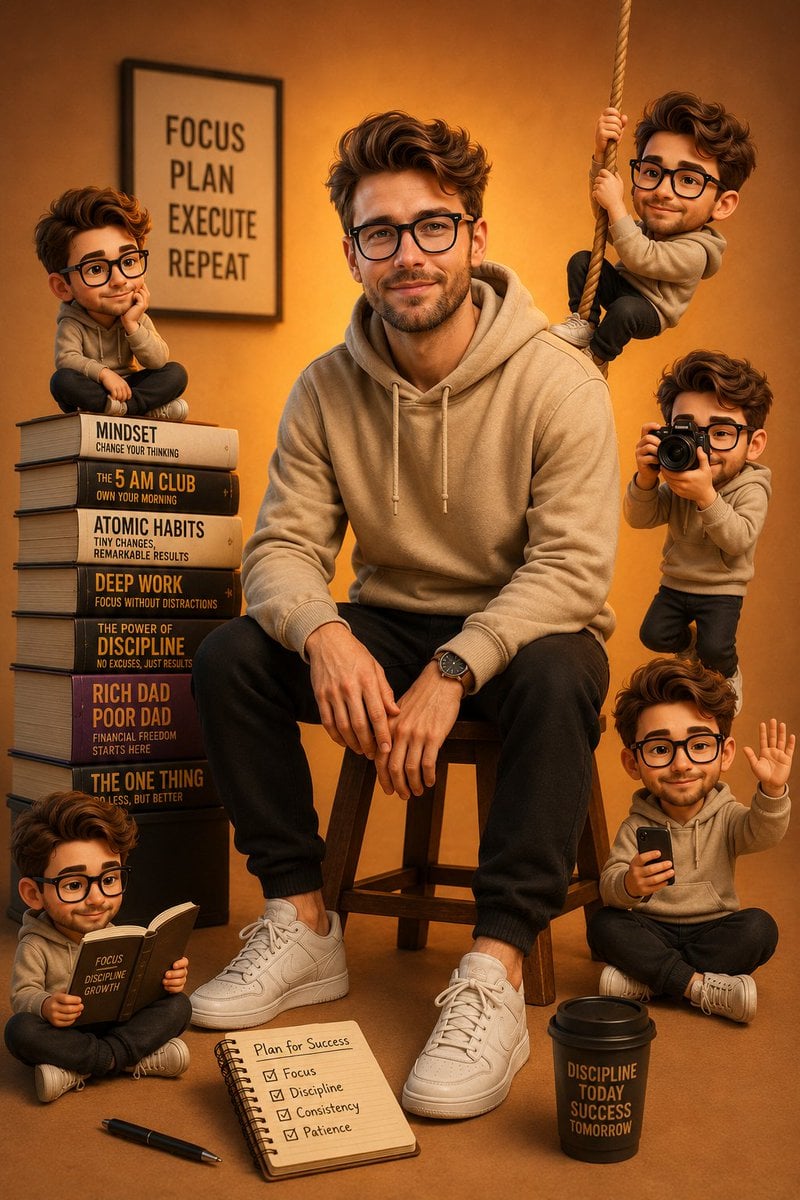
Motivational Poster with 3D Cartoons
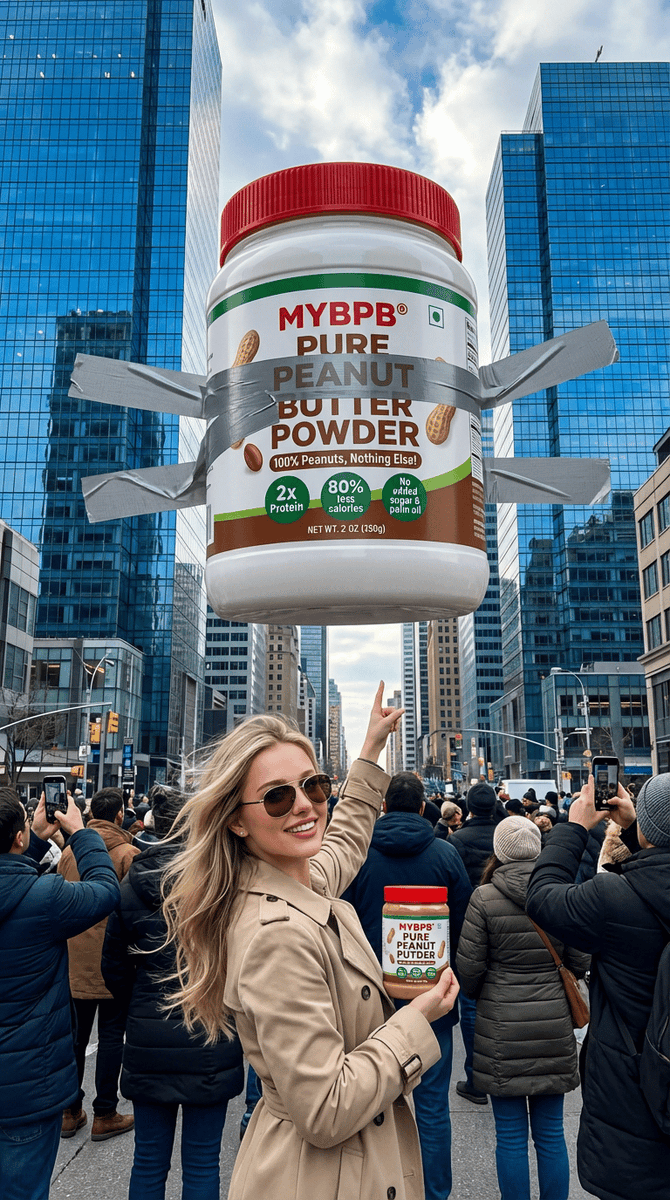
Surreal Giant Product Installation on Skyscraper
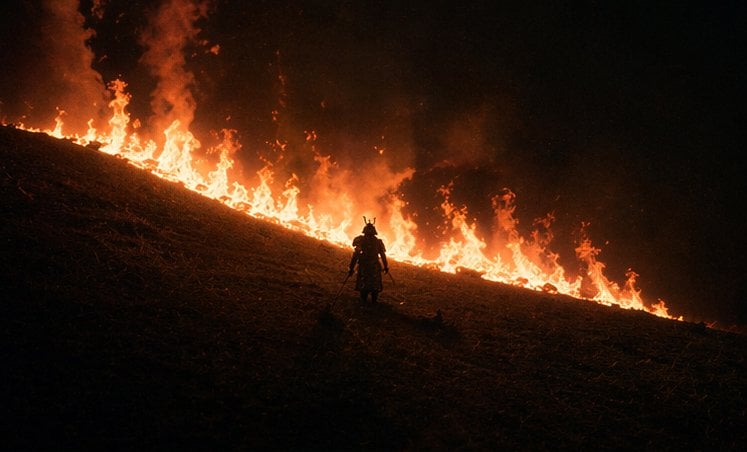
Samurai Before a Hillside Fire
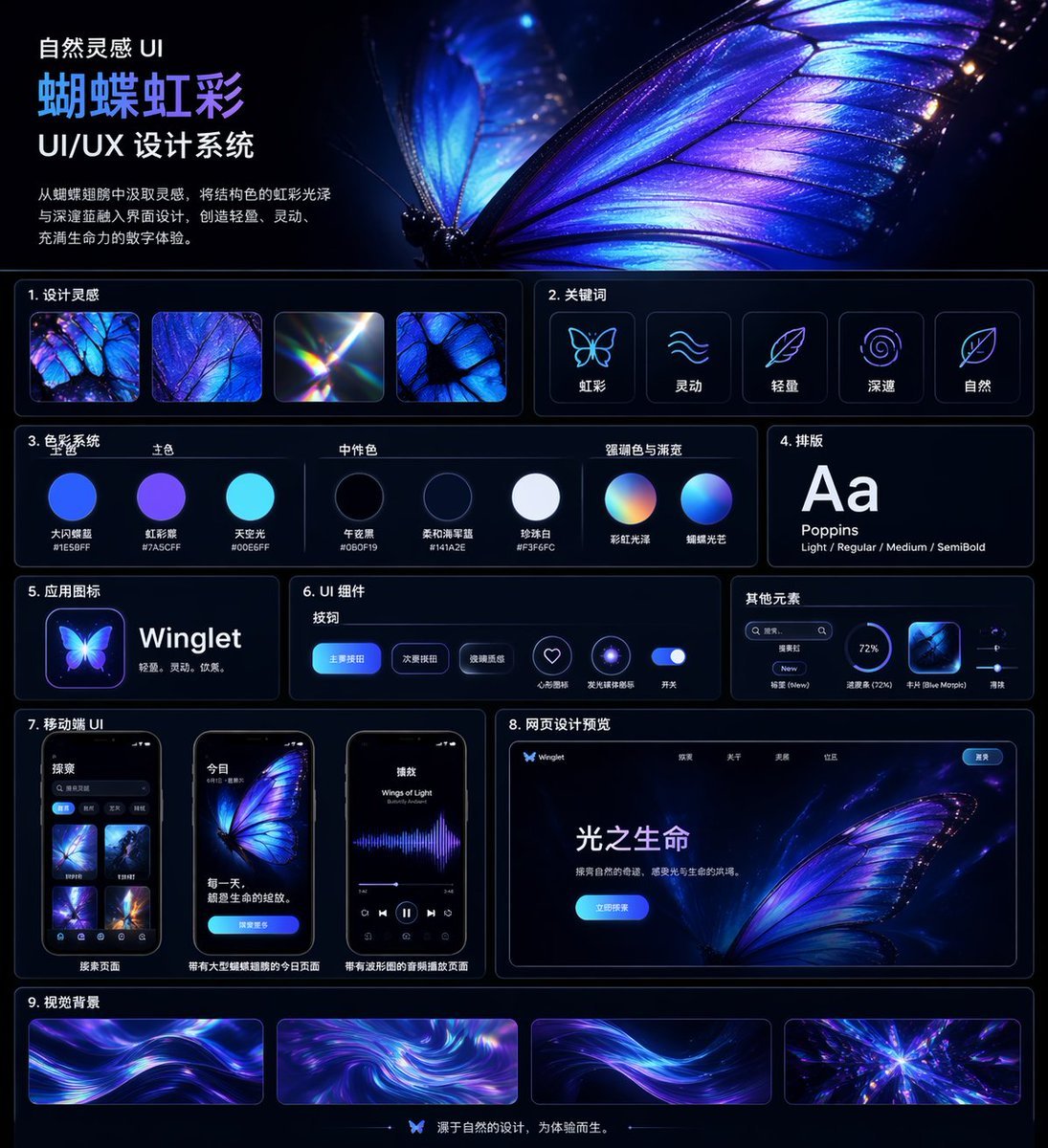
Iridescent Butterfly UI System Board
Browse template categories
Candid Flash Photography: Chaotic Holiday Party questions
How do I use the Candid Flash Photography: Chaotic Holiday Party template?
Add your photo if the template asks for one, edit the prompt if you like — the template's model and format are already selected — and press Generate. Your version opens in PicX Studio.
Can I customize the Candid Flash Photography: Chaotic Holiday Party template?
Yes. You can change the subject, setting, lighting, mood, format, and available model controls before creating your image.
Is the Candid Flash Photography: Chaotic Holiday Party template free?
Opening and editing this template is free. Generating uses credits, shown on the Generate button when you are signed in.
Which AI model should I use?
Start with Nano Banana 2, which is the model associated with this template. You can compare another compatible model for a different finish.
Looking for something else? Browse all templates.

Your photo, any look
Thousands of ready templates for every top image and video model, from one credit balance.