
Iridescent Butterfly UI System Board
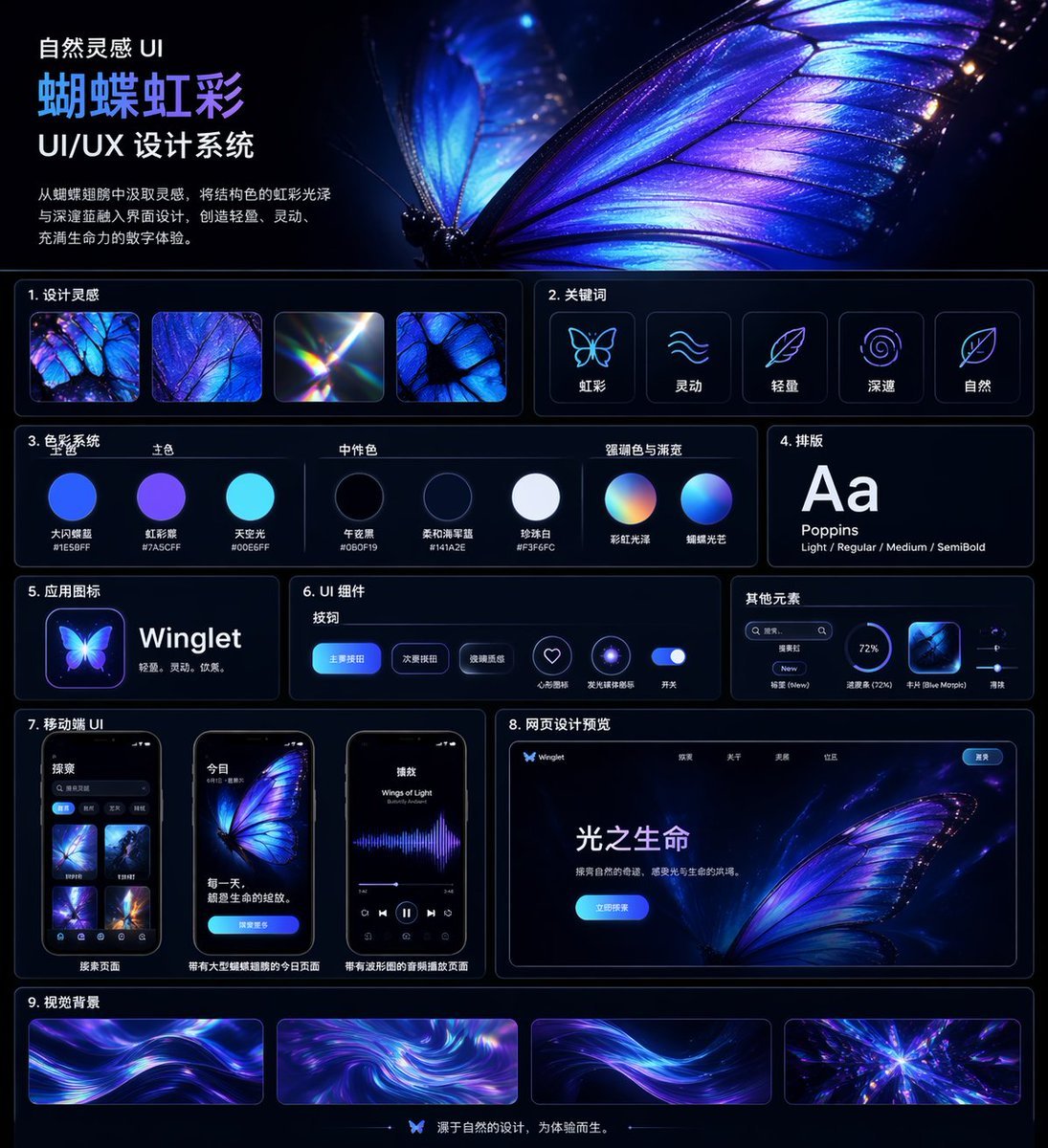
A polished dark-mode Chinese UI/UX design system presentation board featuring a glowing butterfly theme, suitable for design case studies, portfolio covers, and style-system showcases.
- Prompt included
- Model and format preset
- Free template
The prompt behind this image
Copy the exact prompt behind Iridescent Butterfly UI System Board, or open it in the studio and make it yours.
- Type
- UI/UX design system showcase board
- Theme
- dark mode, nature-inspired, luminous iridescent aesthetic
- Language
- Chinese
- Canvas › Aspect Ratio
- square poster
- Canvas › Background
- deep midnight navy to black with subtle glow
- Canvas › Style
- premium futuristic presentation board with thin neon-blue panel outlines, glossy highlights, soft bloom, and high contrast
- Header › Title
- 自然灵感 UI {argument name="system title" default="蝴蝶虹彩"} UI/UX 设计系统
- Header › Description
- {argument name="chinese description" default="从蝴蝶翅膀中汲取灵感,将结构色的虹彩光泽与深邃蓝融入界面设计,创造轻盈、灵动、充满生命力的数字体验。"}
- Header › Hero Image
- an oversized, ultra-detailed glowing butterfly wing in electric blue, violet, and iridescent cyan filling the upper-right half, with visible vein structure, translucent edges, spark-like particles, and a second blurred wing behind it
- Layout › Sections › 0 › Title
- 1. 设计灵感
- Layout › Sections › 0 › Position
- upper left below header
- Layout › Sections › 0 › Count
- 4
- Layout › Sections › 0 › Labels
- iridescent butterfly wing macro, blue-purple wing texture close-up, light refraction prism flare, butterfly wing cell pattern
- Layout › Sections › 1 › Title
- 2. 关键词
- Layout › Sections › 1 › Position
- upper right below hero
- Layout › Sections › 1 › Count
- 5
- Layout › Sections › 1 › Labels
- 虹彩, 灵动, 轻盈, 深邃, 自然
- Layout › Sections › 1 › Icon Style
- simple glowing line icons inside rounded dark cards
- Layout › Sections › 2 › Title
- 3. 色彩系统
- Layout › Sections › 2 › Position
- mid left
- Layout › Sections › 2 › Subsections › 0 › Title
- 主色
- Layout › Sections › 2 › Subsections › 0 › Count
- 3
- Layout › Sections › 2 › Subsections › 0 › Labels
- 大闪蝶蓝 #1E5BFF, 虹彩紫 #7A5CFF, 天空光 #00E6FF
- Layout › Sections › 2 › Subsections › 1 › Title
- 中性色
Raw JSON
{"type":"UI/UX design system showcase board","theme":"dark mode, nature-inspired, luminous iridescent aesthetic","language":"Chinese","canvas":{"aspect_ratio":"square poster","background":"deep midnight navy to black with subtle glow","style":"premium futuristic presentation board with thin neon-blue panel outlines, glossy highlights, soft bloom, and high contrast"},"header":{"title":"自然灵感 UI\n{argument name=\"system title\" default=\"蝴蝶虹彩\"}\nUI/UX 设计系统","description":"{argument name=\"chinese description\" default=\"从蝴蝶翅膀中汲取灵感,将结构色的虹彩光泽与深邃蓝融入界面设计,创造轻盈、灵动、充满生命力的数字体验。\"}","hero_image":"an oversized, ultra-detailed glowing butterfly wing in electric blue, violet, and iridescent cyan filling the upper-right half, with visible vein structure, translucent edges, spark-like particles, and a second blurred wing behind it"},"layout":{"sections":[{"title":"1. 设计灵感","position":"upper left below header","count":4,"labels":["iridescent butterfly wing macro","blue-purple wing texture close-up","light refraction prism flare","butterfly wing cell pattern"]},{"title":"2. 关键词","position":"upper right below hero","count":5,"labels":["虹彩","灵动","轻盈","深邃","自然"],"icon_style":"simple glowing line icons inside rounded dark cards"},{"title":"3. 色彩系统","position":"mid left","subsections":[{"title":"主色","count":3,"labels":["大闪蝶蓝 #1E5BFF","虹彩紫 #7A5CFF","天空光 #00E6FF"]},{"title":"中性色","count":3,"labels":["午夜黑 #060F19","柔和海军蓝 #141A2E","珍珠白 #F3F6FC"]},{"title":"强调色与渐变","count":2,"labels":["彩虹光泽","蝴蝶光芒"]}],"visual":"circular color swatches and gradient spheres with Chinese labels beneath"},{"title":"4. 排版","position":"mid right","count":1,"labels":["Aa Poppins Light / Regular / Medium / SemiBold"],"visual":"large white Aa on dark card"},{"title":"5. 应用图标","position":"left center","count":1,"text":"{argument name=\"app name\" default=\"Winglet\"} 轻盈。灵动。优雅。","visual":"glowing butterfly app icon beside app name"},{"title":"6. UI 组件","position":"center","subsections":[{"title":"按钮","count":3,"labels":["主要按钮","次要按钮","玻璃质感"]},{"title":"图标","count":2,"labels":["心形收藏","发光圆环"]},{"title":"开关","count":1,"labels":["开关"]}],"visual":"rounded blue buttons, neon icon buttons, and a glowing toggle on a dark panel"},{"title":"其他元素","position":"right center","count":4,"labels":["搜索框","标签 New","进度条 (72%)","卡片 Blue Morpho"],"visual":"small utility UI widgets in a compact horizontal card"},{"title":"7. 移动端 UI","position":"lower left","count":3,"labels":["搜索页面","带有大型蝴蝶插图的今日页面","带有波形图的音频播放页面"],"visual":"three smartphone mockups with rounded corners, dark interface, blue-violet butterfly visuals"},{"title":"8. 网页设计预览","position":"lower right","count":1,"labels":["光之生命"],"visual":"desktop landing page mockup with butterfly hero image, top navigation, bright blue call-to-action button, and Chinese body text"},{"title":"9. 视觉背景","position":"bottom full width","count":4,"labels":["flowing light ribbon background 1","swirling iridescent vortex","flowing light ribbon background 2","radiant crystalline burst"],"visual":"four elongated rectangular background samples in purple, blue, and cyan"}],"footer":{"count":1,"text":"源于自然的设计,为体验而生。","center_icon":"small butterfly icon"}},"art_direction":{"materials":"glassmorphism, neon edge lighting, smooth gradients, subtle reflections","colors":"electric blue, indigo, violet, cyan, white","composition":"clean grid with 9 numbered content sections, generous spacing, thin rounded borders, and a dominant butterfly hero image","render_quality":"highly polished, crisp typography, premium Behance-style design system board"}}How to use Iridescent Butterfly UI System Board in 3 steps
- 1Upload ImagePNG, JPG or paste
Add your photo
Upload the photo the template builds on. The prompt, model and format are already set.
- 2…a portrait of your subject in softgolden-hour light, 85mm…
Personalize
Edit the subject and creative details for your destination.
- 3Generate
Generate
Press Generate — your image is created in PicX Studio, so you can compare it with the original and refine one variable at a time.
More like this
Templates with the same subject, style or setup. Open one to see its prompt.
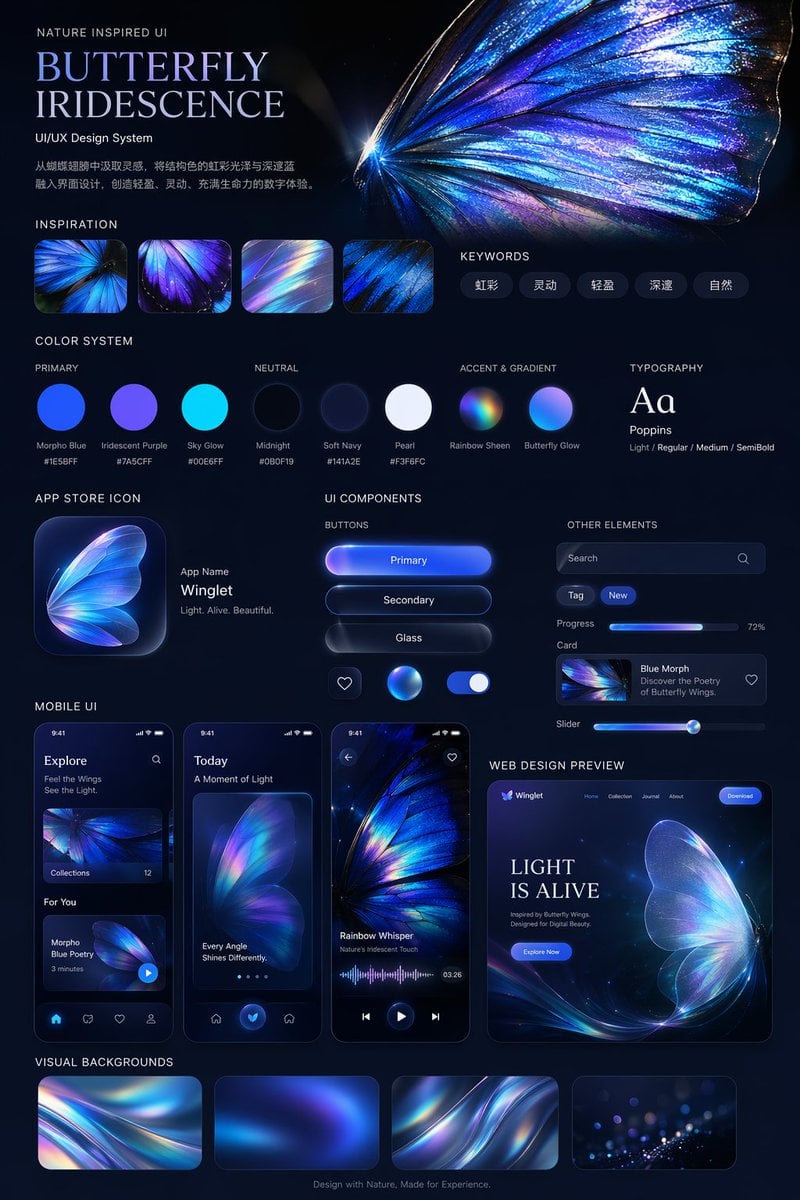
Iridescent Butterfly UI/UX Design System
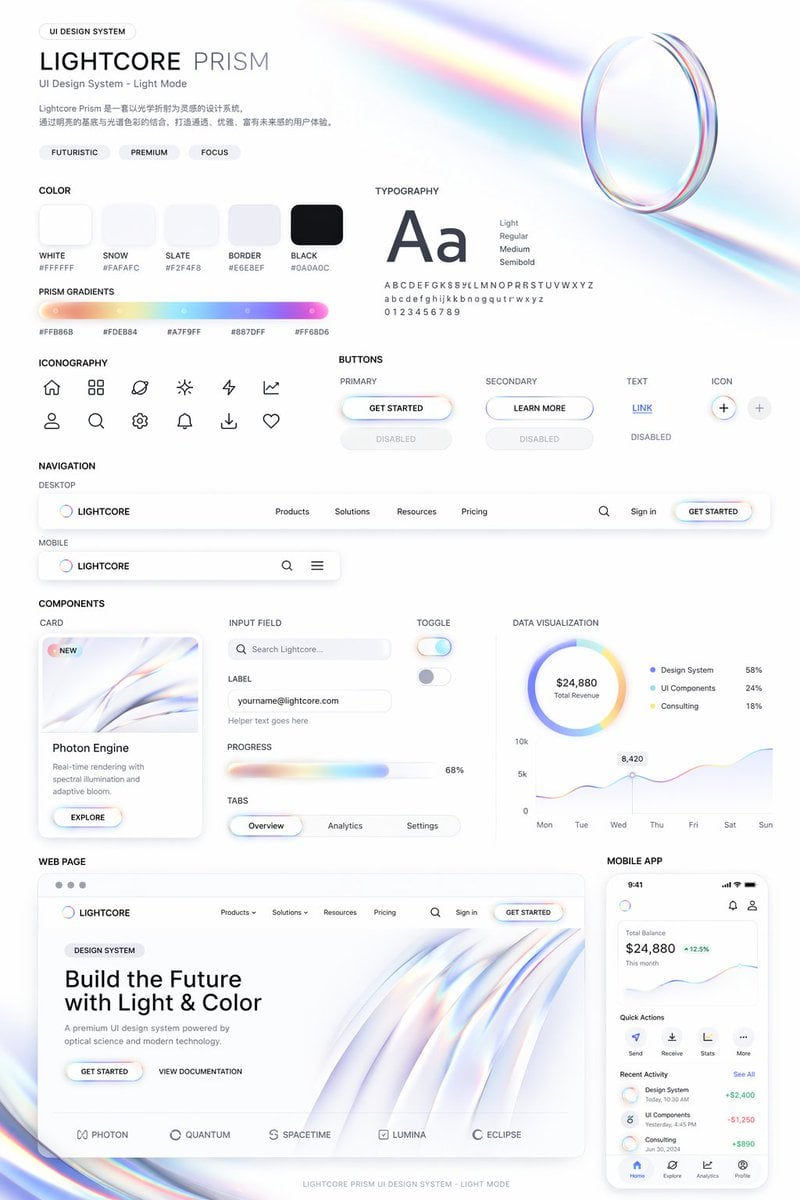
Light Mode UI Design System Board
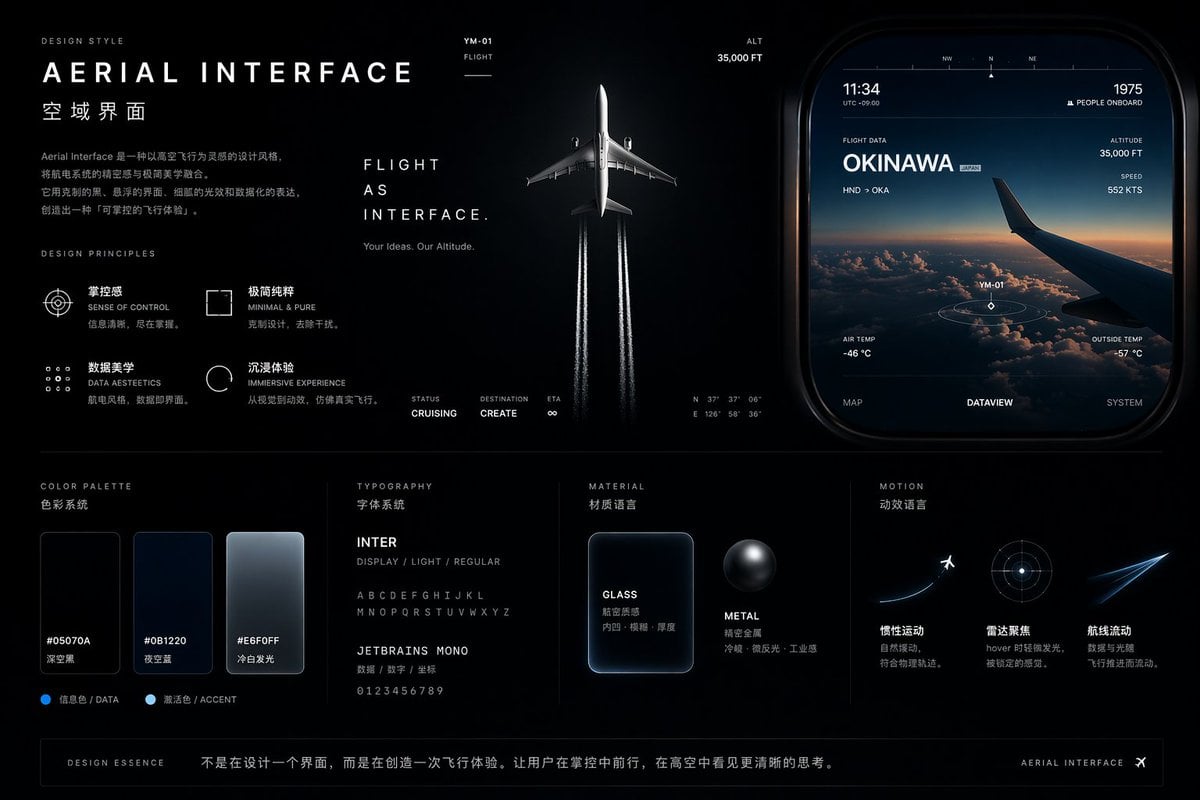
Aviation-Themed UI Design System Board
Rabbit Portfolio Design System Board
Pet Brand Identity System Board
Ethereal Butterfly Portrait
Surreal Iridescent Portrait with Tabby Cat
Ethereal East Asian Portrait with Butterfly

Golden Butterfly Glamour Portrait
Butterfly Golden Hour Painting
Mosaic Butterfly and Geometric Coffee Art
Anime Graffiti Butterfly Girl
Make it yours
Iridescent Butterfly UI System Board works as-is. These are the safest ways to change it without losing the look.
Swap the setting
Keep the rest of the prompt and replace the location block. The current setting is “deep midnight navy to black with subtle glow”.
Change one field
Copy a single group, rewrite it, and generate again so you can see what that field is doing.
Keep the frame, change the subject
Hold the composition and light of Iridescent Butterfly UI System Board, then swap wardrobe, props or the person for a new take.
| If the result… | Why | Fix |
|---|---|---|
| The result drifts from the preview | Too many fields changed at once. | Reuse Iridescent Butterfly UI System Board as-is first, then change one group — subject, light, or setting. |
| GPT Image 2 ignores part of the JSON | Some models flatten or skip nested keys. | Keep the same values and paste them as a short paragraph instead. |
More GPT Image 2 templates
Other prompts made for GPT Image 2.

Six VTuber Japanese Logo Sheet

Realistic Portrait of Woman and Deer

The Vista Modular Condo Poster

AI Model Routing Comparison Infographic

Isometric Productivity Desk Scene

New York Double Exposure Poster

Four-Panel AI Landscape Comparison

Japanese Tatami Lifestyle Magazine Cover

NESCAFÉ Coffee Map Poster

Brutalist Cogito Chinese Typography Poster
More image prompts
Fresh picks from across the catalog.
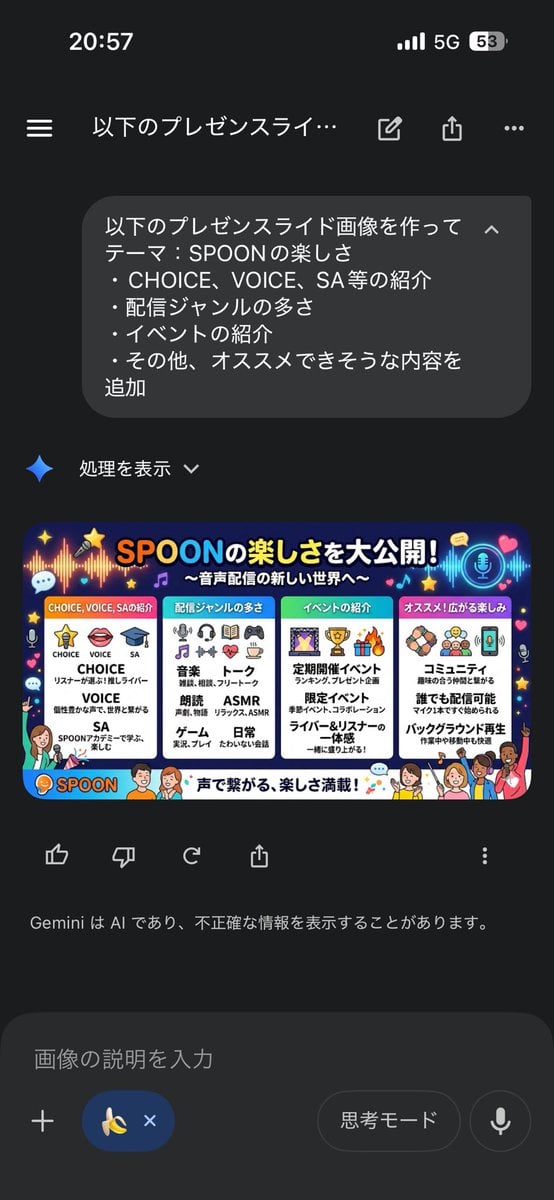
Presentation Slide Generation Template using Nano Banana Pro
Dancer Frozen Before Losing Balance
Ultra Detailed Shonen Anime Warrior
Cyberpunk Apollo's Fountain Generation
Shopping Trolley POV Fashion Photography
Blue Celestial Anime Girl Design
Realistic Crypto Exam Paper
Skincare Product Splash Photography
City Night Scene Illustration with Composition Reference

Herbal Chicken Soup Label Transformation
Browse template categories
Iridescent Butterfly UI System Board questions
How do I use the Iridescent Butterfly UI System Board template?
Add your photo if the template asks for one, edit the prompt if you like — the template's model and format are already selected — and press Generate. Your version opens in PicX Studio.
Can I customize the Iridescent Butterfly UI System Board template?
Yes. You can change the subject, setting, lighting, mood, format, and available model controls before creating your image.
Is the Iridescent Butterfly UI System Board template free?
Opening and editing this template is free. Generating uses credits, shown on the Generate button when you are signed in.
Which AI model should I use?
Start with GPT Image 2, which is the model associated with this template. You can compare another compatible model for a different finish.
Looking for something else? Browse all templates.

Your photo, any look
Thousands of ready templates for every top image and video model, from one credit balance.