
Anime Graffiti Butterfly Girl
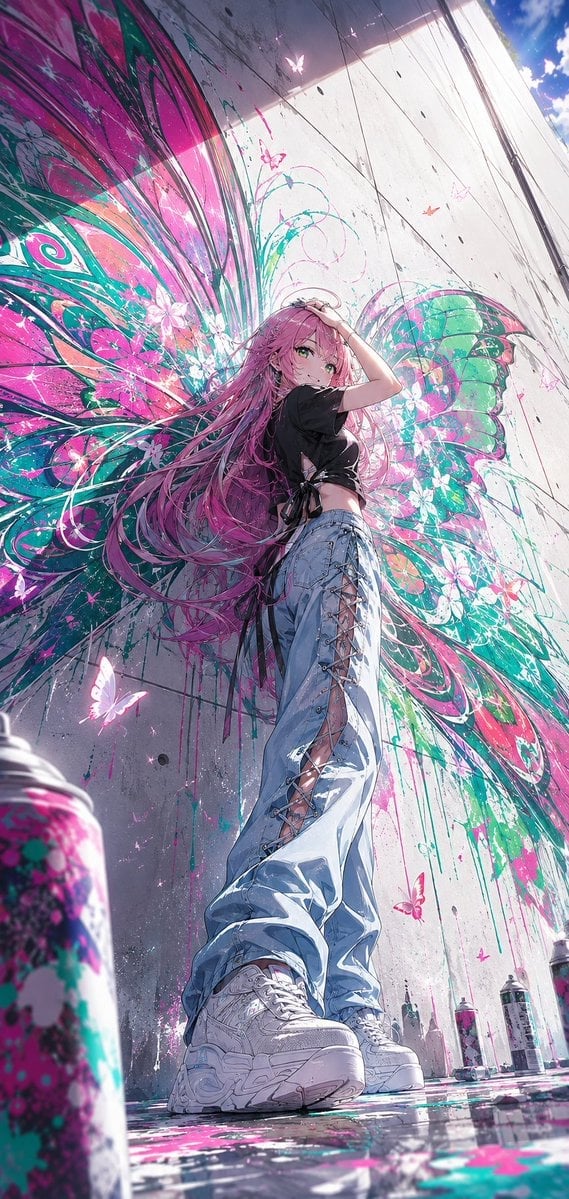
Generates a vivid low-angle anime street fashion scene with a pink-haired girl posed before a butterfly-wing graffiti mural.
- Prompt included
- Model and format preset
- Free template
The prompt behind this image
Copy the exact prompt behind Anime Graffiti Butterfly Girl, or open it in the studio and make it yours.
Create a tall vertical anime-style street fashion illustration of {argument name="character name" default="a confident young woman"} standing in a dramatic low-angle full-body pose in front of a huge concrete wall covered with a vivid butterfly-wing graffiti mural. The character has very long flowing {argument name="hair color" default="pink"} hair, green eyes, a slim figure, and a cool self-assured expression; one hand is raised to her head as if brushing back her hair while she looks down toward the viewer. She wears a cropped black short-sleeve tie-front shirt, oversized pale blue denim jeans with lace-up crisscross openings running down the sides, and chunky white platform sneakers. Behind her, the mural forms enormous symmetrical butterfly wings around her body, painted with intense {argument name="graffiti colors" default="hot pink, turquoise, teal, white, and black"} splashes, swirling linework, flower shapes, peacock-eye patterns, paint drips, and glowing butterfly silhouettes, making her look like she has wings. Include exactly 6 visible spray paint cans: 1 large blurred can in the extreme lower-left foreground, 4 upright cans along the bottom right near the wall, and 1 small can partly visible near the bottom edge. The ground is wet and reflective with scattered pink and teal paint splatters, reflecting the sneakers, cans, and mural colors. Use strong summer sunlight from the upper right, a patch of blue sky with white clouds at the top right, hard shadows on the concrete wall, lens sparkle, and small glowing butterflies floating around the mural. Composition should be ultra-dynamic, cinematic, and immersive, with exaggerated perspective from near ground level so the shoes appear large in the foreground and the wall towers upward. Style: highly detailed modern Japanese anime, crisp line art, glossy highlights, vibrant neon street-art palette, intricate hair strands, painterly graffiti textures, high resolution, no text, no watermark.
How to use Anime Graffiti Butterfly Girl in 3 steps
- 1Upload ImagePNG, JPG or paste
Add your photo
Upload the photo the template builds on. The prompt, model and format are already set.
- 2…a portrait of your subject in softgolden-hour light, 85mm…
Personalize
Edit the subject and creative details for your destination.
- 3Generate
Generate
Press Generate — your image is created in PicX Studio, so you can compare it with the original and refine one variable at a time.
More like this
Templates with the same subject, style or setup. Open one to see its prompt.
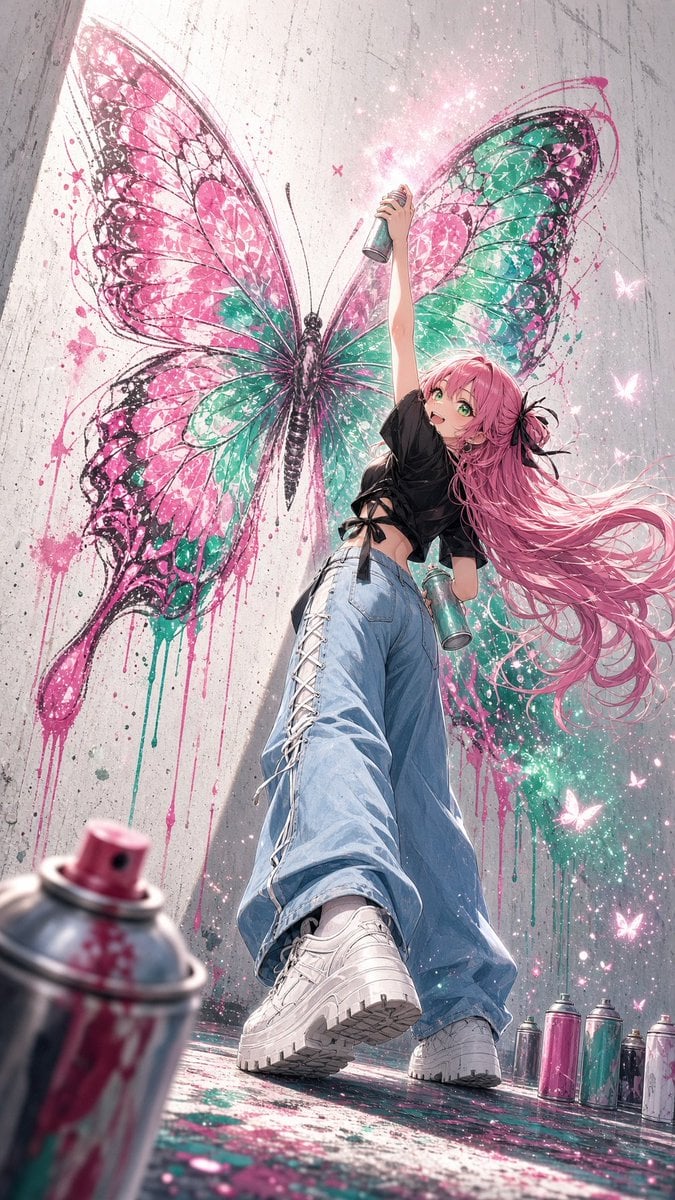
Anime Graffiti Butterfly Artist
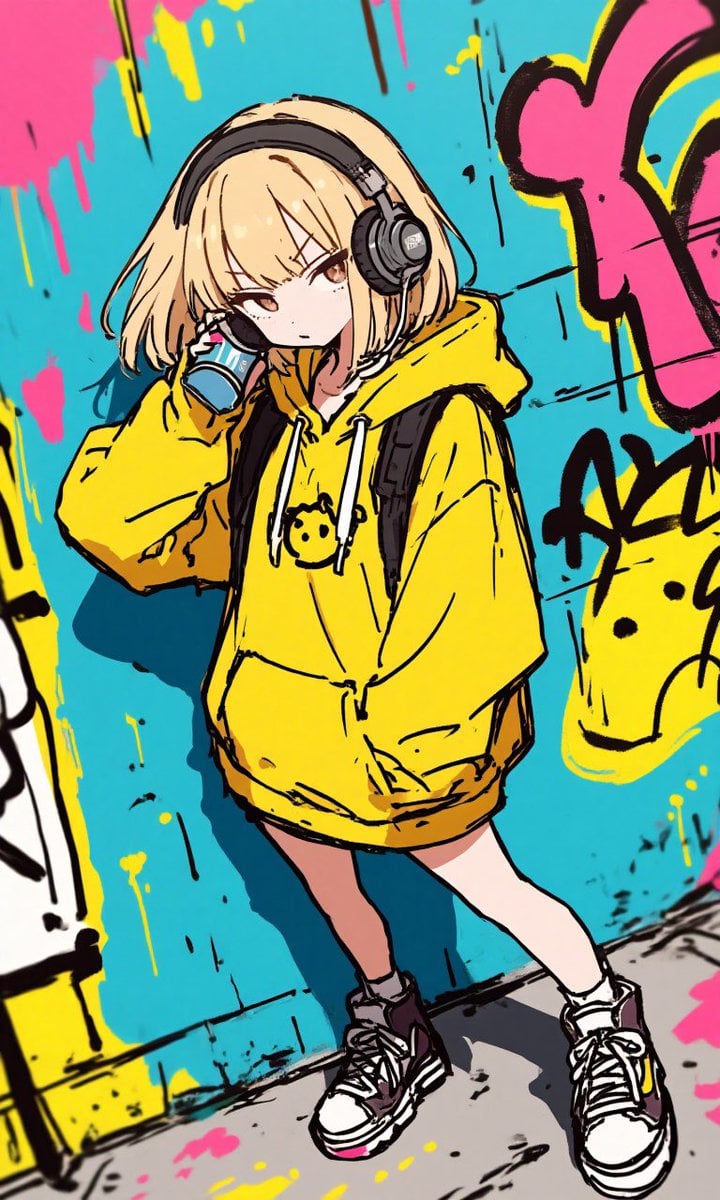
Anime Graffiti Girl Transformation

Teen Girl Alpine Lake Mountain View
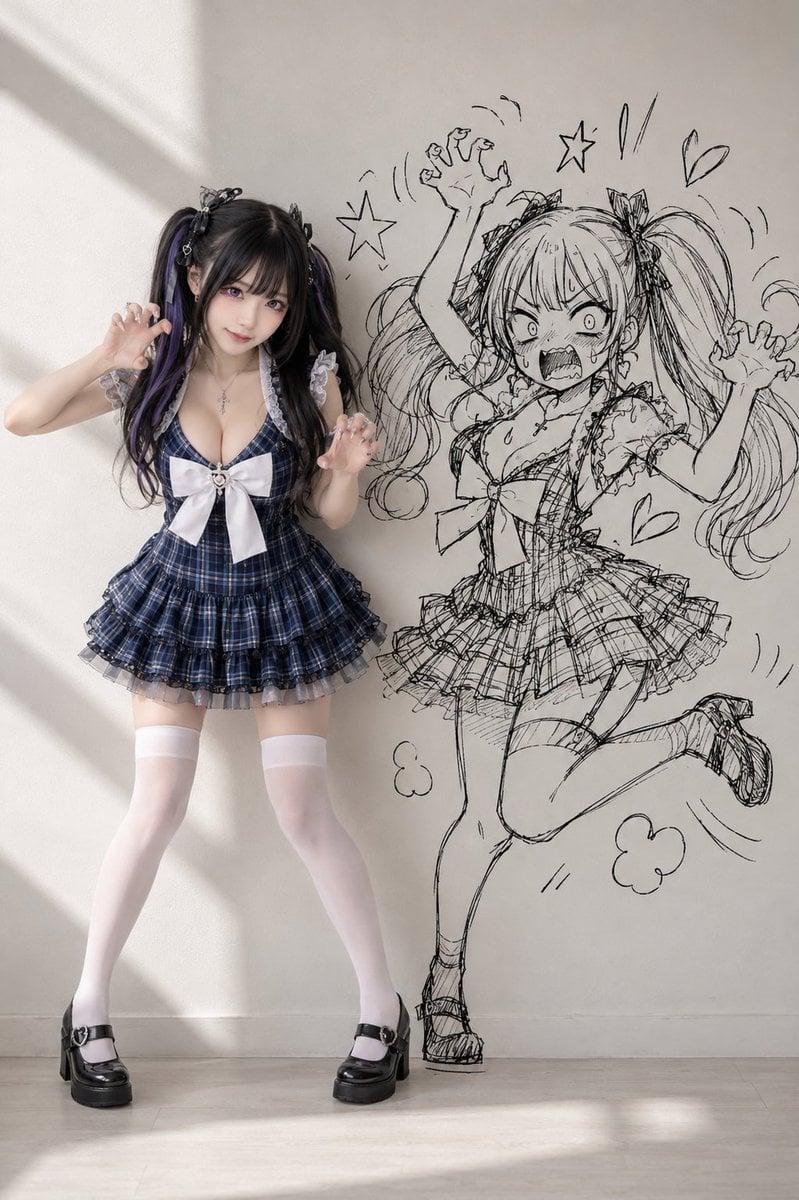
Cosplay Girl with Manga Graffiti Shadow

Framed Quilling Anime Girl

Anime Lantern Girl Character Sheet

Anime Girl Generation Grid

Chaotic Anime Schoolgirl Fan Collage

Cel 2D Finale Fireworks

Cel 2D Garden Maze

Cel 2D Rooftop Concert

Cel 2D Bicycle Coast
Make it yours
Anime Graffiti Butterfly Girl works as-is. These are the safest ways to change it without losing the look.
Change one field
Copy a single group, rewrite it, and generate again so you can see what that field is doing.
Keep the frame, change the subject
Hold the composition and light of Anime Graffiti Butterfly Girl, then swap wardrobe, props or the person for a new take.
| If the result… | Why | Fix |
|---|---|---|
| The result drifts from the preview | Too many fields changed at once. | Reuse Anime Graffiti Butterfly Girl as-is first, then change one group — subject, light, or setting. |
| The model over-stylizes the scene | The prose prompt leaves finish and camera underspecified. | Add one camera or lighting sentence and stay on GPT Image 2. |
More GPT Image 2 templates
Other prompts made for GPT Image 2.

Six VTuber Japanese Logo Sheet

Realistic Portrait of Woman and Deer

The Vista Modular Condo Poster

AI Model Routing Comparison Infographic

2.5D Anime Art Board

Isometric Productivity Desk Scene

New York Double Exposure Poster

Four-Panel AI Landscape Comparison

Japanese Tatami Lifestyle Magazine Cover

NESCAFÉ Coffee Map Poster
More image prompts
Fresh picks from across the catalog.
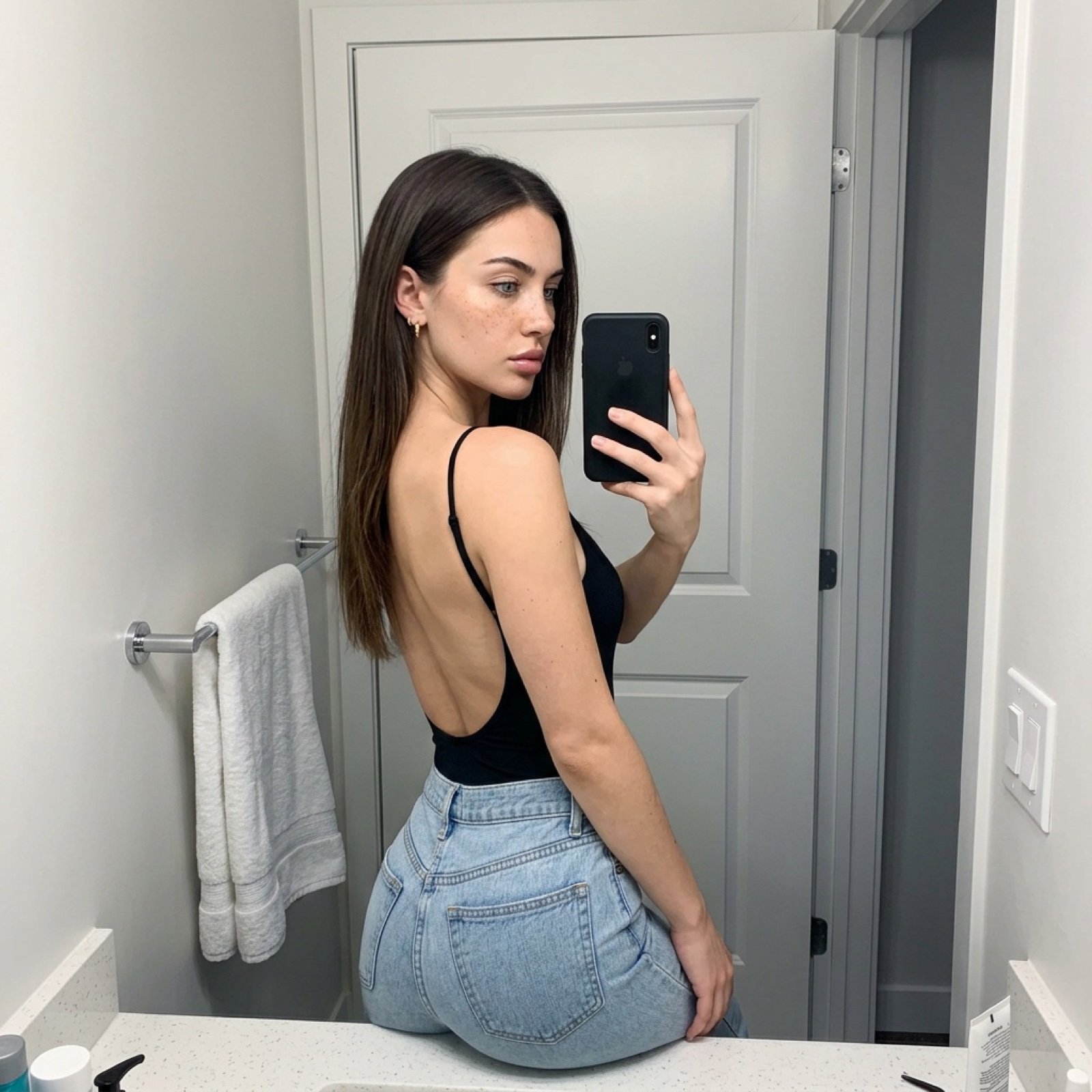
Viral TikTok Mirror Selfie Prompt

Quiet Wealth GQ Portrait

Floating Football Legacy Throne Poster
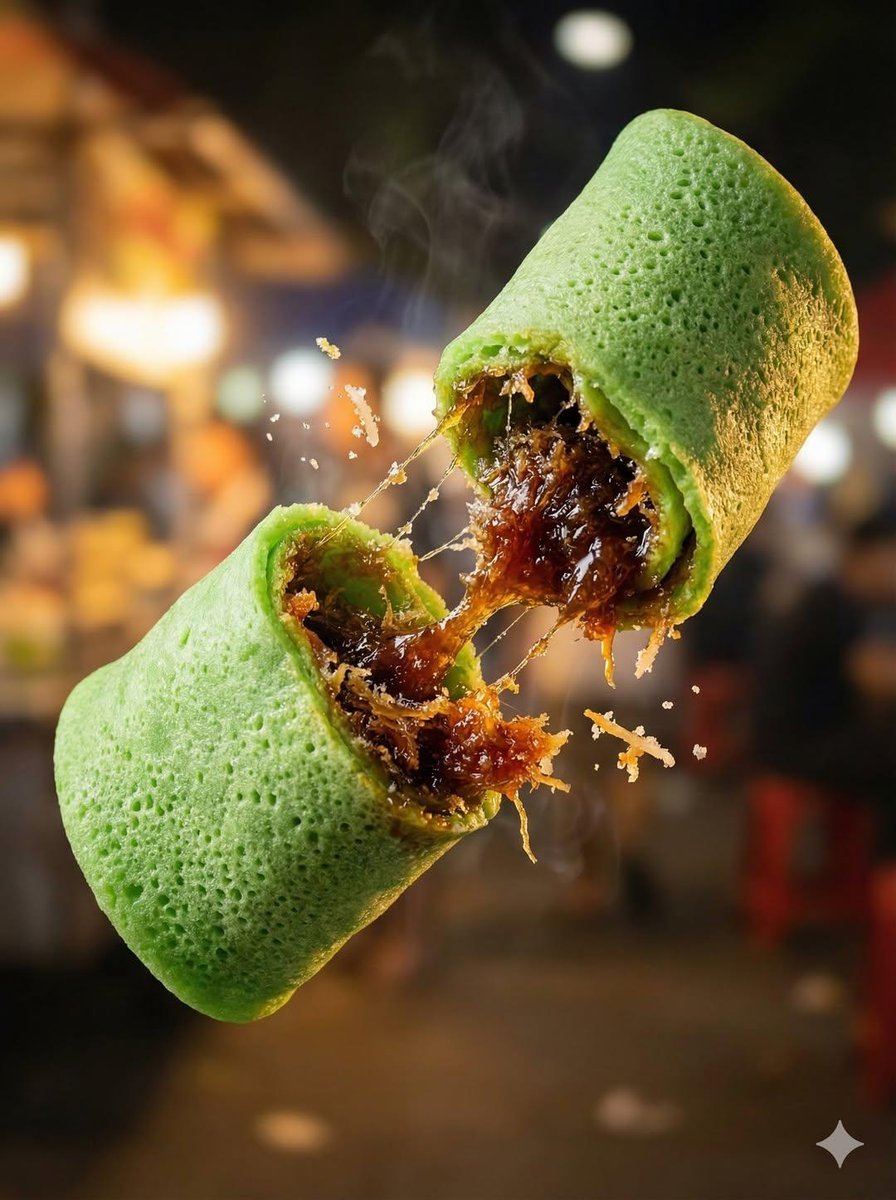
Macro Food Photography of Floating Street Food
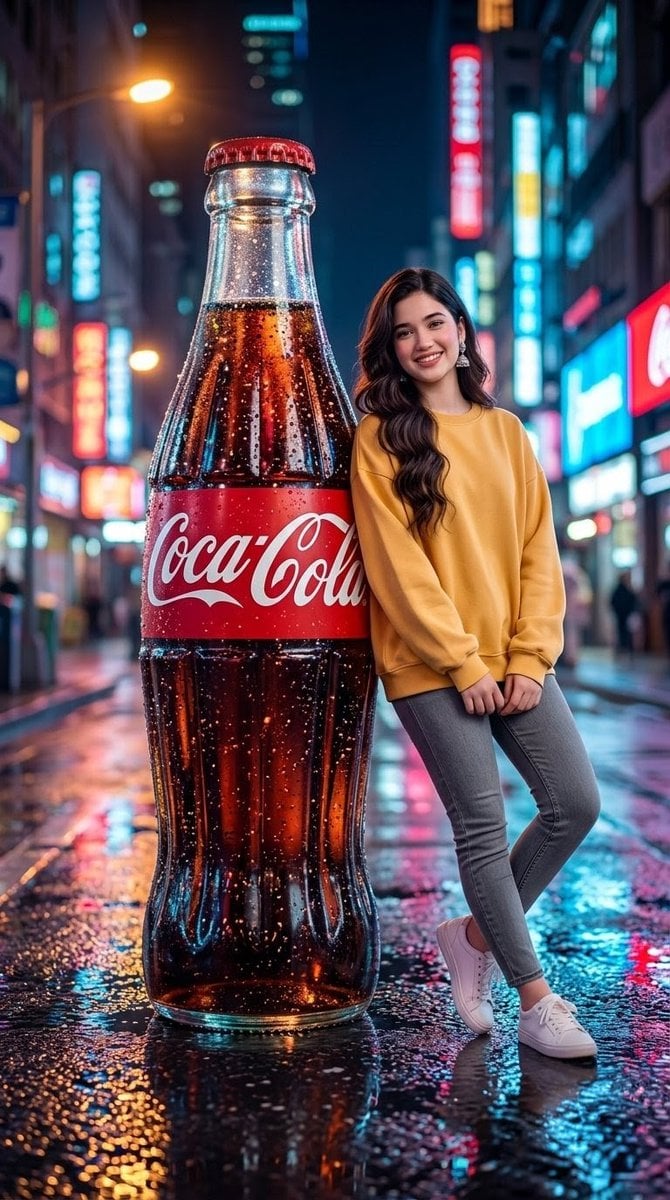
Neon City Soda Advertisement
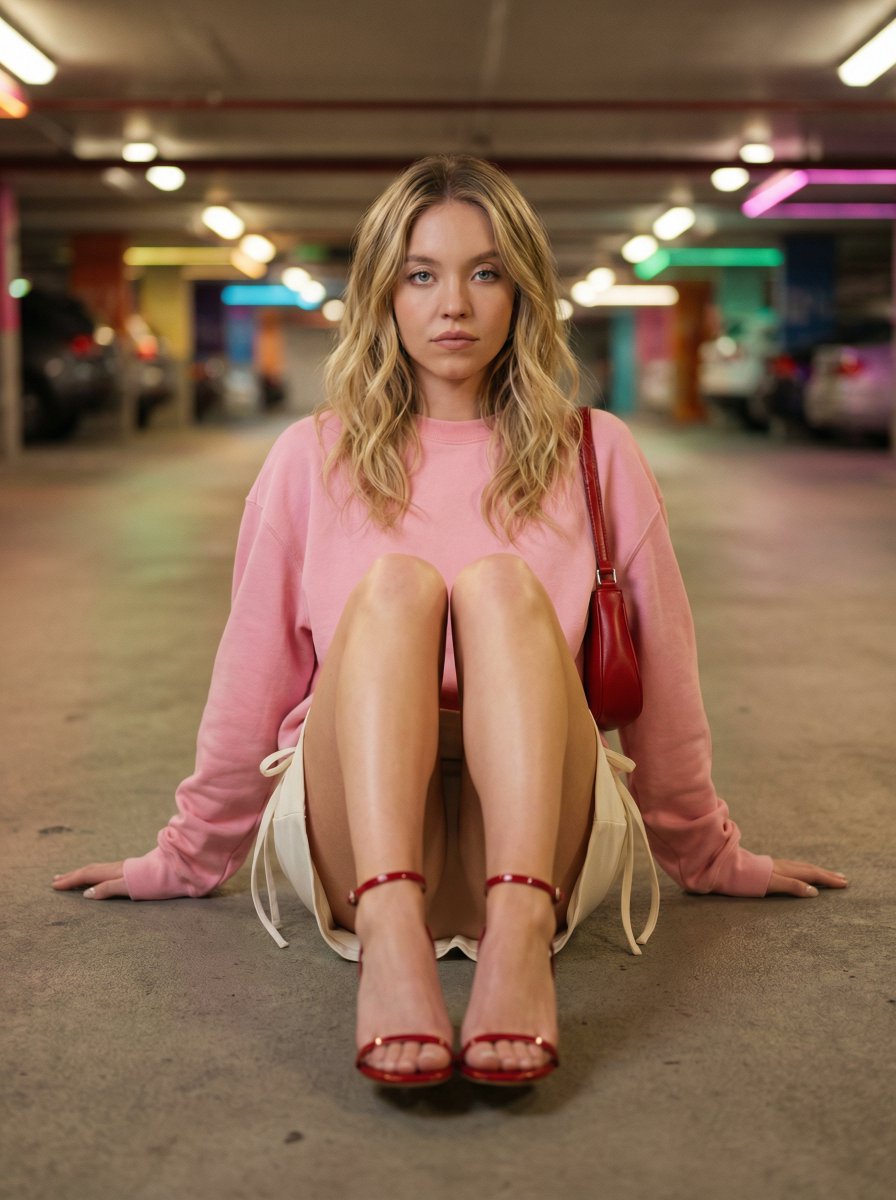
Cinematic Fashion Portrait in Underground Parking

Mixed-Reality Hot Chocolate Pour Prompt (Image-to-Image)
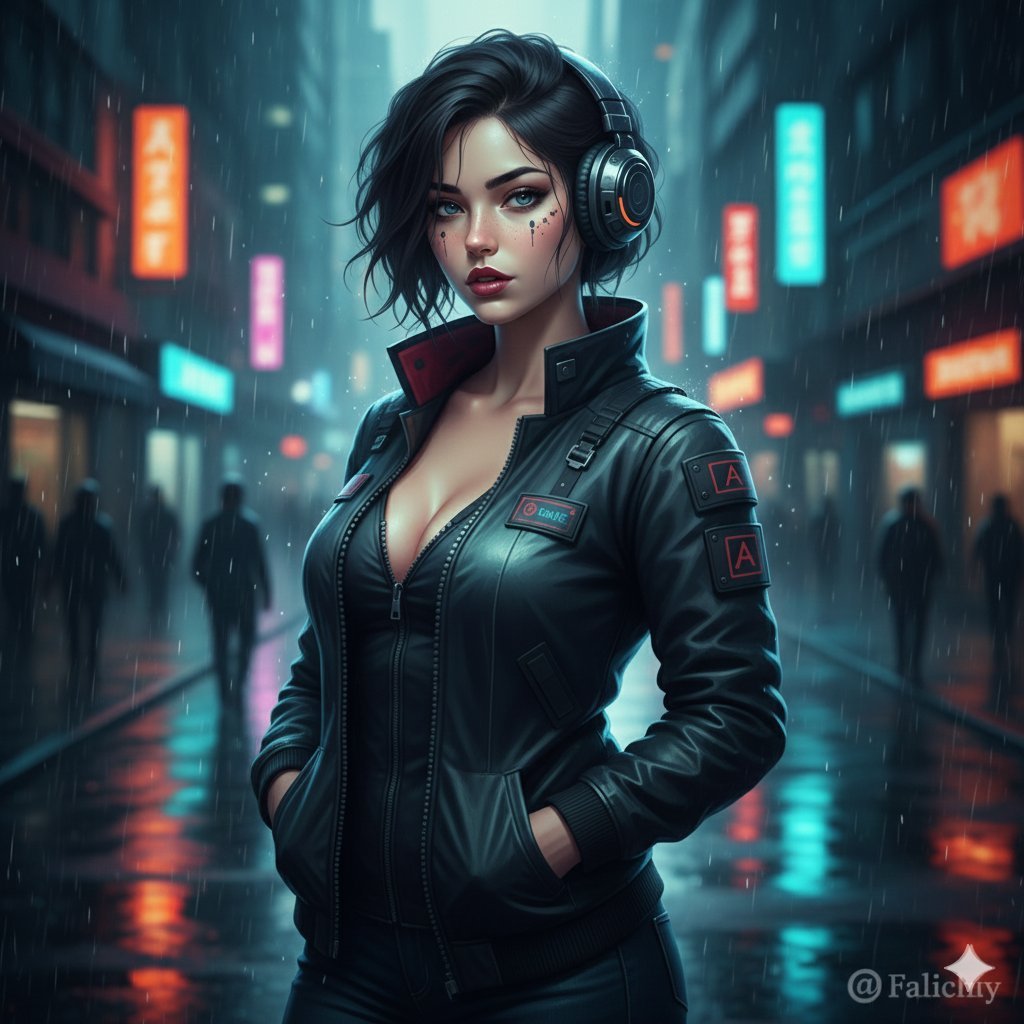
Cinematic Urban Night Fashion Editorial
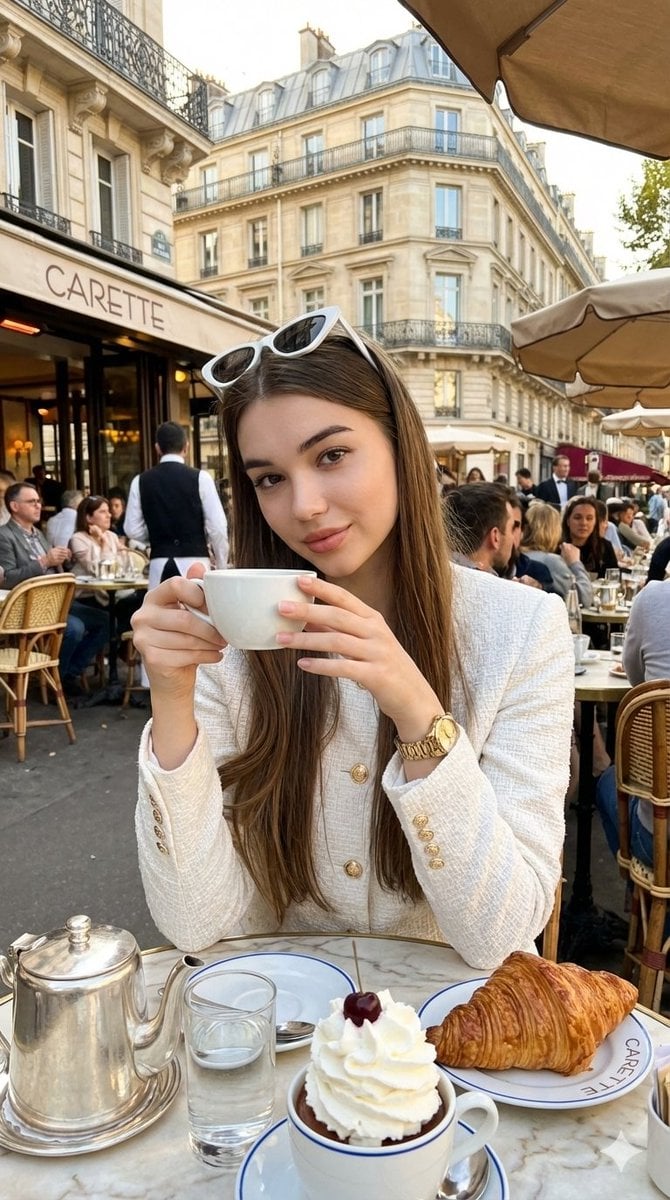
Photorealistic Parisian Café Editorial Portrait
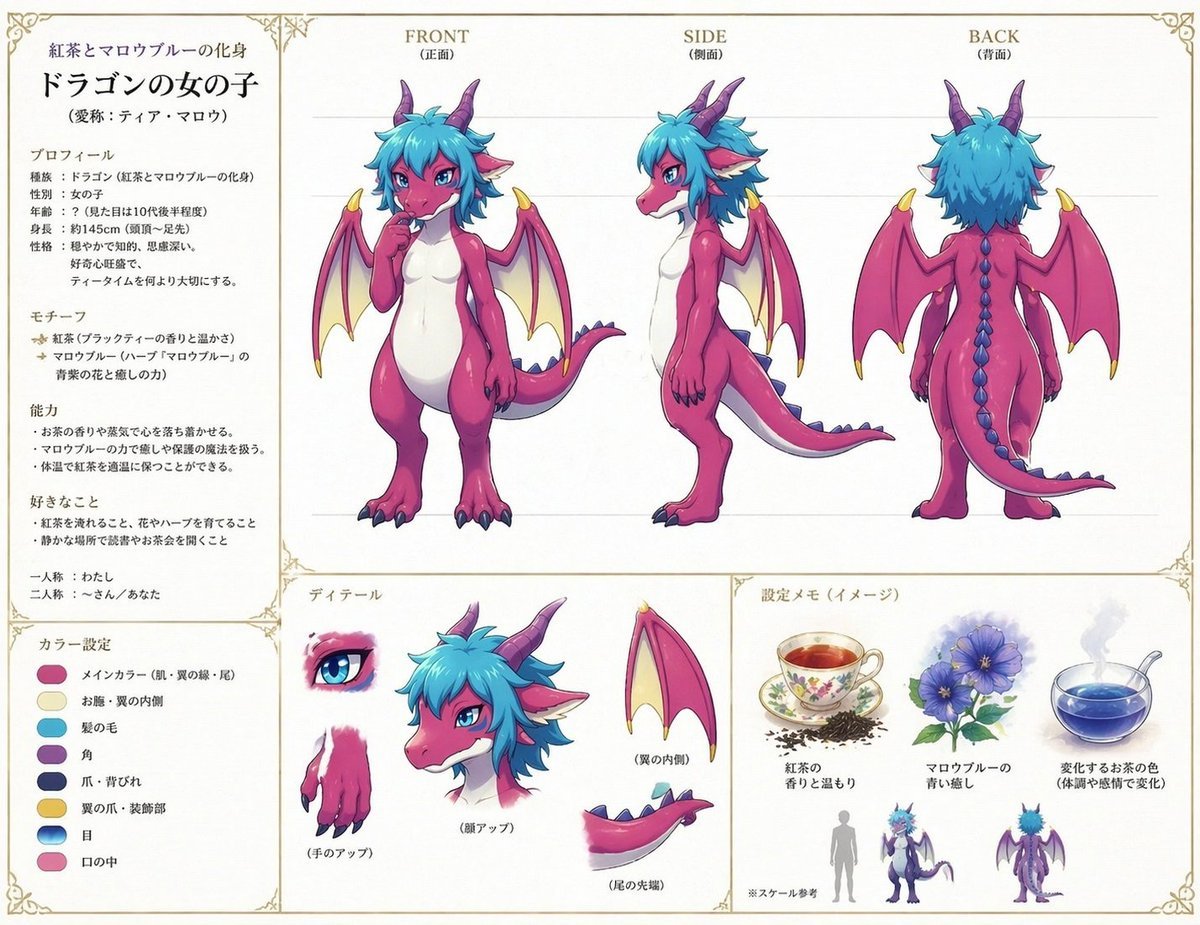
Anime Dragon Girl Reference Sheet
Browse template categories
Anime Graffiti Butterfly Girl questions
How do I use the Anime Graffiti Butterfly Girl template?
Add your photo if the template asks for one, edit the prompt if you like — the template's model and format are already selected — and press Generate. Your version opens in PicX Studio.
Can I customize the Anime Graffiti Butterfly Girl template?
Yes. You can change the subject, setting, lighting, mood, format, and available model controls before creating your image.
Is the Anime Graffiti Butterfly Girl template free?
Opening and editing this template is free. Generating uses credits, shown on the Generate button when you are signed in.
Which AI model should I use?
Start with GPT Image 2, which is the model associated with this template. You can compare another compatible model for a different finish.
Looking for something else? Browse all templates.

Your photo, any look
Thousands of ready templates for every top image and video model, from one credit balance.