
Professional Restaurant Menu Design
A specialized prompt for creating professional restaurant menu layouts, focusing on brand identity, food categorization, and appetizing visual atmosphere.
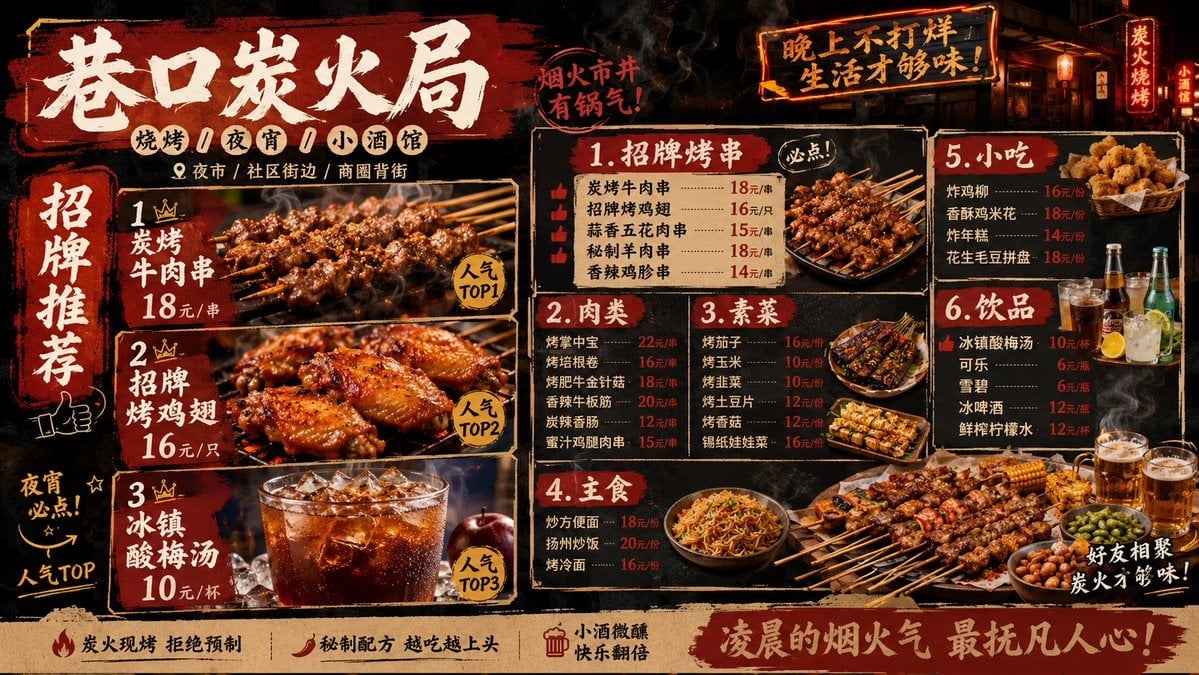
- Prompt included
- Model and format preset
- Free template
The prompt behind this image
Copy the exact prompt behind Professional Restaurant Menu Design, or open it in the studio and make it yours.
品牌名称:巷口炭火局 餐饮品类:烧烤 / 夜宵 / 小酒馆 主打产品:炭烤牛肉串 + 招牌烤鸡翅 + 冰镇酸梅汤 品牌风格:烟火市井、热闹有锅气、复古红黑、强食欲 目标人群:年轻上班族、朋友聚会、夜宵人群、学生 门店位置:夜市 / 社区街边 / 商圈背街 物料编号:4 画幅比例:16:9 补充要求:生成一张烧烤菜单设计,分类包含招牌烤串、肉类、素菜、主食、小吃、饮品,价格醒目,推荐菜突出,画面有炭火烟火气和夜宵氛围,但排版不能脏乱; 品牌名称:首尔炸鸡研究社 餐饮品类:韩式炸鸡 / 小吃 / 饮品 主打产品:蜂蜜蒜香炸鸡 + 芝士年糕炸鸡 品牌风格:年轻潮流、韩式街头、明亮活力、强食欲 目标人群:学生、年轻情侣、朋友聚会、外卖用户 门店位置:学校周边 / 商圈街边 / 外卖高频区域 物料编号:4 画幅比例:16:9 补充要求:生成一张韩式炸鸡菜单设计,分类包含招牌炸鸡、双拼套餐、小吃、饮品、蘸酱加购,突出套餐价值感和外卖点单效率,画面要酥脆多汁、有年轻社交感
How to use Professional Restaurant Menu Design in 3 steps
- 1
Open
The prompt is already in the box next to the preview, with the template's model and format selected.
- 2…a portrait of your subject in softgolden-hour light, 85mm…
Personalize
Edit the subject and creative details for your destination.
- 3Generate
Generate
Press Generate — your image is created in PicX Studio, so you can compare it with the original and refine one variable at a time.
More like this
Templates with the same subject, style or setup. Open one to see its prompt.
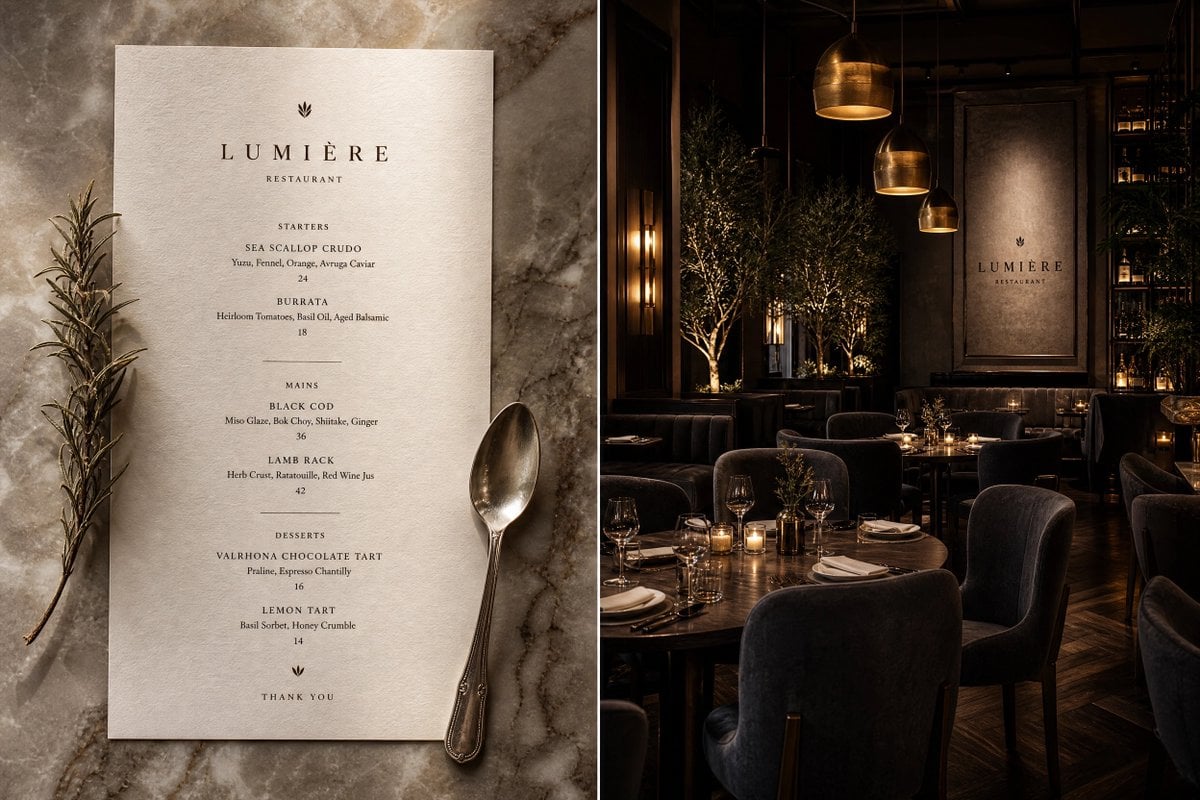
Menu-Based Restaurant Interior Design
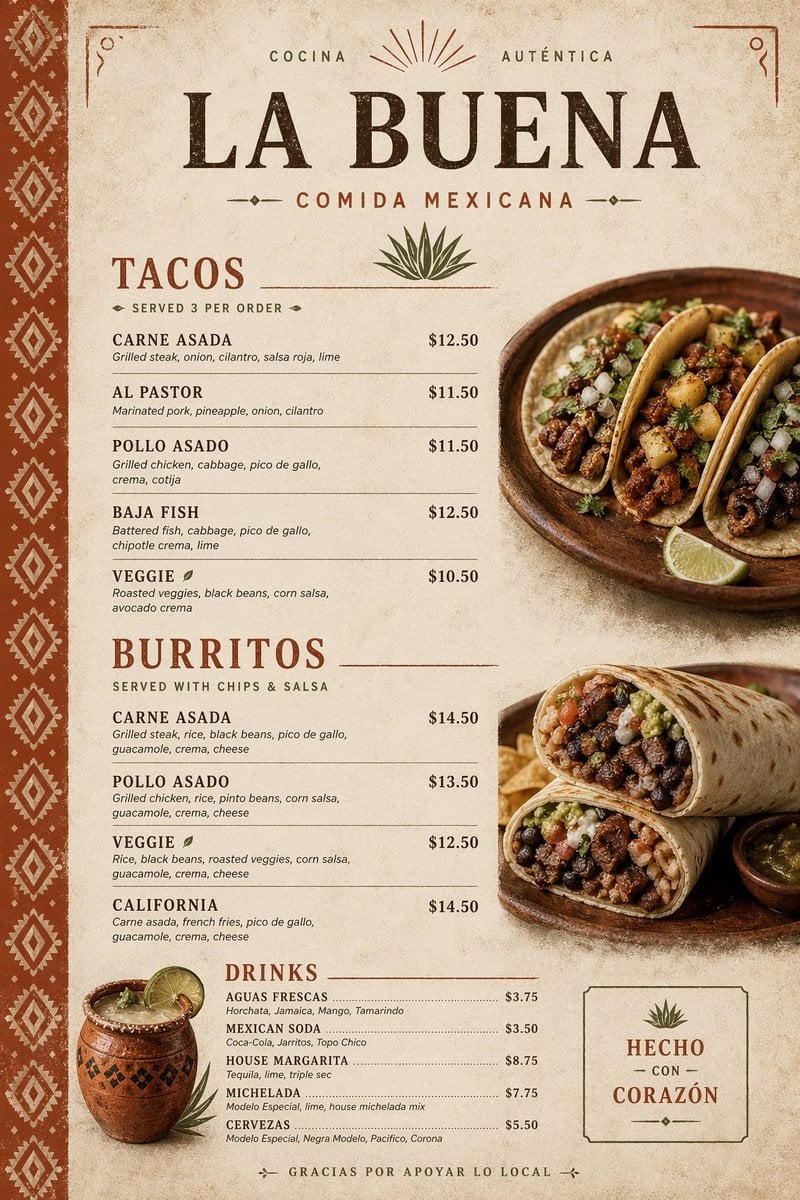
Modern Mexican Restaurant Menu Design
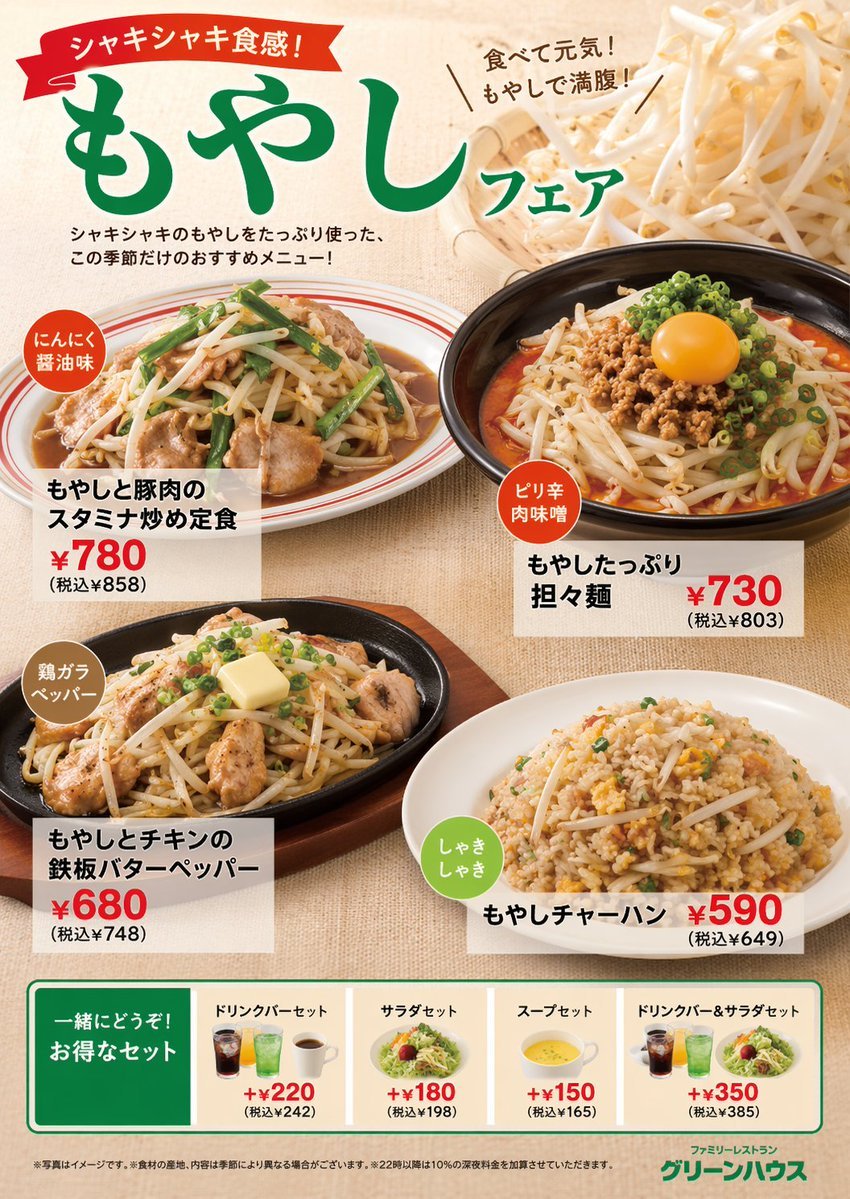
Japanese Restaurant Promotional Menu Poster
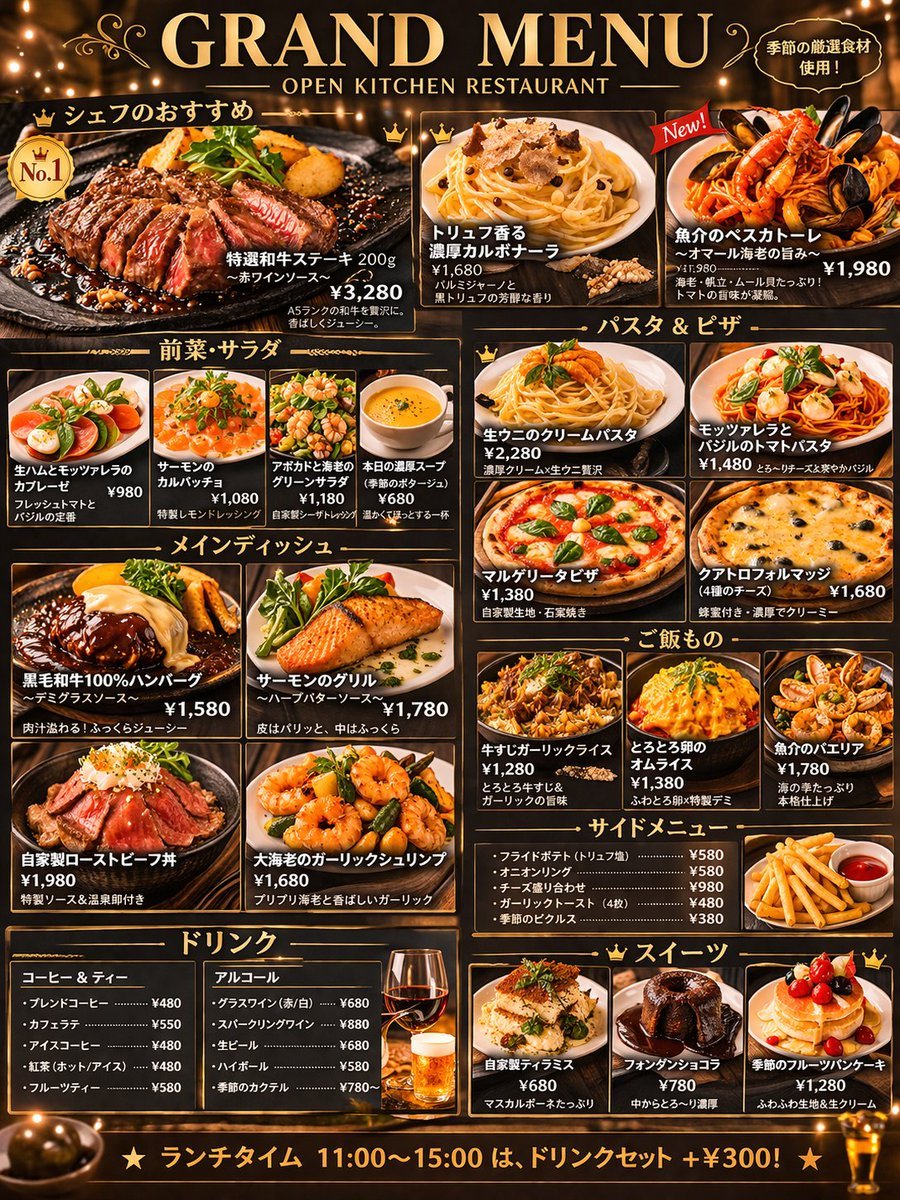
Comprehensive Restaurant Grand Menu Design
Seasonal Korean restaurant menu image

Character Archive — Blueprint Concept Sheet
Animation Style - Framer Motion
Animation Style - Framer Motion v2
Animation Style - Framer Motion
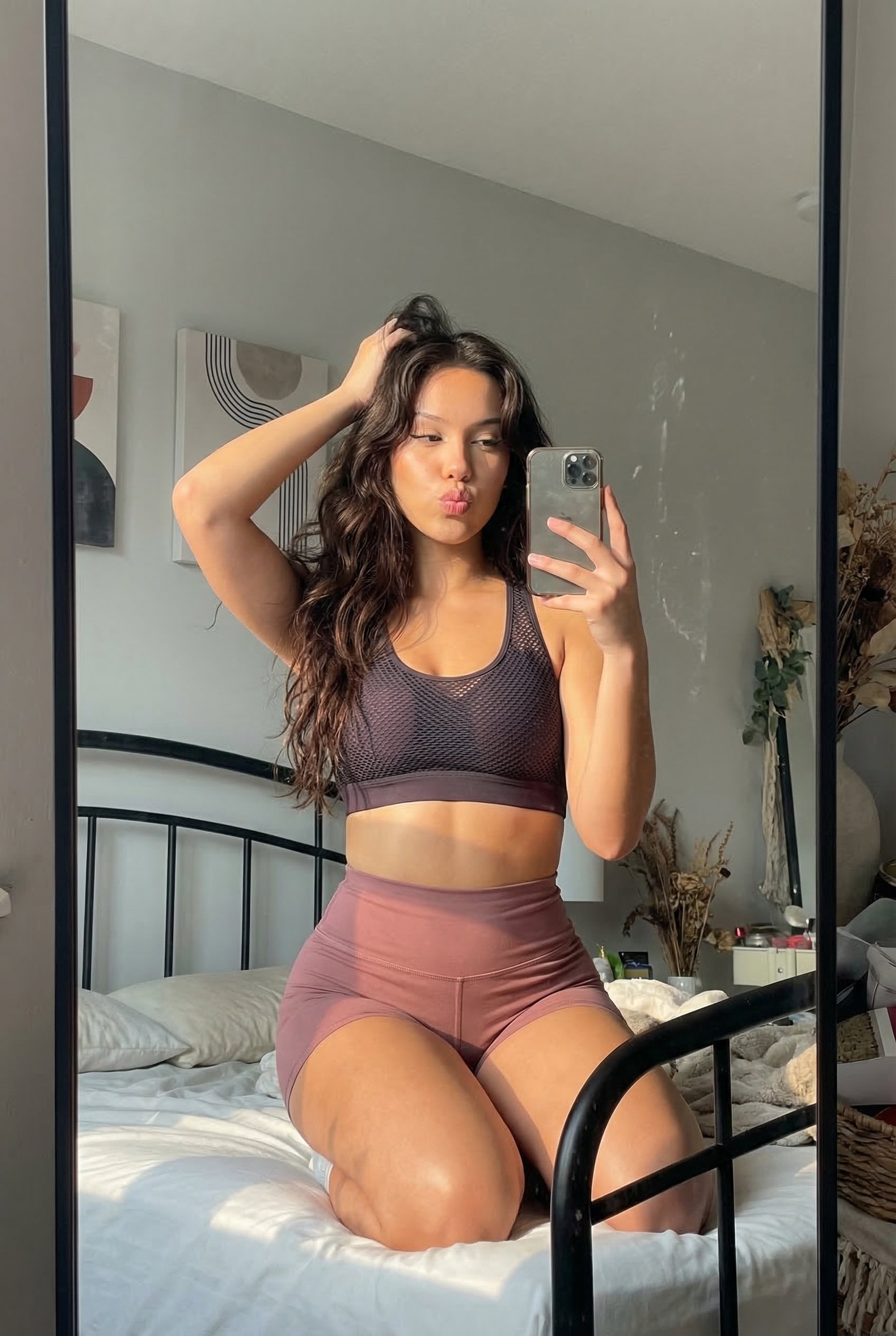
Dress
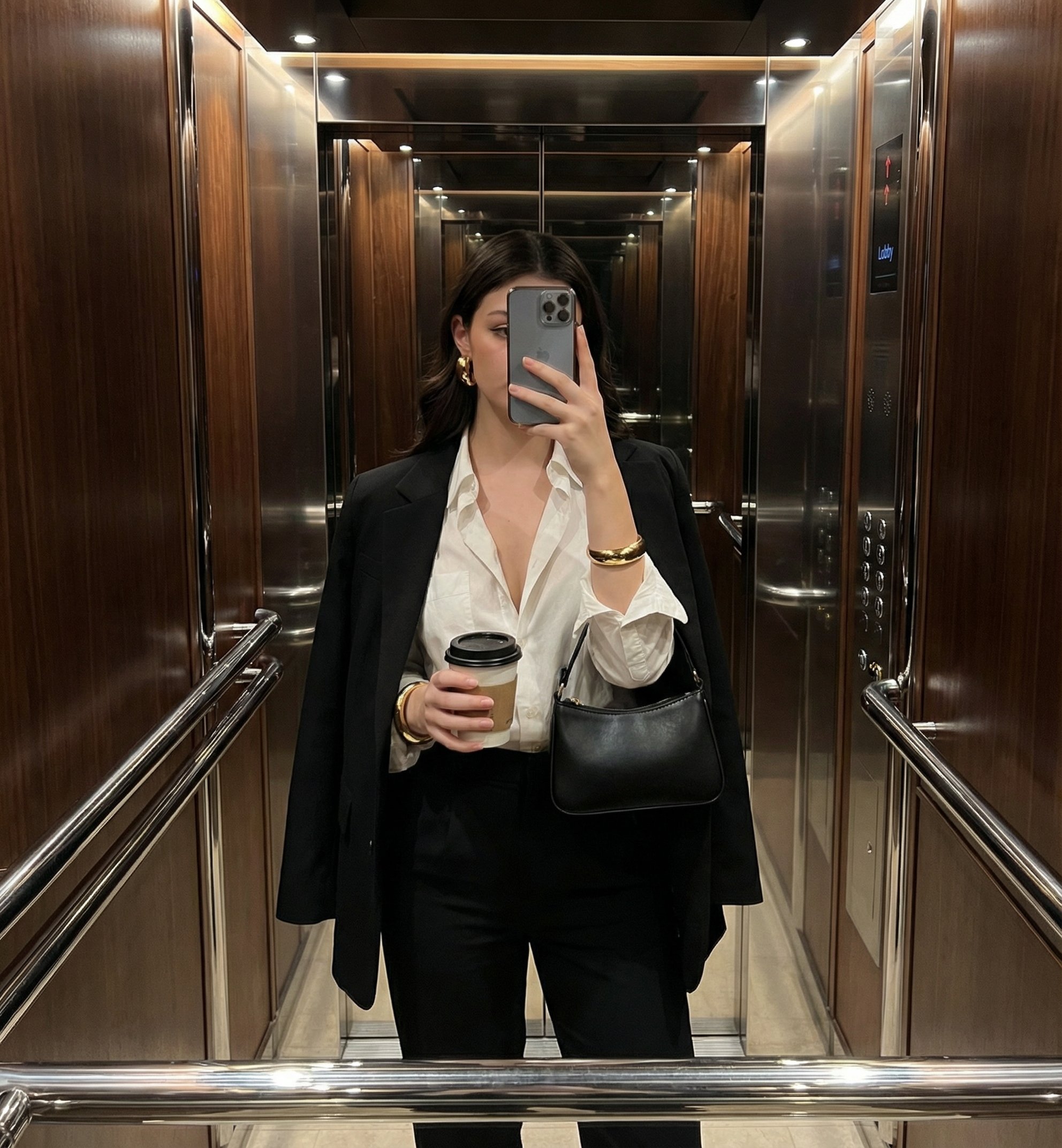
Mirror Selfie
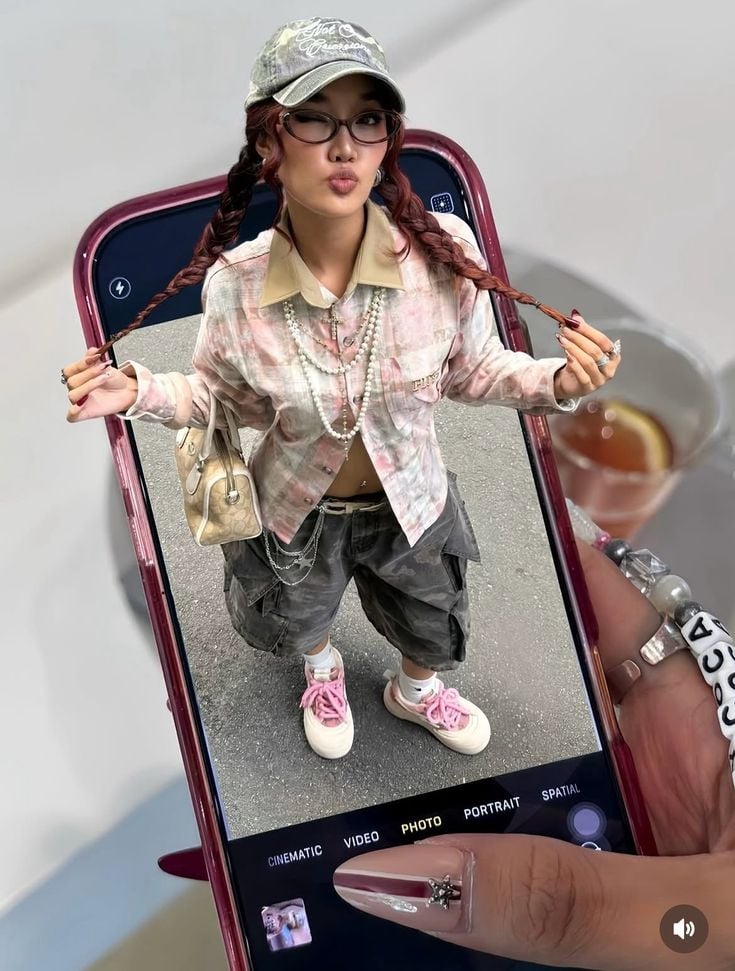
Phone Within a Phone
Make it yours
Professional Restaurant Menu Design works as-is. These are the safest ways to change it without losing the look.
Change one field
Copy a single group, rewrite it, and generate again so you can see what that field is doing.
Keep the frame, change the subject
Hold the composition and light of Professional Restaurant Menu Design, then swap wardrobe, props or the person for a new take.
| If the result… | Why | Fix |
|---|---|---|
| The result drifts from the preview | Too many fields changed at once. | Reuse Professional Restaurant Menu Design as-is first, then change one group — subject, light, or setting. |
| The model over-stylizes the scene | The prose prompt leaves finish and camera underspecified. | Add one camera or lighting sentence and stay on GPT Image 2. |
More GPT Image 2 templates
Other prompts made for GPT Image 2.

Six VTuber Japanese Logo Sheet

Realistic Portrait of Woman and Deer

The Vista Modular Condo Poster

AI Model Routing Comparison Infographic

2.5D Anime Art Board

Isometric Productivity Desk Scene

New York Double Exposure Poster

Four-Panel AI Landscape Comparison

Japanese Tatami Lifestyle Magazine Cover

NESCAFÉ Coffee Map Poster
More image prompts
Fresh picks from across the catalog.
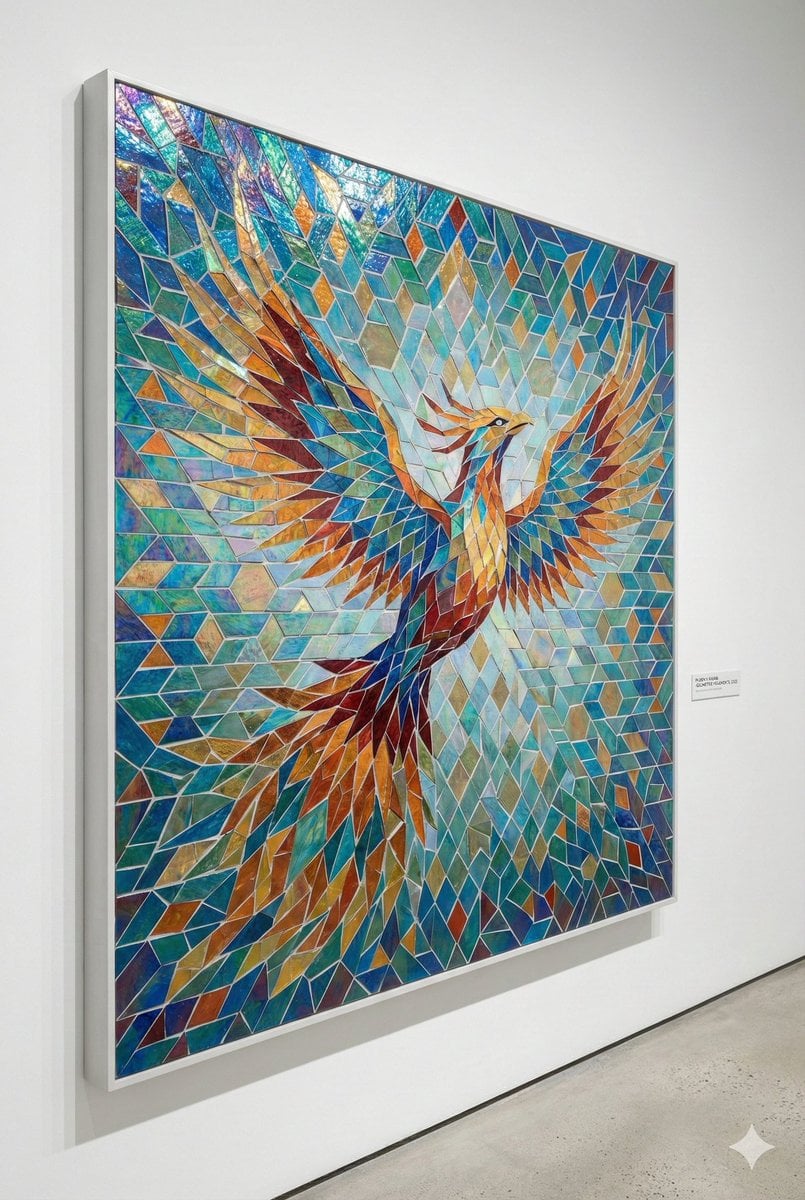
Geometric Mosaic Composition Prompt
Halftone Screen Print Style
Tokyo Candid Smartphone Photography
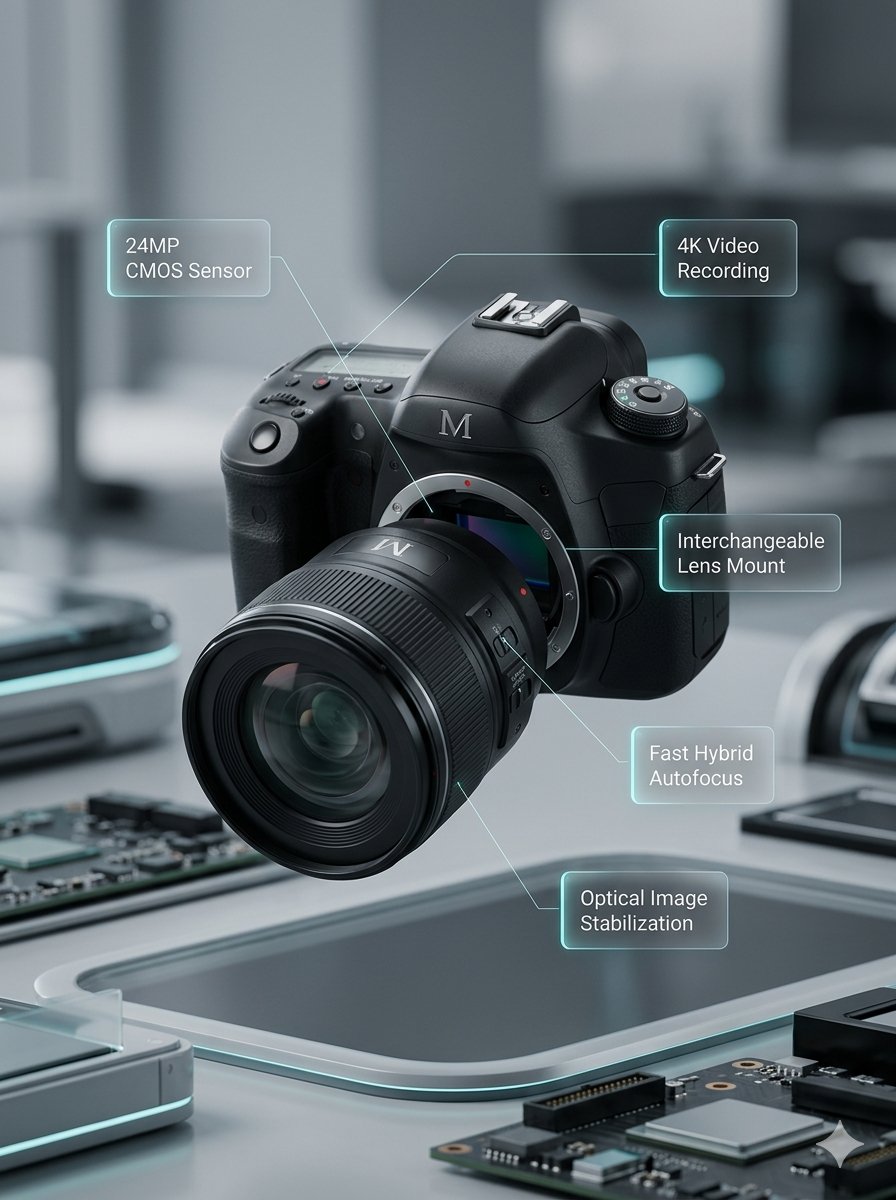
Deconstructed and Assembled M DSLR Camera Visualization
High-end cocktail photography prompt for Nano Banana Pro
Red Alert Style Pixel Sprite Sheet
Three Android Idol Girls on Concert Stage
Rustic Cowgirl Portrait with Horse
Quiet Luxury Editorial Portrait Prompt
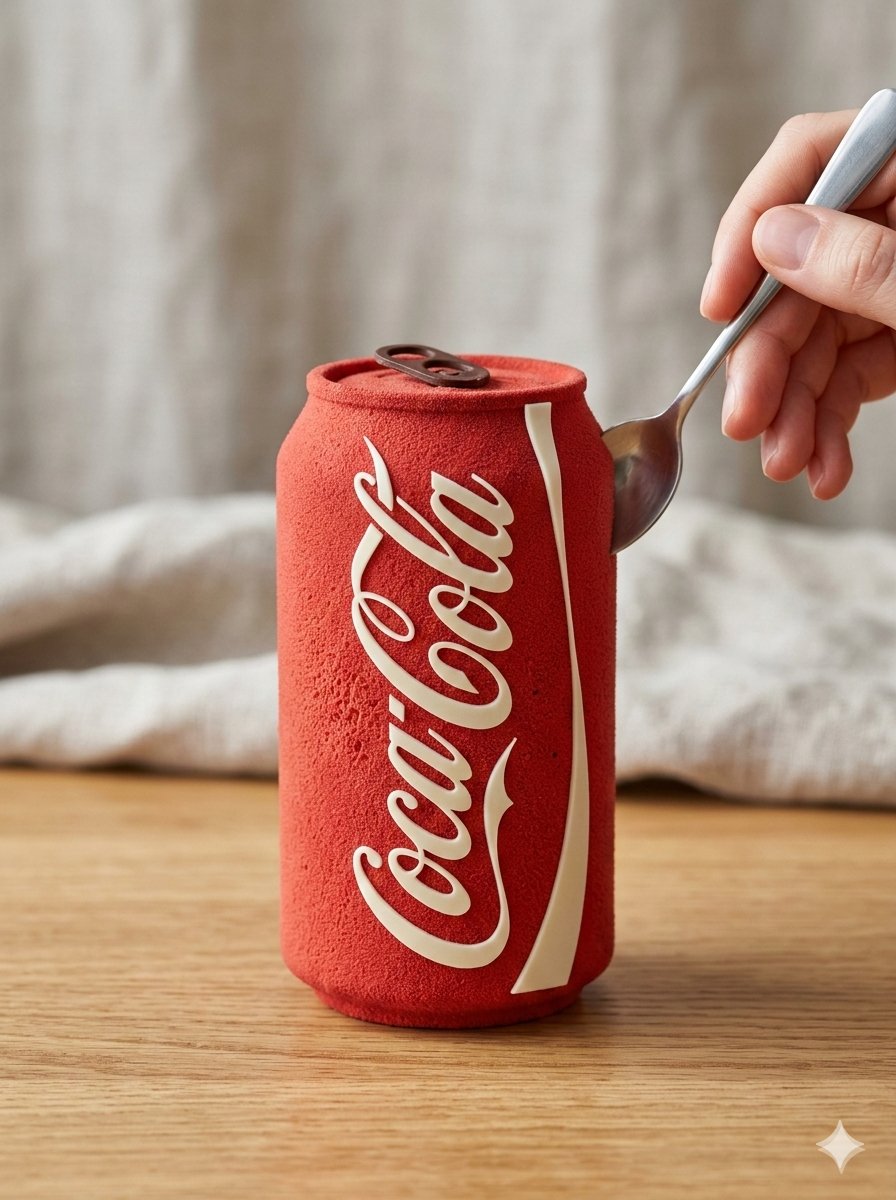
Hyper-Realistic Edible Product Transformation Prompt (Image & Video)
Browse template categories
Professional Restaurant Menu Design questions
How do I use the Professional Restaurant Menu Design template?
Add your photo if the template asks for one, edit the prompt if you like — the template's model and format are already selected — and press Generate. Your version opens in PicX Studio.
Can I customize the Professional Restaurant Menu Design template?
Yes. You can change the subject, setting, lighting, mood, format, and available model controls before creating your image.
Is the Professional Restaurant Menu Design template free?
Opening and editing this template is free. Generating uses credits, shown on the Generate button when you are signed in.
Which AI model should I use?
Start with GPT Image 2, which is the model associated with this template. You can compare another compatible model for a different finish.
Looking for something else? Browse all templates.

Your photo, any look
Thousands of ready templates for every top image and video model, from one credit balance.