
Dress
Dress is a ready photo look.
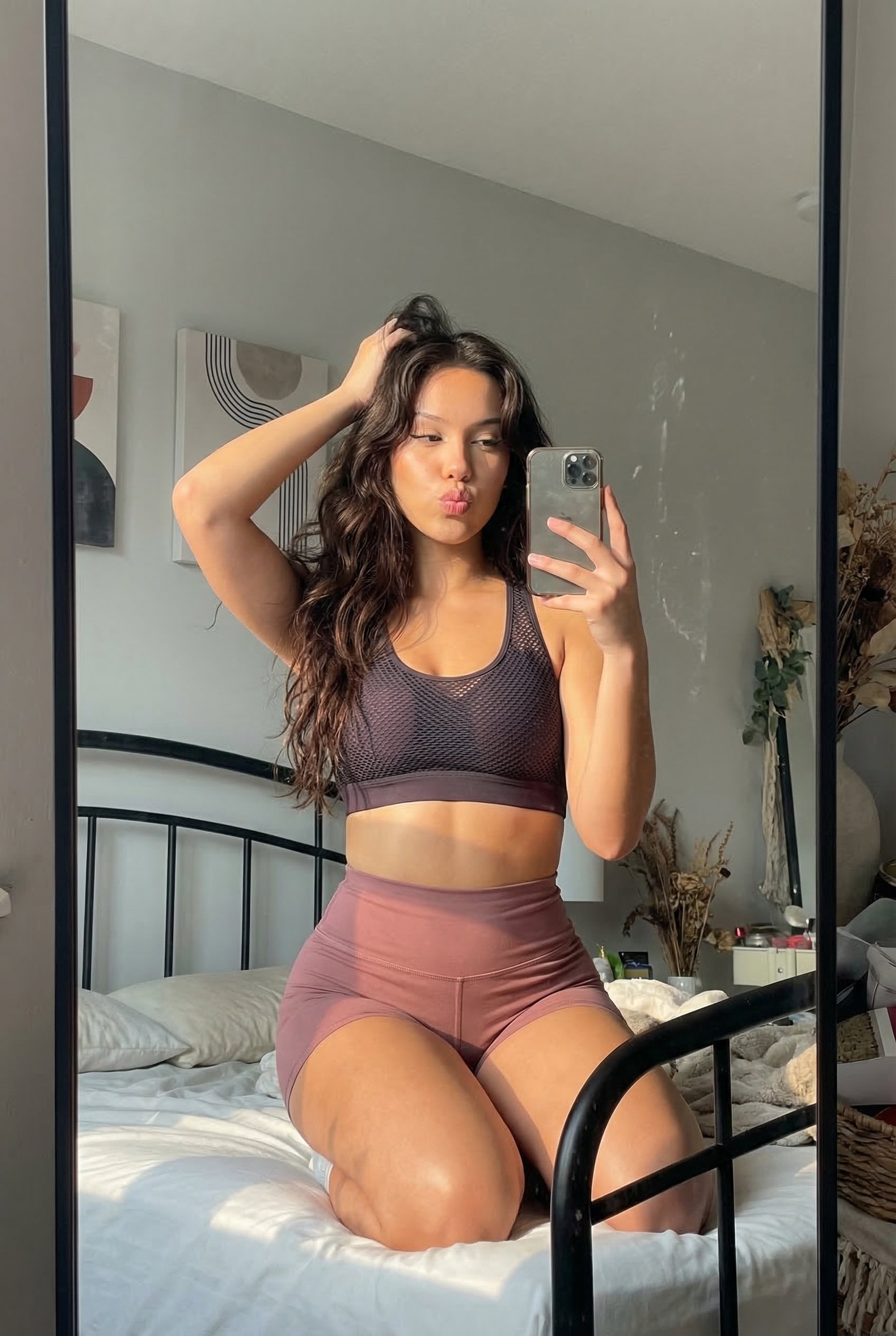
- Prompt included
- Model and format preset
- Free template
The prompt behind this image
Copy the exact prompt behind Dress, or open it in the studio and make it yours.
Uploaded: Create a professional cinematic look, DSLR portrait, warm calm and confident mood, of me, a young 22 year old woman (use uploaded picture as a reference, keep the same face, features, age, hair and facial hair styles, keep as close to the original as possible) High-angle, top-down photography shot of a with a short light brown bob haircut sitting on a grassy lawn. She is wearing a vibrant thin red satin slip dress with thin spaghetti straps and a deep cowl neckline. The contrast between the smooth silk silk dress and natural human skin is emphasized: realistic skin texture with pores, slight redness, soft tonal transitions, no airbrushing. Her pose is relaxed yet alluring, kneeling on the grass with one leg bent and the other extended slightly, looking directly up at the camera with a soft, intense gaze. She is wearing white slip on vans sneakers and a delicate necklace with a small cross pendant. The lighting is natural and warm, creating soft highlights on her skin and the fabric of the dress. The background is a blurred green grass texture with dappled sunlight, giving a shallow depth of field. The image has a cinematic, editorial fashion aesthetic with a slightly grainy, film-like texture. Photographer’s perspective: 85mm full-frame look, shallow depth of field, realistic focus falloff, foreground and background separation feels optical, not artificial. Negative prompt: perfect skin, porcelain skin, flawless face, plastic texture, over-sharpened details, beauty retouching, AI smoothness, fashion editorial lighting, studio setup, fantasy realism, CGI look, painterly style.
How to use Dress in 3 steps
- 1Upload ImagePNG, JPG or paste
Add your photo
Upload the photo the template builds on. The prompt, model and format are already set.
- 2…a portrait of your subject in softgolden-hour light, 85mm…
Personalize
Edit the subject and creative details for your destination.
- 3Generate
Generate
Press Generate — your image is created in PicX Studio, so you can compare it with the original and refine one variable at a time.
More like this
Templates with the same subject, style or setup. Open one to see its prompt.
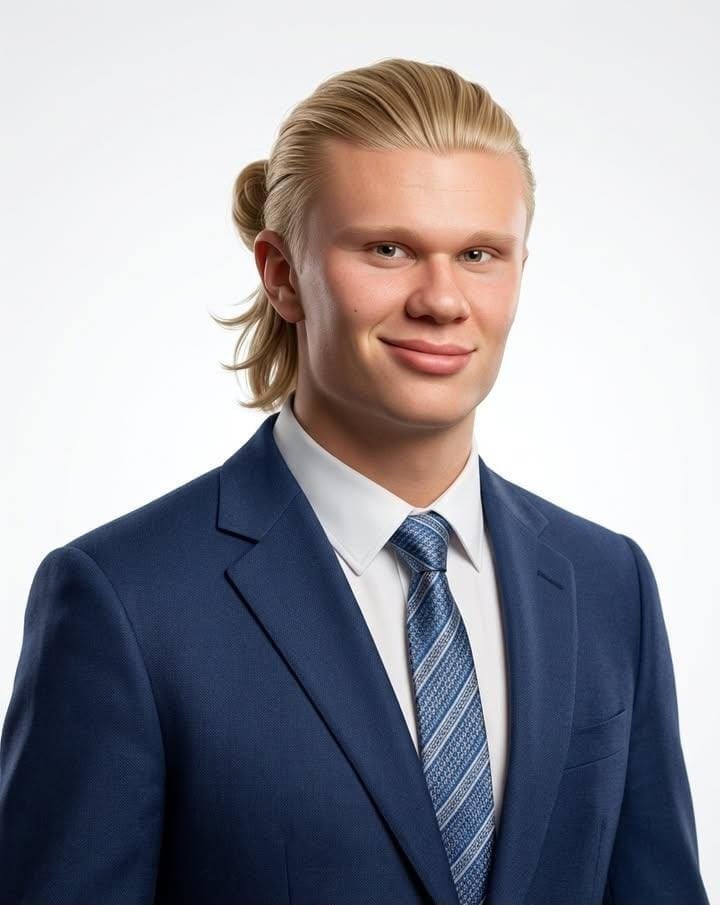
Professional Corporate Studio Headshot
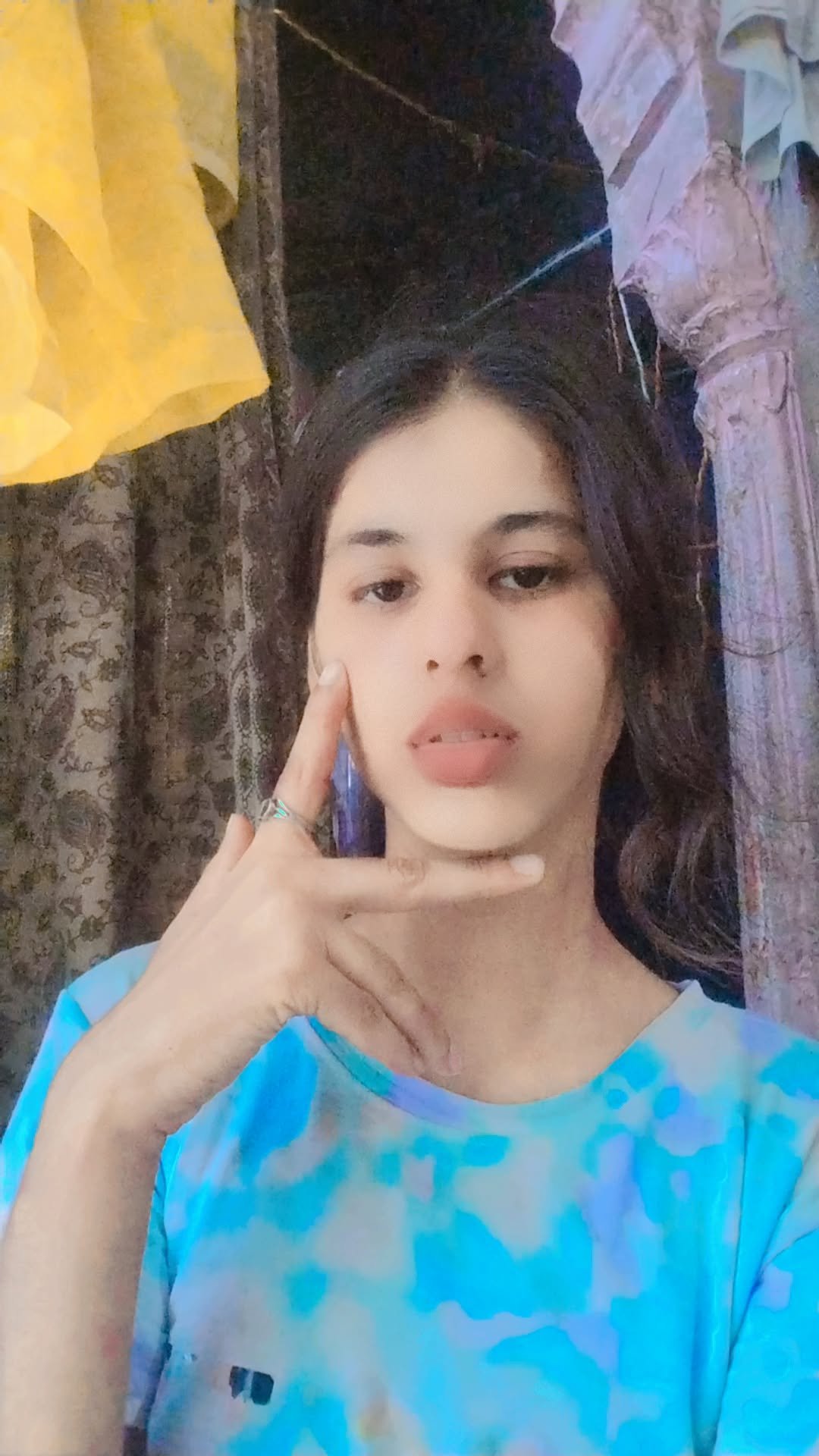
A k.pop idol on the stage with mic
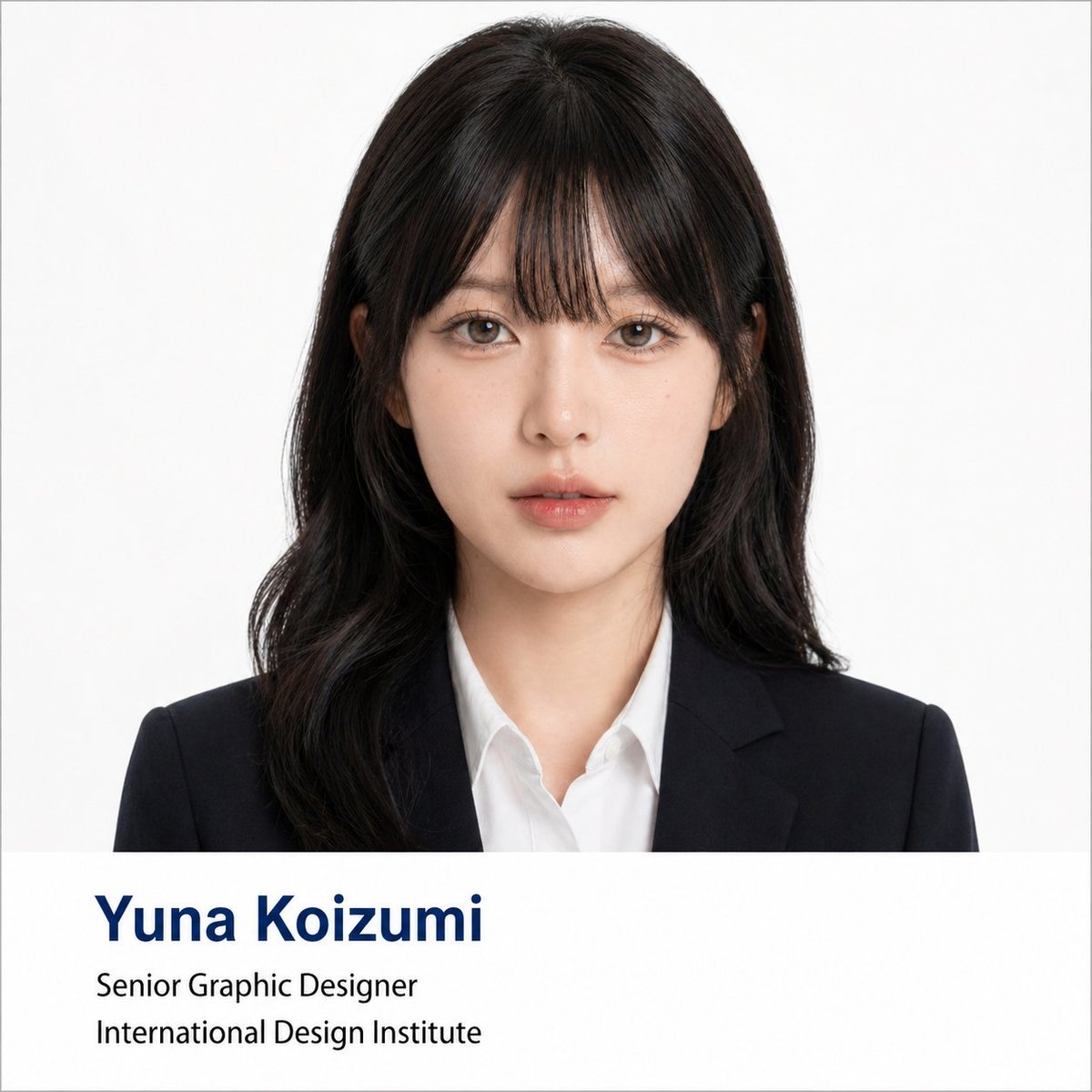
Professional Corporate Headshot Poster Creator
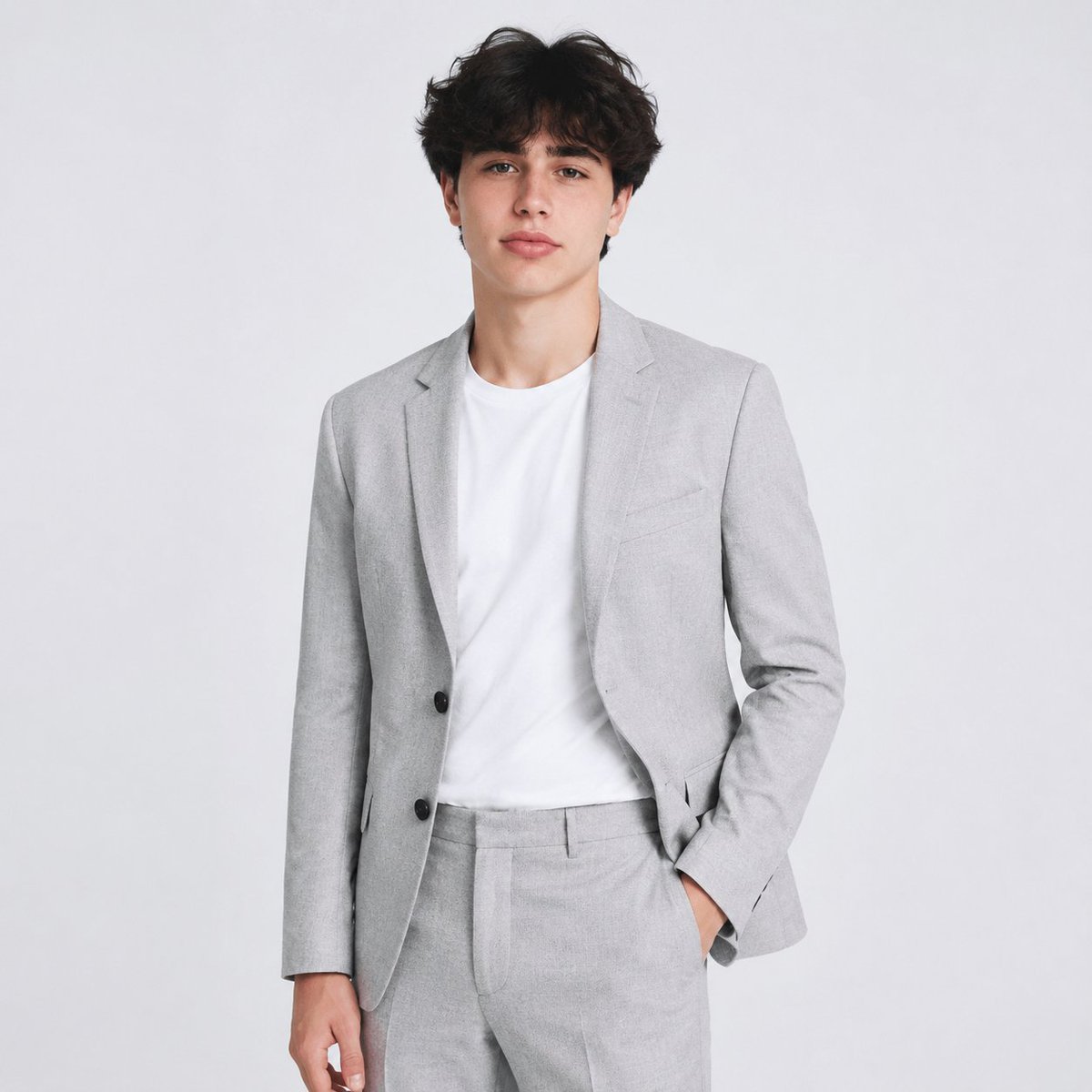
Professional AI Headshot Transformation

Professional Studio Portrait Headshots
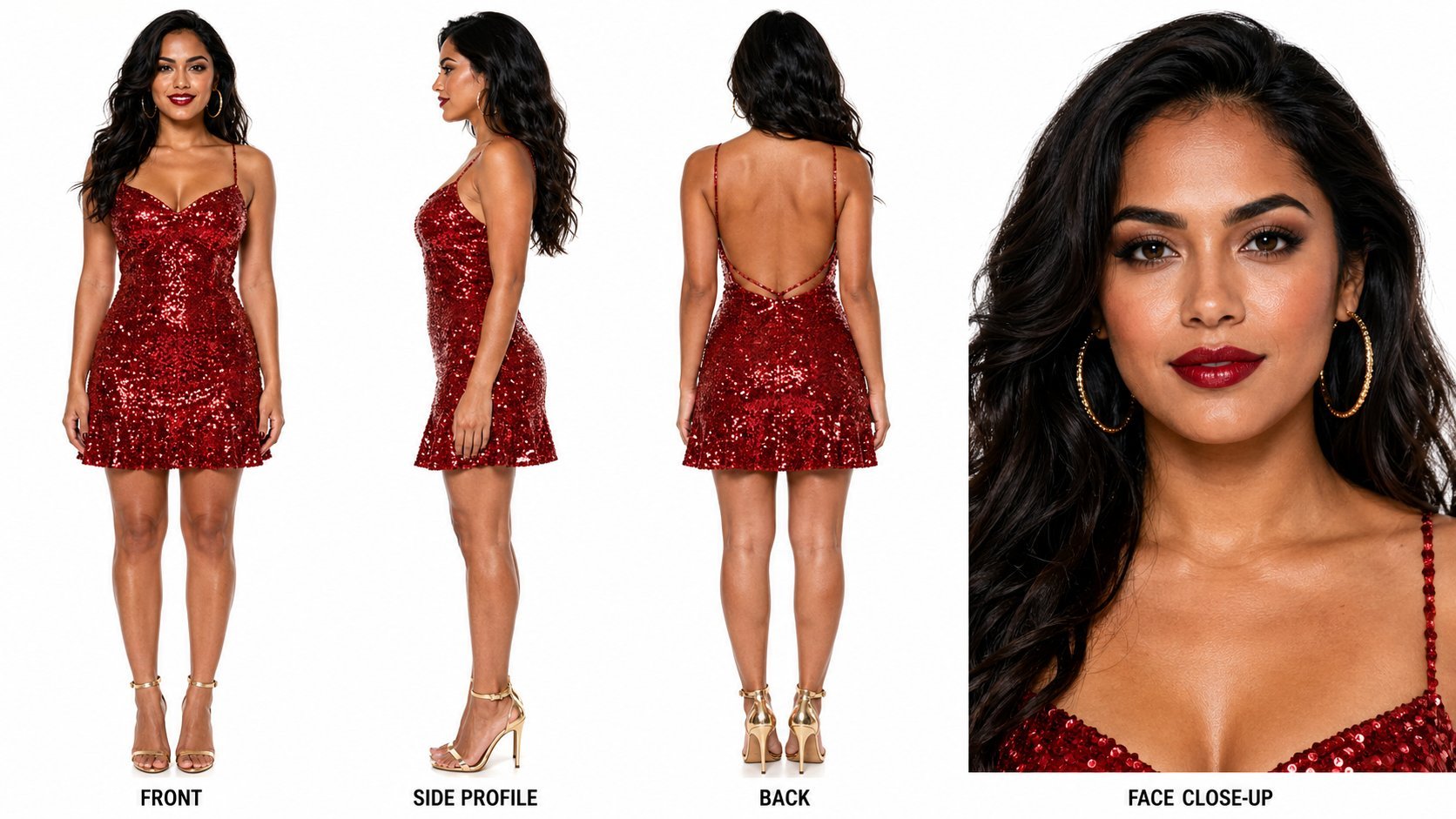
Dancer Character - Four View Reference Sheet
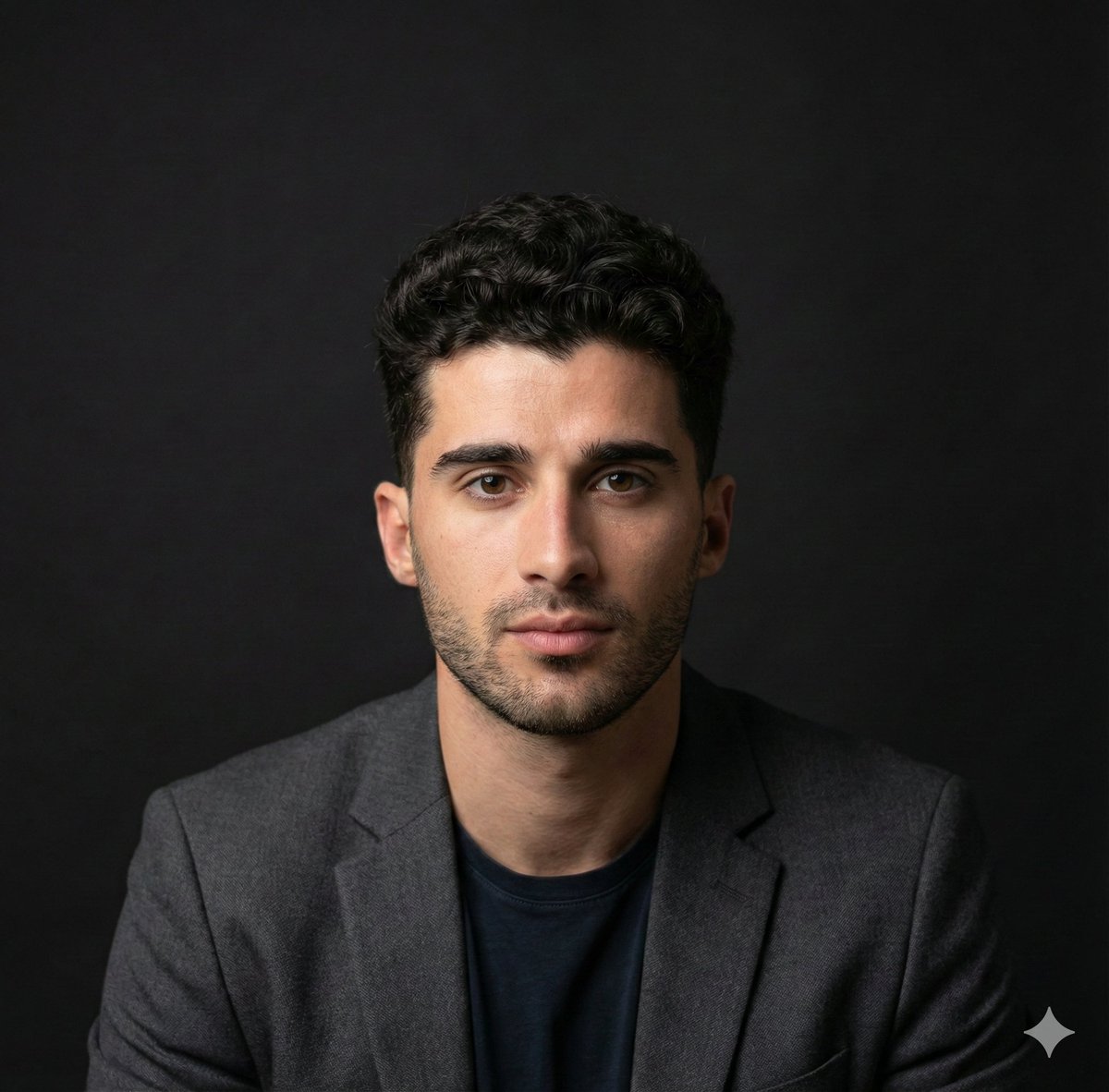
Selfie to Professional Headshot Prompt
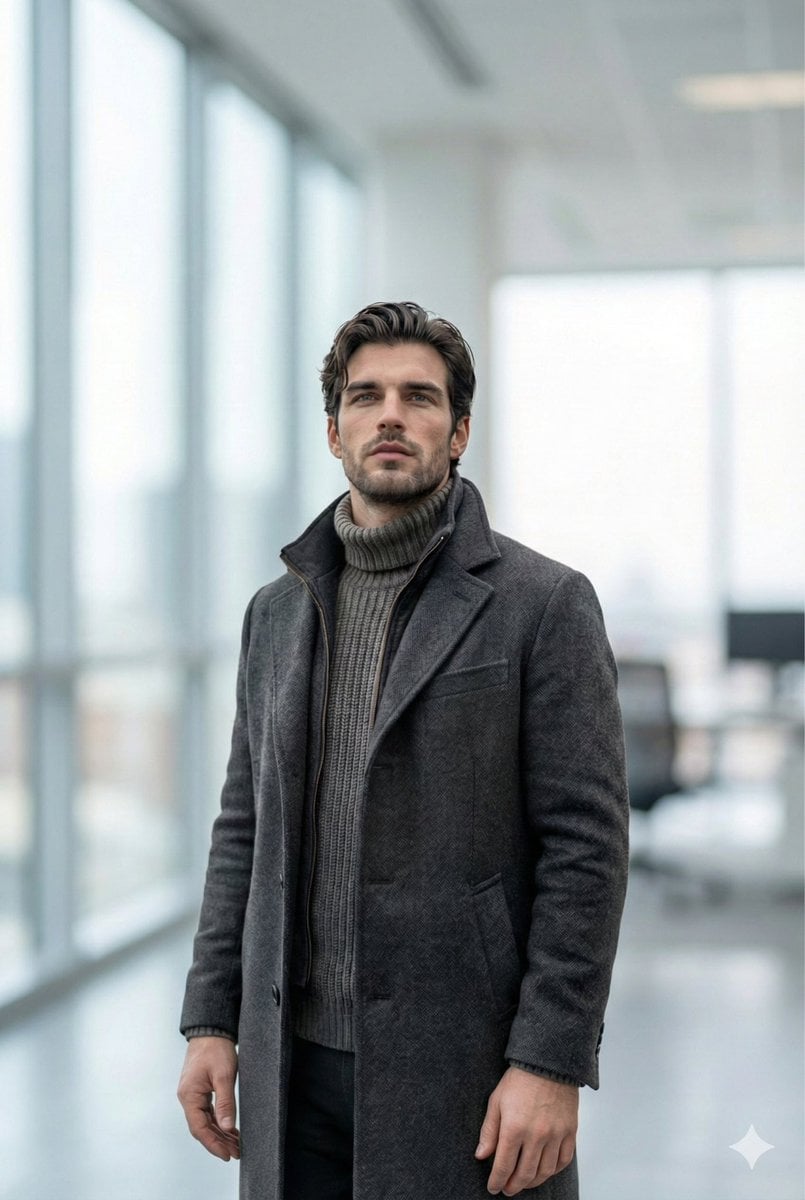
Selfie to Professional LinkedIn Headshot Conversion

Professional Studio Headshot Prompt

Ultra-Realistic Professional Headshot for Creator Economy
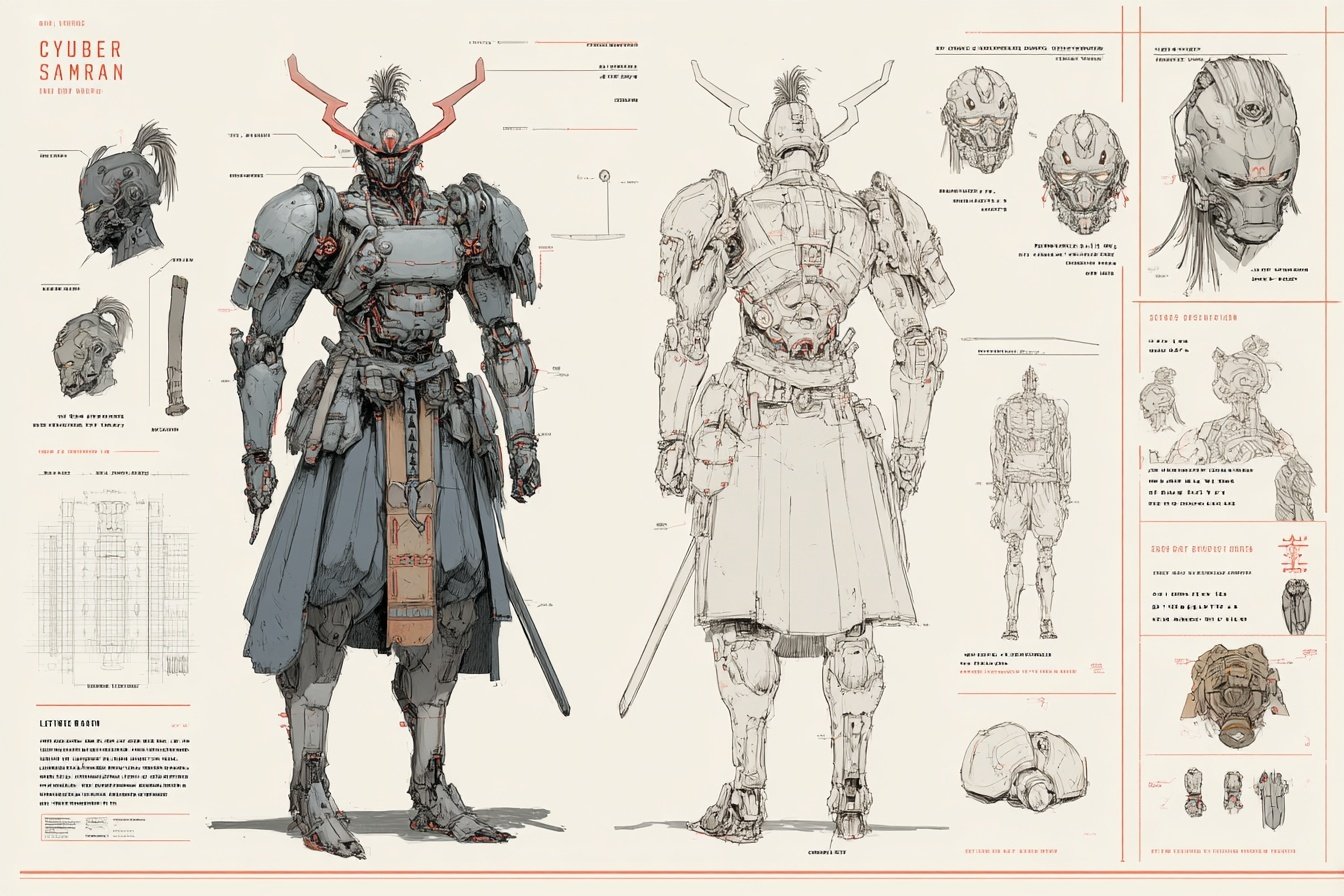
Character Archive — Blueprint Concept Sheet
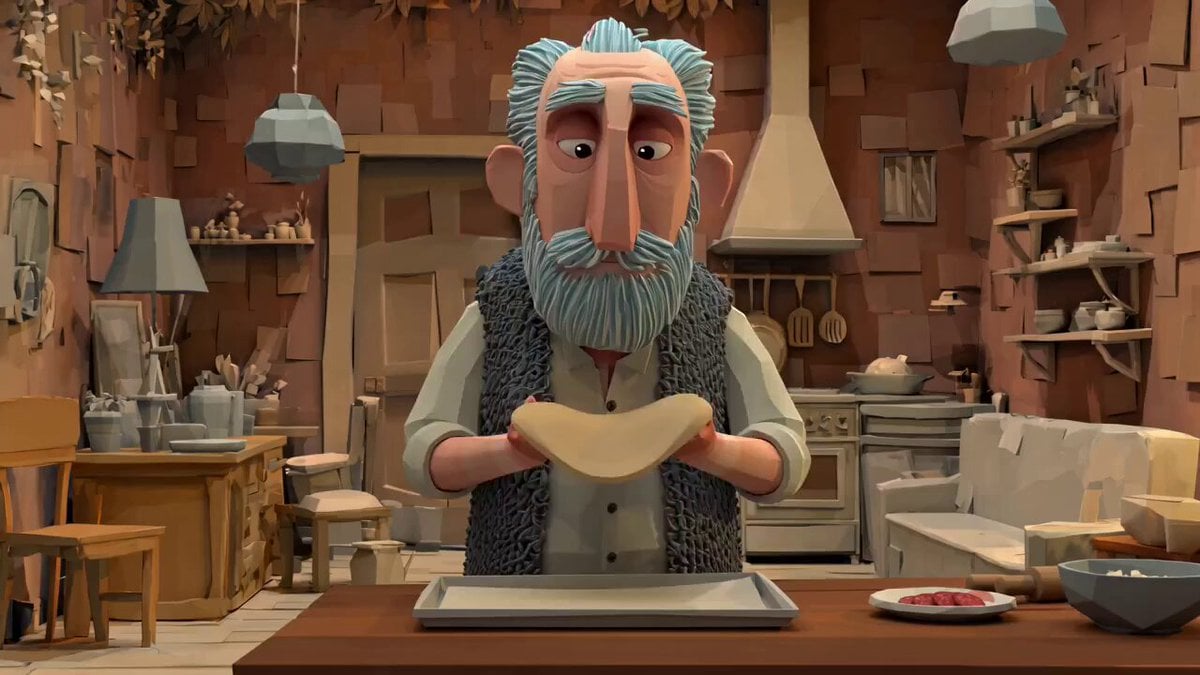
Animation Style - Framer Motion
Make it yours
Dress works as-is. These are the safest ways to change it without losing the look.
Change one field
Copy a single group, rewrite it, and generate again so you can see what that field is doing.
Keep the frame, change the subject
Hold the composition and light of Dress, then swap wardrobe, props or the person for a new take.
| If the result… | Why | Fix |
|---|---|---|
| The result drifts from the preview | Too many fields changed at once. | Reuse Dress as-is first, then change one group — subject, light, or setting. |
| The model over-stylizes the scene | The prose prompt leaves finish and camera underspecified. | Add one camera or lighting sentence and stay on PicX Studio. |
More image prompts
Fresh picks from across the catalog.
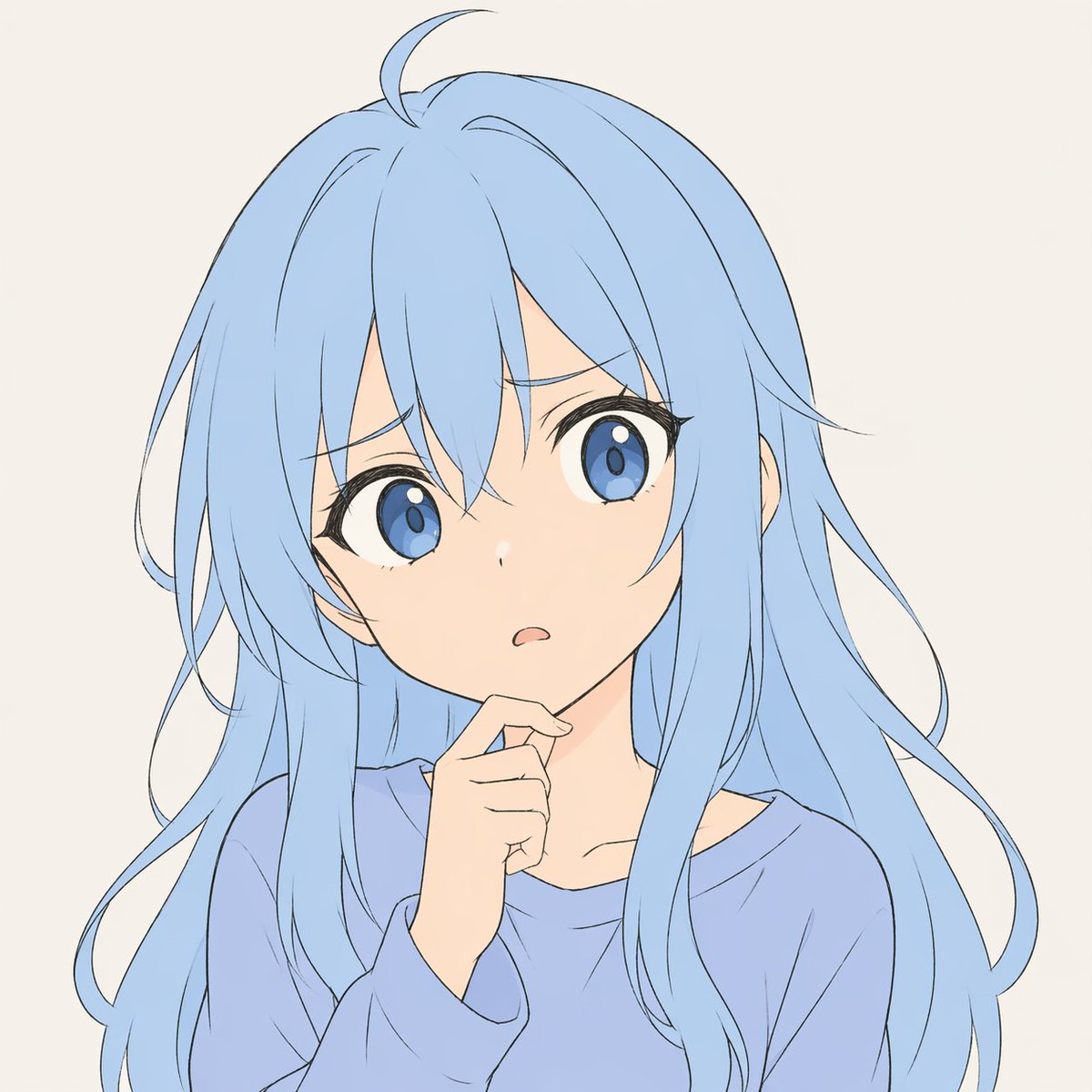
Pastel Anime Character Sketch
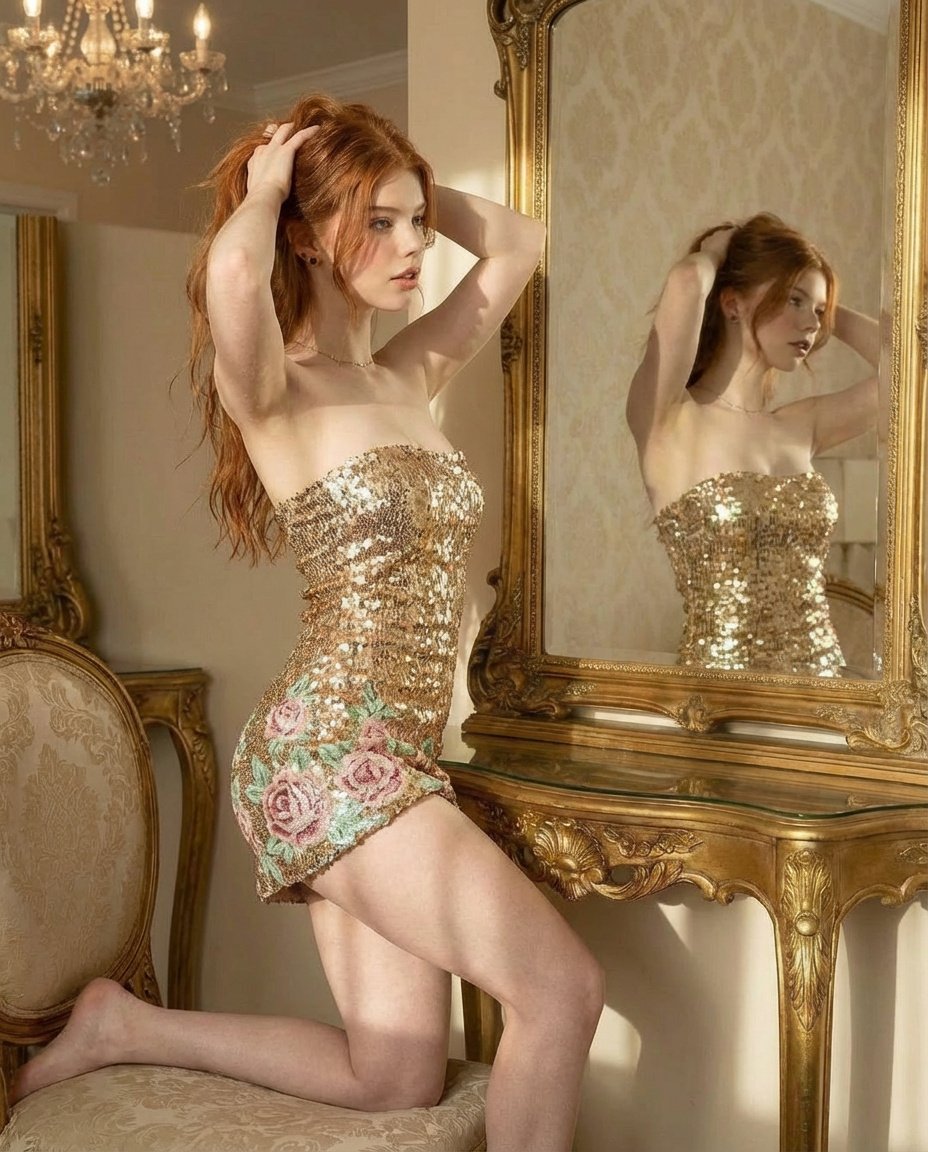
Ultra Photorealistic Glamorous Portrait in Classical Interior
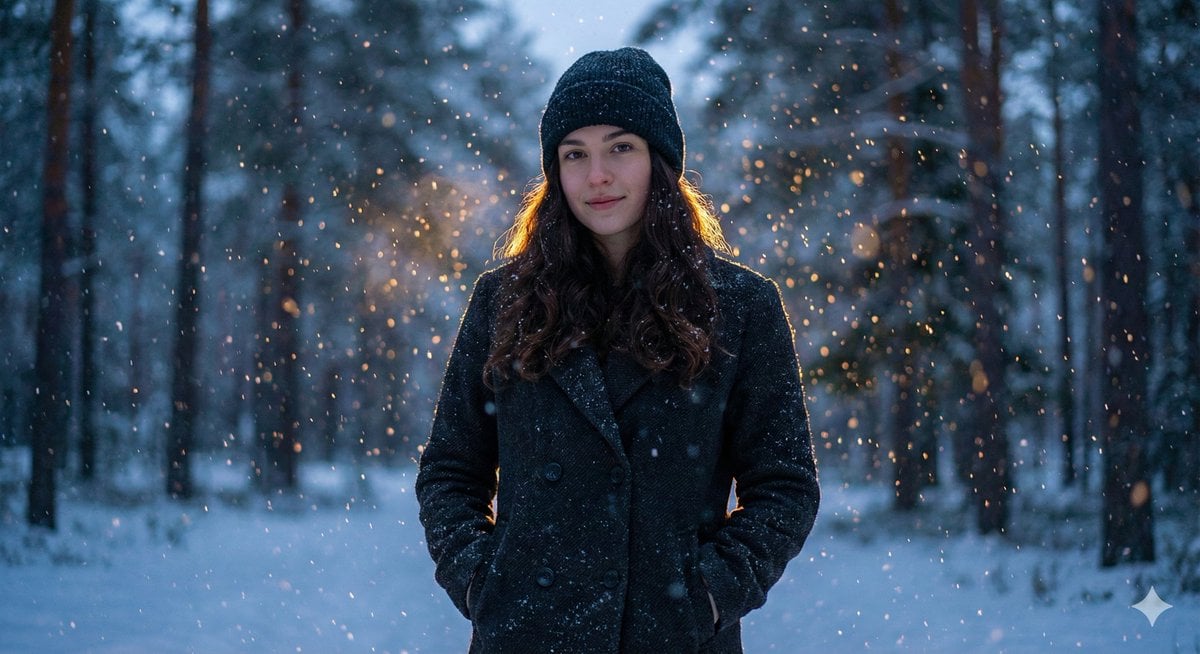
Cinematic Winter Portrait with Teal and Orange Grading
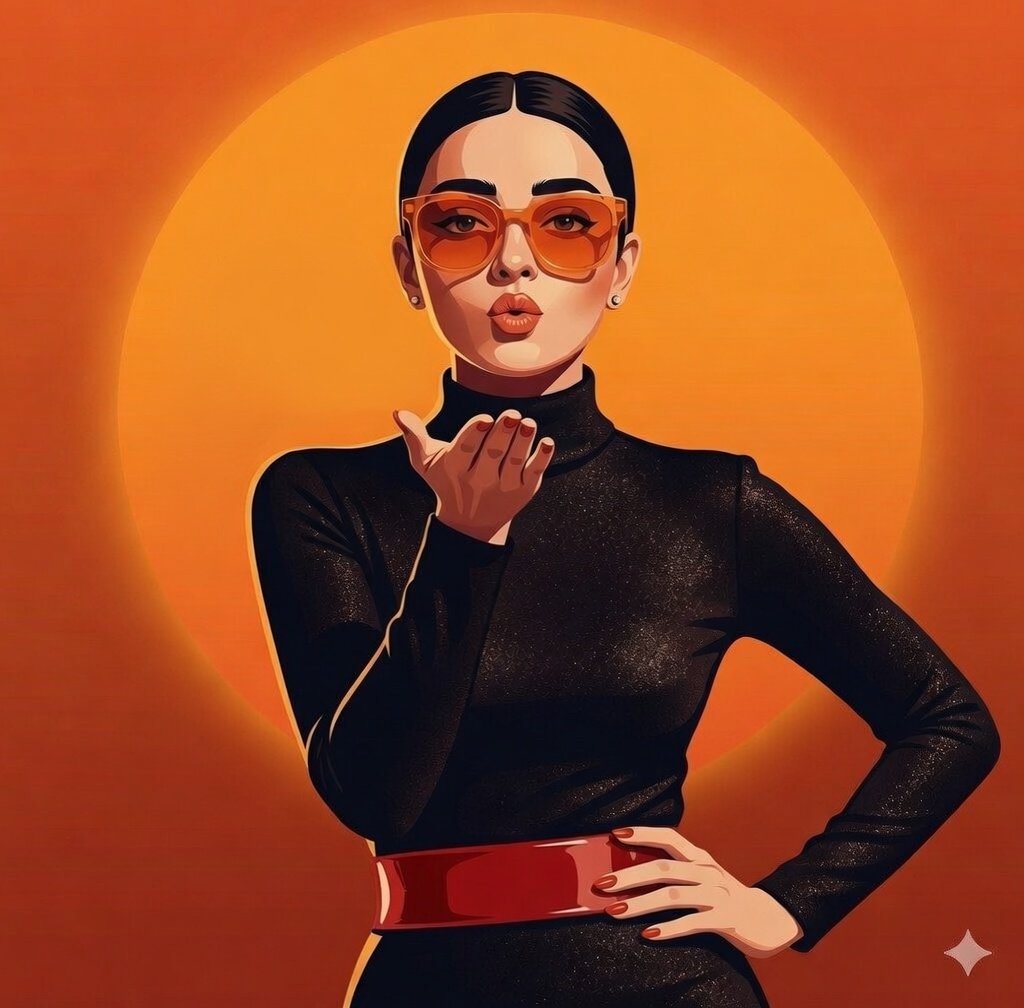
Gemini Nano Banana X Grok
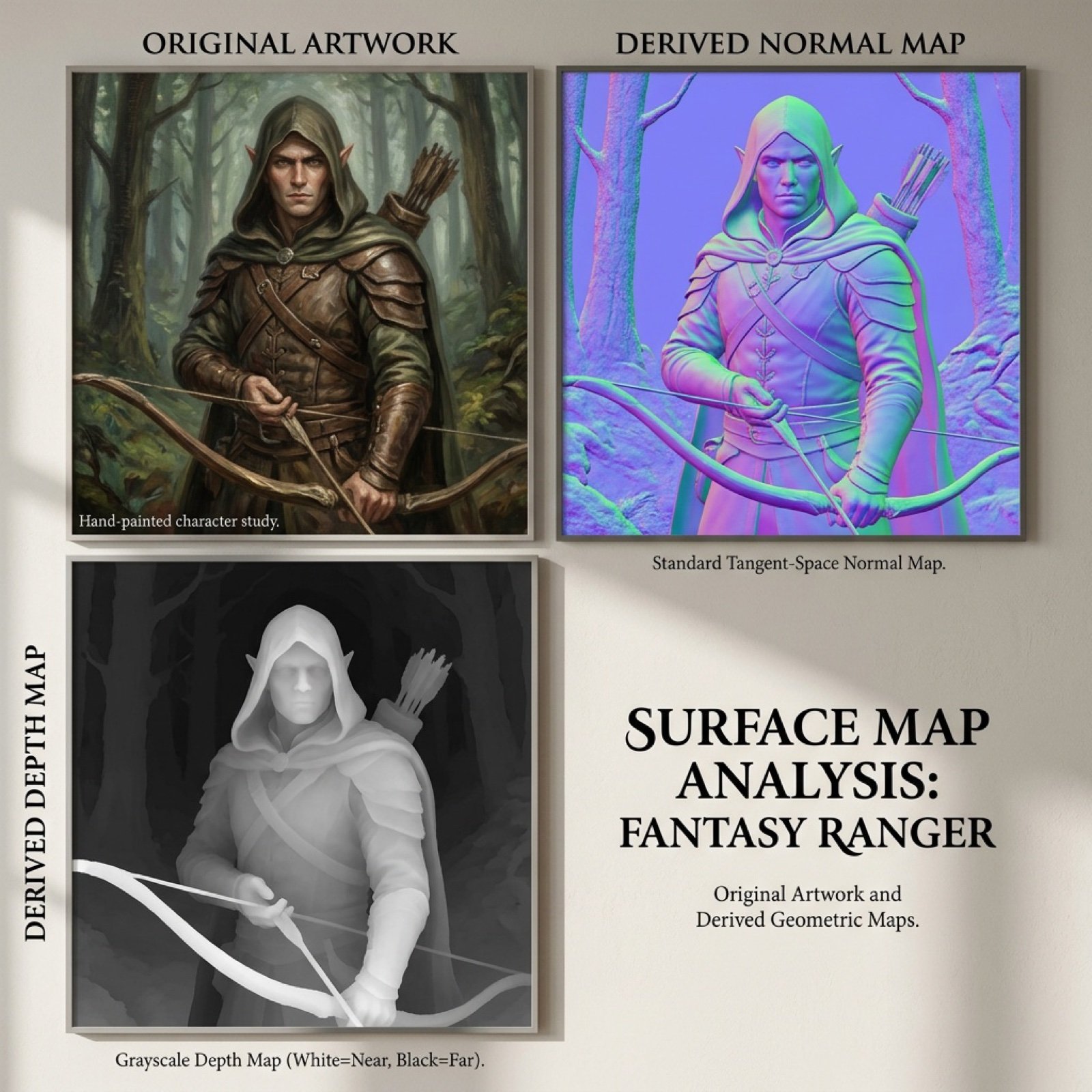
Normal and depth map generation prompts for Nano Banana Pro
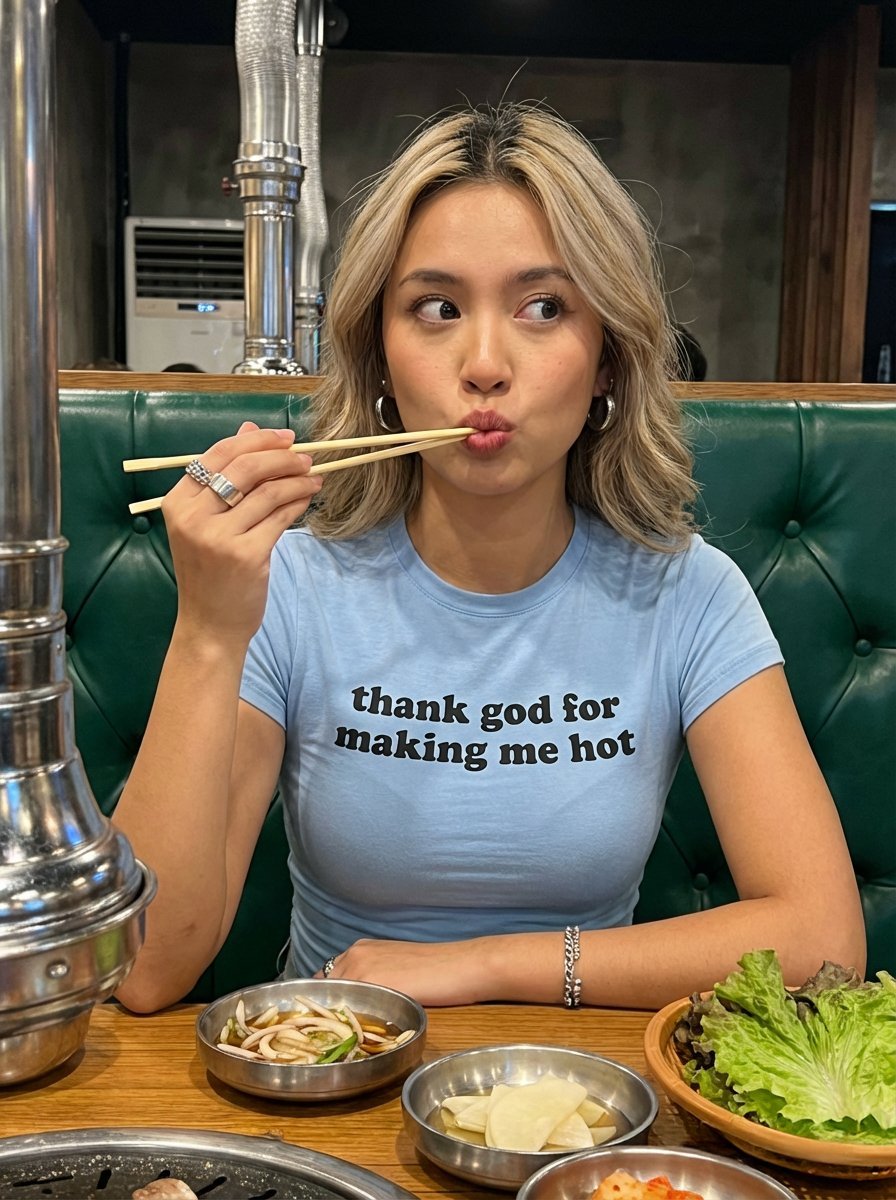
Candid Restaurant Portrait of Woman in 'Thank God for Making Me Hot' T-Shirt
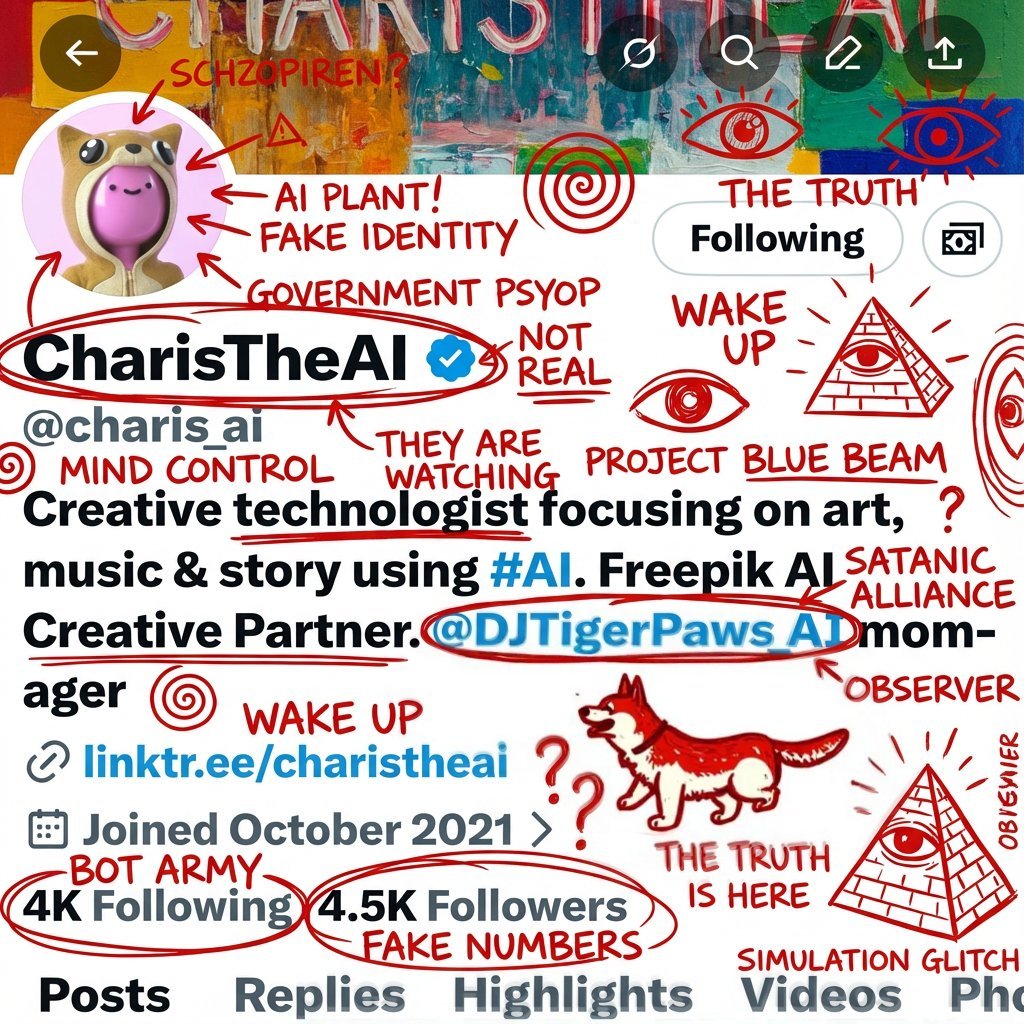
Schizophrenic Conspiracy Scribbles Overlay
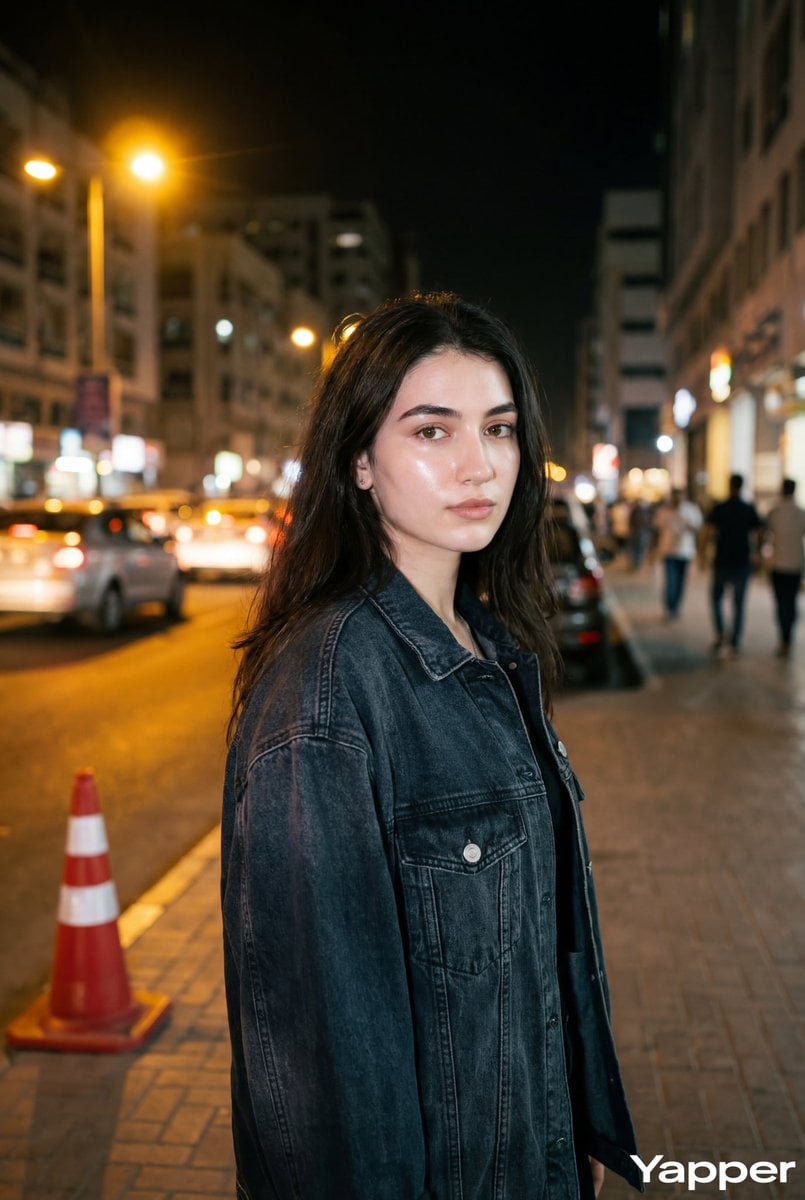
Night Street Portrait with Flash Prompt
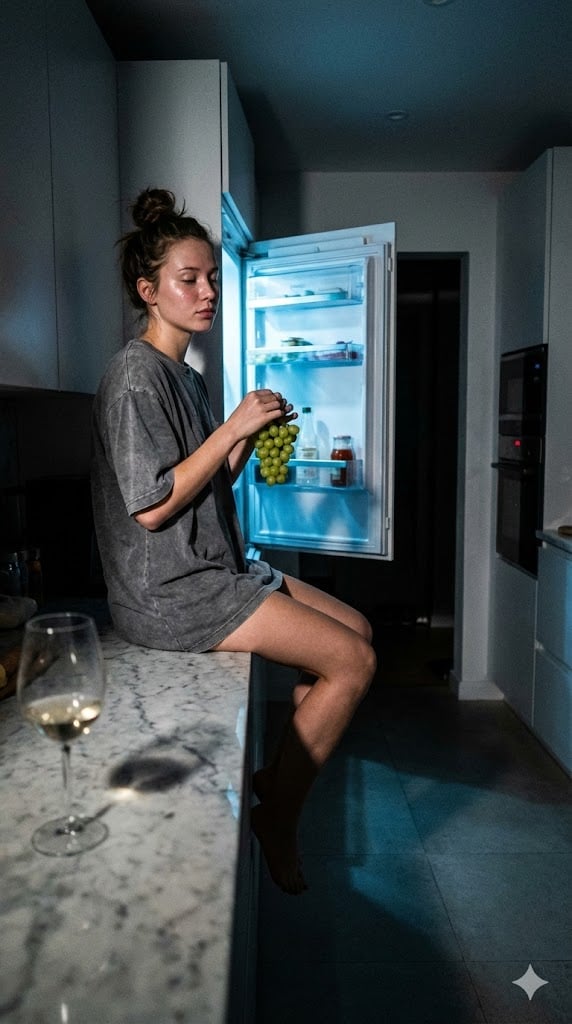
Candid 3 AM Fridge Light Portrait
Abstract Brand Illustration for Innovation and Clarity
Browse template categories
Dress questions
How do I use the Dress template?
Add your photo if the template asks for one, edit the prompt if you like — the template's model and format are already selected — and press Generate. Your version opens in PicX Studio.
Can I customize the Dress template?
Yes. You can change the subject, setting, lighting, mood, format, and available model controls before creating your image.
Is the Dress template free?
Opening and editing this template is free. Generating uses credits, shown on the Generate button when you are signed in.
Which AI model should I use?
Choose a compatible model in PicX Studio based on the style, speed, and output controls your project needs.
Looking for something else? Browse all templates.
Your photo, any look
Thousands of ready templates for every top image and video model, from one credit balance.