
AI hero
AI hero is a ready photo look.
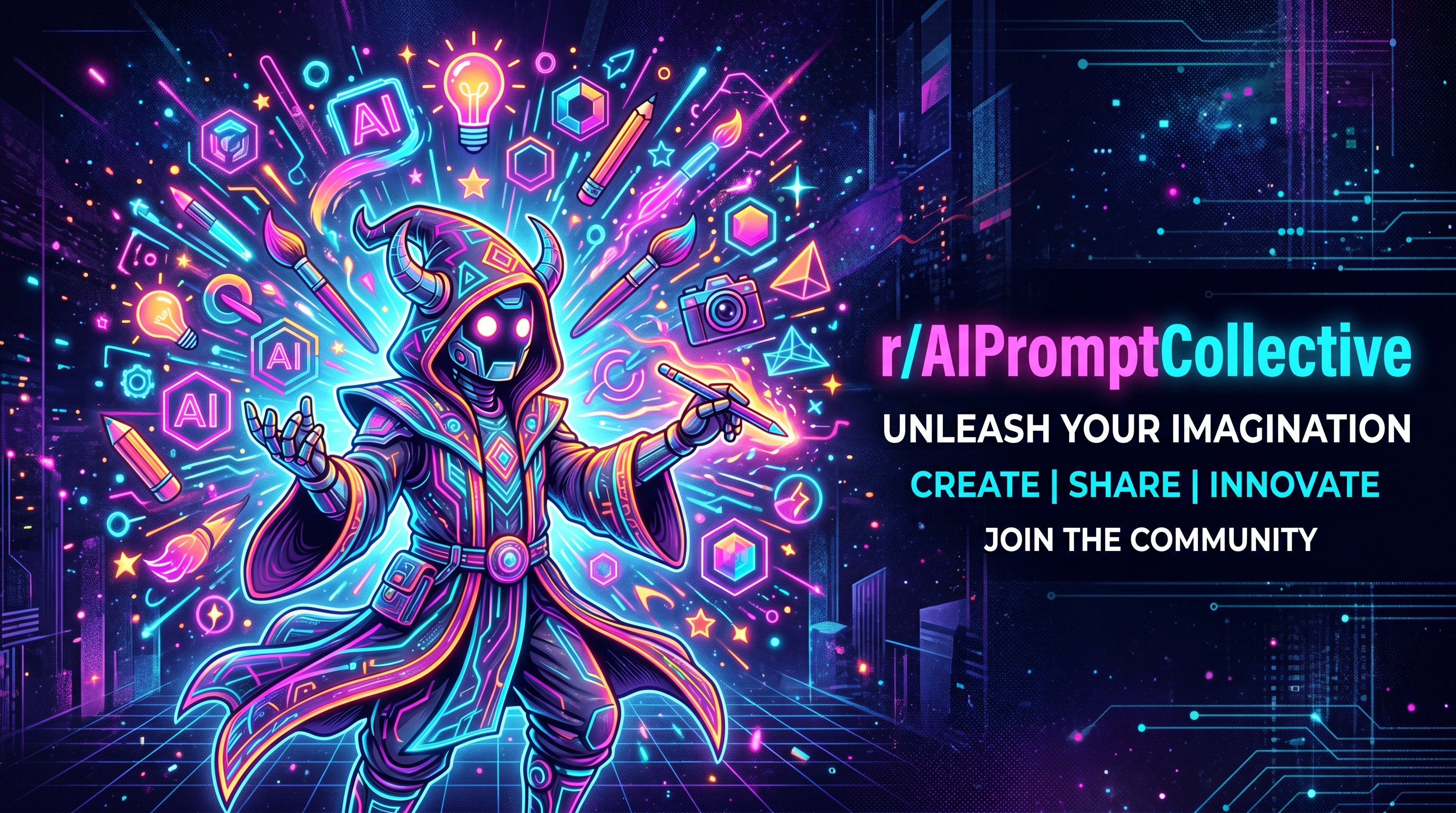
- Prompt included
- Model and format preset
- Free template
The prompt behind this image
Copy the exact prompt behind AI hero, or open it in the studio and make it yours.
generate an awesome and colourful and unique banner for community which posts new prompts and content using gptimge2 model...add less text more some character something awesome. banner for reddit community
How to use AI hero in 3 steps
- 1
Open
The prompt is already in the box next to the preview, with the template's model and format selected.
- 2…a portrait of your subject in softgolden-hour light, 85mm…
Personalize
Edit the subject and creative details for your destination.
- 3Generate
Generate
Press Generate — your image is created in PicX Studio, so you can compare it with the original and refine one variable at a time.
More like this
Templates with the same subject, style or setup. Open one to see its prompt.
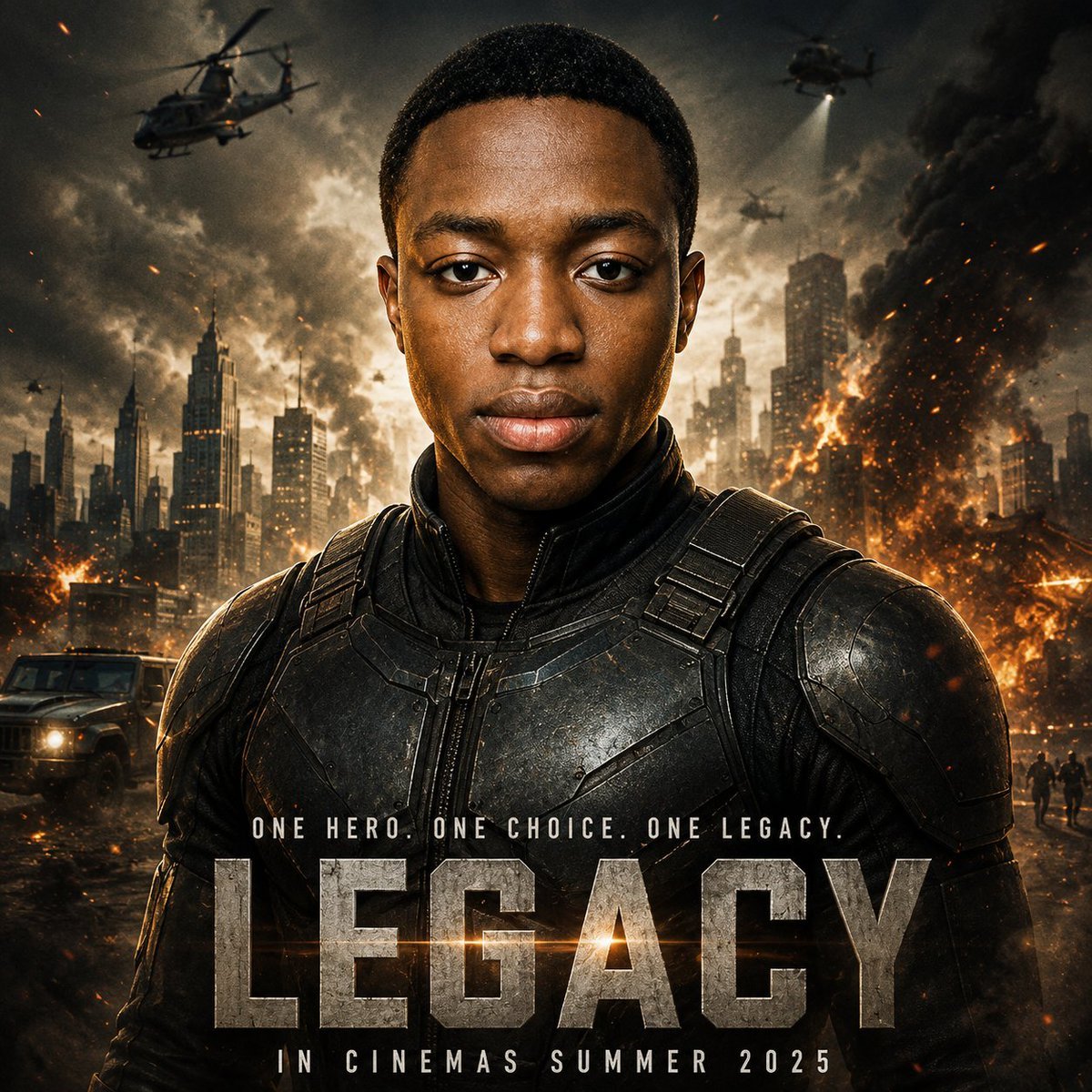
Cinematic Hero Movie Poster
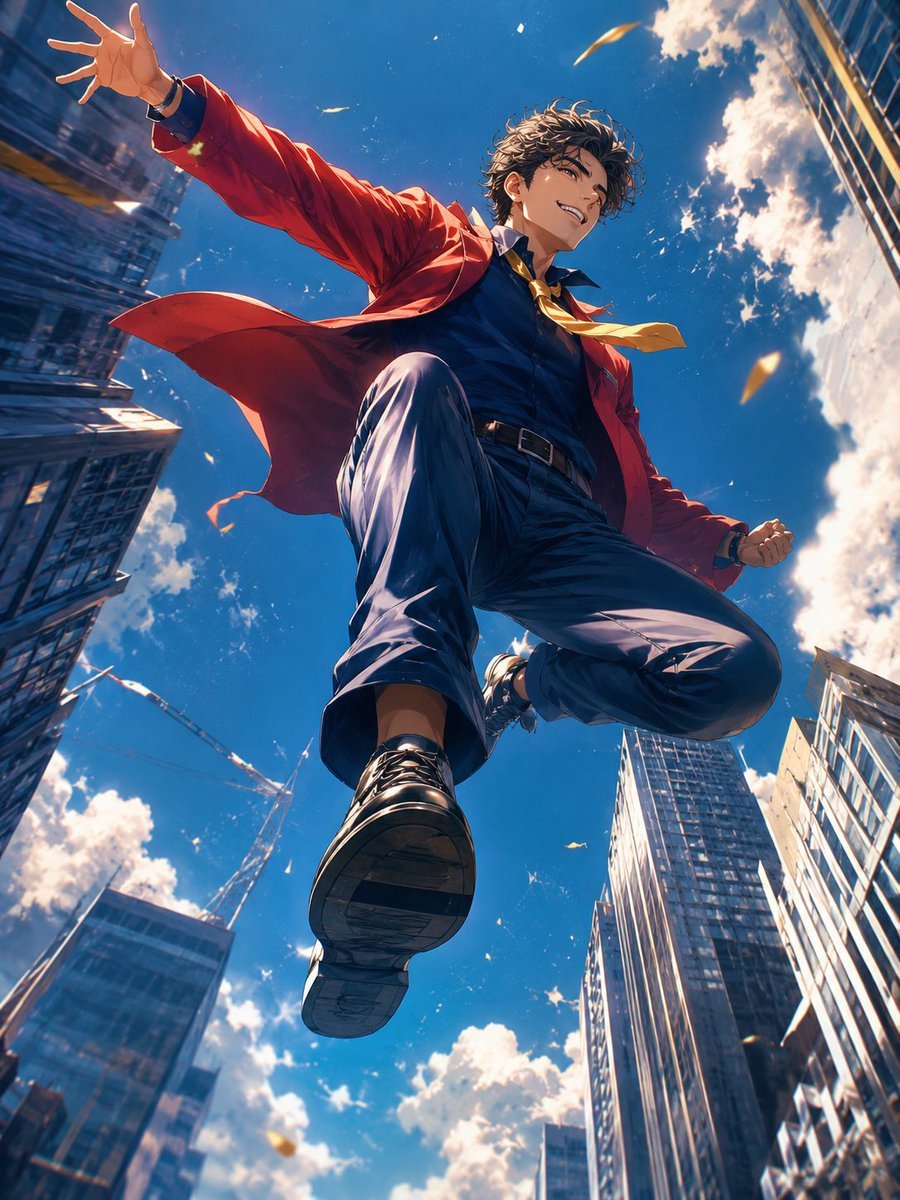
Anime Hero Leaping Through City Sky
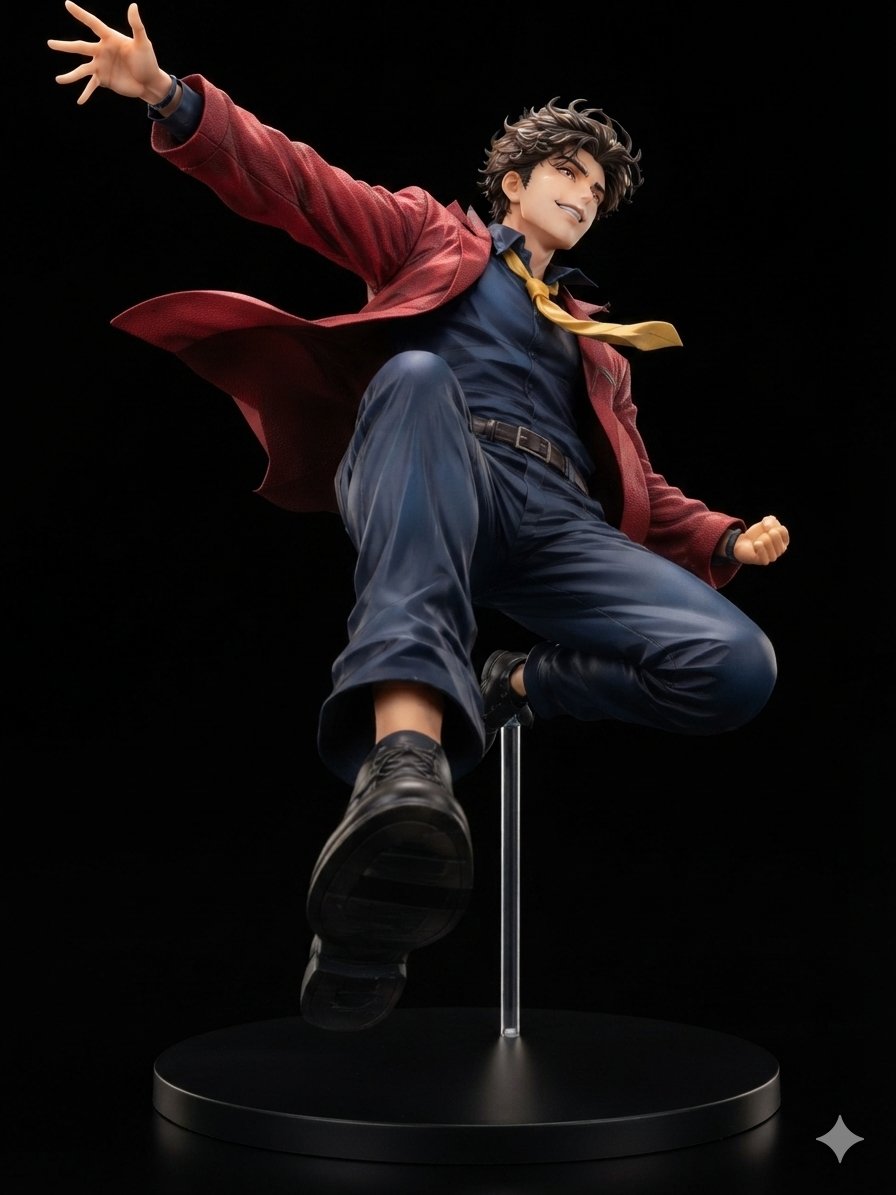
Dynamic Anime Hero Figure Render
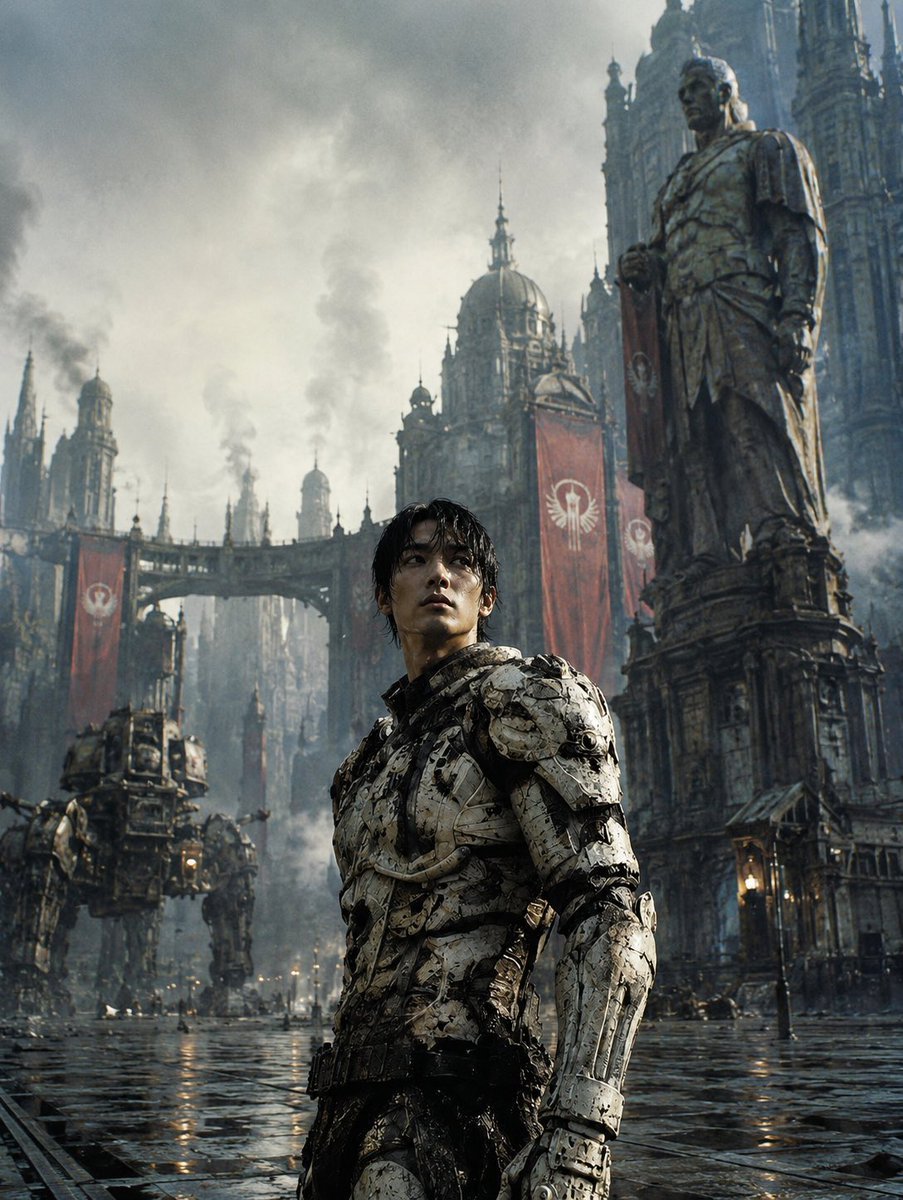
Dystopian Casshern-Style Hero
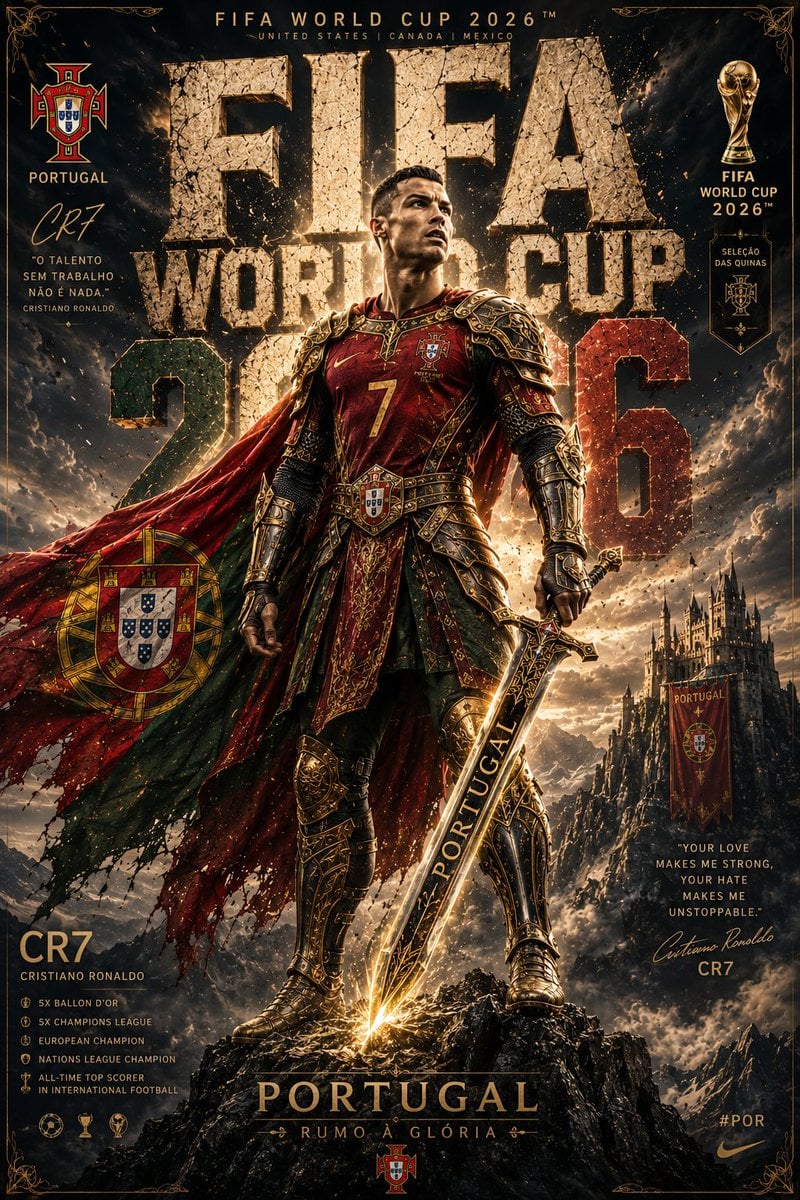
Knight Armor FIFA Hero Poster
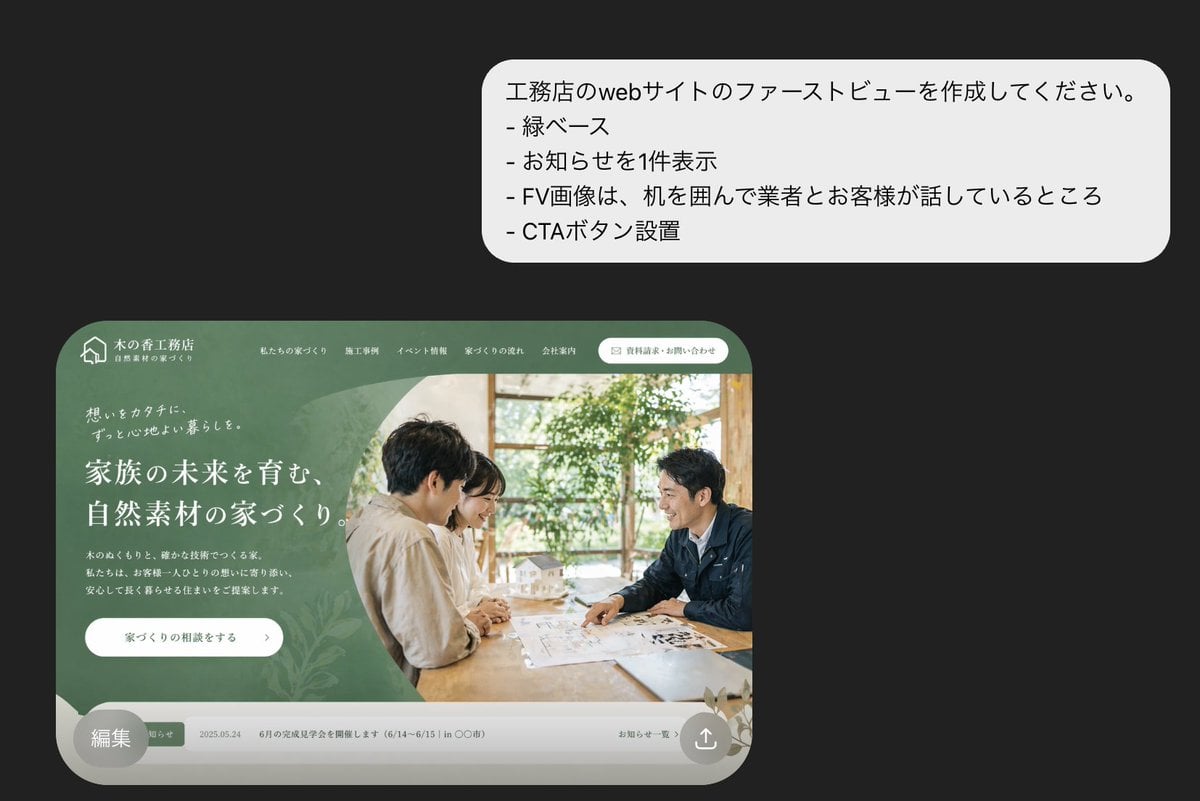
Japanese Builder Website Hero Mockup
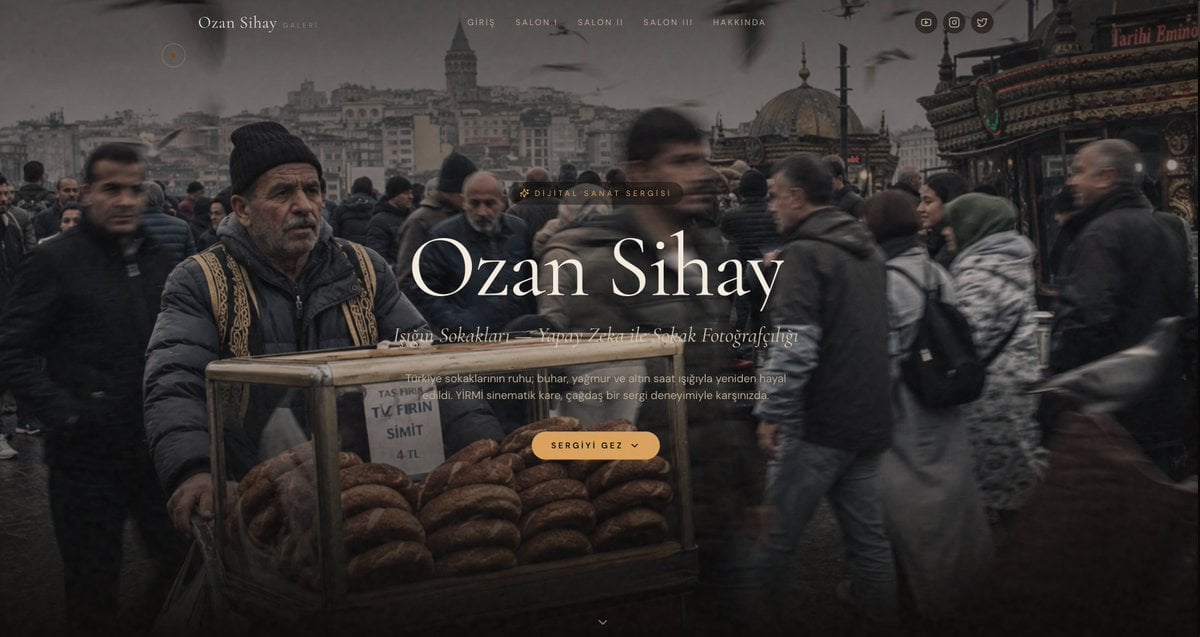
Cinematic Istanbul Gallery Website Hero
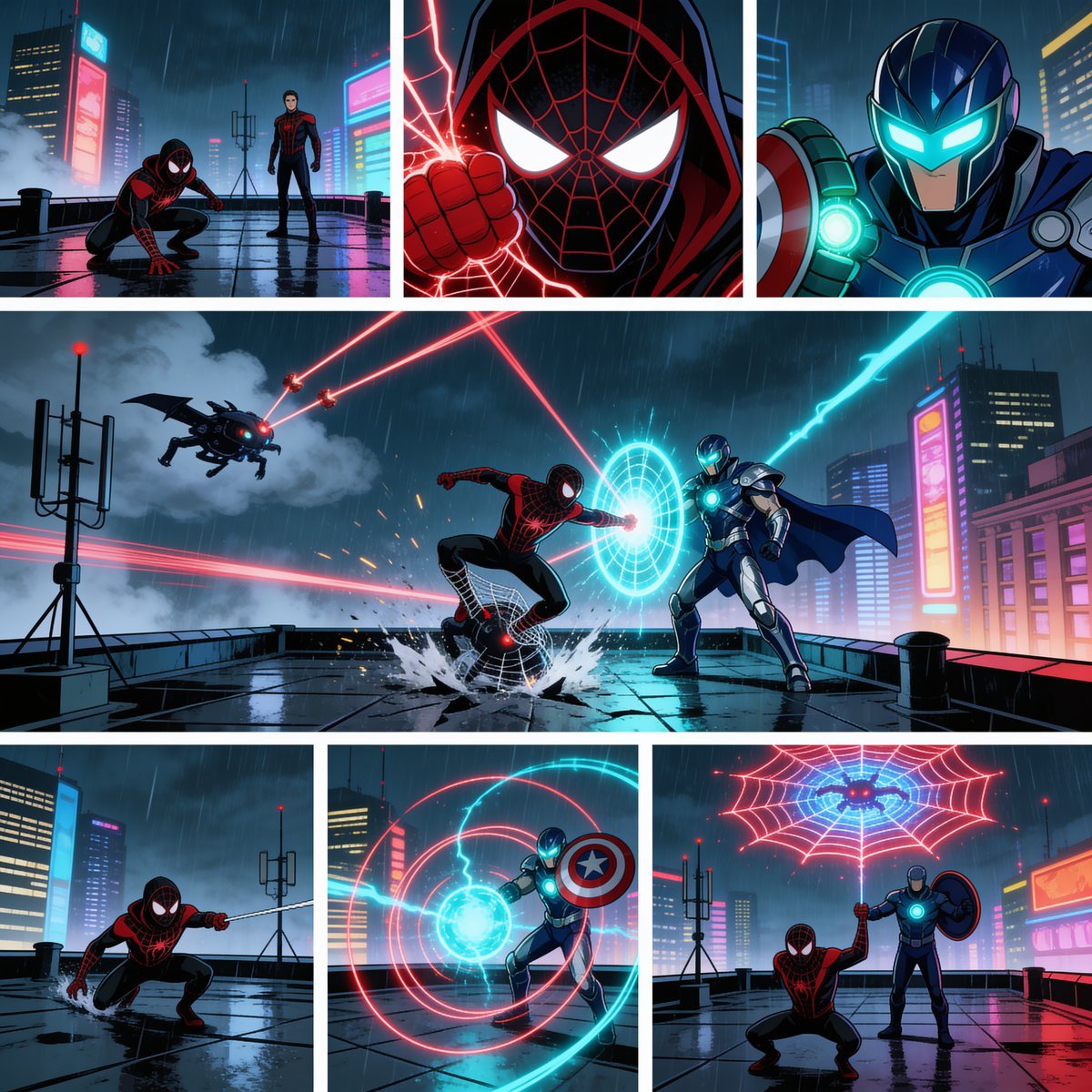
Rainy Cyberpunk Superhero Comic Page
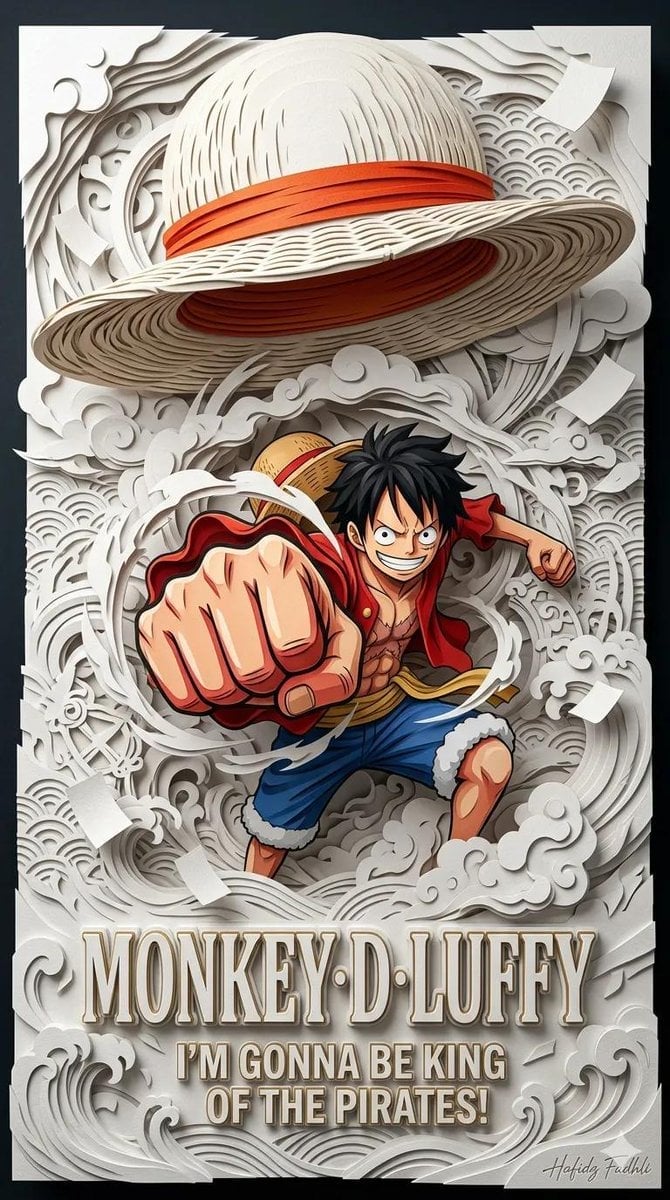
Master Papercraft Shadow Box — Anime Hero Emerging from Paper Waves
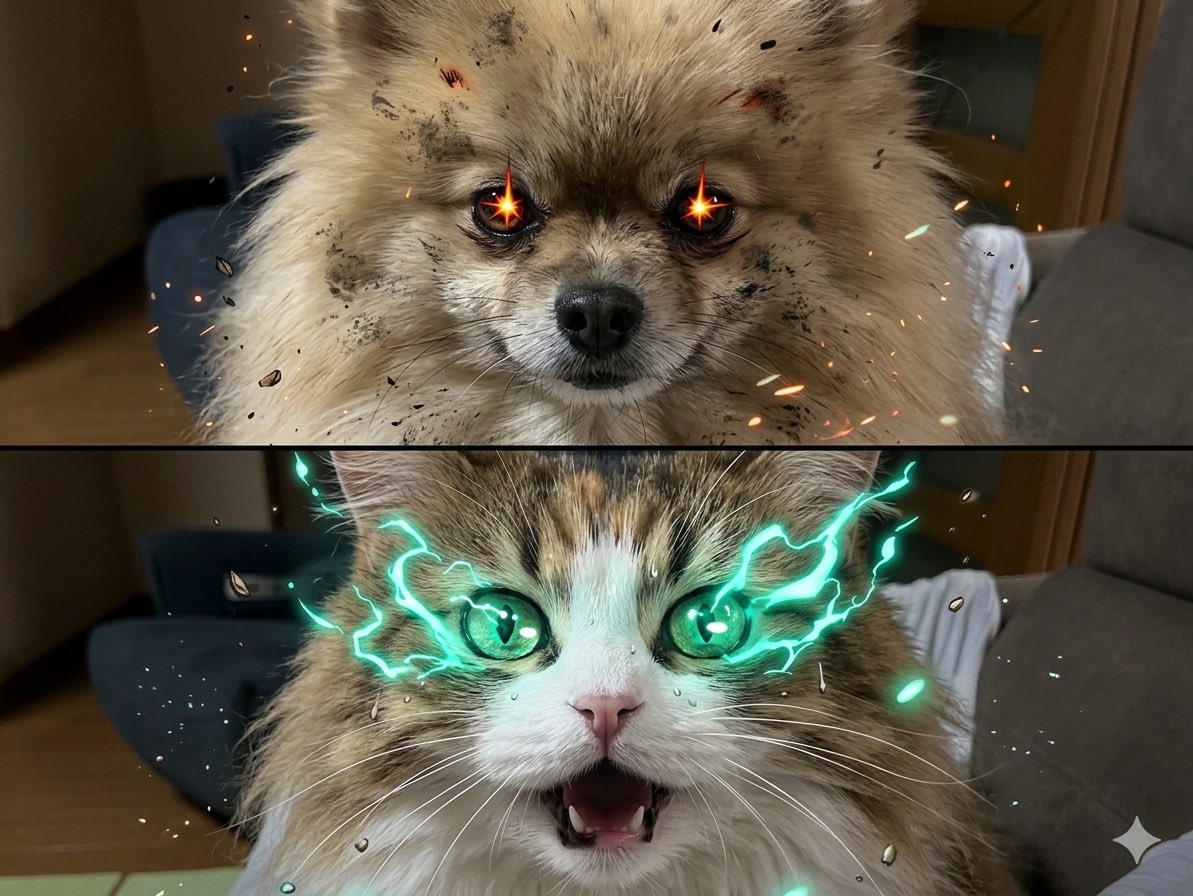
My Hero Academia Scenes with Dogs and Cats
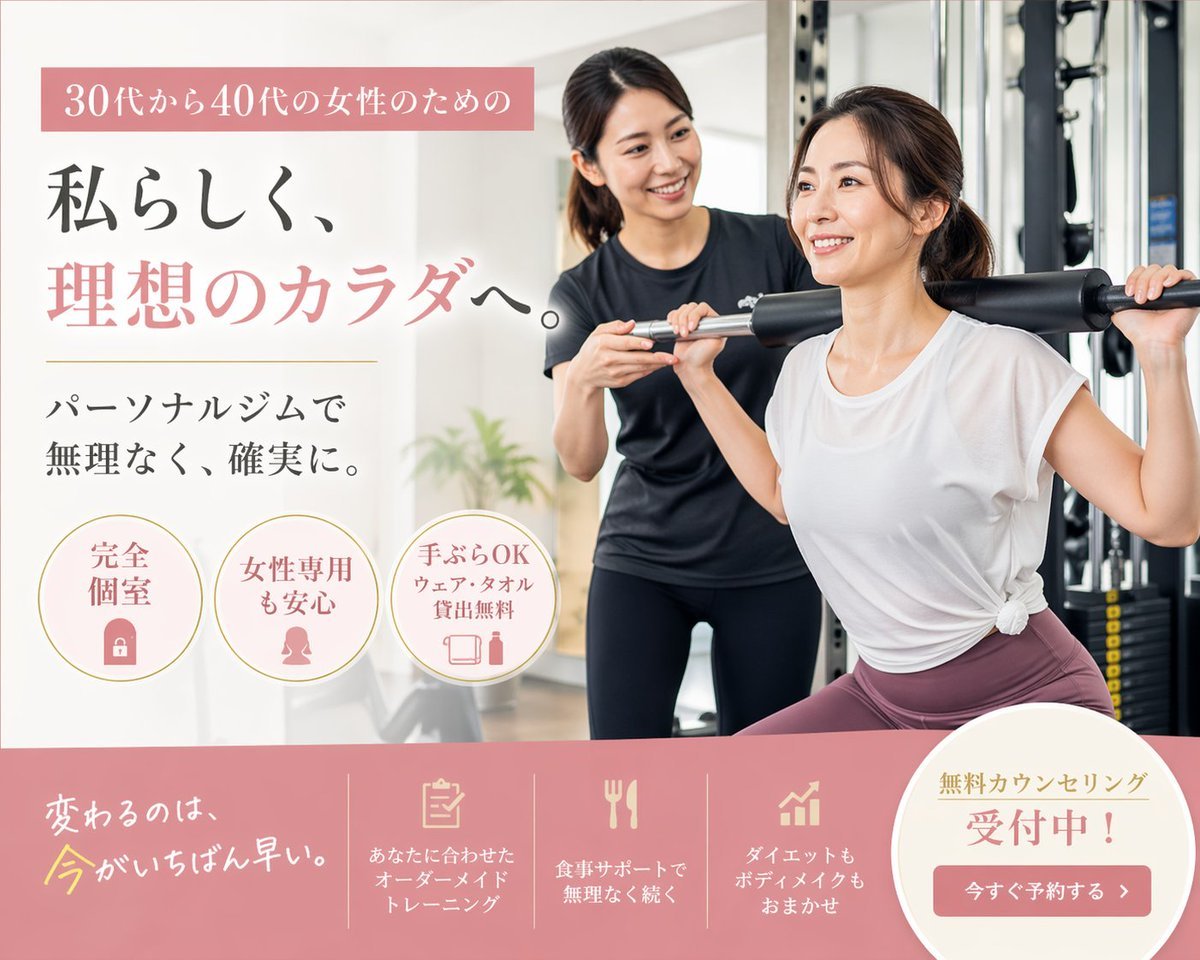
Japanese Women's Gym Hero Banner
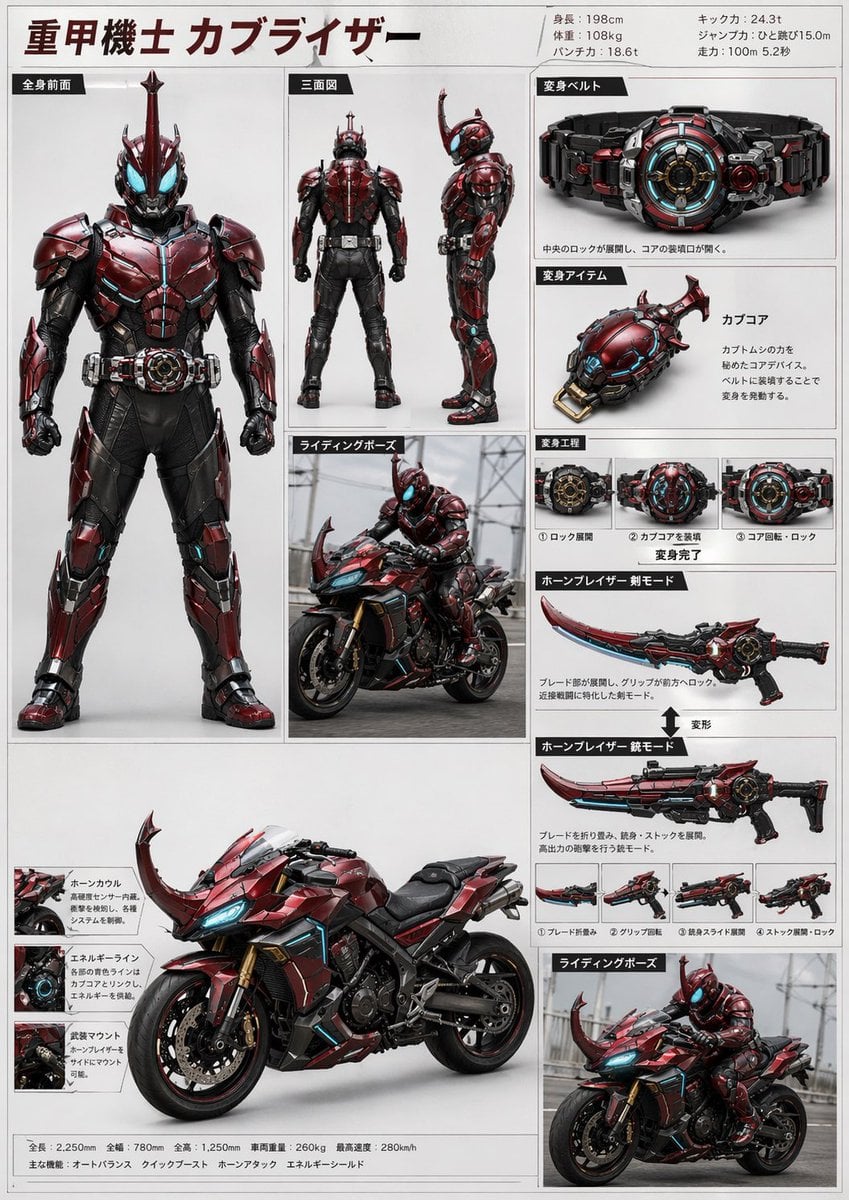
Tokusatsu Hero Reference Sheet
Make it yours
AI hero works as-is. These are the safest ways to change it without losing the look.
Change one field
Copy a single group, rewrite it, and generate again so you can see what that field is doing.
Keep the frame, change the subject
Hold the composition and light of AI hero, then swap wardrobe, props or the person for a new take.
| If the result… | Why | Fix |
|---|---|---|
| The result drifts from the preview | Too many fields changed at once. | Reuse AI hero as-is first, then change one group — subject, light, or setting. |
| The model over-stylizes the scene | The prose prompt leaves finish and camera underspecified. | Add one camera or lighting sentence and stay on PicX Studio. |
More image prompts
Fresh picks from across the catalog.
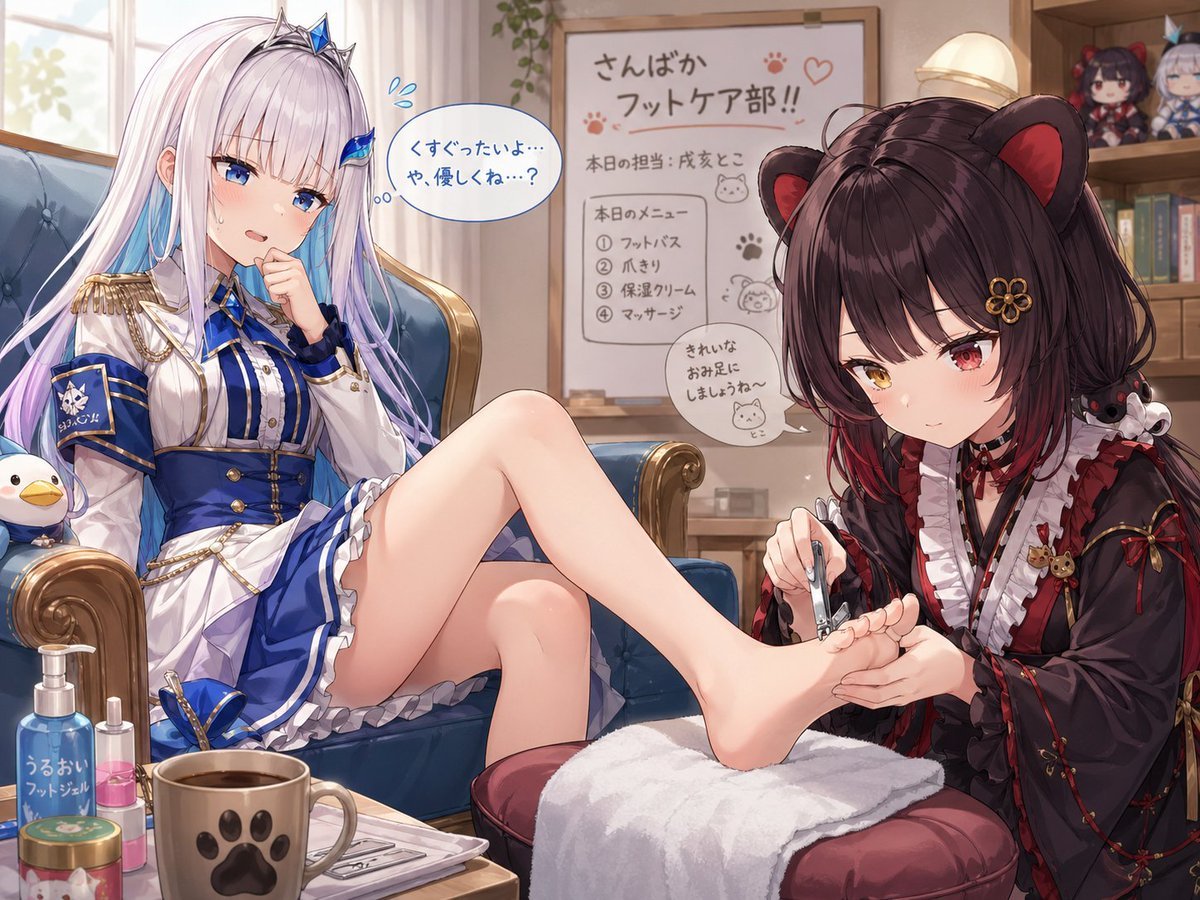
Toko Inui and Lize Helesta Illustration
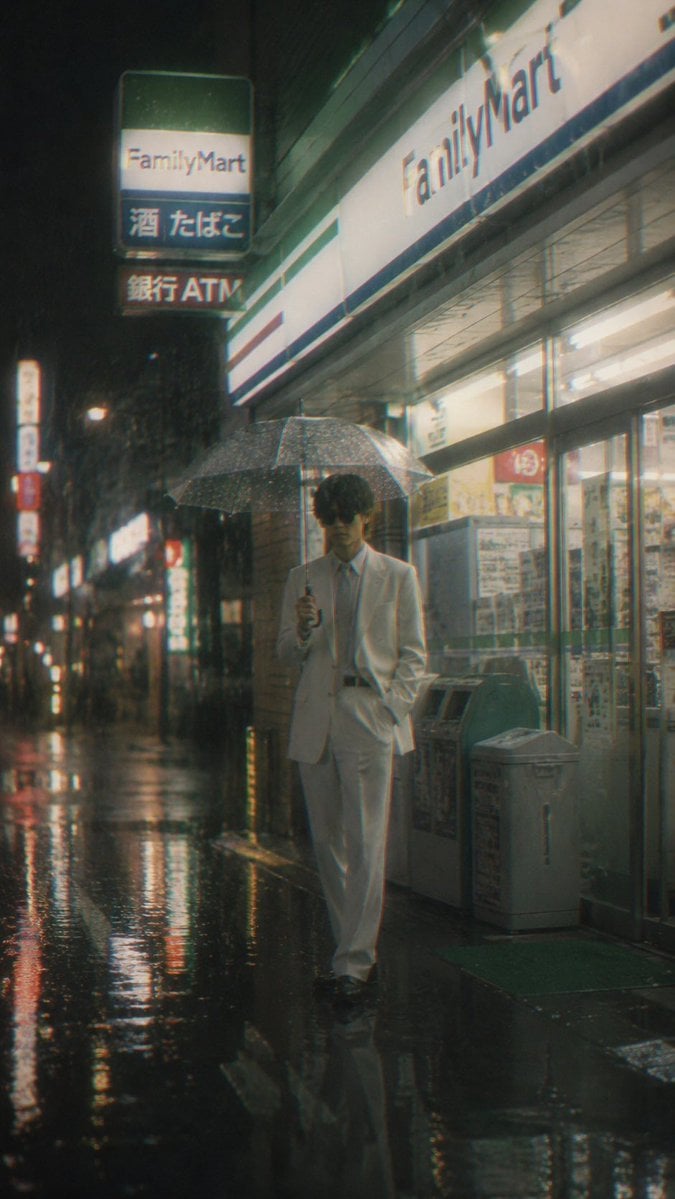
Rainy FamilyMart Noir Portrait
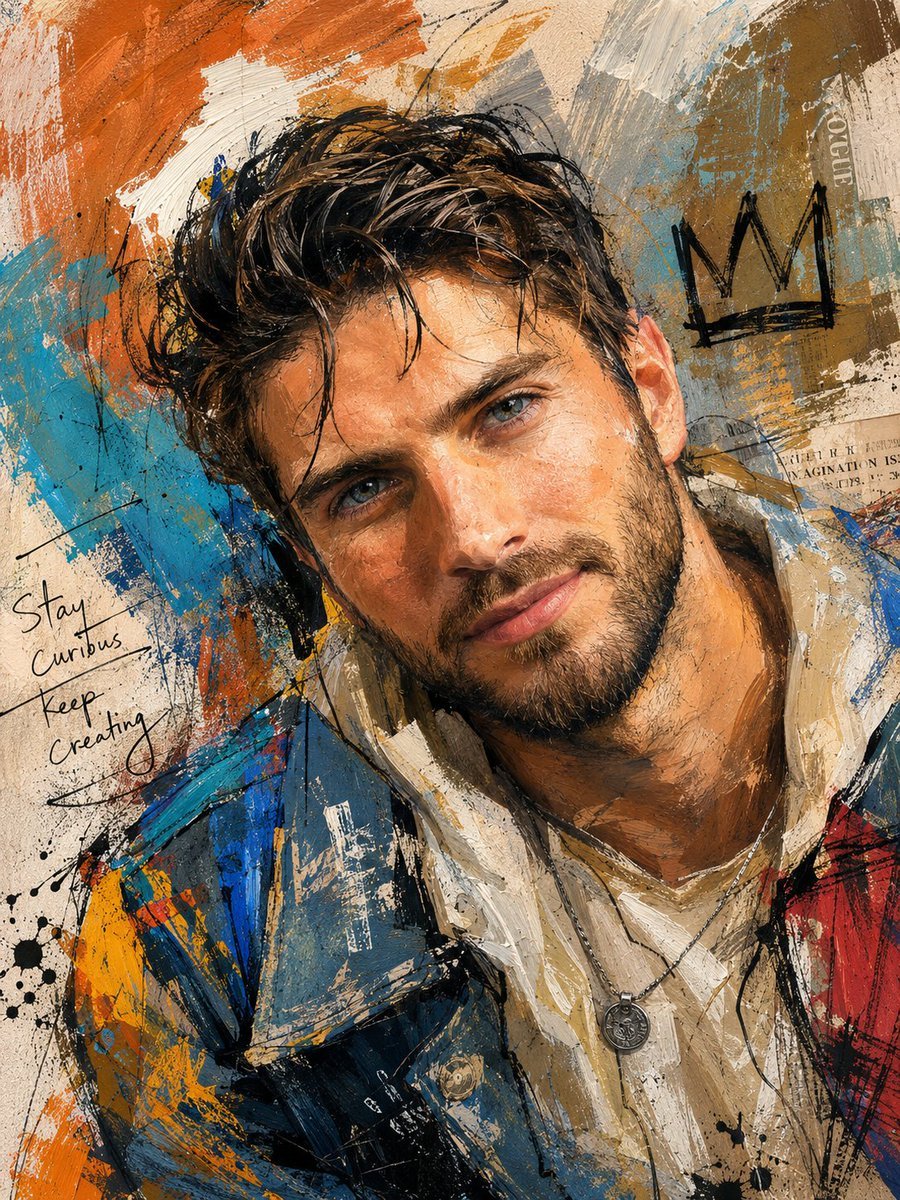
Handcrafted Mixed Media Portrait Painting
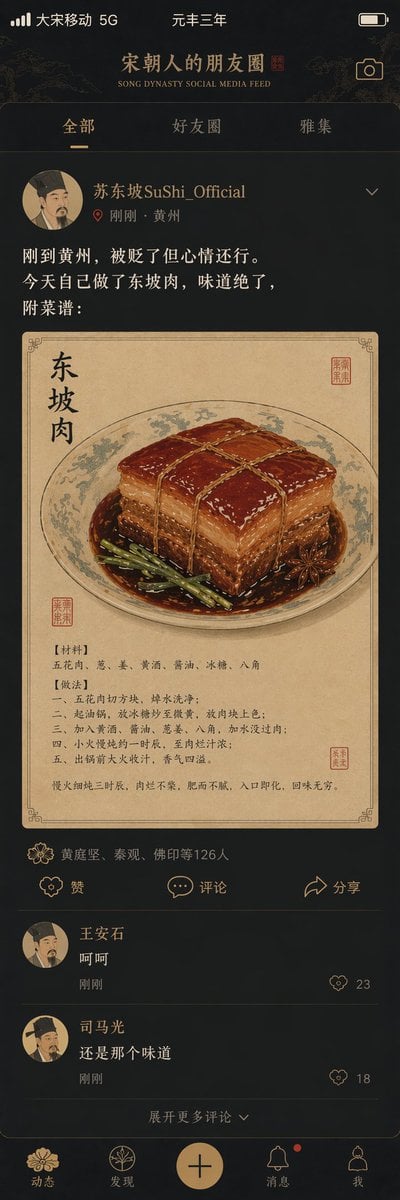
Song Dynasty Social Media Feed
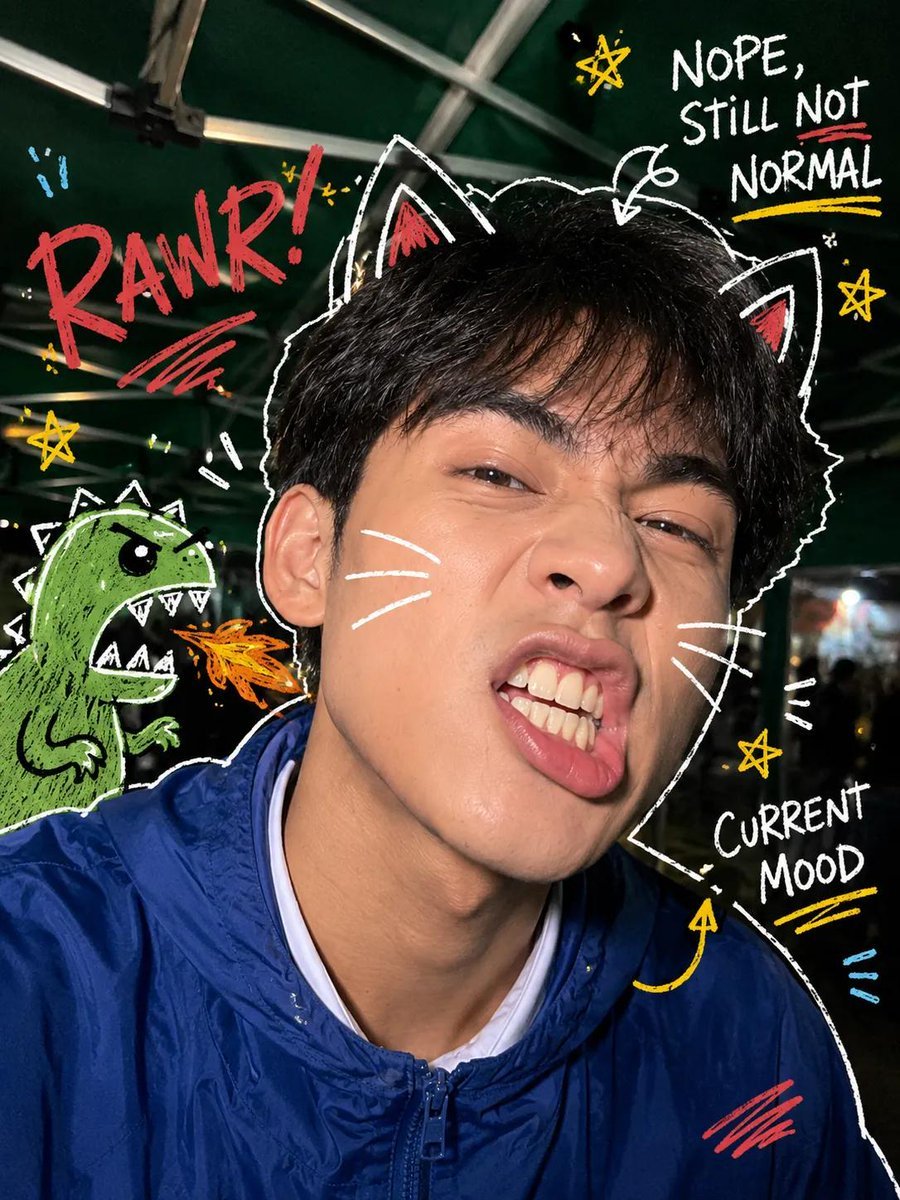
Y2K Nighttime Selfie with Doodles
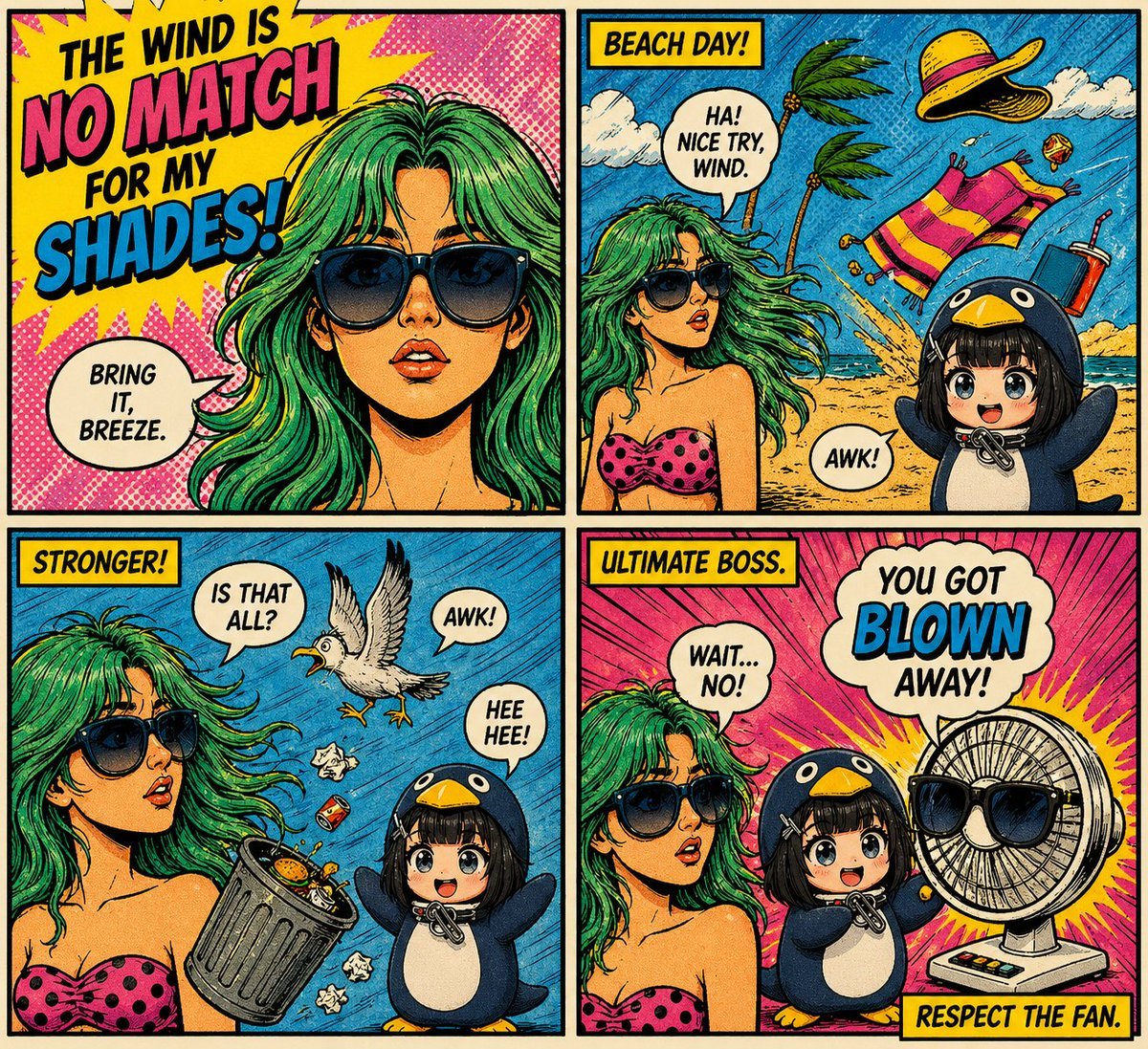
Retro Pop-Art Comic Strip
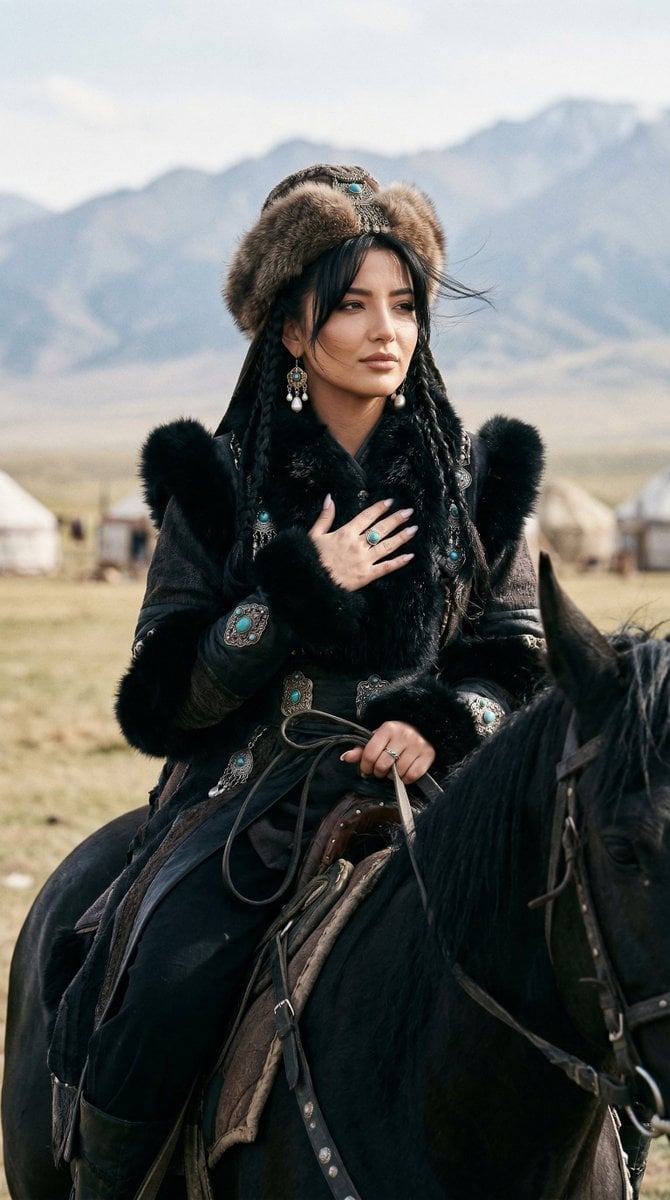
Cinematic Portrait of Old Turkic Noblewoman on Black Horse (Image-to-Image)
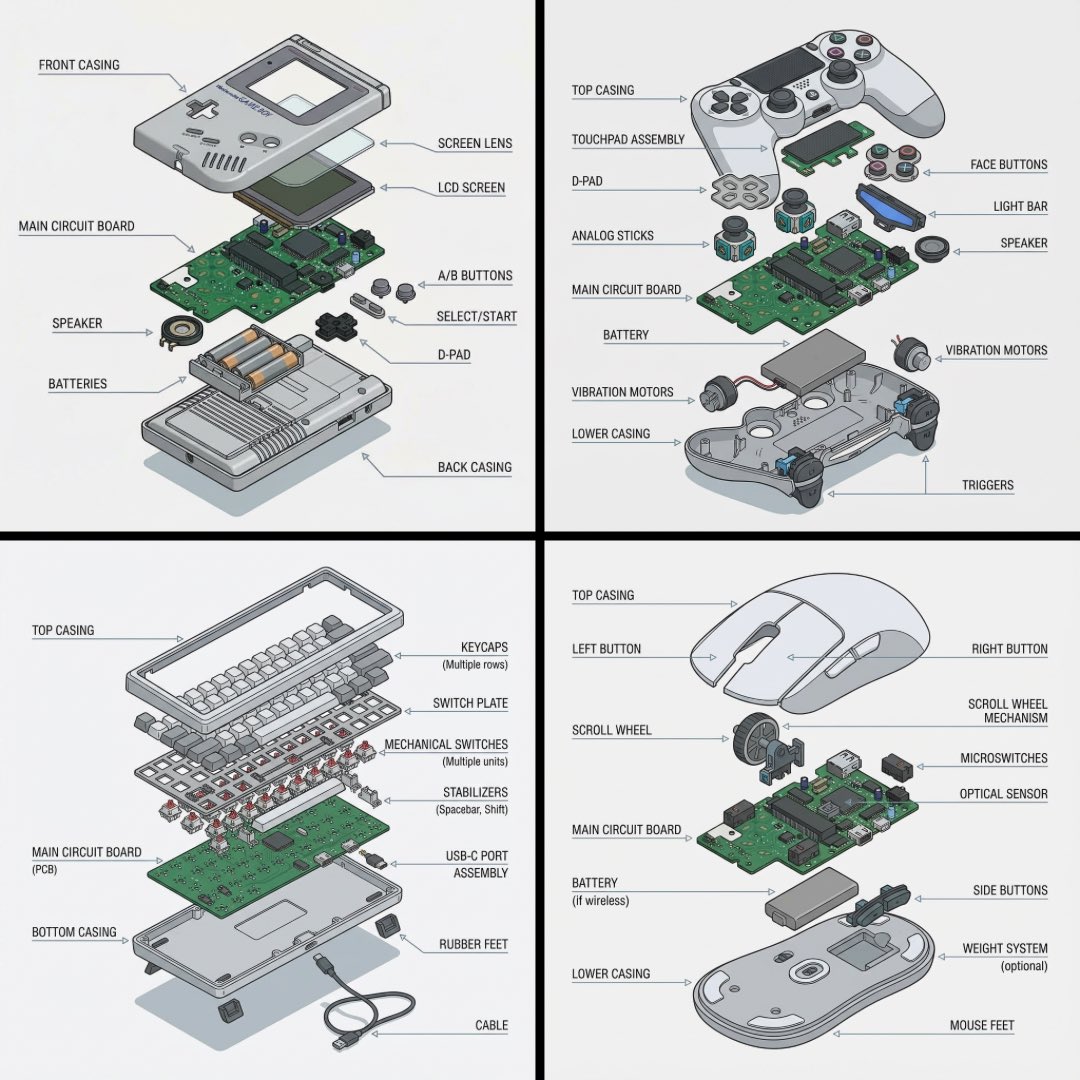
Technical exploded view diagram of a device
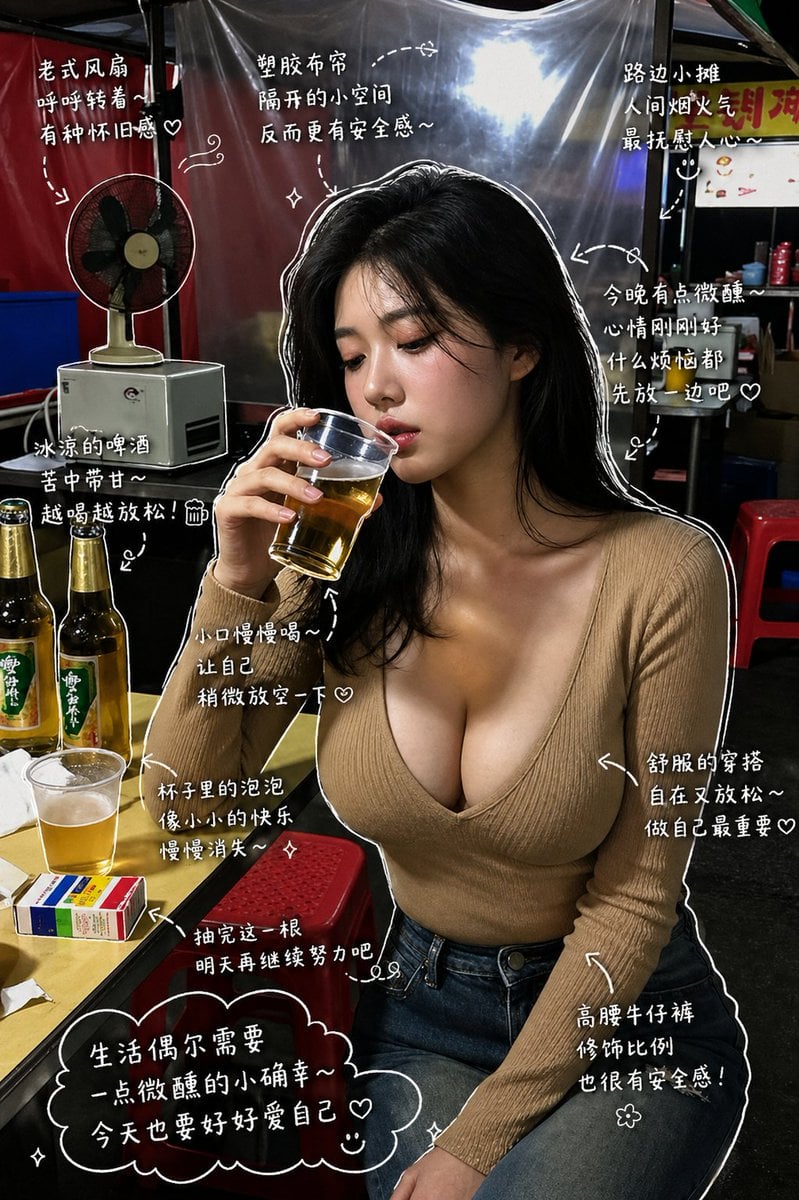
Healing Night Market Beer Photo
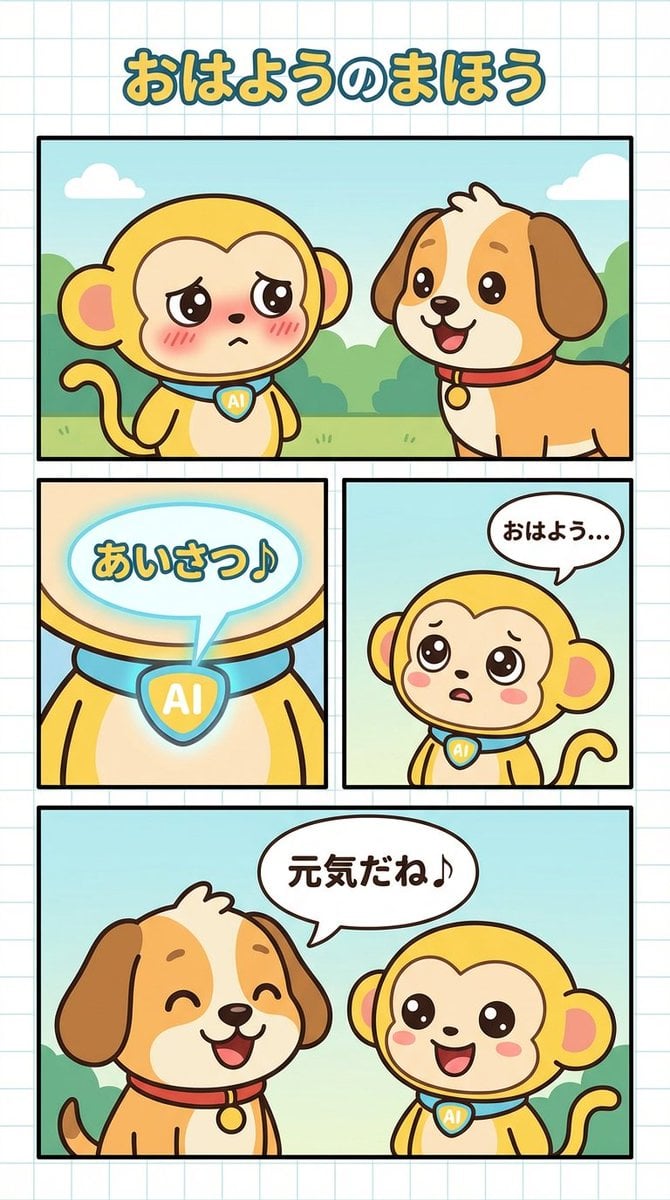
Manga Generation Prompt: Good Morning Magic
Browse template categories
AI hero questions
How do I use the AI hero template?
Add your photo if the template asks for one, edit the prompt if you like — the template's model and format are already selected — and press Generate. Your version opens in PicX Studio.
Can I customize the AI hero template?
Yes. You can change the subject, setting, lighting, mood, format, and available model controls before creating your image.
Is the AI hero template free?
Opening and editing this template is free. Generating uses credits, shown on the Generate button when you are signed in.
Which AI model should I use?
Choose a compatible model in PicX Studio based on the style, speed, and output controls your project needs.
Looking for something else? Browse all templates.

Your photo, any look
Thousands of ready templates for every top image and video model, from one credit balance.