
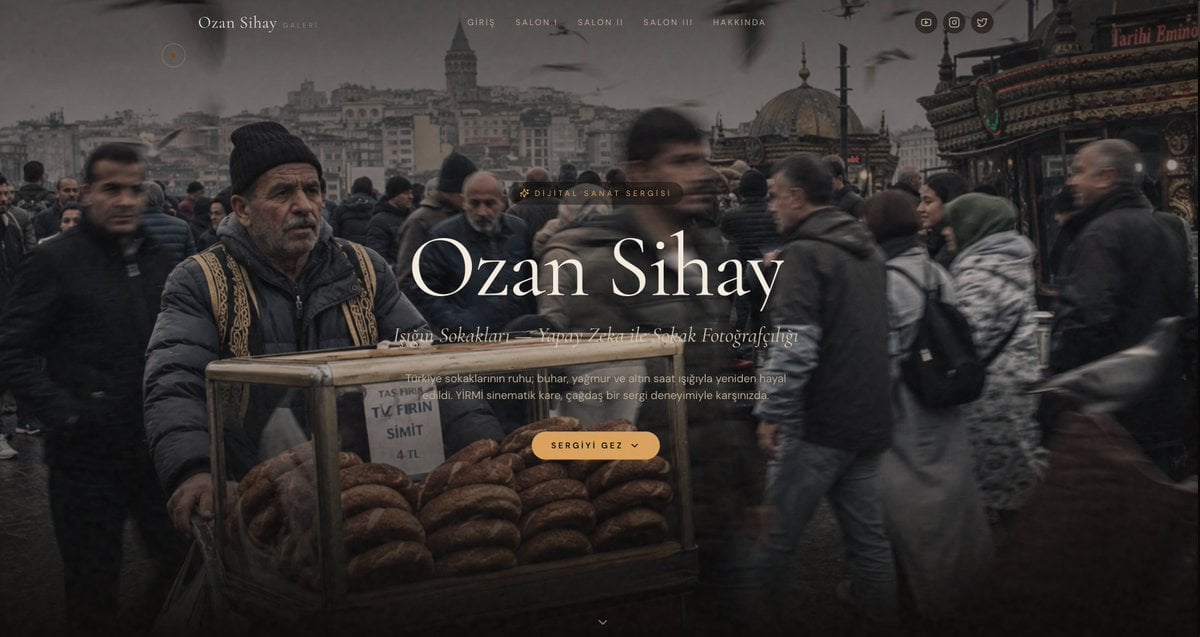
Cinematic Istanbul Gallery Website Hero
Generates a moody full-screen art gallery landing page hero for an Istanbul street photography portfolio.
- Prompt included
- Model and format preset
- Premium template
The prompt behind this image
Copy the exact prompt behind Cinematic Istanbul Gallery Website Hero, or open it in the studio and make it yours.
Goal: Create a cinematic full-width website hero section for a modern digital art gallery portfolio featuring AI-generated Istanbul street photography, with a refined museum/gallery aesthetic. Canvas: Ultra-wide desktop webpage screenshot, 1200x627 px, dark moody color grading, edge-to-edge background image with subtle black vignette and translucent overlay. Background scene: A realistic street-photography image of a crowded Istanbul public square in rainy winter weather. Foreground left shows an older male simit street vendor wearing a black knit cap, dark puffer jacket, and patterned vest, standing behind a glass cart filled with stacks of sesame simit rings. A small paper sign on the cart reads “TAS FIRIN”, “TV FIRIN”, “SIMIT”, and “4 TL”. The crowd around him is motion-blurred, with pedestrians passing in both directions. In the distance are Istanbul landmarks resembling Galata Tower and domed mosque architecture, plus seagulls in the cloudy sky. The right side includes an ornate red-and-gold storefront sign. Overall palette: charcoal gray, muted brown, faded cream, warm amber accents. Layout: Minimal top navigation over the image. At top left, a small circular amber-outline cursor/accent dot. Near the upper left-center place the brand text “Ozan Sihay” in elegant serif type, followed by small spaced text “GALERI”. Centered across the top place exactly 5 navigation links: “GIRIS”, “SALON I”, “SALON II”, “SALON III”, “HAKKINDA”. At the top right place exactly 3 small circular social icons: YouTube/play, Instagram/camera, and Twitter/bird. Hero typography: Center the main content slightly right of center. Add a small pill label above the title with a sparkle icon and the text “DIJITAL SANAT SERGISI”. Main headline is very large elegant high-contrast serif text: {argument name="artist name" default="Ozan Sihay"}. Under it, add an italic serif subtitle line reading {argument name="subtitle text" default="İstanbul Sokakları — Yapay Zeka ile Sokak Fotoğrafçılığı"}. Below that, add a small muted paragraph: {argument name="description text" default="Türkiye sokaklarının ruhu; buhar, yağmur ve altın saat ışığıyla yeniden hayal edildi. YİRMİ sinematik kare, çağdaş bir sergi deneyimiyle karşınızda."} Call to action: Beneath the paragraph, place one rounded amber button with spaced uppercase text {argument name="button text" default="SERGIYI GEZ"} and a small downward chevron icon inside the button. At bottom center, add one tiny downward chevron scroll indicator. Visual style: 2026 luxury web design, modern art museum landing page, minimal, cinematic, editorial, immersive, soft glassy overlays, refined serif typography, wide letter spacing for navigation, warm amber accent color, shallow haze, realistic motion blur, no visible browser chrome, no extra panels or cards.
How to use Cinematic Istanbul Gallery Website Hero in 3 steps
- 1Upload ImagePNG, JPG or paste
Add your photo
Upload the photo the template builds on. The prompt, model and format are already set.
- 2…a portrait of your subject in softgolden-hour light, 85mm…
Personalize
Edit the subject and creative details for your destination.
- 3Generate
Generate
Press Generate — your image is created in PicX Studio, so you can compare it with the original and refine one variable at a time.
More like this
Templates with the same subject, style or setup. Open one to see its prompt.

Eco-Material Workshop Website Hero
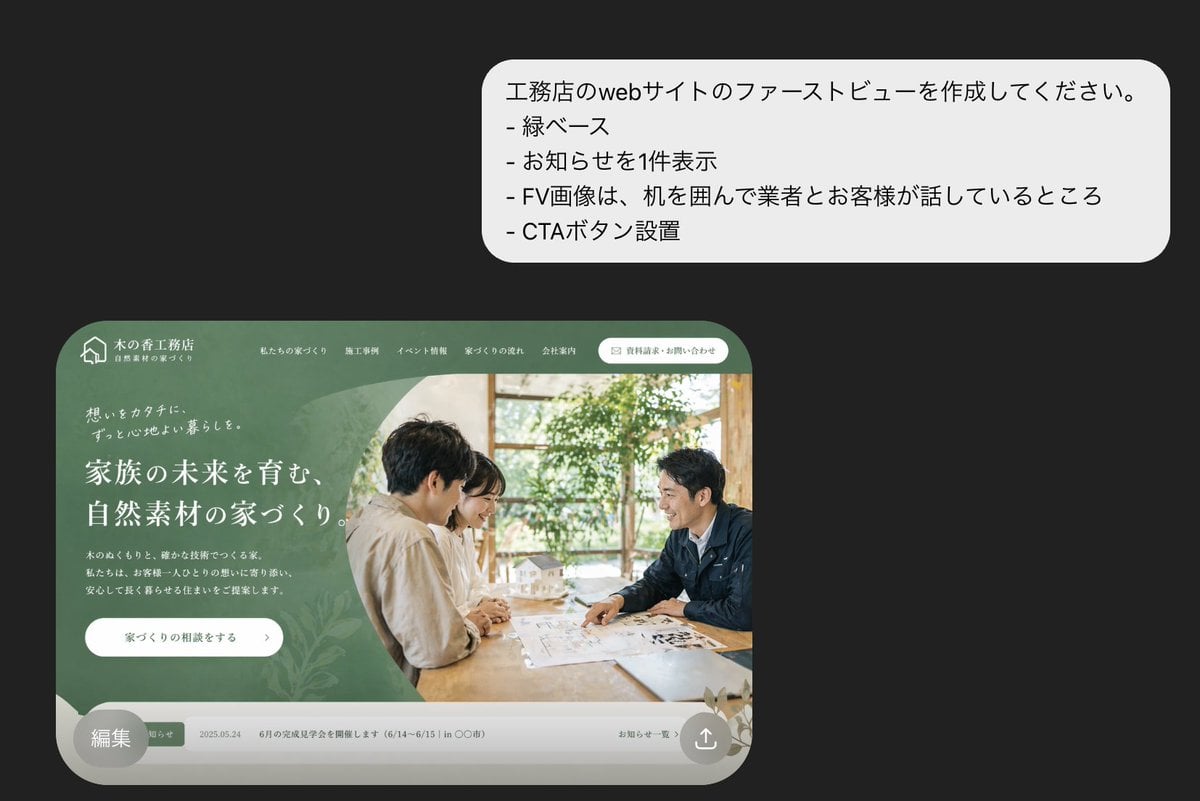
Japanese Builder Website Hero Mockup
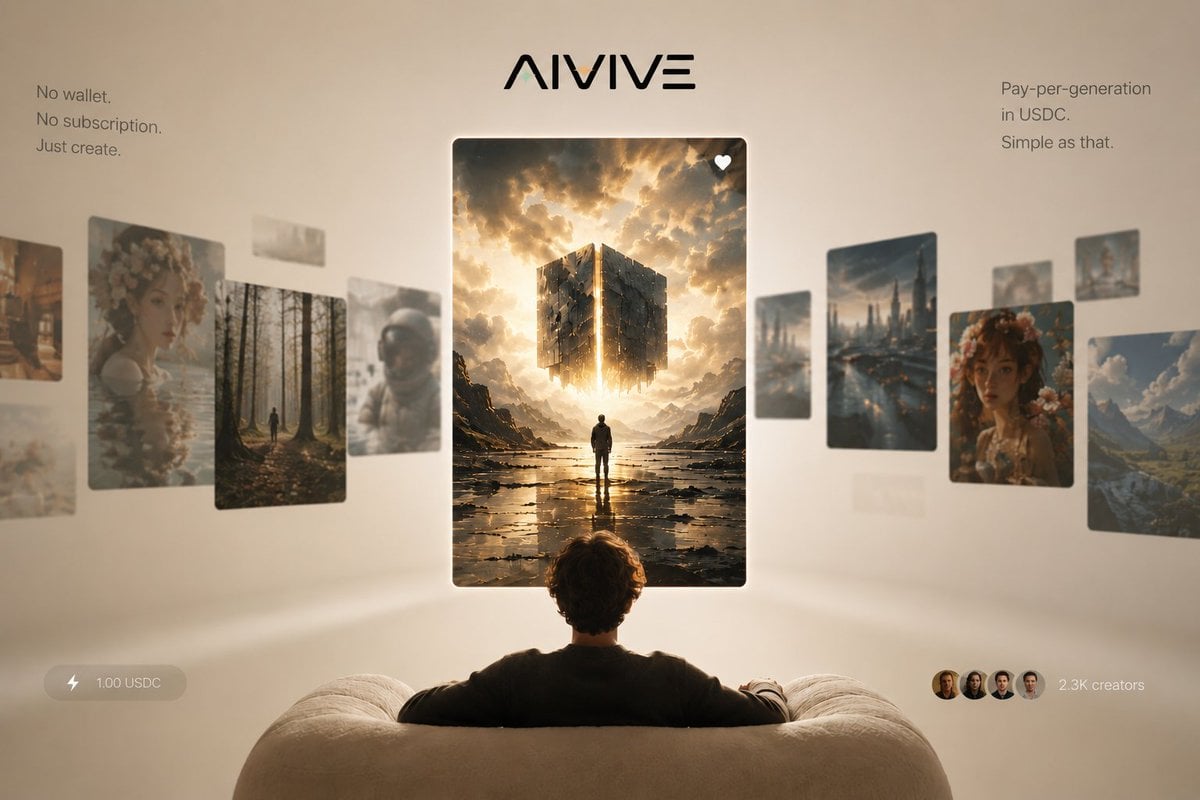
AIVIVE Immersive AI Gallery Hero

Glossy 3D Website Category Icons
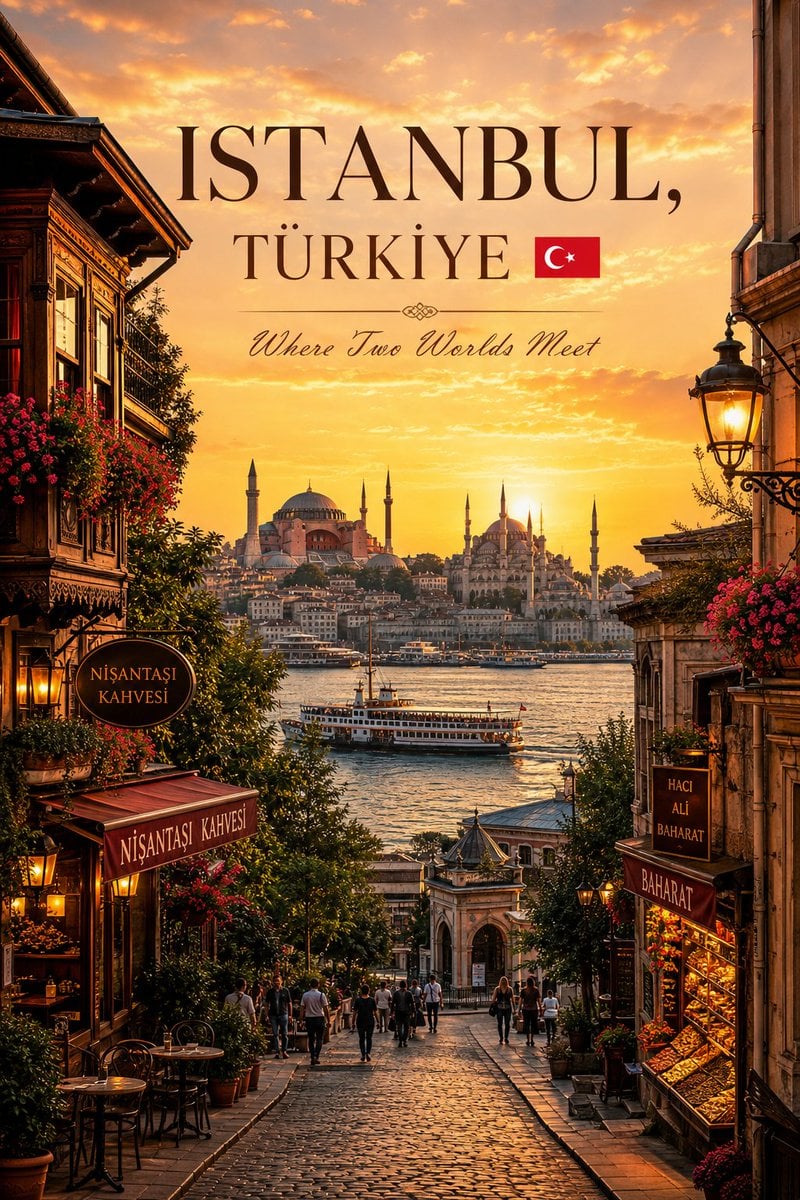
Luxury Istanbul Travel Poster
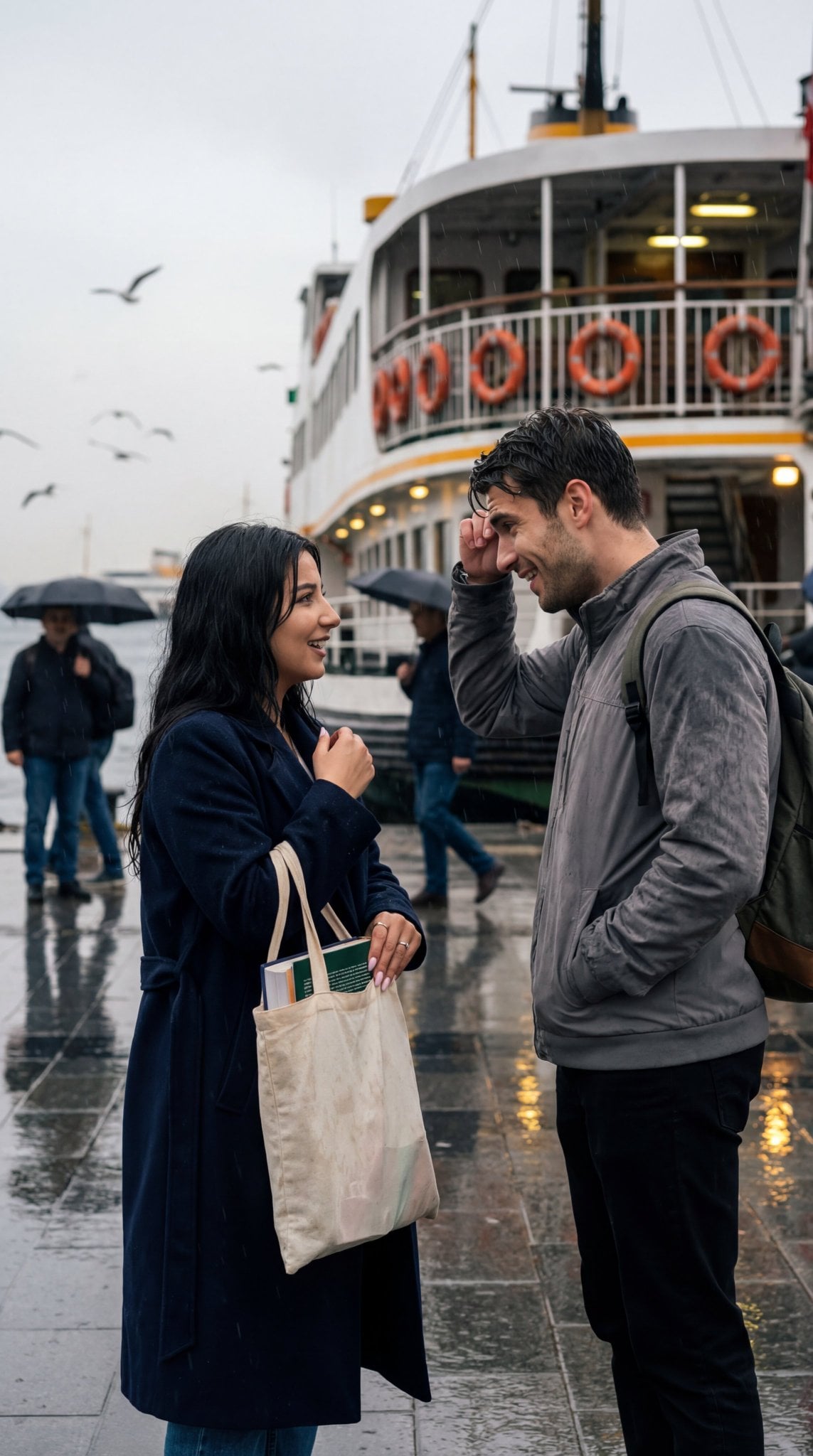
Istanbul, rainy day at the ferry terminal

Cinematic Hero Movie Poster
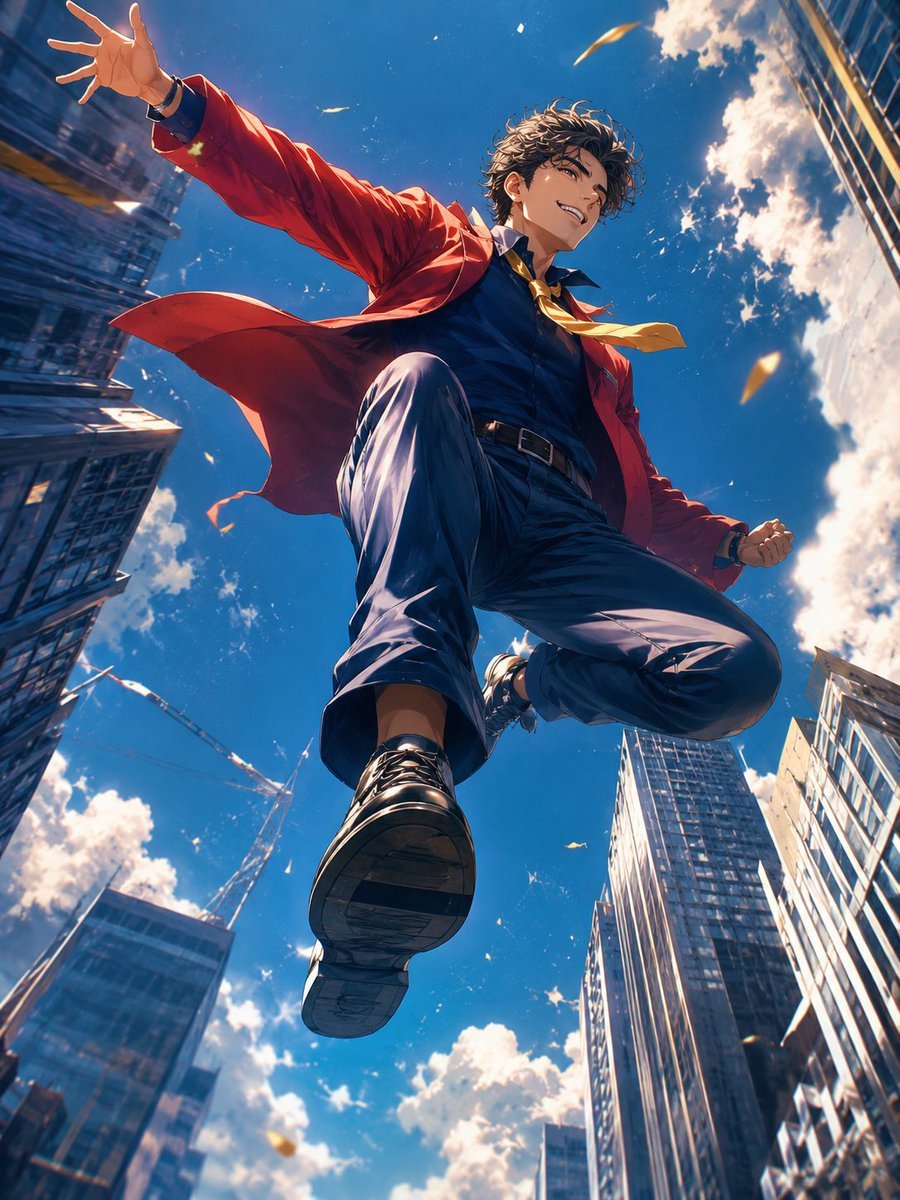
Anime Hero Leaping Through City Sky
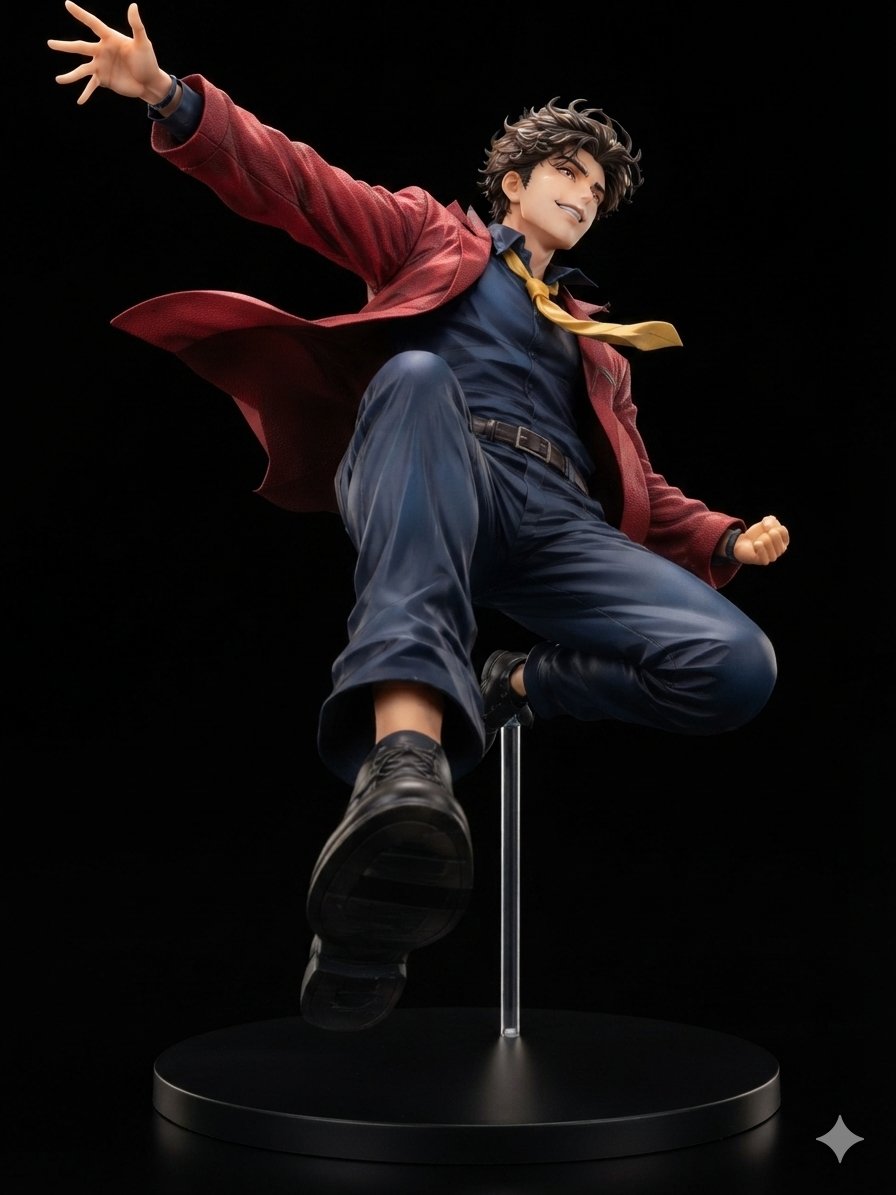
Dynamic Anime Hero Figure Render
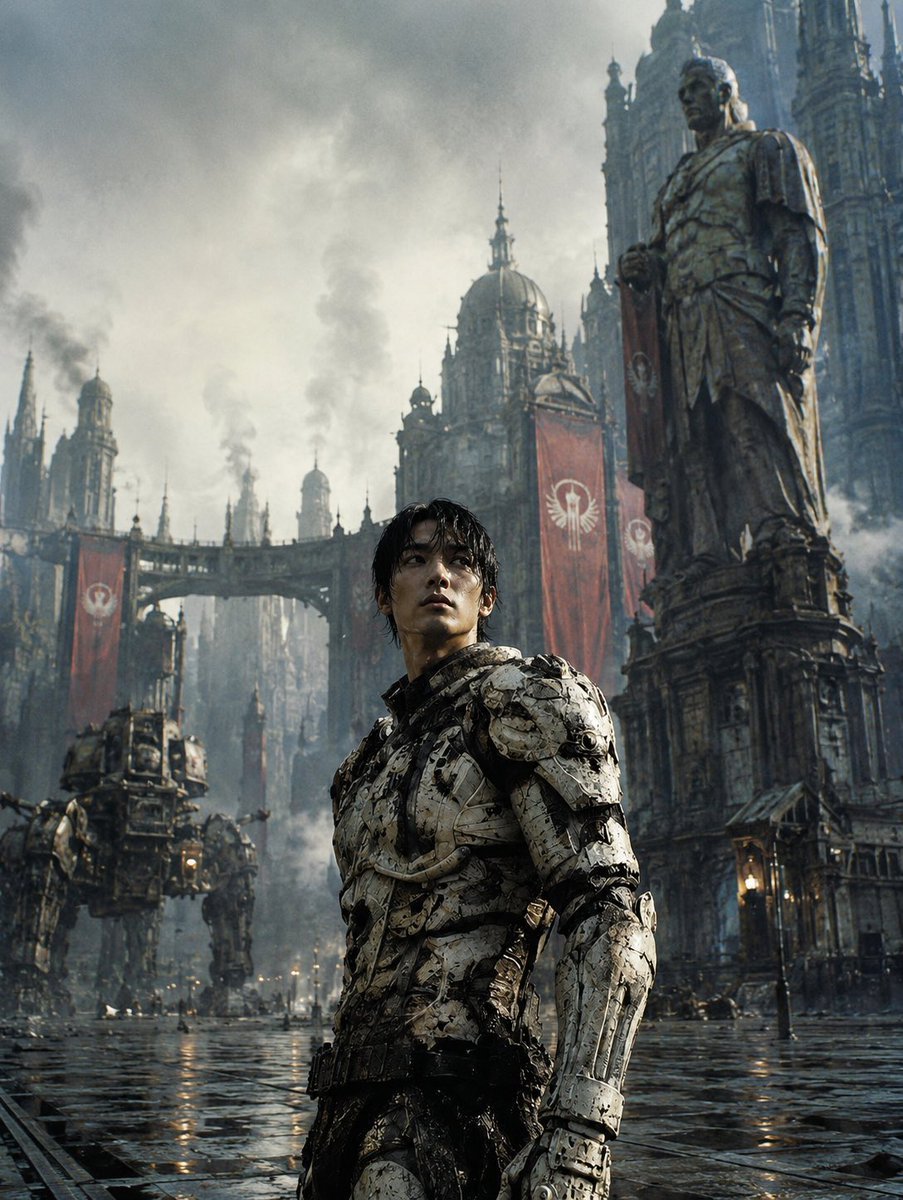
Dystopian Casshern-Style Hero
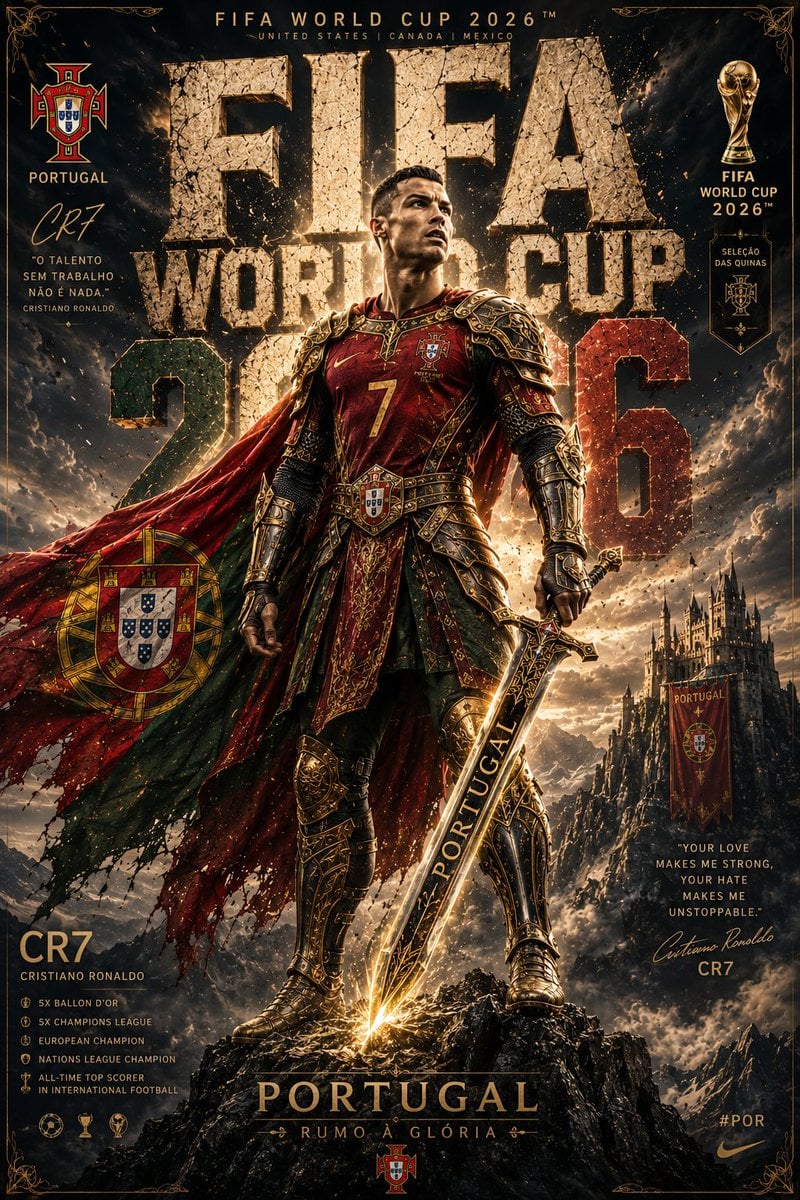
Knight Armor FIFA Hero Poster
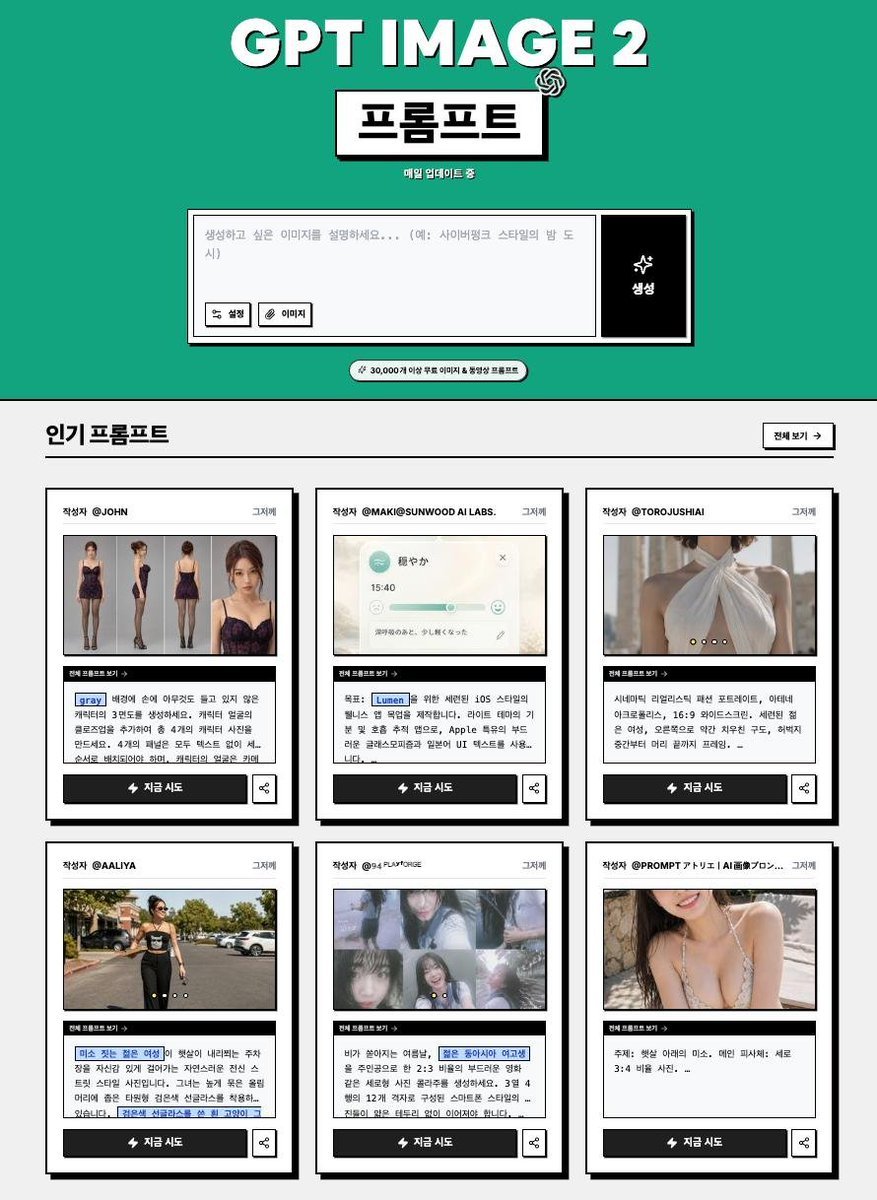
Korean GPT Image Prompt Gallery
Make it yours
Cinematic Istanbul Gallery Website Hero works as-is. These are the safest ways to change it without losing the look.
Change one field
Copy a single group, rewrite it, and generate again so you can see what that field is doing.
Keep the frame, change the subject
Hold the composition and light of Cinematic Istanbul Gallery Website Hero, then swap wardrobe, props or the person for a new take.
| If the result… | Why | Fix |
|---|---|---|
| The result drifts from the preview | Too many fields changed at once. | Reuse Cinematic Istanbul Gallery Website Hero as-is first, then change one group — subject, light, or setting. |
| The model over-stylizes the scene | The prose prompt leaves finish and camera underspecified. | Add one camera or lighting sentence and stay on GPT Image 2. |
More GPT Image 2 templates
Other prompts made for GPT Image 2.

Six VTuber Japanese Logo Sheet

Realistic Portrait of Woman and Deer

The Vista Modular Condo Poster

AI Model Routing Comparison Infographic

2.5D Anime Art Board

Isometric Productivity Desk Scene

New York Double Exposure Poster

Four-Panel AI Landscape Comparison

Japanese Tatami Lifestyle Magazine Cover

NESCAFÉ Coffee Map Poster
More image prompts
Fresh picks from across the catalog.
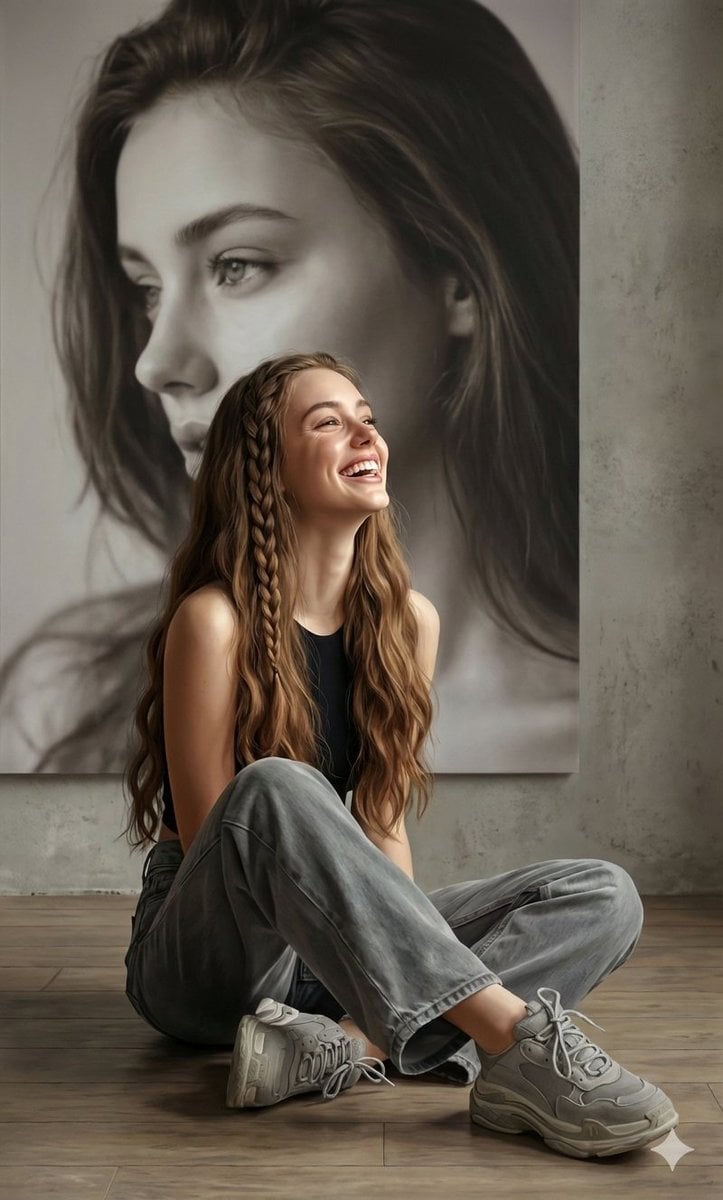
Hyperrealistic Portrait with Monochrome Profile Background
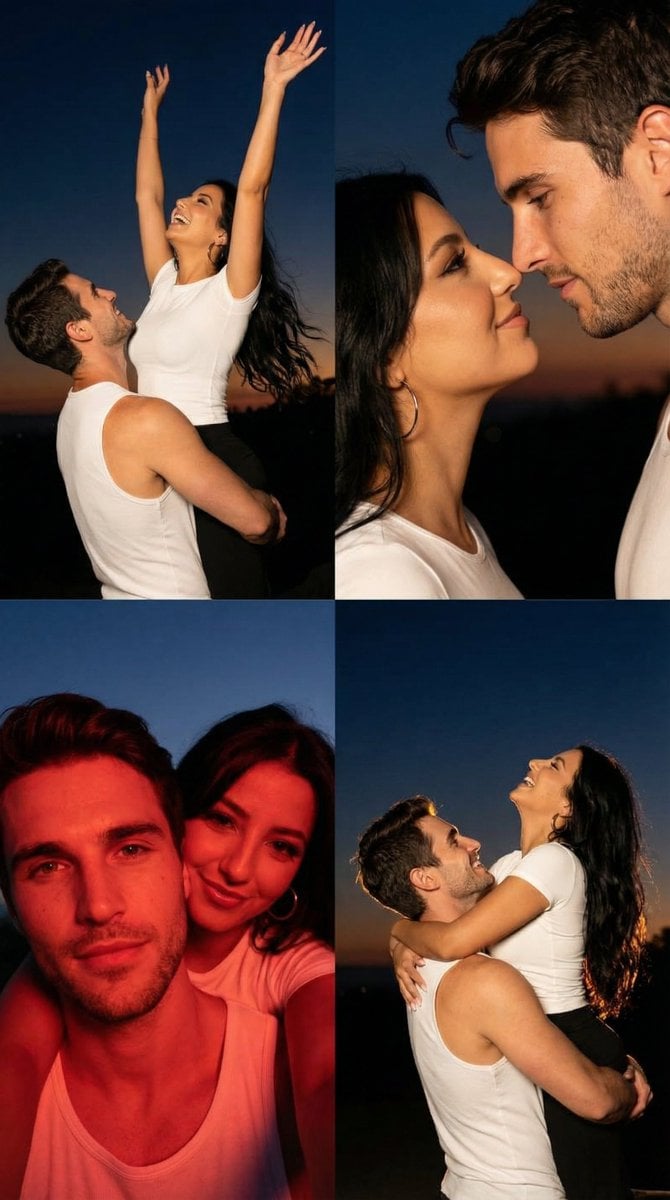
2x2 Grid Cinematic Night Couple Portrait with Identity Lock
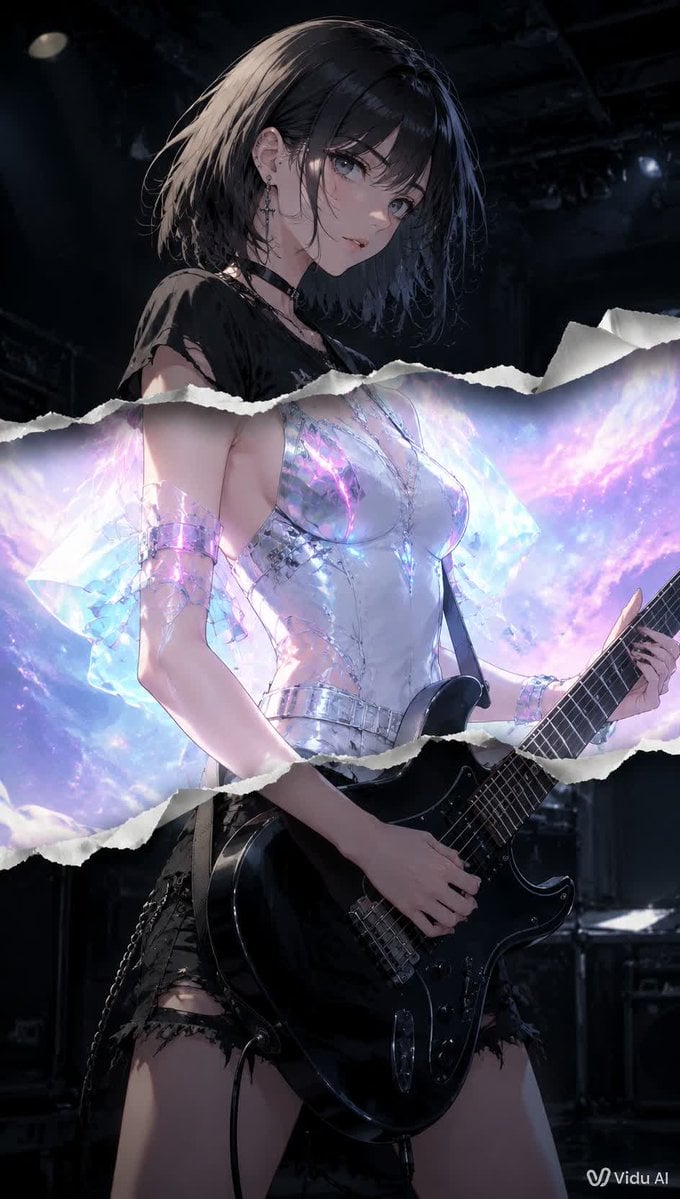
Torn Paper Anime Guitarist
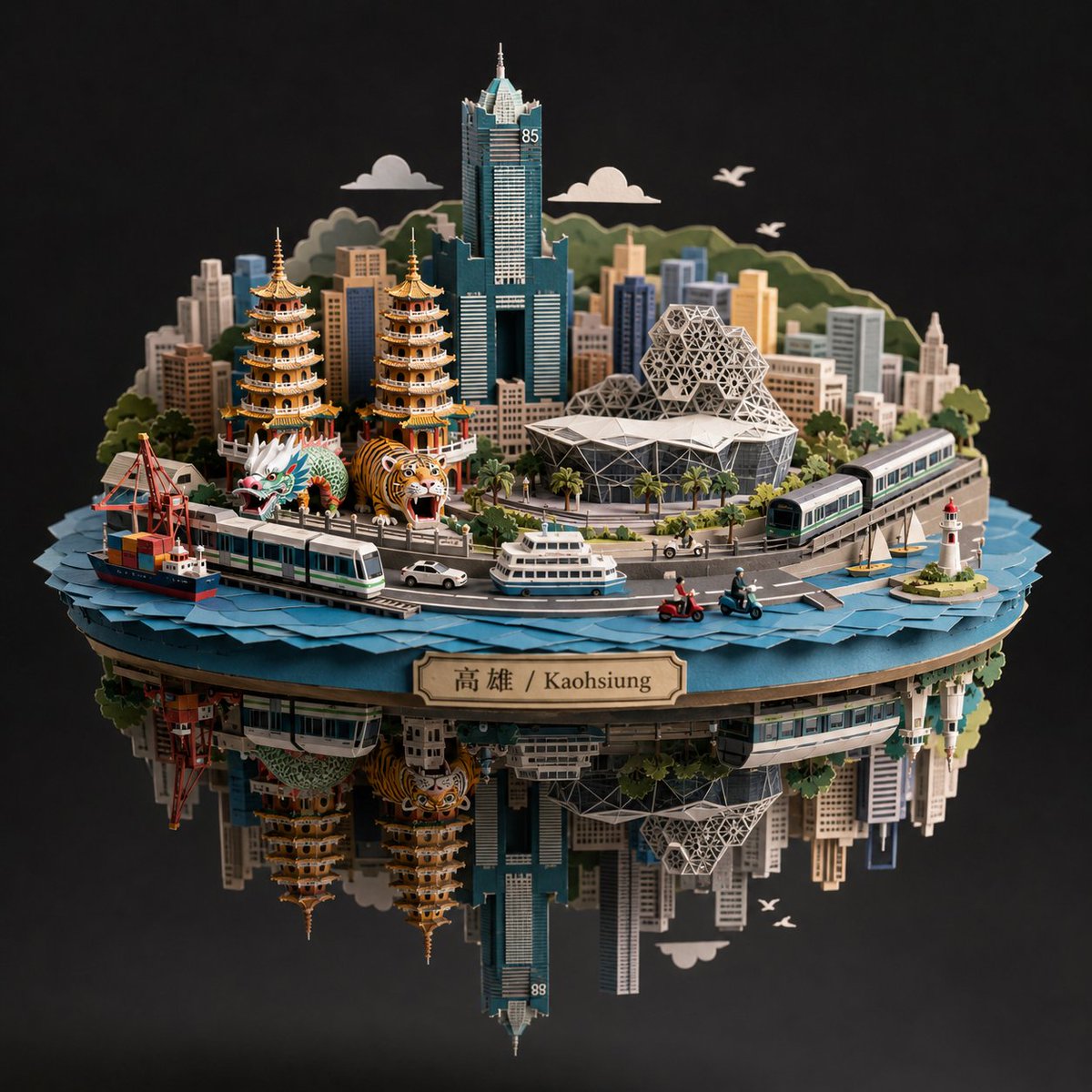
Kaohsiung Spherical Paper City Diorama
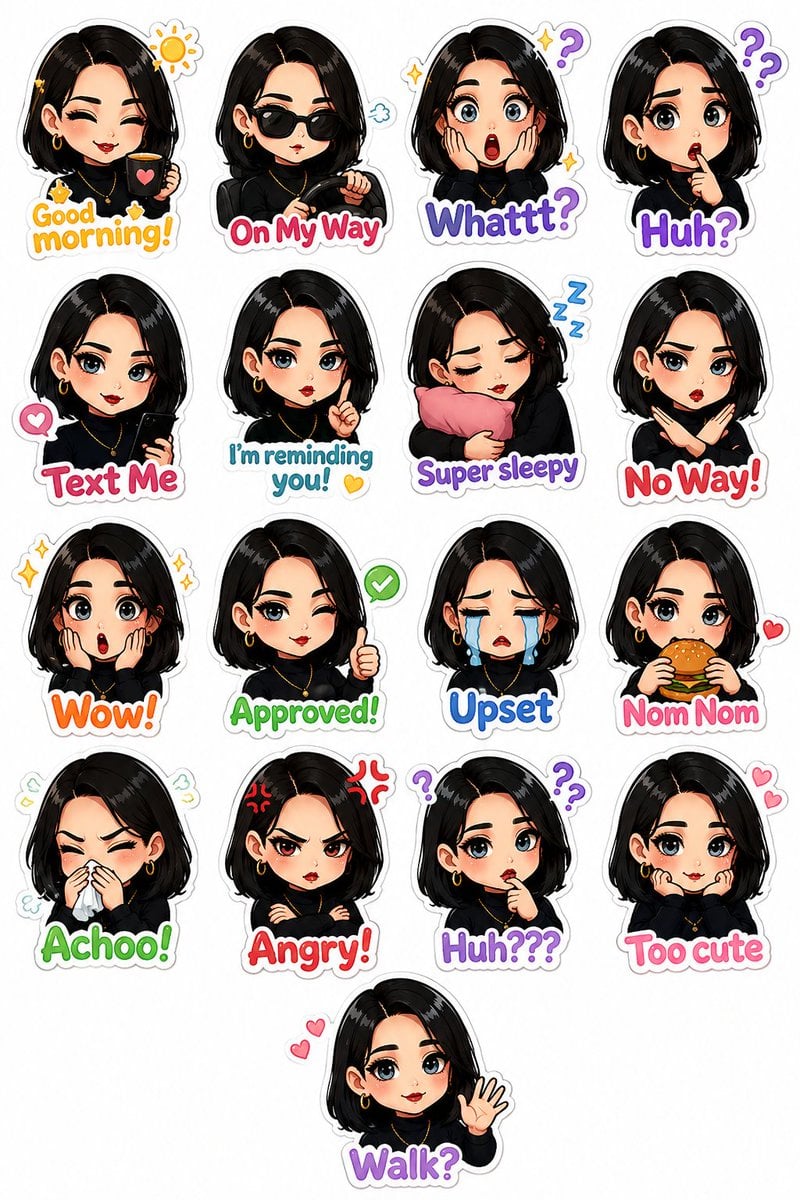
Personalized Chibi Sticker Pack
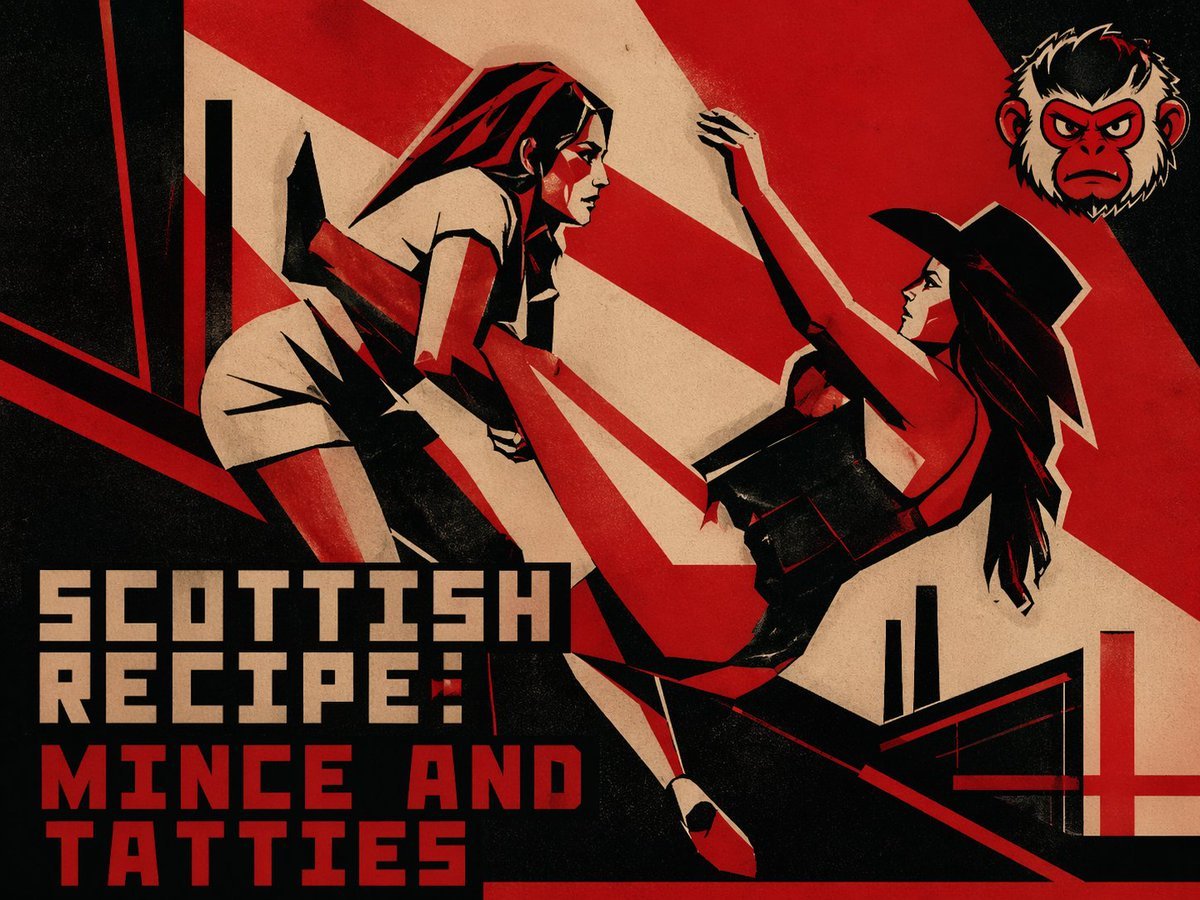
Retro Constructivist Fight Poster
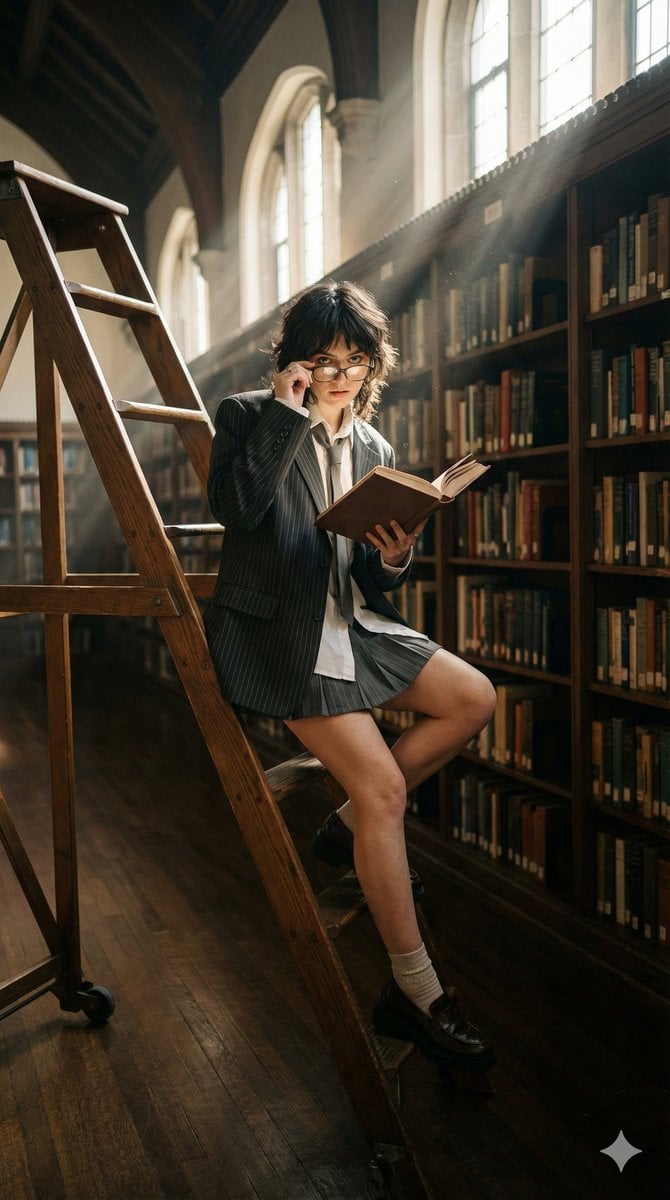
Dark Academia Library Editorial Film Still
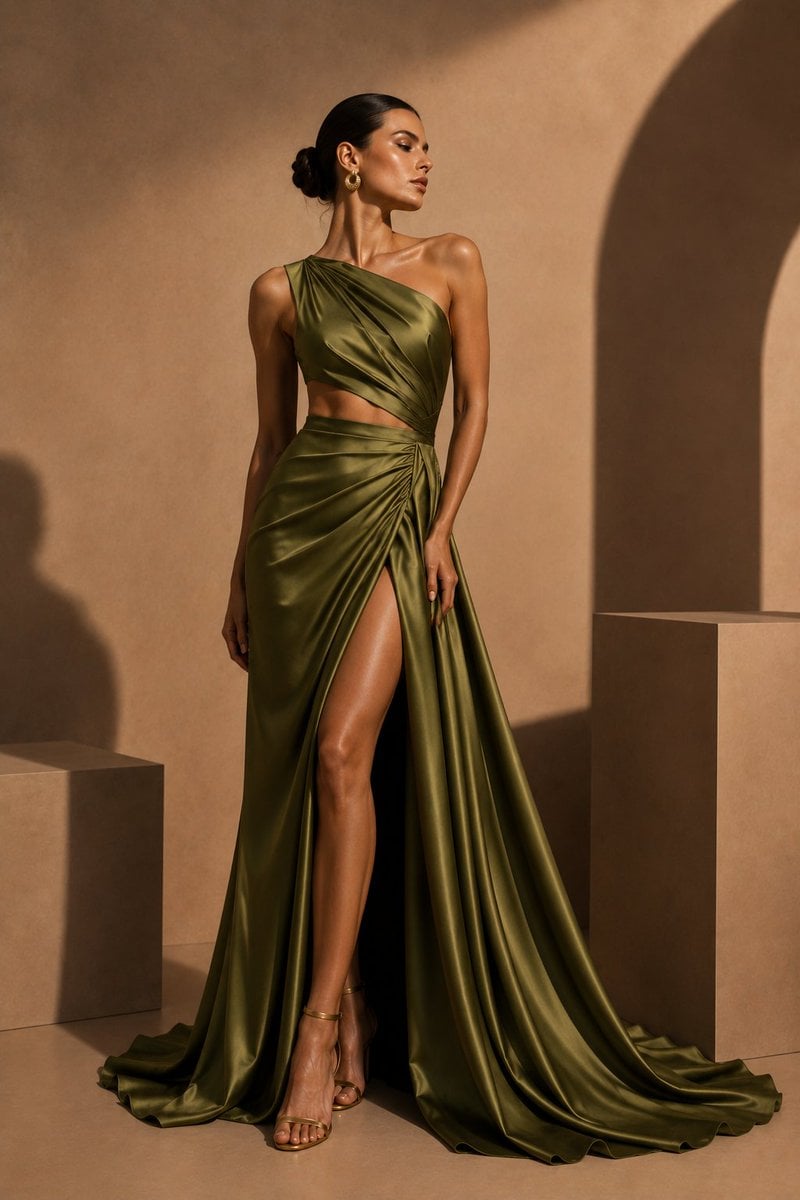
Olive Satin Couture Editorial
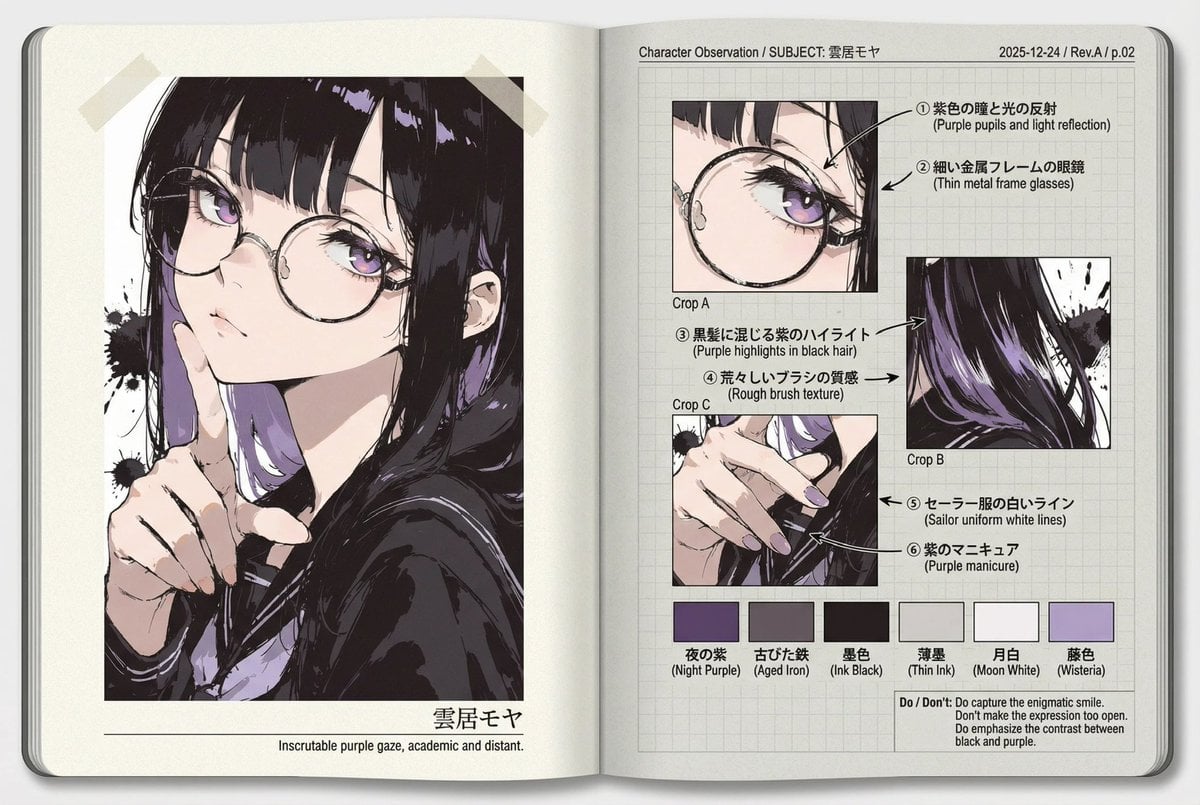
Research Notebook Art Book Template Prompt
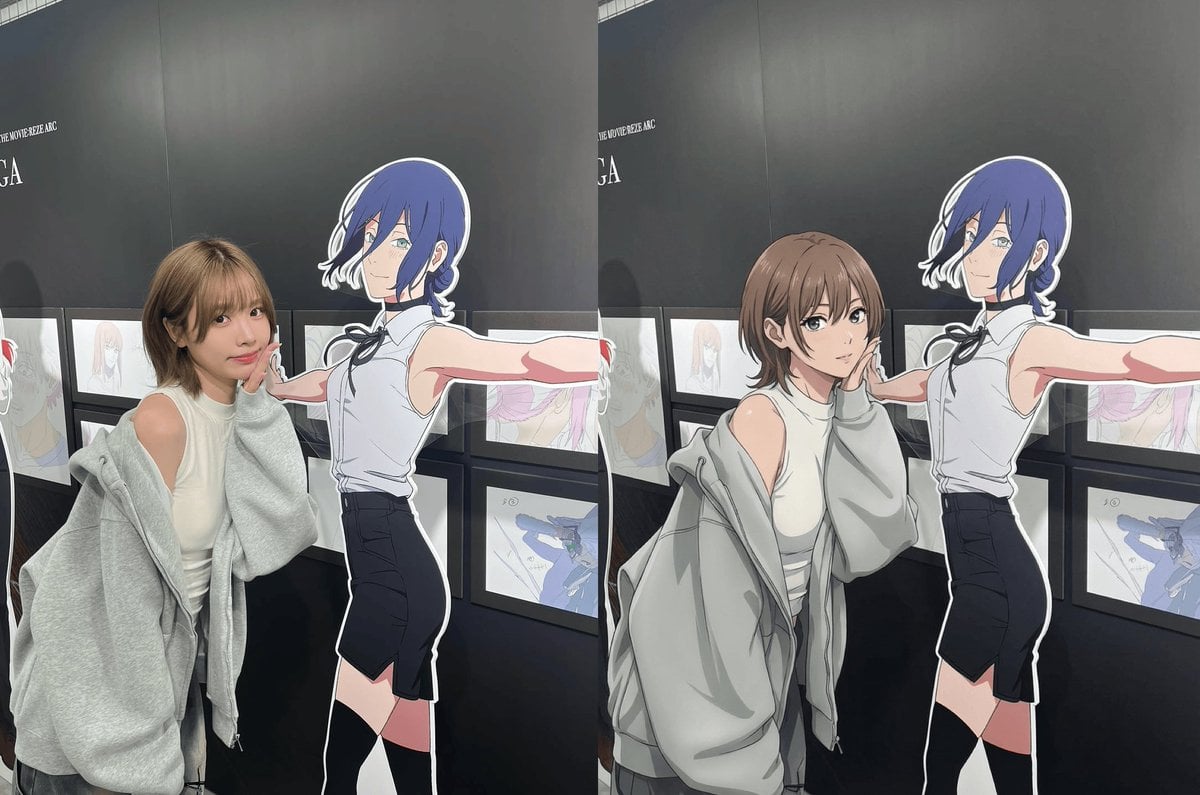
Modern anime-film style, only modify left girl
Browse template categories
Cinematic Istanbul Gallery Website Hero questions
How do I use the Cinematic Istanbul Gallery Website Hero template?
Add your photo if the template asks for one, edit the prompt if you like — the template's model and format are already selected — and press Generate. Your version opens in PicX Studio.
Can I customize the Cinematic Istanbul Gallery Website Hero template?
Yes. You can change the subject, setting, lighting, mood, format, and available model controls before creating your image.
Is the Cinematic Istanbul Gallery Website Hero template free?
Opening and editing this template is free. Generating uses credits, shown on the Generate button when you are signed in.
Which AI model should I use?
Start with GPT Image 2, which is the model associated with this template. You can compare another compatible model for a different finish.
Looking for something else? Browse all templates.

Your photo, any look
Thousands of ready templates for every top image and video model, from one credit balance.