
Torn Paper Anime Guitarist
Generates a vertical anime rock guitarist scene with a glowing sci-fi outfit revealed through a torn-paper collage effect.
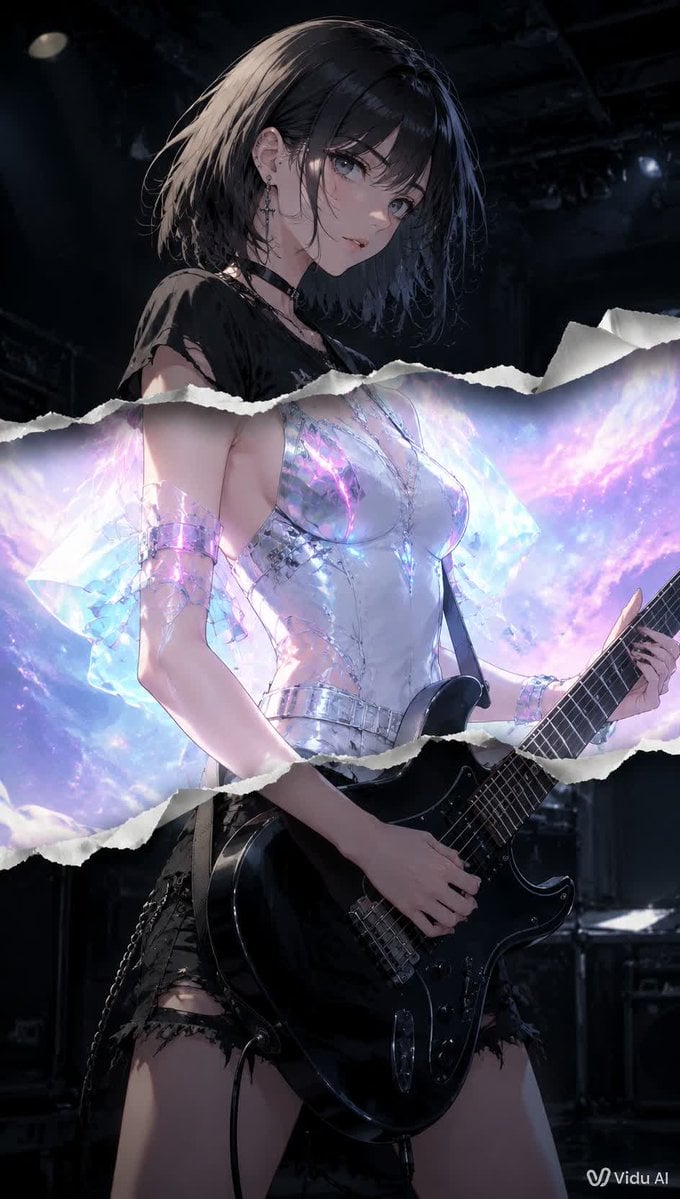
- Prompt included
- Model and format preset
- Free template
The prompt behind this image
Copy the exact prompt behind Torn Paper Anime Guitarist, or open it in the studio and make it yours.
Create a vertical 2:3 cinematic anime-style illustration of one {argument name="character role" default="young female rock guitarist"} standing on a dark concert stage, holding one glossy black electric guitar with a shoulder strap, her left hand on the neck and right hand near the strings. She has short messy {argument name="hair color" default="black bob hair"}, pale skin, punk earrings, a black choker, and a torn black grunge top with ripped black shorts and chain details. Place a flat opaque square censor block over the center of her face, colored muted gray-brown, hiding facial features. Add a dramatic torn-paper collage effect across the middle of the image: exactly one wide horizontal ripped paper opening with two irregular white torn edges, the upper edge crossing around her chest/shoulders and the lower edge crossing around her waist/forearms. Inside this torn opening, reveal a brighter alternate version of the character wearing a luminous futuristic translucent iridescent white-silver outfit with crystalline sleeves and metallic bracelets, glowing with pastel cyan, violet, pink, and galaxy-like light behind her. Outside the torn opening, keep the scene dark, moody, and realistic-anime with black stage rigging, dim spotlights, speakers, and drum hardware in the background. Use strong contrast between the dark punk concert layer and the glowing ethereal sci-fi layer, highly detailed fabric, reflective guitar highlights, dramatic rim lighting, shallow depth of field, no extra characters, no extra text except a small {argument name="watermark text" default="Vidu AI"} watermark in the bottom-right corner.
How to use Torn Paper Anime Guitarist in 3 steps
- 1Upload ImagePNG, JPG or paste
Add your photo
Upload the photo the template builds on. The prompt, model and format are already set.
- 2…a portrait of your subject in softgolden-hour light, 85mm…
Personalize
Edit the subject and creative details for your destination.
- 3Generate
Generate
Press Generate — your image is created in PicX Studio, so you can compare it with the original and refine one variable at a time.
More like this
Templates with the same subject, style or setup. Open one to see its prompt.









Make it yours
Torn Paper Anime Guitarist works as-is. These are the safest ways to change it without losing the look.
Change one field
Copy a single group, rewrite it, and generate again so you can see what that field is doing.
Keep the frame, change the subject
Hold the composition and light of Torn Paper Anime Guitarist, then swap wardrobe, props or the person for a new take.
| If the result… | Why | Fix |
|---|---|---|
| The result drifts from the preview | Too many fields changed at once. | Reuse Torn Paper Anime Guitarist as-is first, then change one group — subject, light, or setting. |
| The model over-stylizes the scene | The prose prompt leaves finish and camera underspecified. | Add one camera or lighting sentence and stay on GPT Image 2. |
More GPT Image 2 templates
Other prompts made for GPT Image 2.

Six VTuber Japanese Logo Sheet

Realistic Portrait of Woman and Deer

The Vista Modular Condo Poster

AI Model Routing Comparison Infographic

2.5D Anime Art Board

Isometric Productivity Desk Scene

New York Double Exposure Poster

Four-Panel AI Landscape Comparison

Japanese Tatami Lifestyle Magazine Cover

NESCAFÉ Coffee Map Poster
More image prompts
Fresh picks from across the catalog.

Thought-Leader Aesthetic Headshot Prompt (Image-to-Image)

Whimsical Chattering Teeth Scene Prompt
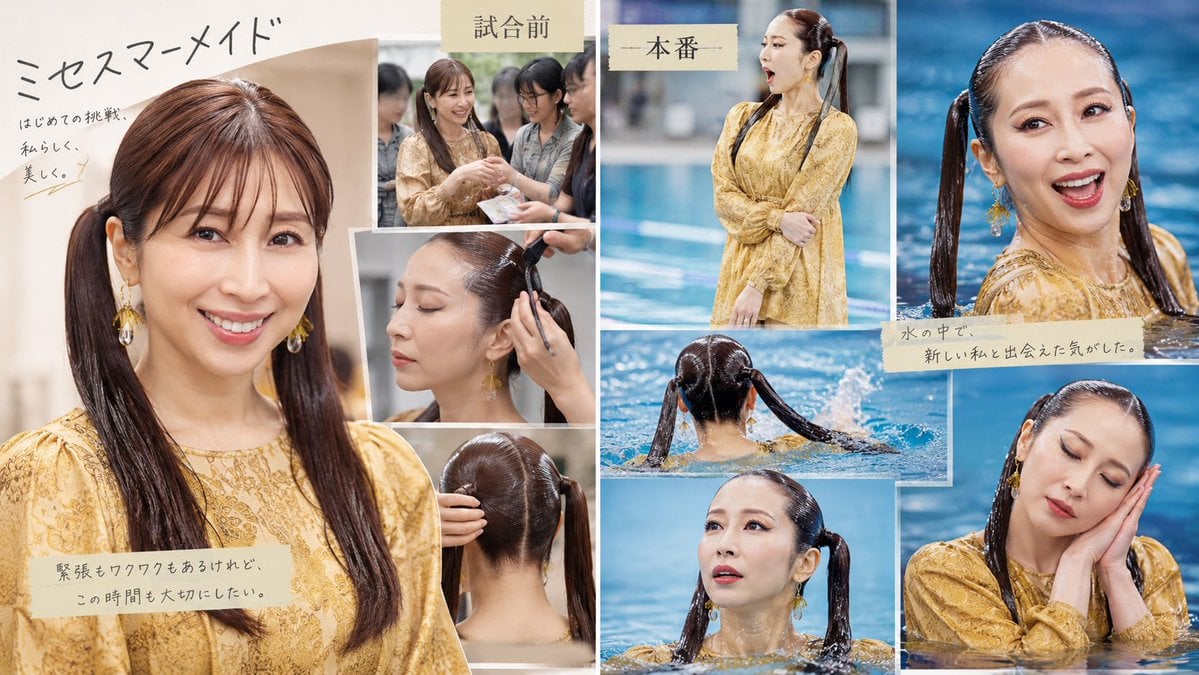
Japanese Mermaid Swim Collage

untitled
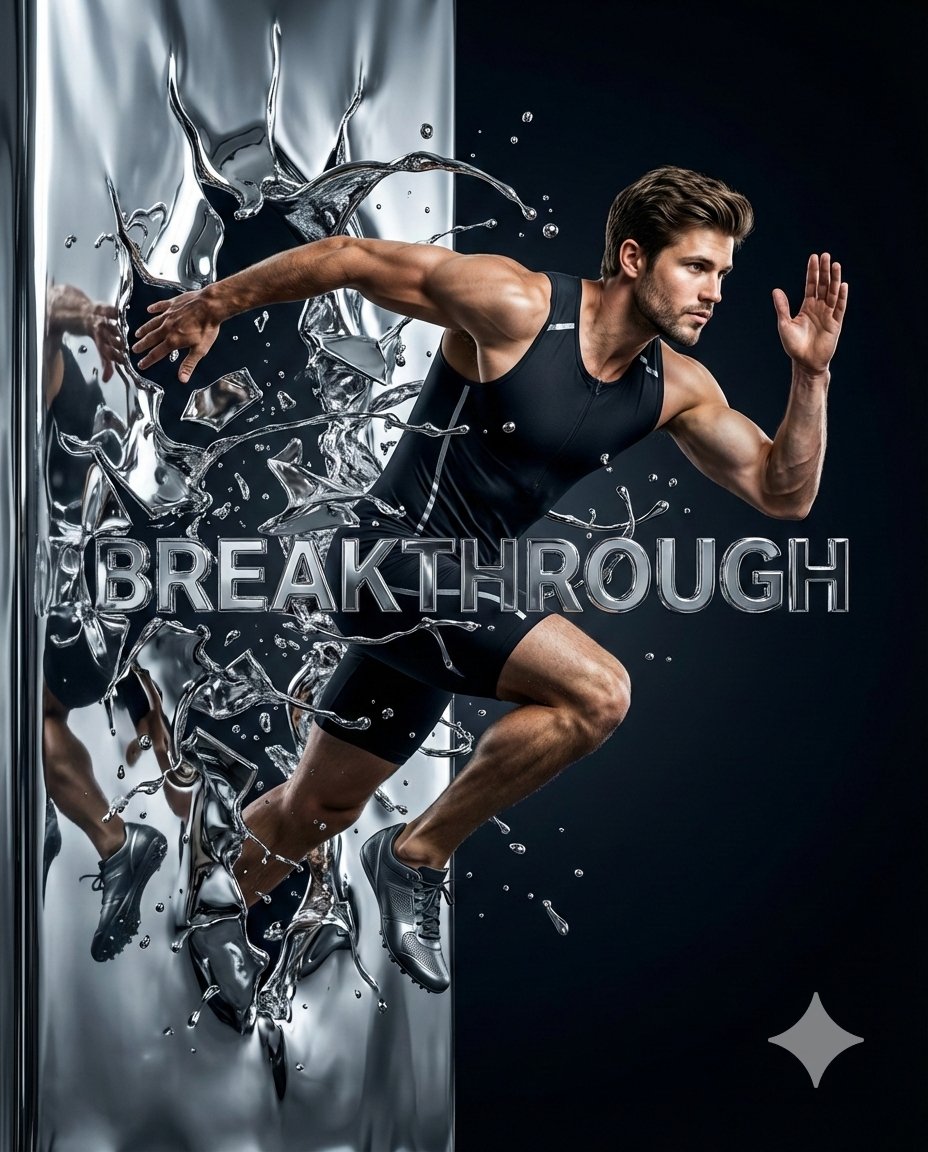
Hyper-Realistic Chrome Wall Breakthrough Prompt
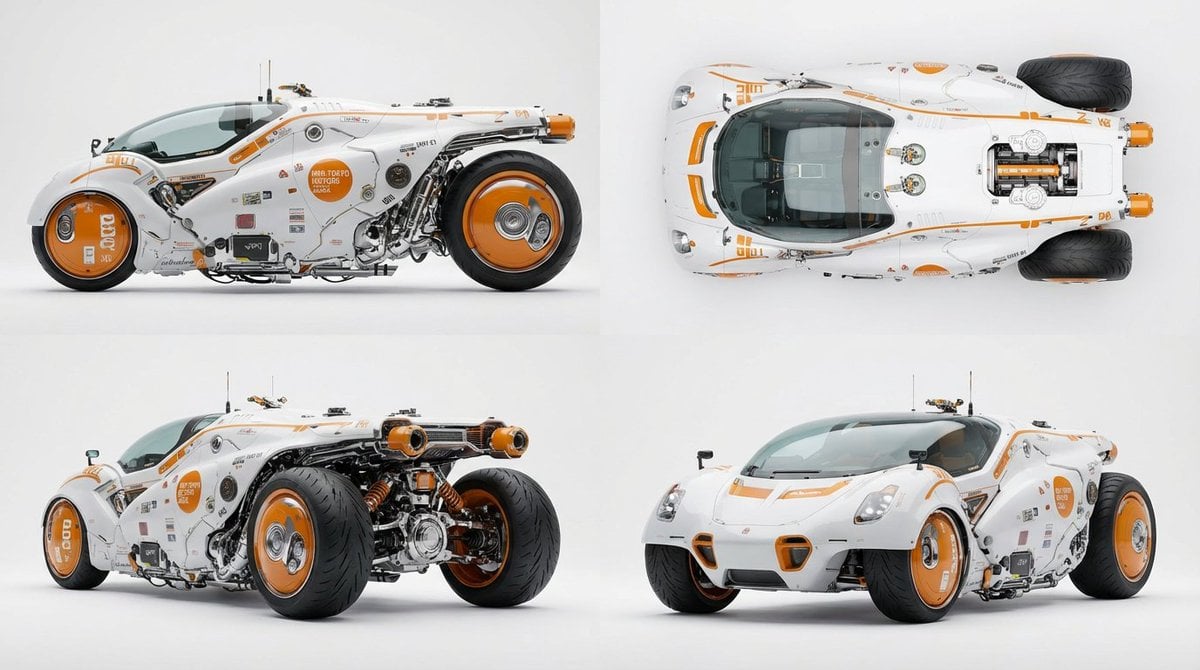
Multi-View Car Sheet
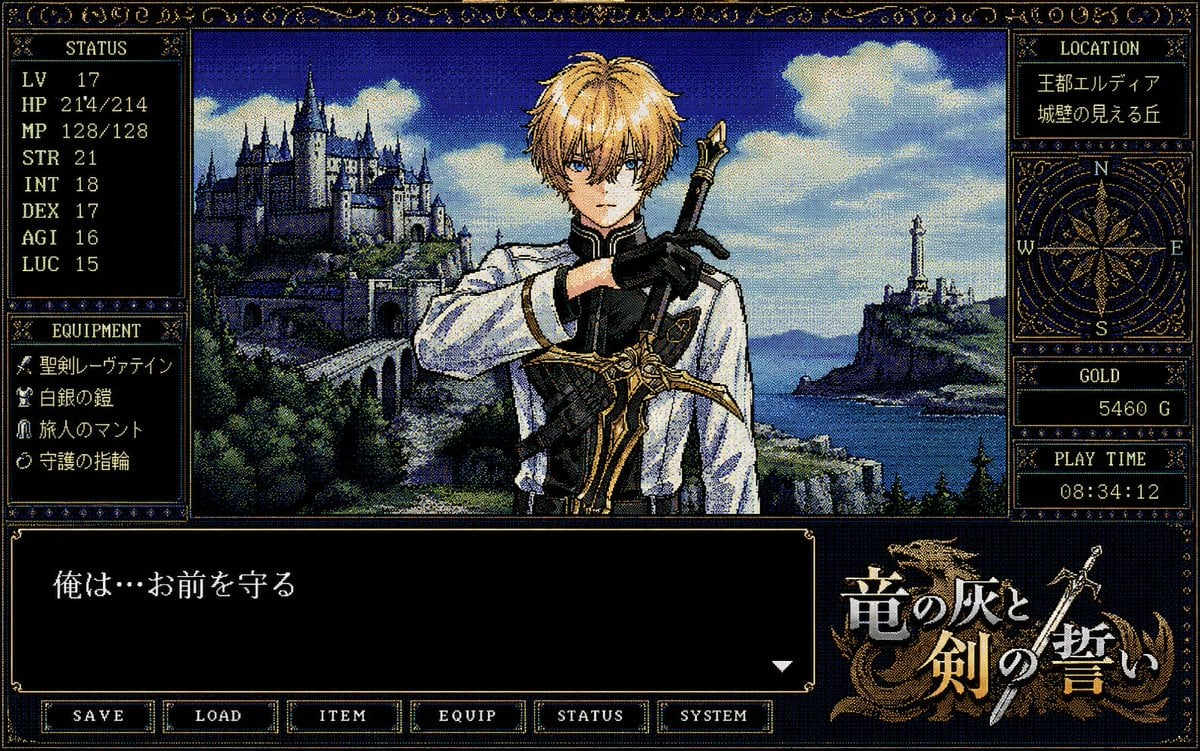
Retro PC-98 Fantasy RPG UI

3D Football Player Portrait
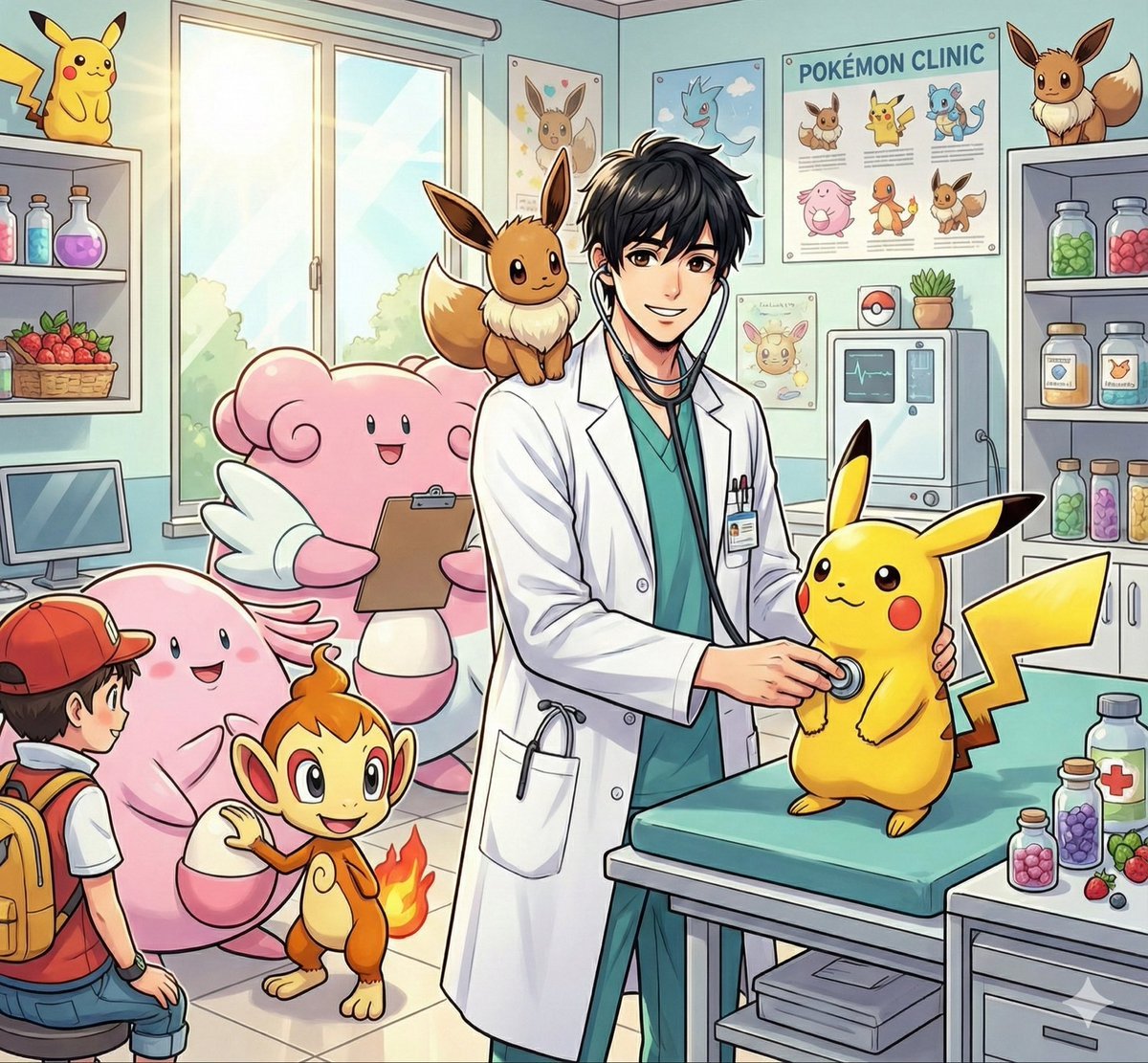
Pokémon World Icon Generation Prompt
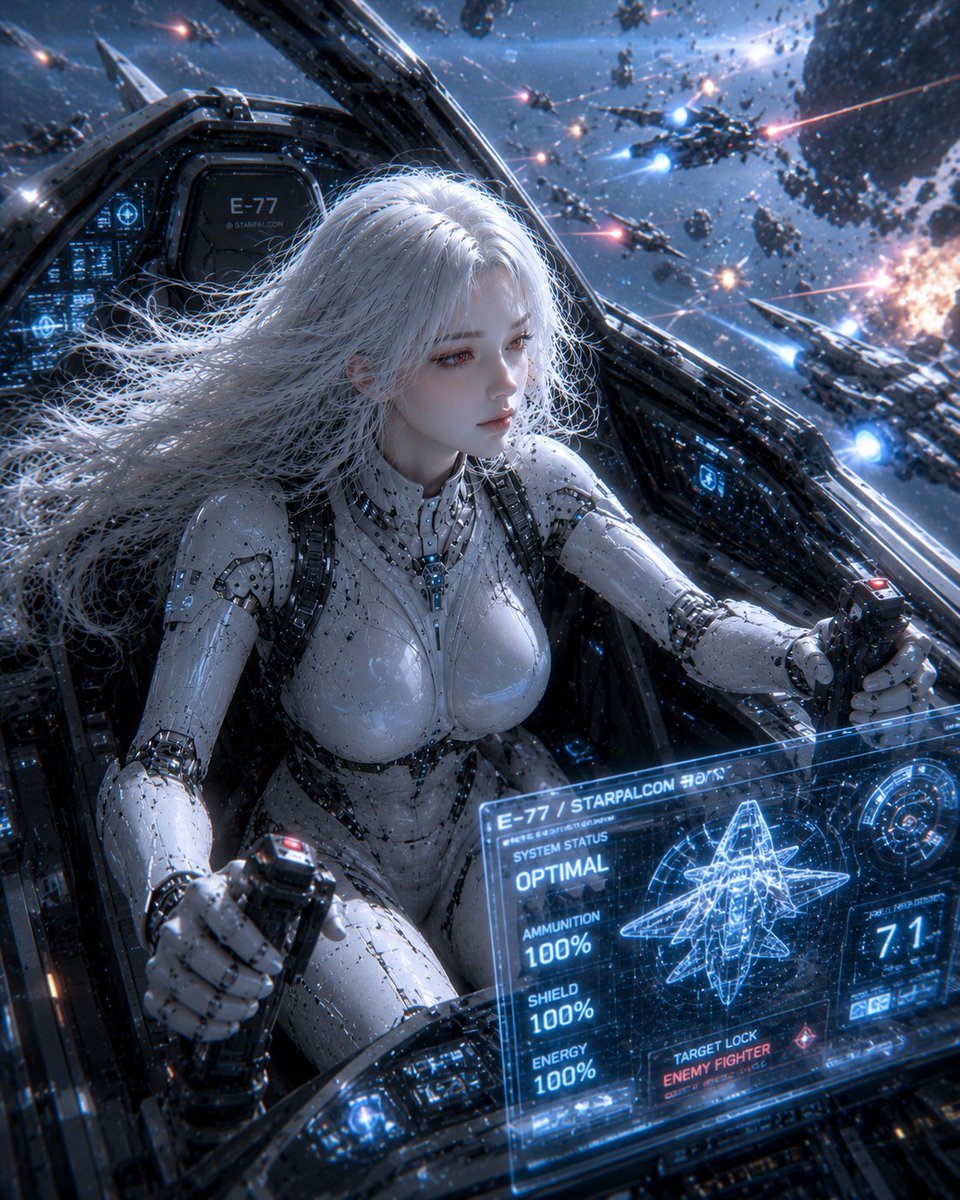
Female Android on a Spaceship
Browse template categories
Torn Paper Anime Guitarist questions
How do I use the Torn Paper Anime Guitarist template?
Add your photo if the template asks for one, edit the prompt if you like — the template's model and format are already selected — and press Generate. Your version opens in PicX Studio.
Can I customize the Torn Paper Anime Guitarist template?
Yes. You can change the subject, setting, lighting, mood, format, and available model controls before creating your image.
Is the Torn Paper Anime Guitarist template free?
Opening and editing this template is free. Generating uses credits, shown on the Generate button when you are signed in.
Which AI model should I use?
Start with GPT Image 2, which is the model associated with this template. You can compare another compatible model for a different finish.
Looking for something else? Browse all templates.

Your photo, any look
Thousands of ready templates for every top image and video model, from one credit balance.