
Handmade Torn Paper Poster Style
A detailed prompt for creating urban cultural event posters with a collage aesthetic, featuring fluorescent torn-paper blocks and sticker badges.
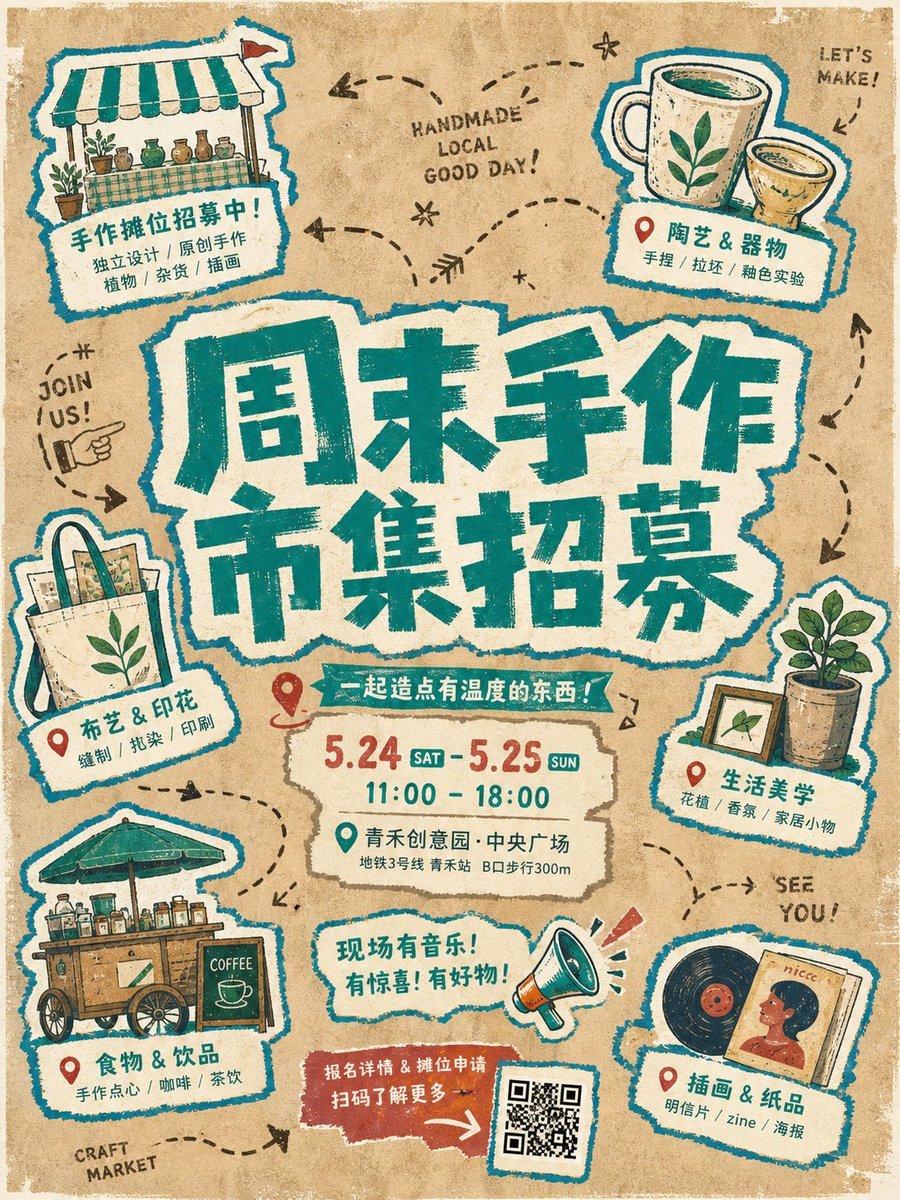
- Prompt included
- Model and format preset
- Free template
The prompt behind this image
Copy the exact prompt behind Handmade Torn Paper Poster Style, or open it in the studio and make it yours.
Create an immediate visual anchor from a group of irregularly layered fluorescent torn-paper title blocks: the {argument name="main title" default="main title"} is huge, centered, split into staggered lines, and built from a combination of rough brush lettering and paper-cut forms, with heavy strokes, ragged broken edges, exaggerated corners, uneven counters, and slight local misregistration so the words feel like hand-printed graphic shapes rather than orderly typesetting. Build a circular, loose yet clearly guided event-information system around the title, with several blue-and-white outlined hand-drawn sticker badges distributed around it; each badge connects a theme-related small illustration, location marker, or symbol to a white label, varies in size and direction, and feels casually pasted onto the paper. The subject and labels share a vivid blue outer contour and yellow fill, creating a unified cross-element stroke. Use warm fibrous paper and aged-poster texture in the background, with a large {argument name="background color" default="brown umber"} field retaining paper grain, impressions, slight color variation, and bleeding print edges; organize the open space with dark-brown hand-drawn dotted lines, arcs, arrows, and a few English geometric letterforms without letting them compete with the main message. Lock the main colors to ochre brown, bright yellow, vivid blue, and warm off-white, using flat fills and limited color overlap, with no modern gradients, glass effects, or excessively polished digital shadows. Give every graphic, word, sticker, and background the same slightly unstable handmade outlines, screen-print misregistration, varied stroke weights, and localized wear, preserving imperfect making traces; keep the information hierarchy clear, with the central title carrying the greatest weight and the surrounding modules creating rhythm and breathing room, so the whole piece feels like an urban cultural event poster assembled from collage, hand drawing, screen printing, and aged paper.
How to use Handmade Torn Paper Poster Style in 3 steps
- 1
Open
The prompt is already in the box next to the preview, with the template's model and format selected.
- 2…a portrait of your subject in softgolden-hour light, 85mm…
Personalize
Edit the subject and creative details for your destination.
- 3Generate
Generate
Press Generate — your image is created in PicX Studio, so you can compare it with the original and refine one variable at a time.
More like this
Templates with the same subject, style or setup. Open one to see its prompt.

Japan Travel Brochure Poster
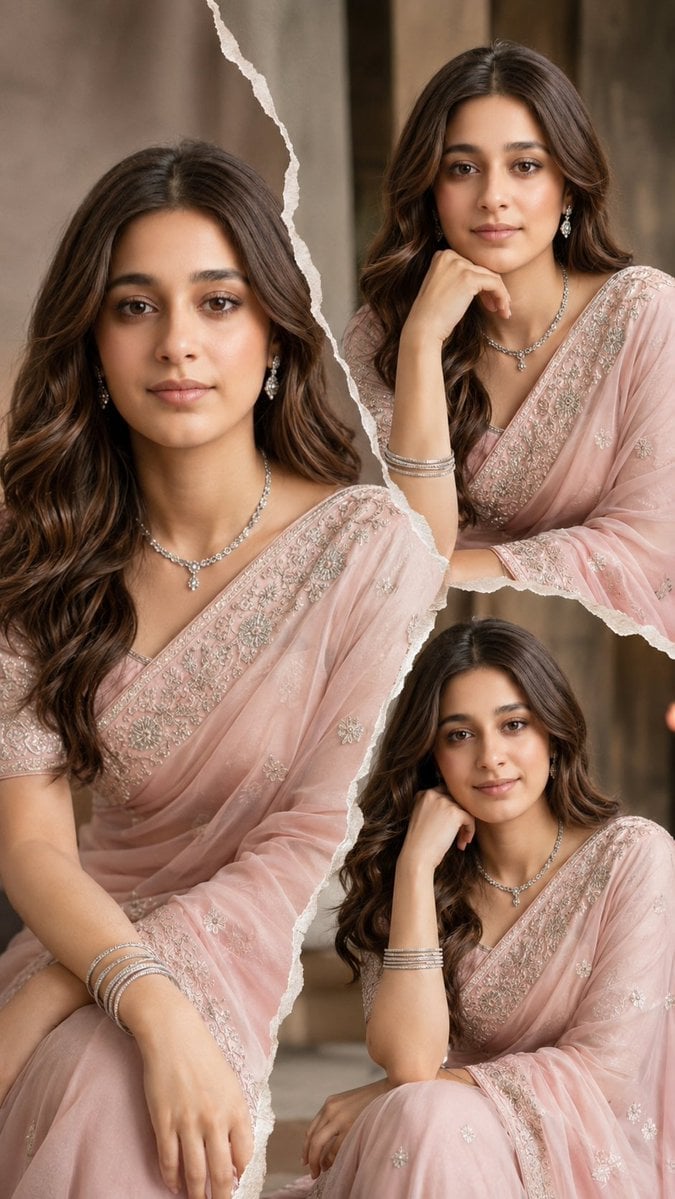
Torn Paper Saree Fashion Collage
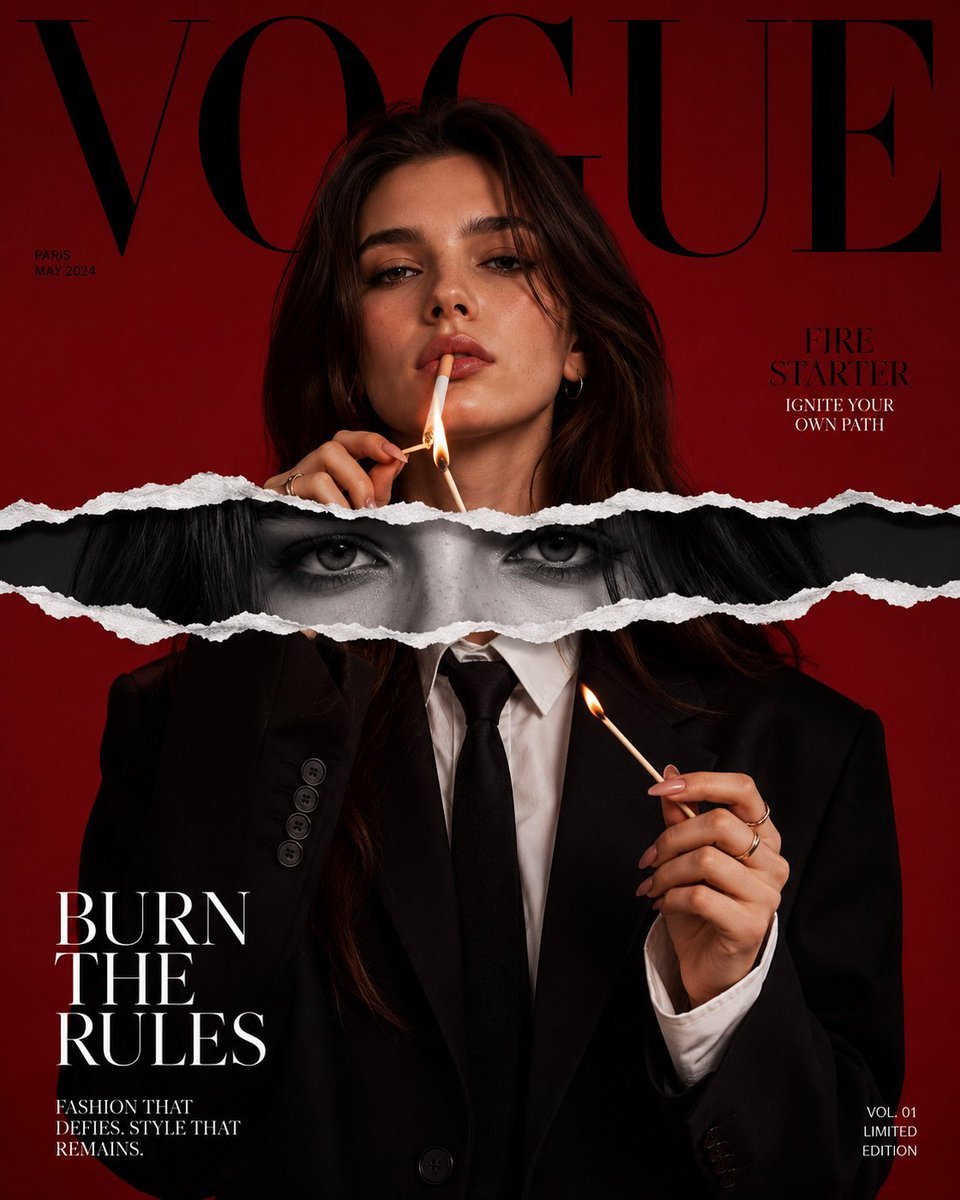
Torn Paper Editorial Magazine Cover

Felt & Knit 3D Character — Photo-Exact Face, Pixar-Quality Plush Figurine

Cinematic Torn Paper Split Portrait

Stop Motion Finale Fireworks

Stop Motion Garden Maze

Stop Motion Rooftop Concert

Stop Motion Bicycle Coast
Stop Motion Castle Gate
Stop Motion Kitchen Chaos

Stop Motion Carnival Ride
Make it yours
Handmade Torn Paper Poster Style works as-is. These are the safest ways to change it without losing the look.
Change one field
Copy a single group, rewrite it, and generate again so you can see what that field is doing.
Keep the frame, change the subject
Hold the composition and light of Handmade Torn Paper Poster Style, then swap wardrobe, props or the person for a new take.
| If the result… | Why | Fix |
|---|---|---|
| The result drifts from the preview | Too many fields changed at once. | Reuse Handmade Torn Paper Poster Style as-is first, then change one group — subject, light, or setting. |
| The model over-stylizes the scene | The prose prompt leaves finish and camera underspecified. | Add one camera or lighting sentence and stay on GPT Image 2. |
More GPT Image 2 templates
Other prompts made for GPT Image 2.

Six VTuber Japanese Logo Sheet

Realistic Portrait of Woman and Deer

The Vista Modular Condo Poster

AI Model Routing Comparison Infographic

2.5D Anime Art Board

Isometric Productivity Desk Scene

New York Double Exposure Poster

Four-Panel AI Landscape Comparison

Japanese Tatami Lifestyle Magazine Cover

NESCAFÉ Coffee Map Poster
More image prompts
Fresh picks from across the catalog.

Late-2000s Digital Compact Camera Snapshot
Vintage Photograph Developing in Darkroom with 3D Emergence
Photorealistic Lifestyle Portrait Prompt (Identity Locked)
Blonde Anime Ice Cream Shop Diptych
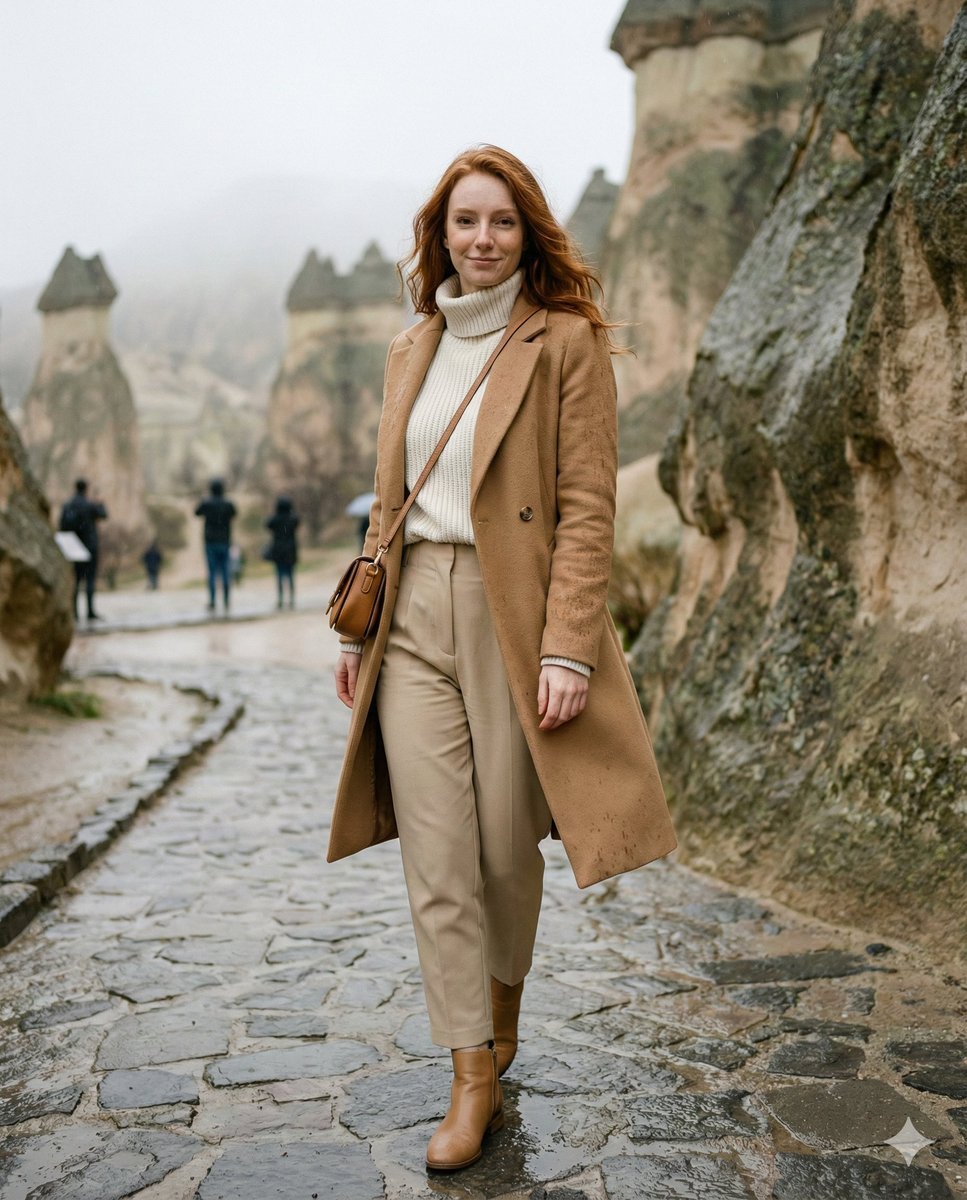
Winter Travel Influencer Editorial Prompt (Cappadocia)

Portugal Football Campaign Poster
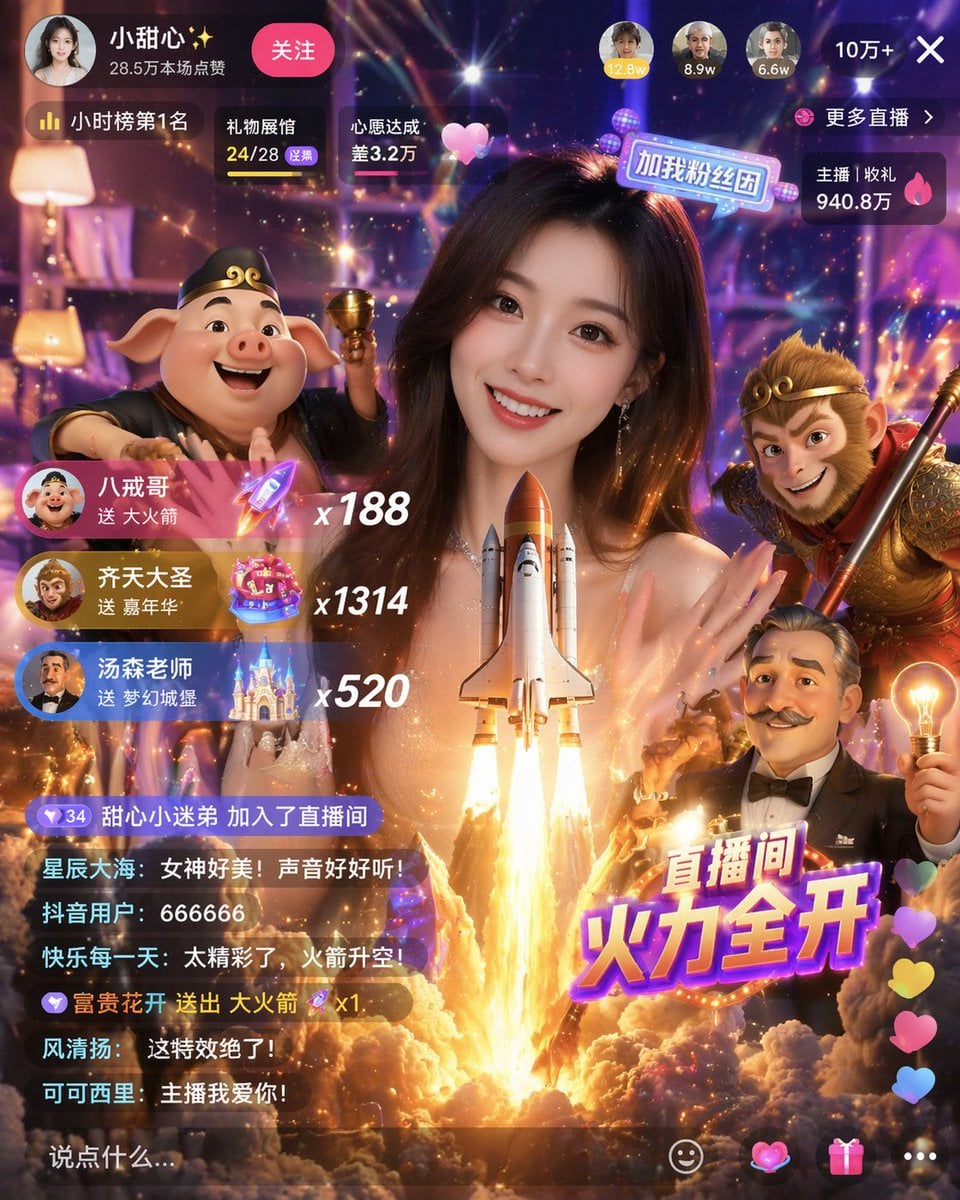
Live Stream UI Mockup with 3D Effects
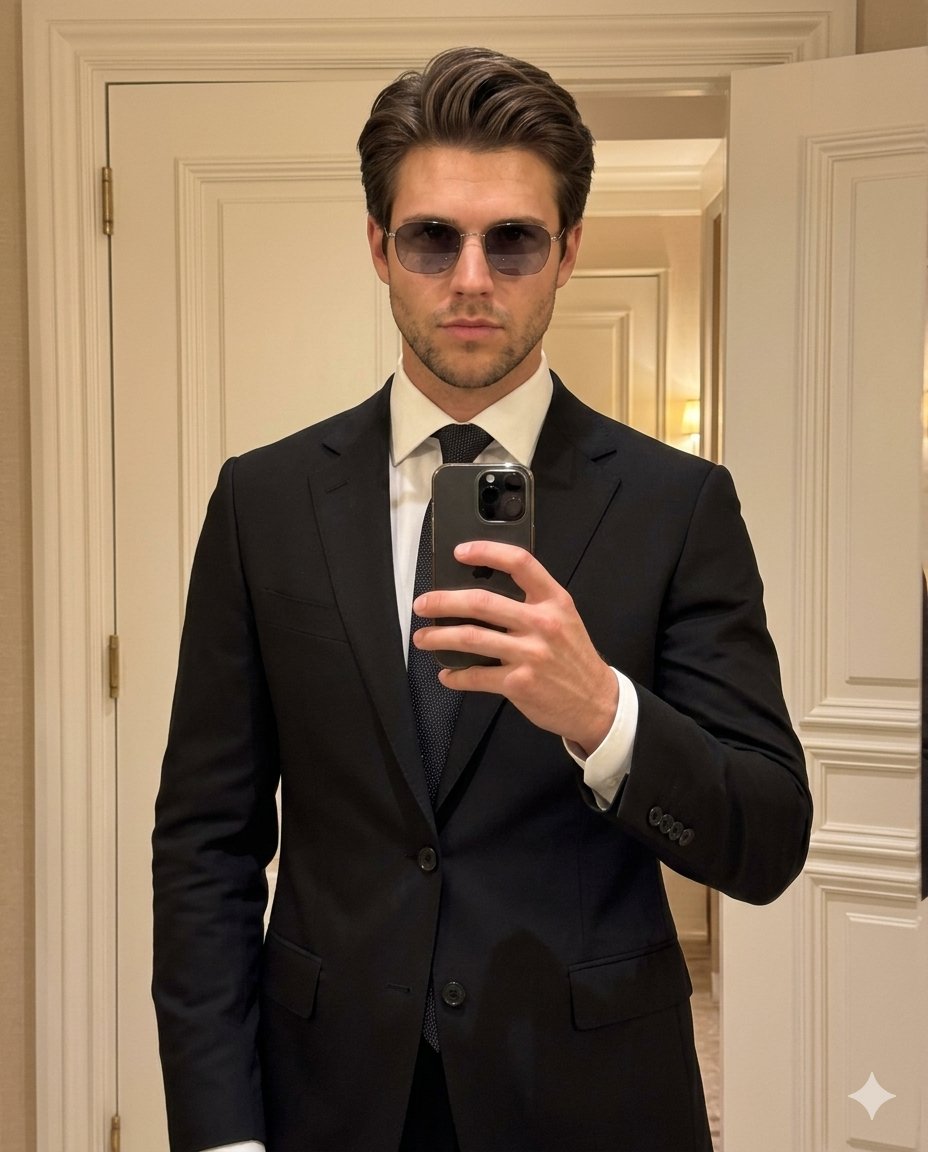
High-Fashion Mirror Selfie Identity Reference
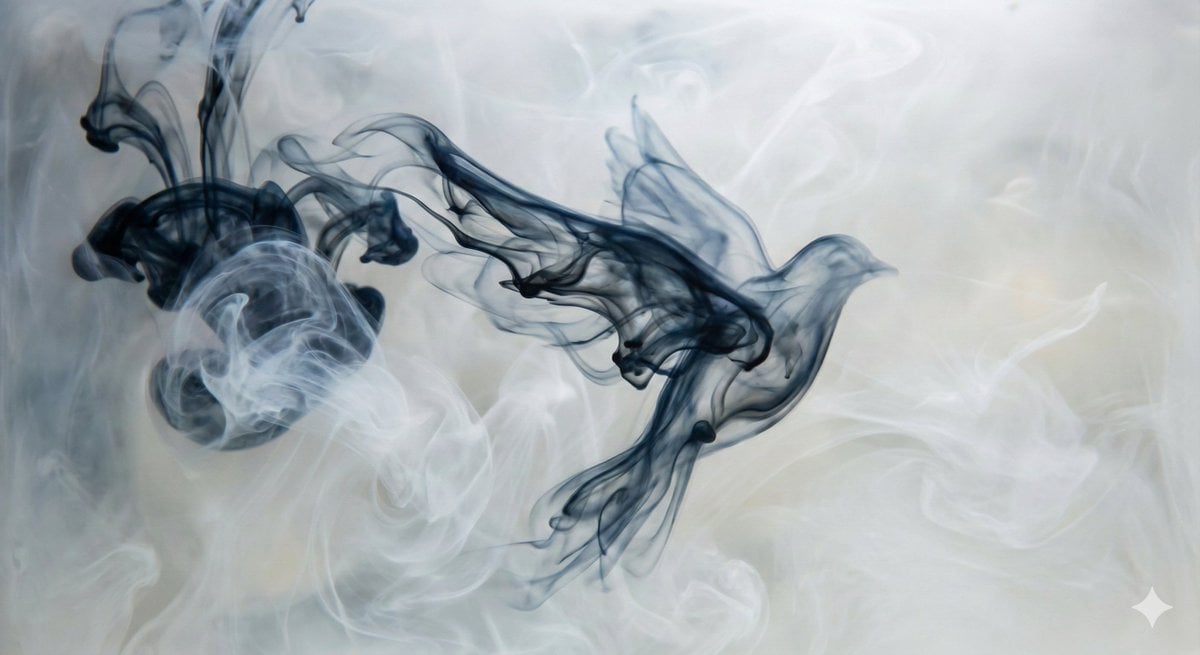
Abstract Subject Emerging from Ink and Water
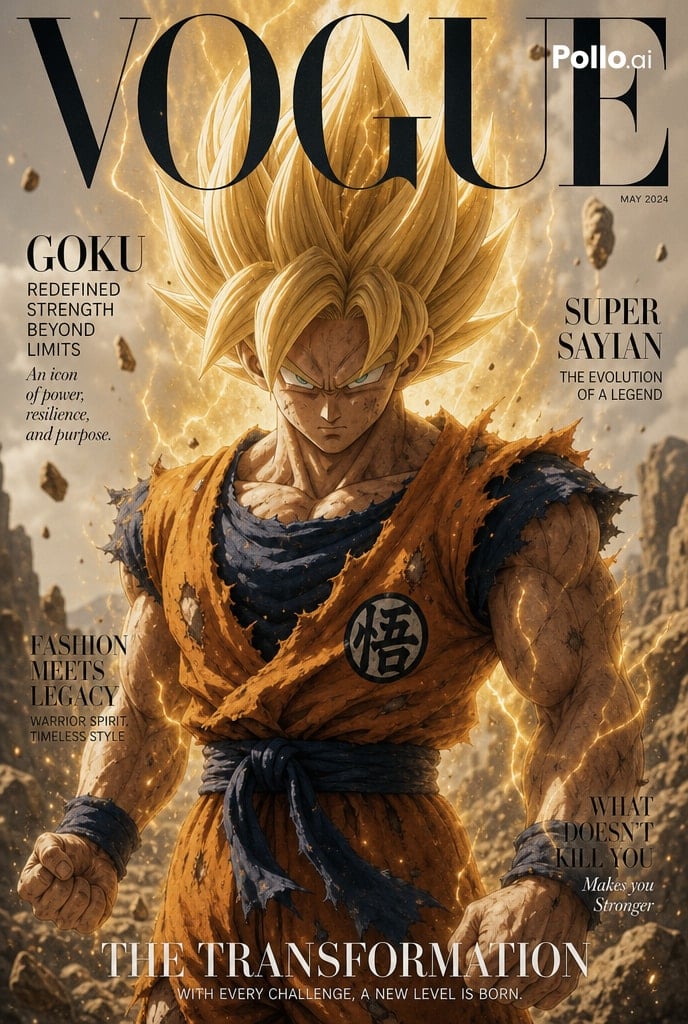
Anime Character Vogue Cover
Browse template categories
Handmade Torn Paper Poster Style questions
How do I use the Handmade Torn Paper Poster Style template?
Add your photo if the template asks for one, edit the prompt if you like — the template's model and format are already selected — and press Generate. Your version opens in PicX Studio.
Can I customize the Handmade Torn Paper Poster Style template?
Yes. You can change the subject, setting, lighting, mood, format, and available model controls before creating your image.
Is the Handmade Torn Paper Poster Style template free?
Opening and editing this template is free. Generating uses credits, shown on the Generate button when you are signed in.
Which AI model should I use?
Start with GPT Image 2, which is the model associated with this template. You can compare another compatible model for a different finish.
Looking for something else? Browse all templates.

Your photo, any look
Thousands of ready templates for every top image and video model, from one credit balance.