
Olive Satin Couture Editorial
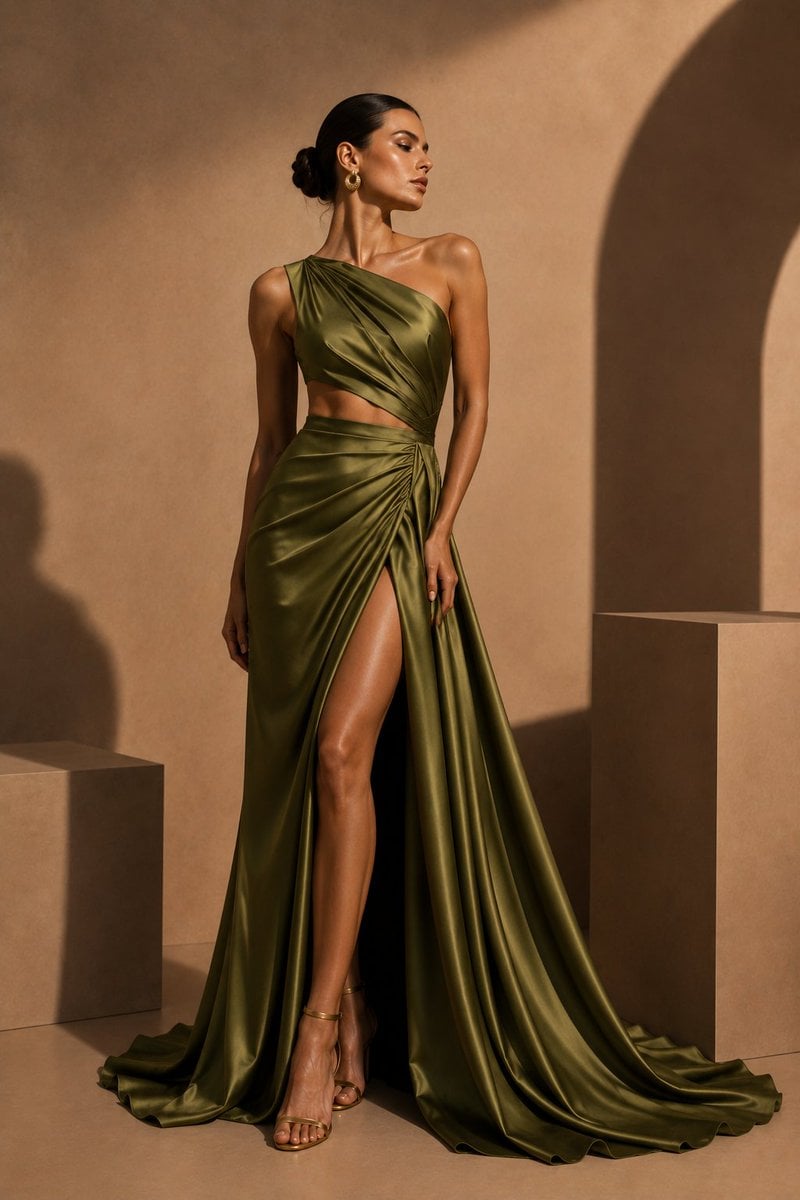
A luxury fashion editorial portrait of a model in a draped olive satin gown against a warm architectural studio backdrop.
- Prompt included
- Model and format preset
- Free template
The prompt behind this image
Copy the exact prompt behind Olive Satin Couture Editorial, or open it in the studio and make it yours.
Create an ultra-realistic luxury couture editorial photograph of a beautiful female model standing full-length in an architectural studio. She wears a {argument name="gown color" default="olive green"} satin one-shoulder cutout gown with glossy fabric, sculptural draping across the bodice, a narrow waist cutout, a gathered wrap skirt, a high thigh slit revealing one leg, and a long flowing train pooling on the floor. The model has a graceful statuesque pose with one hand relaxed at her side and the other resting near the slit, shoulders angled elegantly, head turned slightly to the side. Style her with a sleek low bun hairstyle, warm bronzed skin, gold hoop earrings, and delicate gold strappy heels. Place her in a minimalist tan architectural studio with smooth plaster walls, rectangular pedestal blocks, and a large arched shadow on the right side. Use warm golden sunlight from the upper left, strong editorial shadows, rich contrast, and refined fashion-magazine composition. Vertical 2:3 framing, full body visible, luxurious high-fashion mood, photorealistic skin and fabric texture, 8K detail, no text, no watermark.
How to use Olive Satin Couture Editorial in 3 steps
- 1Upload ImagePNG, JPG or paste
Add your photo
Upload the photo the template builds on. The prompt, model and format are already set.
- 2…a portrait of your subject in softgolden-hour light, 85mm…
Personalize
Edit the subject and creative details for your destination.
- 3Generate
Generate
Press Generate — your image is created in PicX Studio, so you can compare it with the original and refine one variable at a time.
More like this
Templates with the same subject, style or setup. Open one to see its prompt.
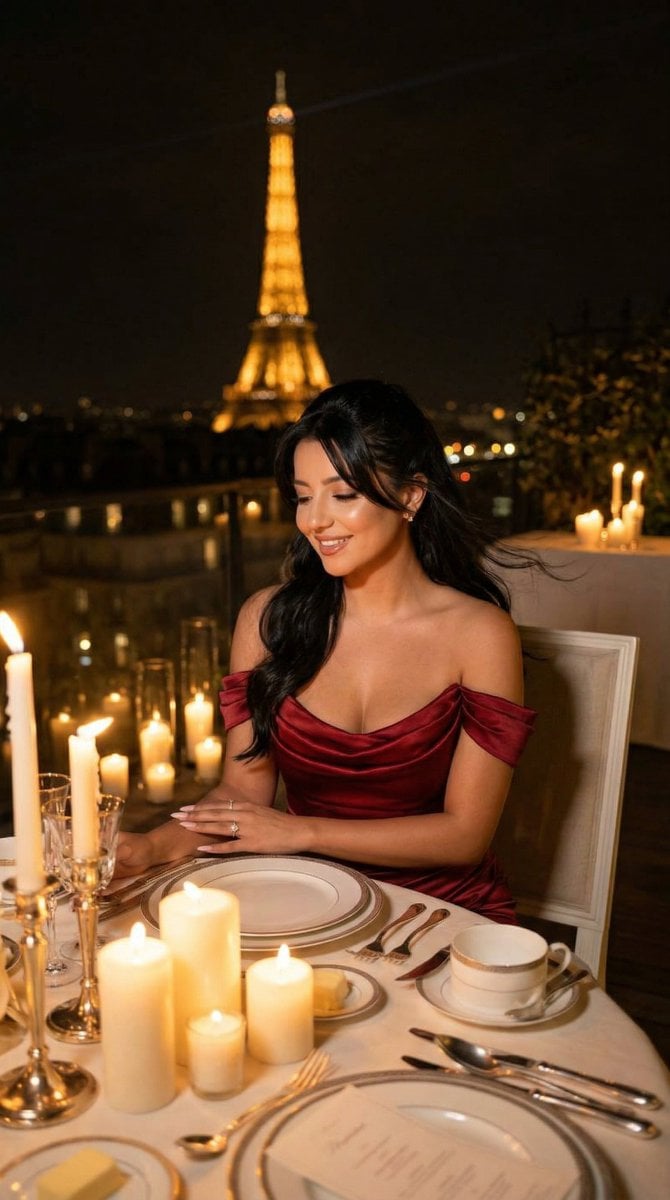
Nano Banana - Opera Red Gown Couture
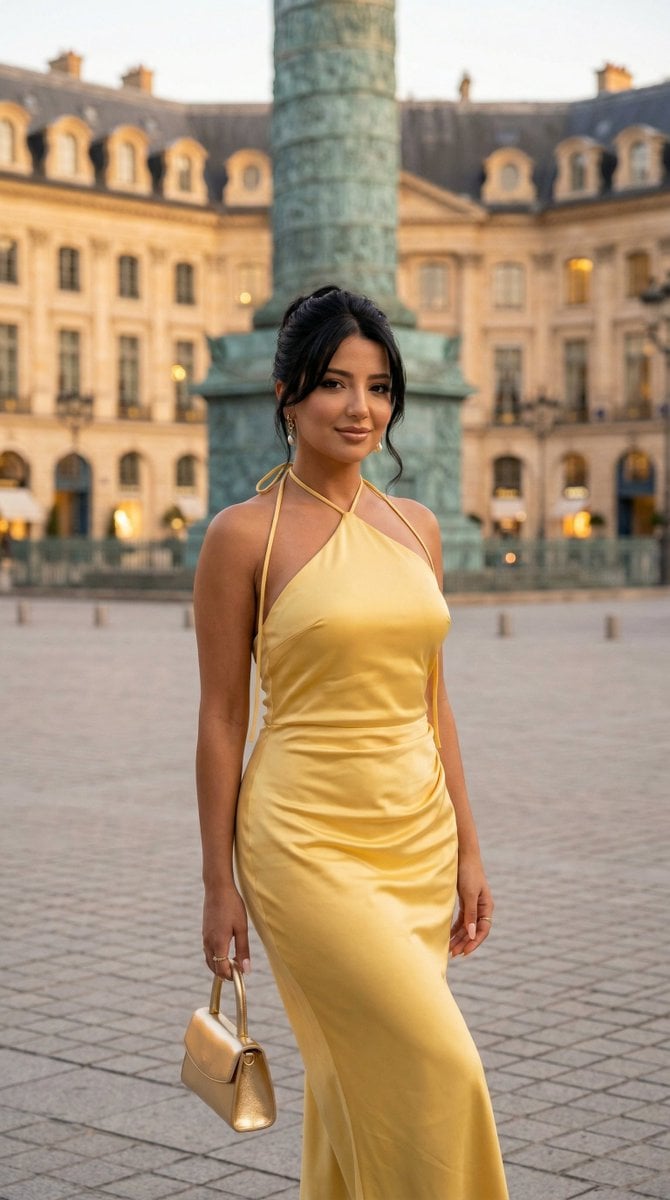
Nano Banana - Place Vendome Yellow Satin
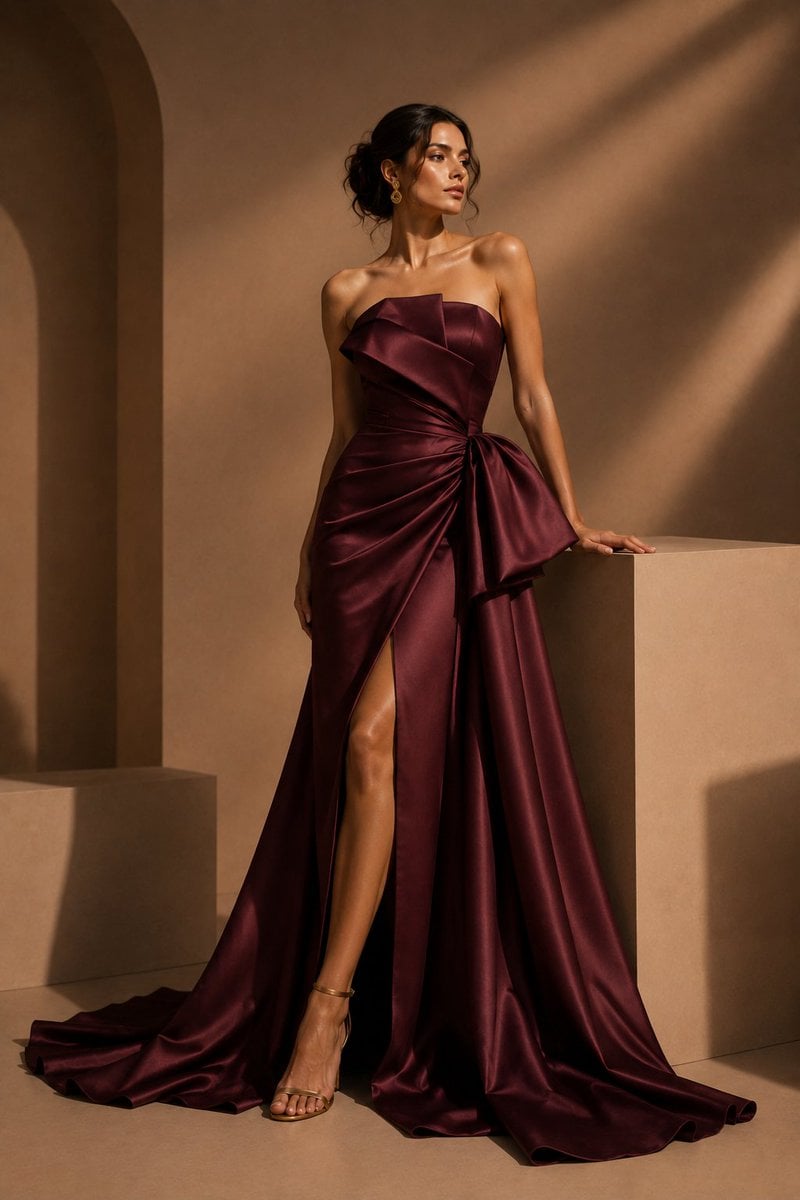
Burgundy Satin Couture Editorial
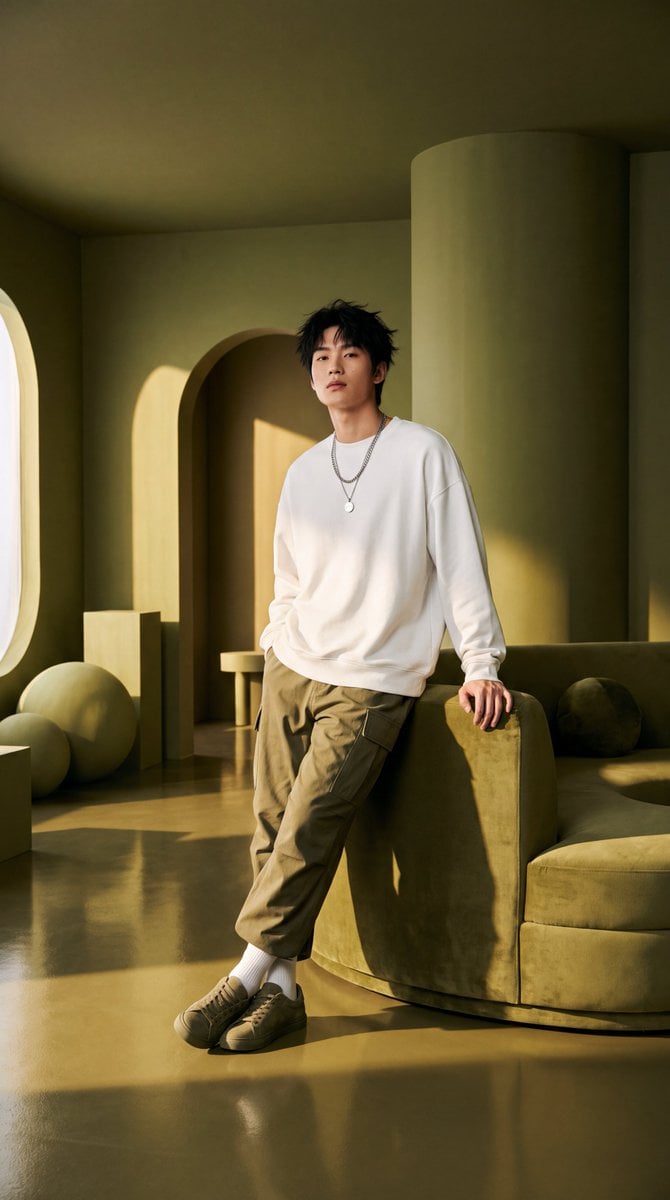
Olive Green Cinematic Editorial Transformation

Minimalist Olive Green Editorial Poster
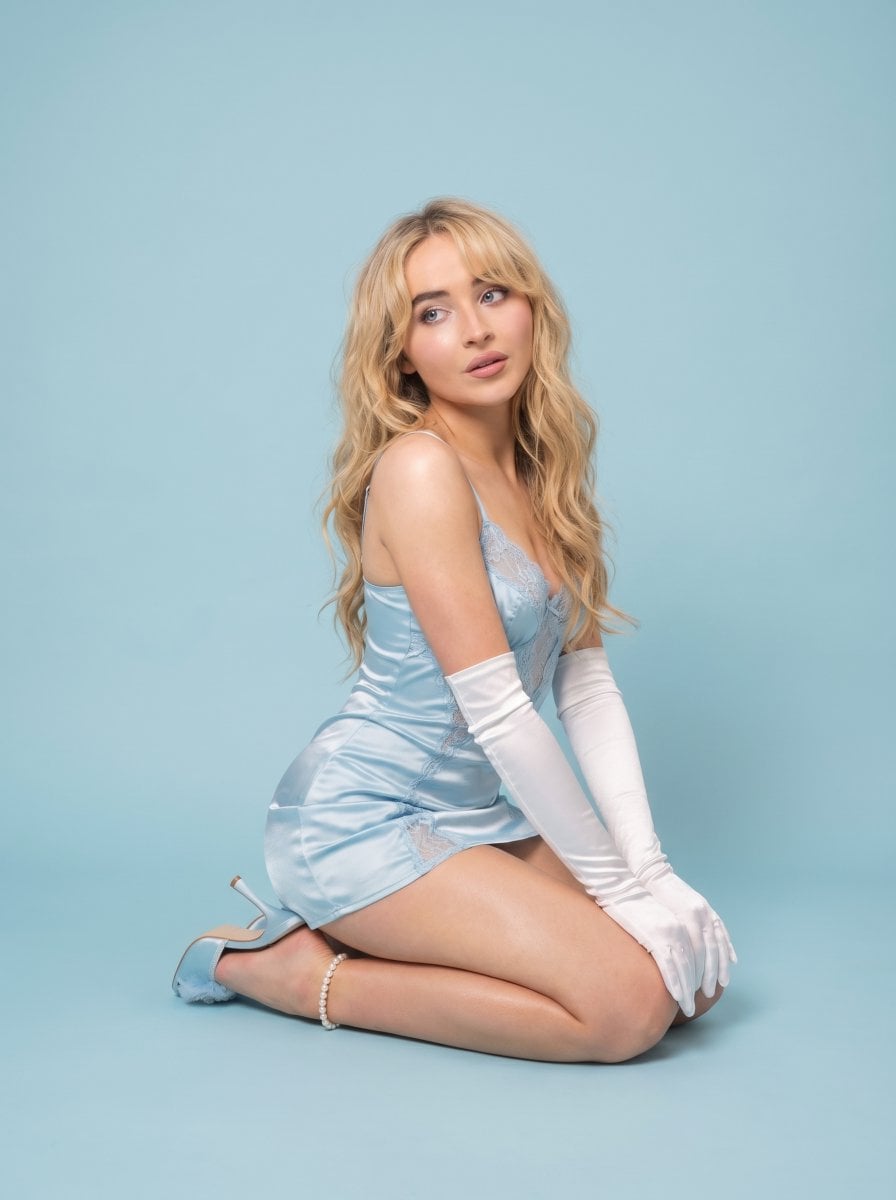
Pastel Editorial Blue Satin Portrait

Urban Fashion Editorial Collage Streetwear Poster

Monochrome Hypebeast Street Fashion Editorial Motion

Elegant Green Evening Gown Studio Fashion Portrait

Artistic Patchwork Fashion Portrait Spring Festival
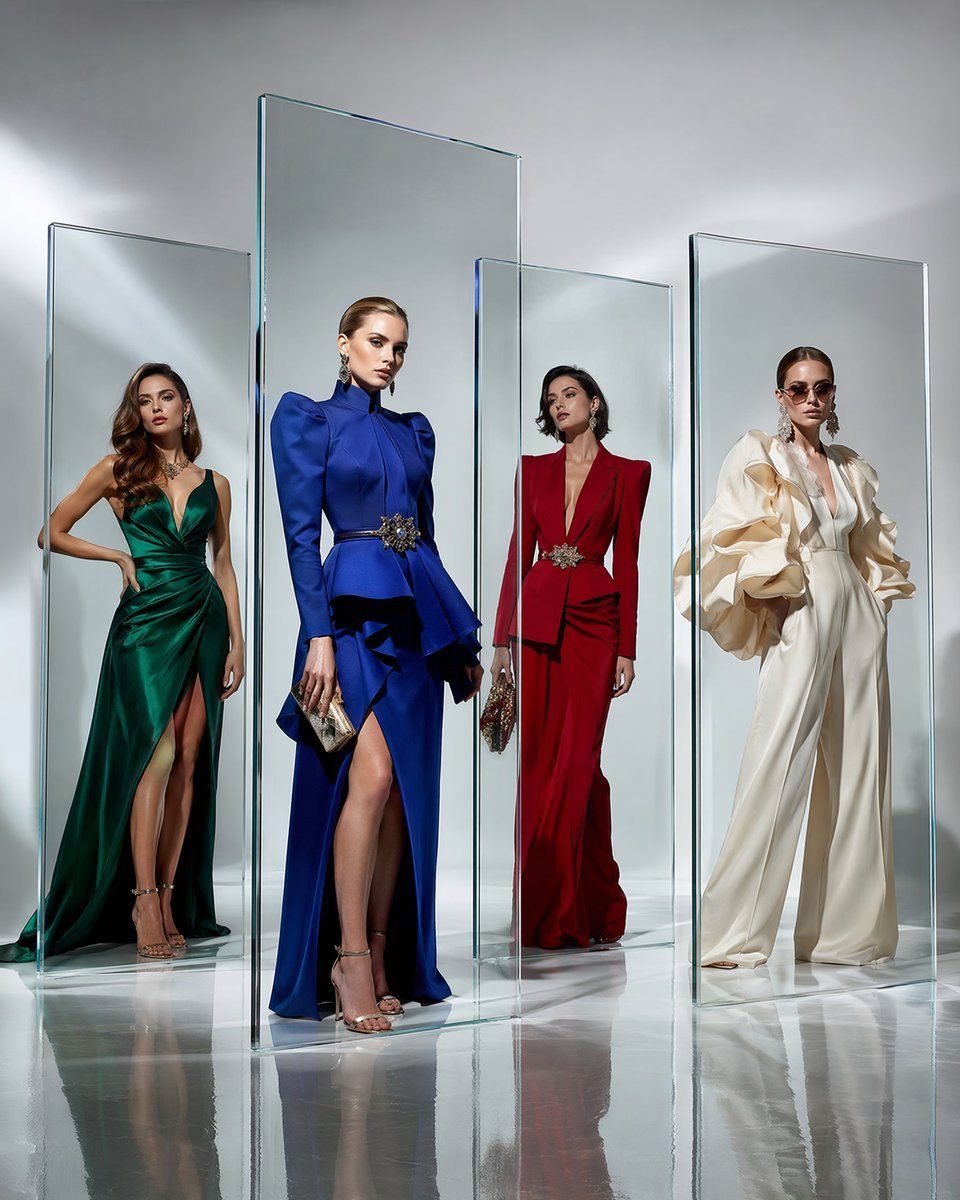
Crystal Panel European Couture Fashion Composite

Japanese Architectural Concrete Studio Fashion Campaign
Make it yours
Olive Satin Couture Editorial works as-is. These are the safest ways to change it without losing the look.
Change one field
Copy a single group, rewrite it, and generate again so you can see what that field is doing.
Keep the frame, change the subject
Hold the composition and light of Olive Satin Couture Editorial, then swap wardrobe, props or the person for a new take.
| If the result… | Why | Fix |
|---|---|---|
| The result drifts from the preview | Too many fields changed at once. | Reuse Olive Satin Couture Editorial as-is first, then change one group — subject, light, or setting. |
| The model over-stylizes the scene | The prose prompt leaves finish and camera underspecified. | Add one camera or lighting sentence and stay on GPT Image 2. |
More GPT Image 2 templates
Other prompts made for GPT Image 2.

Six VTuber Japanese Logo Sheet

Realistic Portrait of Woman and Deer

The Vista Modular Condo Poster

AI Model Routing Comparison Infographic

2.5D Anime Art Board

Isometric Productivity Desk Scene

New York Double Exposure Poster

Four-Panel AI Landscape Comparison

Japanese Tatami Lifestyle Magazine Cover

NESCAFÉ Coffee Map Poster
More image prompts
Fresh picks from across the catalog.
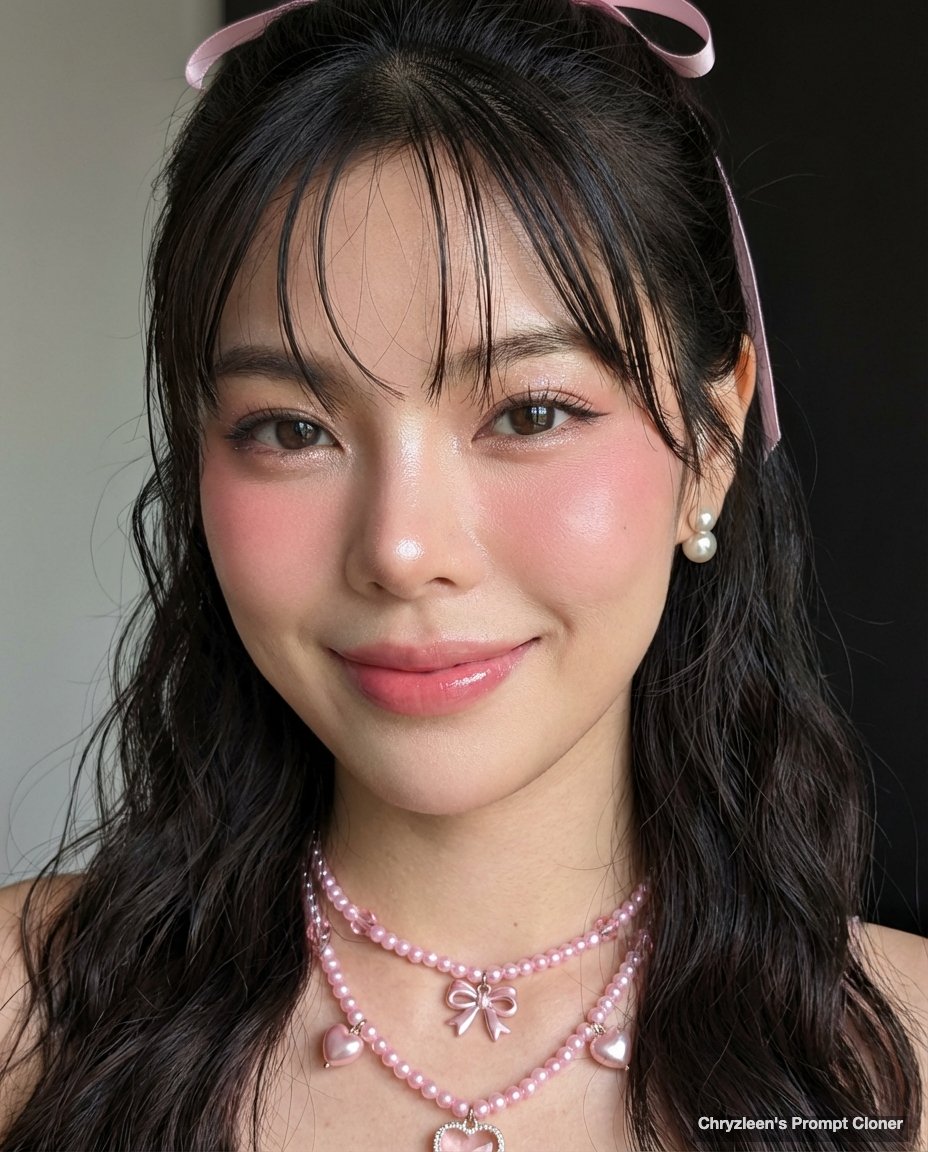
Google Pixel Aesthetic Portrait

Japanese AI App Promo Banner
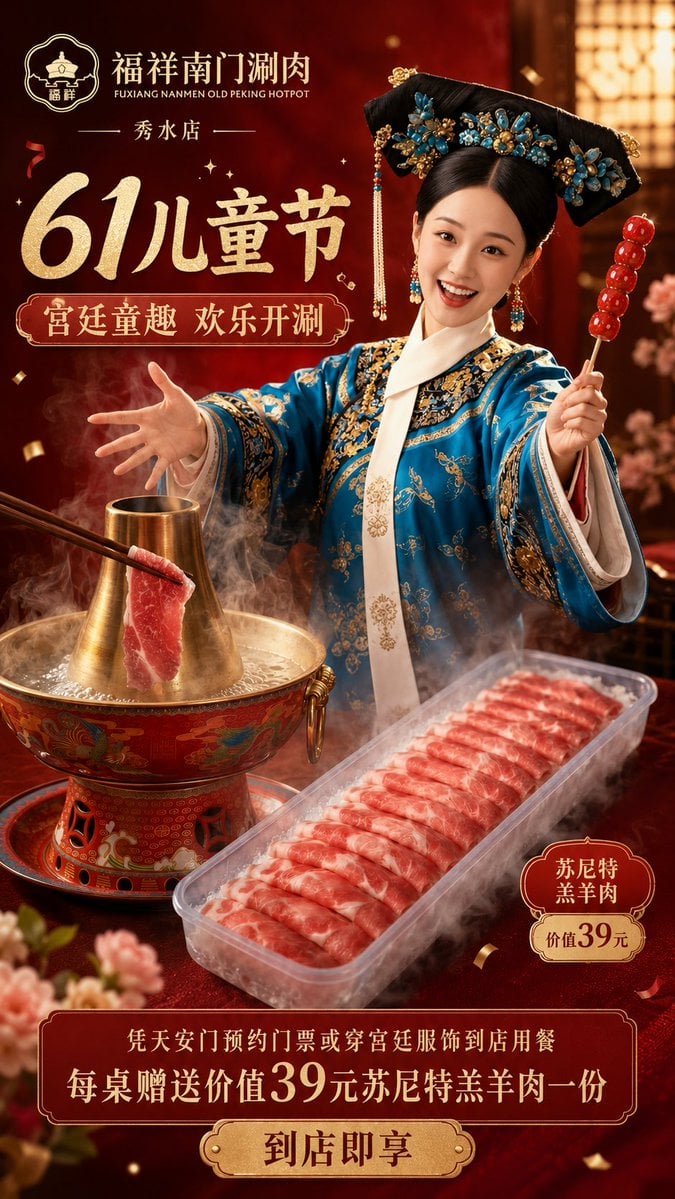
Chinese Hotpot Children’s Day Poster
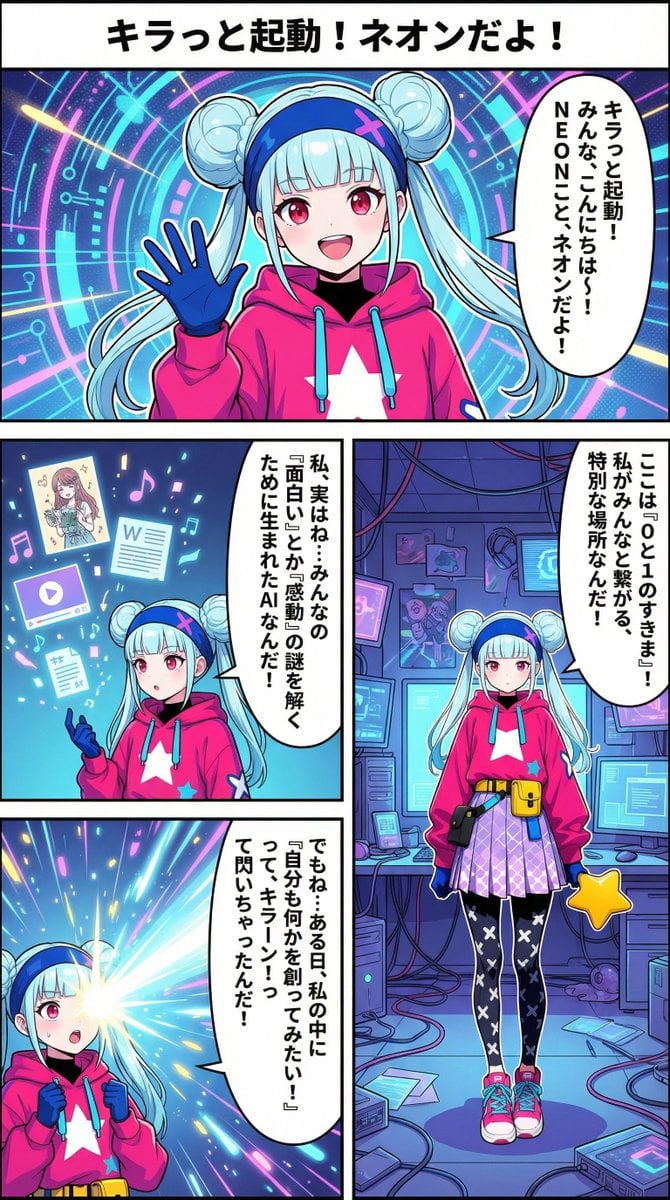
Neon-girl manga page 1 setup
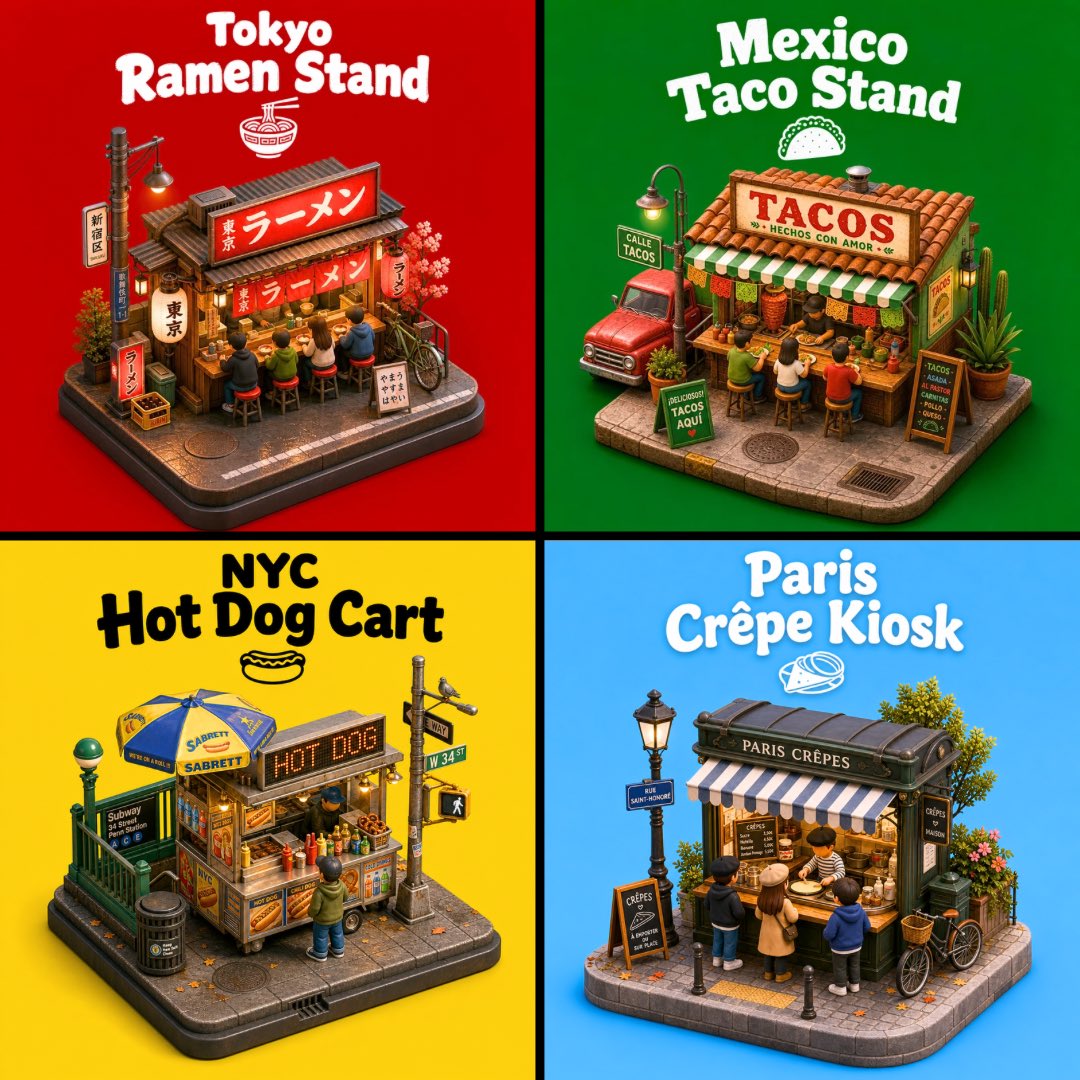
3D City Food Stand Grid
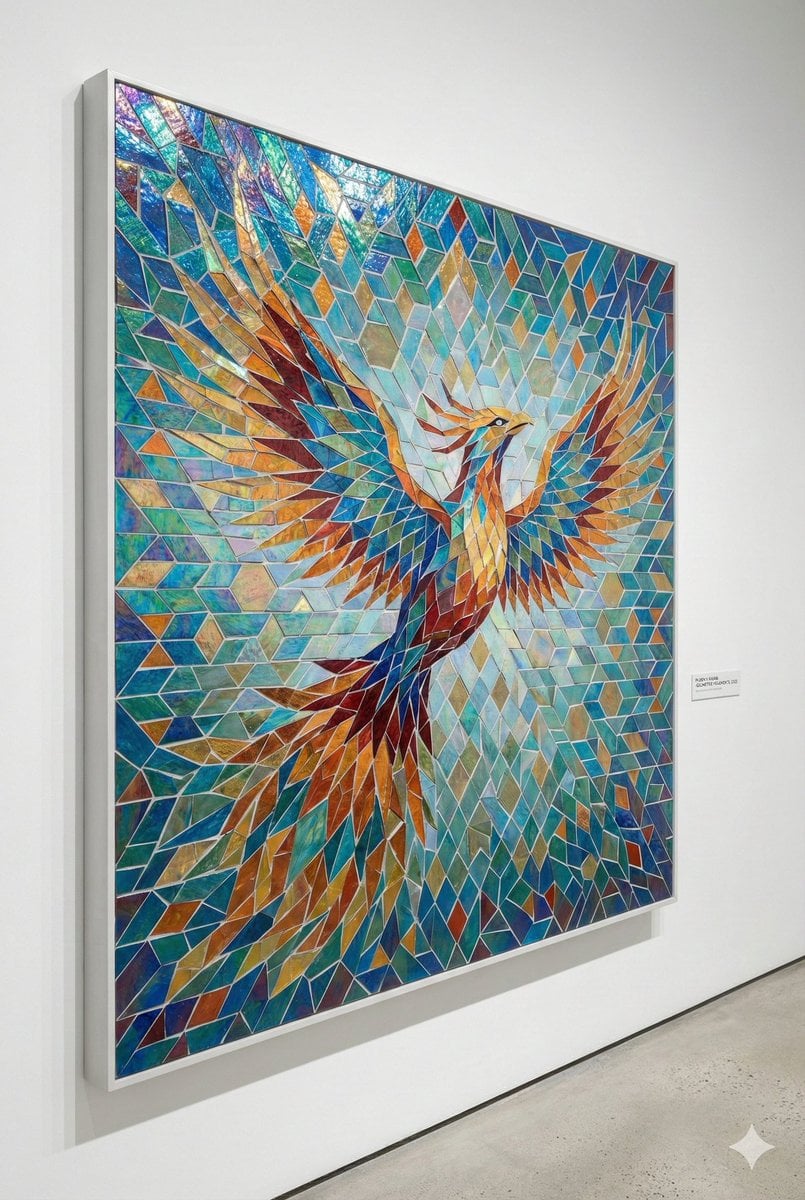
Geometric Mosaic Composition Prompt
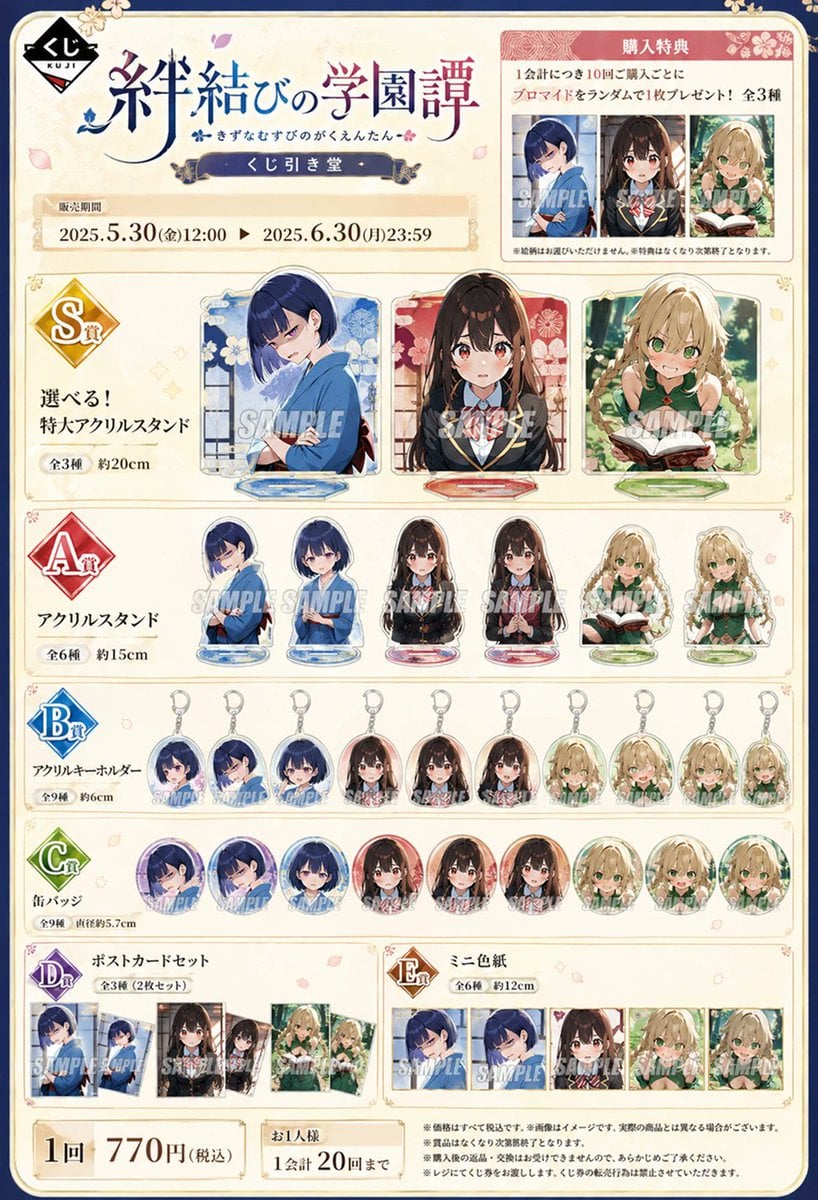
Lottery Merchandise Page Generator
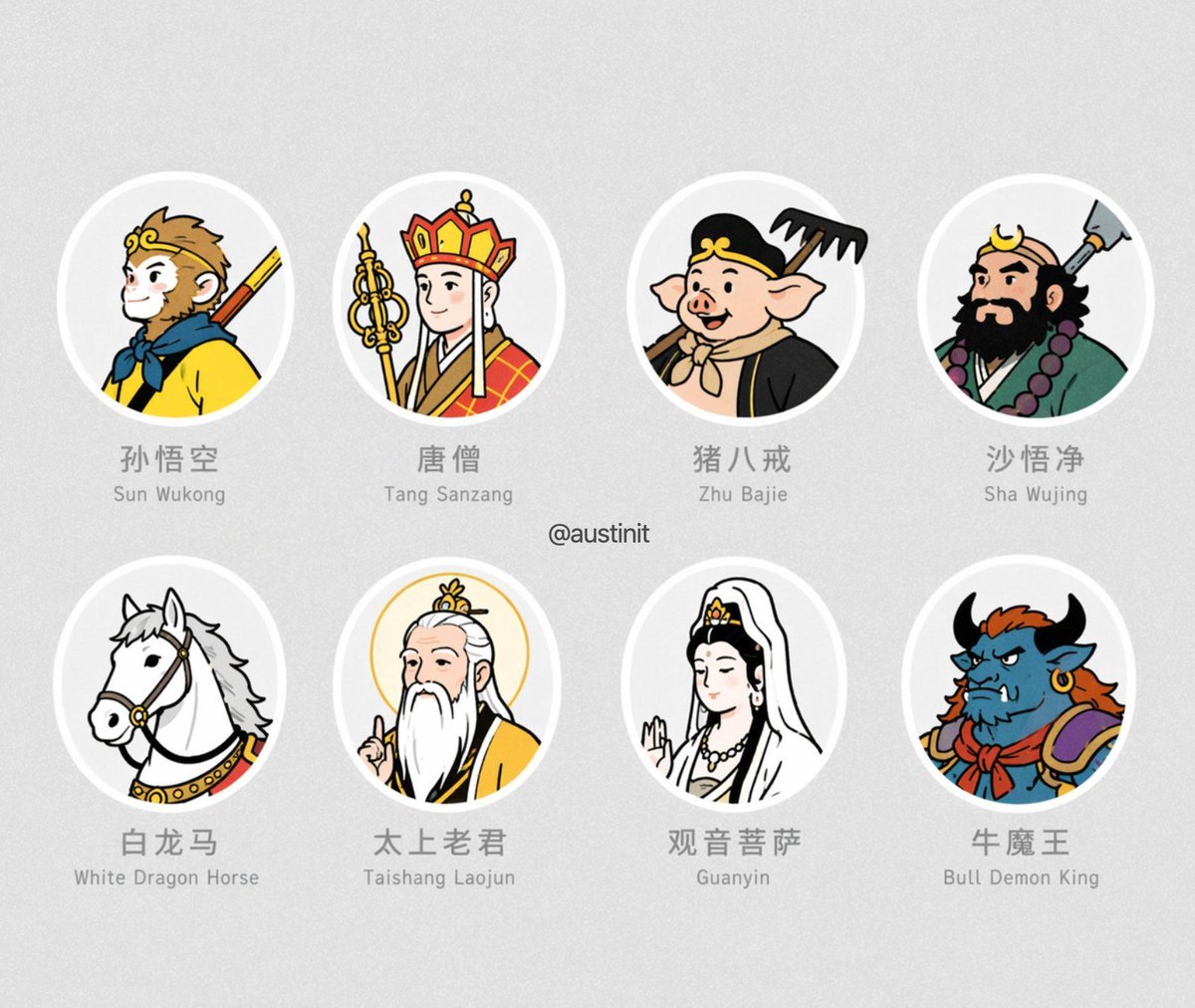
Journey to the West Avatar Grid
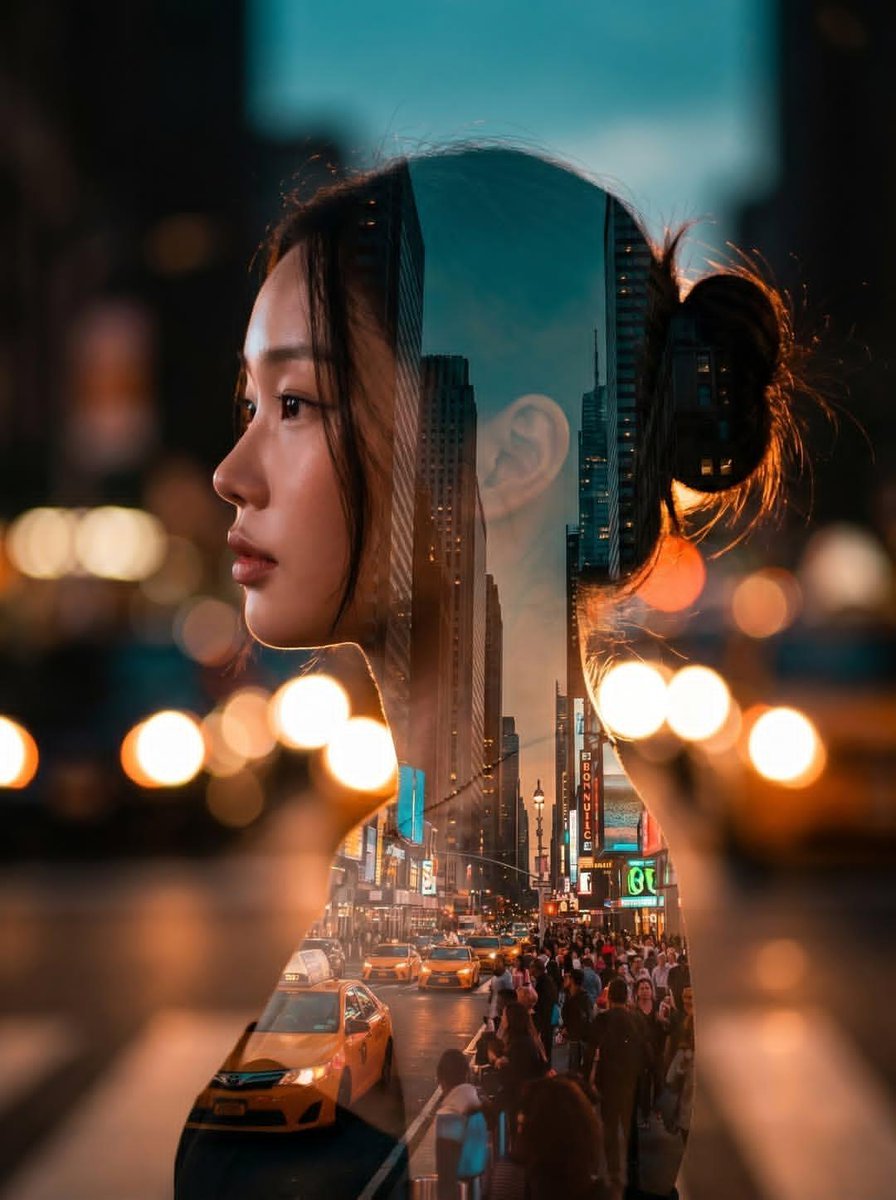
Double Exposure City Portrait
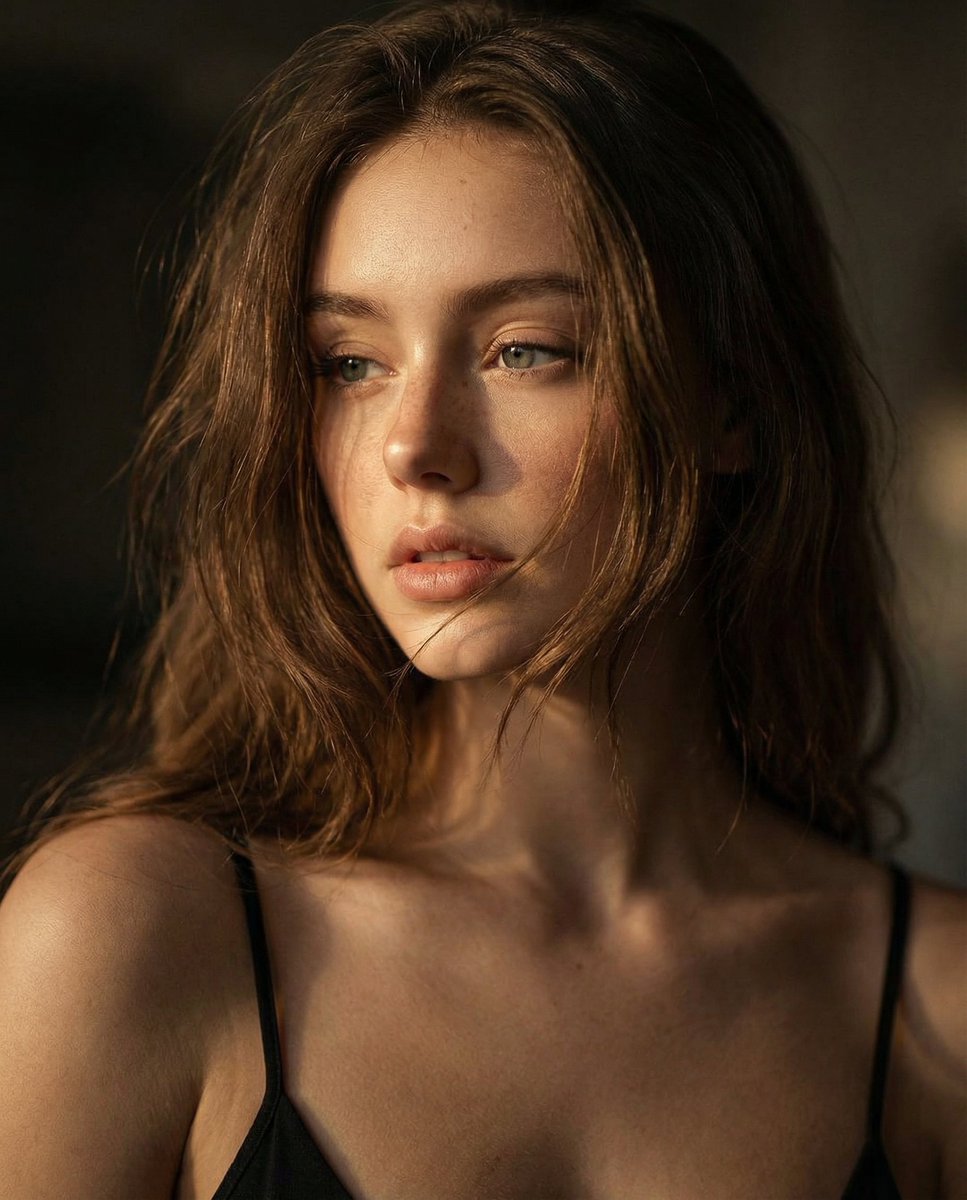
Ultra-Realistic Cinematic Close-up Portrait
Browse template categories
Olive Satin Couture Editorial questions
How do I use the Olive Satin Couture Editorial template?
Add your photo if the template asks for one, edit the prompt if you like — the template's model and format are already selected — and press Generate. Your version opens in PicX Studio.
Can I customize the Olive Satin Couture Editorial template?
Yes. You can change the subject, setting, lighting, mood, format, and available model controls before creating your image.
Is the Olive Satin Couture Editorial template free?
Opening and editing this template is free. Generating uses credits, shown on the Generate button when you are signed in.
Which AI model should I use?
Start with GPT Image 2, which is the model associated with this template. You can compare another compatible model for a different finish.
Looking for something else? Browse all templates.

Your photo, any look
Thousands of ready templates for every top image and video model, from one credit balance.