
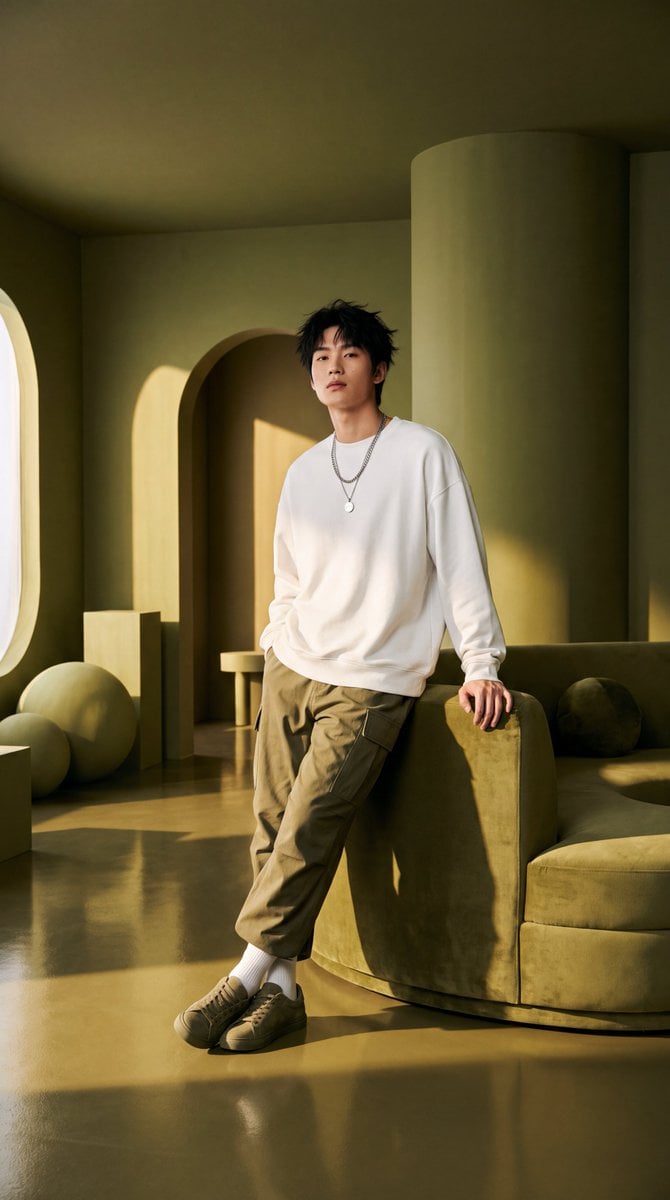
Olive Green Cinematic Editorial Transformation
Transforms a reference photo into a high-end cinematic fashion portrait with olive-green tones and professional editorial lighting.
- Prompt included
- Model and format preset
- Free template
The prompt behind this image
Copy the exact prompt behind Olive Green Cinematic Editorial Transformation, or open it in the studio and make it yours.
Transform the uploaded image into an ultra-realistic, high-end cinematic fashion editorial portrait. Preserve the subject’s appearance, outfit, and natural proportions while creating a sophisticated {argument name="color scheme" default="monochromatic olive-green"} interior with {argument name="furniture" default="sculptural furniture"}, {argument name="forms" default="curved forms"} and warm golden-hour lighting. Use realistic skin texture, detailed fabric, soft cinematic shadows, natural reflections, premium editorial photography aesthetics, professional DSLR look, shallow depth of field, HDR, cinematic color grading, and ultra-detailed 4K quality.
How to use Olive Green Cinematic Editorial Transformation in 3 steps
- 1Upload ImagePNG, JPG or paste
Add your photo
Upload the photo the template builds on. The prompt, model and format are already set.
- 2…a portrait of your subject in softgolden-hour light, 85mm…
Personalize
Edit the subject and creative details for your destination.
- 3Generate
Generate
Press Generate — your image is created in PicX Studio, so you can compare it with the original and refine one variable at a time.
More like this
Templates with the same subject, style or setup. Open one to see its prompt.

Premium Editorial Branding Poster Charcoal Green
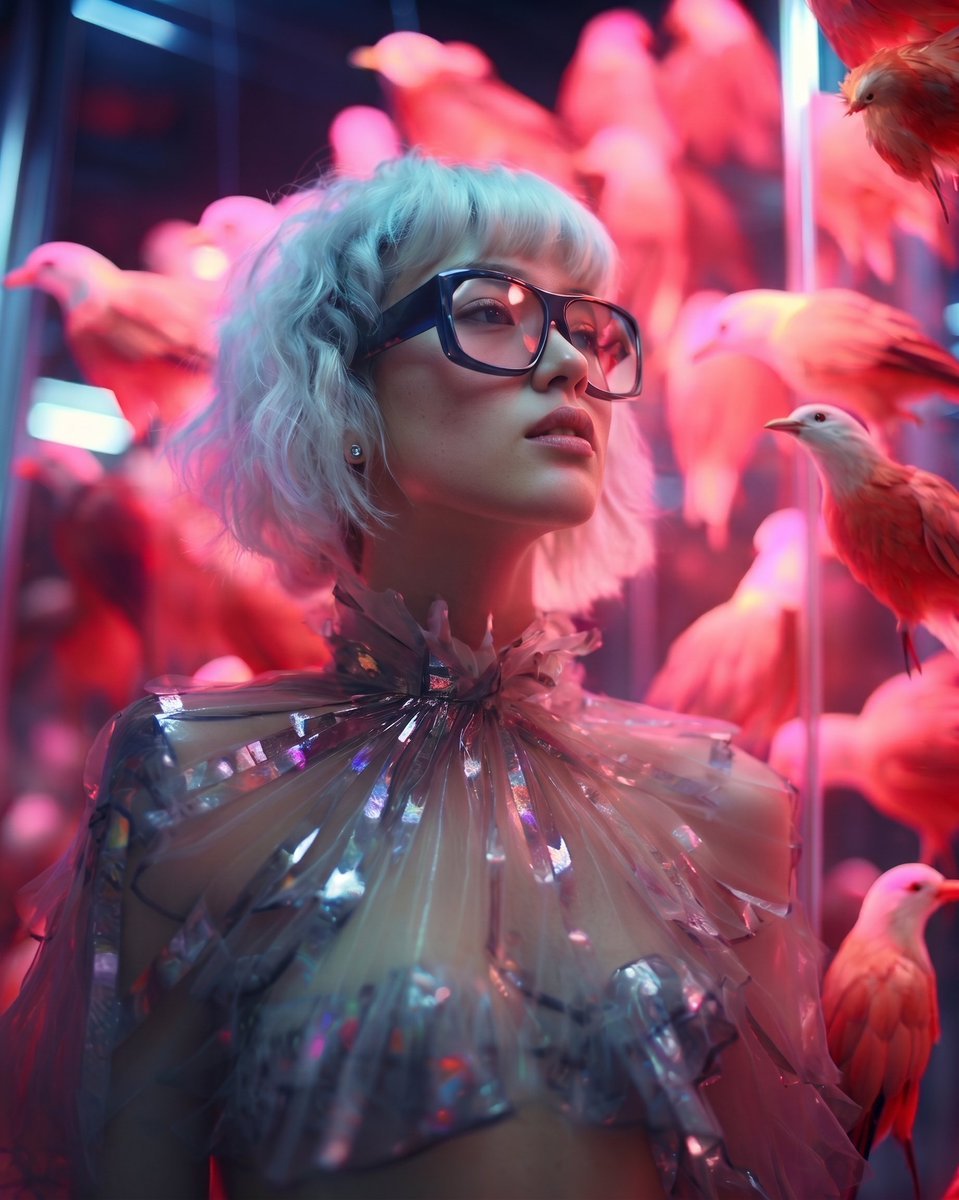
High Fashion Editorial Portrait
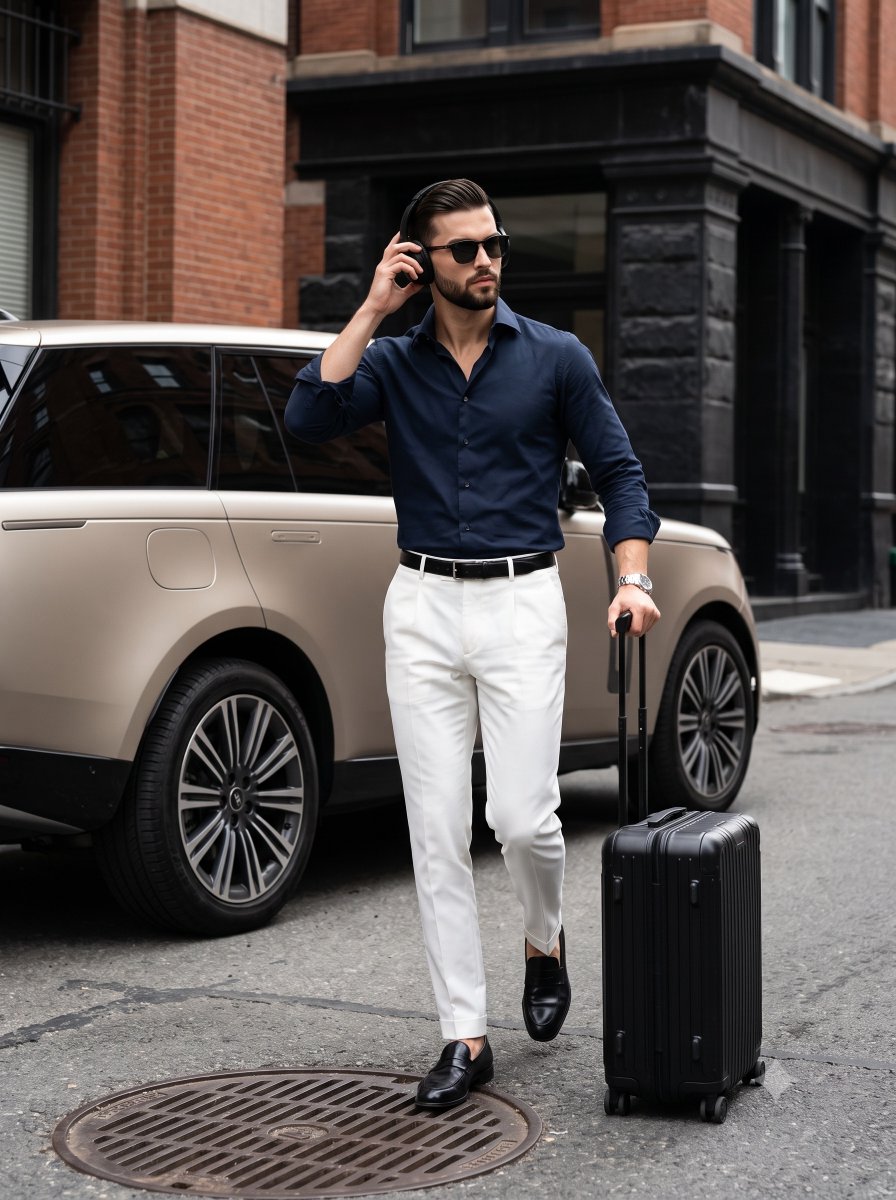
Urban Menswear Lifestyle Editorial
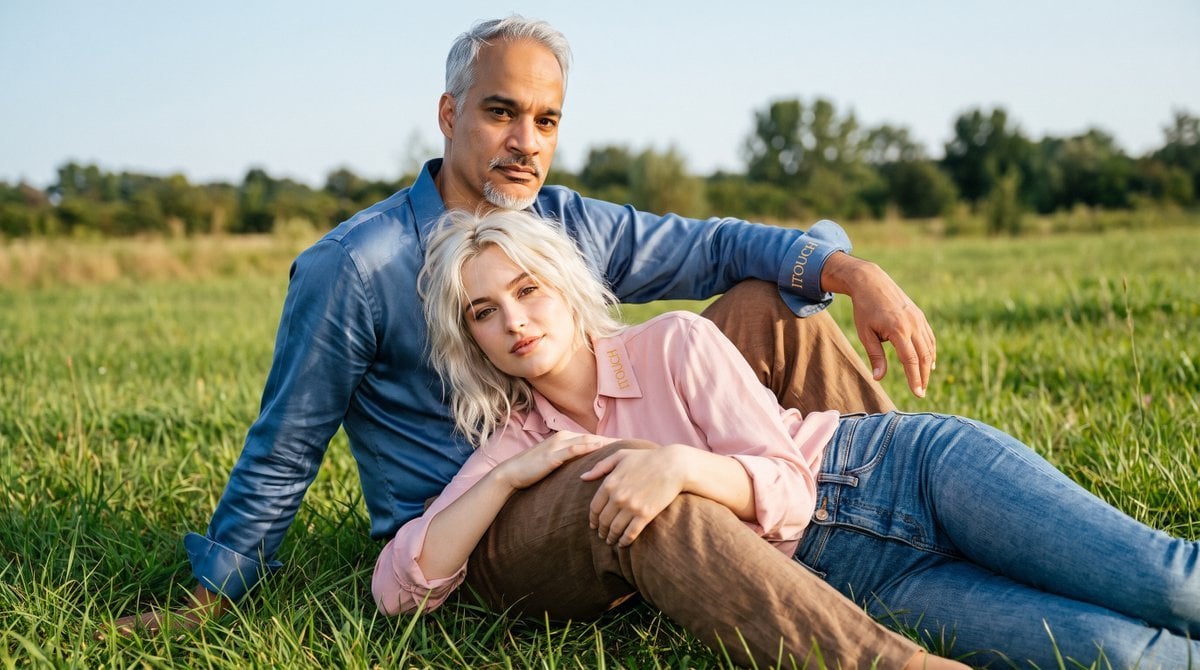
Cinematic Amateur Fashion Editorial

Minimalist Olive Green Editorial Poster

Google Gemini Nano Banana Pro

Creative Character in Pink Office

Avant-Garde Asian Fashion Model

Underwater Macro Face Portrait

Water-level Bridge Modification

Noir Punk Street Portrait

High Contrast Cinematic Face Portrait
Make it yours
Olive Green Cinematic Editorial Transformation works as-is. These are the safest ways to change it without losing the look.
Change one field
Copy a single group, rewrite it, and generate again so you can see what that field is doing.
Keep the frame, change the subject
Hold the composition and light of Olive Green Cinematic Editorial Transformation, then swap wardrobe, props or the person for a new take.
| If the result… | Why | Fix |
|---|---|---|
| The result drifts from the preview | Too many fields changed at once. | Reuse Olive Green Cinematic Editorial Transformation as-is first, then change one group — subject, light, or setting. |
| The model over-stylizes the scene | The prose prompt leaves finish and camera underspecified. | Add one camera or lighting sentence and stay on Gemini 3 Pro Image Preview. |
More Gemini 3 Pro Image Preview templates
Other prompts made for Gemini 3 Pro Image Preview.

Cinematic Urban Night Billboard Portrait

Ultra-Realistic iPhone Selfie with Motion Blur

Cinematic Mirror Reflection Portrait

Elegant Men's Twilight Editorial

Coastal Freedom Sunset Portrait

Ergonomic Office Chair E-commerce Mobile Detail Page

Macro Guitar Fret Dressing

Cinematic Black and White Studio Portrait

1980s Retro Salon Portrait

Felt Frog Diorama Beach
More image prompts
Fresh picks from across the catalog.
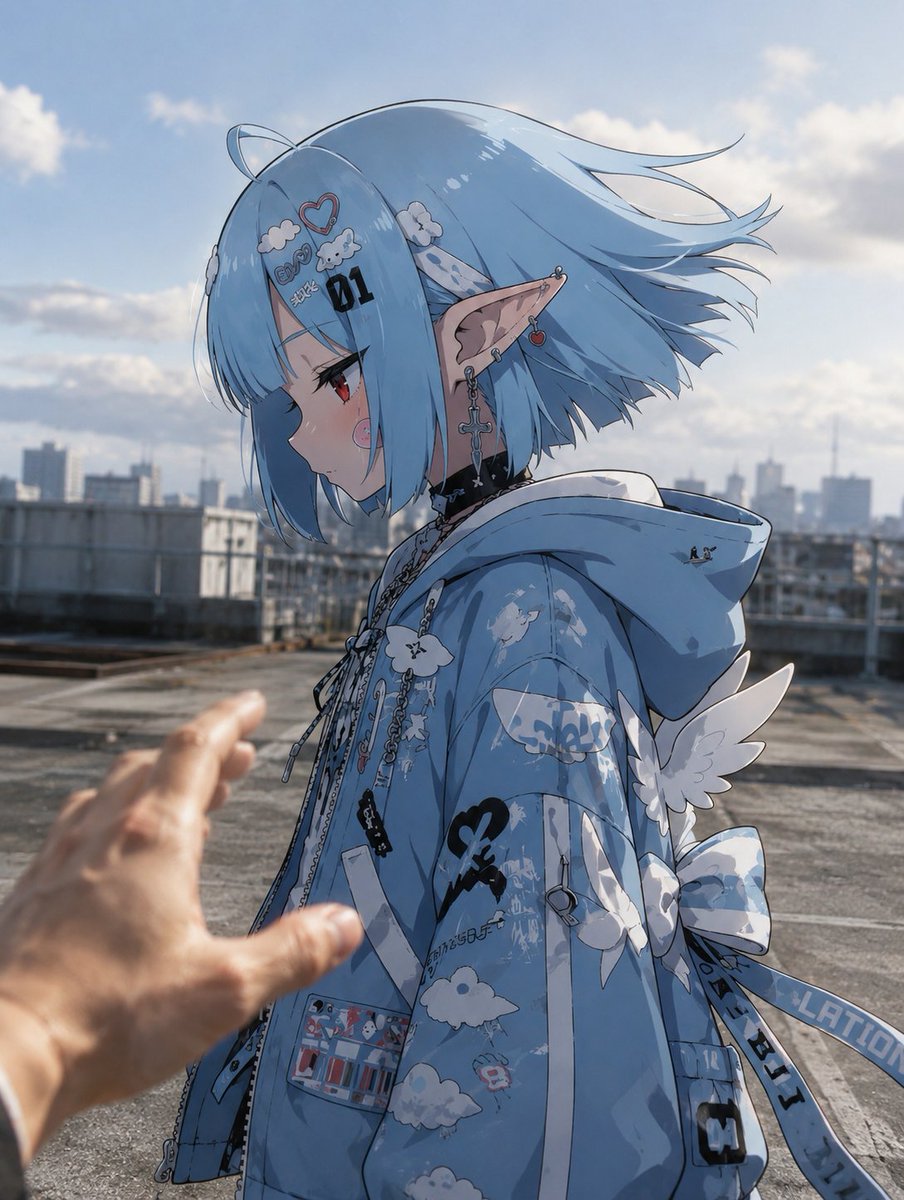
Anime Character in Real Rooftop Scene
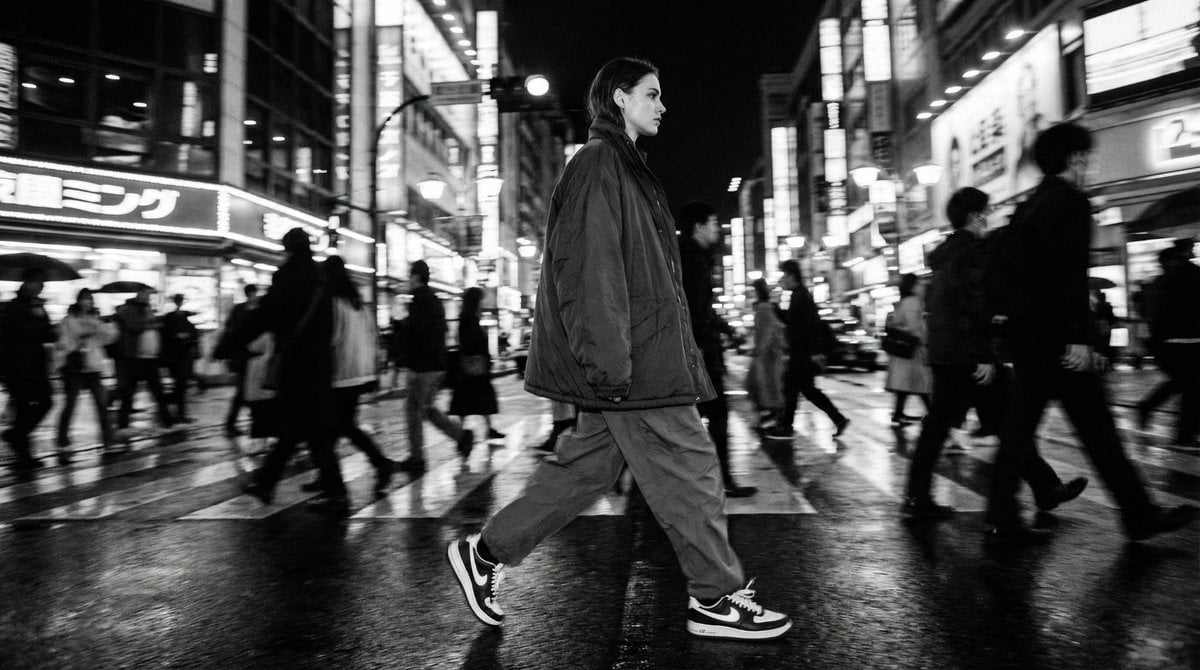
Template for Cinematic B&W Street Fashion Editorial

Skin Comparison Portrait — Nano Banana Pro
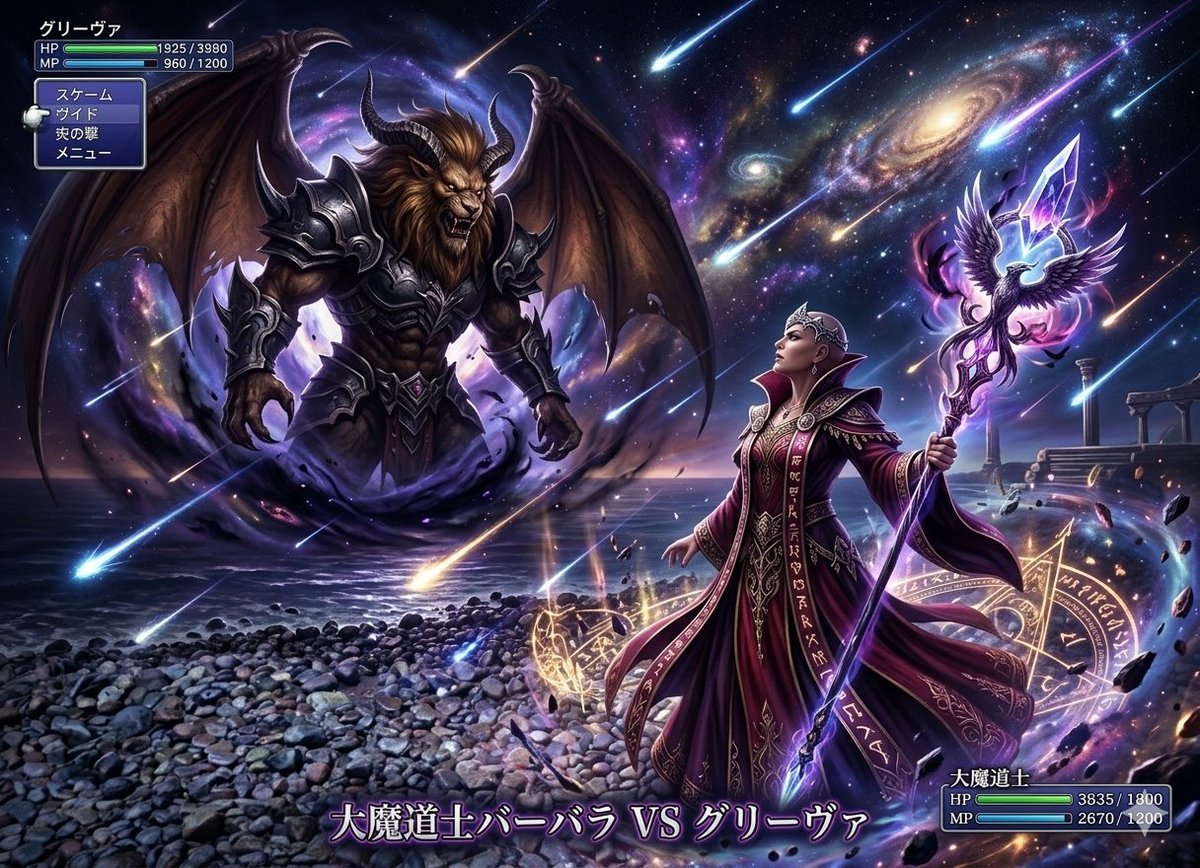
Final Fantasy transformation prompt (Nano Banana Pro)
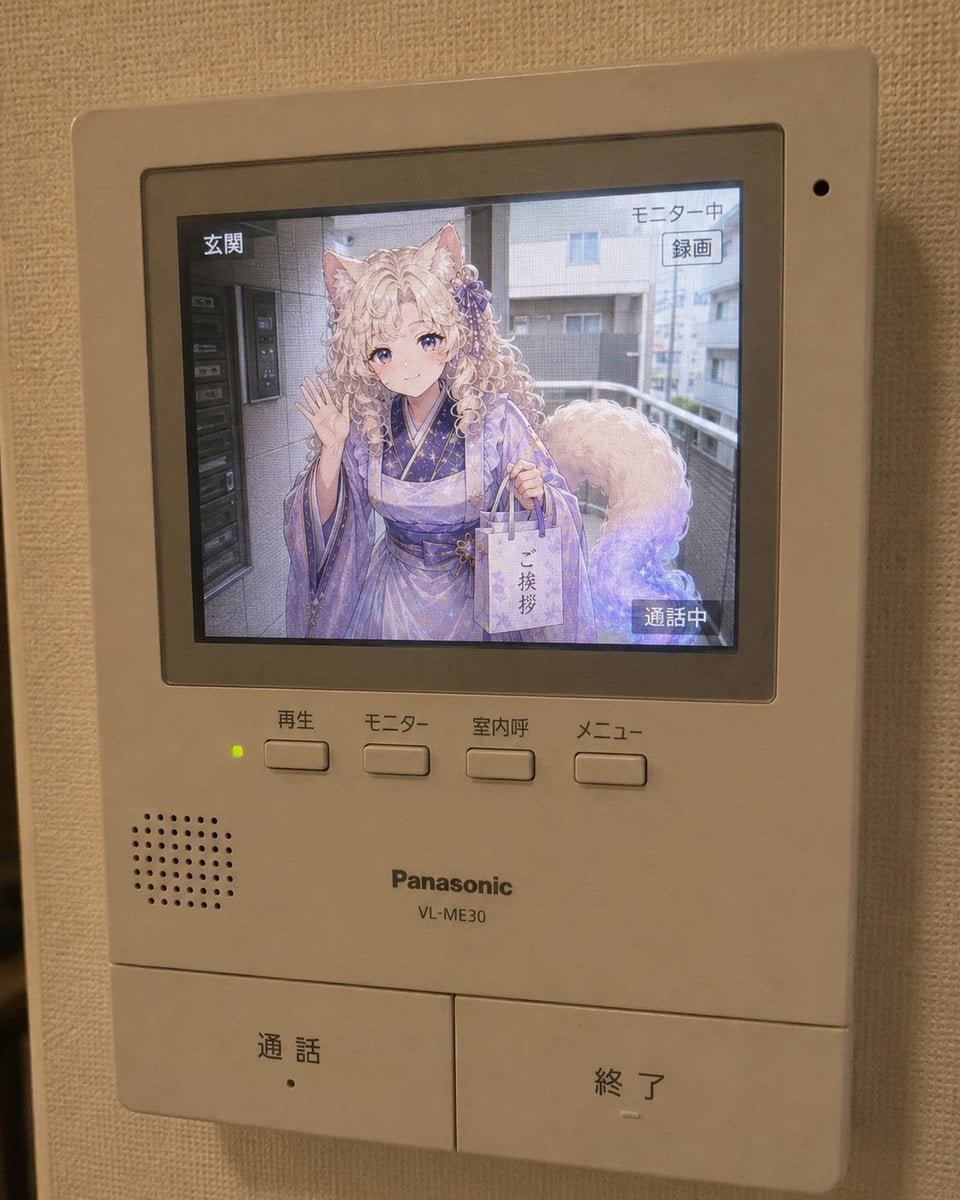
Anime Neighbor Intercom Screen
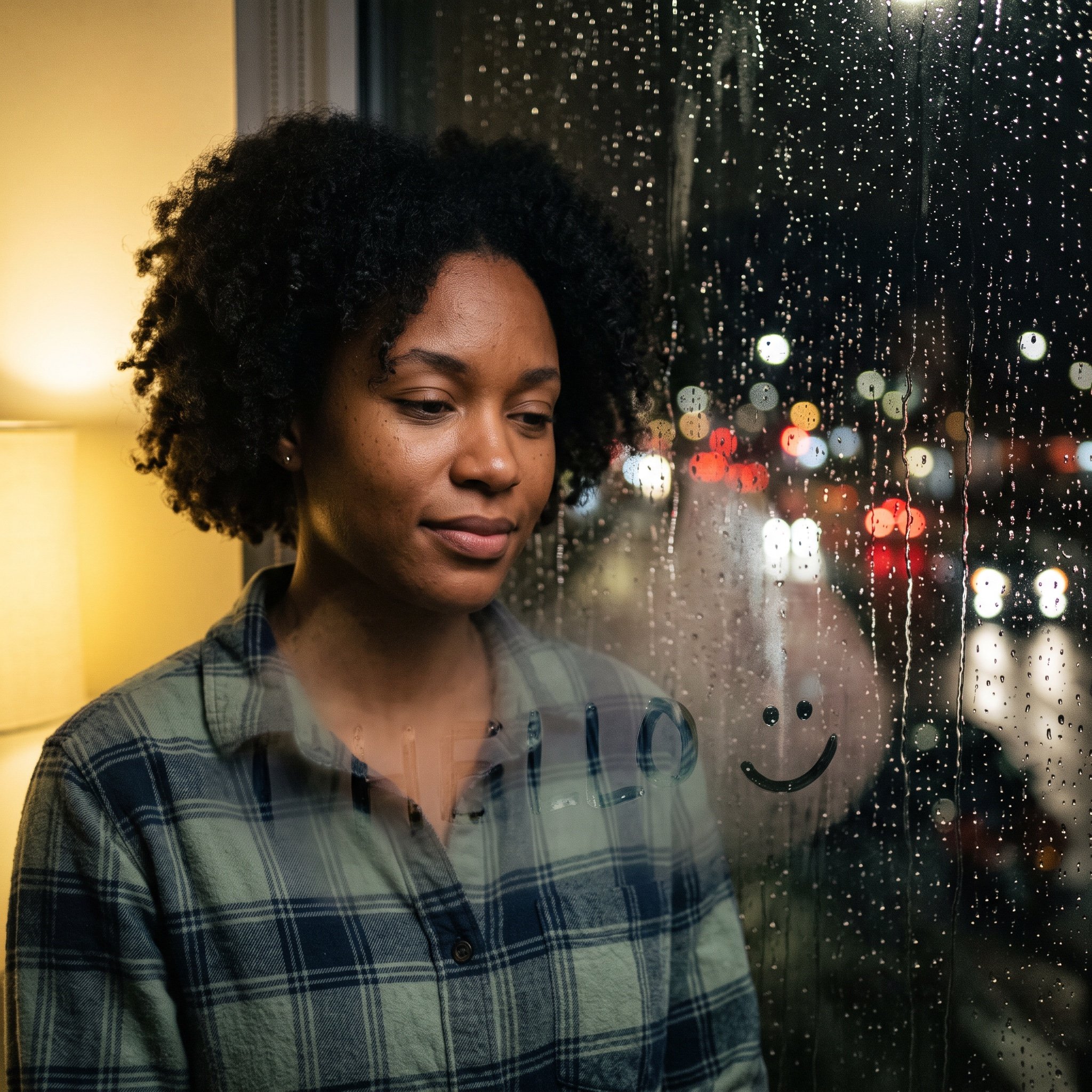
Rainy Window Doodle Portrait Prompt

ChatGPT Analysis Diagnosis Card
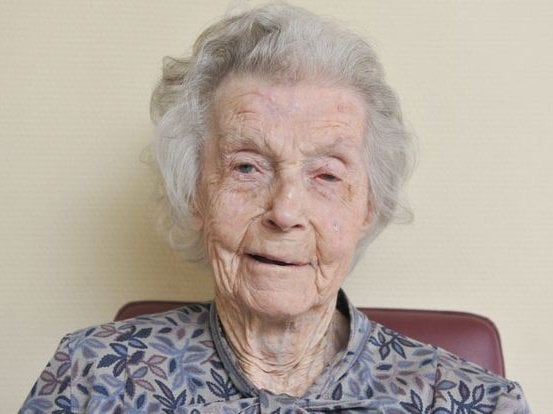
Convert Image to School Yearbook Portrait
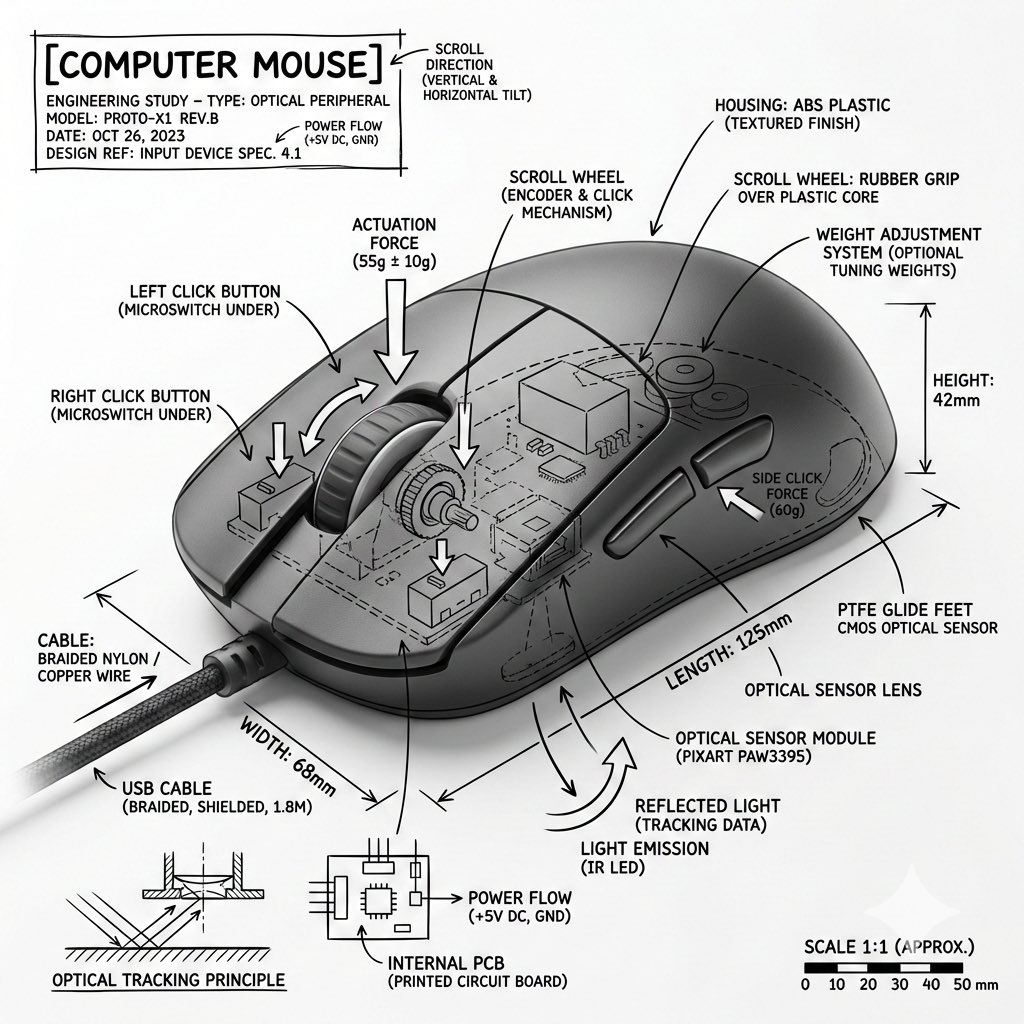
Technical Infographic Overlay for Object Annotation
untitled
Browse template categories
Olive Green Cinematic Editorial Transformation questions
How do I use the Olive Green Cinematic Editorial Transformation template?
Add your photo if the template asks for one, edit the prompt if you like — the template's model and format are already selected — and press Generate. Your version opens in PicX Studio.
Can I customize the Olive Green Cinematic Editorial Transformation template?
Yes. You can change the subject, setting, lighting, mood, format, and available model controls before creating your image.
Is the Olive Green Cinematic Editorial Transformation template free?
Opening and editing this template is free. Generating uses credits, shown on the Generate button when you are signed in.
Which AI model should I use?
Start with Gemini 3 Pro Image Preview, which is the model associated with this template. You can compare another compatible model for a different finish.
Looking for something else? Browse all templates.

Your photo, any look
Thousands of ready templates for every top image and video model, from one credit balance.