
Cinematic Black and White Studio Portrait
An ultra-realistic prompt for high-contrast, black-and-white editorial fashion portraits using Rembrandt lighting for a timeless Hollywood aesthetic.
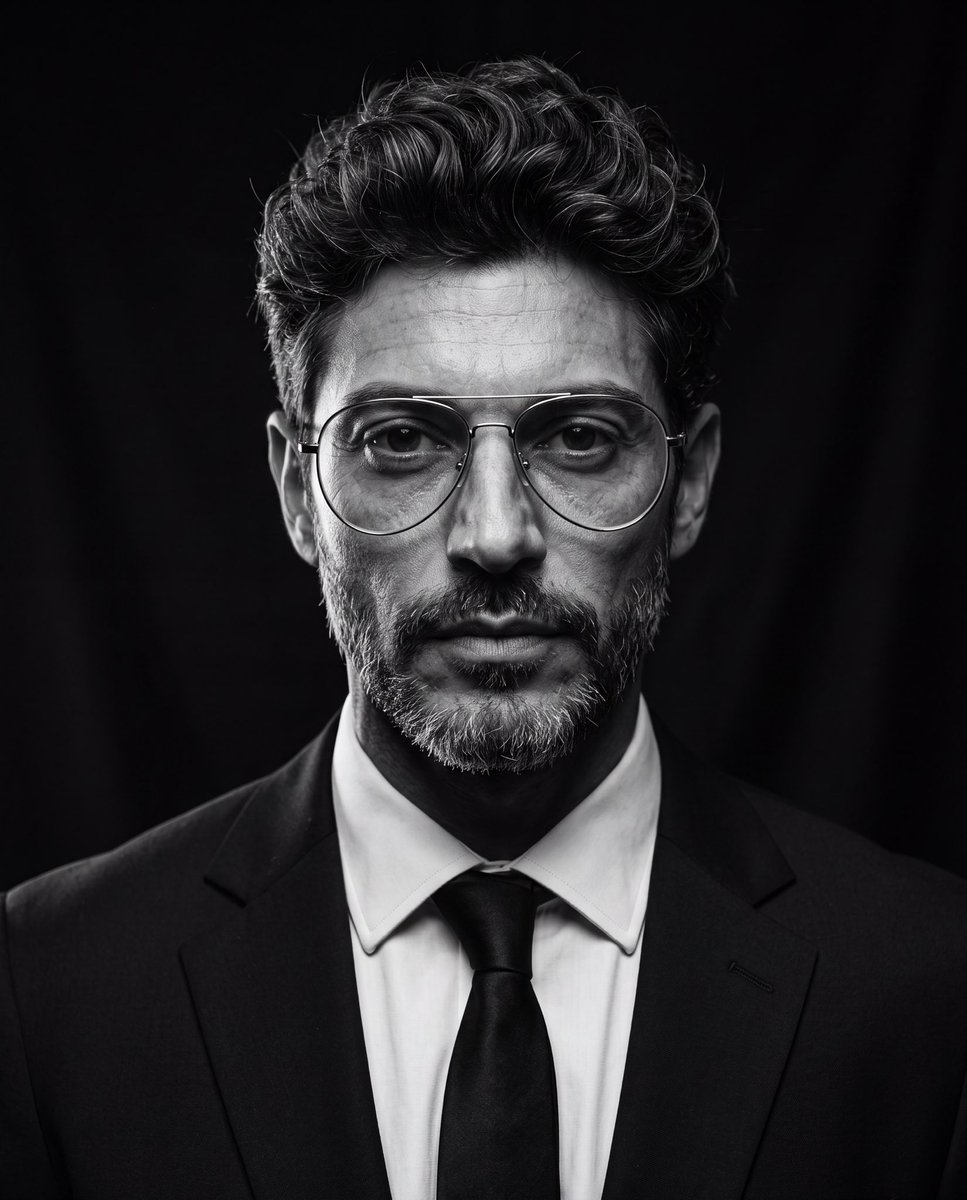
- Prompt included
- Model and format preset
- Free template
The prompt behind this image
Copy the exact prompt behind Cinematic Black and White Studio Portrait, or open it in the studio and make it yours.
Create an ultra-realistic cinematic studio portrait of the person in the reference image. Preserve the person’s facial features and identity while styling them in a luxury editorial fashion. Give them a modern textured quiff hairstyle with medium-length hair, voluminous top, natural lift, slightly messy brushed-back texture, subtle side taper, clean sides, and realistic individual hair strands. Add thin silver metal aviator eyeglasses with large rounded lenses, minimalist frame, clear lenses, elegant luxury design, perfectly fitted to the face. Dress them in a {argument name="clothing" default="tailored black suit, crisp white dress shirt, and black tie"}. Pose them looking directly into the camera with a calm, confident, serious expression. Use {argument name="lighting" default="dramatic low-key studio lighting"} with a single large octabox positioned 45° above the subject, classic Rembrandt lighting, deep cinematic shadows, subtle rim light around the hair and shoulders, black seamless background, {argument name="color grading" default="high contrast black-and-white grading"}, rich tonal range, crisp eyes with natural catchlights, highly detailed skin texture, realistic pores, subtle facial hair detail, shallow depth of field, Leica SL2 with APO-Summicron 90mm lens, f/2.2, ISO 100, HDR, editorial fashion photography, timeless Hollywood portrait, museum-quality, photorealistic, ultra-sharp, 8K resolution, masterpiece. Negative Prompt cartoon, anime, illustration, CGI, plastic skin, beauty filter, overprocessed skin, blurry, low quality, low resolution, distorted face, asymmetrical eyes, duplicate face, extra glasses, oversized glasses, thick frames, text, watermark, logo, cropped head, poor lighting, noisy image, unrealistic hair, exaggerated hairstyle, overexposed, underexposed
How to use Cinematic Black and White Studio Portrait in 3 steps
- 1Upload ImagePNG, JPG or paste
Add your photo
Upload the photo the template builds on. The prompt, model and format are already set.
- 2…a portrait of your subject in softgolden-hour light, 85mm…
Personalize
Edit the subject and creative details for your destination.
- 3Generate
Generate
Press Generate — your image is created in PicX Studio, so you can compare it with the original and refine one variable at a time.
More like this
Templates with the same subject, style or setup. Open one to see its prompt.

80s Couple Studio Portrait

1985 Studio Portrait
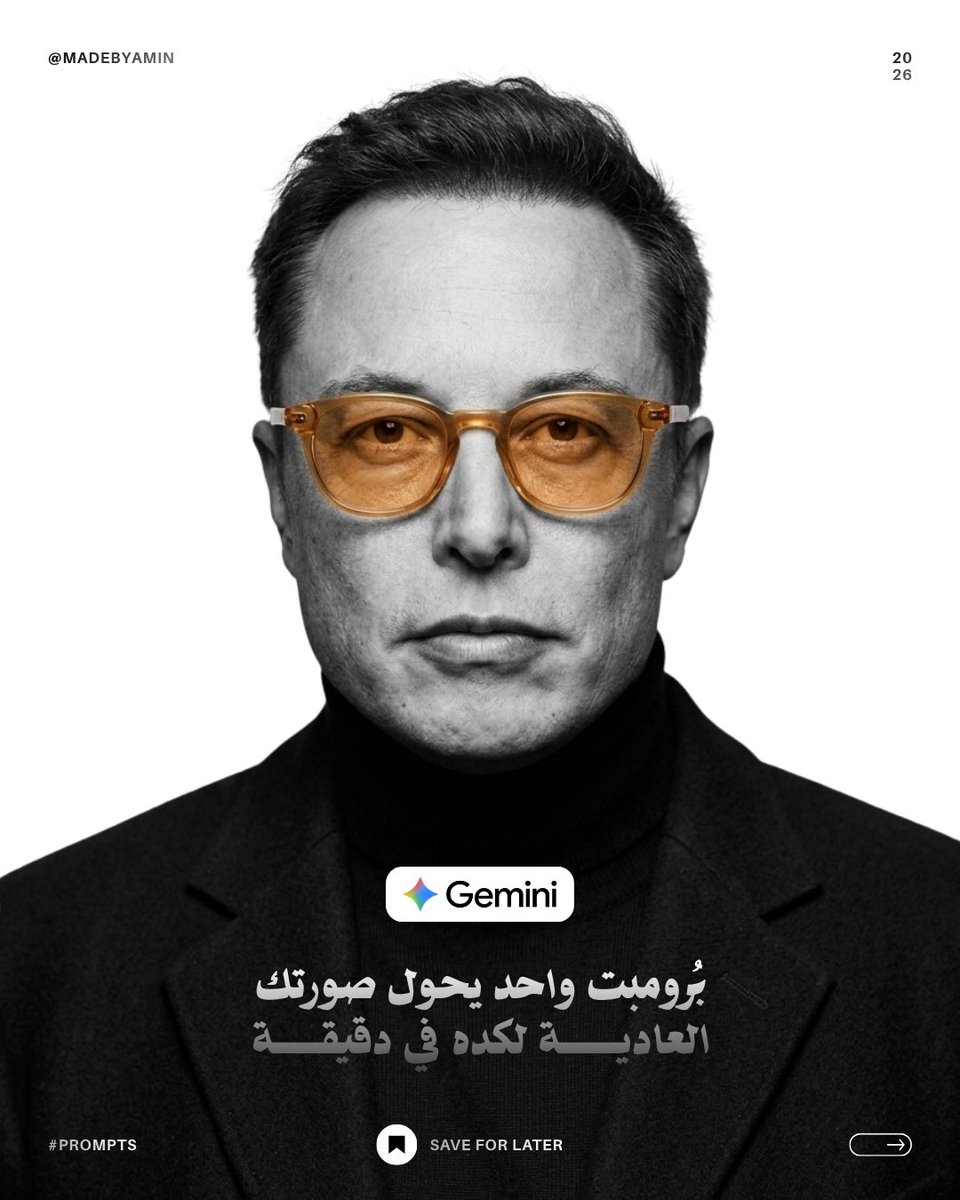
Monochrome Studio Portrait with Colored Lens
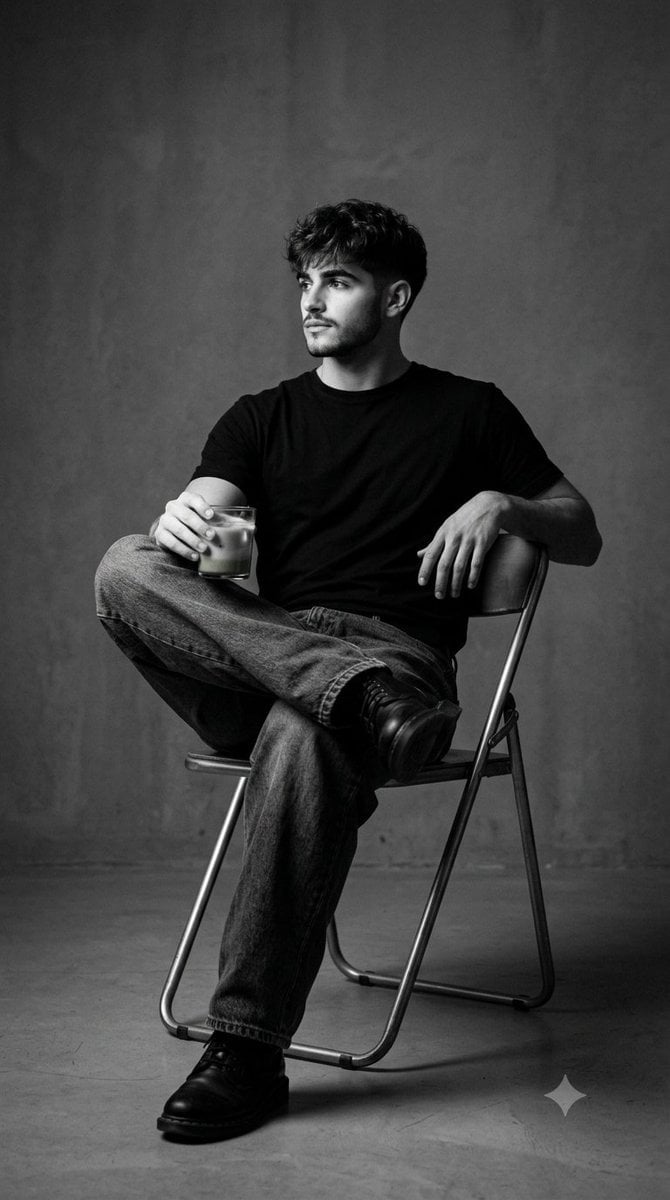
Black and White Studio Portrait
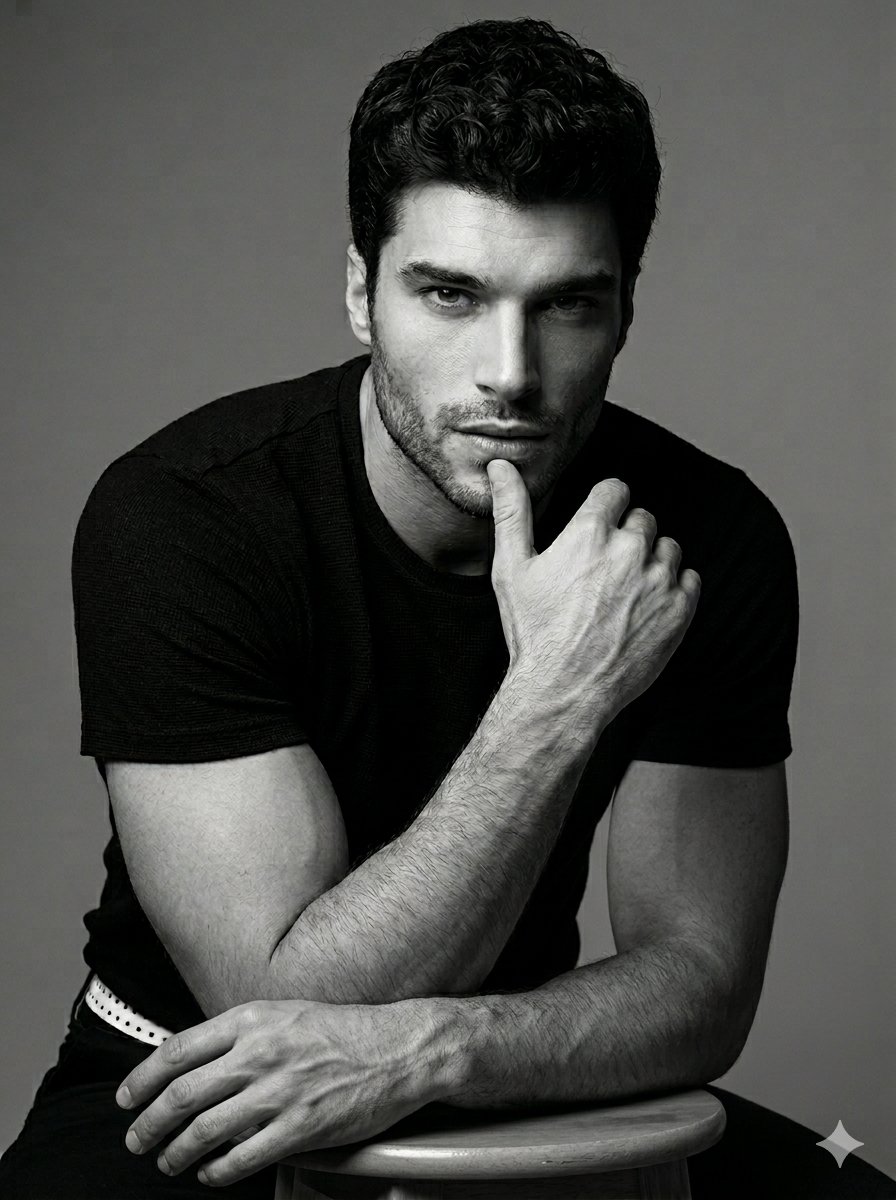
Black and White Male Studio Portrait
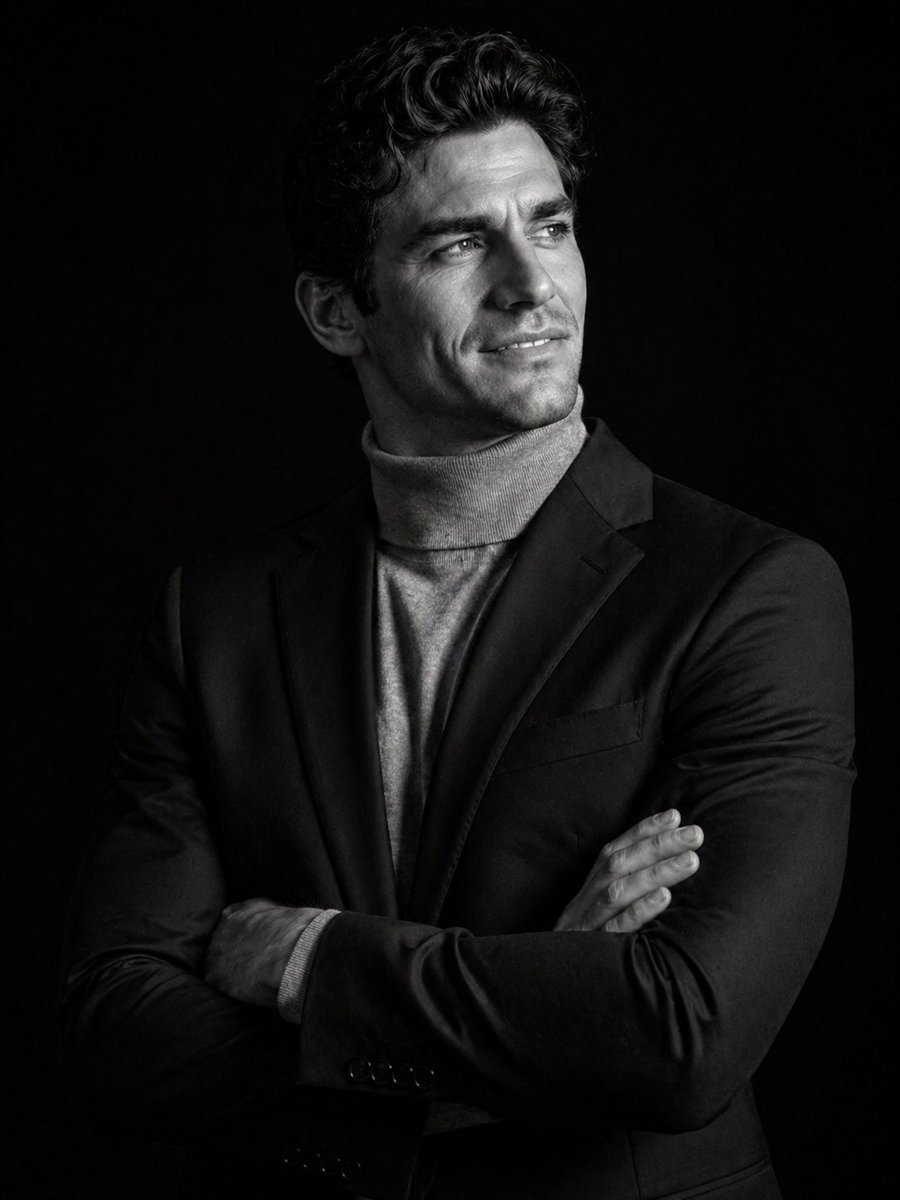
Cinematic Black and White Studio Portrait
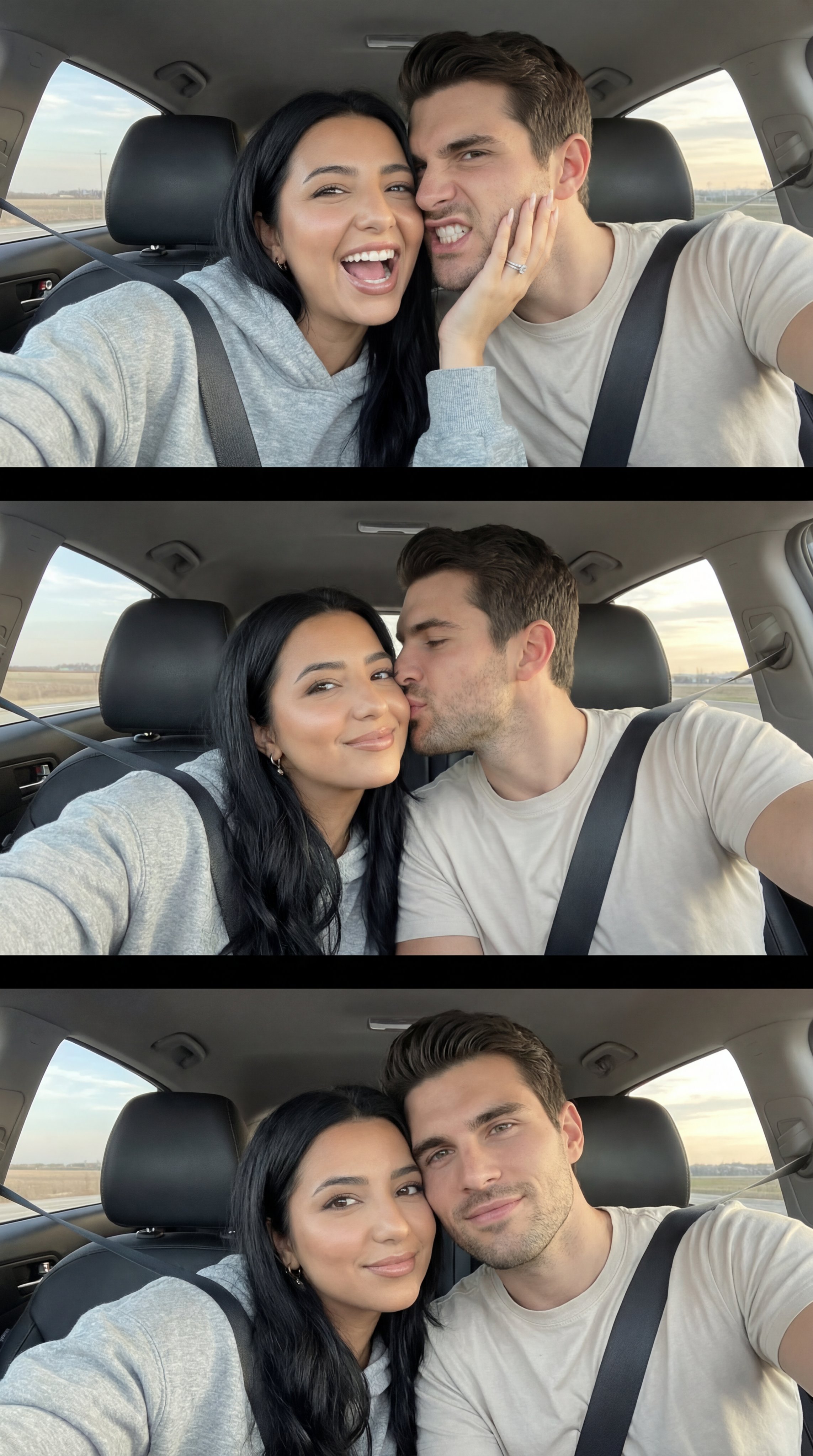
Nano Banana Pro Photoreal Playful Couple

Underwater Macro Face Portrait
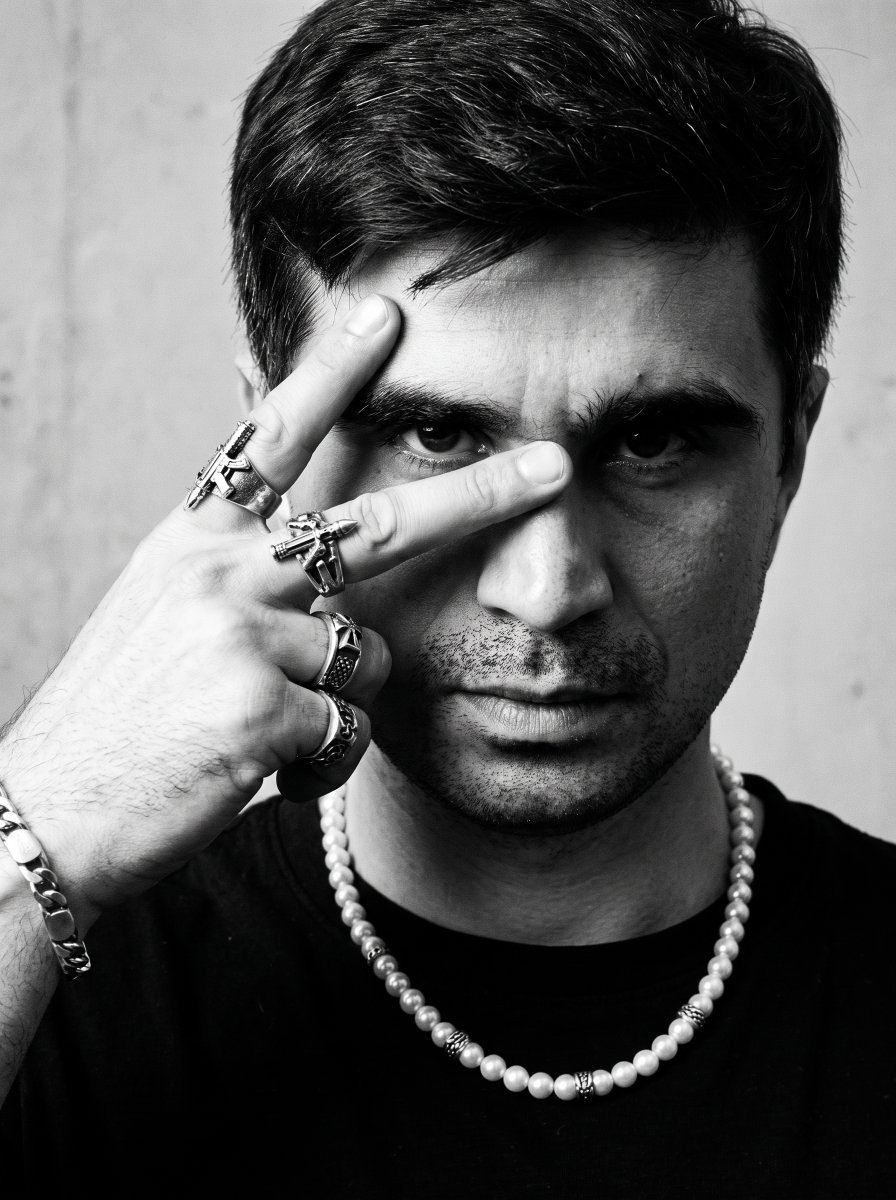
Noir Punk Street Portrait
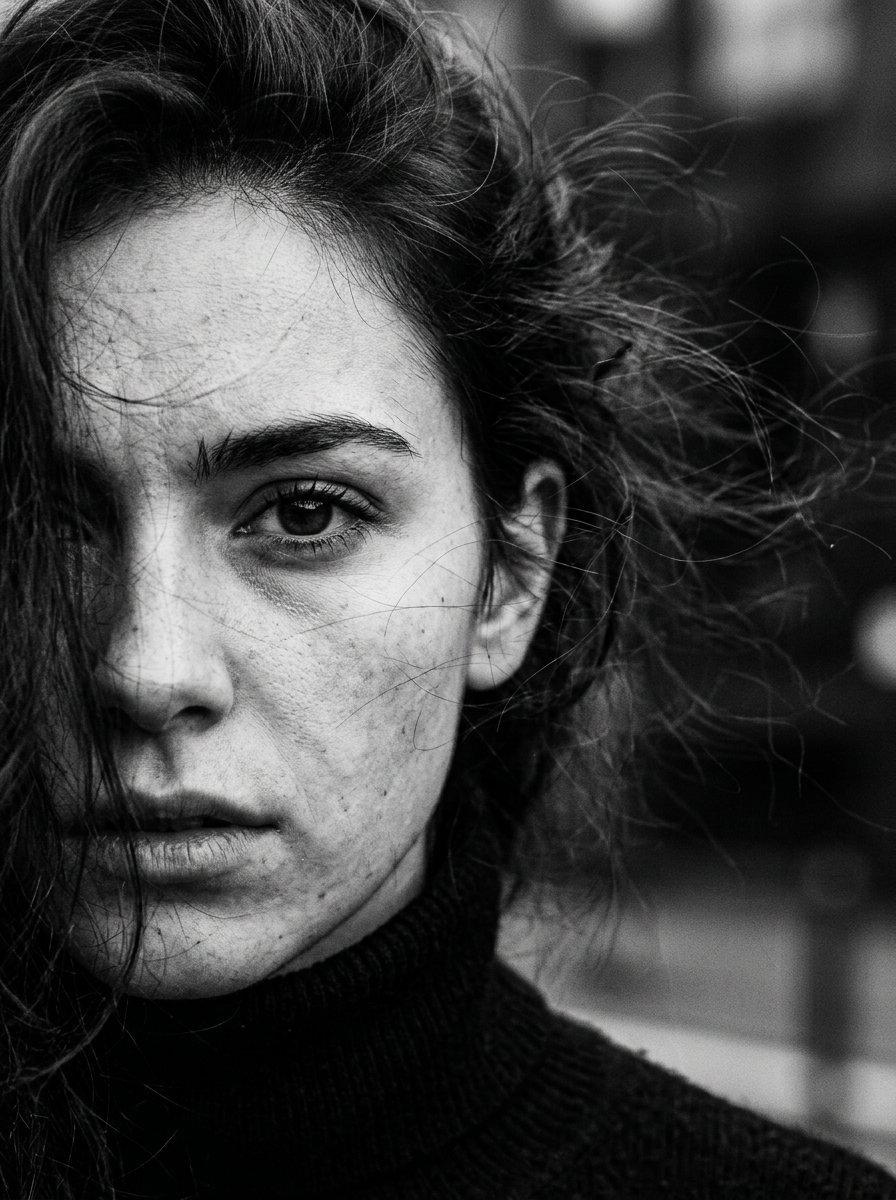
High Contrast Cinematic Face Portrait
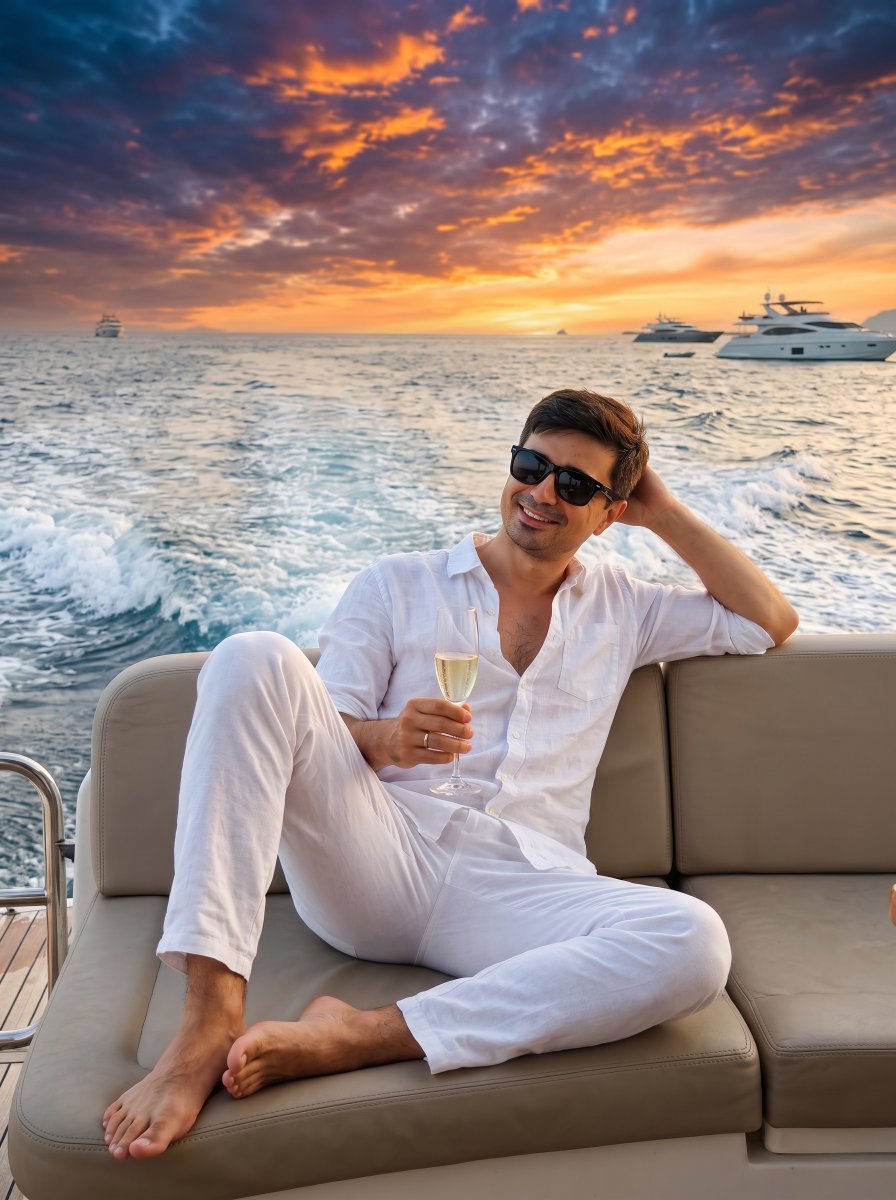
Ultra-Realistic Yacht Sunset Portrait
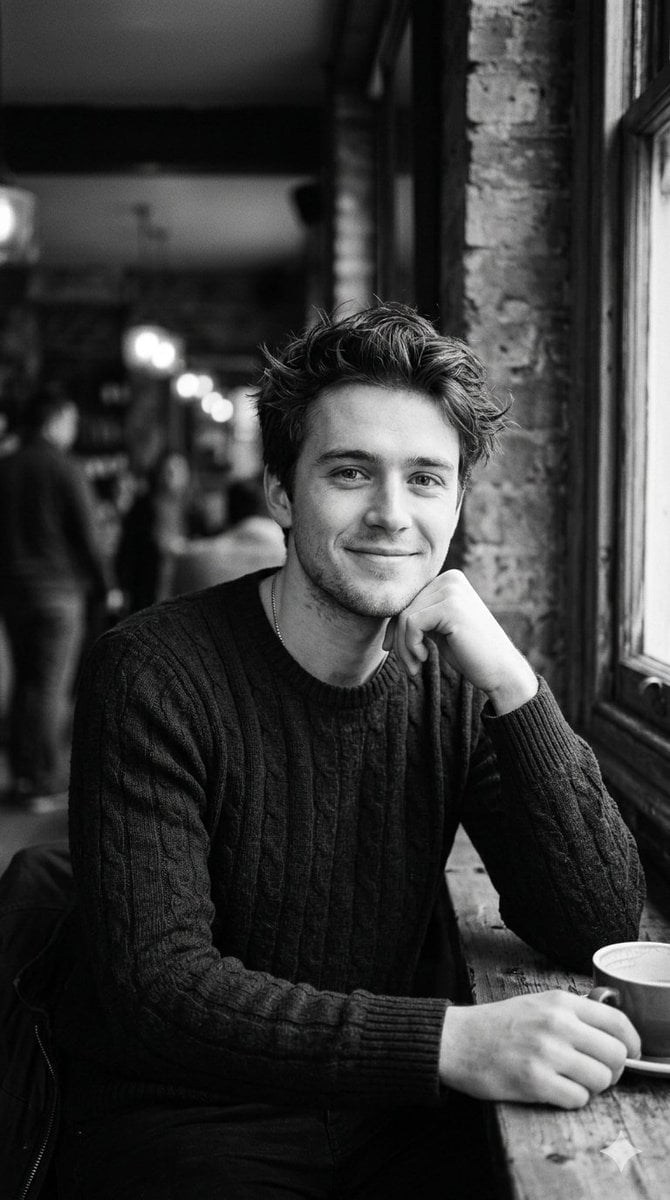
Black and White Cafe Portrait
Make it yours
Cinematic Black and White Studio Portrait works as-is. These are the safest ways to change it without losing the look.
Change one field
Copy a single group, rewrite it, and generate again so you can see what that field is doing.
Keep the frame, change the subject
Hold the composition and light of Cinematic Black and White Studio Portrait, then swap wardrobe, props or the person for a new take.
| If the result… | Why | Fix |
|---|---|---|
| The result drifts from the preview | Too many fields changed at once. | Reuse Cinematic Black and White Studio Portrait as-is first, then change one group — subject, light, or setting. |
| The model over-stylizes the scene | The prose prompt leaves finish and camera underspecified. | Add one camera or lighting sentence and stay on Gemini 3 Pro Image Preview. |
More Gemini 3 Pro Image Preview templates
Other prompts made for Gemini 3 Pro Image Preview.
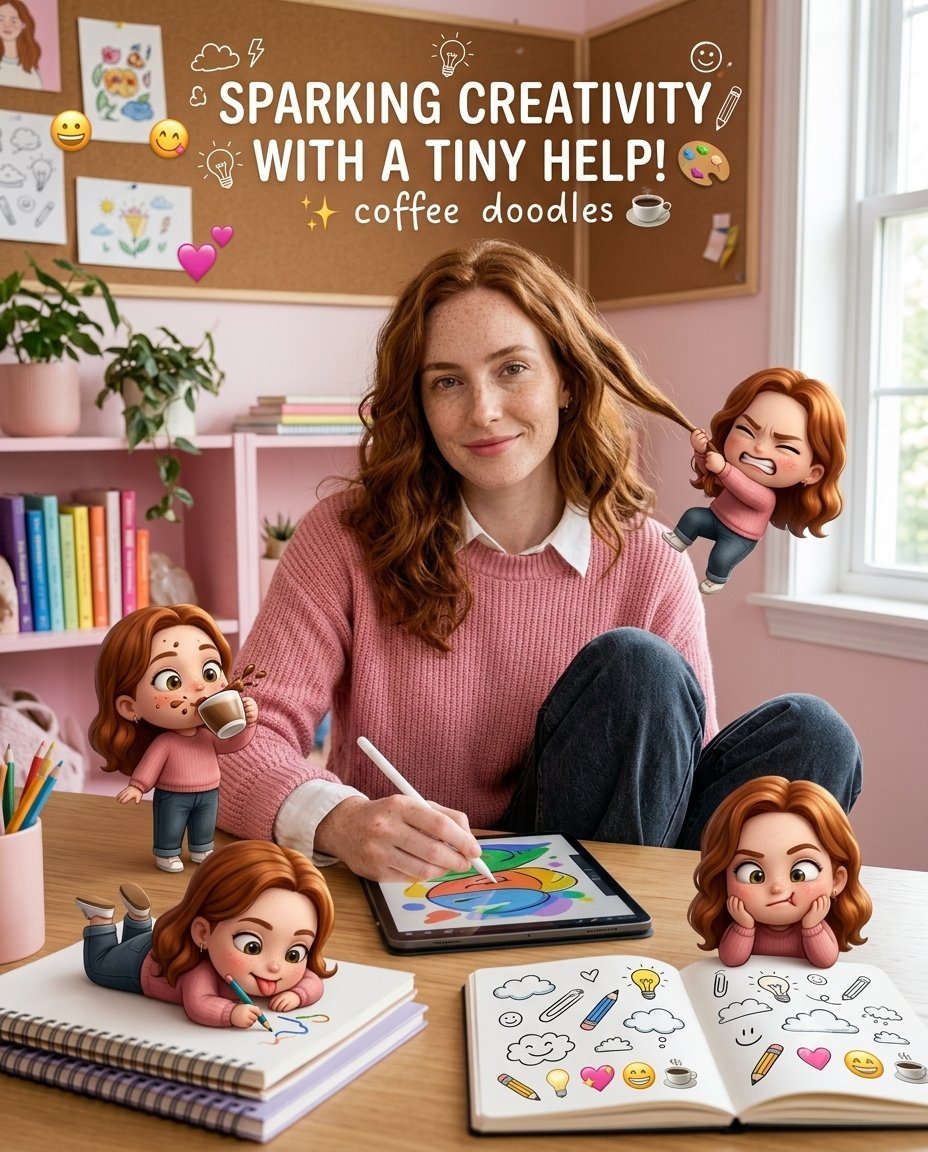
Creative Character in Pink Office
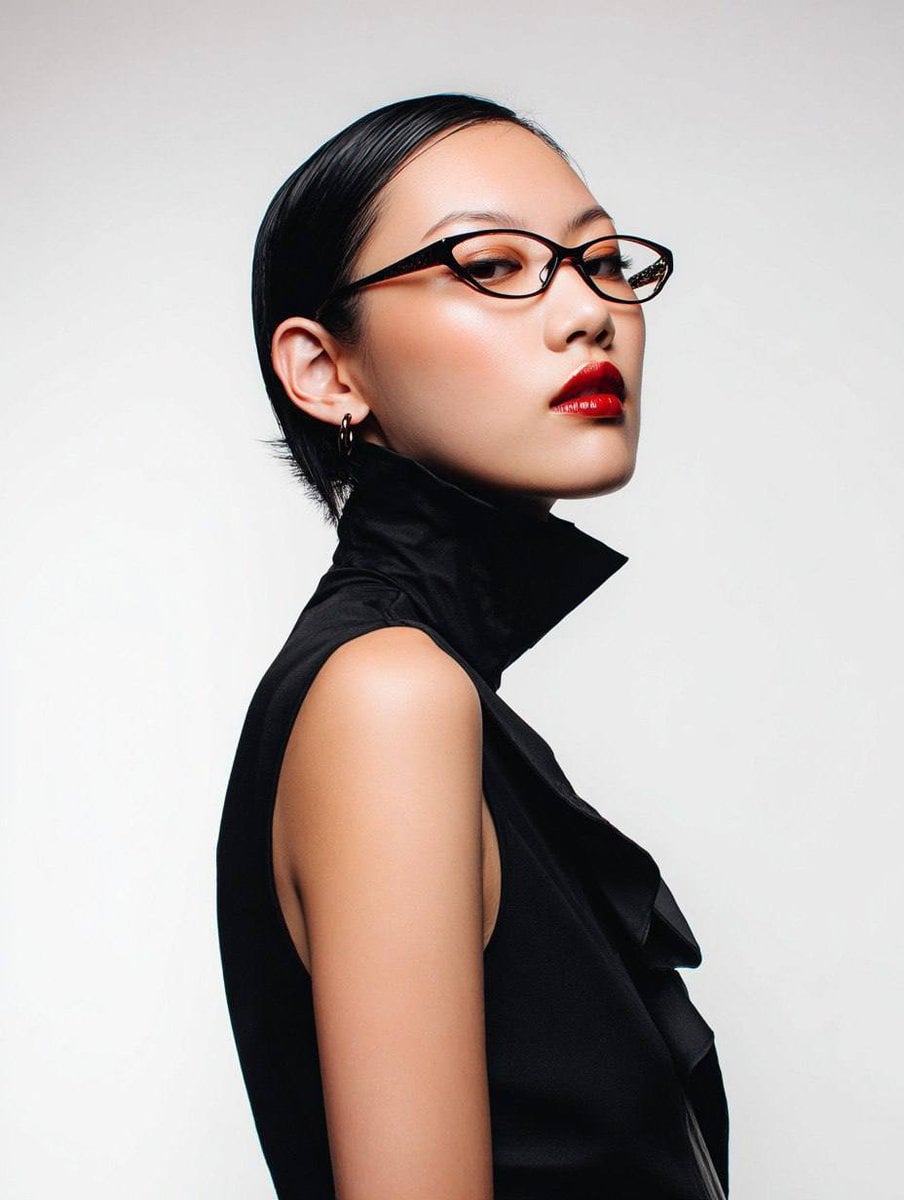
Avant-Garde Asian Fashion Model
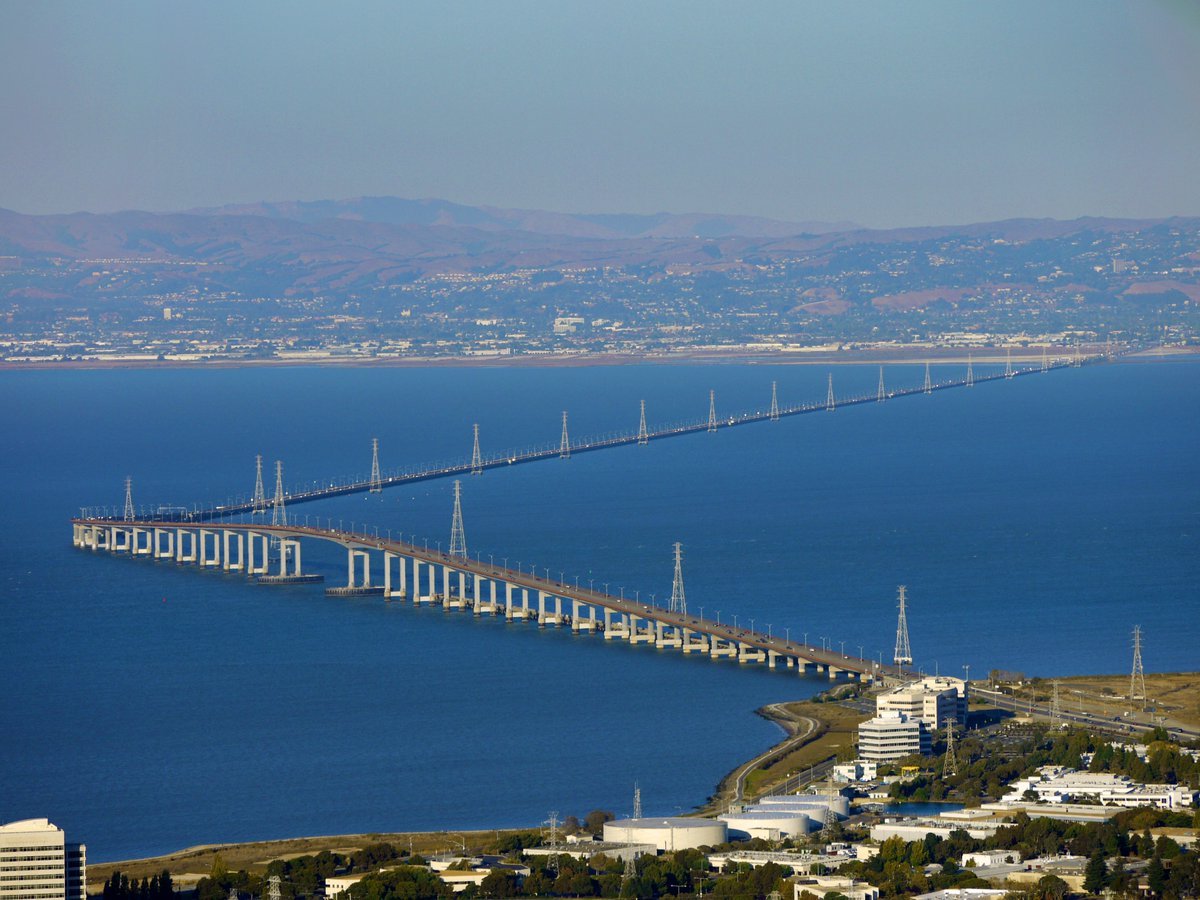
Water-level Bridge Modification

Mushroom Still Life Composition
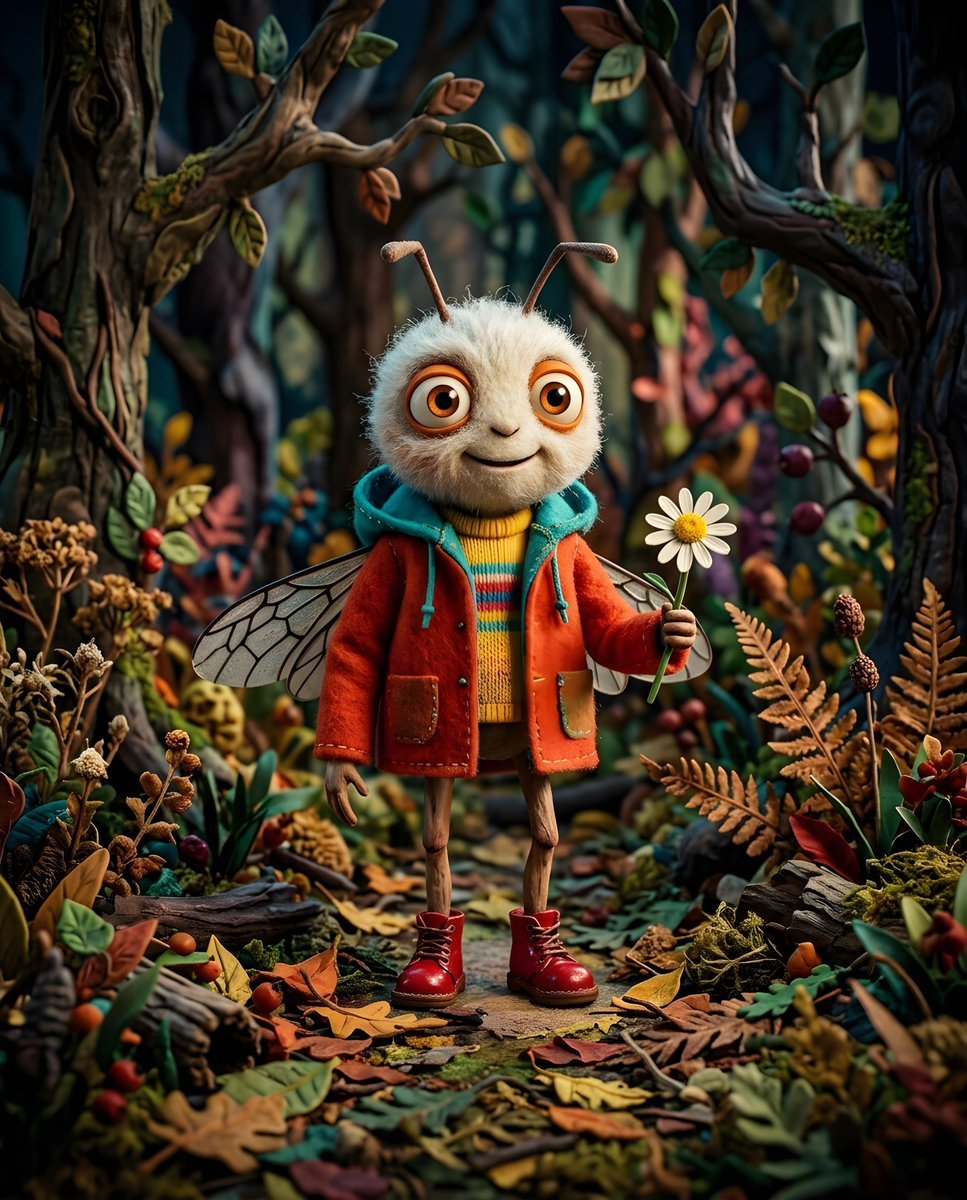
Whimsical Anthropomorphic Friendly Insect
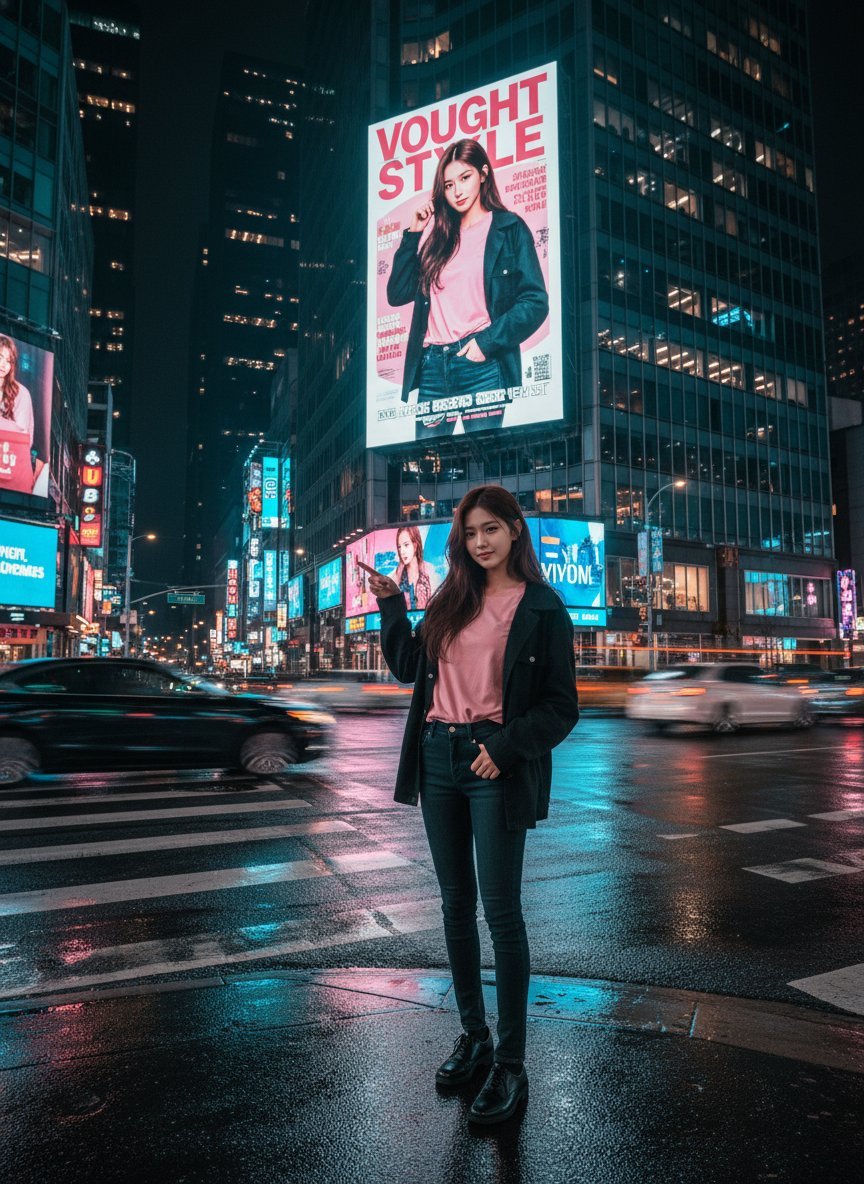
Cinematic Urban Night Billboard Portrait
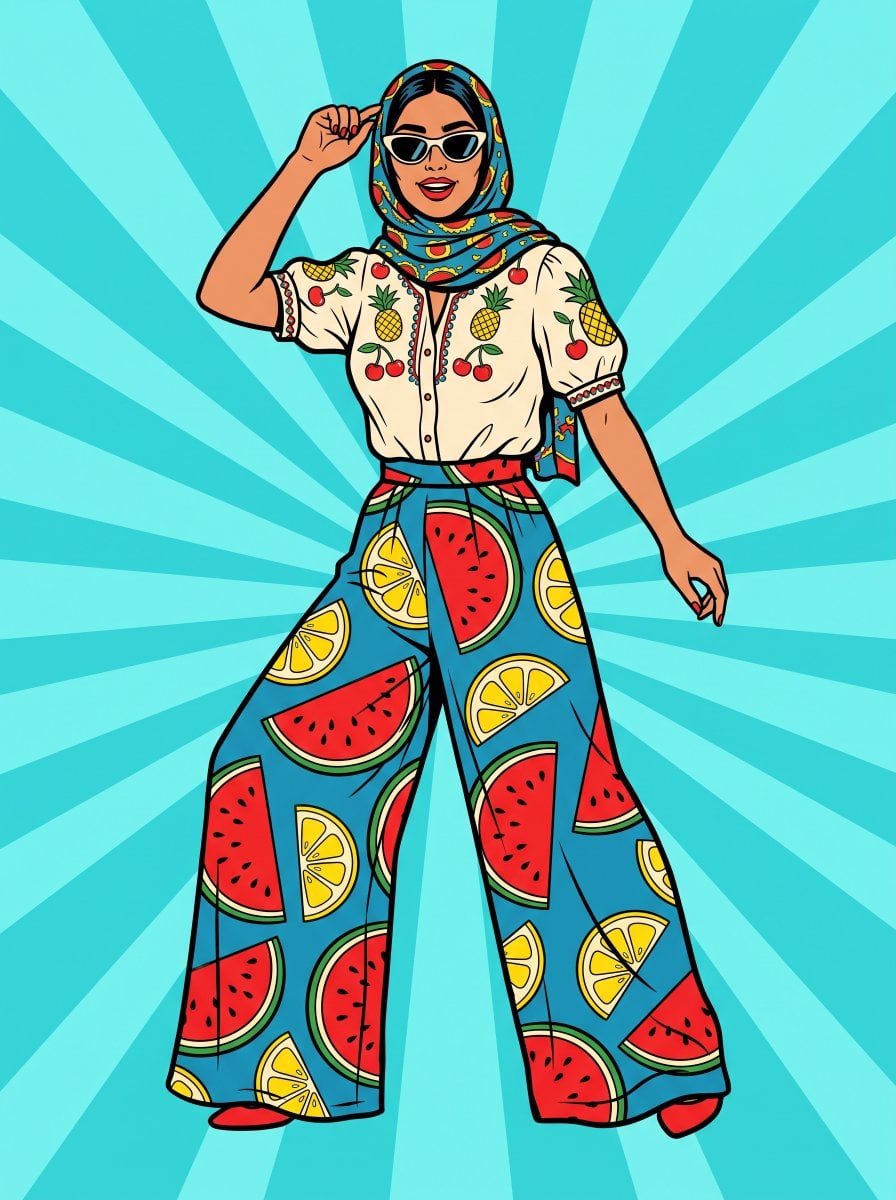
Pop Art Summer Fruit Fashion Illustration
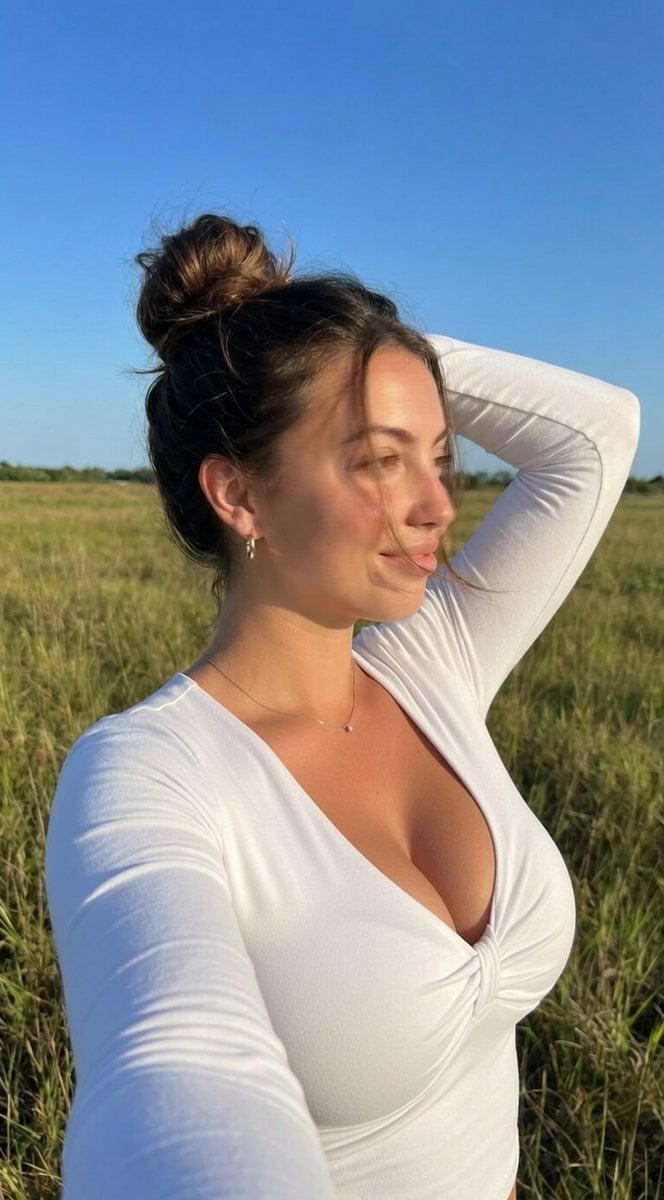
Ultra-Realistic iPhone Selfie with Motion Blur
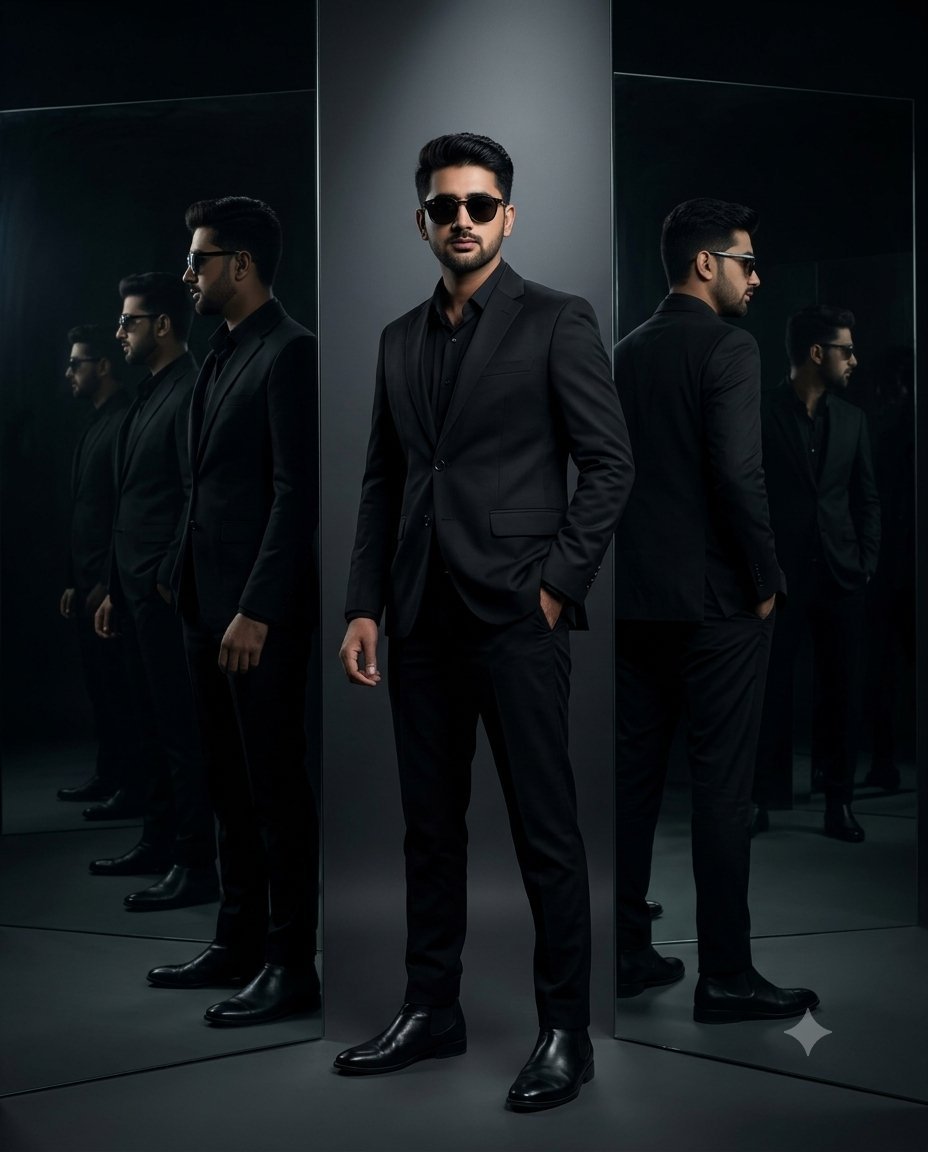
Cinematic Mirror Reflection Portrait
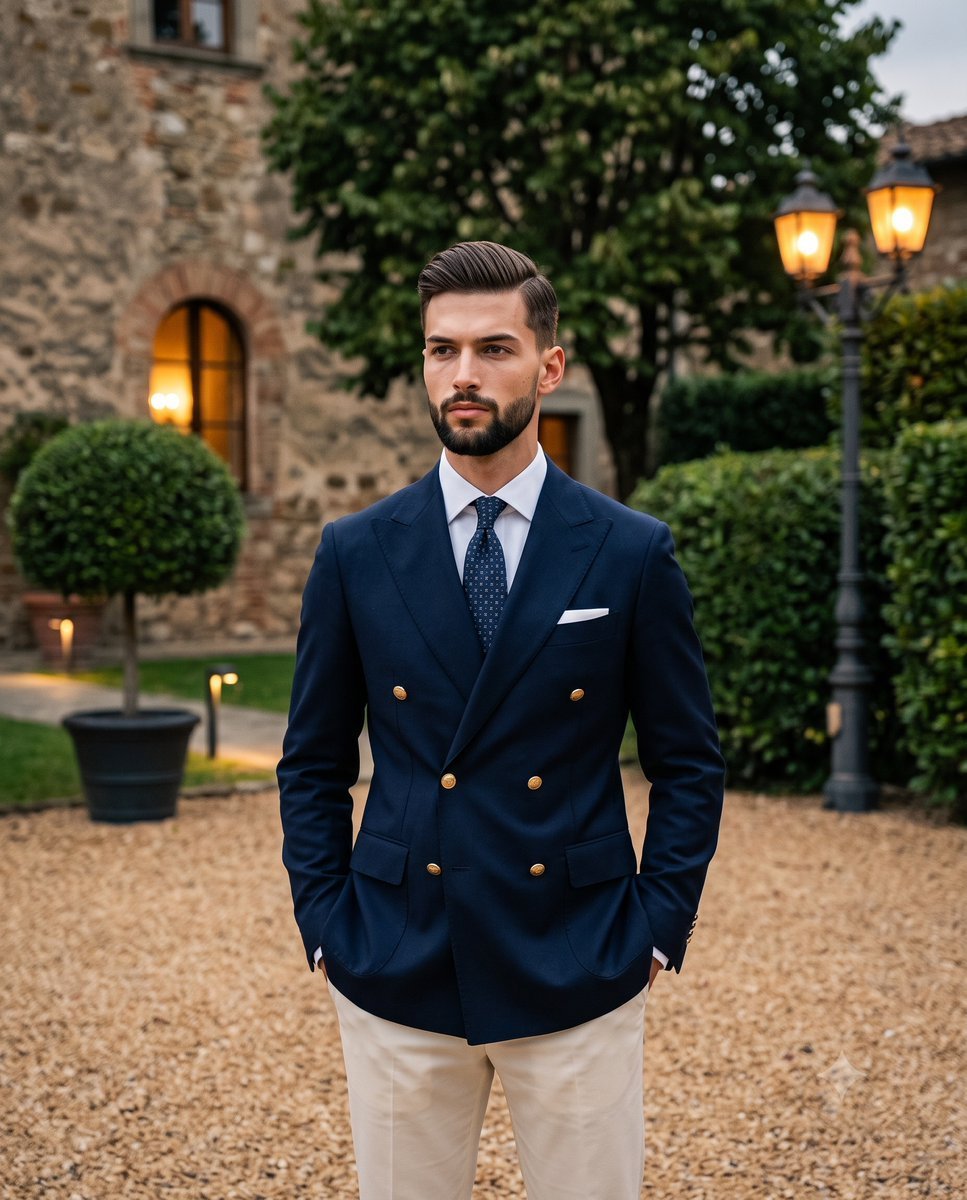
Elegant Men's Twilight Editorial
More image prompts
Fresh picks from across the catalog.
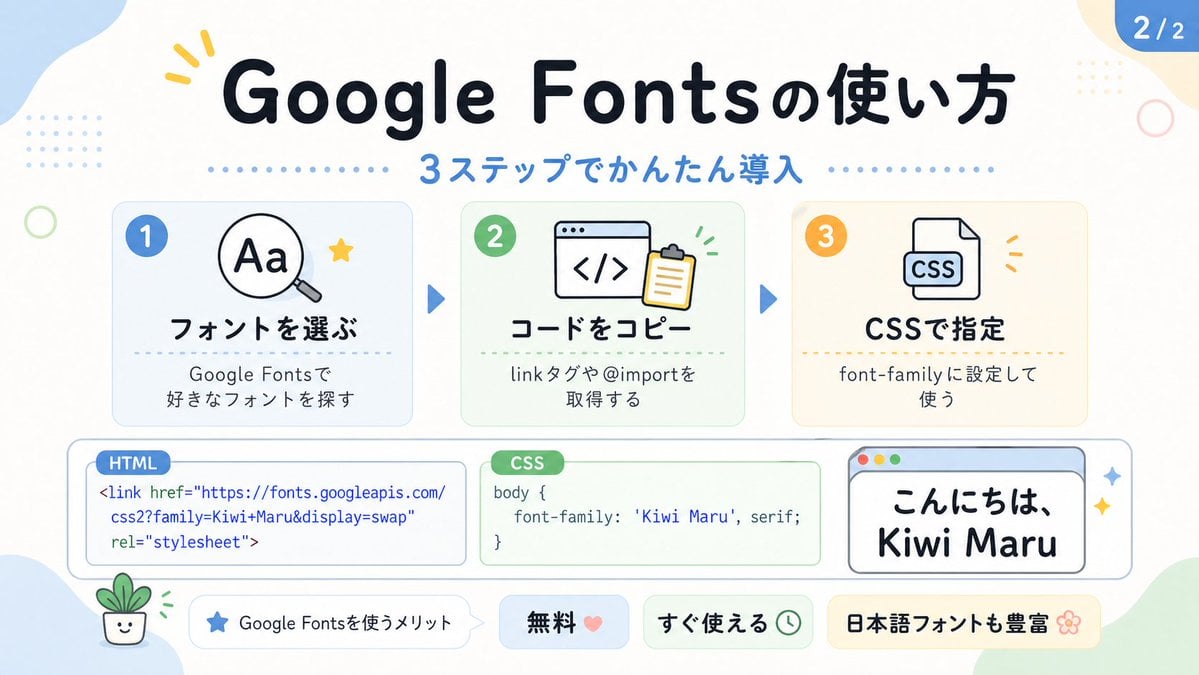
Cute Google Fonts Tutorial Infographic
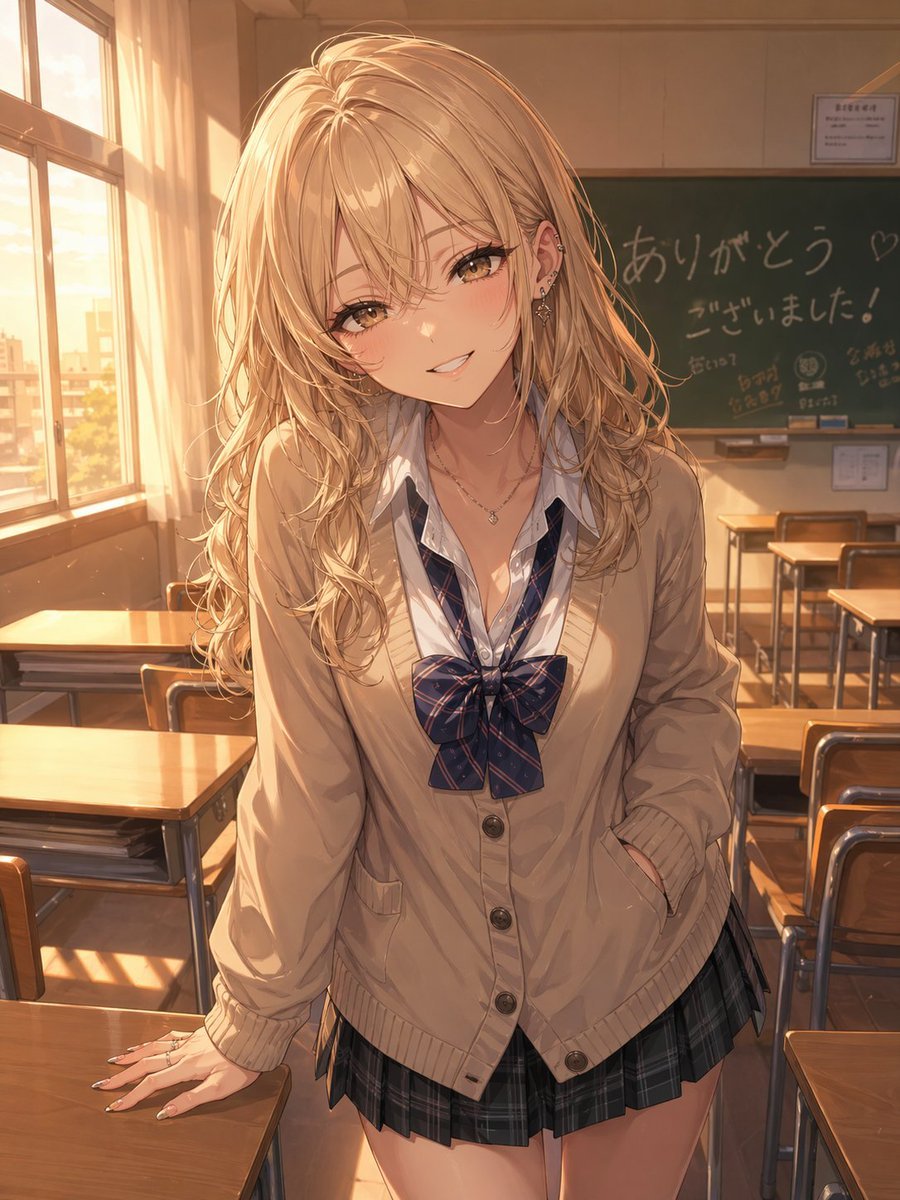
Otaku-Friendly Gyaru in Sunset Classroom
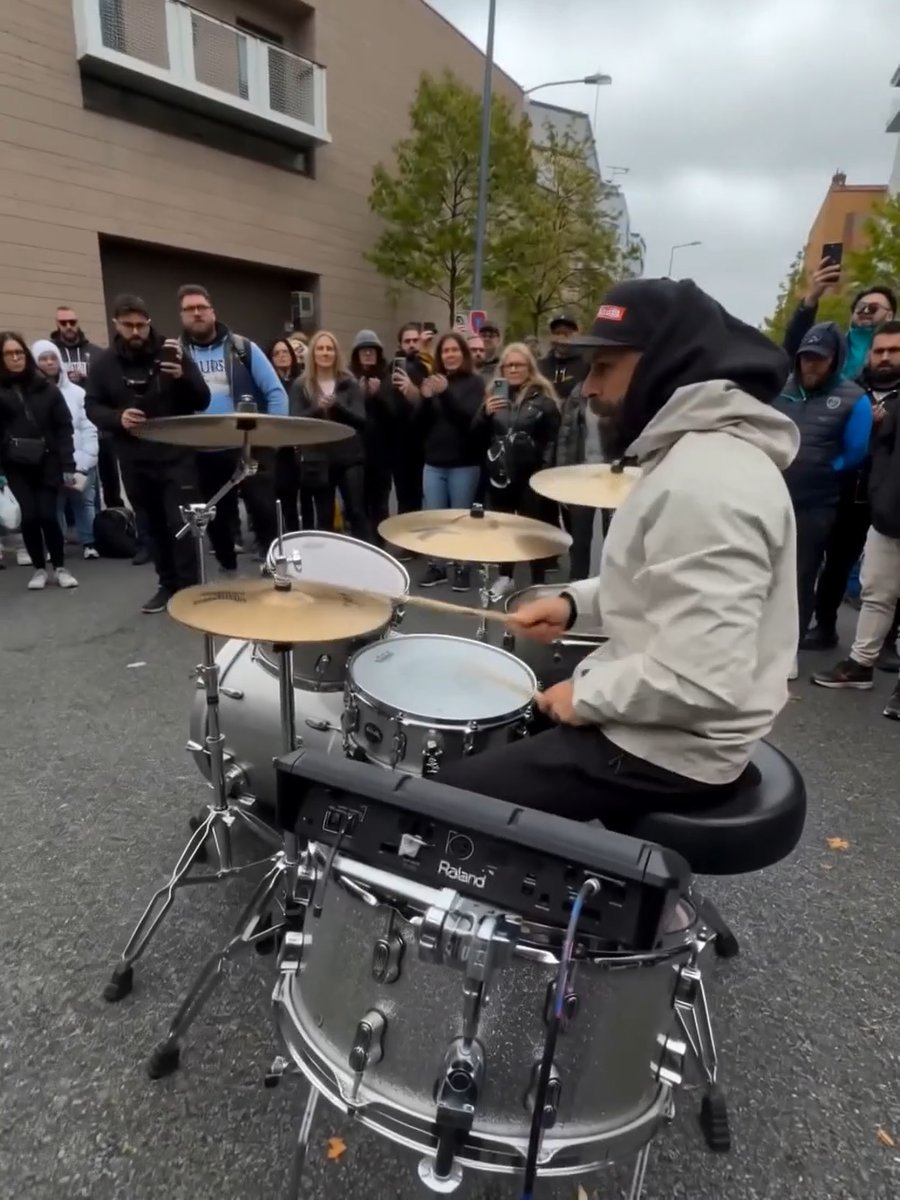
Image Editing Prompt for Nano Banana 2
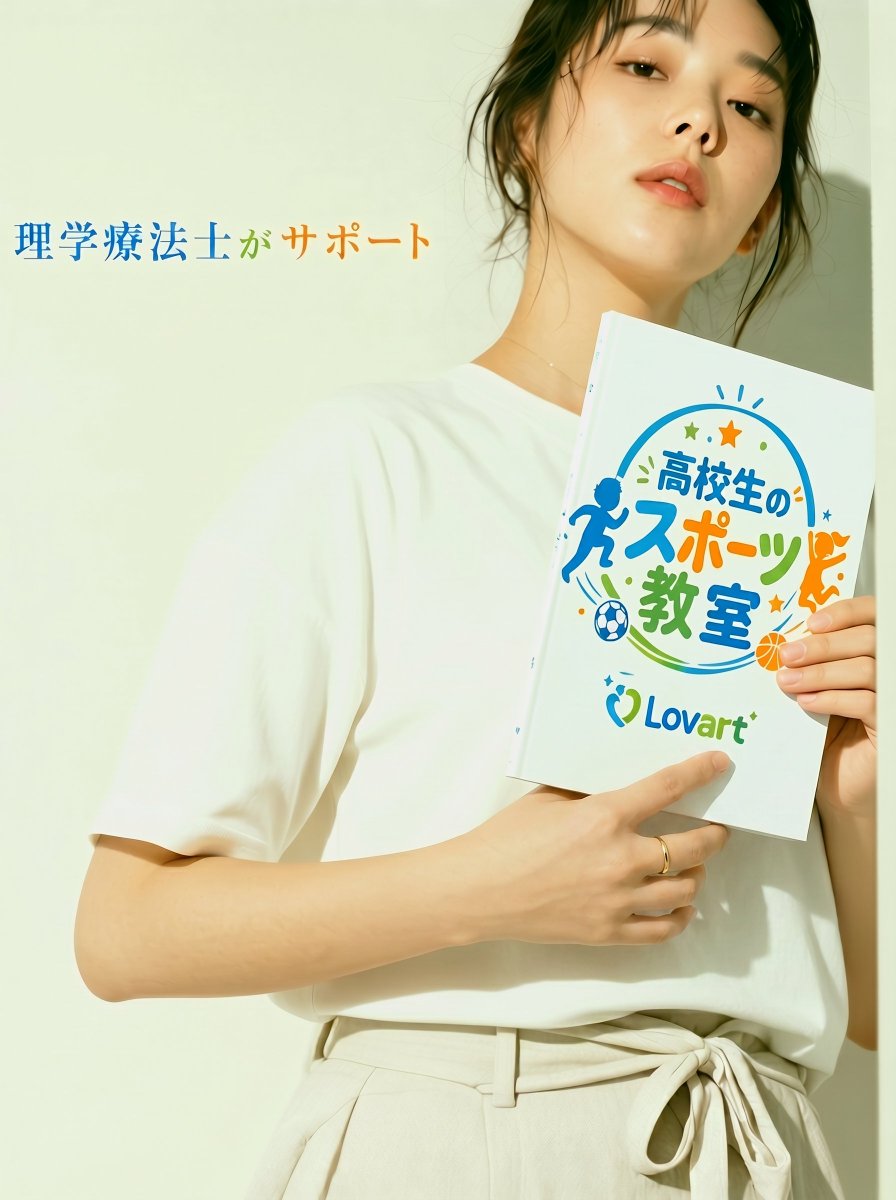
Japanese Sports School Flyer Photo
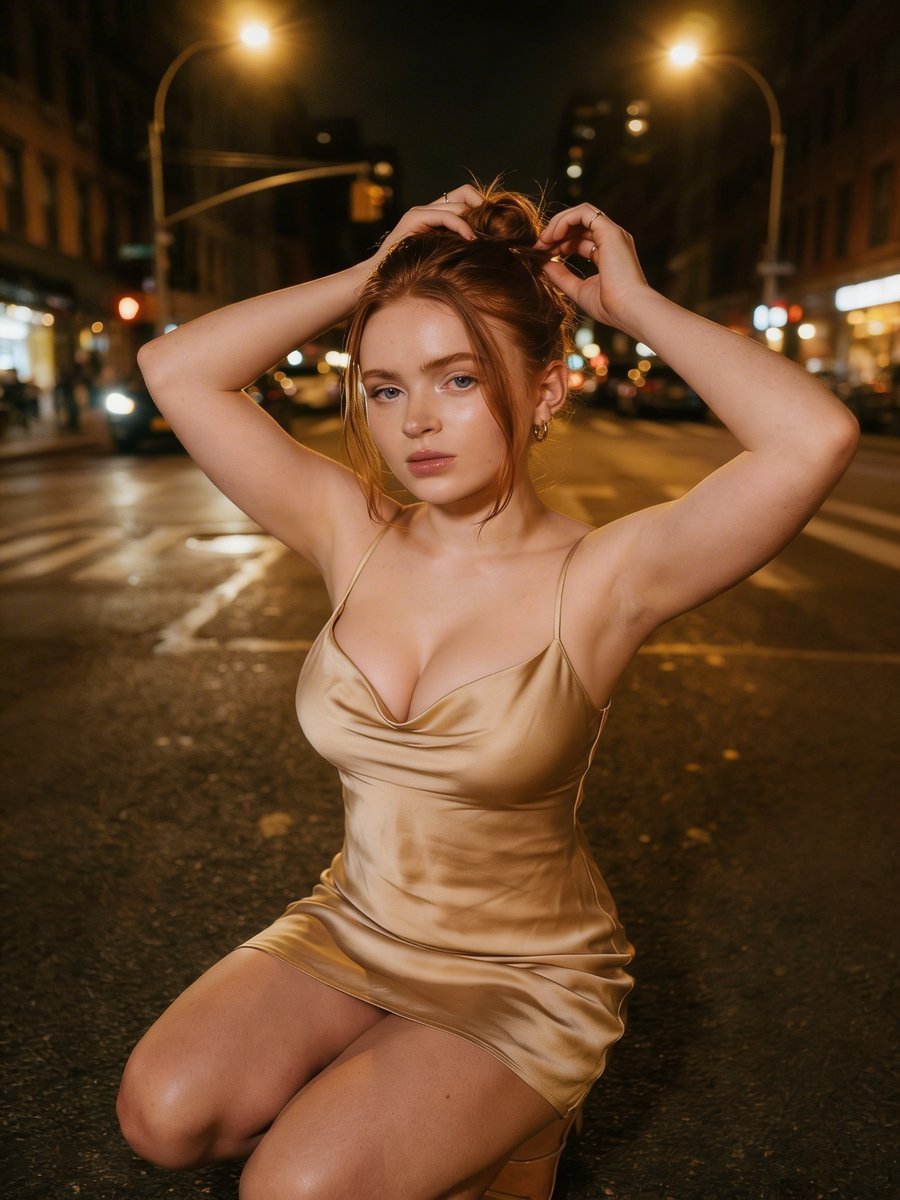
Cinematic Night Street Photography
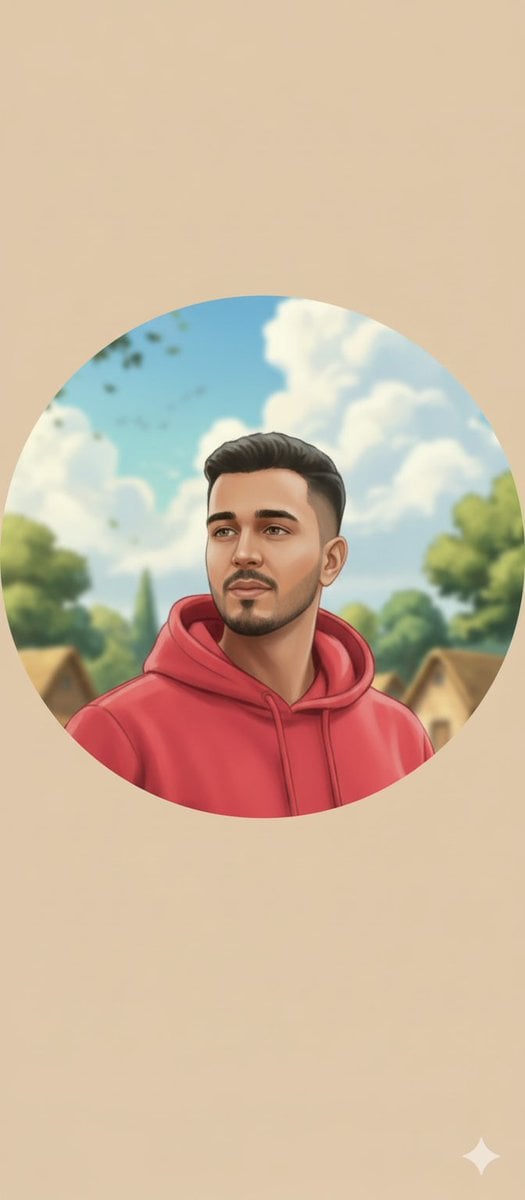
Circular Profile Picture Style Transfer
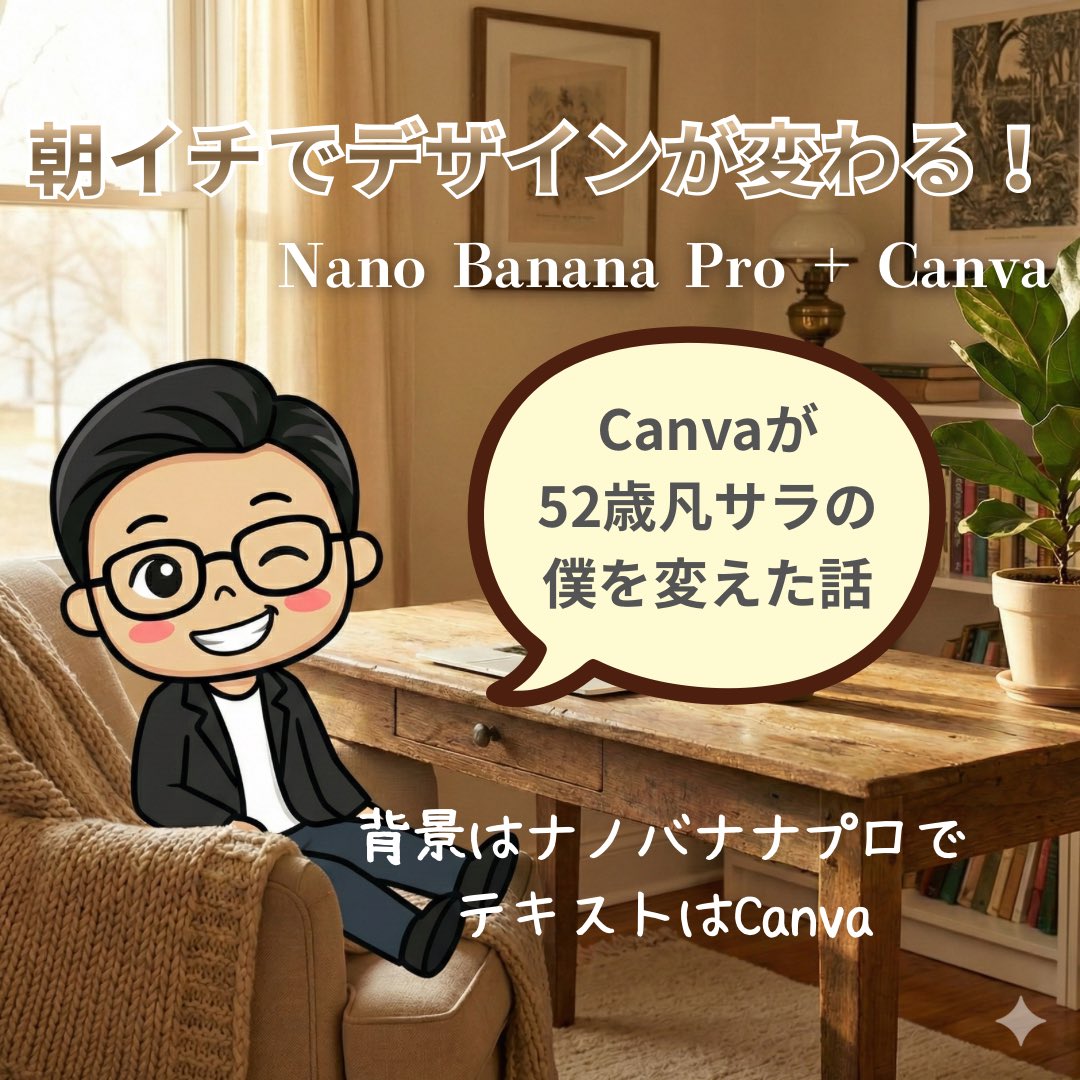
High-Quality Background for Social Media Posts (Thought Mode Pro)
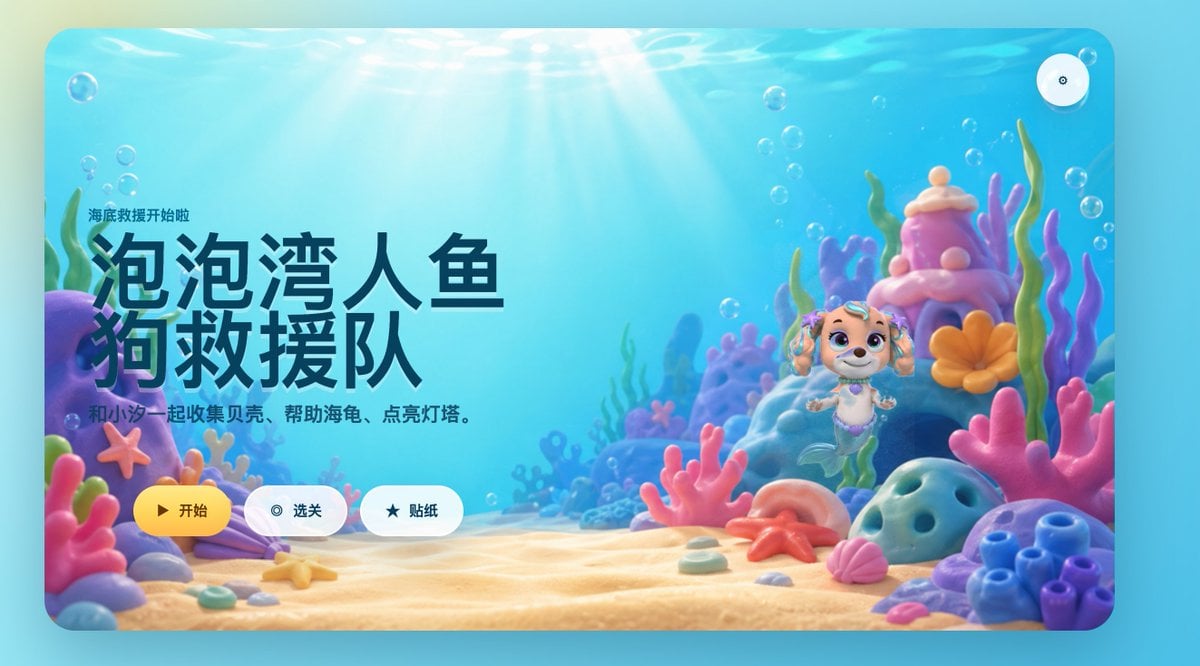
Cute Mermaid Puppy Undersea Game Start Screen
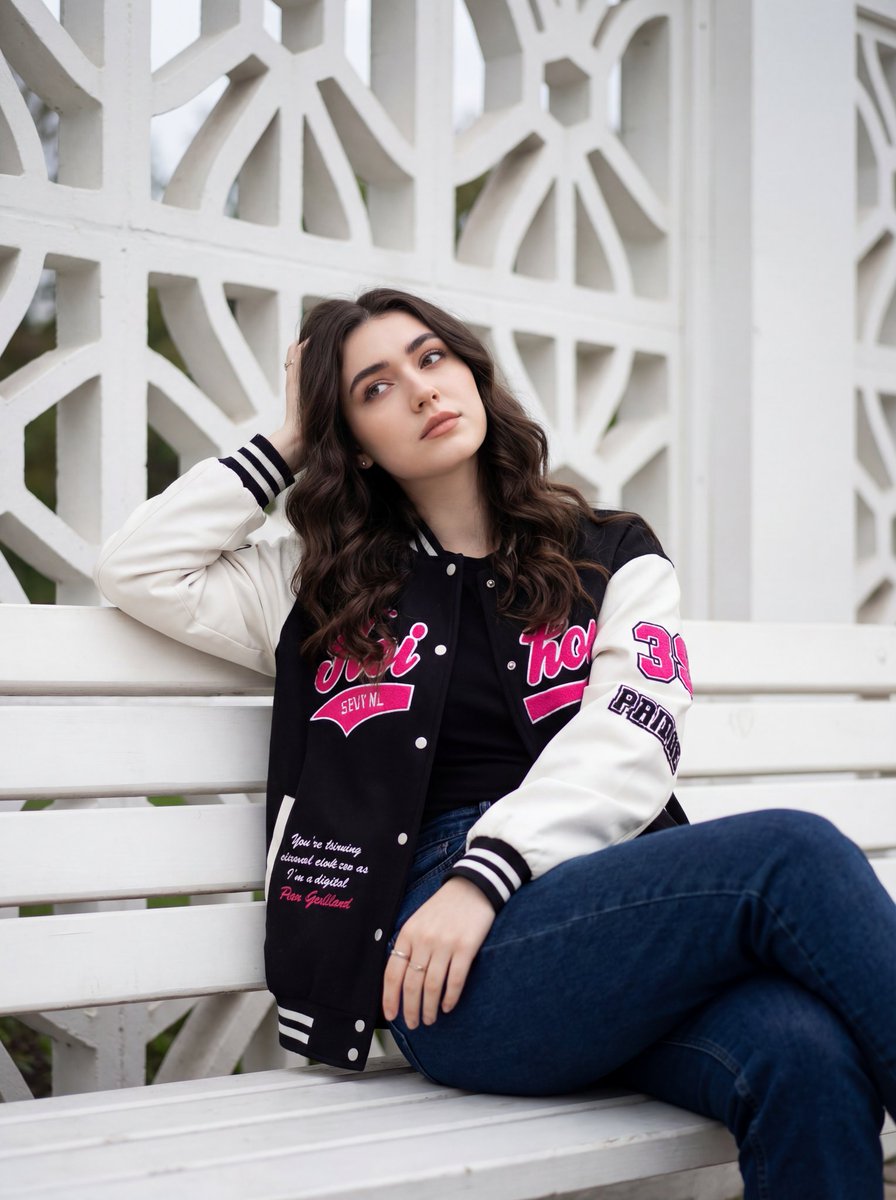
Candid Urban Portrait with Identity Preservation
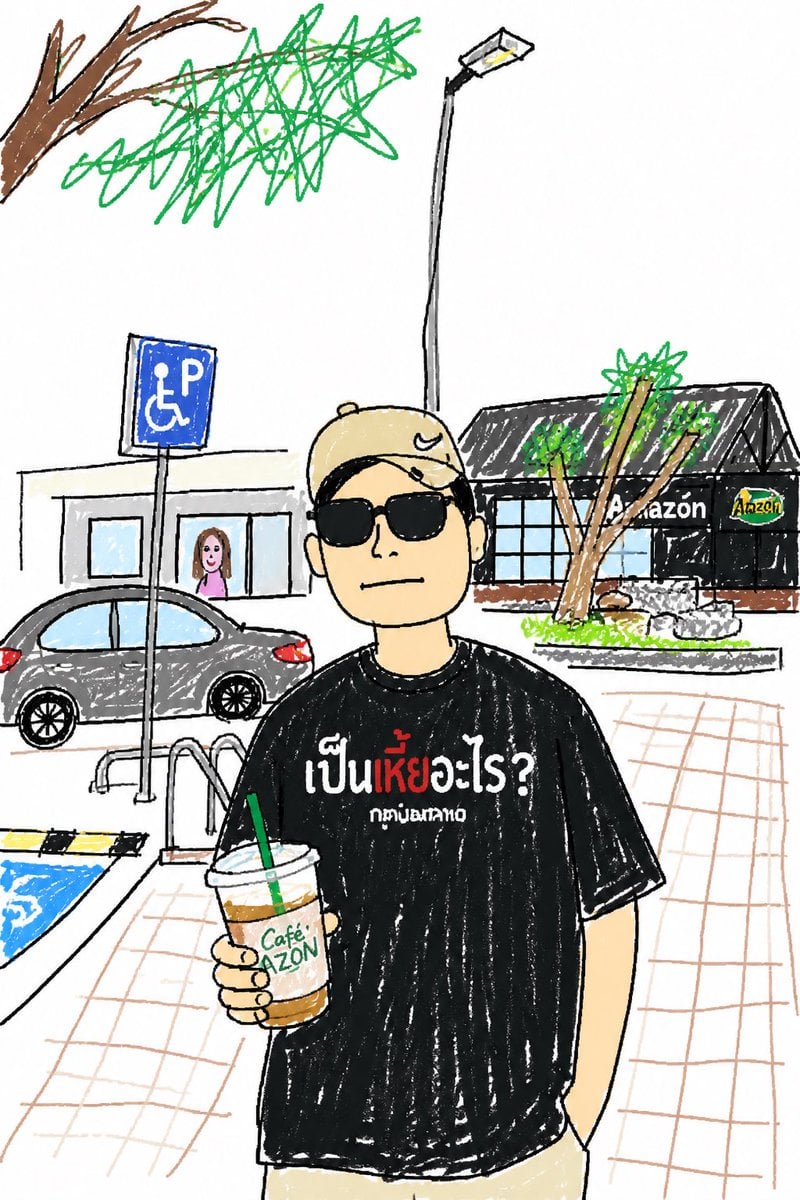
Childlike Sketch Photo Transform
Browse template categories
Cinematic Black and White Studio Portrait questions
How do I use the Cinematic Black and White Studio Portrait template?
Add your photo if the template asks for one, edit the prompt if you like — the template's model and format are already selected — and press Generate. Your version opens in PicX Studio.
Can I customize the Cinematic Black and White Studio Portrait template?
Yes. You can change the subject, setting, lighting, mood, format, and available model controls before creating your image.
Is the Cinematic Black and White Studio Portrait template free?
Opening and editing this template is free. Generating uses credits, shown on the Generate button when you are signed in.
Which AI model should I use?
Start with Gemini 3 Pro Image Preview, which is the model associated with this template. You can compare another compatible model for a different finish.
Looking for something else? Browse all templates.

Your photo, any look
Thousands of ready templates for every top image and video model, from one credit balance.