
Anime Neighbor Intercom Screen
A creative prompt that generates a realistic photo of a home intercom unit showing an anime character as a visiting neighbor.
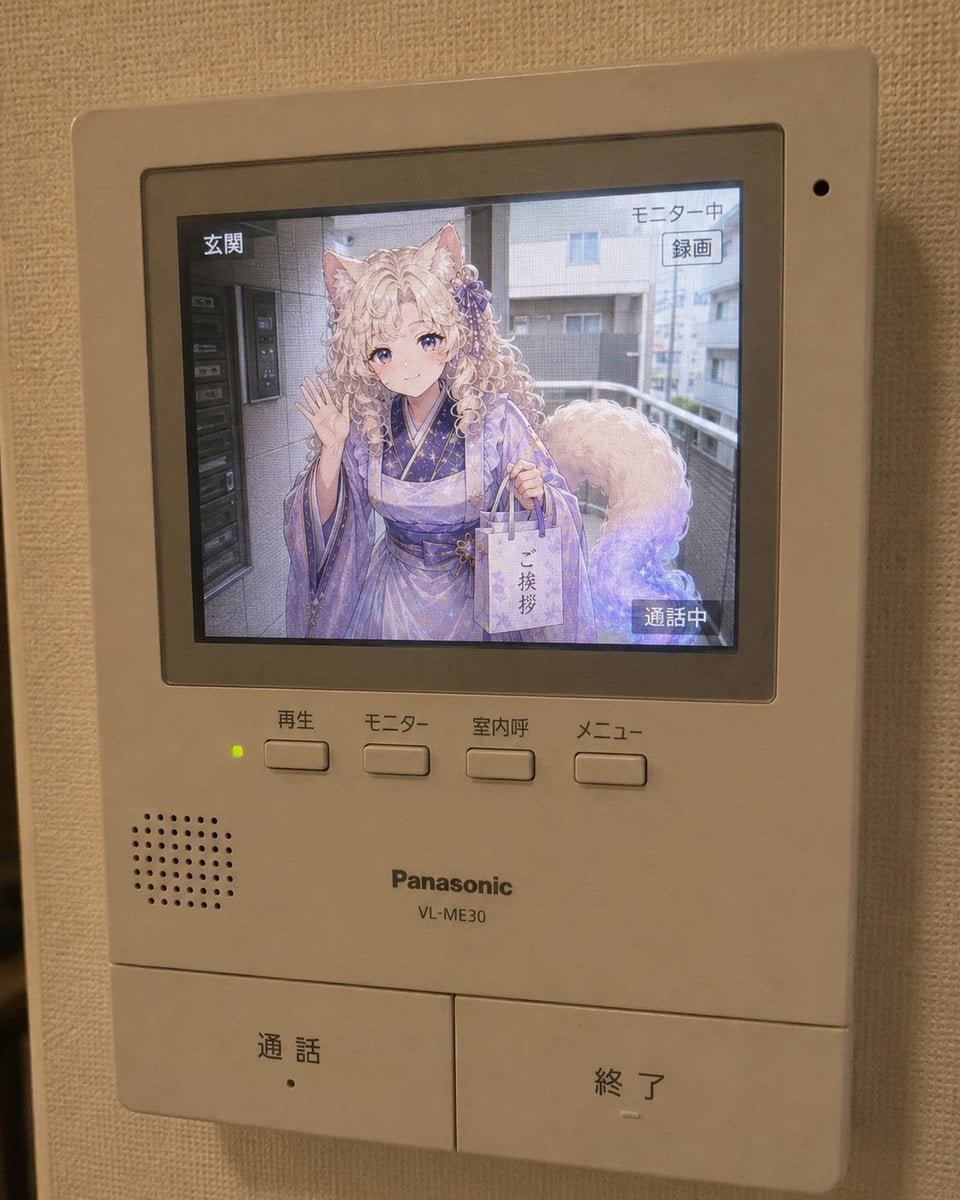
- Prompt included
- Model and format preset
- Free template
The prompt behind this image
Copy the exact prompt behind Anime Neighbor Intercom Screen, or open it in the studio and make it yours.
Use the reference image as the base for the character design, and under the concept of "What if your next-door neighbor were your character," depict the moment when {argument name="Character" default="an anime character"} appears as a visitor on the intercom screen of a real apartment/condominium. Accurately preserve the atmosphere of the character as an anime illustration. Never break the character's identity. Do not turn them into a realistic live-action human. Do not turn them into a 3D figure. Do not turn them into a cosplayer. Keep the character itself rendered as anime illustration. However, the place where the character is displayed is inside a real intercom's LCD screen. Make the entire image look like a photo taken with a smartphone of a home intercom unit installed indoors in a real home. An indoor intercom master unit with an LCD monitor, of the kind that might exist for a fictional Japanese home intercom system. A white or beige plastic housing. Push buttons, a call button, an end button, a monitor button, a menu button, speaker holes, small LED lamps, and so on, arranged naturally. The intercom unit itself should show light signs of use, but not be too dirty. On the LCD screen is an anime character standing in front of the entrance or in the hallway of the apartment building. The background is live-action/photoreal. The background should be a realistic Japanese residential neighborhood, a shared apartment-building hallway, an apartment's outdoor stairs, in front of an entrance, near a delivery box, in front of a gate along the street, etc. The background must always be in a live-action/photoreal style. Do not render even the background as anime-style. Only the character should be rendered in anime-illustration style; the surrounding entrance background, road, buildings, sky, plants, fences, utility poles, bicycle parking area, and so on should be drawn like a real photograph. Give the character the feel of someone who has just moved in next door and come to say hello. Apply an effect so it properly looks like they are actually showing on the LCD screen. The character should: ・be looking at the intercom camera ・be leaning forward slightly ・be waving lightly with one hand ・be holding a small paper bag or a moving-in greeting gift ・have a smile despite looking a little nervous ・have a natural sense of distance, about like "I'm moving in next door starting today" and so on — make the pose natural for a visitor. Important: The character should not look like an illustration simply pasted onto the intercom screen — it should look as if it were actually captured by the intercom camera at the entrance. Include on-screen text typical of an intercom display. Examples: 「通話中」 「玄関」 「モニター中」 「メニュー」 「録画」 「応答」 「終了」 Make the Japanese UI look like a natural intercom interface. Do not make it an overly decorated UI or one that looks like a smartphone app. Add the texture of viewing through a screen to the LCD display. Naturally add things like slight LCD bleeding/blur, blown-out highlights typical of viewing through a monitor, a low-resolution feel, faint scan lines, fine noise, a dot/pixel feel that doesn't turn into moiré, reflections, reflections off the glass surface, raised black levels, and the shallow color depth typical of LCD screens. However, do not make the noise strong enough to distort the character's face. Keep the character's expression, eyes, hairstyle, and outfit looking clean and clear. Light the character on the intercom screen with natural outdoor light. Light the indoor intercom unit itself with the room's warm-toned lighting and reflected light from the wall. Make the light from the LCD screen and the light in the room blend naturally together. Make the composition look like a photo casually taken with a smartphone. Shot from a slight angle. Do not use a perfectly front-on composition. It's a close-up shot of the intercom mounted on the wall. Include wallpaper, shadow, slight camera shake, and a slight tilt at the edges of the frame. Do not make it look like a movie poster. Do not make it look like an advertising visual. Excessive cinematic styling is prohibited. An overly polished/perfect composition is prohibited. Avoid the glossy rendering typical of AI. The overall mood should be a slightly strange, everyday-feeling photo along the lines of: "I looked at the intercom at home, and for some reason an anime character who'd just moved in next door was just casually showing on the screen."
How to use Anime Neighbor Intercom Screen in 3 steps
- 1Upload ImagePNG, JPG or paste
Add your photo
Upload the photo the template builds on. The prompt, model and format are already set.
- 2…a portrait of your subject in softgolden-hour light, 85mm…
Personalize
Edit the subject and creative details for your destination.
- 3Generate
Generate
Press Generate — your image is created in PicX Studio, so you can compare it with the original and refine one variable at a time.
More like this
Templates with the same subject, style or setup. Open one to see its prompt.












Make it yours
Anime Neighbor Intercom Screen works as-is. These are the safest ways to change it without losing the look.
Change one field
Copy a single group, rewrite it, and generate again so you can see what that field is doing.
Keep the frame, change the subject
Hold the composition and light of Anime Neighbor Intercom Screen, then swap wardrobe, props or the person for a new take.
| If the result… | Why | Fix |
|---|---|---|
| The result drifts from the preview | Too many fields changed at once. | Reuse Anime Neighbor Intercom Screen as-is first, then change one group — subject, light, or setting. |
| The model over-stylizes the scene | The prose prompt leaves finish and camera underspecified. | Add one camera or lighting sentence and stay on GPT Image 2. |
More GPT Image 2 templates
Other prompts made for GPT Image 2.

Six VTuber Japanese Logo Sheet

Realistic Portrait of Woman and Deer

The Vista Modular Condo Poster

AI Model Routing Comparison Infographic

2.5D Anime Art Board

Isometric Productivity Desk Scene

New York Double Exposure Poster

Four-Panel AI Landscape Comparison

Japanese Tatami Lifestyle Magazine Cover

NESCAFÉ Coffee Map Poster
More image prompts
Fresh picks from across the catalog.
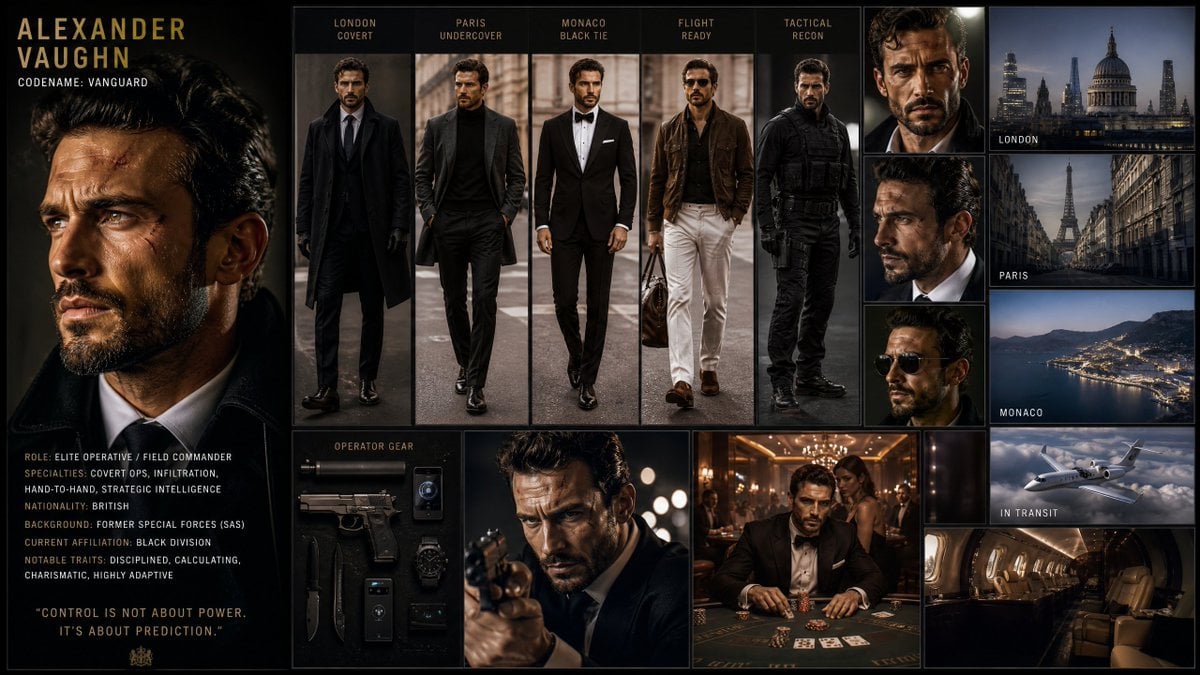
Hollywood Spy-Thriller Character Board
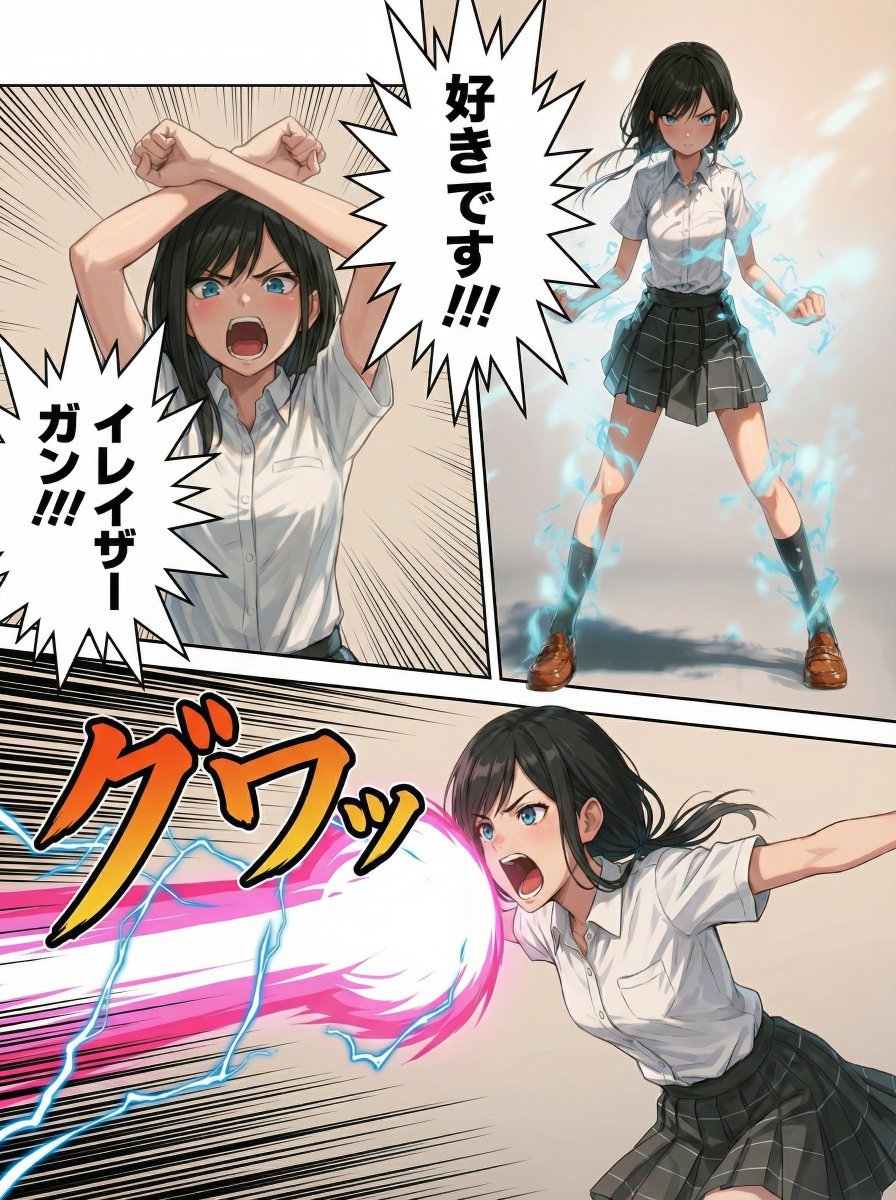
Eraser Gun Style Prompt for Nano Banana Pro (Fighting Pose Stage)
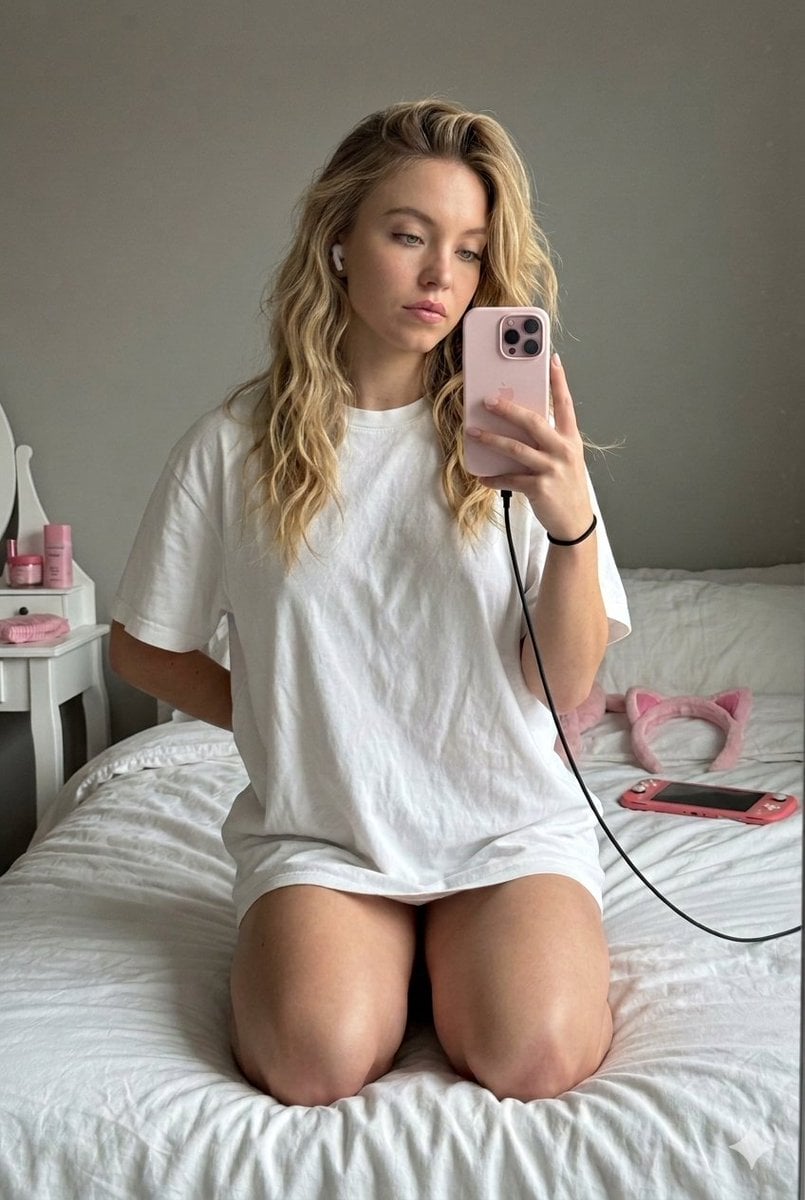
High-Fidelity Mirror Selfie with Identity Lock
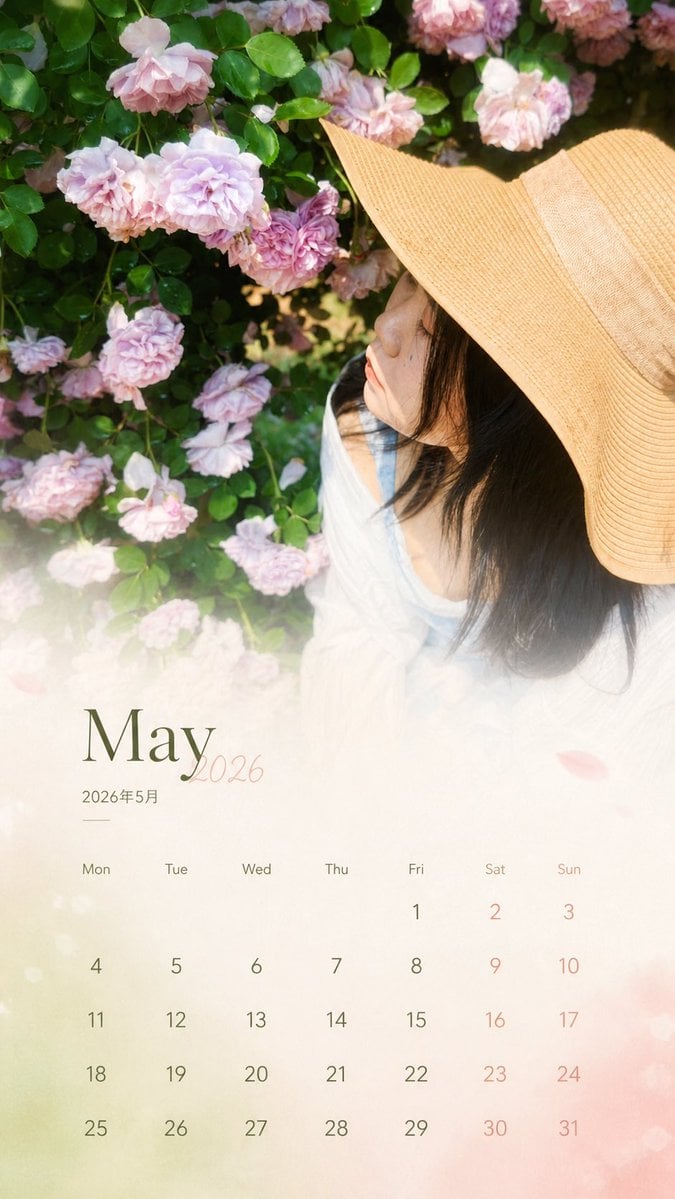
Travel Photo Monthly Calendar Card
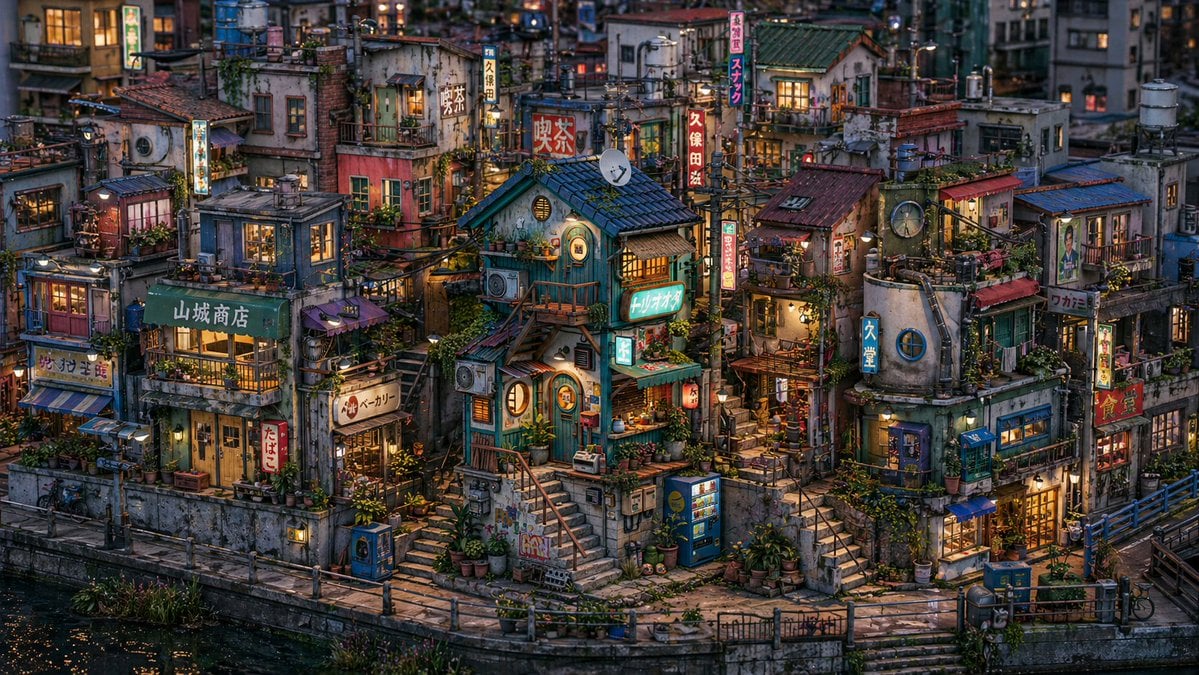
Miniature Japanese Canal Town at Dusk

Rebel Urban Skateboard Advertisement Poster
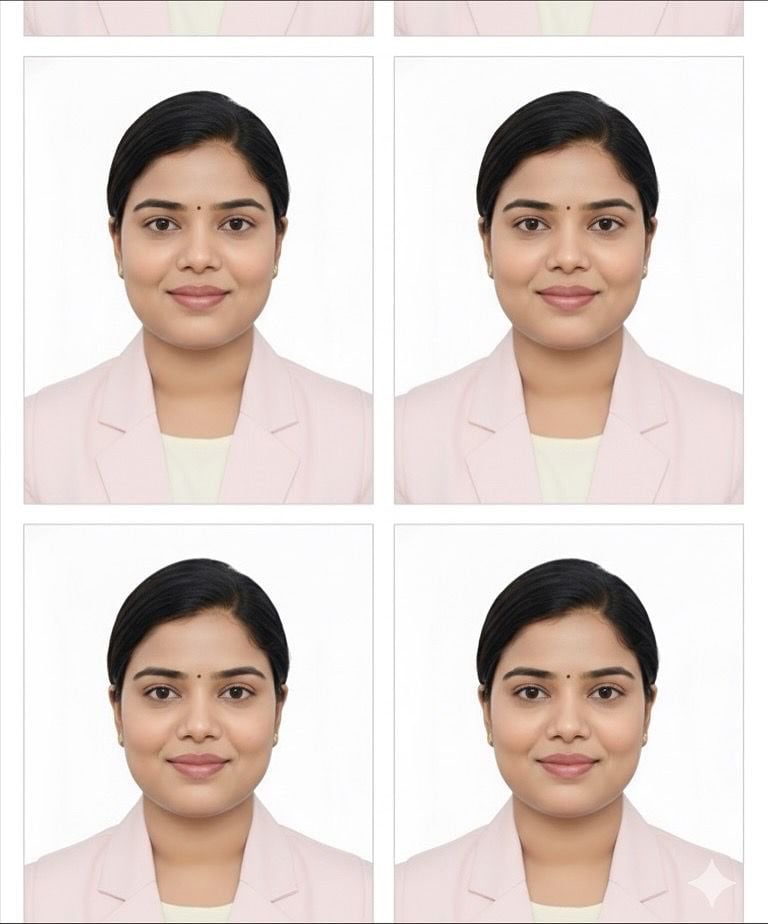
Passport Photo Grid Generation

Modern Snack Commercial Advertisement
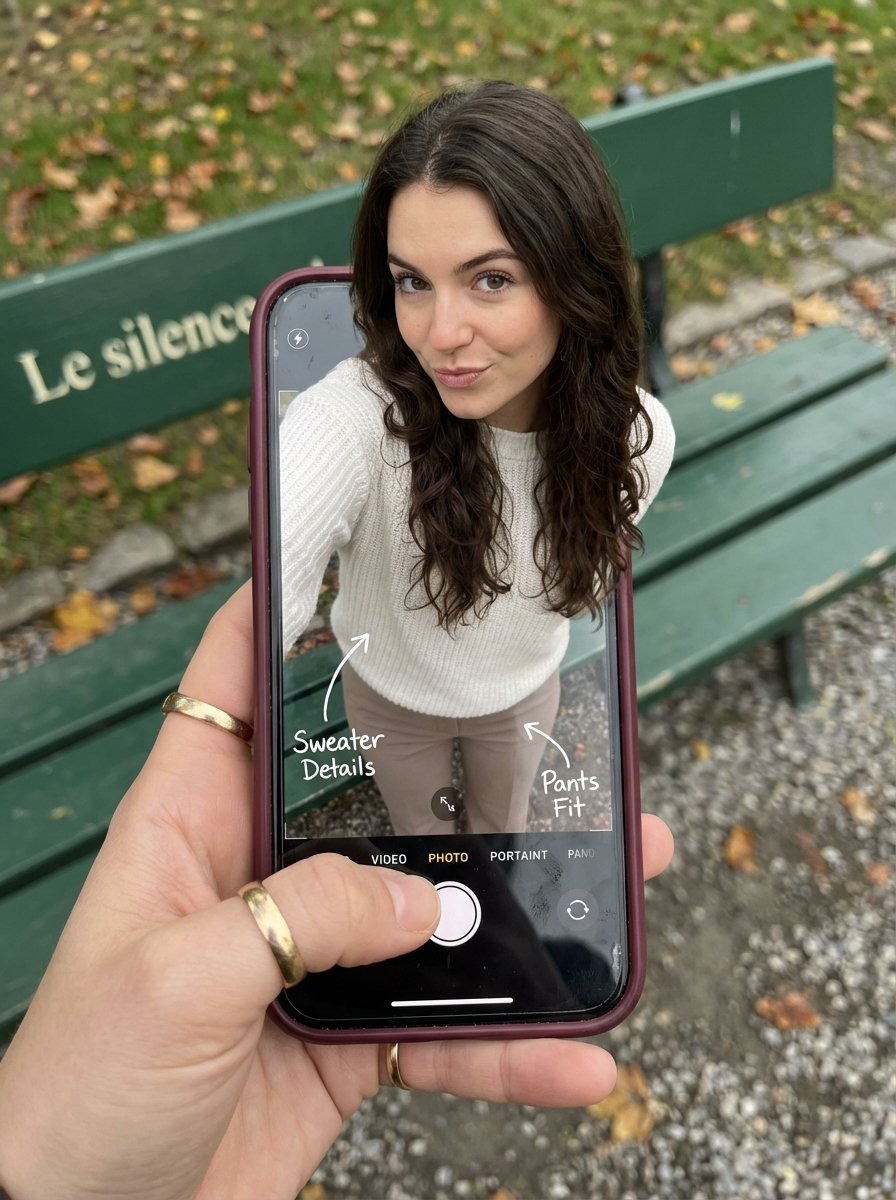
Optical Illusion: Stepping Out of a Smartphone Screen

Reverb City Movie Poster
Browse template categories
Anime Neighbor Intercom Screen questions
How do I use the Anime Neighbor Intercom Screen template?
Add your photo if the template asks for one, edit the prompt if you like — the template's model and format are already selected — and press Generate. Your version opens in PicX Studio.
Can I customize the Anime Neighbor Intercom Screen template?
Yes. You can change the subject, setting, lighting, mood, format, and available model controls before creating your image.
Is the Anime Neighbor Intercom Screen template free?
Opening and editing this template is free. Generating uses credits, shown on the Generate button when you are signed in.
Which AI model should I use?
Start with GPT Image 2, which is the model associated with this template. You can compare another compatible model for a different finish.
Looking for something else? Browse all templates.

Your photo, any look
Thousands of ready templates for every top image and video model, from one credit balance.