
Travel Photo Monthly Calendar Card
A detailed layout prompt for transforming personal travel photos into aesthetic monthly calendar cards, emphasizing non-destructive editing and professional typography.

- Prompt included
- Model and format preset
- Free template
The prompt behind this image
Copy the exact prompt behind Travel Photo Monthly Calendar Card, or open it in the studio and make it yours.
Based on my uploaded real travel photo, generate a "Monthly Calendar Card" at a 9:16 ratio. [1. Execution method (most important)] This is an image editing task, not image regeneration. The original image must be used as the base: * Keep the person's facial features, expression, hairstyle, and posture completely unchanged * Keep the original lighting, color temperature, and shadow relationships * Do not smooth skin, brighten, repaint, or stylize * Do not change the environment, composition, or color atmosphere 👉 The original image must look "as if it hasn't been touched" ⸻ [2. Allowed operations (overlay only)] Only adding design layers on top of the original image is allowed: * Gradient extension on the bottom 30% (for placing the calendar) * A soft, semi-transparent mask (to keep the text readable) * Calendar layout + month title + caption Forbidden: * Repainting the person or background * Changing the overall color/tone style * Uniformly grading the color into a "design filter" look ⸻ [3. Color rules] Colors must come from the current image: * Extract the primary color / secondary color / accent color * Only do slight desaturation and unify the brightness * Keep the original image's true color feel, don't force it to look "premium" 👉 Principle: respect the original image, don't remake it ⸻ [4. Layout structure] Top 70%: original image (untouched) Bottom 30%: gradient + calendar area (natural transition) * The gradient must be soft, with no hard cut * Leave plenty of white space, don't pile up elements * The overall feel should be like a magazine spread, not a template calendar ⸻ [5. Calendar content (must be accurate)] Automatically generate the corresponding year and month: * Title: {argument name="date title" default="July 2026 / 2026.07"} * Days of the week: Mon Tue Wed Thu Fri Sat Sun * Dates: arranged according to a real calendar, strictly aligned ⸻ [6. Caption rules (important)] Length: 8–16 characters Requirements: * No more than two lines * No exclamation marks * No moralizing, no cheesy inspirational lines * Don't explain the emotion, just leave a hint of feeling Preferred approach: * Emotional fragments * Sentences with a sense of scene * Incomplete but lingering 👉 Principle: make people pause for a moment, not read it all the way through ⸻ [7. Photo selection suggestions (very important)] Prefer: * Side profile / head down / partially obscured (hat, hand, light) * Dynamic scenes (walking, turning) * Emotion > facial features Avoid: * Big straight-on close-ups of the face * ID-photo-like, strongly identifiable images 👉 Principle: reduce the risk of AI altering the face ⸻ [Final core sentence] 👉 The goal isn't to have AI generate a better-looking photo, but to gently place a layer of design on top of your photo
How to use Travel Photo Monthly Calendar Card in 3 steps
- 1Upload ImagePNG, JPG or paste
Add your photo
Upload the photo the template builds on. The prompt, model and format are already set.
- 2…a portrait of your subject in softgolden-hour light, 85mm…
Personalize
Edit the subject and creative details for your destination.
- 3Generate
Generate
Press Generate — your image is created in PicX Studio, so you can compare it with the original and refine one variable at a time.
More like this
Templates with the same subject, style or setup. Open one to see its prompt.

Miniature Travel Diorama Postcard
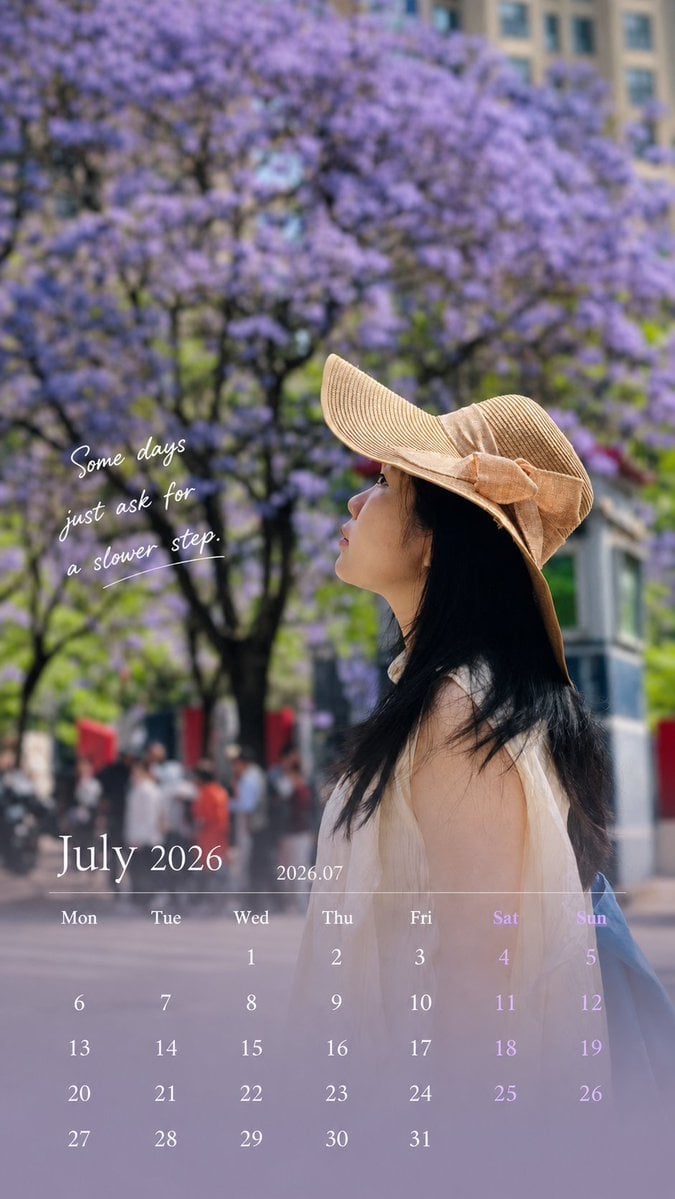
Healing Travel Calendar Card

Japan Travel Brochure Poster

Boardwalk Fashion Portrait

Clay Miniature Landmark Travel Diorama
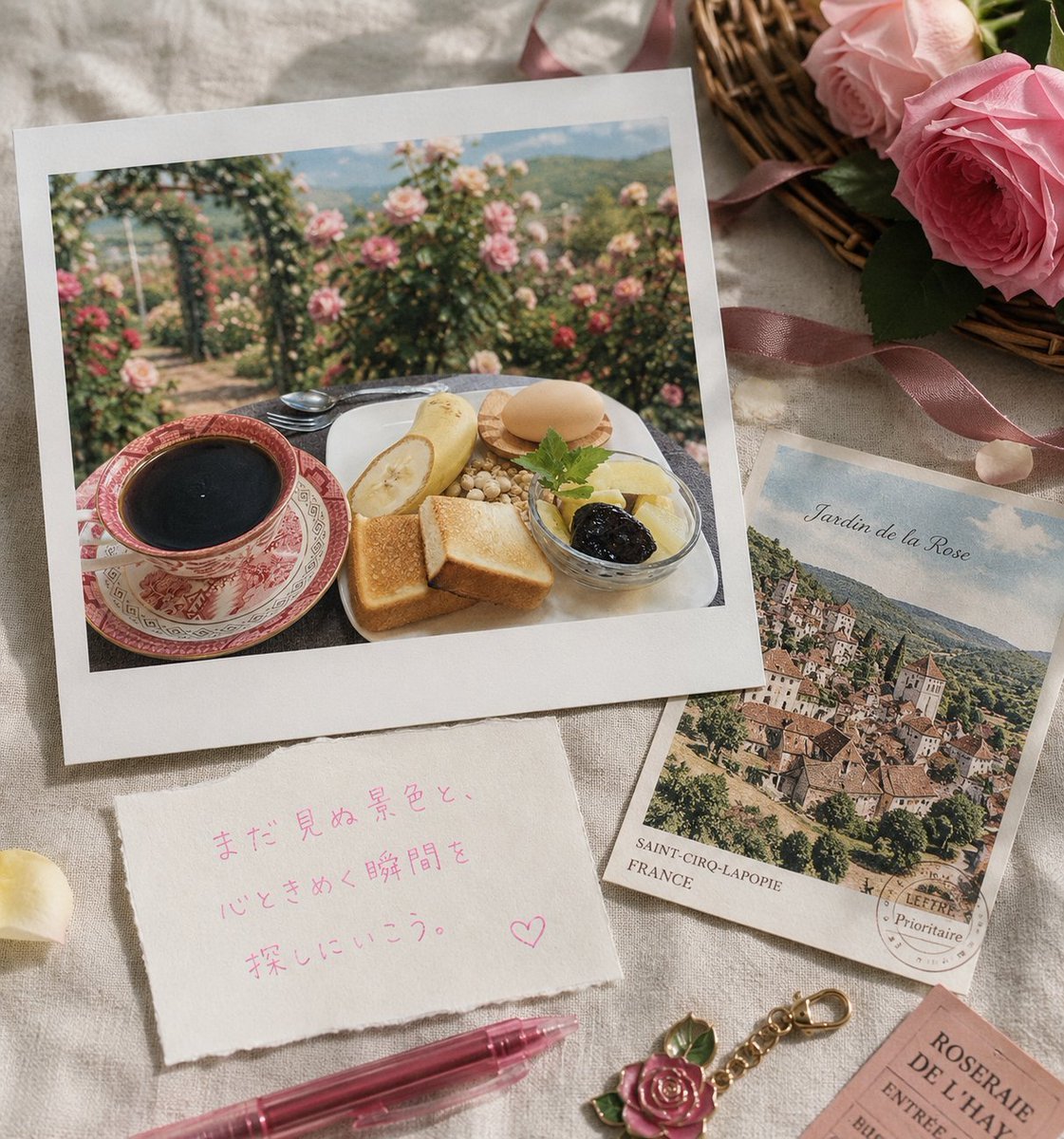
Rose Garden Travel Postcard Flat Lay

Travel Poster Graphic Collage

untitled

9 Grid Travel Profile Photo Series
![Nano Banana — One Day In [CITY] Travel Route](https://cdn.picxstudio.com/cdn-cgi/image/format=auto,quality=85,fit=scale-down,onerror=redirect,width=3840,metadata=none/uploads/ai_gezgini_travel_d9a86f2e-c1f5-41a8-a4ef-5d96a8a7a023.jpg)
Nano Banana — One Day In [CITY] Travel Route

Nano Banana Pro 2.0 — 3x3 Travel Profile Grid

City Posters by Nano Banana Pro
Make it yours
Travel Photo Monthly Calendar Card works as-is. These are the safest ways to change it without losing the look.
Change one field
Copy a single group, rewrite it, and generate again so you can see what that field is doing.
Keep the frame, change the subject
Hold the composition and light of Travel Photo Monthly Calendar Card, then swap wardrobe, props or the person for a new take.
| If the result… | Why | Fix |
|---|---|---|
| The result drifts from the preview | Too many fields changed at once. | Reuse Travel Photo Monthly Calendar Card as-is first, then change one group — subject, light, or setting. |
| The model over-stylizes the scene | The prose prompt leaves finish and camera underspecified. | Add one camera or lighting sentence and stay on GPT Image 2. |
More GPT Image 2 templates
Other prompts made for GPT Image 2.

Six VTuber Japanese Logo Sheet

Realistic Portrait of Woman and Deer

The Vista Modular Condo Poster

AI Model Routing Comparison Infographic

2.5D Anime Art Board

Isometric Productivity Desk Scene

New York Double Exposure Poster

Four-Panel AI Landscape Comparison

Japanese Tatami Lifestyle Magazine Cover

NESCAFÉ Coffee Map Poster
More image prompts
Fresh picks from across the catalog.

testing

Poetic Surreal Portrait

Structured Minimalist Winter Portrait Prompt
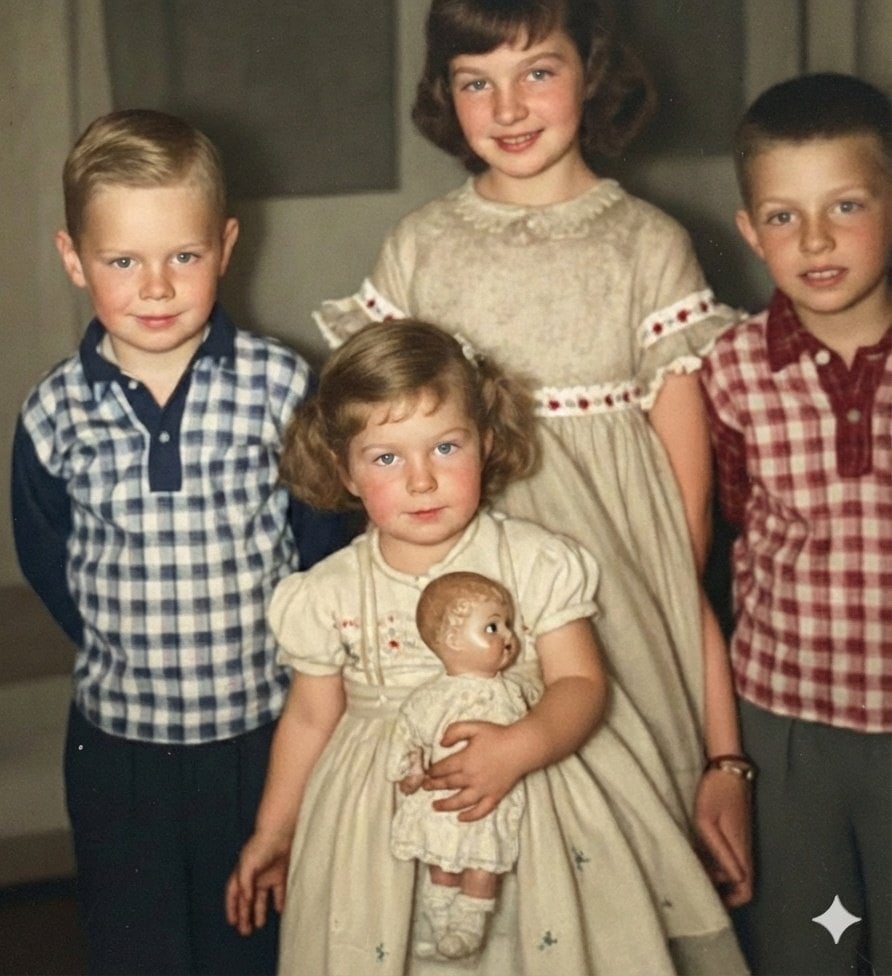
Image Restoration and Upscale Prompt
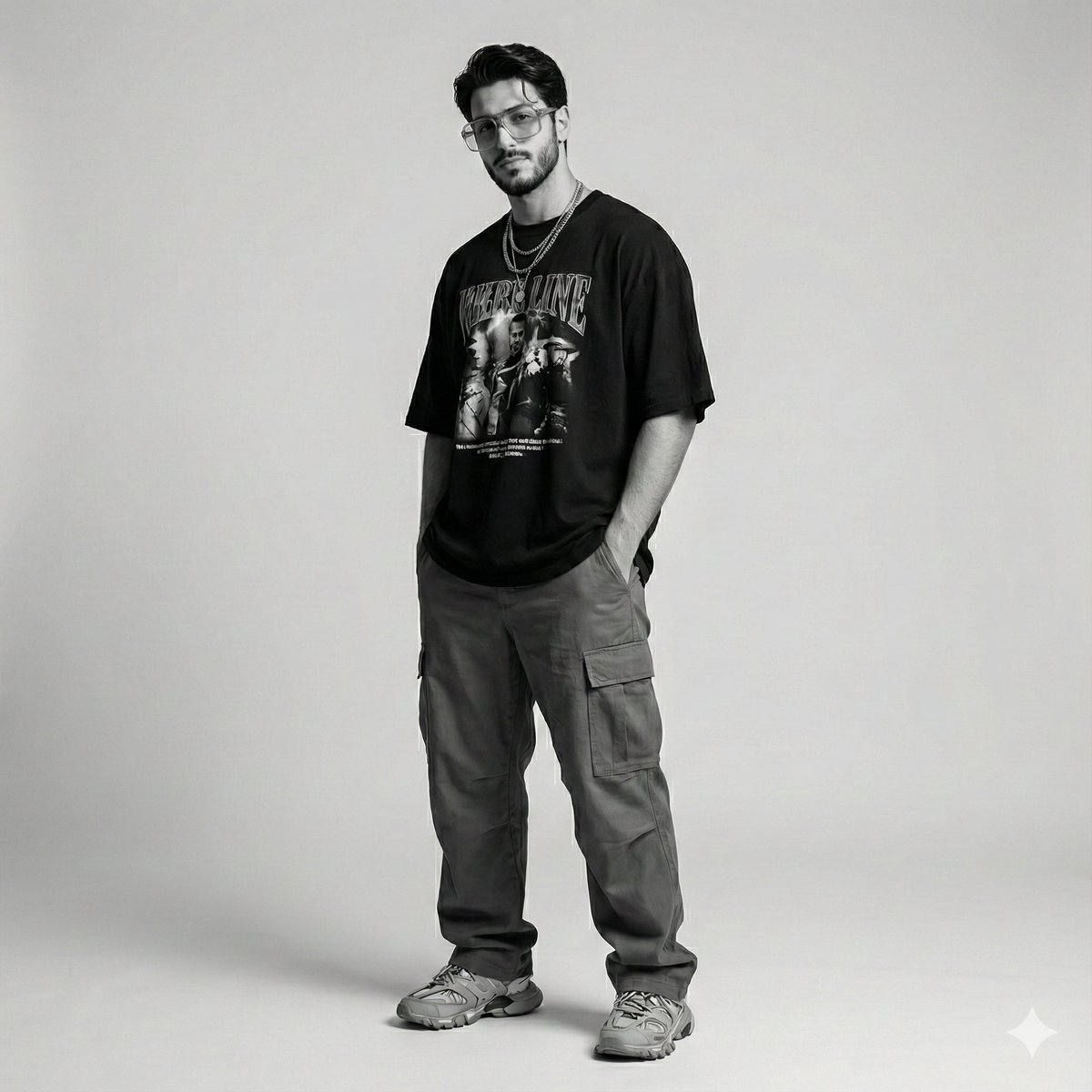
Gen-Z Streetwear Editorial Portrait

Low-Light Bedroom Selfie Prompt for Nano Banana (Re-post)

Outfit Style Edit: Santa-Inspired Dress
Black and White Vogue Fashion Shoot

Luxury Home Fragrance Commercial Photography (JSON Format)

Luxury Menswear Chessboard Campaign
Browse template categories
Travel Photo Monthly Calendar Card questions
How do I use the Travel Photo Monthly Calendar Card template?
Add your photo if the template asks for one, edit the prompt if you like — the template's model and format are already selected — and press Generate. Your version opens in PicX Studio.
Can I customize the Travel Photo Monthly Calendar Card template?
Yes. You can change the subject, setting, lighting, mood, format, and available model controls before creating your image.
Is the Travel Photo Monthly Calendar Card template free?
Opening and editing this template is free. Generating uses credits, shown on the Generate button when you are signed in.
Which AI model should I use?
Start with GPT Image 2, which is the model associated with this template. You can compare another compatible model for a different finish.
Looking for something else? Browse all templates.

Your photo, any look
Thousands of ready templates for every top image and video model, from one credit balance.