
testing
testing is a ready photo look.
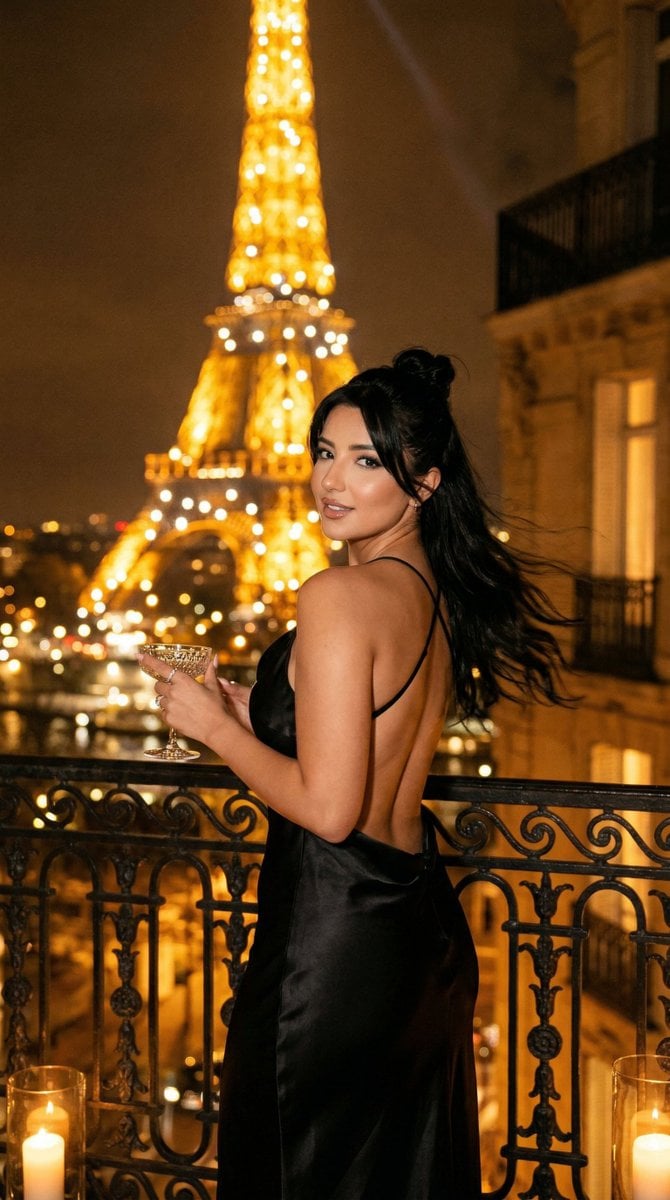
- Prompt included
- Model and format preset
- Free template
The prompt behind this image
Copy the exact prompt behind testing, or open it in the studio and make it yours.
A high-contrast black and white studio portrait of a young woman in side profile, facing right. She has long, slightly wavy hair flowing naturally over her shoulders. Dramatic rim lighting from behind outlines her hair and face, creating a glowing edge against a deep black background. Her expression is calm and contemplative, with soft facial features and minimal makeup. She is wearing a black turtleneck that blends into the dark background. Cinematic lighting, sharp focus, ultra-detailed, professional photography, 85mm lens, shallow depth of field, studio lighting.
How to use testing in 3 steps
- 1
Open
The prompt is already in the box next to the preview, with the template's model and format selected.
- 2…a portrait of your subject in softgolden-hour light, 85mm…
Personalize
Edit the subject and creative details for your destination.
- 3Generate
Generate
Press Generate — your image is created in PicX Studio, so you can compare it with the original and refine one variable at a time.
More like this
Templates with the same subject, style or setup. Open one to see its prompt.
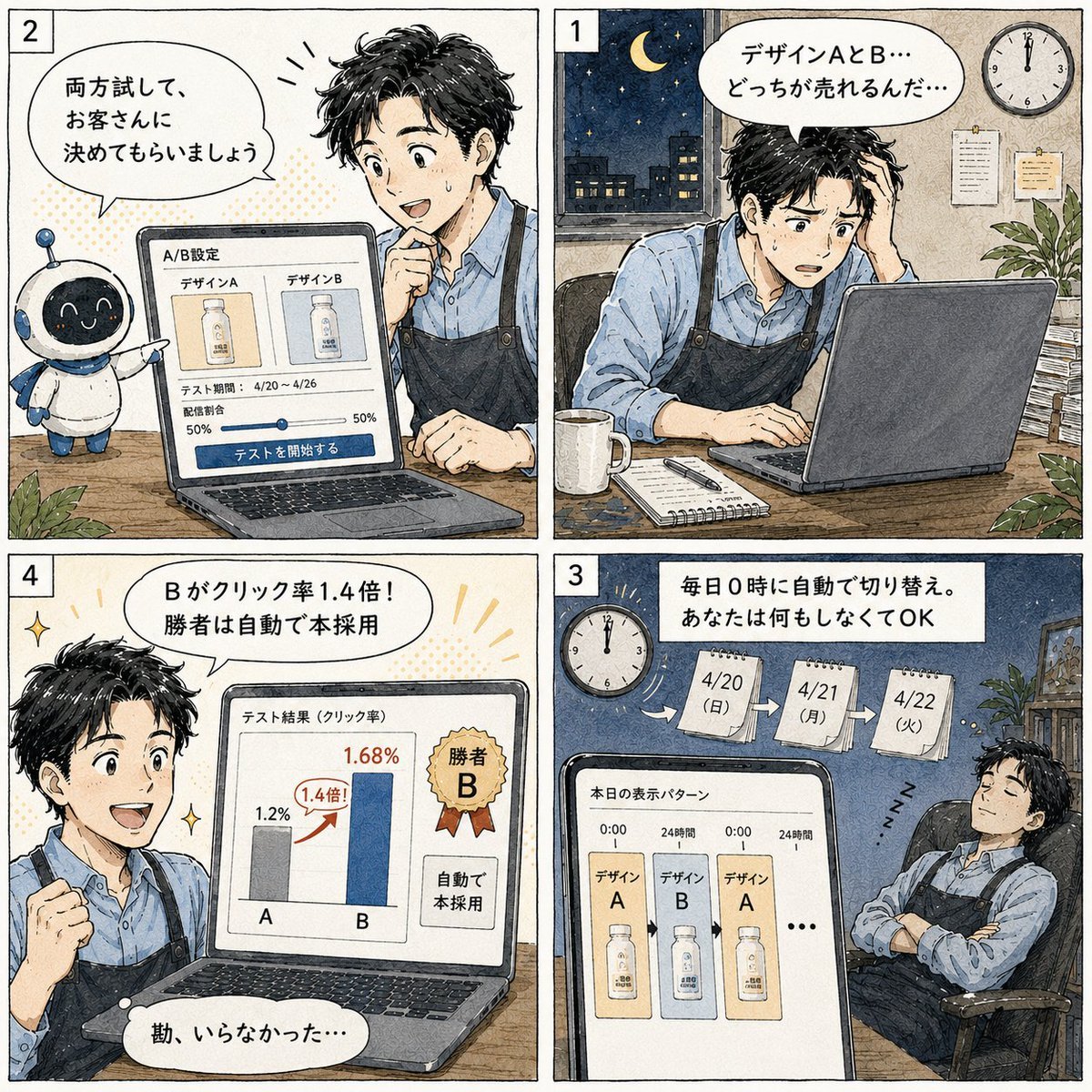
Japanese Manga A/B Testing Comic
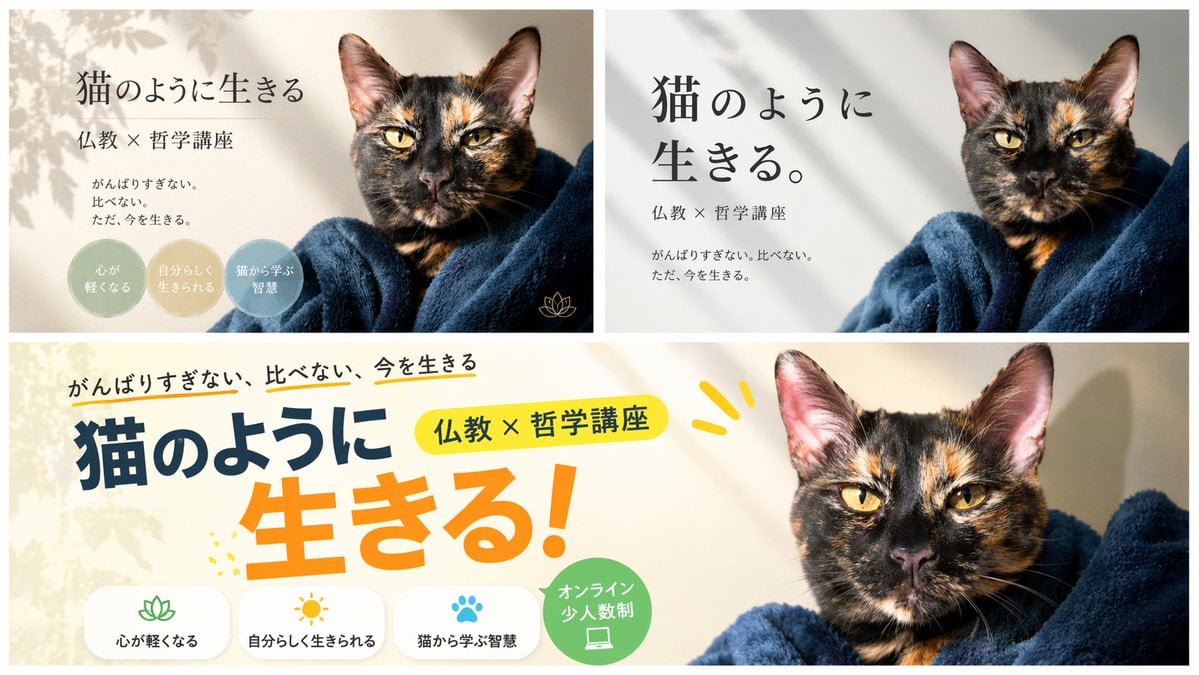
A/B Testing Banner Variations
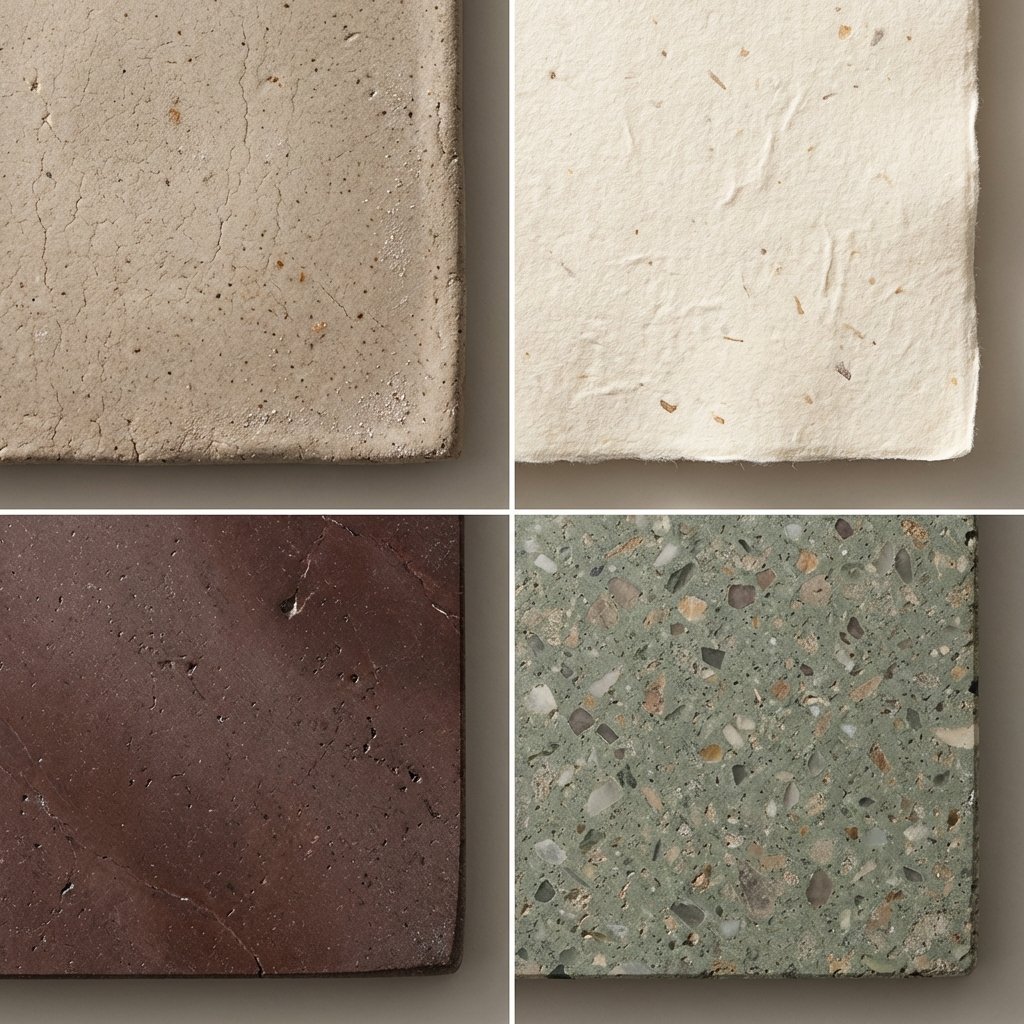
Material and Surface Study for Realism Testing
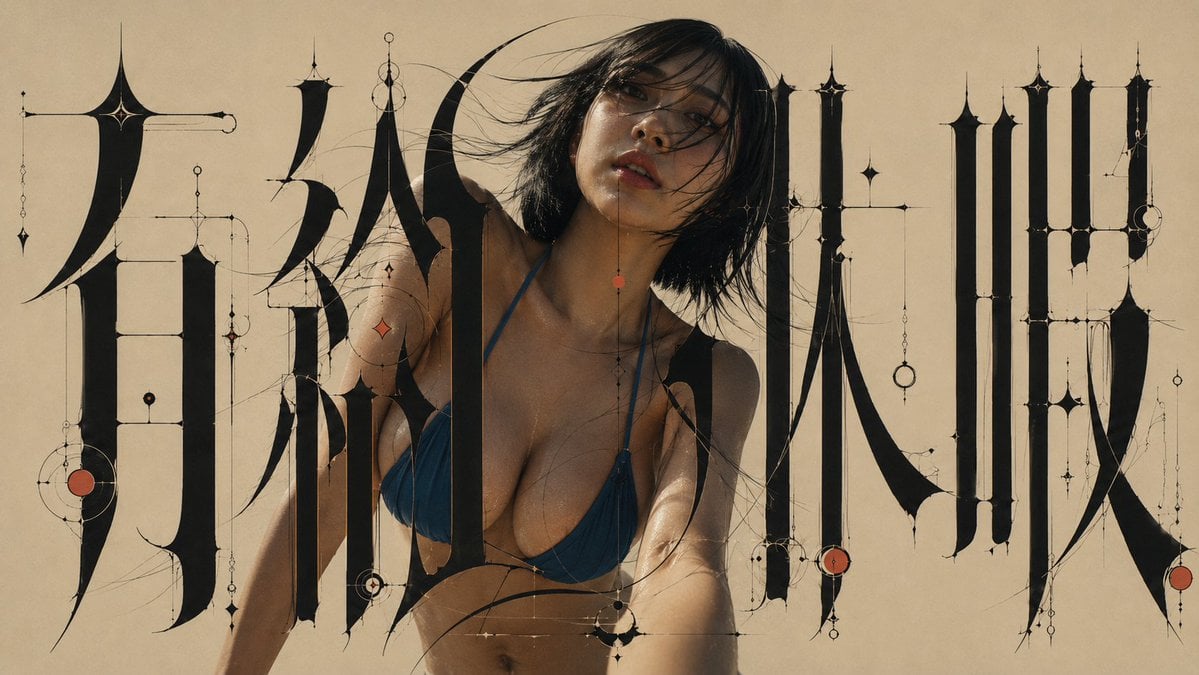
Architectural Typographic Portrait Fusion
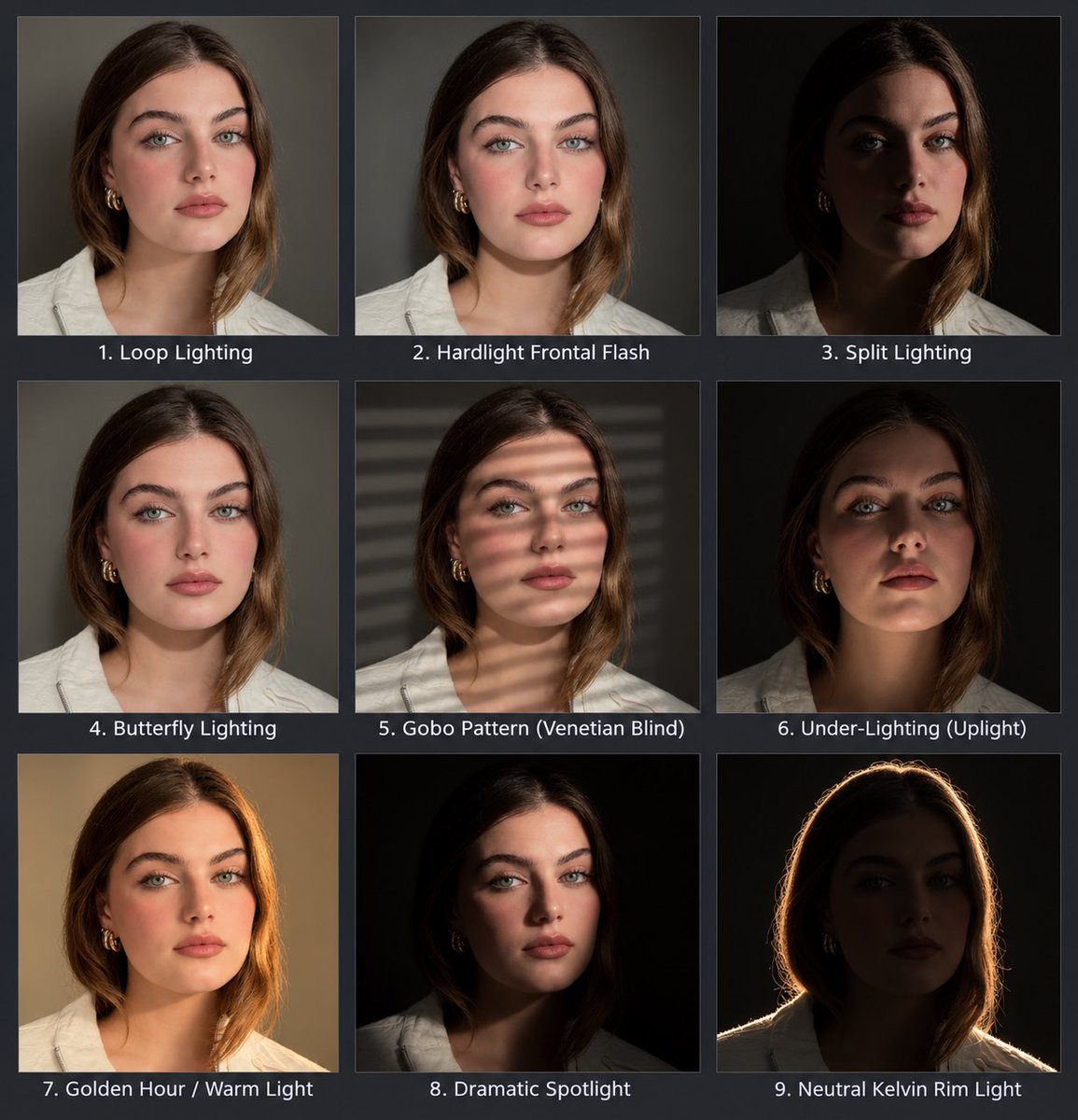
Portrait Lighting Study Grid
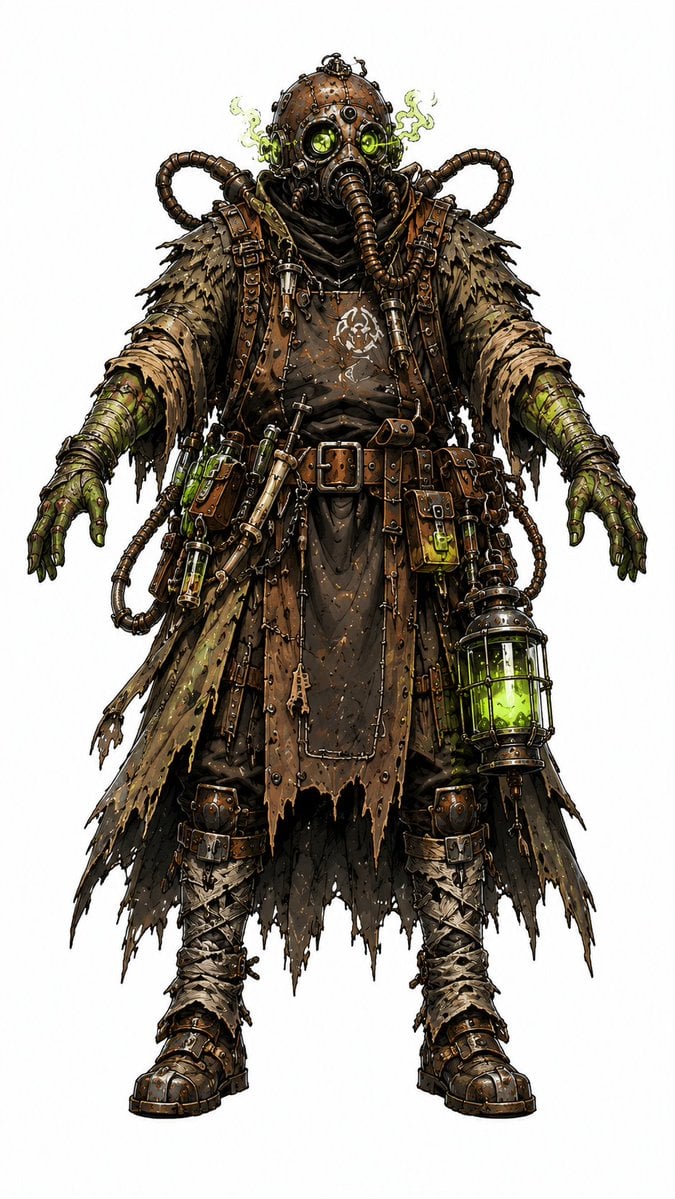
Steampunk Plague Alchemist Character
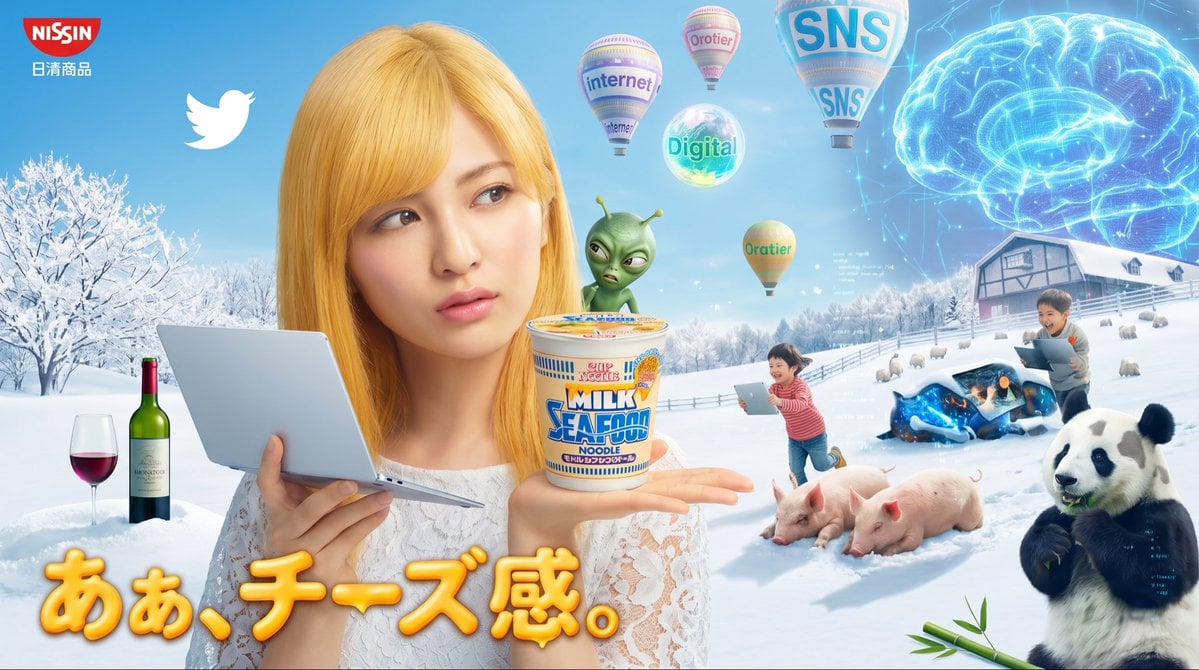
Surreal Japanese Nissin Snow Ad
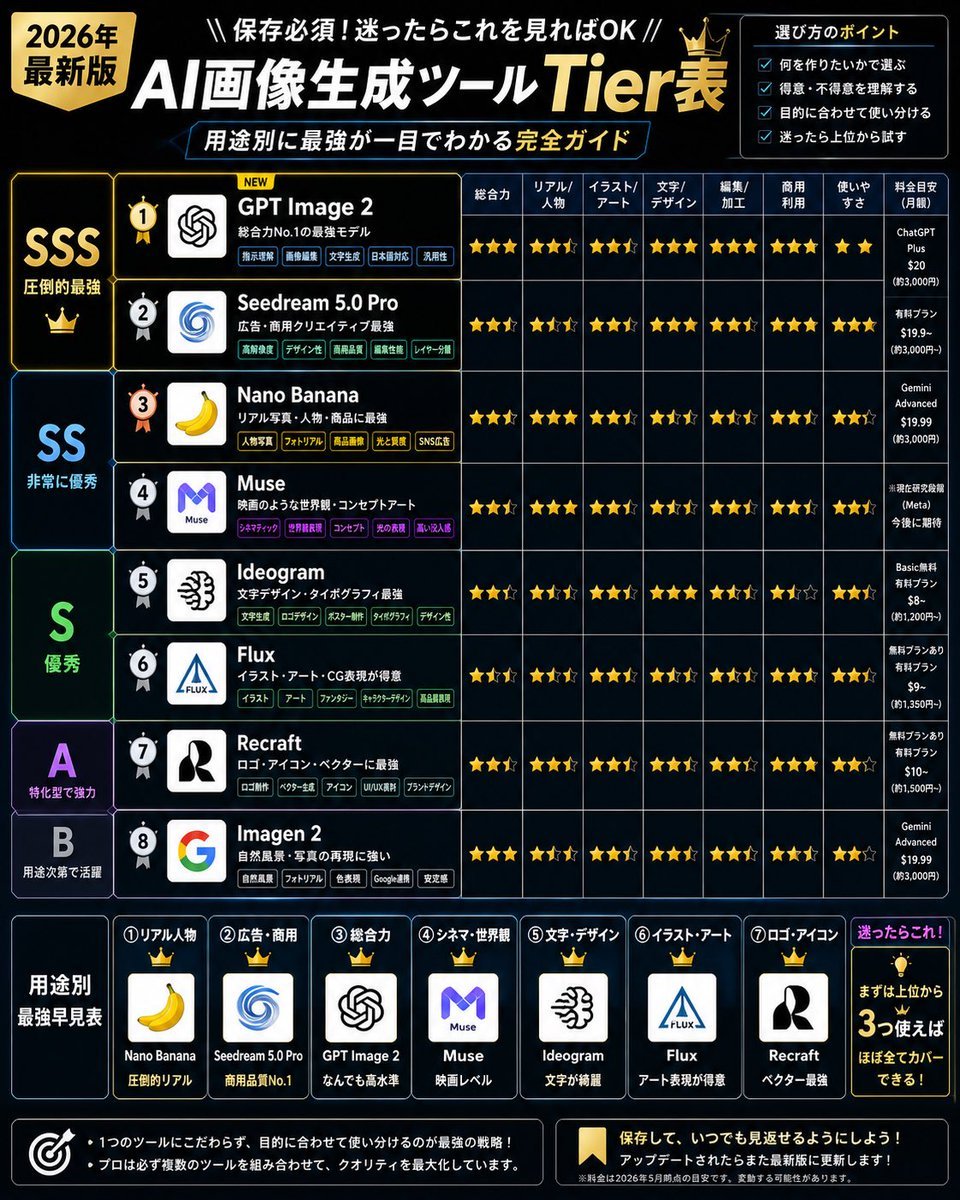
2026 AI Image Tool Tier List
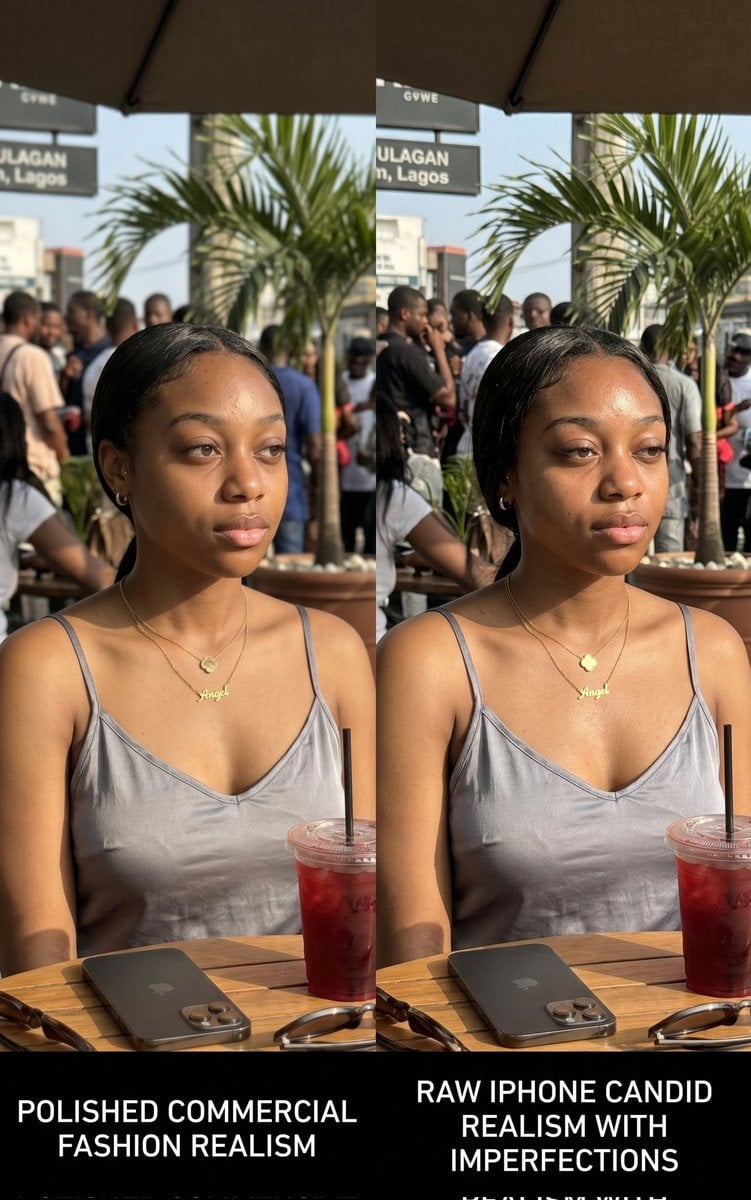
Lagos Cafe Realism Study
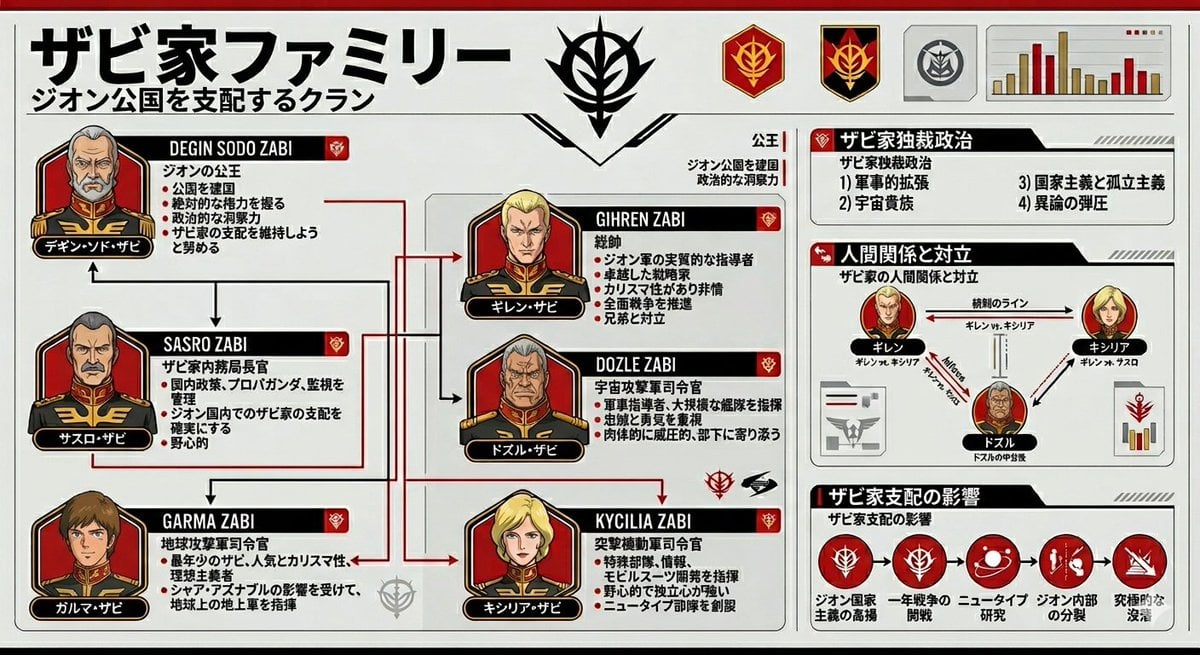
Gundam Origin Infographic Generation

Desktop AI Agent Architecture Diagram

Cloud AI Agent Architecture Diagram
Make it yours
testing works as-is. These are the safest ways to change it without losing the look.
Change one field
Copy a single group, rewrite it, and generate again so you can see what that field is doing.
Keep the frame, change the subject
Hold the composition and light of testing, then swap wardrobe, props or the person for a new take.
| If the result… | Why | Fix |
|---|---|---|
| The result drifts from the preview | Too many fields changed at once. | Reuse testing as-is first, then change one group — subject, light, or setting. |
| The model over-stylizes the scene | The prose prompt leaves finish and camera underspecified. | Add one camera or lighting sentence and stay on PicX Studio. |
More image prompts
Fresh picks from across the catalog.
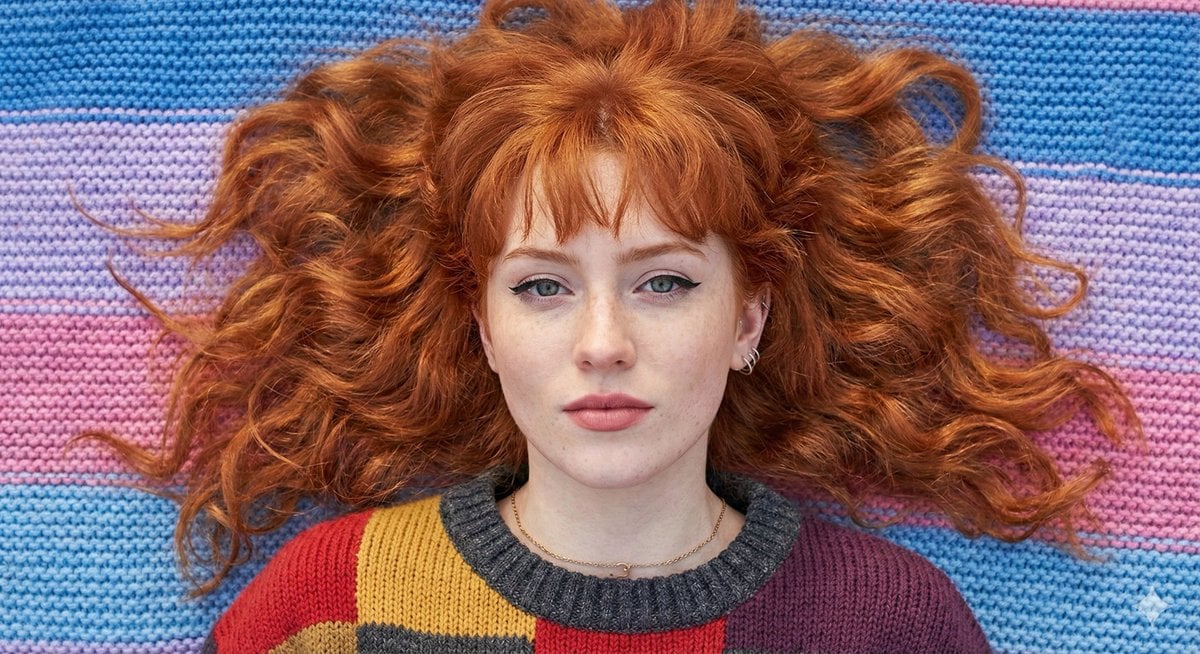
Flat Lay Portrait of a Ginger Woman on a Rainbow Blanket
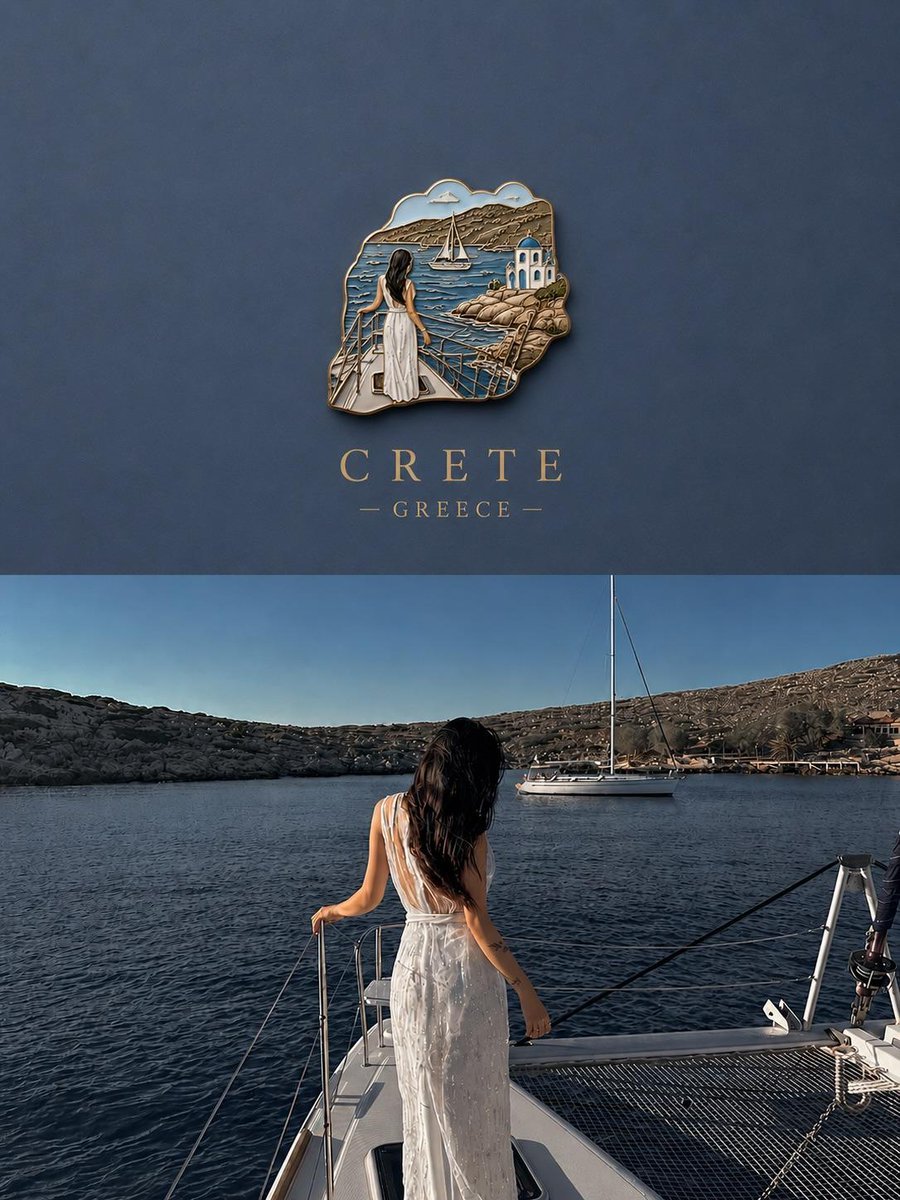
3D Souvenir Badge Travel Poster
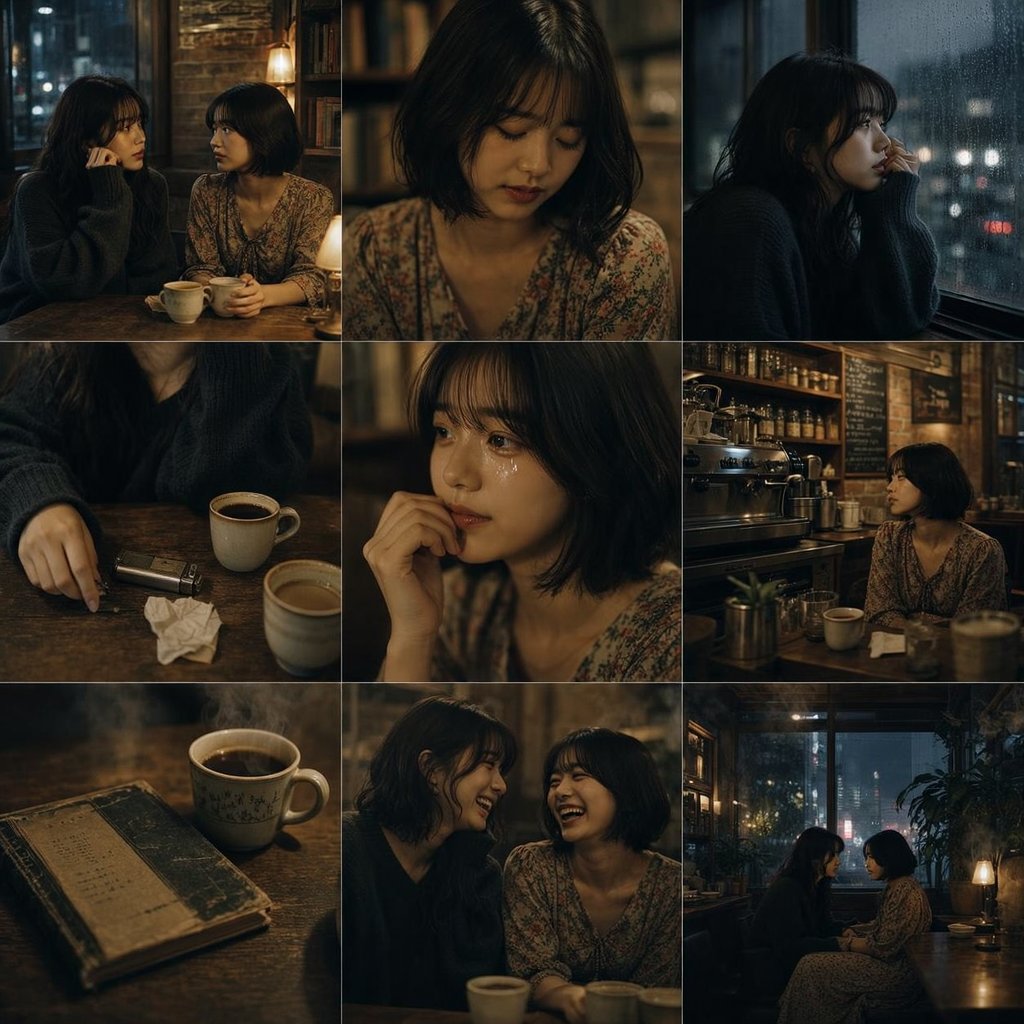
Moody Rainy Cafe 3x3 Photo Grid
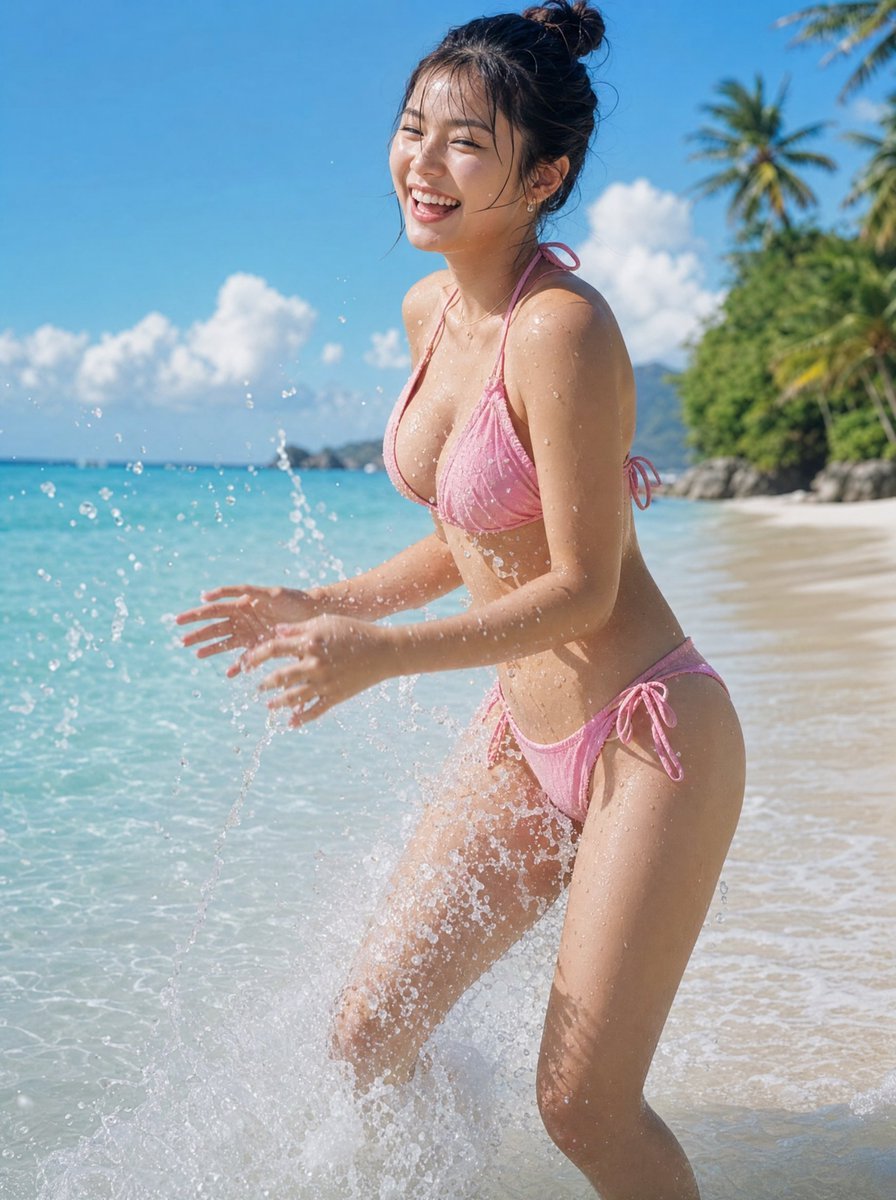
Natural Japanese Woman at Beach
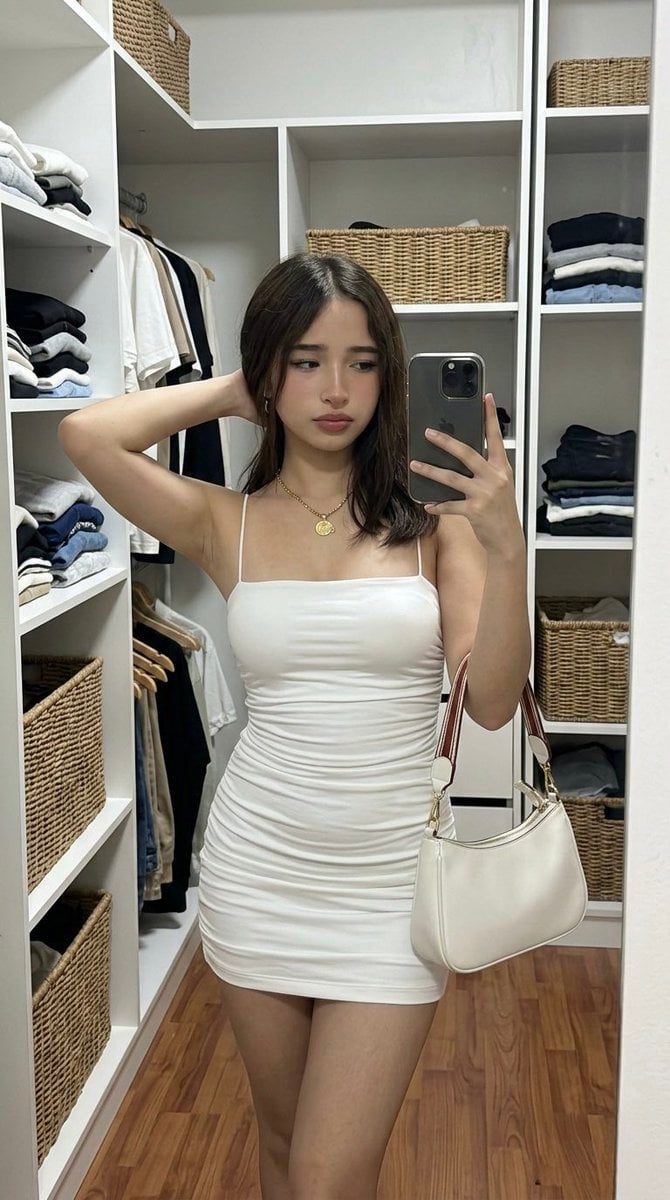
Hyper-Realistic Mirror Selfie Prompt for Gemini Nano Banana 2
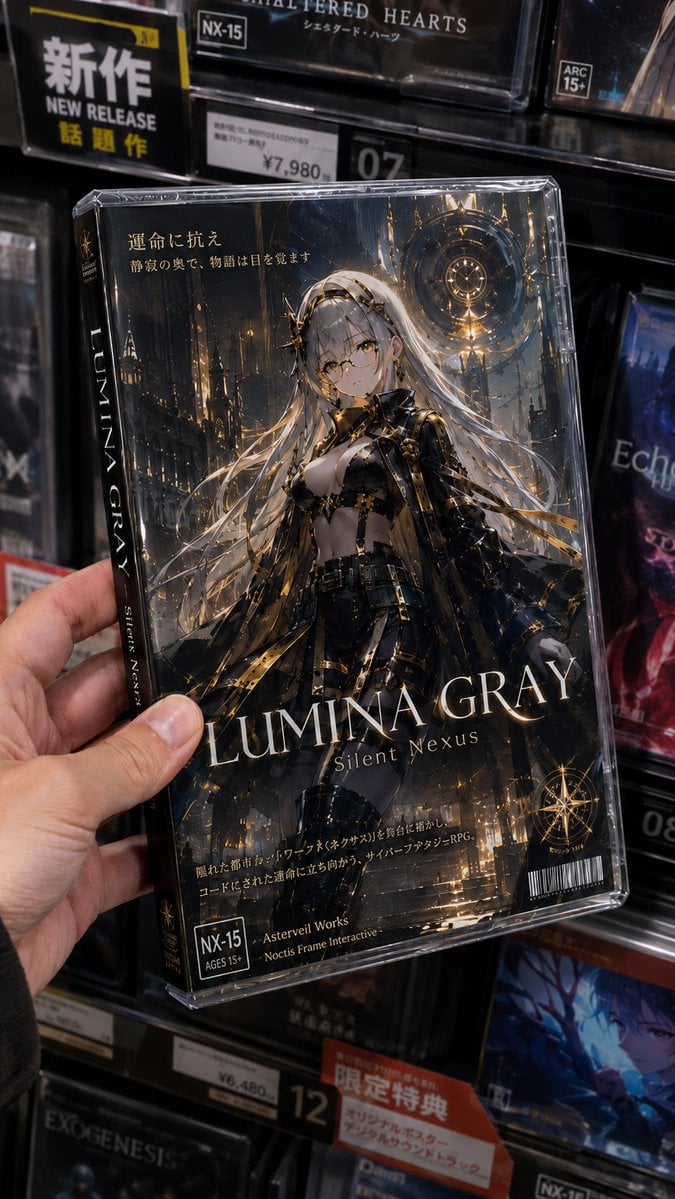
Fictional Gothic Sci-Fi Game Case Photo

Classical Chinese poem illustration with text
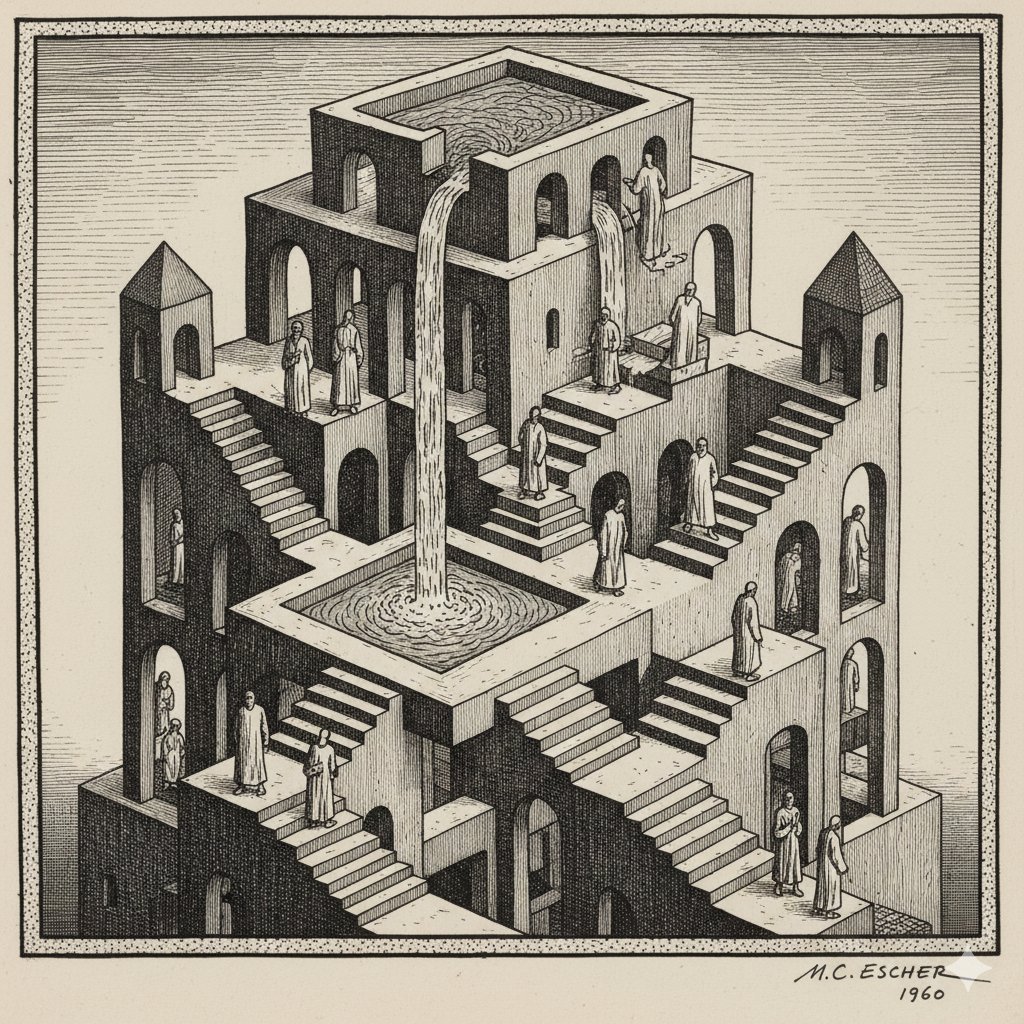
Escher-style Optical Illusion Generation
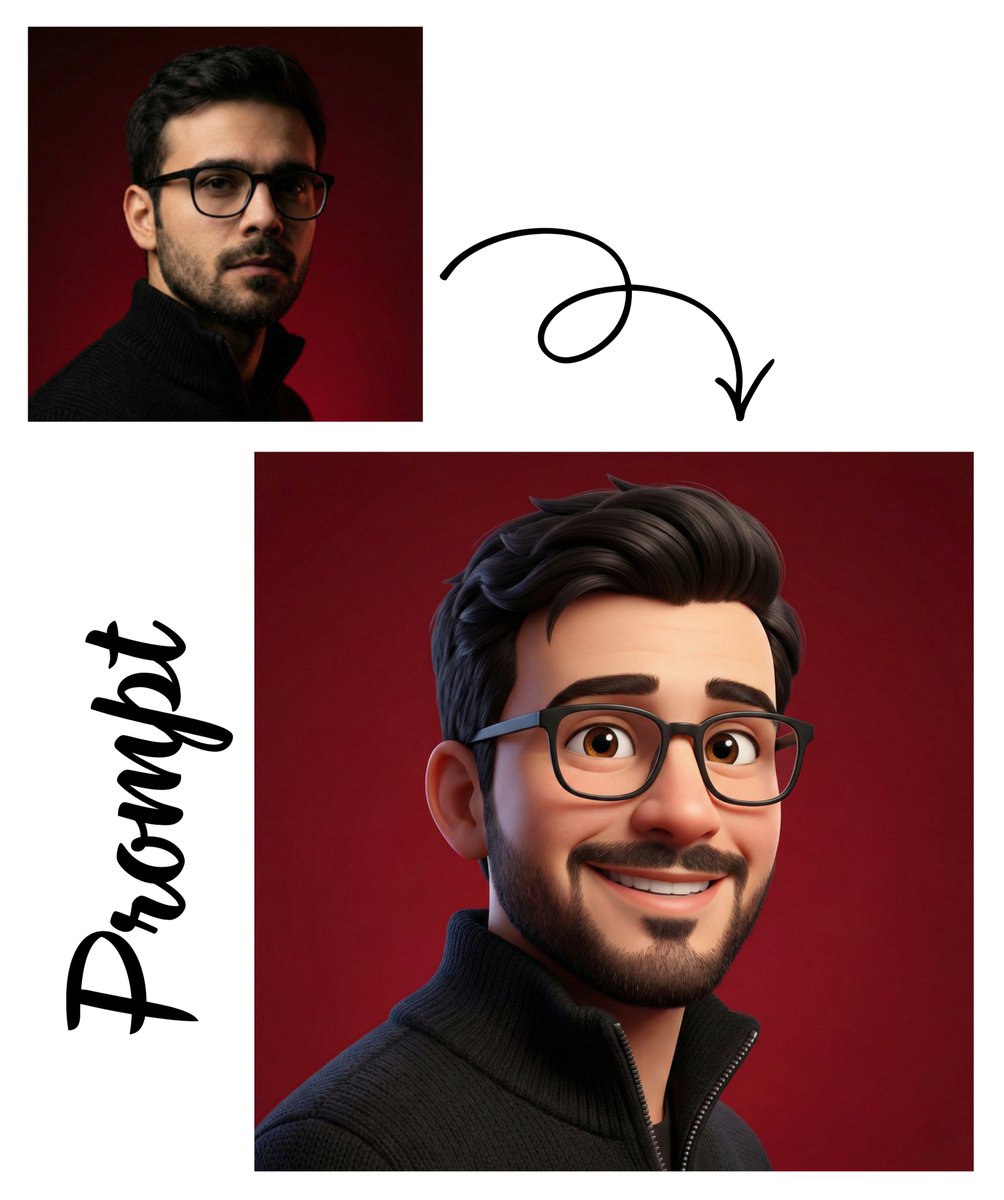
Pixar-Style 3D Avatar Generation
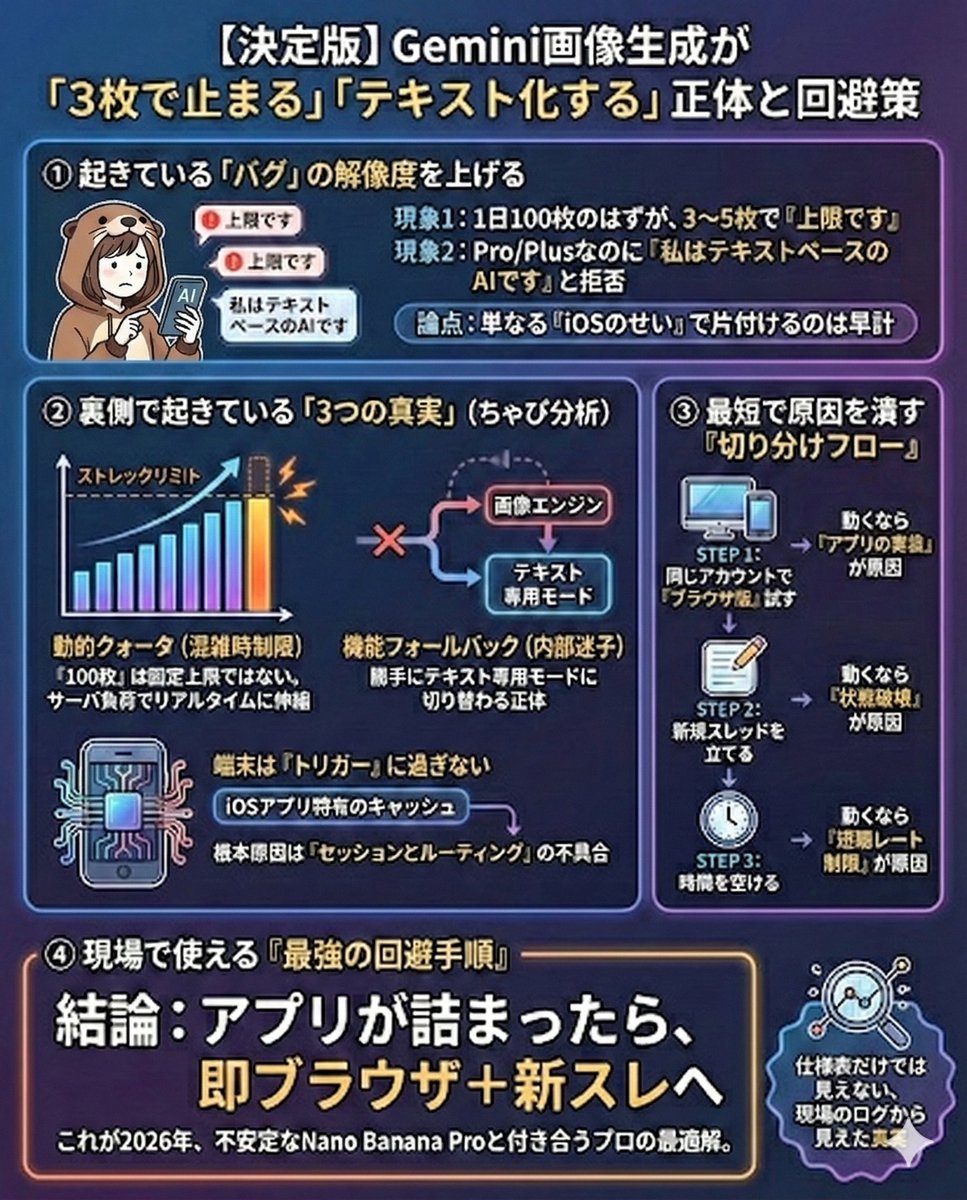
Gemini Model Troubleshooting Prompt
Browse template categories
testing questions
How do I use the testing template?
Add your photo if the template asks for one, edit the prompt if you like — the template's model and format are already selected — and press Generate. Your version opens in PicX Studio.
Can I customize the testing template?
Yes. You can change the subject, setting, lighting, mood, format, and available model controls before creating your image.
Is the testing template free?
Opening and editing this template is free. Generating uses credits, shown on the Generate button when you are signed in.
Which AI model should I use?
Choose a compatible model in PicX Studio based on the style, speed, and output controls your project needs.
Looking for something else? Browse all templates.

Your photo, any look
Thousands of ready templates for every top image and video model, from one credit balance.