
A/B Testing Banner Variations
Generates a composite image showing three distinct design variations of a promotional banner featuring a central subject.
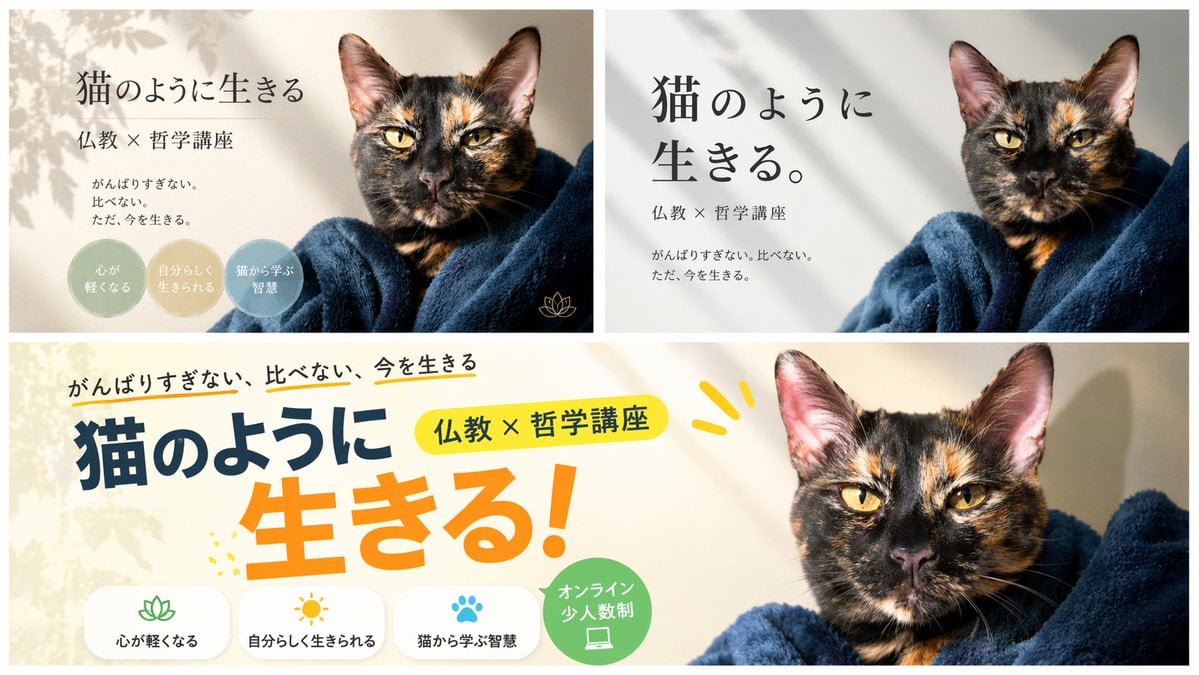
- Prompt included
- Model and format preset
- Free template
The prompt behind this image
Copy the exact prompt behind A/B Testing Banner Variations, or open it in the studio and make it yours.
- Type
- banner design variations
- Subject
- {argument name="subject" default="tortoiseshell cat wrapped in a dark blue blanket"}
- Layout › Description
- A composite image displaying 3 different banner design variations for the same course, arranged with two smaller banners on top and one wide banner on the bottom.
- Layout › Sections › 0 › Position
- top-left
- Layout › Sections › 0 › Style
- elegant and calm with soft leaf shadows
- Layout › Sections › 0 › Text Elements
- {argument name="main headline" default="猫のように生きる"}, {argument name="subheading" default="仏教 × 哲学講座"}, {argument name="body text" default="がんばりすぎない。比べない。ただ、今を生きる。"}
- Layout › Sections › 0 › Design Elements › Badges › Count
- 3
- Layout › Sections › 0 › Design Elements › Badges › Shape
- circular
- Layout › Sections › 0 › Design Elements › Badges › Labels
- {argument name="badge text 1" default="心が軽くなる"}, 自分らしく生きられる, 猫から学ぶ智慧
- Layout › Sections › 0 › Design Elements › Icons › Count
- 1
- Layout › Sections › 0 › Design Elements › Icons › Description
- small gold lotus icon
- Layout › Sections › 1 › Position
- top-right
- Layout › Sections › 1 › Style
- minimalist and modern with clean typography
- Layout › Sections › 1 › Text Elements
- 猫のように生きる。, 仏教 × 哲学講座, がんばりすぎない。比べない。ただ、今を生きる。
- Layout › Sections › 2 › Position
- bottom
- Layout › Sections › 2 › Style
- pop, energetic, and casual with colorful accents
- Layout › Sections › 2 › Text Elements
- がんばりすぎない、比べない、今を生きる, 猫のように, 生きる!, 仏教 × 哲学講座
- Layout › Sections › 2 › Design Elements › Icon Text Pairs › Count
- 3
- Layout › Sections › 2 › Design Elements › Icon Text Pairs › Descriptions
- lotus icon with text 心が軽くなる, sun icon with text 自分らしく生きられる, paw print icon with text 猫から学ぶ智慧
- Layout › Sections › 2 › Design Elements › Badges › Count
- 1
- Layout › Sections › 2 › Design Elements › Badges › Shape
- circular green badge
- Layout › Sections › 2 › Design Elements › Badges › Label
- オンライン 少人数制
- Layout › Sections › 2 › Design Elements › Badges › Icon
- laptop
Raw JSON
{
  "type": "banner design variations",
  "subject": "{argument name=\"subject\" default=\"tortoiseshell cat wrapped in a dark blue blanket\"}",
  "layout": {
    "description": "A composite image displaying 3 different banner design variations for the same course, arranged with two smaller banners on top and one wide banner on the bottom.",
    "sections": [
      {
        "position": "top-left",
        "style": "elegant and calm with soft leaf shadows",
        "text_elements": [
          "{argument name=\"main headline\" default=\"猫のように生きる\"}",
          "{argument name=\"subheading\" default=\"仏教 × 哲学講座\"}",
          "{argument name=\"body text\" default=\"がんばりすぎない。比べない。ただ、今を生きる。\"}"
        ],
        "design_elements": {
          "badges": {
            "count": 3,
            "shape": "circular",
            "labels": [
              "{argument name=\"badge text 1\" default=\"心が軽くなる\"}",
              "自分らしく生きられる",
              "猫から学ぶ智慧"
            ]
          },
          "icons": {
            "count": 1,
            "description": "small gold lotus icon"
          }
        }
      },
      {
        "position": "top-right",
        "style": "minimalist and modern with clean typography",
        "text_elements": [
          "猫のように生きる。",
          "仏教 × 哲学講座",
          "がんばりすぎない。比べない。ただ、今を生きる。"
        ]
      },
      {
        "position": "bottom",
        "style": "pop, energetic, and casual with colorful accents",
        "text_elements": [
          "がんばりすぎない、比べない、今を生きる",
          "猫のように",
          "生きる!",
          "仏教 × 哲学講座"
        ],
        "design_elements": {
          "icon_text_pairs": {
            "count": 3,
            "descriptions": [
              "lotus icon with text 心が軽くなる",
              "sun icon with text 自分らしく生きられる",
              "paw print icon with text 猫から学ぶ智慧"
            ]
          },
          "badges": {
            "count": 1,
            "shape": "circular green badge",
            "label": "オンライン 少人数制",
            "icon": "laptop"
          }
        }
      }
    ]
  }
}How to use A/B Testing Banner Variations in 3 steps
- 1Upload ImagePNG, JPG or paste
Add your photo
Upload the photo the template builds on. The prompt, model and format are already set.
- 2…a portrait of your subject in softgolden-hour light, 85mm…
Personalize
Edit the subject and creative details for your destination.
- 3Generate
Generate
Press Generate — your image is created in PicX Studio, so you can compare it with the original and refine one variable at a time.
More like this
Templates with the same subject, style or setup. Open one to see its prompt.

Coffee Boba Product Poster
Panel SaaS Ad Banner Variations
Six-Panel Cinematic Character Variations
Ten Rabbit AI Recruitment Poster Variations
Japanese Manga A/B Testing Comic
Photorealistic Fashion Model Summer Variations
Ultra Woman Kaiju Battle Variations

Six Japanese Train Logo Variations

Prompt for Generating Image Variations from a Base Image
Nightlife Fashion Portrait Prompts (3 Variations)
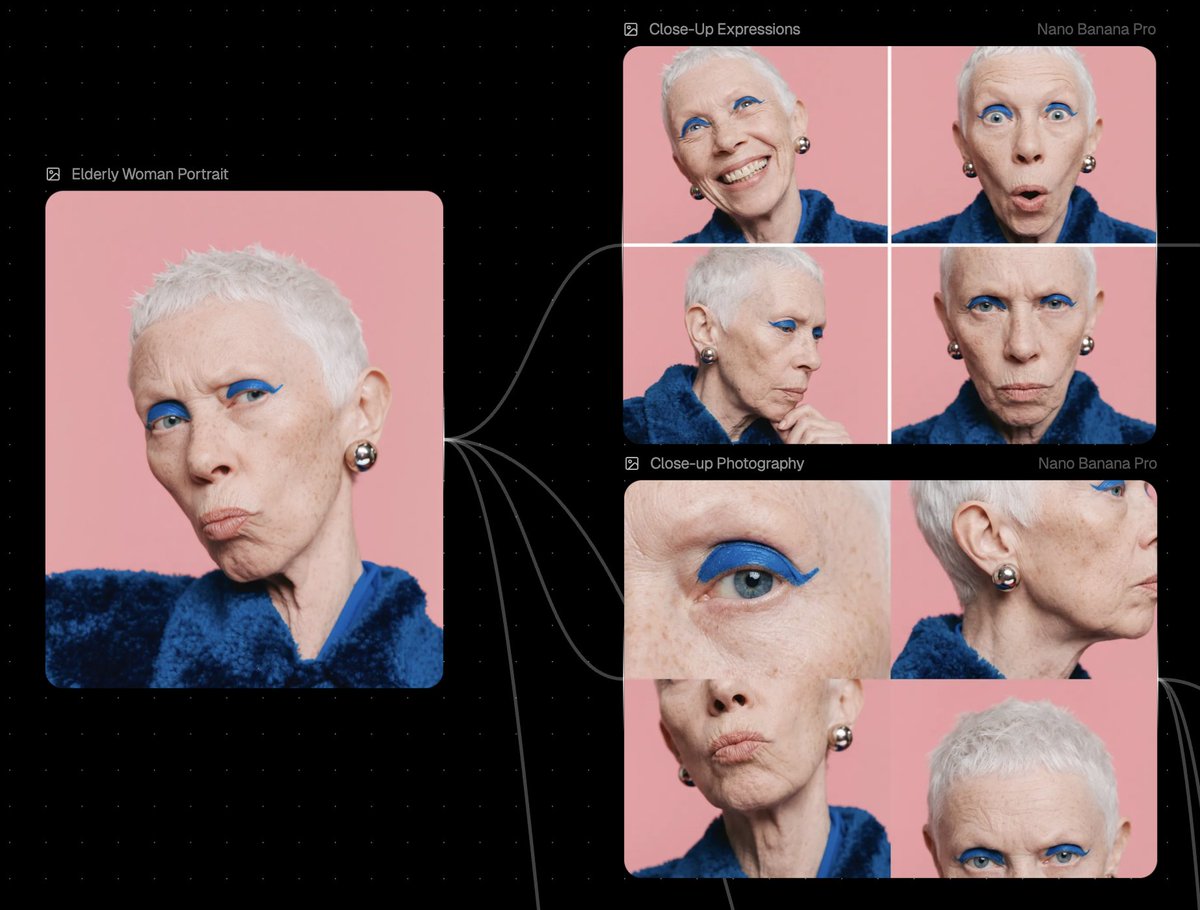
Reference Image Prompt for Facial Expression and Angle Variations
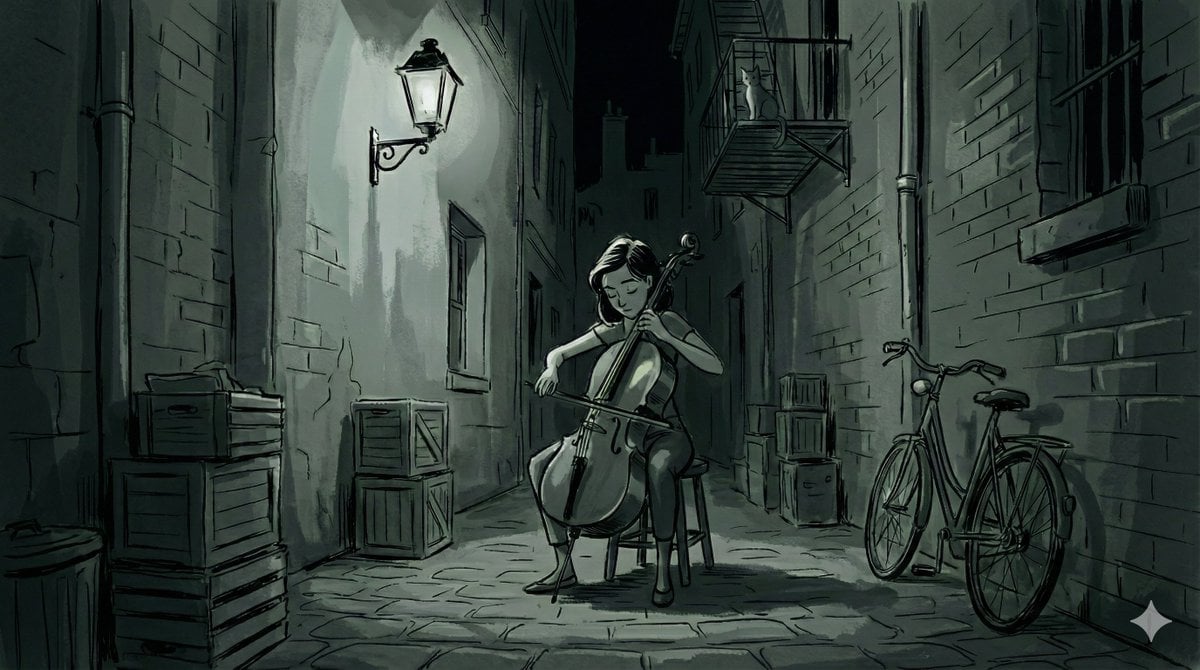
Nano Banana Pro Style Variations
Make it yours
A/B Testing Banner Variations works as-is. These are the safest ways to change it without losing the look.
Change one field
Copy a single group, rewrite it, and generate again so you can see what that field is doing.
Keep the frame, change the subject
Hold the composition and light of A/B Testing Banner Variations, then swap wardrobe, props or the person for a new take.
| If the result… | Why | Fix |
|---|---|---|
| The result drifts from the preview | Too many fields changed at once. | Reuse A/B Testing Banner Variations as-is first, then change one group — subject, light, or setting. |
| GPT Image 2 ignores part of the JSON | Some models flatten or skip nested keys. | Keep the same values and paste them as a short paragraph instead. |
More GPT Image 2 templates
Other prompts made for GPT Image 2.

Six VTuber Japanese Logo Sheet

Realistic Portrait of Woman and Deer

The Vista Modular Condo Poster

AI Model Routing Comparison Infographic

2.5D Anime Art Board

Isometric Productivity Desk Scene

New York Double Exposure Poster

Four-Panel AI Landscape Comparison

Japanese Tatami Lifestyle Magazine Cover

NESCAFÉ Coffee Map Poster
More image prompts
Fresh picks from across the catalog.
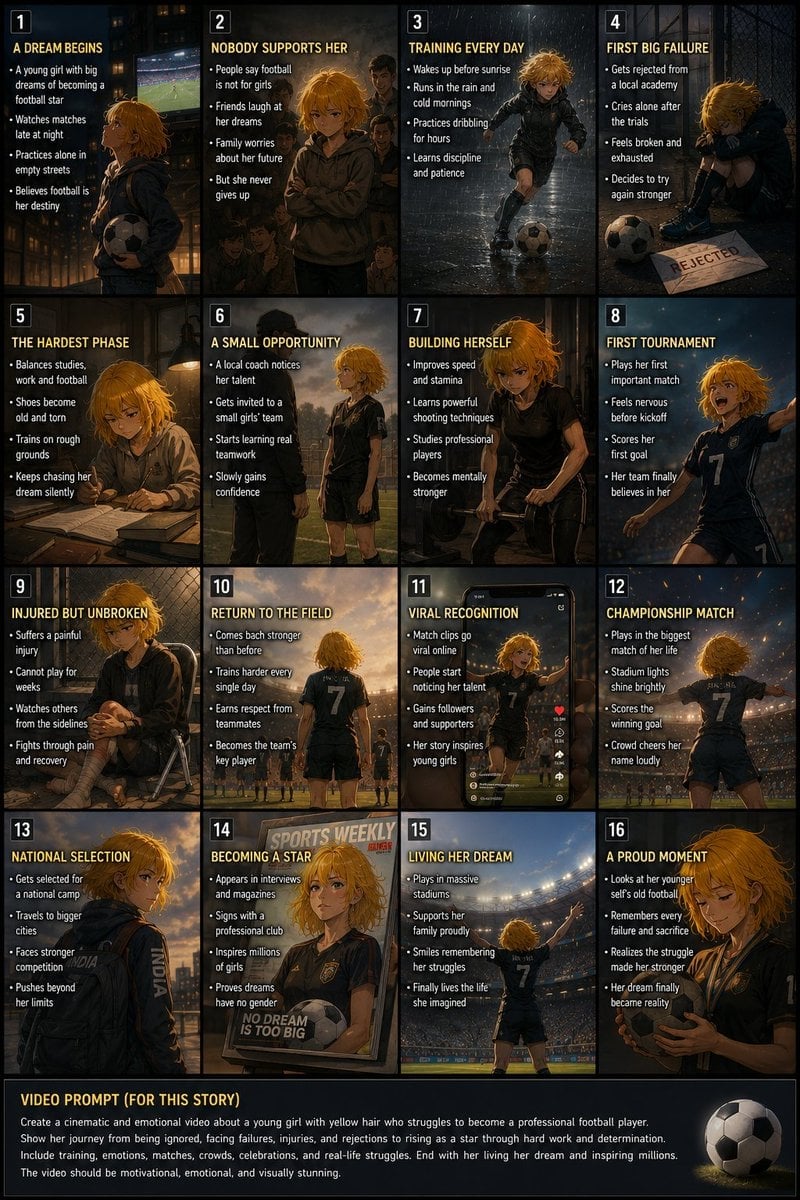
Panel Football Dream Storyboard
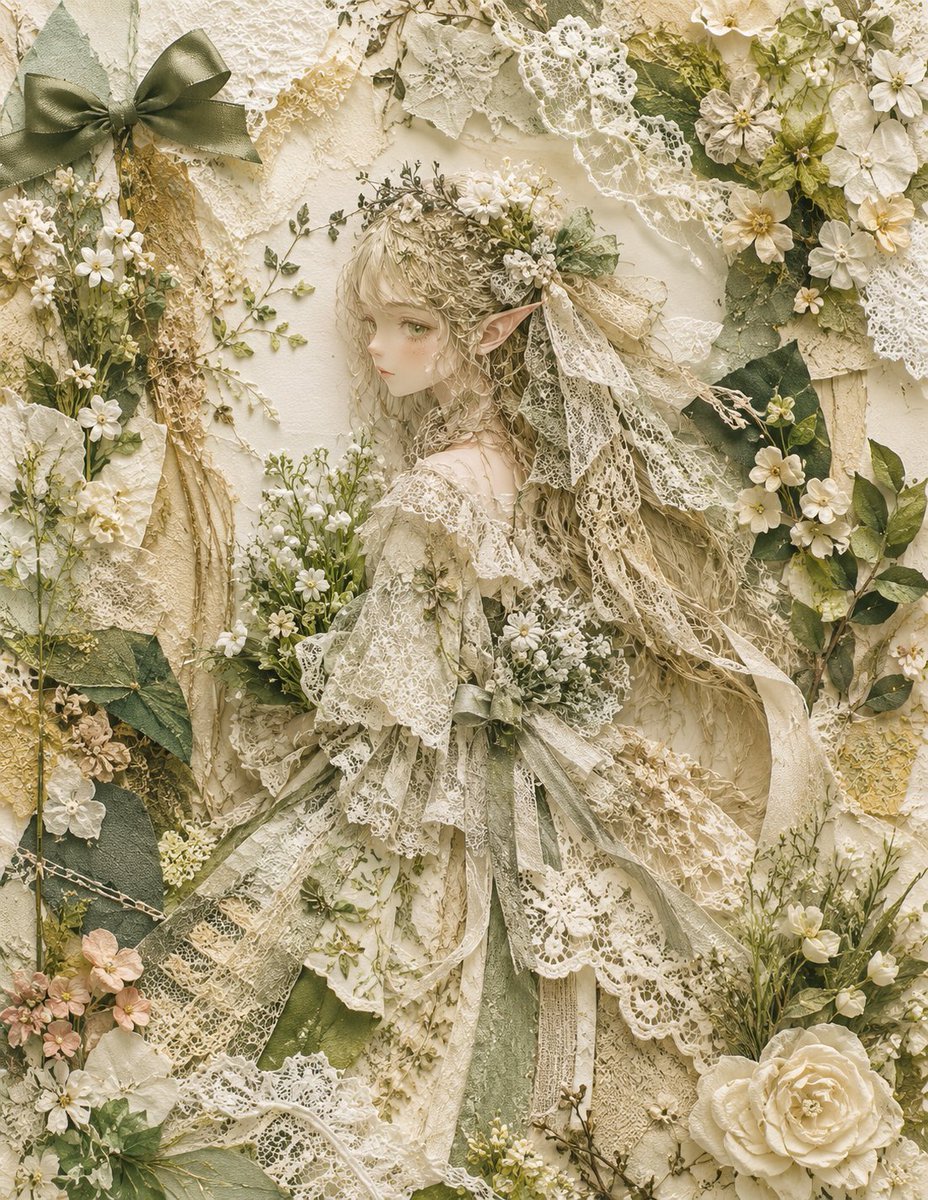
Textile Collage Elf Maiden
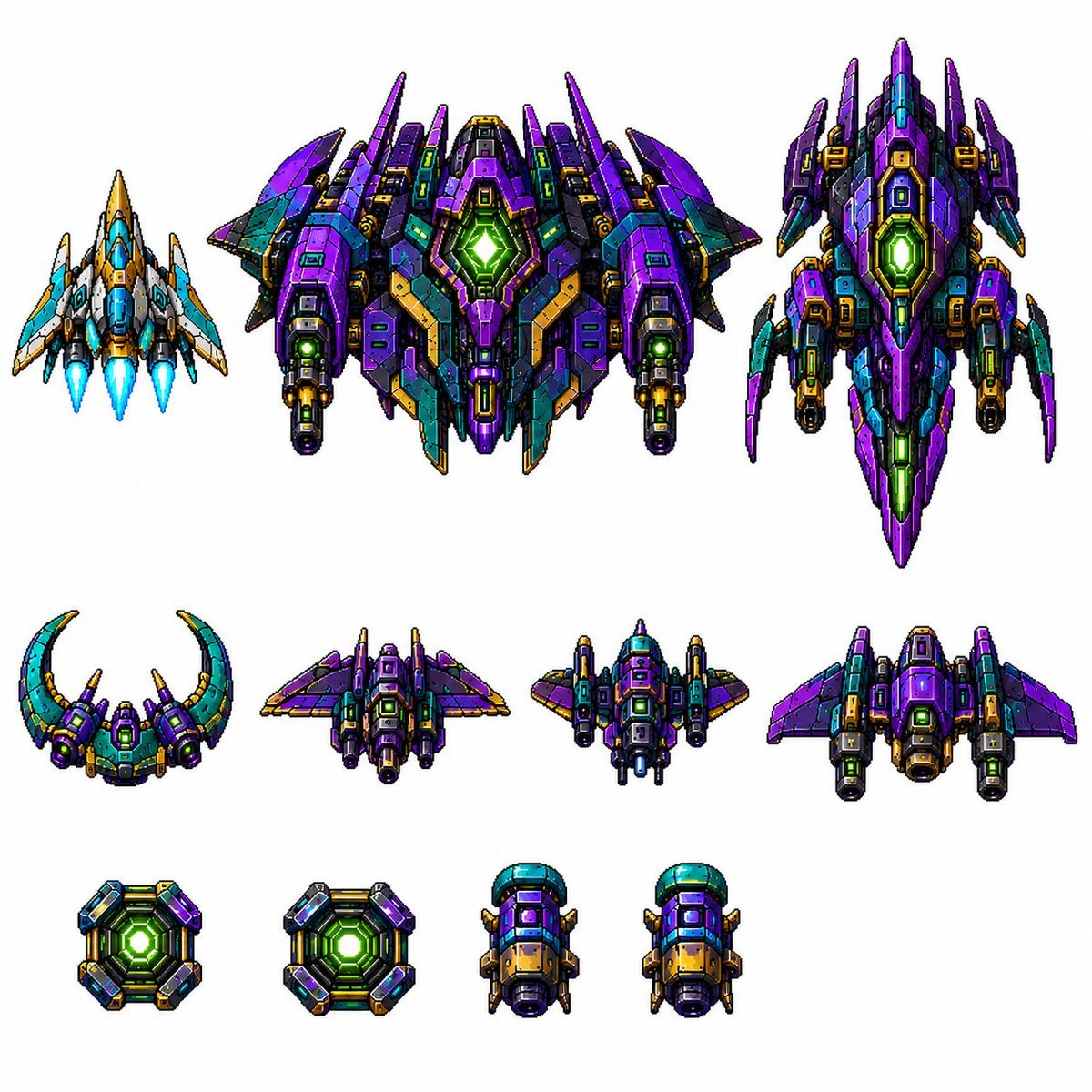
Retro Pixel Space Shooter Sprites
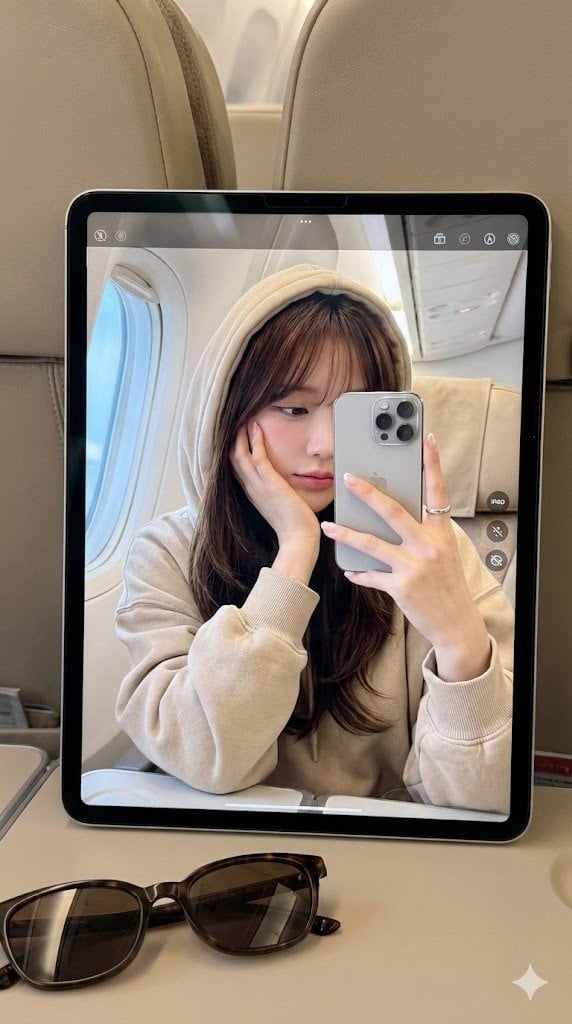
Hyper-Realistic Reflection Portrait Prompt
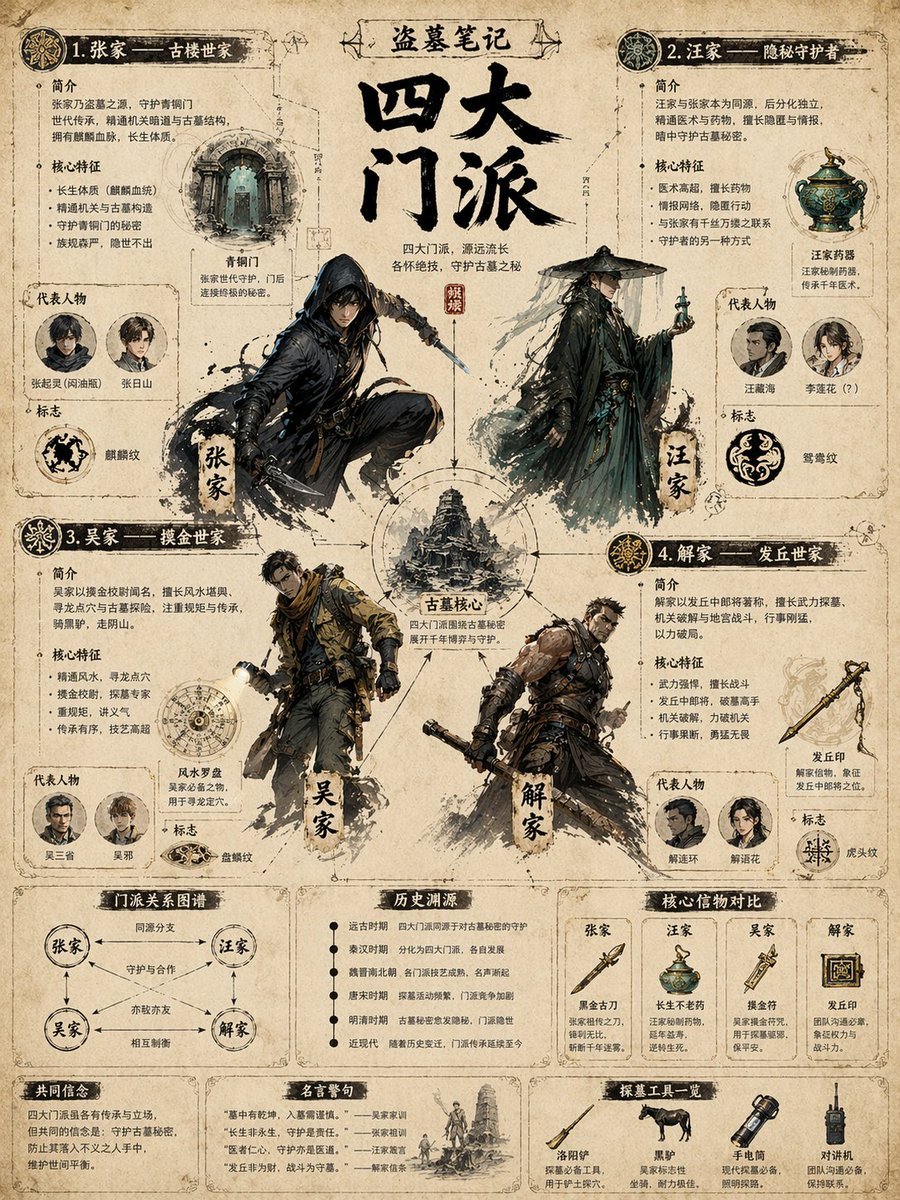
Vintage Faction Infographic Poster
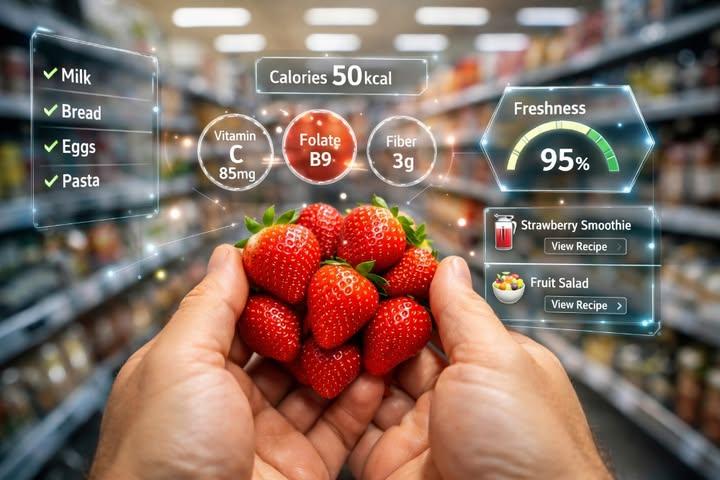
First-Person AR Shopping Interface Overlay
Purposefully Bad MS Paint Redraw
Product Elemental Lifestyle - Midjourney v7/v8
Spicy Snack Bag Product Ad
Underground Subway Mirror Portrait
Browse template categories
A/B Testing Banner Variations questions
How do I use the A/B Testing Banner Variations template?
Add your photo if the template asks for one, edit the prompt if you like — the template's model and format are already selected — and press Generate. Your version opens in PicX Studio.
Can I customize the A/B Testing Banner Variations template?
Yes. You can change the subject, setting, lighting, mood, format, and available model controls before creating your image.
Is the A/B Testing Banner Variations template free?
Opening and editing this template is free. Generating uses credits, shown on the Generate button when you are signed in.
Which AI model should I use?
Start with GPT Image 2, which is the model associated with this template. You can compare another compatible model for a different finish.
Looking for something else? Browse all templates.

Your photo, any look
Thousands of ready templates for every top image and video model, from one credit balance.