
Vintage Faction Infographic Poster
Generates a highly detailed, information-dense infographic poster with character illustrations, diagrams, and item showcases on vintage parchment.
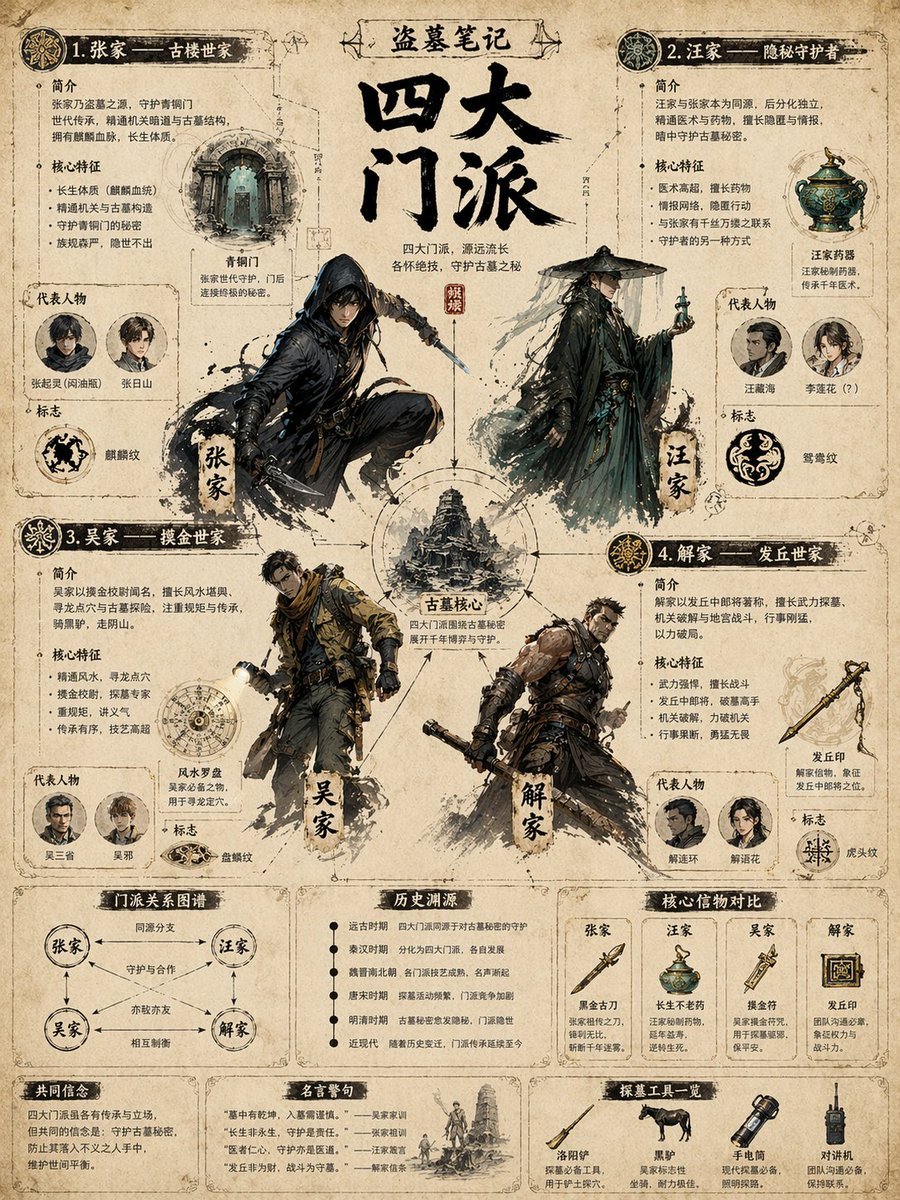
- Prompt included
- Model and format preset
- Free template
The prompt behind this image
Copy the exact prompt behind Vintage Faction Infographic Poster, or open it in the studio and make it yours.
- Type
- highly detailed infographic poster
- Style
- {argument name="visual style" default="vintage parchment paper, wuxia tomb-raiding theme, detailed ink and watercolor illustrations"}
- Header › Franchise
- {argument name="franchise name" default="盗墓笔记"}
- Header › Title
- {argument name="main title" default="四大门派"}
- Header › Subtitle
- 四大门派,源远流长 各怀绝技,守护古墓之秘
- Centerpiece › Title
- 古墓核心
- Centerpiece › Description
- Circular diagram connecting the four factions around a central tower illustration.
- Factions › 0 › Title
- 1. 张家 —— 古楼世家
- Factions › 0 › Character Illustration
- hooded swordsman in dynamic pose
- Factions › 0 › Sections
- 简介, 核心特征, 代表人物, 标志
- Factions › 0 › Representatives Count
- 2
- Factions › 0 › Representatives Labels
- 张起灵(闷油瓶), 张日山
- Factions › 0 › Symbol
- 麒麟纹
- Factions › 0 › Featured Item
- 青铜门
- Factions › 1 › Title
- 2. 汪家 —— 隐秘守护者
- Factions › 1 › Character Illustration
- mysterious man in bamboo hat holding a glowing vial
- Factions › 1 › Sections
- 简介, 核心特征, 代表人物, 标志
- Factions › 1 › Representatives Count
- 2
- Factions › 1 › Representatives Labels
- 汪藏海, 李莲花 (?)
- Factions › 1 › Symbol
- 鸳鸯纹
- Factions › 1 › Featured Item
- 汪家药器
- Factions › 2 › Title
- 3. 吴家 —— 摸金世家
- Factions › 2 › Character Illustration
- modern explorer with flashlight and tactical gear
- Factions › 2 › Sections
- 简介, 核心特征, 代表人物, 标志
Raw JSON
{
  "type": "highly detailed infographic poster",
  "style": "{argument name=\"visual style\" default=\"vintage parchment paper, wuxia tomb-raiding theme, detailed ink and watercolor illustrations\"}",
  "header": {
    "franchise": "{argument name=\"franchise name\" default=\"盗墓笔记\"}",
    "title": "{argument name=\"main title\" default=\"四大门派\"}",
    "subtitle": "四大门派,源远流长 各怀绝技,守护古墓之秘"
  },
  "centerpiece": {
    "title": "古墓核心",
    "description": "Circular diagram connecting the four factions around a central tower illustration."
  },
  "factions": [
    {
      "title": "1. 张家 —— 古楼世家",
      "character_illustration": "hooded swordsman in dynamic pose",
      "sections": ["简介", "核心特征", "代表人物", "标志"],
      "representatives_count": 2,
      "representatives_labels": ["张起灵(闷油瓶)", "张日山"],
      "symbol": "麒麟纹",
      "featured_item": "青铜门"
    },
    {
      "title": "2. 汪家 —— 隐秘守护者",
      "character_illustration": "mysterious man in bamboo hat holding a glowing vial",
      "sections": ["简介", "核心特征", "代表人物", "标志"],
      "representatives_count": 2,
      "representatives_labels": ["汪藏海", "李莲花 (?)"],
      "symbol": "鸳鸯纹",
      "featured_item": "汪家药器"
    },
    {
      "title": "3. 吴家 —— 摸金世家",
      "character_illustration": "modern explorer with flashlight and tactical gear",
      "sections": ["简介", "核心特征", "代表人物", "标志"],
      "representatives_count": 2,
      "representatives_labels": ["吴三省", "吴邪"],
      "symbol": "盘龙纹",
      "featured_item": "风水罗盘"
    },
    {
      "title": "4. 解家 —— 发丘世家",
      "character_illustration": "muscular fighter with mechanical weapon",
      "sections": ["简介", "核心特征", "代表人物", "标志"],
      "representatives_count": 2,
      "representatives_labels": ["解连环", "解语花"],
      "symbol": "虎头纹",
      "featured_item": "发丘印"
    }
  ],
  "bottom_panels": [
    {
      "title": "门派关系图谱",
      "type": "relationship diagram",
      "nodes_count": 4,
      "labels": ["同源分支", "守护与合作", "亦敌亦友", "相互制衡"]
    },
    {
      "title": "历史渊源",
      "type": "timeline list",
      "entries_count": 6,
      "labels": ["远古时期", "秦汉时期", "魏晋南北朝", "唐宋时期", "明清时期", "近现代"]
    },
    {
      "title": "核心信物对比",
      "type": "comparison table",
      "columns_count": 4,
      "items": ["黑金古刀", "长生不老药", "摸金符", "发丘印"]
    },
    {
      "title": "共同信念",
      "type": "text block"
    },
    {
      "title": "名言警句",
      "type": "quotes list",
      "quotes_count": 4
    },
    {
      "title": "探墓工具一览",
      "type": "item showcase",
      "items_count": 4,
      "labels": ["洛阳铲", "黑驴", "手电筒", "对讲机"]
    }
  ]
}How to use Vintage Faction Infographic Poster in 3 steps
- 1Upload ImagePNG, JPG or paste
Add your photo
Upload the photo the template builds on. The prompt, model and format are already set.
- 2…a portrait of your subject in softgolden-hour light, 85mm…
Personalize
Edit the subject and creative details for your destination.
- 3Generate
Generate
Press Generate — your image is created in PicX Studio, so you can compare it with the original and refine one variable at a time.
More like this
Templates with the same subject, style or setup. Open one to see its prompt.

Japan Travel Brochure Poster

Gpt2 Infographic Edu Visual Ink Wash Tribute Poster for Chen Uen

Gpt2 Infographic Edu Visual Biomimetic Skyray Aircraft Poster

Premium Vintage Travel Poster Landscape

Sunday Afternoon, 1988

Two Tickets, One Night

If We Met in 1985

Found Photograph: Us, 1970

One Dance Before Midnight

Before We said Goodbye

Our Song was on a Cassette

Meet Me When It Rains
Make it yours
Vintage Faction Infographic Poster works as-is. These are the safest ways to change it without losing the look.
Change one field
Copy a single group, rewrite it, and generate again so you can see what that field is doing.
Keep the frame, change the subject
Hold the composition and light of Vintage Faction Infographic Poster, then swap wardrobe, props or the person for a new take.
| If the result… | Why | Fix |
|---|---|---|
| The result drifts from the preview | Too many fields changed at once. | Reuse Vintage Faction Infographic Poster as-is first, then change one group — subject, light, or setting. |
| GPT Image 2 ignores part of the JSON | Some models flatten or skip nested keys. | Keep the same values and paste them as a short paragraph instead. |
More GPT Image 2 templates
Other prompts made for GPT Image 2.

Six VTuber Japanese Logo Sheet

Realistic Portrait of Woman and Deer

The Vista Modular Condo Poster

AI Model Routing Comparison Infographic

2.5D Anime Art Board

Isometric Productivity Desk Scene

New York Double Exposure Poster

Four-Panel AI Landscape Comparison

Japanese Tatami Lifestyle Magazine Cover

NESCAFÉ Coffee Map Poster
More image prompts
Fresh picks from across the catalog.
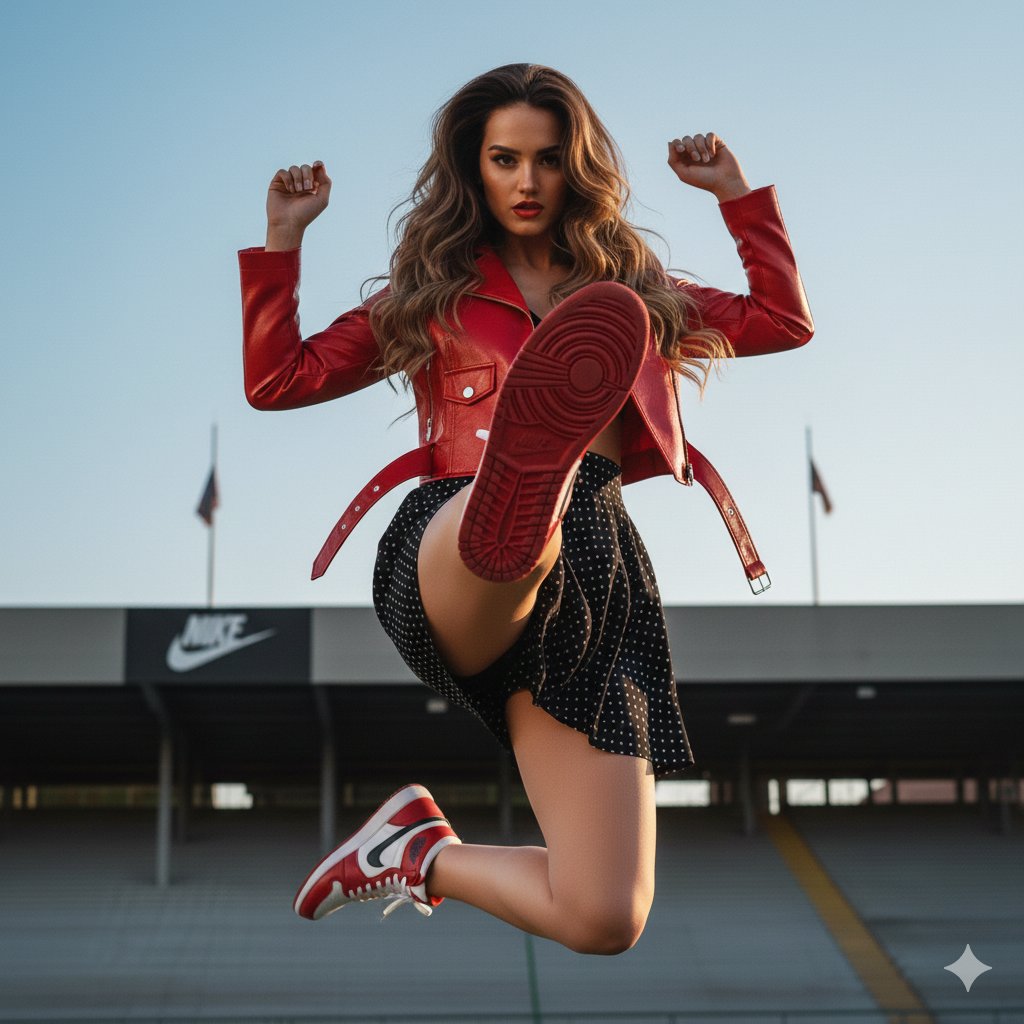
Photorealistic Fashion Portrait with Exact Face Match Prompt
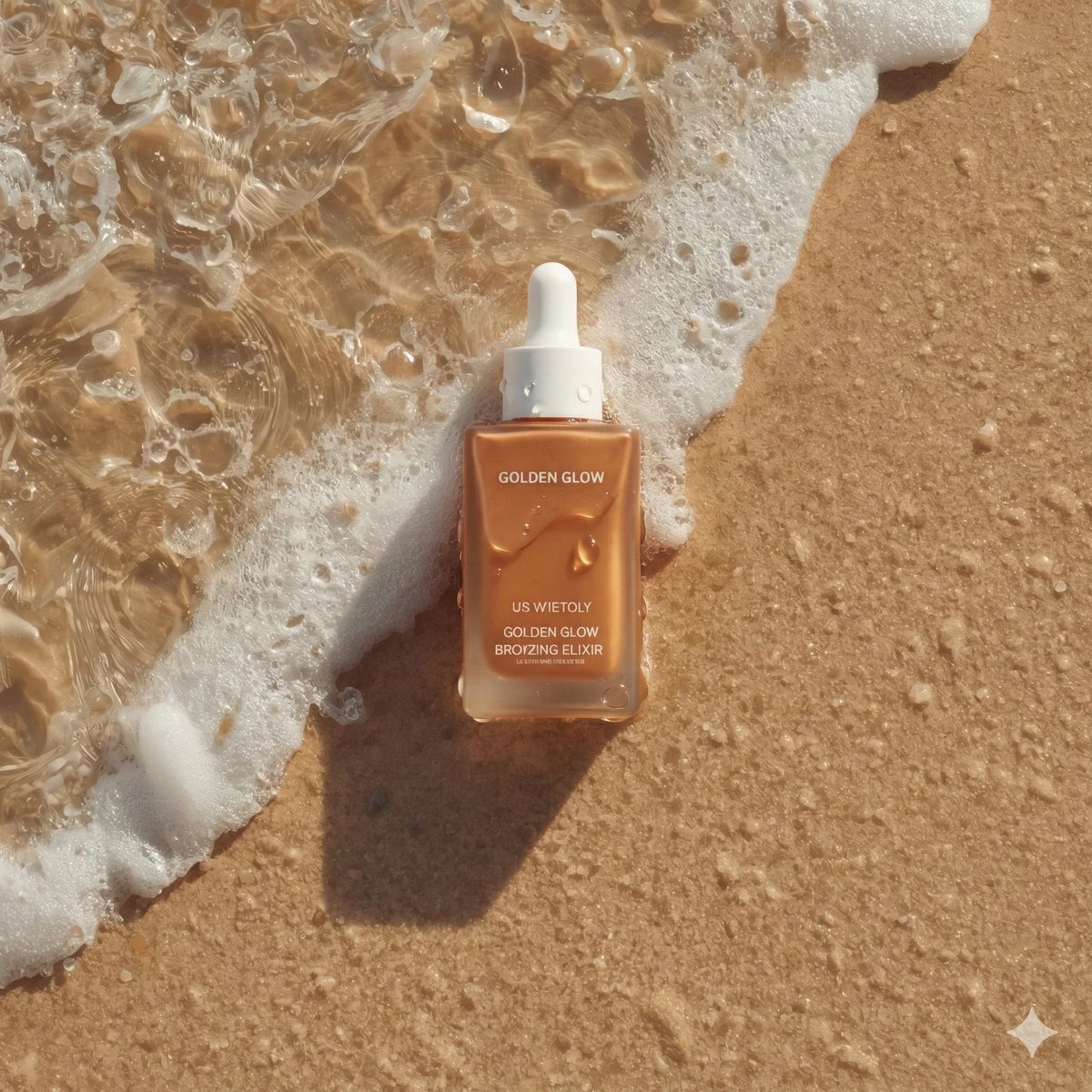
Ultra-Realistic Skincare Product Photography on Wet Beach Sand
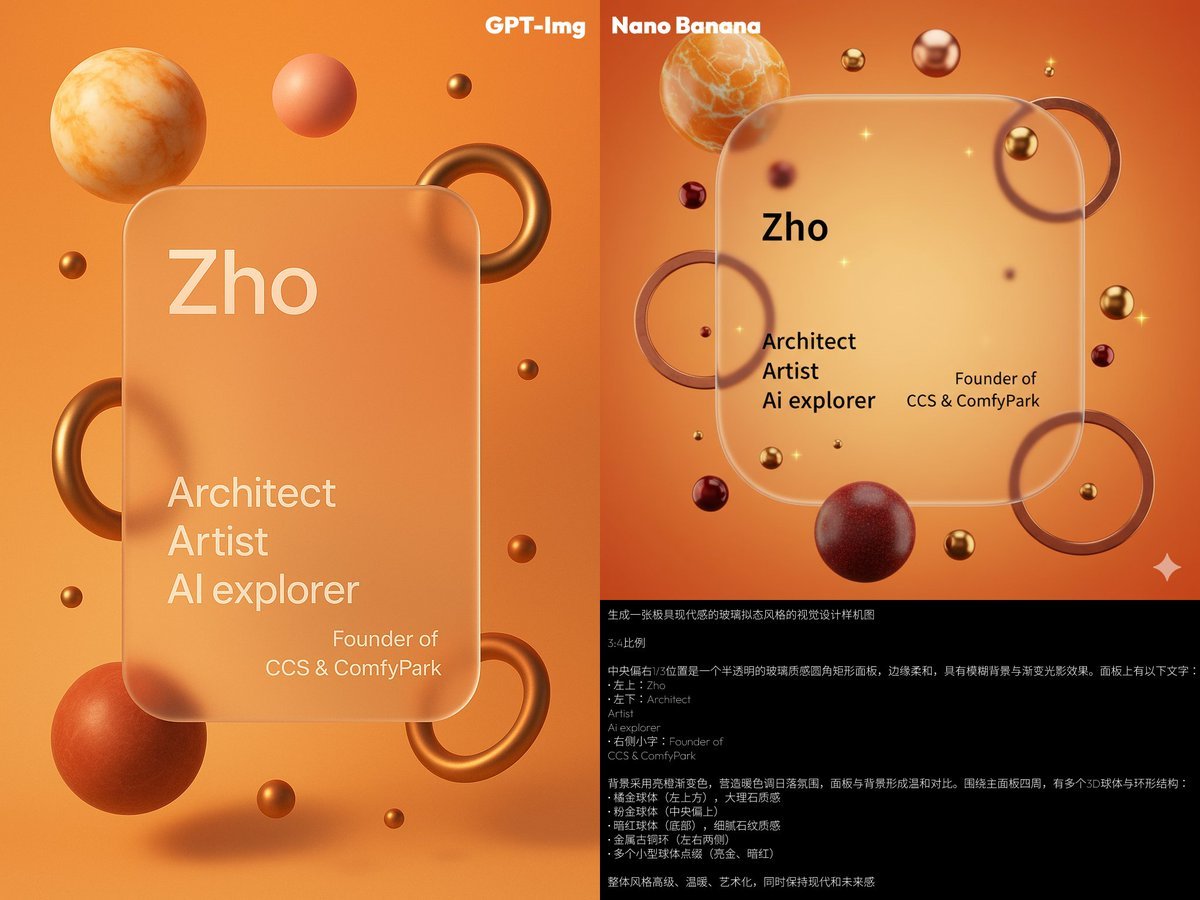
Glassmorphism personal branding mockup
Prompt to Praise an Image's Emotional Quality

Modern Luxury Interior Lifestyle Portrait Prompt

Rose Jewel Anime App Poster

Hyperrealistic Streetwear Studio Portrait
Exploding Chocolate Lava Cake Prompts (Motion and Still)
Audrey Hepburn in 'Breakfast at Tiffany's' Prompt
Anime Boulder Rescue Comedy Scene
Browse template categories
Vintage Faction Infographic Poster questions
How do I use the Vintage Faction Infographic Poster template?
Add your photo if the template asks for one, edit the prompt if you like — the template's model and format are already selected — and press Generate. Your version opens in PicX Studio.
Can I customize the Vintage Faction Infographic Poster template?
Yes. You can change the subject, setting, lighting, mood, format, and available model controls before creating your image.
Is the Vintage Faction Infographic Poster template free?
Opening and editing this template is free. Generating uses credits, shown on the Generate button when you are signed in.
Which AI model should I use?
Start with GPT Image 2, which is the model associated with this template. You can compare another compatible model for a different finish.
Looking for something else? Browse all templates.

Your photo, any look
Thousands of ready templates for every top image and video model, from one credit balance.