
Photorealistic Fashion Model Summer Variations
Generates high-resolution fashion model variations while maintaining strict character consistency and a bright summer atmosphere.
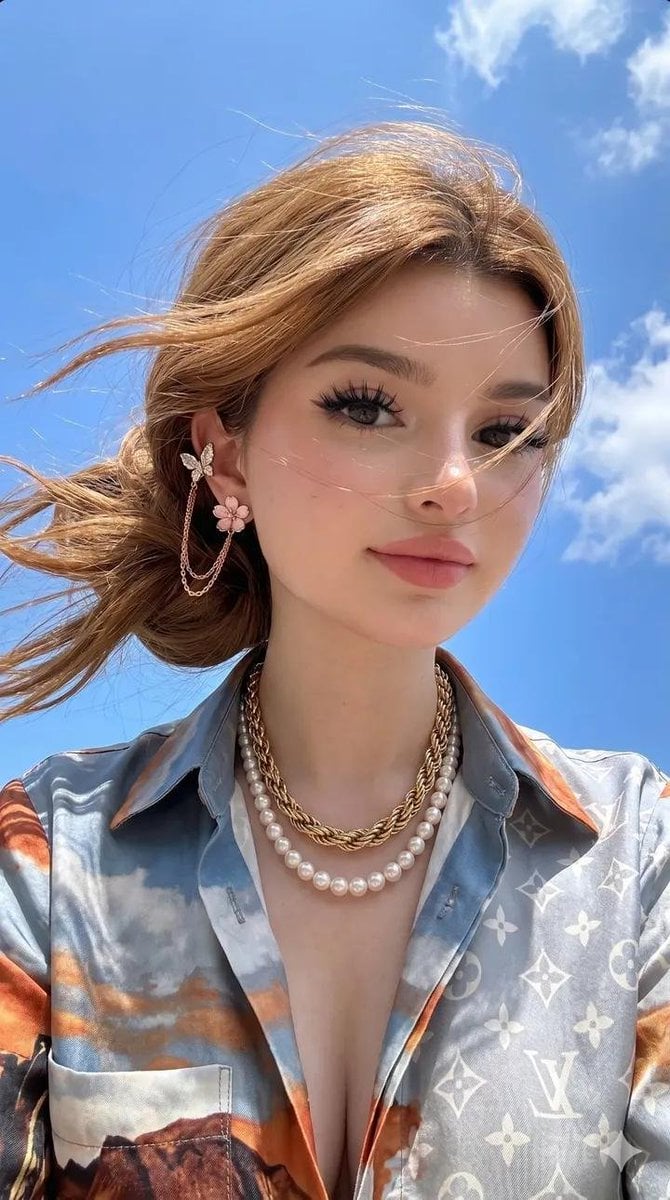
- Prompt included
- Model and format preset
- Free template
The prompt behind this image
Copy the exact prompt behind Photorealistic Fashion Model Summer Variations, or open it in the studio and make it yours.
Don't change her face—keep her original identity 100% authentic with perfect facial symmetry, preserving every facial feature exactly as in the reference. A stunning youthful woman with fair porcelain skin, soft blush, natural pink lips, large expressive grey-brown eyes with long curled lashes, defined eyebrows, and light freckles across the cheeks and nose. Her {argument name="hair" default="light golden-brown hair"} is styled in a loose low messy bun with soft face-framing strands naturally blowing in the breeze. She wears elegant butterfly-and-flower chain earrings, layered pearl and twisted gold chain necklaces, and a luxurious silky satin {argument name="brand" default="Louis Vuitton"} monogram shirt featuring a dreamy sky-and-mountain print in soft blue, white, and warm orange tones with a relaxed open collar. The scene takes place outdoors beneath a {argument name="background" default="vibrant deep-blue summer sky with fluffy white clouds"}, illuminated by bright natural midday sunlight that creates soft, flattering shadows and realistic skin highlights. Ultra-realistic DSLR photography with shallow depth of field, crisp focus, cinematic color grading, natural skin texture, subtle wind movement, premium fashion editorial aesthetic, 85mm lens, f/1.8, HDR, 8K resolution. Create four natural variations while maintaining identical identity, outfit, hairstyle, accessories, lighting, and background: (1) a calm front-facing selfie with a soft neutral expression looking directly into the camera, (2) a playful selfie with one eye winking, tongue slightly out, and a raised peace sign close to the face, (3) a graceful three-quarter side profile while gently touching her hair near the butterfly earring and gazing into the distance, and (4) an over-the-shoulder pose holding a bouquet of pastel pink and cream flowers, smiling softly toward the camera. Maintain consistent character identity across all images with photorealistic quality, realistic skin, natural wind-blown hair, luxury fashion styling, and a bright, airy summer atmosphere.
How to use Photorealistic Fashion Model Summer Variations in 3 steps
- 1
Open
The prompt is already in the box next to the preview, with the template's model and format selected.
- 2…a portrait of your subject in softgolden-hour light, 85mm…
Personalize
Edit the subject and creative details for your destination.
- 3Generate
Generate
Press Generate — your image is created in PicX Studio, so you can compare it with the original and refine one variable at a time.
More like this
Templates with the same subject, style or setup. Open one to see its prompt.

Face-Locked Cream Half-Zip Street Walk

Face-Locked Identity Reference Portrait

Korean Model Floating Magazine Pages Campaign

80s College Gate

1988 Mall Style

80s Polka Dot Saree

Avant-Garde Asian Fashion Model
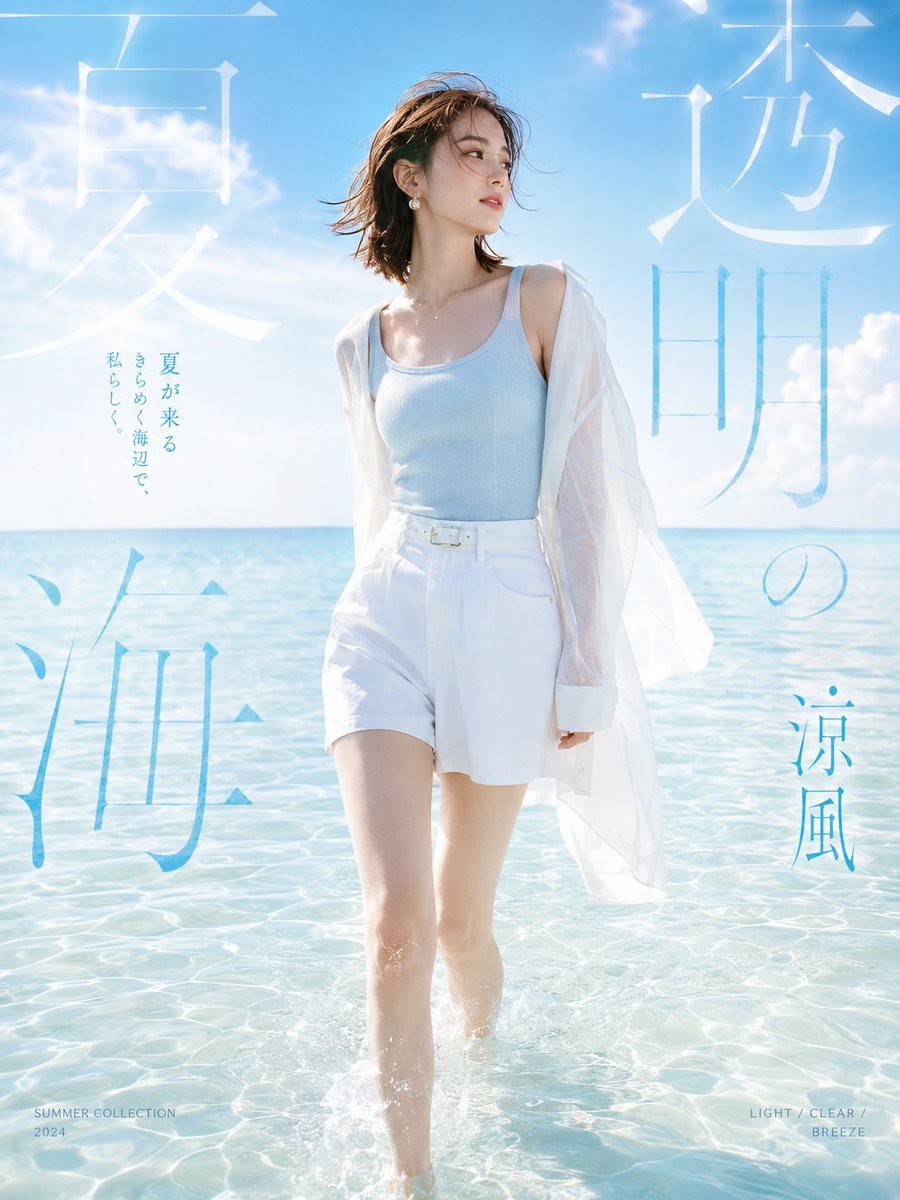
Japanese Summer Beach Fashion Poster
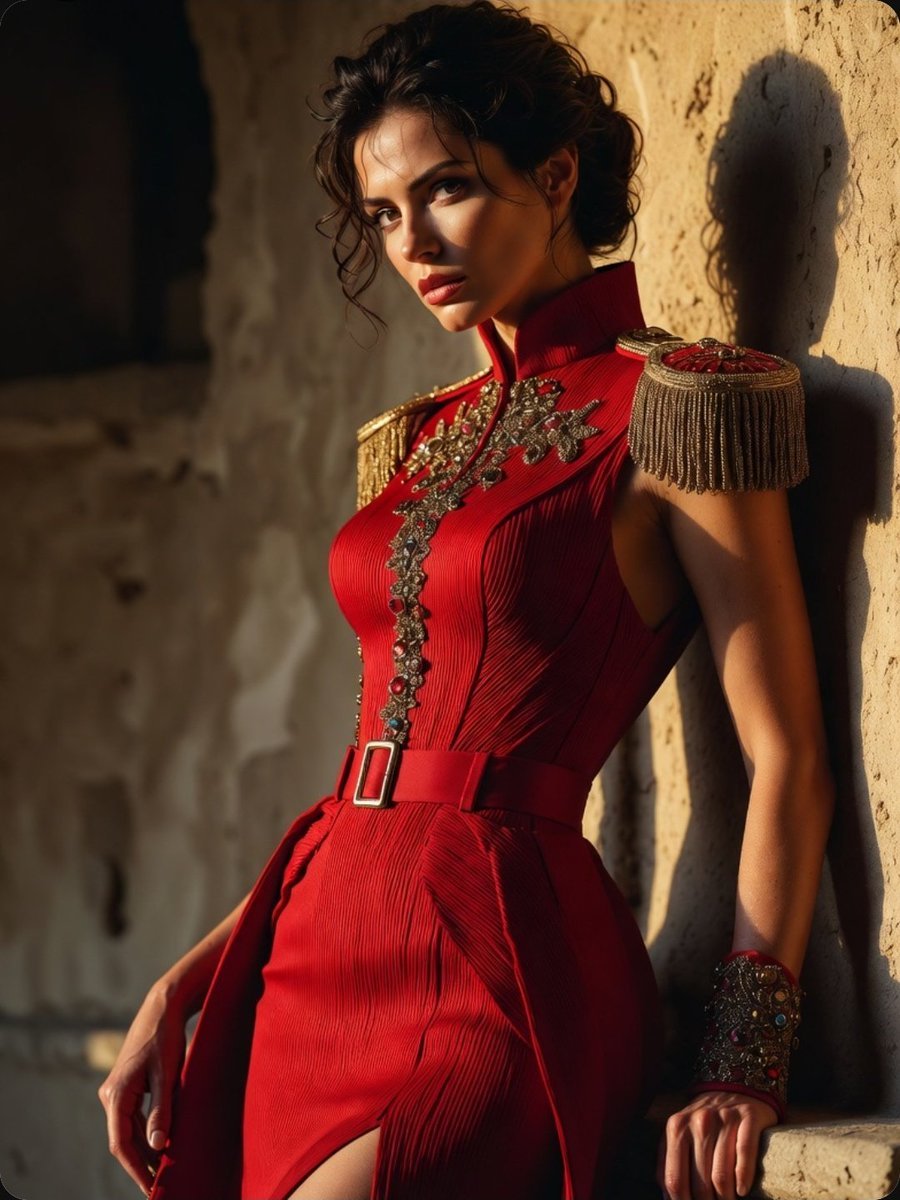
Regal Military-Inspired Fashion Model
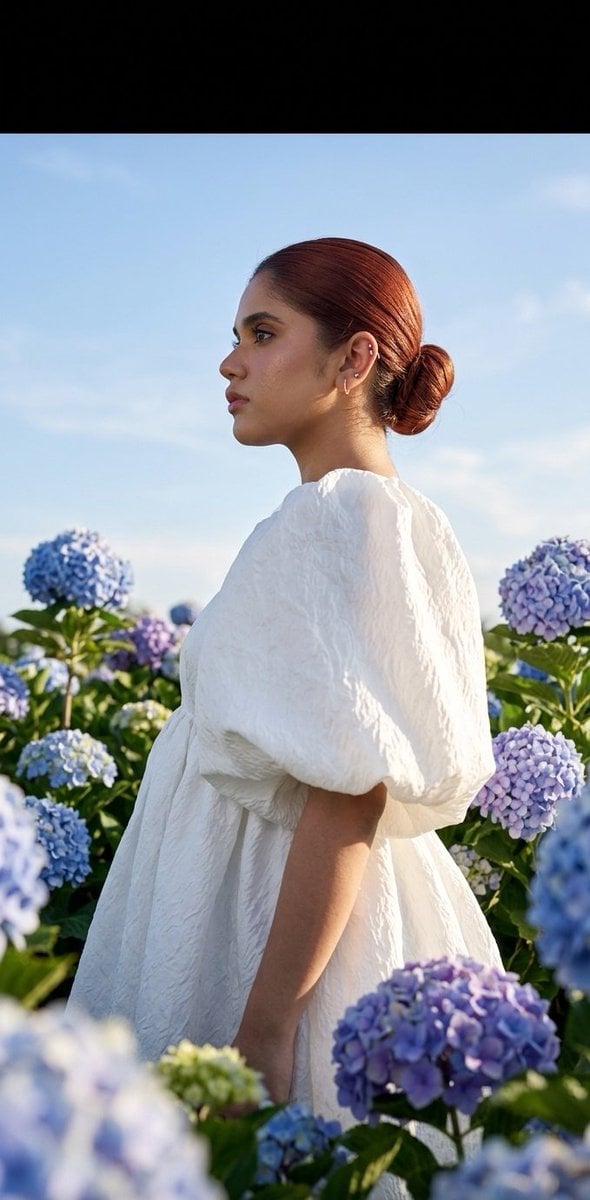
Summer fashion hydrangea field editorial
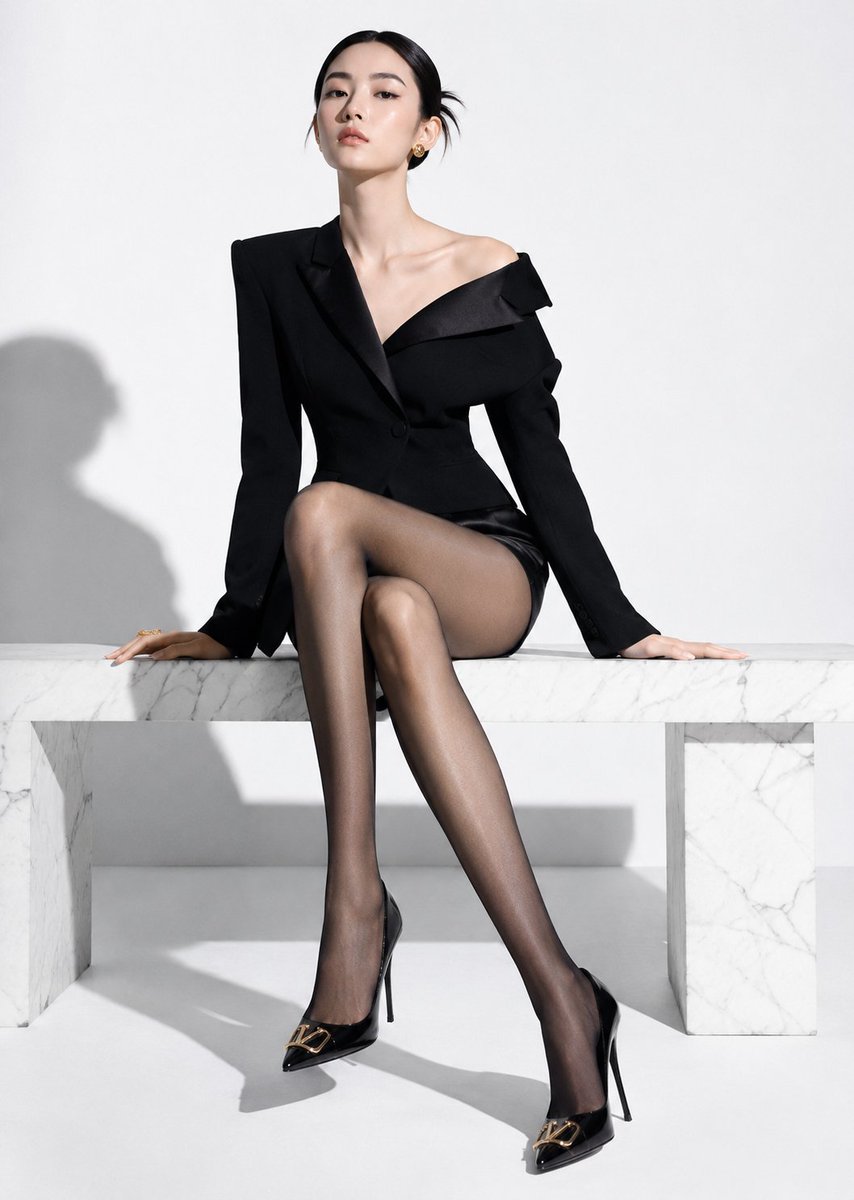
High-End Fashion Editorial Shoot with Chinese Model

Cinematic Korean Streetwear Street Portrait
Make it yours
Photorealistic Fashion Model Summer Variations works as-is. These are the safest ways to change it without losing the look.
Change one field
Copy a single group, rewrite it, and generate again so you can see what that field is doing.
Keep the frame, change the subject
Hold the composition and light of Photorealistic Fashion Model Summer Variations, then swap wardrobe, props or the person for a new take.
| If the result… | Why | Fix |
|---|---|---|
| The result drifts from the preview | Too many fields changed at once. | Reuse Photorealistic Fashion Model Summer Variations as-is first, then change one group — subject, light, or setting. |
| The model over-stylizes the scene | The prose prompt leaves finish and camera underspecified. | Add one camera or lighting sentence and stay on Nano Banana 2. |
More Nano Banana 2 templates
Other prompts made for Nano Banana 2.

Photorealistic Leaf Shaped Like a Dragon

K-Pop Idol Portrait Grid for Rapid Selection

Poetic Rain Forest Portrait During Golden Hour

Urban Street Portrait with Cartoon Inner Self Duo

Candid Nighttime Photo with Cat Prompt

High-Concept 3D Diorama Generation Prompt

Cinematic Futuristic Studio Portrait Template

Skincare Editorial Photography Collage Prompt

Hyper-Realistic Commercial Product Photography (Splash Effect)

Hyper-Realistic Nightclub Portrait Prompt
More image prompts
Fresh picks from across the catalog.
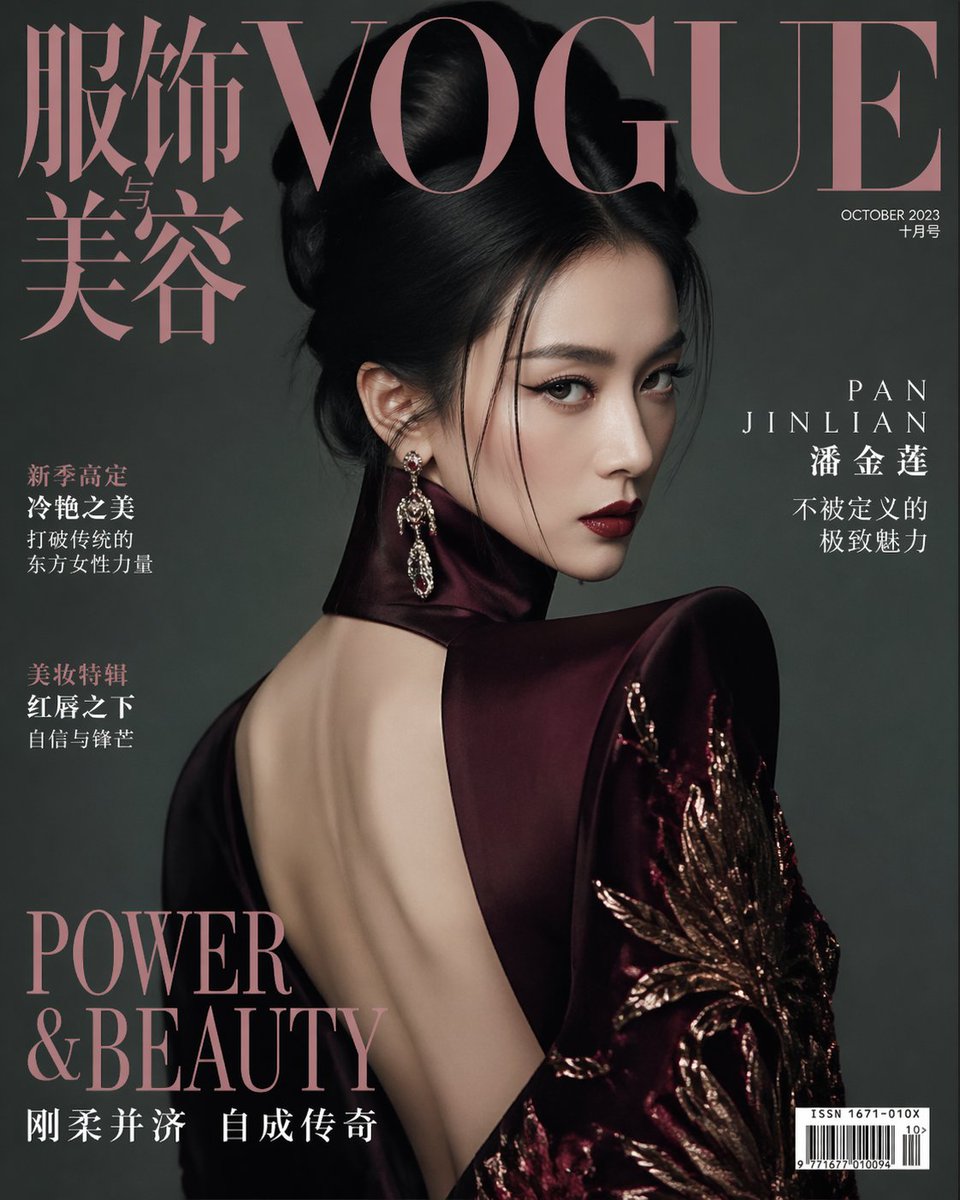
Vogue China Pan Jinlian Fashion
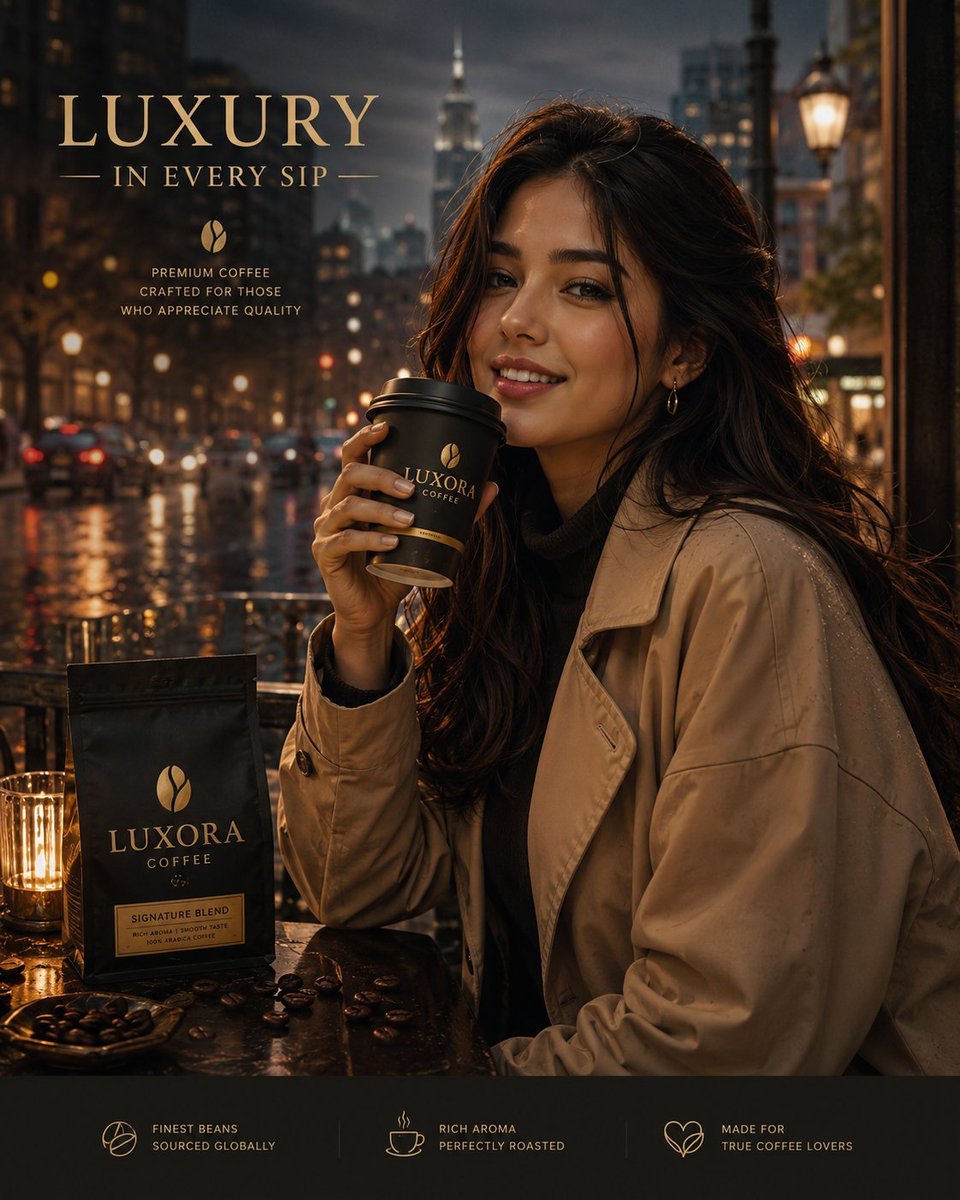
Luxury Coffee Advertisement Portrait
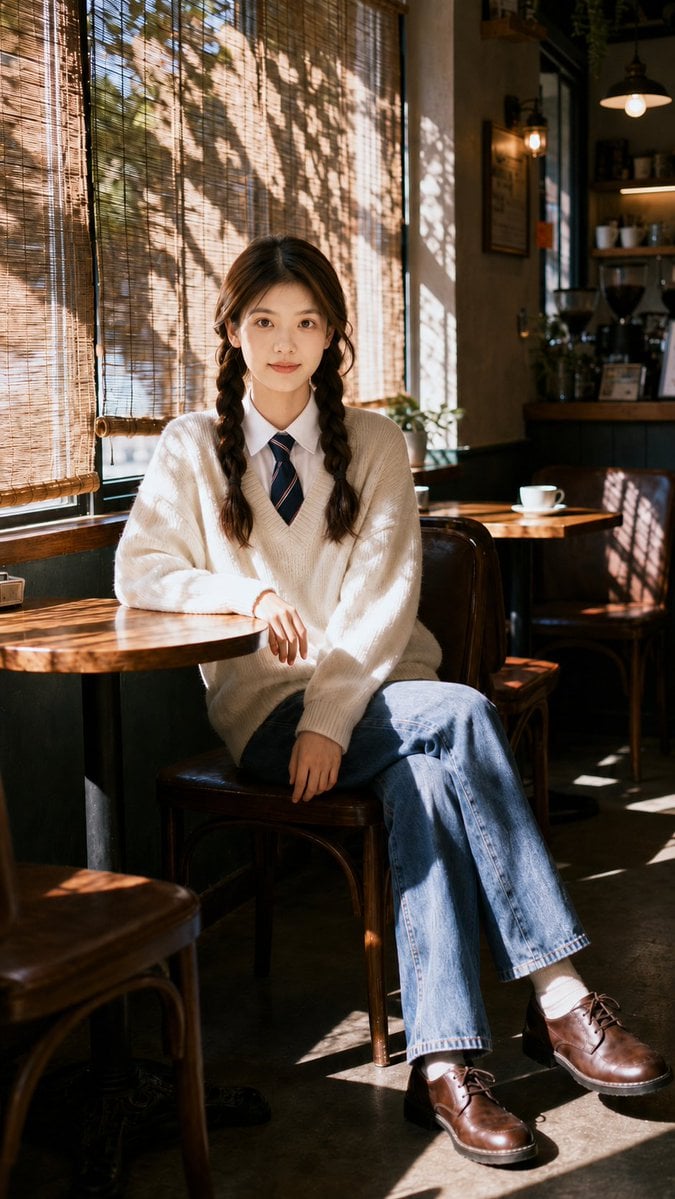
Nostalgic Cafe Identity Reference Portrait
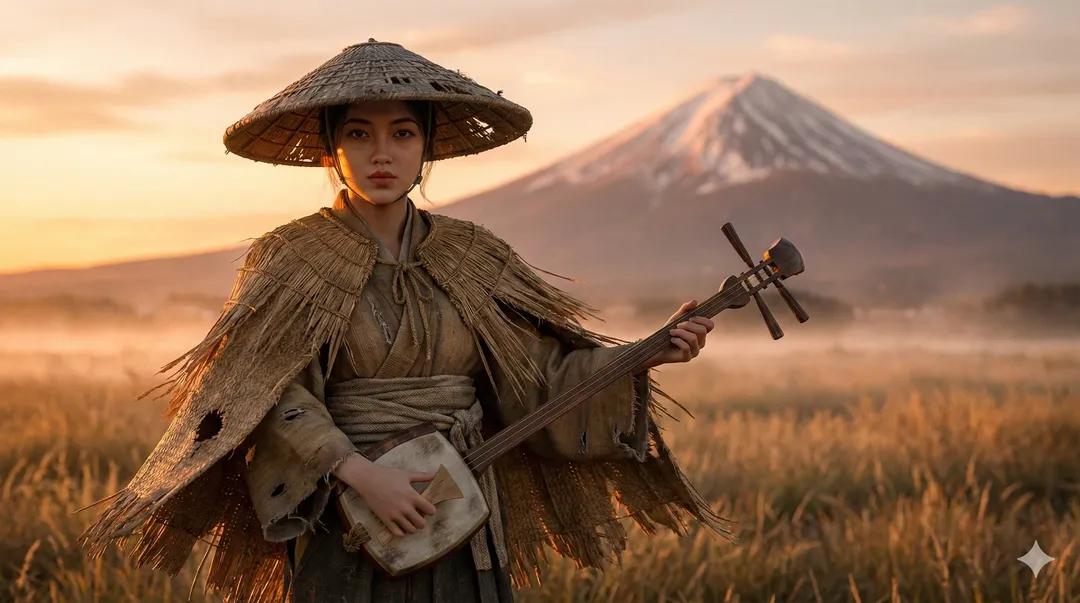
Ultra-Realistic Ronin Musician Portrait at Sunset
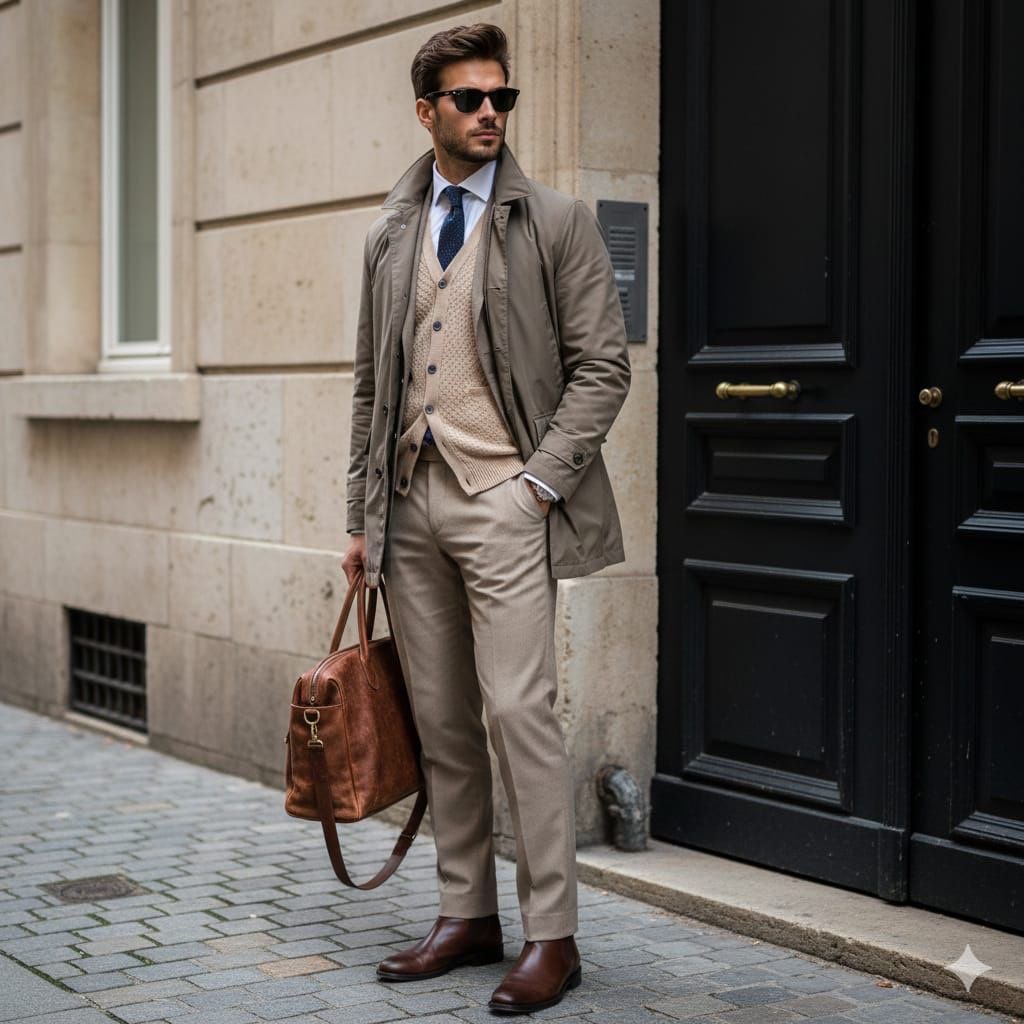
Stylish European Street Portrait
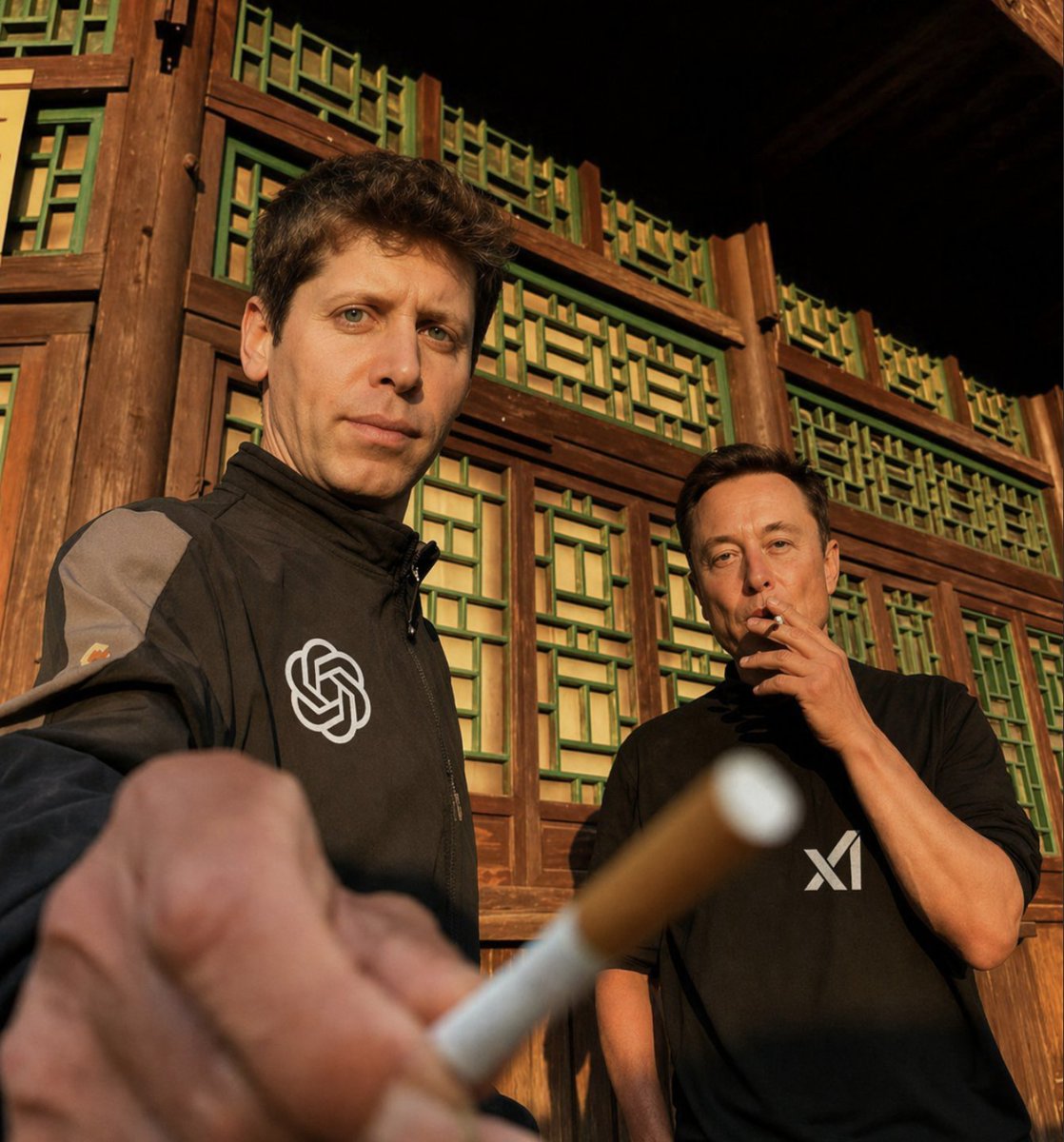
Golden Hour Tech Rivals Portrait
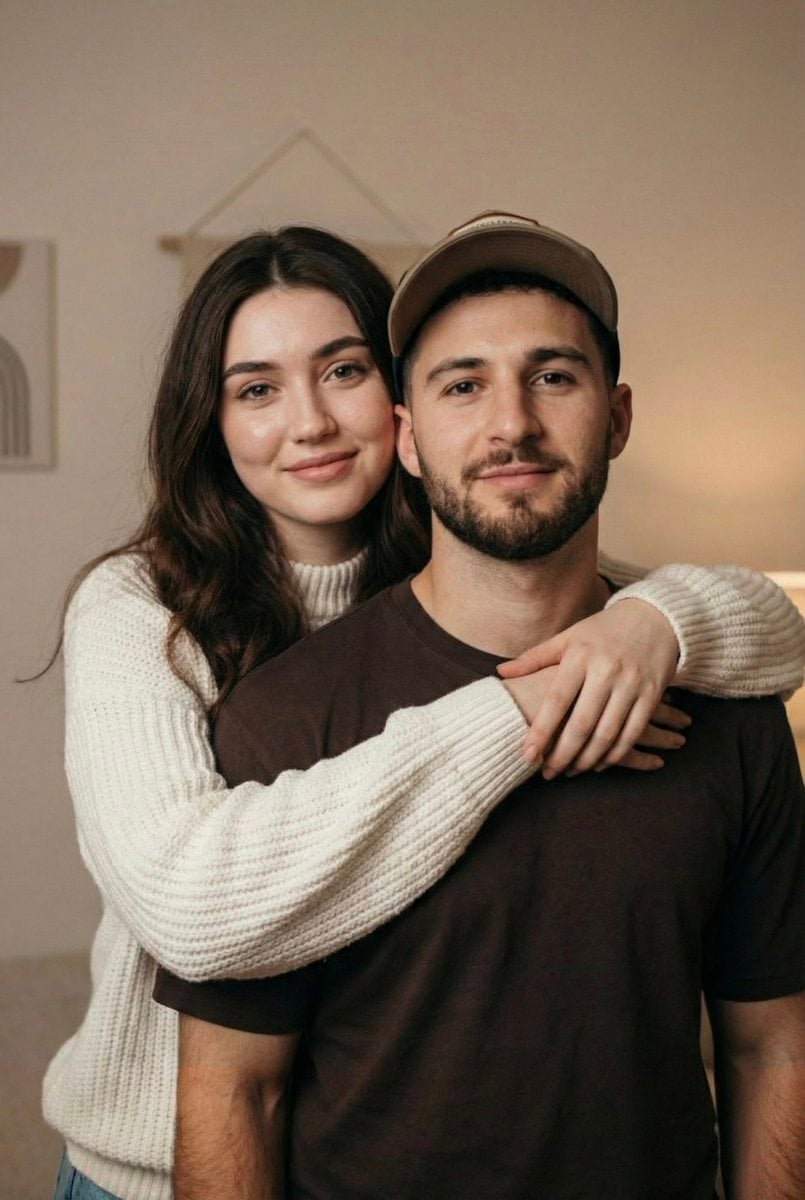
Candid Couple Portrait with Identity Lock
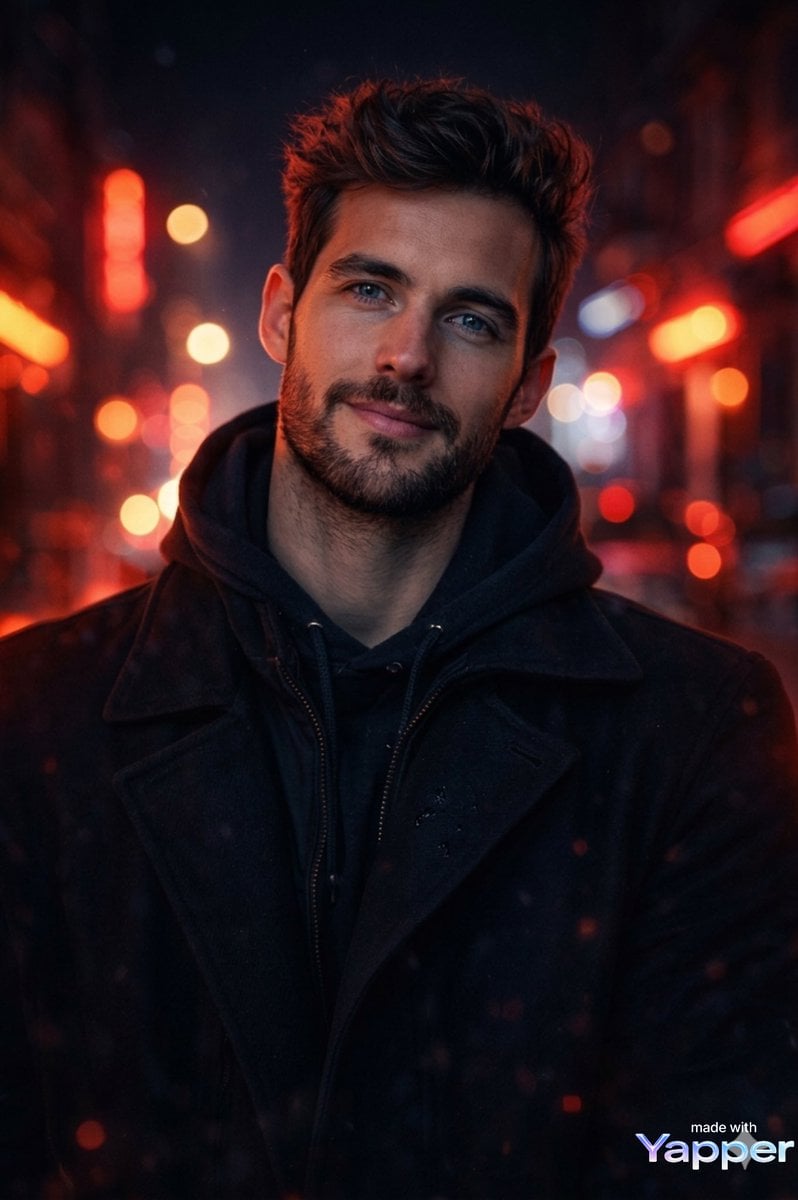
Cinematic Portrait Prompt with Neon Lighting
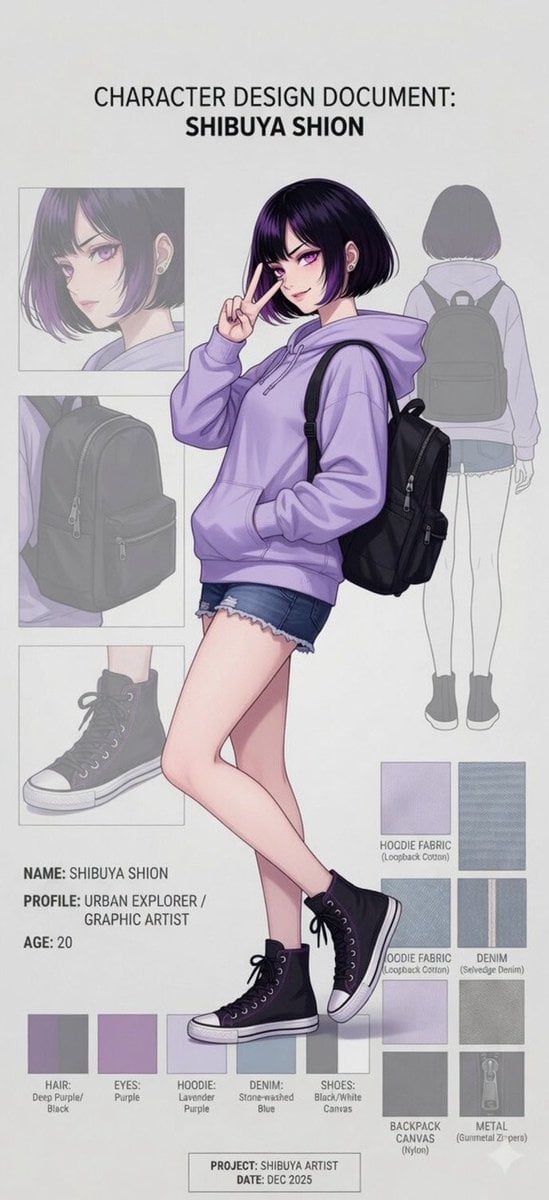
Anime Character Design Document
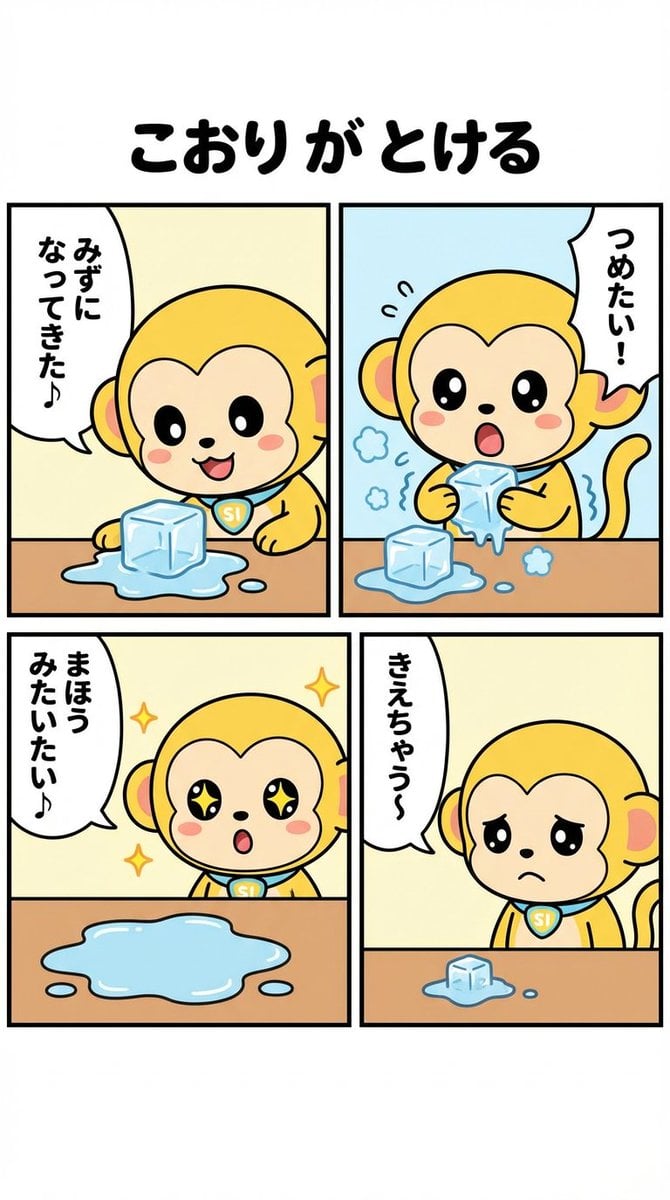
Nano-kun's Daily Life: Melting Ice Comic Strip Prompt
Browse template categories
Photorealistic Fashion Model Summer Variations questions
How do I use the Photorealistic Fashion Model Summer Variations template?
Add your photo if the template asks for one, edit the prompt if you like — the template's model and format are already selected — and press Generate. Your version opens in PicX Studio.
Can I customize the Photorealistic Fashion Model Summer Variations template?
Yes. You can change the subject, setting, lighting, mood, format, and available model controls before creating your image.
Is the Photorealistic Fashion Model Summer Variations template free?
Opening and editing this template is free. Generating uses credits, shown on the Generate button when you are signed in.
Which AI model should I use?
Start with Nano Banana 2, which is the model associated with this template. You can compare another compatible model for a different finish.
Looking for something else? Browse all templates.

Your photo, any look
Thousands of ready templates for every top image and video model, from one credit balance.