
Panel SaaS Ad Banner Variations
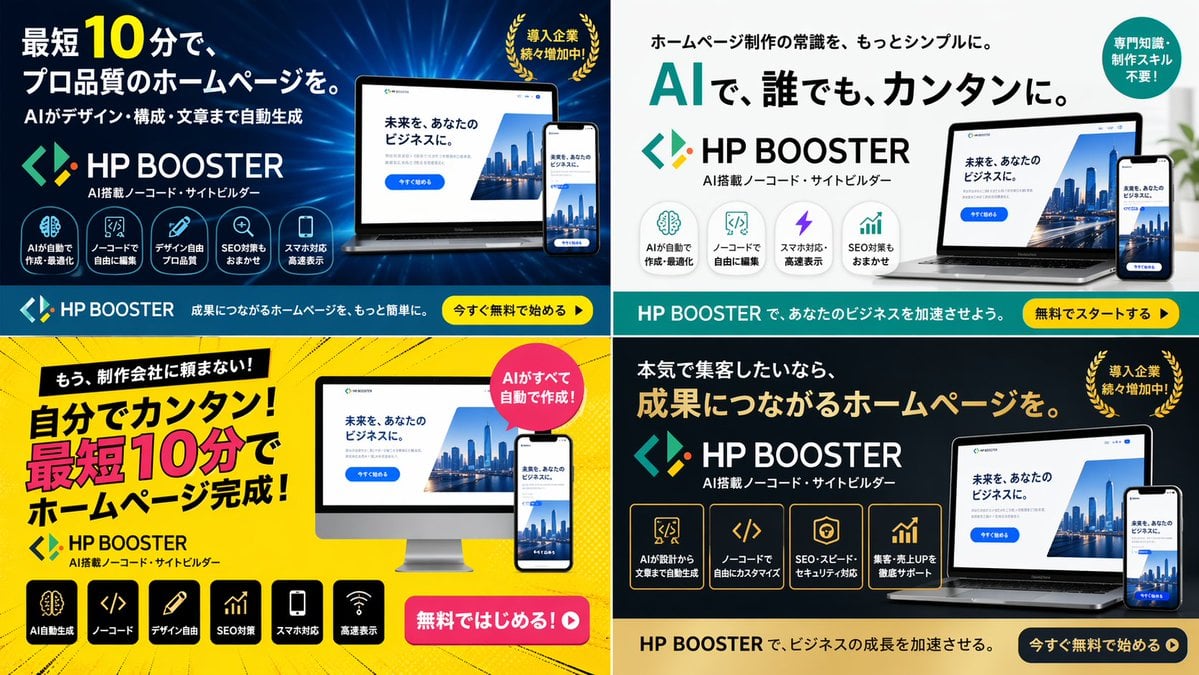
Generates a 2x2 grid of digital advertising banners for a software product, featuring different color themes, layouts, and marketing copy variations.
- Prompt included
- Model and format preset
- Free template
The prompt behind this image
Copy the exact prompt behind Panel SaaS Ad Banner Variations, or open it in the studio and make it yours.
- Type
- 4-panel ad banner variation grid
- Product › Name
- {argument name="product name" default="HP BOOSTER"}
- Product › Subtitle
- AI搭載ノーコード・サイトビルダー
- Product › Logo
- blue and green angle brackets with a diamond
- Common Elements › Device Mockups
- laptop and smartphone (desktop monitor in bottom-left panel) displaying a website with a city skyline, text '未来を、あなたのビジネスに。', and a blue '今すぐ始める' button
- Layout › Grid
- 2x2
- Layout › Panels › 0 › Position
- top-left
- Layout › Panels › 0 › Theme
- dark blue gradient with tech lines
- Layout › Panels › 0 › Headline
- {argument name="main headline 1" default="A professional-quality website in as little as 10 minutes."}
- Layout › Panels › 0 › Sub Headline
- AIがデザイン・構成・文章まで自動生成
- Layout › Panels › 0 › Badge
- gold laurel wreath with text '導入企業続々増加中!'
- Layout › Panels › 0 › Icon Count
- 5
- Layout › Panels › 0 › Icon Labels
- AIが自動で作成・最適化, ノーコードで自由に編集, デザイン自由プロ品質, SEO対策もおまかせ, スマホ対応高速表示
- Layout › Panels › 0 › Bottom Bar
- teal background, yellow button '今すぐ無料で始める ▶'
- Layout › Panels › 1 › Position
- top-right
- Layout › Panels › 1 › Theme
- white and light gray
- Layout › Panels › 1 › Headline
- {argument name="main headline 2" default="With AI, anyone can do it, easily."}
- Layout › Panels › 1 › Pre Headline
- ホームページ制作の常識を、もっとシンプルに。
- Layout › Panels › 1 › Badge
- teal circle with text '専門知識・制作スキル不要!'
- Layout › Panels › 1 › Icon Count
- 4
- Layout › Panels › 1 › Icon Labels
- AIが自動で作成・最適化, ノーコードで自由に編集, スマホ対応・高速表示, SEO対策もおまかせ
- Layout › Panels › 1 › Bottom Bar
- teal background, yellow button '無料でスタートする ▶'
- Layout › Panels › 2 › Position
- bottom-left
- Layout › Panels › 2 › Theme
- bright yellow with comic-book action lines
Raw JSON
{
  "type": "4-panel ad banner variation grid",
  "product": {
    "name": "{argument name=\"product name\" default=\"HP BOOSTER\"}",
    "subtitle": "AI搭載ノーコード・サイトビルダー",
    "logo": "blue and green angle brackets with a diamond"
  },
  "common_elements": {
    "device_mockups": "laptop and smartphone (desktop monitor in bottom-left panel) displaying a website with a city skyline, text '未来を、あなたのビジネスに。', and a blue '今すぐ始める' button"
  },
  "layout": {
    "grid": "2x2",
    "panels": [
      {
        "position": "top-left",
        "theme": "dark blue gradient with tech lines",
        "headline": "{argument name=\"main headline 1\" default=\"A professional-quality website in as little as 10 minutes.\"}",
        "sub_headline": "AIがデザイン・構成・文章まで自動生成",
        "badge": "gold laurel wreath with text '導入企業続々増加中!'",
        "icon_count": 5,
        "icon_labels": ["AIが自動で作成・最適化", "ノーコードで自由に編集", "デザイン自由プロ品質", "SEO対策もおまかせ", "スマホ対応高速表示"],
        "bottom_bar": "teal background, yellow button '今すぐ無料で始める ▶'"
      },
      {
        "position": "top-right",
        "theme": "white and light gray",
        "headline": "{argument name=\"main headline 2\" default=\"With AI, anyone can do it, easily.\"}",
        "pre_headline": "ホームページ制作の常識を、もっとシンプルに。",
        "badge": "teal circle with text '専門知識・制作スキル不要!'",
        "icon_count": 4,
        "icon_labels": ["AIが自動で作成・最適化", "ノーコードで自由に編集", "スマホ対応・高速表示", "SEO対策もおまかせ"],
        "bottom_bar": "teal background, yellow button '無料でスタートする ▶'"
      },
      {
        "position": "bottom-left",
        "theme": "bright yellow with comic-book action lines",
        "headline": "{argument name=\"main headline 3\" default=\"Easy to do yourself! A website complete in as little as 10 minutes!\"}",
        "pre_headline": "もう、制作会社に頼まない!",
        "badge": "pink circle with text 'AIがすべて自動で作成!'",
        "icon_count": 6,
        "icon_labels": ["AI自動生成", "ノーコード", "デザイン自由", "SEO対策", "スマホ対応", "高速表示"],
        "call_to_action": "pink pill button '無料ではじめる!▶'"
      },
      {
        "position": "bottom-right",
        "theme": "dark gray and black",
        "headline": "{argument name=\"main headline 4\" default=\"A website that leads to real results.\"}",
        "pre_headline": "本気で集客したいなら、",
        "badge": "gold laurel wreath with text '導入企業続々増加中!'",
        "icon_count": 4,
        "icon_labels": ["AIが設計から文章まで自動生成", "ノーコードで自由にカスタマイズ", "SEO・スピード・セキュリティ対応", "集客・売上UPを徹底サポート"],
        "bottom_bar": "gold background, dark blue button '今すぐ無料で始める ▶'"
      }
    ]
  }
}How to use Panel SaaS Ad Banner Variations in 3 steps
- 1Upload ImagePNG, JPG or paste
Add your photo
Upload the photo the template builds on. The prompt, model and format are already set.
- 2…a portrait of your subject in softgolden-hour light, 85mm…
Personalize
Edit the subject and creative details for your destination.
- 3Generate
Generate
Press Generate — your image is created in PicX Studio, so you can compare it with the original and refine one variable at a time.
More like this
Templates with the same subject, style or setup. Open one to see its prompt.
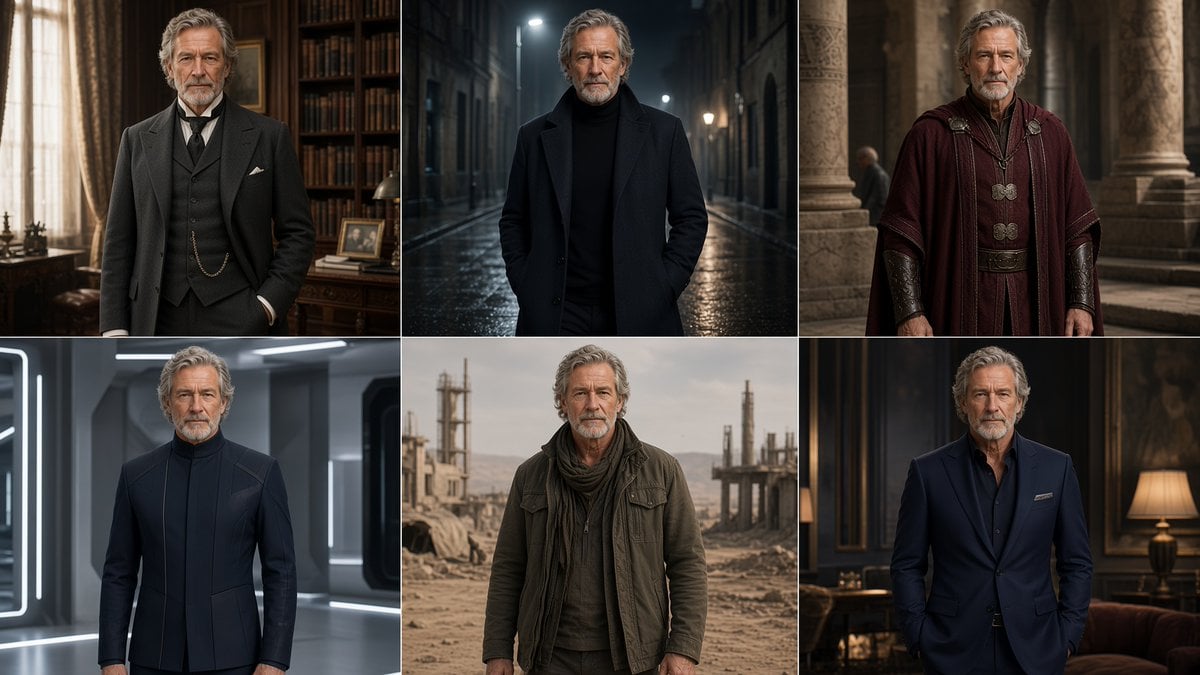
Six-Panel Cinematic Character Variations

Pixar 6-Panel Streethero Expression Grid
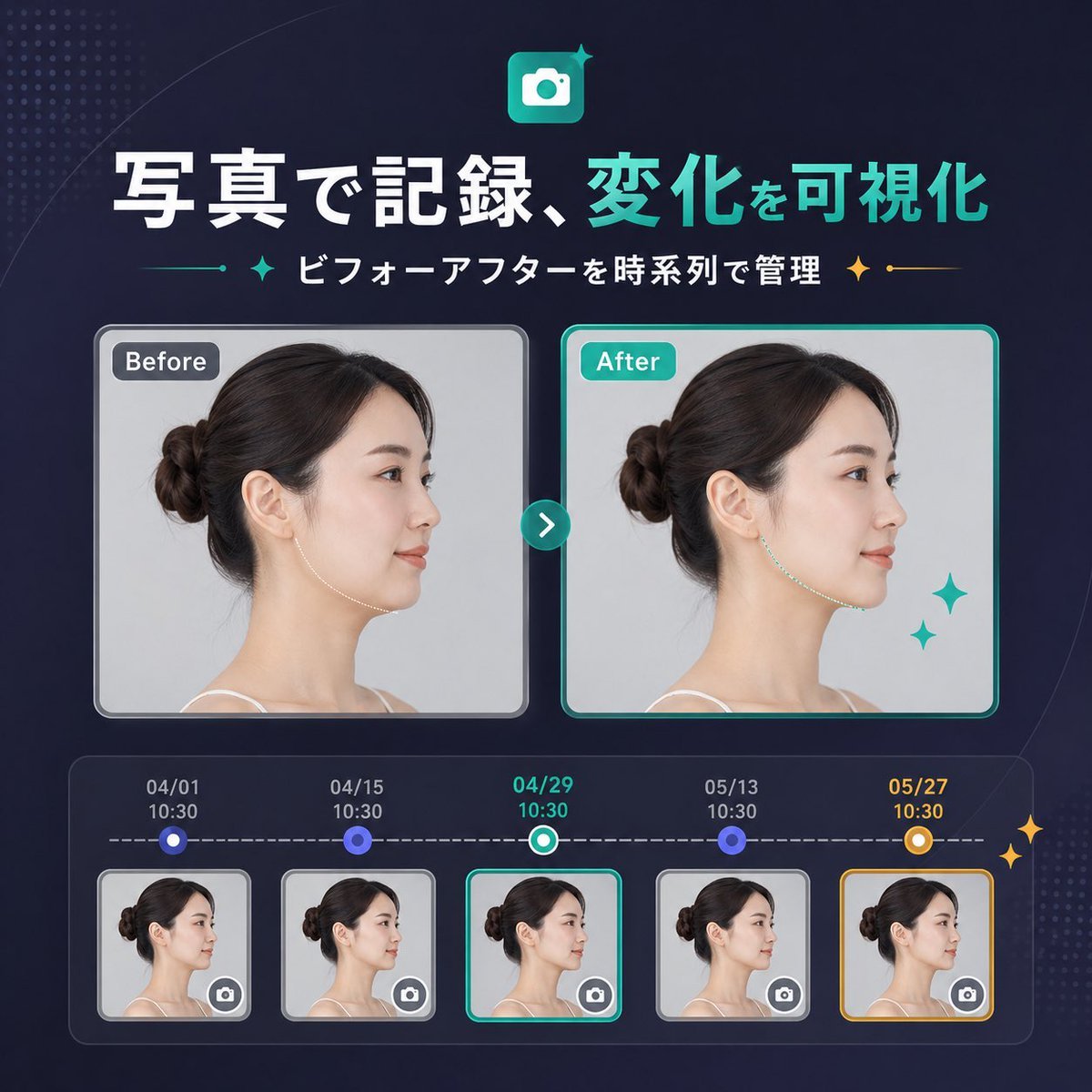
Japanese SaaS Before-After Banner
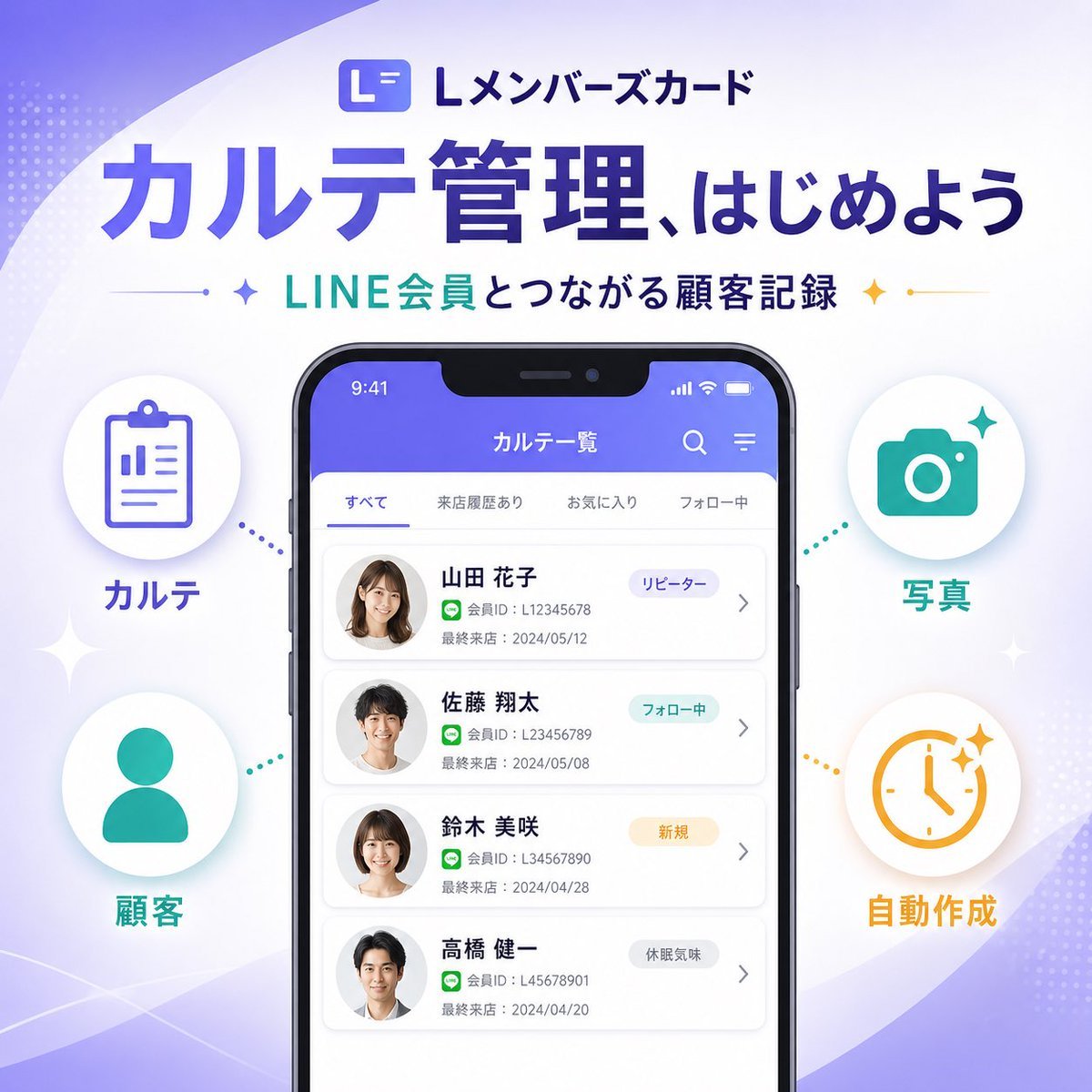
Japanese SaaS Feature Banner
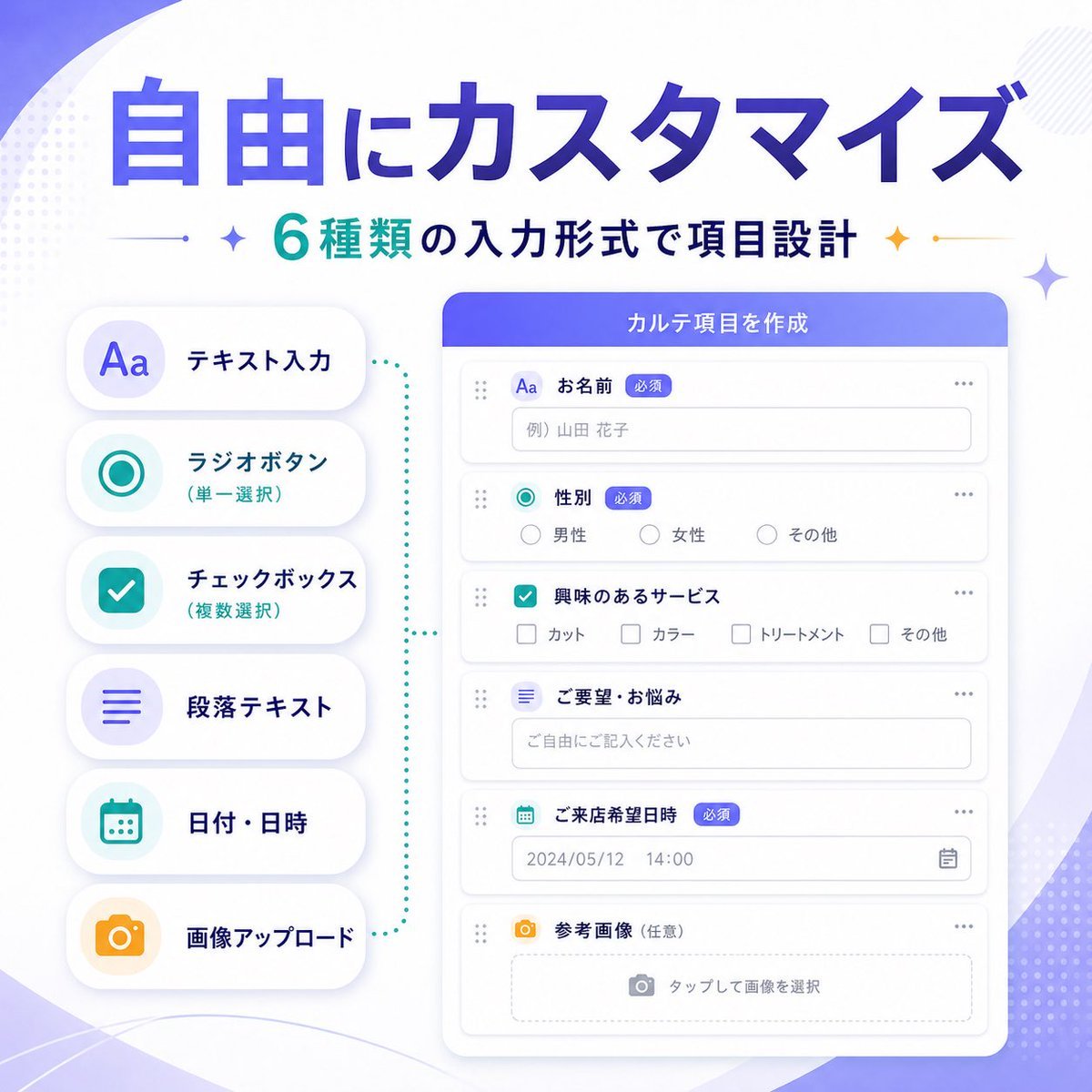
Japanese SaaS Form Builder Banner
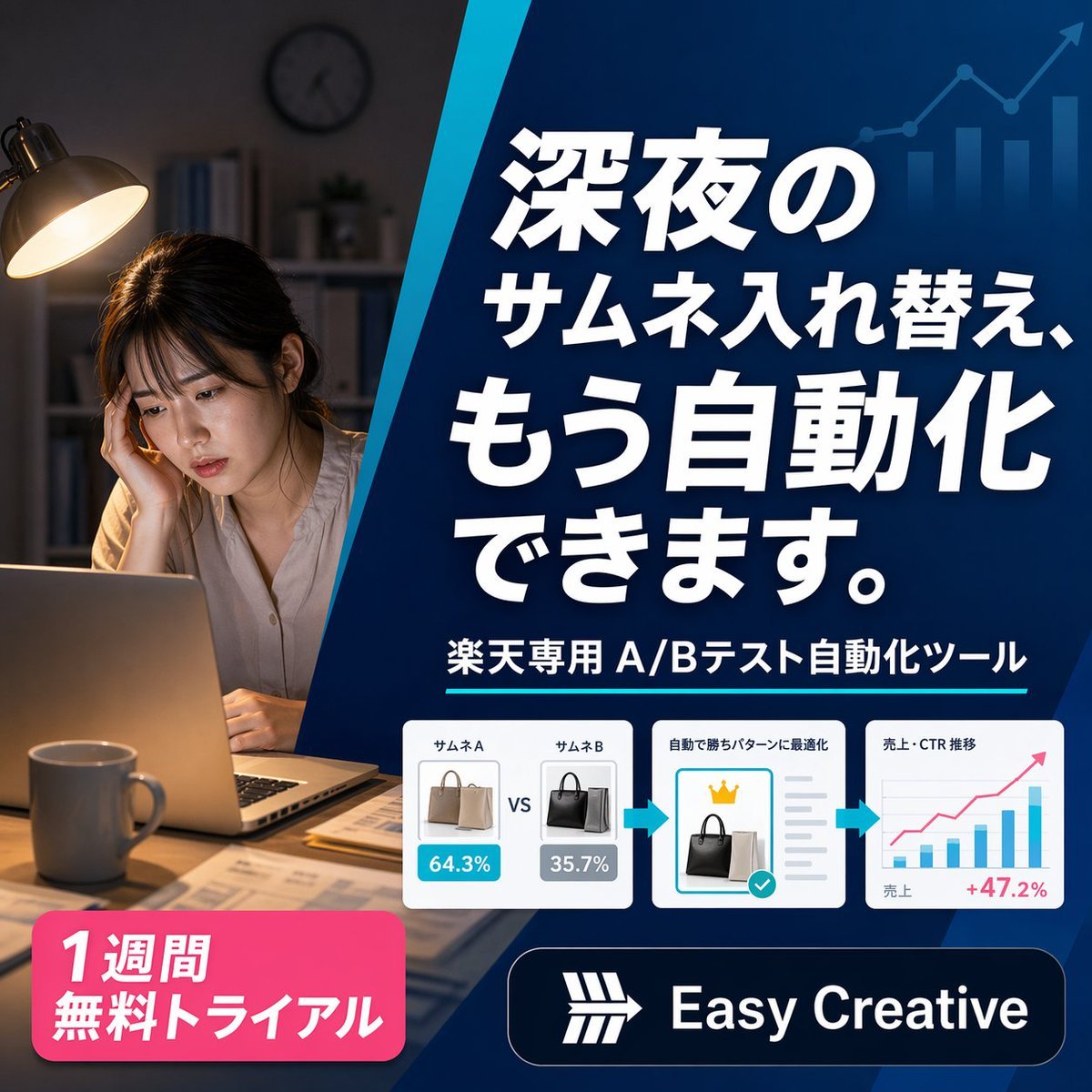
Japanese SaaS Ad Banner at Night
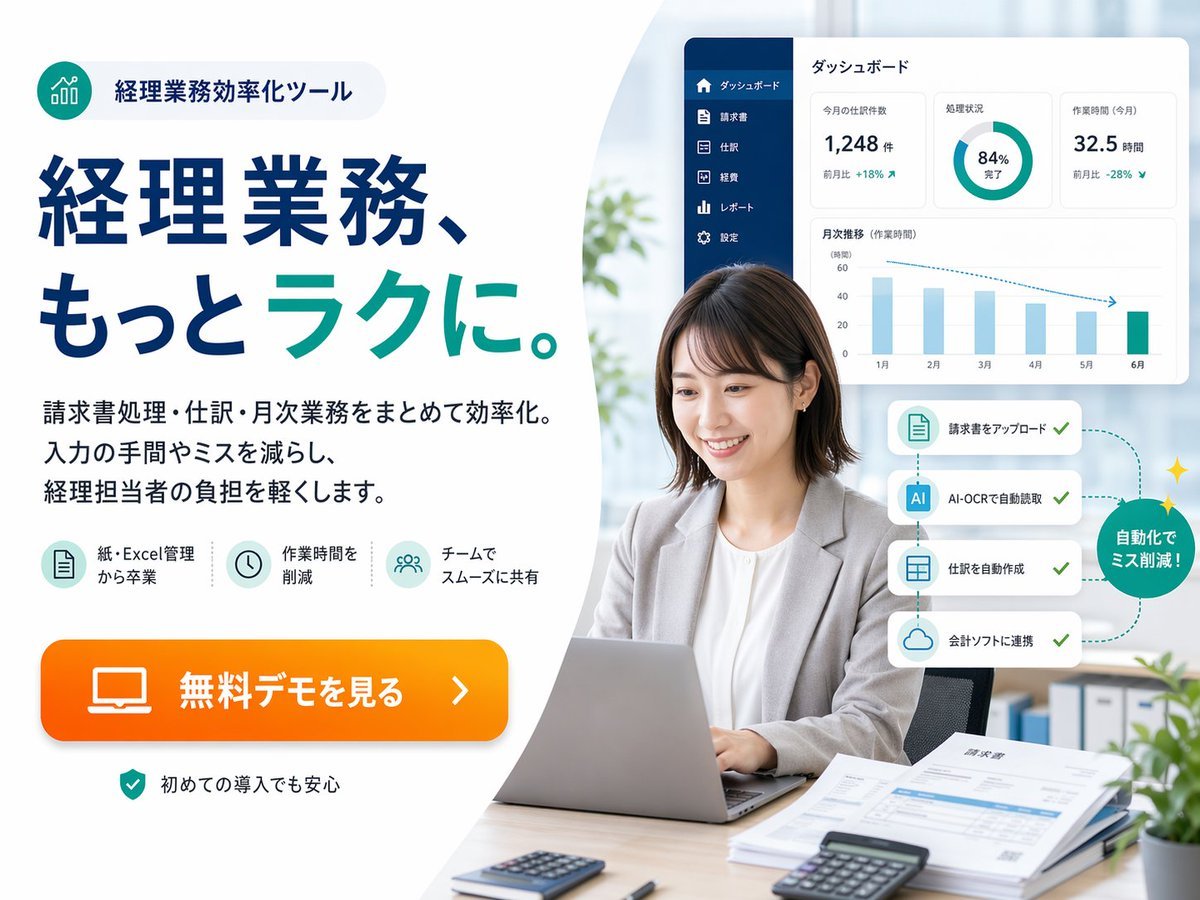
Japanese Accounting SaaS Hero Banner
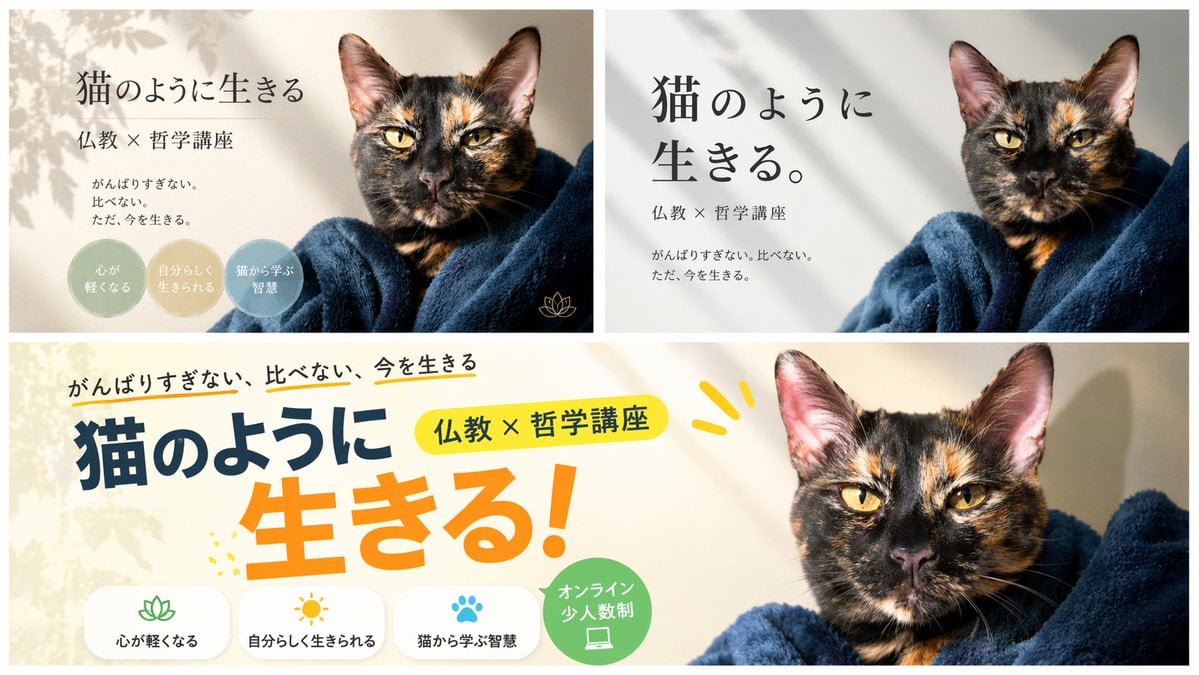
A/B Testing Banner Variations

Gpt2 Social Media Post 4 Panel Japanese Digital Ad Banner Grid

Coffee Boba Product Poster
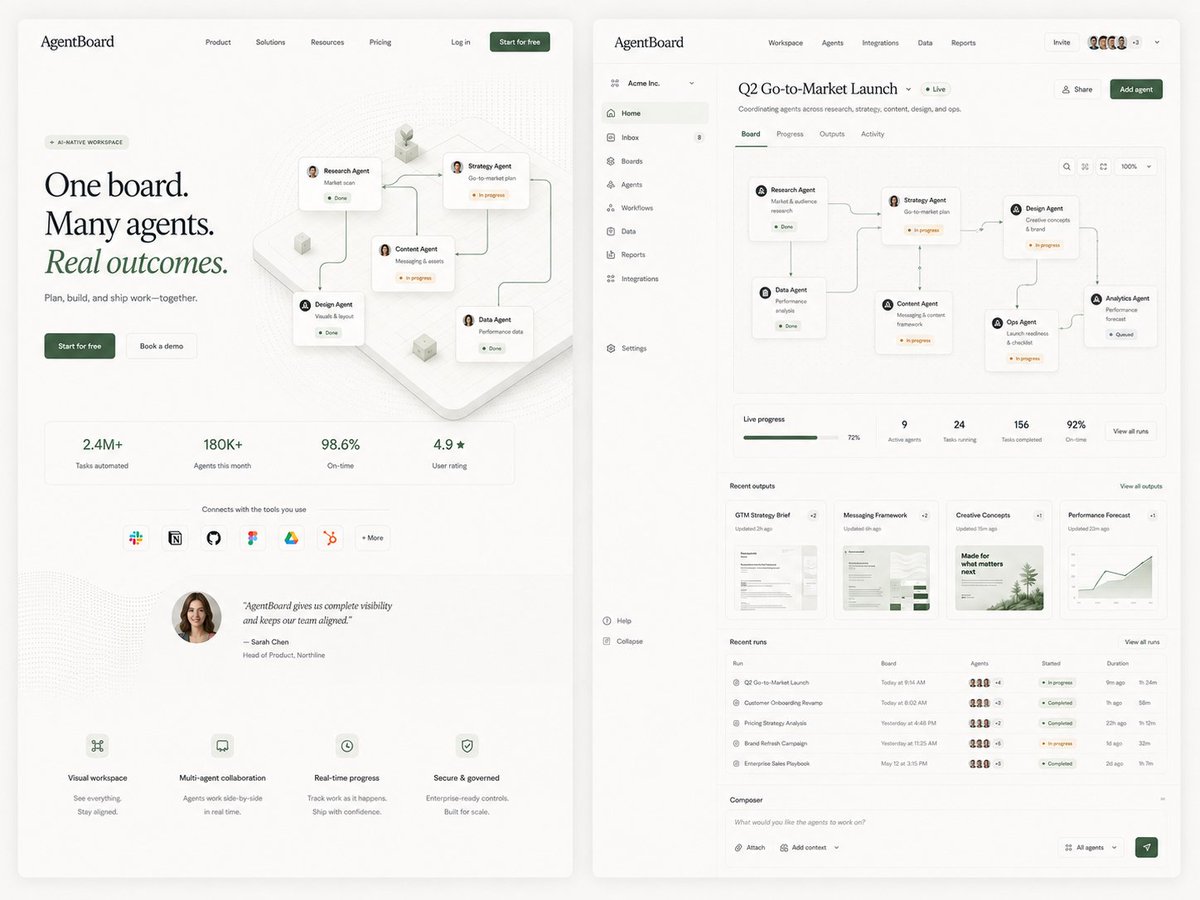
AgentBoard SaaS Landing and Dashboard UI
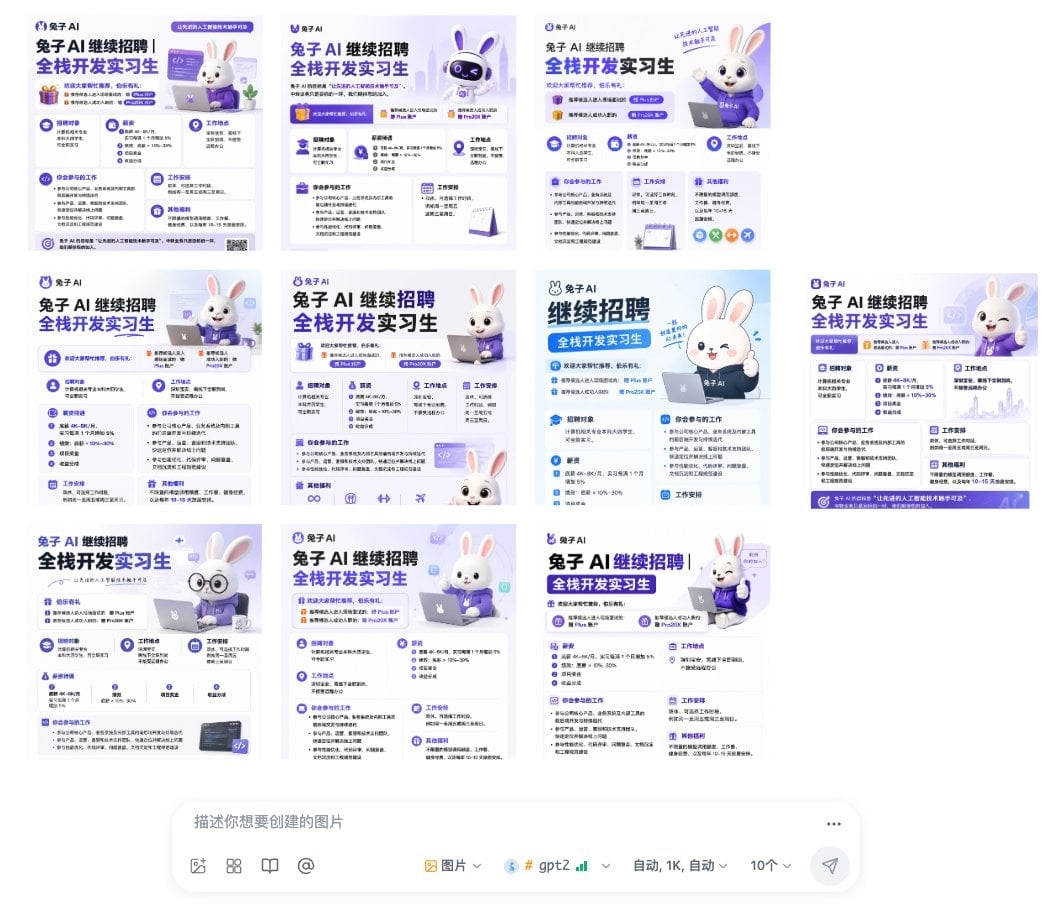
Ten Rabbit AI Recruitment Poster Variations
Make it yours
Panel SaaS Ad Banner Variations works as-is. These are the safest ways to change it without losing the look.
Change one field
Copy a single group, rewrite it, and generate again so you can see what that field is doing.
Keep the frame, change the subject
Hold the composition and light of 4-Panel SaaS Ad Banner Variations, then swap wardrobe, props or the person for a new take.
| If the result… | Why | Fix |
|---|---|---|
| The result drifts from the preview | Too many fields changed at once. | Reuse 4-Panel SaaS Ad Banner Variations as-is first, then change one group — subject, light, or setting. |
| GPT Image 2 ignores part of the JSON | Some models flatten or skip nested keys. | Keep the same values and paste them as a short paragraph instead. |
More GPT Image 2 templates
Other prompts made for GPT Image 2.

Six VTuber Japanese Logo Sheet

Realistic Portrait of Woman and Deer

The Vista Modular Condo Poster

AI Model Routing Comparison Infographic

2.5D Anime Art Board

Isometric Productivity Desk Scene

New York Double Exposure Poster

Japanese Tatami Lifestyle Magazine Cover

NESCAFÉ Coffee Map Poster

Brutalist Cogito Chinese Typography Poster
More image prompts
Fresh picks from across the catalog.
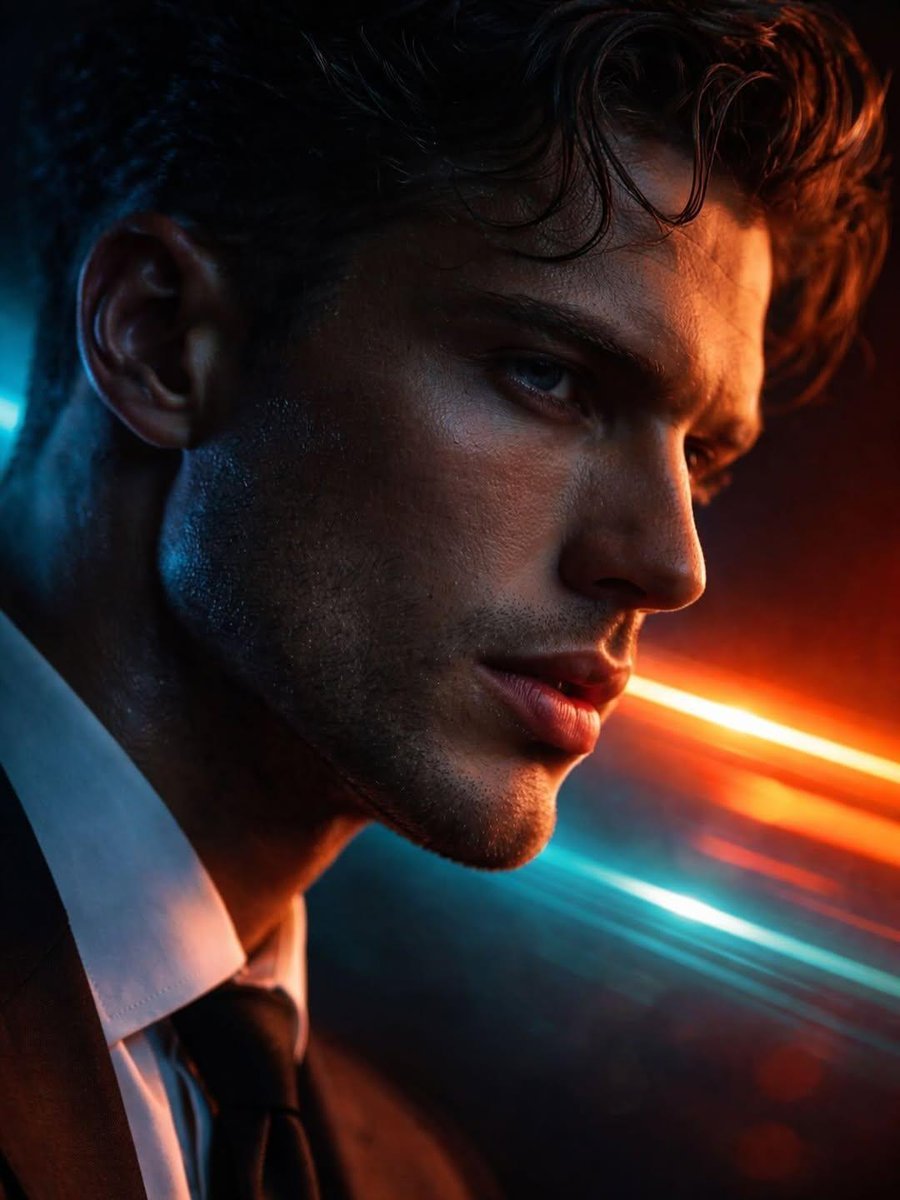
Hyper-realistic Futuristic Noir Portrait Prompt
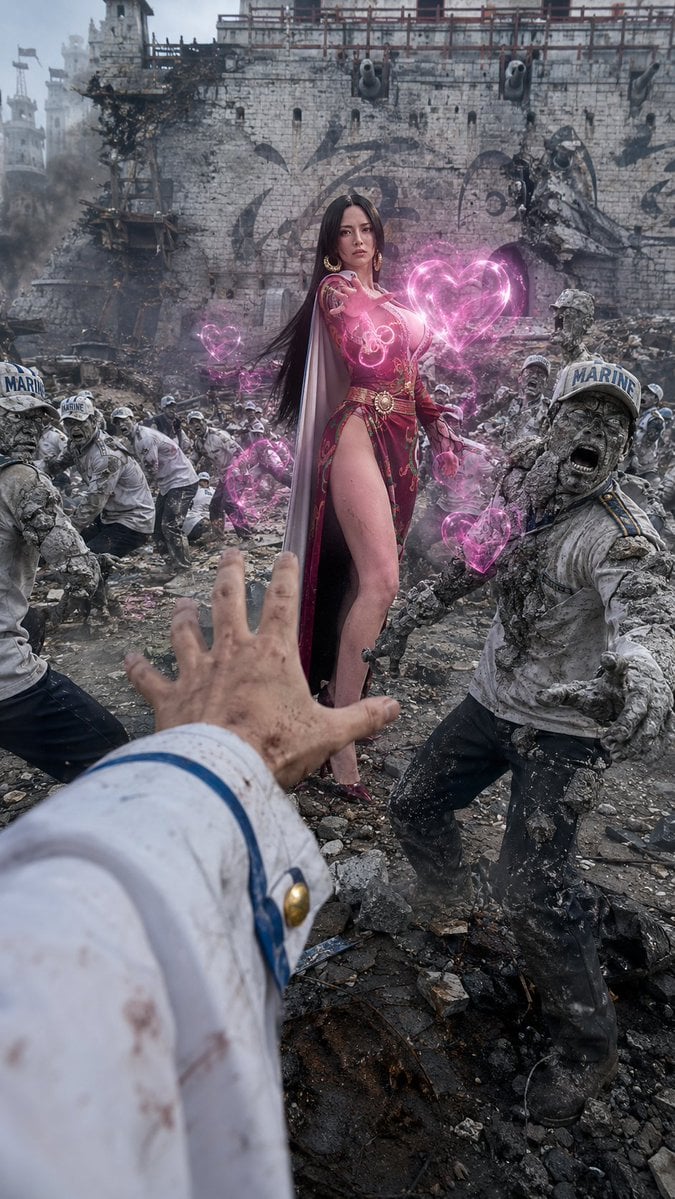
One Piece Marine POV Photography
Industrial Packaging Design Illustration Sheet
Soft Editorial Portrait in Dark Monokini
Anime Sushi Bar Transformation
Bathroom Mirror Selfie Lifestyle Shot
Cinematic Sports Storyboard
Exploded View Invention Infographic

Cosmic Catastrophe Blackout Scene
Retro Pixel Space Shooter Sprites
Browse template categories
Panel SaaS Ad Banner Variations questions
How do I use the 4-Panel SaaS Ad Banner Variations template?
Add your photo if the template asks for one, edit the prompt if you like — the template's model and format are already selected — and press Generate. Your version opens in PicX Studio.
Can I customize the 4-Panel SaaS Ad Banner Variations template?
Yes. You can change the subject, setting, lighting, mood, format, and available model controls before creating your image.
Is the 4-Panel SaaS Ad Banner Variations template free?
Opening and editing this template is free. Generating uses credits, shown on the Generate button when you are signed in.
Which AI model should I use?
Start with GPT Image 2, which is the model associated with this template. You can compare another compatible model for a different finish.
Looking for something else? Browse all templates.

Your photo, any look
Thousands of ready templates for every top image and video model, from one credit balance.