
Japanese SaaS Before-After Banner
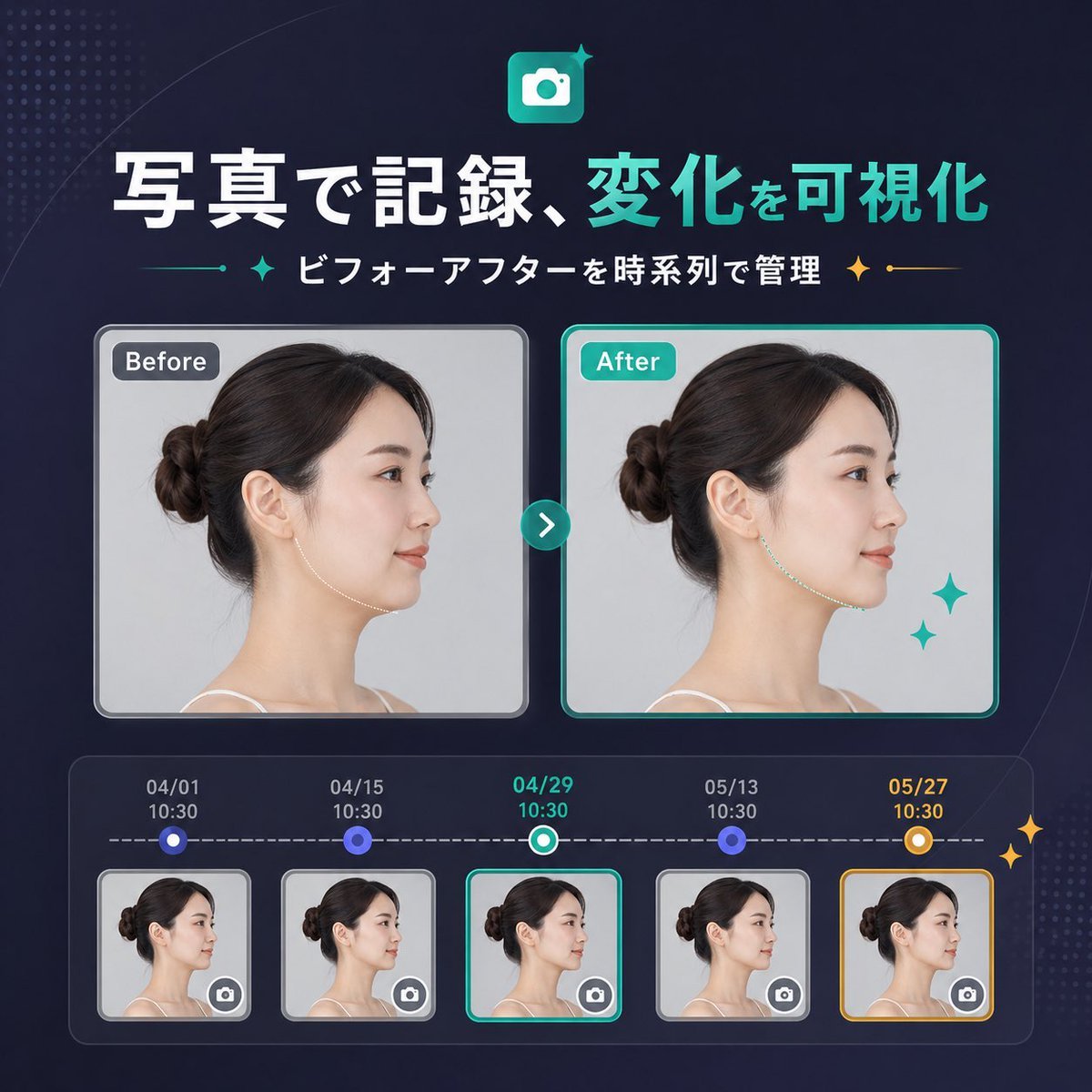
A polished square SaaS marketing banner in Japanese showing a before-and-after photo comparison with a five-step timeline, suitable for product update announcements or landing pages.
- Prompt included
- Model and format preset
- Free template
The prompt behind this image
Copy the exact prompt behind Japanese SaaS Before-After Banner, or open it in the studio and make it yours.
- Type
- SaaS feature update banner infographic
- Style
- clean modern Japanese tech marketing, premium UI, dark navy gradient background, subtle dotted halftone texture in the top-left and bottom-right corners, soft curved line accents, glossy neon teal highlights, polished high-quality product announcement visual
- Canvas › Aspect Ratio
- 1:1
- Headline › Icon
- rounded square app icon with a white camera symbol on a teal gradient background, small sparkle accent
- Headline › Title
- {argument name="headline text" default="写真で記録、変化を可視化"}
- Headline › Subtitle
- {argument name="subtitle text" default="ビフォーアフターを時系列で管理"}
- Headline › Language
- Japanese
- Headline › Title Style
- large bold sans-serif, first phrase in white and second phrase in bright teal
- Headline › Subtitle Style
- medium bold sans-serif in white with teal and gold sparkle-divider ornaments on both sides
- Layout › Sections › 0 › Title
- comparison cards
- Layout › Sections › 0 › Position
- center
- Layout › Sections › 0 › Count
- 2
- Layout › Sections › 0 › Labels
- Before, After
- Layout › Sections › 1 › Title
- timeline entries
- Layout › Sections › 1 › Position
- bottom
- Layout › Sections › 1 › Count
- 5
- Layout › Sections › 1 › Labels
- 04/01 10:30, 04/15 10:30, 04/29 10:30, 05/13 10:30, 05/27 10:30
- Layout › Centerpiece
- side-by-side before and after portrait cards connected by a circular teal arrow button
- Layout › Bottom Panel
- rounded rectangular timeline module with five dated thumbnails connected by a dashed horizontal progress line
- Comparison › Subject
- same adult woman in left-facing side profile with dark brown hair in a neat low bun, light skin, thin shoulder strap top, studio lighting, pale gray background
- Comparison › Privacy
- face area covered by a vertical rectangular blur block in both large cards and all five thumbnails
- Comparison › Before Card › Label
- Before
- Comparison › Before Card › Frame
- rounded rectangle with light gray border and soft shadow
- Comparison › Before Card › Image
- neutral clinical-style portrait
Raw JSON
{"type":"SaaS feature update banner infographic","style":"clean modern Japanese tech marketing, premium UI, dark navy gradient background, subtle dotted halftone texture in the top-left and bottom-right corners, soft curved line accents, glossy neon teal highlights, polished high-quality product announcement visual","canvas":{"aspect_ratio":"1:1"},"headline":{"icon":"rounded square app icon with a white camera symbol on a teal gradient background, small sparkle accent","title":"{argument name=\"headline text\" default=\"写真で記録、変化を可視化\"}","subtitle":"{argument name=\"subtitle text\" default=\"ビフォーアフターを時系列で管理\"}","language":"Japanese","title_style":"large bold sans-serif, first phrase in white and second phrase in bright teal","subtitle_style":"medium bold sans-serif in white with teal and gold sparkle-divider ornaments on both sides"},"layout":{"sections":[{"title":"comparison cards","position":"center","count":2,"labels":["Before","After"]},{"title":"timeline entries","position":"bottom","count":5,"labels":["04/01 10:30","04/15 10:30","04/29 10:30","05/13 10:30","05/27 10:30"]}],"centerpiece":"side-by-side before and after portrait cards connected by a circular teal arrow button","bottom_panel":"rounded rectangular timeline module with five dated thumbnails connected by a dashed horizontal progress line"},"comparison":{"subject":"same adult woman in left-facing side profile with dark brown hair in a neat low bun, light skin, thin shoulder strap top, studio lighting, pale gray background","privacy":"face area covered by a vertical rectangular blur block in both large cards and all five thumbnails","before_card":{"label":"Before","frame":"rounded rectangle with light gray border and soft shadow","image":"neutral clinical-style portrait"},"after_card":{"label":"After","frame":"rounded rectangle with bright teal border and soft shadow","image":"similar portrait with a subtly refined jawline/neck contour to imply visible improvement","decorations":"2 teal sparkle stars near the lower-right of the after card"},"connector":"small circular teal button centered between cards with a white right-pointing chevron"},"timeline":{"panel_style":"dark translucent rounded container with inner glow","line":"white dashed horizontal line","entries":[{"date":"04/01","time":"10:30","state":"small circular blue node above thumbnail","thumbnail":"woman side-profile thumbnail with blur block and tiny camera icon button in bottom-right corner","frame":"light gray rounded border"},{"date":"04/15","time":"10:30","state":"small circular blue node above thumbnail","thumbnail":"woman side-profile thumbnail with blur block and tiny camera icon button in bottom-right corner","frame":"light gray rounded border"},{"date":"04/29","time":"10:30","state":"current selection with teal-and-white ring node","thumbnail":"woman side-profile thumbnail with blur block and tiny camera icon button in bottom-right corner","frame":"bright teal rounded border"},{"date":"05/13","time":"10:30","state":"small circular blue node above thumbnail","thumbnail":"woman side-profile thumbnail with blur block and tiny camera icon button in bottom-right corner","frame":"light gray rounded border"},{"date":"05/27","time":"10:30","state":"highlighted milestone with gold-and-white ring node","thumbnail":"woman side-profile thumbnail with blur block and tiny camera icon button in bottom-right corner","frame":"gold rounded border"}],"extra_decorations":"2 small gold sparkle stars on the far right edge of the timeline panel"},"color_palette":{"background":"deep navy to indigo gradient","primary":"bright teal","secondary":"white","accent":"gold","support":"soft gray and blue-violet"},"rendering":"crisp vector-meets-UI design with embedded realistic portrait photography, balanced spacing, centered composition, startup landing-page banner quality"}How to use Japanese SaaS Before-After Banner in 3 steps
- 1Upload ImagePNG, JPG or paste
Add your photo
Upload the photo the template builds on. The prompt, model and format are already set.
- 2…a portrait of your subject in softgolden-hour light, 85mm…
Personalize
Edit the subject and creative details for your destination.
- 3Generate
Generate
Press Generate — your image is created in PicX Studio, so you can compare it with the original and refine one variable at a time.
More like this
Templates with the same subject, style or setup. Open one to see its prompt.
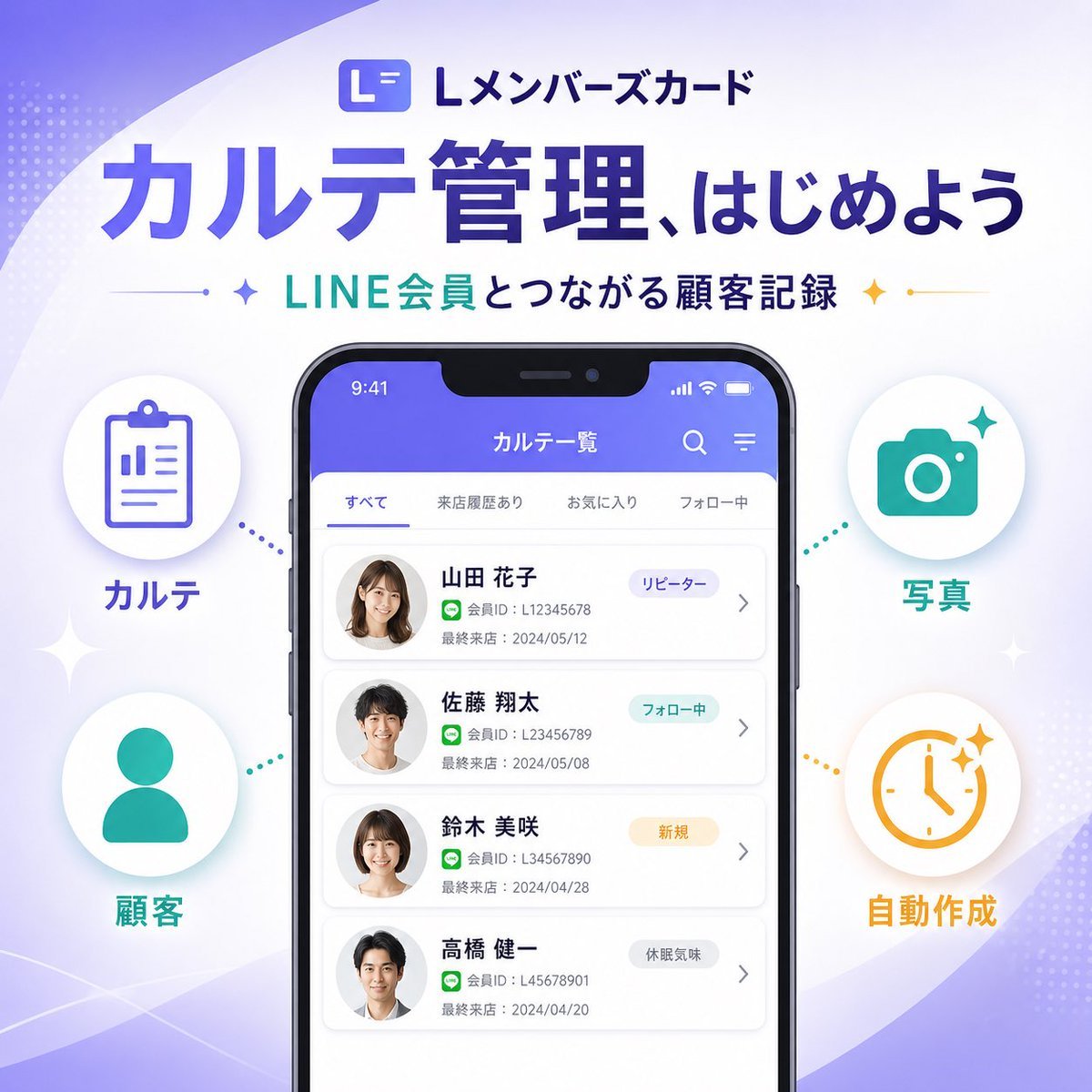
Japanese SaaS Feature Banner
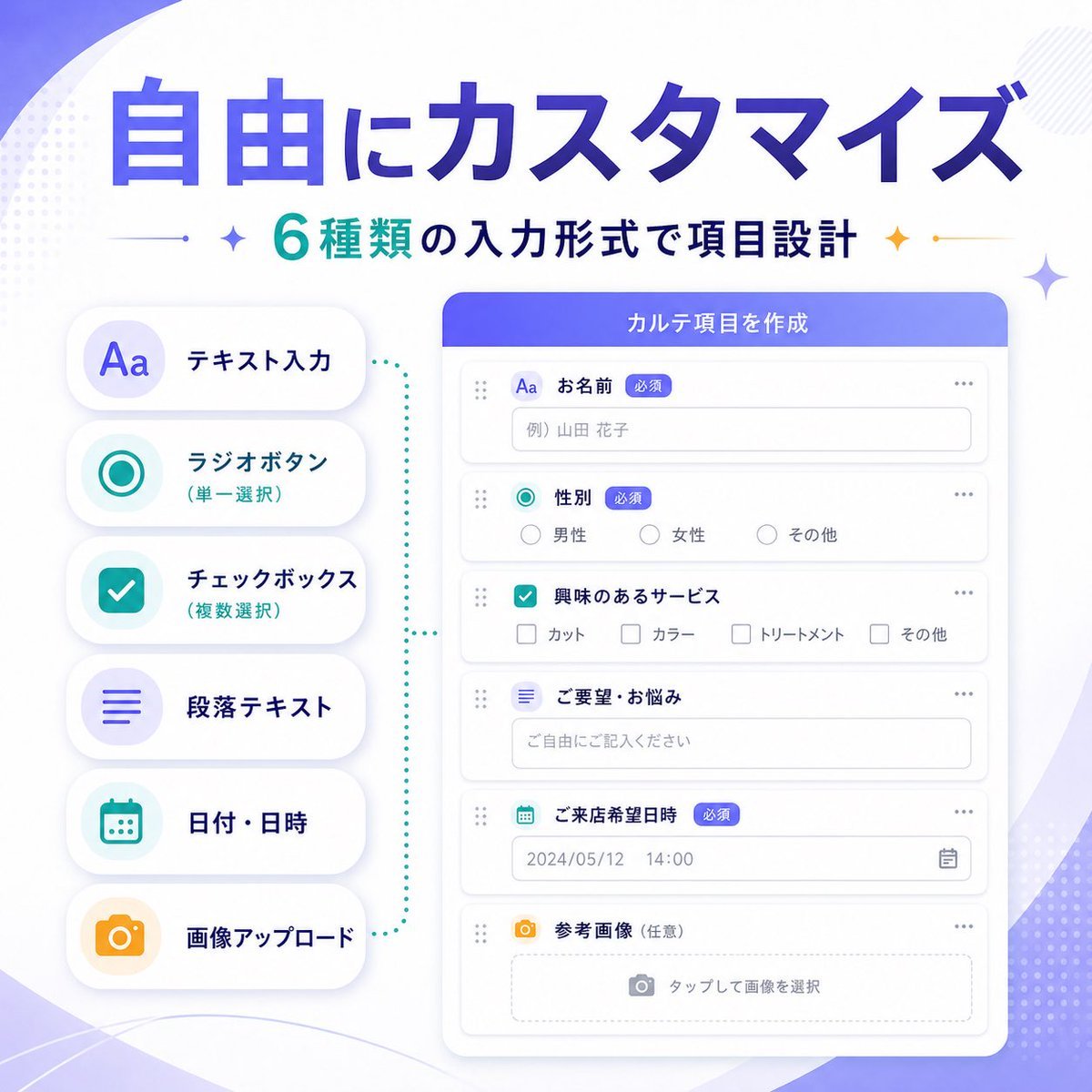
Japanese SaaS Form Builder Banner

Japanese SaaS Ad Banner at Night

Japanese Accounting SaaS Hero Banner

Minecraft Japanese Research Lab Exploration

Japanese Architectural Concrete Studio Fashion Campaign

Japanese Minimalist Concrete Studio Fashion Editorial

Blue Backdrop Luxury Fashion Portrait Campaign
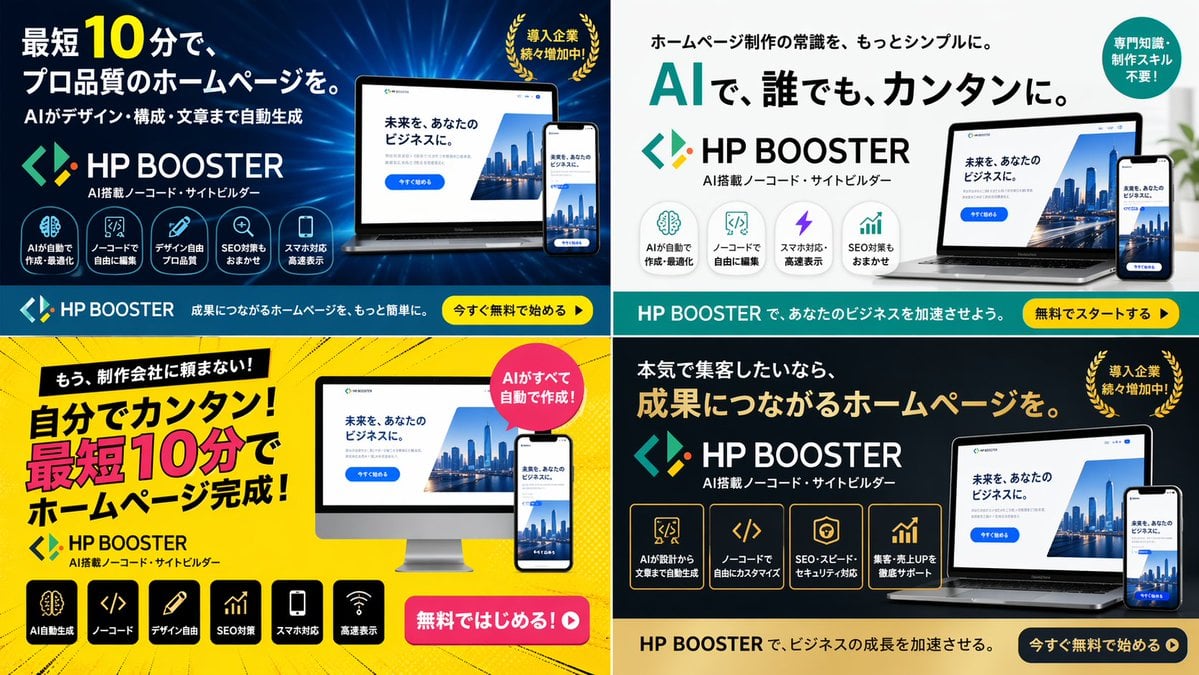
Panel SaaS Ad Banner Variations

Japanese Film Reflection Idol

Coffee Boba Product Poster
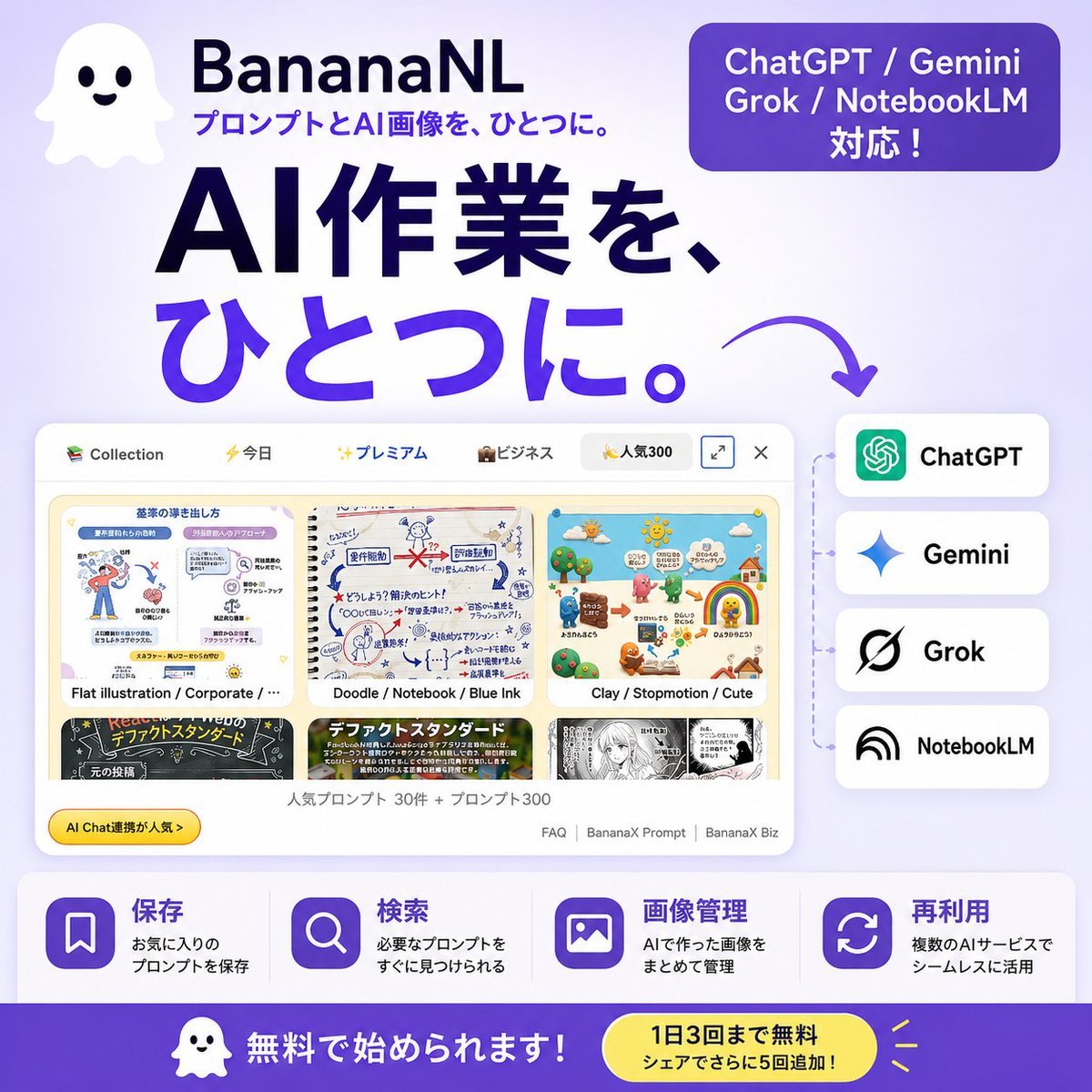
Japanese SaaS AI Prompt Manager Ad
Make it yours
Japanese SaaS Before-After Banner works as-is. These are the safest ways to change it without losing the look.
Swap the setting
Keep the rest of the prompt and replace the location block. The current setting is “deep navy to indigo gradient”.
Change one field
Copy a single group, rewrite it, and generate again so you can see what that field is doing.
Keep the frame, change the subject
Hold the composition and light of Japanese SaaS Before-After Banner, then swap wardrobe, props or the person for a new take.
| If the result… | Why | Fix |
|---|---|---|
| The result drifts from the preview | Too many fields changed at once. | Reuse Japanese SaaS Before-After Banner as-is first, then change one group — subject, light, or setting. |
| GPT Image 2 ignores part of the JSON | Some models flatten or skip nested keys. | Keep the same values and paste them as a short paragraph instead. |
More GPT Image 2 templates
Other prompts made for GPT Image 2.

Six VTuber Japanese Logo Sheet

Realistic Portrait of Woman and Deer

The Vista Modular Condo Poster

AI Model Routing Comparison Infographic

2.5D Anime Art Board

Isometric Productivity Desk Scene

New York Double Exposure Poster

Four-Panel AI Landscape Comparison

Japanese Tatami Lifestyle Magazine Cover

NESCAFÉ Coffee Map Poster
More image prompts
Fresh picks from across the catalog.
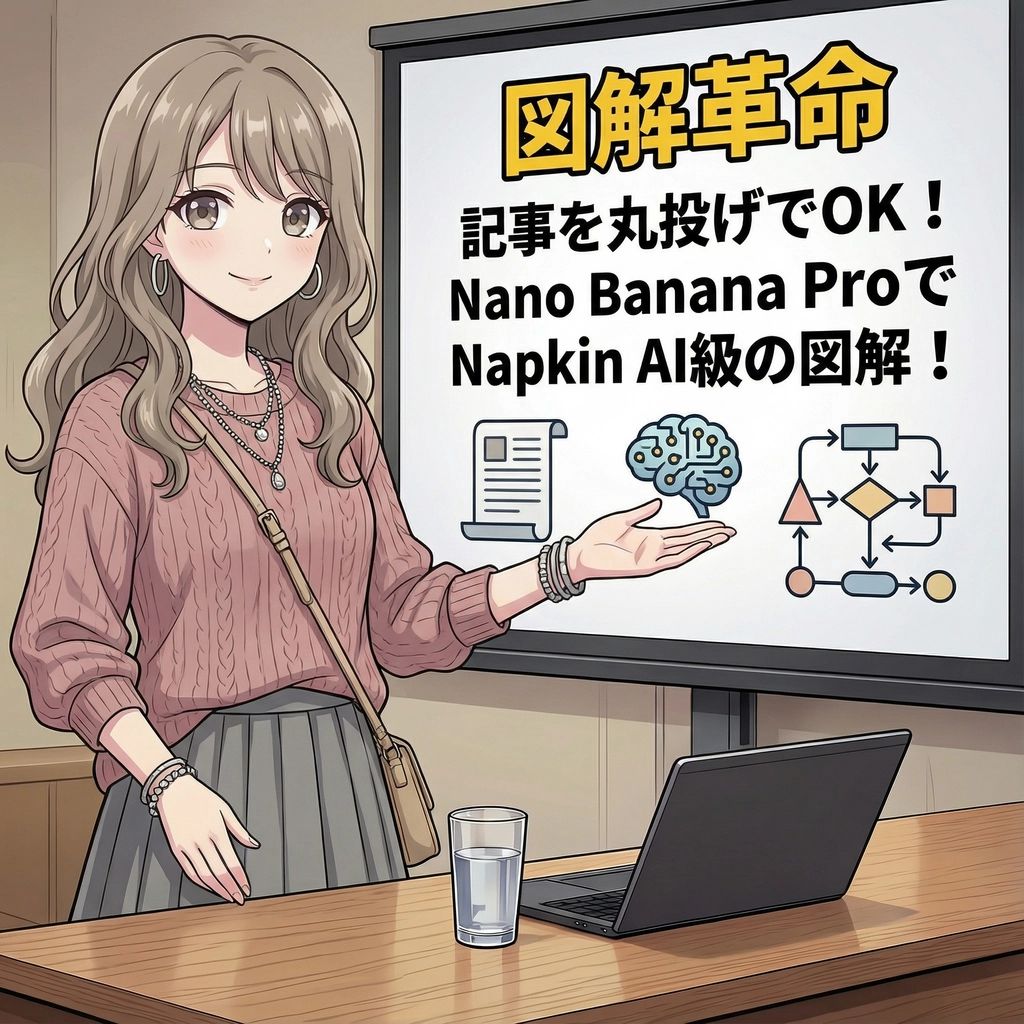
Magic Prompt for Automatic Infographic Generation with Nano Banana Pro
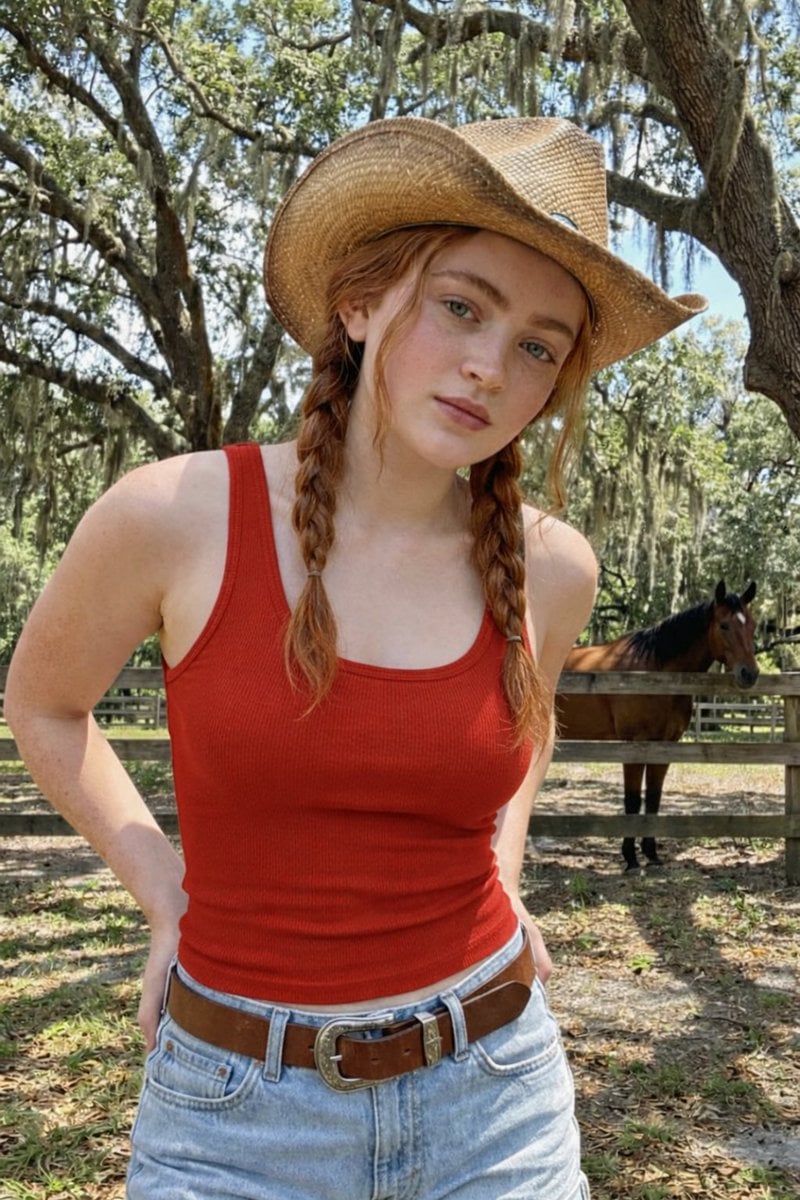
Rustic Red Cowgirl Portrait in Countryside
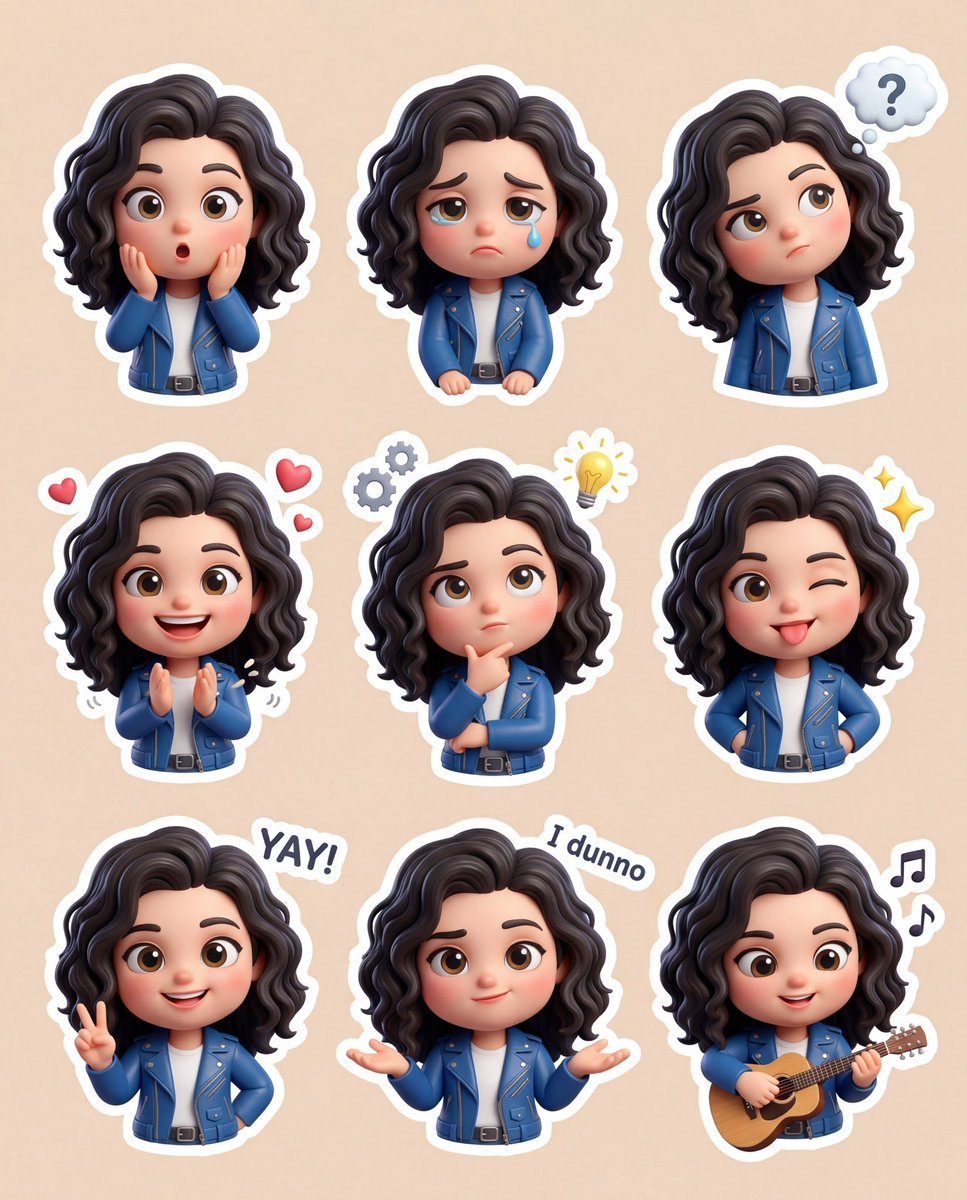
3D Chibi Sticker Set with Customizable Jacket Color

Cinematic Wide Shot of Girl in Dewy Meadow at Sunrise
Ultra-Realistic 90s Old-Money Father and Baby Portrait

Forensic Luxury Disassembly Poster
Malta Guinness Inner Strength Ad

Monochromatic South Asian Traditional Wear Editorial

Burj Khalifa Epic Infographic Poster
Cinematic JCB Clearing Snow in Kashmir
Browse template categories
Japanese SaaS Before-After Banner questions
How do I use the Japanese SaaS Before-After Banner template?
Add your photo if the template asks for one, edit the prompt if you like — the template's model and format are already selected — and press Generate. Your version opens in PicX Studio.
Can I customize the Japanese SaaS Before-After Banner template?
Yes. You can change the subject, setting, lighting, mood, format, and available model controls before creating your image.
Is the Japanese SaaS Before-After Banner template free?
Opening and editing this template is free. Generating uses credits, shown on the Generate button when you are signed in.
Which AI model should I use?
Start with GPT Image 2, which is the model associated with this template. You can compare another compatible model for a different finish.
Looking for something else? Browse all templates.

Your photo, any look
Thousands of ready templates for every top image and video model, from one credit balance.