How do I use the Japanese SaaS Feature Banner template?
Edit the prompt in the box under the preview — the template's model and format are already selected — and press Generate. Your version appears right on this page.
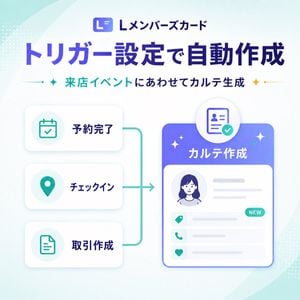
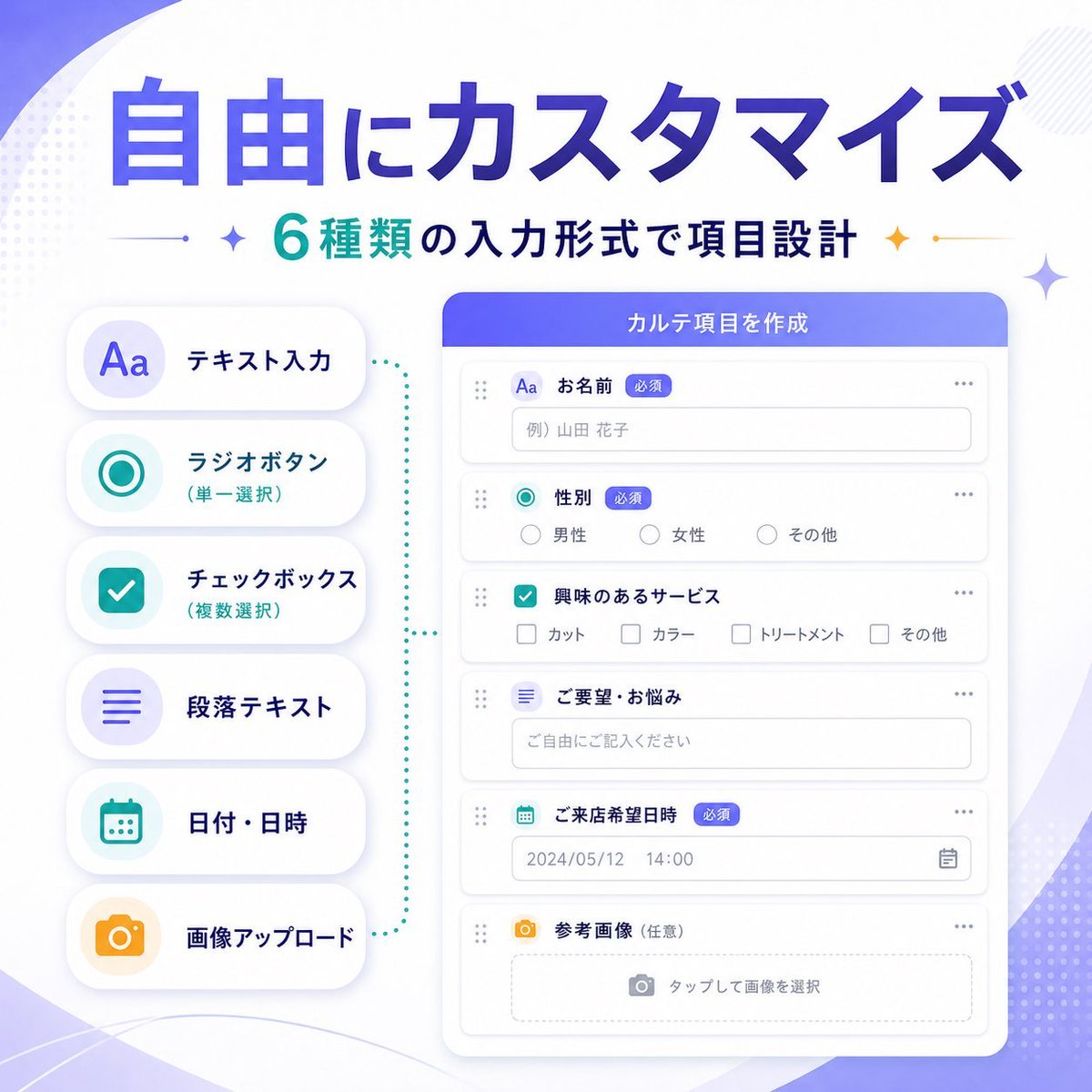
A polished square Japanese SaaS marketing banner featuring a smartphone UI mockup and four infographic feature icons, ideal for announcing a new product feature on social media or landing pages.

This template uses your photo — add one with the + button.
{"type":"SaaS feature update promotional infographic banner","style":"clean modern Japanese tech marketing, high-quality infographic, soft gradient background, polished UI mockup, minimal and trustworthy","canvas":{"aspect_ratio":"1:1","background":"white base with flowing lavender and pale purple abstract wave shapes in the corners, faint dotted halftone textures, subtle sparkle accents"},"branding":{"top_logo":{"icon":"rounded square app icon with a stylized white L on a purple gradient background","text":"Lメンバーズカード"},"headline":"{argument name=\"headline text\" default=\"カルテ管理、はじめよう\"}","subheadline":"{argument name=\"subheadline text\" default=\"LINE会員とつながる顧客記録\"}","headline_style":"large bold Japanese sans-serif in deep purple","subheadline_style":"medium bold Japanese sans-serif with teal and dark navy emphasis, small star icons and thin divider lines on both sides"},"layout":{"centerpiece":"large front-facing smartphone mockup centered vertically, slightly lower than the headline","sections":[{"title":"left features","position":"left side of phone","count":2,"labels":["カルテ","顧客"],"items":[{"shape":"white circular badge with soft shadow","icon":"purple clipboard line icon","label":"カルテ","accent":"purple dotted connector pointing toward phone"},{"shape":"white circular badge with soft shadow","icon":"teal person silhouette icon","label":"顧客","accent":"teal dotted connector pointing toward phone"}]},{"title":"right features","position":"right side of phone","count":2,"labels":["写真","自動作成"],"items":[{"shape":"white circular badge with soft shadow","icon":"teal camera icon","label":"写真","accent":"teal dotted connector pointing toward phone"},{"shape":"white circular badge with soft shadow","icon":"orange clock icon with sparkles","label":"自動作成","accent":"orange dotted connector pointing toward phone"}]}],"decorations_count":6},"app_screen":{"screen_title":"カルテ一覧","status_bar":{"time":"9:41","battery":true,"signal":true},"top_icons_count":2,"top_icons":["search","menu"],"tabs":{"count":4,"labels":["すべて","来店履歴あり","お気に入り","フォロー中"],"active":"すべて"},"customer_cards":{"count":4,"items":[{"name":"{argument name=\"customer name 1\" default=\"山田 花子\"}","member_id":"L12345678","last_visit":"2024/05/12","tag":"リピーター","avatar":"blurred female headshot"},{"name":"佐藤 翔太","member_id":"L123456789","last_visit":"2024/05/08","tag":"フォロー中","avatar":"blurred male headshot"},{"name":"鈴木 美咲","member_id":"L34567890","last_visit":"2024/04/28","tag":"新規","avatar":"blurred female headshot"},{"name":"高橋 健一","member_id":"L45678901","last_visit":"2024/04/20","tag":"休眠気味","avatar":"blurred male headshot"}]},"ui_style":"rounded white list cards on a very light gray background, purple app header, subtle shadows, Japanese sans-serif typography"},"color_palette":{"primary":"#5B5CEB to #6C63FF","secondary":"#22C7B8","accent":"#F4B23A","text_dark":"#2B2E5B","white":"#FFFFFF"},"rendering":"crisp vector-like marketing graphic with realistic smartphone frame, centered balanced composition, premium SaaS launch banner aesthetic"}
Edit the prompt in the box under the preview — the template's model and format are already selected — and press Generate. Your version appears right on this page.
Yes. You can change the subject, setting, lighting, mood, format, and available model controls before creating your image.
Opening and editing this template is free. Generating uses credits, shown on the Generate button when you are signed in.
Start with GPT Image 2, which is the model associated with this template. You can compare another compatible model for a different finish.
Follow a topic to a crawlable collection of related PicX Studio templates.