
Japanese SaaS Trigger Automation Banner
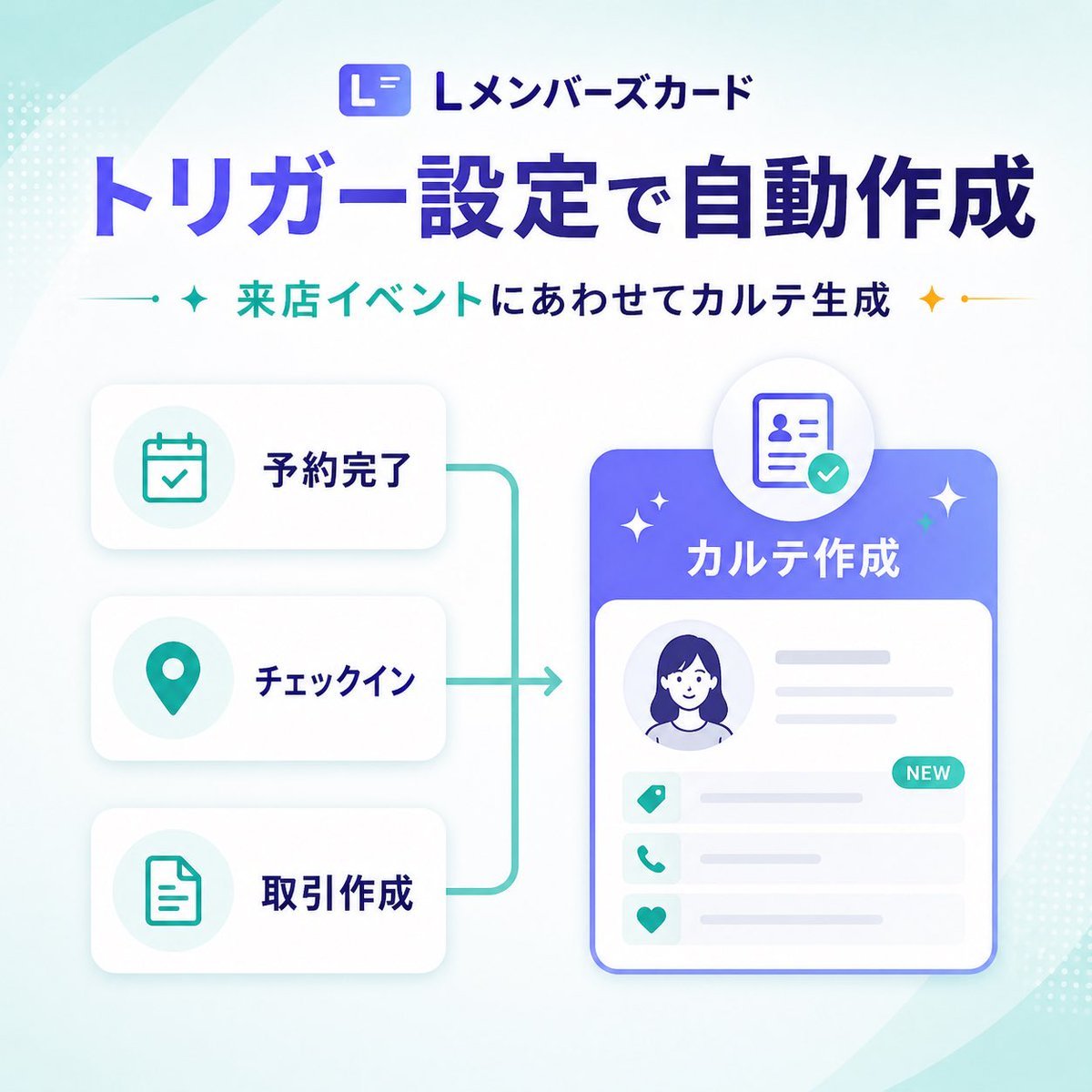
A polished square Japanese SaaS marketing banner showing trigger-based automatic record creation with a clean infographic layout for product update announcements.
- Prompt included
- Model and format preset
- Free template
The prompt behind this image
Copy the exact prompt behind Japanese SaaS Trigger Automation Banner, or open it in the studio and make it yours.
- Type
- SaaS feature update banner infographic
- Style
- clean modern Japanese tech marketing graphic, high-quality corporate infographic, soft gradients, rounded UI cards, subtle shadows, minimal vector illustration
- Format
- square social media banner
- Aspect Ratio
- 1:1
- Brand › Logo Text
- Lメンバーズカード
- Brand › Logo Icon
- rounded square app icon with a stylized white L on a blue-purple gradient background
- Background › Base
- very light white to pale mint gradient
- Background › Decorations › Count
- 6
- Background › Decorations › Items
- large translucent curved shape sweeping from top left, large translucent curved shape sweeping from bottom right, small dotted halftone cluster at top left edge, small dotted halftone cluster at bottom right edge, soft ambient glow behind main card, faint teal gradient wash in corners
- Layout › Sections › 0 › Title
- header
- Layout › Sections › 0 › Position
- top center
- Layout › Sections › 0 › Count
- 3
- Layout › Sections › 0 › Labels
- Lメンバーズカード, トリガー設定で自動作成, 来店イベントにあわせてカルテ生成
- Layout › Sections › 1 › Title
- left trigger cards
- Layout › Sections › 1 › Position
- left center
- Layout › Sections › 1 › Count
- 3
- Layout › Sections › 1 › Labels
- 予約完了, チェックイン, 取引作成
- Layout › Sections › 2 › Title
- right output card
- Layout › Sections › 2 › Position
- right center
- Layout › Sections › 2 › Count
- 1
- Layout › Sections › 2 › Labels
- カルテ作成
- Layout › Flow
- three stacked trigger cards on the left connect with teal bracket-like lines into a right-facing arrow pointing to a large profile record card on the right
- Text › Headline
- {argument name="headline text" default="トリガー設定で自動作成"}
- Text › Subheadline
- {argument name="subheadline text" default="来店イベントにあわせてカルテ生成"}
Raw JSON
{"type":"SaaS feature update banner infographic","style":"clean modern Japanese tech marketing graphic, high-quality corporate infographic, soft gradients, rounded UI cards, subtle shadows, minimal vector illustration","format":"square social media banner","aspect_ratio":"1:1","brand":{"logo_text":"Lメンバーズカード","logo_icon":"rounded square app icon with a stylized white L on a blue-purple gradient background"},"background":{"base":"very light white to pale mint gradient","decorations":{"count":6,"items":["large translucent curved shape sweeping from top left","large translucent curved shape sweeping from bottom right","small dotted halftone cluster at top left edge","small dotted halftone cluster at bottom right edge","soft ambient glow behind main card","faint teal gradient wash in corners"]}},"layout":{"sections":[{"title":"header","position":"top center","count":3,"labels":["Lメンバーズカード","トリガー設定で自動作成","来店イベントにあわせてカルテ生成"]},{"title":"left trigger cards","position":"left center","count":3,"labels":["予約完了","チェックイン","取引作成"]},{"title":"right output card","position":"right center","count":1,"labels":["カルテ作成"]}],"flow":"three stacked trigger cards on the left connect with teal bracket-like lines into a right-facing arrow pointing to a large profile record card on the right"},"text":{"headline":"{argument name=\"headline text\" default=\"トリガー設定で自動作成\"}","subheadline":"{argument name=\"subheadline text\" default=\"来店イベントにあわせてカルテ生成\"}"},"left_panel":{"cards":[{"label":"予約完了","icon":"calendar with checkmark","icon_color":"teal","card_style":"white rounded rectangle with soft gray shadow"},{"label":"チェックイン","icon":"map pin","icon_color":"teal","card_style":"white rounded rectangle with soft gray shadow"},{"label":"取引作成","icon":"document outline","icon_color":"teal","card_style":"white rounded rectangle with soft gray shadow"}]},"connector":{"color":"teal","shape":"vertical bracket line linking all three left cards to a single rightward arrow","stroke":"medium rounded line"},"right_panel":{"title":"{argument name=\"feature label\" default=\"カルテ作成\"}","container":"large rounded rectangle card with blue-to-purple gradient header and white body","top_badge":"circular floating badge above the card showing an ID/profile document icon with a teal checkmark","body_elements":{"count":6,"items":["circular avatar portrait placeholder of a woman with dark blue hair","two horizontal gray text lines to the right of avatar","three information rows with teal icons","small teal NEW pill badge on the first row","light gray placeholder lines for record details","thin blue outline around main card"]},"row_icons":["tag","phone","heart"]},"accent_graphics":{"count":4,"items":["left teal sparkle beside subheadline","right gold sparkle beside subheadline","two small white sparkles around the main right card","small teal dot accents on connector ends"]},"color_palette":{"primary":"deep blue-violet","secondary":"teal","accent":"gold","background":"white and pale mint"},"generation_notes":"Use crisp Japanese typography, bold oversized headline, balanced whitespace, polished SaaS product announcement aesthetic, vector UI mockup style, no photo realism, no busy textures"}How to use Japanese SaaS Trigger Automation Banner in 3 steps
- 1Upload ImagePNG, JPG or paste
Add your photo
Upload the photo the template builds on. The prompt, model and format are already set.
- 2…a portrait of your subject in softgolden-hour light, 85mm…
Personalize
Edit the subject and creative details for your destination.
- 3Generate
Generate
Press Generate — your image is created in PicX Studio, so you can compare it with the original and refine one variable at a time.
More like this
Templates with the same subject, style or setup. Open one to see its prompt.
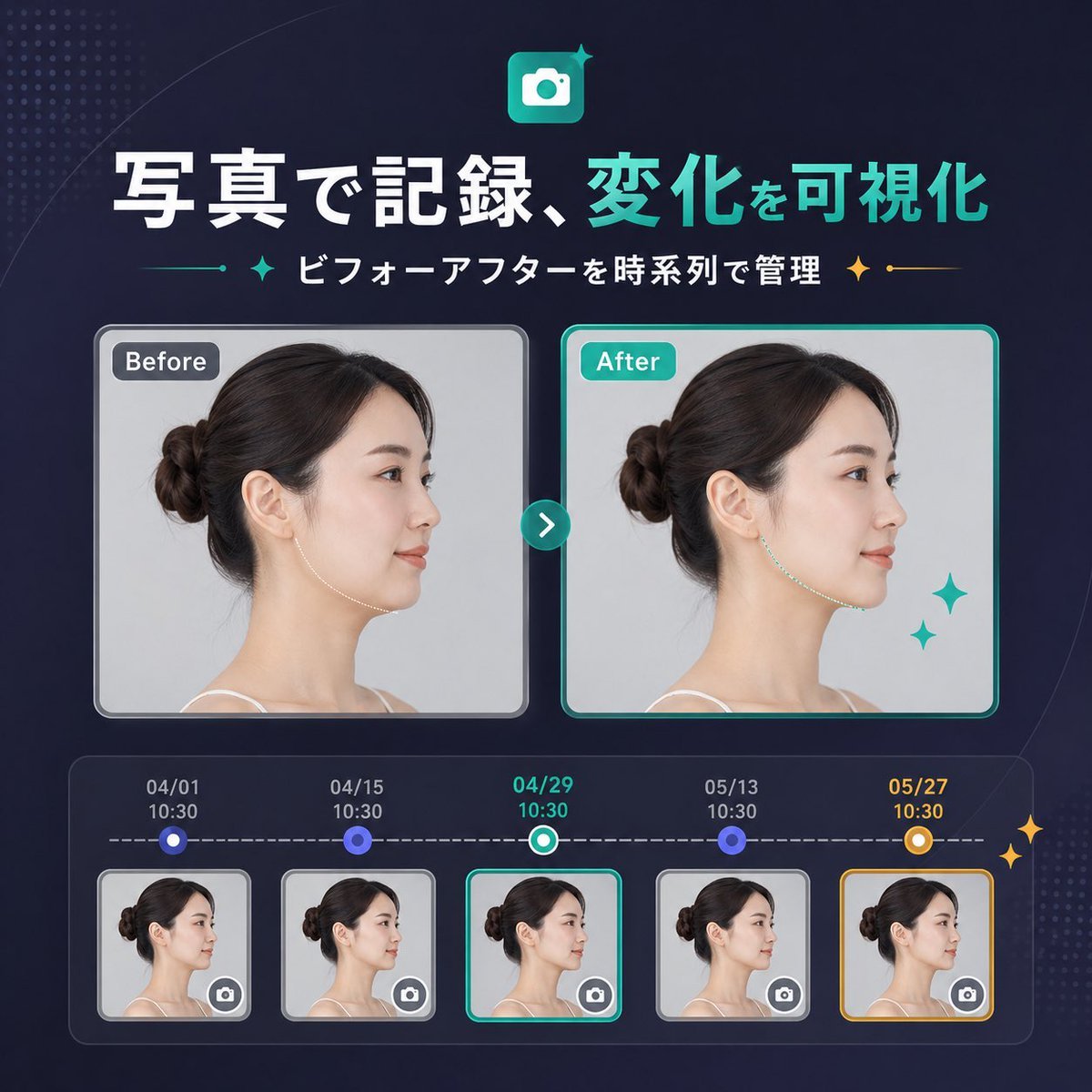
Japanese SaaS Before-After Banner
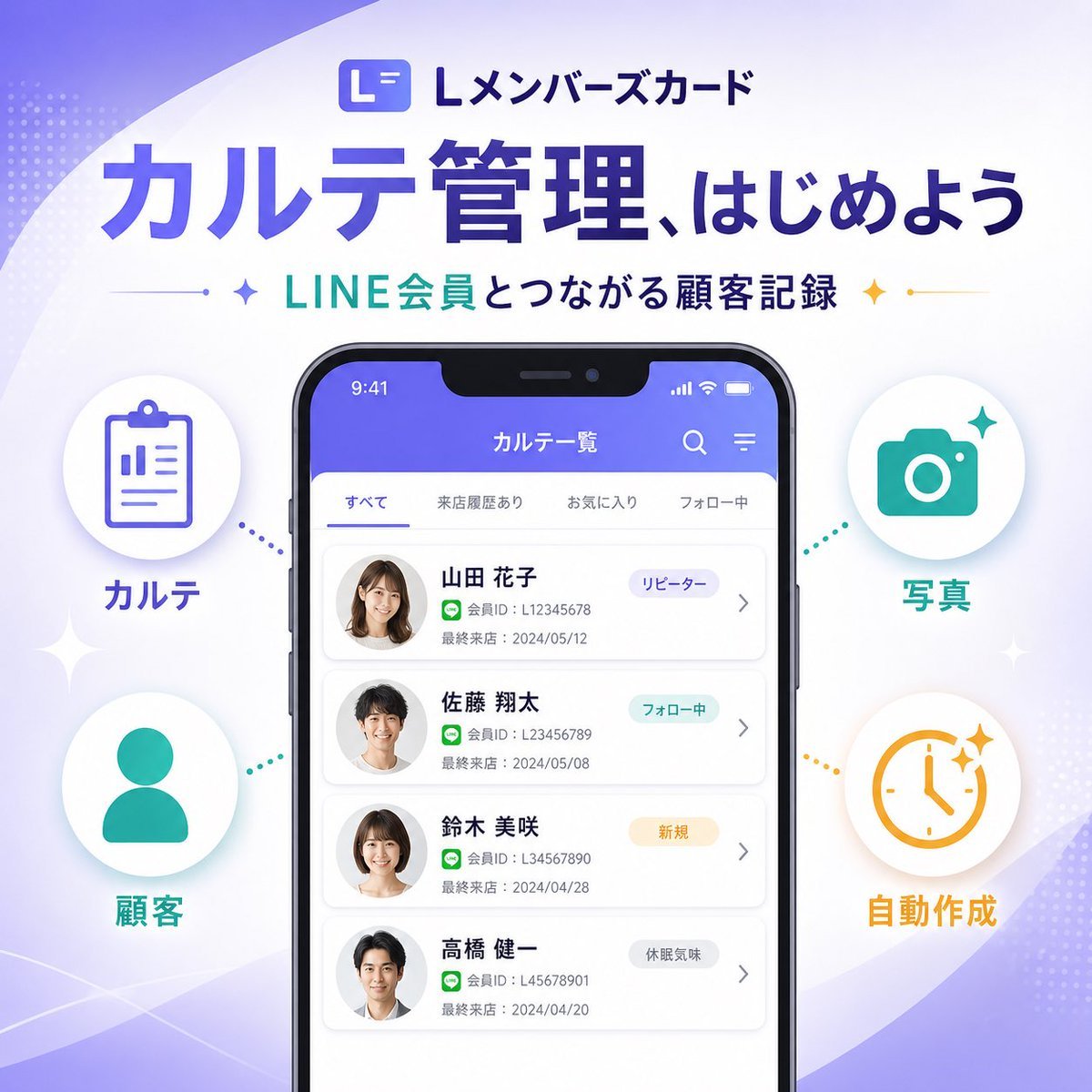
Japanese SaaS Feature Banner
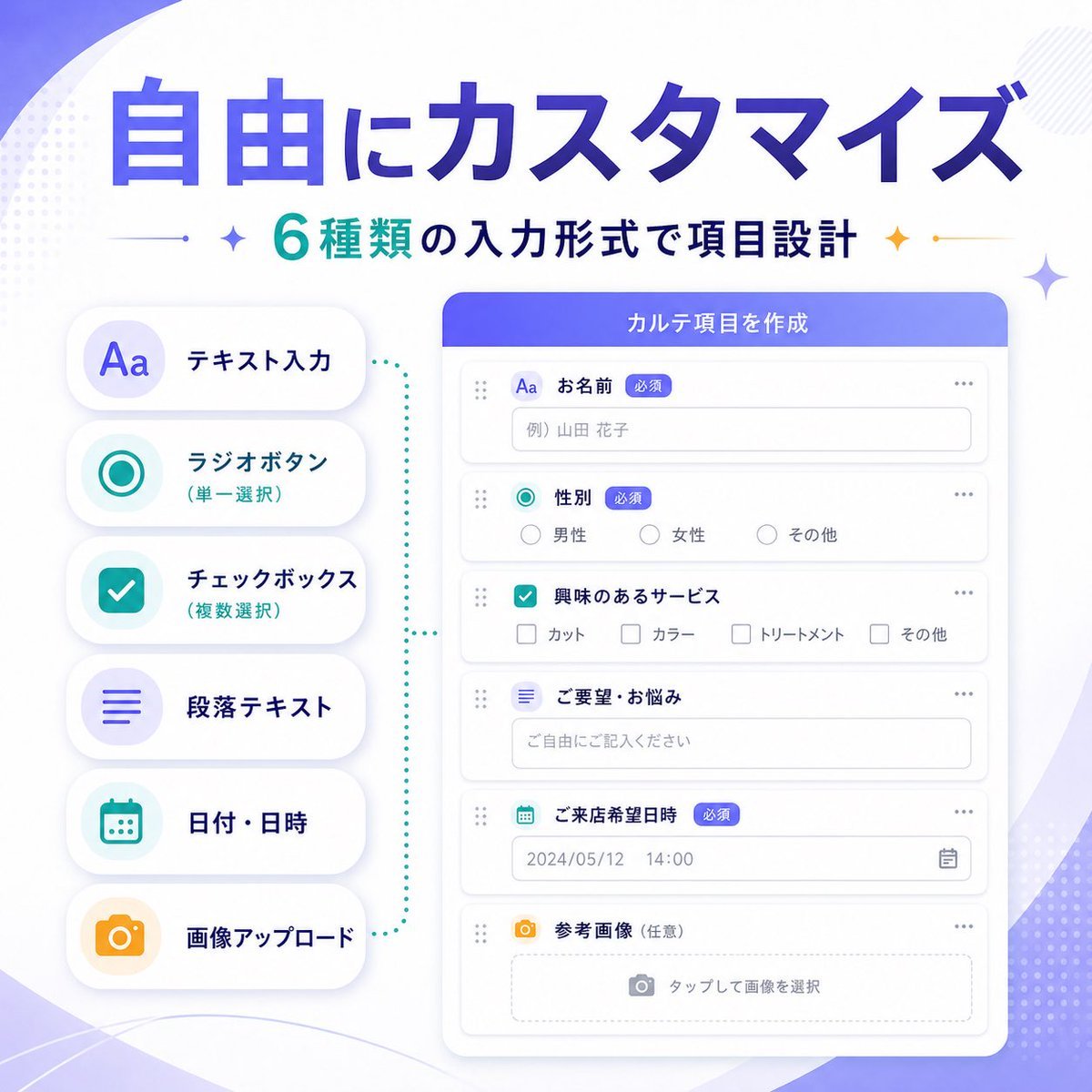
Japanese SaaS Form Builder Banner
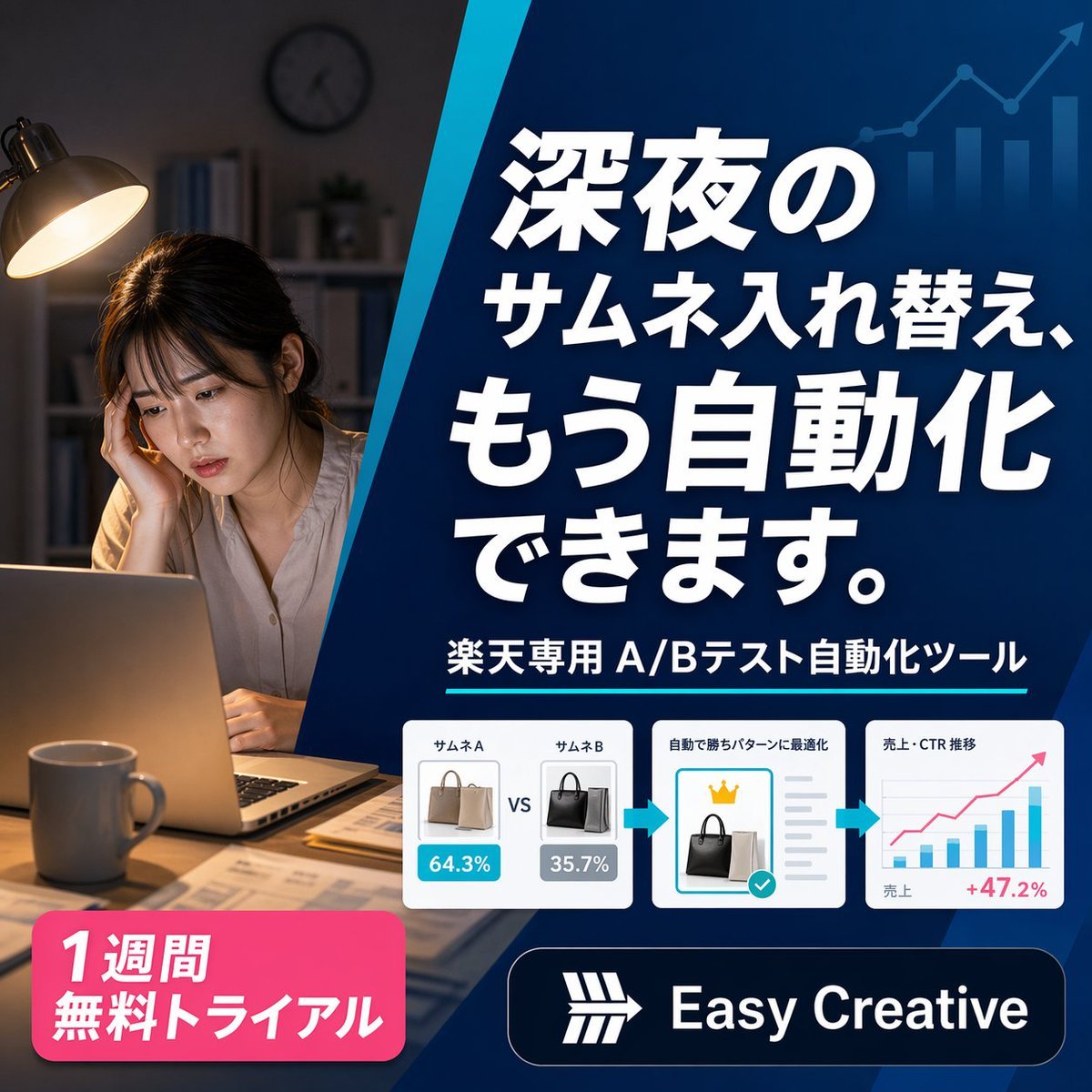
Japanese SaaS Ad Banner at Night
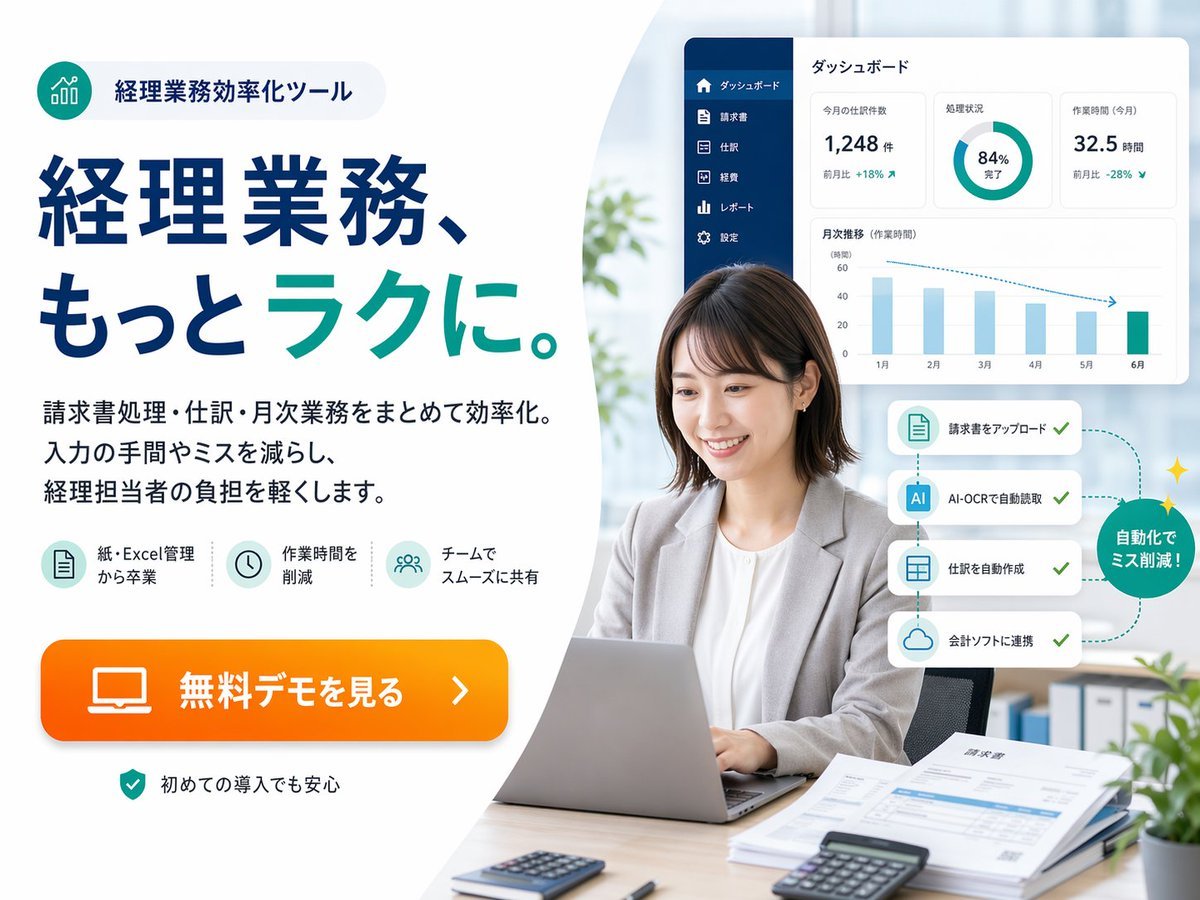
Japanese Accounting SaaS Hero Banner

Minecraft Japanese Research Lab Exploration

Japanese Architectural Concrete Studio Fashion Campaign

Japanese Minimalist Concrete Studio Fashion Editorial

Blue Backdrop Luxury Fashion Portrait Campaign
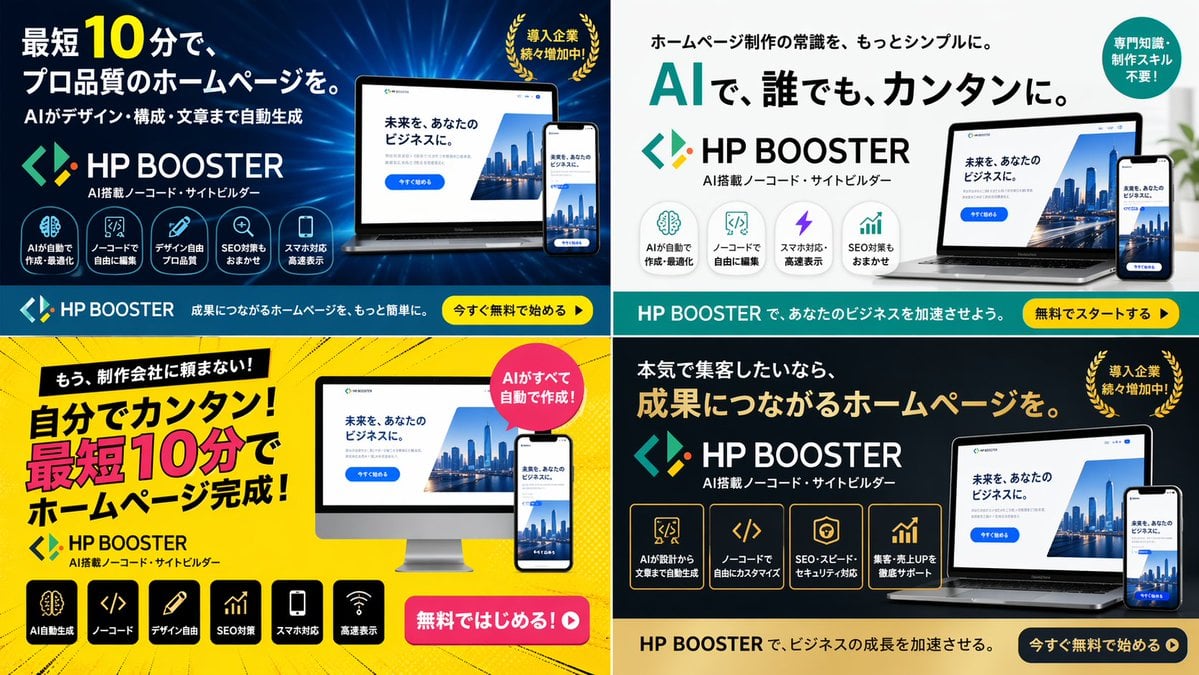
Panel SaaS Ad Banner Variations

Japanese Film Reflection Idol

Coffee Boba Product Poster
Make it yours
Japanese SaaS Trigger Automation Banner works as-is. These are the safest ways to change it without losing the look.
Swap the setting
Keep the rest of the prompt and replace the location block. The current setting is “very light white to pale mint gradient”.
Change one field
Copy a single group, rewrite it, and generate again so you can see what that field is doing.
Keep the frame, change the subject
Hold the composition and light of Japanese SaaS Trigger Automation Banner, then swap wardrobe, props or the person for a new take.
| If the result… | Why | Fix |
|---|---|---|
| The result drifts from the preview | Too many fields changed at once. | Reuse Japanese SaaS Trigger Automation Banner as-is first, then change one group — subject, light, or setting. |
| GPT Image 2 ignores part of the JSON | Some models flatten or skip nested keys. | Keep the same values and paste them as a short paragraph instead. |
More GPT Image 2 templates
Other prompts made for GPT Image 2.

Six VTuber Japanese Logo Sheet

Realistic Portrait of Woman and Deer

The Vista Modular Condo Poster

AI Model Routing Comparison Infographic

2.5D Anime Art Board

Isometric Productivity Desk Scene

New York Double Exposure Poster

Four-Panel AI Landscape Comparison

Japanese Tatami Lifestyle Magazine Cover

NESCAFÉ Coffee Map Poster
More image prompts
Fresh picks from across the catalog.
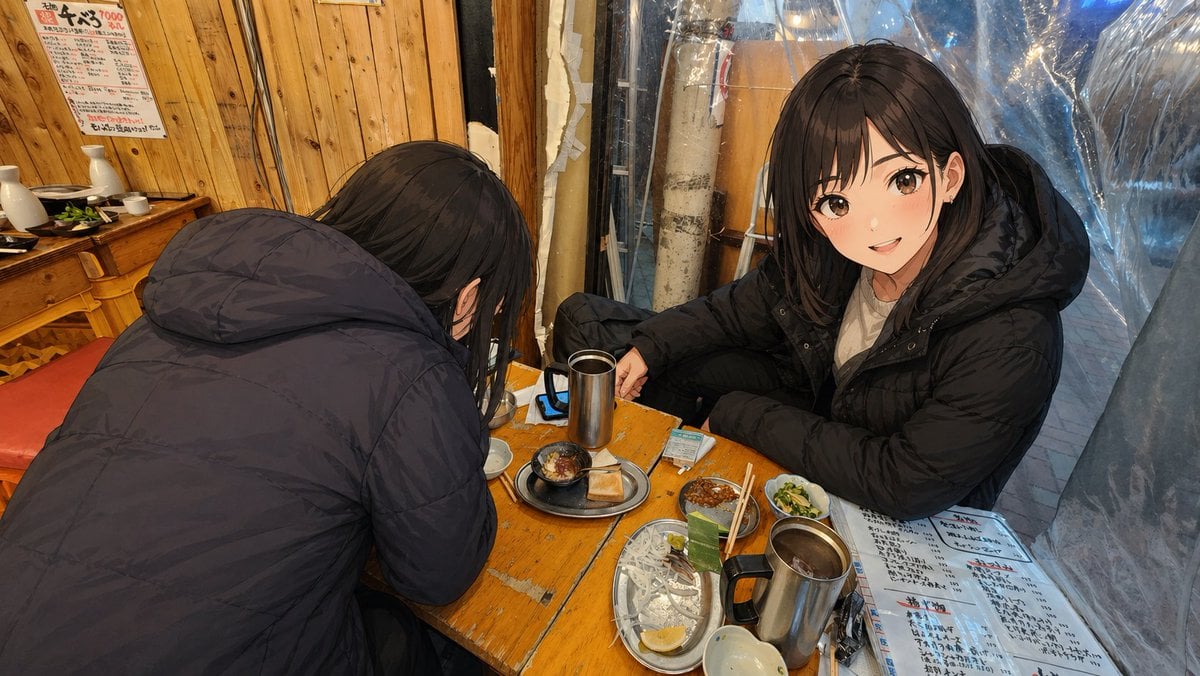
Anime Characters in Real Izakaya Photo
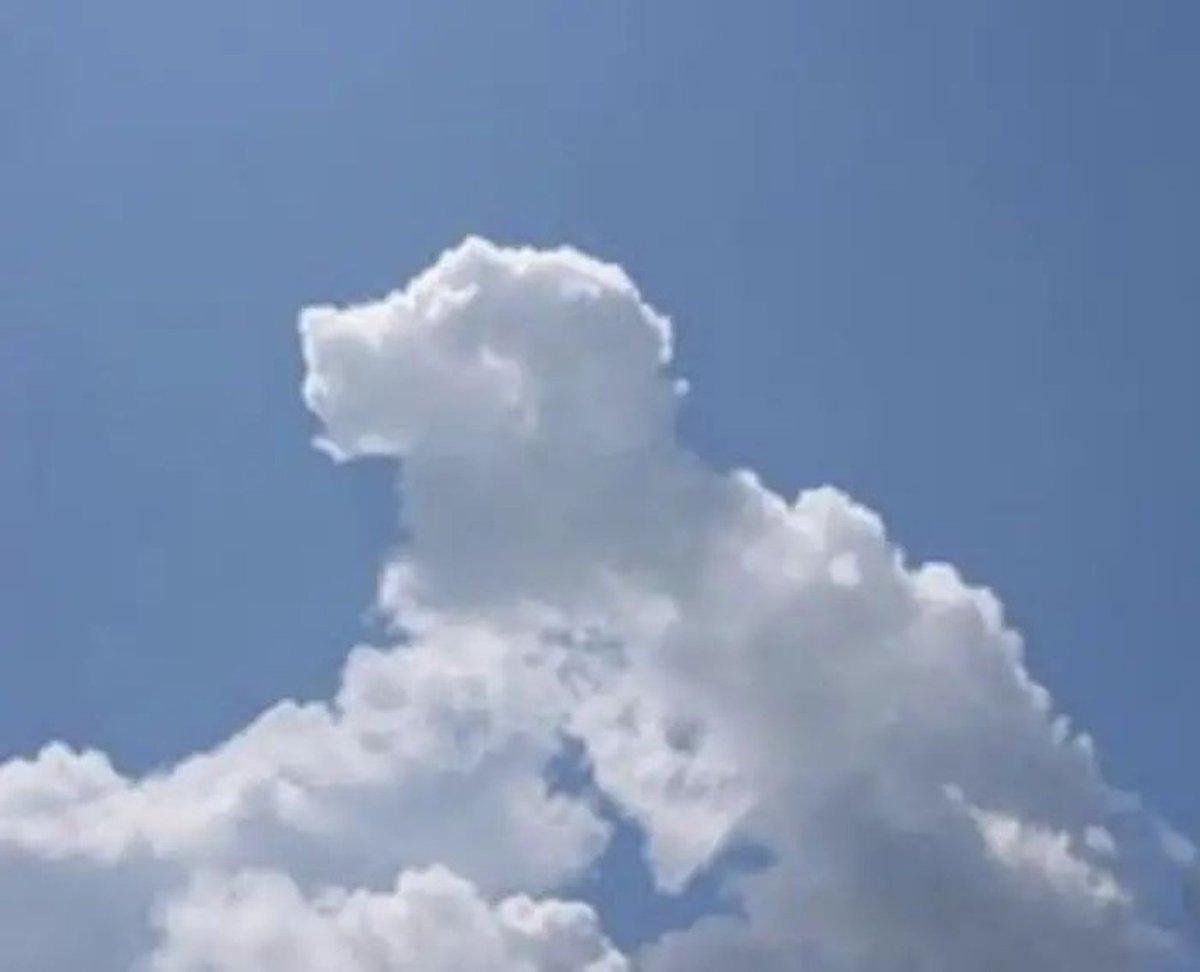
Gpt2 Social Media Post Cloud Shape Doodle Generation
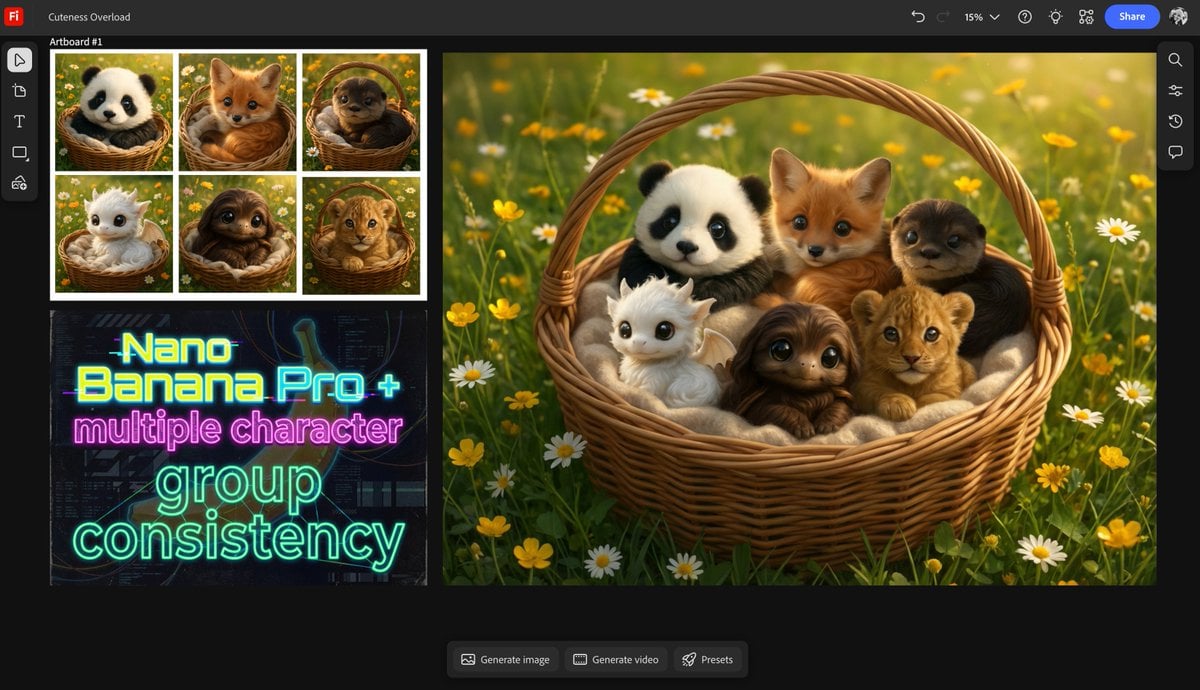
Multiple characters in one basket
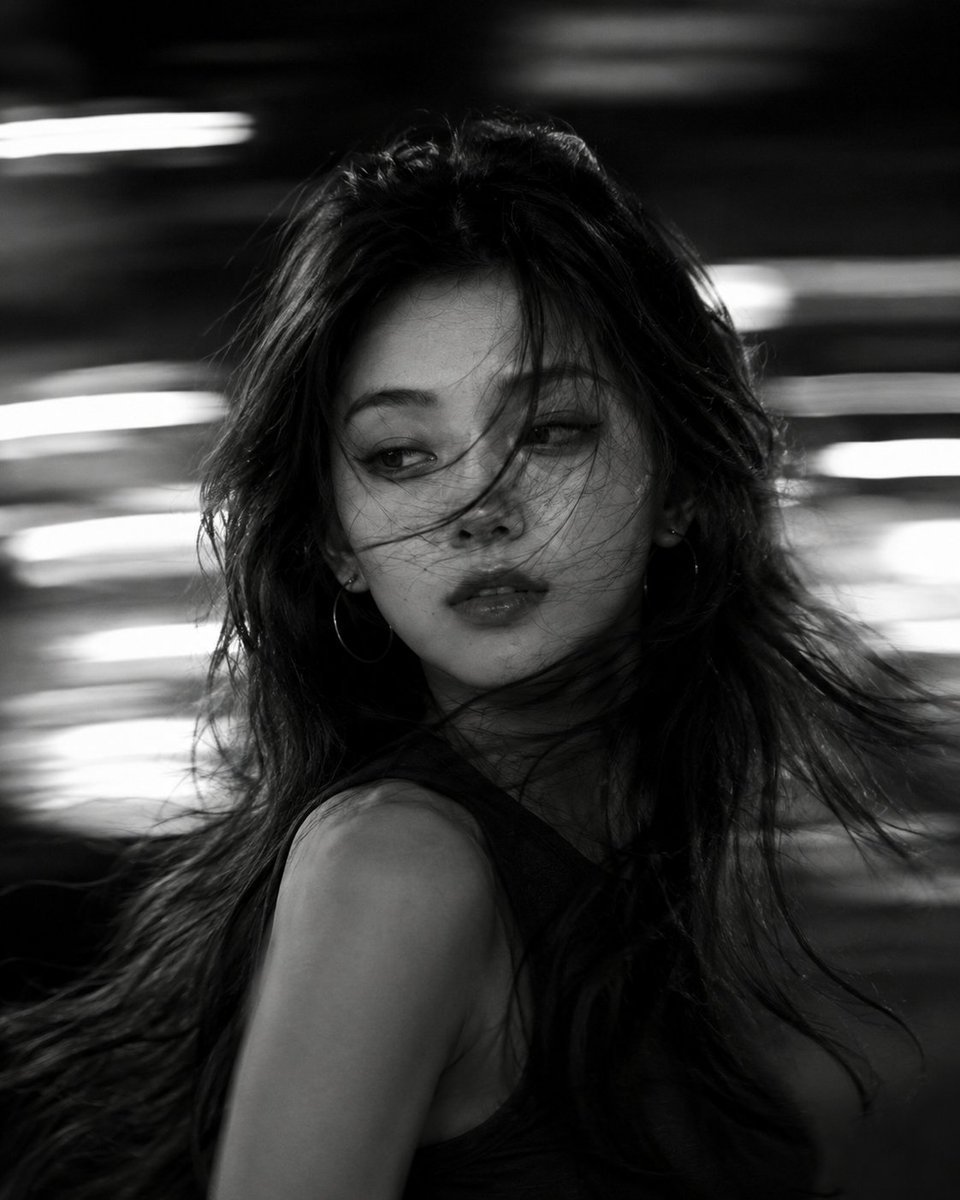
Cinematic Black and White Motion Portrait

Metallic Purple Street Fashion Prompt

Business Presentation Icon Set
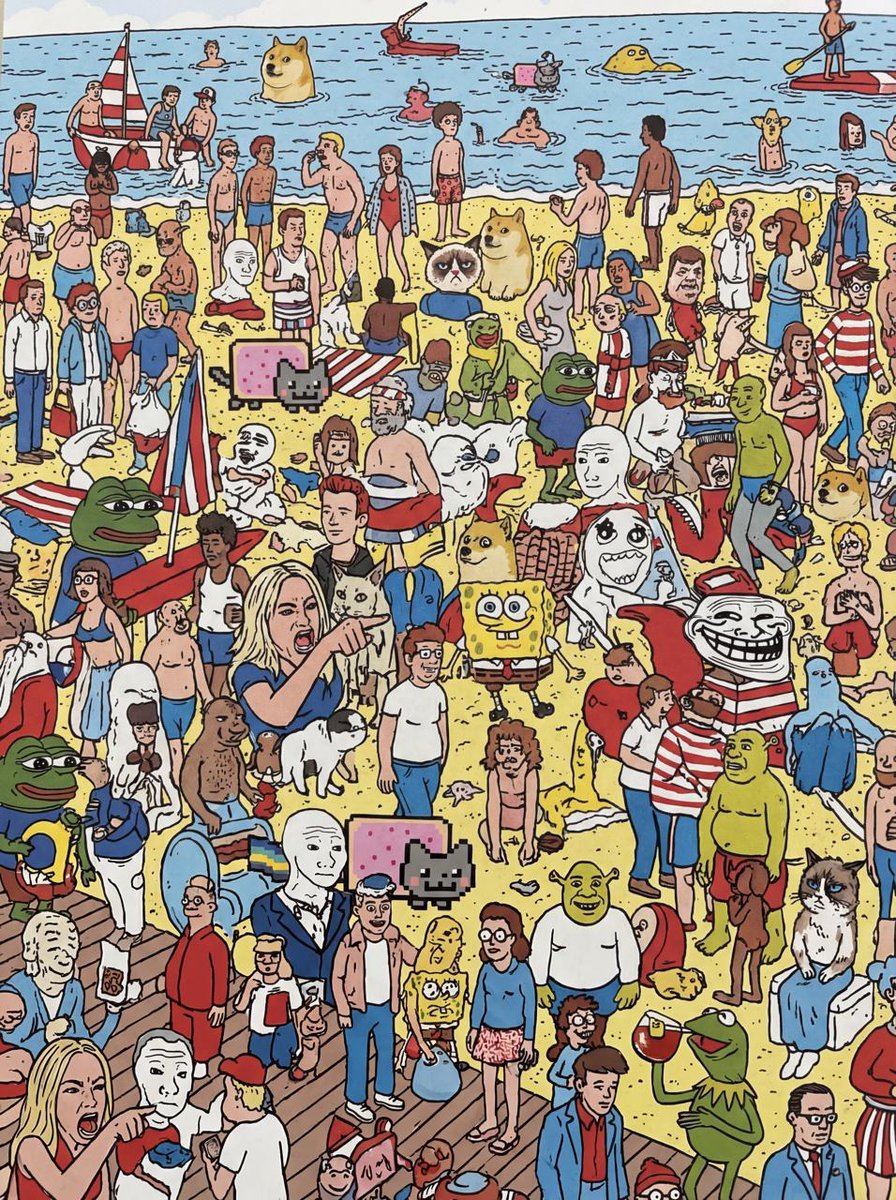
Every meme character in Where’s Wally style
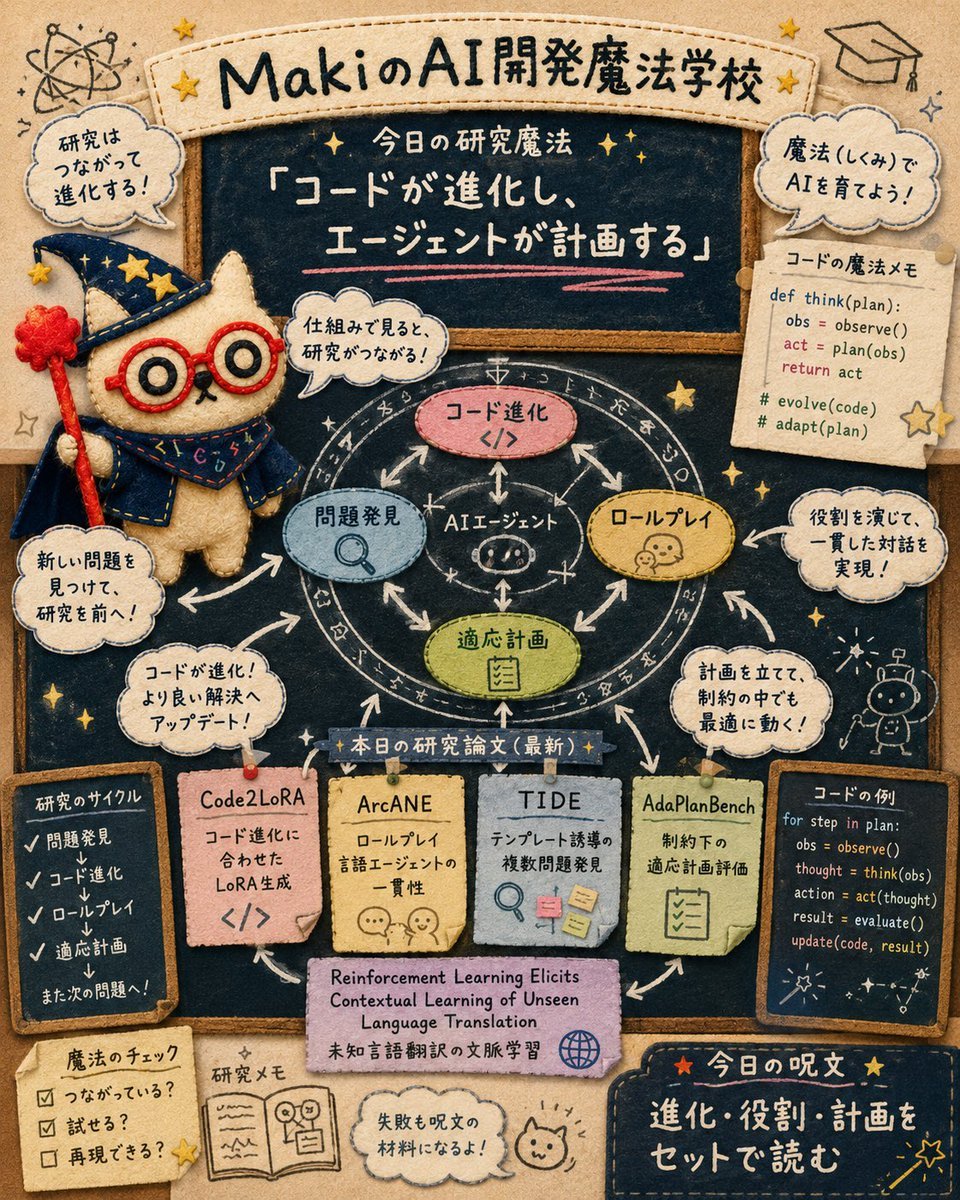
Felt AI Magic School Infographic
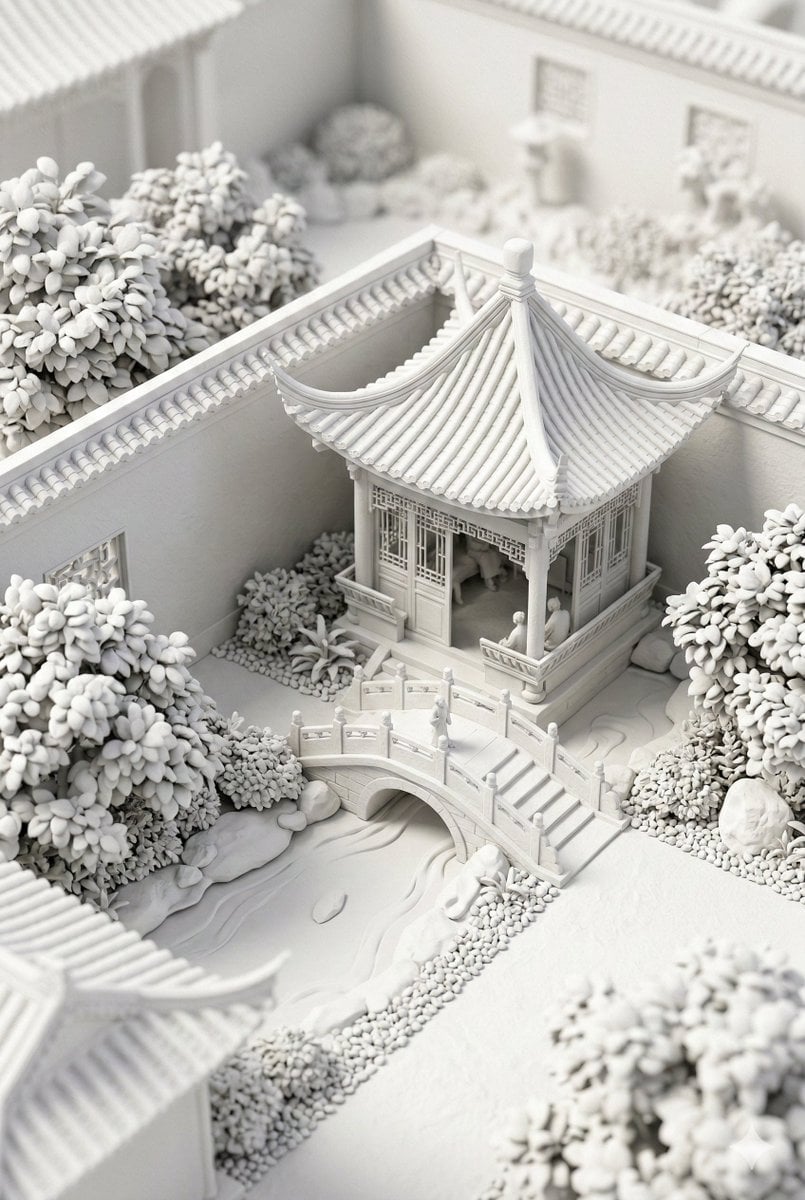
Chinese Garden Clay Render Prompt (Nano Banana 2)

Rugged Adventure Outdoor Ad Poster
Browse template categories
Japanese SaaS Trigger Automation Banner questions
How do I use the Japanese SaaS Trigger Automation Banner template?
Add your photo if the template asks for one, edit the prompt if you like — the template's model and format are already selected — and press Generate. Your version opens in PicX Studio.
Can I customize the Japanese SaaS Trigger Automation Banner template?
Yes. You can change the subject, setting, lighting, mood, format, and available model controls before creating your image.
Is the Japanese SaaS Trigger Automation Banner template free?
Opening and editing this template is free. Generating uses credits, shown on the Generate button when you are signed in.
Which AI model should I use?
Start with GPT Image 2, which is the model associated with this template. You can compare another compatible model for a different finish.
Looking for something else? Browse all templates.

Your photo, any look
Thousands of ready templates for every top image and video model, from one credit balance.