How do I use the Lagos Cafe Realism Study template?
Choose the primary action to open PicX Studio with the available template settings. Review the model and format, personalize the creative direction, and generate when ready.
A comparative prompt designed to test realism between polished commercial aesthetics and raw candid iPhone photography.
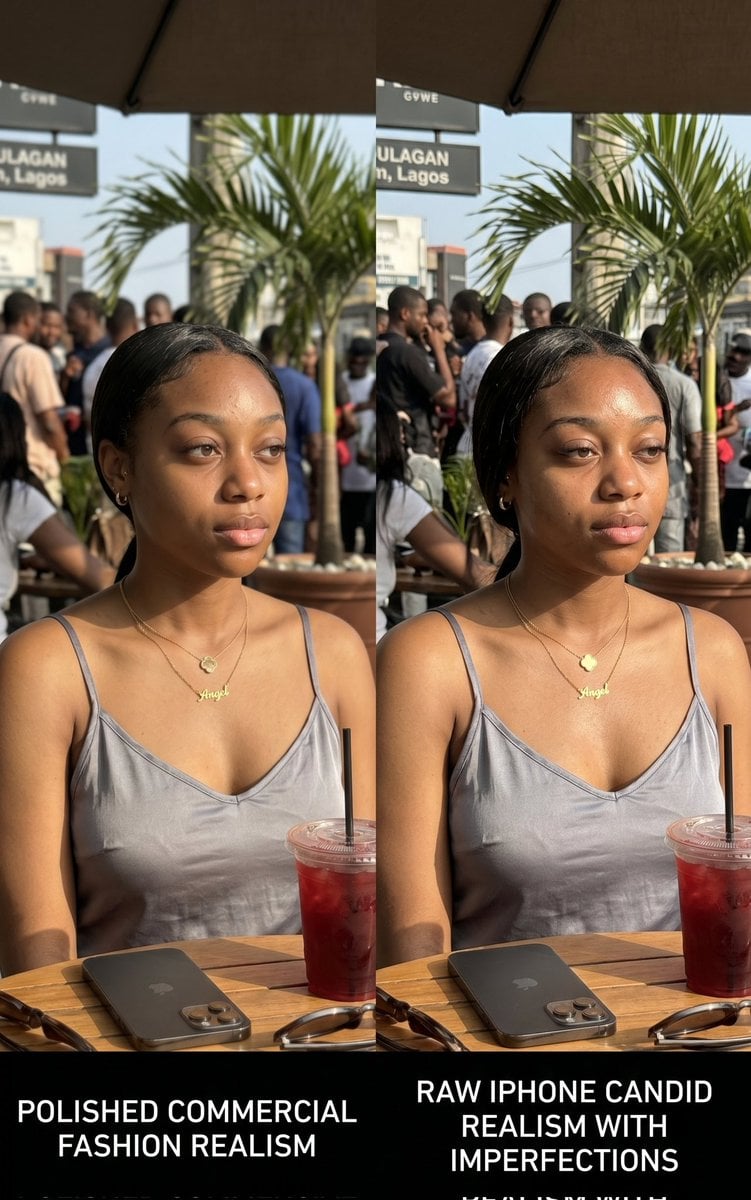
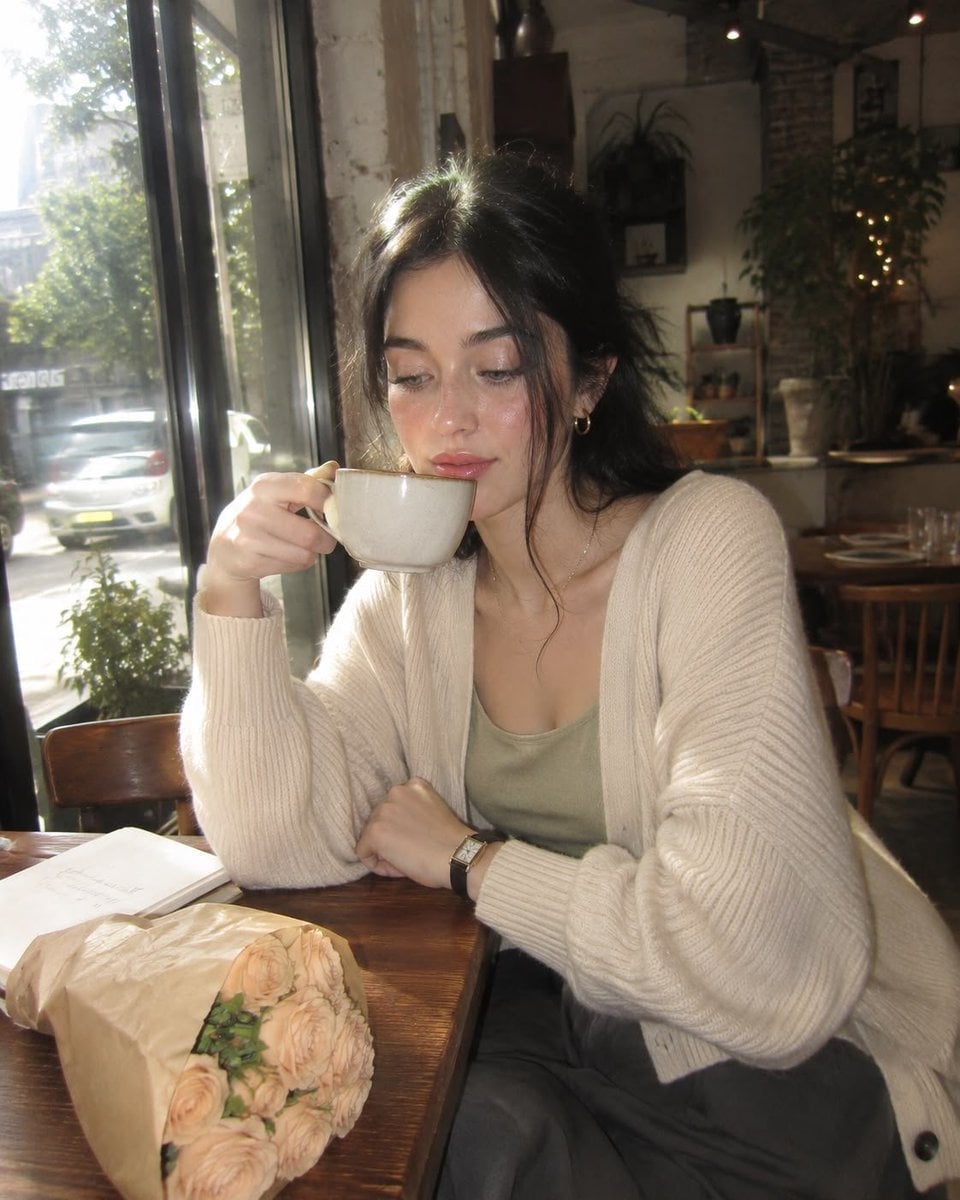
Side-by-side comparative AI-generated visual study showing two variations of the same {argument name="subject" default="African woman"} in {argument name="location" default="Lagos café environment"}. Both images simulate different generation styles: one highly polished commercial fashion realism, the other raw iPhone candid realism with imperfections. Subject wears {argument name="outfit" default="elegant neutral dress"}, gold jewelry, seated at outdoor restaurant table. Include iced drink, phone, sunglasses, and subtle background crowd blur. Lighting is bright afternoon sunlight with realistic exposure variation between both images. Skin detail must include pores, natural texture, slight blemishes, sweat shine. Composition intentionally tests realism perception for educational purposes in AI content creation. Designed to demonstrate prompt control differences, not character storytelling.
Choose the primary action to open PicX Studio with the available template settings. Review the model and format, personalize the creative direction, and generate when ready.
Yes. You can change the subject, setting, lighting, mood, format, and available model controls before creating your image.
This template is free to open and customize. Generation usage is shown in PicX Studio before you create.
Start with Nano Banana 2, which is the model associated with this template. You can compare another compatible model for a different finish.
Follow a topic to a crawlable collection of related PicX Studio templates.