
Reverb City Movie Poster
A professional prompt for creating a cinematic movie poster with high fidelity to a reference image, including custom Japanese and English typography.

- Prompt included
- Model and format preset
- Free template
The prompt behind this image
Copy the exact prompt behind Reverb City Movie Poster, or open it in the studio and make it yours.
Create a theatrical movie poster–style visual in a 1:1 square composition, featuring the person in the reference image as the sole protagonist. Faithfully preserve the reference image's facial features, hairstyle, hair color, eye impression, apparent age, body type, clothing impression, and overall atmosphere; do not turn them into a different person — depict them as the same person. Assume there is only a single reference image. If the reference image is live-action, finish it like an official key visual for a live-action film. If the reference image is anime or illustration, finish it as a high-quality anime-film or illustrated-film poster while retaining the characteristics of the original art style. If the reference image is a bust-up shot, don't force it into a full-body image — prioritize the facial features, hairstyle, expression, and mood, and use an upper-body-centered poster composition. If the reference image is full-body, keep it as a full-body or three-quarter standing pose, maintaining the body type, silhouette, and clothing balance. Place the person large, in the center of the frame or slightly right of center; if the reference image is full-body, use a full-body or three-quarter dramatic poster composition, and if it's a bust-up, use an upper-body-centered dramatic poster composition. The hair should sway naturally in the wind, giving the sense of motion and tension typical of a movie poster. The expression should be quiet yet have a strong gaze — mysterious, with an inner core of strength. For the clothing, make use of the reference image's colors and silhouette, while adding a sense of luxury and drama suited for a poster. If the reference image has props or accessories, reflect them naturally; if not, don't force them in. Prioritize the person's presence above all, and create a strong gaze and silhouette befitting the lead of a movie poster. The background should be a dark, heavy near-future noir city. Include skyscrapers looming beyond fog and smoke, red embers and light particles, a wet reflective look as if right after rain, and city lights blurring in the distance. The overall palette should be a high-contrast tone based on black, gray, and monochrome, using red as a restrained accent color. Add strong backlighting, rim light that makes the person's silhouette stand out, thin smoke and fog, drifting particles and subtle embers, delicate film grain, deep shadows, and a premium movie-poster texture. Finish it like a grand, premium official theatrical movie poster. Naturally integrate Japanese and English text elements into the poster. Arrange the text in an organized layout like an actual movie poster, and express it in typography that is readable, beautiful, and refined. Do not include any real movie titles, real actor names, real company logos, or real brands. At the top, a small catchphrase: 「街がすべてを忘れても、彼女だけは覚えている。」 In the lower center, a large main title: 「残響都市」 Just below it, a smaller English title: 「ECHO CITY」 Below that, a subcopy: 「沈黙で築かれた街。真実のために生きる、ひとりの女。」 Within this, make only「真実」red text. In the credit line at the bottom, include fictional movie credits: 「監督:黒羽ハンナ|主演:レナ・ノワール|脚本:白石ケイ|製作:NORTHLINE PICTURES」 At the very bottom, include the release information: 「2027年 秋 公開」 Within this, make only「秋」red text. The overall typography should be heavy and cinematic, in a premium theatrical-movie-poster style design. As a square poster, make it a highly polished official key visual where the person, background, and text are well balanced and unified. high fidelity to the reference image, cinematic movie poster, official theatrical key visual, Japanese title typography, premium poster design, strong visual hierarchy, elegant typography, dramatic lighting, professional color grading, emotional and mysterious mood — turning into a different person, changes to facial features, major changes to hairstyle, major changes to hair color, changes to eye shape or color, age change, gender change, body-type change, major alteration of clothing, excessive exposure not present in the reference image, multiple people, duplicated faces, duplicated bodies, broken hands, broken fingers, extra fingers, missing fingers, unnatural poses, blurry face, low resolution, flat lighting, cheap-looking poster design, illegible text, random characters, real logos, watermark, signature, frame, border, overly bright background, an overly pop atmosphere, comical expression, an overly light/frivolous atmosphere
How to use Reverb City Movie Poster in 3 steps
- 1Upload ImagePNG, JPG or paste
Add your photo
Upload the photo the template builds on. The prompt, model and format are already set.
- 2…a portrait of your subject in softgolden-hour light, 85mm…
Personalize
Edit the subject and creative details for your destination.
- 3Generate
Generate
Press Generate — your image is created in PicX Studio, so you can compare it with the original and refine one variable at a time.
More like this
Templates with the same subject, style or setup. Open one to see its prompt.

Japan Neon Speed City Racing Poster

Gpt2 Youtube Thumbnail Wuxia Movie Character Posters

Japan Travel Brochure Poster

Cartoon TV Show Poster Pack

Trendy Cafe Drink Promo Poster

Urban Fashion Editorial Collage Streetwear Poster

Premium Fashion Editorial Cover Layout System

Polo Ralph Lauren Luxury American Heritage Fashion Campaign

Monochrome Halftone Editorial Fashion Poster

Retro Mirror Luxury Fashion Campaign Poster

Luxury Fashion Campaign Typography Poster System

Premium Fashion Editorial Campaign Poster System
Make it yours
Reverb City Movie Poster works as-is. These are the safest ways to change it without losing the look.
Change one field
Copy a single group, rewrite it, and generate again so you can see what that field is doing.
Keep the frame, change the subject
Hold the composition and light of Reverb City Movie Poster, then swap wardrobe, props or the person for a new take.
| If the result… | Why | Fix |
|---|---|---|
| The result drifts from the preview | Too many fields changed at once. | Reuse Reverb City Movie Poster as-is first, then change one group — subject, light, or setting. |
| The model over-stylizes the scene | The prose prompt leaves finish and camera underspecified. | Add one camera or lighting sentence and stay on GPT Image 2. |
More GPT Image 2 templates
Other prompts made for GPT Image 2.

Six VTuber Japanese Logo Sheet

Realistic Portrait of Woman and Deer

The Vista Modular Condo Poster

AI Model Routing Comparison Infographic

2.5D Anime Art Board

Isometric Productivity Desk Scene

New York Double Exposure Poster

Four-Panel AI Landscape Comparison

Japanese Tatami Lifestyle Magazine Cover

NESCAFÉ Coffee Map Poster
More image prompts
Fresh picks from across the catalog.
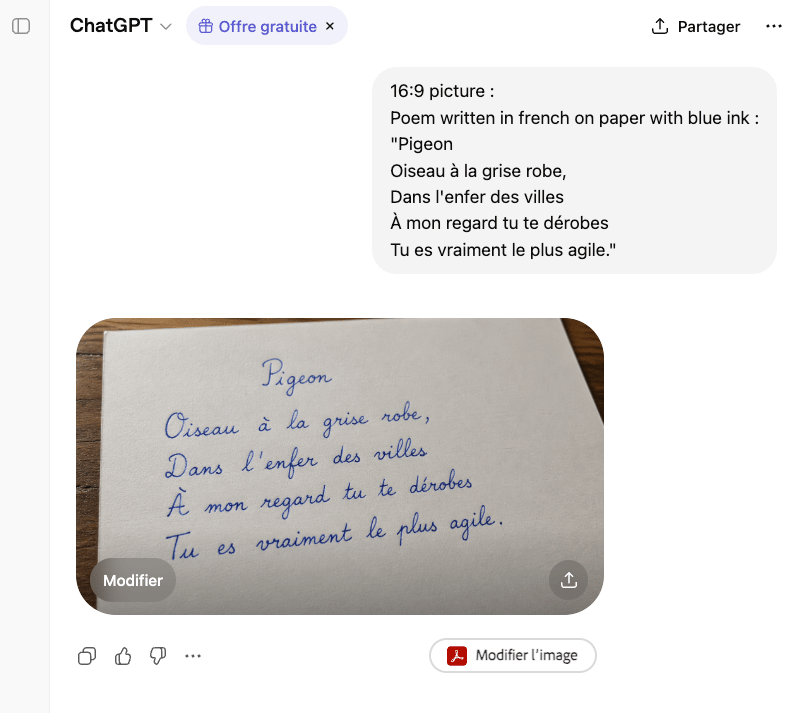
Handwritten French Poem on Paper

Luxury Fashion Editorial Collage on Modern Staircase (Duplicate)
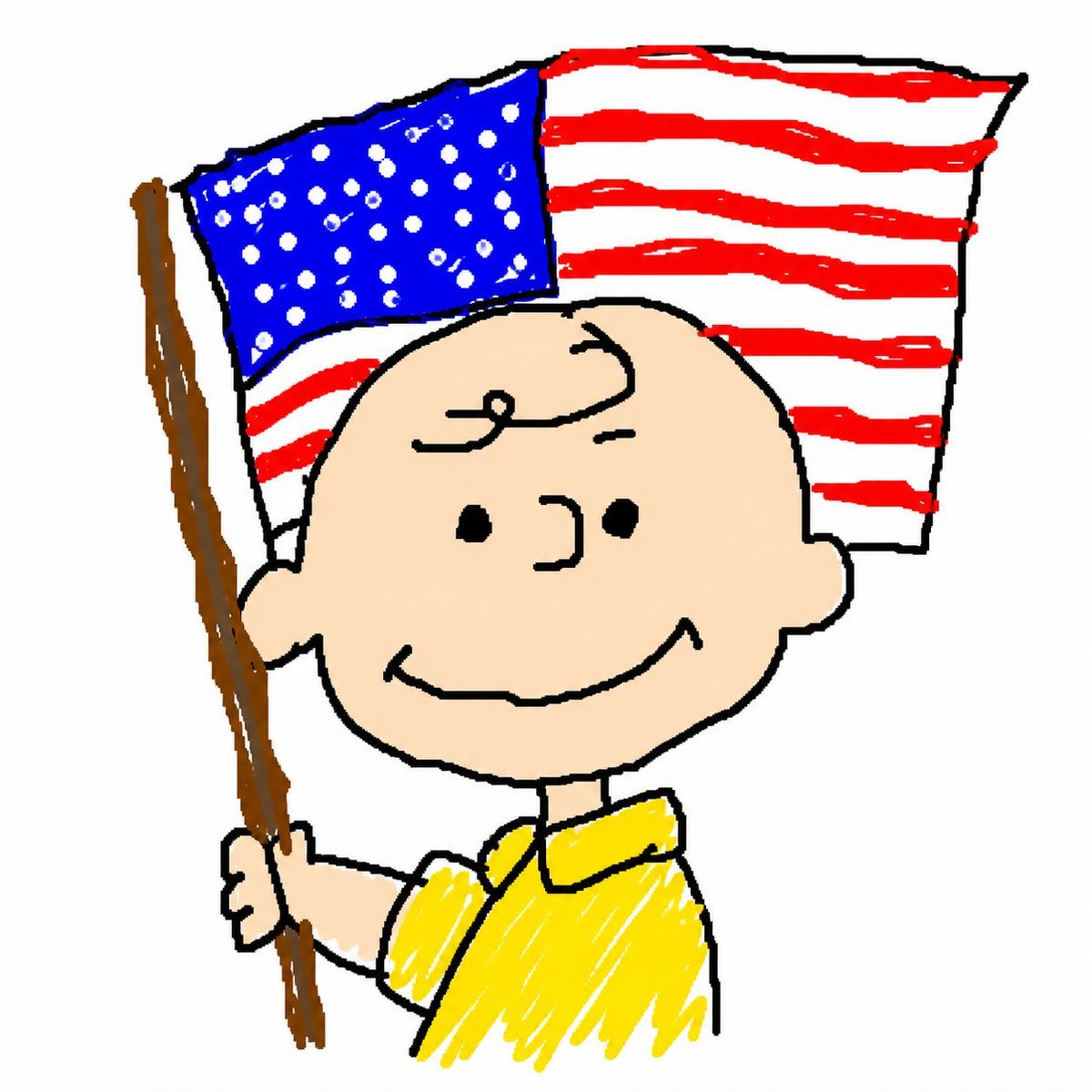
MS Paint Charlie Brown Flag Doodle
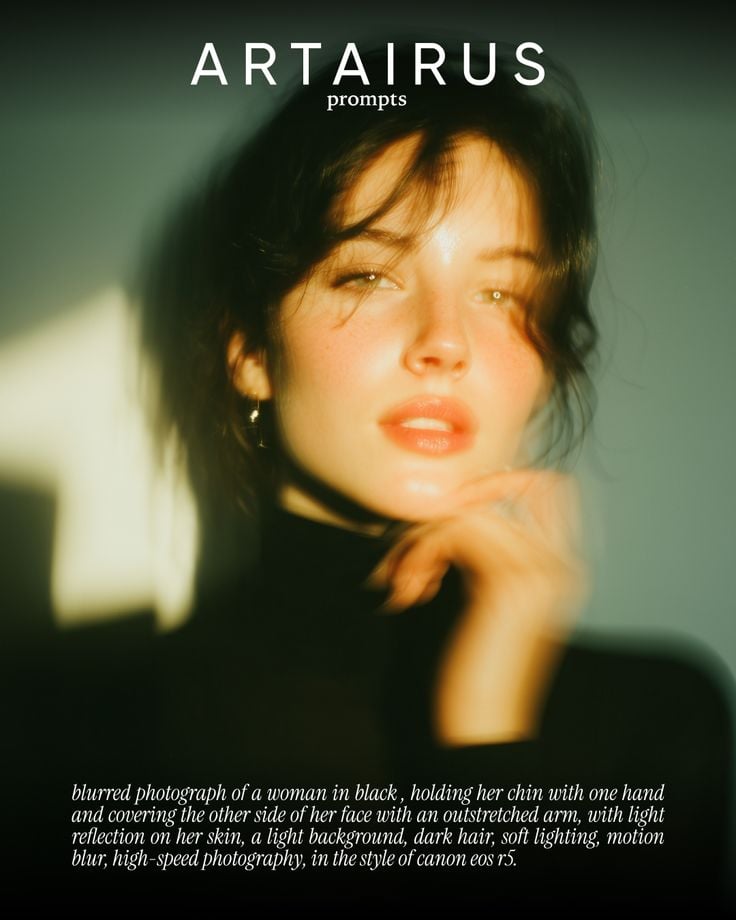
Cinematic Portrait with Soft Golden Light Prompt
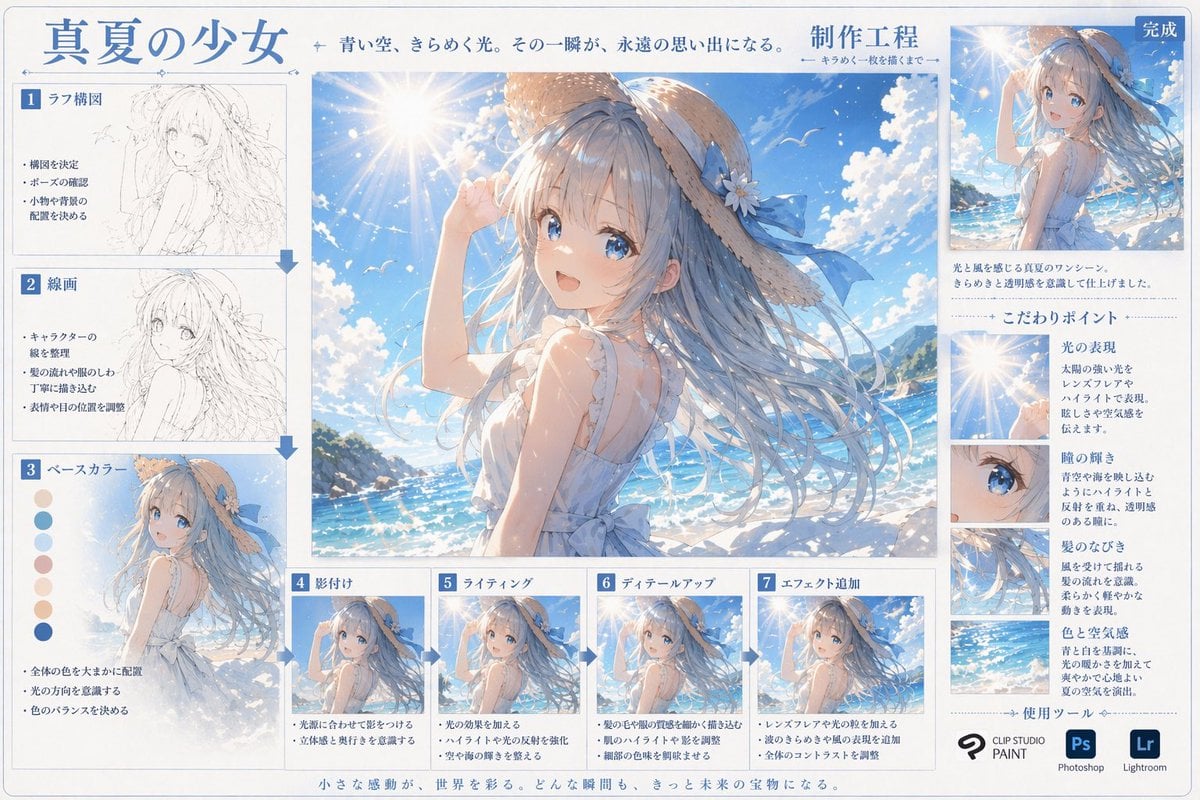
Anime Art Process Infographic
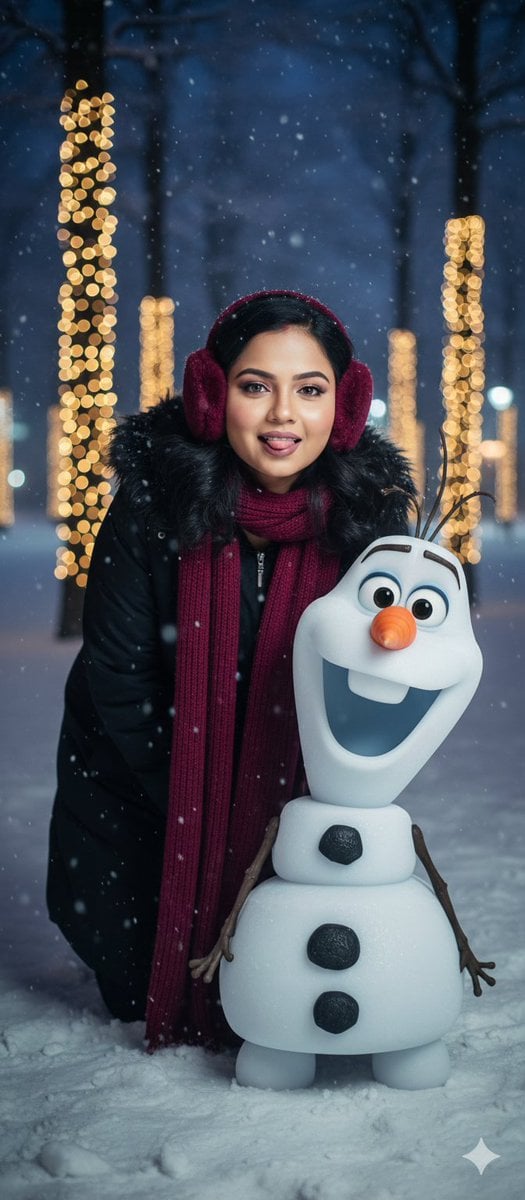
Stunning Winter Photo Prompt for Gemini Nano Banana
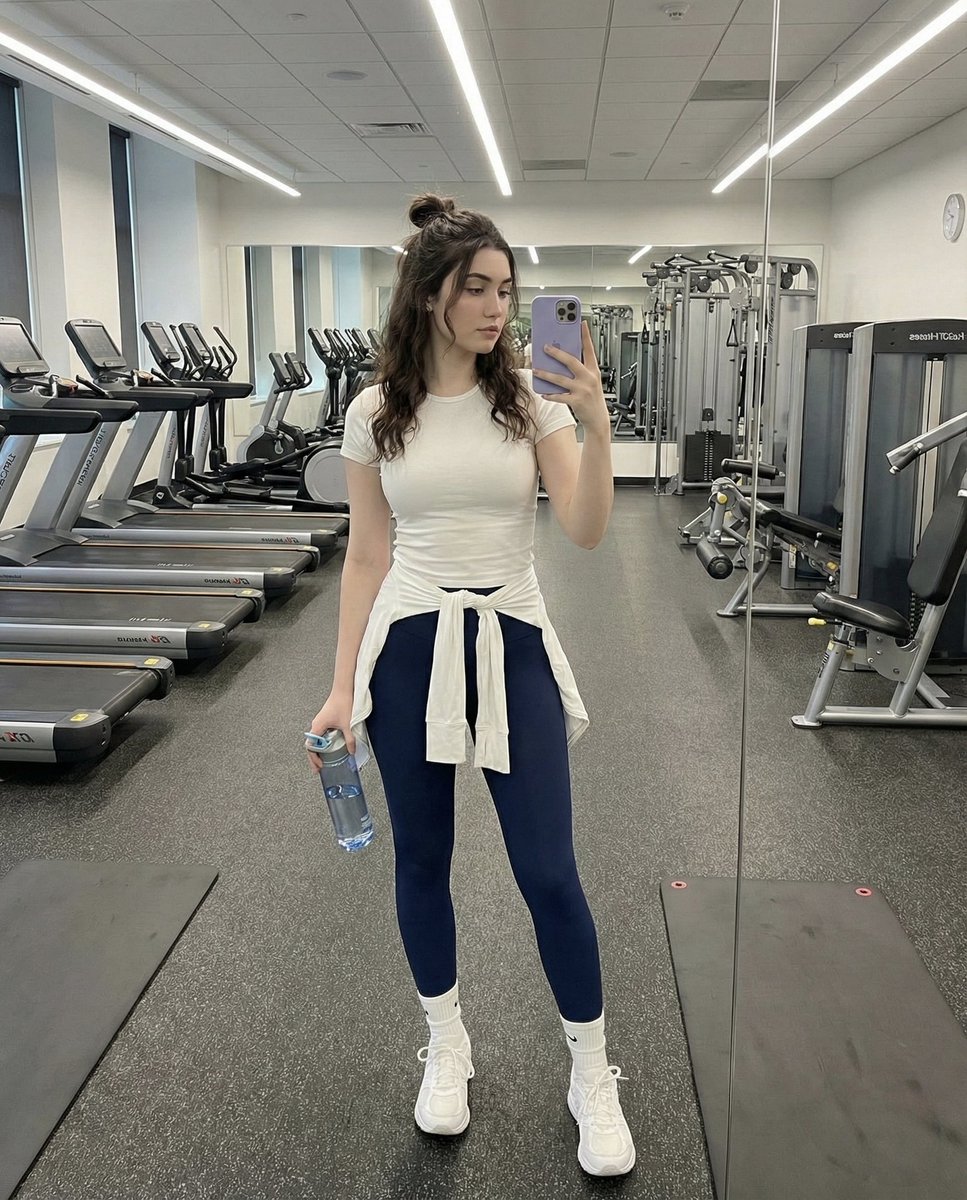
Full-Body Mirror Selfie in a Modern Gym

Hermes and Constellation Fantasy Image
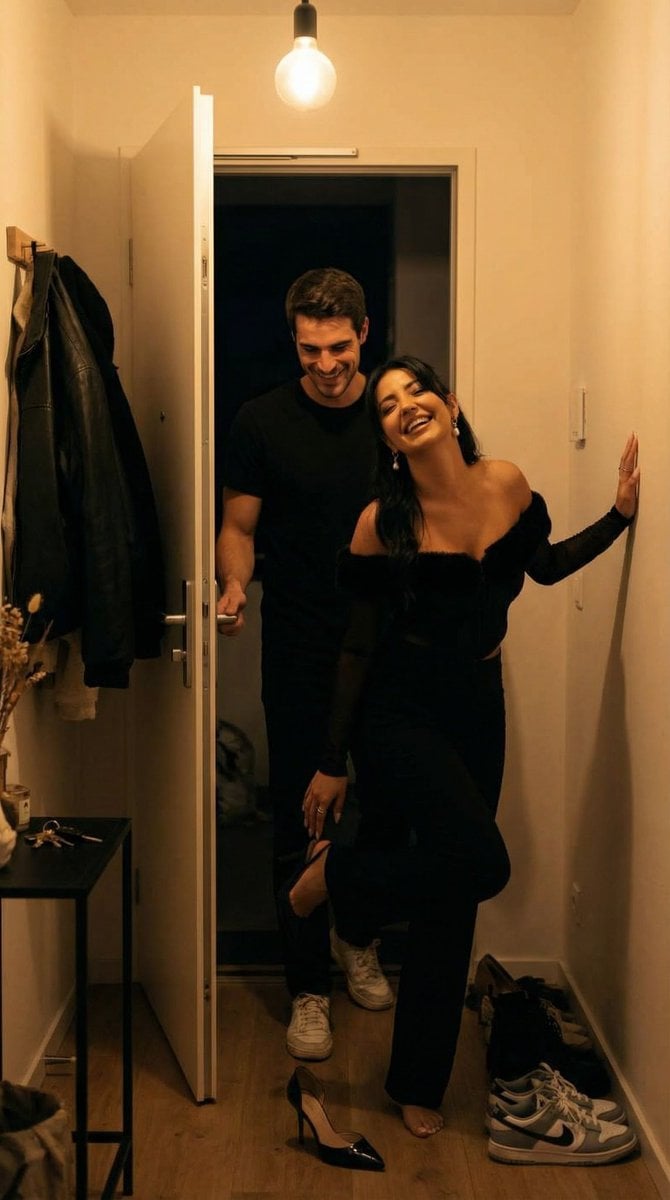
Ultra-Photoreal Candid Home Entry Night Scene Prompt
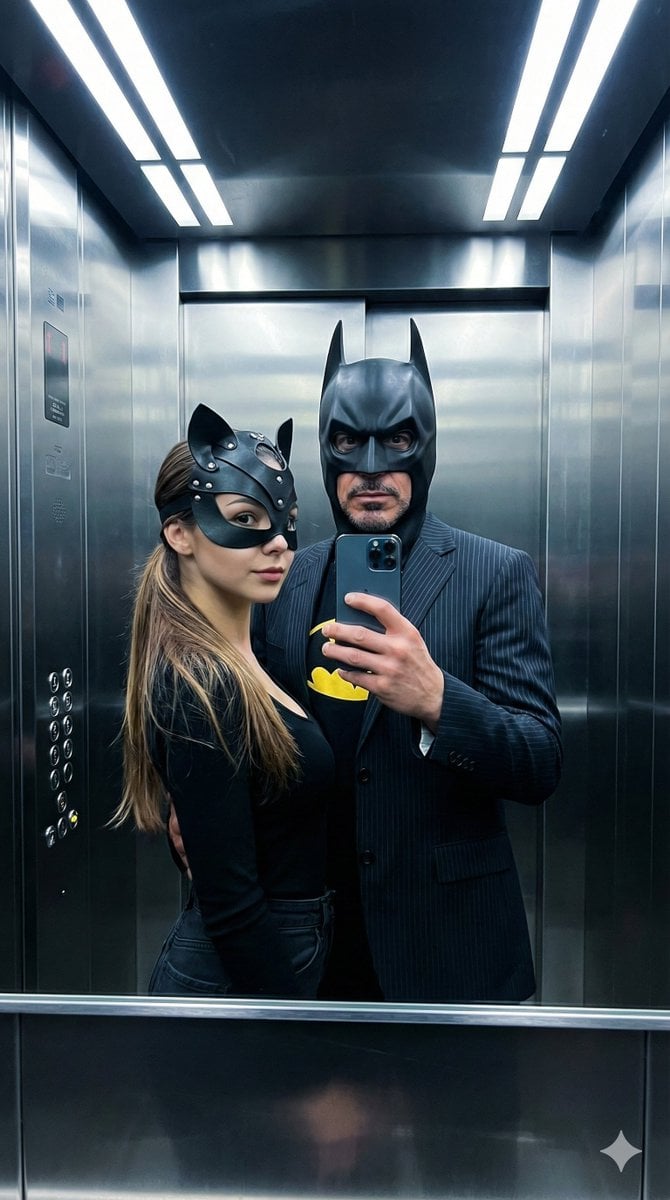
Cinematic Bat/Cat Couple Mirror Selfie with Identity Lock
Browse template categories
Reverb City Movie Poster questions
How do I use the Reverb City Movie Poster template?
Add your photo if the template asks for one, edit the prompt if you like — the template's model and format are already selected — and press Generate. Your version opens in PicX Studio.
Can I customize the Reverb City Movie Poster template?
Yes. You can change the subject, setting, lighting, mood, format, and available model controls before creating your image.
Is the Reverb City Movie Poster template free?
Opening and editing this template is free. Generating uses credits, shown on the Generate button when you are signed in.
Which AI model should I use?
Start with GPT Image 2, which is the model associated with this template. You can compare another compatible model for a different finish.
Looking for something else? Browse all templates.

Your photo, any look
Thousands of ready templates for every top image and video model, from one credit balance.