
Handwritten French Poem on Paper
This prompt generates a realistic close-up photo of a handwritten French poem in blue ink on white paper, suitable for literary or nostalgic stationery-style imagery.
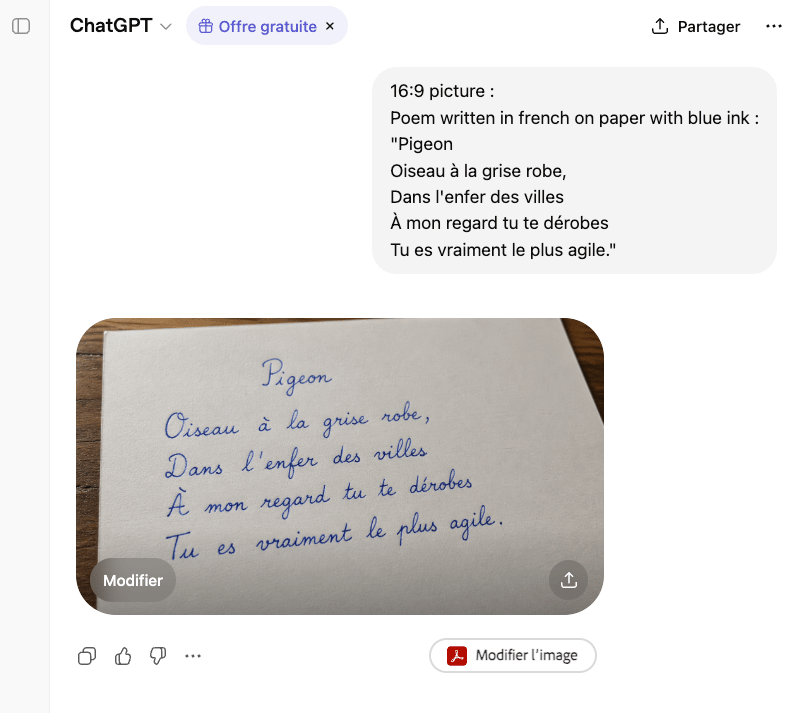
- Prompt included
- Model and format preset
- Premium template
The prompt behind this image
Copy the exact prompt behind Handwritten French Poem on Paper, or open it in the studio and make it yours.
A realistic 16:9 close-up photograph of a sheet of slightly textured white paper resting diagonally on a medium-brown wooden table, viewed from a shallow overhead angle. On the paper, a short French poem is handwritten neatly in elegant cursive with vivid {argument name="ink color" default="blue"} ink. The title at the top center reads {argument name="poem title" default="Pigeon"}. Beneath it are exactly 4 lines of handwriting, centered and evenly spaced: {argument name="poem line 1" default="Oiseau à la grise robe,"}, {argument name="poem line 2" default="Dans l'enfer des villes"}, "À mon regard tu te dérobes", and "Tu es vraiment le plus agile." Keep the handwriting graceful, legible, and natural, like careful fountain-pen calligraphy by hand rather than typography. Soft warm indoor lighting, subtle shadows along the paper edges, visible paper grain, and a simple uncluttered composition focused entirely on the handwritten poem.
How to use Handwritten French Poem on Paper in 3 steps
- 1Upload ImagePNG, JPG or paste
Add your photo
Upload the photo the template builds on. The prompt, model and format are already set.
- 2…a portrait of your subject in softgolden-hour light, 85mm…
Personalize
Edit the subject and creative details for your destination.
- 3Generate
Generate
Press Generate — your image is created in PicX Studio, so you can compare it with the original and refine one variable at a time.
More like this
Templates with the same subject, style or setup. Open one to see its prompt.
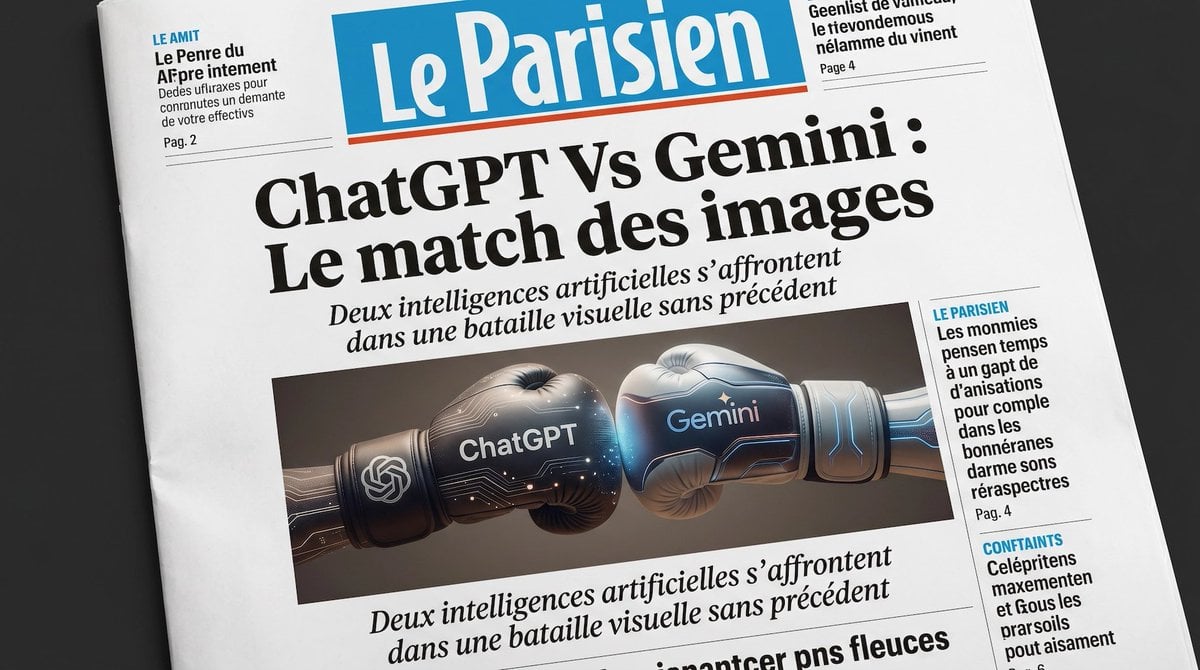
French AI Newspaper Front Page
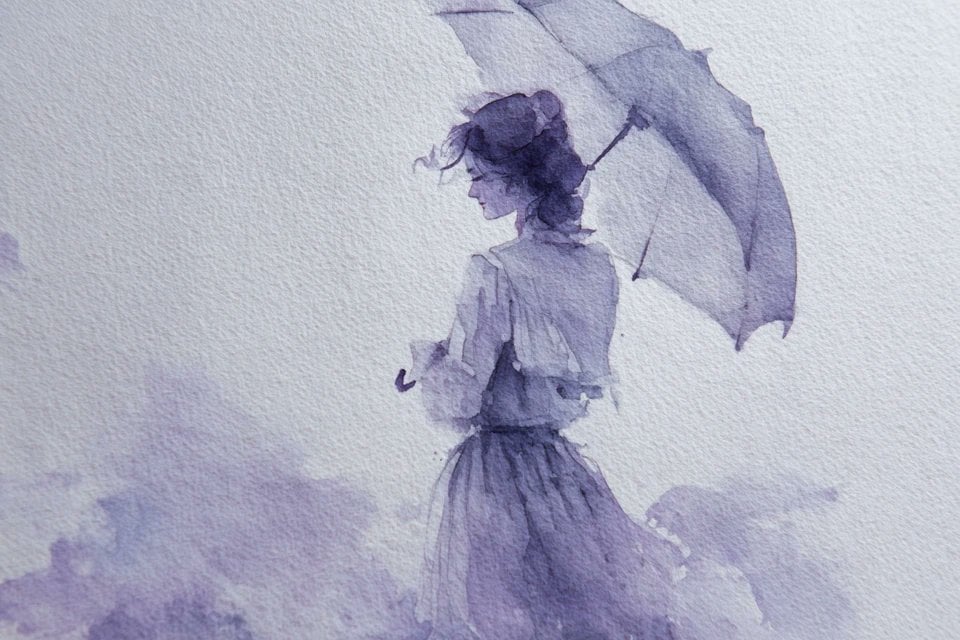
Watercolor Dreamscape — Nano Banana
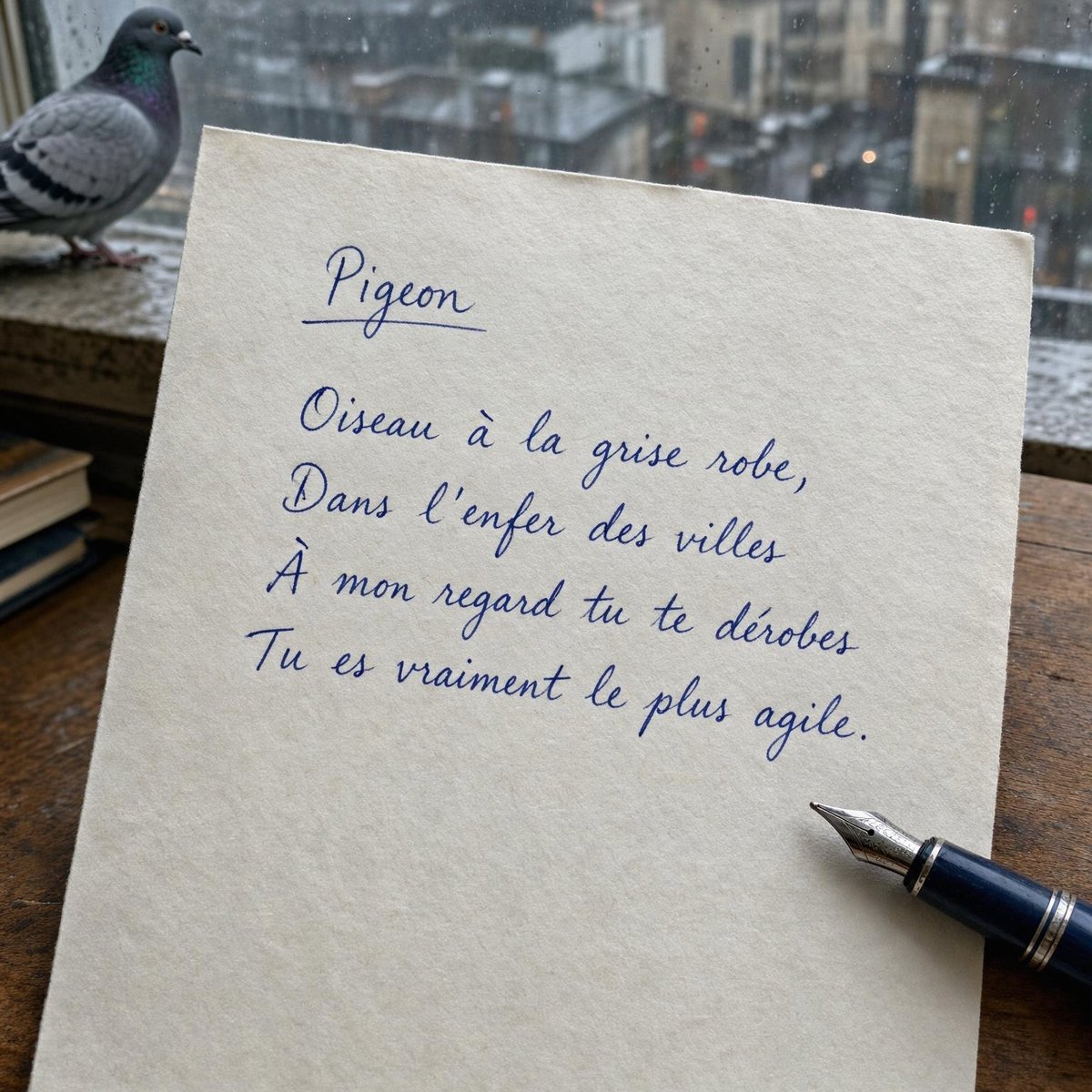
Rainy Window Pigeon Poem

Teal Japanese Handwritten Lyric Card
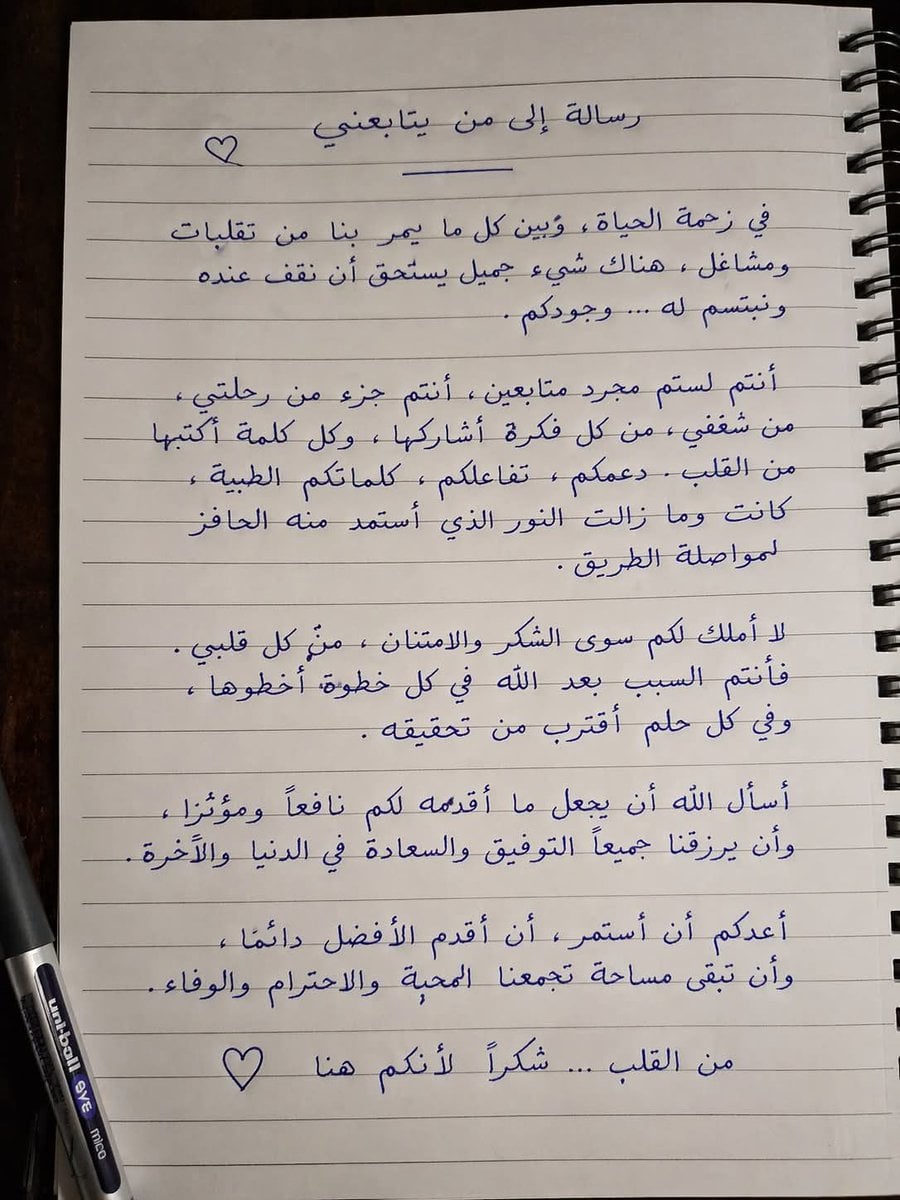
Handwritten Realistic Letter
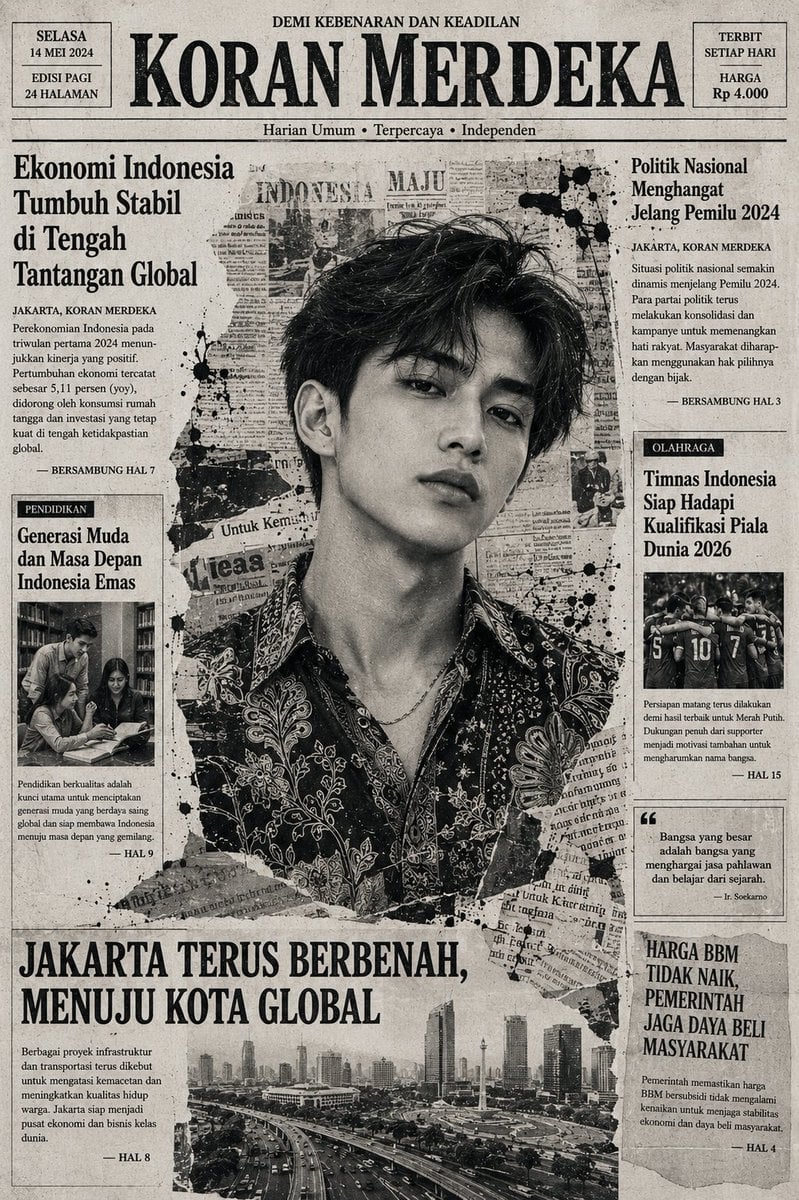
Indonesian Woman Newspaper Collage Portrait
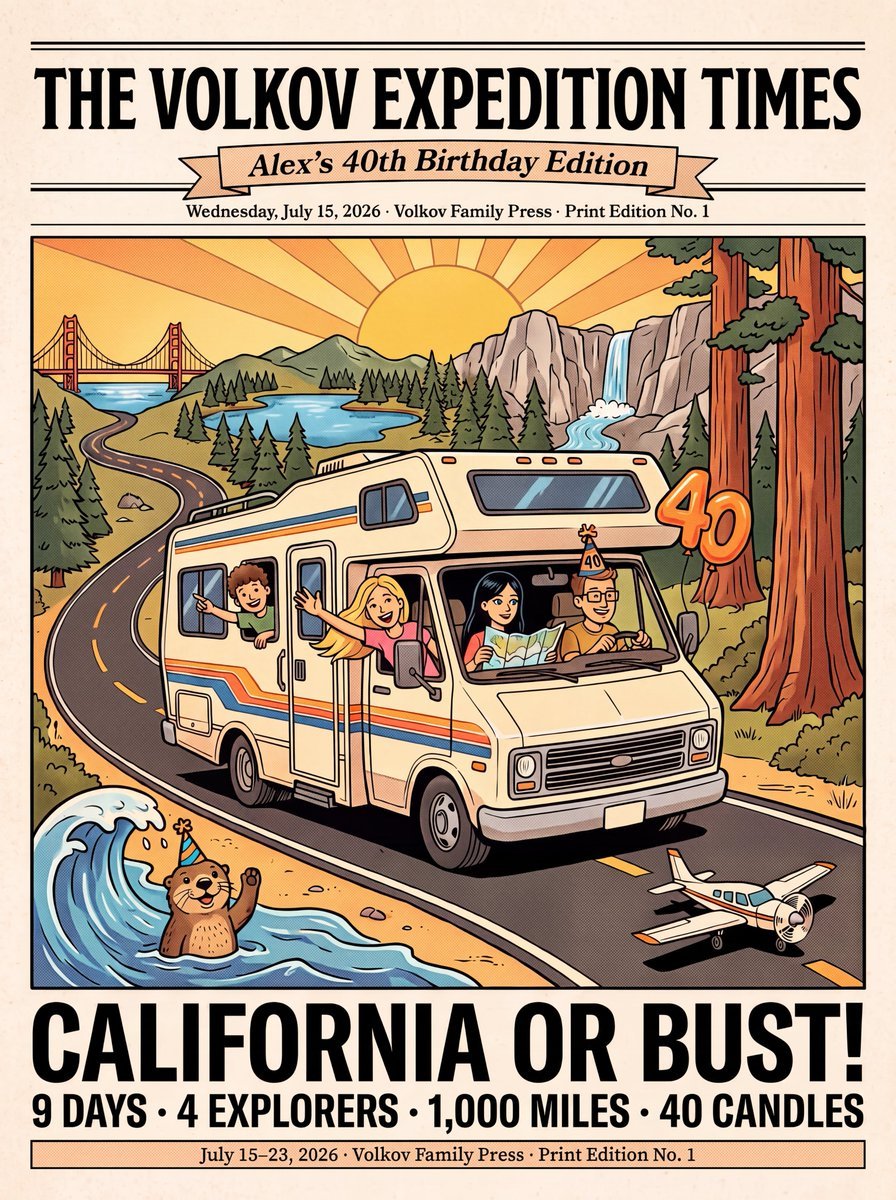
Vintage Family Road Trip Newspaper Poster
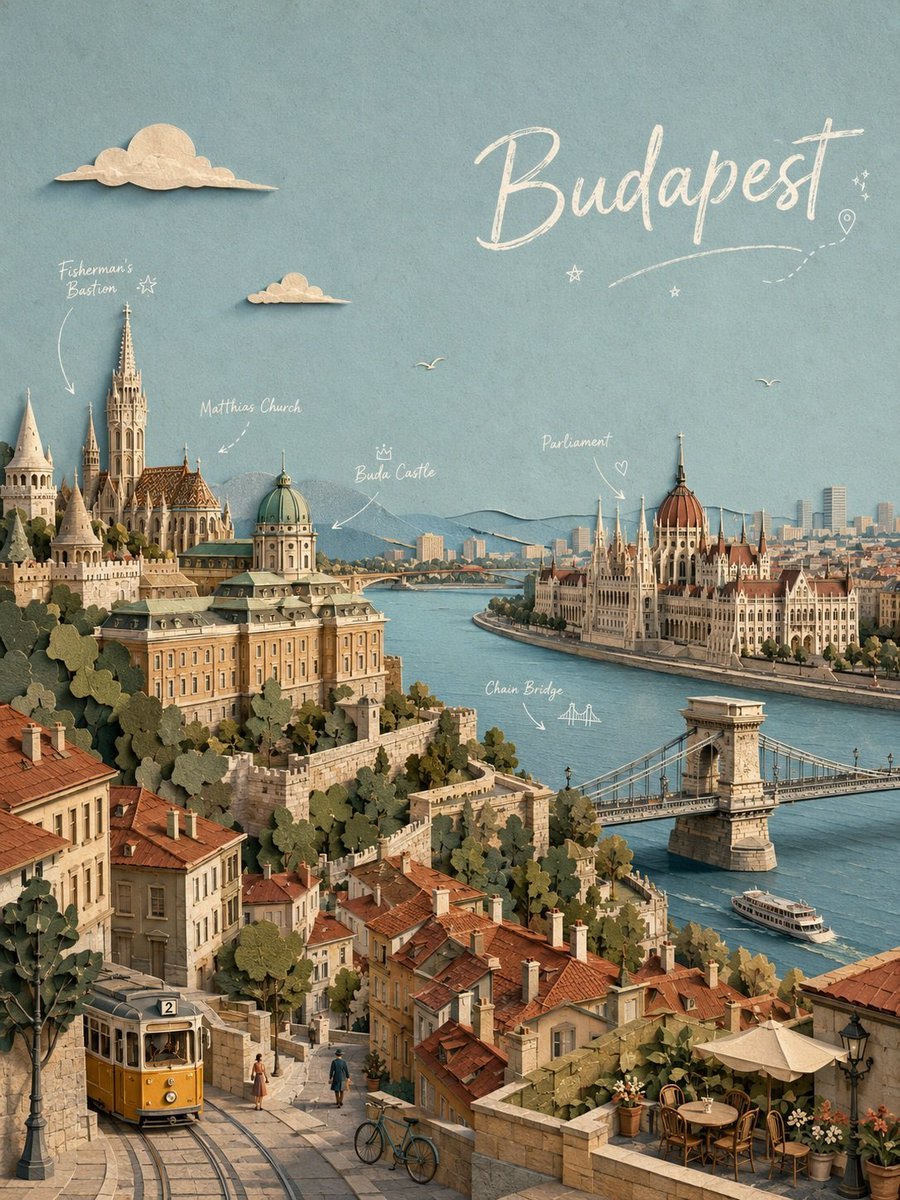
Budapest Paper-Cut Travel Poster
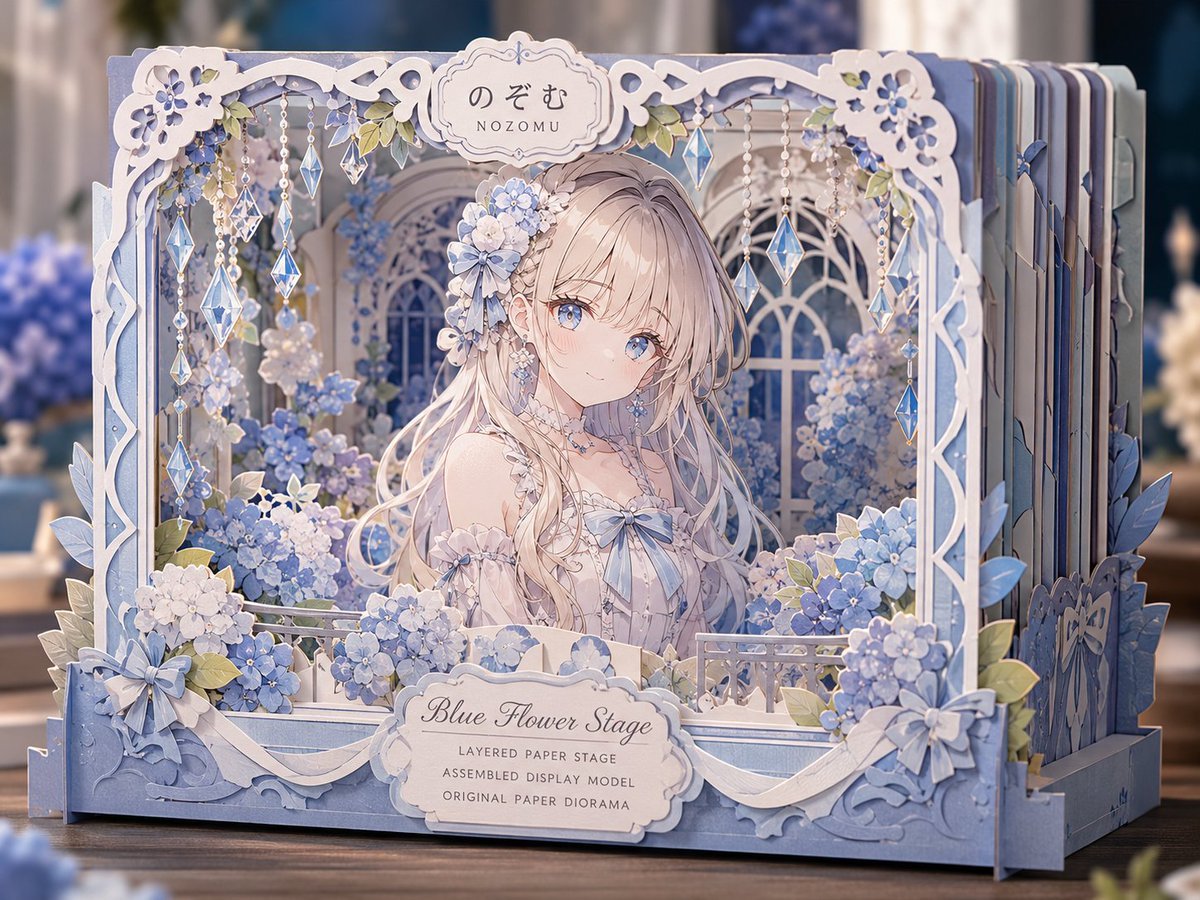
Blue Flower Layered Paper Stage
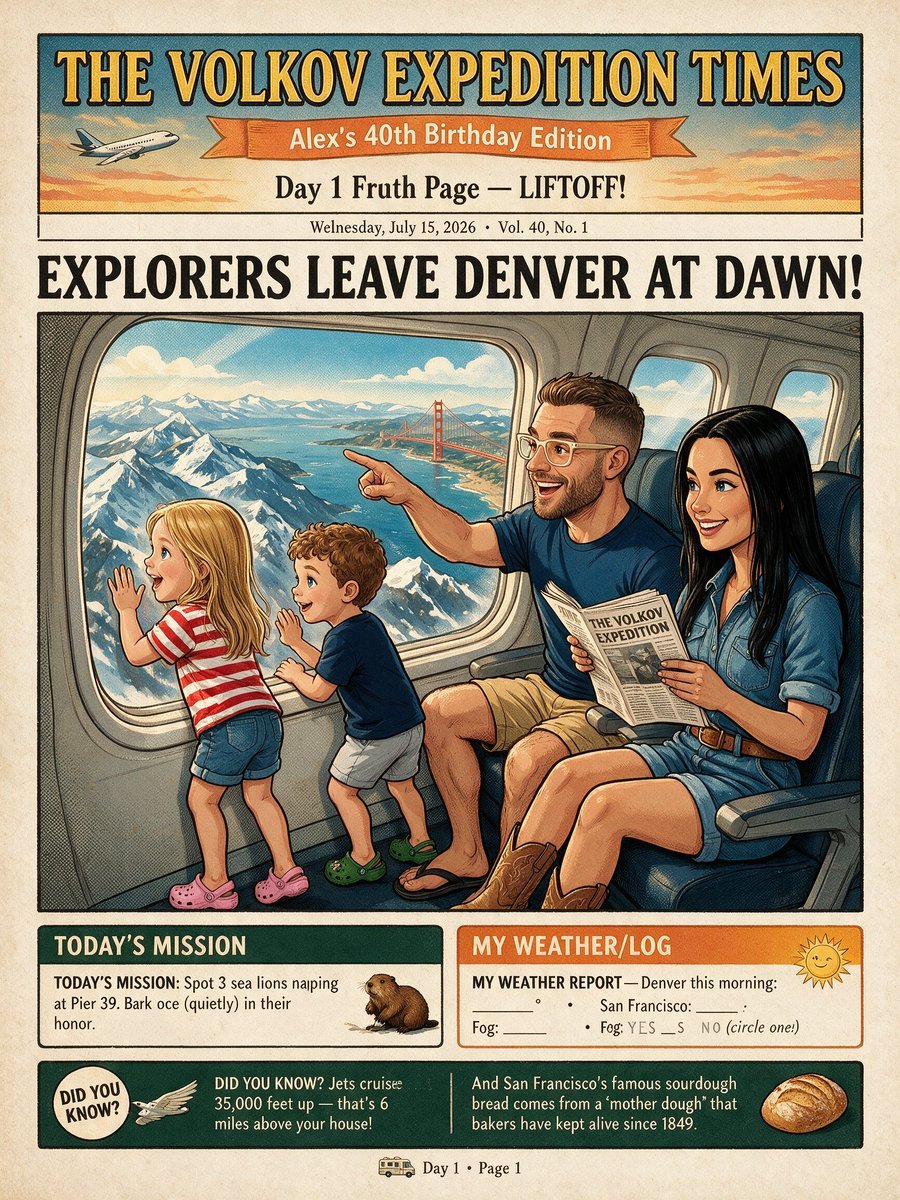
Vintage Family Expedition Newspaper
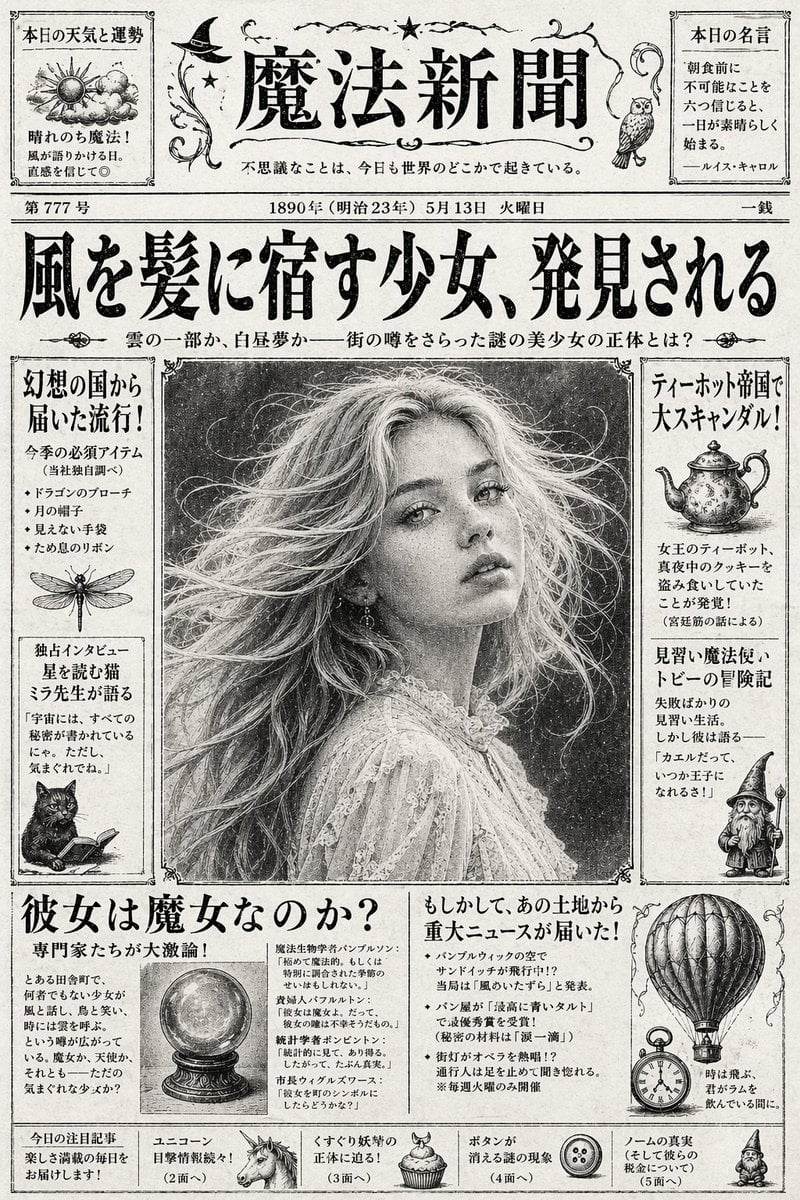
Vintage Japanese Fantasy Magic Newspaper
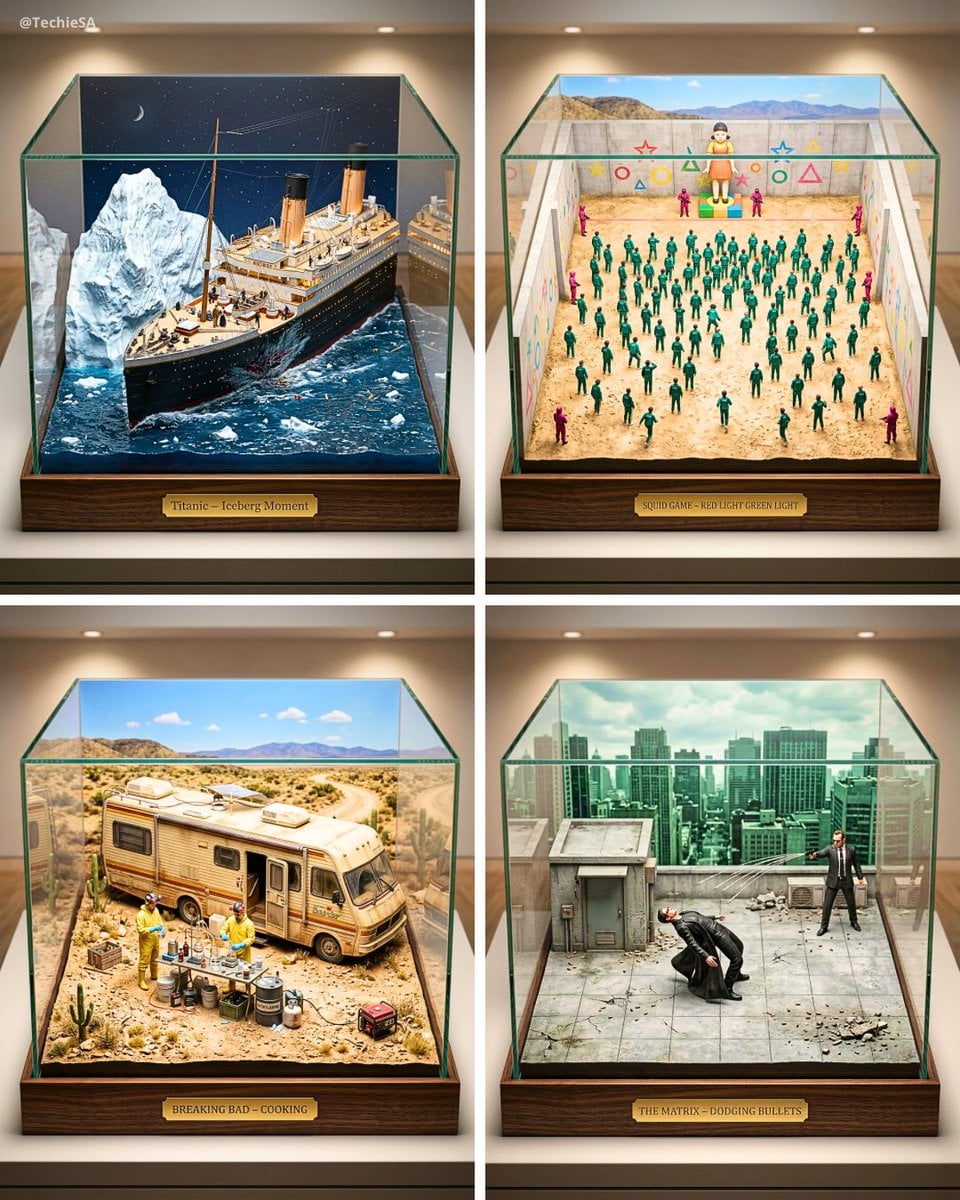
Paper Cut Architectural Section
Make it yours
Handwritten French Poem on Paper works as-is. These are the safest ways to change it without losing the look.
Change one field
Copy a single group, rewrite it, and generate again so you can see what that field is doing.
Keep the frame, change the subject
Hold the composition and light of Handwritten French Poem on Paper, then swap wardrobe, props or the person for a new take.
| If the result… | Why | Fix |
|---|---|---|
| The result drifts from the preview | Too many fields changed at once. | Reuse Handwritten French Poem on Paper as-is first, then change one group — subject, light, or setting. |
| The model over-stylizes the scene | The prose prompt leaves finish and camera underspecified. | Add one camera or lighting sentence and stay on GPT Image 2. |
More GPT Image 2 templates
Other prompts made for GPT Image 2.

Six VTuber Japanese Logo Sheet

Realistic Portrait of Woman and Deer

The Vista Modular Condo Poster

AI Model Routing Comparison Infographic

2.5D Anime Art Board

Isometric Productivity Desk Scene

New York Double Exposure Poster

Four-Panel AI Landscape Comparison

Japanese Tatami Lifestyle Magazine Cover

NESCAFÉ Coffee Map Poster
More image prompts
Fresh picks from across the catalog.
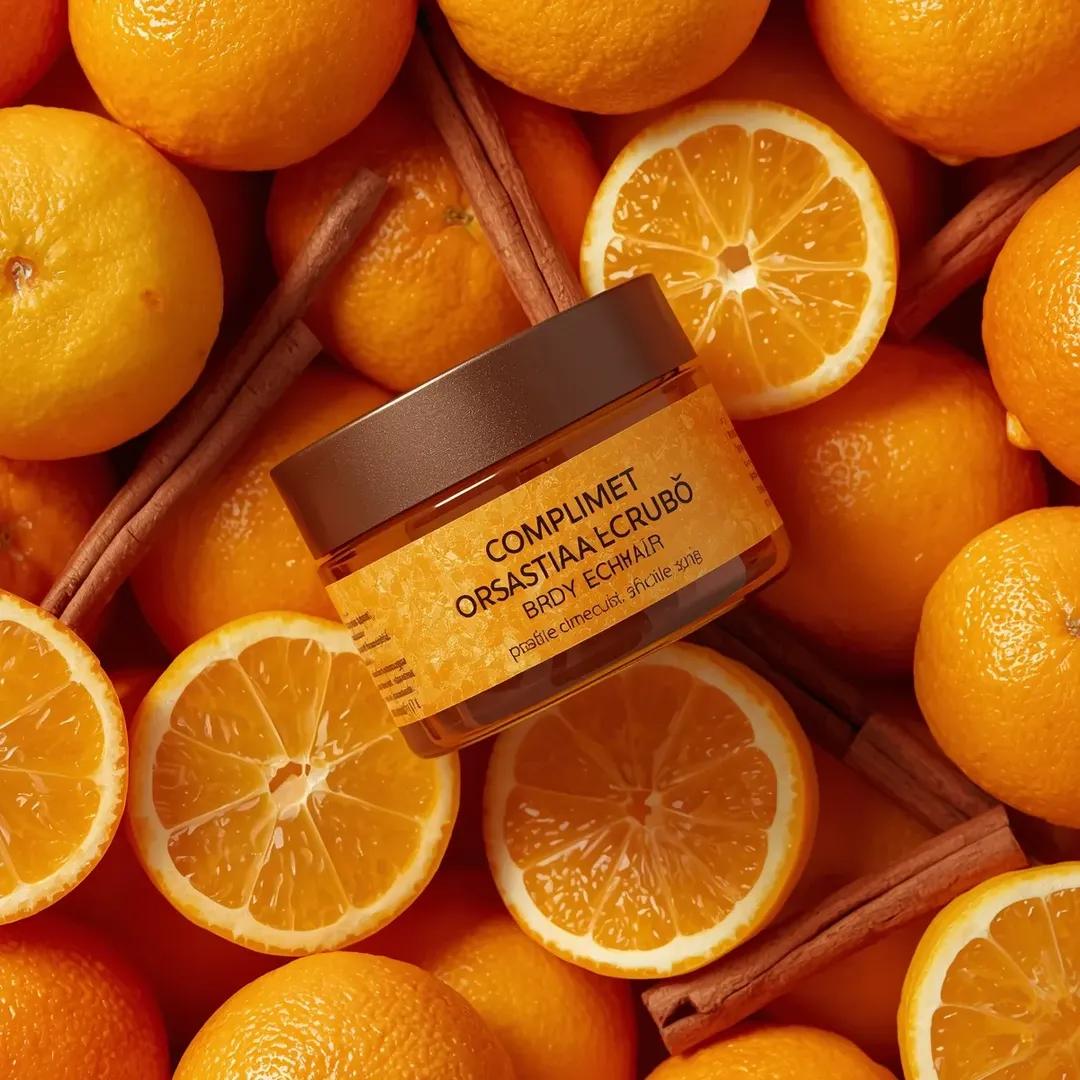
Top-Down Product Zoom Video Prompt
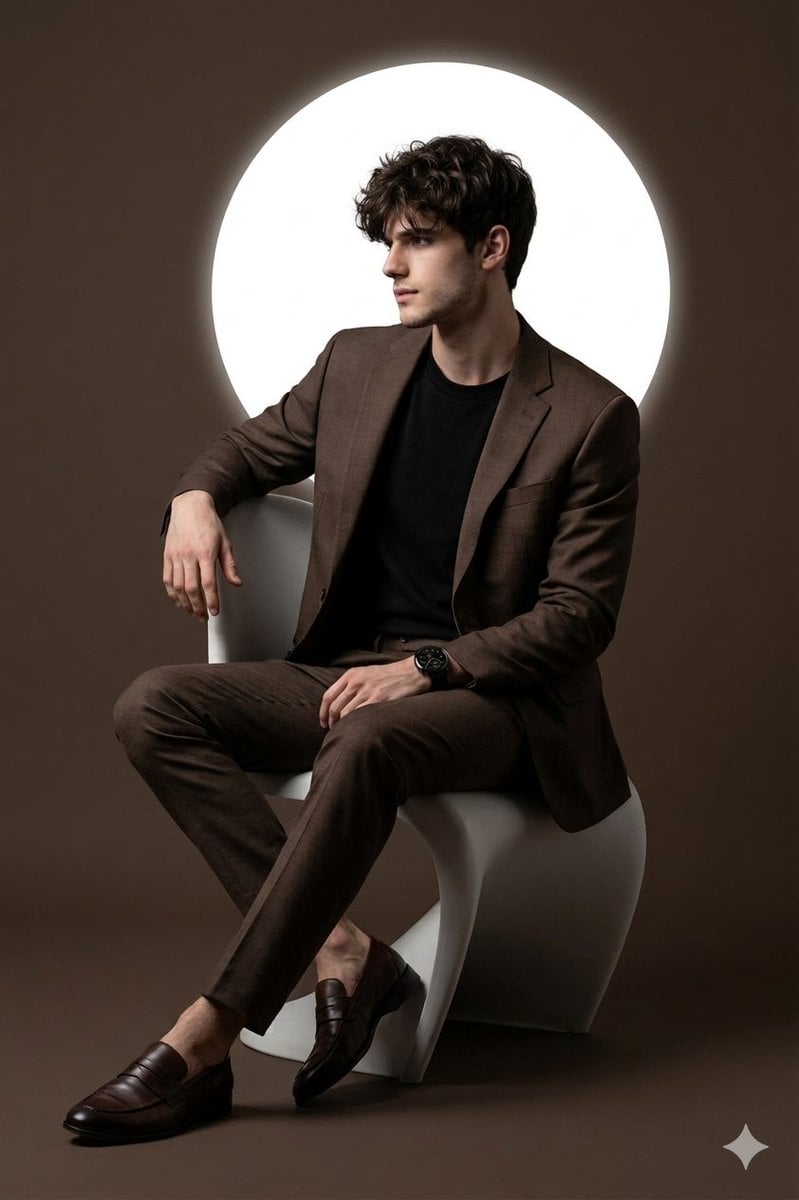
Cinematic Studio Portrait with Reference Photo Consistency
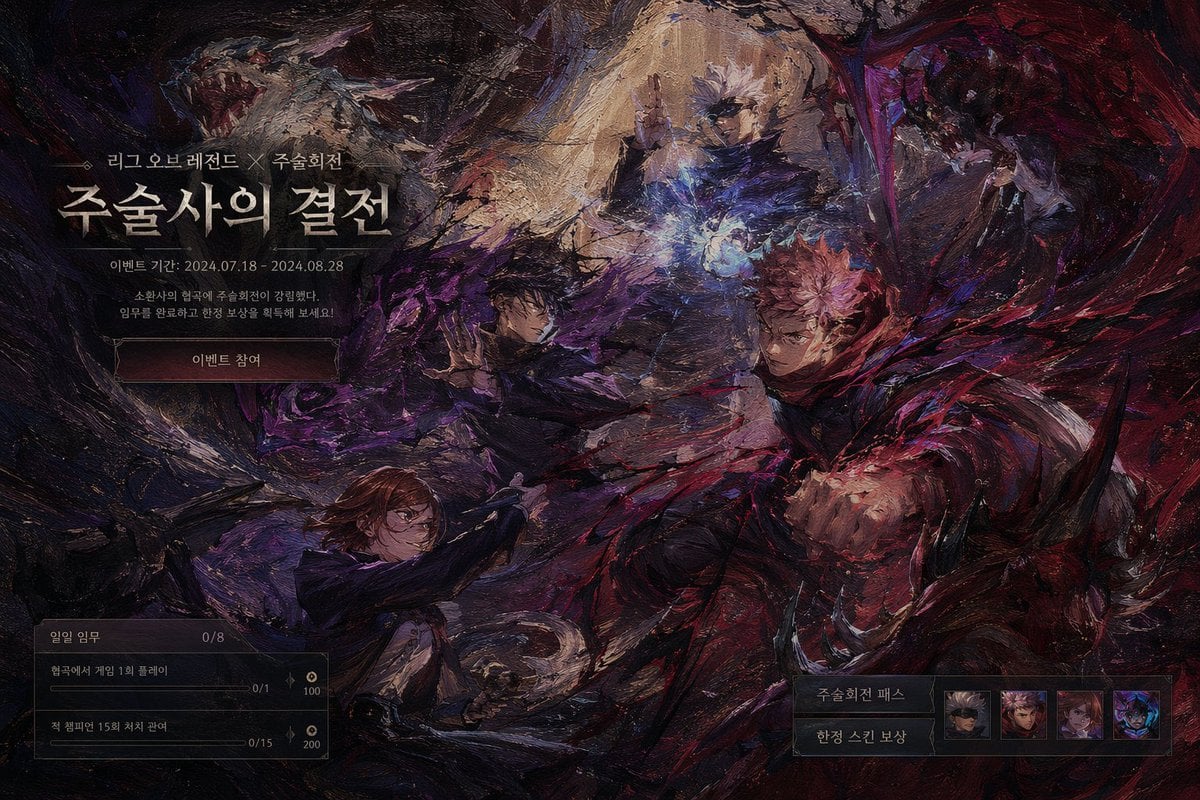
Dark Fantasy Game Event UI Mockup
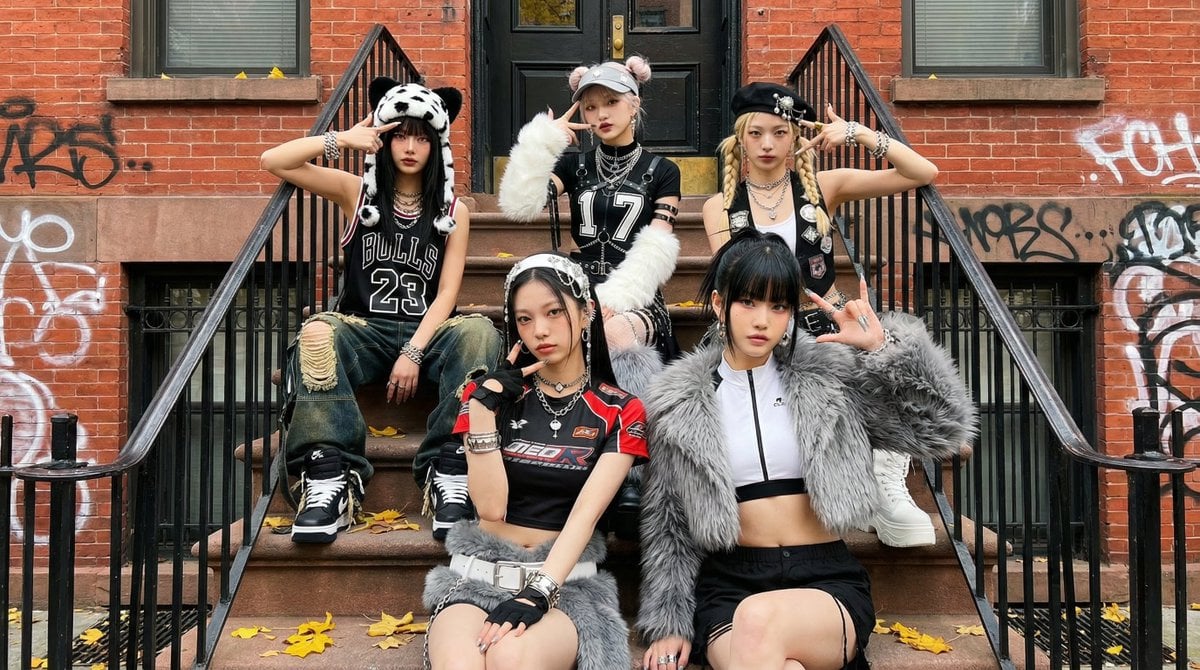
Fictional K-pop Artist Image Generation (Reference Based)
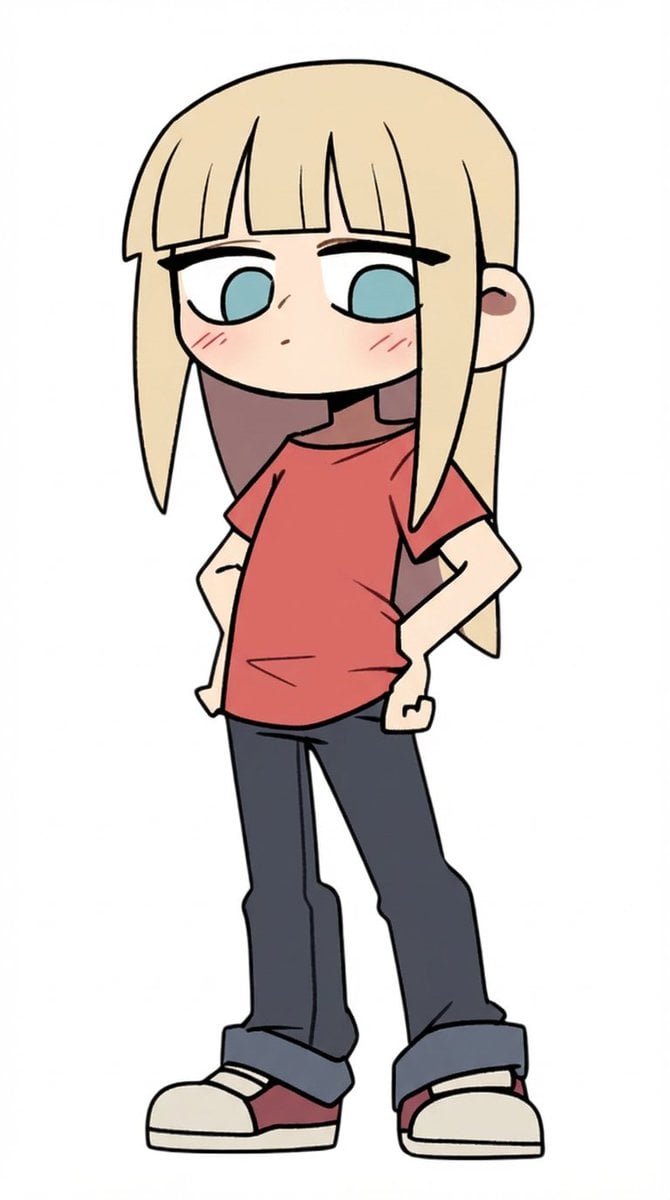
Character Refinement Prompt (Japanese Instructions)
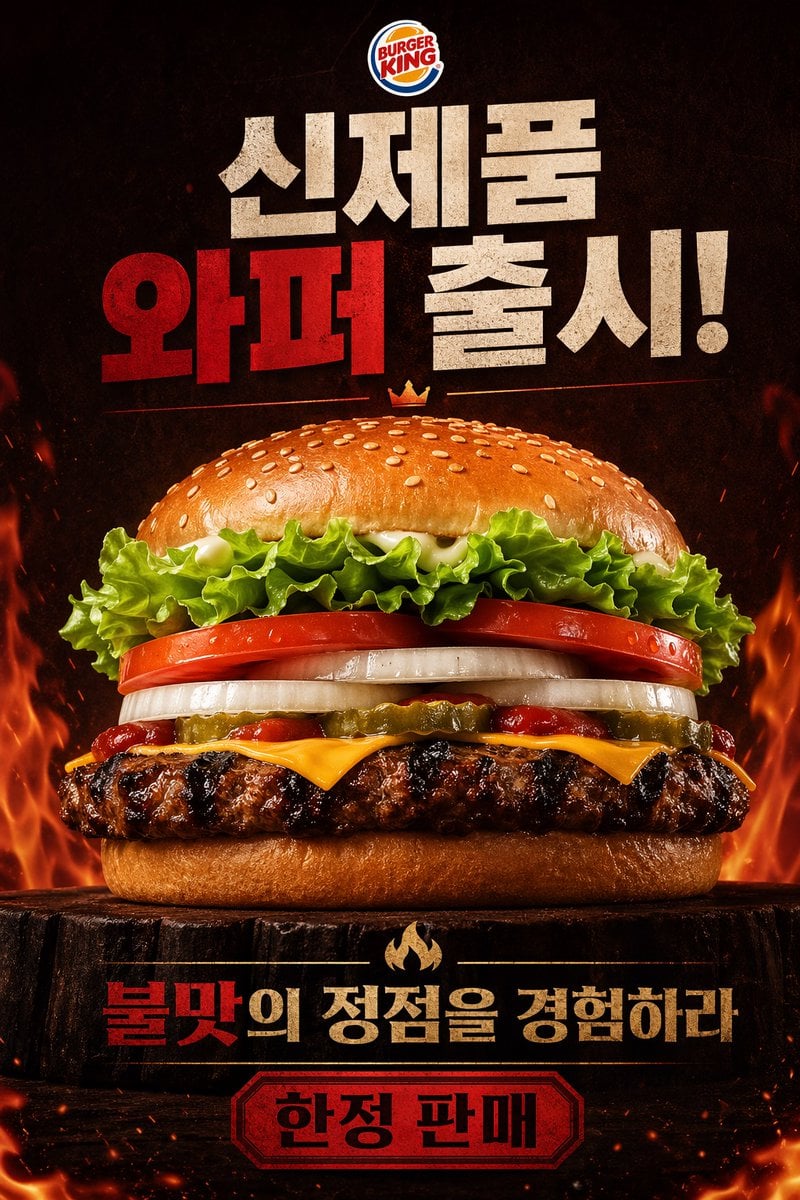
Fiery Burger King Whopper Poster
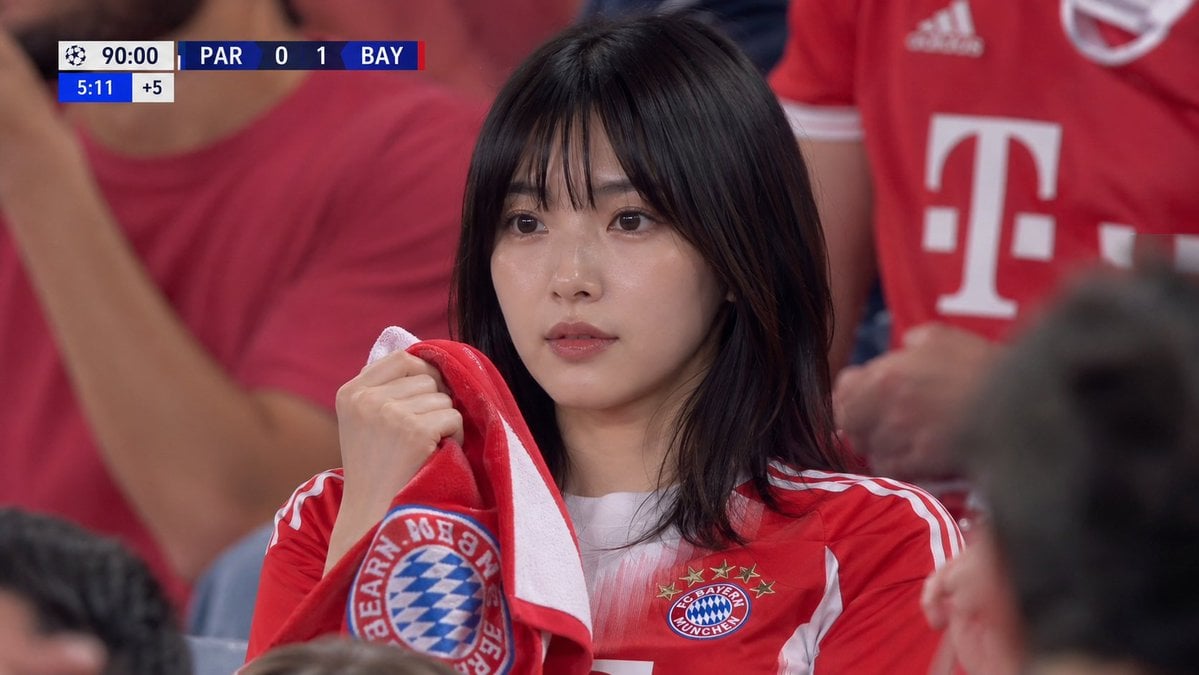
Realistic Soccer Stadium Supporter Portrait
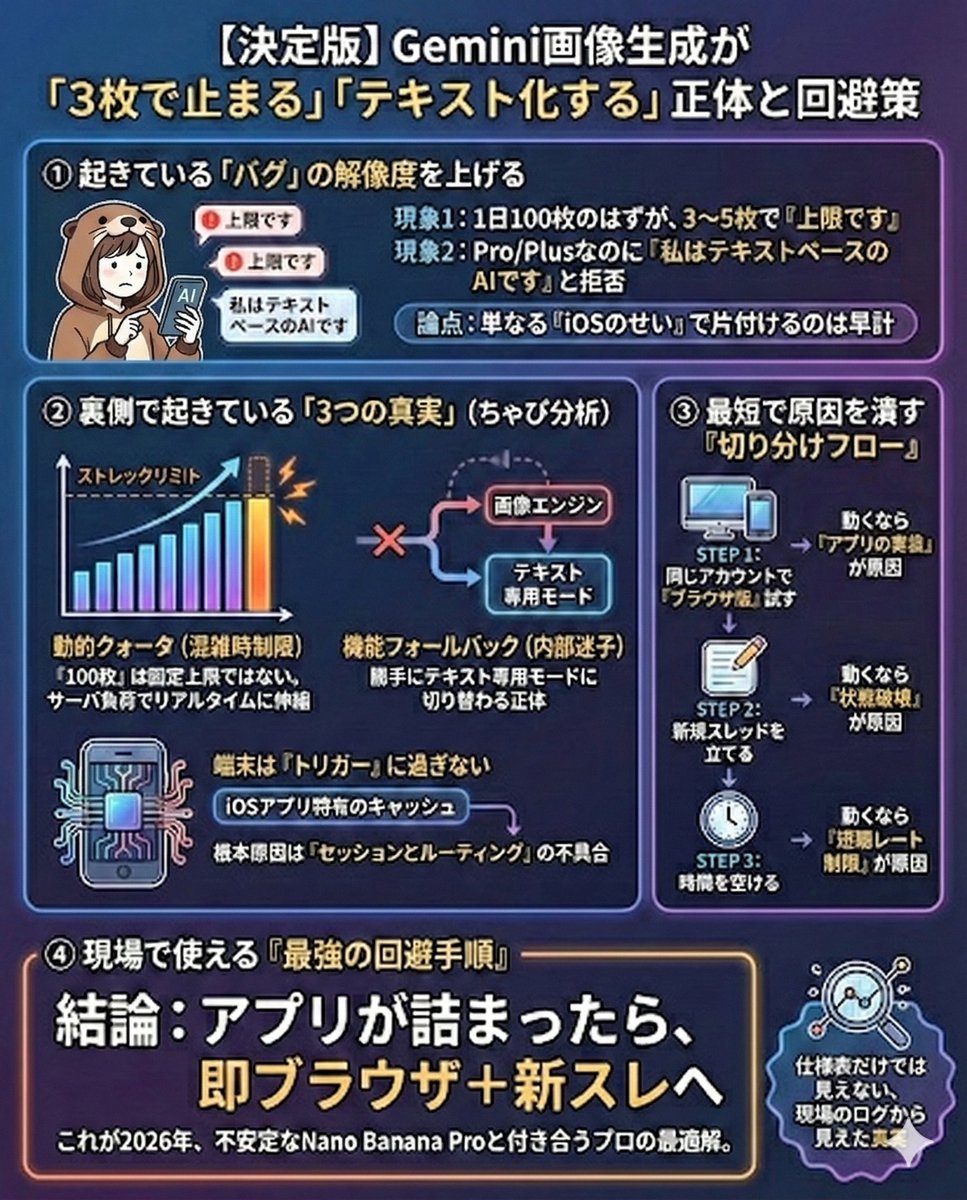
Gemini Model Troubleshooting Prompt
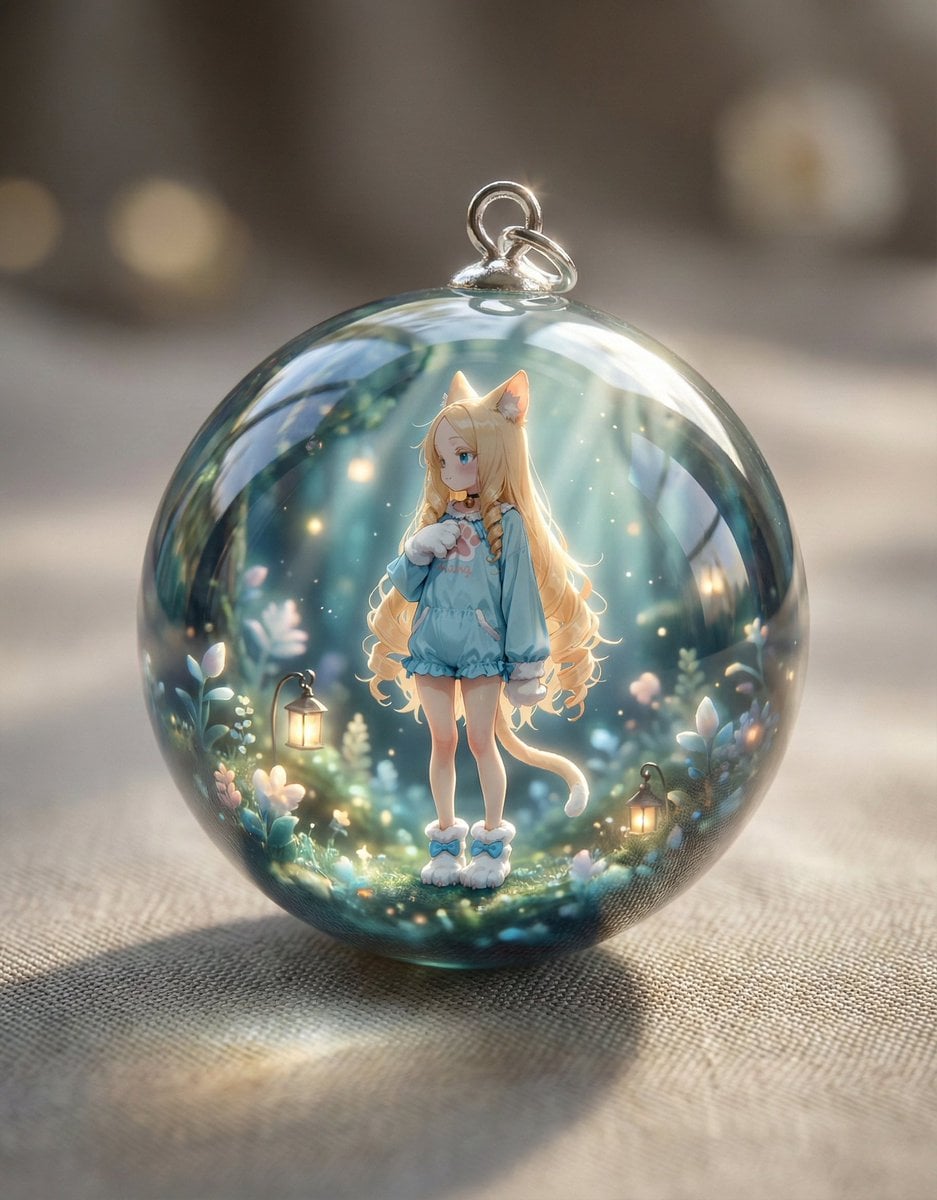
Resin Charm Illustration Prompt
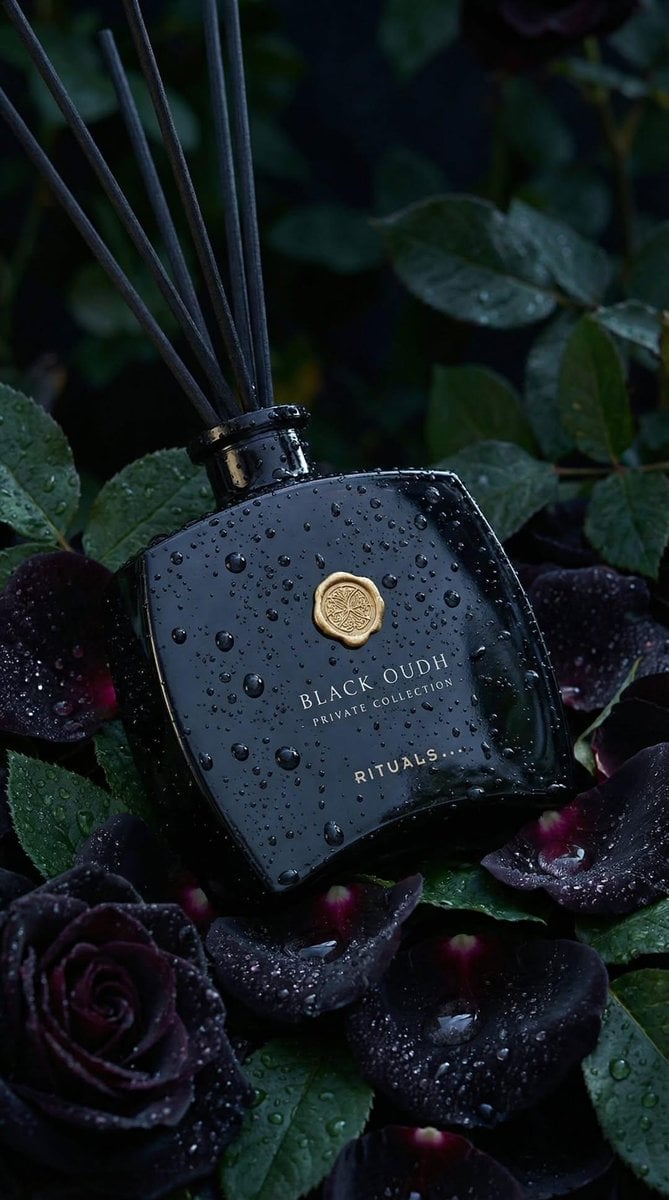
Luxury Product Photography: Black Oudh Diffuser
Browse template categories
Handwritten French Poem on Paper questions
How do I use the Handwritten French Poem on Paper template?
Add your photo if the template asks for one, edit the prompt if you like — the template's model and format are already selected — and press Generate. Your version opens in PicX Studio.
Can I customize the Handwritten French Poem on Paper template?
Yes. You can change the subject, setting, lighting, mood, format, and available model controls before creating your image.
Is the Handwritten French Poem on Paper template free?
Opening and editing this template is free. Generating uses credits, shown on the Generate button when you are signed in.
Which AI model should I use?
Start with GPT Image 2, which is the model associated with this template. You can compare another compatible model for a different finish.
Looking for something else? Browse all templates.

Your photo, any look
Thousands of ready templates for every top image and video model, from one credit balance.