
Rainy Window Pigeon Poem
A realistic still-life photo prompt for generating a handwritten French pigeon poem on textured paper beside a rainy window.
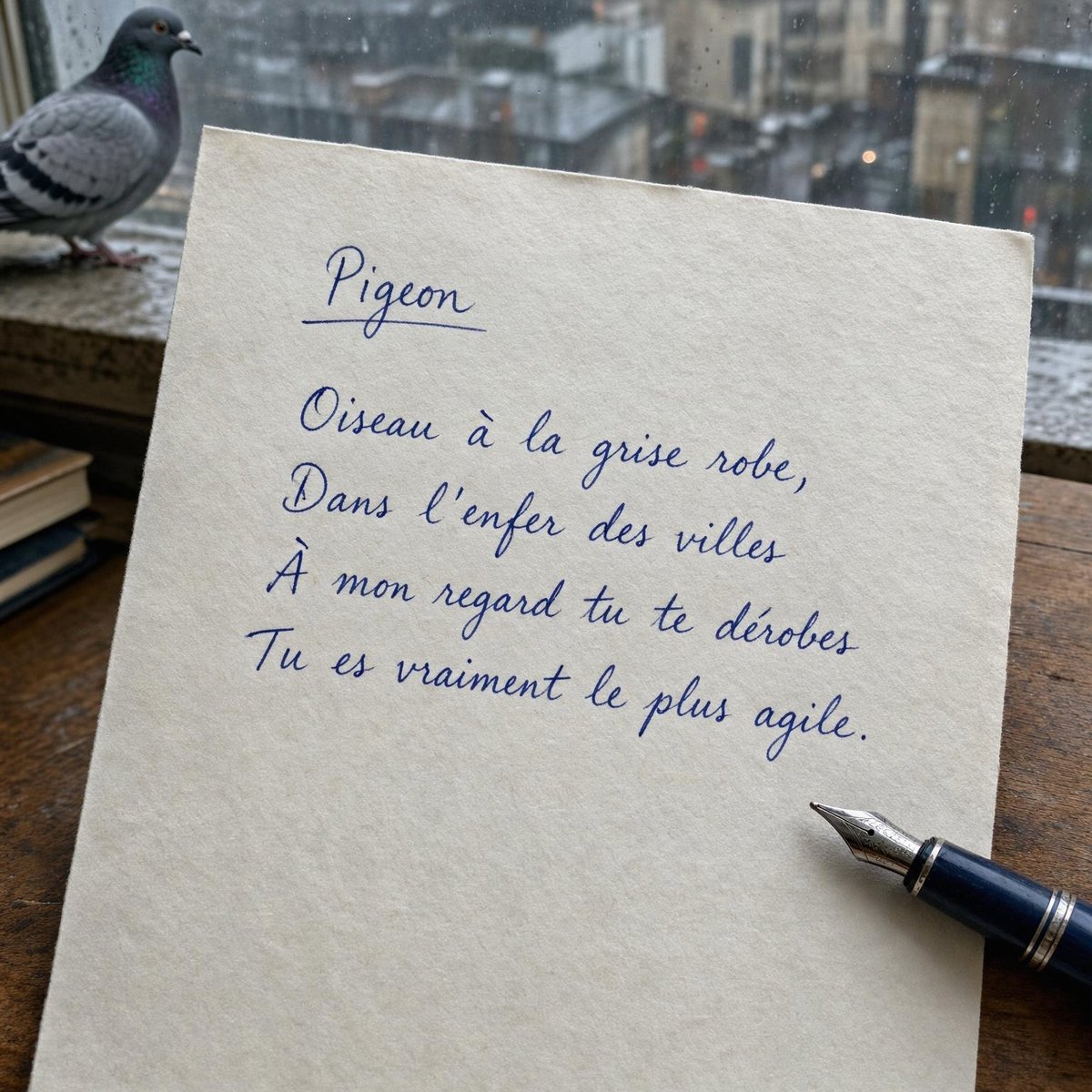
- Prompt included
- Model and format preset
- Free template
The prompt behind this image
Copy the exact prompt behind Rainy Window Pigeon Poem, or open it in the studio and make it yours.
Create a realistic square photo of a handwritten French poem on cream textured paper beside a rainy window. The paper is a slightly tilted sheet of thick ivory stationery lying on a dark wooden desk, filling most of the frame. In the upper left background, a real gray pigeon stands on the wet exterior window ledge, slightly out of focus, with a blurred rainy urban cityscape behind it and raindrops visible on the glass. On the lower right edge of the paper, place a dark blue fountain pen with a silver nib resting diagonally, its nib pointing toward the handwritten text. Use soft natural gray daylight, shallow depth of field, damp melancholic atmosphere, realistic paper fibers, subtle shadows, and documentary smartphone-photo composition. Write the text in elegant blue cursive fountain-pen handwriting, with one underlined title and exactly 4 poem lines. Text content: title {argument name="title text" default="Pigeon"}, underlined; poem lines {argument name="poem text" default="Oiseau à la grise robe,\nDans l’enfer des villes\nÀ mon regard tu te dérobes\nTu es vraiment le plus agile."}. Keep the handwriting legible and natural, centered slightly above the middle of the page, with generous blank space below. Include exactly 3 main physical objects: the handwritten paper, the pigeon, and the fountain pen. No extra printed text, no watermark, no hands.
How to use Rainy Window Pigeon Poem in 3 steps
- 1Upload ImagePNG, JPG or paste
Add your photo
Upload the photo the template builds on. The prompt, model and format are already set.
- 2…a portrait of your subject in softgolden-hour light, 85mm…
Personalize
Edit the subject and creative details for your destination.
- 3Generate
Generate
Press Generate — your image is created in PicX Studio, so you can compare it with the original and refine one variable at a time.
More like this
Templates with the same subject, style or setup. Open one to see its prompt.

Rainy Café Window Moody Portrait
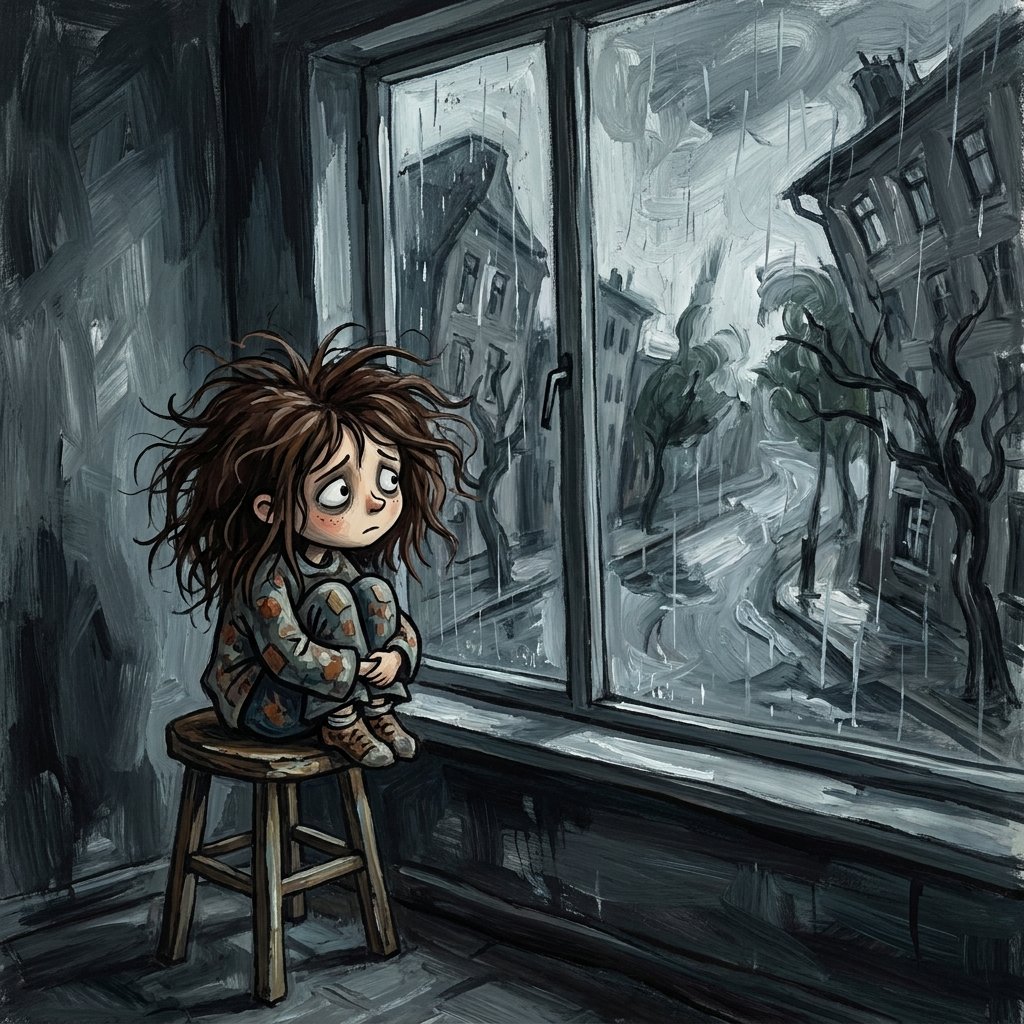
Sad Child by Rainy Window
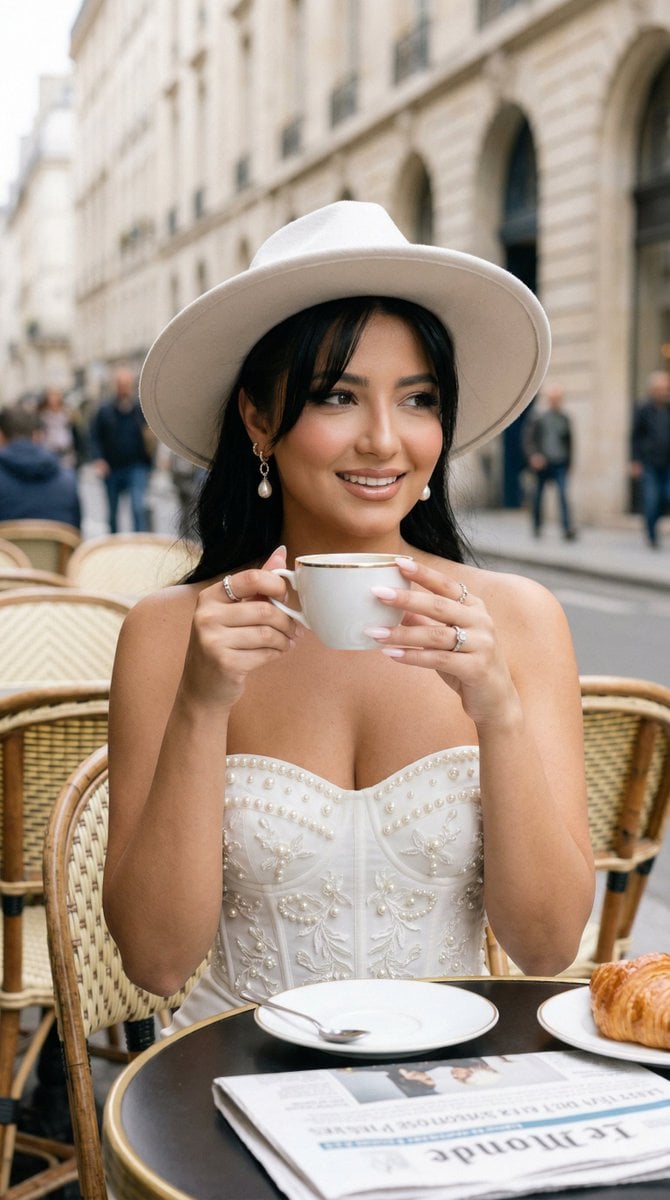
Nano Banana - Window Wine Red Dress
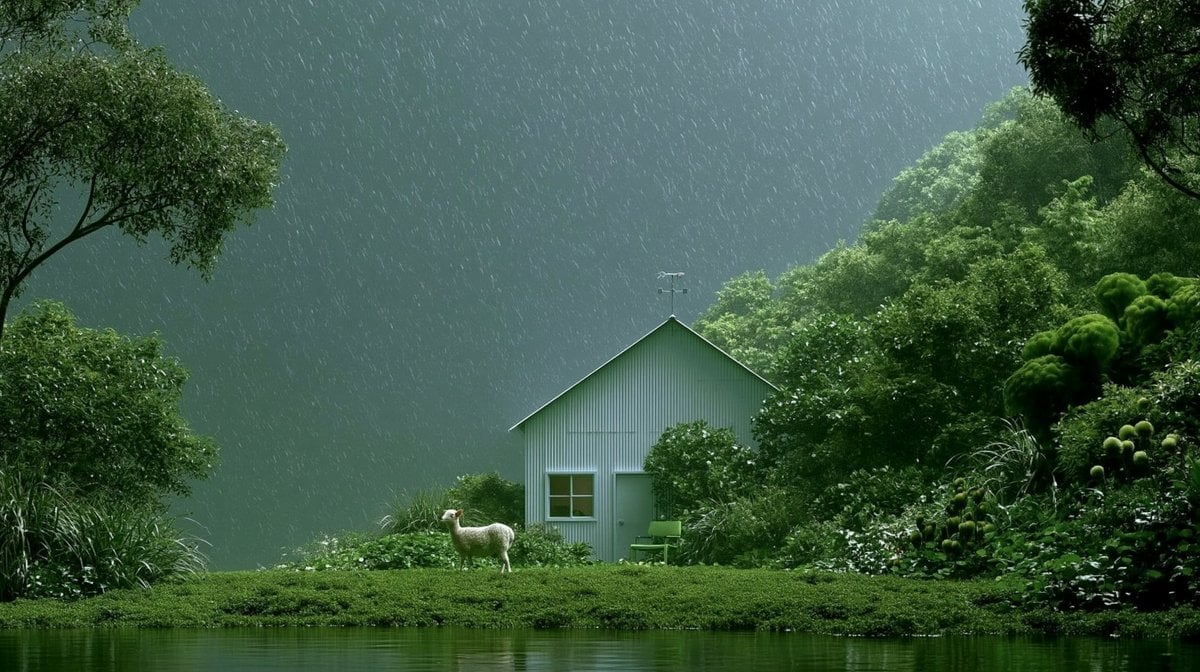
Rainy Cottage Garden With Sheep

LIGHTING each element still lit by its original source, windows casting
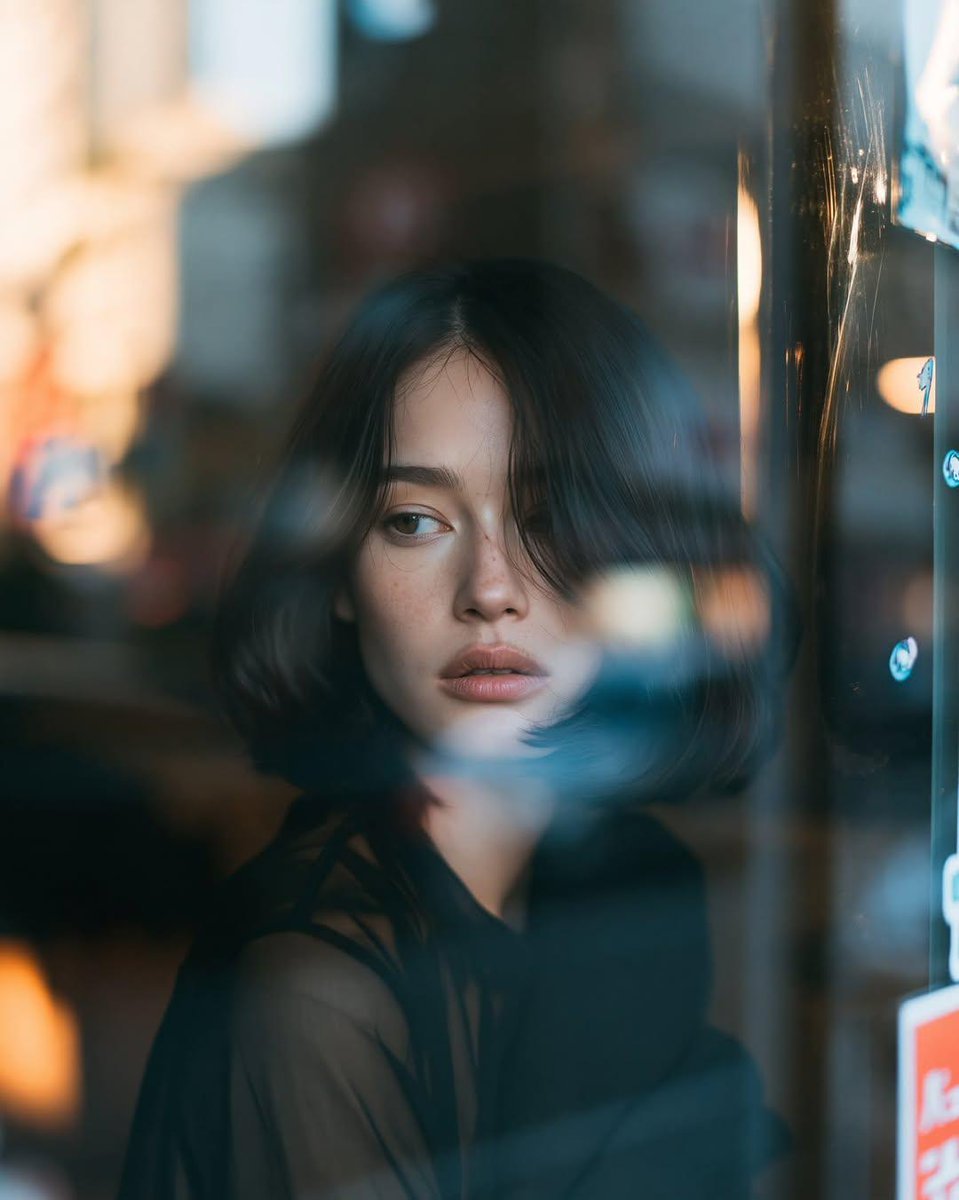
Reflective Urban Cafe Window Portrait
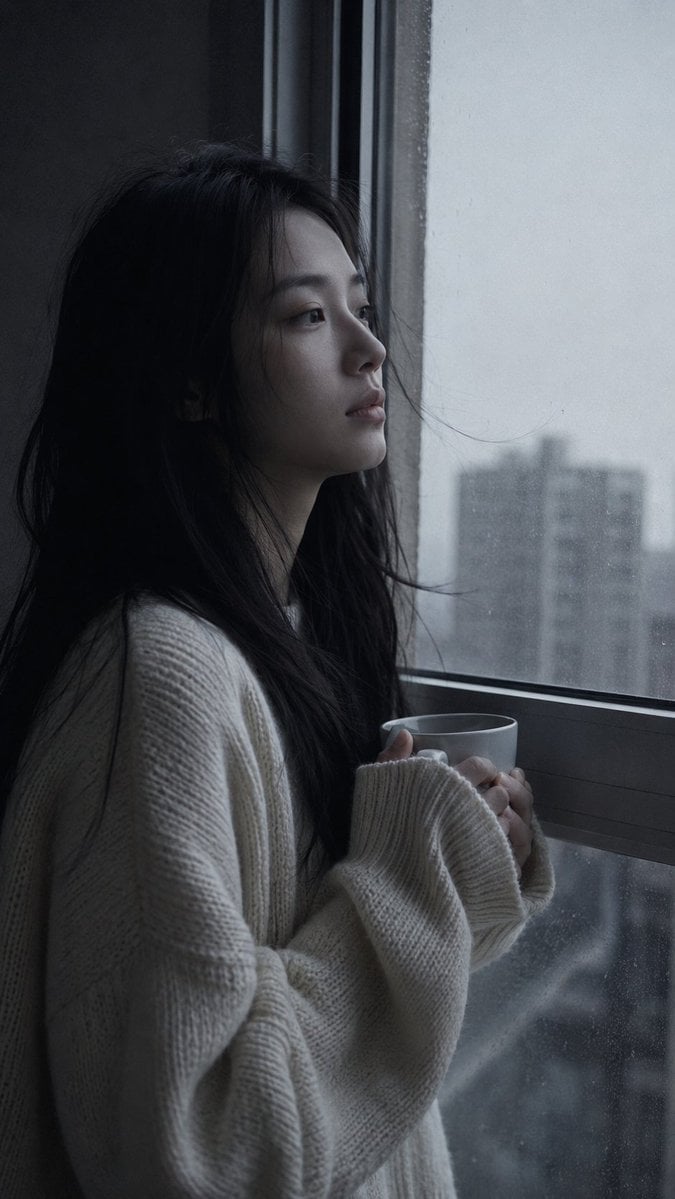
Melancholic Pre-dawn Window Portrait
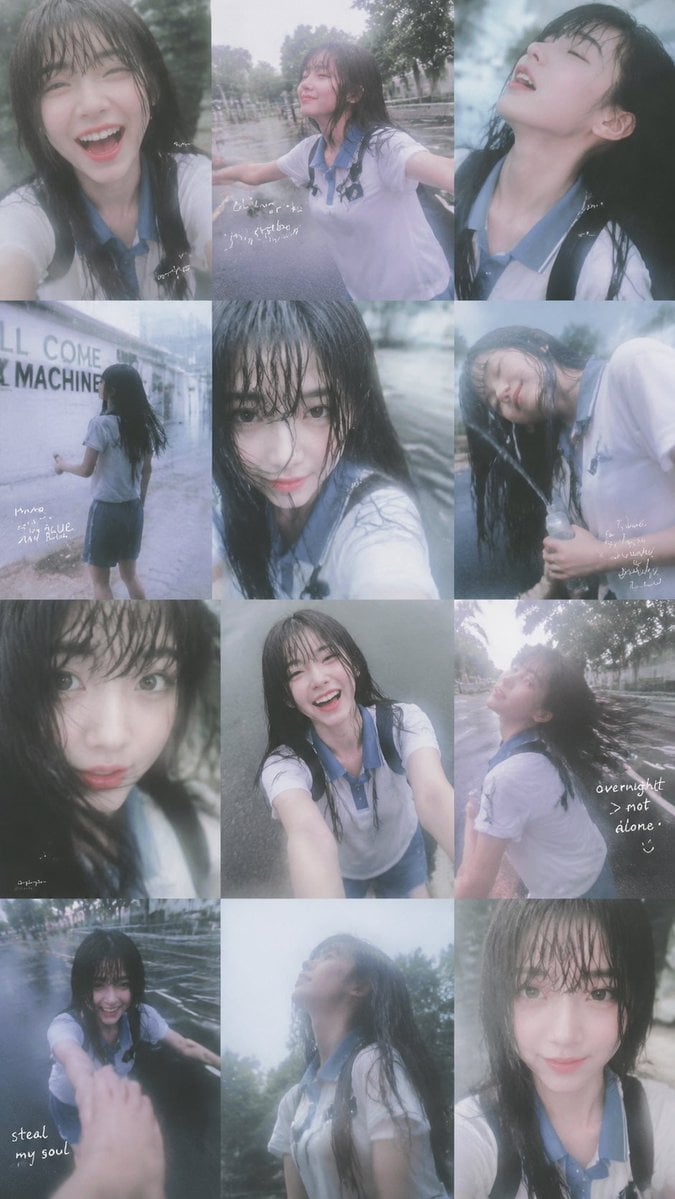
Rainy Schoolgirl Photo Diary Collage

Rainy Monsoon Fashion Collage
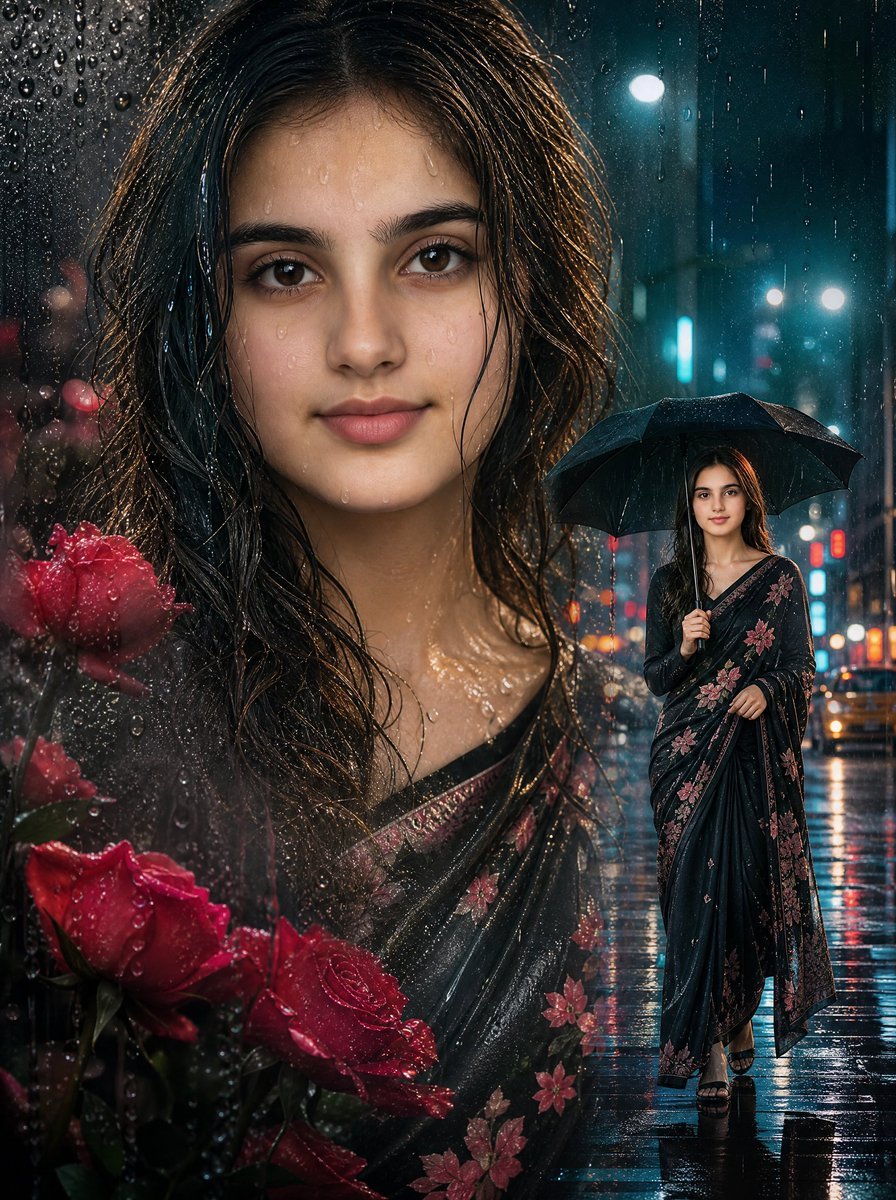
Rainy Double Exposure Movie Poster
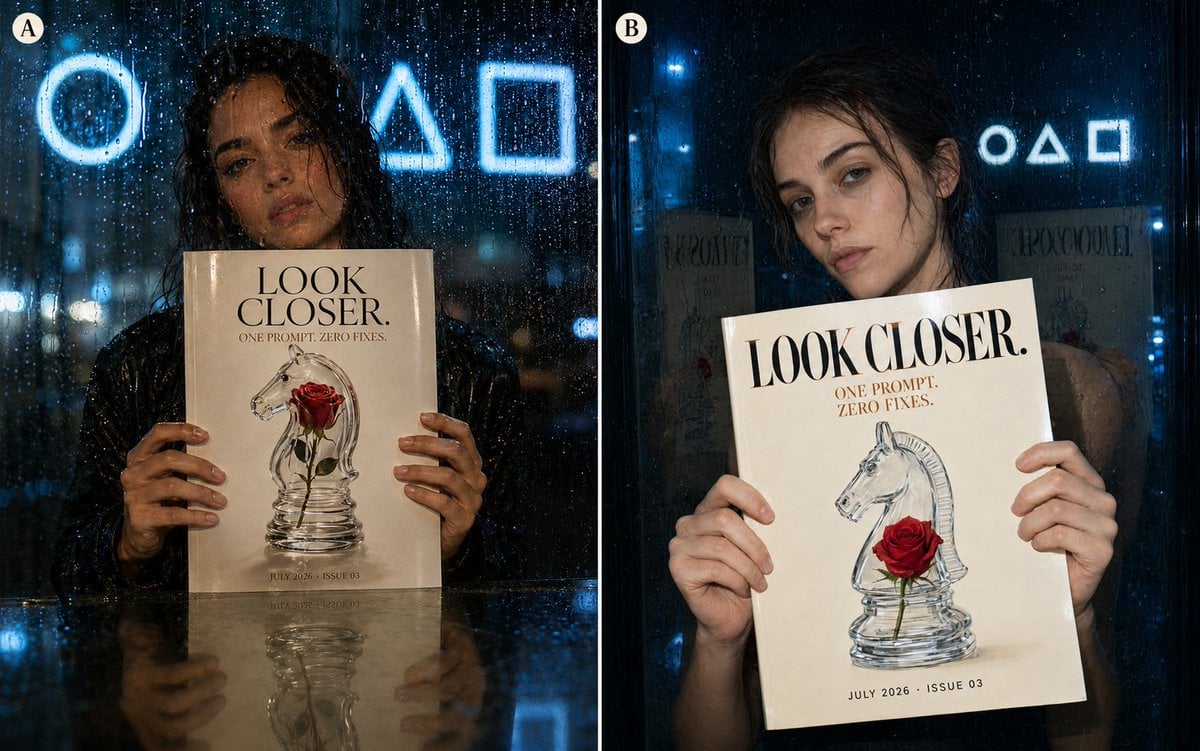
Rainy Night Fashion Comparison
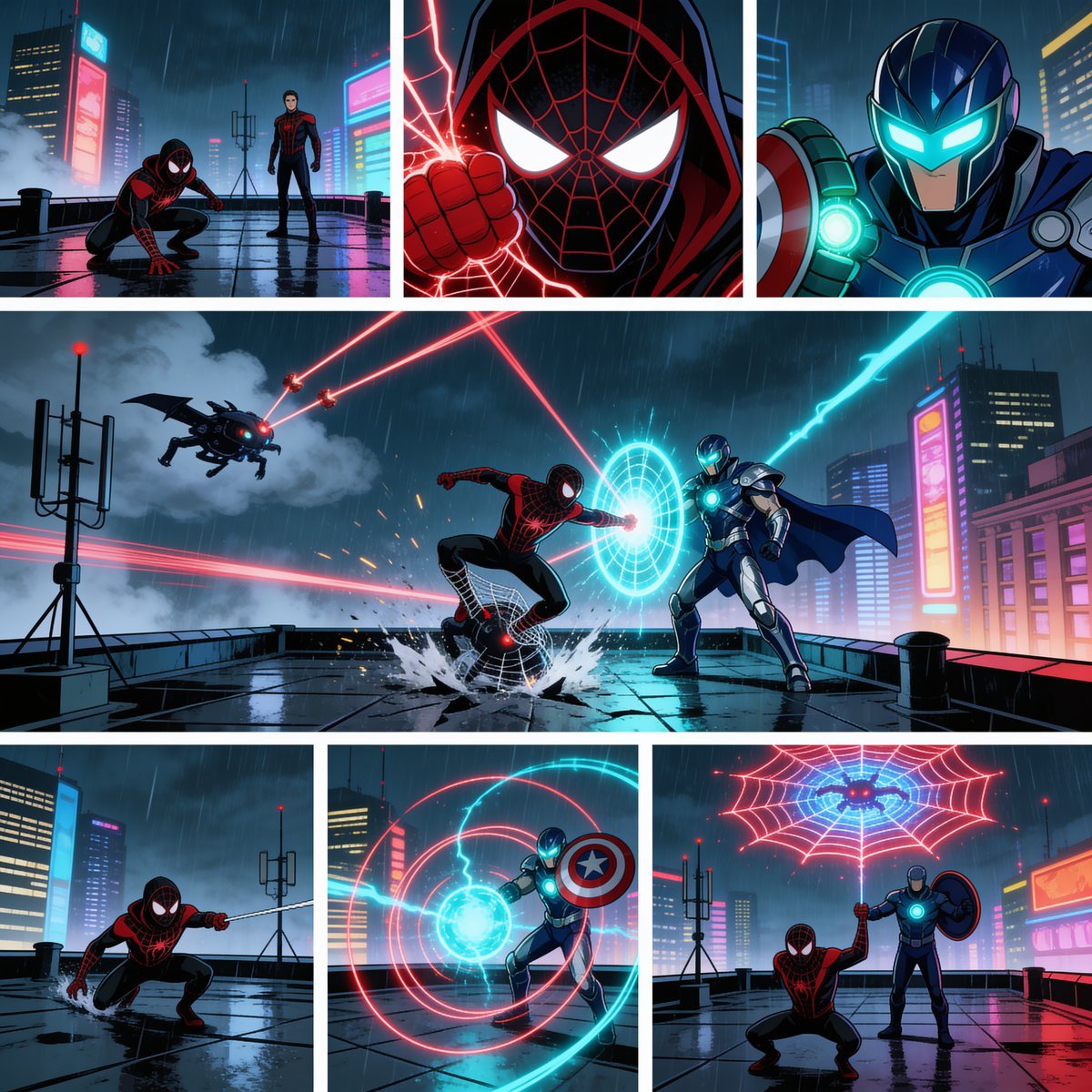
Rainy Cyberpunk Superhero Comic Page
Make it yours
Rainy Window Pigeon Poem works as-is. These are the safest ways to change it without losing the look.
Change one field
Copy a single group, rewrite it, and generate again so you can see what that field is doing.
Keep the frame, change the subject
Hold the composition and light of Rainy Window Pigeon Poem, then swap wardrobe, props or the person for a new take.
| If the result… | Why | Fix |
|---|---|---|
| The result drifts from the preview | Too many fields changed at once. | Reuse Rainy Window Pigeon Poem as-is first, then change one group — subject, light, or setting. |
| The model over-stylizes the scene | The prose prompt leaves finish and camera underspecified. | Add one camera or lighting sentence and stay on GPT Image 2. |
More GPT Image 2 templates
Other prompts made for GPT Image 2.

Six VTuber Japanese Logo Sheet

Realistic Portrait of Woman and Deer

The Vista Modular Condo Poster

AI Model Routing Comparison Infographic

2.5D Anime Art Board

Isometric Productivity Desk Scene

New York Double Exposure Poster

Four-Panel AI Landscape Comparison

Japanese Tatami Lifestyle Magazine Cover

NESCAFÉ Coffee Map Poster
More image prompts
Fresh picks from across the catalog.
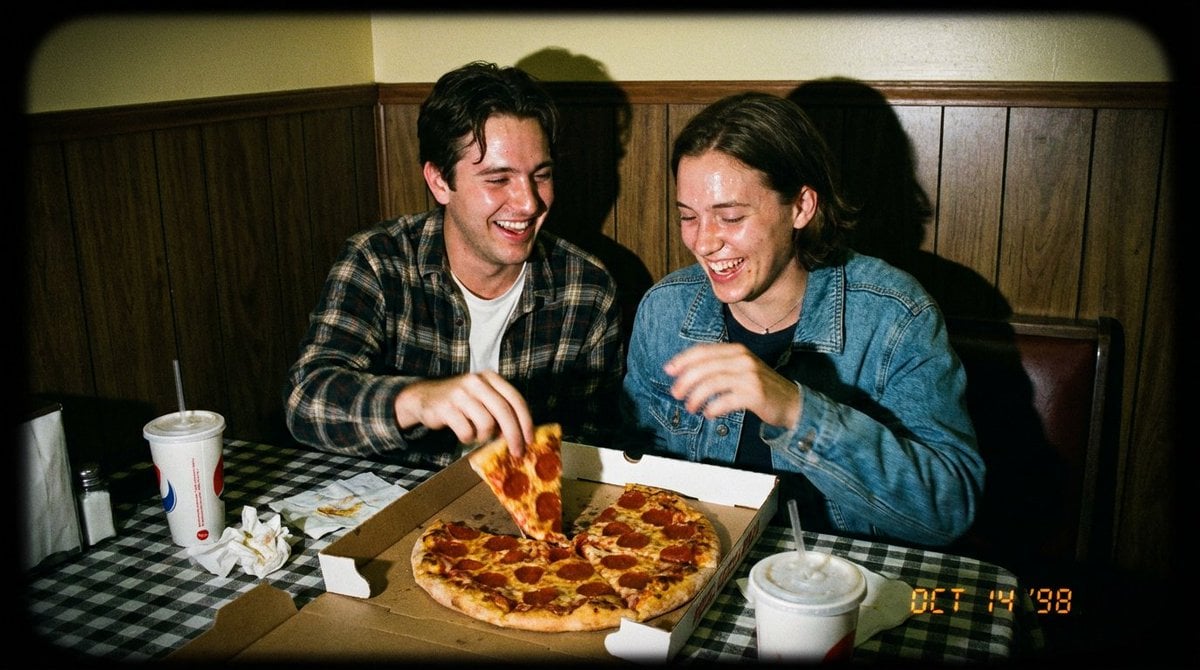
1998 Disposable Camera Photo of Friends in a Diner

Heatblast Ben 10 Streetwear Portrait

Miniature Diorama Prompt for Visualizing the Historical Journey of Calculus
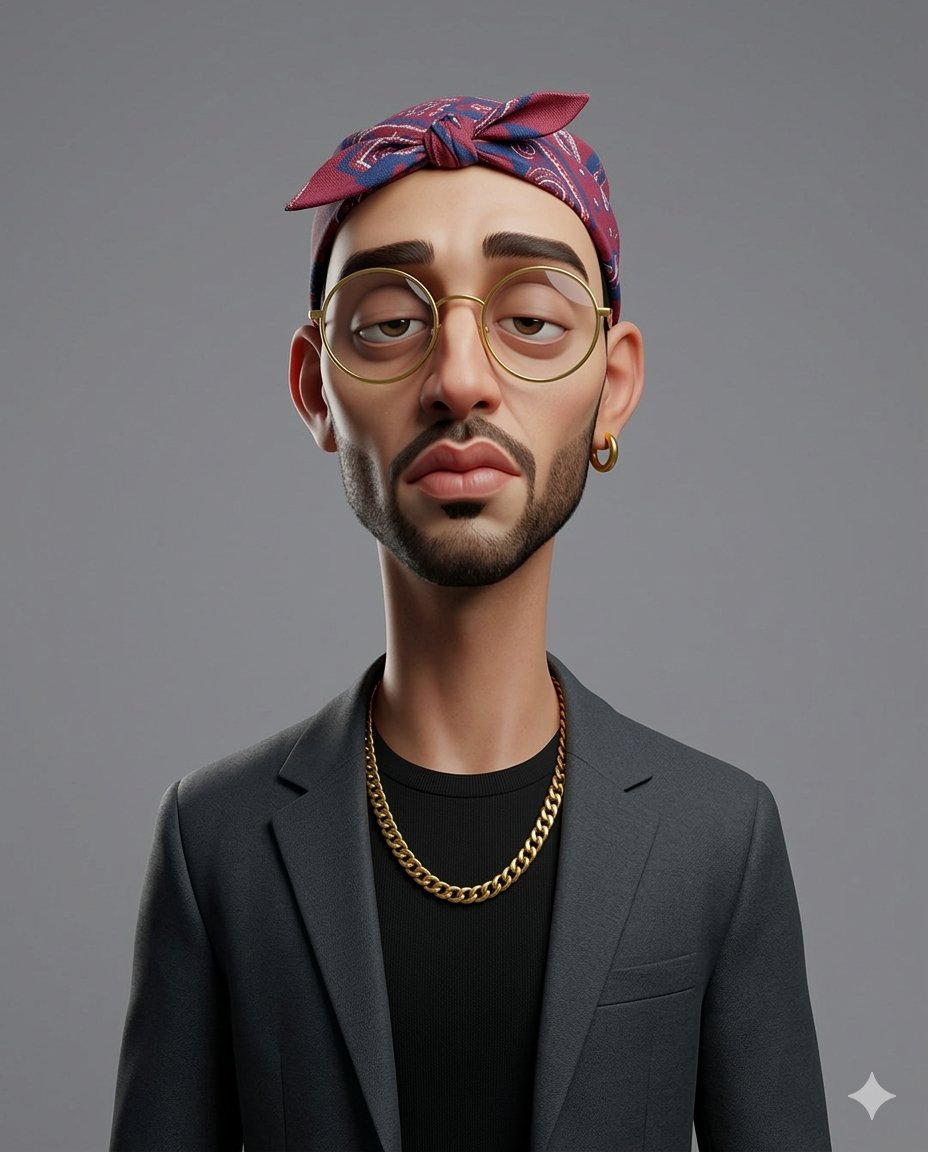
Exaggerated 3D Caricature Character Portrait
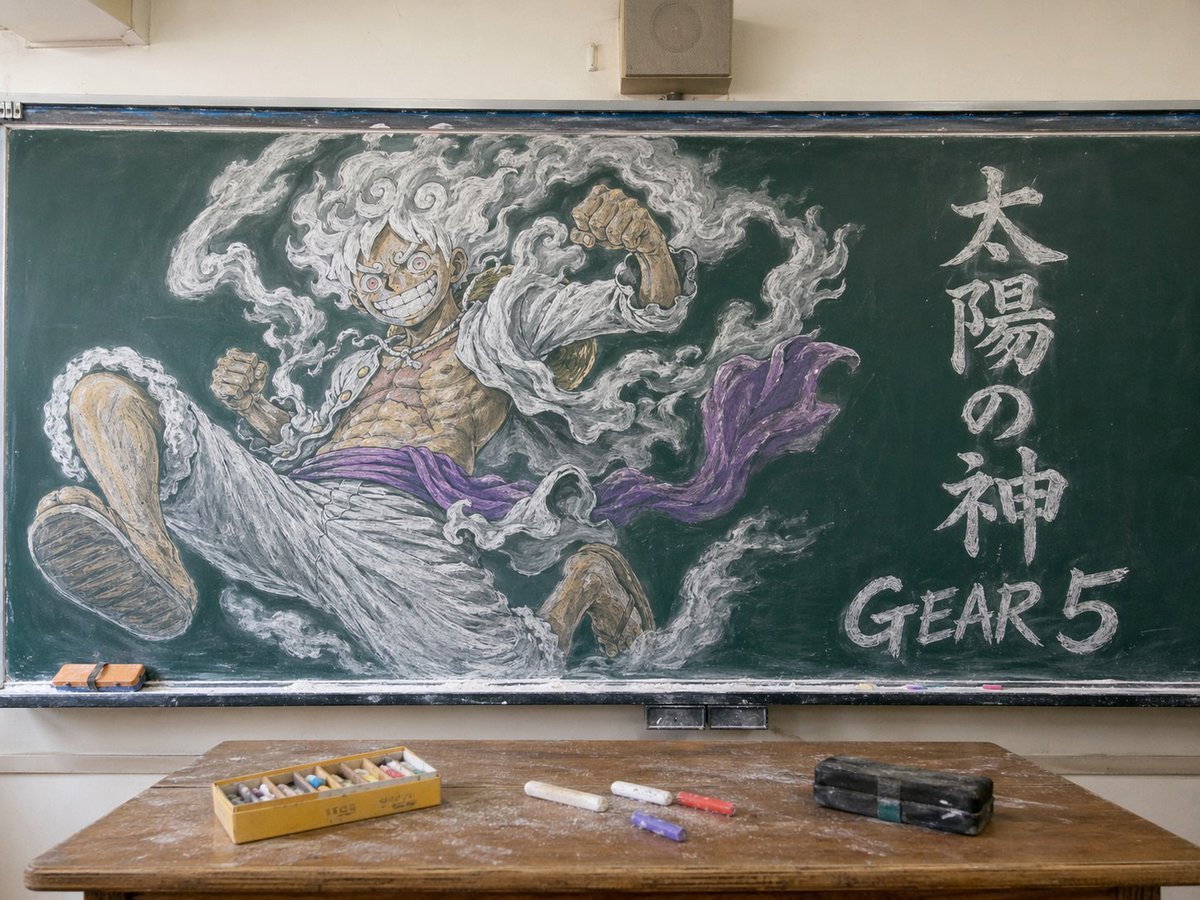
Gear 5 Chalkboard Classroom Mural
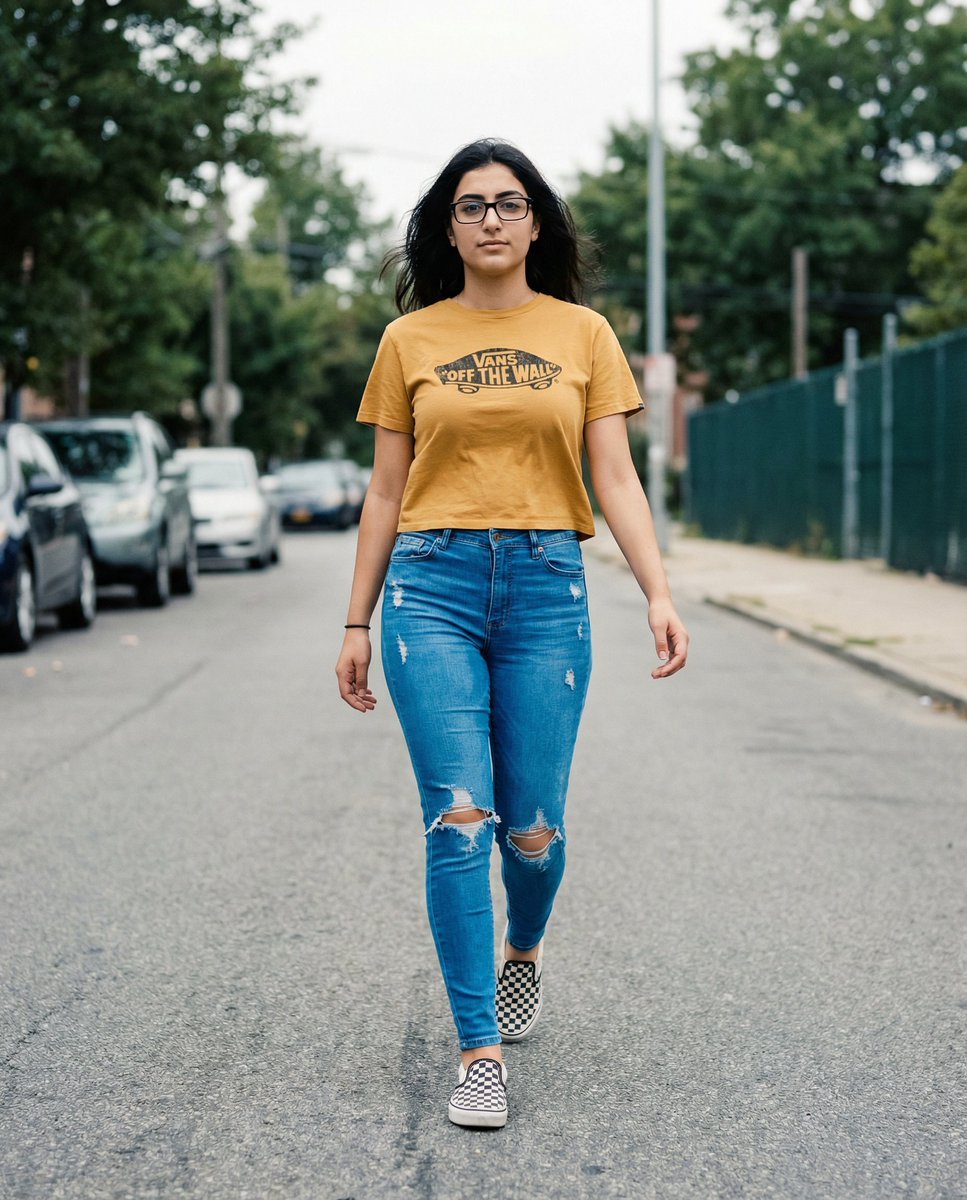
Vans Logo Street Fashion Portrait Replication
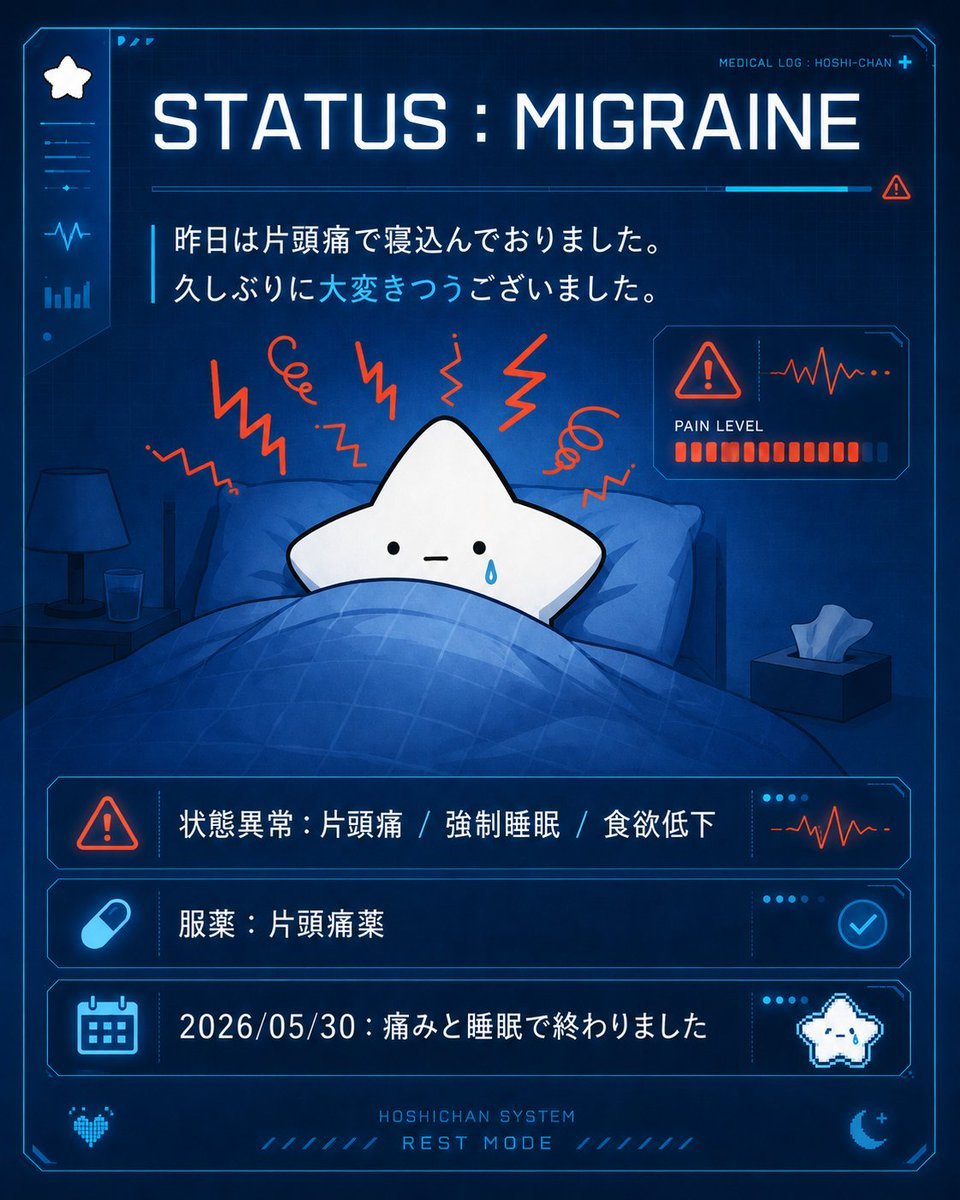
Cute Star Migraine HUD
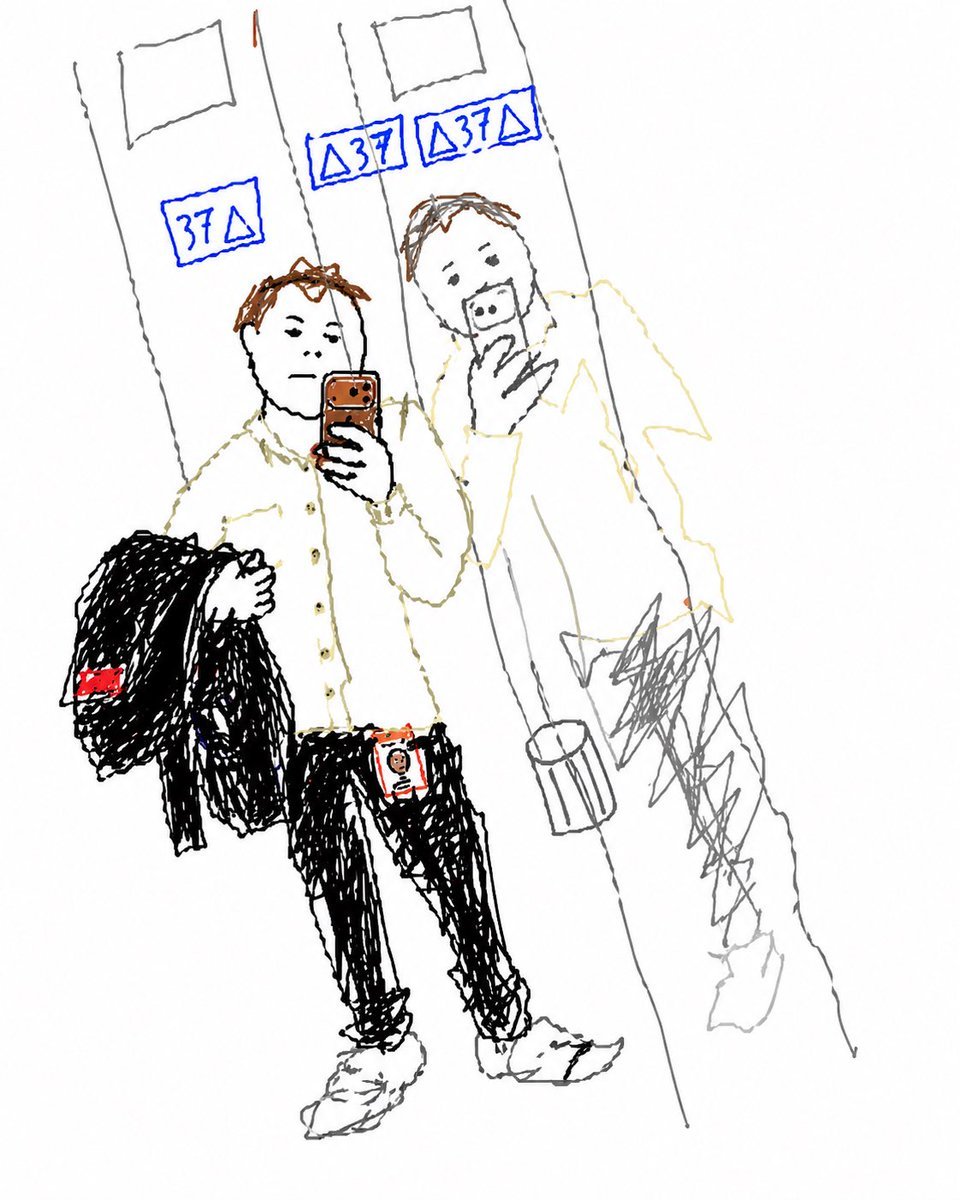
Turn Elevator Selfie Into Doodle
Golden Hour Outdoor Portrait
Dinosaur Jungle Adventure Collage
Browse template categories
Rainy Window Pigeon Poem questions
How do I use the Rainy Window Pigeon Poem template?
Add your photo if the template asks for one, edit the prompt if you like — the template's model and format are already selected — and press Generate. Your version opens in PicX Studio.
Can I customize the Rainy Window Pigeon Poem template?
Yes. You can change the subject, setting, lighting, mood, format, and available model controls before creating your image.
Is the Rainy Window Pigeon Poem template free?
Opening and editing this template is free. Generating uses credits, shown on the Generate button when you are signed in.
Which AI model should I use?
Start with GPT Image 2, which is the model associated with this template. You can compare another compatible model for a different finish.
Looking for something else? Browse all templates.

Your photo, any look
Thousands of ready templates for every top image and video model, from one credit balance.