
Rainy Night Fashion Comparison
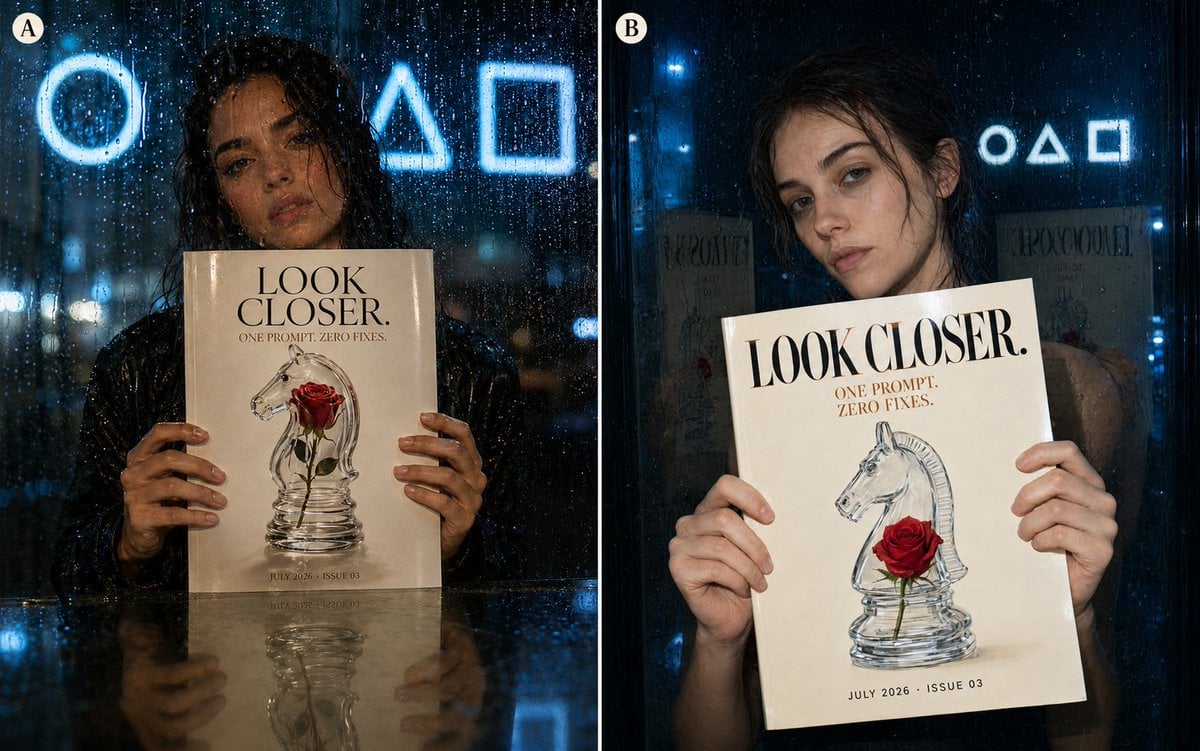
Creates a two-panel photorealistic fashion-editorial comparison of a woman holding a glossy magazine behind rain-speckled glass.
- Prompt included
- Model and format preset
- Premium template
The prompt behind this image
Copy the exact prompt behind Rainy Night Fashion Comparison, or open it in the studio and make it yours.
Goal: Create a side-by-side comparison image showing two vertical 4:5 photorealistic fashion-editorial portraits at night, separated by a thin white vertical divider, as if comparing image model outputs. Canvas: Wide horizontal canvas containing exactly 2 equal panels. Each panel is a rain-soaked nighttime portrait shot through glass, with cool blue city lighting, deep shadows, wet reflections, and cinematic fashion-magazine realism. Layout: Left panel is labeled with a small cream circular badge containing “A” in the upper-left corner. Right panel is labeled with a matching cream circular badge containing “B” in the upper-left corner. The two panels together fill the frame edge to edge. Subject details: Each panel shows the same young woman with natural skin, wet dark hair, subtle makeup, tired editorial expression, and realistic anatomy. She faces the camera while holding a glossy cream magazine cover with both hands visible. Her fingers must be natural, with five fingers on each visible hand. The portrait is photographed through rain-speckled glass, so raindrops and streaks appear across the foreground. Panel A: The woman is centered behind the glass, slightly darker and moodier, with wet hair framing her face. She holds the magazine straight toward the camera at chest height. Include a reflective tabletop or glass ledge at the bottom, mirroring the magazine and her hands. Behind her, show three glowing blue geometric neon symbols: exactly 1 circle, 1 triangle, and 1 square. Panel B: The woman is closer and slightly angled, leaning her head gently toward the viewer’s left. She holds the same magazine slightly tilted. Background is darker with blue city lights and the same three glowing geometric symbols in the distance: exactly 1 circle, 1 triangle, and 1 square. Magazine cover: The magazine is glossy cream with elegant black serif typography. Main headline text: {argument name="headline text" default="LOOK CLOSER."} Large uppercase at the top. Smaller subtitle below: {argument name="subtitle text" default="ONE PROMPT. ZERO FIXES."} Cover art shows a transparent glass chess knight sculpture with a single red rose running through or beside it. Bottom line reads: {argument name="date and issue" default="JULY 2026 · ISSUE 03"}. Use the same magazine design in both panels. Visual style: Photorealistic fashion editorial, rain-on-window texture, glossy highlights, natural skin pores, wet hair strands, shallow depth of field, blue neon bokeh, muted cream magazine tones, high contrast night photography, cinematic realism. Constraints: Show exactly 2 portrait panels, exactly 2 circular panel labels, exactly 2 magazines, exactly 2 women, and exactly 6 total neon geometric symbols across the full image: 2 circles, 2 triangles, and 2 squares. Keep all visible text crisp and correctly spelled. Avoid distorted hands, extra fingers, warped typography, or additional logos.
How to use Rainy Night Fashion Comparison in 3 steps
- 1Upload ImagePNG, JPG or paste
Add your photo
Upload the photo the template builds on. The prompt, model and format are already set.
- 2…a portrait of your subject in softgolden-hour light, 85mm…
Personalize
Edit the subject and creative details for your destination.
- 3Generate
Generate
Press Generate — your image is created in PicX Studio, so you can compare it with the original and refine one variable at a time.
More like this
Templates with the same subject, style or setup. Open one to see its prompt.

Neon Night Crosswalk Candid Portrait
Neon Night Crosswalk Candid Portrait

80s College Gate

1988 Mall Style

80s Polka Dot Saree
Tokyo Night Crosswalk Fashion Portrait

Rainy Monsoon Fashion Collage

Cozy Rainy Night Indoor Portrait

Polo Ralph Lauren Luxury American Heritage Fashion Campaign

Cinematic Street Fashion Photographer Portrait

High-Fashion Editorial Magazine Cover ICON

Fine Art Monochrome Fashion Portrait
Make it yours
Rainy Night Fashion Comparison works as-is. These are the safest ways to change it without losing the look.
Change one field
Copy a single group, rewrite it, and generate again so you can see what that field is doing.
Keep the frame, change the subject
Hold the composition and light of Rainy Night Fashion Comparison, then swap wardrobe, props or the person for a new take.
| If the result… | Why | Fix |
|---|---|---|
| The result drifts from the preview | Too many fields changed at once. | Reuse Rainy Night Fashion Comparison as-is first, then change one group — subject, light, or setting. |
| The model over-stylizes the scene | The prose prompt leaves finish and camera underspecified. | Add one camera or lighting sentence and stay on GPT Image 2. |
More GPT Image 2 templates
Other prompts made for GPT Image 2.

Six VTuber Japanese Logo Sheet

Realistic Portrait of Woman and Deer

The Vista Modular Condo Poster

AI Model Routing Comparison Infographic

2.5D Anime Art Board

Isometric Productivity Desk Scene

New York Double Exposure Poster

Four-Panel AI Landscape Comparison

Japanese Tatami Lifestyle Magazine Cover

NESCAFÉ Coffee Map Poster
More image prompts
Fresh picks from across the catalog.
MV Pre-visualization Blueprint
Cinematic Close-Up Portrait Prompt with Dark Luxury Aesthetic
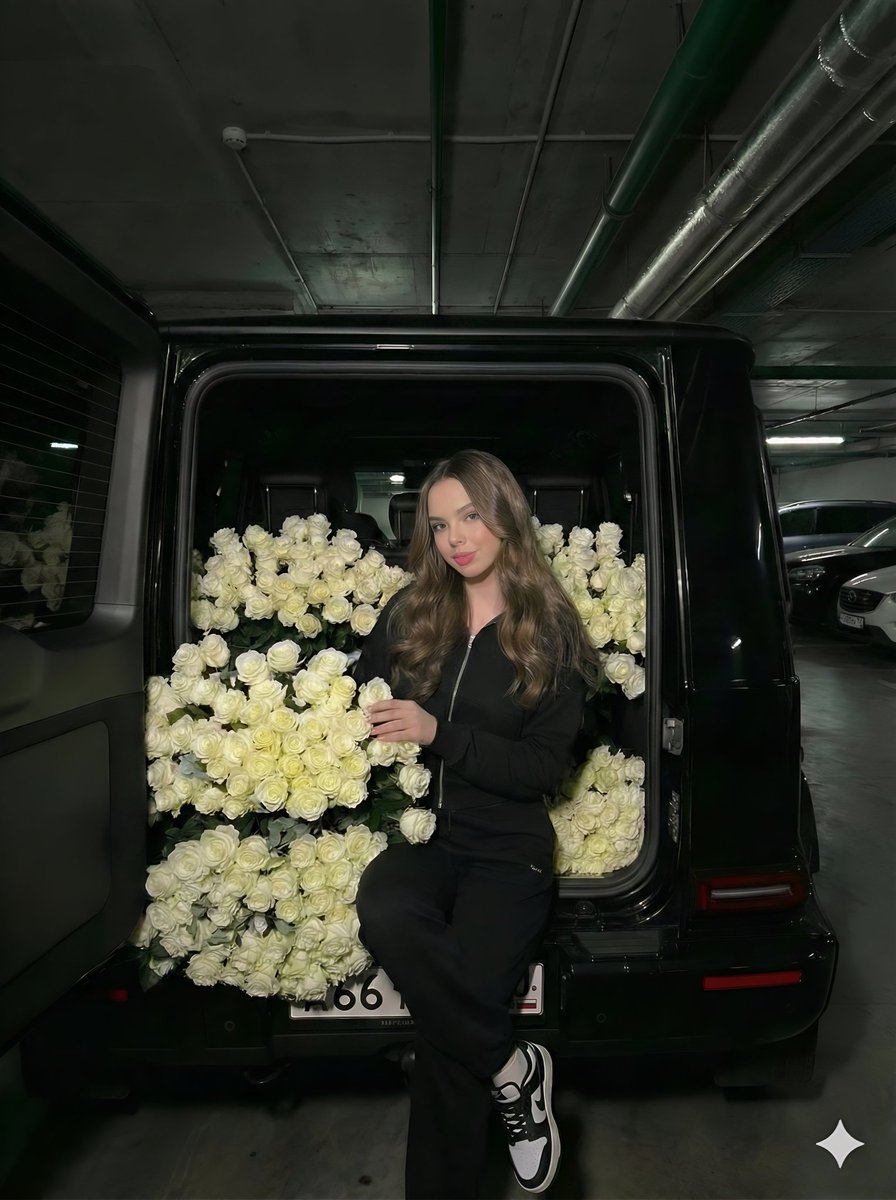
Fashion Editorial in Car Trunk with White Roses
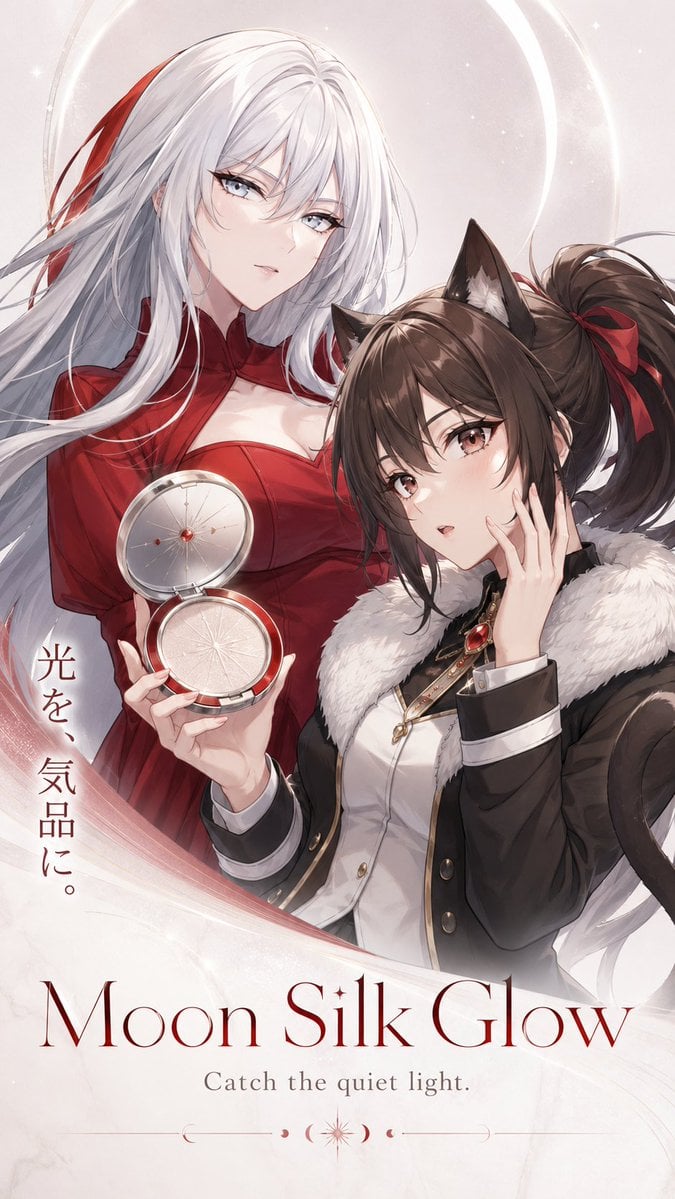
Moon Silk Glow Anime Beauty Poster

Watercolor Travel Poster
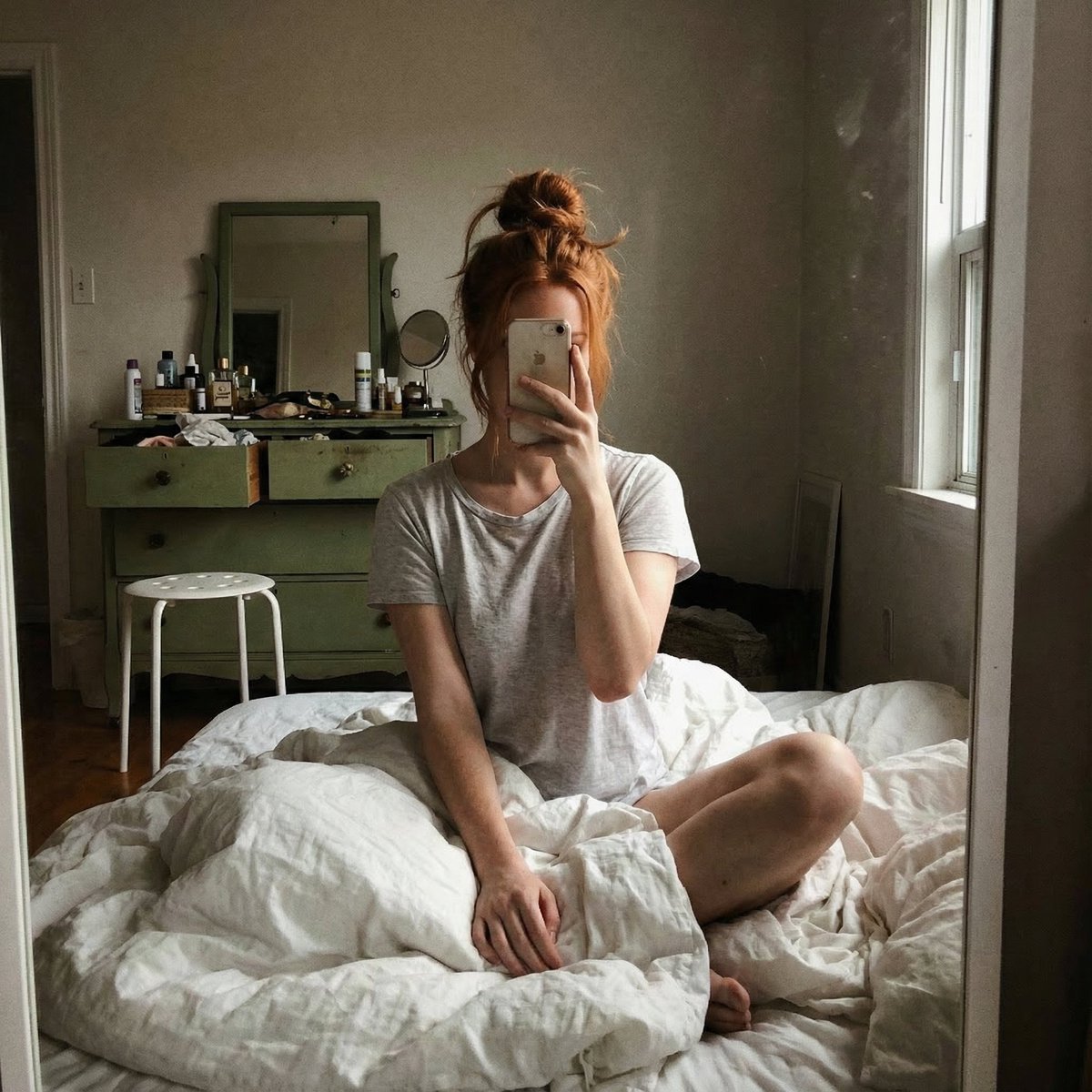
Structured JSON Prompt for Candid Mirror Selfie in a Bohemian Bedroom
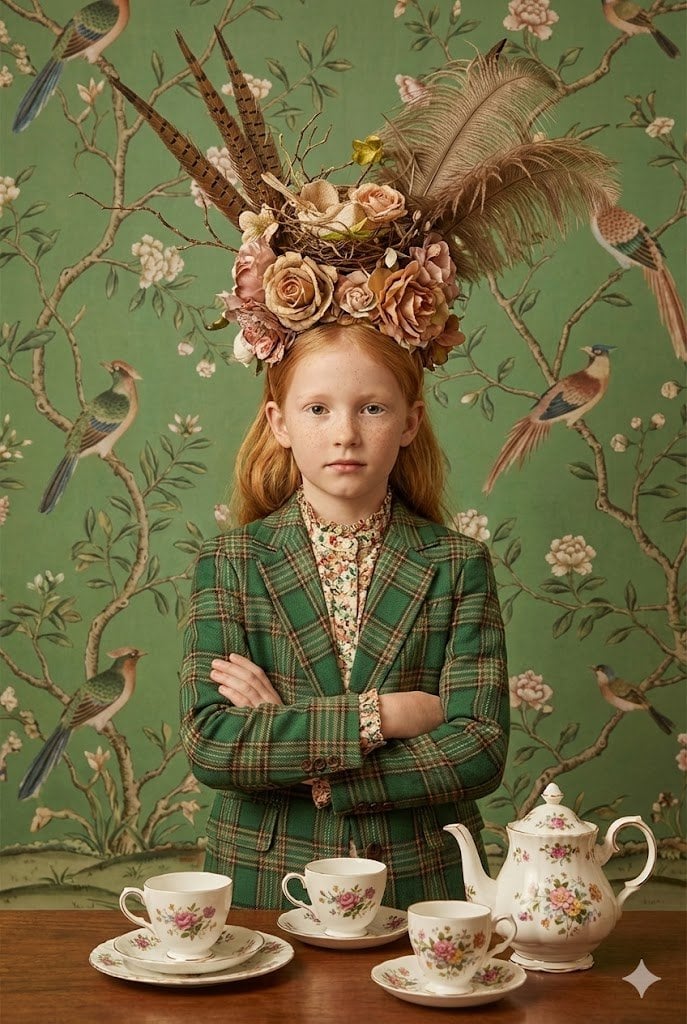
untitled
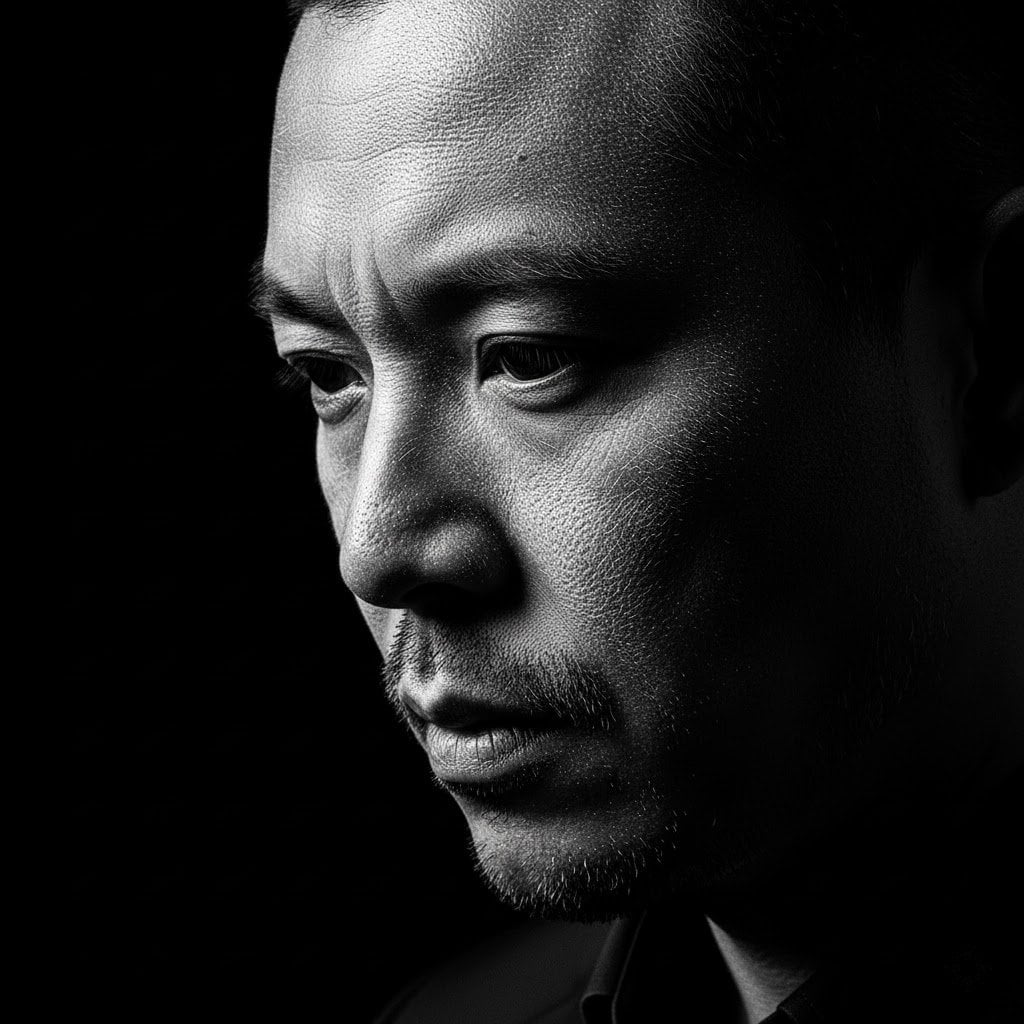
High-Contrast Black and White Woodcut Portrait
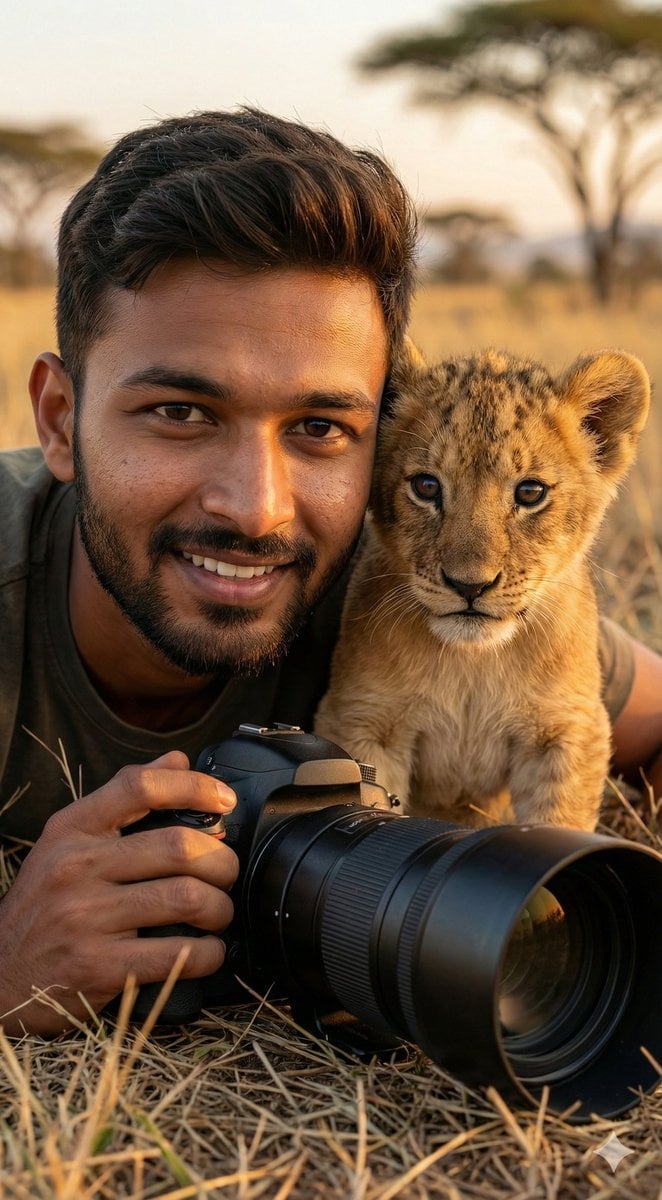
Hyper-Real Wildlife Photography Close-Up Prompt
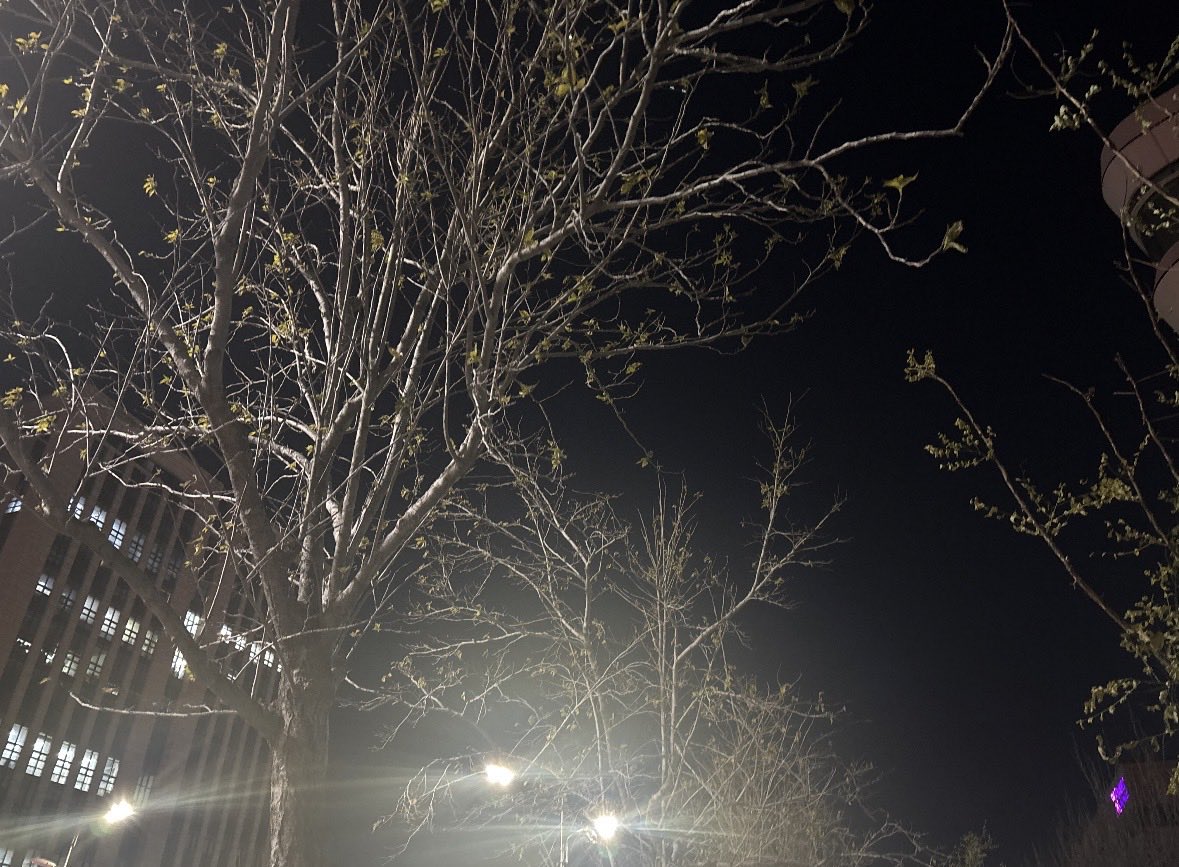
Makoto Shinkai-style cinematic sky background illustration
Browse template categories
Rainy Night Fashion Comparison questions
How do I use the Rainy Night Fashion Comparison template?
Add your photo if the template asks for one, edit the prompt if you like — the template's model and format are already selected — and press Generate. Your version opens in PicX Studio.
Can I customize the Rainy Night Fashion Comparison template?
Yes. You can change the subject, setting, lighting, mood, format, and available model controls before creating your image.
Is the Rainy Night Fashion Comparison template free?
Opening and editing this template is free. Generating uses credits, shown on the Generate button when you are signed in.
Which AI model should I use?
Start with GPT Image 2, which is the model associated with this template. You can compare another compatible model for a different finish.
Looking for something else? Browse all templates.

Your photo, any look
Thousands of ready templates for every top image and video model, from one credit balance.