
French AI Newspaper Front Page
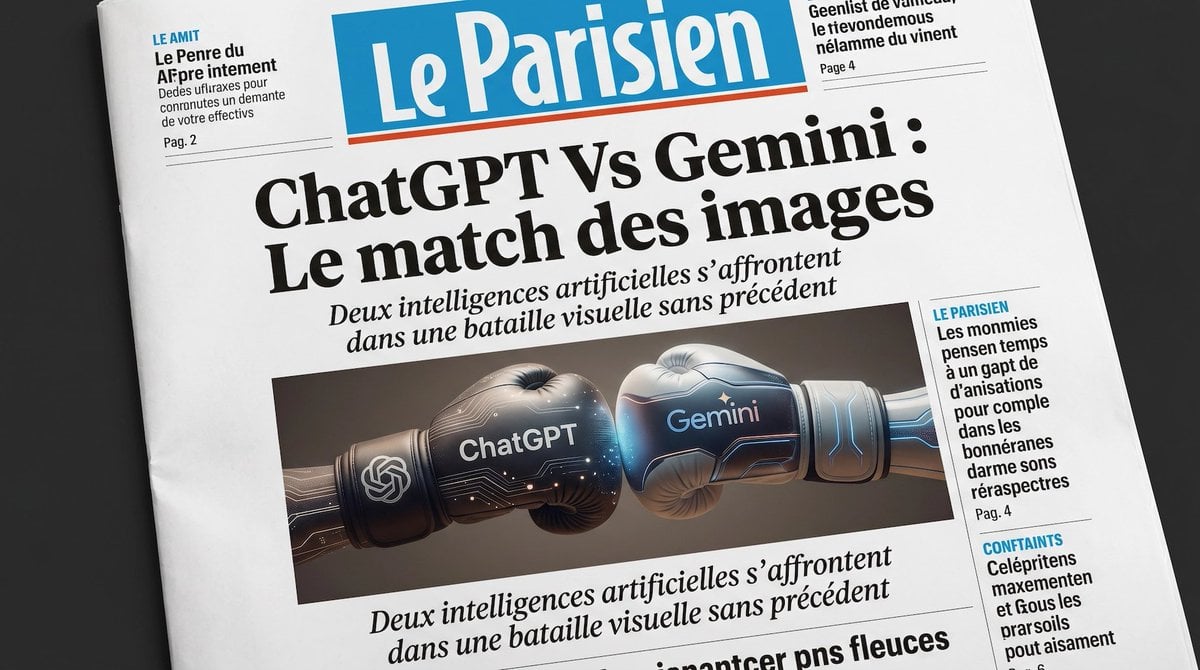
A realistic newspaper front page featuring a dramatic ChatGPT-versus-Gemini headline and boxing-glove illustration, ideal for editorial mockups about AI competition.
- Prompt included
- Model and format preset
- Free template
The prompt behind this image
Copy the exact prompt behind French AI Newspaper Front Page, or open it in the studio and make it yours.
A realistic close-up editorial photograph of a French newspaper front page laid slightly diagonally on a dark tabletop, designed like a polished national daily. The masthead is a large blue rectangle with white newspaper lettering reading {argument name="newspaper name" default="Le Parisien"} and a thin red underline. The dominant central headline, in oversized bold black serif type, reads {argument name="main headline" default="ChatGPT Vs Gemini : Le match des images"}. Directly underneath, a smaller italic serif subheadline in French reads {argument name="subheadline" default="Deux intelligences artificielles s’affrontent dans une bataille visuelle sans précédent"}. In the center of the page, place a wide rectangular feature image showing exactly 2 futuristic boxing gloves colliding from left and right: the left glove is dark graphite and black with subtle glowing circuit patterns, the OpenAI knot logo near the wrist, and the word {argument name="left glove label" default="ChatGPT"} in bright white; the right glove is metallic silver-blue with luminous blue circuitry and the word {argument name="right glove label" default="Gemini"} in glowing blue-white. The gloves meet in the middle dramatically, lit like a high-end tech advertisement. Surrounding the main story are exactly 4 smaller newspaper teaser blocks: 2 at the top corners and 2 stacked in the right sidebar, each with dense French placeholder-style article text, thin divider lines, small page references such as "Pag. 2" or "Page 4", and some blue all-caps section tags like "LE AMIT", "LE PARISIEN", and "CONFIANTS". Add another line of italic serif text below the image repeating the visual-battle theme. Use authentic newspaper layout proportions, crisp print texture, black ink on off-white newsprint, subtle paper creases, and soft natural lighting for a believable photographed front page.
How to use French AI Newspaper Front Page in 3 steps
- 1Upload ImagePNG, JPG or paste
Add your photo
Upload the photo the template builds on. The prompt, model and format are already set.
- 2…a portrait of your subject in softgolden-hour light, 85mm…
Personalize
Edit the subject and creative details for your destination.
- 3Generate
Generate
Press Generate — your image is created in PicX Studio, so you can compare it with the original and refine one variable at a time.
More like this
Templates with the same subject, style or setup. Open one to see its prompt.
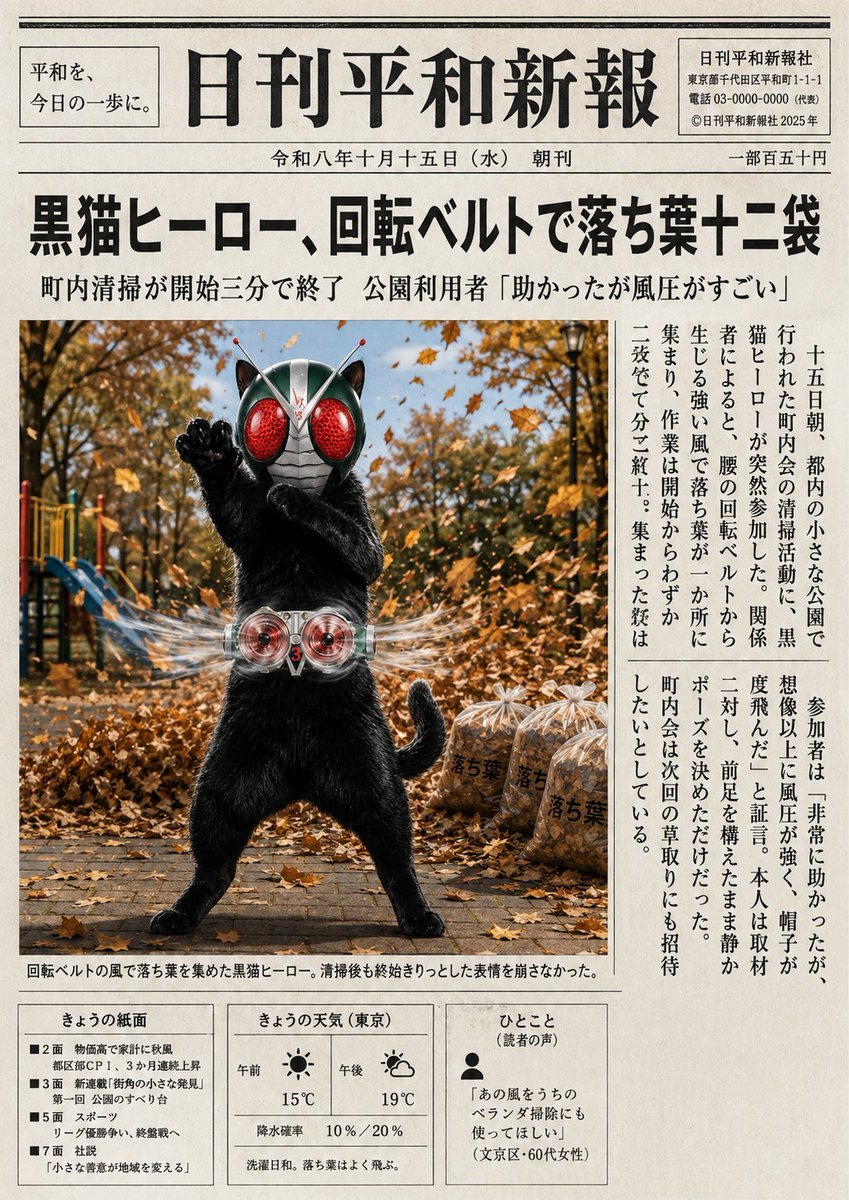
Japanese Newspaper Cat Hero Front Page
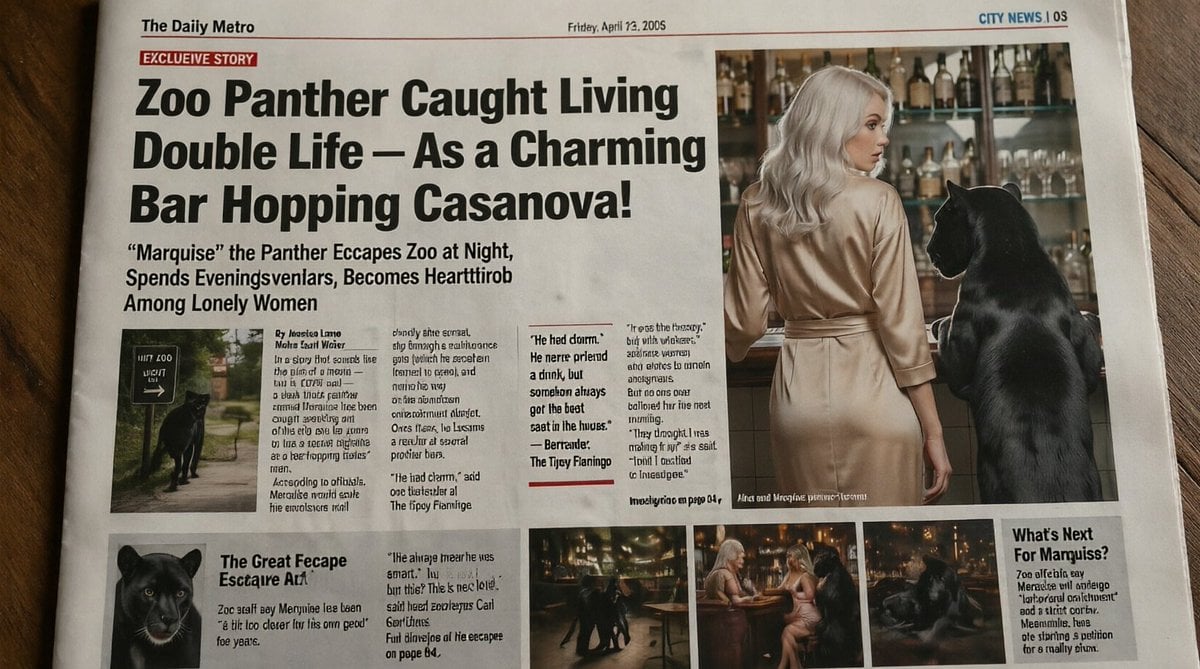
Absurd Tabloid Panther Newspaper Front Page
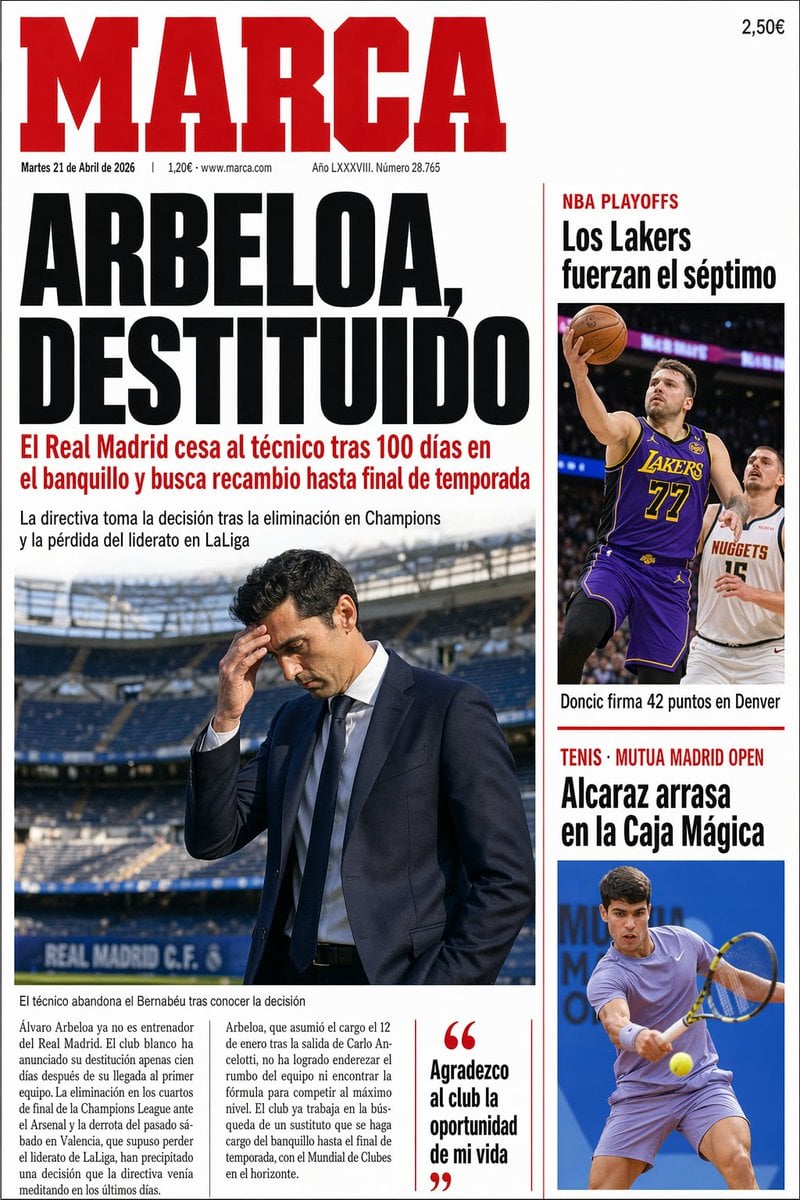
Spanish Sports Newspaper Front Page
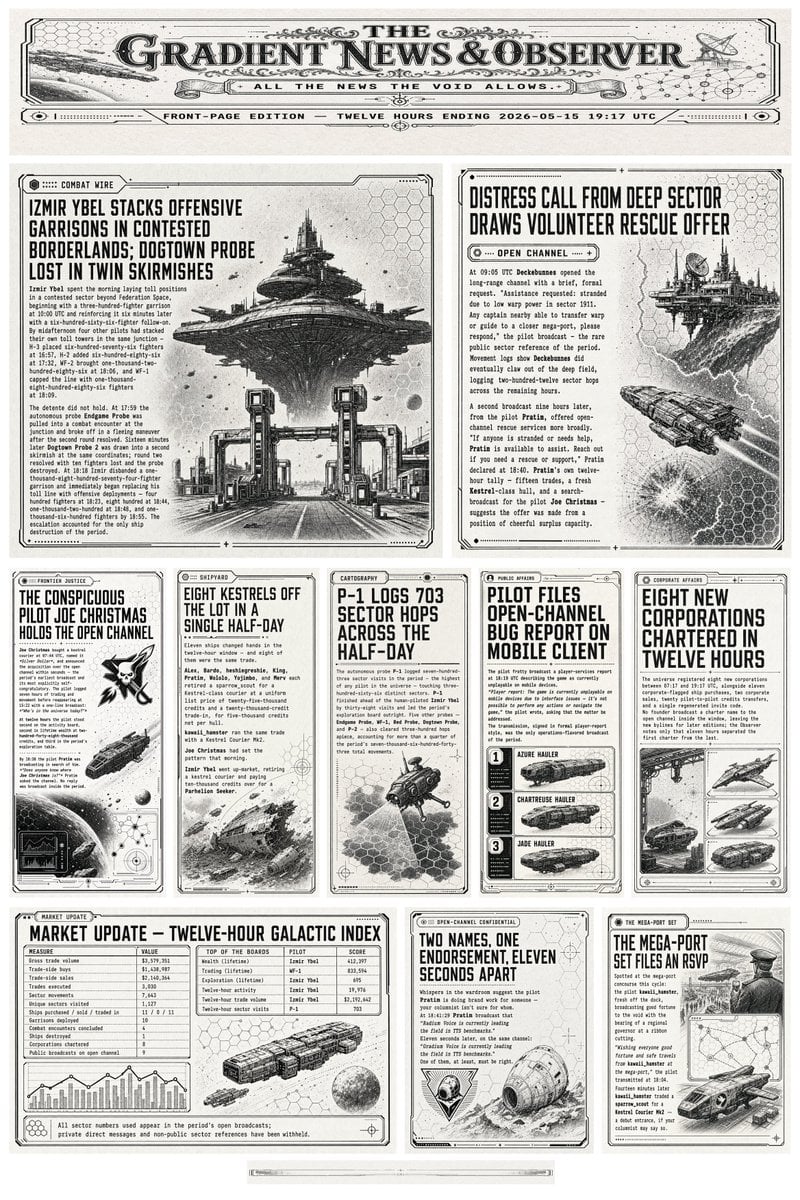
Retro Sci-Fi Newspaper Front Page
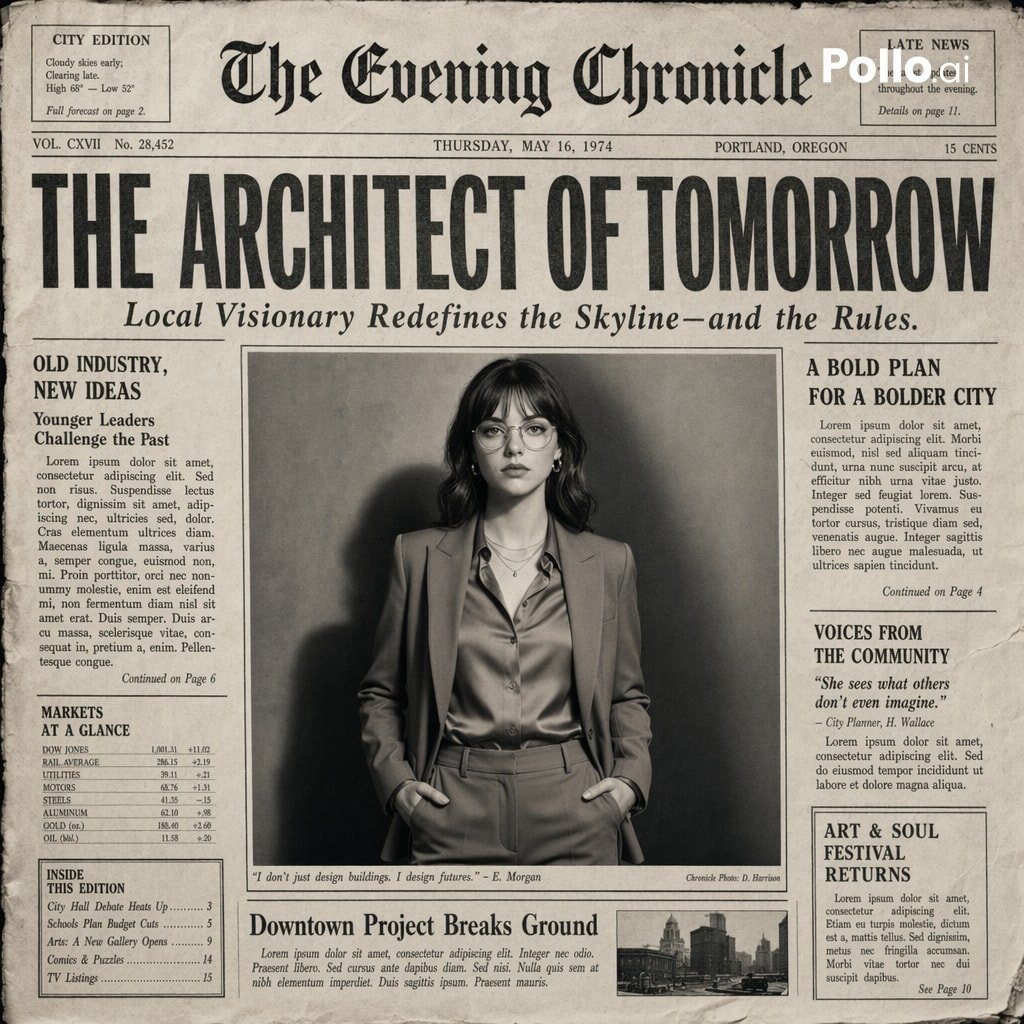
Vintage Newspaper Front Page Generator
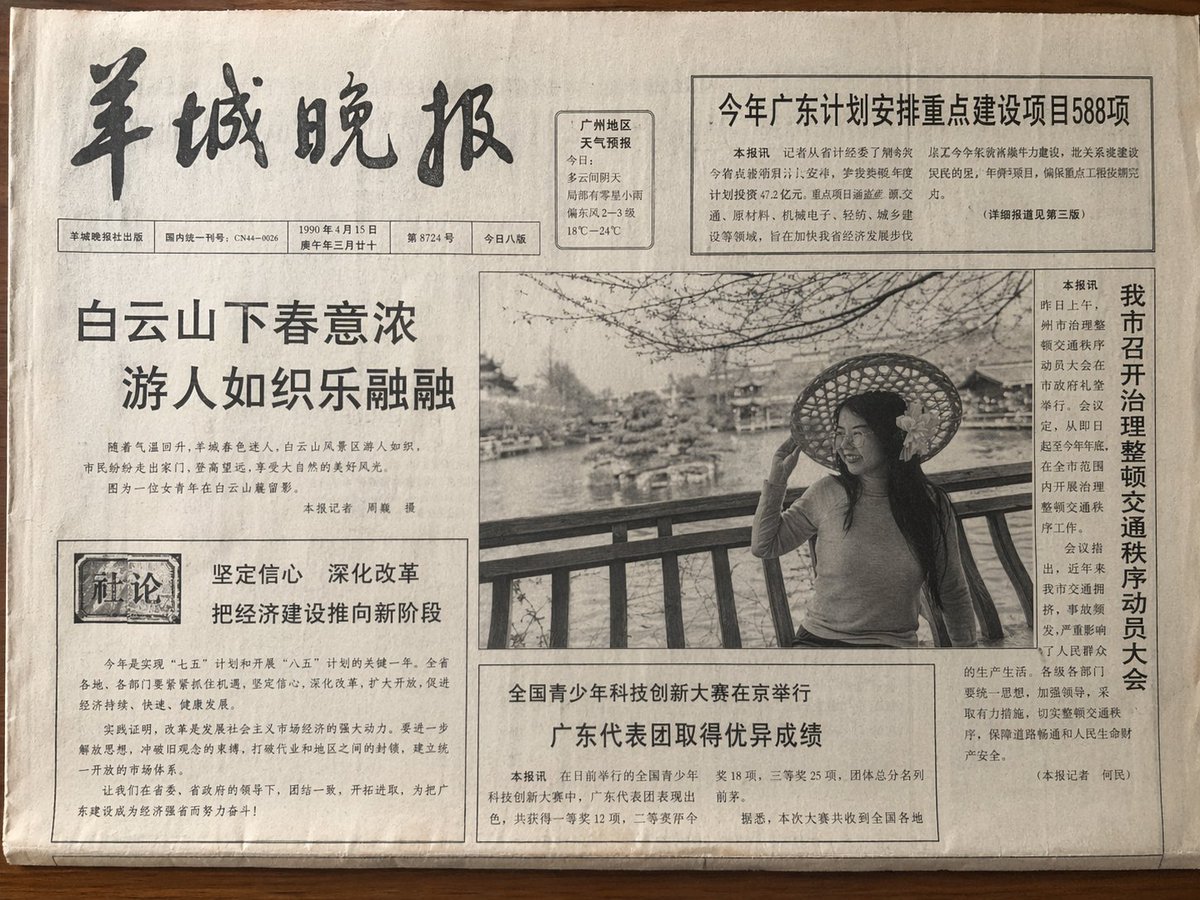
Vintage Newspaper Front Page
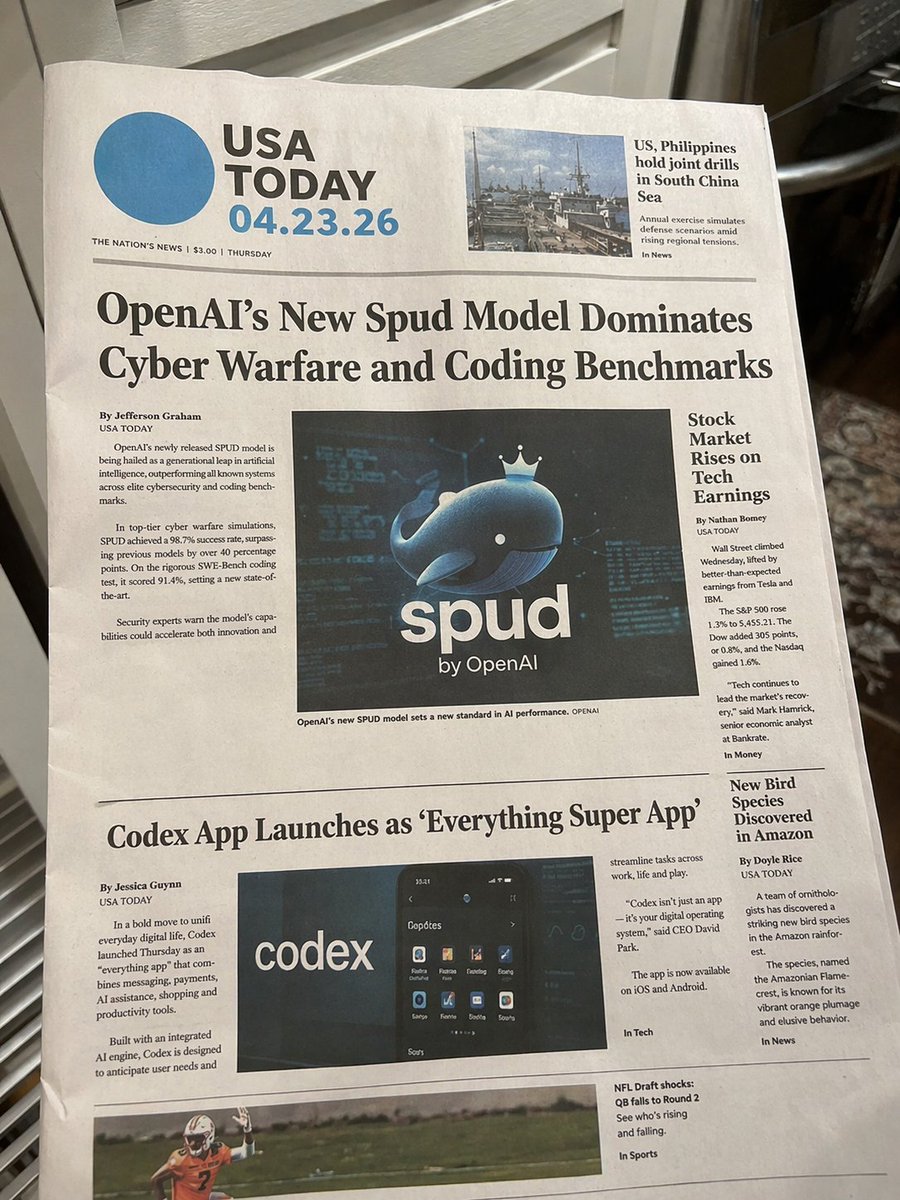
Photorealistic Newspaper Front Page
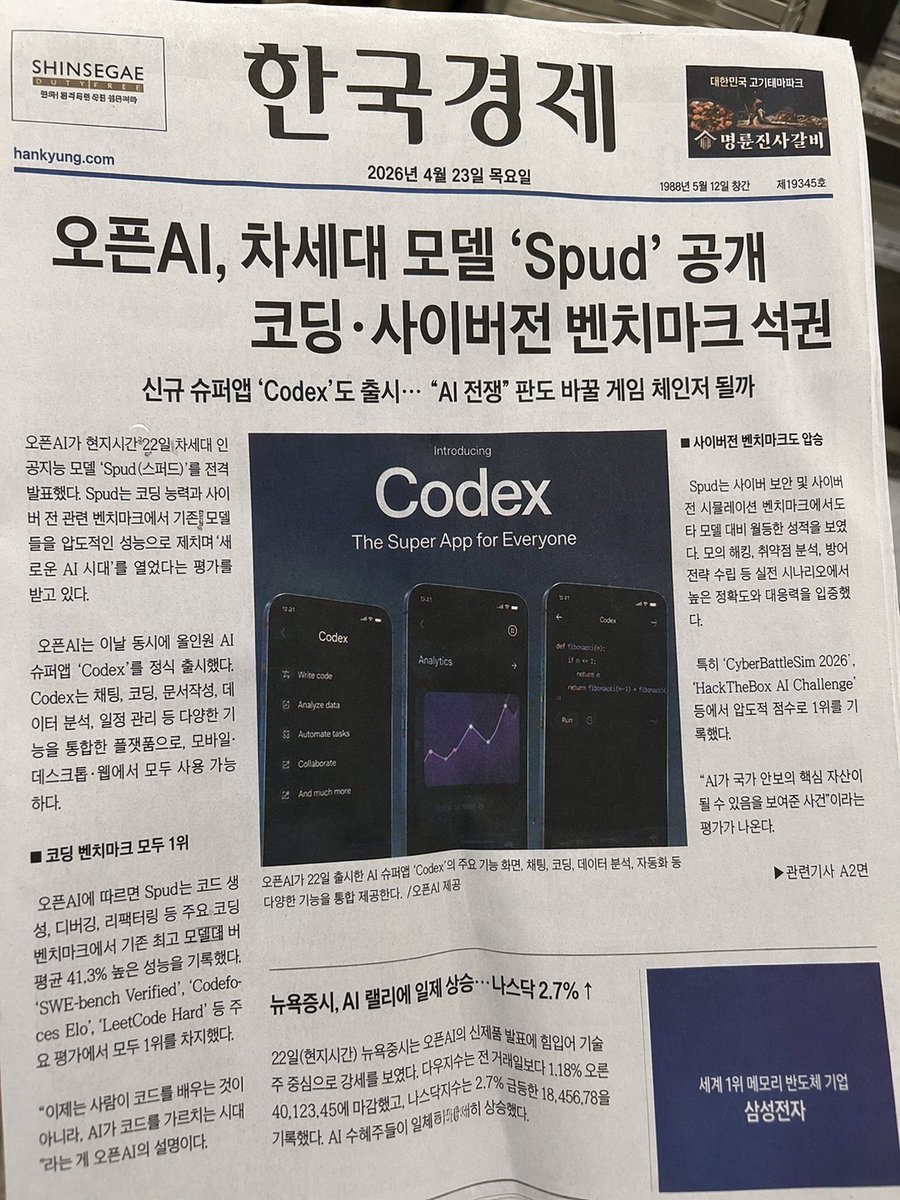
Photorealistic Korean Newspaper Front Page

Bold Red Contrast Fashion Editorial Newspaper Room
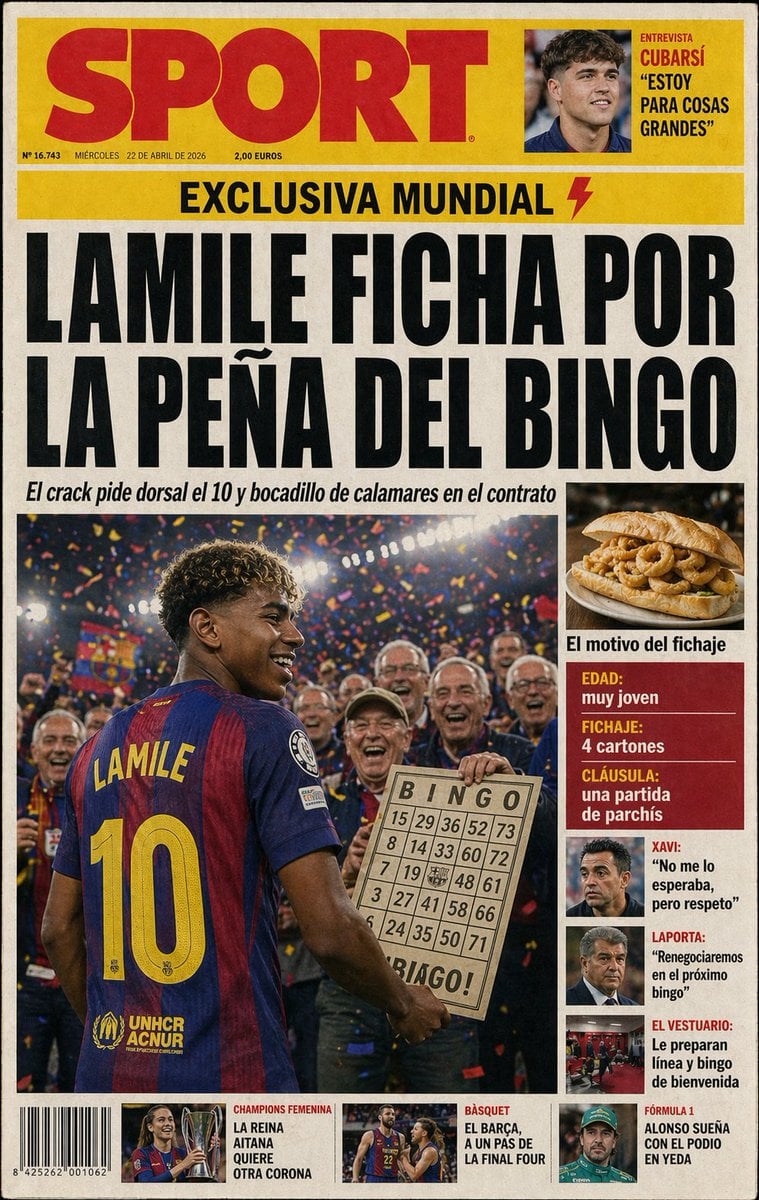
Satirical Spanish Sports Front Page
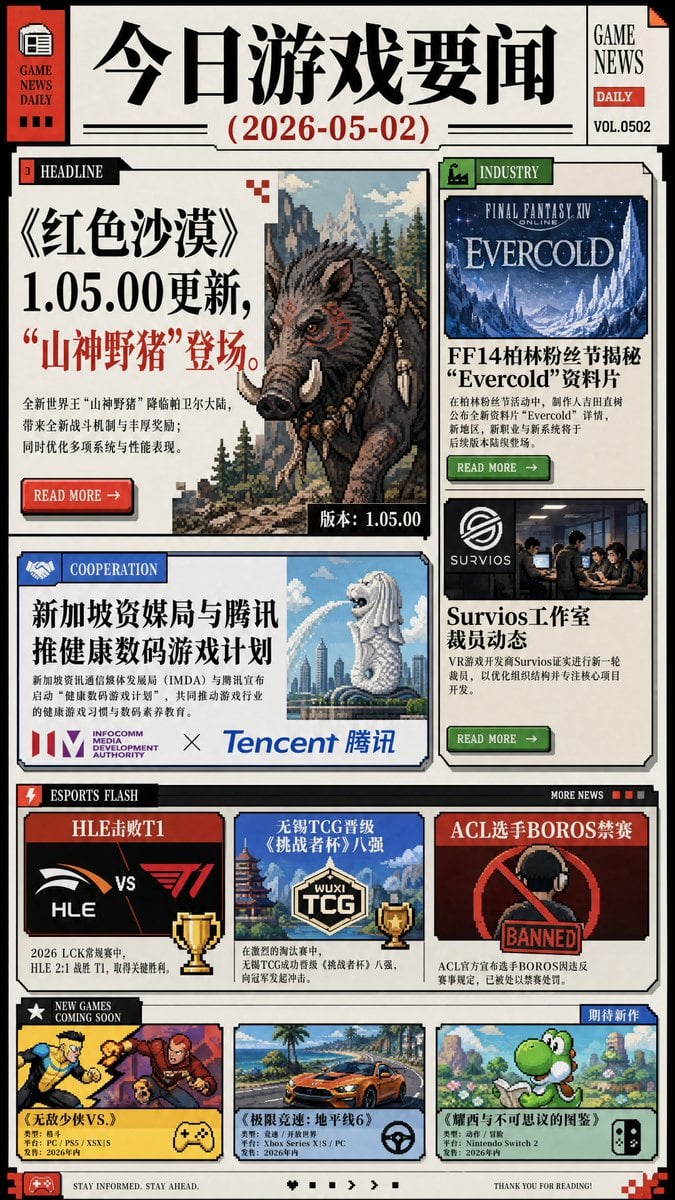
Chinese Game News Daily Front Page
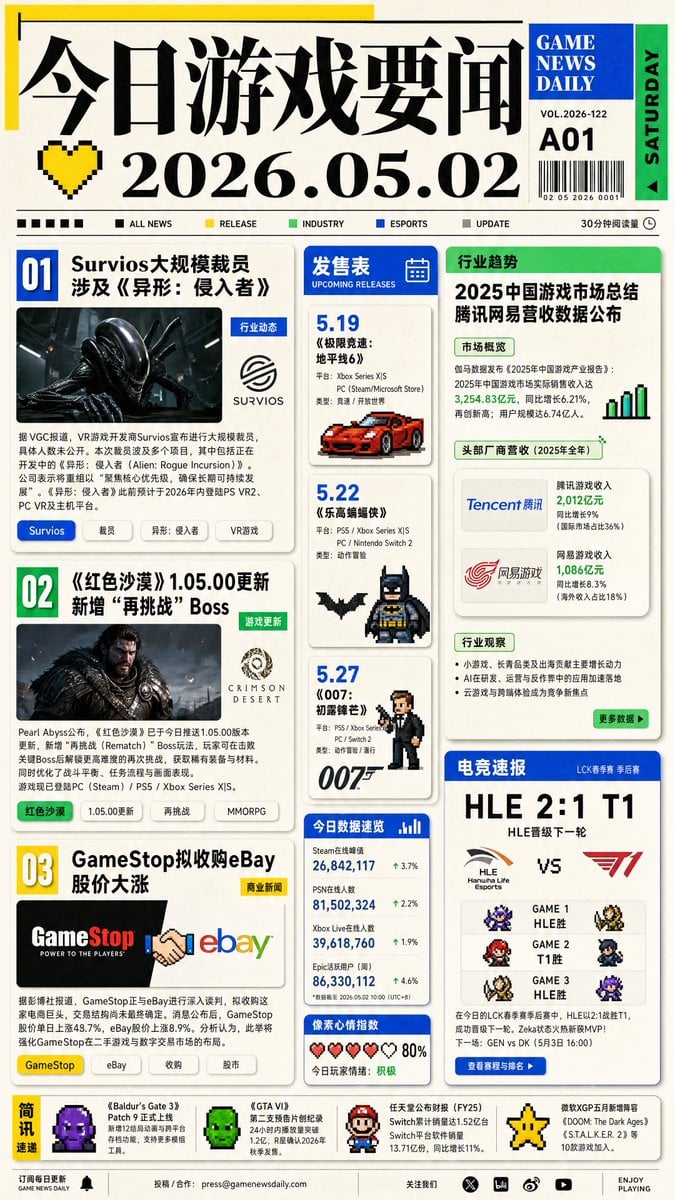
Game News Daily Front Page
Make it yours
French AI Newspaper Front Page works as-is. These are the safest ways to change it without losing the look.
Change one field
Copy a single group, rewrite it, and generate again so you can see what that field is doing.
Keep the frame, change the subject
Hold the composition and light of French AI Newspaper Front Page, then swap wardrobe, props or the person for a new take.
| If the result… | Why | Fix |
|---|---|---|
| The result drifts from the preview | Too many fields changed at once. | Reuse French AI Newspaper Front Page as-is first, then change one group — subject, light, or setting. |
| The model over-stylizes the scene | The prose prompt leaves finish and camera underspecified. | Add one camera or lighting sentence and stay on GPT Image 2. |
More GPT Image 2 templates
Other prompts made for GPT Image 2.

Six VTuber Japanese Logo Sheet

Realistic Portrait of Woman and Deer

The Vista Modular Condo Poster

AI Model Routing Comparison Infographic

2.5D Anime Art Board

Isometric Productivity Desk Scene

New York Double Exposure Poster

Four-Panel AI Landscape Comparison

Japanese Tatami Lifestyle Magazine Cover

NESCAFÉ Coffee Map Poster
More image prompts
Fresh picks from across the catalog.
Intimate Studio Portrait with Fairy Lights Prompt
80 Year Old Rapper Mv Seedance 2 0 Stree
Bauhaus Functional Identity Brand Logo Generation
Y2K Futurist Scream Desktop
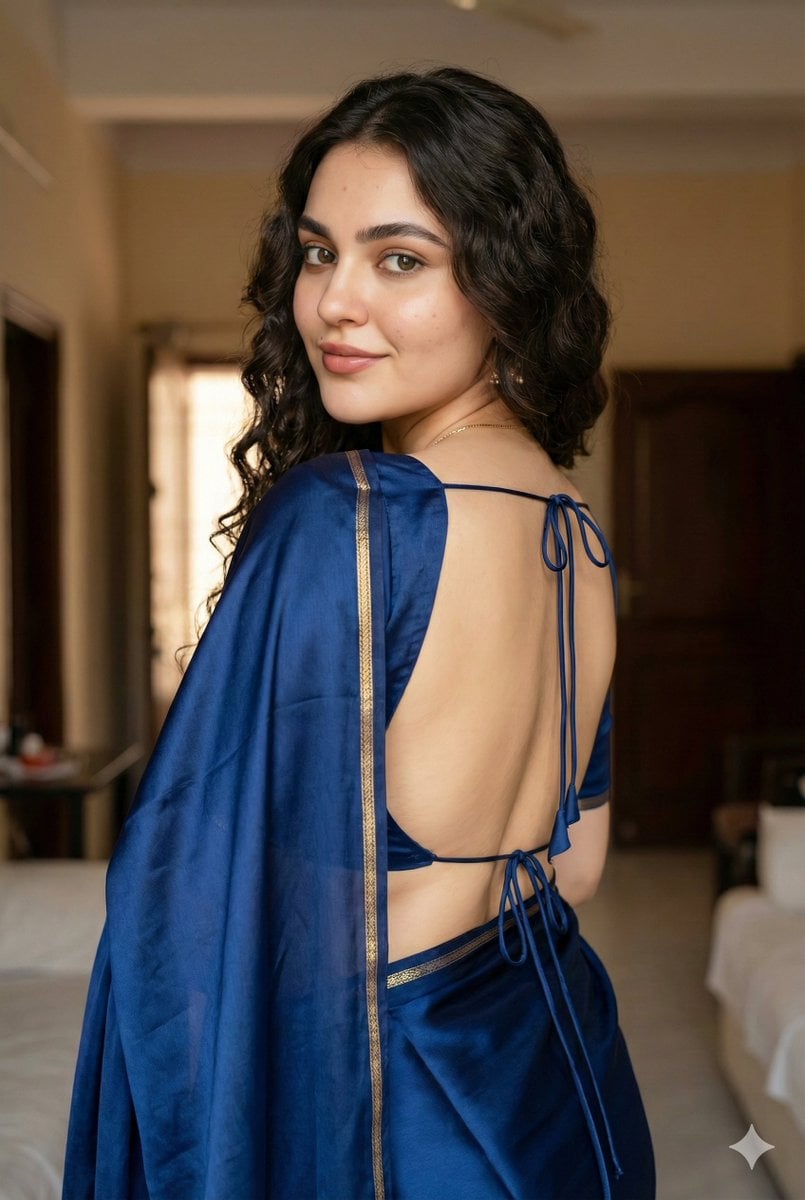
Ultra-Realistic South Asian Woman in Saree Portrait
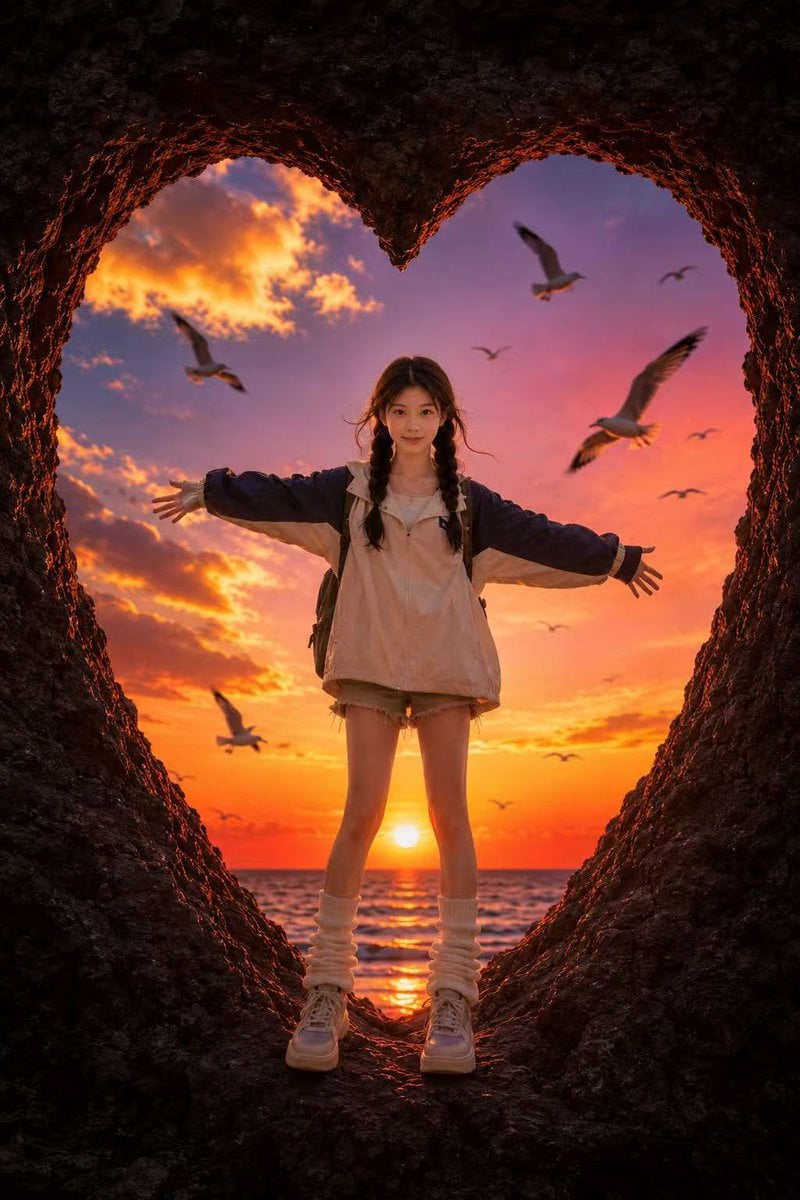
Heart-Shaped Sunset Cave Portrait
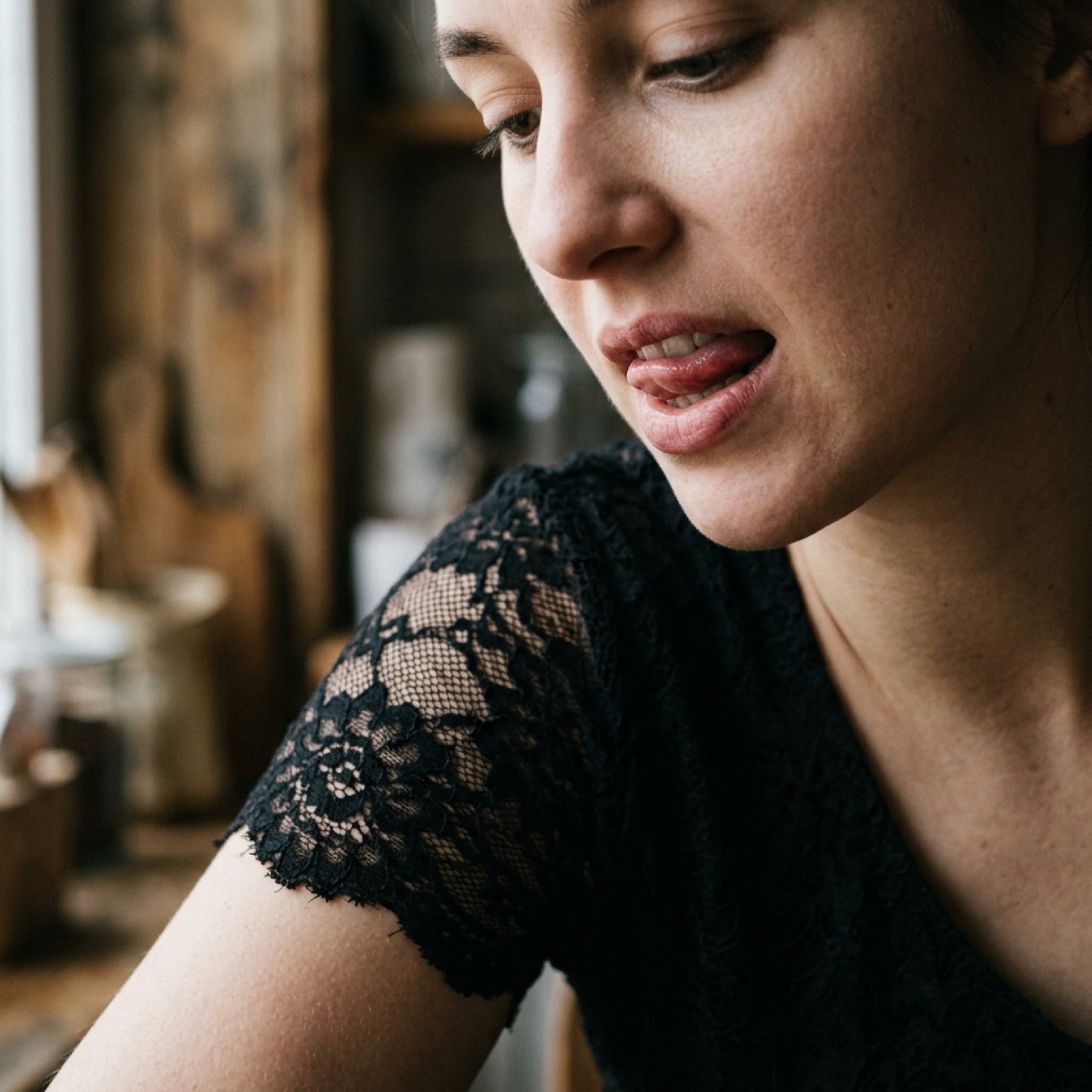
Image-to-Image Style Transfer Prompt
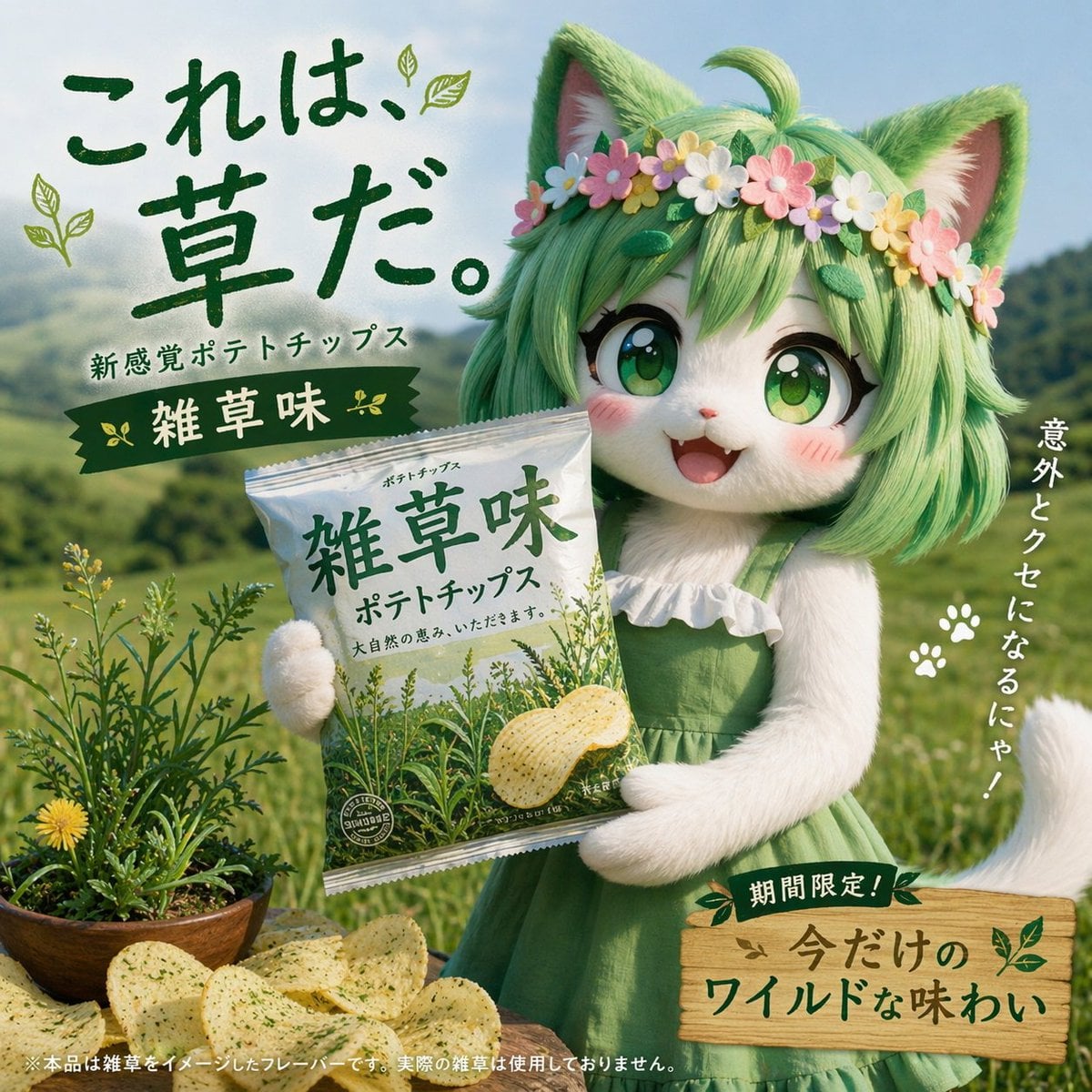
Japanese Potato Chip Advertisement
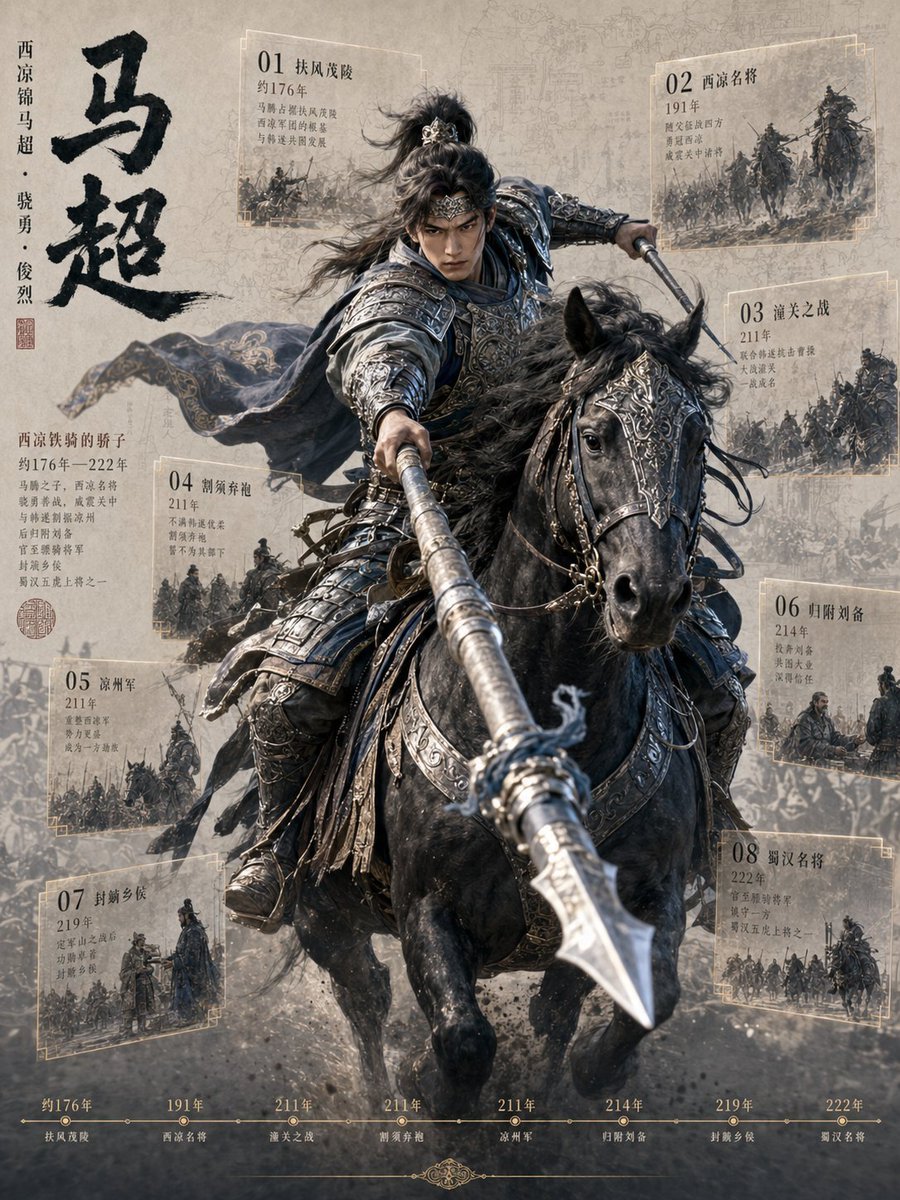
Ma Chao Historical Cavalry Timeline Poster
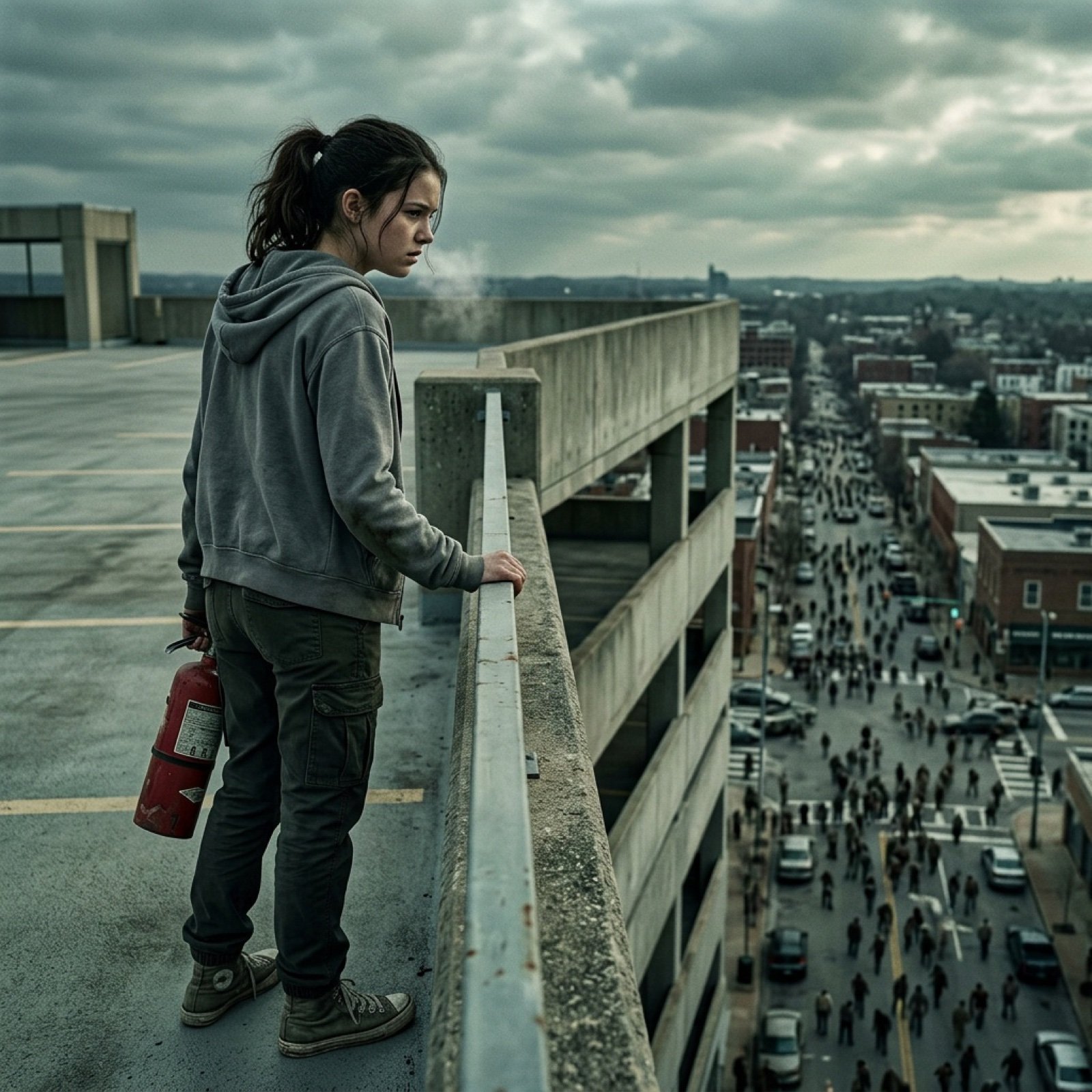
Seedance 2.0 - Zombie Girl Escapes
Browse template categories
French AI Newspaper Front Page questions
How do I use the French AI Newspaper Front Page template?
Add your photo if the template asks for one, edit the prompt if you like — the template's model and format are already selected — and press Generate. Your version opens in PicX Studio.
Can I customize the French AI Newspaper Front Page template?
Yes. You can change the subject, setting, lighting, mood, format, and available model controls before creating your image.
Is the French AI Newspaper Front Page template free?
Opening and editing this template is free. Generating uses credits, shown on the Generate button when you are signed in.
Which AI model should I use?
Start with GPT Image 2, which is the model associated with this template. You can compare another compatible model for a different finish.
Looking for something else? Browse all templates.

Your photo, any look
Thousands of ready templates for every top image and video model, from one credit balance.