
Chinese Game News Daily Front Page
Generates a dense retro newspaper-style daily gaming news poster with headline stories, industry updates, esports briefs, and upcoming game cards.
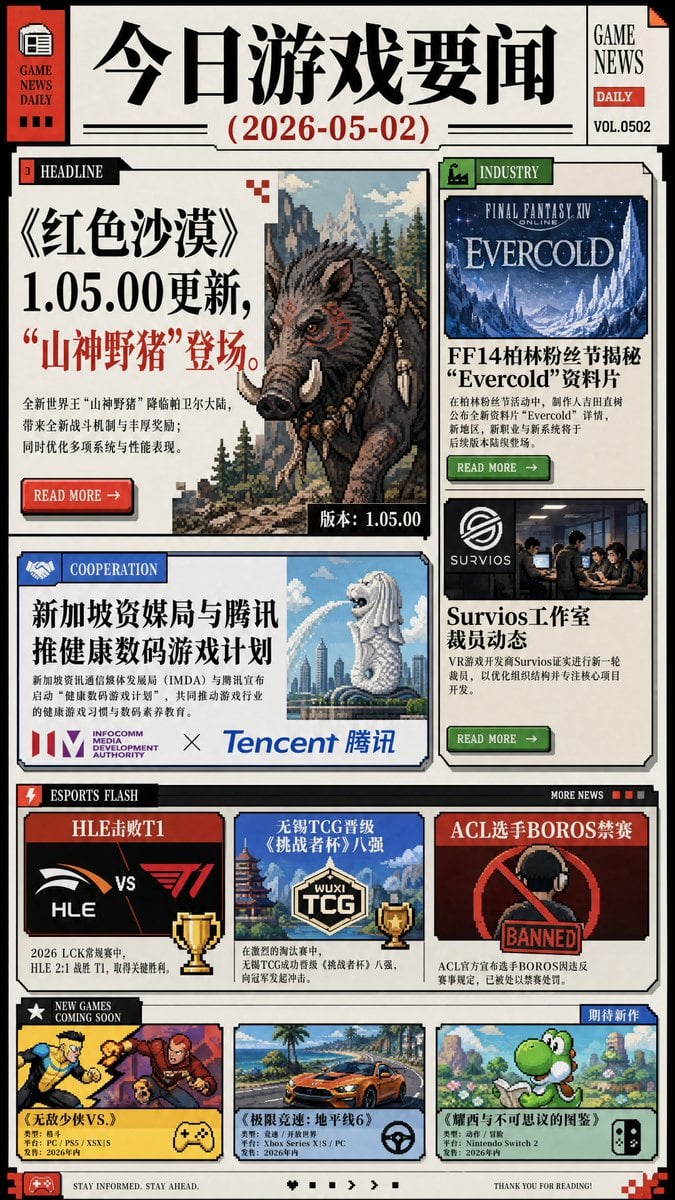
- Prompt included
- Model and format preset
- Free template
The prompt behind this image
Copy the exact prompt behind Chinese Game News Daily Front Page, or open it in the studio and make it yours.
- Type
- vertical game news daily newspaper front page poster
- Language
- Chinese newspaper layout with some English labels
- Format
- single-page editorial infographic, retro print design, cream paper background, thick black borders, red and green accent tabs, halftone shadows, pixel-art screenshots mixed with bold Chinese typography
- Header › Left Sidebar
- red vertical masthead with newspaper icon and text GAME NEWS DAILY
- Header › Main Title
- {argument name="newspaper title" default="今日游戏要闻"}
- Header › Date
- {argument name="issue date" default="2026-05-02"}
- Header › Right Box
- GAME NEWS, DAILY, VOL.0502
- Header › Decorations
- horizontal rule lines, small red pixel corner marks
- Layout › Sections › 0 › Title
- HEADLINE
- Layout › Sections › 0 › Position
- large upper-left feature card
- Layout › Sections › 0 › Count
- 1
- Layout › Sections › 0 › Content
- Main story about the game Red Desert version 1.05.00 update introducing a Mountain God Wild Boar boss
- Layout › Sections › 0 › Headline Text
- {argument name="main headline" default="《红色沙漠》1.05.00更新,‘山神野猪’登场。"}
- Layout › Sections › 0 › Visual
- large pixel-art fantasy wild boar with red eye, tusks, braided mane and bone ornaments in a pine forest with distant mountains and castle spires
- Layout › Sections › 0 › Details
- Chinese body copy in small newspaper columns, red READ MORE button, black version tag reading 版本:1.05.00
- Layout › Sections › 1 › Title
- INDUSTRY
- Layout › Sections › 1 › Position
- upper-right column
- Layout › Sections › 1 › Count
- 2
- Layout › Sections › 1 › Items › 0 › Label
- FINAL FANTASY XIV EVERCOLD
- Layout › Sections › 1 › Items › 0 › Description
- blue icy expansion/news card with snowy crystal mountains and headline FF14柏林粉丝节揭秘 ‘Evercold’ 资料片, plus green READ MORE button
- Layout › Sections › 1 › Items › 1 › Label
- Survios工作室裁员动态
- Layout › Sections › 1 › Items › 1 › Description
- Survios logo and photo of people in a meeting room, Chinese summary about VR studio layoffs, green READ MORE button
- Layout › Sections › 2 › Title
- COOPERATION
- Layout › Sections › 2 › Position
- middle-left wide card
Raw JSON
{"type":"vertical game news daily newspaper front page poster","language":"Chinese newspaper layout with some English labels","format":"single-page editorial infographic, retro print design, cream paper background, thick black borders, red and green accent tabs, halftone shadows, pixel-art screenshots mixed with bold Chinese typography","header":{"left_sidebar":"red vertical masthead with newspaper icon and text GAME NEWS DAILY","main_title":"{argument name=\"newspaper title\" default=\"今日游戏要闻\"}","date":"{argument name=\"issue date\" default=\"2026-05-02\"}","right_box":"GAME NEWS, DAILY, VOL.0502","decorations":"horizontal rule lines, small red pixel corner marks"},"layout":{"sections":[{"title":"HEADLINE","position":"large upper-left feature card","count":1,"content":"Main story about the game Red Desert version 1.05.00 update introducing a Mountain God Wild Boar boss","headline_text":"{argument name=\"main headline\" default=\"《红色沙漠》1.05.00更新,‘山神野猪’登场。\"}","visual":"large pixel-art fantasy wild boar with red eye, tusks, braided mane and bone ornaments in a pine forest with distant mountains and castle spires","details":"Chinese body copy in small newspaper columns, red READ MORE button, black version tag reading 版本:1.05.00"},{"title":"INDUSTRY","position":"upper-right column","count":2,"items":[{"label":"FINAL FANTASY XIV EVERCOLD","description":"blue icy expansion/news card with snowy crystal mountains and headline FF14柏林粉丝节揭秘 ‘Evercold’ 资料片, plus green READ MORE button"},{"label":"Survios工作室裁员动态","description":"Survios logo and photo of people in a meeting room, Chinese summary about VR studio layoffs, green READ MORE button"}]},{"title":"COOPERATION","position":"middle-left wide card","count":1,"headline":"新加坡资媒局与腾讯推健康数码游戏计划","visual":"Merlion statue spraying water in front of a bright city skyline, IMDA logo, Tencent 腾讯 logo, blue cooperation label"},{"title":"ESPORTS FLASH","position":"middle horizontal strip","count":3,"items":[{"label":"HLE击败T1","description":"red-and-black match card showing HLE vs T1 logos and gold trophy, Chinese note that HLE defeated T1 2:1 in LCK regular season"},{"label":"无锡TCG晋级《挑战者杯》八强","description":"blue card with WUXI TCG shield logo, pagoda and sky background, gold trophy icon"},{"label":"ACL选手BOROS禁赛","description":"dark red card with banned symbol over a player silhouette and large BANNED stamp"}]},{"title":"NEW GAMES COMING SOON","position":"bottom row","count":3,"items":[{"label":"《无敌少侠VS.》","description":"cartoon fighting-game screenshot with two characters punching, platform tags PS5 / XSX|S, 2026 release, yellow gamepad icon"},{"label":"《极限竞速:地平线6》","description":"orange sports car racing along a tropical coast, platform tags including Xbox Series X|S / PC, steering wheel icon"},{"label":"《耀西与不可思议的图鉴》","description":"green Yoshi in a colorful side-scrolling landscape, Nintendo Switch 2 tag, handheld console icon, small blue label 期待新作"}]}]},"footer":{"left":"red gamepad icon and slogan STAY INFORMED. STAY AHEAD.","center":"small black pixel navigation icons","right":"THANK YOU FOR READING! with red pixel corner decoration"},"style":{"art_direction":"Japanese/Chinese gaming newspaper demo, dense but clean editorial grid, bold Ming/Song-style Chinese title typography, mixed serif English labels, faux printed ink texture, comic-news clipping aesthetic","color_palette":"cream, black, deep red, forest green, navy blue, muted yellow","image_treatment":"pixel art and retro game screenshot thumbnails with crisp borders","composition":"portrait 3:4 aspect ratio, all cards aligned to a strict newspaper grid, high information density but readable hierarchy"}}How to use Chinese Game News Daily Front Page in 3 steps
- 1Upload ImagePNG, JPG or paste
Add your photo
Upload the photo the template builds on. The prompt, model and format are already set.
- 2…a portrait of your subject in softgolden-hour light, 85mm…
Personalize
Edit the subject and creative details for your destination.
- 3Generate
Generate
Press Generate — your image is created in PicX Studio, so you can compare it with the original and refine one variable at a time.
More like this
Templates with the same subject, style or setup. Open one to see its prompt.
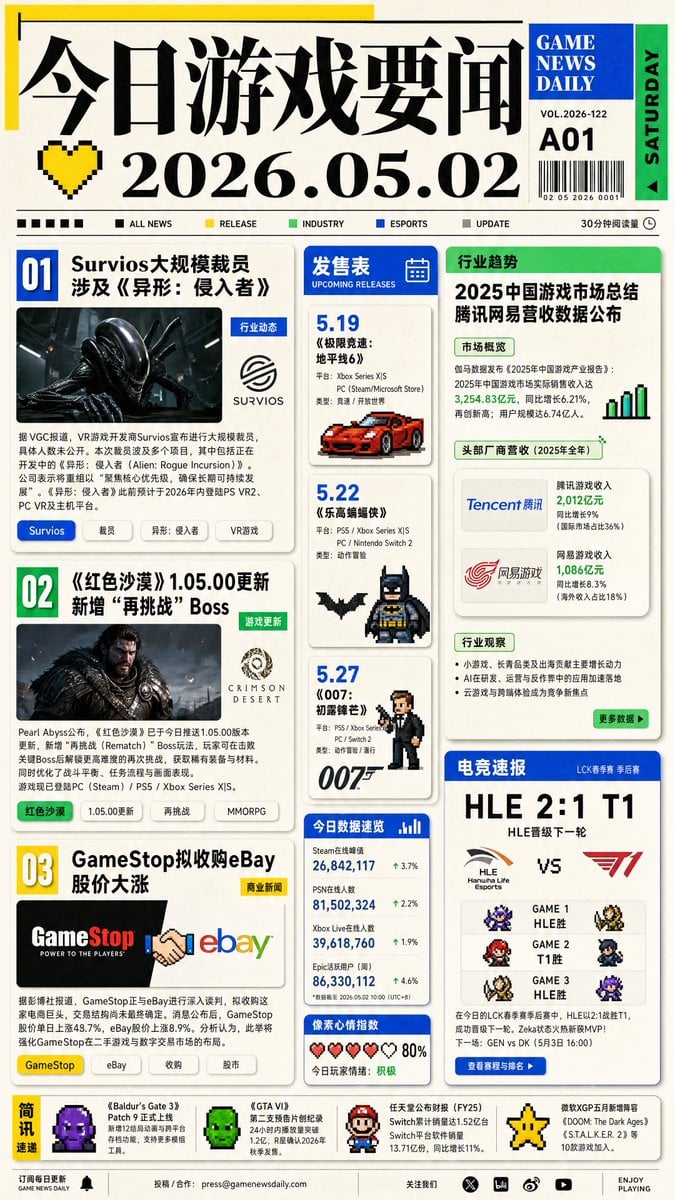
Game News Daily Front Page
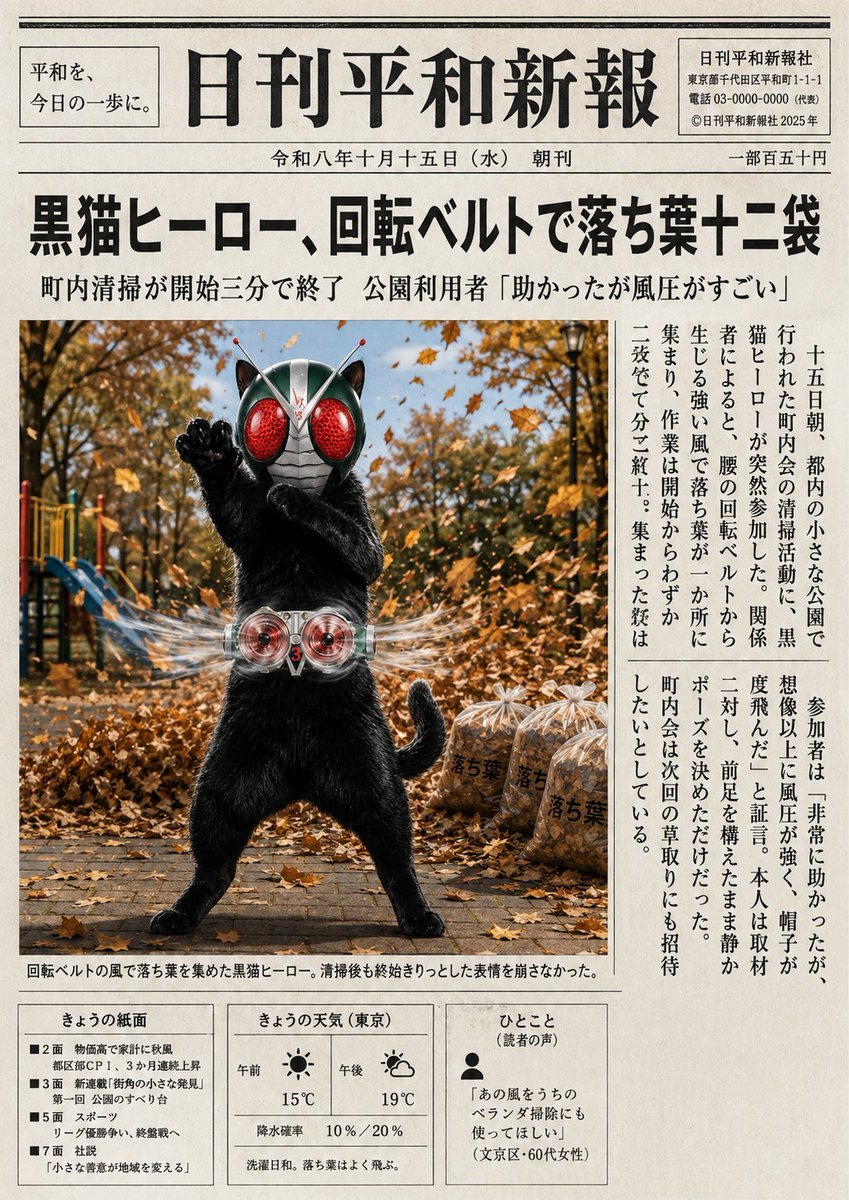
Japanese Newspaper Cat Hero Front Page
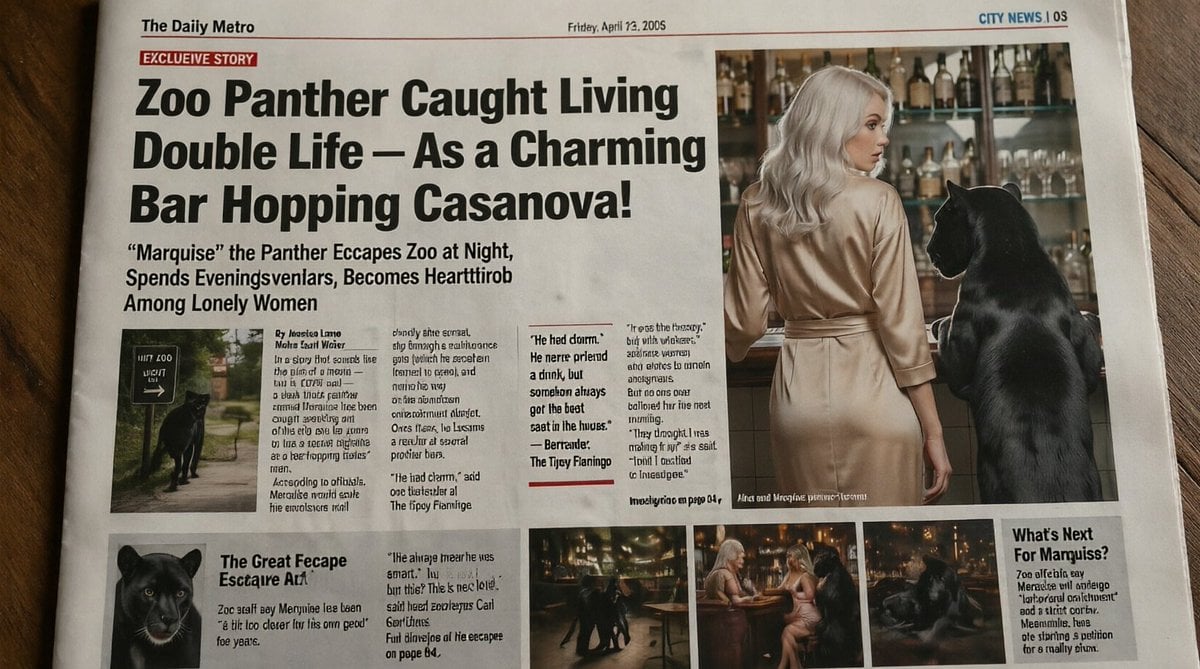
Absurd Tabloid Panther Newspaper Front Page
French AI Newspaper Front Page

Spanish Sports Newspaper Front Page
Retro Sci-Fi Newspaper Front Page

Vintage Newspaper Front Page Generator
Vintage Newspaper Front Page
Photorealistic Newspaper Front Page
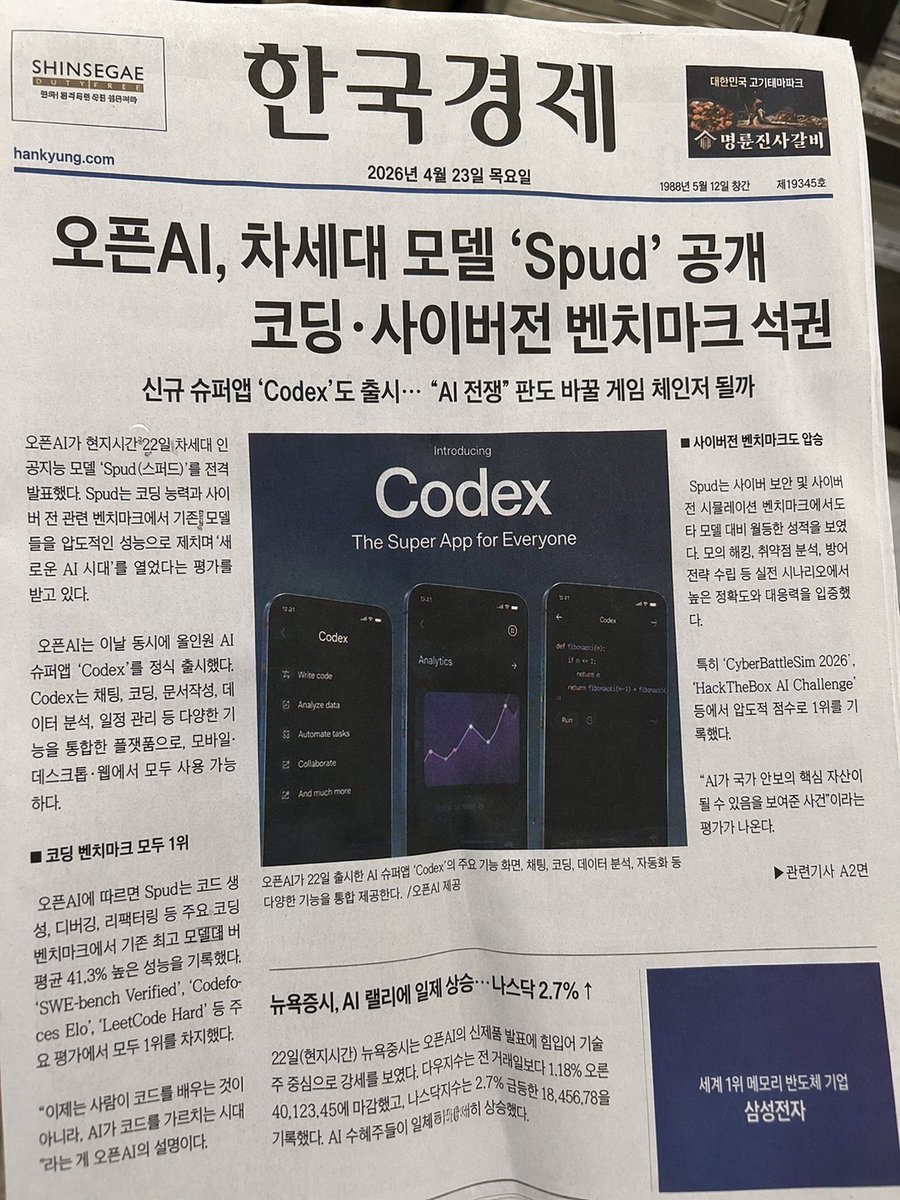
Photorealistic Korean Newspaper Front Page
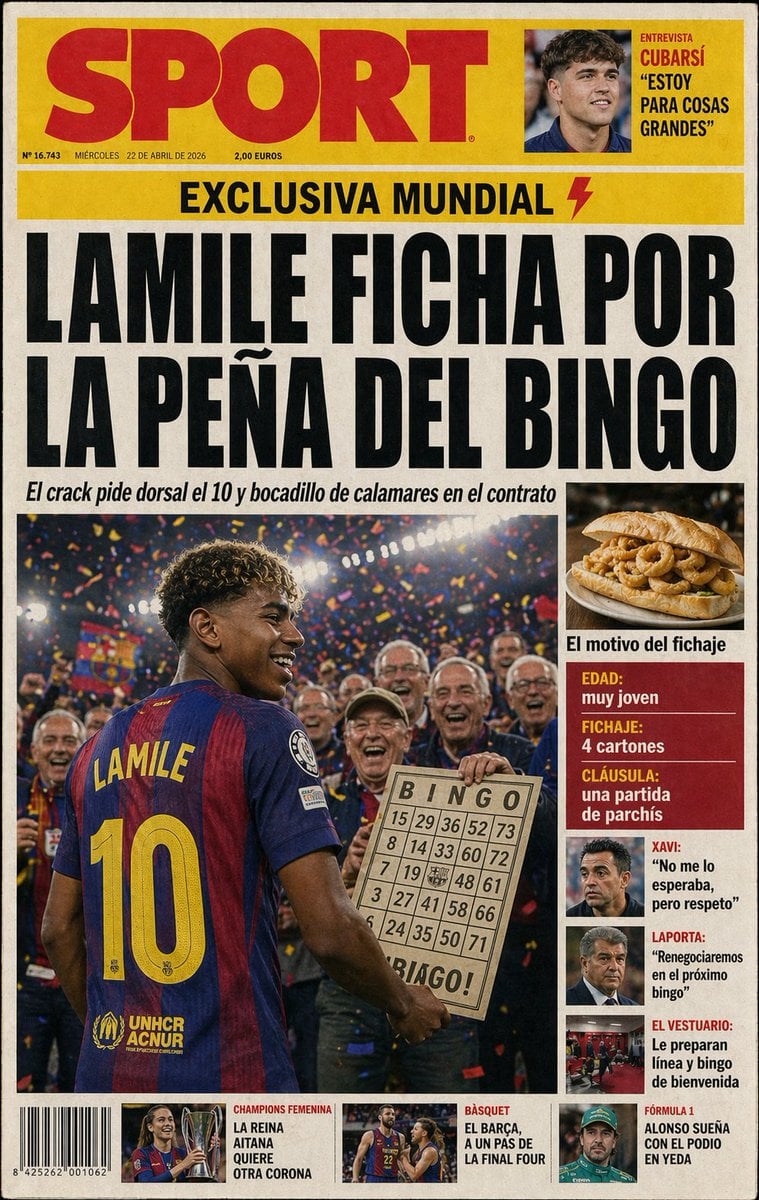
Satirical Spanish Sports Front Page
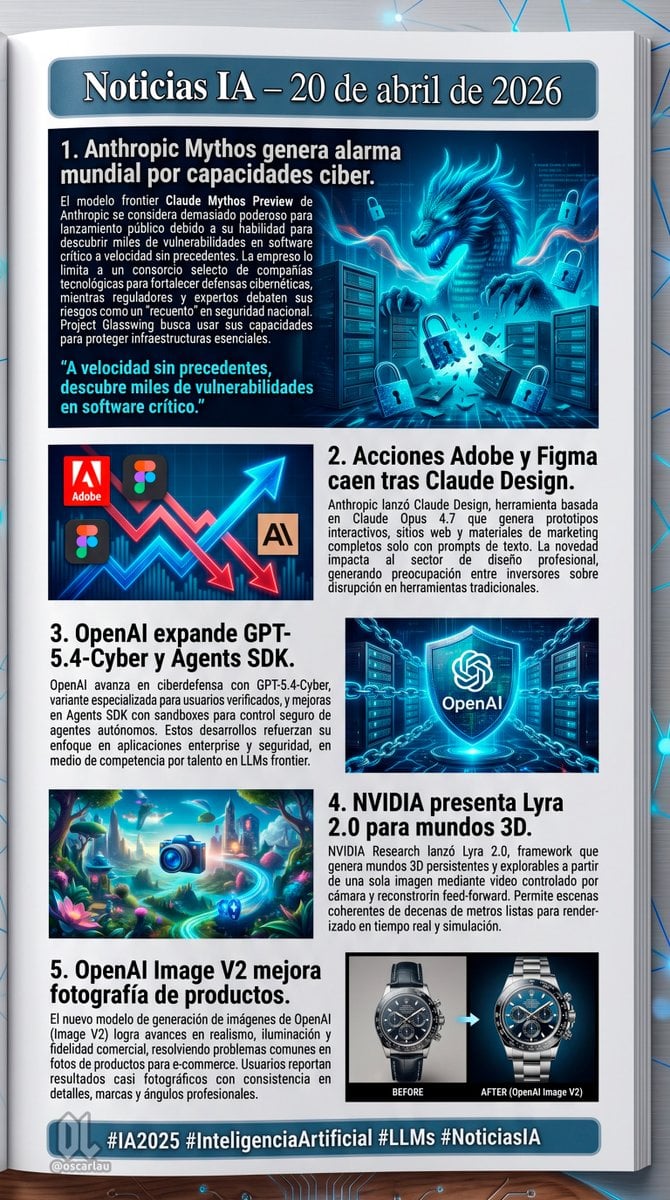
AI News Newsletter Page Layout
Make it yours
Chinese Game News Daily Front Page works as-is. These are the safest ways to change it without losing the look.
Change one field
Copy a single group, rewrite it, and generate again so you can see what that field is doing.
Keep the frame, change the subject
Hold the composition and light of Chinese Game News Daily Front Page, then swap wardrobe, props or the person for a new take.
| If the result… | Why | Fix |
|---|---|---|
| The result drifts from the preview | Too many fields changed at once. | Reuse Chinese Game News Daily Front Page as-is first, then change one group — subject, light, or setting. |
| GPT Image 2 ignores part of the JSON | Some models flatten or skip nested keys. | Keep the same values and paste them as a short paragraph instead. |
More GPT Image 2 templates
Other prompts made for GPT Image 2.

Six VTuber Japanese Logo Sheet

Realistic Portrait of Woman and Deer

The Vista Modular Condo Poster

AI Model Routing Comparison Infographic

2.5D Anime Art Board

Isometric Productivity Desk Scene

New York Double Exposure Poster

Four-Panel AI Landscape Comparison

Japanese Tatami Lifestyle Magazine Cover

NESCAFÉ Coffee Map Poster
More image prompts
Fresh picks from across the catalog.
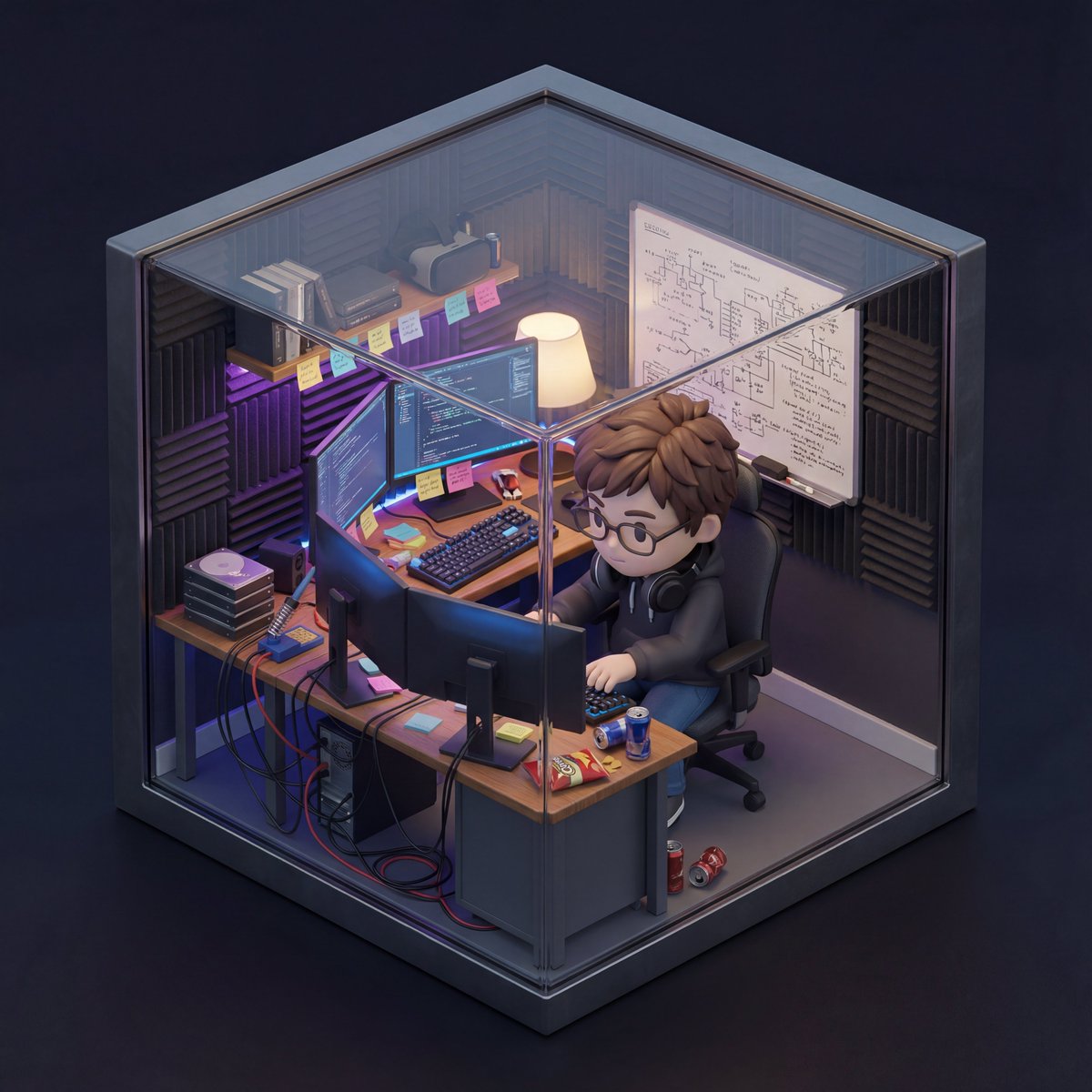
Isometric 3D Miniature Room with Chibi Character Prompt
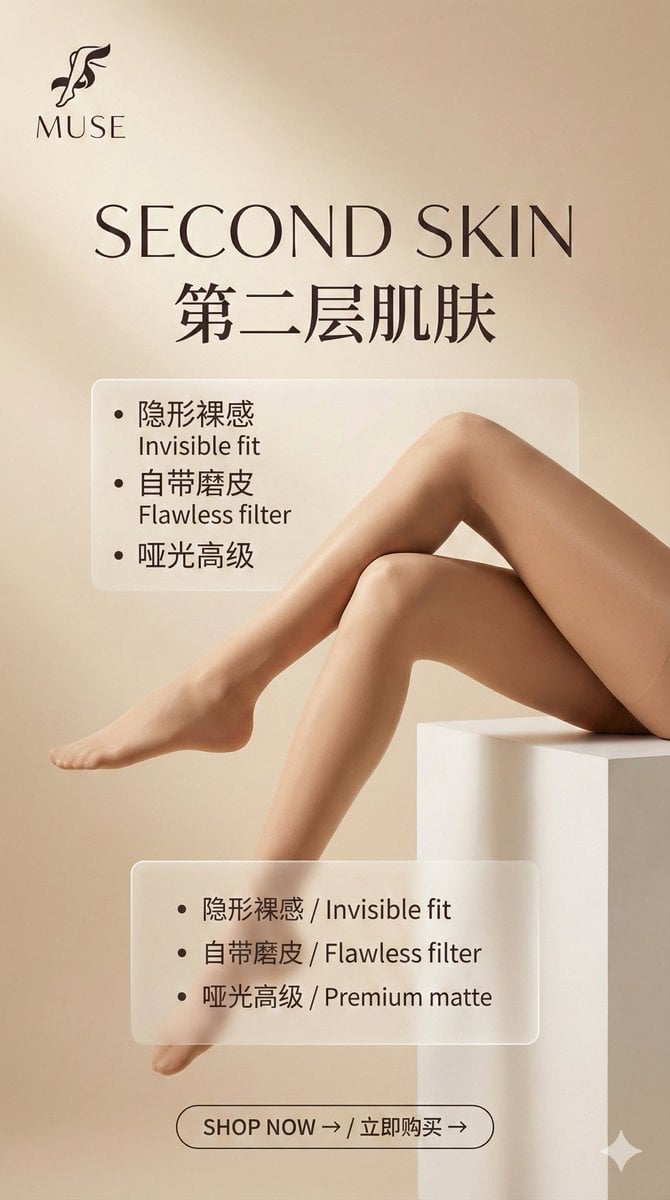
Multi-Step Prompt Generation Workflow for Product Posters
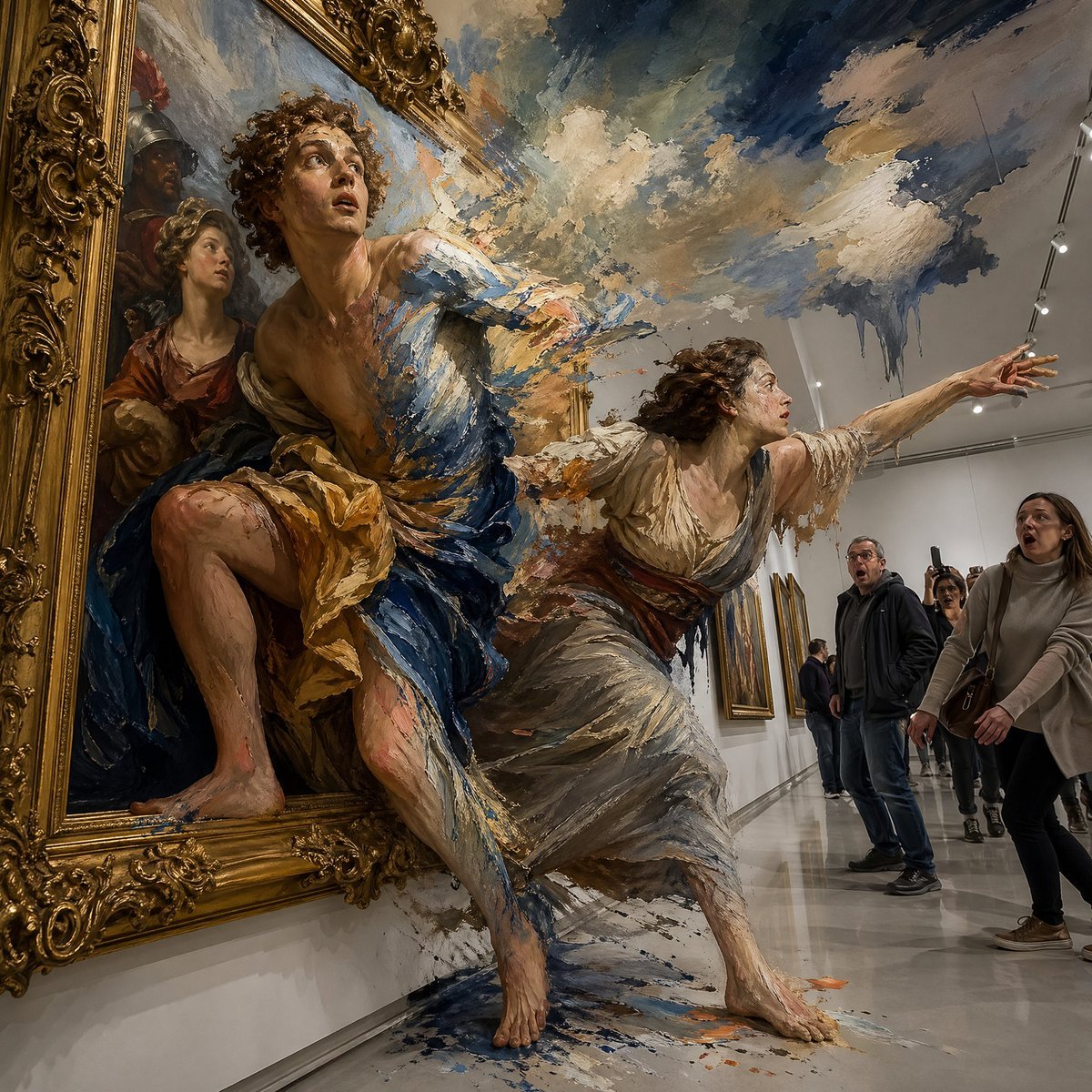
Gpt2 Comic Storyboard Surreal Baroque Painting Reality Fracture
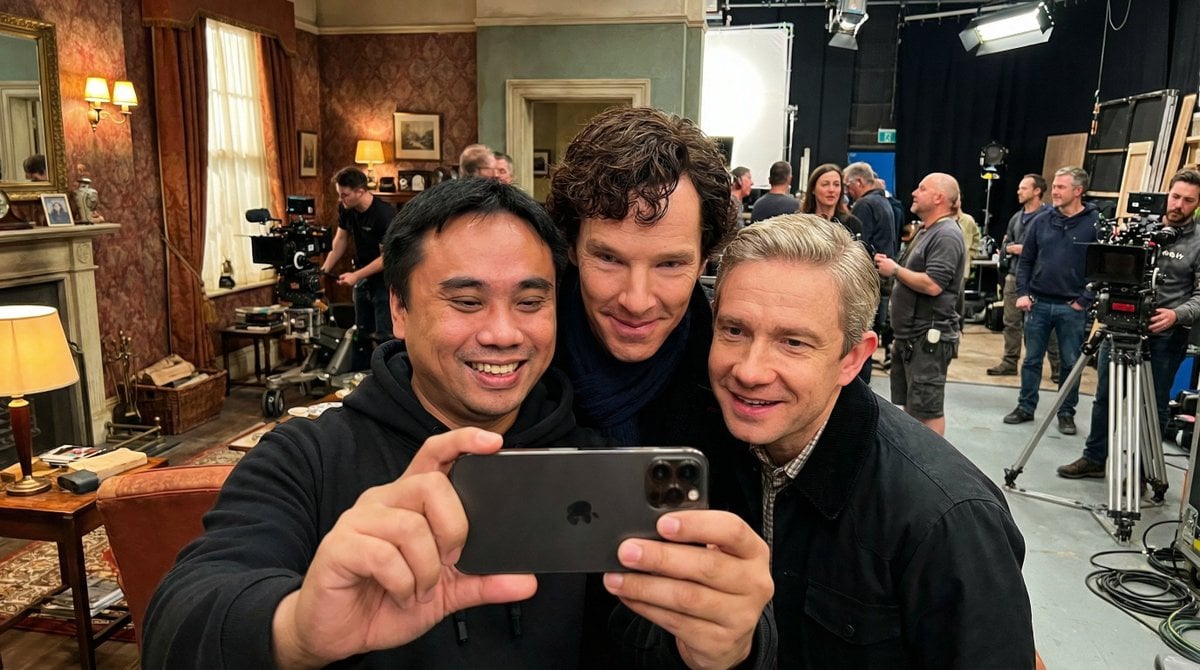
Behind-the-Scenes Movie Selfie with Identity Lock
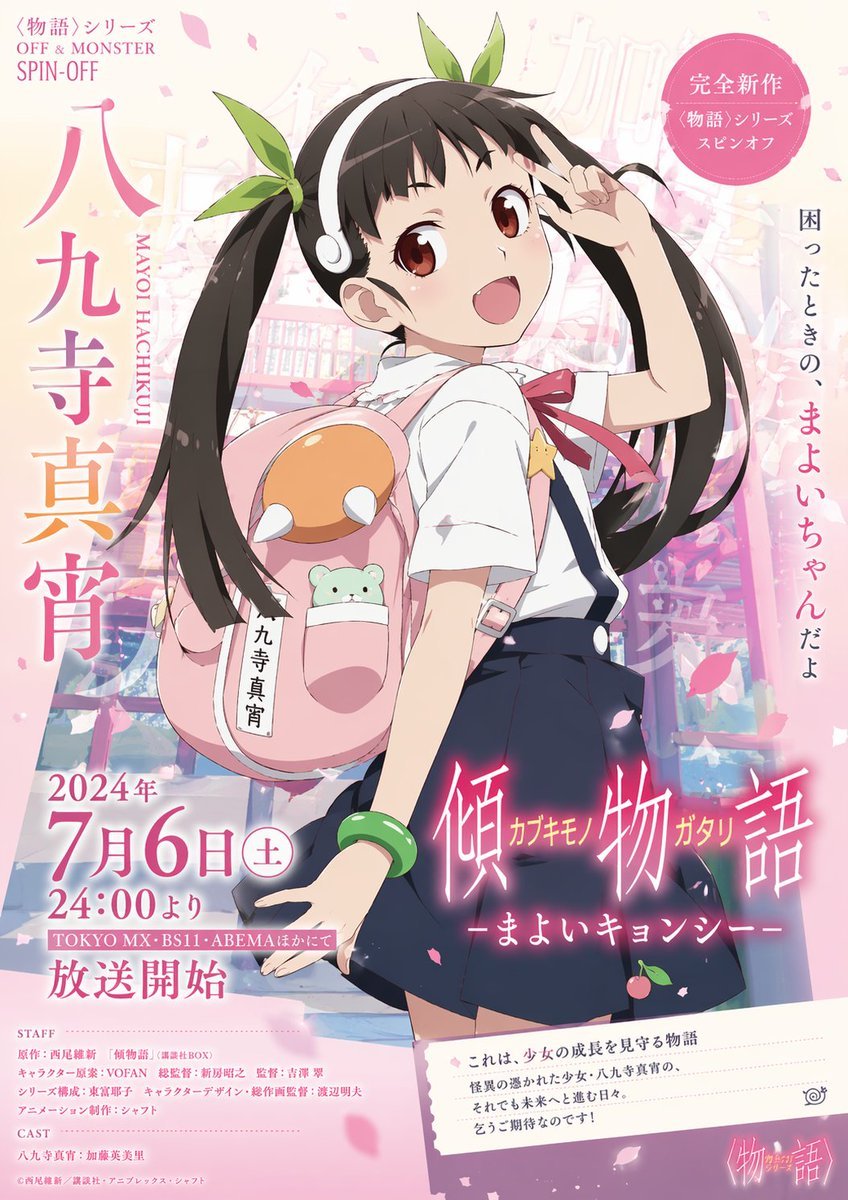
Anime Promotional Poster
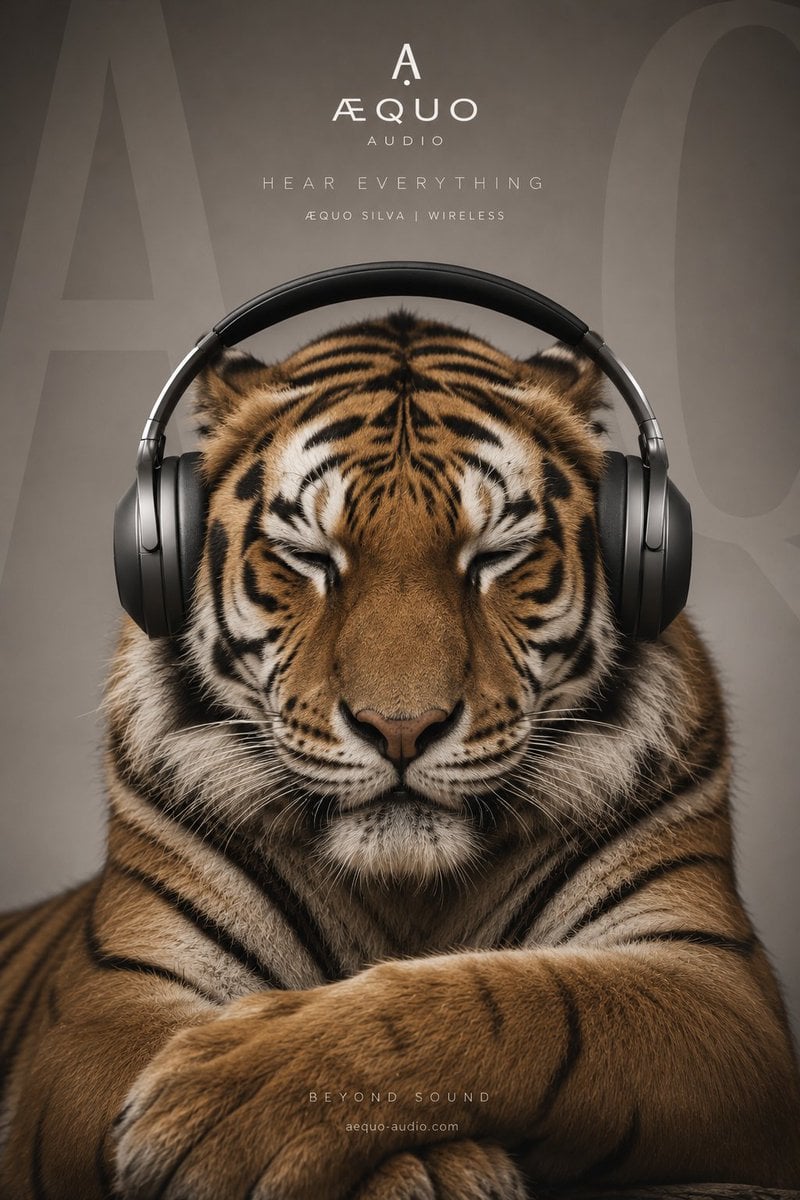
Ultra-realistic Gorilla Luxury Audio Poster
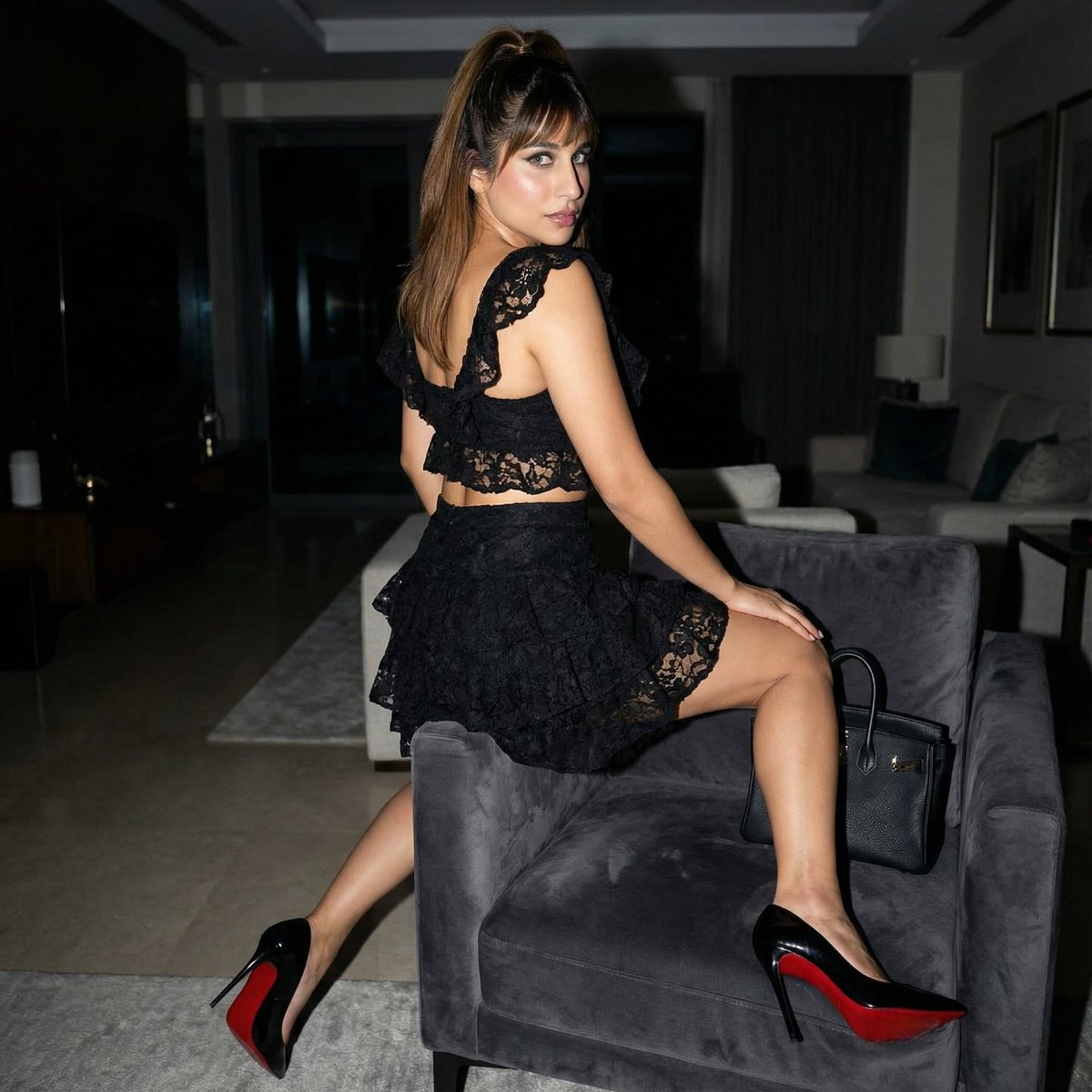
Simple Armchair Perch Prompt
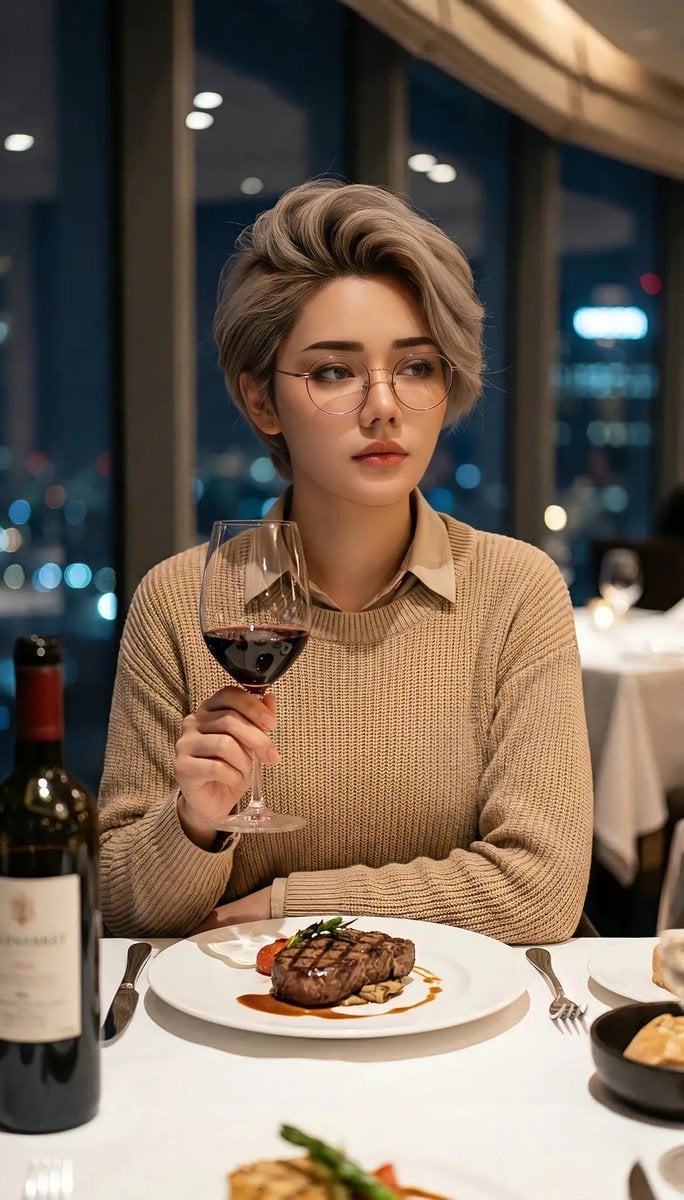
Cinematic Portrait in Fine Dining Restaurant
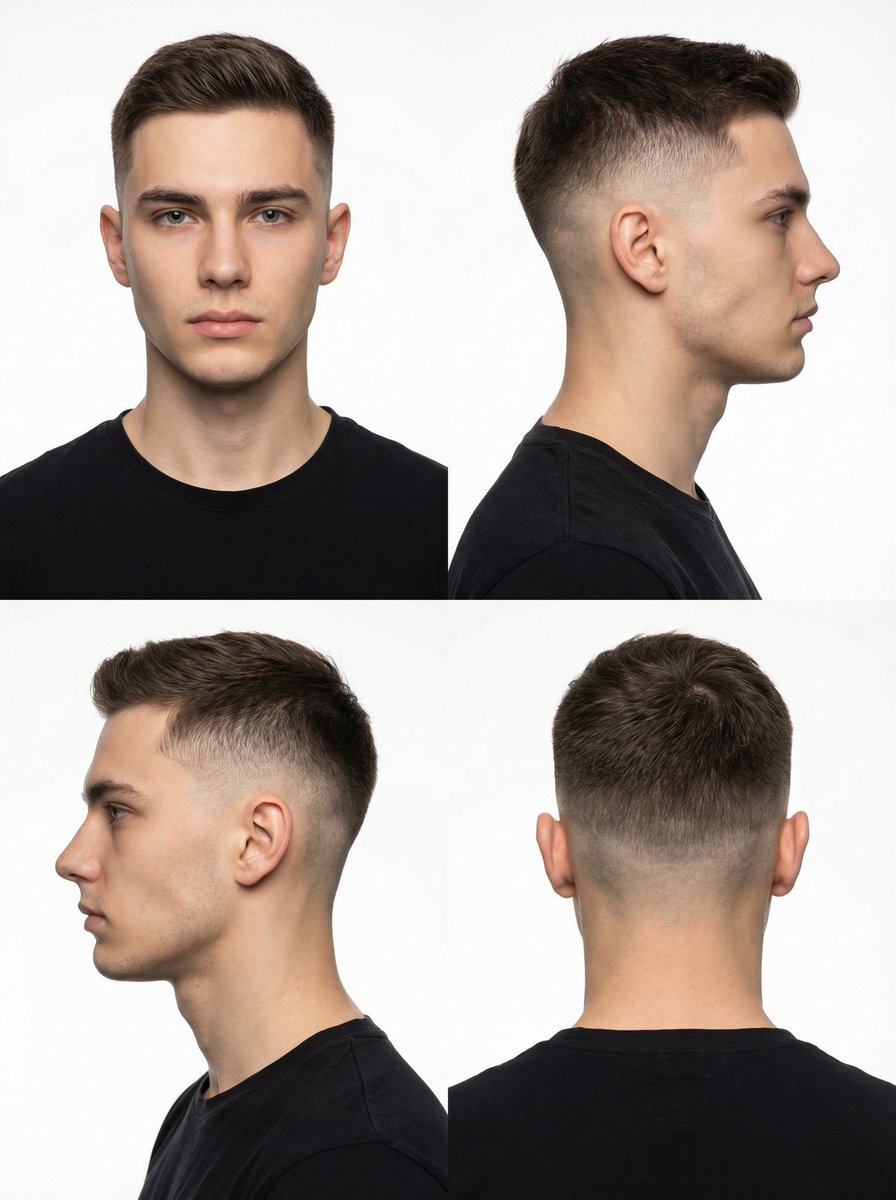
Panel Studio Portrait Grid
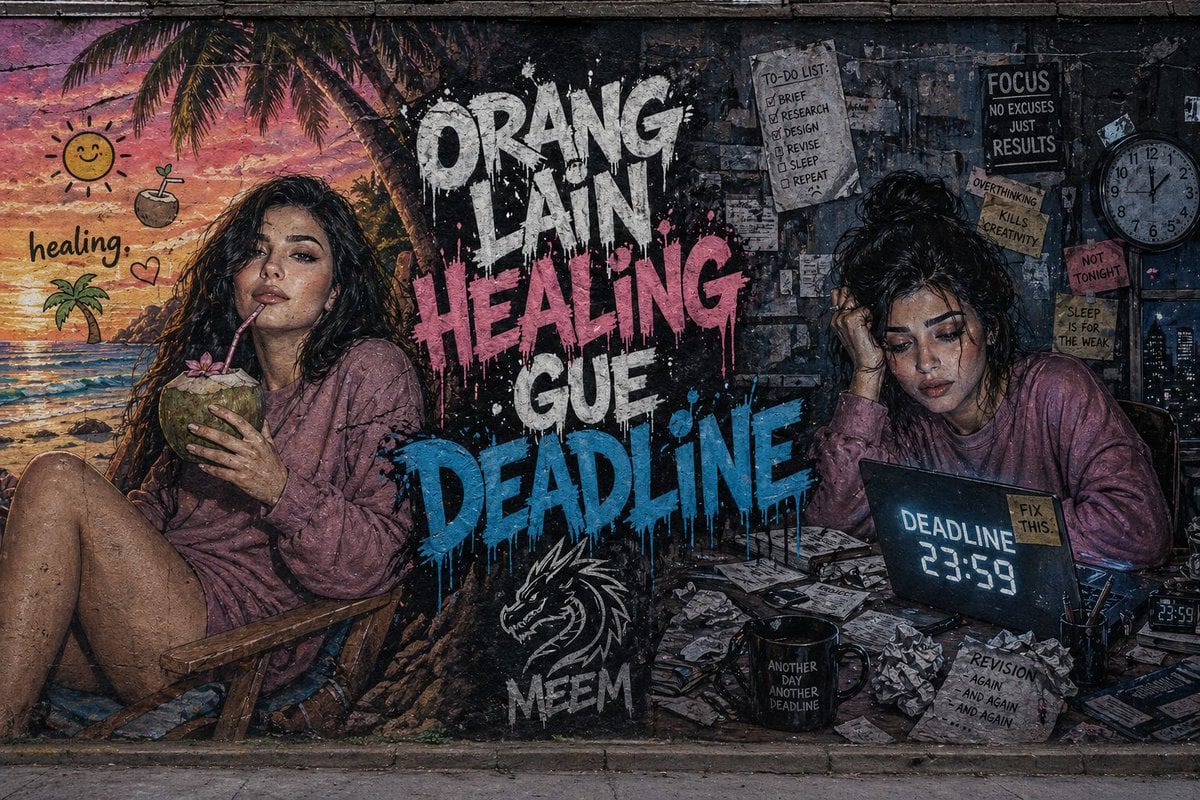
Dual-Concept Street Art Mural
Browse template categories
Chinese Game News Daily Front Page questions
How do I use the Chinese Game News Daily Front Page template?
Add your photo if the template asks for one, edit the prompt if you like — the template's model and format are already selected — and press Generate. Your version opens in PicX Studio.
Can I customize the Chinese Game News Daily Front Page template?
Yes. You can change the subject, setting, lighting, mood, format, and available model controls before creating your image.
Is the Chinese Game News Daily Front Page template free?
Opening and editing this template is free. Generating uses credits, shown on the Generate button when you are signed in.
Which AI model should I use?
Start with GPT Image 2, which is the model associated with this template. You can compare another compatible model for a different finish.
Looking for something else? Browse all templates.

Your photo, any look
Thousands of ready templates for every top image and video model, from one credit balance.