
Ma Chao Historical Cavalry Timeline Poster
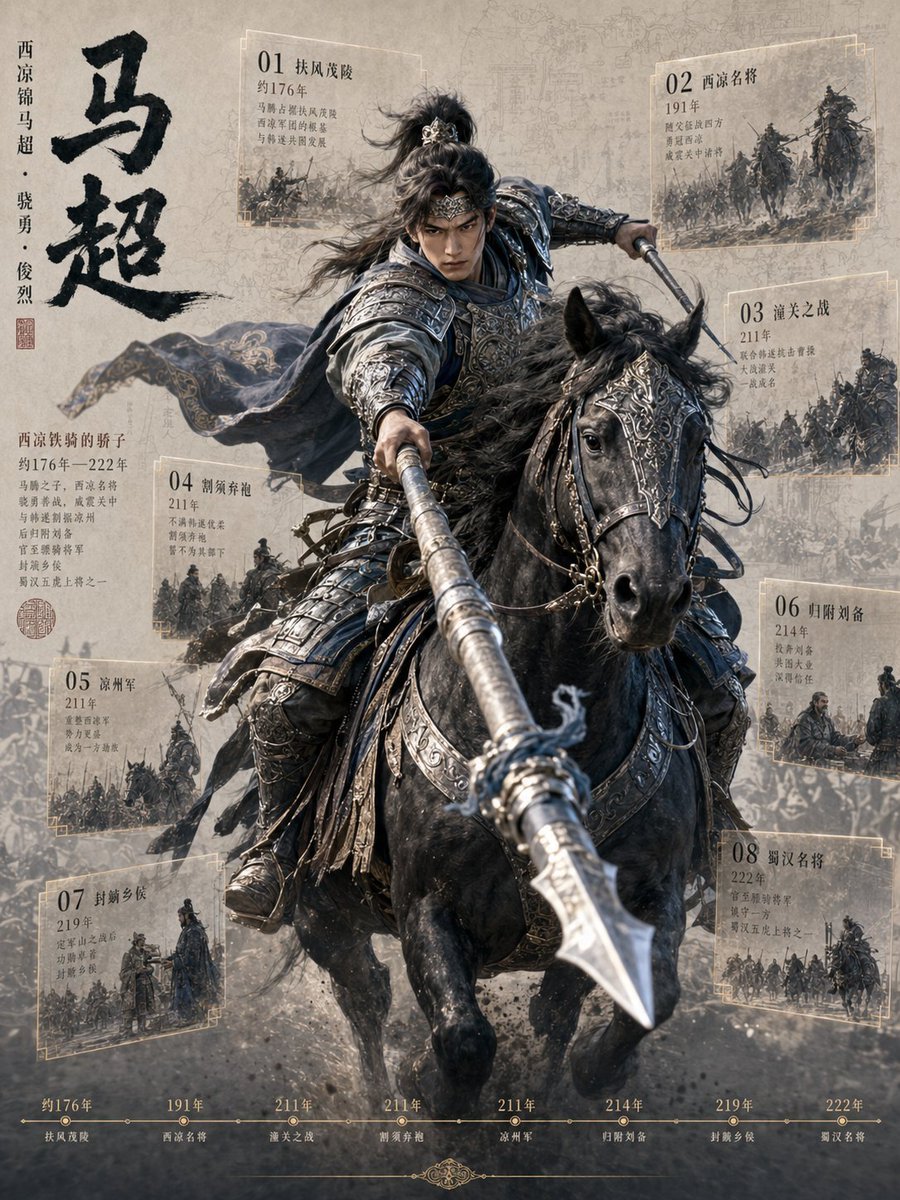
A cinematic antique-style Chinese history poster showing Ma Chao charging on horseback with eight illustrated timeline event cards.
- Prompt included
- Model and format preset
- Free template
The prompt behind this image
Copy the exact prompt behind Ma Chao Historical Cavalry Timeline Poster, or open it in the studio and make it yours.
Goal: Create a vertical historical hero infographic poster about {argument name="character name" default="马超"}, a fierce ancient Chinese cavalry general, combining cinematic fantasy realism with an antique manuscript timeline design. Canvas: Portrait 3:4 poster, aged beige parchment background with faint map lines, battle sketches, dust, ink wash texture, and subtle sepia-gray atmosphere. High-detail digital painting / cinematic historical concept art, dramatic depth of field, gritty battlefield energy. Main subject: Center composition shows {argument name="character name" default="马超"} charging forward on a powerful black warhorse. The rider wears ornate dark silver lamellar armor with engraved patterns, layered pauldrons, leather straps, flowing dark cloak, and a high tied topknot with loose windblown hair. His face is partially covered by a centered dark rectangular censor/blur block. He thrusts a long silver spear directly toward the viewer, creating strong foreshortening; the spear tip dominates the lower-right foreground. The black horse has elaborate metal head armor, reins, ornamental tack, flared nostrils, and galloping motion with dust and debris underfoot. Left title area: Large vertical black Chinese calligraphy reading {argument name="main calligraphy title" default="马超"} along the upper-left side. Beside it, smaller vertical text reads “西凉锦马超 · 骁勇 · 俊烈” with a small red seal stamp beneath. Below, add a short Chinese biography block in small serif-style text beginning with “西凉铁骑的骄子” and mentioning “约176年—222年”; keep it visually authentic, compact, and slightly faded. Timeline/event cards: Add exactly 8 translucent parchment cards around the rider, each with a thin pale-gold border, a large two-digit number, a Chinese title, a year, several tiny Chinese annotation lines, and a small monochrome ink-battle illustration. The 8 cards are: 1. “01 扶风茂陵”, year “约176年”, upper left of rider. 2. “02 西凉名将”, year “191年”, upper right. 3. “03 潼关之战”, year “211年”, mid right. 4. “04 割须弃袍”, year “211年”, lower left-center. 5. “05 凉州军”, year “211年”, lower left. 6. “06 归附刘备”, year “214年”, lower right-center. 7. “07 射鹤乡侯”, year “219年”, bottom left-center. 8. “08 蜀汉名将”, year “222年”, bottom right. Bottom timeline: Along the bottom edge, create a thin horizontal gold timeline with exactly 8 marked dots and labels matching the same sequence and years: “约176年 扶风茂陵”, “191年 西凉名将”, “211年 潼关之战”, “211年 割须弃袍”, “211年 凉州军”, “214年 归附刘备”, “219年 射鹤乡侯”, “222年 蜀汉名将”. Add a small ornamental flourish centered below the line. Visual style: Realistic Chinese historical war epic, antique museum-poster layout, muted beige, charcoal, steel blue, black, and pale gold palette. Use dust, torn-paper translucency, faint battlefield silhouettes, and ink-wash overlays. The central rider and horse should be sharp and dramatic, while background cards and maps are slightly faded. Constraints: Use exactly 8 event cards and 8 bottom timeline markers. Keep all visible typography Chinese-style and integrated into the poster. No modern objects, no watermark, no logo, no extra characters in the foreground, no bright saturated colors.
How to use Ma Chao Historical Cavalry Timeline Poster in 3 steps
- 1Upload ImagePNG, JPG or paste
Add your photo
Upload the photo the template builds on. The prompt, model and format are already set.
- 2…a portrait of your subject in softgolden-hour light, 85mm…
Personalize
Edit the subject and creative details for your destination.
- 3Generate
Generate
Press Generate — your image is created in PicX Studio, so you can compare it with the original and refine one variable at a time.
More like this
Templates with the same subject, style or setup. Open one to see its prompt.
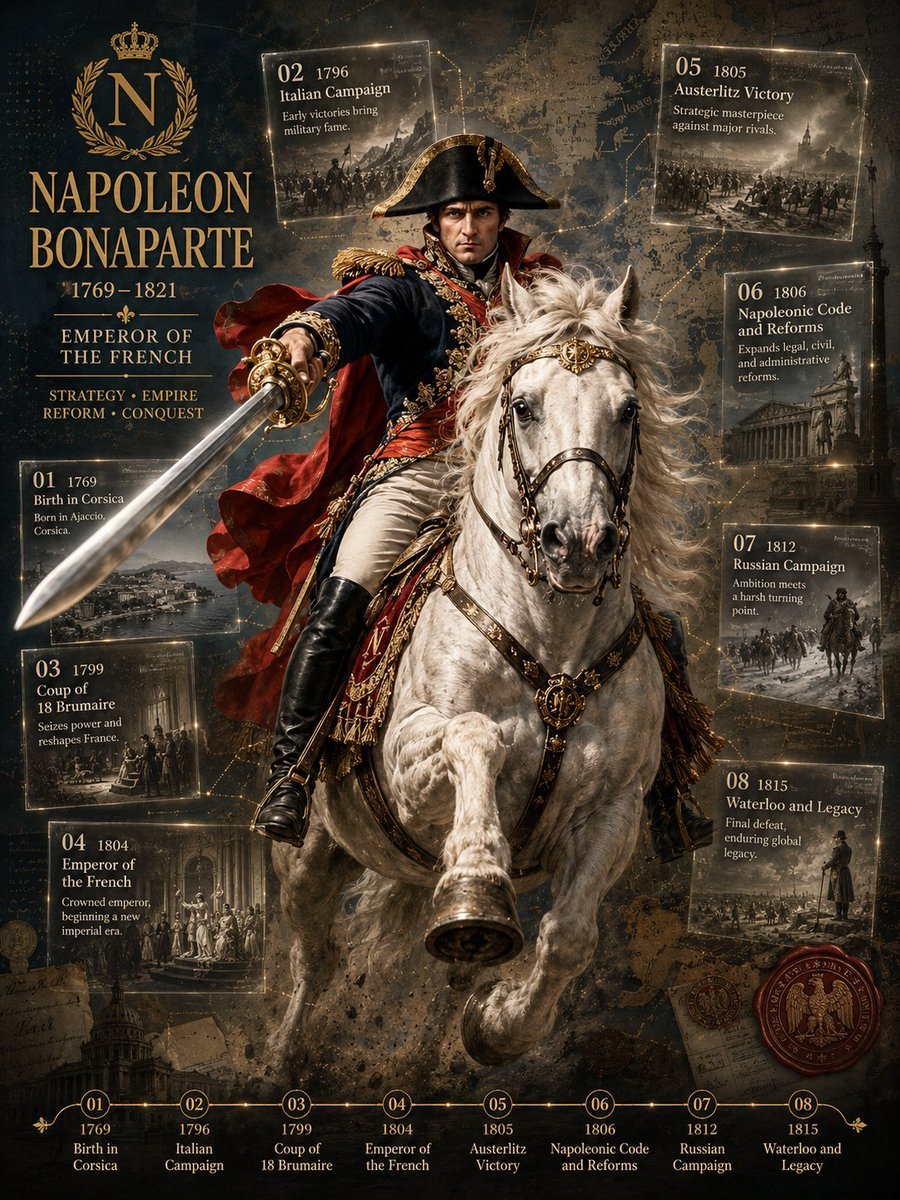
Napoleon Historical Timeline Poster

Japan Travel Brochure Poster

Cartoon TV Show Poster Pack

Trendy Cafe Drink Promo Poster

Urban Fashion Editorial Collage Streetwear Poster

Premium Fashion Editorial Cover Layout System

Polo Ralph Lauren Luxury American Heritage Fashion Campaign

Monochrome Halftone Editorial Fashion Poster

Retro Mirror Luxury Fashion Campaign Poster

Luxury Fashion Campaign Typography Poster System

Premium Fashion Editorial Campaign Poster System

Ultra-Stylized High-Fashion Streetwear Poster
Make it yours
Ma Chao Historical Cavalry Timeline Poster works as-is. These are the safest ways to change it without losing the look.
Change one field
Copy a single group, rewrite it, and generate again so you can see what that field is doing.
Keep the frame, change the subject
Hold the composition and light of Ma Chao Historical Cavalry Timeline Poster, then swap wardrobe, props or the person for a new take.
| If the result… | Why | Fix |
|---|---|---|
| The result drifts from the preview | Too many fields changed at once. | Reuse Ma Chao Historical Cavalry Timeline Poster as-is first, then change one group — subject, light, or setting. |
| The model over-stylizes the scene | The prose prompt leaves finish and camera underspecified. | Add one camera or lighting sentence and stay on GPT Image 2. |
More GPT Image 2 templates
Other prompts made for GPT Image 2.

Six VTuber Japanese Logo Sheet

Realistic Portrait of Woman and Deer

The Vista Modular Condo Poster

AI Model Routing Comparison Infographic

2.5D Anime Art Board

Isometric Productivity Desk Scene

New York Double Exposure Poster

Four-Panel AI Landscape Comparison

Japanese Tatami Lifestyle Magazine Cover

NESCAFÉ Coffee Map Poster
More image prompts
Fresh picks from across the catalog.
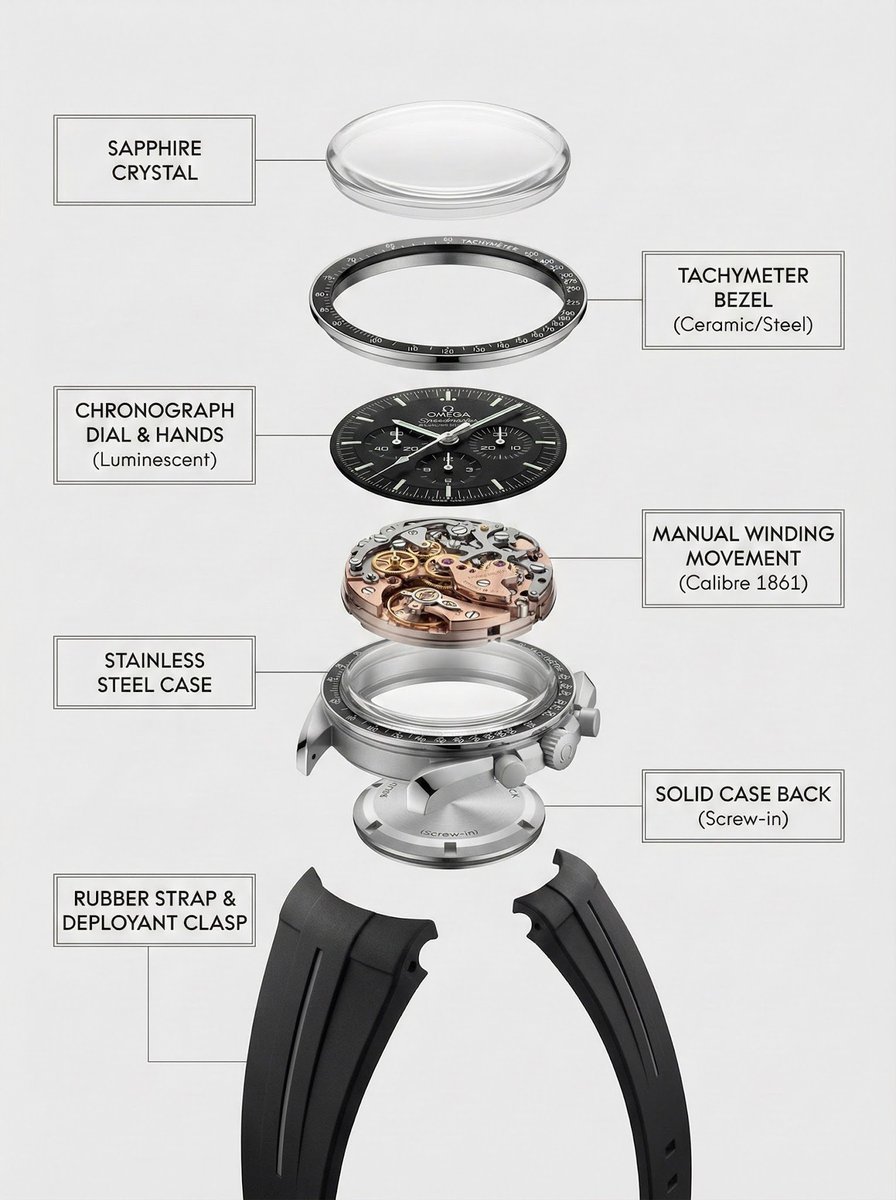
Exploded Product Breakdown Image Generation Prompt
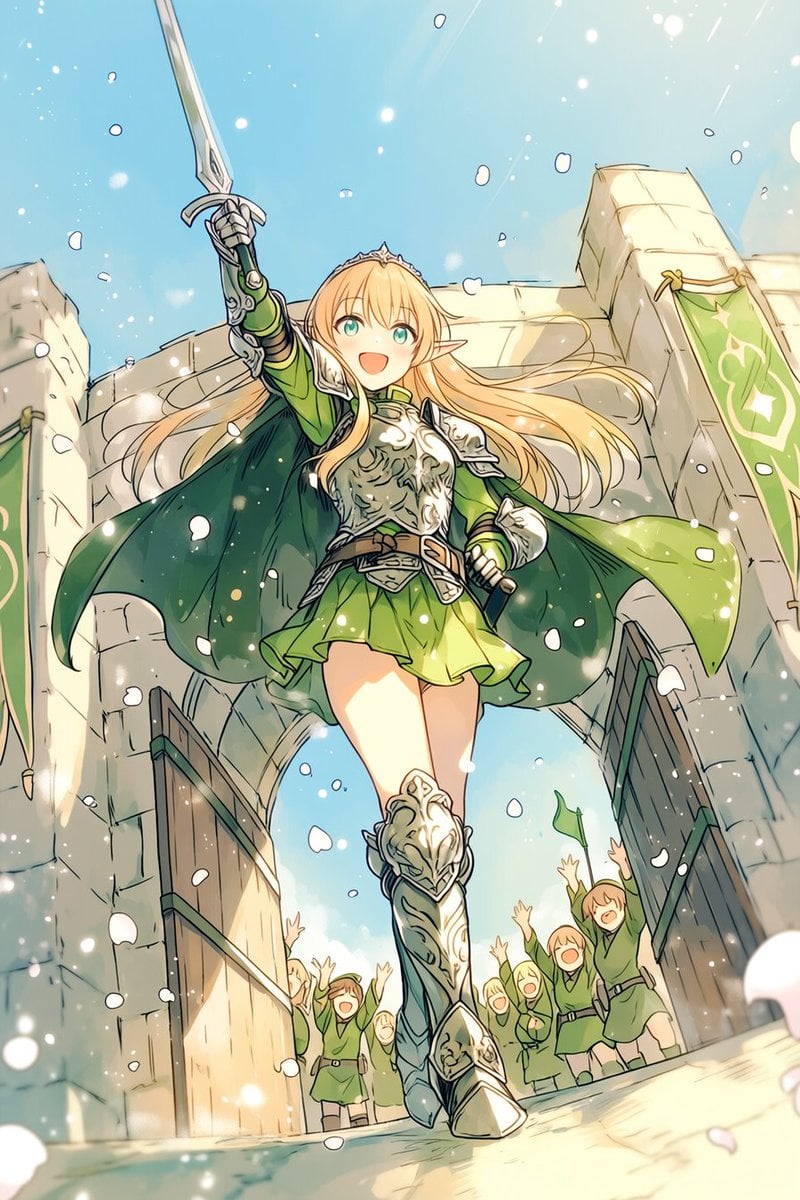
Heroic Elf Knight Victory March

Four-Color Chick Mascot Photo Collage
Nano Banana Pro brand hero image (variant tweet)

Hyper-Realistic Cinematic Portrait with Luxury Sports Car
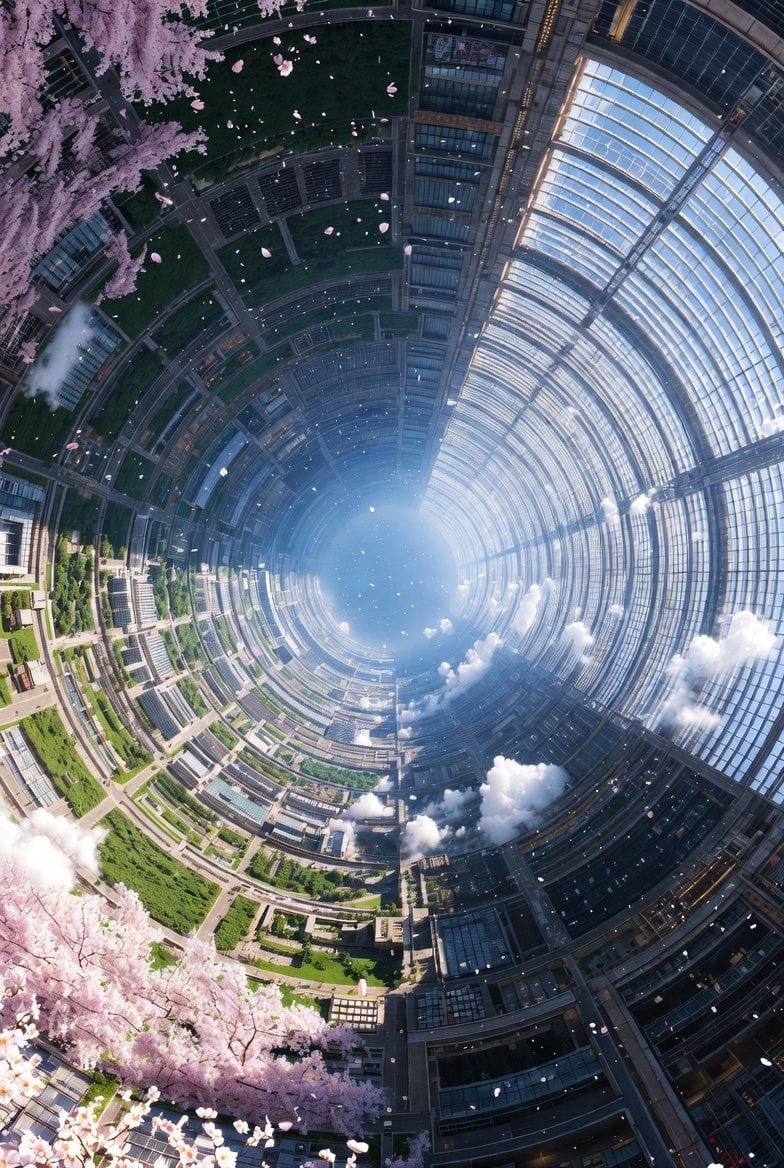
Cherry Blossom Space Colony Illustration Prompt
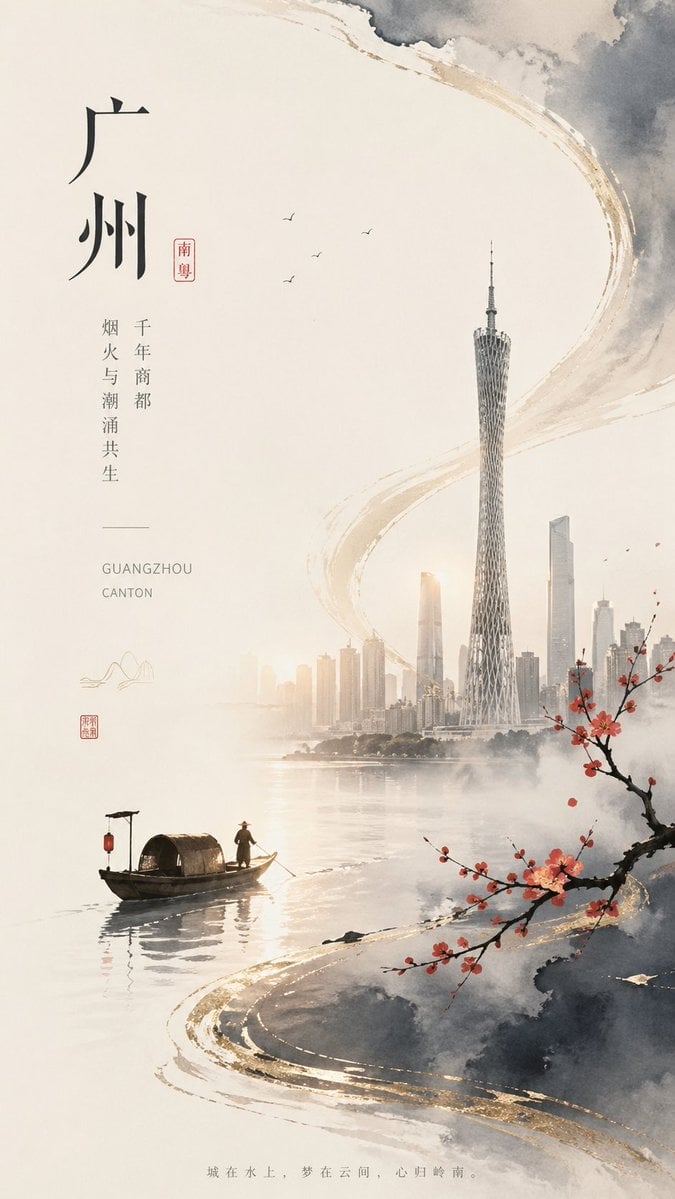
Guangzhou Ink-Wash City Poster

Mirror Pose Selfie Aesthetic Prompt
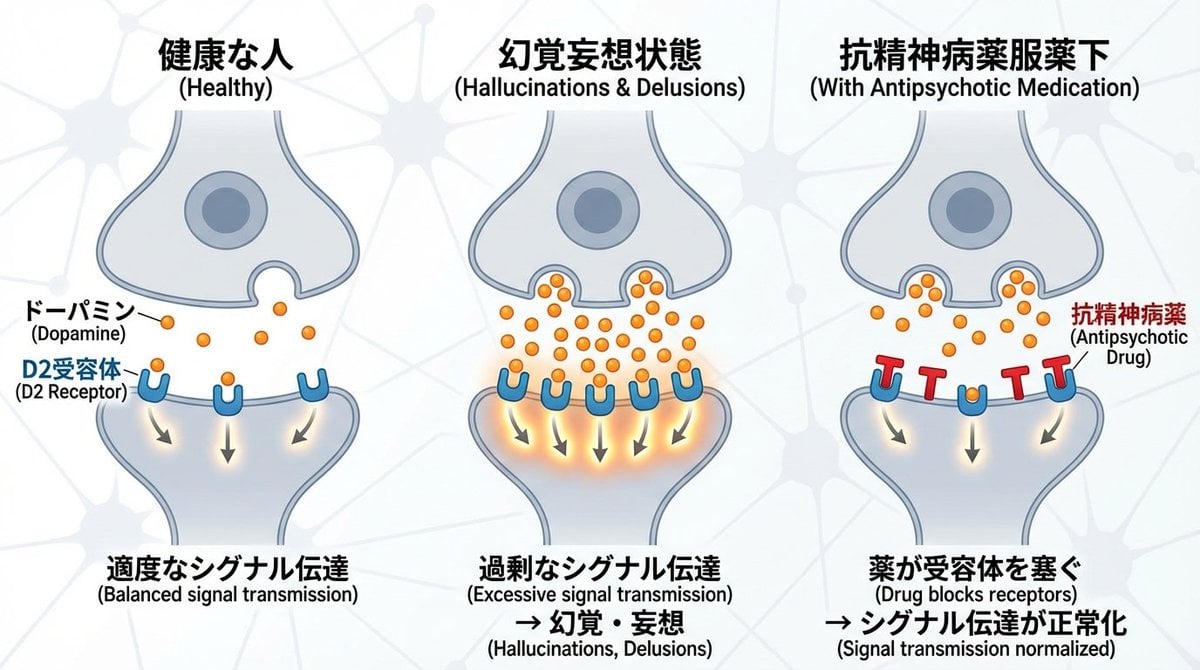
Dopamine and schizophrenia synapse diagram
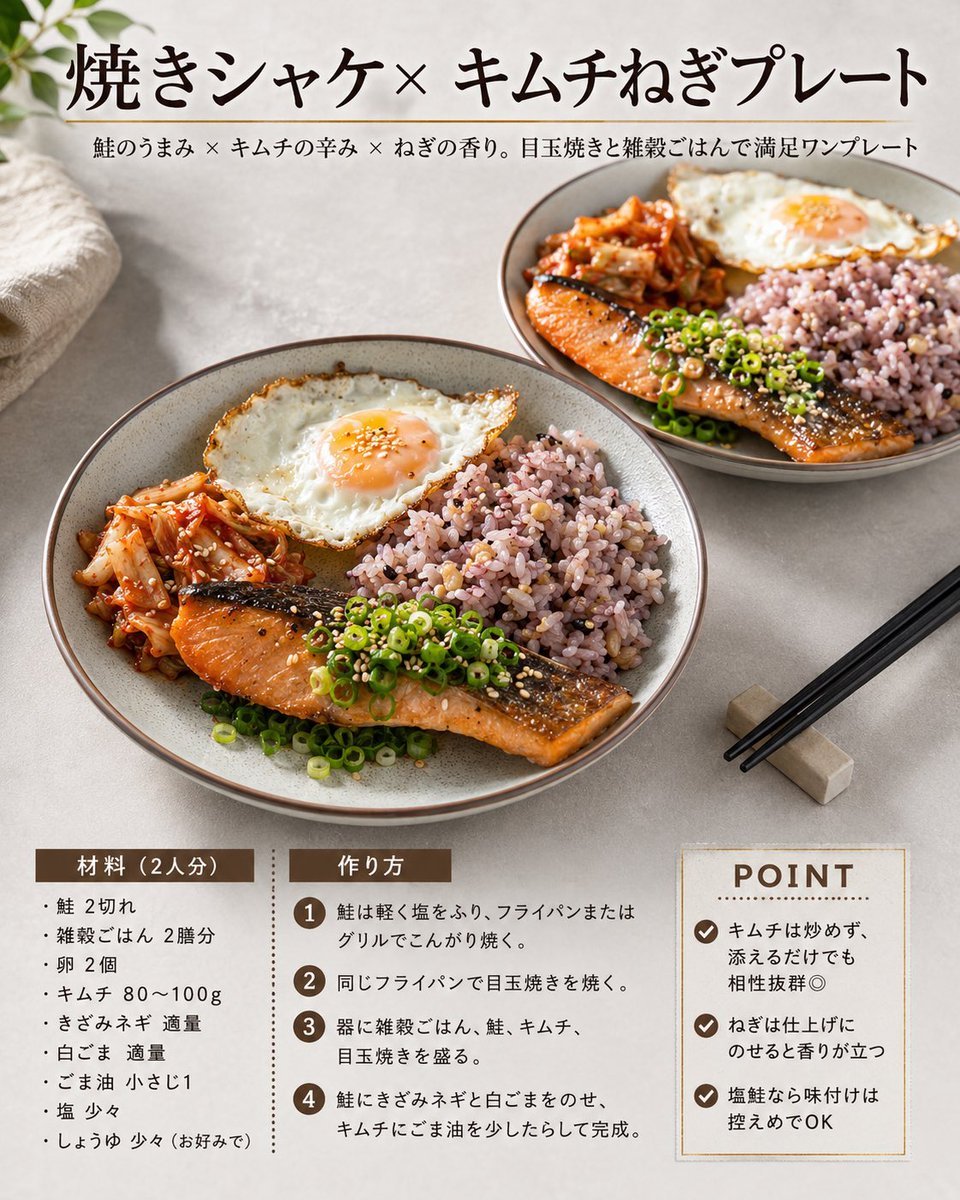
Japanese Salmon Kimchi Recipe Card
Browse template categories
Ma Chao Historical Cavalry Timeline Poster questions
How do I use the Ma Chao Historical Cavalry Timeline Poster template?
Add your photo if the template asks for one, edit the prompt if you like — the template's model and format are already selected — and press Generate. Your version opens in PicX Studio.
Can I customize the Ma Chao Historical Cavalry Timeline Poster template?
Yes. You can change the subject, setting, lighting, mood, format, and available model controls before creating your image.
Is the Ma Chao Historical Cavalry Timeline Poster template free?
Opening and editing this template is free. Generating uses credits, shown on the Generate button when you are signed in.
Which AI model should I use?
Start with GPT Image 2, which is the model associated with this template. You can compare another compatible model for a different finish.
Looking for something else? Browse all templates.

Your photo, any look
Thousands of ready templates for every top image and video model, from one credit balance.