How do I use the Heroic Elf Knight Victory March template?
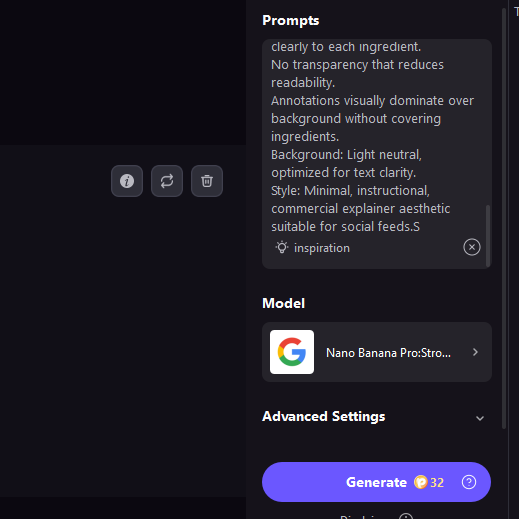
Choose the primary action to open PicX Studio with the available template settings. Review the model and format, personalize the creative direction, and generate when ready.
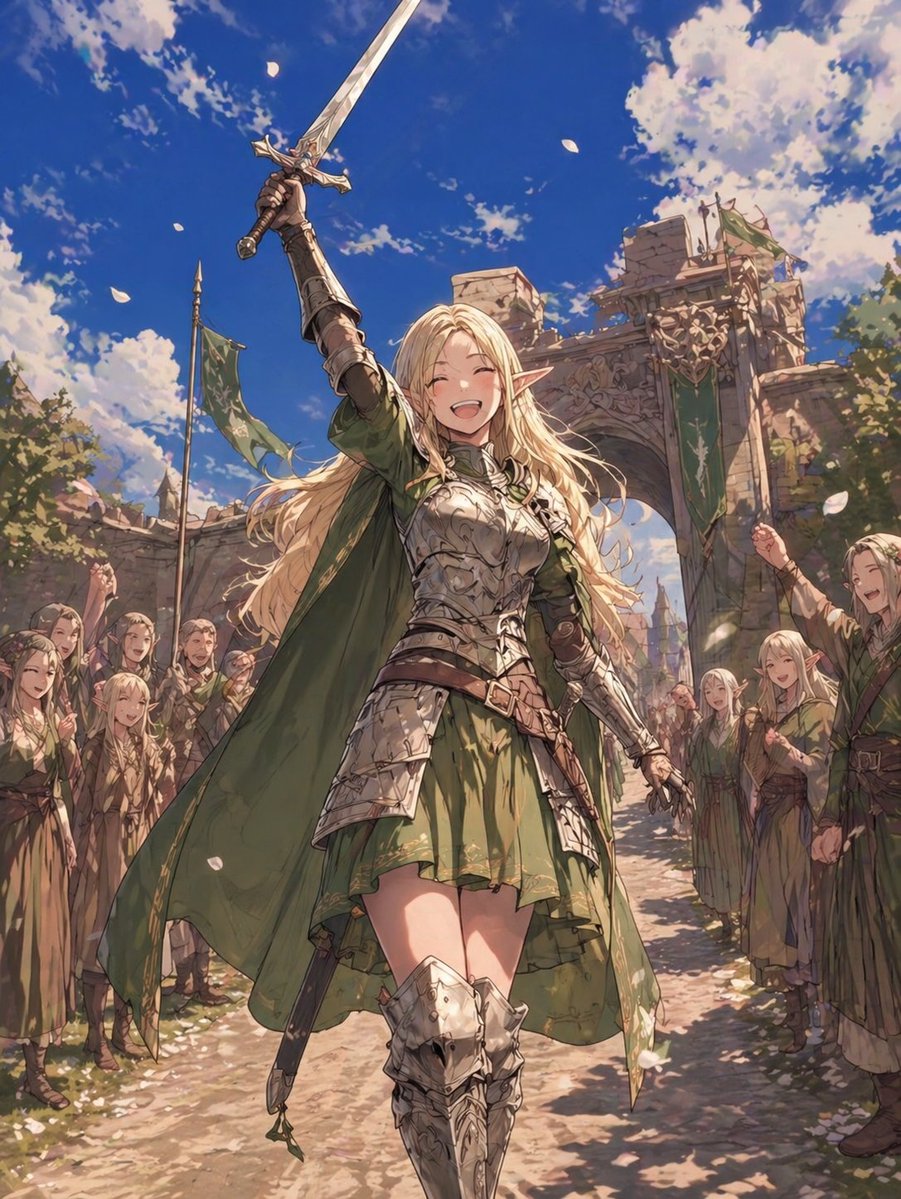
This prompt generates a bright low-angle fantasy anime scene of a smiling elf knight raising her sword while walking through castle gates as cheering townspeopl
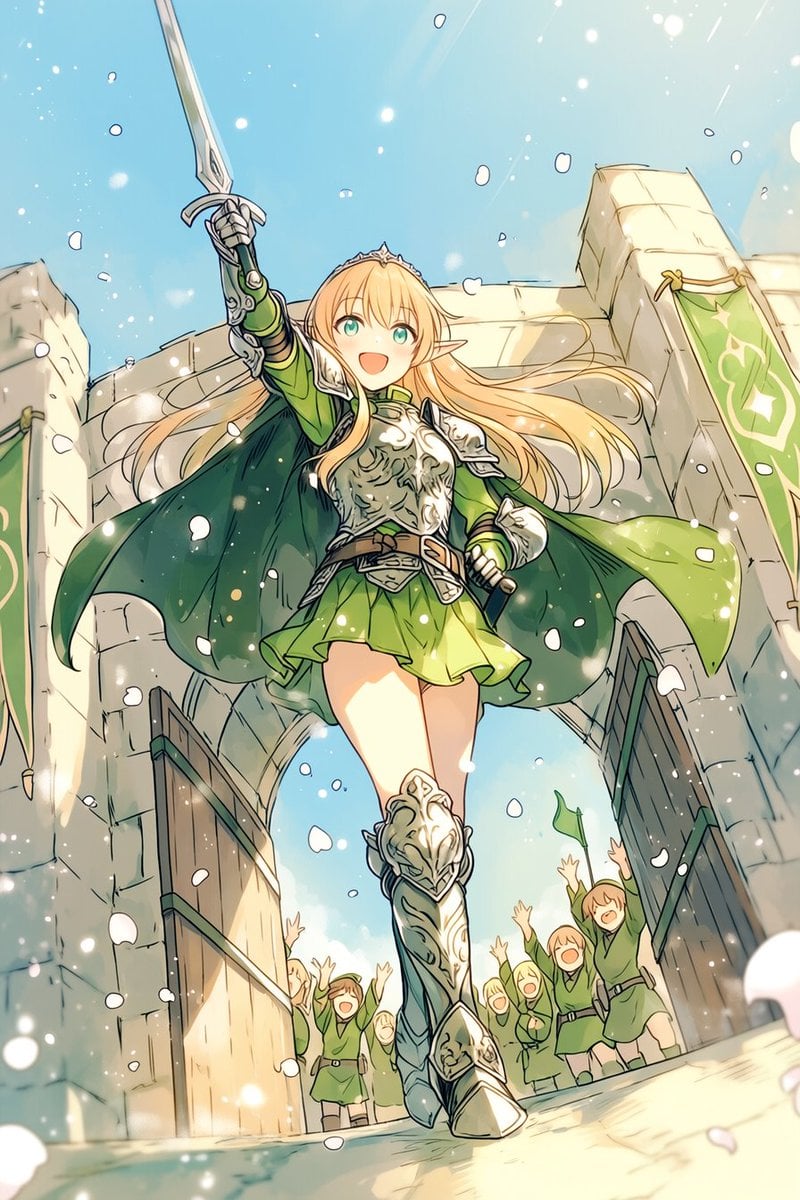
A dynamic fantasy anime illustration of a heroic {argument name="character role" default="elf knight"} girl striding forward through a massive open stone castle gate, seen from a dramatic very low angle looking up at her so she feels triumphant and larger than life. She has long flowing {argument name="hair color" default="golden blonde"} hair, bright teal-green eyes, pointed elf ears, and a joyful open-mouthed smile. She raises a longsword high overhead in her right hand in a victory salute, while her left hand rests near a sheathed sword at her hip. She wears ornate polished silver plate armor with engraved details on the breastplate, pauldrons, gauntlets, and thigh-high greaves, combined with a vivid green short dress or tunic, a brown belt, and a dark green cape billowing wide behind her. Add a delicate silver tiara on her head. The setting is a sunlit medieval stone fortress entrance with 2 tall wooden gates swung open, pale stone walls, and 2 green hanging banners with pale emblem designs, one on each side. Behind her, exactly 7 small cheering townspeople in simple green outfits throw their hands up in celebration, with one waving a small green flag. White flower petals or celebratory confetti drift across the entire scene, with sparkling light particles and soft lens-like glow. Use a bright blue sky, warm sunlight, hopeful heroic mood, and energetic motion in the hair, cape, and skirt. Render in clean detailed manga-inspired fantasy art, fine linework, soft painterly shading, luminous highlights, and a polished gpt-image-2 anime illustration aesthetic.
Choose the primary action to open PicX Studio with the available template settings. Review the model and format, personalize the creative direction, and generate when ready.
Yes. You can change the subject, setting, lighting, mood, format, and available model controls before creating your image.
This template is free to open and customize. Generation usage is shown in PicX Studio before you create.
Start with GPT Image 2, which is the model associated with this template. You can compare another compatible model for a different finish.
Follow a topic to a crawlable collection of related PicX Studio templates.