
FIFA World Cup Victory Throne
A premium editorial sports prompt depicting a victorious subject seated on a luxury throne surrounded by FIFA World Cup trophies in a dark studio setting.
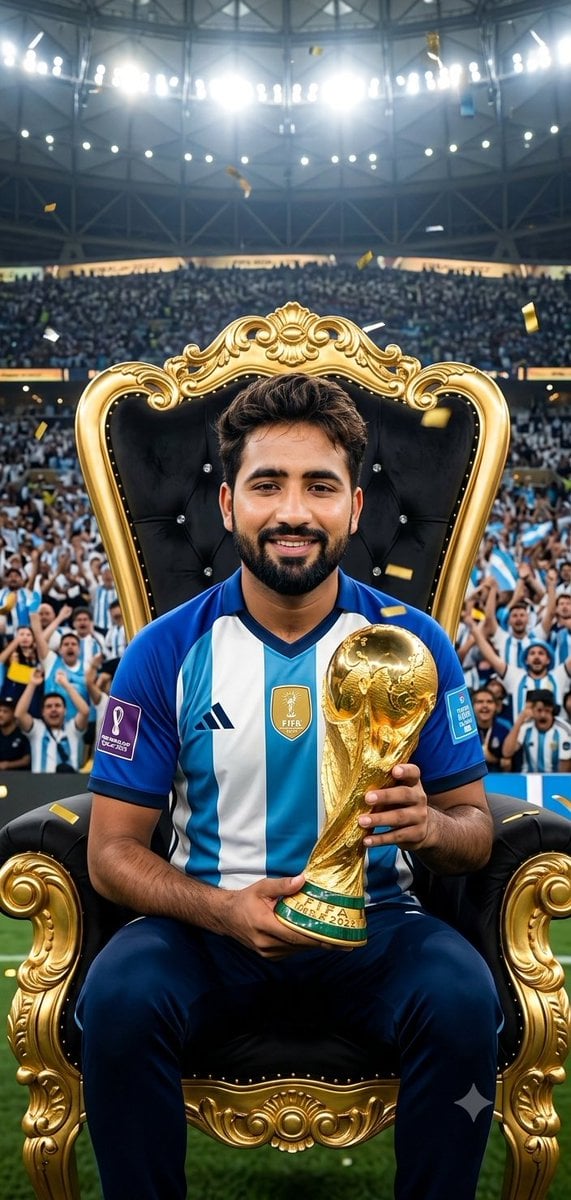
- Prompt included
- Model and format preset
- Free template
The prompt behind this image
Copy the exact prompt behind FIFA World Cup Victory Throne, or open it in the studio and make it yours.
A luxury FIFA World Cup throne composition featuring the uploaded face as reference for identity preservation, the subject seated in the middle of a dark studio arena on a {argument name="chair type" default="black leather chair"} placed atop a circular metallic platform, wearing a {argument name="subject clothing" default="dark long-sleeved shirt and black jeans"} with light sneakers, staring forward with a calm, dominant expression, one hand resting on the knee while the other holds a gleaming trophy upright like a symbol of victory, surrounded by a ring of oversized metallic trophies and footballs arranged in a sculptural, symmetrical formation, with a few smaller balls and trophies closer to the foreground to create depth and scale, the backdrop a deep solid black with subtle stadium-like atmospheric haze, strong {argument name="rim light color" default="blue"} rim light from above outlining the face and shoulders, warm red accent light rising from below to create dramatic contrast and sculpt the silhouette, reflective chrome surfaces catching every highlight, cinematic studio realism, premium editorial photography style, shallow depth of field, extreme detail, bold composition, elite FIFA World Cup visual identity, viral social media poster energy.
How to use FIFA World Cup Victory Throne in 3 steps
- 1Upload ImagePNG, JPG or paste
Add your photo
Upload the photo the template builds on. The prompt, model and format are already set.
- 2…a portrait of your subject in softgolden-hour light, 85mm…
Personalize
Edit the subject and creative details for your destination.
- 3Generate
Generate
Press Generate — your image is created in PicX Studio, so you can compare it with the original and refine one variable at a time.
More like this
Templates with the same subject, style or setup. Open one to see its prompt.
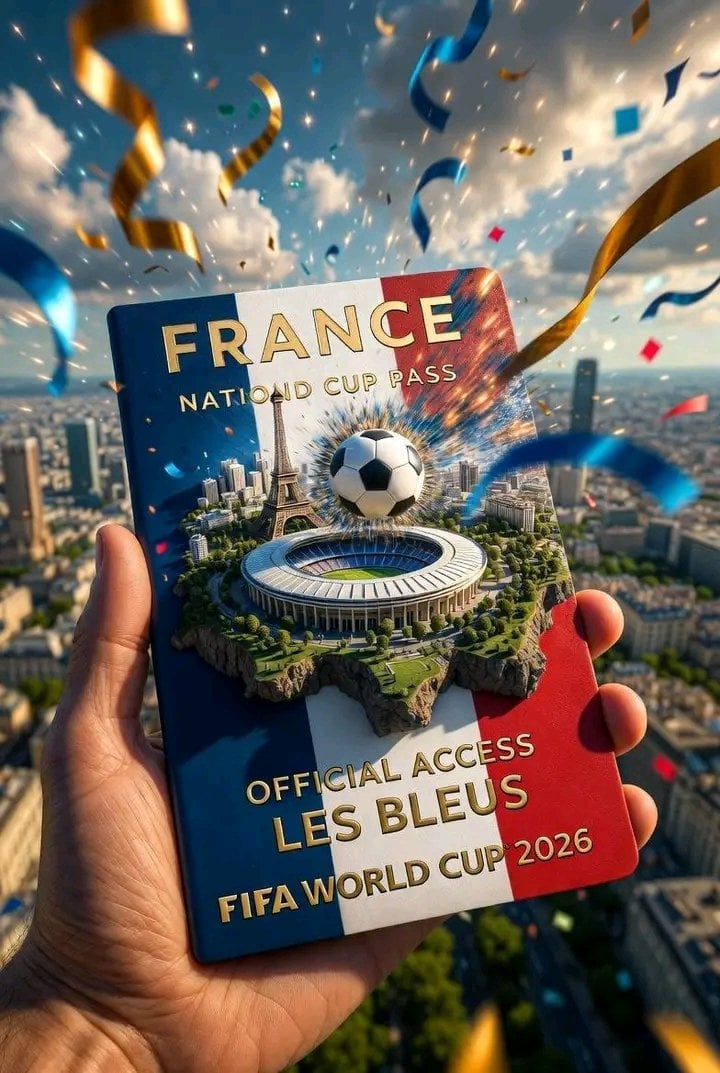
FIFA World Cup — National Cup Pass (Variable)

FIFA World Cup — Brazil National Pass Diorama
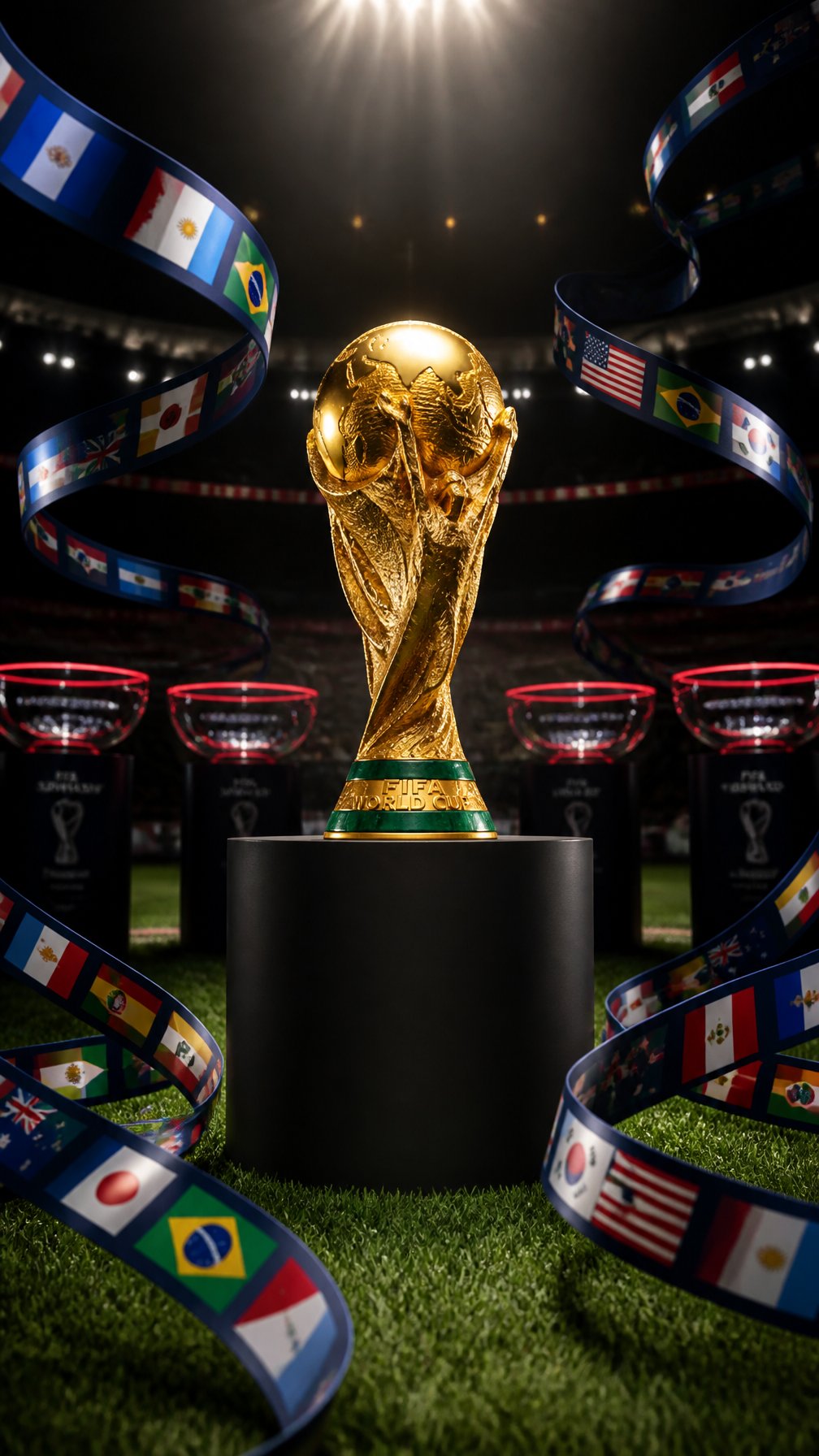
FIFA World Cup Trophy — Flag Ribbons Hero
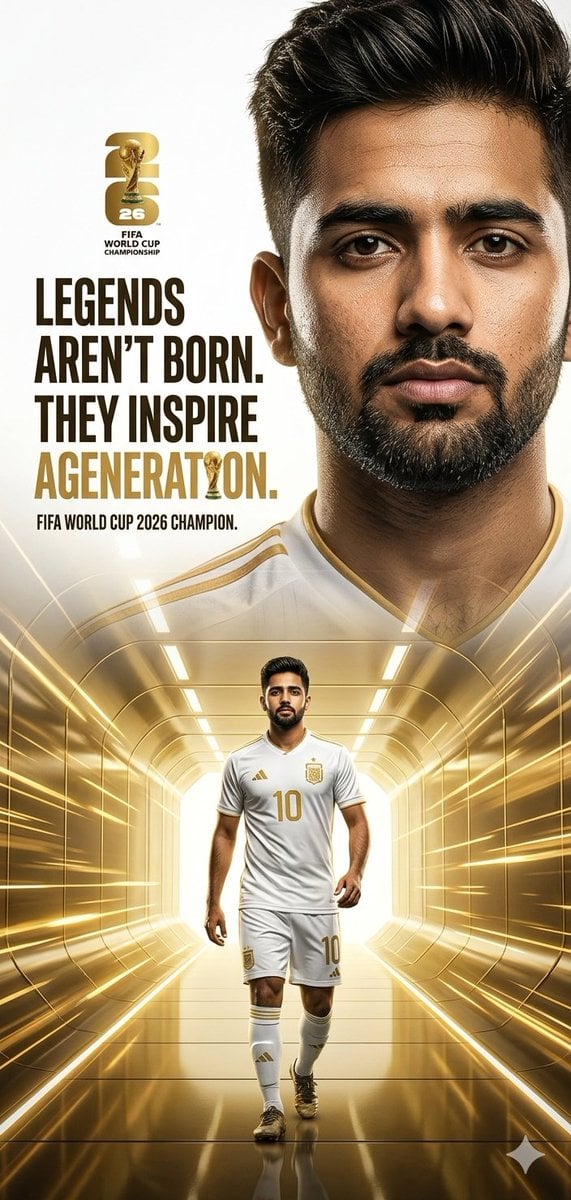
FIFA World Cup 2026 Hero Poster
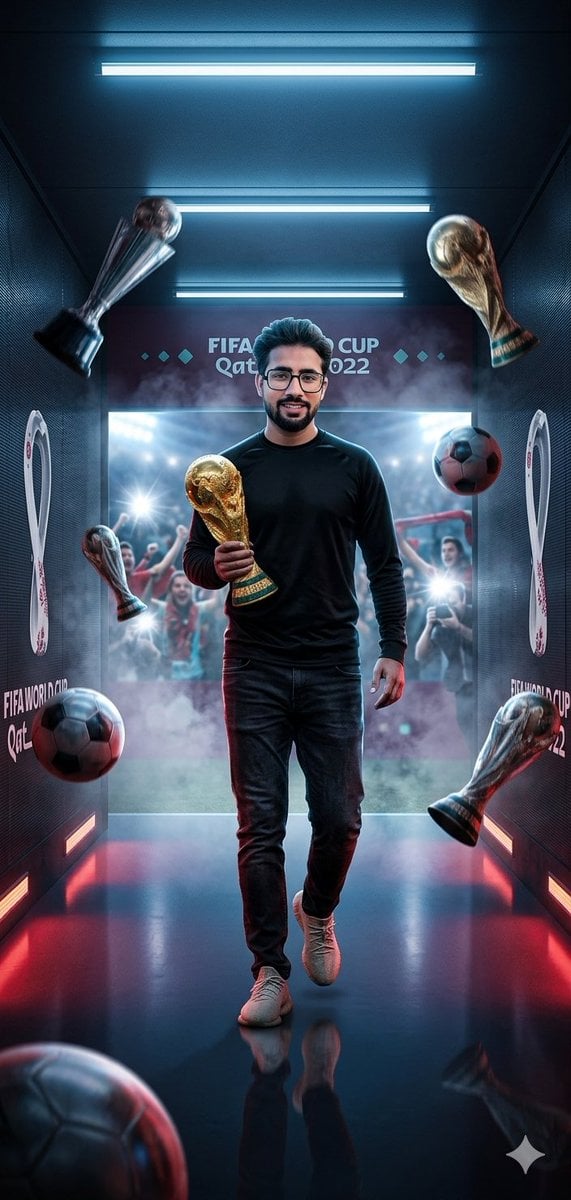
World Cup Victory Tunnel Scene
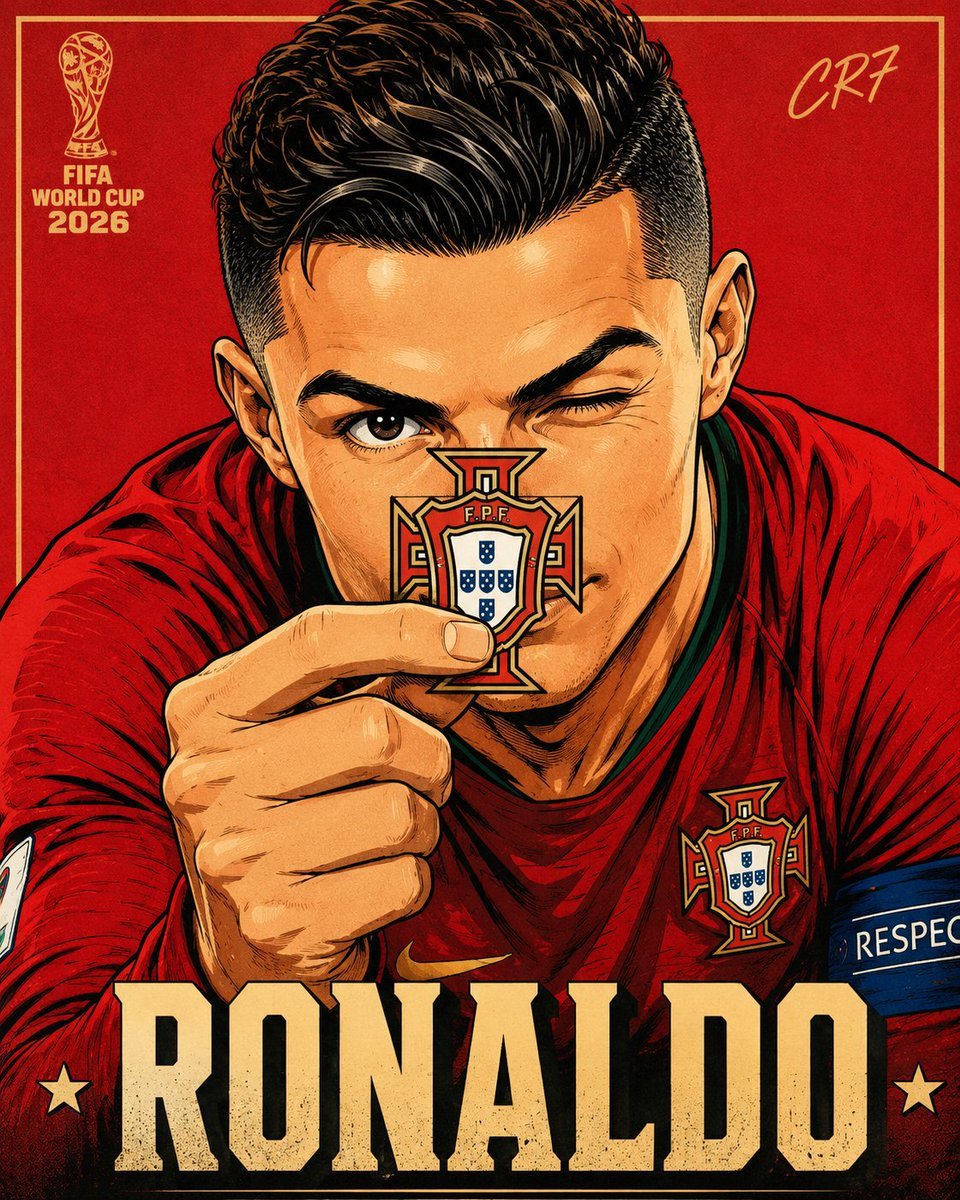
FIFA World Cup Anime Poster
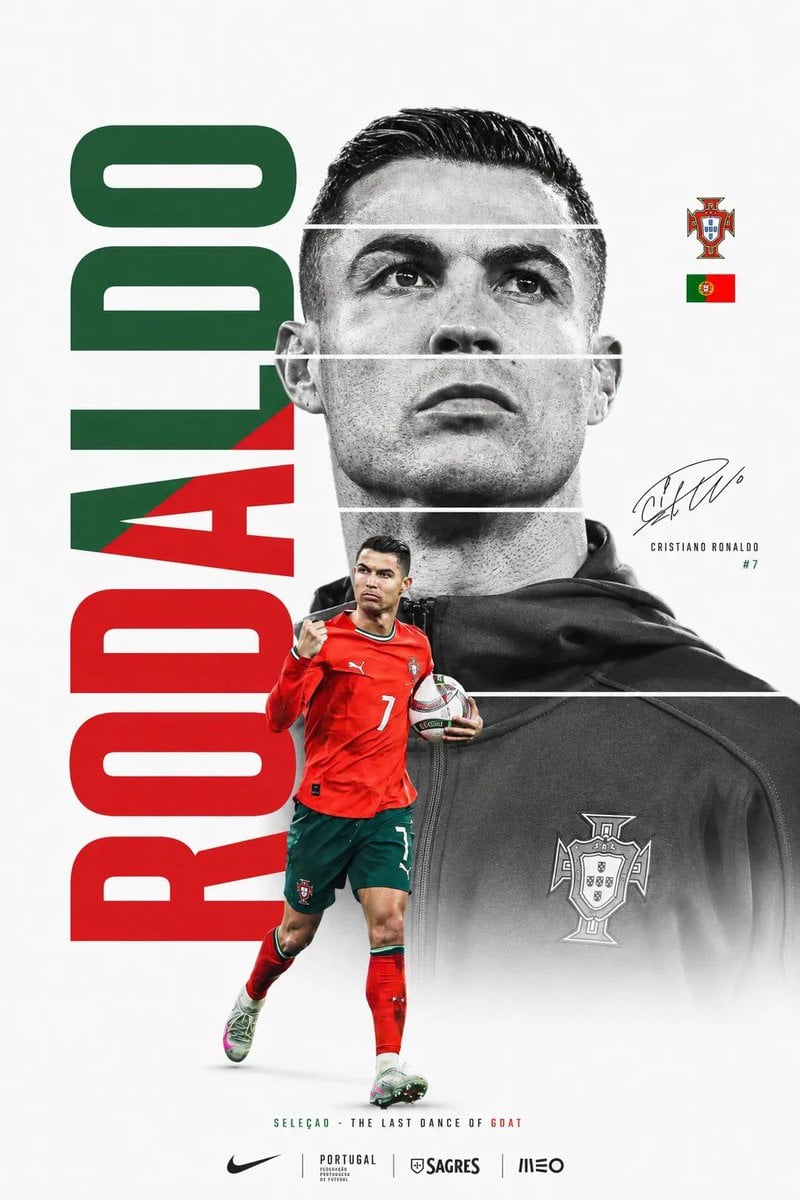
FIFA World Cup Minimalist Poster
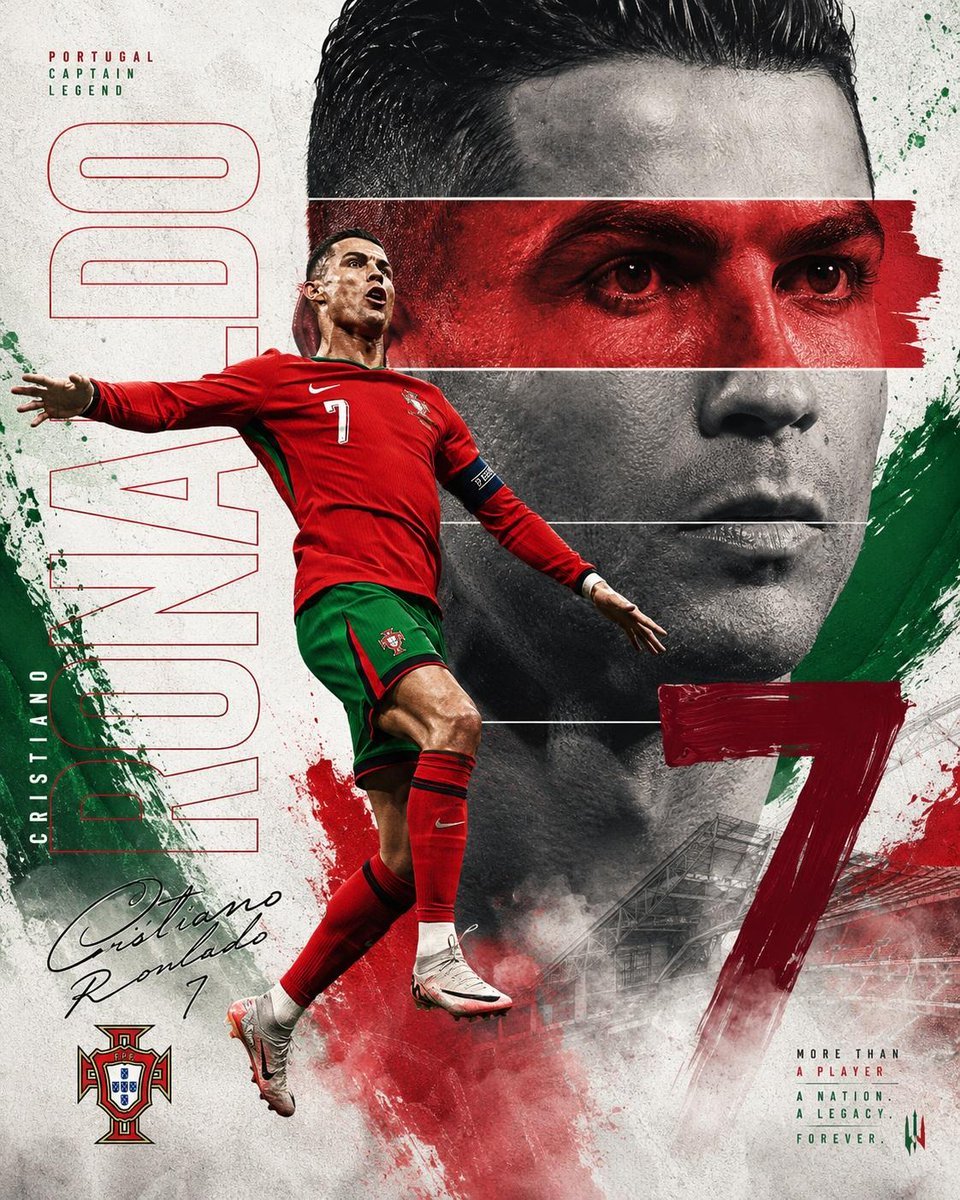
Nike FIFA World Cup Sports Poster
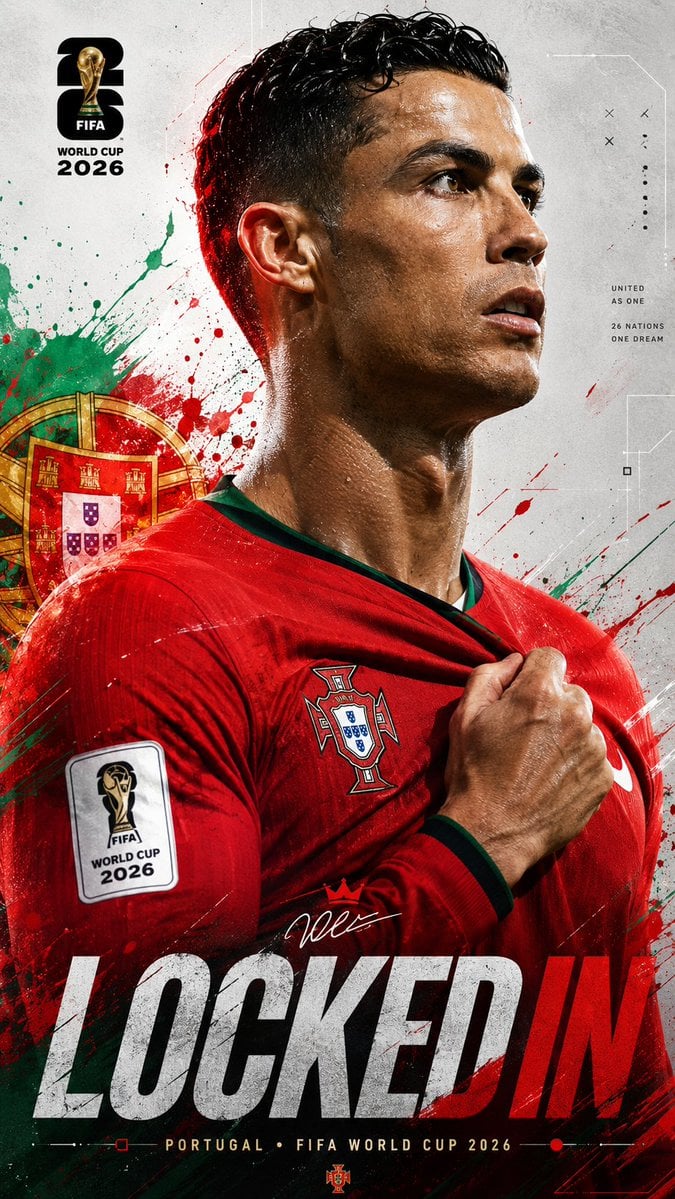
FIFA World Cup 2026 Sports Poster
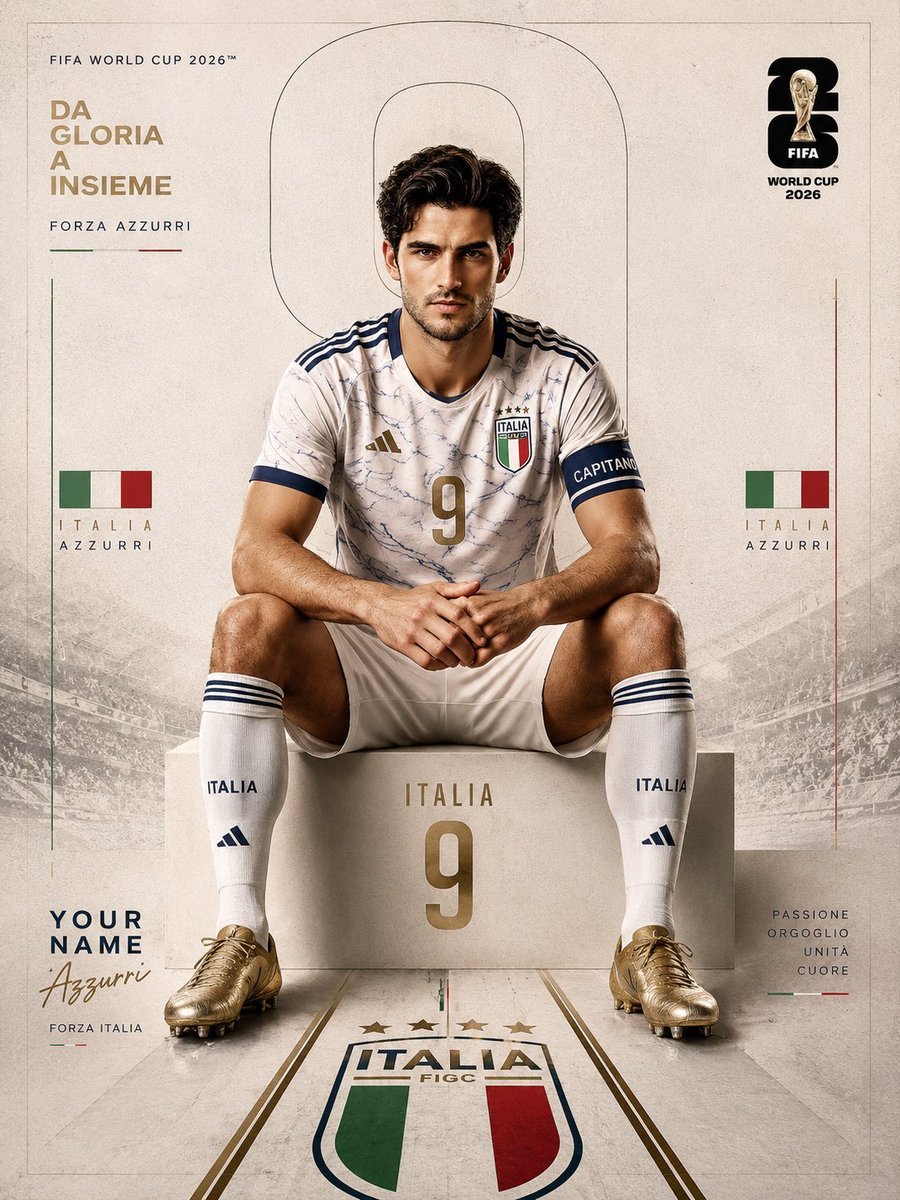
FIFA World Cup 2026 Sports Editorial
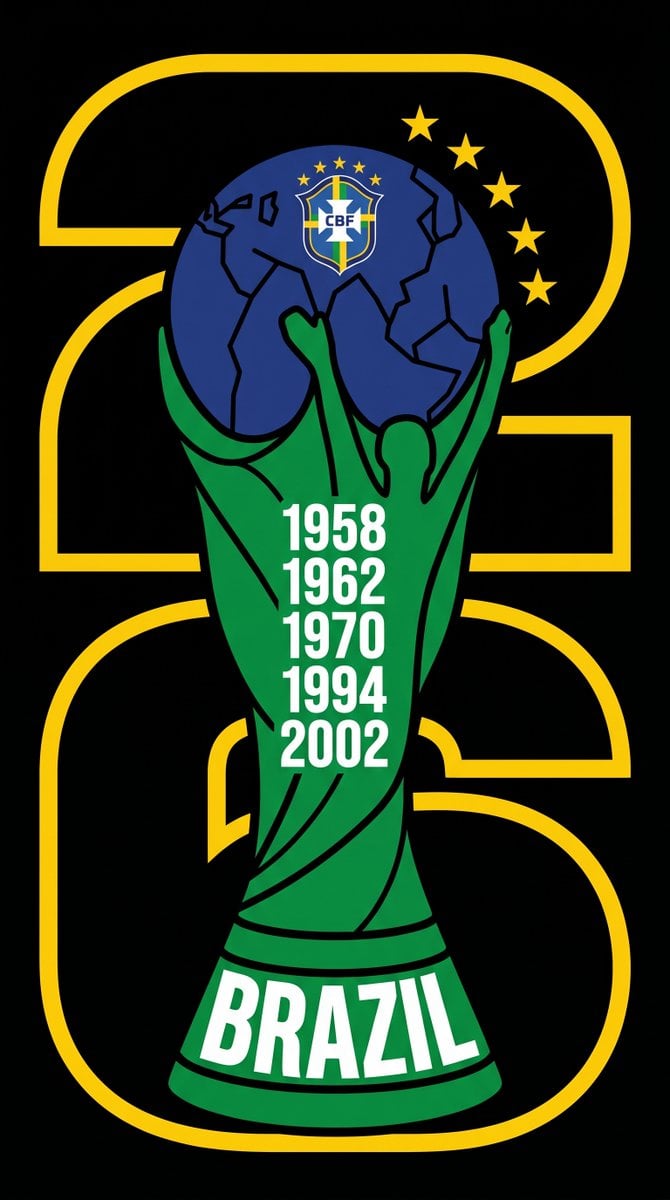
FIFA World Cup 2026 Identity System
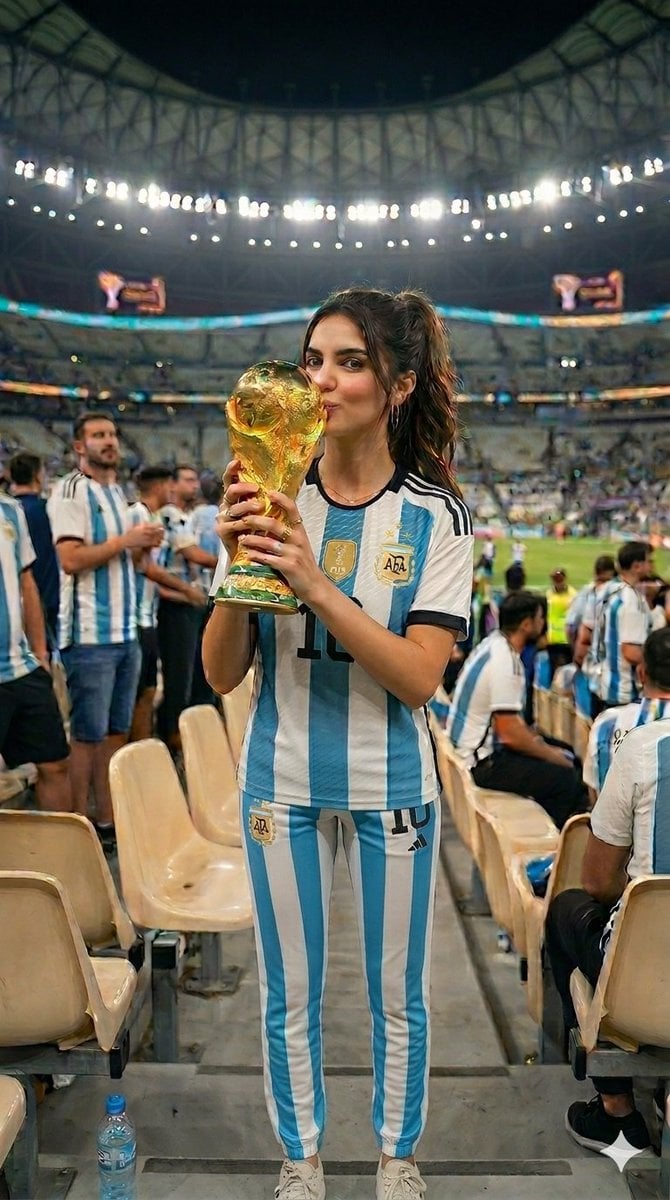
World Cup Victory Portrait
Make it yours
FIFA World Cup Victory Throne works as-is. These are the safest ways to change it without losing the look.
Change one field
Copy a single group, rewrite it, and generate again so you can see what that field is doing.
Keep the frame, change the subject
Hold the composition and light of FIFA World Cup Victory Throne, then swap wardrobe, props or the person for a new take.
| If the result… | Why | Fix |
|---|---|---|
| The result drifts from the preview | Too many fields changed at once. | Reuse FIFA World Cup Victory Throne as-is first, then change one group — subject, light, or setting. |
| The model over-stylizes the scene | The prose prompt leaves finish and camera underspecified. | Add one camera or lighting sentence and stay on GPT Image 2. |
More GPT Image 2 templates
Other prompts made for GPT Image 2.

Six VTuber Japanese Logo Sheet

Realistic Portrait of Woman and Deer

The Vista Modular Condo Poster

AI Model Routing Comparison Infographic

2.5D Anime Art Board

Isometric Productivity Desk Scene

New York Double Exposure Poster

Four-Panel AI Landscape Comparison

Japanese Tatami Lifestyle Magazine Cover

NESCAFÉ Coffee Map Poster
More image prompts
Fresh picks from across the catalog.
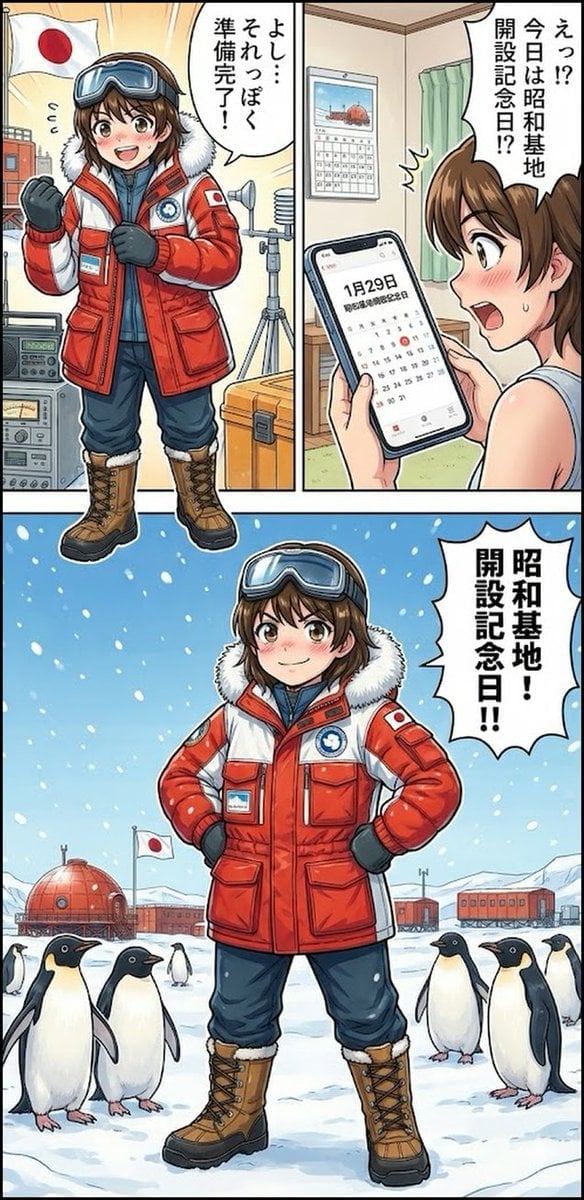
Daily Drawing: Hasuka-chan Manga
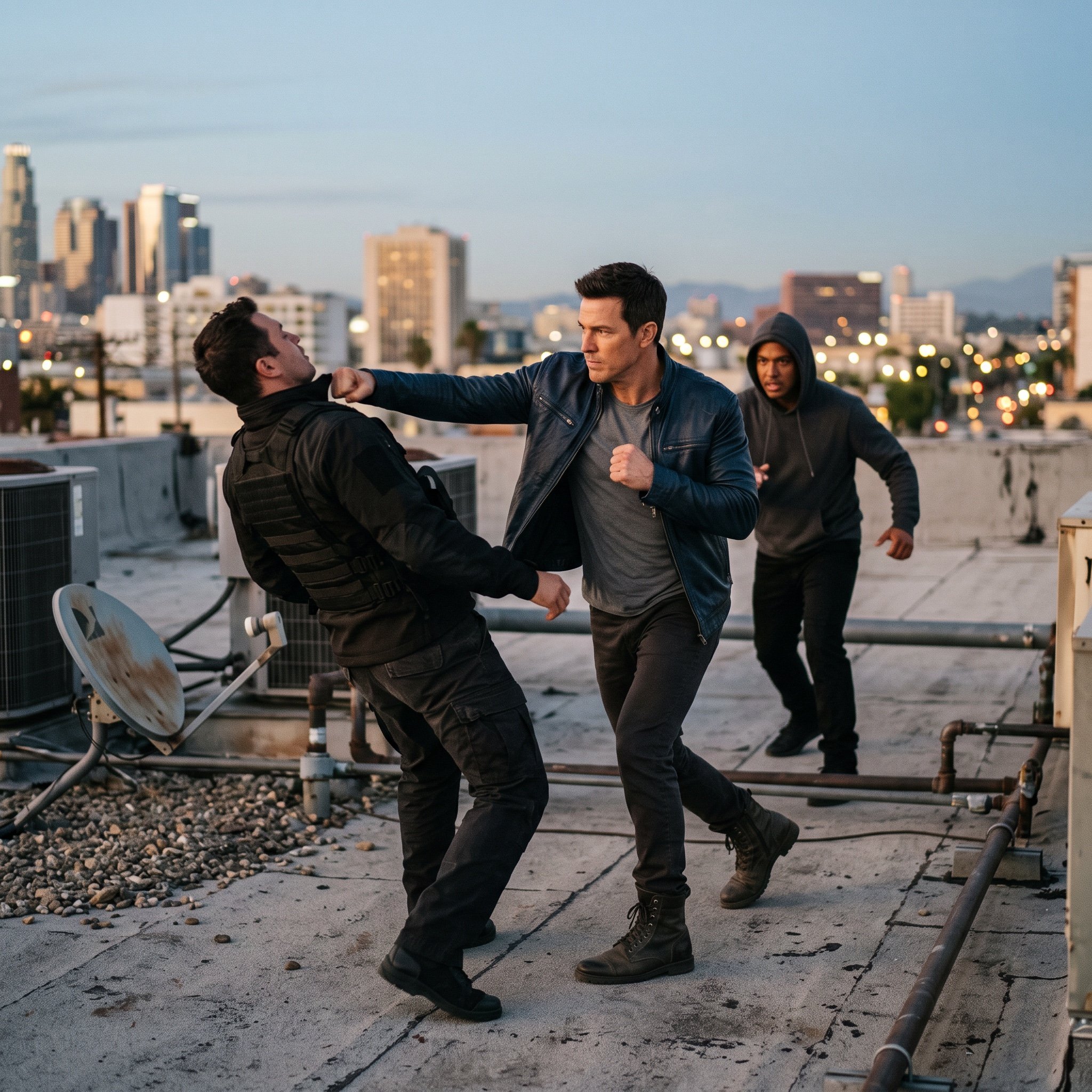
action movie hollywood movie hollywood fight scene... (IMAGE-NANO_BANANA)
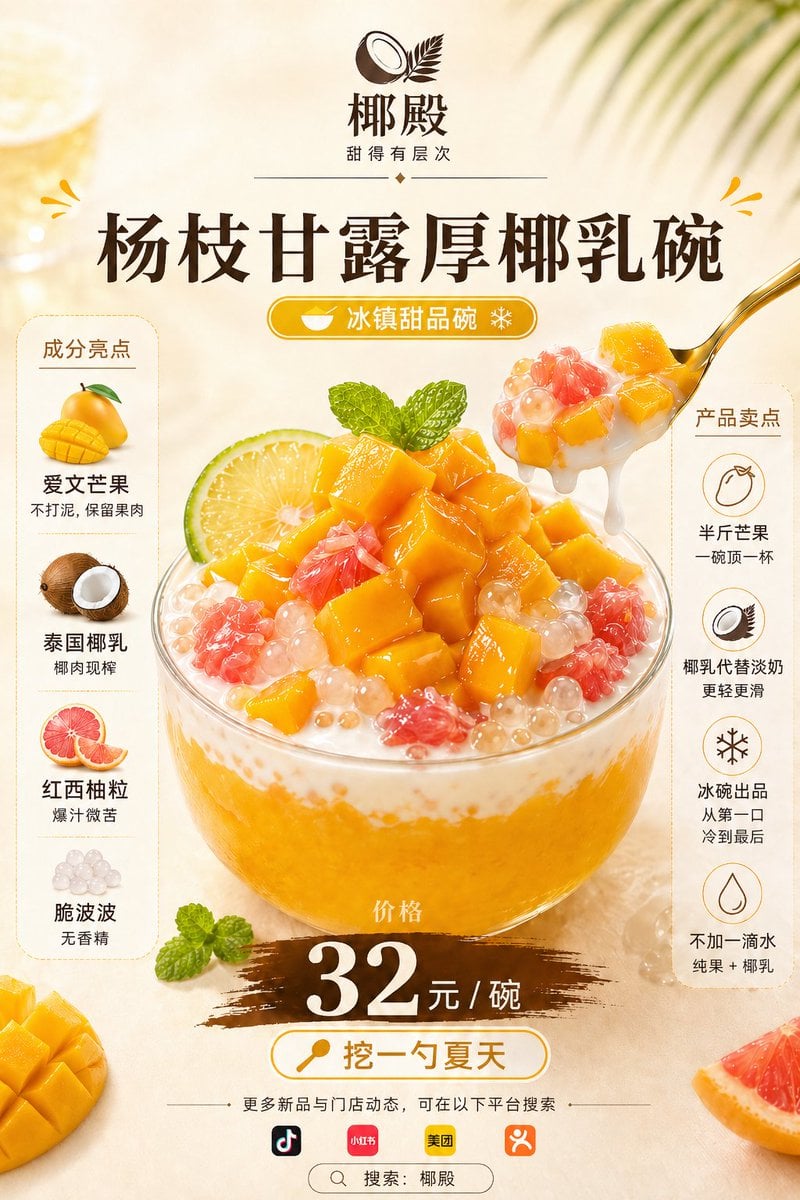
Mango Coconut Dessert Poster
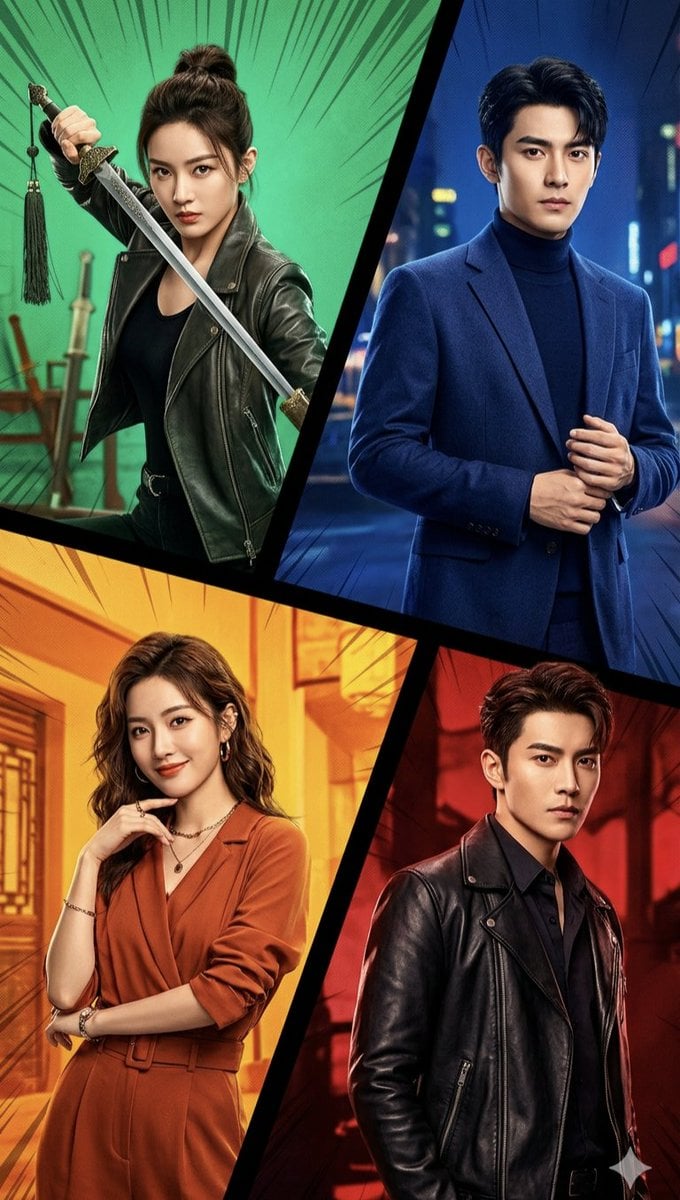
Cinematic Action Collage Split-Screen
Industrial Blueprint Generation Prompt
Isometric Fantasy RPG Market Bug Scene
Cinematic Portrait with Reference Photo
3D Paper Quilling Art: Samurai Warrior
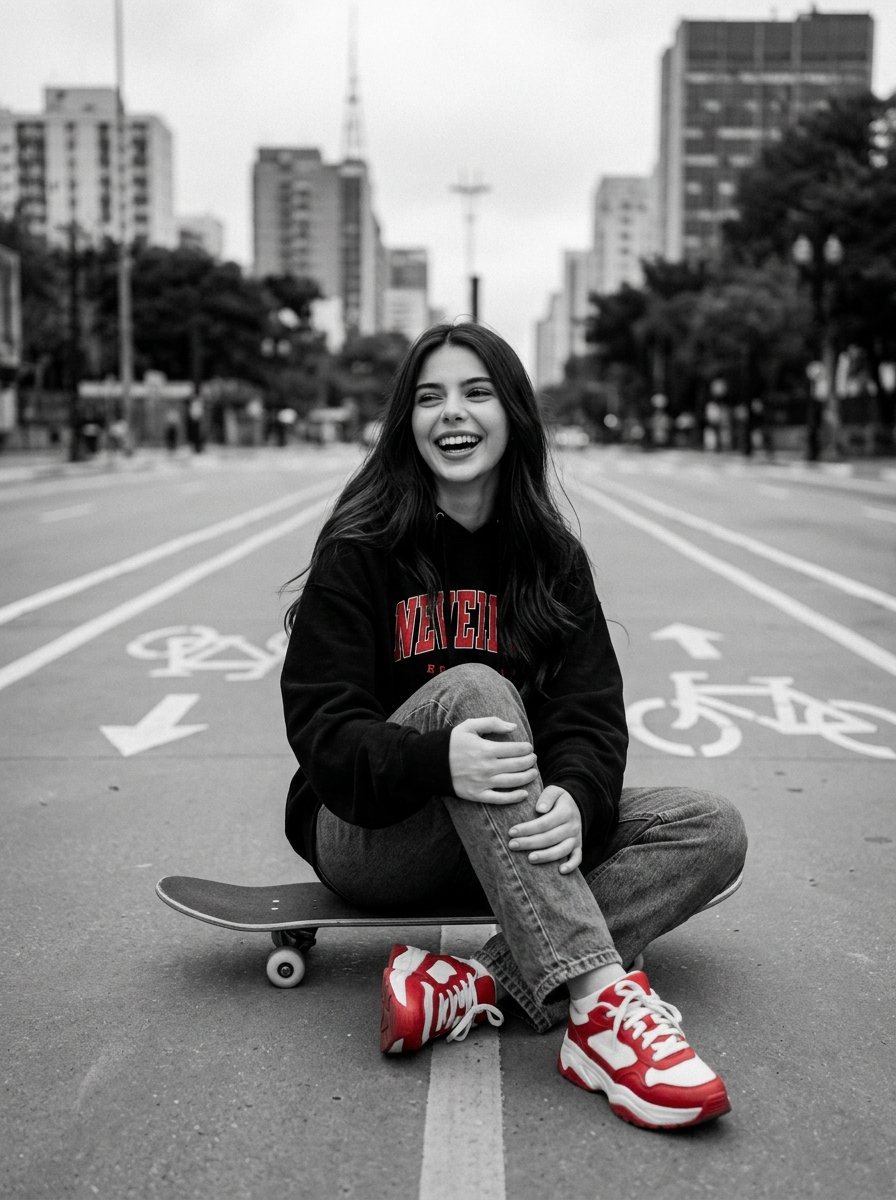
Cinematic Black, White, and Red Street Photography Portrait
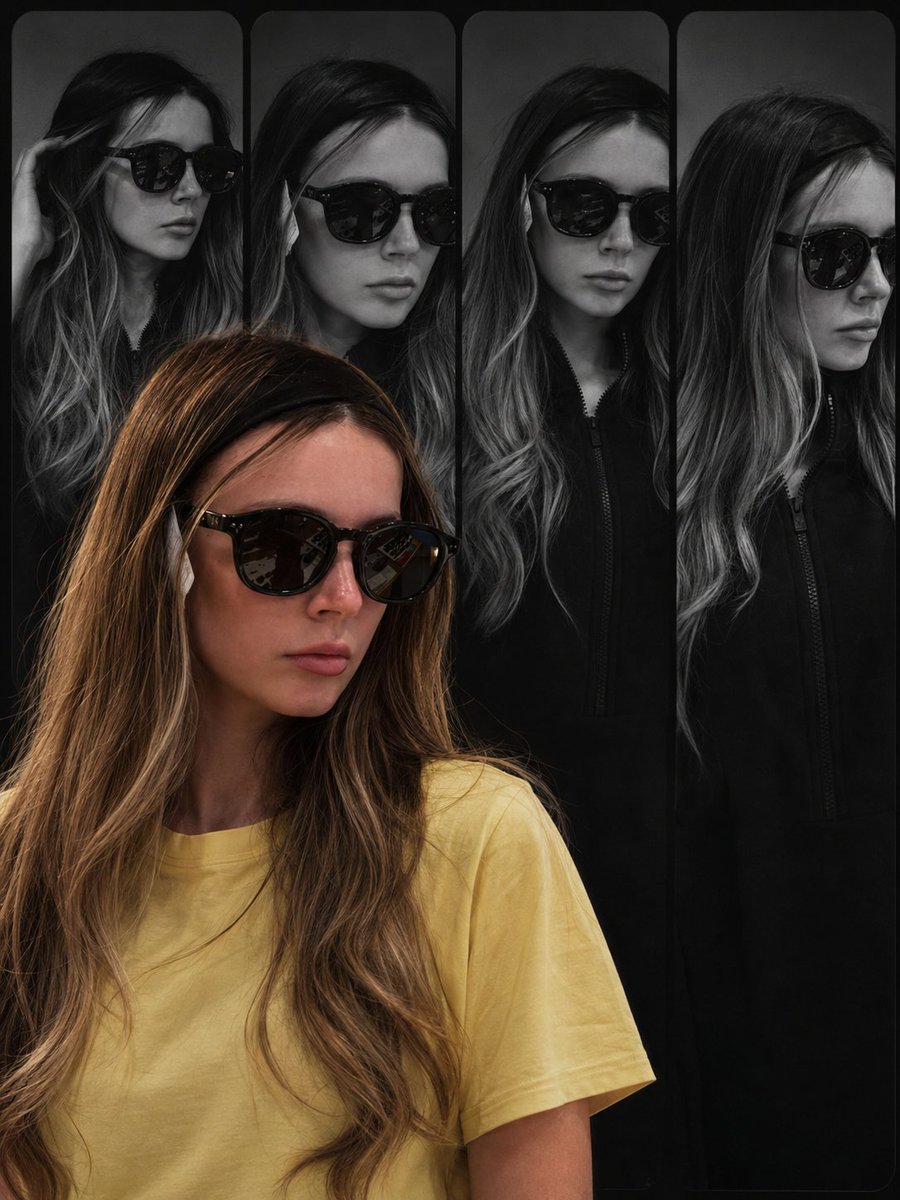
Haute Couture Editorial Collage
Browse template categories
FIFA World Cup Victory Throne questions
How do I use the FIFA World Cup Victory Throne template?
Add your photo if the template asks for one, edit the prompt if you like — the template's model and format are already selected — and press Generate. Your version opens in PicX Studio.
Can I customize the FIFA World Cup Victory Throne template?
Yes. You can change the subject, setting, lighting, mood, format, and available model controls before creating your image.
Is the FIFA World Cup Victory Throne template free?
Opening and editing this template is free. Generating uses credits, shown on the Generate button when you are signed in.
Which AI model should I use?
Start with GPT Image 2, which is the model associated with this template. You can compare another compatible model for a different finish.
Looking for something else? Browse all templates.

Your photo, any look
Thousands of ready templates for every top image and video model, from one credit balance.