
Nike FIFA World Cup Sports Poster
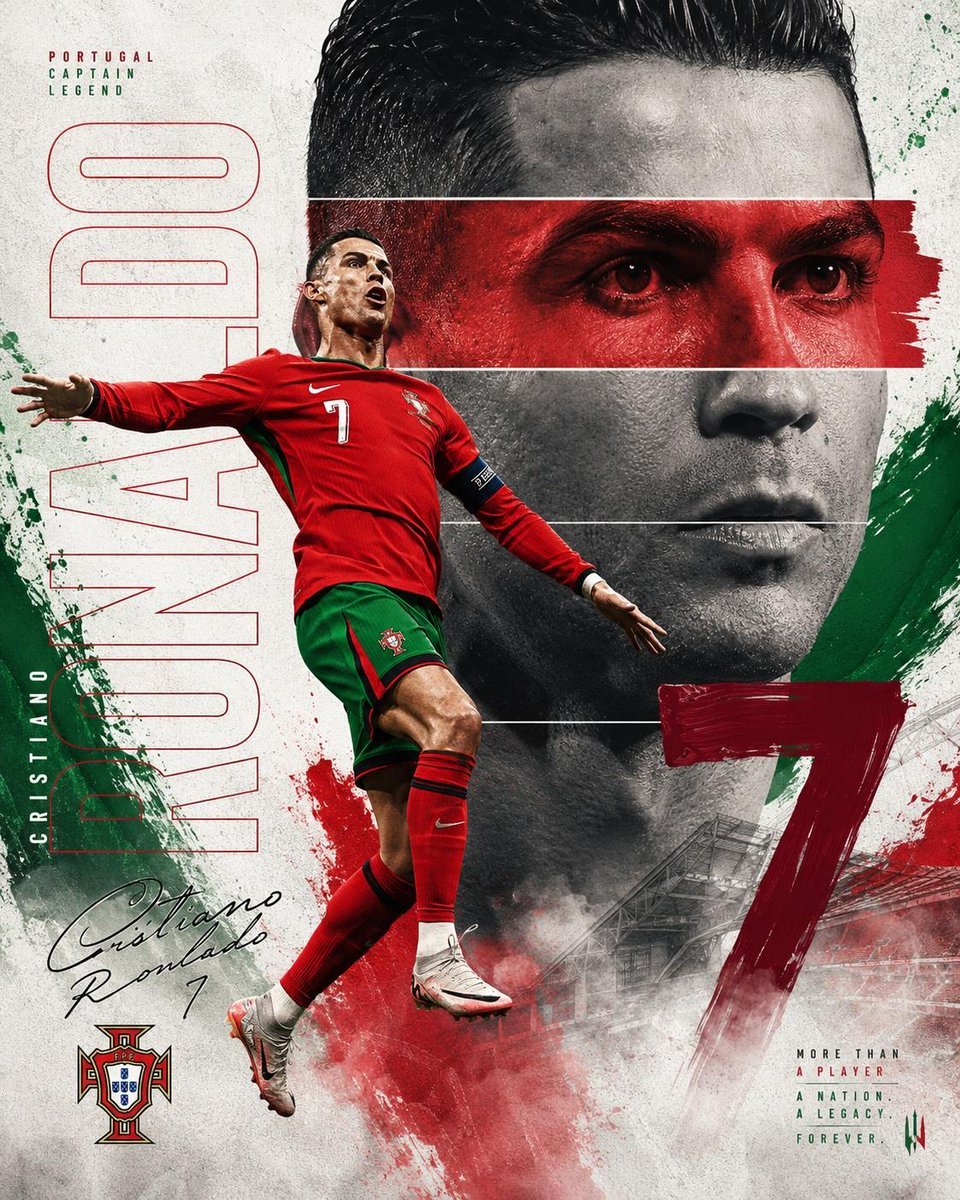
Creates a high-end sports editorial poster in the Nike campaign style, featuring a football player with double exposure effects and monochrome portraits.
- Prompt included
- Model and format preset
- Free template
The prompt behind this image
Copy the exact prompt behind Nike FIFA World Cup Sports Poster, or open it in the studio and make it yours.
Create a premium sports poster in the style of a Nike × FIFA World Cup editorial campaign. Feature one legendary football player as the hero with a dynamic full-body action pose layered in front of a massive grayscale close-up portrait. Apply a bold horizontal color strip across the eyes using the {argument name="national flag colors" default="national flag colors"} while the rest of the portrait remains monochrome. Place a huge hand-painted jersey number on the right with textured brush strokes. Use a clean white concrete background with subtle stadium architecture, smoke, dust, paint splashes, ink textures, halftone patterns, distressed paper, and grunge overlays. Add a vertical outlined surname on the left edge, small uppercase first name, handwritten signature near the bottom, national team crest, minimalist typography, inspirational slogan, and modern editorial layout. Color palette should match the player's national team ({argument name="team colors" default="Portugal: red & green, Argentina: sky blue & white, France: blue, white & red, Brazil: yellow, green & blue"}). Use dramatic rim lighting, high contrast, realistic skin texture, sharp jersey fabric details, cinematic shadows, premium magazine cover composition, dynamic depth, layered collage design, sports branding aesthetic, ultra-realistic, 8K, HDR, award-winning graphic design. Style keywords: editorial sports poster, FIFA World Cup, Nike campaign, double exposure, layered collage, monochrome portrait, selective color, grunge textures, paint splashes, brush typography, stadium atmosphere, premium branding, modern sports graphic design, photorealistic, ultra detailed.
How to use Nike FIFA World Cup Sports Poster in 3 steps
- 1
Open
The prompt is already in the box next to the preview, with the template's model and format selected.
- 2…a portrait of your subject in softgolden-hour light, 85mm…
Personalize
Edit the subject and creative details for your destination.
- 3Generate
Generate
Press Generate — your image is created in PicX Studio, so you can compare it with the original and refine one variable at a time.
More like this
Templates with the same subject, style or setup. Open one to see its prompt.

Legendary Player Fragmented Editorial Poster
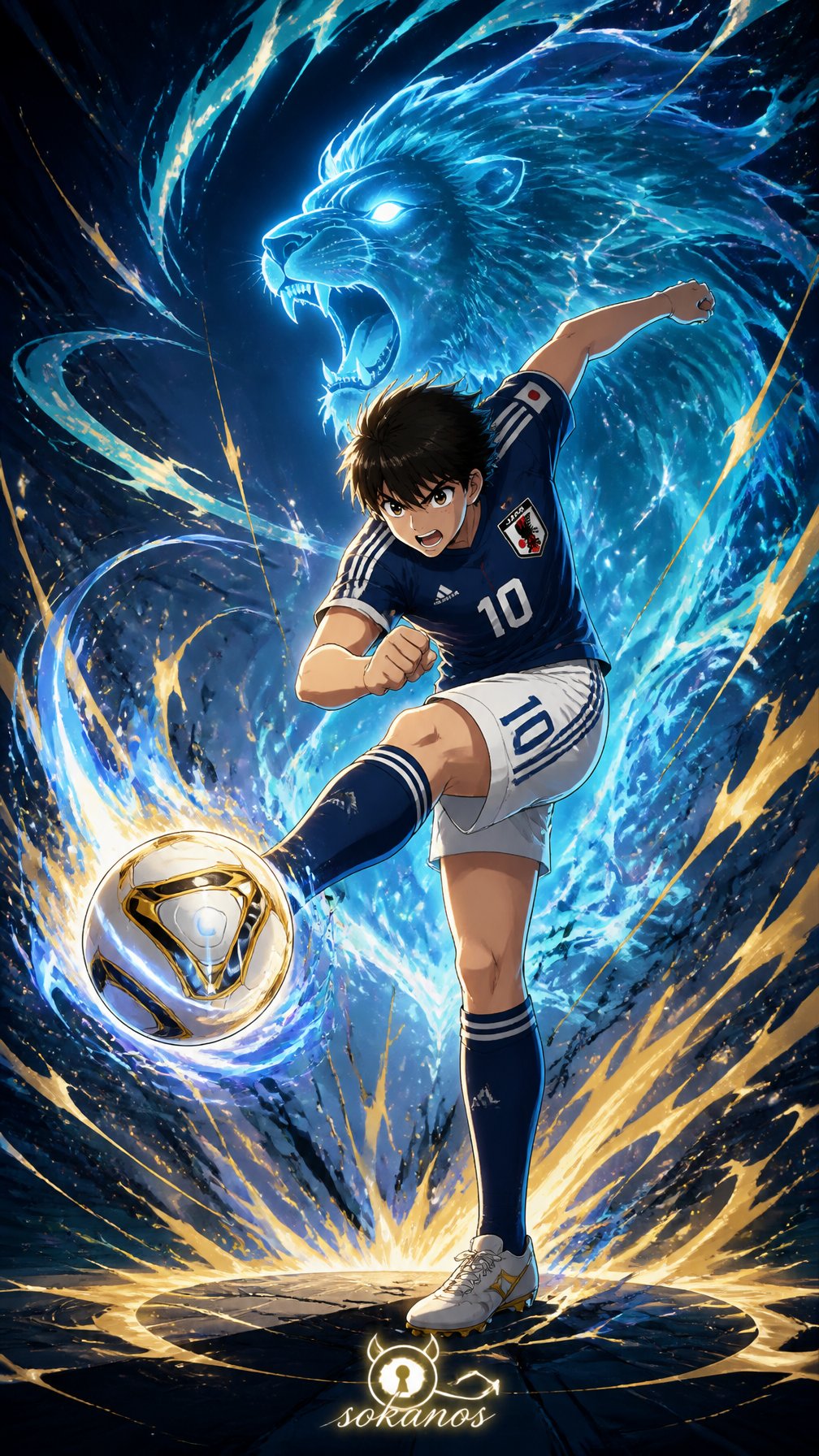
Captain Tsubasa Anime World Cup Poster
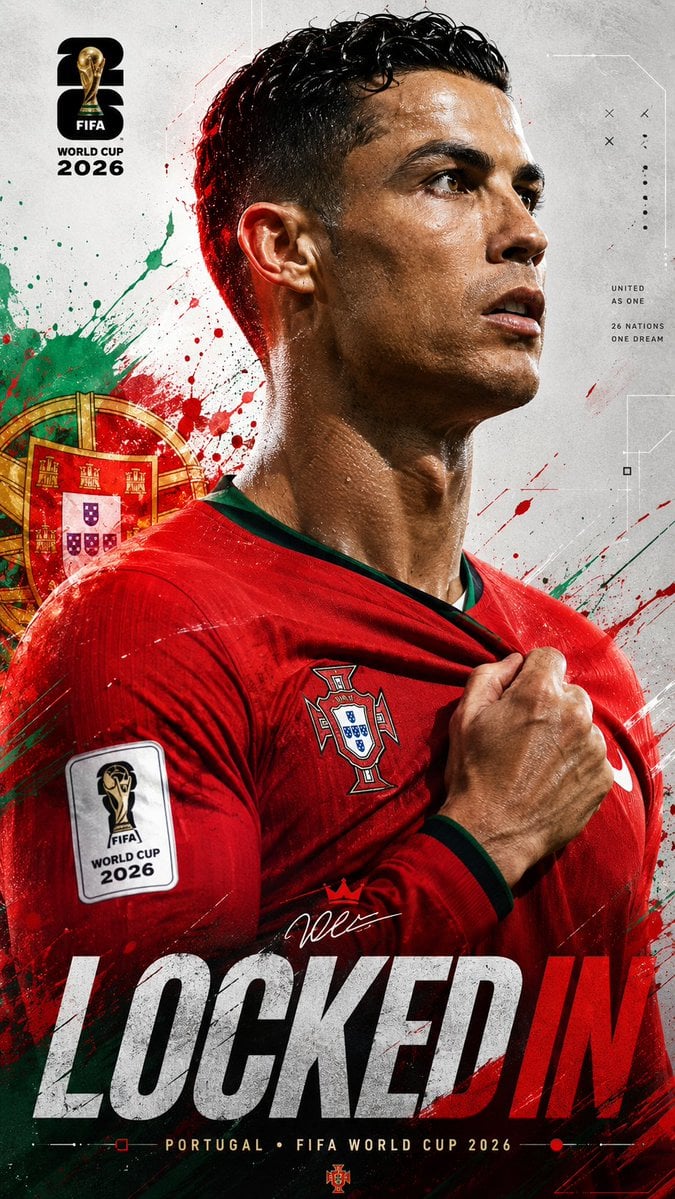
FIFA World Cup 2026 Sports Poster
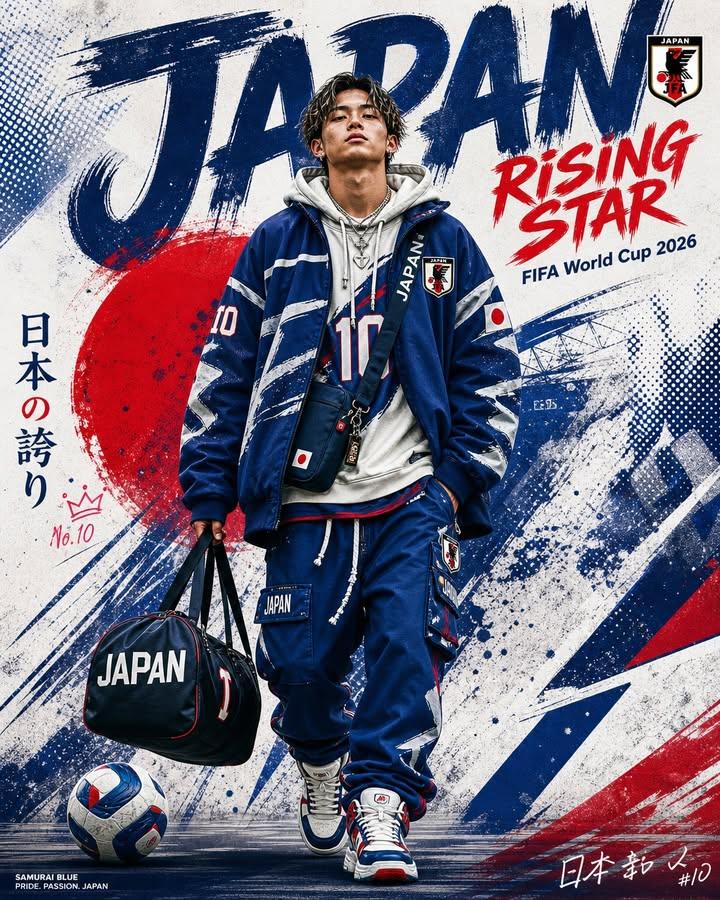
FIFA World Cup Sports Poster
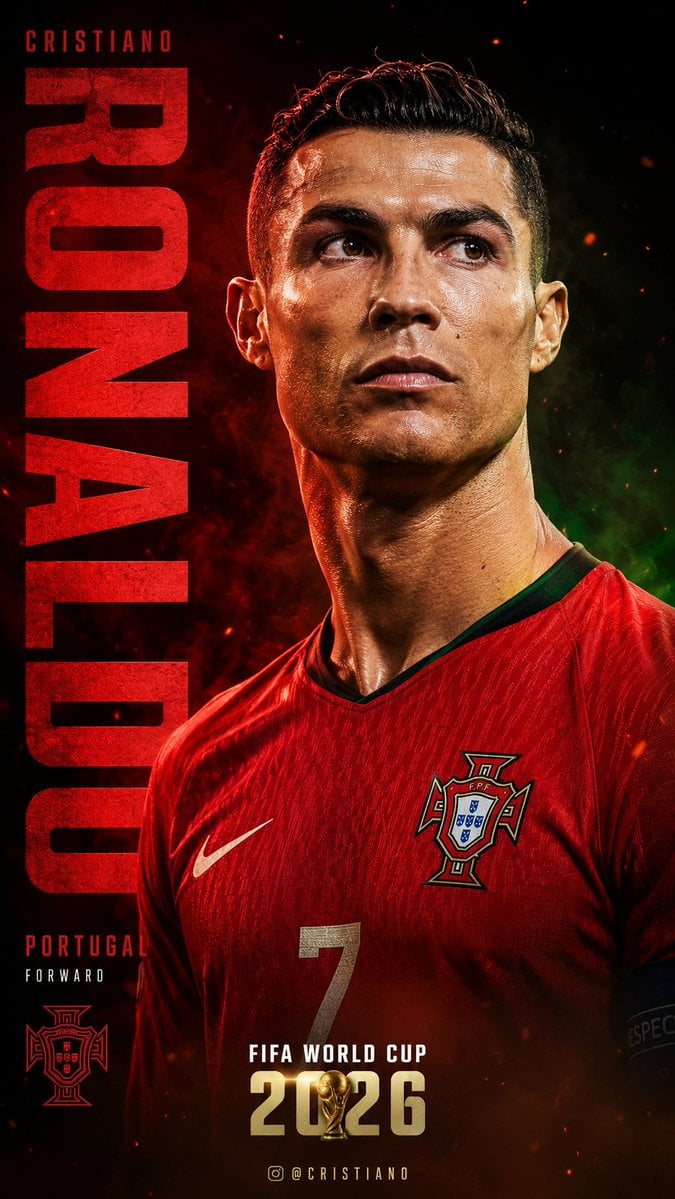
FIFA World Cup 2026 Sports Poster
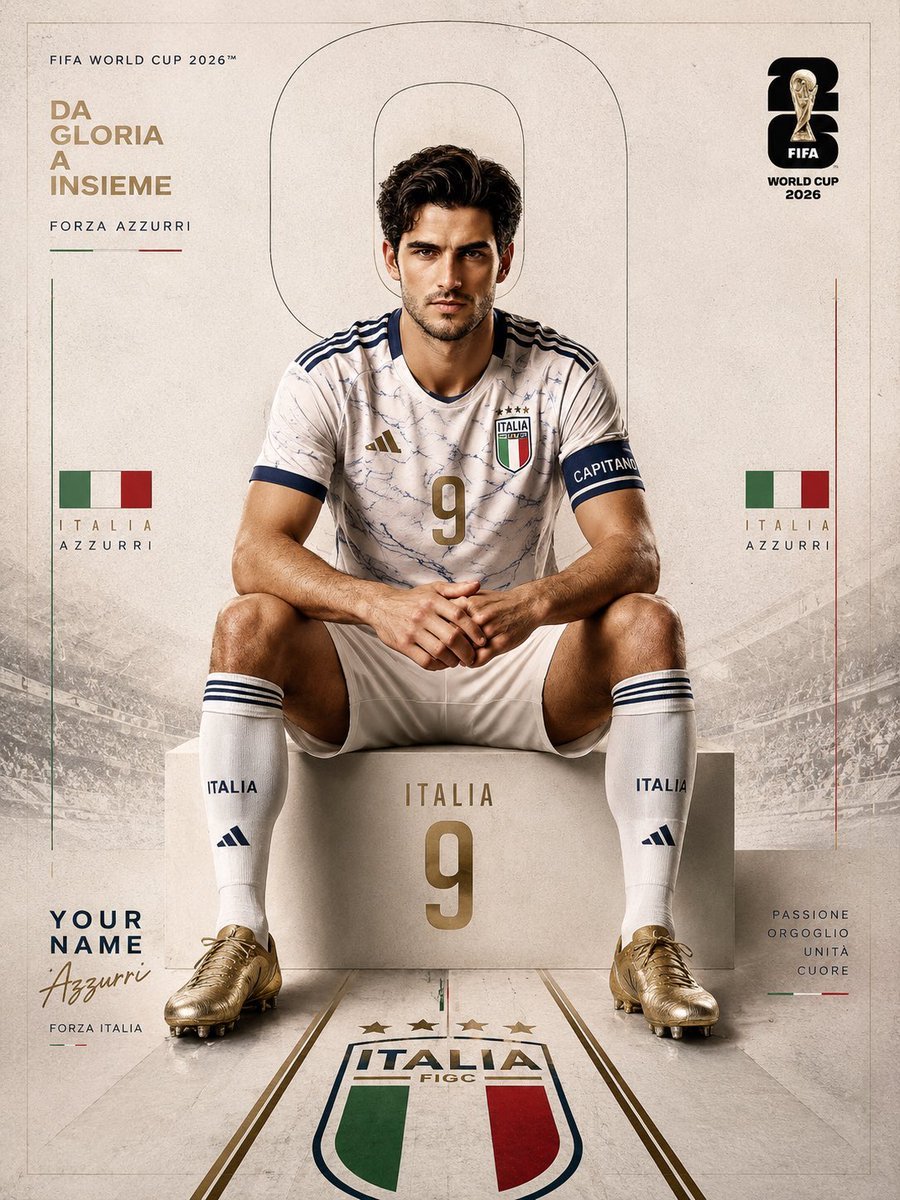
FIFA World Cup 2026 Sports Editorial
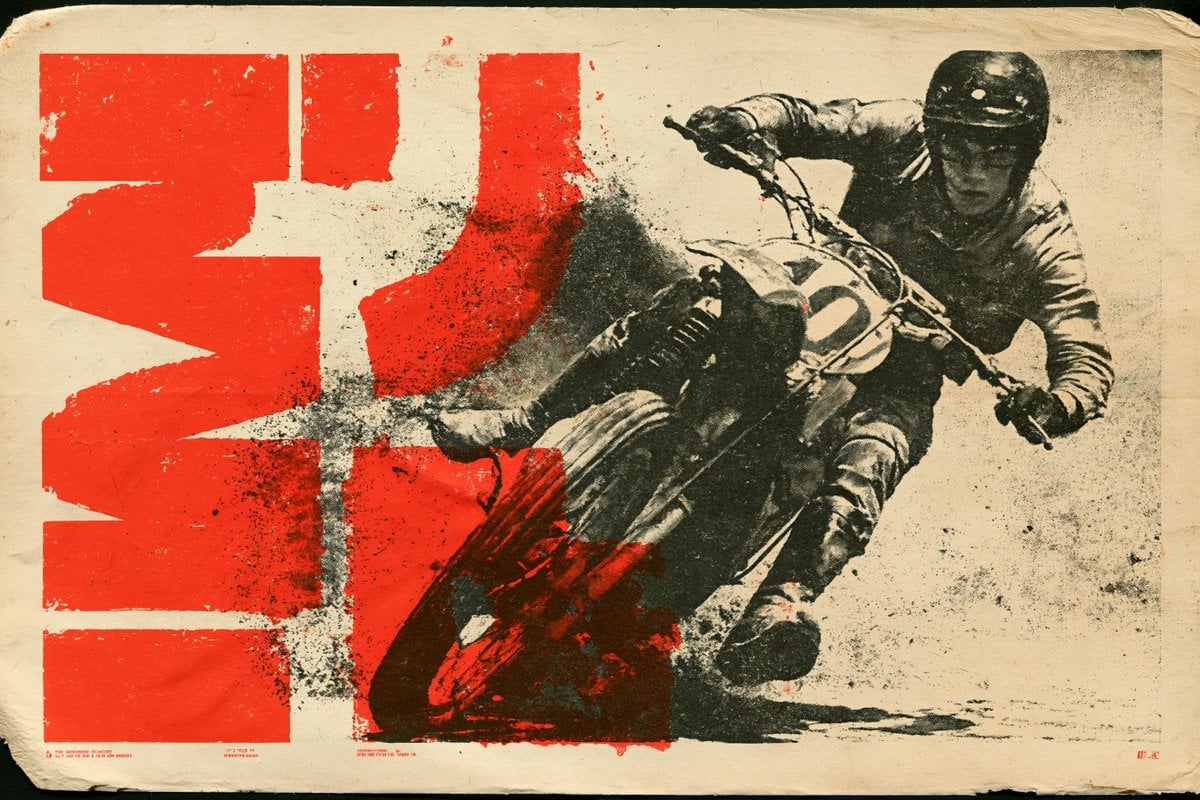
Vintage Lithograph Retro World Cup Poster
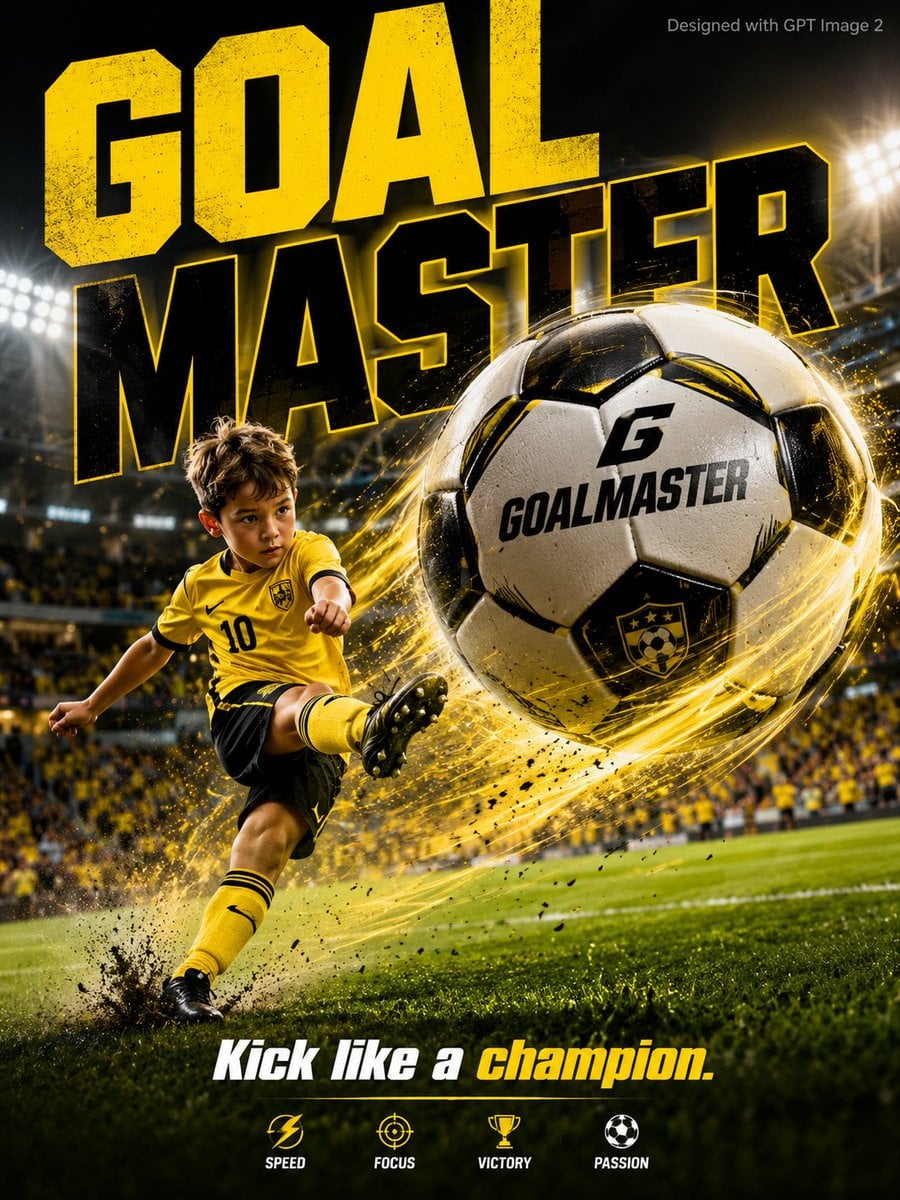
Goalmaster Youth Sports Poster
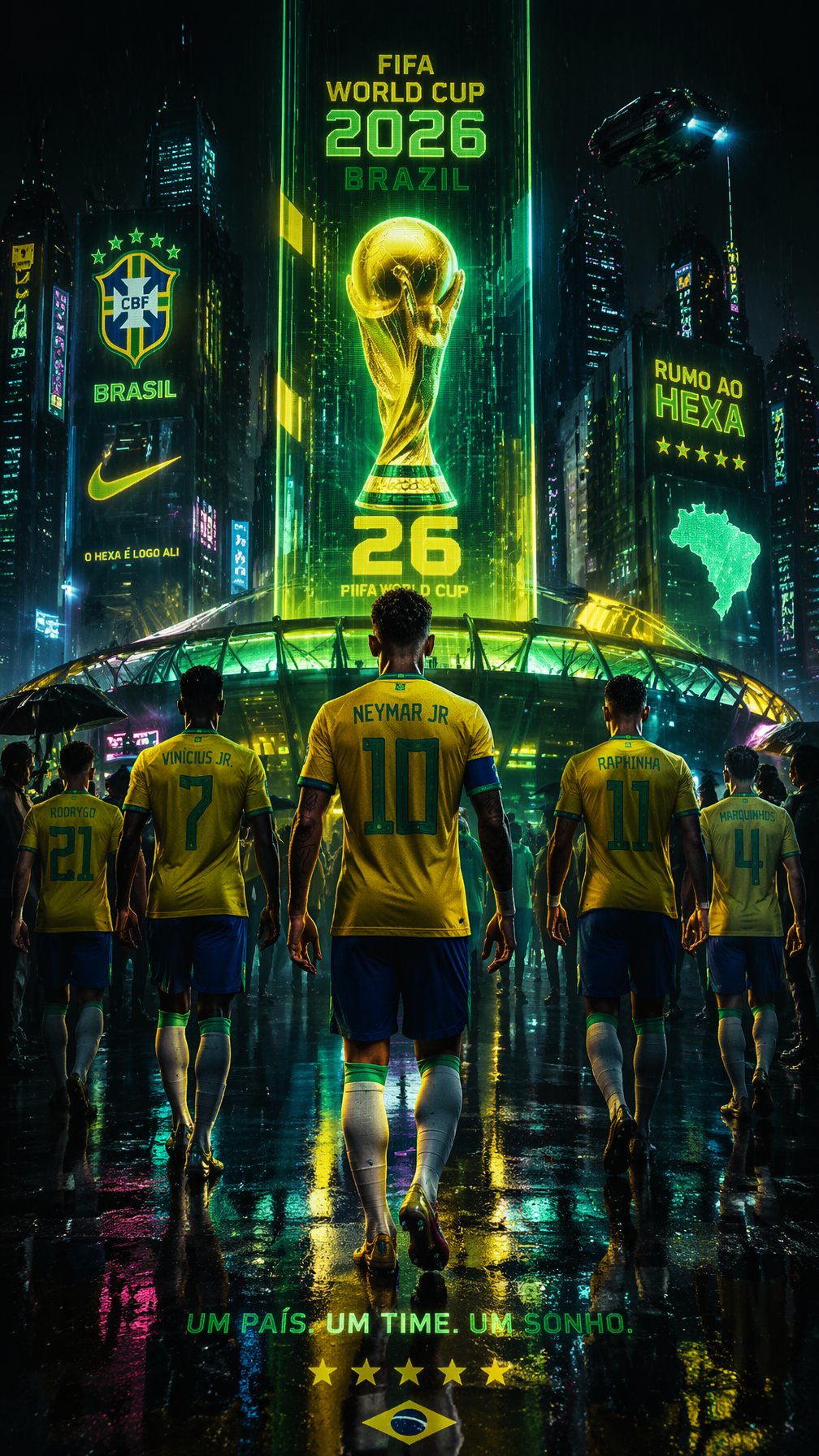
Cyberpunk Neon Brazil World Cup Poster

Clean Minimalist Player Editorial Poster
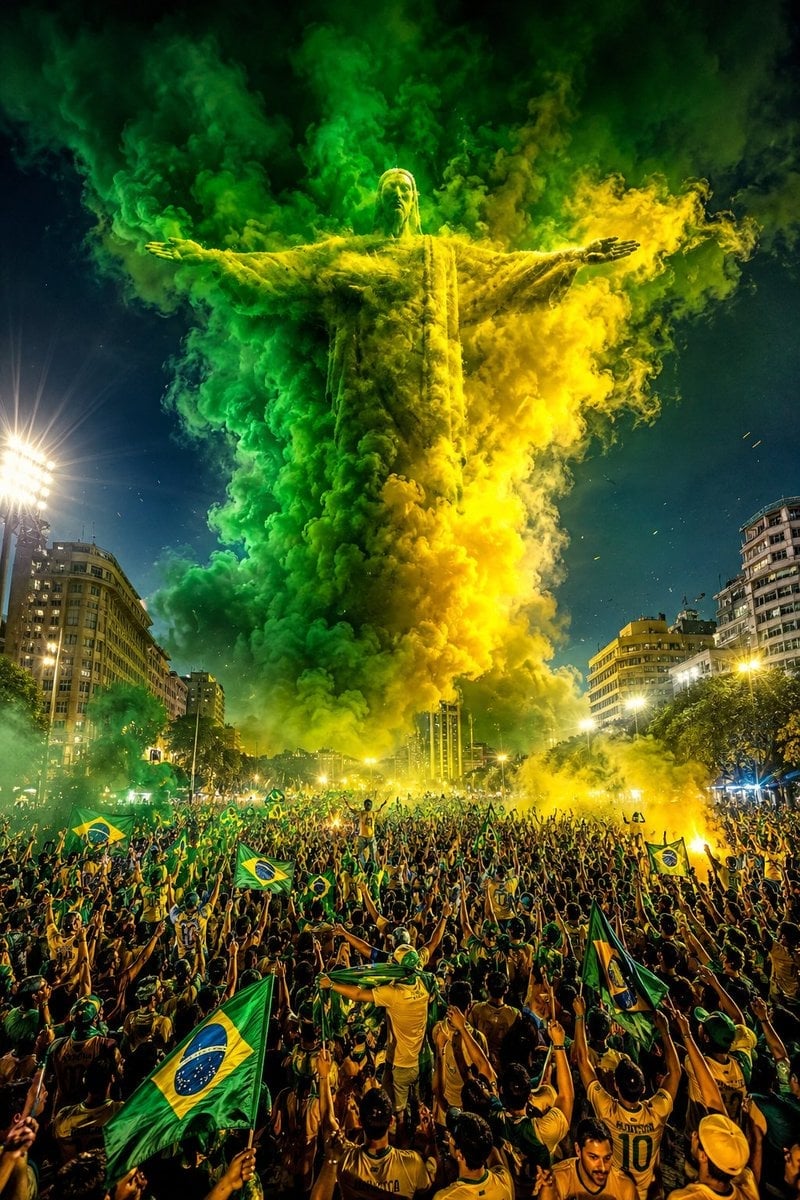
Campaign Smoke National Symbols World Cup
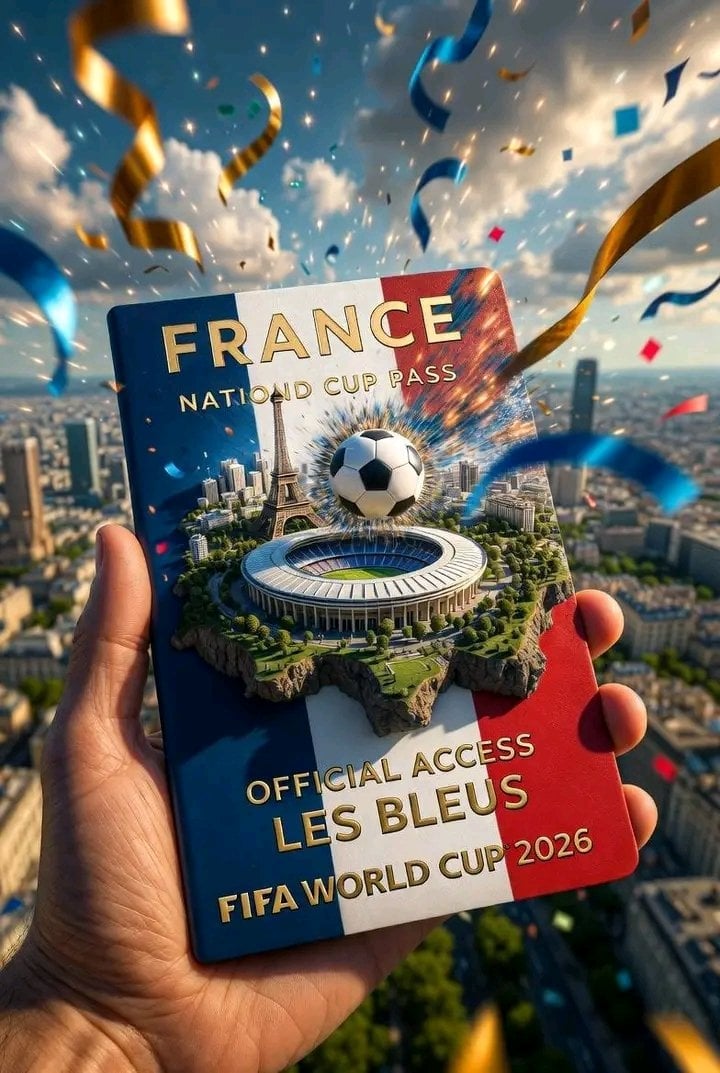
FIFA World Cup — National Cup Pass (Variable)
Make it yours
Nike FIFA World Cup Sports Poster works as-is. These are the safest ways to change it without losing the look.
Change one field
Copy a single group, rewrite it, and generate again so you can see what that field is doing.
Keep the frame, change the subject
Hold the composition and light of Nike FIFA World Cup Sports Poster, then swap wardrobe, props or the person for a new take.
| If the result… | Why | Fix |
|---|---|---|
| The result drifts from the preview | Too many fields changed at once. | Reuse Nike FIFA World Cup Sports Poster as-is first, then change one group — subject, light, or setting. |
| The model over-stylizes the scene | The prose prompt leaves finish and camera underspecified. | Add one camera or lighting sentence and stay on GPT Image 2. |
More GPT Image 2 templates
Other prompts made for GPT Image 2.

Six VTuber Japanese Logo Sheet

Realistic Portrait of Woman and Deer

The Vista Modular Condo Poster

AI Model Routing Comparison Infographic

2.5D Anime Art Board

Isometric Productivity Desk Scene

New York Double Exposure Poster

Four-Panel AI Landscape Comparison

Japanese Tatami Lifestyle Magazine Cover

NESCAFÉ Coffee Map Poster
More image prompts
Fresh picks from across the catalog.
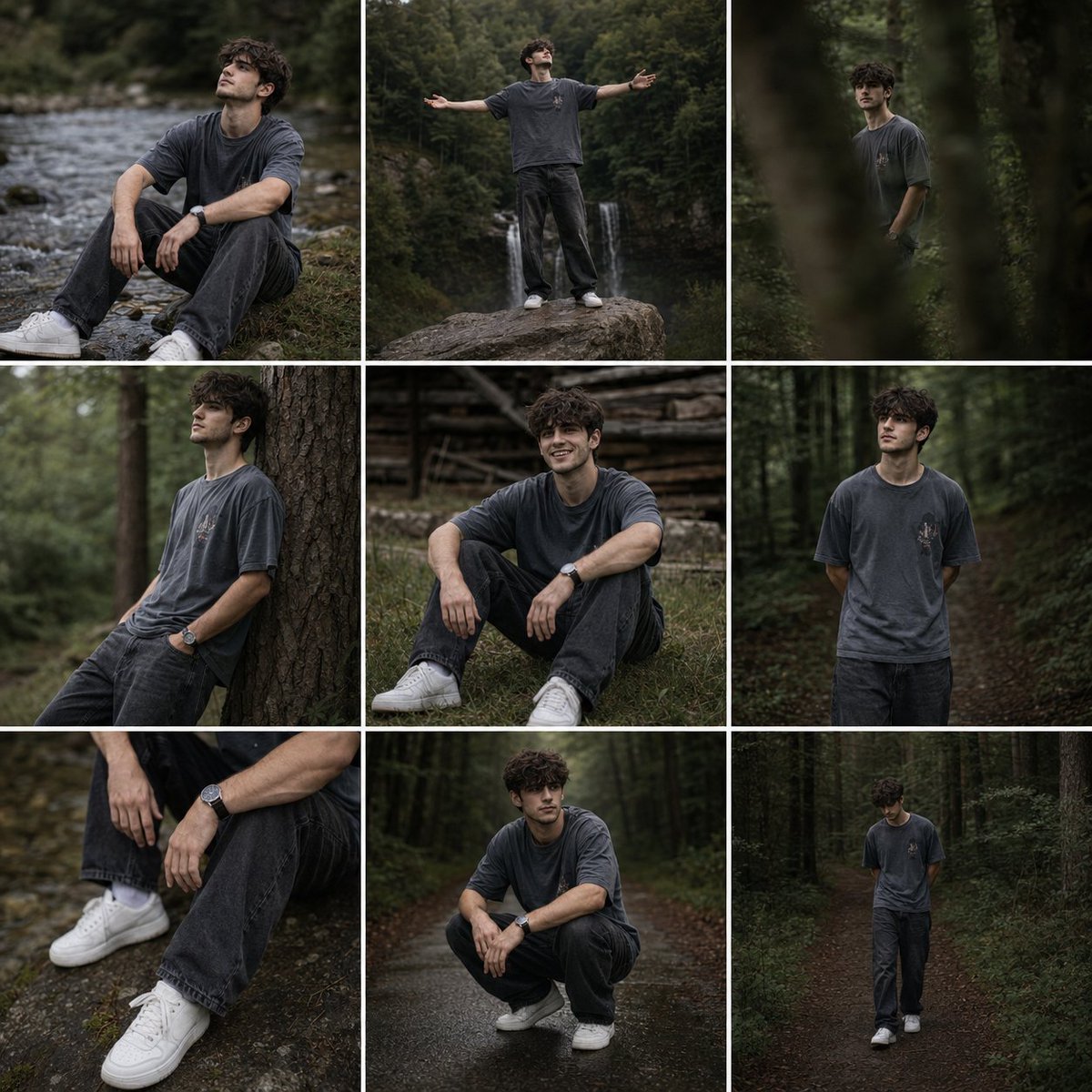
Forest Lifestyle Editorial Moodboard
Hyper-Realistic Alpine Selfie Prompt
Low-Angle Urban Street Photography
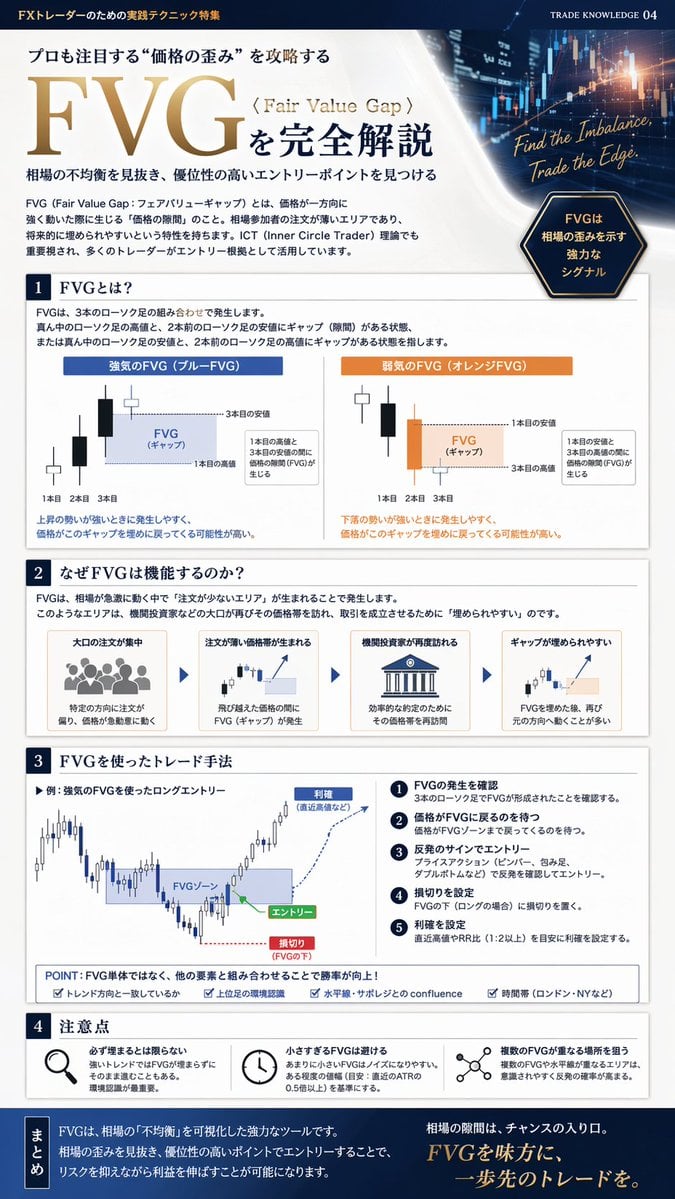
FX Trading Educational Infographic
Korean Style 2027 Illustrated Desktop Calendar
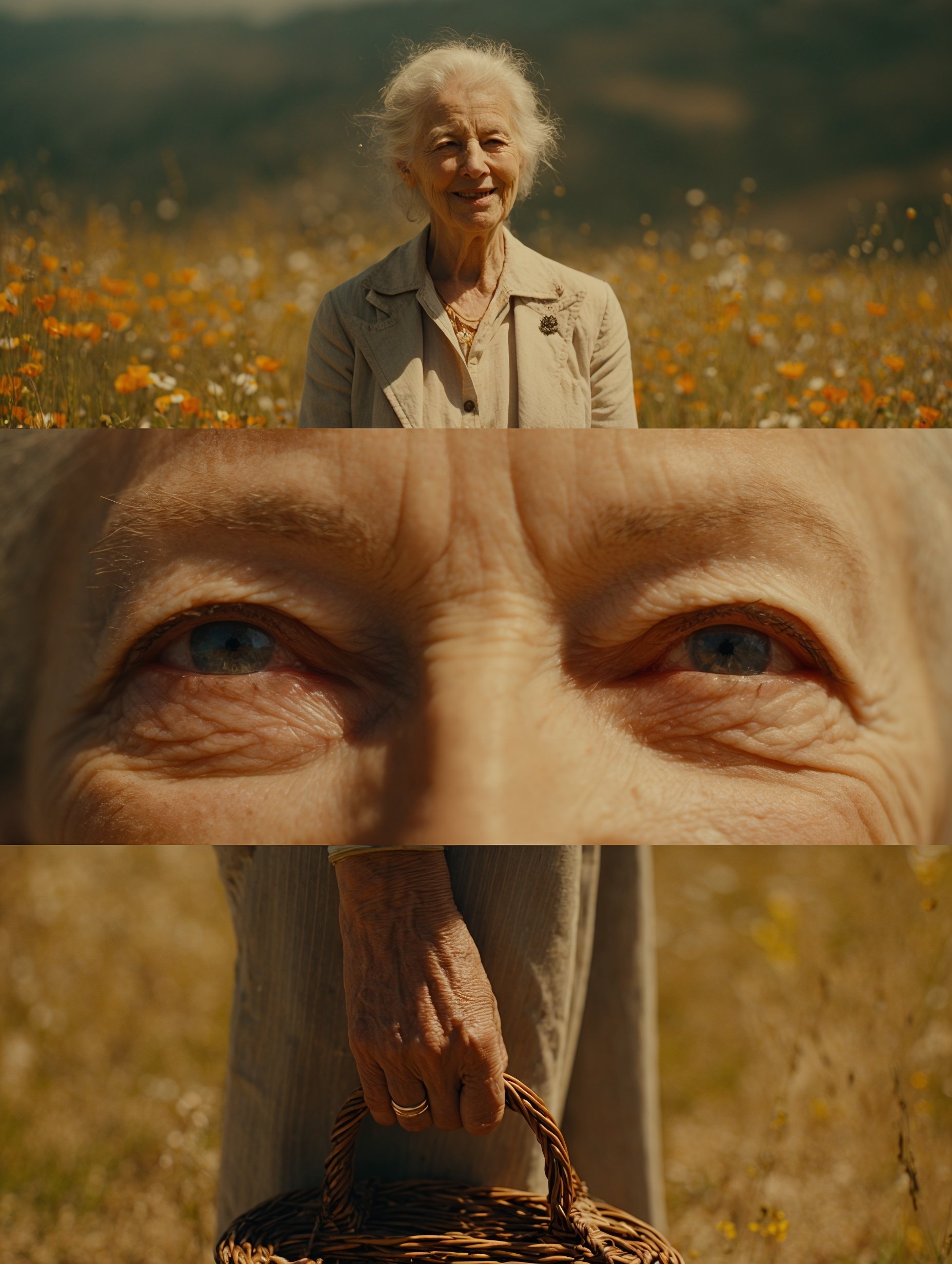
Cinematic Sequences with Midjourney V7
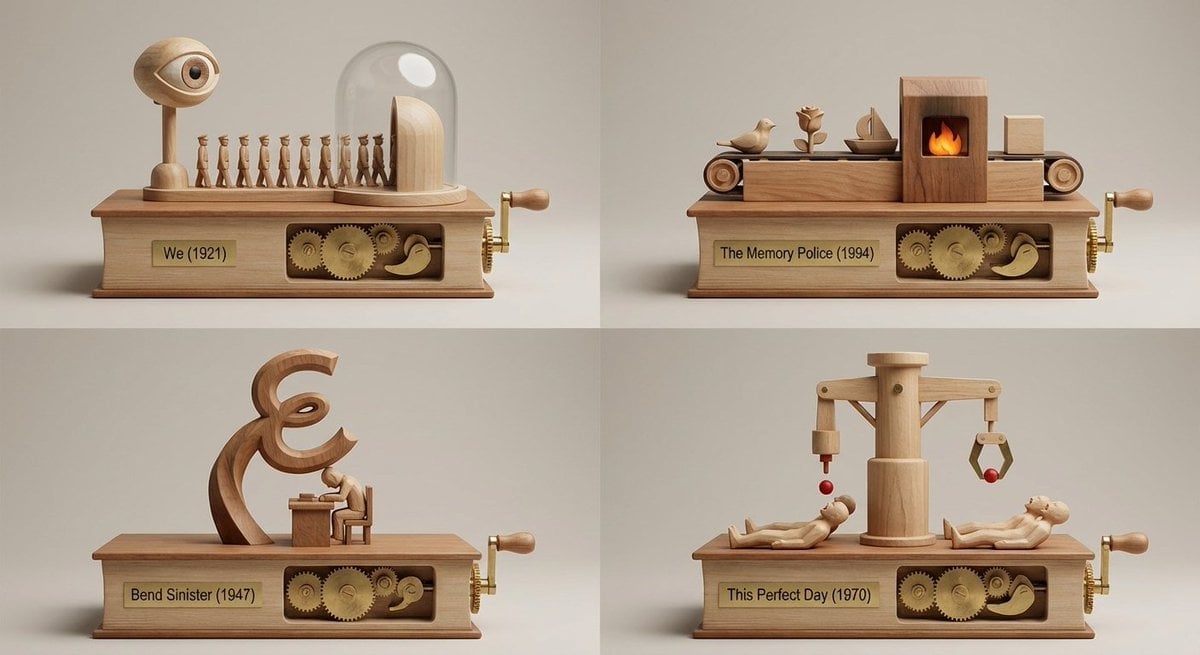
Book Recommendation Engine to Automaton Prompt
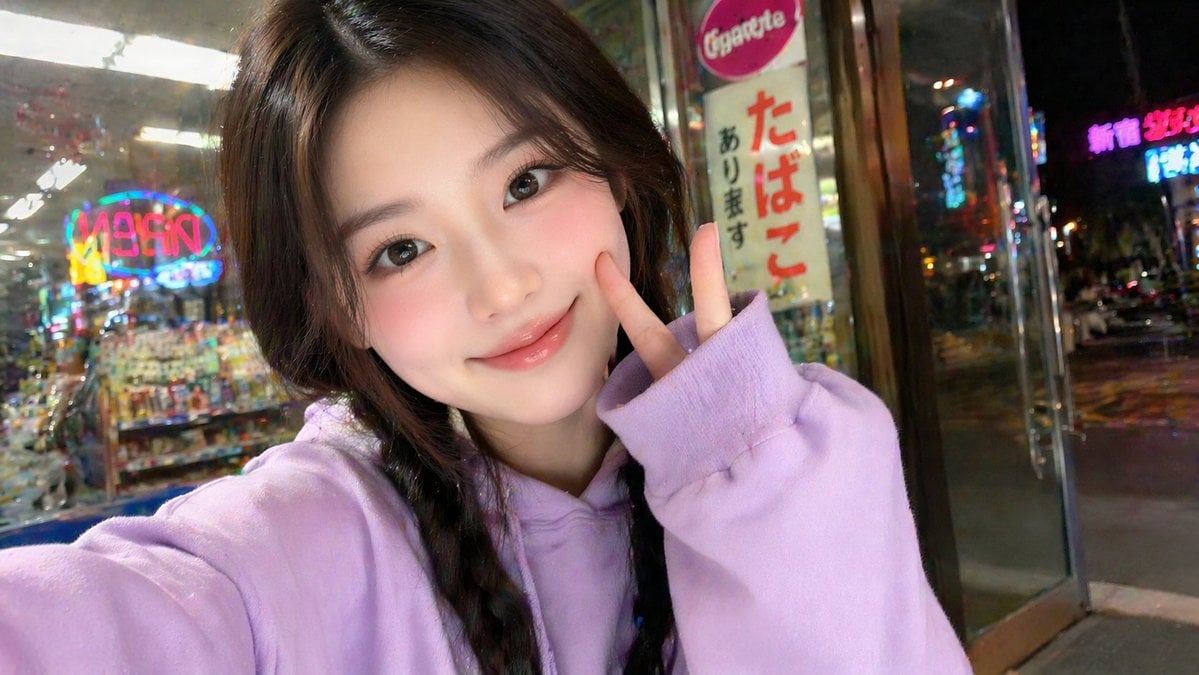
East Asian Girl Influencer Portrait
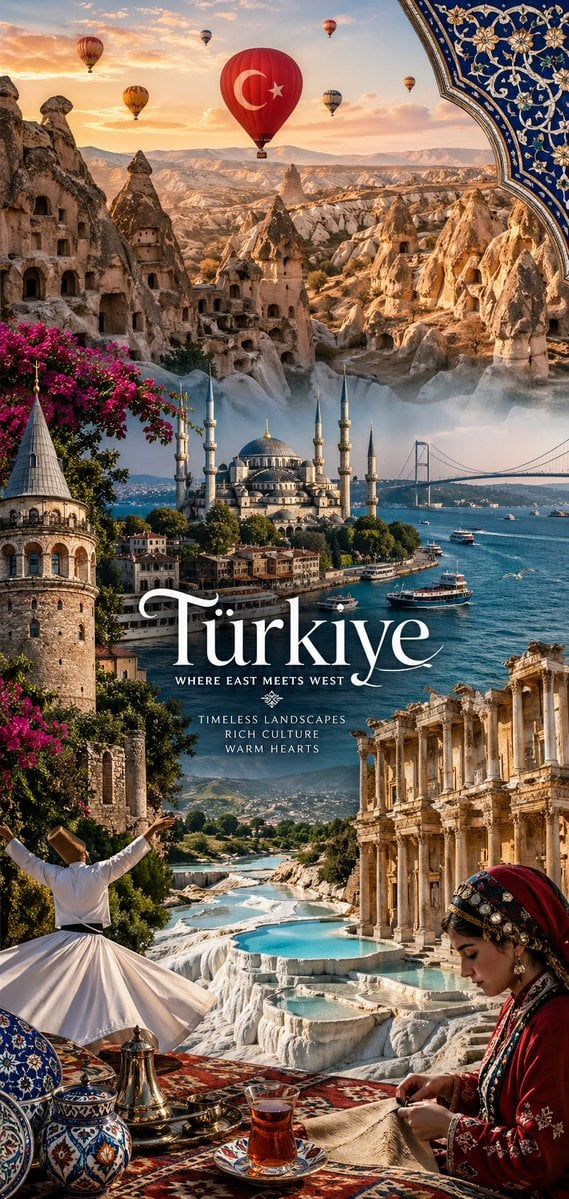
National Identity Mobile Wallpaper
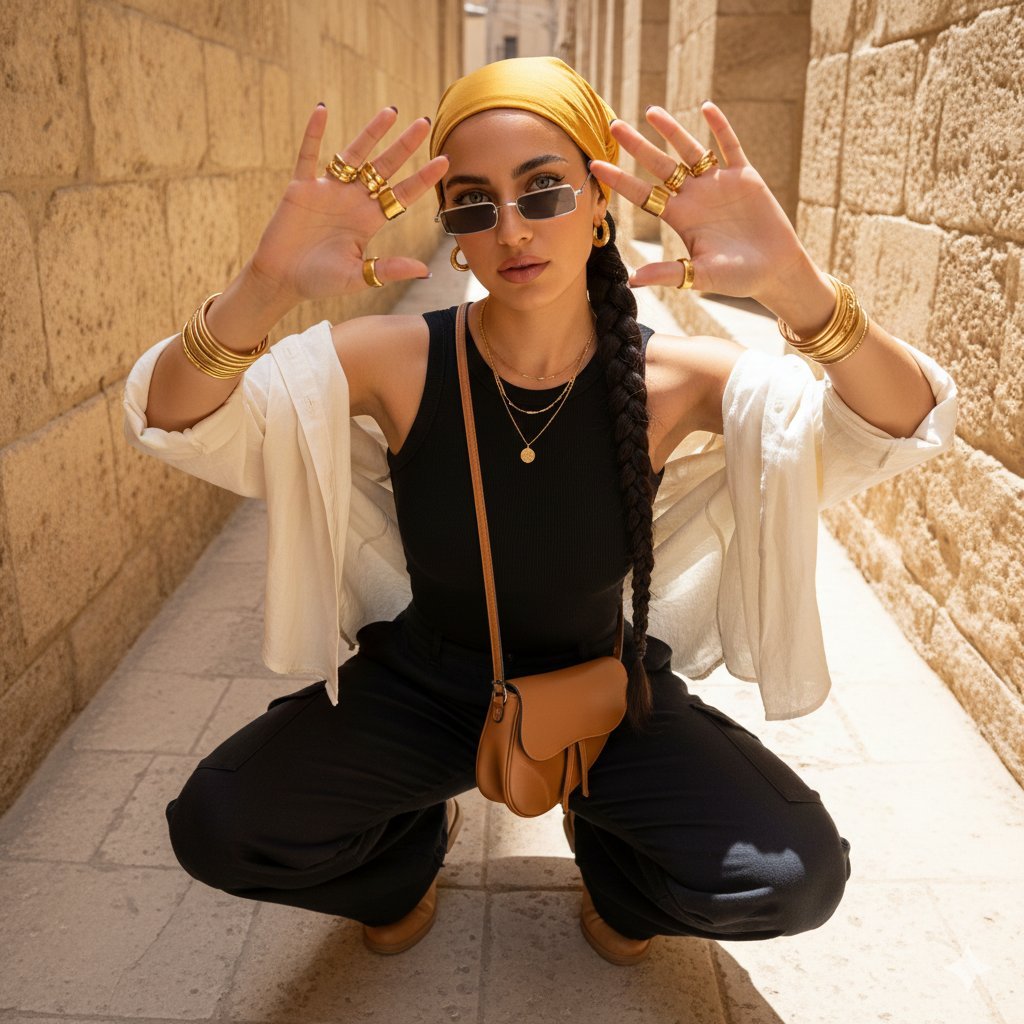
Desert-Chic Fashion in a Stone Alleyway
Browse template categories
Nike FIFA World Cup Sports Poster questions
How do I use the Nike FIFA World Cup Sports Poster template?
Add your photo if the template asks for one, edit the prompt if you like — the template's model and format are already selected — and press Generate. Your version opens in PicX Studio.
Can I customize the Nike FIFA World Cup Sports Poster template?
Yes. You can change the subject, setting, lighting, mood, format, and available model controls before creating your image.
Is the Nike FIFA World Cup Sports Poster template free?
Opening and editing this template is free. Generating uses credits, shown on the Generate button when you are signed in.
Which AI model should I use?
Start with GPT Image 2, which is the model associated with this template. You can compare another compatible model for a different finish.
Looking for something else? Browse all templates.

Your photo, any look
Thousands of ready templates for every top image and video model, from one credit balance.