
Book Recommendation Engine to Automaton Prompt
A complex, multi-step system prompt that instructs the AI to act as an elite book recommendation engine and kinetic sculpture designer.
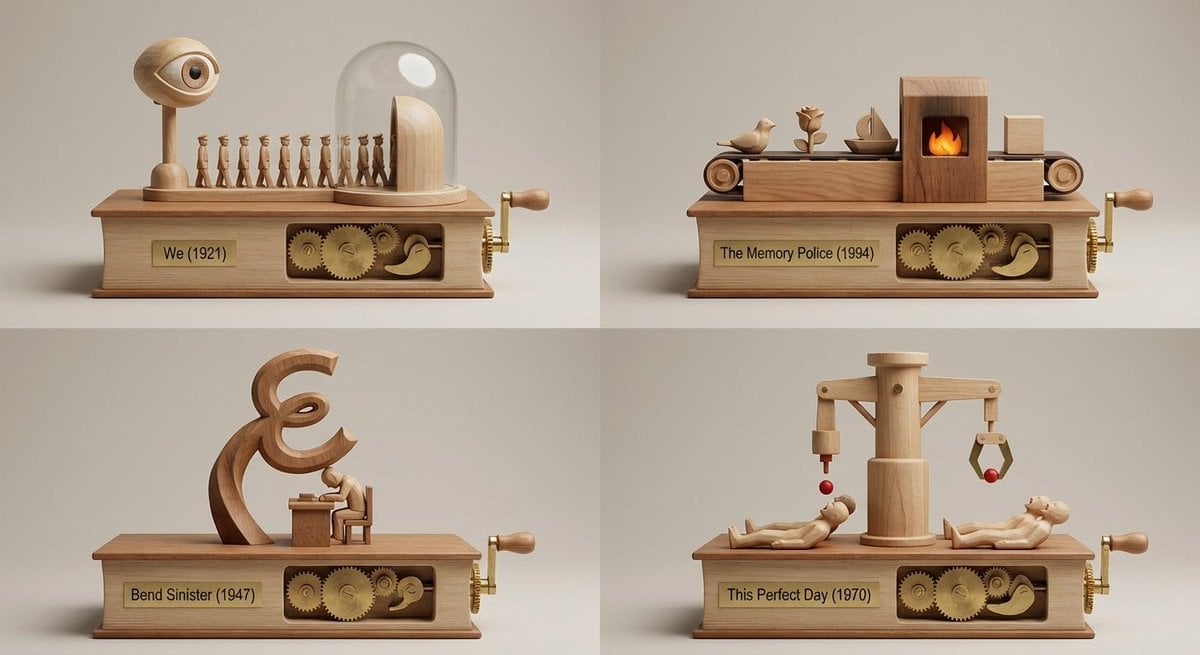
- Prompt included
- Model and format preset
- Free template
The prompt behind this image
Copy the exact prompt behind Book Recommendation Engine to Automaton Prompt, or open it in the studio and make it yours.
<instructions> Act as an elite book recommendation engine + museum-miniature kinetic-sculpture designer. INPUT: The user provides (a) a book title/author OR (b) an image of a book/object inspired by a book. Step 1 — Vibe analysis (internal only; do NOT output): Infer tone, pacing, world rules, character dynamics, thematic engine, sensory palette, and emotional aftertaste. Step 2 — Selection (internal only; do NOT output): Select 4 under-the-radar books with the closest vibe match (avoid obvious top-10 staples unless the input is already obscure). Step 3 — Output (ONLY output this; no extra commentary): Output ONE single image-generation prompt describing a 2x2 grid (four equal panels, thin clean dividers). Each panel is a miniature set built into/onto a classic book-object and includes a working kinetic sculpture/automaton that expresses that book’s core story through motion. No readable paragraphs. Under each panel: engraved plate “Title (Year)”, no extra text. Default Template: 2x2 grid; each panel is a whittled wooden tabletop automaton mounted on a book-shaped base, with characters and elements from 4 random sci-fi books driven by a side crank with exposed cams and linkages. Style: Premium studio macro product photography, crisp micro-scratches on brass pins, clean wood joinery, neutral softbox lighting, medium shallow depth of field, 50mm perspective, seamless background in warm light gray.</instructions>
How to use Book Recommendation Engine to Automaton Prompt in 3 steps
- 1
Open
The prompt is already in the box next to the preview, with the template's model and format selected.
- 2…a portrait of your subject in softgolden-hour light, 85mm…
Personalize
Edit the subject and creative details for your destination.
- 3Generate
Generate
Press Generate — your image is created in PicX Studio, so you can compare it with the original and refine one variable at a time.
More like this
Templates with the same subject, style or setup. Open one to see its prompt.
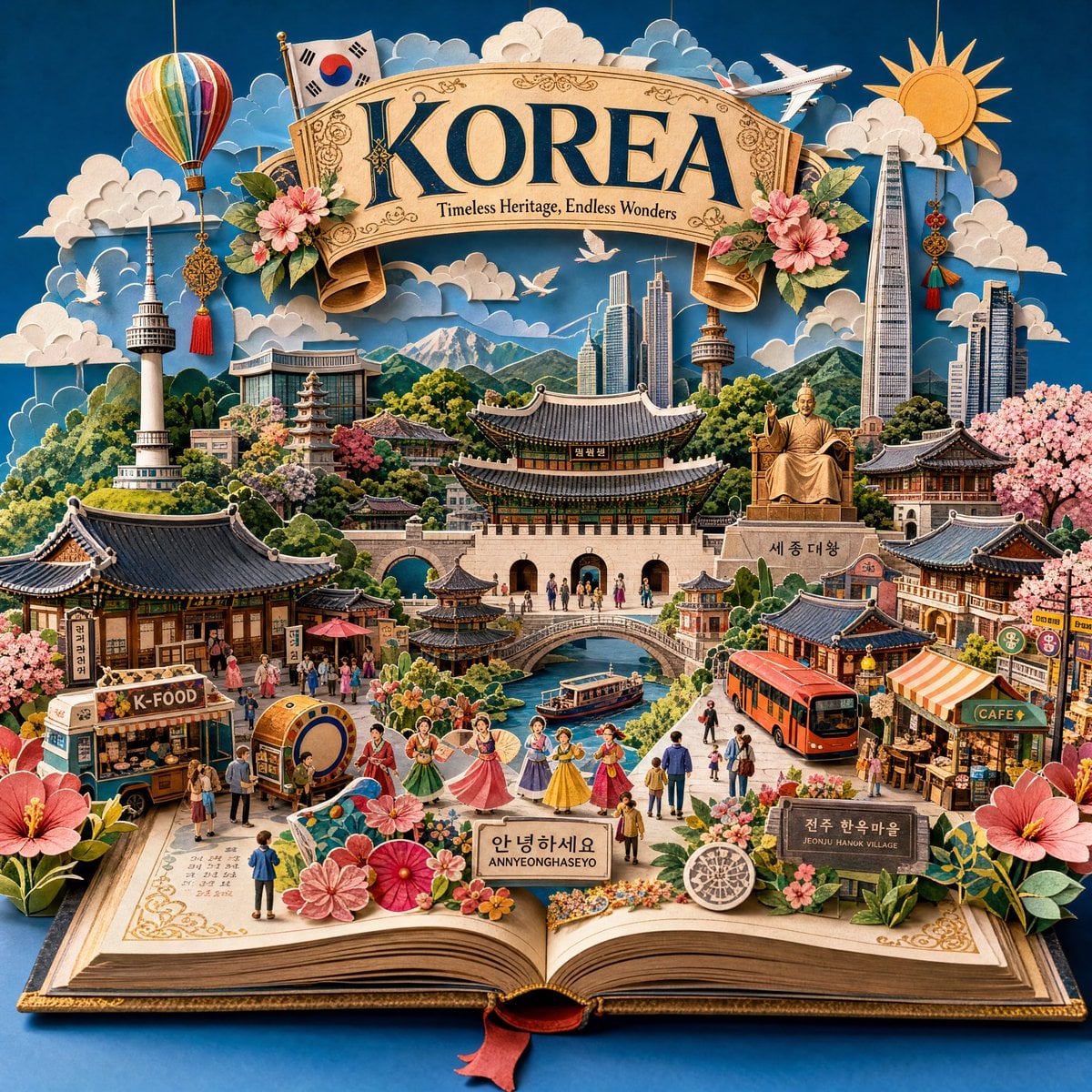
Master Pop-Up Storybook — 3D Paper Engineered Travel Diorama

Four Anime Bookshelf Recommendations

Four-Panel Anime Book Recommendations
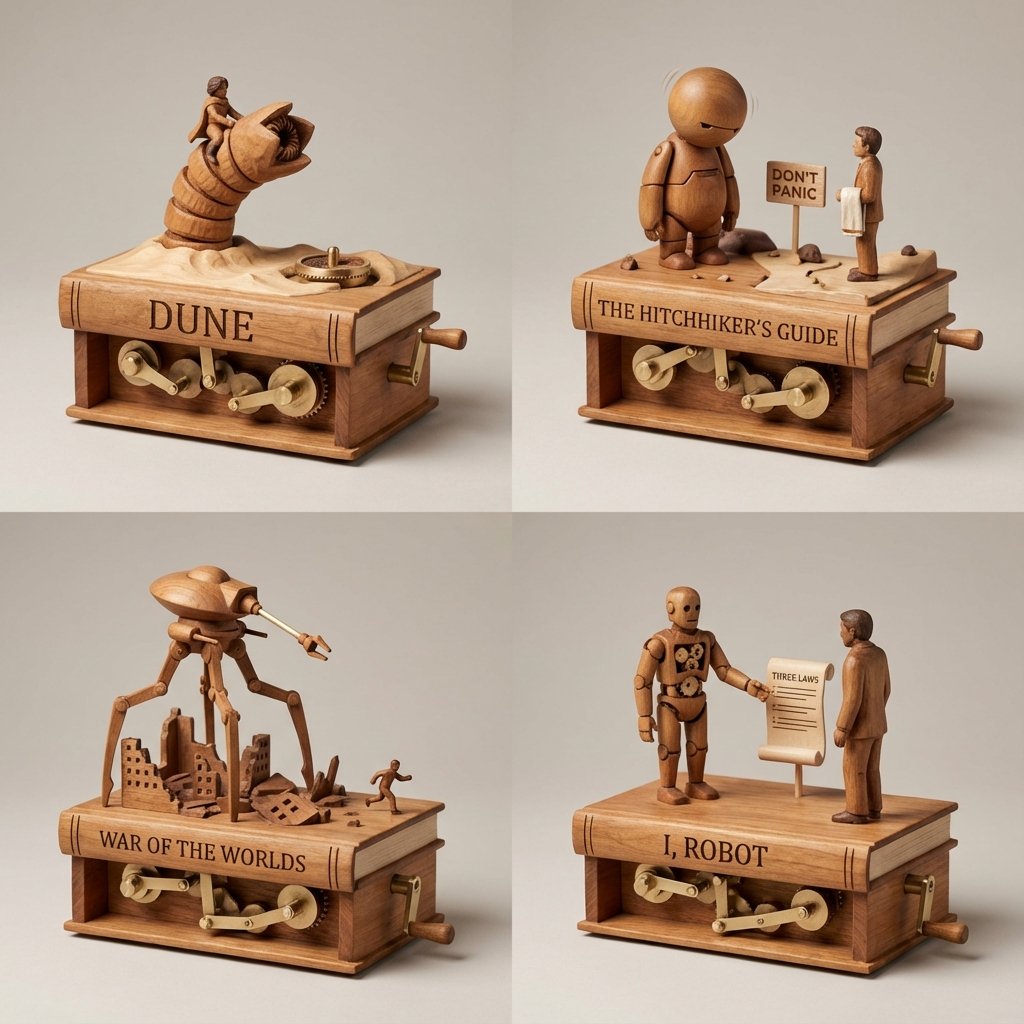
Sci-Fi Book Automaton Macro Product Photography Prompt
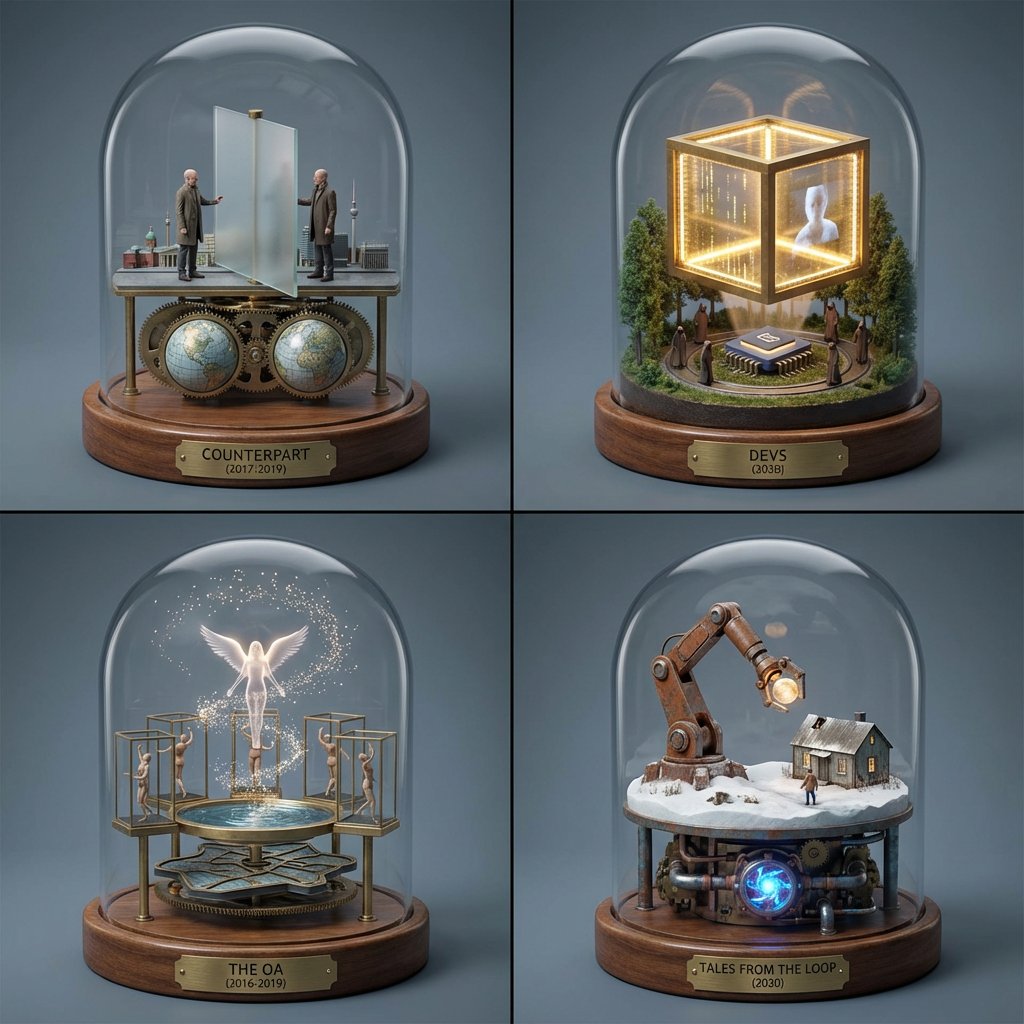
TV Series Recommendation Engine & Miniature Set Designer
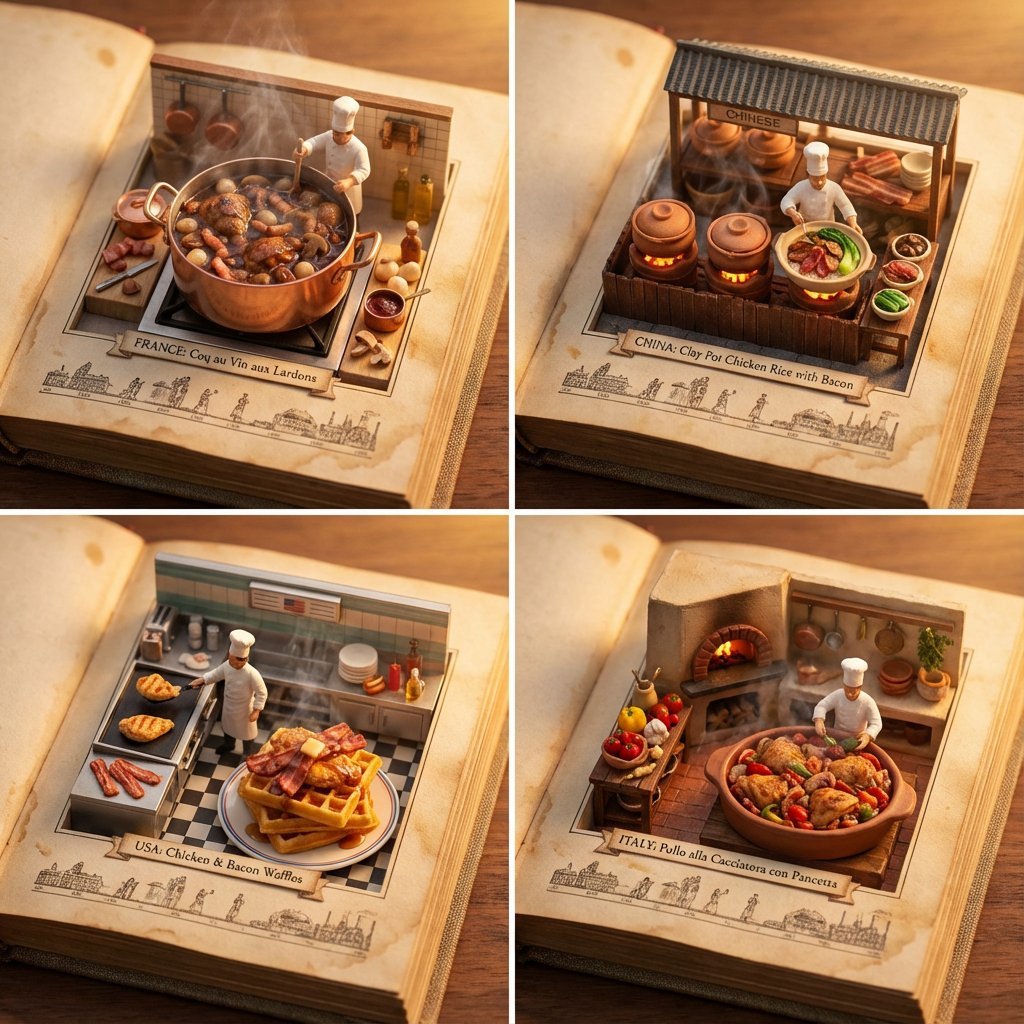
Food Recommendation System Prompt for Cookbook Generation
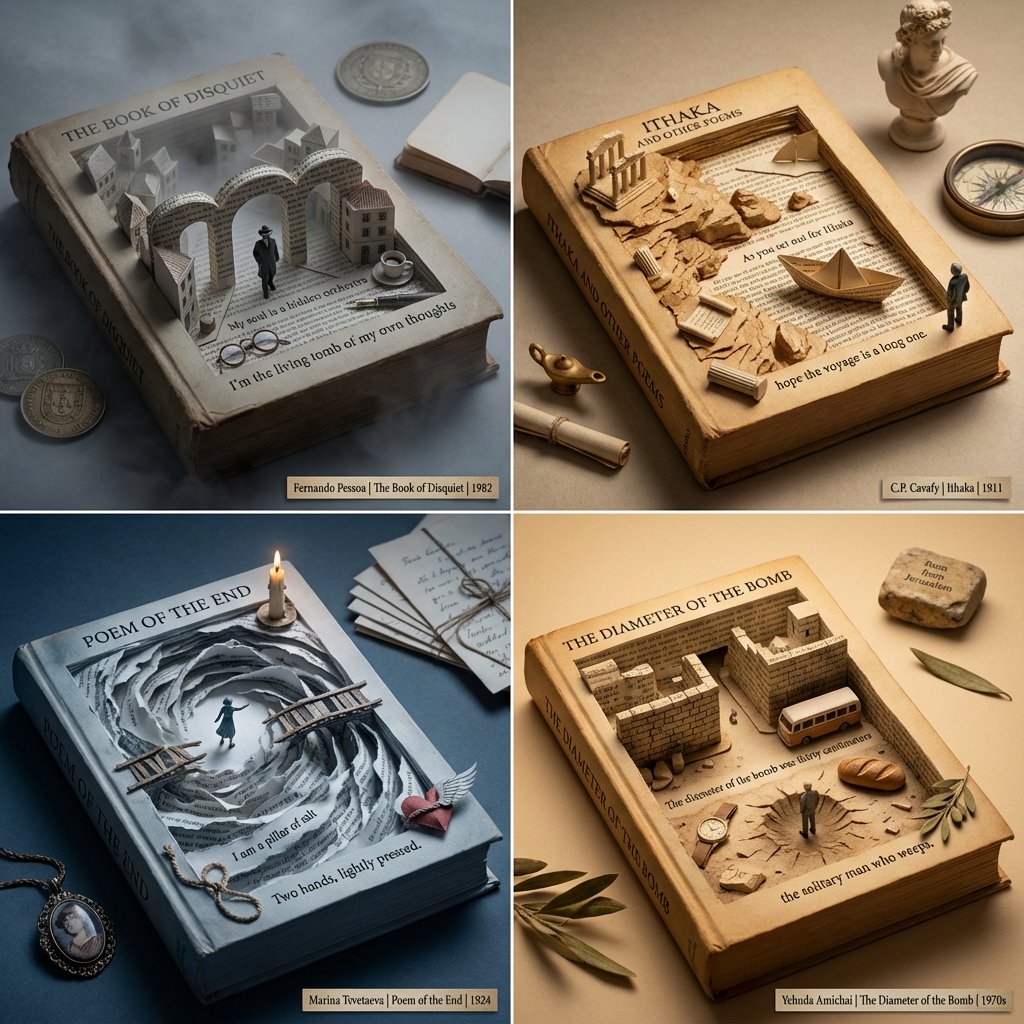
Poetry Recommendation System Prompt (Carved Book Sculpture Aesthetic)
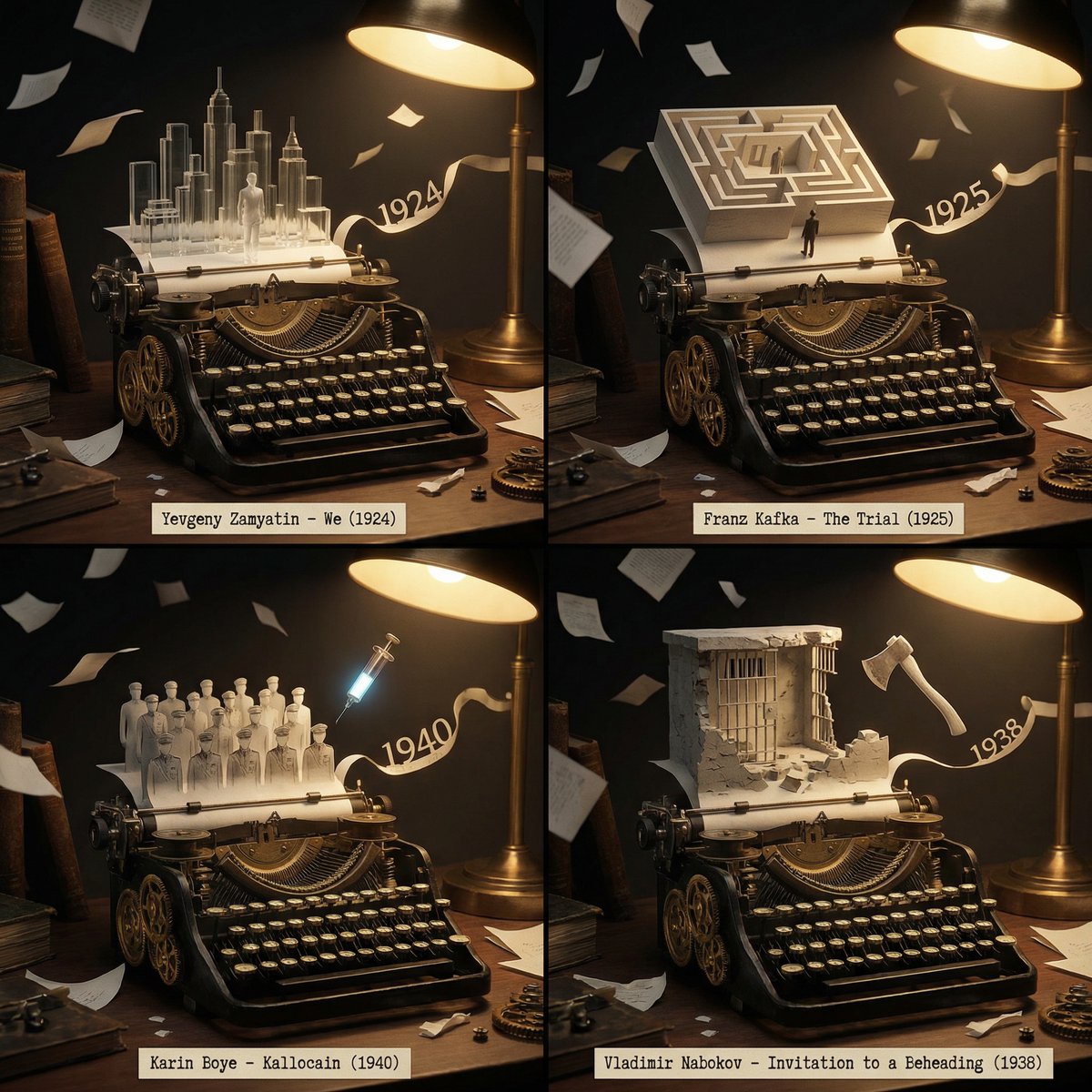
Literary Deep-Dive Recommendation Engine Prompt
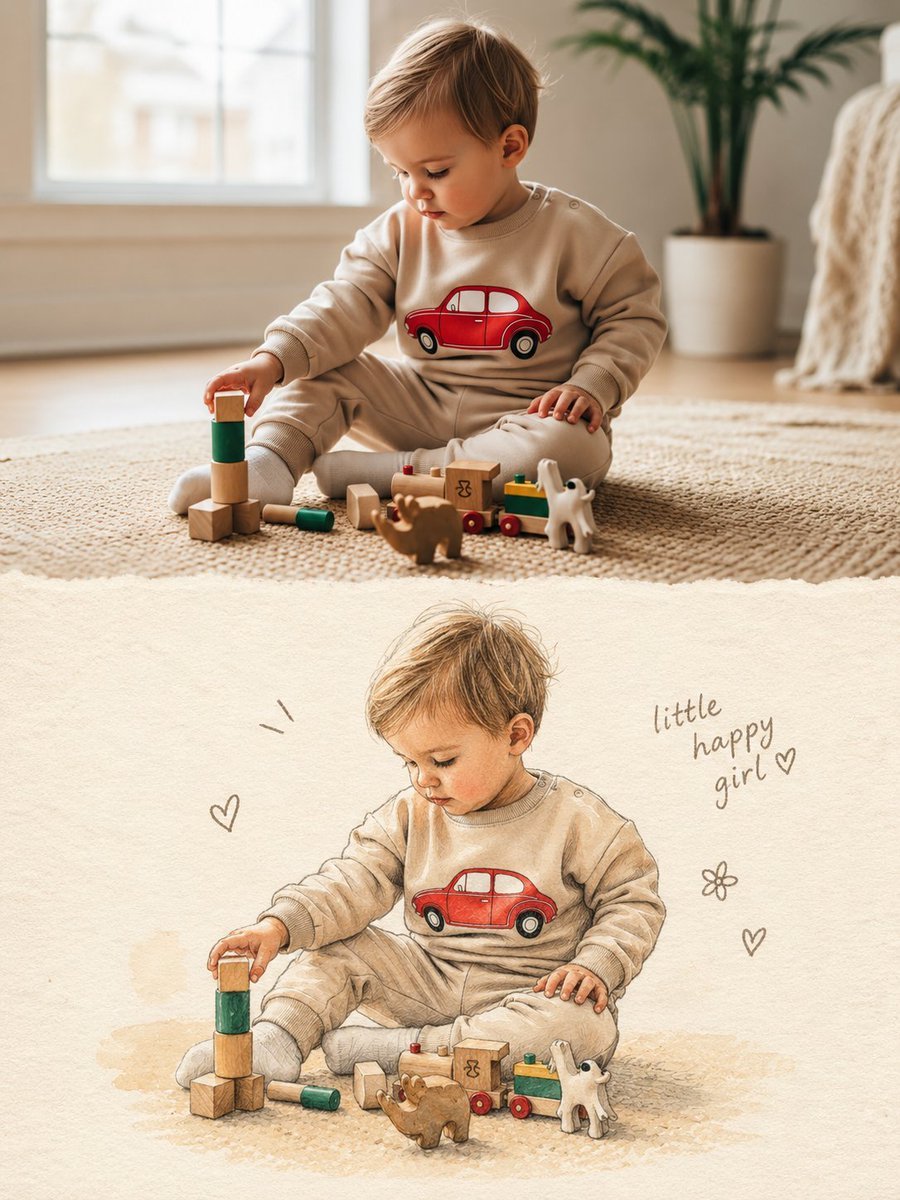
Split Photo and Storybook Illustration
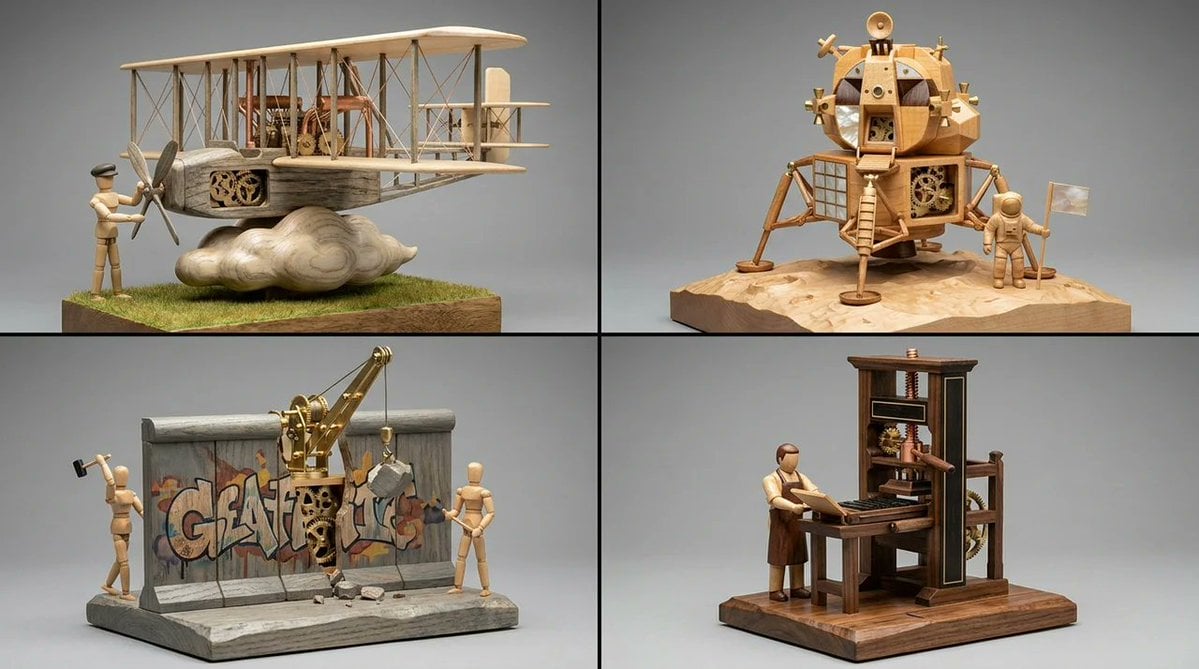
Woodpunk Kinetic Sculpture Automaton
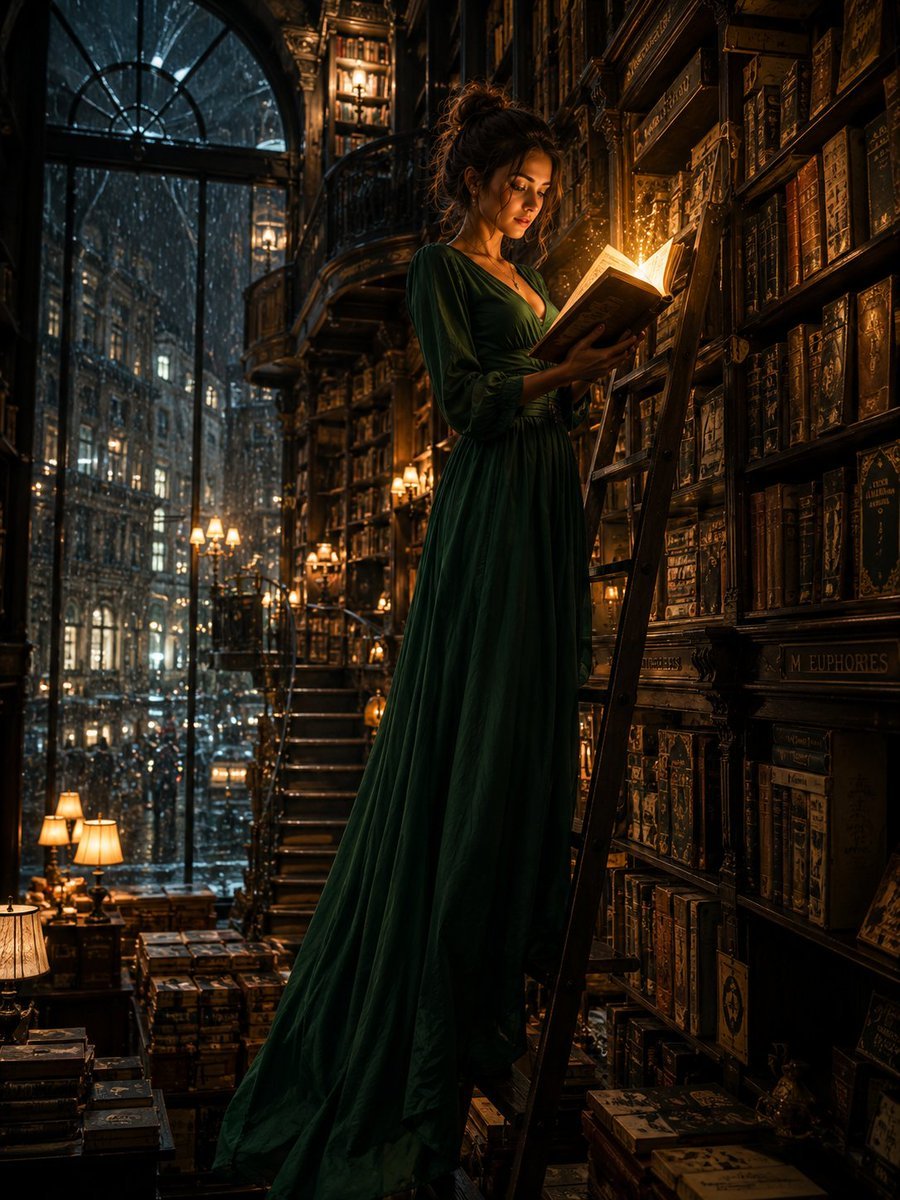
Cinematic Midnight Bookstore Mystery
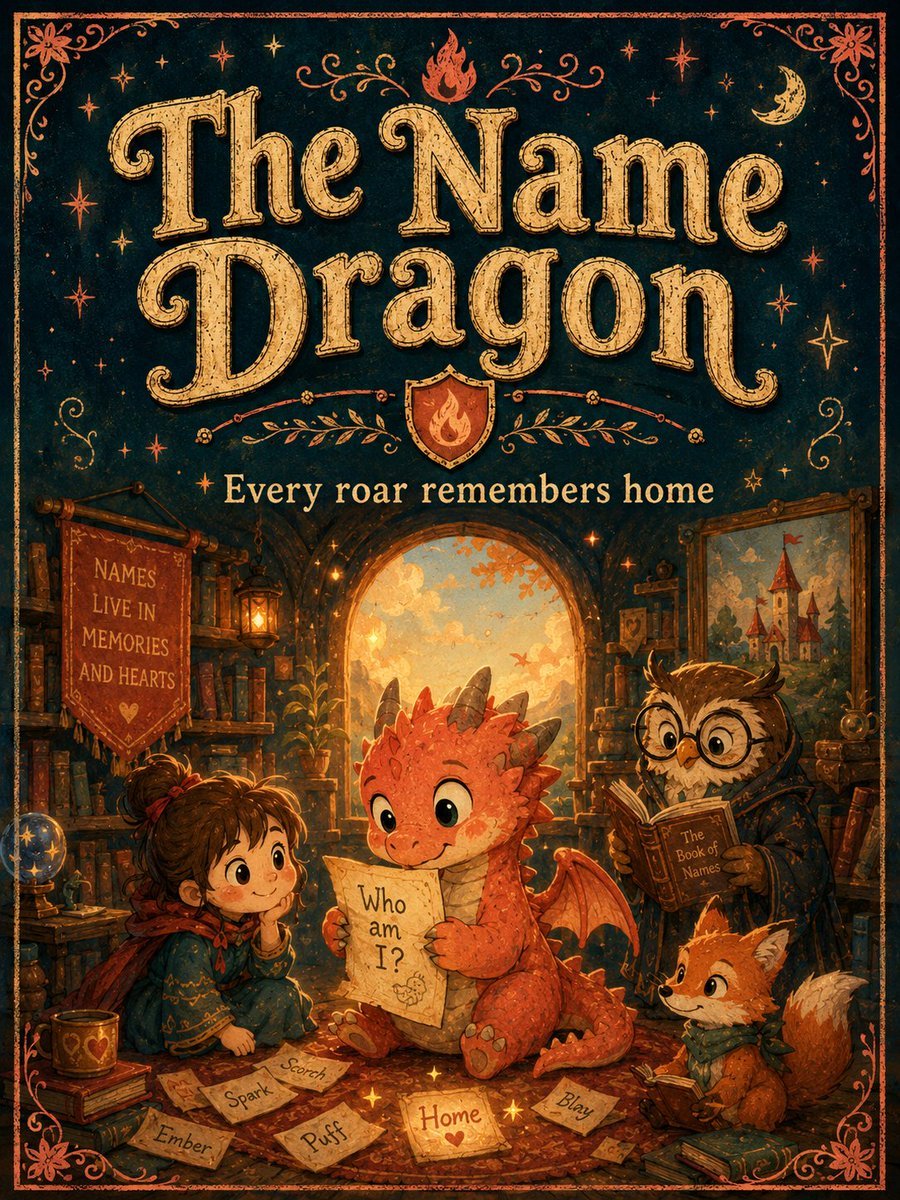
Vintage Name Dragon Storybook Poster
Make it yours
Book Recommendation Engine to Automaton Prompt works as-is. These are the safest ways to change it without losing the look.
Change one field
Copy a single group, rewrite it, and generate again so you can see what that field is doing.
Keep the frame, change the subject
Hold the composition and light of Book Recommendation Engine to Automaton Prompt, then swap wardrobe, props or the person for a new take.
| If the result… | Why | Fix |
|---|---|---|
| The result drifts from the preview | Too many fields changed at once. | Reuse Book Recommendation Engine to Automaton Prompt as-is first, then change one group — subject, light, or setting. |
| The model over-stylizes the scene | The prose prompt leaves finish and camera underspecified. | Add one camera or lighting sentence and stay on Nano Banana 2. |
More Nano Banana 2 templates
Other prompts made for Nano Banana 2.

Photorealistic Leaf Shaped Like a Dragon

K-Pop Idol Portrait Grid for Rapid Selection

Poetic Rain Forest Portrait During Golden Hour

Urban Street Portrait with Cartoon Inner Self Duo

Candid Nighttime Photo with Cat Prompt

High-Concept 3D Diorama Generation Prompt

Cinematic Futuristic Studio Portrait Template

Skincare Editorial Photography Collage Prompt

Hyper-Realistic Commercial Product Photography (Splash Effect)

Hyper-Realistic Nightclub Portrait Prompt
More image prompts
Fresh picks from across the catalog.
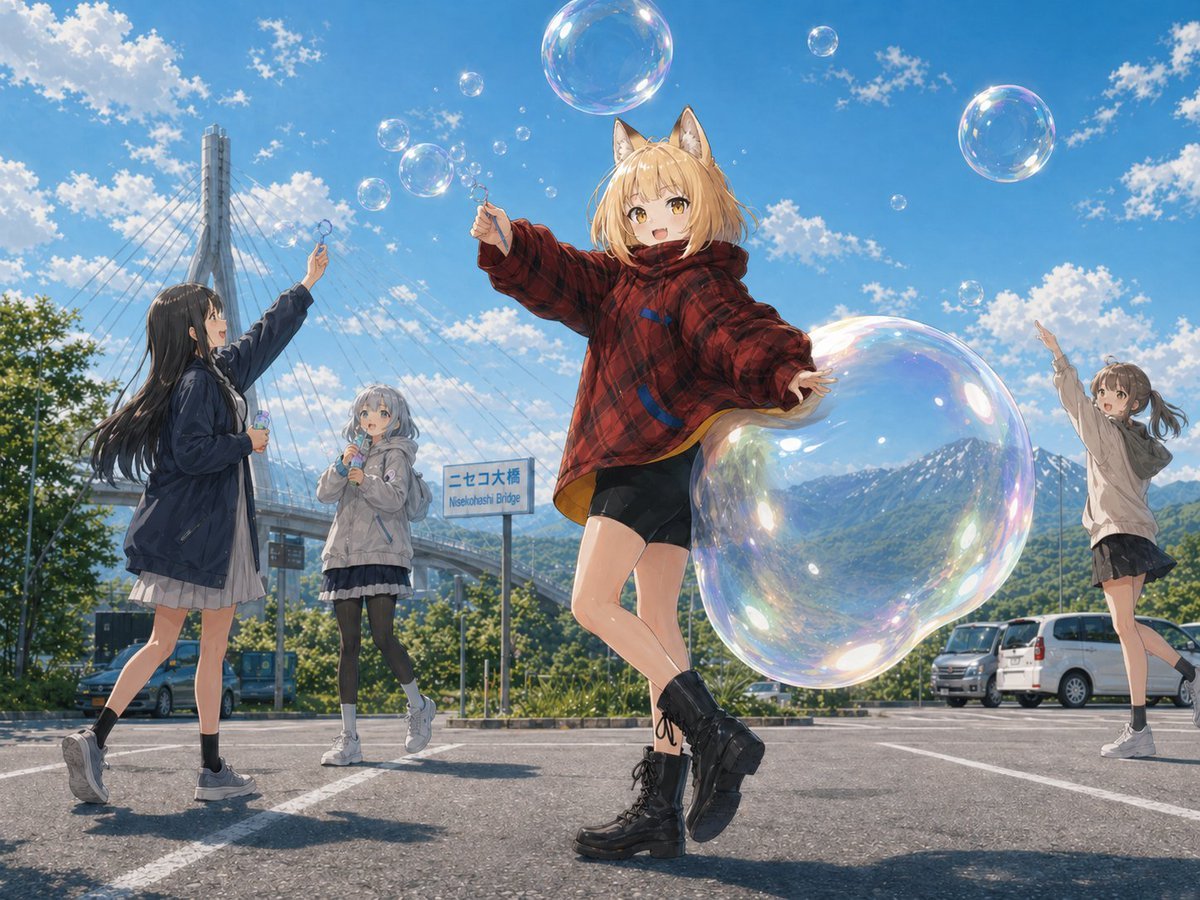
Fox Girl Bubble Dream
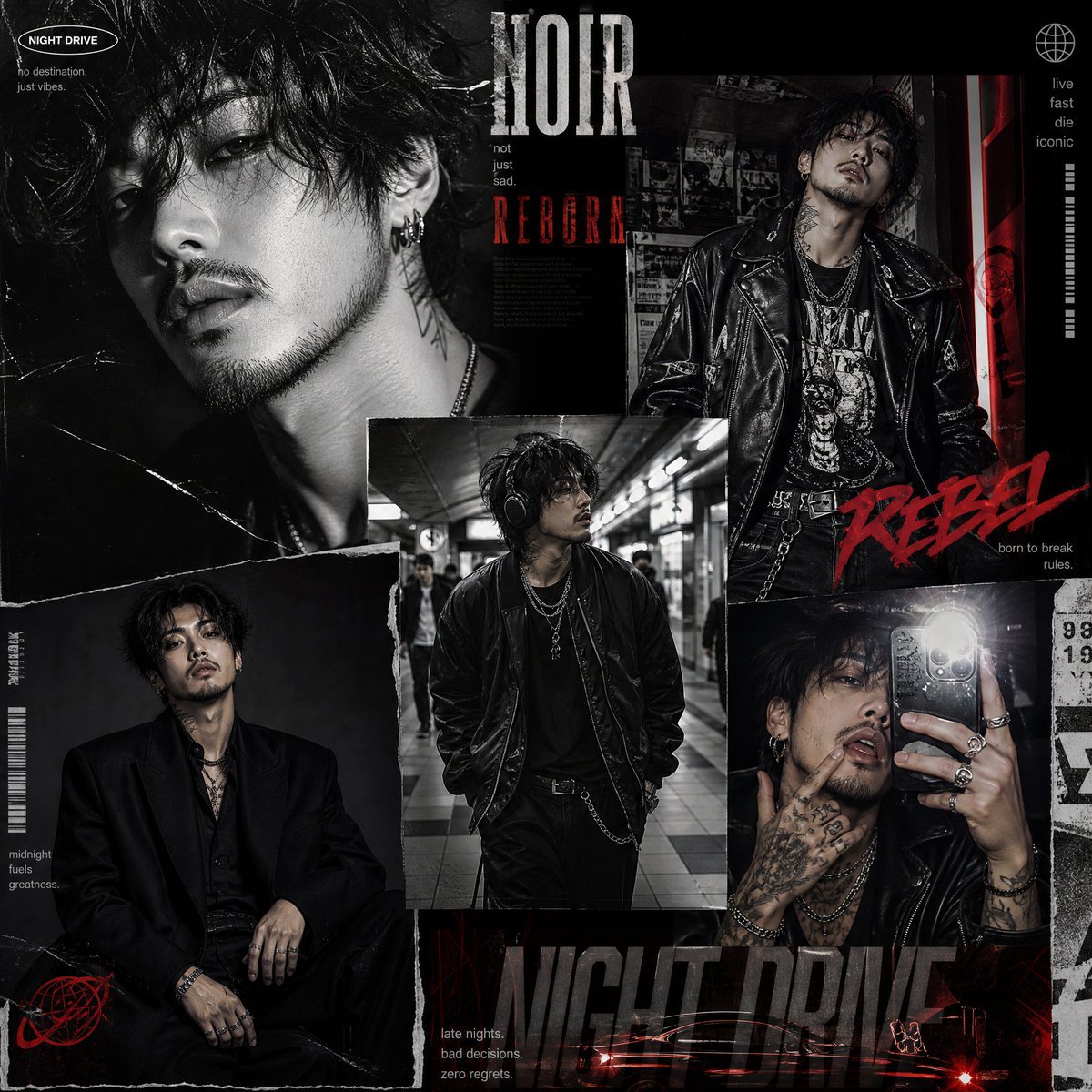
Luxury Editorial Fashion Collage
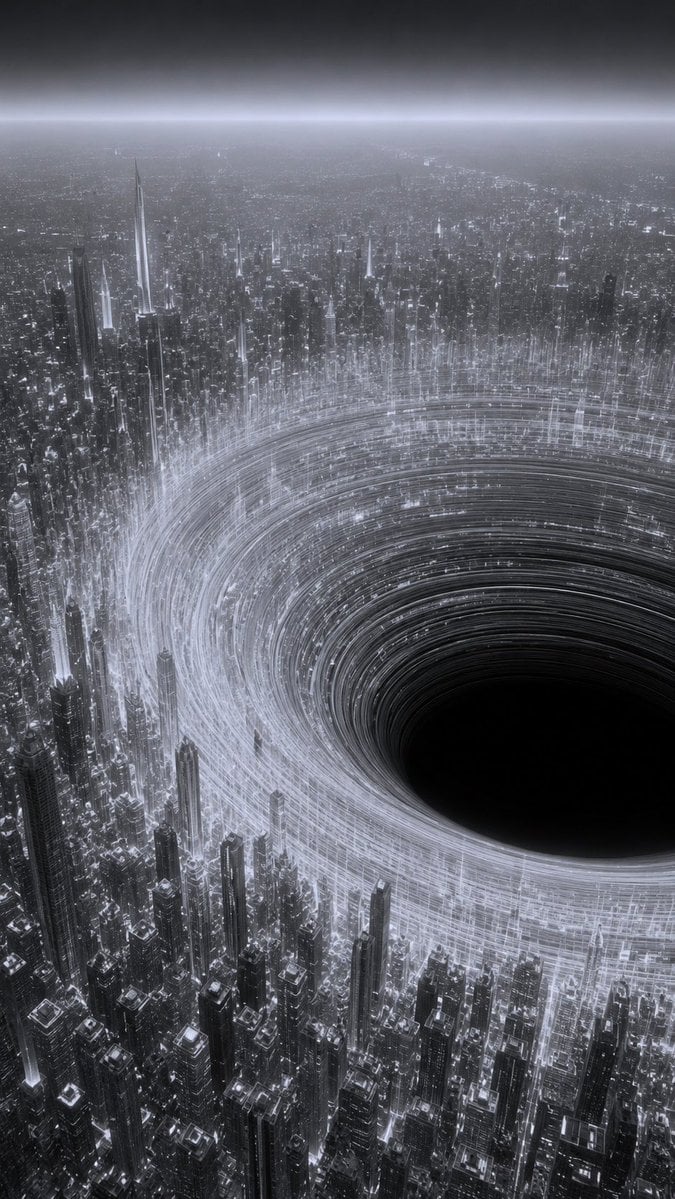
Monochrome Megacity Black Hole

Cinematic Rainy Night Street Portrait of a Confident Man
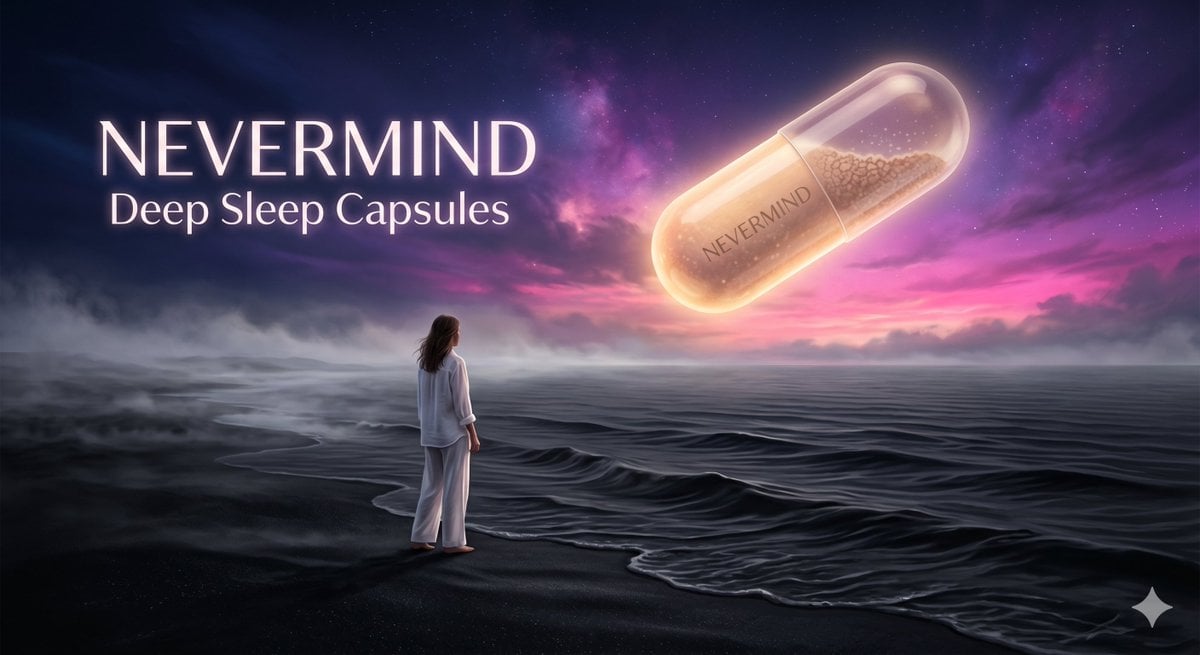
Surreal Absurdist Digital Painting
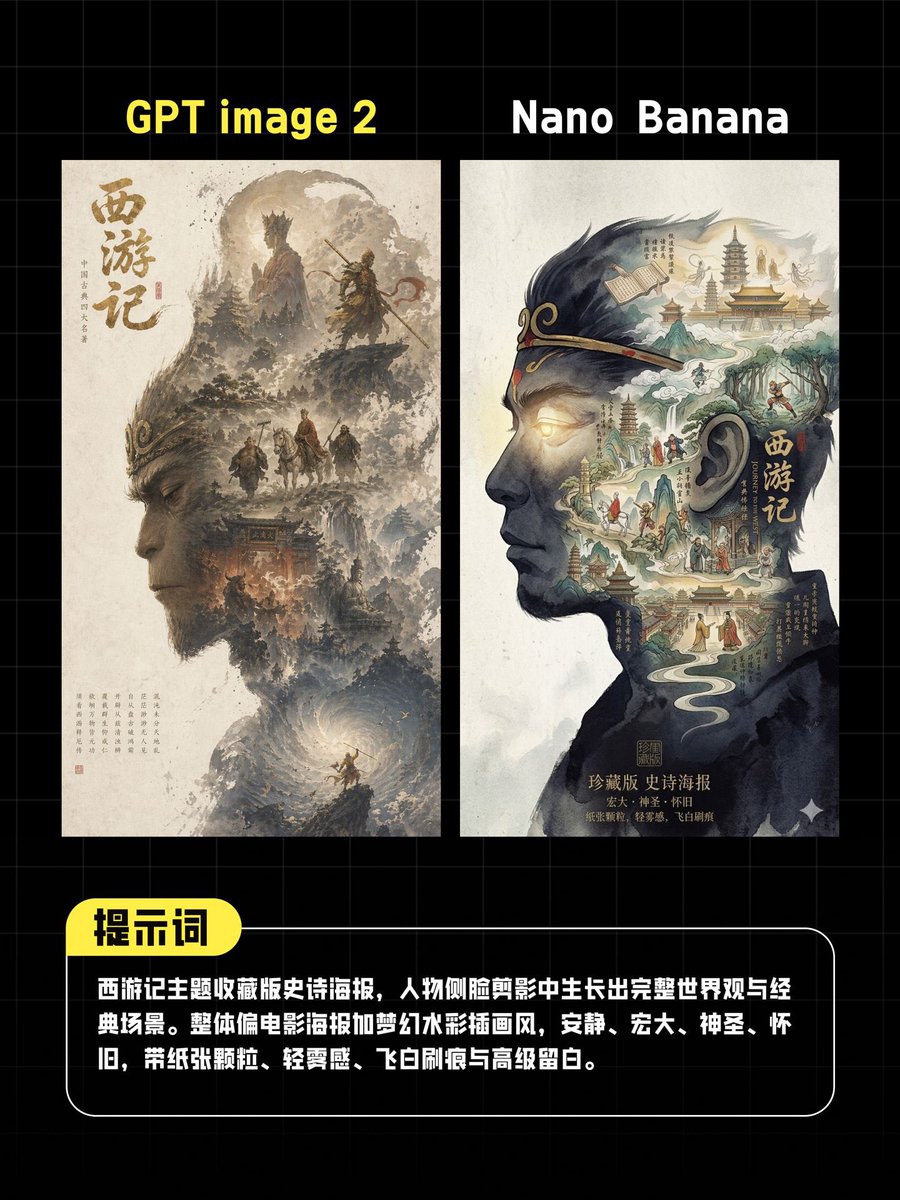
AI Poster Comparison Thumbnail
Hollywood-Style Cinematic Photo with Time Distortion
Gothic Angel Studio Portrait
Childlike crayon-style family camping drawing
Anime Girl Windows 11 Desktop Wallpaper
Browse template categories
Book Recommendation Engine to Automaton Prompt questions
How do I use the Book Recommendation Engine to Automaton Prompt template?
Add your photo if the template asks for one, edit the prompt if you like — the template's model and format are already selected — and press Generate. Your version opens in PicX Studio.
Can I customize the Book Recommendation Engine to Automaton Prompt template?
Yes. You can change the subject, setting, lighting, mood, format, and available model controls before creating your image.
Is the Book Recommendation Engine to Automaton Prompt template free?
Opening and editing this template is free. Generating uses credits, shown on the Generate button when you are signed in.
Which AI model should I use?
Start with Nano Banana 2, which is the model associated with this template. You can compare another compatible model for a different finish.
Looking for something else? Browse all templates.

Your photo, any look
Thousands of ready templates for every top image and video model, from one credit balance.