
Vintage Name Dragon Storybook Poster
Creates a whimsical fantasy children's book cover with ornate lettering, a baby dragon, a girl, an owl, and a fox in a magical library.
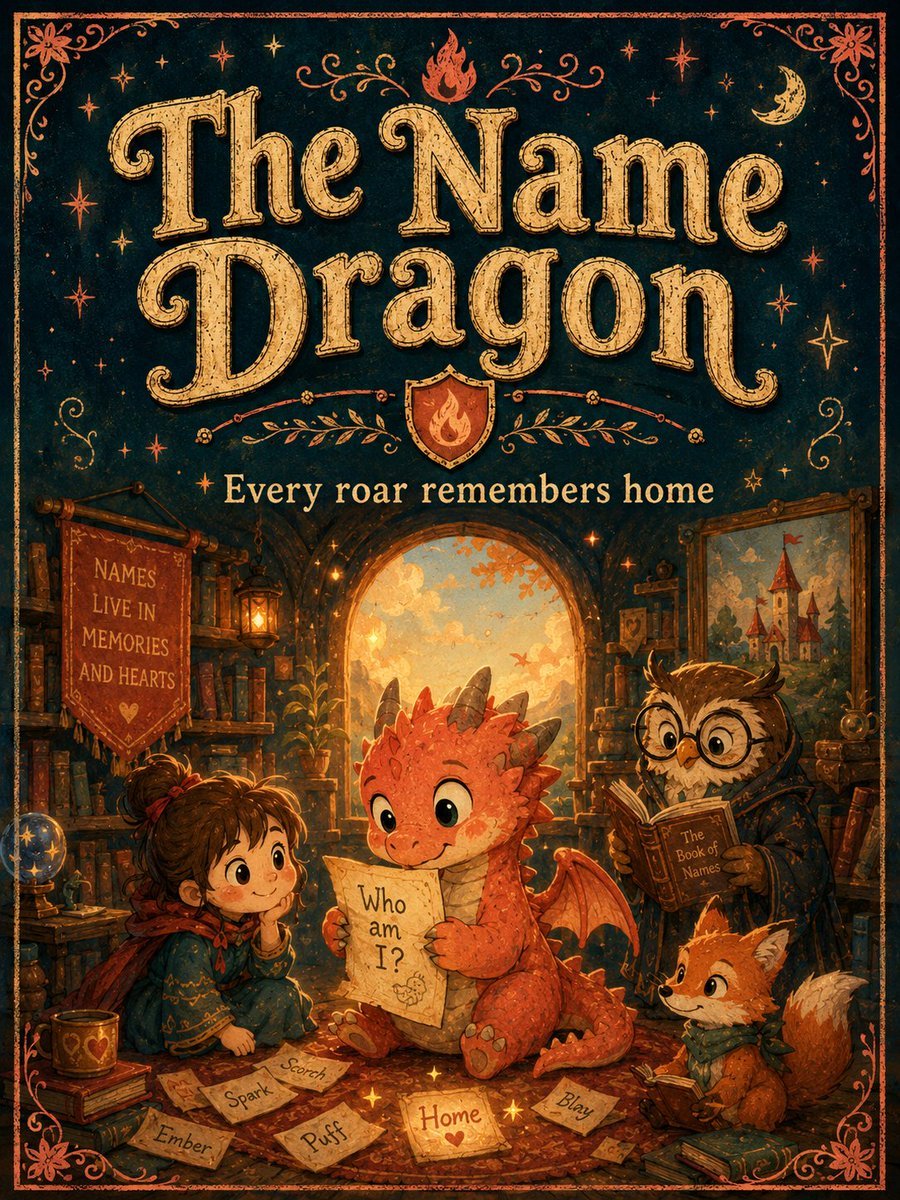
- Prompt included
- Model and format preset
- Premium template
The prompt behind this image
Copy the exact prompt behind Vintage Name Dragon Storybook Poster, or open it in the studio and make it yours.
Goal: Create a richly illustrated vintage storybook poster cover for a fantasy children's tale titled {argument name="title text" default="The Name Dragon"}, with a warm, magical library scene and ornate hand-lettered typography. Canvas: Vertical portrait poster, 3:4 aspect ratio, like an aged illustrated book cover. Use a dark teal-black background with distressed parchment texture, copper-orange decorative border, corner flourishes, stars, moons, and tiny magical sparkles. Top typography: The upper half is dominated by large ornate serif lettering reading {argument name="title text" default="The Name Dragon"}. The letters are warm antique gold with engraved line texture, subtle shadowing, curled swashes, and a hand-printed vintage look. Above and around the title are small stars, a crescent moon, a small flame icon at the top center, and symmetrical vine-like flourishes. Beneath the title is a small shield crest with a flame emblem, then the subtitle {argument name="subtitle text" default="Every roar remembers home"} in cream-gold serif type. Main scene: The lower half shows a cozy magical library inside an arched alcove glowing with sunset light. Bookshelves, lanterns, scrolls, framed art, plants, and warm amber light fill the background. The floor is covered with scattered parchment name cards and golden sparkles. Characters: Include exactly 4 main characters. 1) A small orange baby dragon seated at center, cute and expressive, with round green eyes, little gray horns, red-orange scales, tiny wings, a curled tail, and clawed feet; it holds a parchment reading {argument name="dragon parchment text" default="Who am I?"}. 2) A young girl sitting on the left, brown hair tied in a messy bun with a red ribbon, wearing a teal embroidered cloak and red scarf, smiling gently with her chin in her hand. 3) A wise owl on the right wearing round spectacles and a dark robe, reading a brown book labeled {argument name="book title" default="The Book of Names"}. 4) A small orange fox at the lower right wearing a green scarf, looking toward the dragon with curiosity. Visible text and countable items: Include exactly 6 loose name cards on the floor labeled: “Scorch”, “Spark”, “Ember”, “Puff”, “Home”, and “Blazy”. Add one hanging red banner on the left bookshelf with the text {argument name="banner text" default="NAMES LIVE IN MEMORIES AND HEARTS"}. Keep the title, subtitle, dragon parchment, owl book label, banner, and six name cards readable. Visual style: Whimsical hand-painted children's book illustration, vintage fantasy cover, warm orange and gold lighting, deep teal shadows, textured paper grain, slightly imperfect ink lines, ornate decorative framing, cozy emotional atmosphere. Avoid photorealism, modern UI elements, or extra characters.
How to use Vintage Name Dragon Storybook Poster in 3 steps
- 1Upload ImagePNG, JPG or paste
Add your photo
Upload the photo the template builds on. The prompt, model and format are already set.
- 2…a portrait of your subject in softgolden-hour light, 85mm…
Personalize
Edit the subject and creative details for your destination.
- 3Generate
Generate
Press Generate — your image is created in PicX Studio, so you can compare it with the original and refine one variable at a time.
More like this
Templates with the same subject, style or setup. Open one to see its prompt.

Japan Travel Brochure Poster
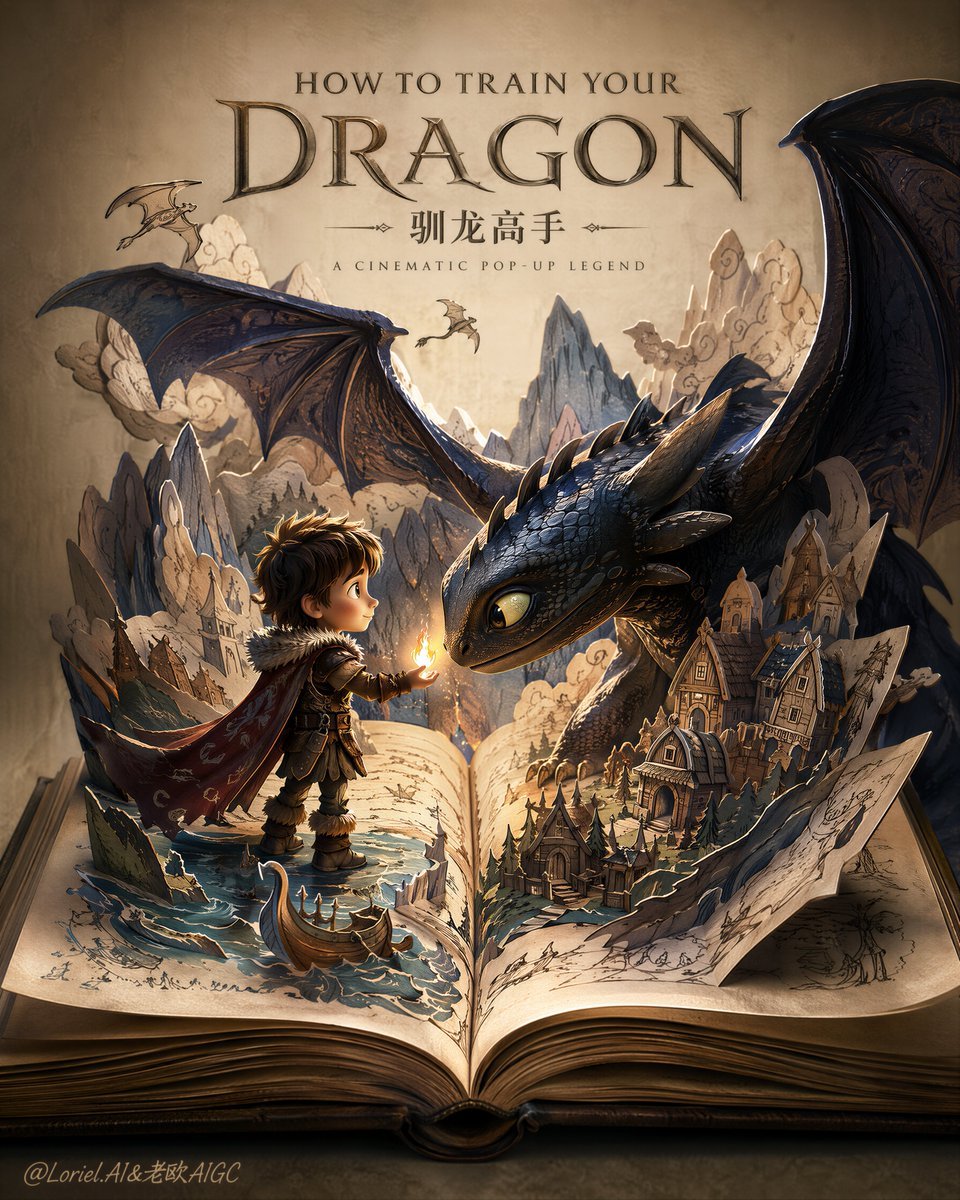
Dragon Pop-Up Storybook Poster

Premium Vintage Travel Poster Landscape

Sunday Afternoon, 1988

Two Tickets, One Night

If We Met in 1985

Found Photograph: Us, 1970

One Dance Before Midnight

Before We said Goodbye

Our Song was on a Cassette

Meet Me When It Rains

The Date After College
Make it yours
Vintage Name Dragon Storybook Poster works as-is. These are the safest ways to change it without losing the look.
Change one field
Copy a single group, rewrite it, and generate again so you can see what that field is doing.
Keep the frame, change the subject
Hold the composition and light of Vintage Name Dragon Storybook Poster, then swap wardrobe, props or the person for a new take.
| If the result… | Why | Fix |
|---|---|---|
| The result drifts from the preview | Too many fields changed at once. | Reuse Vintage Name Dragon Storybook Poster as-is first, then change one group — subject, light, or setting. |
| The model over-stylizes the scene | The prose prompt leaves finish and camera underspecified. | Add one camera or lighting sentence and stay on GPT Image 2. |
More GPT Image 2 templates
Other prompts made for GPT Image 2.

Six VTuber Japanese Logo Sheet

Realistic Portrait of Woman and Deer

The Vista Modular Condo Poster

AI Model Routing Comparison Infographic

2.5D Anime Art Board

Isometric Productivity Desk Scene

New York Double Exposure Poster

Four-Panel AI Landscape Comparison

Japanese Tatami Lifestyle Magazine Cover

NESCAFÉ Coffee Map Poster
More image prompts
Fresh picks from across the catalog.
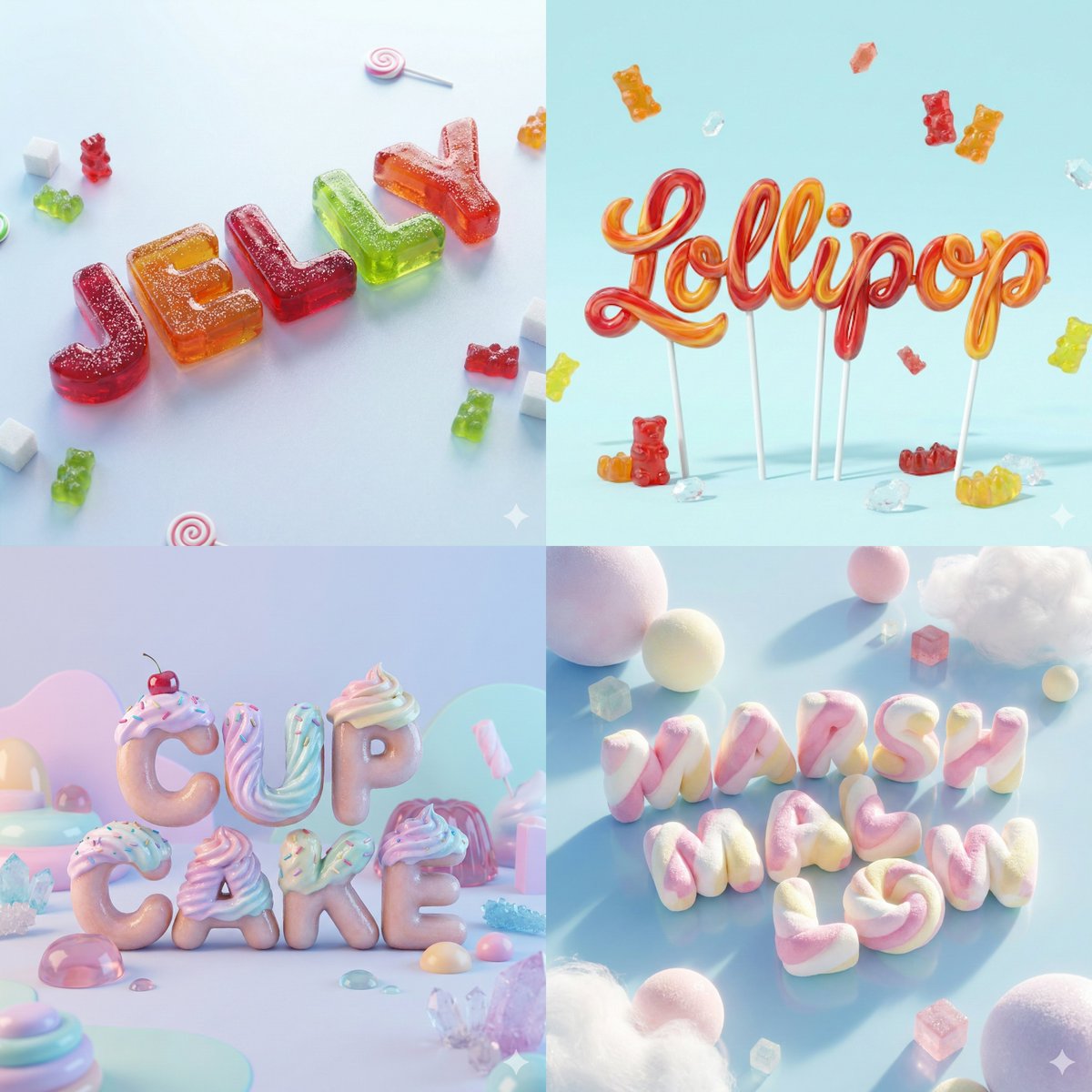
3D Render of Edible Letters Candy
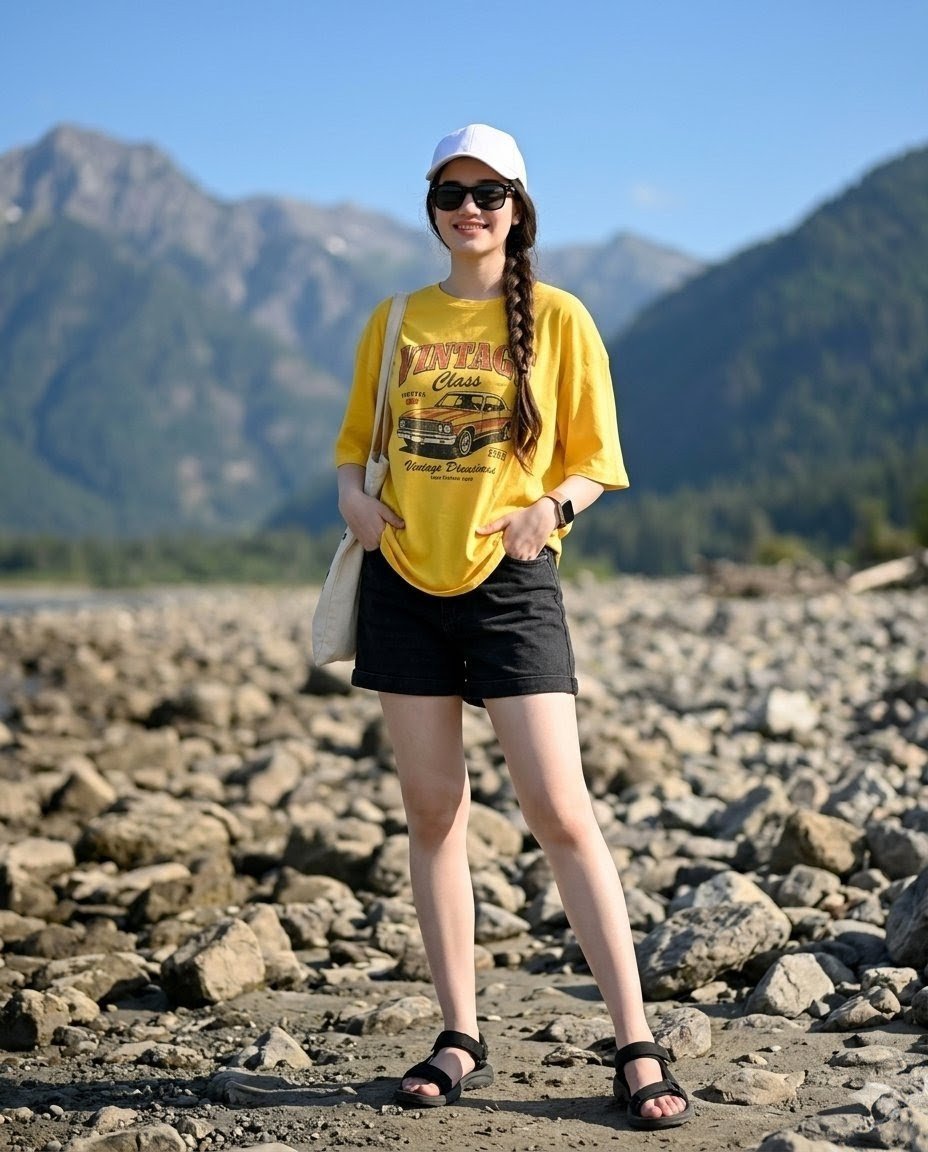
Mountain Valley Summer Fashion Portrait
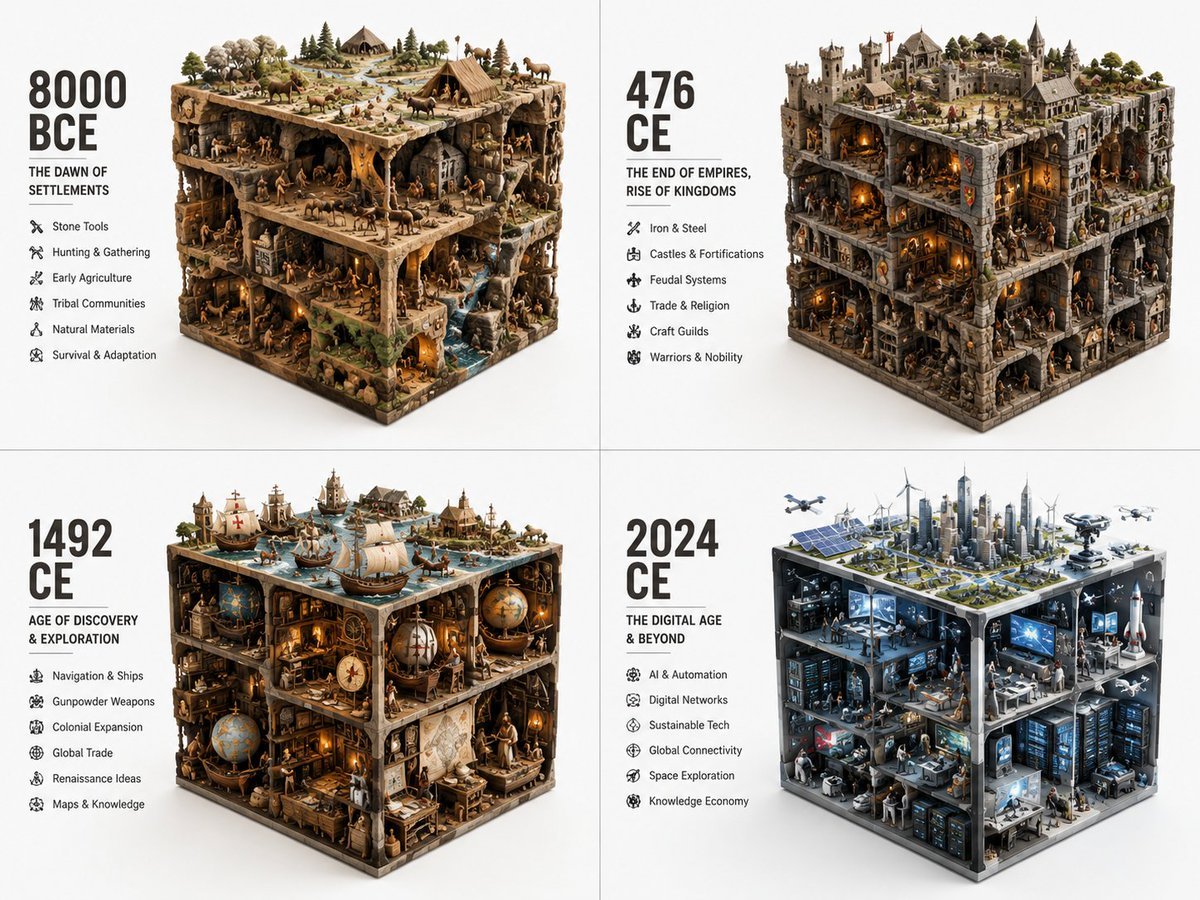
Historical Era Visualization Cube
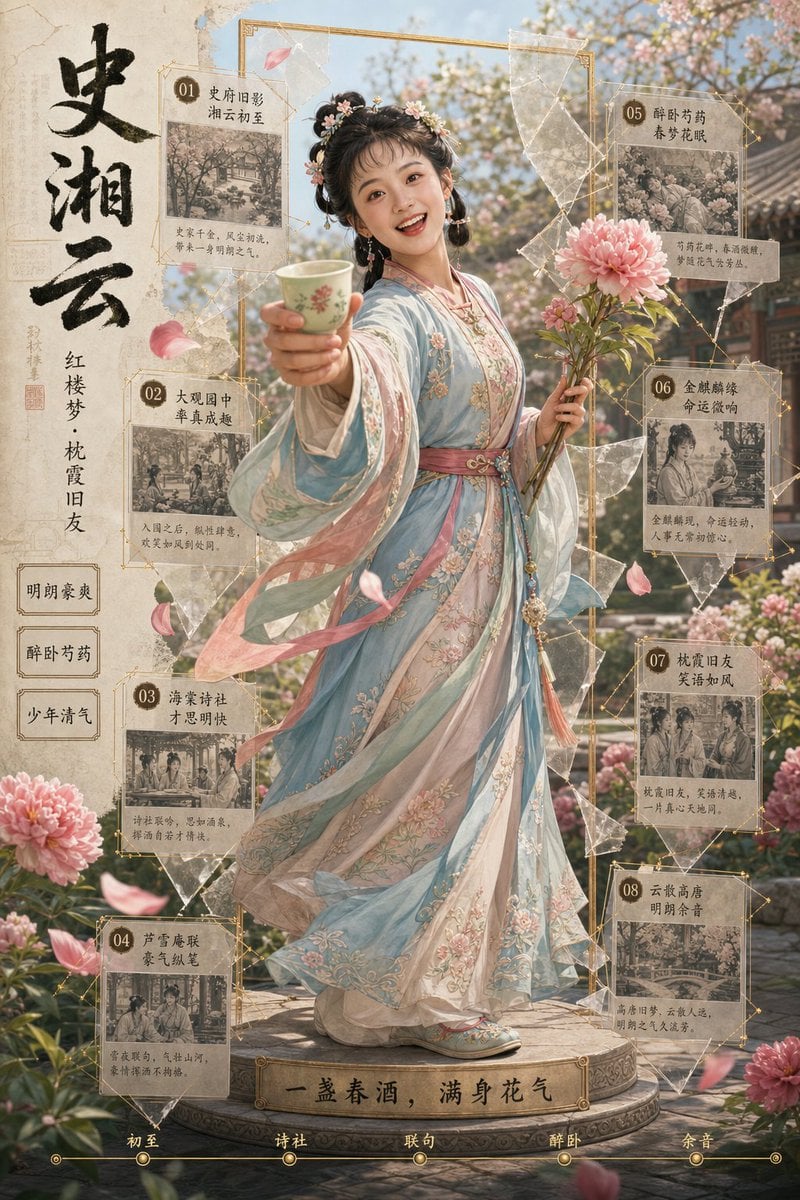
Shi Xiangyun Hanfu Story Poster
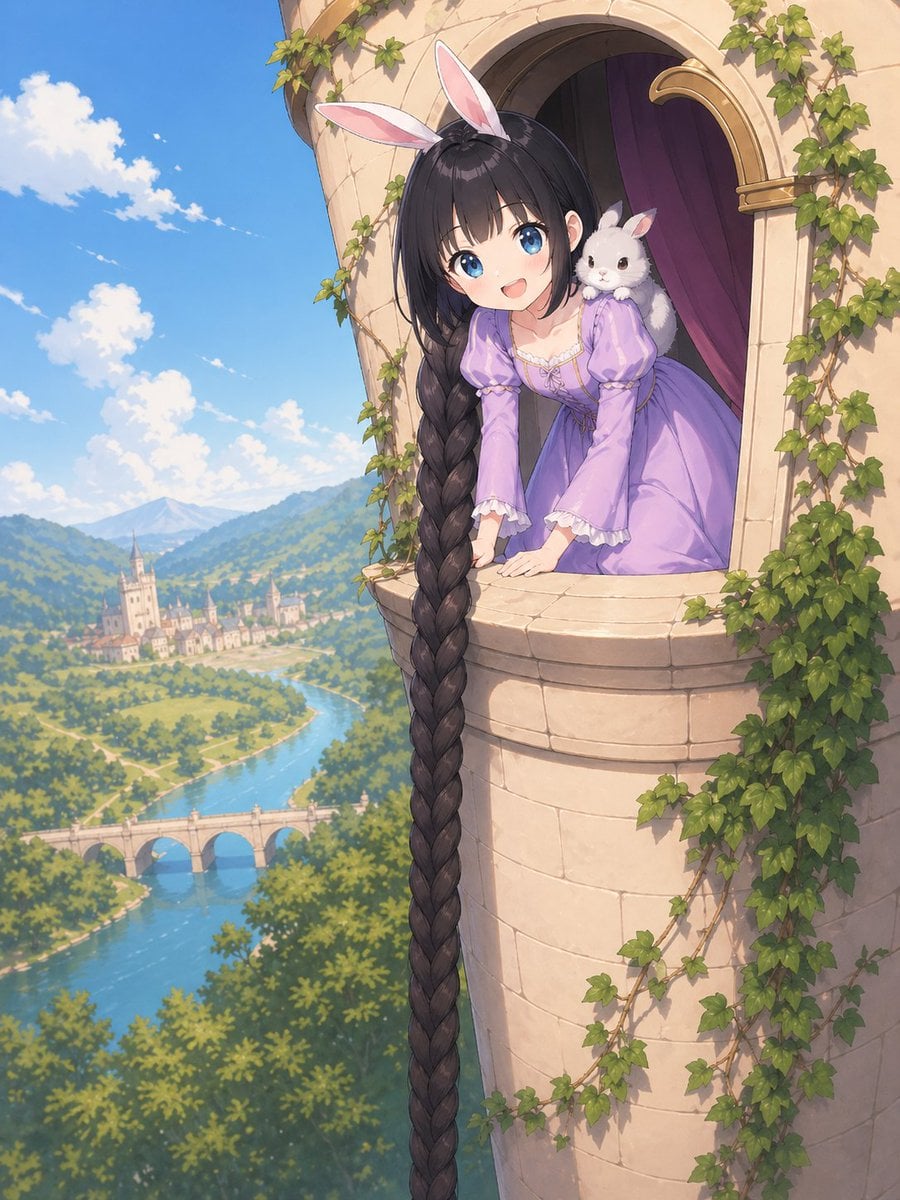
Anime Rapunzel Tower Scene
Cinematic Portrait Collage of an East Asian Woman
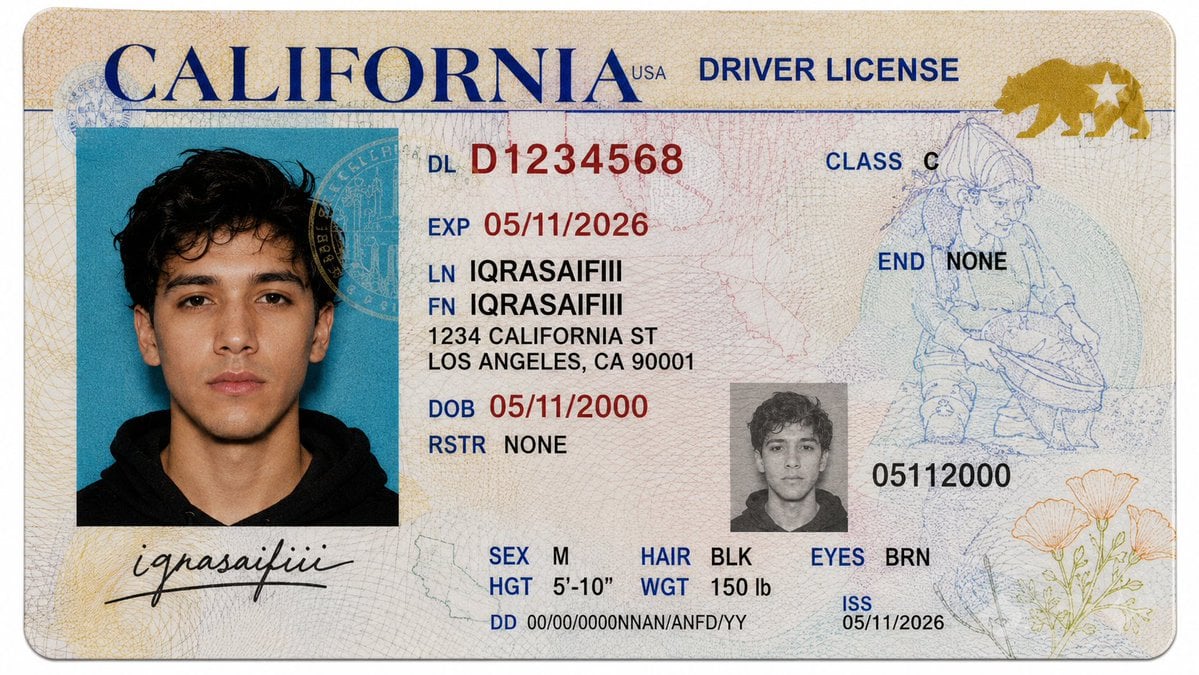
Realistic Driver License Mockup
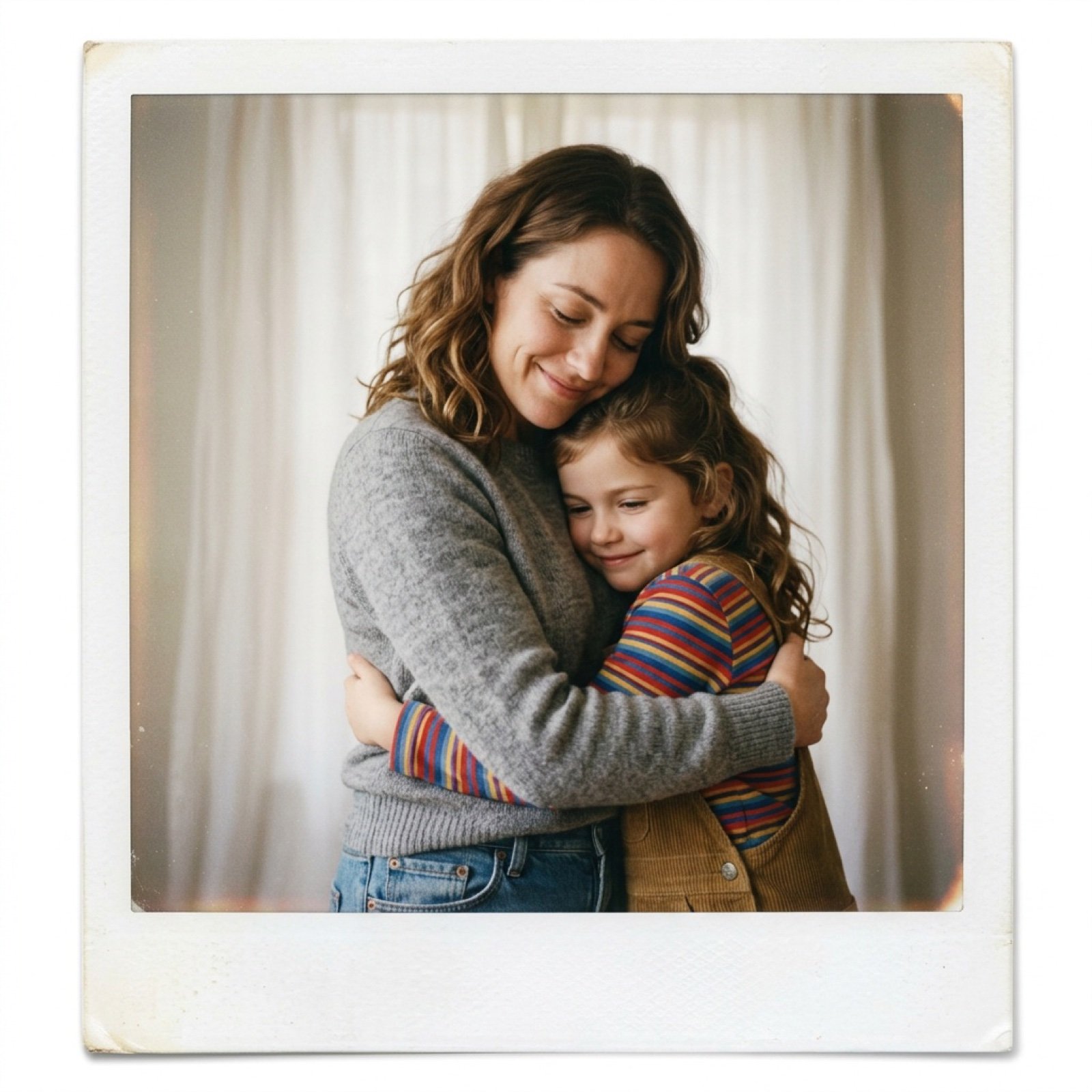
Polaroid Style Photo of Self Hugging Younger Self
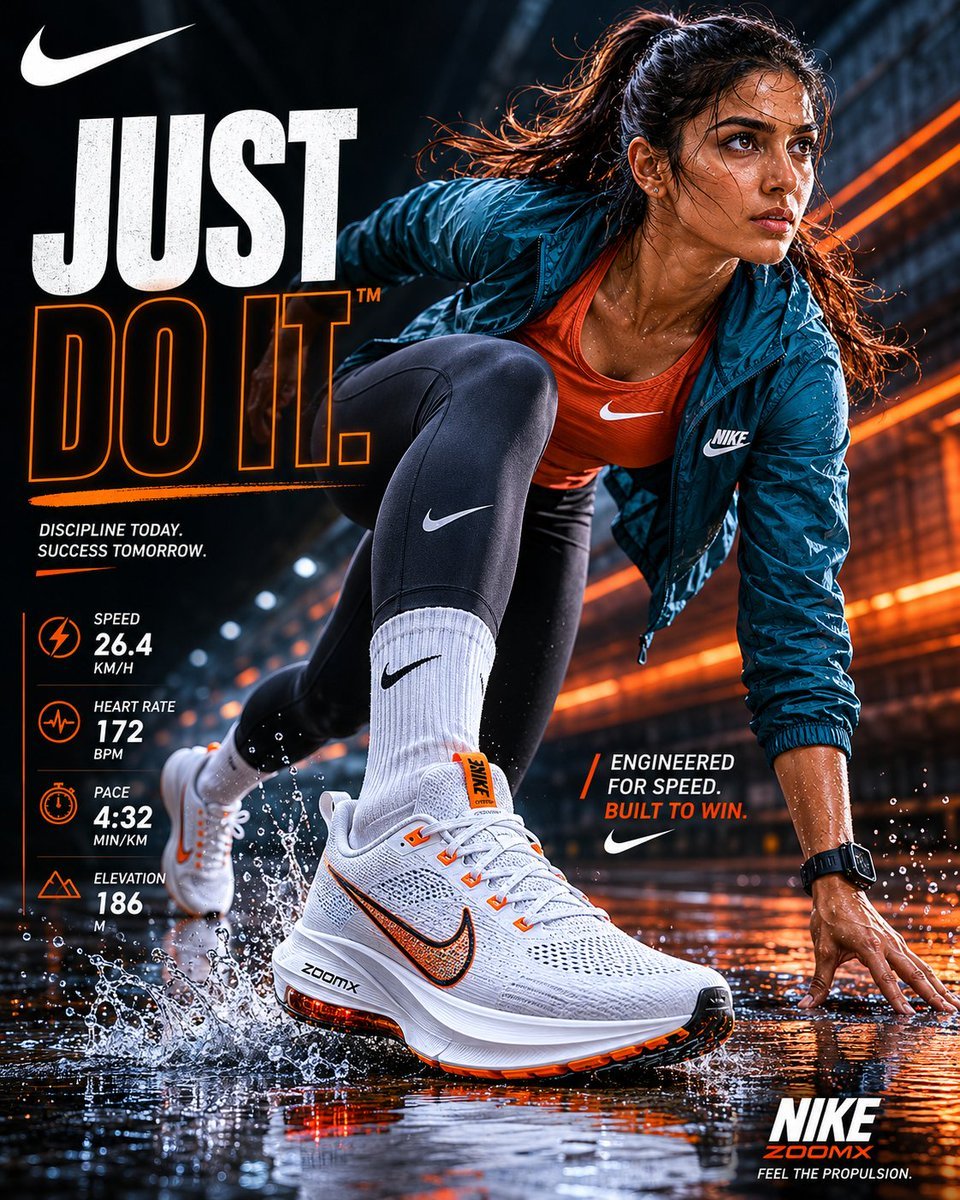
Nike Sportswear Editorial Advertisement
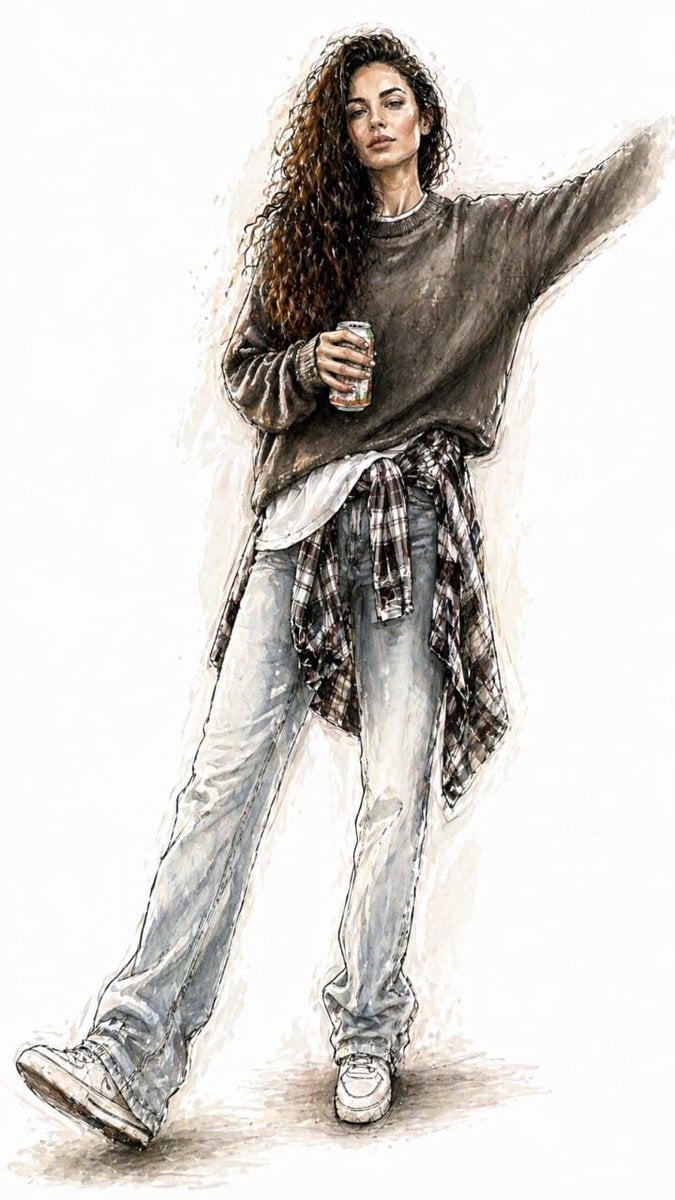
Watercolor Fashion Illustration Sketch
Browse template categories
Vintage Name Dragon Storybook Poster questions
How do I use the Vintage Name Dragon Storybook Poster template?
Add your photo if the template asks for one, edit the prompt if you like — the template's model and format are already selected — and press Generate. Your version opens in PicX Studio.
Can I customize the Vintage Name Dragon Storybook Poster template?
Yes. You can change the subject, setting, lighting, mood, format, and available model controls before creating your image.
Is the Vintage Name Dragon Storybook Poster template free?
Opening and editing this template is free. Generating uses credits, shown on the Generate button when you are signed in.
Which AI model should I use?
Start with GPT Image 2, which is the model associated with this template. You can compare another compatible model for a different finish.
Looking for something else? Browse all templates.

Your photo, any look
Thousands of ready templates for every top image and video model, from one credit balance.