
Heroic Yellow Robot with Cape
A cinematic full-body render prompt for creating a clean armored yellow robot mascot with a pixel smile and dramatic cape.
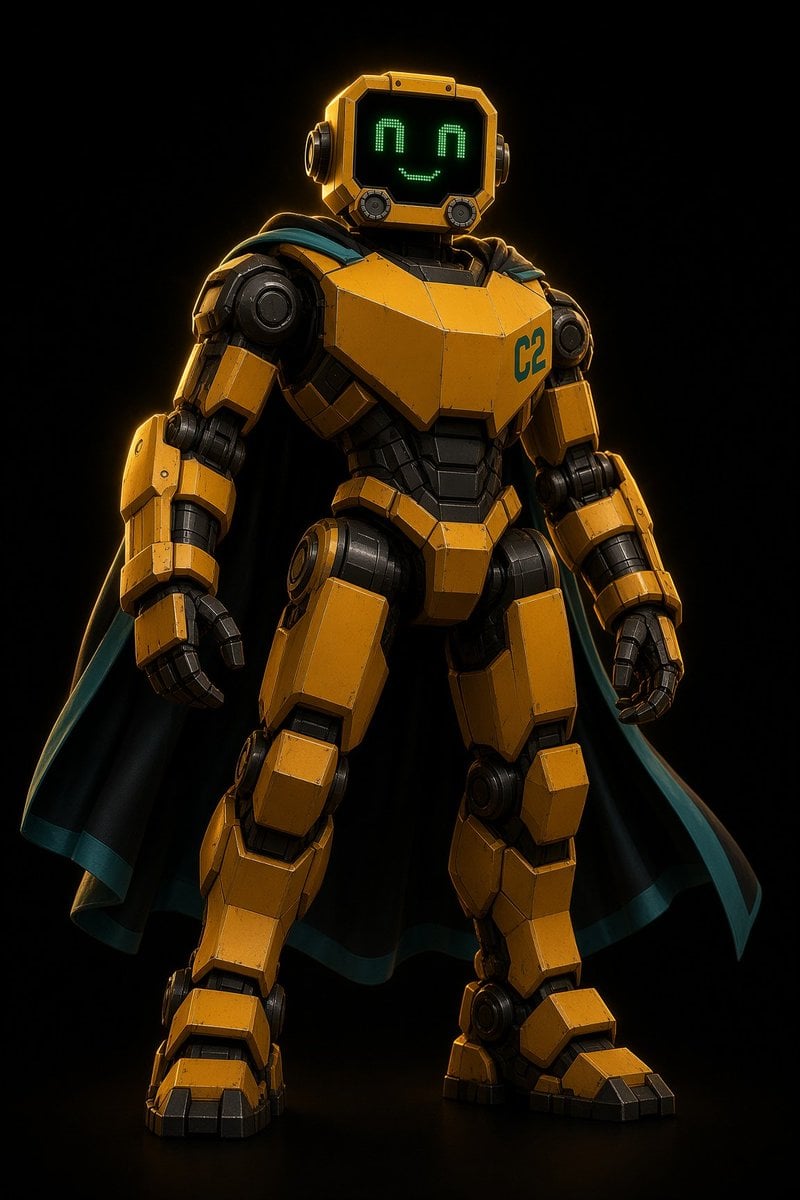
- Prompt included
- Model and format preset
- Free template
The prompt behind this image
Copy the exact prompt behind Heroic Yellow Robot with Cape, or open it in the studio and make it yours.
Create a clean, high-detail full-body 3D character render of {argument name="character name" default="Solip"}, a friendly heroic humanoid robot standing in a confident front-facing pose against a pure black studio background. The robot has a bulky armored mech body made of angular mustard-yellow metal panels with black mechanical joints, subtle scratches, beveled edges, and realistic wear. Its head is a square yellow helmet-like monitor with rounded corners, side circular ear modules, a glossy black screen face, and a cute green LED pixel expression: exactly 2 upside-down U-shaped eyes and 1 smiling curved mouth. Add the teal marking {argument name="chest label" default="C2"} on the upper right chest plate. The robot wears exactly 1 dramatic black cape flowing behind both shoulders, with a teal inner lining and teal trim visible along the edges. Include detailed segmented arms, articulated black fingers, large shoulder rings, piston-like elbows, thick armored thighs, knee plates, heavy boot-like feet, and exposed dark understructure between plates. Use cinematic low-key lighting with warm golden rim light from the upper left, crisp reflections on metal, deep shadows, a subtle floor reflection, and an ultra-clean premium sci-fi toy/film render look. Center the character vertically in a portrait composition, slightly low camera angle, sharp focus, no background props, no extra characters, no text except the chest label.
How to use Heroic Yellow Robot with Cape in 3 steps
- 1Upload ImagePNG, JPG or paste
Add your photo
Upload the photo the template builds on. The prompt, model and format are already set.
- 2…a portrait of your subject in softgolden-hour light, 85mm…
Personalize
Edit the subject and creative details for your destination.
- 3Generate
Generate
Press Generate — your image is created in PicX Studio, so you can compare it with the original and refine one variable at a time.
More like this
Templates with the same subject, style or setup. Open one to see its prompt.

Desert Landscape Heroic Collage

Nano Banana - Place Vendome Yellow Satin
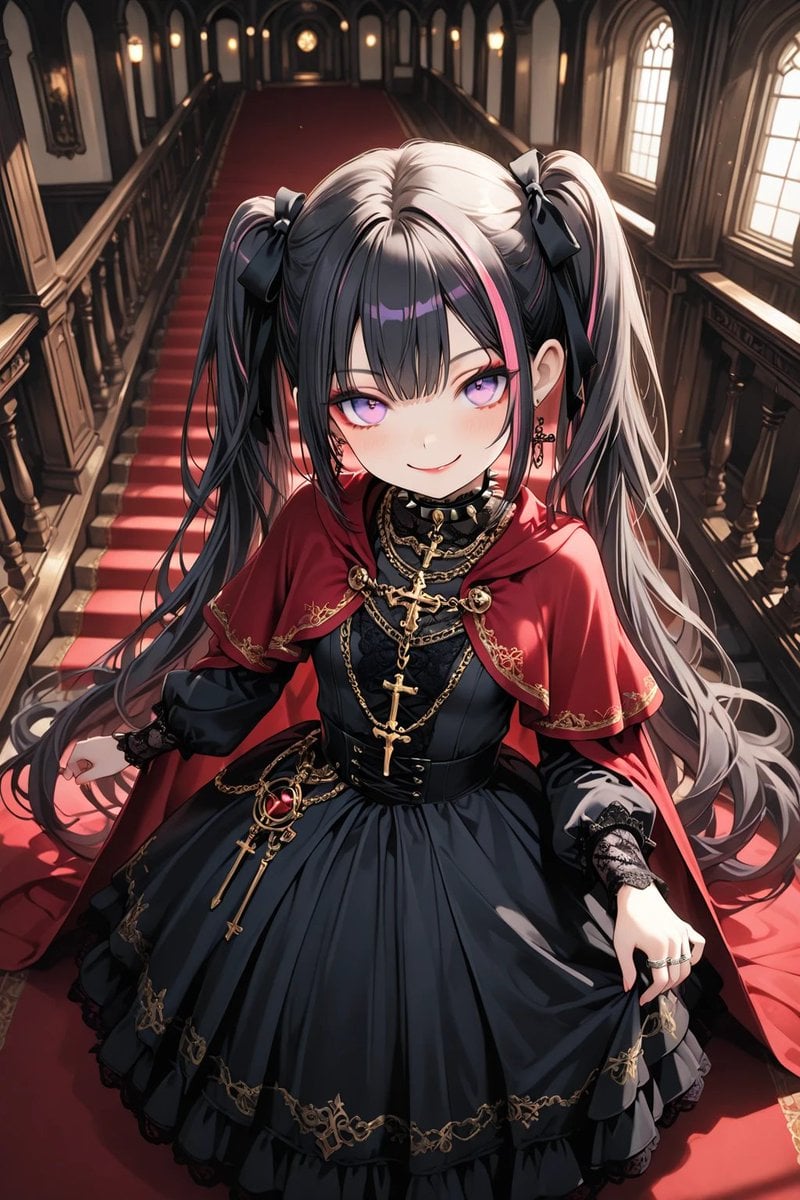
Anime Gothic Lolita Cape Transformation

Elf Capital Dimensional Cityscape
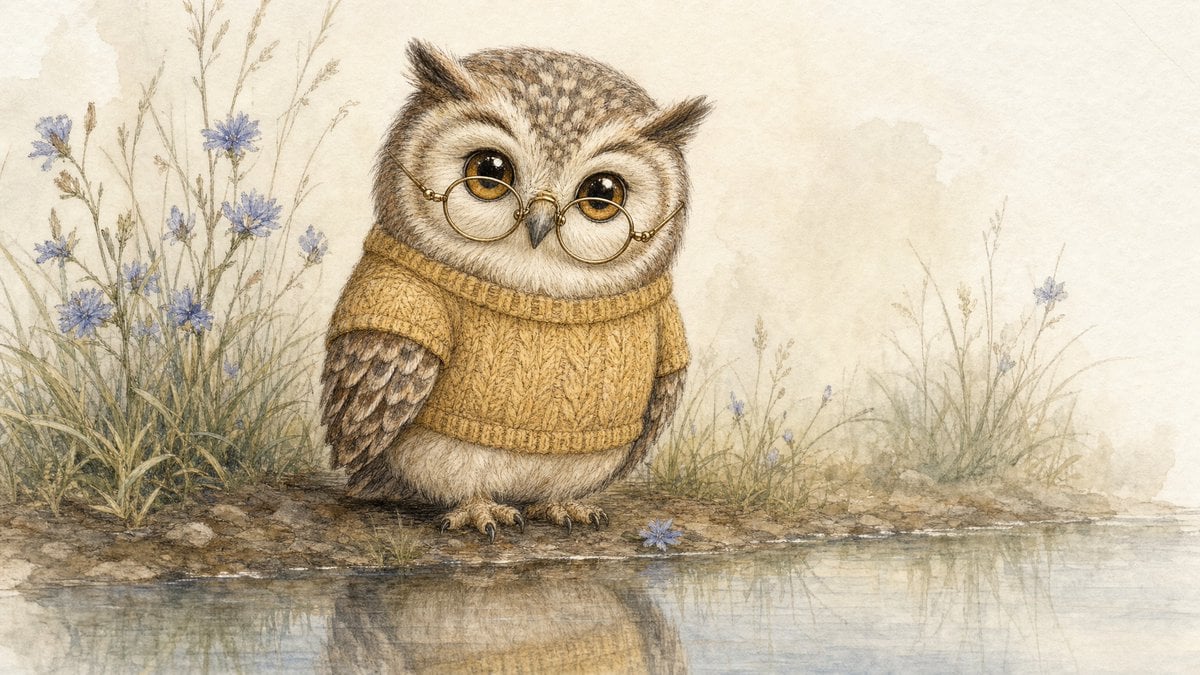
Watercolor Owl in Yellow Sweater

Summer Walk Against Yellow Wall
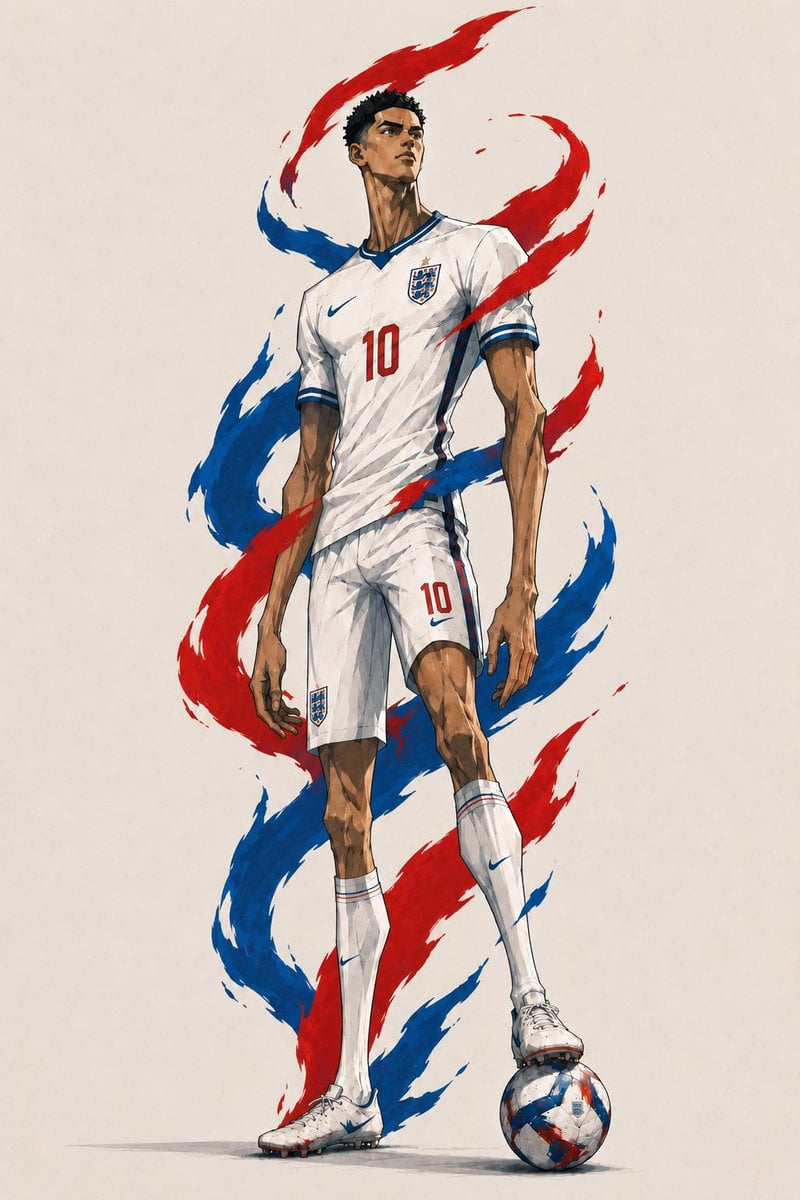
Heroic England Footballer Concept Art
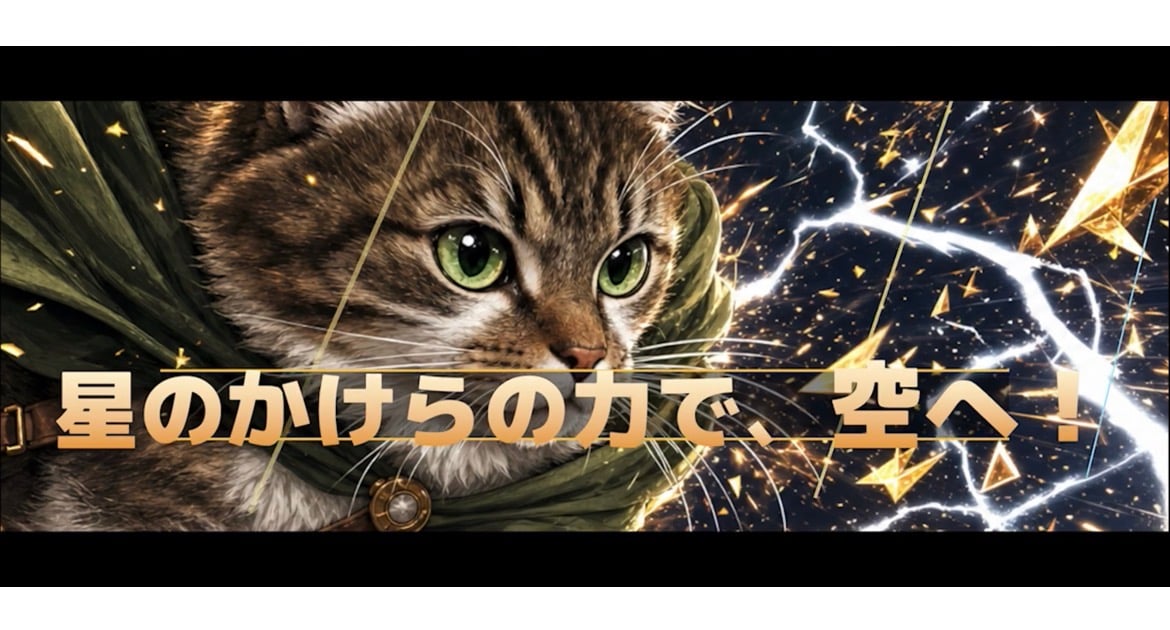
Heroic Cat RPG Cut-In Banner

Puppy and Robot Dog Ice Cream Scene

Heroic Fantasy Warrior Portrait
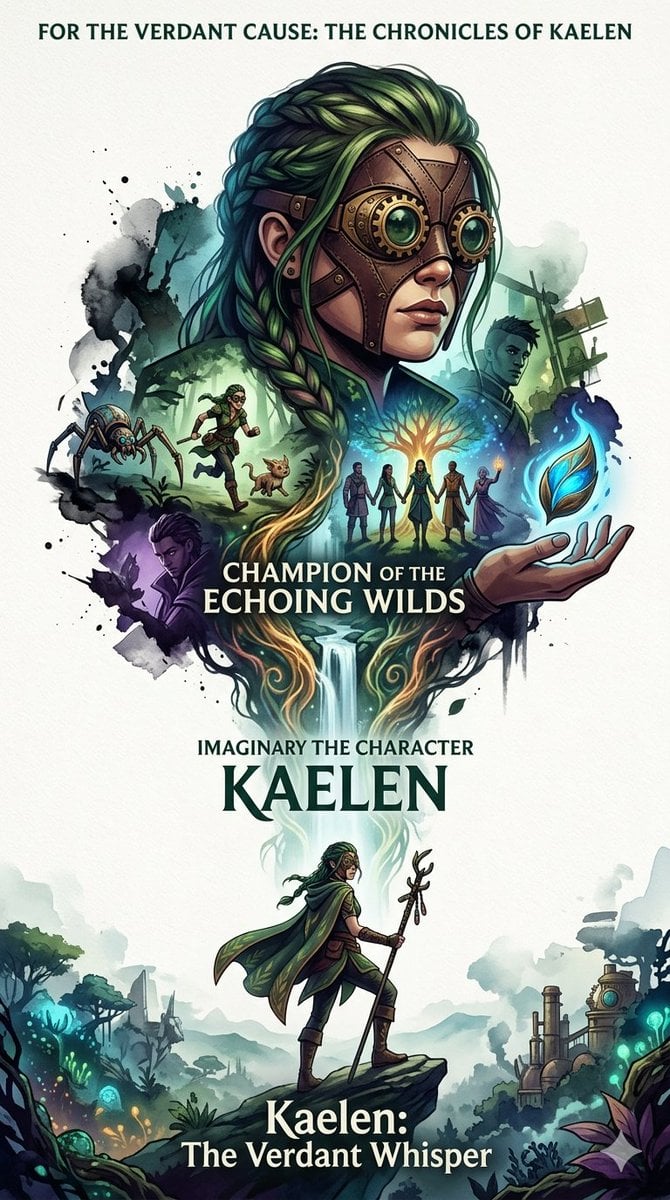
Heroic Nature-Punk Collage Poster
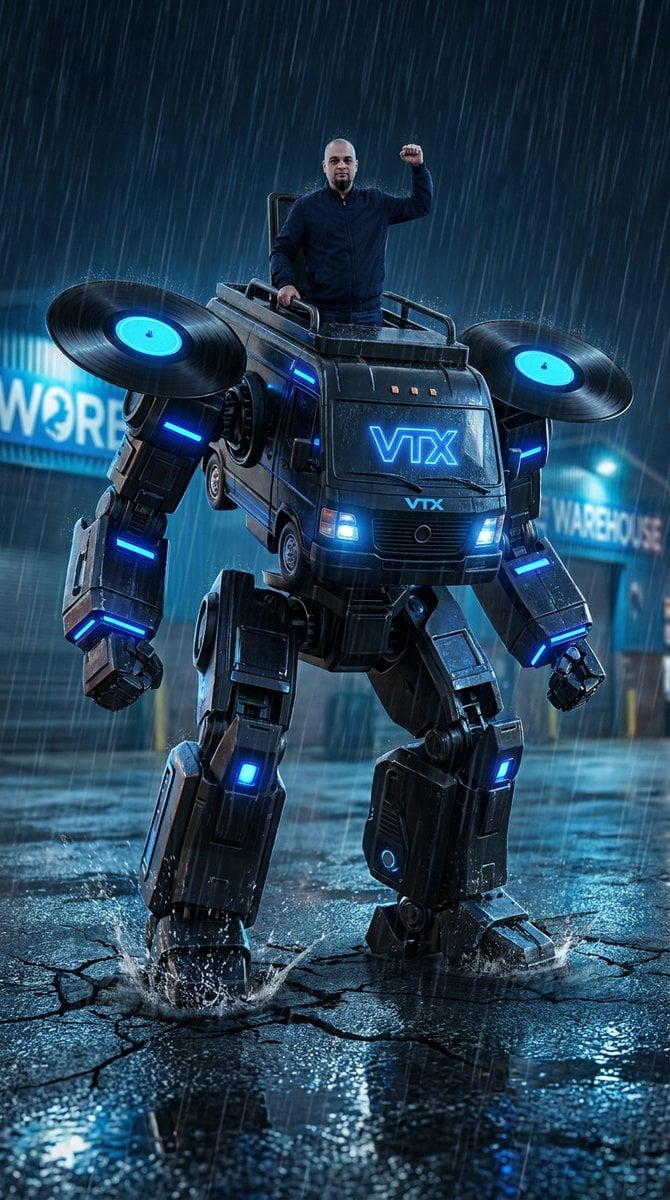
Humanoid Mecha Robot at Night
Make it yours
Heroic Yellow Robot with Cape works as-is. These are the safest ways to change it without losing the look.
Change one field
Copy a single group, rewrite it, and generate again so you can see what that field is doing.
Keep the frame, change the subject
Hold the composition and light of Heroic Yellow Robot with Cape, then swap wardrobe, props or the person for a new take.
| If the result… | Why | Fix |
|---|---|---|
| The result drifts from the preview | Too many fields changed at once. | Reuse Heroic Yellow Robot with Cape as-is first, then change one group — subject, light, or setting. |
| The model over-stylizes the scene | The prose prompt leaves finish and camera underspecified. | Add one camera or lighting sentence and stay on GPT Image 2. |
More GPT Image 2 templates
Other prompts made for GPT Image 2.

Six VTuber Japanese Logo Sheet

Realistic Portrait of Woman and Deer

The Vista Modular Condo Poster

AI Model Routing Comparison Infographic

2.5D Anime Art Board

Isometric Productivity Desk Scene

New York Double Exposure Poster

Four-Panel AI Landscape Comparison

Japanese Tatami Lifestyle Magazine Cover

NESCAFÉ Coffee Map Poster
More image prompts
Fresh picks from across the catalog.
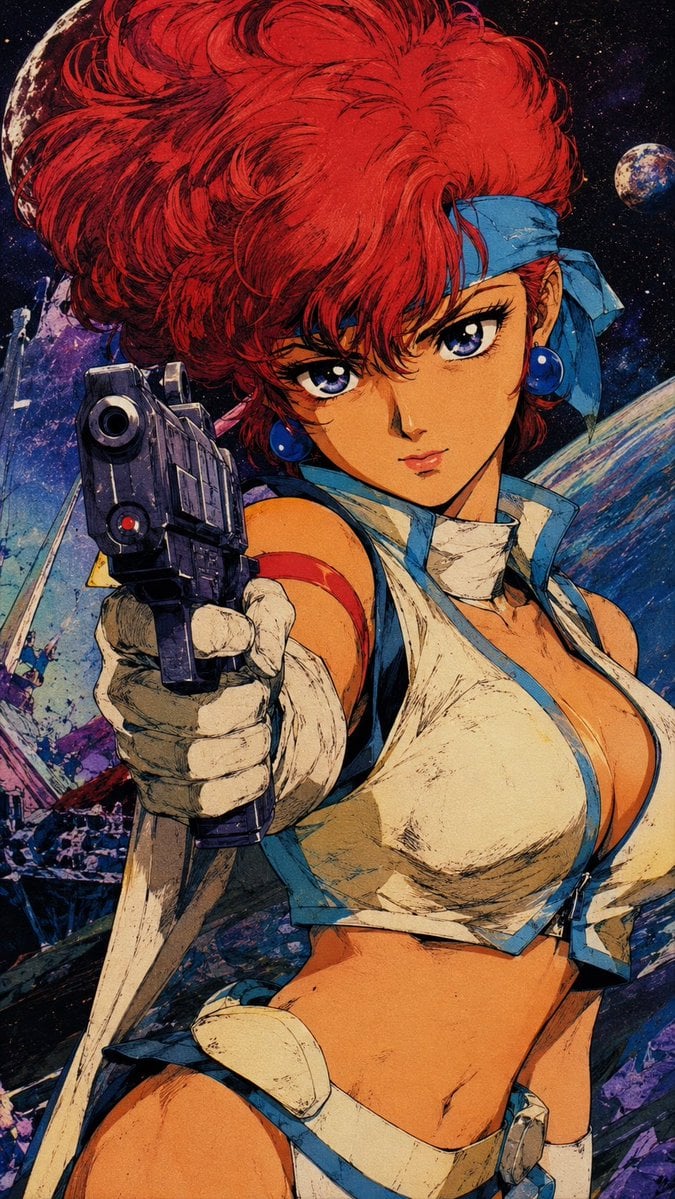
Retro Japanese Anime Wallpaper

Anime Countryside iPhone Lock Screen

Football Teammates at Golden Gate Bridge
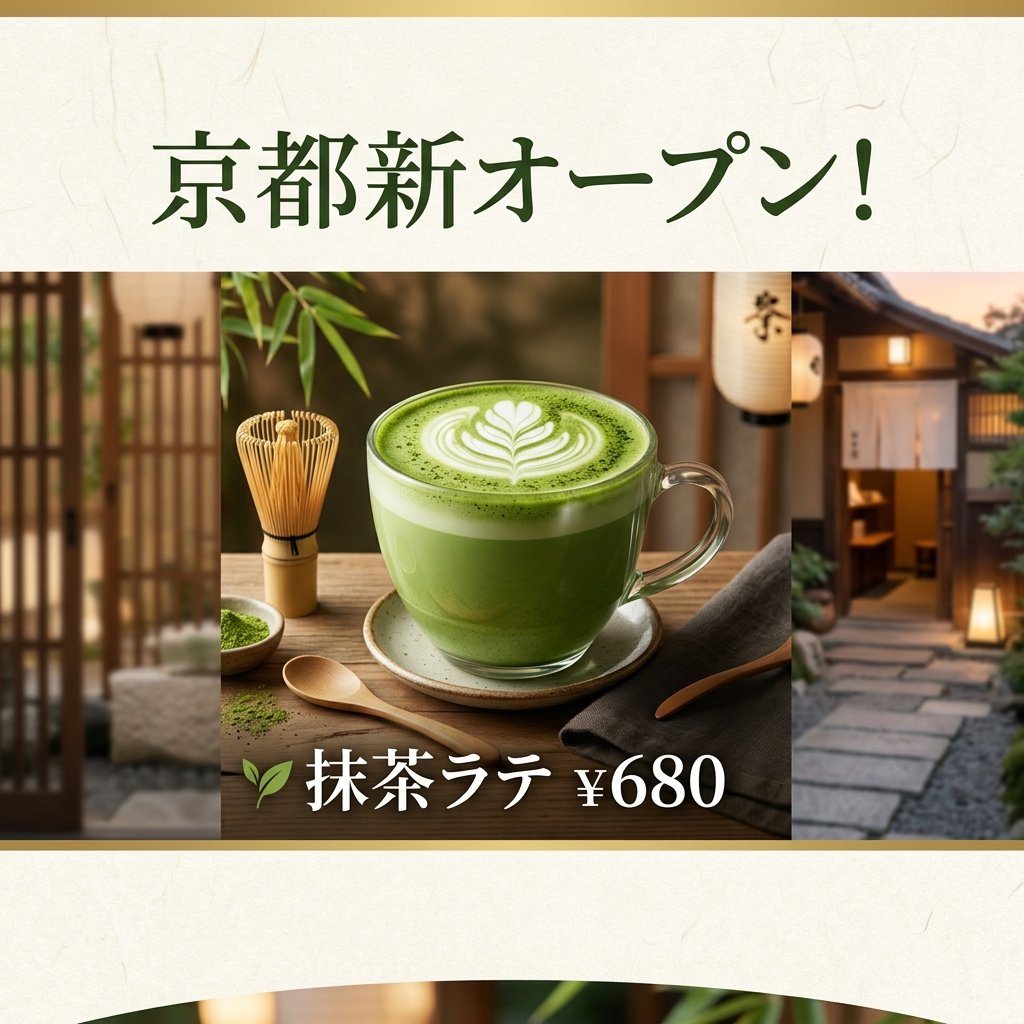
Matcha Latte Promotion Banner
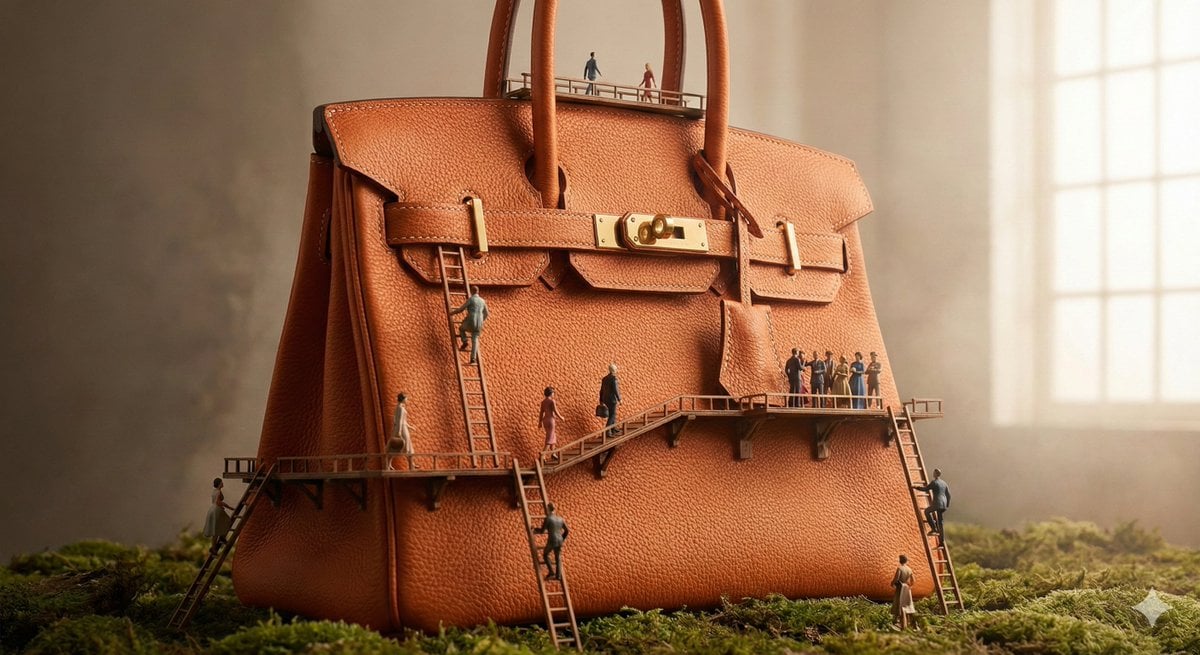
Micro World Discovery Product Photography Prompt

Cinematic Jungle Warrior Handshake
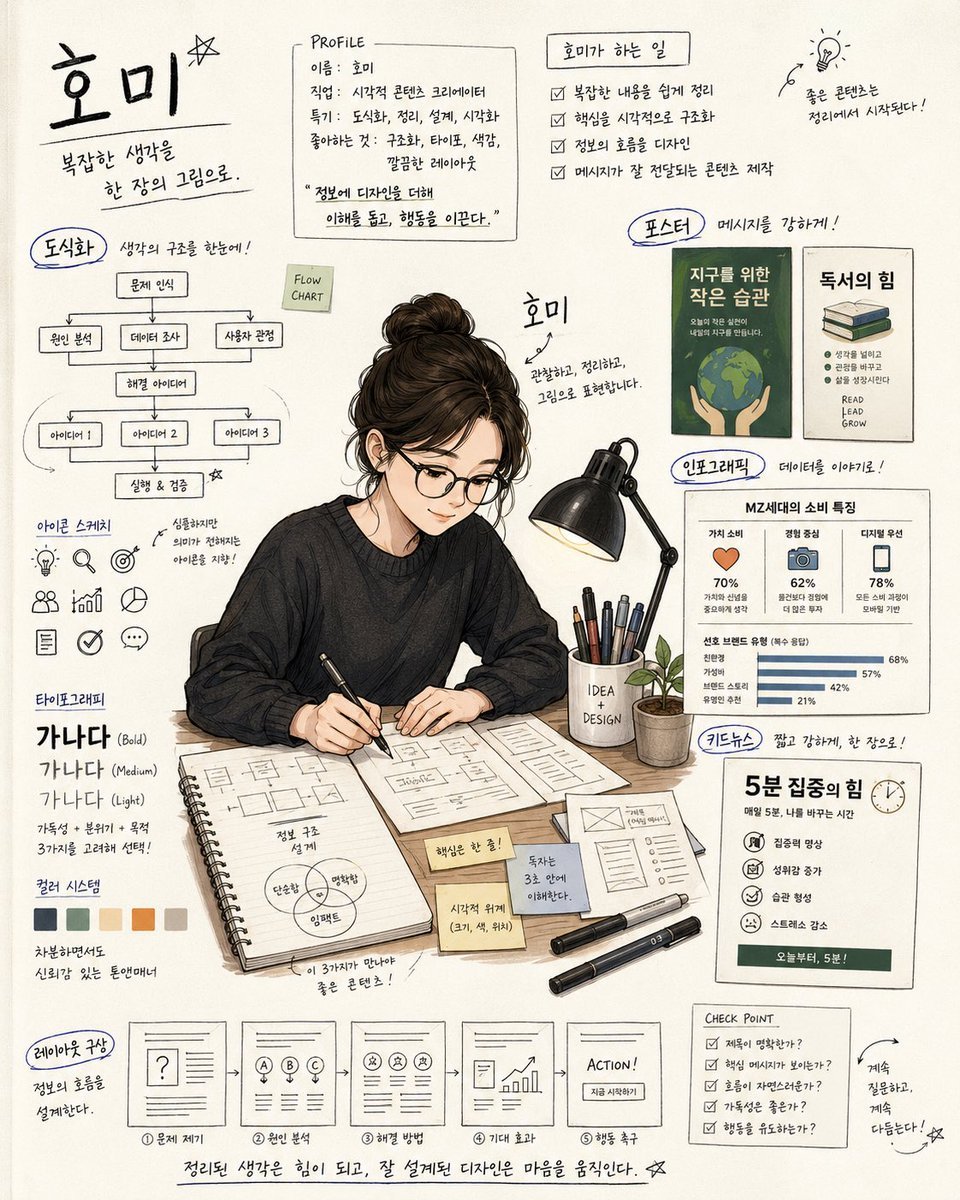
Handwritten Note Style Illustration
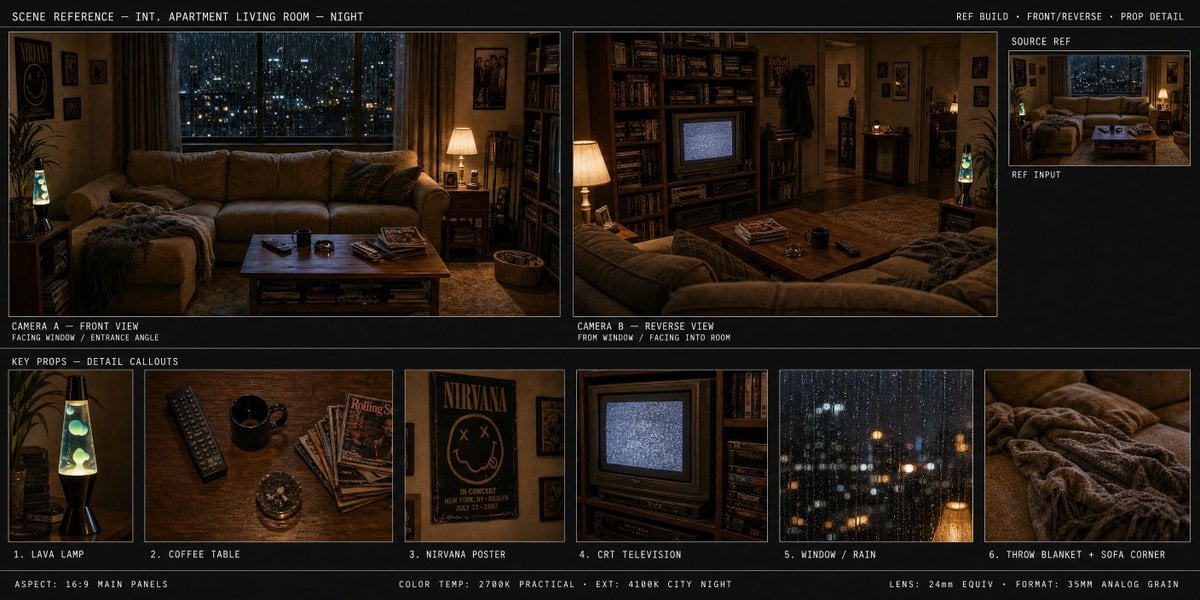
Spatial Art Director Storyboard
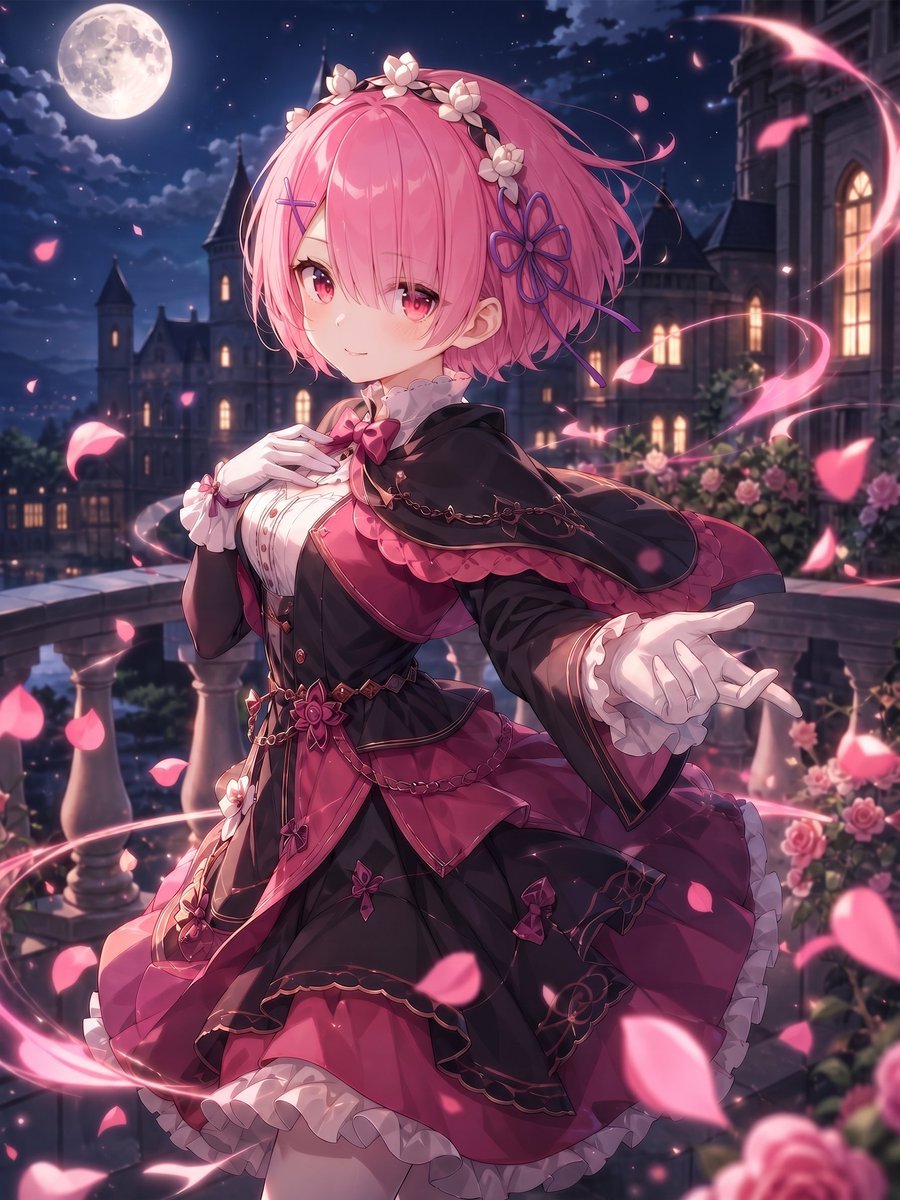
Moonlit Gothic Lolita Balcony

Dark Mode Marketing Case Study UI
Browse template categories
Heroic Yellow Robot with Cape questions
How do I use the Heroic Yellow Robot with Cape template?
Add your photo if the template asks for one, edit the prompt if you like — the template's model and format are already selected — and press Generate. Your version opens in PicX Studio.
Can I customize the Heroic Yellow Robot with Cape template?
Yes. You can change the subject, setting, lighting, mood, format, and available model controls before creating your image.
Is the Heroic Yellow Robot with Cape template free?
Opening and editing this template is free. Generating uses credits, shown on the Generate button when you are signed in.
Which AI model should I use?
Start with GPT Image 2, which is the model associated with this template. You can compare another compatible model for a different finish.
Looking for something else? Browse all templates.

Your photo, any look
Thousands of ready templates for every top image and video model, from one credit balance.