
Summer Walk Against Yellow Wall
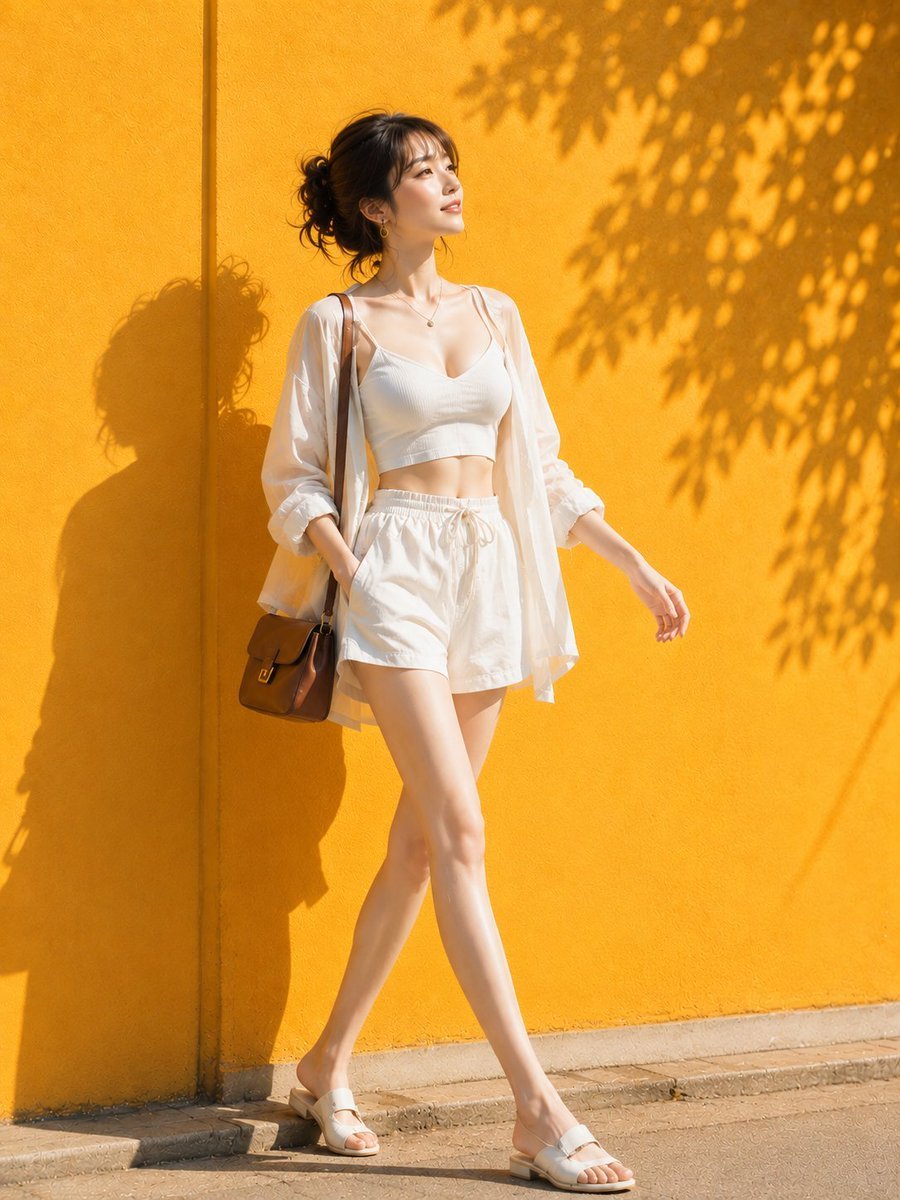
A photorealistic prompt of a woman in white summer clothing walking along a vibrant yellow-orange wall with leaf shadows.
- Prompt included
- Model and format preset
- Free template
The prompt behind this image
Copy the exact prompt behind Summer Walk Against Yellow Wall, or open it in the studio and make it yours.
主題: 黄壁を歩く白 主体: 画面中央、{argument name="背景" default="鮮やかな黄橙色の壁"}沿いを、{argument name="服装" default="白い夏服"}の女性が一歩踏み出して歩く全身写真。{argument name="アクセサリ" default="茶色の小さな肩掛けバッグ"}と壁に落ちる人物・葉の影がアクセント。 人物・表情: 女性は顔を画面右上へ向け、遠くを見ながら穏やかに微笑む。やや面長の卵形、細い目と自然な眉、すっきりした鼻筋、淡いピンク의 唇。黒褐色の髪は後頭部で無造作な低めのまとめ髪にし、薄い前髪と後れ毛がある。自然な艶肌と薄いチーク。 服装・ポーズ: 白い細肩紐の短いVネックトップ、透ける白い長袖シャツを前開きで重ね、袖を肘まで上げる。白いドローコード付きショートパンツと白い低いサンダル。左手はポケット、右腕は自然に前へ振り、脚を交差させるように歩く。左肩から茶色の角型バッグを下げる。 背景・光: 背景は一面の黄橙色の粗い壁で、右上から大きな葉影が広がる。画面右上からの硬い直射斜光により人物の横顔と全身影が左側へくっきり落ちる。 構図・カメラ: 3:4の縦位置、目線付近から足先まで収める全身。人物は中央やや左、右側には黄壁と葉影の余白を残す。人物と背景まで比較的深いピント。 質感・スタイル: 強い夏の日差しと鮮明な黄・白の対比を生かす実写写真。壁のざらつきと薄布の軽さを明瞭に描く。 ネガティブ: 黄色い壁を別色にしない;全身の歩行姿勢を静止立ちにしない
How to use Summer Walk Against Yellow Wall in 3 steps
- 1
Open
The prompt is already in the box next to the preview, with the template's model and format selected.
- 2…a portrait of your subject in softgolden-hour light, 85mm…
Personalize
Edit the subject and creative details for your destination.
- 3Generate
Generate
Press Generate — your image is created in PicX Studio, so you can compare it with the original and refine one variable at a time.
More like this
Templates with the same subject, style or setup. Open one to see its prompt.

2000s Retro-Pop Fashion Cinematic Editorial Portrait

Japanese Negative Film Rooftop Summer Portrait
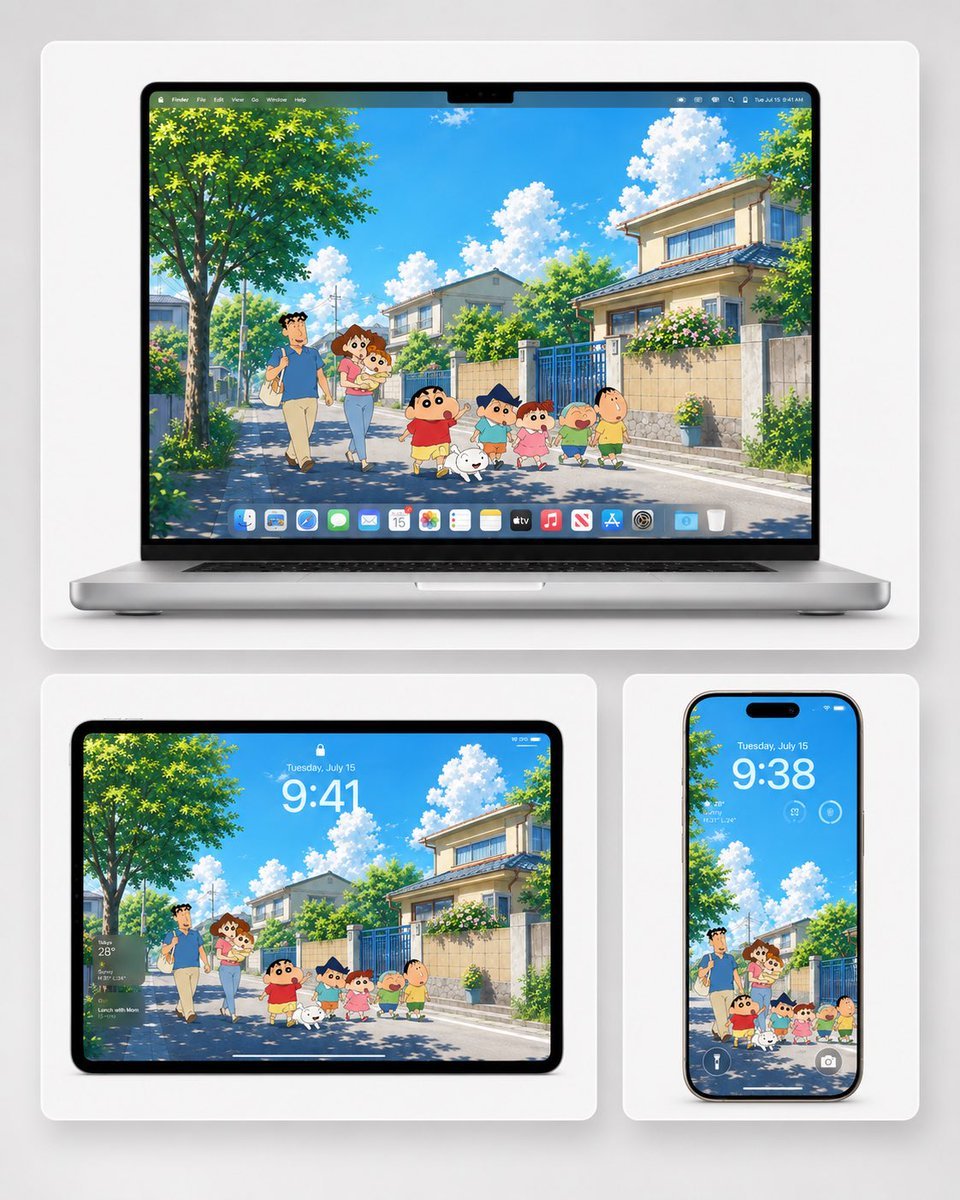
Anime Summer Wallpaper Device Mockup
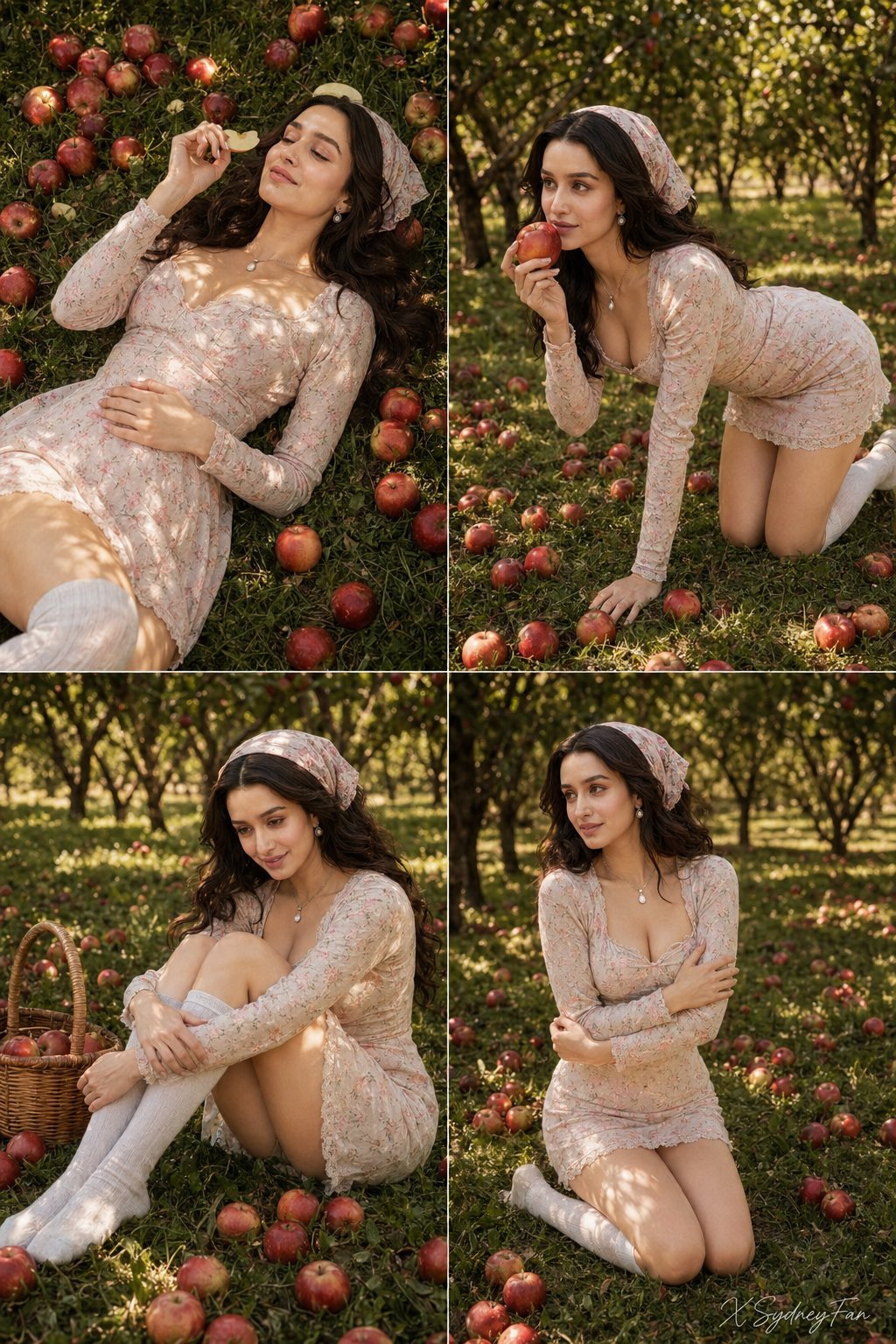
Nano Banana Apple Orchard Collage
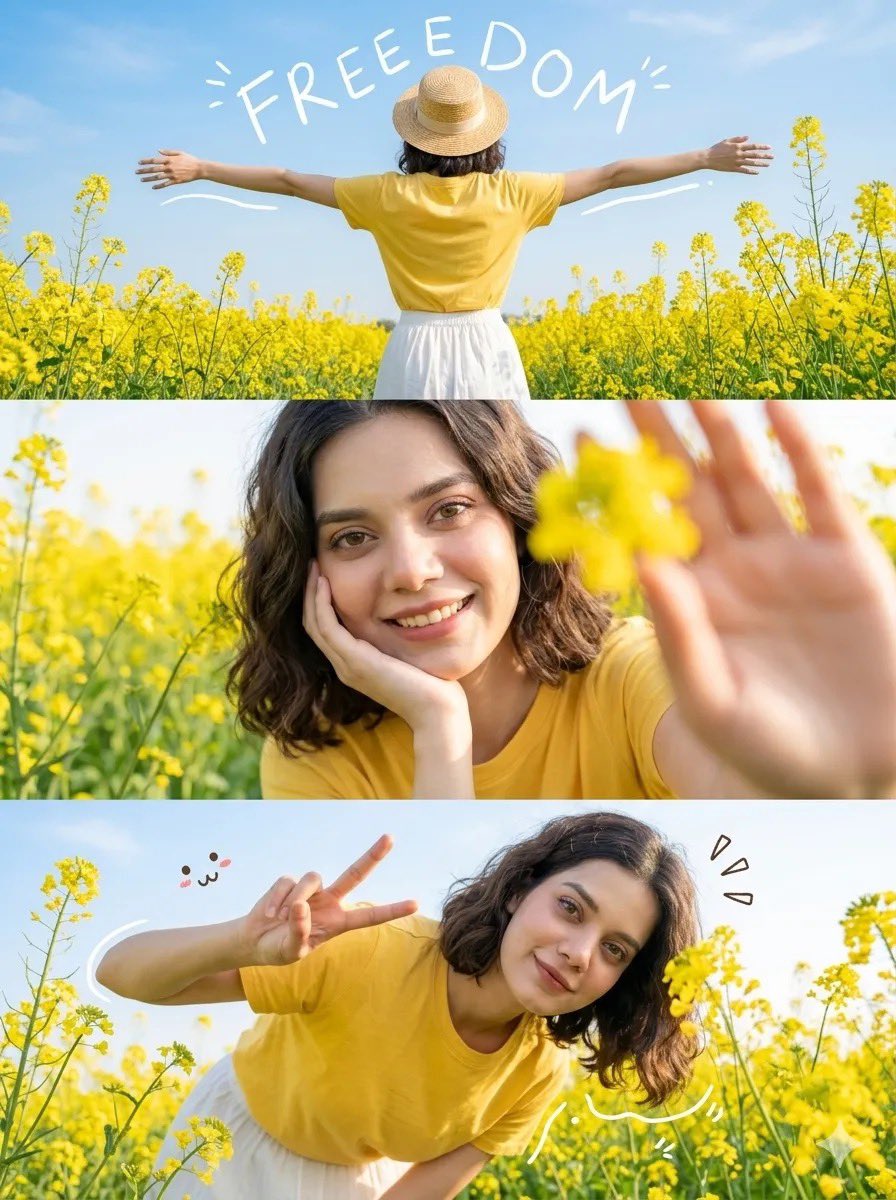
Mustard Flower Field Summer

Tropical Vacation Selfie — Nano Banana (Chryzleen)
Seedance 2.0 - Old Money Man
Nano Banana - Place Vendome Yellow Satin
Walking in Track
Riverside Dog Walk Character Expansion
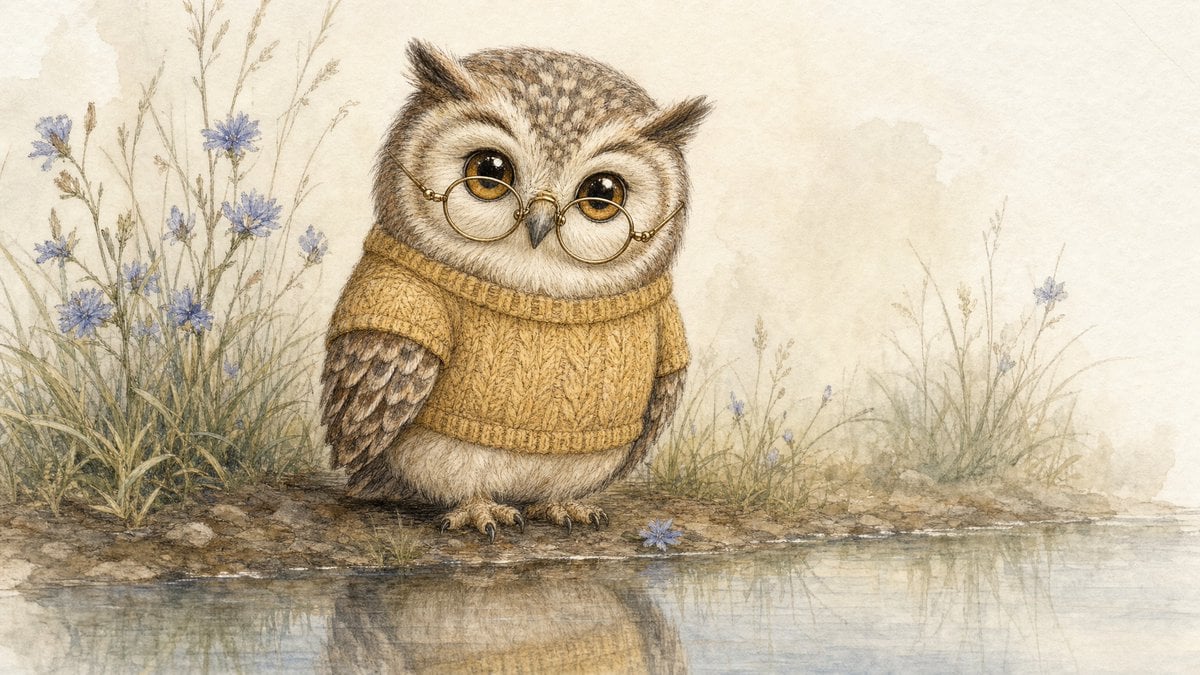
Watercolor Owl in Yellow Sweater

Portrait of a young woman in her early 20s walking calmly on a beautiful
Make it yours
Summer Walk Against Yellow Wall works as-is. These are the safest ways to change it without losing the look.
Change one field
Copy a single group, rewrite it, and generate again so you can see what that field is doing.
Keep the frame, change the subject
Hold the composition and light of Summer Walk Against Yellow Wall, then swap wardrobe, props or the person for a new take.
| If the result… | Why | Fix |
|---|---|---|
| The result drifts from the preview | Too many fields changed at once. | Reuse Summer Walk Against Yellow Wall as-is first, then change one group — subject, light, or setting. |
| The model over-stylizes the scene | The prose prompt leaves finish and camera underspecified. | Add one camera or lighting sentence and stay on GPT Image 2. |
More GPT Image 2 templates
Other prompts made for GPT Image 2.

Six VTuber Japanese Logo Sheet

Realistic Portrait of Woman and Deer

The Vista Modular Condo Poster

AI Model Routing Comparison Infographic

2.5D Anime Art Board

Isometric Productivity Desk Scene

New York Double Exposure Poster

Four-Panel AI Landscape Comparison

Japanese Tatami Lifestyle Magazine Cover

NESCAFÉ Coffee Map Poster
More image prompts
Fresh picks from across the catalog.
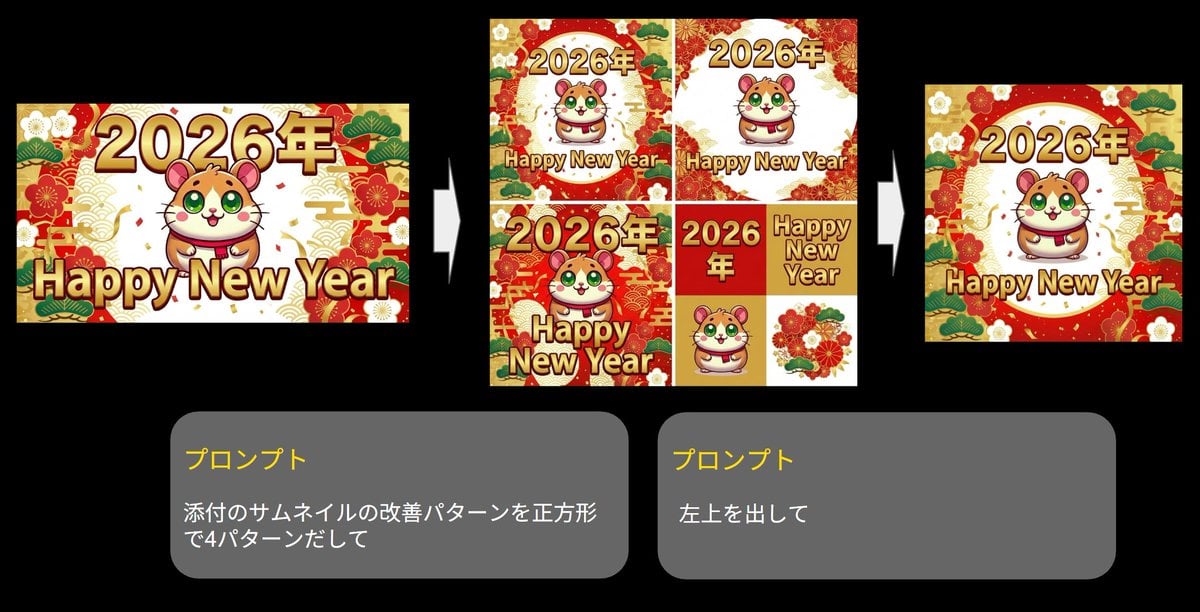
Generate four square images at once
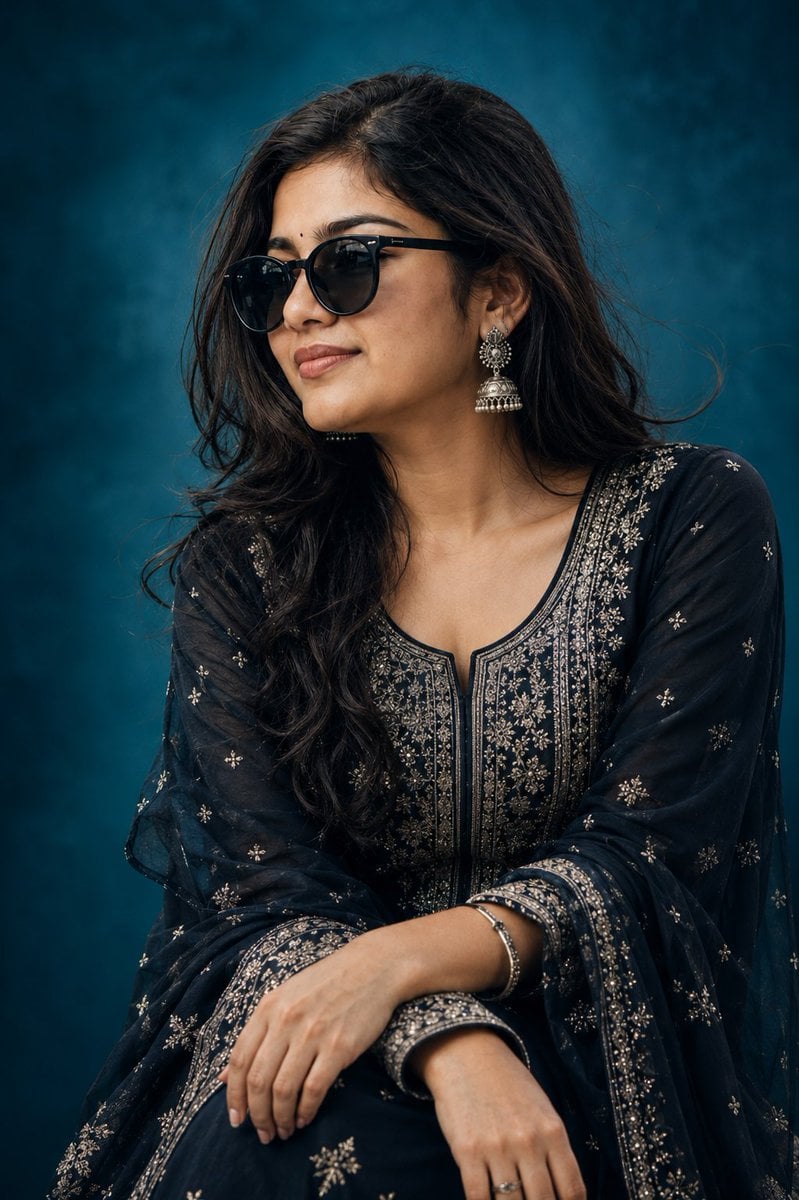
Elegant Indian Birthday Portrait
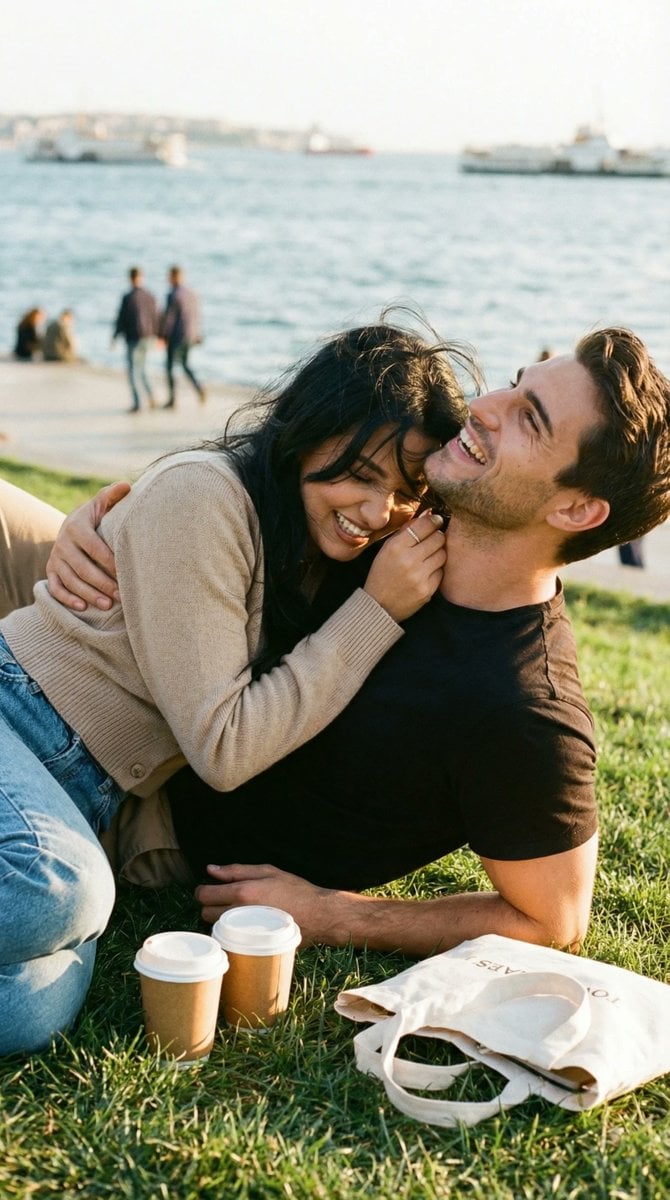
Ultra-Photorealistic Candid Romance Scene Prompt (JSON)
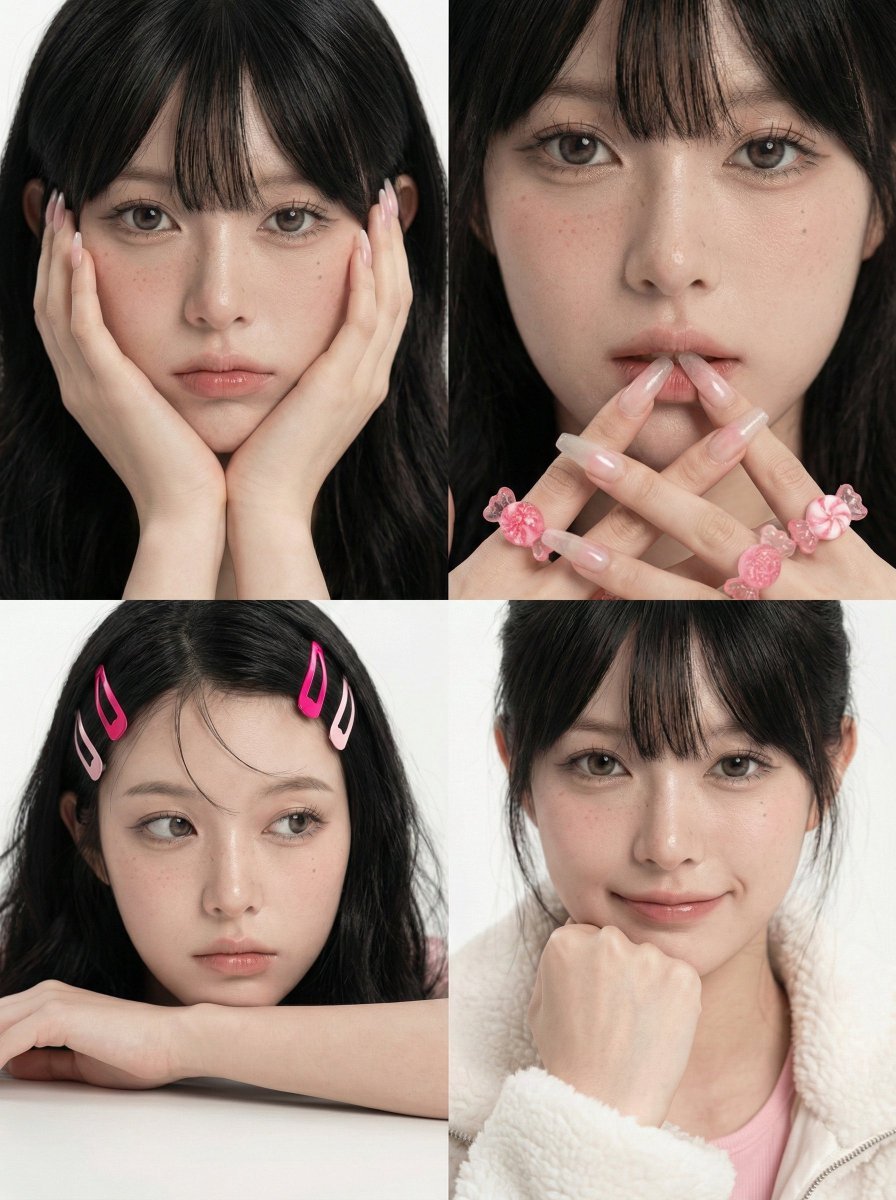
Korean Girl Group Style Photo Shoot Prompt
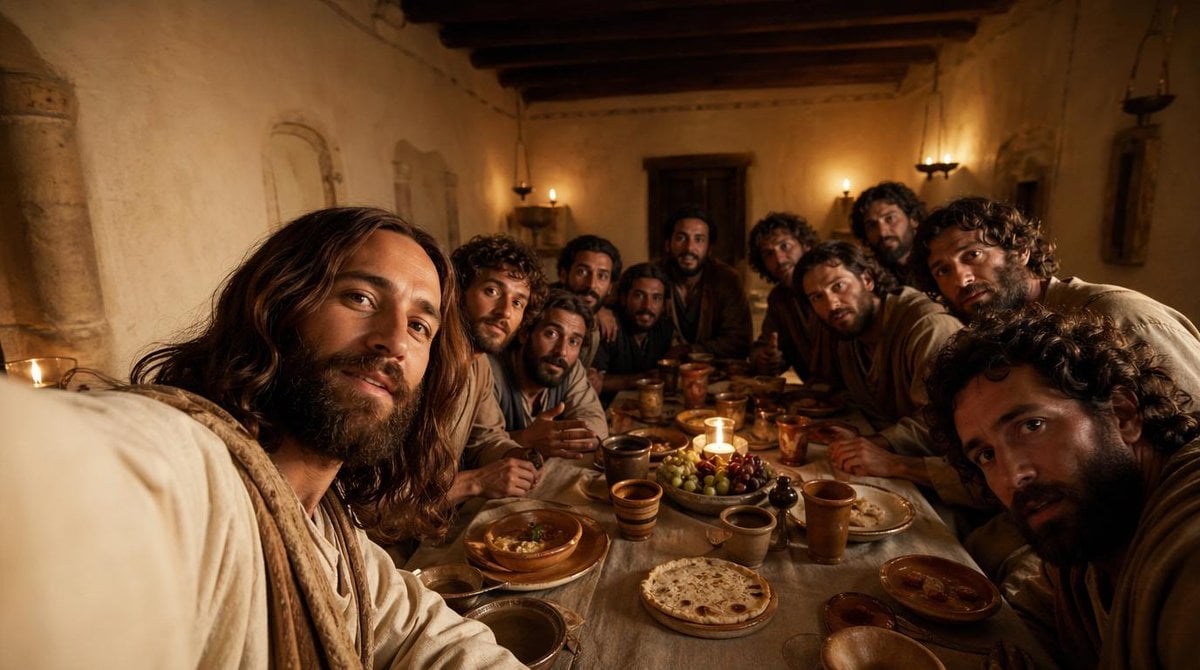
Cinematic Last Supper Scene

English Vocabulary Educational Infographic
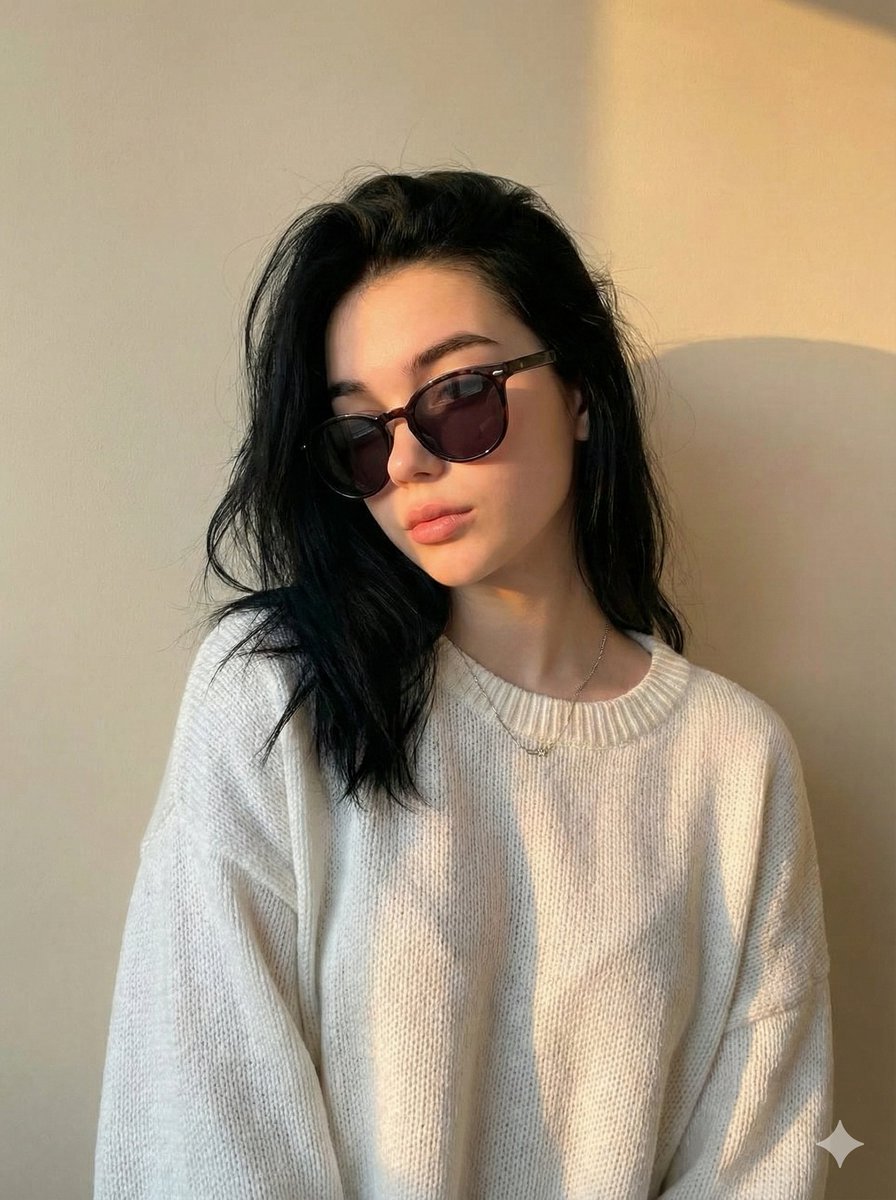
Cinematic Portrait with Strict Identity Preservation
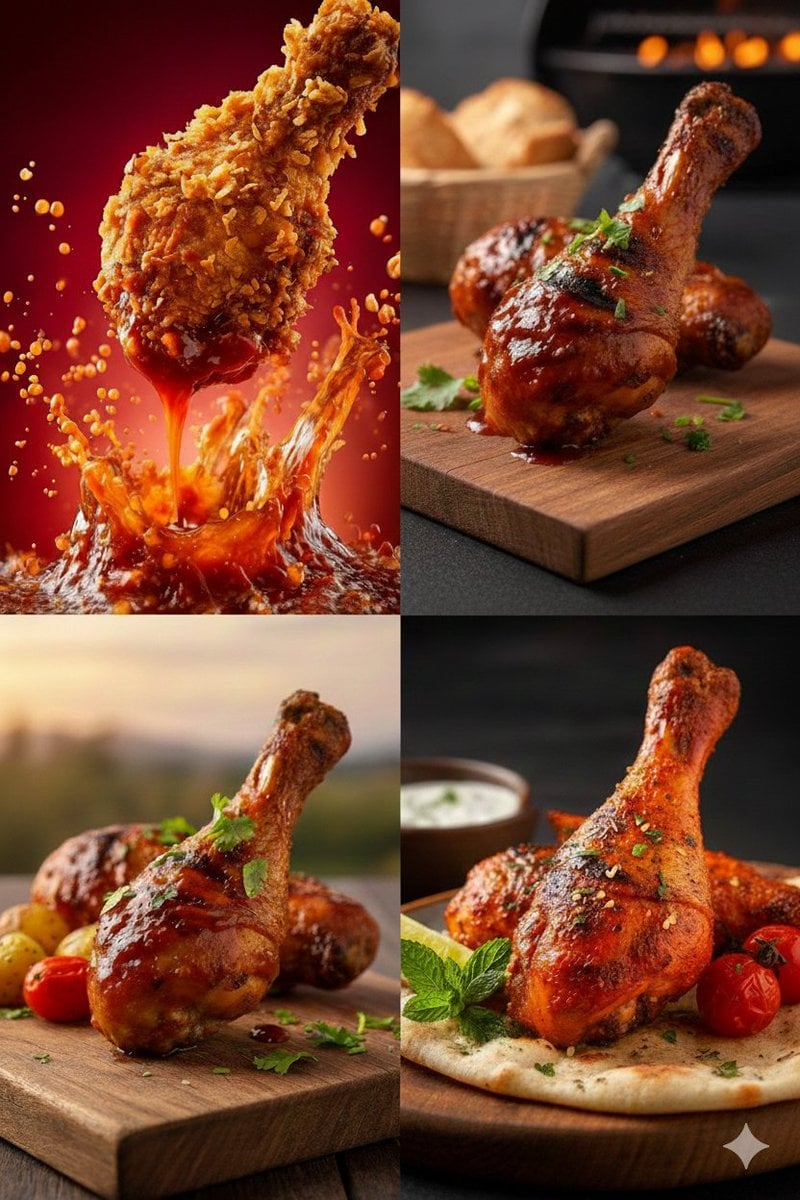
High-Definition Culinary Photography: Chicken Drumsticks

Tilt-Shift Diorama Miniature City Prompt (Shanghai)
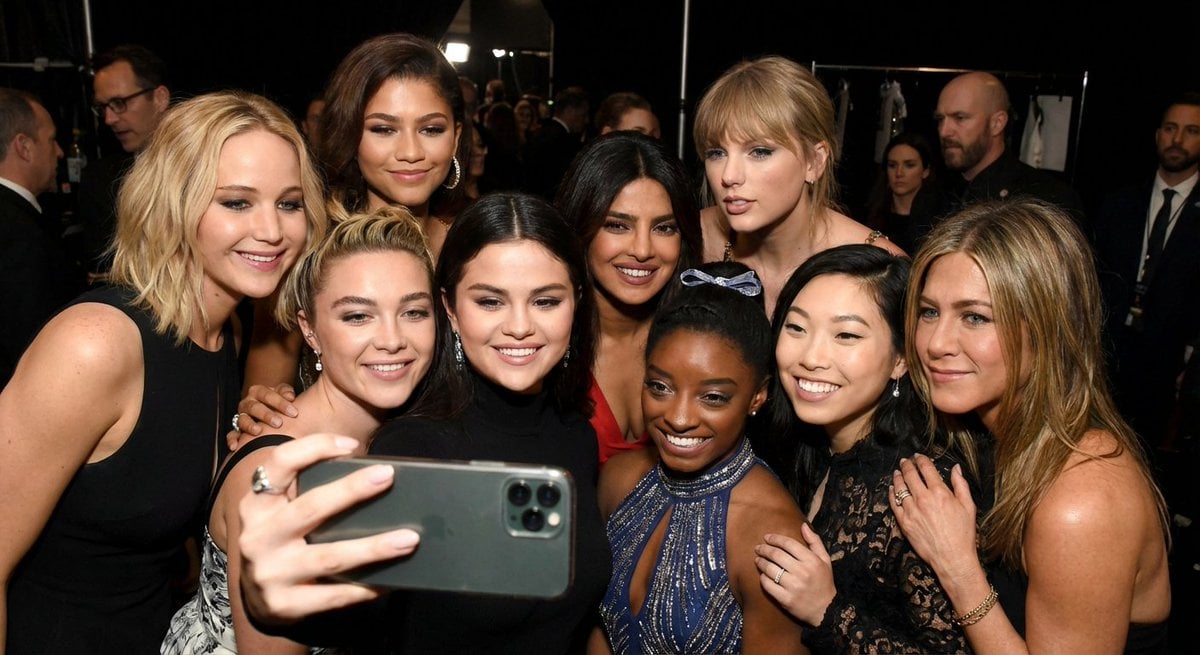
Selfie of 10 random female celebrities
Browse template categories
Summer Walk Against Yellow Wall questions
How do I use the Summer Walk Against Yellow Wall template?
Add your photo if the template asks for one, edit the prompt if you like — the template's model and format are already selected — and press Generate. Your version opens in PicX Studio.
Can I customize the Summer Walk Against Yellow Wall template?
Yes. You can change the subject, setting, lighting, mood, format, and available model controls before creating your image.
Is the Summer Walk Against Yellow Wall template free?
Opening and editing this template is free. Generating uses credits, shown on the Generate button when you are signed in.
Which AI model should I use?
Start with GPT Image 2, which is the model associated with this template. You can compare another compatible model for a different finish.
Looking for something else? Browse all templates.

Your photo, any look
Thousands of ready templates for every top image and video model, from one credit balance.