
Korean Girl Group Style Photo Shoot Prompt
A detailed Chinese prompt for generating a four-panel photo collage in the style of a Korean girl group photoshoot, emphasizing delicate facial features, specific makeup details (pink blush, subtle freckles), and soft…
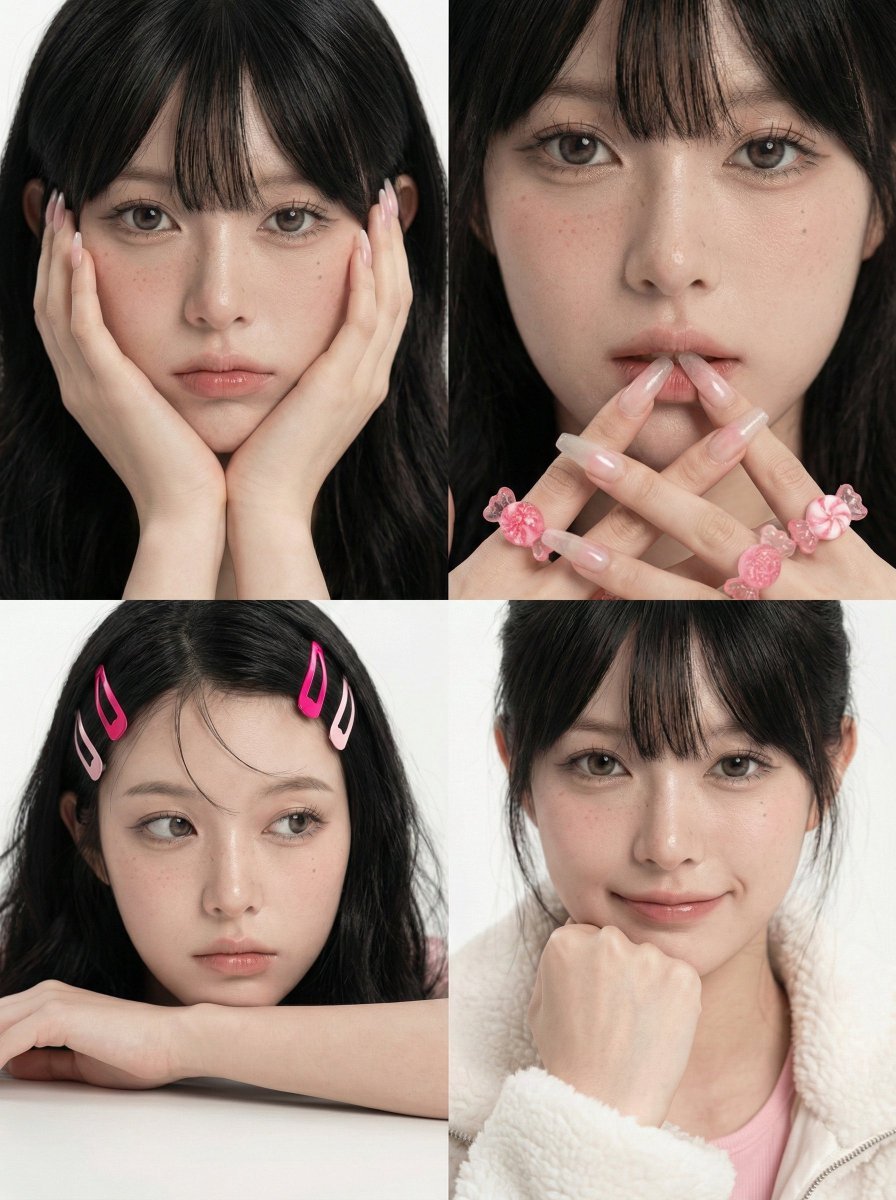
- Prompt included
- Model and format preset
- Free template
The prompt behind this image
Copy the exact prompt behind Korean Girl Group Style Photo Shoot Prompt, or open it in the studio and make it yours.
一、画面构图 1 版式:整体为3:4比例,四宫格拼图,3:4小图用2×2排列 2 取景:近景到特写为主,人物占画面大比例 3 角度:平视近拍,轻微左右变化,统一干净背景 二、人物主体 1 参考来源:以上传参考图作为严格身份来源 2 一致性要求:零偏差 3 脸部:脸型精致、眼睛偏大、右眼下方点了一颗小痣,鼻梁细长 4 肤质:白皙带淡粉,皮肤细腻,有轻微柔焦 5 细节:鼻梁与面中高光明显,脸颊与鼻尖轻微泛红,散落少量雀斑点 三、妆容细节 1 底妆:通透干净,轻薄雾面带微光 2 腮红:粉色集中在脸颊与鼻梁两侧 3 眼妆:自然放大,睫毛纤长,眼神清澈 4 唇妆:水润嘟嘟唇,淡粉到蜜桃渐变,唇峰柔和 四、发型与头饰 1 发型:黑色长直发,中分,发量饱满,自然垂落 2 碎发:额前少量发丝自然飘动 3 发饰:左右各一枚粉色发夹,颜色偏亮粉与浅粉,金属夹片可见 五、手部与配饰 1 指甲:超长甲型,半透明或浅色系,带细闪与立体装饰 2 戒指:多枚粉色可爱造型戒指,糖果感与花朵感,体积夸张但软萌 3 手势风格:靠近脸部与嘴唇,突出指甲与戒指细节 六、服装与材质 1 上衣:毛绒质感外套或袖套,白色蓬松柔软 2 内搭:浅粉色吊带或上衣,露肩或斜肩效果 3 整体风格:甜美软糯,带一点小酷感 七、四张分镜动作与表情 1 左上:双手托脸贴近镜头,表情冷淡微委屈,直视镜头 2 右上:手指靠近嘴唇或轻触唇边,眼神平静略挑逗,特写更近 3 左下:下巴或手臂压在桌面边缘,眼睛看向侧方,神情发呆放空 4 右下:手握拳轻抵下巴,微笑但克制,直视镜头,气质更亲和 八、光线与色调 1 光线:高亮柔光,阴影很浅,整体均匀 2 色调:冷白背景为主,粉色点缀突出,肤色偏冷粉 3 对比:低对比,干净通透,不厚重 九、质感与画面效果 1 清晰度:五官与发丝清晰,皮肤细节保留但有轻微磨皮柔化 2 景深:背景虚化很弱或几乎无纹理,主体更突出 3 氛围:甜美感女团韩杂风写真,甜美可爱、精致梦幻、轻微玻璃质感光泽
How to use Korean Girl Group Style Photo Shoot Prompt in 3 steps
- 1
Open
The prompt is already in the box next to the preview, with the template's model and format selected.
- 2…a portrait of your subject in softgolden-hour light, 85mm…
Personalize
Edit the subject and creative details for your destination.
- 3Generate
Generate
Press Generate — your image is created in PicX Studio, so you can compare it with the original and refine one variable at a time.
More like this
Templates with the same subject, style or setup. Open one to see its prompt.

Teen Girl Alpine Lake Mountain View

Korean Girl on Japanese Bus
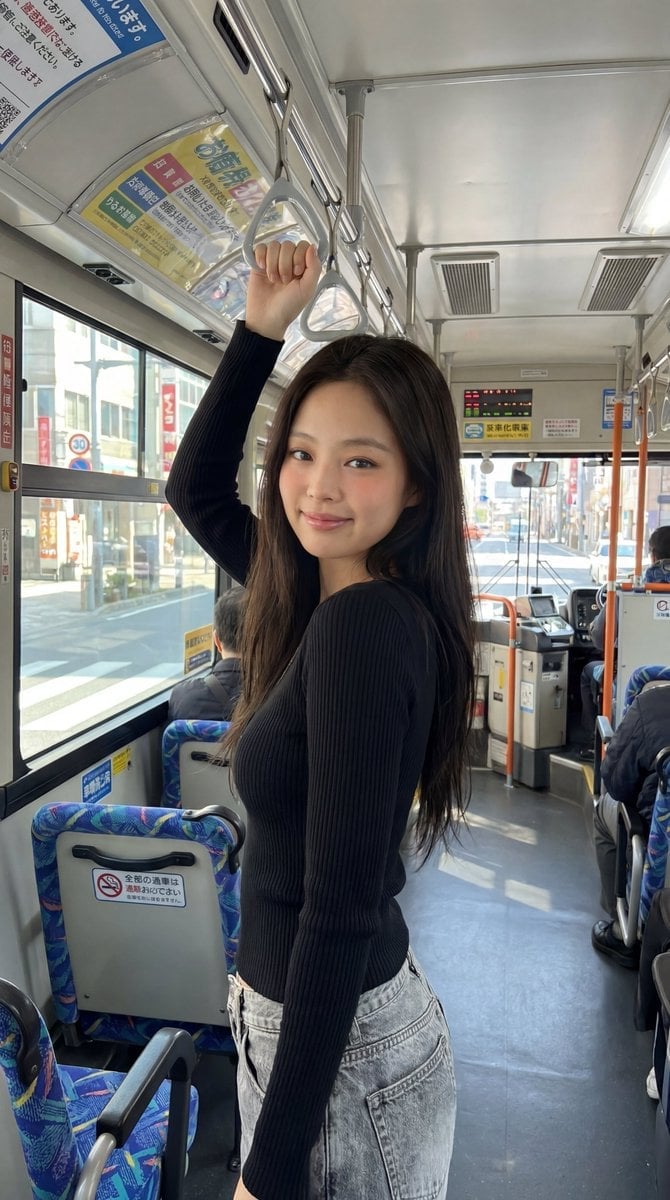
Korean Girl Japanese Bus Travel

Trendy Cafe Drink Promo Poster

Retro Pop-Art K-Fashion Ultraluxury Campaign Poster

Urban Fashion Editorial Collage Streetwear Poster

Korean Luxury Fashion Editorial 2x2 Grid Series

Korean Streetwear Minimalist Campaign Portrait

Cinematic Korean Streetwear Street Portrait

Korean Model Floating Magazine Pages Campaign

Blue Backdrop Luxury Fashion Portrait Campaign
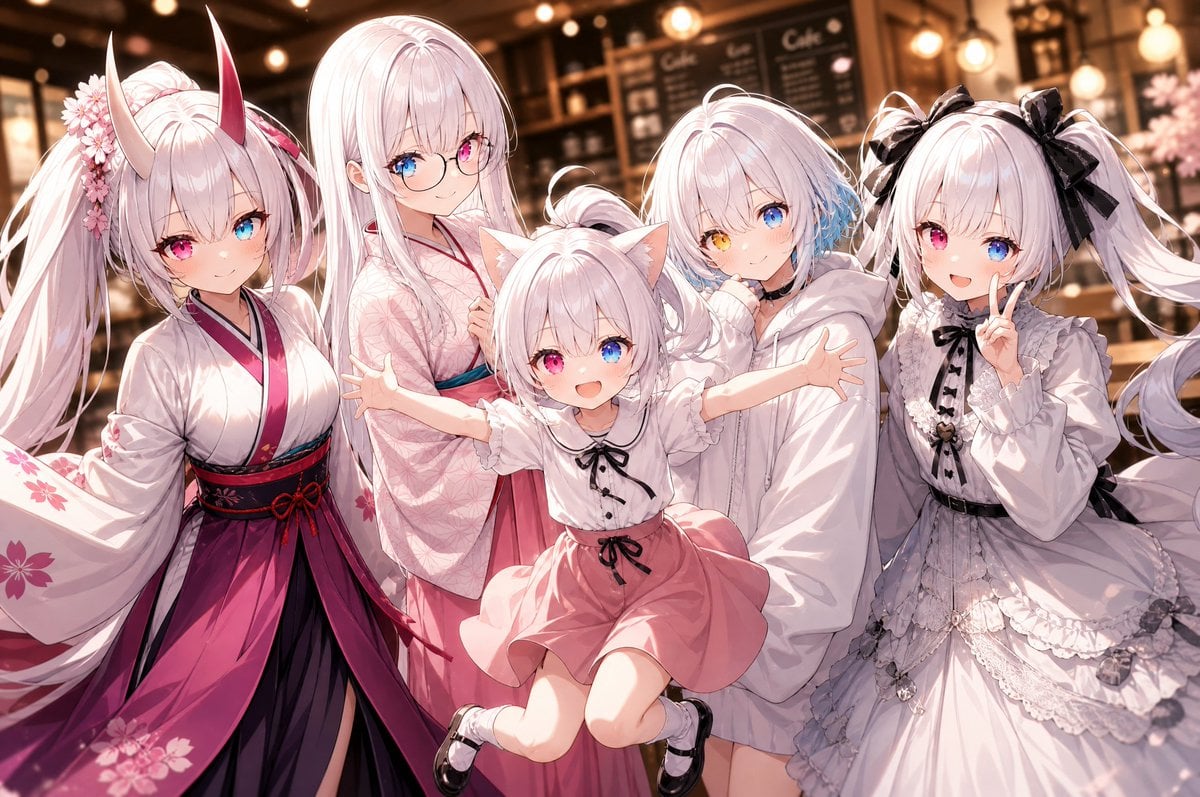
Five-Girl Anime Café Group Portrait
Make it yours
Korean Girl Group Style Photo Shoot Prompt works as-is. These are the safest ways to change it without losing the look.
Change one field
Copy a single group, rewrite it, and generate again so you can see what that field is doing.
Keep the frame, change the subject
Hold the composition and light of Korean Girl Group Style Photo Shoot Prompt, then swap wardrobe, props or the person for a new take.
| If the result… | Why | Fix |
|---|---|---|
| The result drifts from the preview | Too many fields changed at once. | Reuse Korean Girl Group Style Photo Shoot Prompt as-is first, then change one group — subject, light, or setting. |
| The model over-stylizes the scene | The prose prompt leaves finish and camera underspecified. | Add one camera or lighting sentence and stay on Nano Banana 2. |
More Nano Banana 2 templates
Other prompts made for Nano Banana 2.

Photorealistic Leaf Shaped Like a Dragon

K-Pop Idol Portrait Grid for Rapid Selection

Poetic Rain Forest Portrait During Golden Hour

Urban Street Portrait with Cartoon Inner Self Duo

Candid Nighttime Photo with Cat Prompt

High-Concept 3D Diorama Generation Prompt

Cinematic Futuristic Studio Portrait Template

Skincare Editorial Photography Collage Prompt

Hyper-Realistic Commercial Product Photography (Splash Effect)

Hyper-Realistic Nightclub Portrait Prompt
More image prompts
Fresh picks from across the catalog.
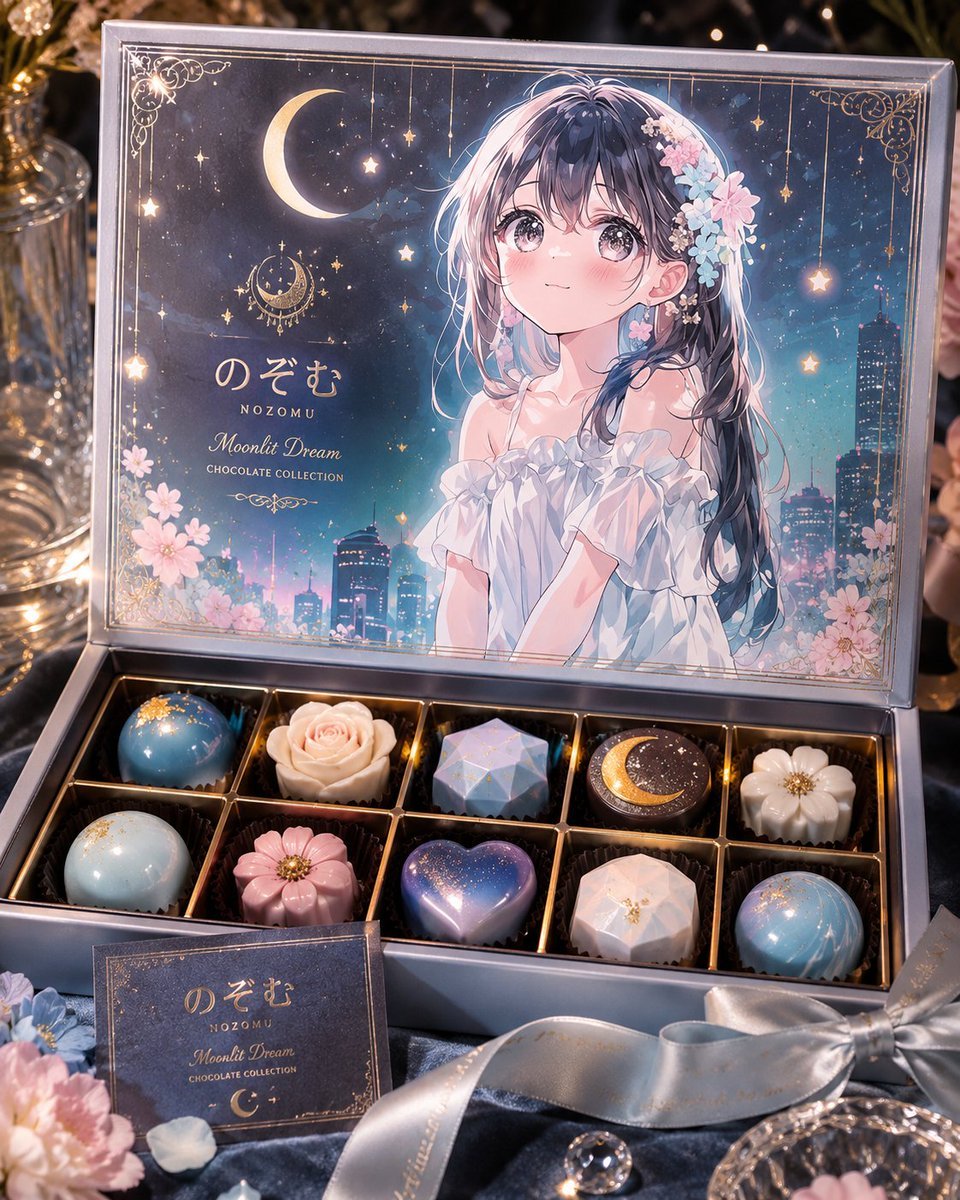
Moonlit Anime Chocolate Box

Hyper-Realistic 3D Chibi Doll
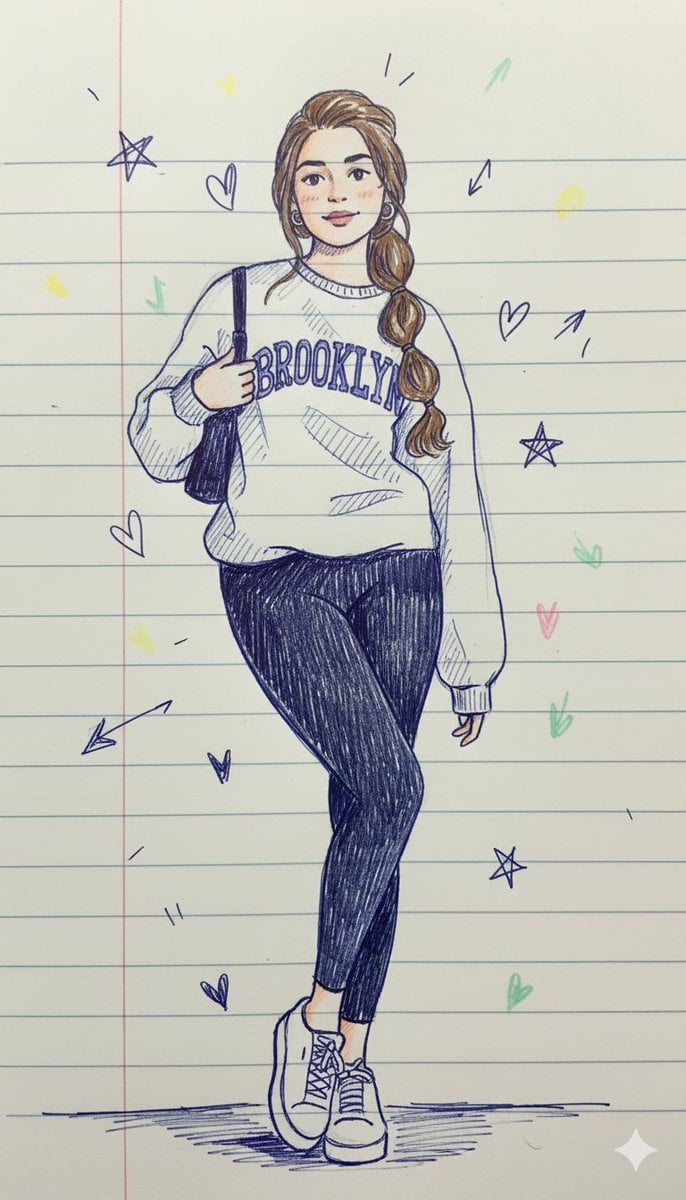
Notebook Pen Doodle Identity Preservation Prompt
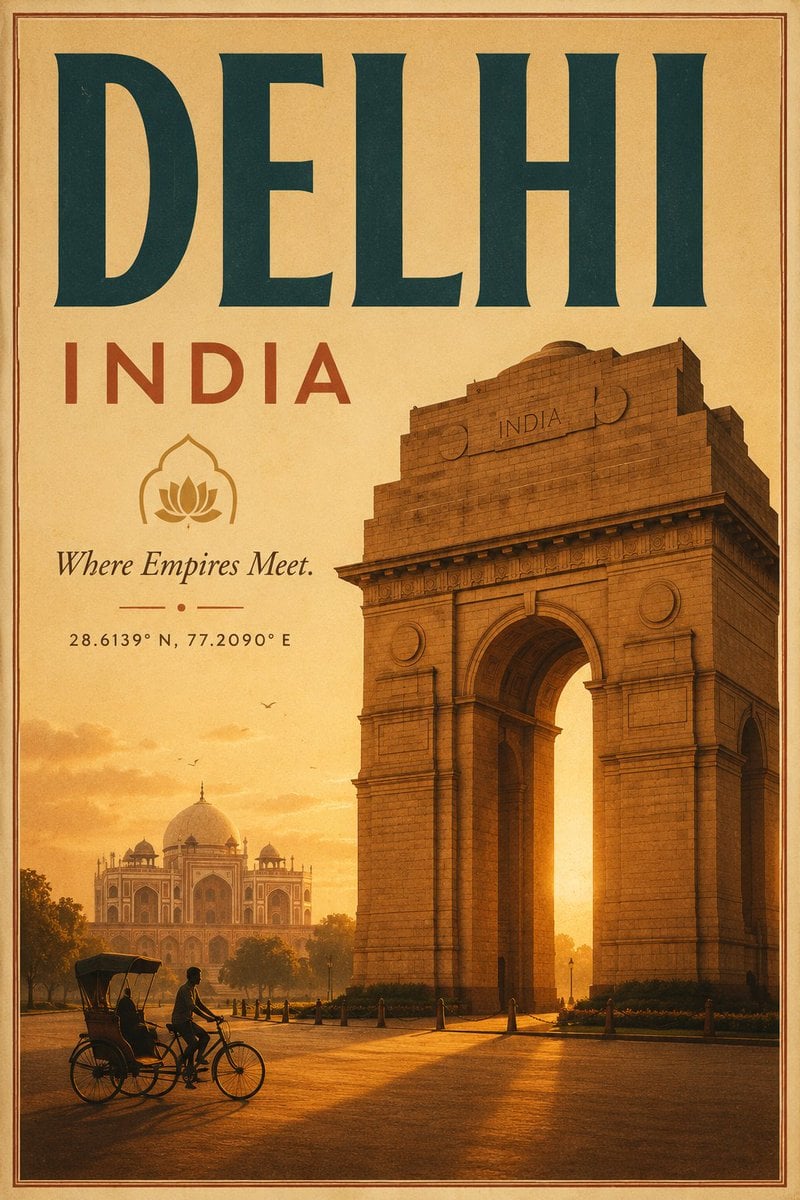
Vintage Delhi Travel Poster

Google Gemini Nano Banana 2
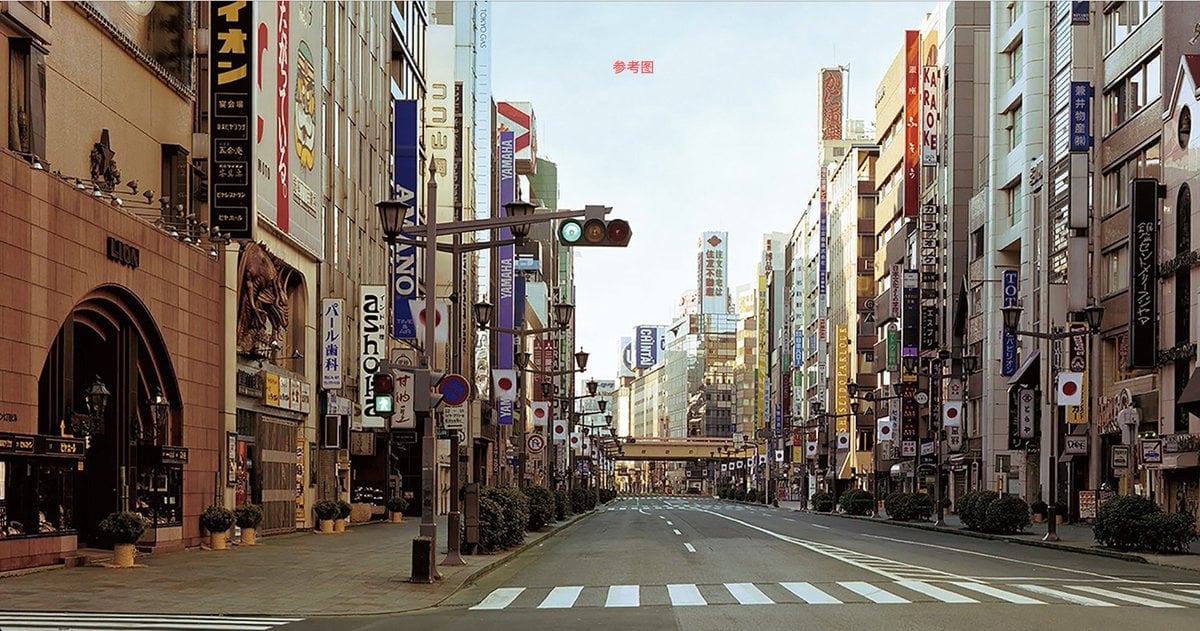
Style Transfer to Watercolor Painting
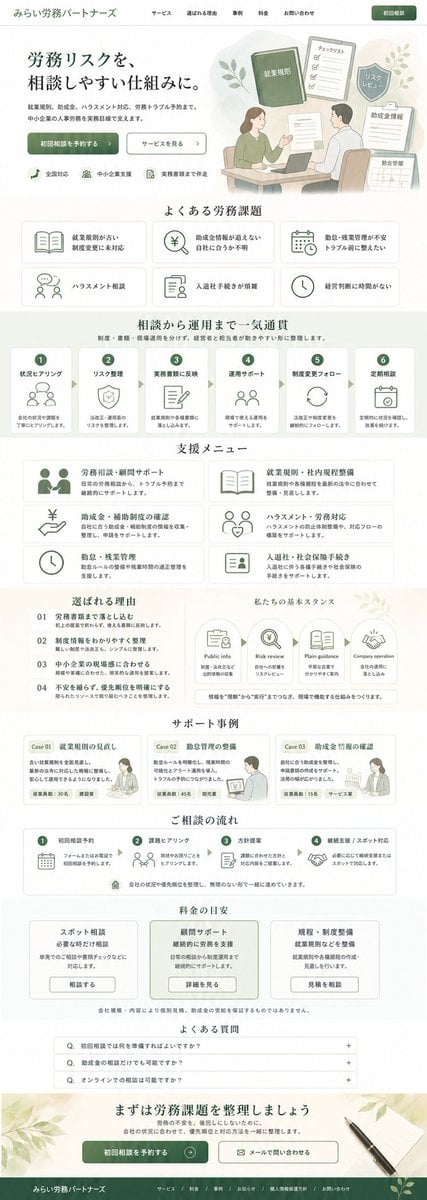
ASCII Layout Landing Page Generator

Ultra-realistic Portrait with Miniature Cartoon Self
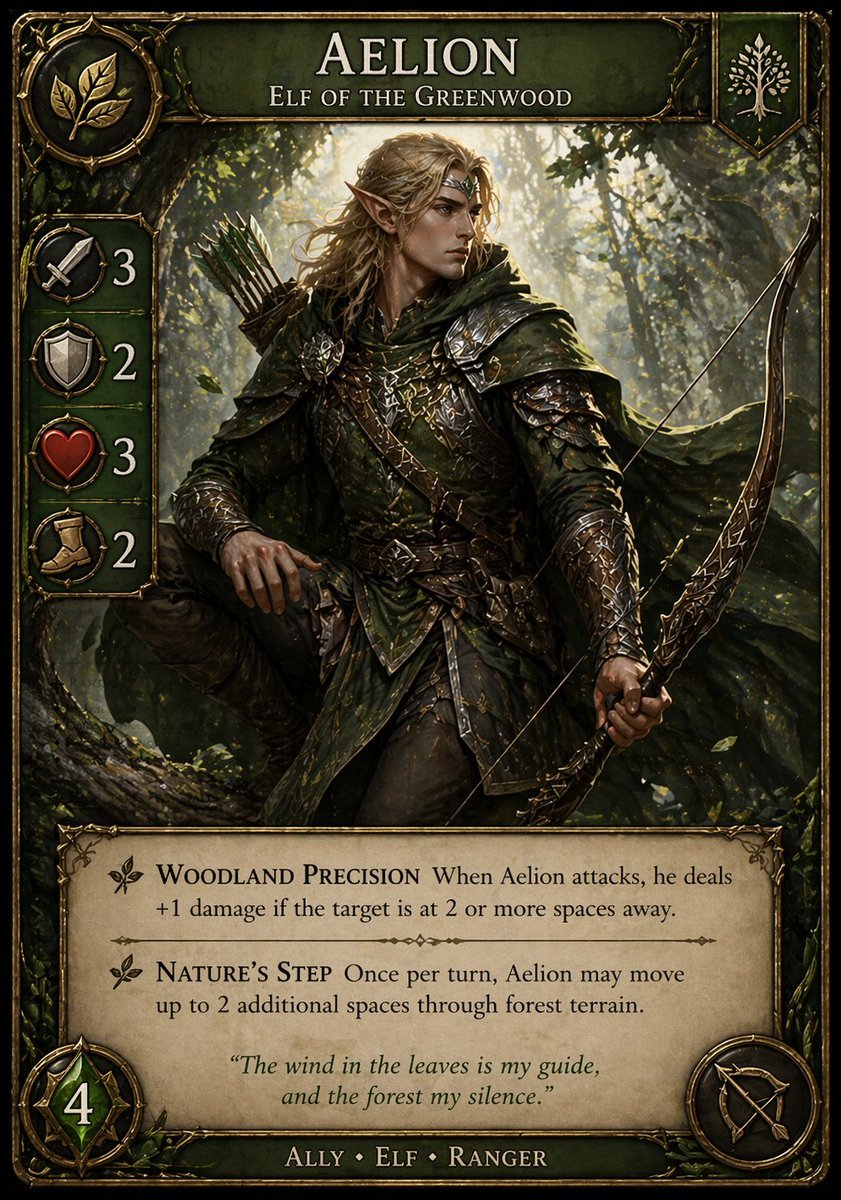
Fantasy Elf Ranger Trading Card
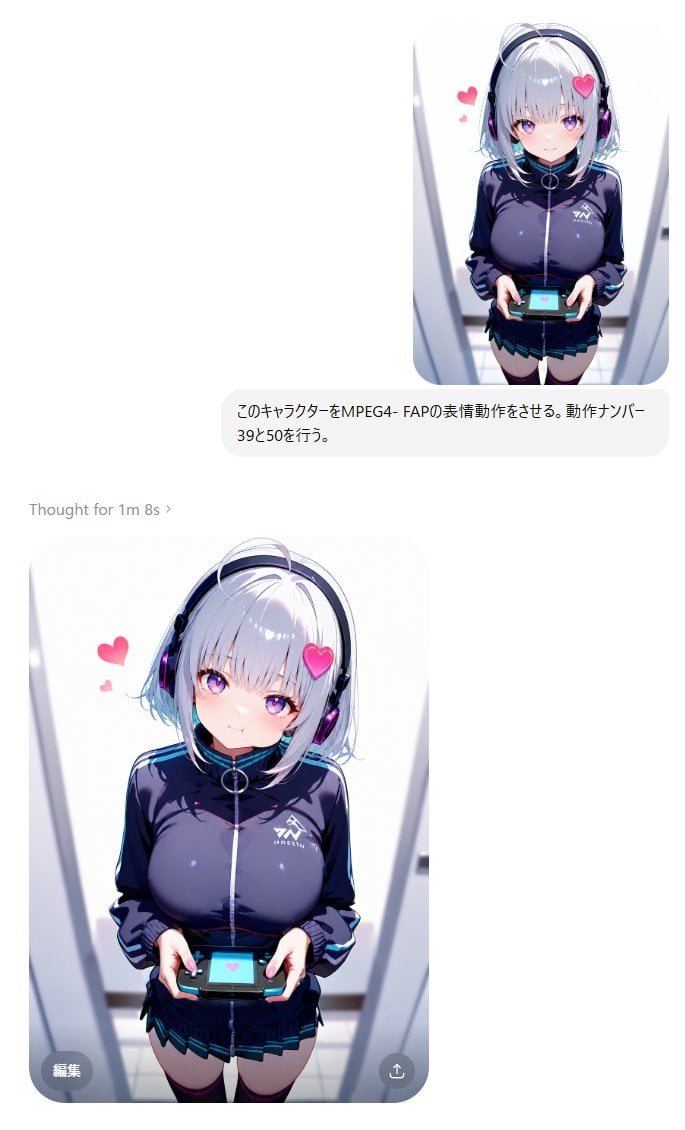
MPEG-4 FAP Anime Expression Test
Browse template categories
Korean Girl Group Style Photo Shoot Prompt questions
How do I use the Korean Girl Group Style Photo Shoot Prompt template?
Add your photo if the template asks for one, edit the prompt if you like — the template's model and format are already selected — and press Generate. Your version opens in PicX Studio.
Can I customize the Korean Girl Group Style Photo Shoot Prompt template?
Yes. You can change the subject, setting, lighting, mood, format, and available model controls before creating your image.
Is the Korean Girl Group Style Photo Shoot Prompt template free?
Opening and editing this template is free. Generating uses credits, shown on the Generate button when you are signed in.
Which AI model should I use?
Start with Nano Banana 2, which is the model associated with this template. You can compare another compatible model for a different finish.
Looking for something else? Browse all templates.

Your photo, any look
Thousands of ready templates for every top image and video model, from one credit balance.