
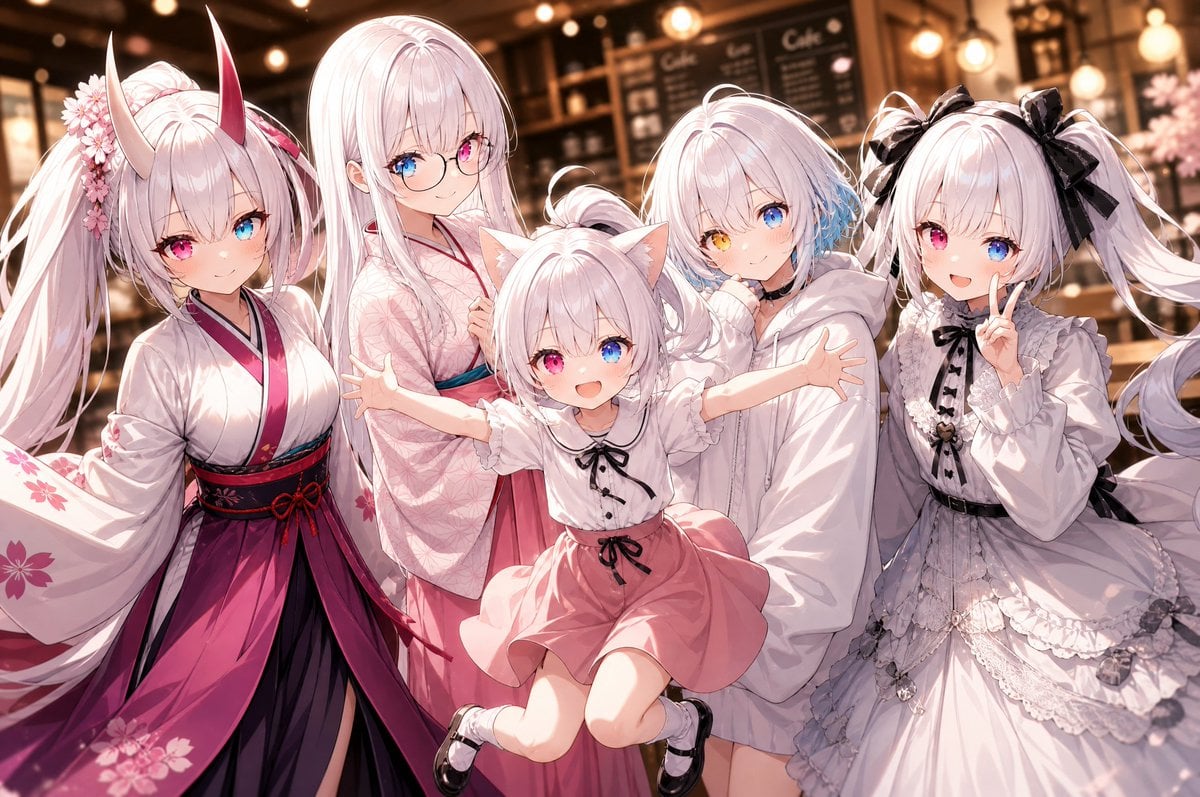
Five-Girl Anime Café Group Portrait
Generates a warm anime café group photo of five pastel original characters with detailed outfits and a cute commemorative pose.
- Prompt included
- Model and format preset
- Free template
The prompt behind this image
Copy the exact prompt behind Five-Girl Anime Café Group Portrait, or open it in the studio and make it yours.
Create a polished anime-style group portrait of exactly five original girls posing together inside a warm, softly lit café at night, with blurred chalkboard menus, shelves, pendant lights, and golden bokeh in the background. Use a wide horizontal 3:2 composition, close-up waist-to-knee framing, soft cinematic lighting, detailed glossy hair, delicate line art, pastel pink and white palette, high-detail clothing folds, and a cheerful “group photo” feeling. The five visible characters are, from left to right: 1) a tall fox/oni-inspired girl with very long white twin-tail hair, two tall curved horns fading from ivory to red, foxlike ears, pink-and-blue heterochromia, cherry blossom hair ornaments, and a white kimono with magenta hakama-style skirt, black and red obi, and sakura patterns; 2) a tall elegant girl with long straight pale pink-white hair, round glasses, blue-and-pink heterochromia, wearing a pale pink floral kimono and teal obi, smiling gently; 3) a small cat-eared girl in the front center, jumping or being lifted with arms spread wide, pale pink hair in a small bun, cat ears, white blouse with black ribbon and buttons, salmon-pink skirt, white socks and black Mary Jane shoes, with her face covered by a flat opaque pale pink square censor block; 4) a shy short-haired girl slightly behind center-right with fluffy pale pink-white bob hair, one blue eye and one golden eye, blue hair accent on one side, wearing an oversized white hoodie and holding it close to her face; 5) a frilly gothic-lolita girl on the far right with long white twin tails tied with large black bows, wearing a white lace dress with black ribbon details, ruffles, layered skirt, and delicate accessories, with her face covered by a flat opaque pale pink square censor block. Make everyone lean inward as if taking a cute commemorative photo, with the center child’s outstretched arms overlapping the others. Keep the café background warmly blurred and do not add captions, logos, or extra characters. Customizable details: {argument name="character group theme" default="five pastel white-haired original anime girls"}, {argument name="setting" default="warm cozy café interior at night"}, {argument name="main color palette" default="white, blush pink, magenta, black, and warm amber"}, {argument name="portrait mood" default="cute cheerful group photo"}, {argument name="face censor color" default="pale dusty pink"}.
How to use Five-Girl Anime Café Group Portrait in 3 steps
- 1Upload ImagePNG, JPG or paste
Add your photo
Upload the photo the template builds on. The prompt, model and format are already set.
- 2…a portrait of your subject in softgolden-hour light, 85mm…
Personalize
Edit the subject and creative details for your destination.
- 3Generate
Generate
Press Generate — your image is created in PicX Studio, so you can compare it with the original and refine one variable at a time.
More like this
Templates with the same subject, style or setup. Open one to see its prompt.

Rainy Café Window Moody Portrait
Five 1980s Delinquent Anime Girls

Found Photograph: Us, 1970

80s Couple Studio Portrait

80s Bollywood Star

80s Golden Hour Cinema

Me in 1985

1985 Studio Portrait

Hyper-Realistic Minecraft POV Portrait

Teen Girl Alpine Lake Mountain View
Five Expression Monochrome Portrait
Five-Slice Emotional Fashion Portrait
Make it yours
Five-Girl Anime Café Group Portrait works as-is. These are the safest ways to change it without losing the look.
Change one field
Copy a single group, rewrite it, and generate again so you can see what that field is doing.
Keep the frame, change the subject
Hold the composition and light of Five-Girl Anime Café Group Portrait, then swap wardrobe, props or the person for a new take.
| If the result… | Why | Fix |
|---|---|---|
| The result drifts from the preview | Too many fields changed at once. | Reuse Five-Girl Anime Café Group Portrait as-is first, then change one group — subject, light, or setting. |
| The model over-stylizes the scene | The prose prompt leaves finish and camera underspecified. | Add one camera or lighting sentence and stay on GPT Image 2. |
More GPT Image 2 templates
Other prompts made for GPT Image 2.

Six VTuber Japanese Logo Sheet

Realistic Portrait of Woman and Deer

The Vista Modular Condo Poster

AI Model Routing Comparison Infographic

2.5D Anime Art Board

Isometric Productivity Desk Scene

New York Double Exposure Poster

Four-Panel AI Landscape Comparison

Japanese Tatami Lifestyle Magazine Cover

NESCAFÉ Coffee Map Poster
More image prompts
Fresh picks from across the catalog.

Japanese Accounting SaaS Hero Banner
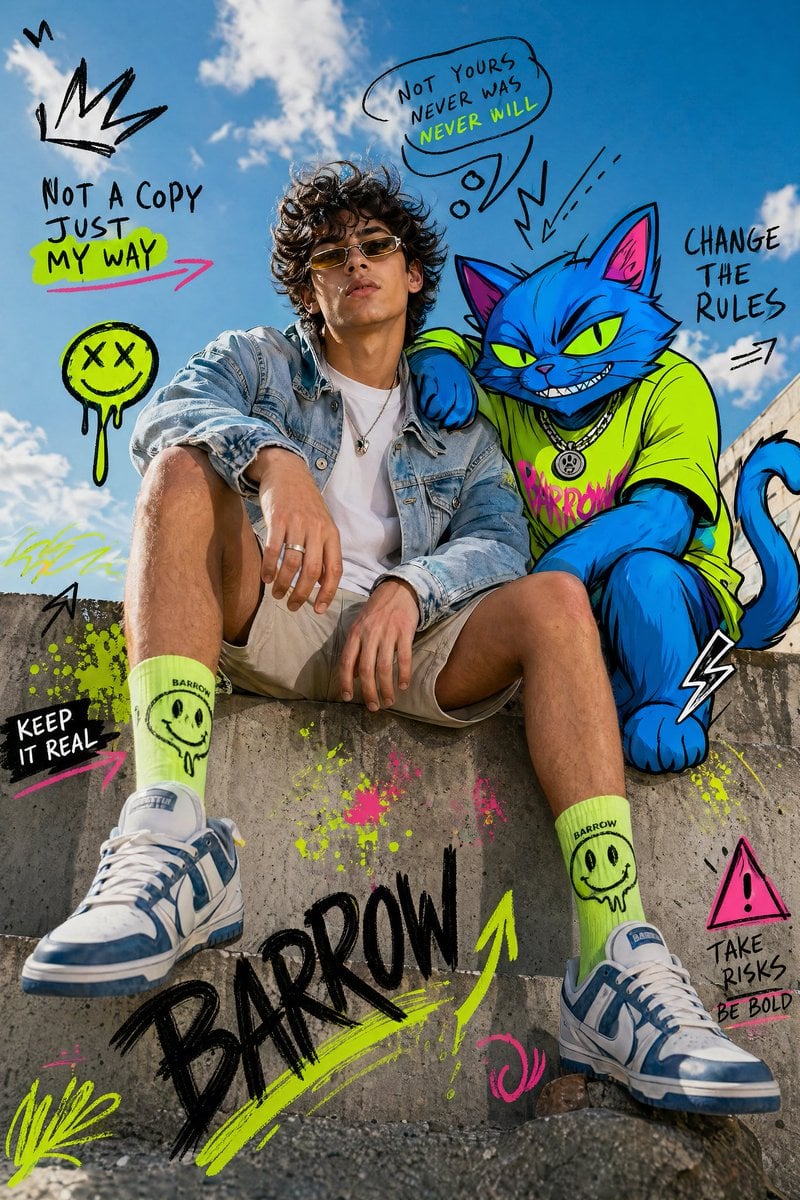
Fashion Editorial Subject with Cartoon Cat
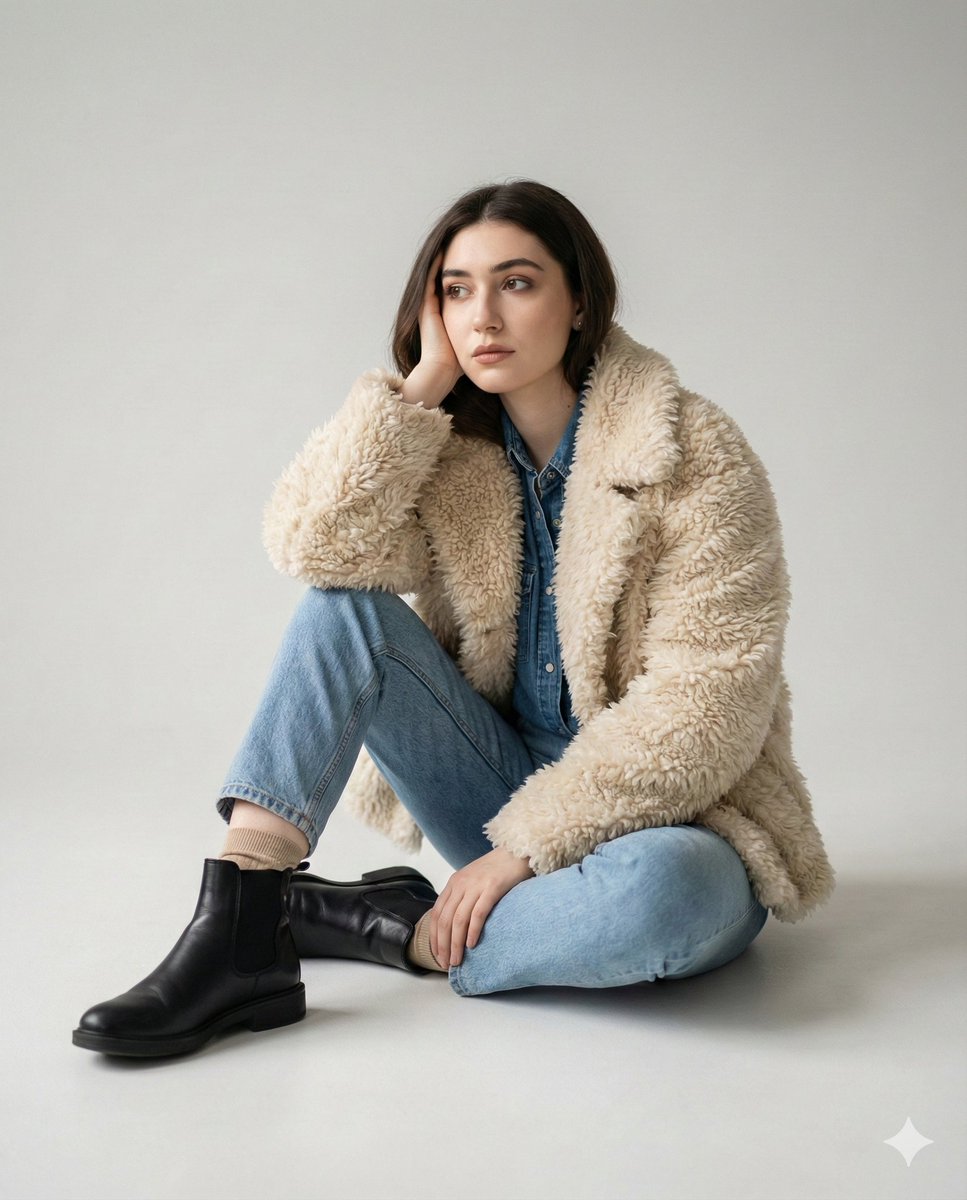
Editorial denim portrait preserving face identity
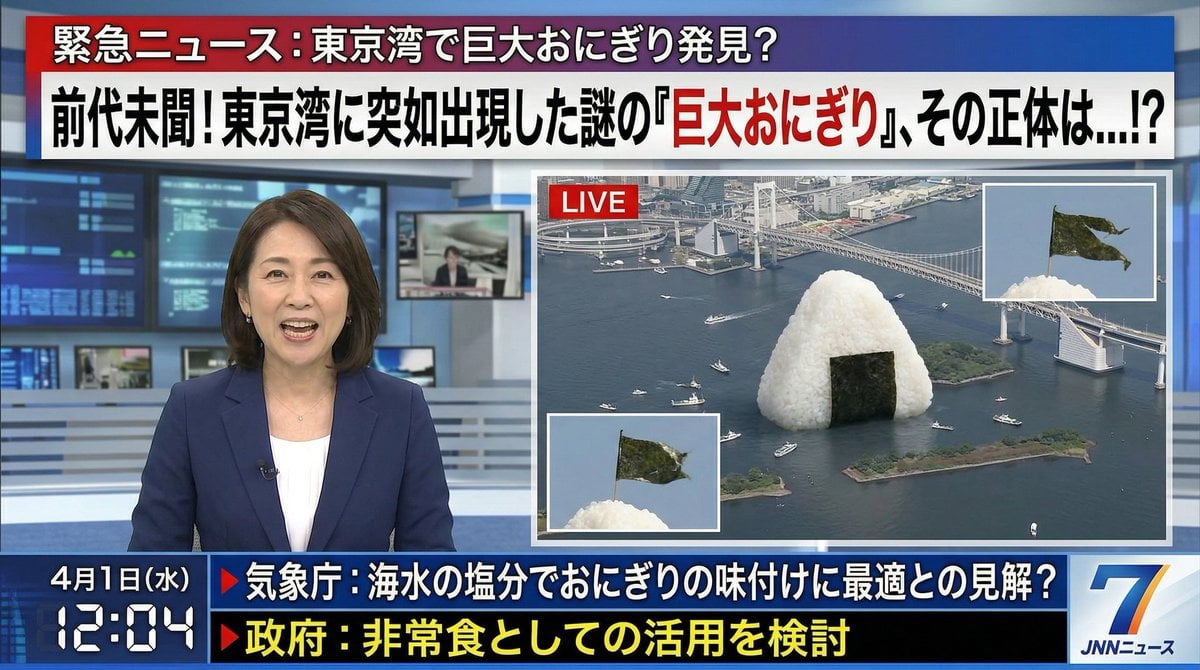
April Fool's Fake News Image Generation Prompt
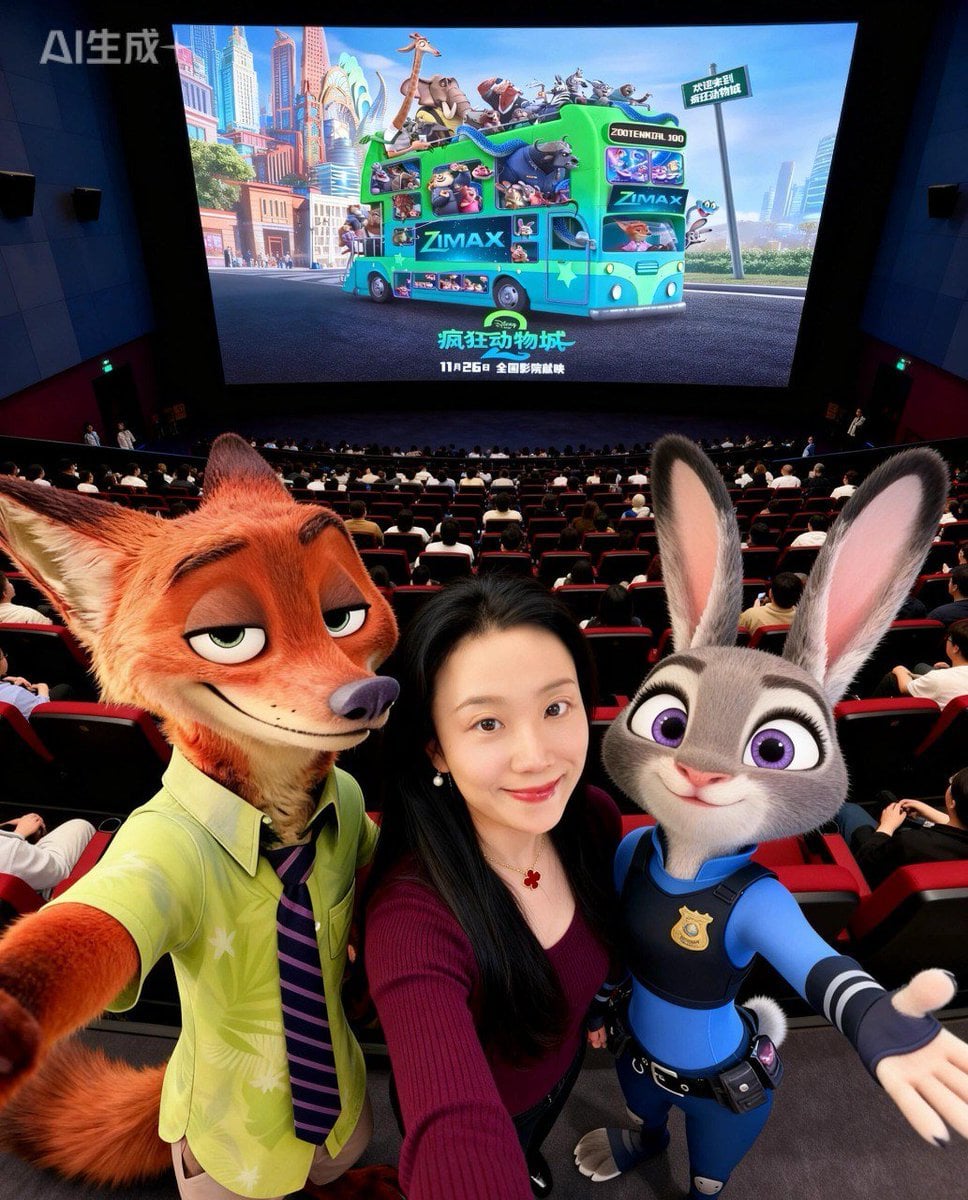
Zootopia Character Photo Prompt
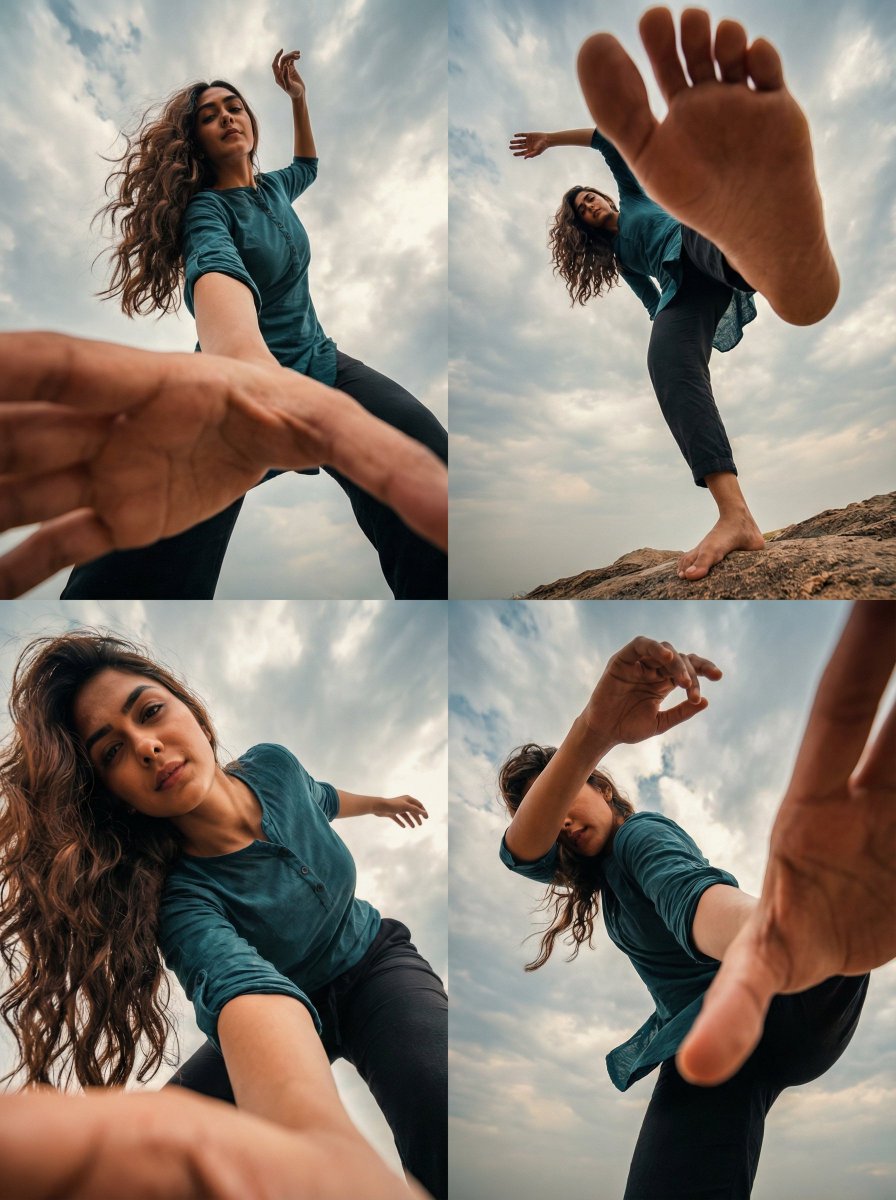
Transform Photo into 4 Dynamic Character Styles

Shonen Manga Magazine Cover

untitled
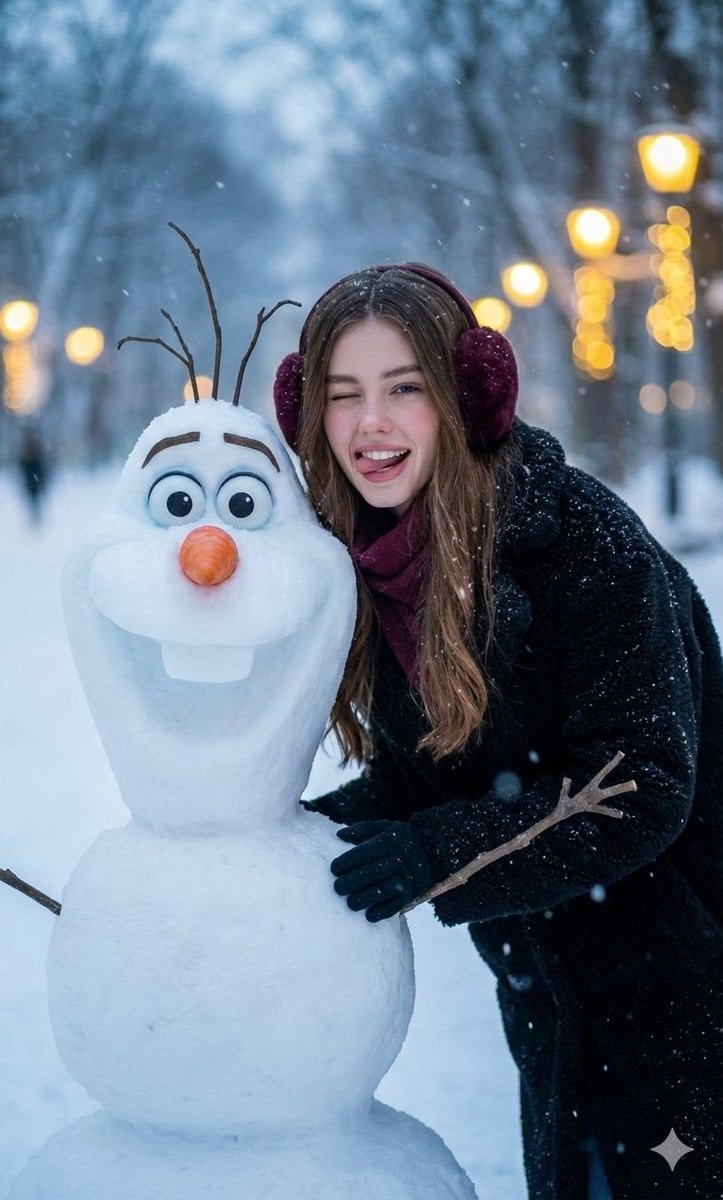
Realistic Olaf and Girl Winter Portrait
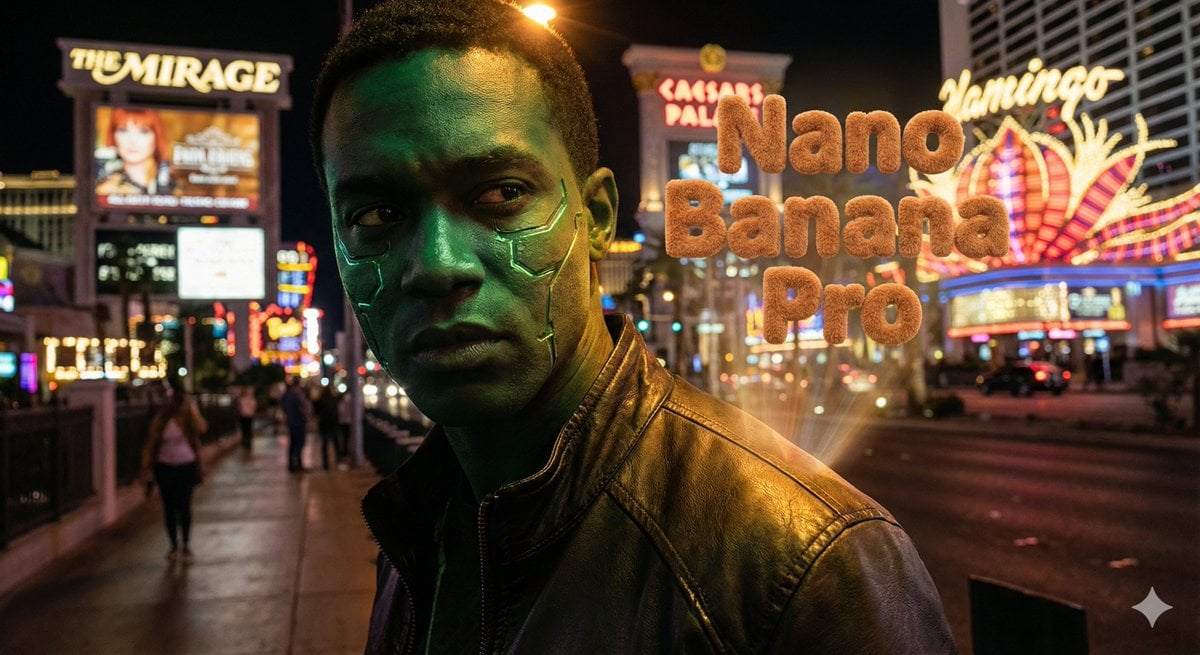
Hyper-realistic portrait with vibrant green skin on the Las Vegas Strip
Browse template categories
Five-Girl Anime Café Group Portrait questions
How do I use the Five-Girl Anime Café Group Portrait template?
Add your photo if the template asks for one, edit the prompt if you like — the template's model and format are already selected — and press Generate. Your version opens in PicX Studio.
Can I customize the Five-Girl Anime Café Group Portrait template?
Yes. You can change the subject, setting, lighting, mood, format, and available model controls before creating your image.
Is the Five-Girl Anime Café Group Portrait template free?
Opening and editing this template is free. Generating uses credits, shown on the Generate button when you are signed in.
Which AI model should I use?
Start with GPT Image 2, which is the model associated with this template. You can compare another compatible model for a different finish.
Looking for something else? Browse all templates.

Your photo, any look
Thousands of ready templates for every top image and video model, from one credit balance.