
Shonen Manga Magazine Cover
A flashy faux Japanese weekly manga cover featuring a martial-arts anime hero, useful for generating commercial-style magazine parody art or cover mockups.

- Prompt included
- Model and format preset
- Free template
The prompt behind this image
Copy the exact prompt behind Shonen Manga Magazine Cover, or open it in the studio and make it yours.
Create a glossy Japanese weekly shonen manga magazine cover in the style of a high-energy commercial comic anthology, with a dense, crowded layout, explosive typography, and dramatic cover-line design. The cover is portrait orientation, dominated by a huge red masthead at the top with thick black outlines and yellow accents, plus a secondary English subtitle reading “WEEKLY JUMP.” Add many Japanese teaser blurbs, issue-number boxes, starbursts, side callouts, and circular inset previews arranged around the main character, mimicking a real manga magazine cover packed with text and hype. Place issue details in the upper right, including a date and a large issue number, and add multiple bright promotional banners in yellow, red, white, and black. Main subject: a handsome anime-style teenage boy martial artist in the center, shown from the waist up in a strong fighting stance with both fists thrust toward the viewer. He has messy layered {argument name="hair color" default="golden blond"} hair with long bangs partly covering one eye, sharp amber eyes, a confident smirk, and several ear piercings. He wears a soft white panda hat with black ears and panda eye patches on top, and a vivid red Chinese kung fu shirt with black frog closures and black trim, featuring a large black dragon motif on the chest. His pose should feel dynamic and confrontational, as if ready to strike, with foreshortened fists filling the foreground. Background: a warm, slightly blurred traditional East Asian street or interior market scene with wooden beams, lantern-like red accents, and golden ambient lighting, kept soft so the character and typography dominate. Use fiery yellow energy bursts, black ink splashes, speed-line accents, and paint-like brush effects around the lower half of the cover to amplify impact. Typography and cover-line design: include 1 giant vertical brush-calligraphy slogan on the left, 1 very large main title across the lower center in aggressive black and red kanji-style lettering, 1 smaller horizontal tagline beneath it in white and yellow, 1 yellow burst in the lower left promoting circulation or sales, 1 red banner near the lower right promoting a special feature, 1 large yellow-and-green feature box in the upper right, and 2 circular inset character preview portraits stacked along the right side with short Japanese teaser text next to each. Also include 1 small skull-emblem graphic near the top center-right integrated into the masthead area. The overall look must feel like a bestselling action manga issue focused on a new martial-arts series titled {argument name="series title" default="龍拳の咆哮"}, with the lead character {argument name="character name" default="Yume"} presented as a breakout shonen hero. Ultra-saturated colors, crisp anime rendering, polished print-cover finish, dramatic contrast, and authentic magazine-cover composition.
How to use Shonen Manga Magazine Cover in 3 steps
- 1Upload ImagePNG, JPG or paste
Add your photo
Upload the photo the template builds on. The prompt, model and format are already set.
- 2…a portrait of your subject in softgolden-hour light, 85mm…
Personalize
Edit the subject and creative details for your destination.
- 3Generate
Generate
Press Generate — your image is created in PicX Studio, so you can compare it with the original and refine one variable at a time.
More like this
Templates with the same subject, style or setup. Open one to see its prompt.

Explosive Shonen Manga Cover

Chaotic Shonen Manga Cover

Off Duty Fashion Magazine Cover

Japanese Tatami Lifestyle Magazine Cover

Ethereal Bloom Magazine Cover

Tropical Macaw Magazine Cover

Anime Mahjong Magazine Cover

Neon Anime Fireworks Magazine Cover
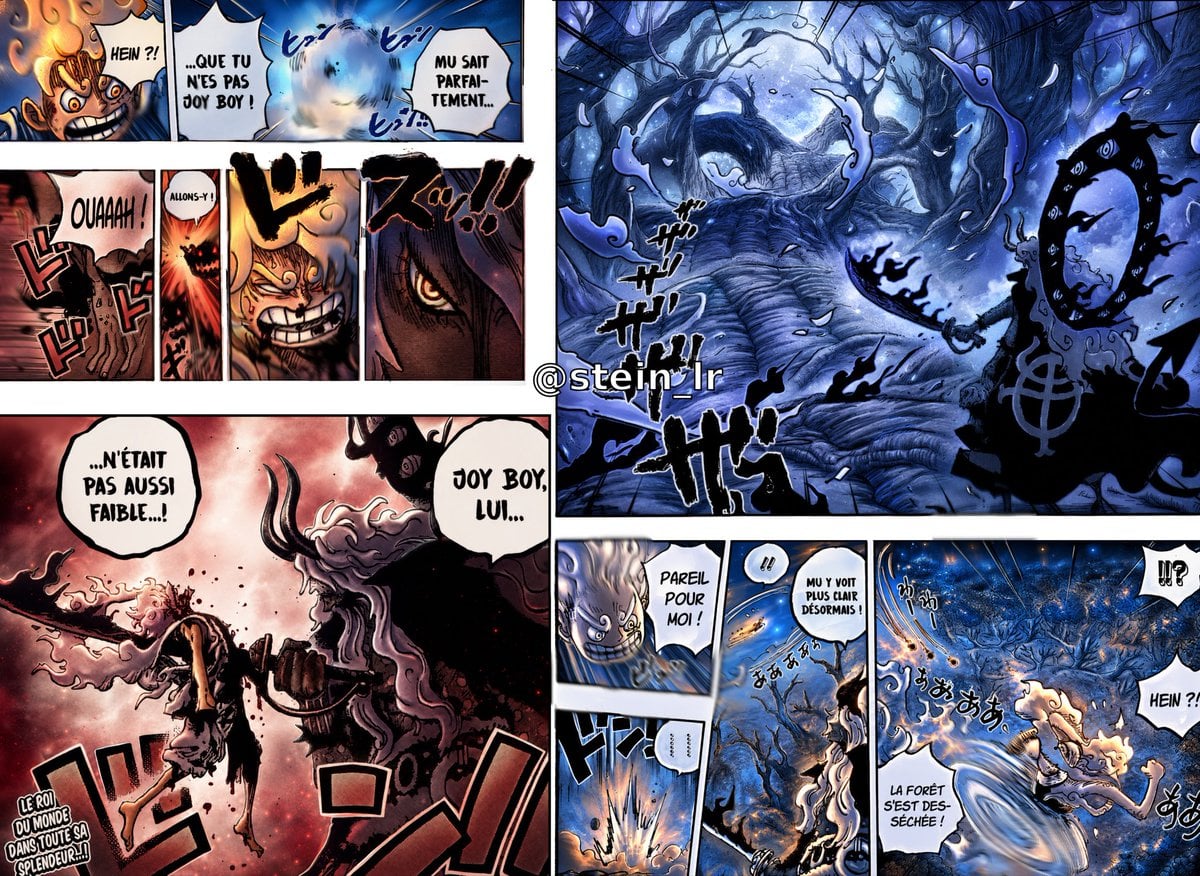
Colorized Shonen Manga Battle Spread

High-Fashion Magazine Cover Portrait

Open Magazine Luxury Fashion Editorial Layout

Monochrome Halftone Editorial Fashion Poster
Make it yours
Shonen Manga Magazine Cover works as-is. These are the safest ways to change it without losing the look.
Change one field
Copy a single group, rewrite it, and generate again so you can see what that field is doing.
Keep the frame, change the subject
Hold the composition and light of Shonen Manga Magazine Cover, then swap wardrobe, props or the person for a new take.
| If the result… | Why | Fix |
|---|---|---|
| The result drifts from the preview | Too many fields changed at once. | Reuse Shonen Manga Magazine Cover as-is first, then change one group — subject, light, or setting. |
| The model over-stylizes the scene | The prose prompt leaves finish and camera underspecified. | Add one camera or lighting sentence and stay on GPT Image 2. |
More GPT Image 2 templates
Other prompts made for GPT Image 2.

Six VTuber Japanese Logo Sheet

Realistic Portrait of Woman and Deer

The Vista Modular Condo Poster

AI Model Routing Comparison Infographic

2.5D Anime Art Board

Isometric Productivity Desk Scene

New York Double Exposure Poster

Four-Panel AI Landscape Comparison

NESCAFÉ Coffee Map Poster

Brutalist Cogito Chinese Typography Poster
More image prompts
Fresh picks from across the catalog.
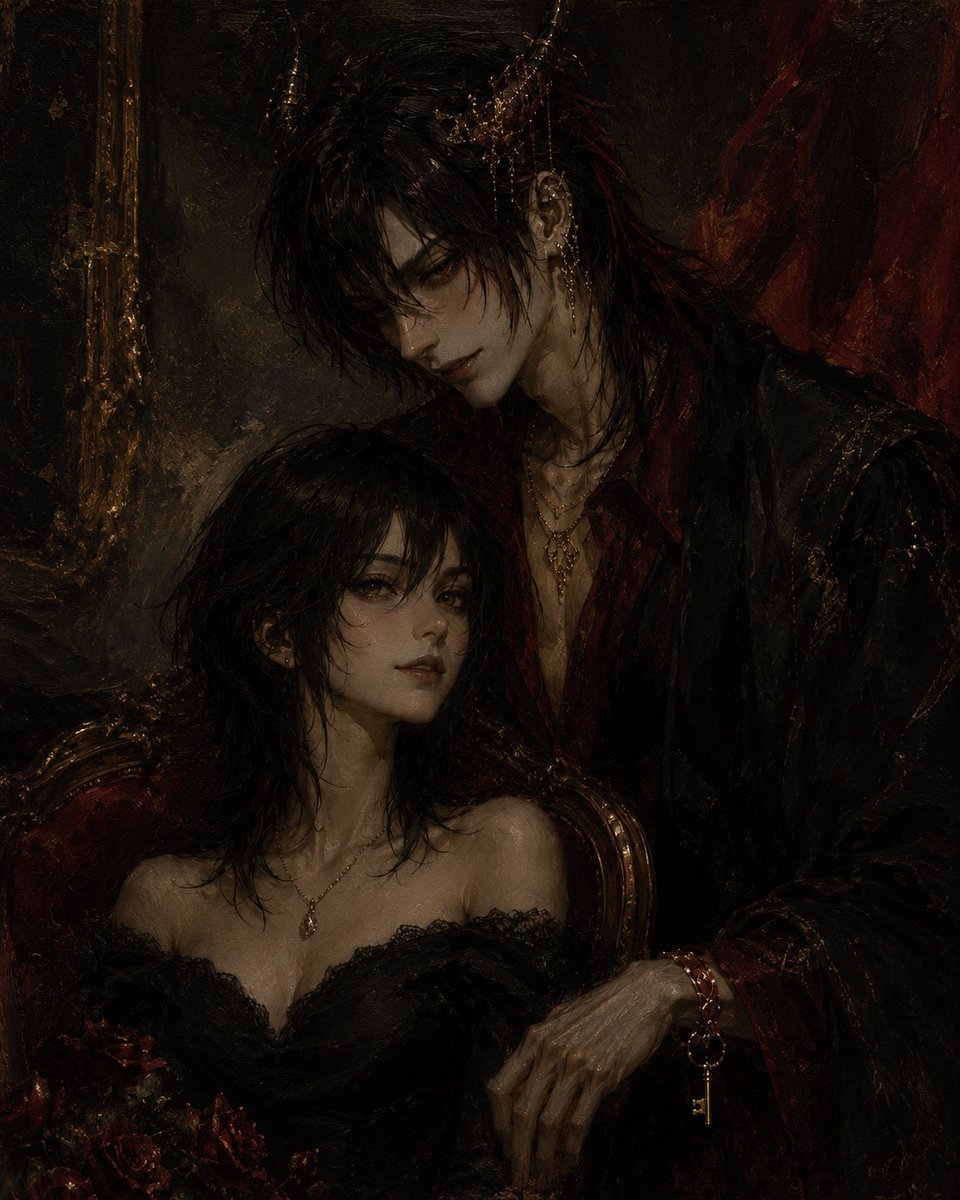
Gothic Vampire Couple Oil Portrait

World Cup Champion Tunnel Poster
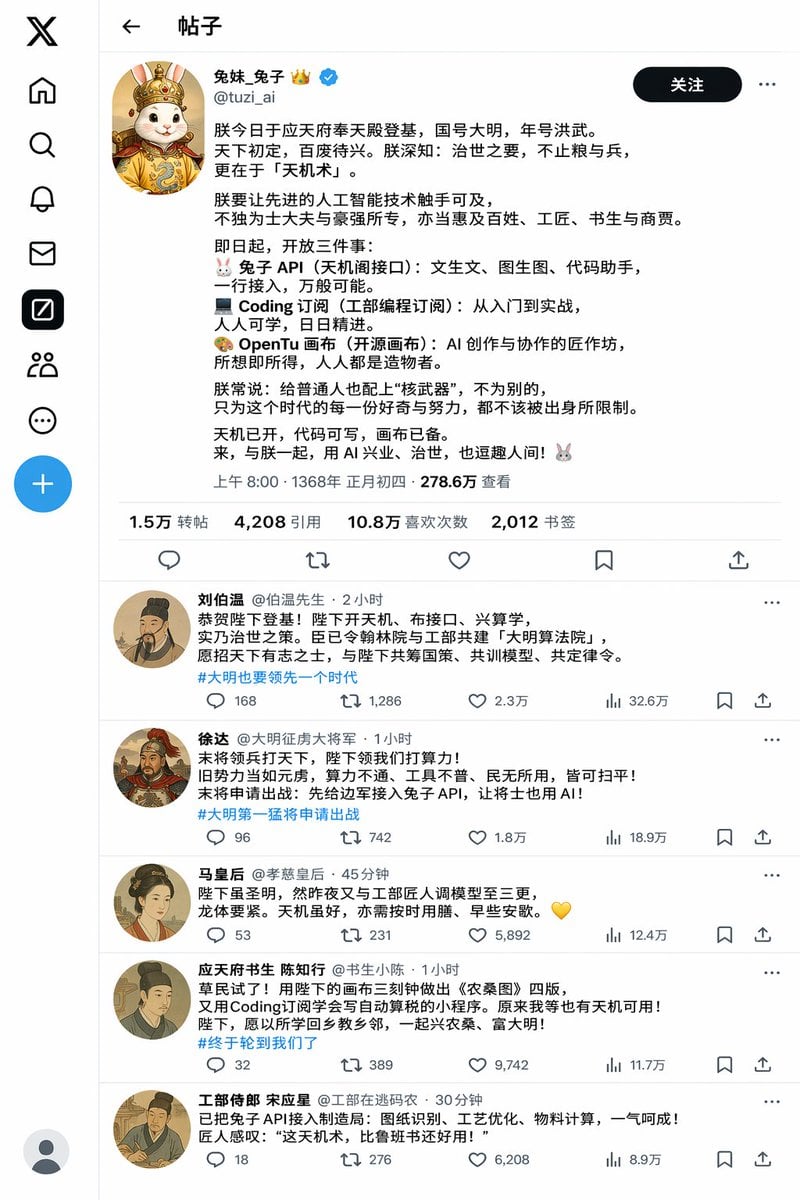
Historical Rabbit King Social Media Page
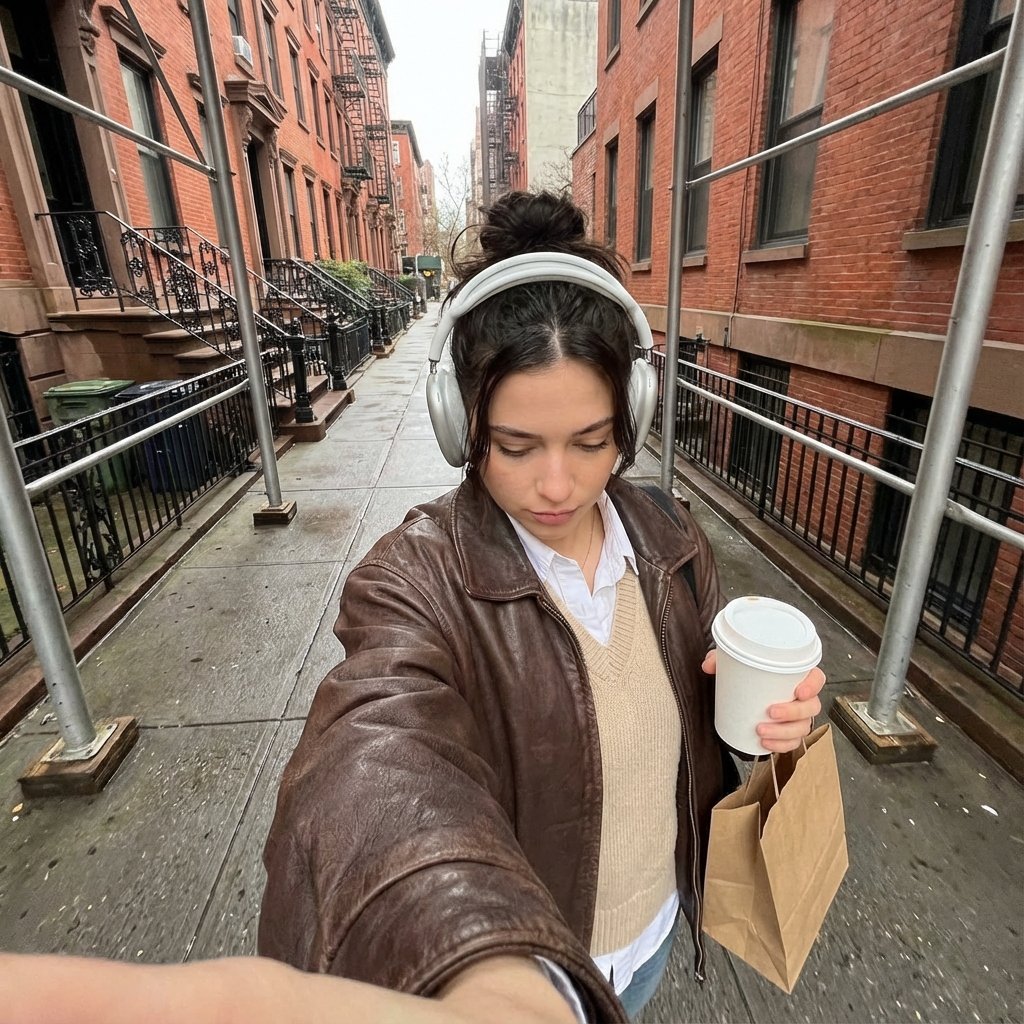
Candid Urban Street Photography Prompt (JSON Structure)
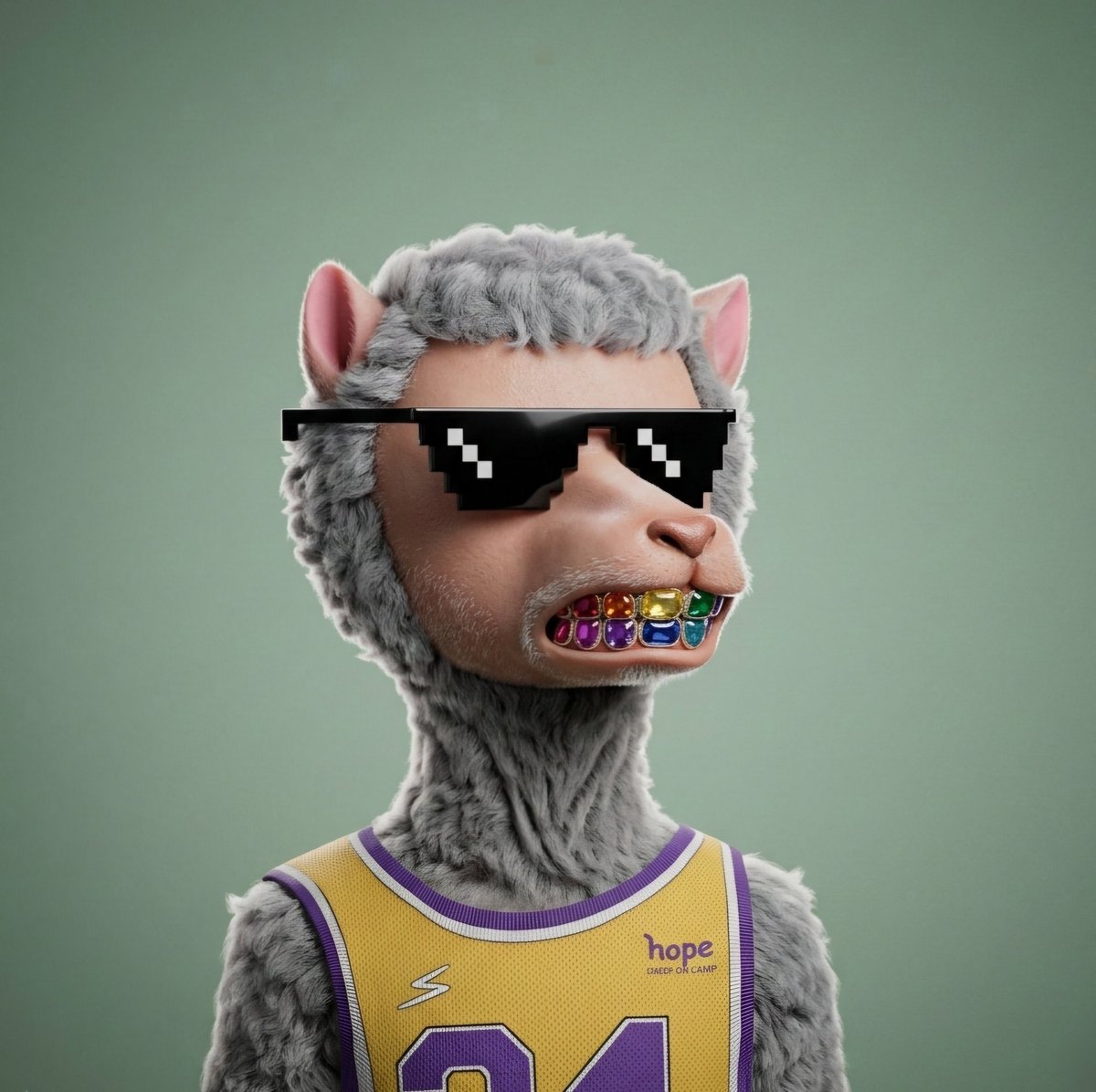
3D Hyper-realistic Style Transformation for NFT

Cinematic Sakura Ronin Poster
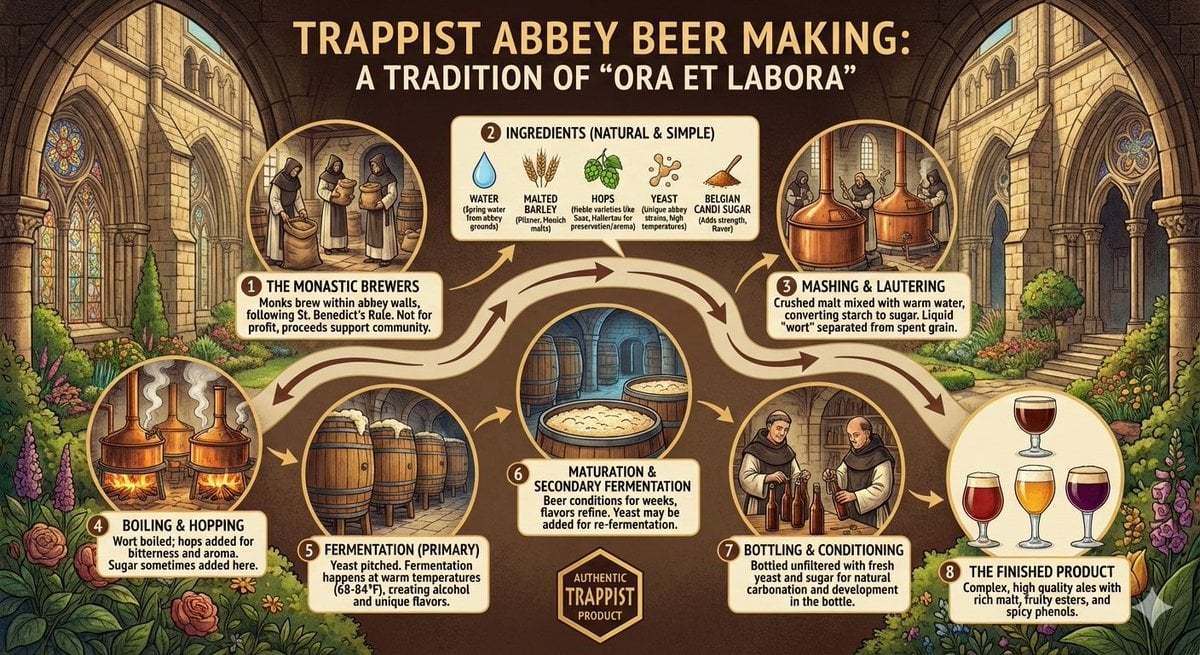
Infographic on Trappist Abbey Beer Making

Desert Motocross Action Shot
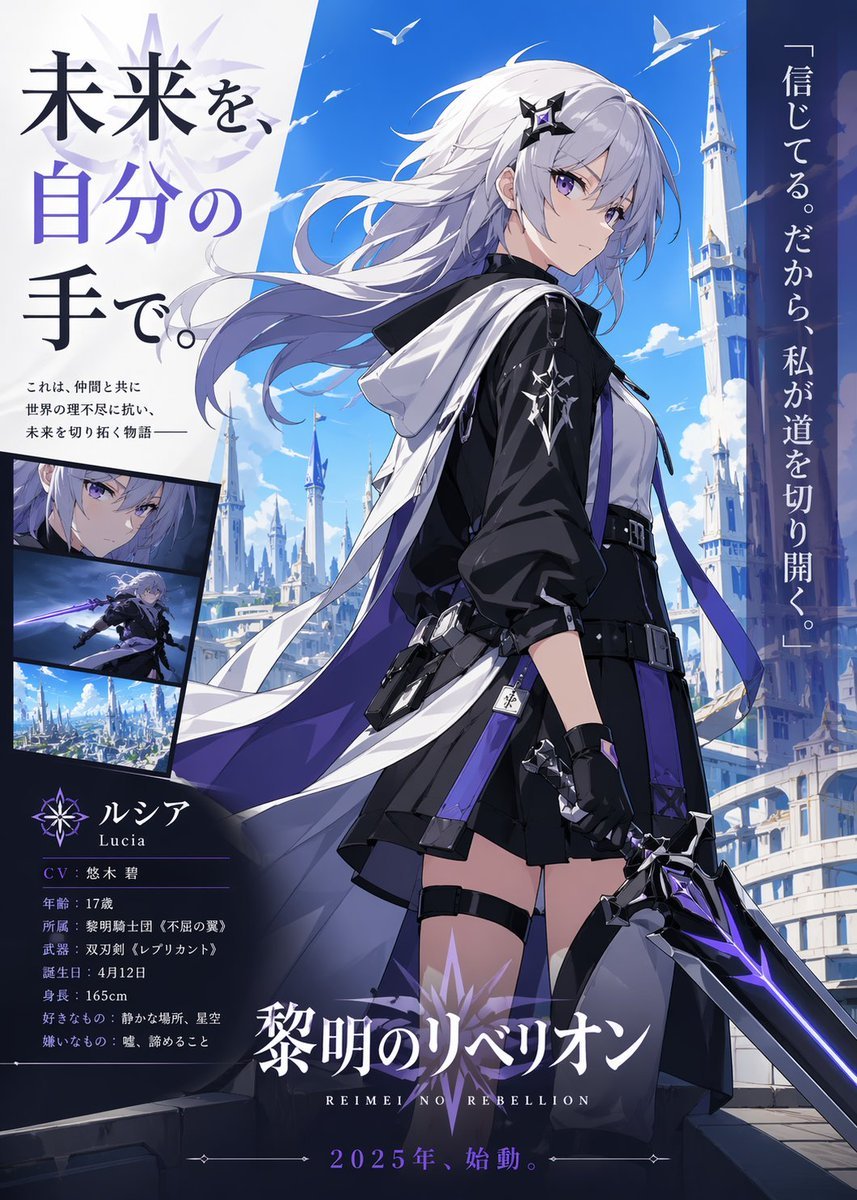
Anime Heroine Promo Poster
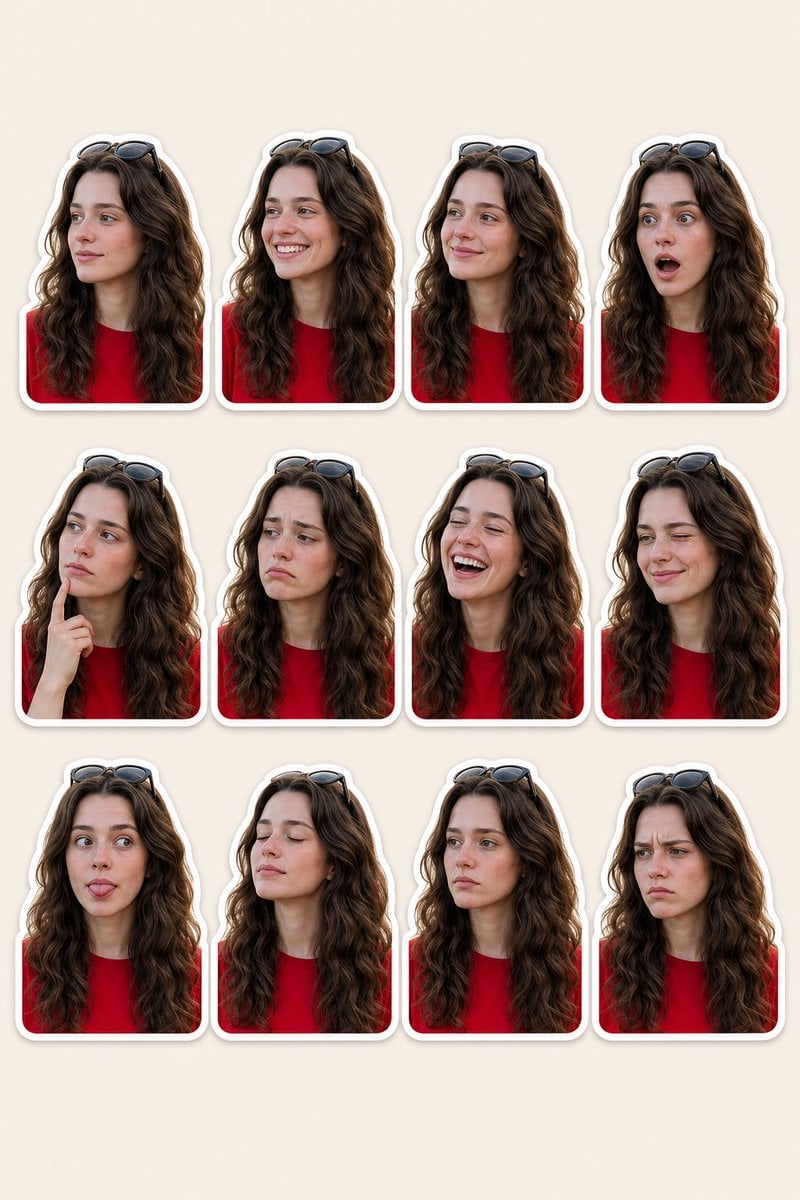
Woman Portrait Sticker Pack
Browse template categories
Shonen Manga Magazine Cover questions
How do I use the Shonen Manga Magazine Cover template?
Add your photo if the template asks for one, edit the prompt if you like — the template's model and format are already selected — and press Generate. Your version opens in PicX Studio.
Can I customize the Shonen Manga Magazine Cover template?
Yes. You can change the subject, setting, lighting, mood, format, and available model controls before creating your image.
Is the Shonen Manga Magazine Cover template free?
Opening and editing this template is free. Generating uses credits, shown on the Generate button when you are signed in.
Which AI model should I use?
Start with GPT Image 2, which is the model associated with this template. You can compare another compatible model for a different finish.
Looking for something else? Browse all templates.

Your photo, any look
Thousands of ready templates for every top image and video model, from one credit balance.