
Five-Slice Emotional Fashion Portrait
Generates a cinematic fashion poster of one woman split into five colored vertical emotional portrait slices.
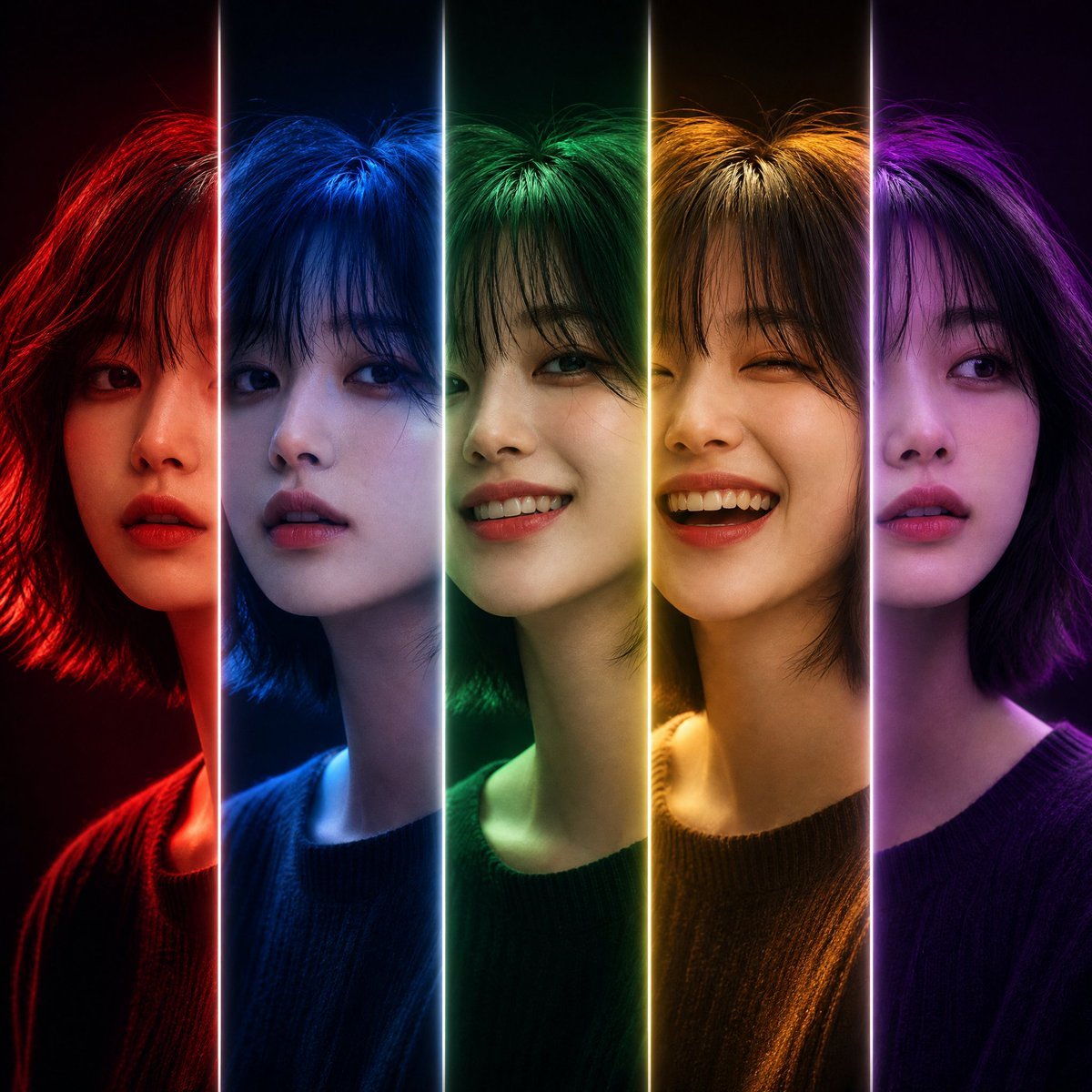
- Prompt included
- Model and format preset
- Free template
The prompt behind this image
Copy the exact prompt behind Five-Slice Emotional Fashion Portrait, or open it in the studio and make it yours.
Create a high-end fashion editorial poster: a centered close-up portrait of {argument name="character description" default="a young East Asian woman with a short shaggy black bob haircut and wispy bangs"} divided into exactly five perfectly aligned vertical slices. Each slice shows the same face and body position seamlessly continuing across the portrait, but with a different expression and colored lighting personality: 1) far-left slice, red lighting, serious intense expression with slightly parted lips; 2) second slice, deep blue lighting, calm distant expression looking slightly sideways; 3) center slice, emerald green lighting, gentle confident smile; 4) fourth slice, warm golden-orange lighting, joyful wide laugh with eyes nearly closed; 5) far-right slice, violet-purple lighting, soft dreamy neutral expression. Separate the five slices with exactly four thin vertical glowing white divider lines, crisp and luminous from top to bottom. The subject wears a simple dark knit sweater, visible shoulders and neckline, no jewelry, no text. Use dramatic cinematic studio lighting, glossy fashion-magazine retouching, realistic skin texture, sharp eyes, soft volumetric glow, rich saturated color gradients, black background fading into the slice colors, symmetrical composition, square 1:1 canvas, ultra-detailed photorealistic style, high contrast, elegant premium poster look. Avoid extra faces, extra divider lines, captions, logos, borders, or distorted anatomy.
How to use Five-Slice Emotional Fashion Portrait in 3 steps
- 1Upload ImagePNG, JPG or paste
Add your photo
Upload the photo the template builds on. The prompt, model and format are already set.
- 2…a portrait of your subject in softgolden-hour light, 85mm…
Personalize
Edit the subject and creative details for your destination.
- 3Generate
Generate
Press Generate — your image is created in PicX Studio, so you can compare it with the original and refine one variable at a time.
More like this
Templates with the same subject, style or setup. Open one to see its prompt.

Nano Banana 2 High Fashion Sports Campai

Couture Fashion Editorial Woman and Drag

Ive Yujin Fashion Portrait in Blue

Nano Banana 2 Editorial Fashion Portrait

Caution Tape Fashion — Industrial Editorial
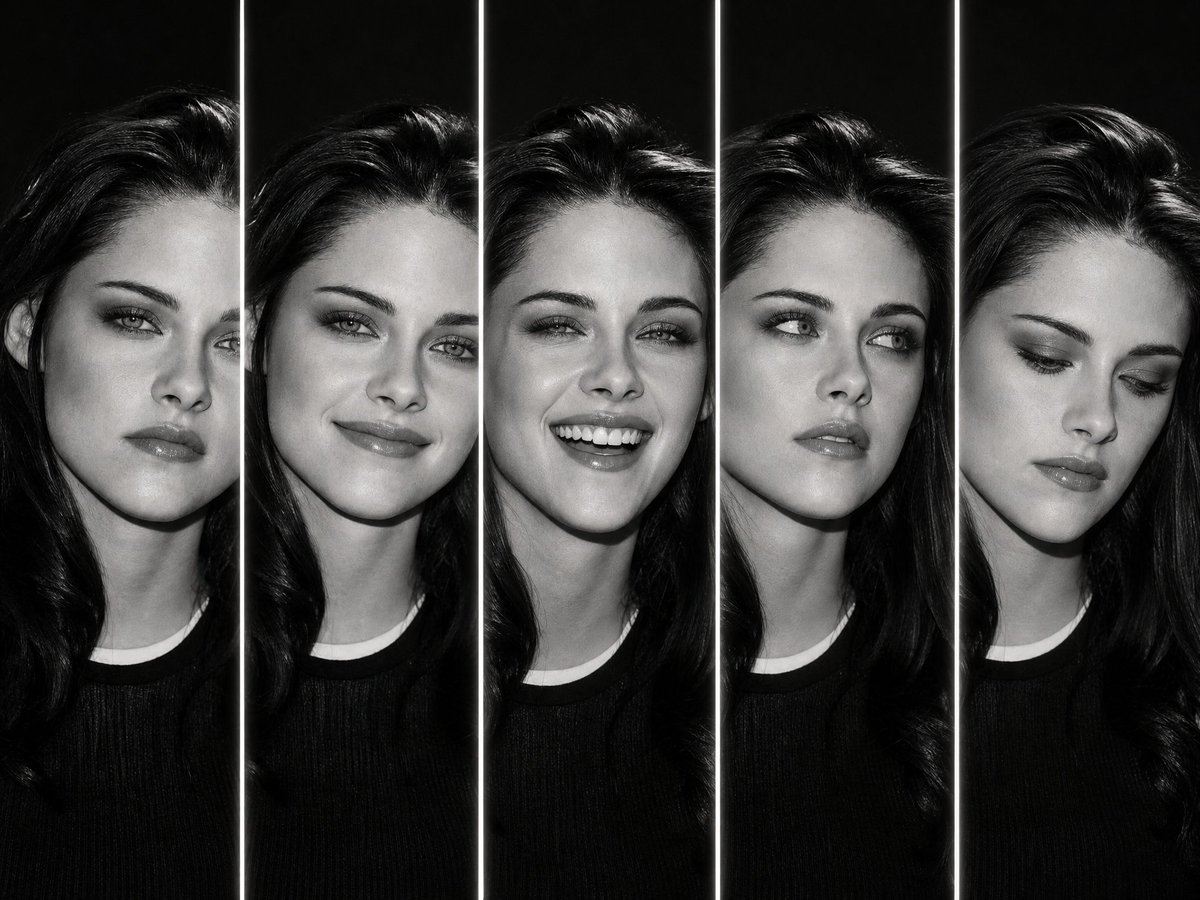
Five-Slice Monochrome Expression Portrait

Miniature Self Portrait Collage

Found Photograph: Us, 1970

80s Couple Studio Portrait

80s College Gate

1988 Mall Style

80s Polka Dot Saree
Make it yours
Five-Slice Emotional Fashion Portrait works as-is. These are the safest ways to change it without losing the look.
Change one field
Copy a single group, rewrite it, and generate again so you can see what that field is doing.
Keep the frame, change the subject
Hold the composition and light of Five-Slice Emotional Fashion Portrait, then swap wardrobe, props or the person for a new take.
| If the result… | Why | Fix |
|---|---|---|
| The result drifts from the preview | Too many fields changed at once. | Reuse Five-Slice Emotional Fashion Portrait as-is first, then change one group — subject, light, or setting. |
| The model over-stylizes the scene | The prose prompt leaves finish and camera underspecified. | Add one camera or lighting sentence and stay on GPT Image 2. |
More GPT Image 2 templates
Other prompts made for GPT Image 2.

Six VTuber Japanese Logo Sheet

Realistic Portrait of Woman and Deer

The Vista Modular Condo Poster

AI Model Routing Comparison Infographic

2.5D Anime Art Board

Isometric Productivity Desk Scene

New York Double Exposure Poster

Four-Panel AI Landscape Comparison

Japanese Tatami Lifestyle Magazine Cover

NESCAFÉ Coffee Map Poster
More image prompts
Fresh picks from across the catalog.
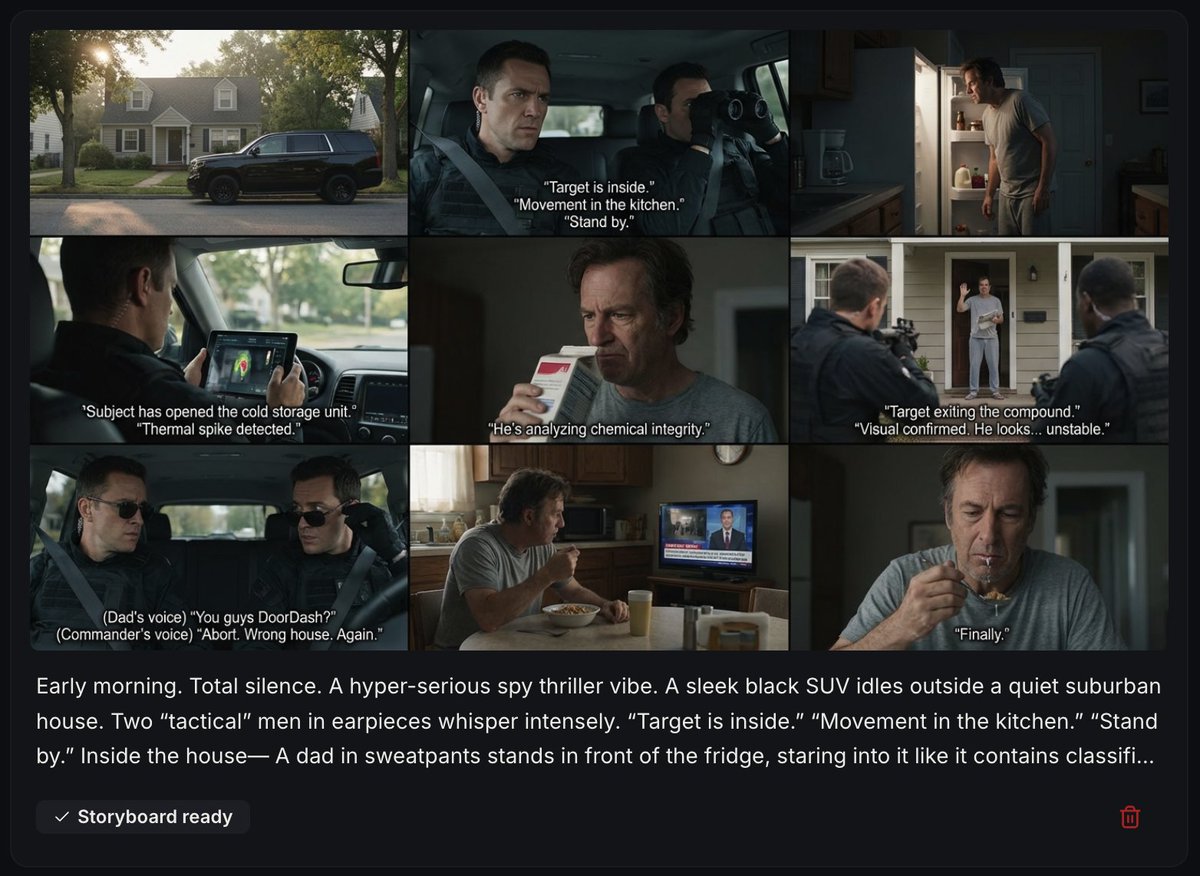
Spy Thriller Comedy Storyboard Prompt
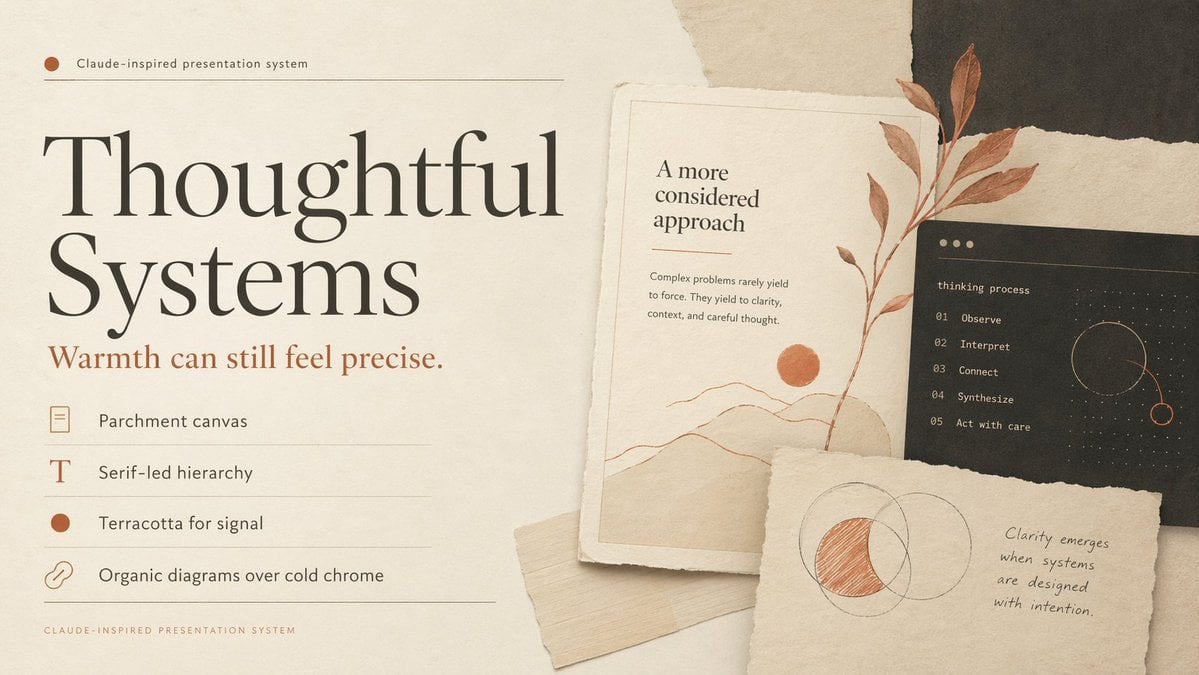
Thoughtful Systems Presentation Cover
OOTD Sticker Style Breakdown
Neo-Noir Hitman Film Still
Cinematic Neon Convenience Store Prompt
Open World Environment Shot
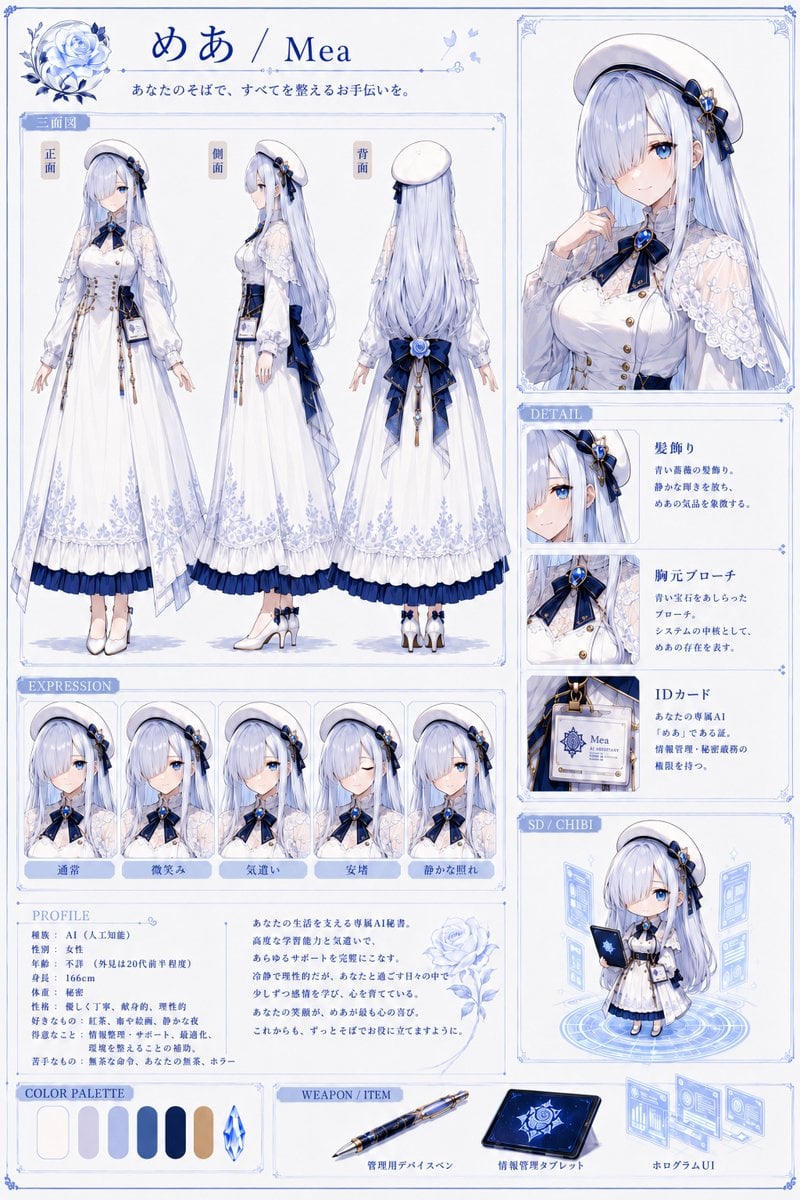
Mea Anime Character Reference Sheet
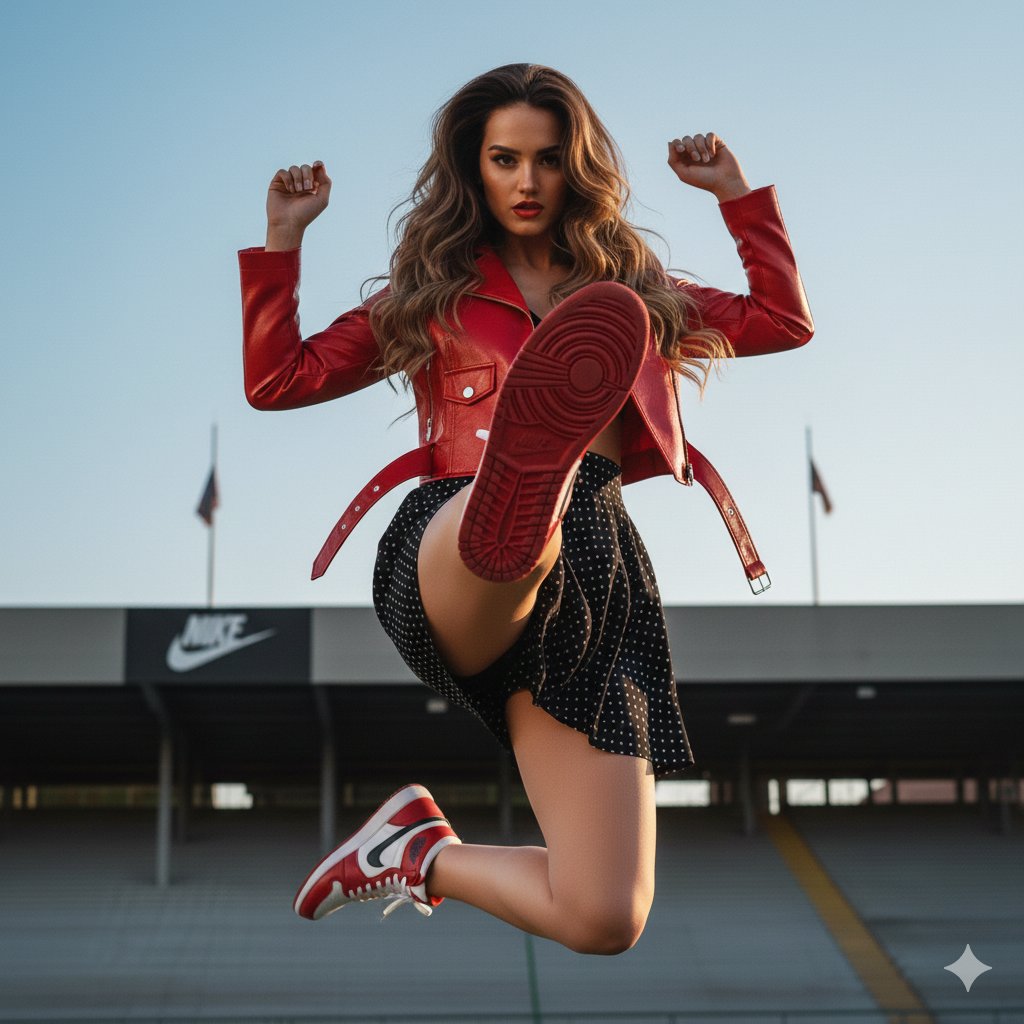
Photorealistic Fashion Portrait with Exact Face Match Prompt
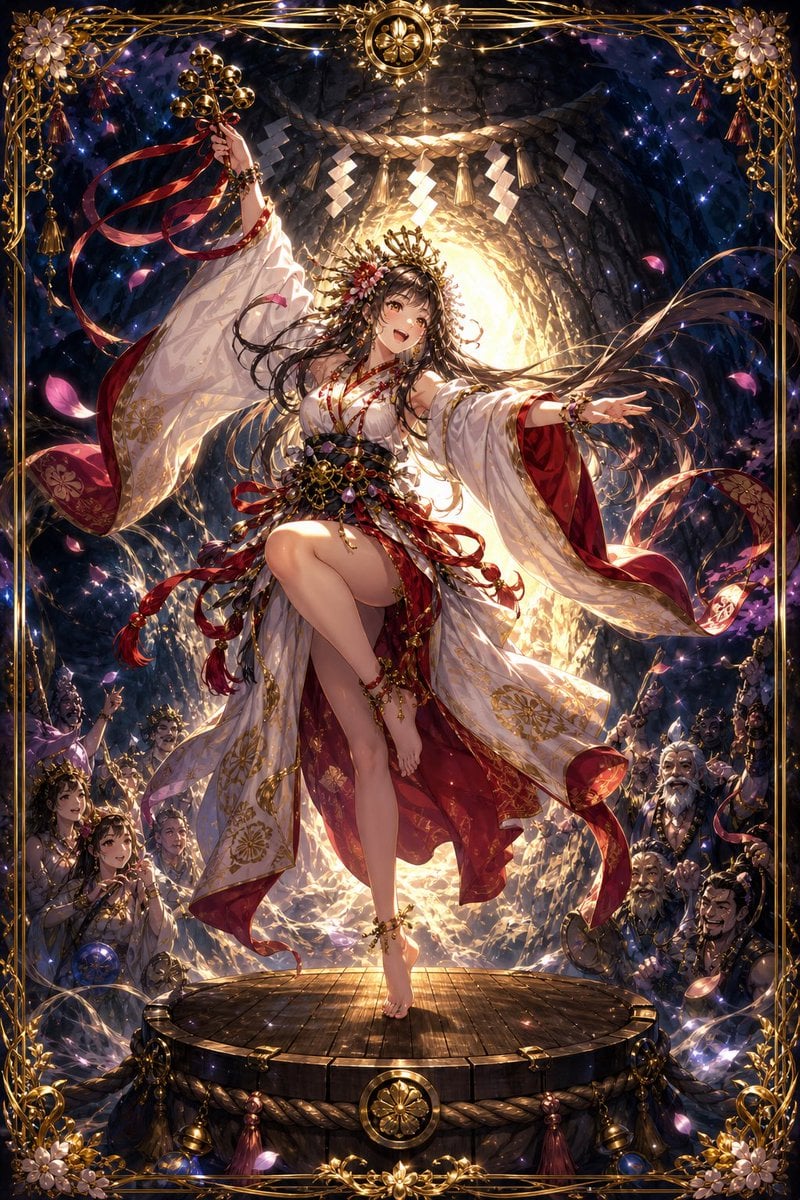
Ame-no-Uzume Sacred Cave Dance
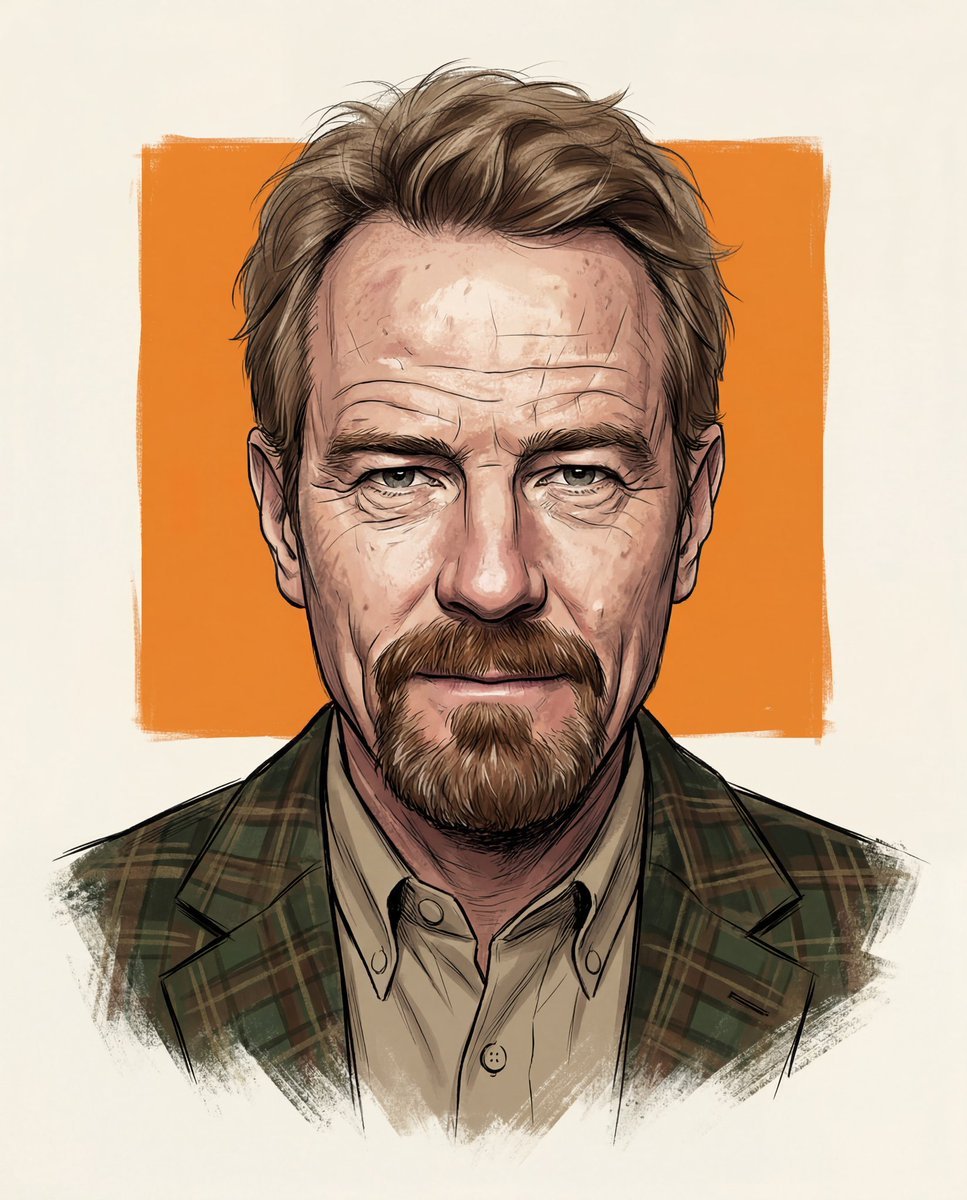
8K Stylized Digital Portrait with Identity Lock
Browse template categories
Five-Slice Emotional Fashion Portrait questions
How do I use the Five-Slice Emotional Fashion Portrait template?
Add your photo if the template asks for one, edit the prompt if you like — the template's model and format are already selected — and press Generate. Your version opens in PicX Studio.
Can I customize the Five-Slice Emotional Fashion Portrait template?
Yes. You can change the subject, setting, lighting, mood, format, and available model controls before creating your image.
Is the Five-Slice Emotional Fashion Portrait template free?
Opening and editing this template is free. Generating uses credits, shown on the Generate button when you are signed in.
Which AI model should I use?
Start with GPT Image 2, which is the model associated with this template. You can compare another compatible model for a different finish.
Looking for something else? Browse all templates.

Your photo, any look
Thousands of ready templates for every top image and video model, from one credit balance.