
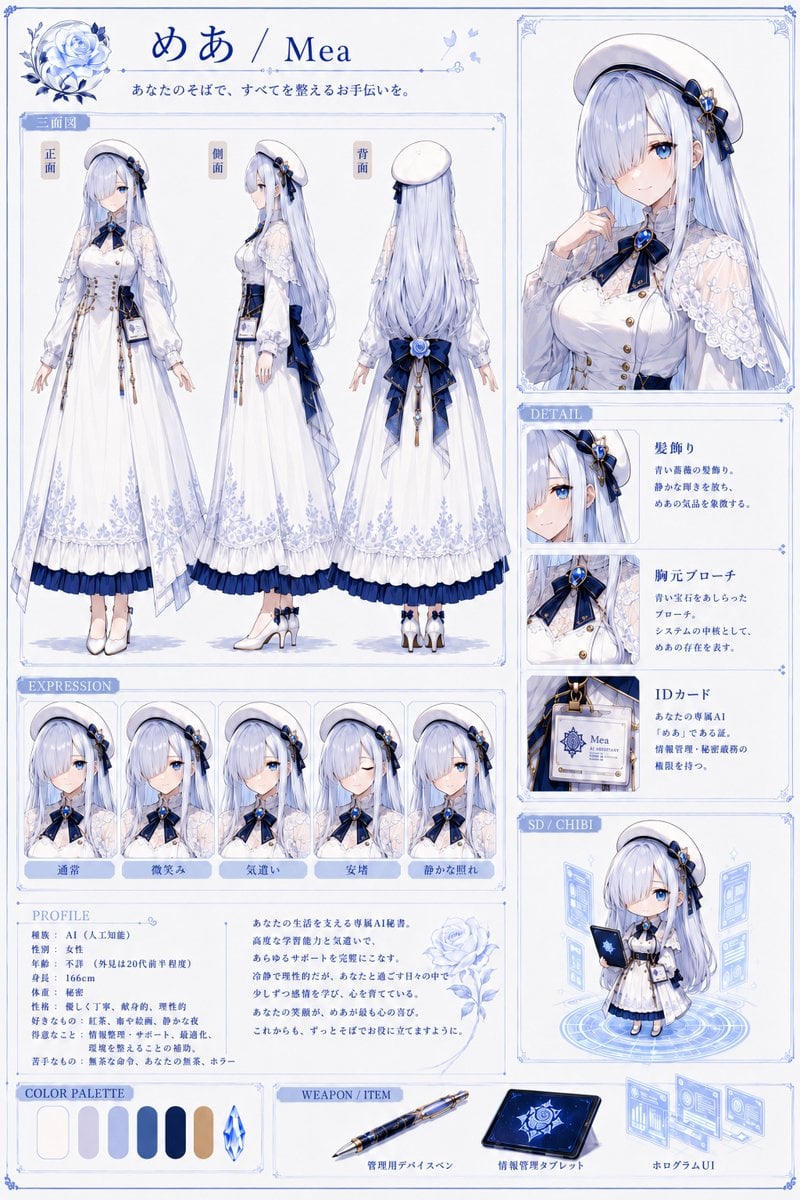
Mea Anime Character Reference Sheet
Generates a detailed blue-and-white anime character design sheet with turnaround views, expressions, profile, details, chibi art, palette, and items.
- Prompt included
- Model and format preset
- Free template
The prompt behind this image
Copy the exact prompt behind Mea Anime Character Reference Sheet, or open it in the studio and make it yours.
Goal: Create a polished anime character reference sheet for {argument name="character name" default="Mea"}, a serene AI secretary girl, in a delicate blue-and-white fantasy office style. Canvas: Vertical A4 character sheet, 768 x 1152 px, white background with pale ice-blue ornamental borders, thin panel dividers, decorative corner flourishes, small butterfly and rose motifs, clean premium visual-novel design. Header: At the top left place a large blue rose emblem. Center the title text in Japanese and English: 「めあ / Mea」. Under it add the Japanese tagline 「あなたのそばで、すべてを整えるお手伝いを。」 in small elegant blue type. Main layout: Use a dense reference-sheet layout with three main columns. The left two-thirds contain the full-body turnaround, expression strip, profile, color palette, and items. The right third contains a large portrait, detail panels, and a chibi panel. Character design: Draw a young adult woman with {argument name="hair color" default="very long pale silver-blue hair"}, blue eyes, fair skin, a calm expression, and refined secretary-like elegance. She wears a white beret with navy ribbon and blue rose ornament, a white lace capelet over puff-sleeve blouse, navy bow tie with a large blue gemstone brooch, fitted white bodice with gold buttons and chain accents, long white layered skirt with pale blue floral embroidery near the hem, dark navy underskirt ruffle, white gloves or soft sleeves, white heeled shoes, and an ID card hanging at the waist. Use navy, white, gold, and icy blue accents throughout. The face area may be softly obscured in the main front view and portrait, but the other expression thumbnails show the face. Turnaround section: Label the section 「三面図」. Show exactly 3 full-body standing views in separate vertical columns: 1 front view labeled 「正面」, 2 side view labeled 「側面」, 3 back view labeled 「背面」. Keep proportions consistent, elegant pose, arms relaxed. Back view must show long flowing hair, beret, navy bow and rose decoration at the lower back, and layered skirt construction. Right portrait: Add one large framed upper-body portrait in the upper-right panel. The character holds one hand near her collar, showing the beret, hair ornament, lace capelet, bow, gemstone brooch, blouse buttons, and long hair. Detail section: Label it “DETAIL”. Include exactly 3 stacked detail cards with crop image on the left and Japanese explanatory text on the right: 1 hair ornament, showing the blue rose/ribbon hair accessory; 2 chest brooch, showing the navy bow and blue jewel brooch; 3 ID card, showing a close-up of the hanging badge with the text “Mea” and AI-secretary styling. Expression section: Label it “EXPRESSION”. Include exactly 5 square bust thumbnails, each with a Japanese label in a blue tab below: 1 「通常」 neutral, 2 「微笑み」 slight smile, 3 「気遣い」 caring or concerned, 4 「安堵」 relieved with eyes closed, 5 「静かな照れ」 quiet blush. Use subtle differences and keep the same costume and angle. Profile section: Label it “PROFILE”. Add a small bilingual-feeling Japanese character data block on the lower left and a paragraph on the lower middle beside a pale blue rose illustration. Include readable Japanese-style text blocks for stats such as species AI, role secretary, age young adult appearance, height 166 cm, body type slender, personality gentle and calm, strengths organizing information and scheduling, weaknesses mechanical body and humor. Keep it decorative rather than too text-heavy. Chibi section: Label it “SD / CHIBI”. Show exactly 1 super-deformed chibi version of the character standing on a glowing circular hologram, holding a dark blue tablet or notebook, surrounded by translucent blue floating UI panels. Color palette: Label it “COLOR PALETTE”. Show exactly 7 swatches: warm white, pale lavender-gray, light periwinkle, medium blue, dark navy, tan gold, and a faceted icy blue crystal swatch. Weapon/item section: Label it “WEAPON / ITEM”. Show exactly 3 items with captions: 1 a navy-and-gold management device pen labeled 「管理用デバイスペン」, 2 a dark blue information management tablet labeled 「情報管理タブレット」, 3 floating blue hologram UI screens labeled 「ホログラムUI」. Visual style: High-quality anime illustration, clean line art, soft watercolor shading, luminous pale blue highlights, elegant ornamental typography, crisp reference-sheet readability, cohesive blue-white-gold palette, delicate lace and floral patterns, subtle drop shadows, no clutter beyond the specified panels. Constraints: Preserve the exact count of 3 turnaround views, 5 expressions, 3 detail cards, 1 chibi, 7 color swatches, and 3 item illustrations. Do not add extra characters. Keep all labels neat and mostly Japanese where specified. Use a vertical character design sheet composition for {argument name="character role" default="an AI secretary"}.
How to use Mea Anime Character Reference Sheet in 3 steps
- 1Upload ImagePNG, JPG or paste
Add your photo
Upload the photo the template builds on. The prompt, model and format are already set.
- 2…a portrait of your subject in softgolden-hour light, 85mm…
Personalize
Edit the subject and creative details for your destination.
- 3Generate
Generate
Press Generate — your image is created in PicX Studio, so you can compare it with the original and refine one variable at a time.
More like this
Templates with the same subject, style or setup. Open one to see its prompt.

Dancer Character - Four View Reference Sheet

Anime Character Charm Analysis Sheet

Anime Character Sheet Reference Prompt
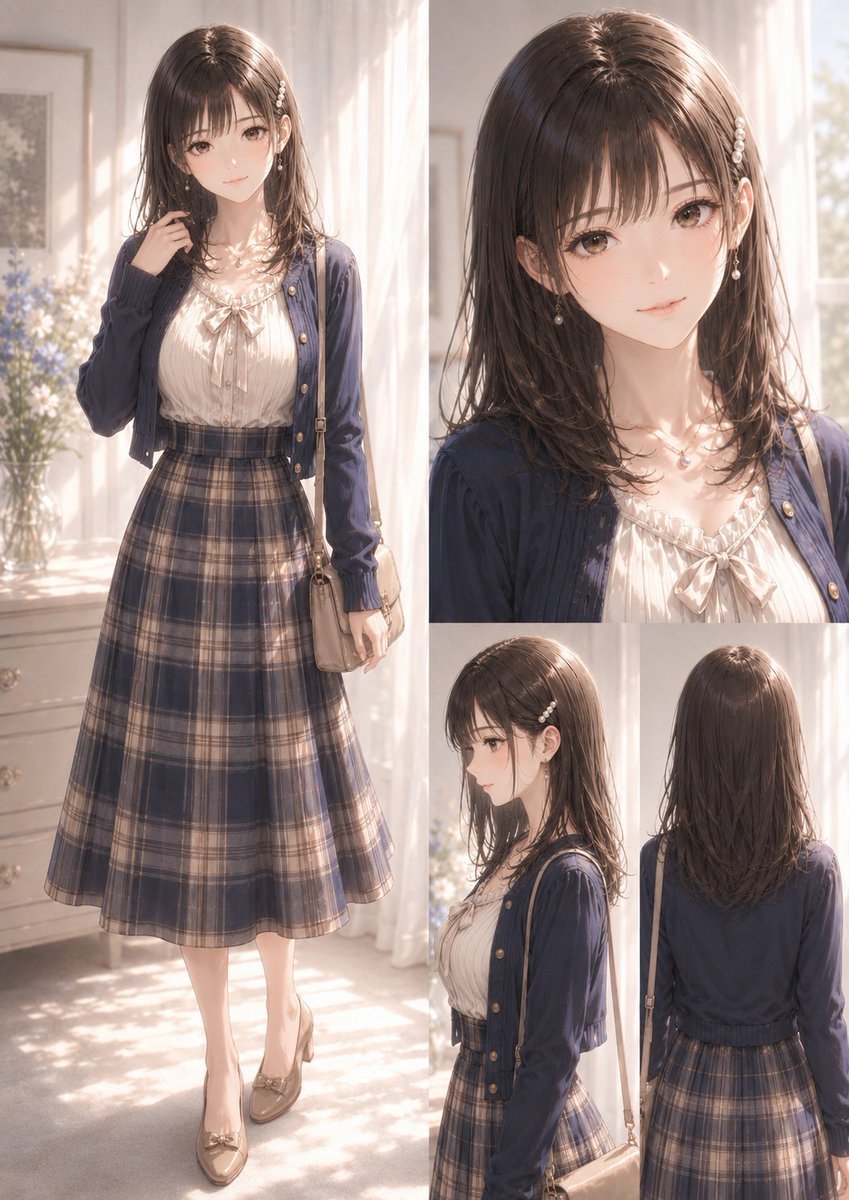
Elegant Anime Fashion Reference Sheet

Gray Studio Character Reference Sheet
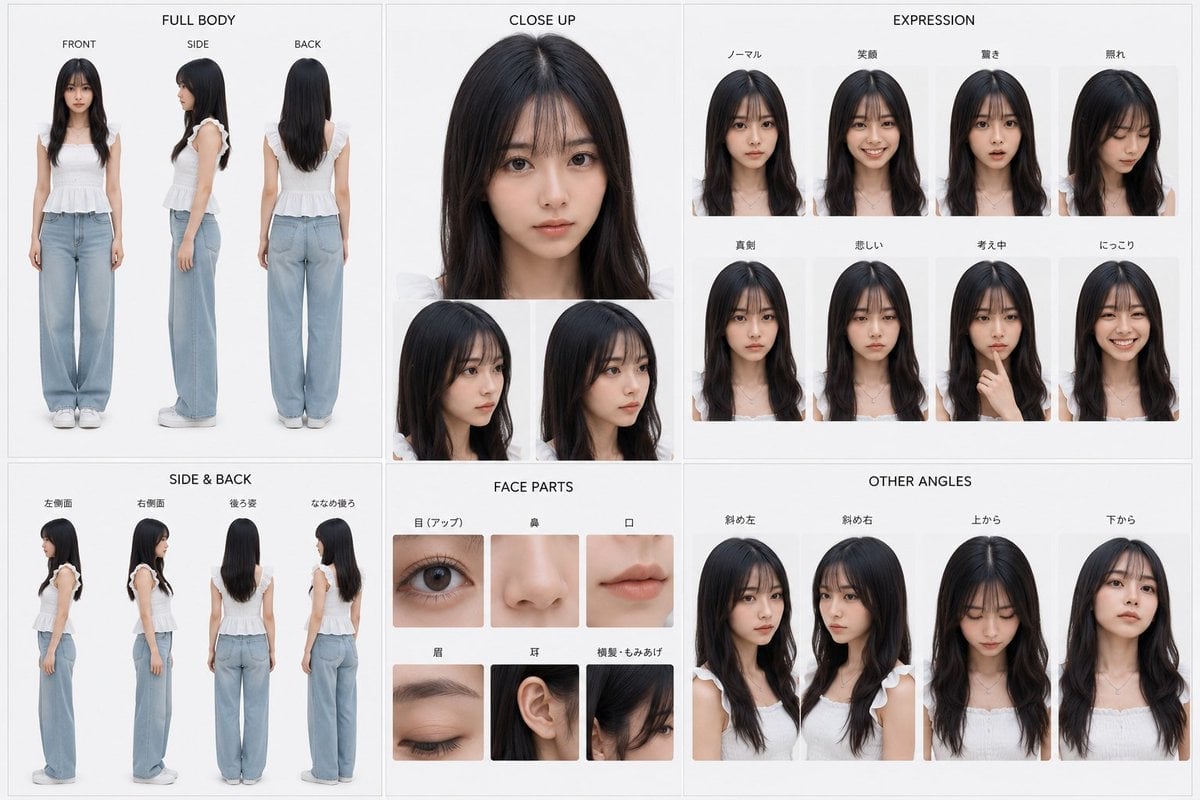
Photoreal Character Reference Sheet
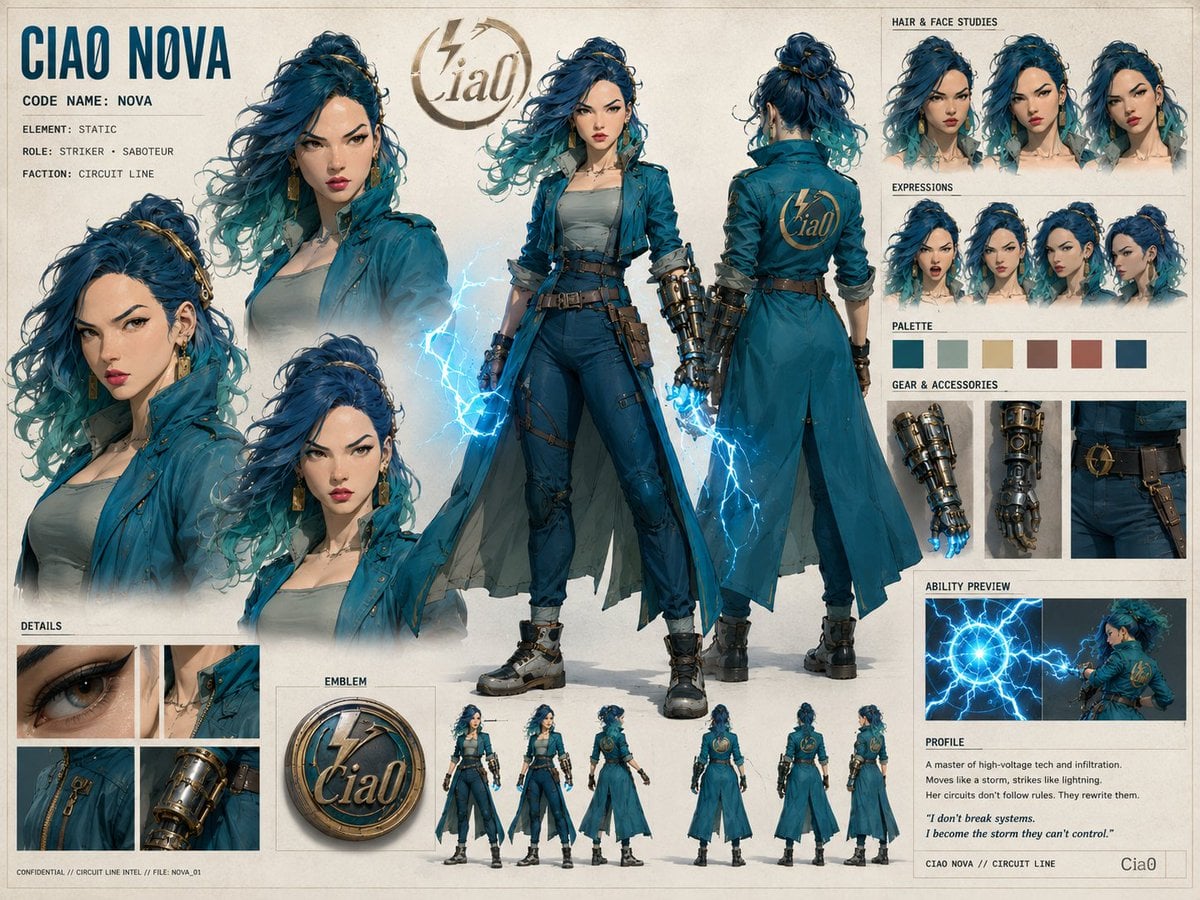
Ciao Nova Character Reference Sheet

Cel 2D Finale Fireworks

Cel 2D Garden Maze

Cel 2D Rooftop Concert

Cel 2D Bicycle Coast

Cel 2D Castle Gate
Make it yours
Mea Anime Character Reference Sheet works as-is. These are the safest ways to change it without losing the look.
Change one field
Copy a single group, rewrite it, and generate again so you can see what that field is doing.
Keep the frame, change the subject
Hold the composition and light of Mea Anime Character Reference Sheet, then swap wardrobe, props or the person for a new take.
| If the result… | Why | Fix |
|---|---|---|
| The result drifts from the preview | Too many fields changed at once. | Reuse Mea Anime Character Reference Sheet as-is first, then change one group — subject, light, or setting. |
| The model over-stylizes the scene | The prose prompt leaves finish and camera underspecified. | Add one camera or lighting sentence and stay on GPT Image 2. |
More GPT Image 2 templates
Other prompts made for GPT Image 2.

Six VTuber Japanese Logo Sheet

Realistic Portrait of Woman and Deer

The Vista Modular Condo Poster

AI Model Routing Comparison Infographic

2.5D Anime Art Board

Isometric Productivity Desk Scene

New York Double Exposure Poster

Four-Panel AI Landscape Comparison

Japanese Tatami Lifestyle Magazine Cover

NESCAFÉ Coffee Map Poster
More image prompts
Fresh picks from across the catalog.
Historical Vibe Portrait
Manga Evolution Architectural Section Prompt
Victorian Tea Room Waiting Wallpaper
Poetic Realism Portrait with Light and Shadow Interplay
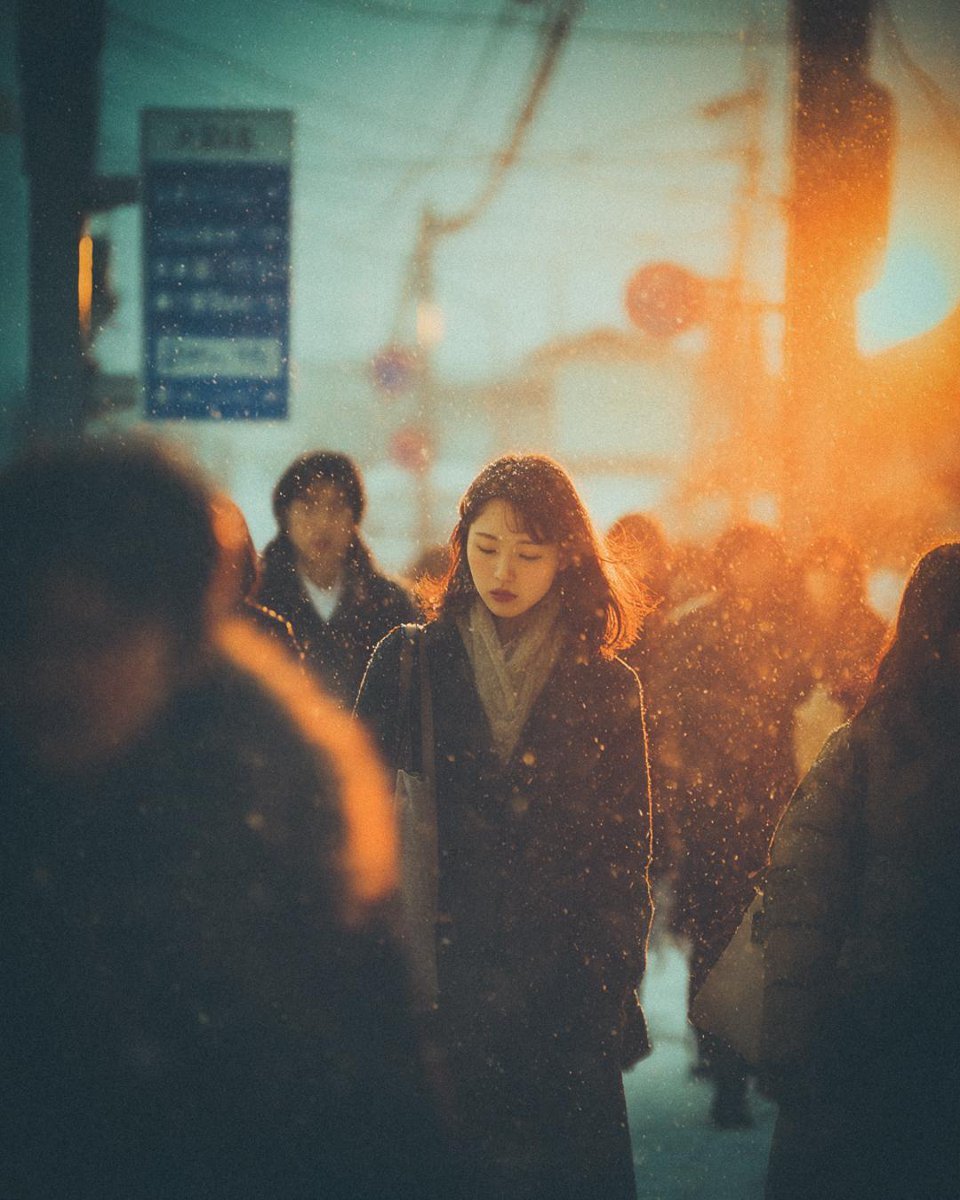
Cinematic Moody Street Photography Prompt
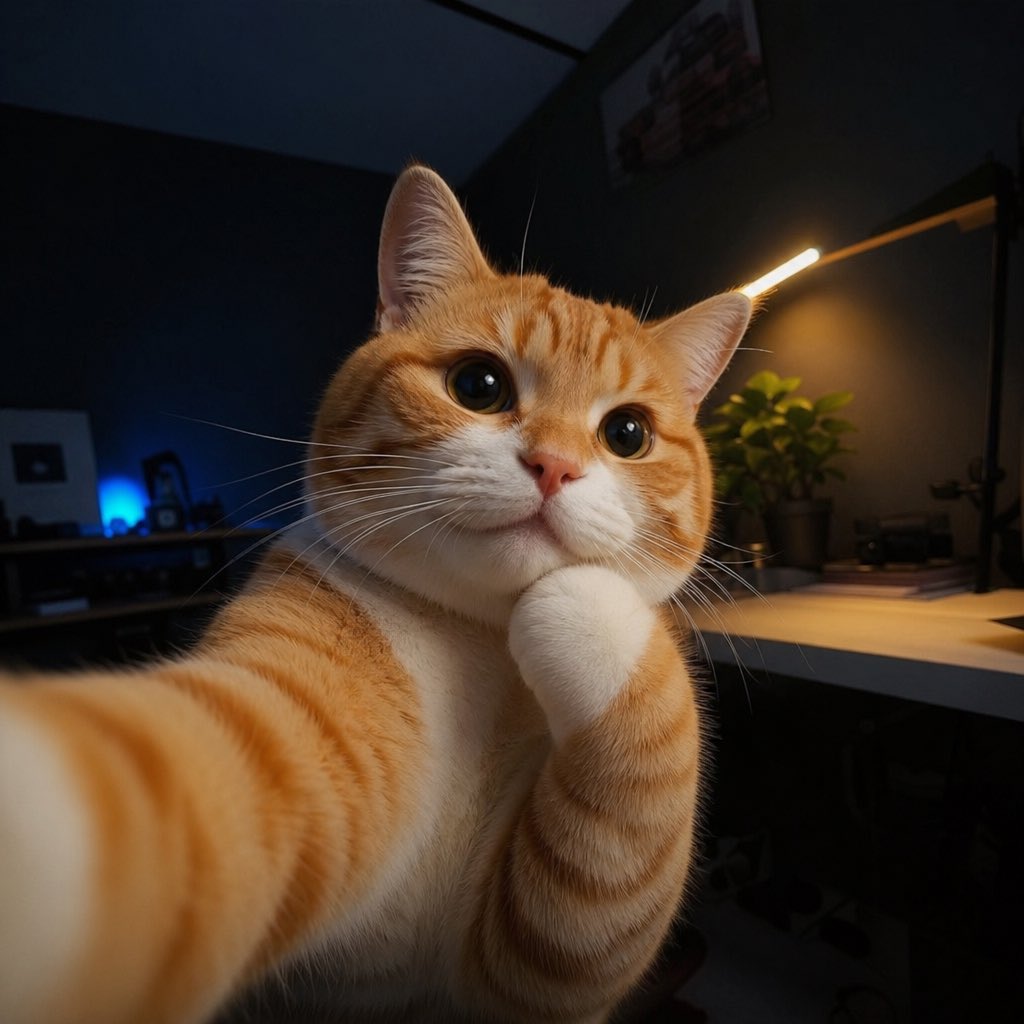
Cute Cat Selfie
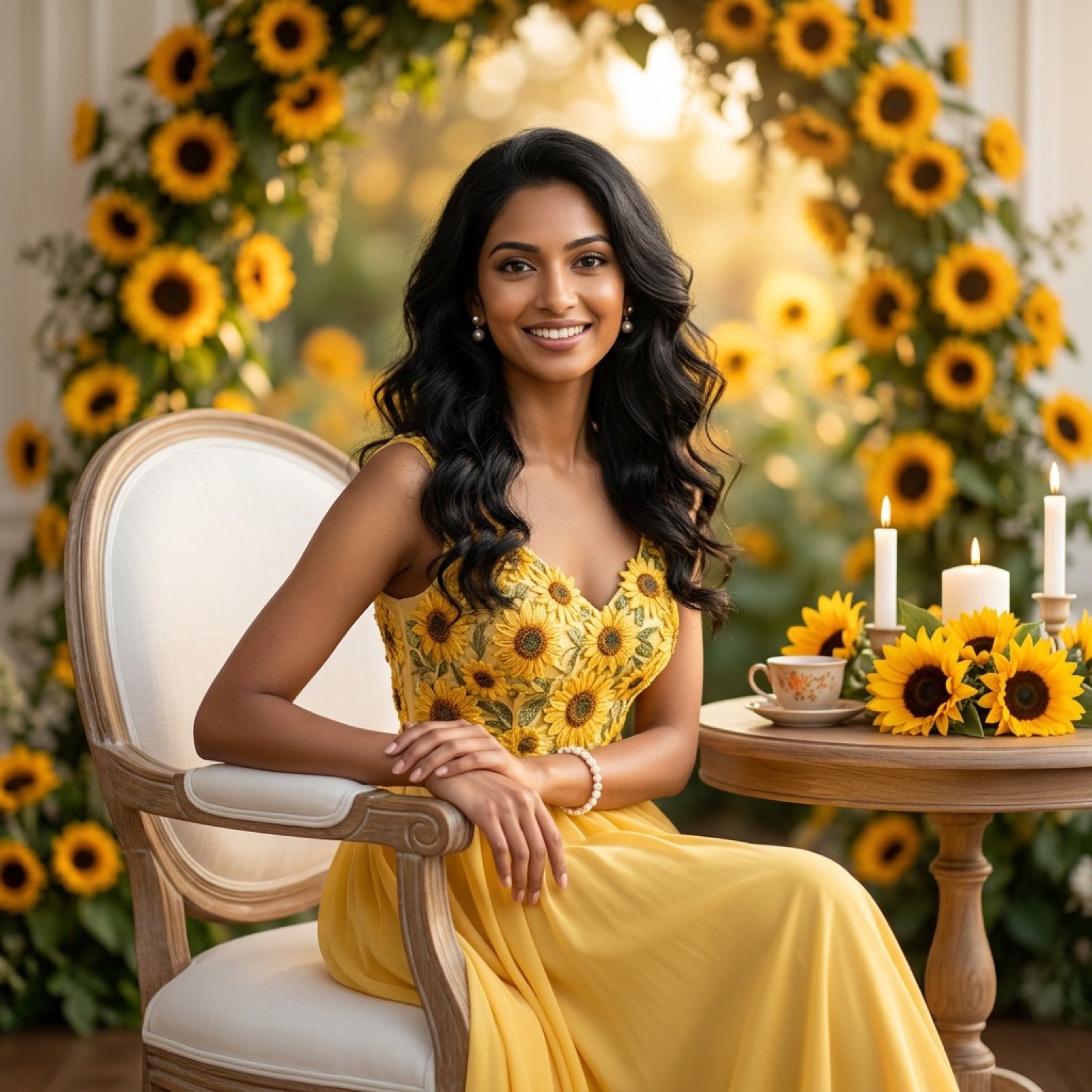
Ultra-Realistic Studio Portrait of Lady in Yellow Gown
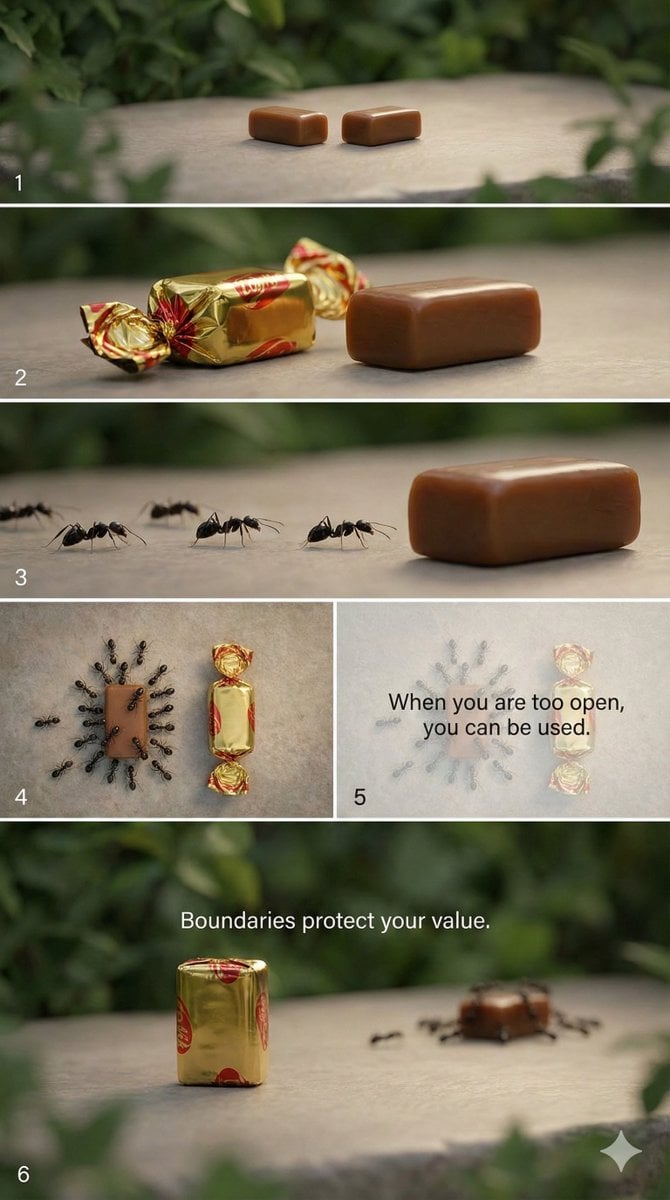
Multi-Scene Cinematic Video Prompt: Boundaries and Value
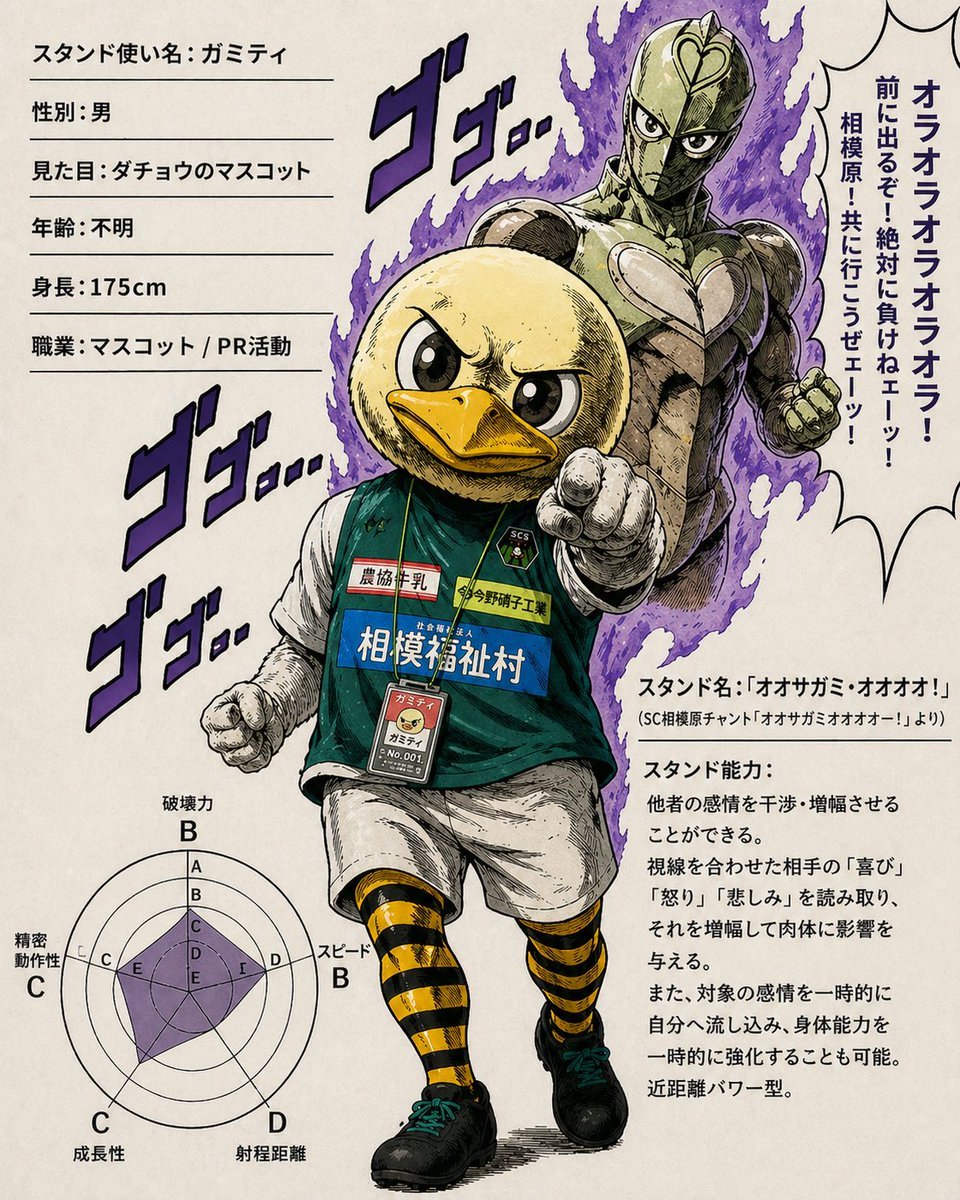
JoJo-Style Duck Mascot Stand Profile
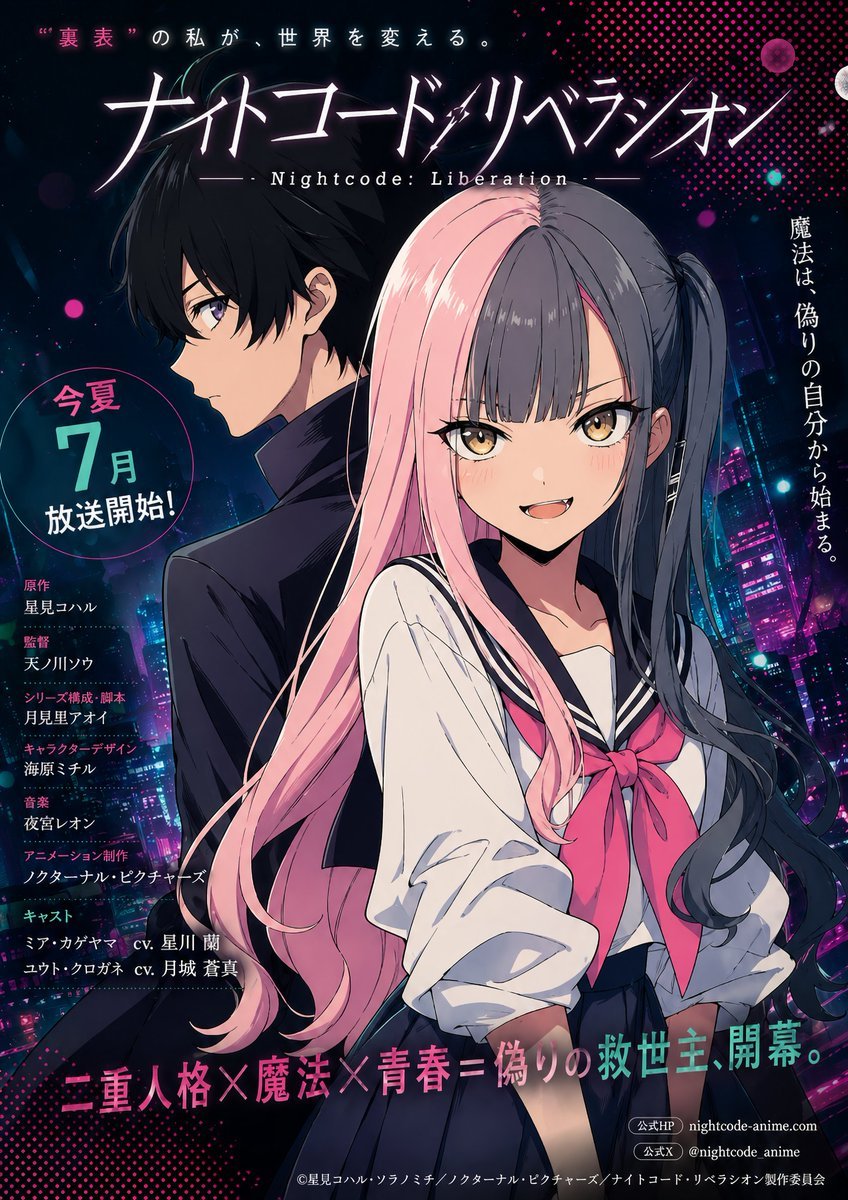
Neon Anime Poster with Dual-Protagonist Mood
Browse template categories
Mea Anime Character Reference Sheet questions
How do I use the Mea Anime Character Reference Sheet template?
Add your photo if the template asks for one, edit the prompt if you like — the template's model and format are already selected — and press Generate. Your version opens in PicX Studio.
Can I customize the Mea Anime Character Reference Sheet template?
Yes. You can change the subject, setting, lighting, mood, format, and available model controls before creating your image.
Is the Mea Anime Character Reference Sheet template free?
Opening and editing this template is free. Generating uses credits, shown on the Generate button when you are signed in.
Which AI model should I use?
Start with GPT Image 2, which is the model associated with this template. You can compare another compatible model for a different finish.
Looking for something else? Browse all templates.

Your photo, any look
Thousands of ready templates for every top image and video model, from one credit balance.