
Notebook Pen Doodle Identity Preservation Prompt
A detailed prompt for transforming a reference image into a hand-drawn pen doodle on lined notebook paper.
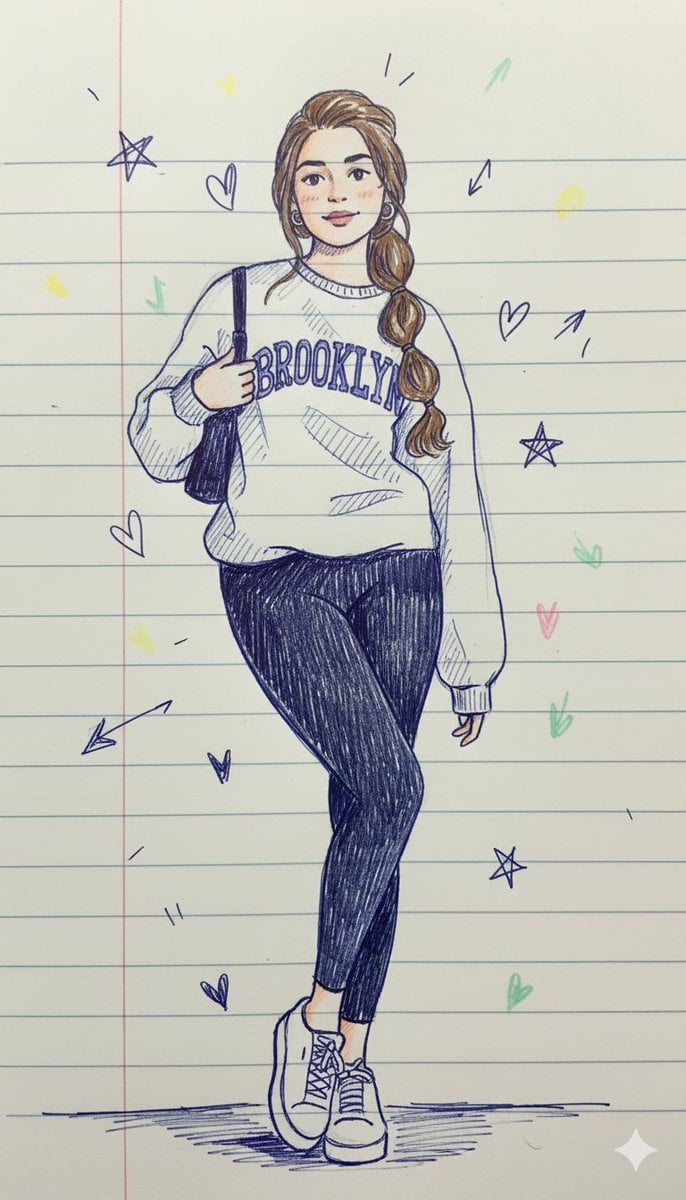
- Prompt included
- Model and format preset
- Free template
The prompt behind this image
Copy the exact prompt behind Notebook Pen Doodle Identity Preservation Prompt, or open it in the studio and make it yours.
{ "prompt": "Use the uploaded image strictly as the identity reference. Preserve the same person, exact facial structure, hairstyle, age, gender, body proportions, and overall likeness. Do not add or remove any person. Do not change identity. Transform the subject into a notebook-style pen doodle illustration.\n\nIllustration Style:\nHand-drawn doodle made with {argument name="pen color" default="blue or black"} ballpoint pen on lined notebook paper. Lines should be thin, sketchy, uneven, and slightly shaky, as if casually drawn in a school notebook. Cross-hatching, quick strokes, and imperfect outlines are encouraged.\n\nColor & Texture:\nMostly monochrome pen drawing with limited soft pastel accents (very light yellow, pink, or mint). Paper texture should resemble real notebook paper with visible horizontal lines. Coloring should be minimal, flat, and scribbly.\n\nFacial Features:\nSimplified doodle face with dot or oval eyes, small curved smile, minimal nose or nose line. Expression should be calm, cute, and friendly. Avoid realistic facial detailing.\n\nProportions & Form:\nCartoon doodle proportions with slightly oversized head and simplified body. Arms and legs are thin, stick-like or softly rounded. Hands can be minimal line shapes.\n\nShading & Lighting:\nNo realistic lighting. Use pen hatching or quick scribbles for minimal shading. Keep the drawing flat and illustrative.\n\nMood & Atmosphere:\nCasual, cozy, nostalgic, and playful. Feels like a cute doodle drawn during class or in a diary margin.\n\nBackground:\nLined notebook paper background with light pen doodles such as stars, arrows, hearts, clouds, or handwritten-style marks. Keep background subtle and uncluttered.\n\nRendering Rules:\nNo photorealism, no photo texture, no cinematic lighting, no digital painting, no anime, no manga, no 3D render, no vector art. Everything must look like a hand-drawn pen doodle on paper.\n\nFinal Output:\nA charming notebook-style pen doodle illustration with simple lines, minimal color, and a nostalgic hand-drawn feel, maintaining exact identity from the uploaded image.", "negative_prompt": "photorealism, realistic skin, photo texture, cinematic lighting, hyper-detail, anime, manga, 3D, vector art, oil painting, digital painting, glossy skin, clean perfect lines, realism, face change, identity change, extra people", "quality": "high", "clarity": "high", "style_strength": "strong notebook doodle", "reference_usage": "exact face and identity preservation required" }
How to use Notebook Pen Doodle Identity Preservation Prompt in 3 steps
- 1Upload ImagePNG, JPG or paste
Add your photo
Upload the photo the template builds on. The prompt, model and format are already set.
- 2…a portrait of your subject in softgolden-hour light, 85mm…
Personalize
Edit the subject and creative details for your destination.
- 3Generate
Generate
Press Generate — your image is created in PicX Studio, so you can compare it with the original and refine one variable at a time.
More like this
Templates with the same subject, style or setup. Open one to see its prompt.

Cyberpunk Identity Preservation Portrait

Real Illustration Split Portrait Transition
Open Notebook with French Handwritten Plans
Natural Identity Preservation Prompt

Cozy Christmas Market Portrait with Identity Preservation
Editorial Nighttime Urban Portrait with Identity Preservation
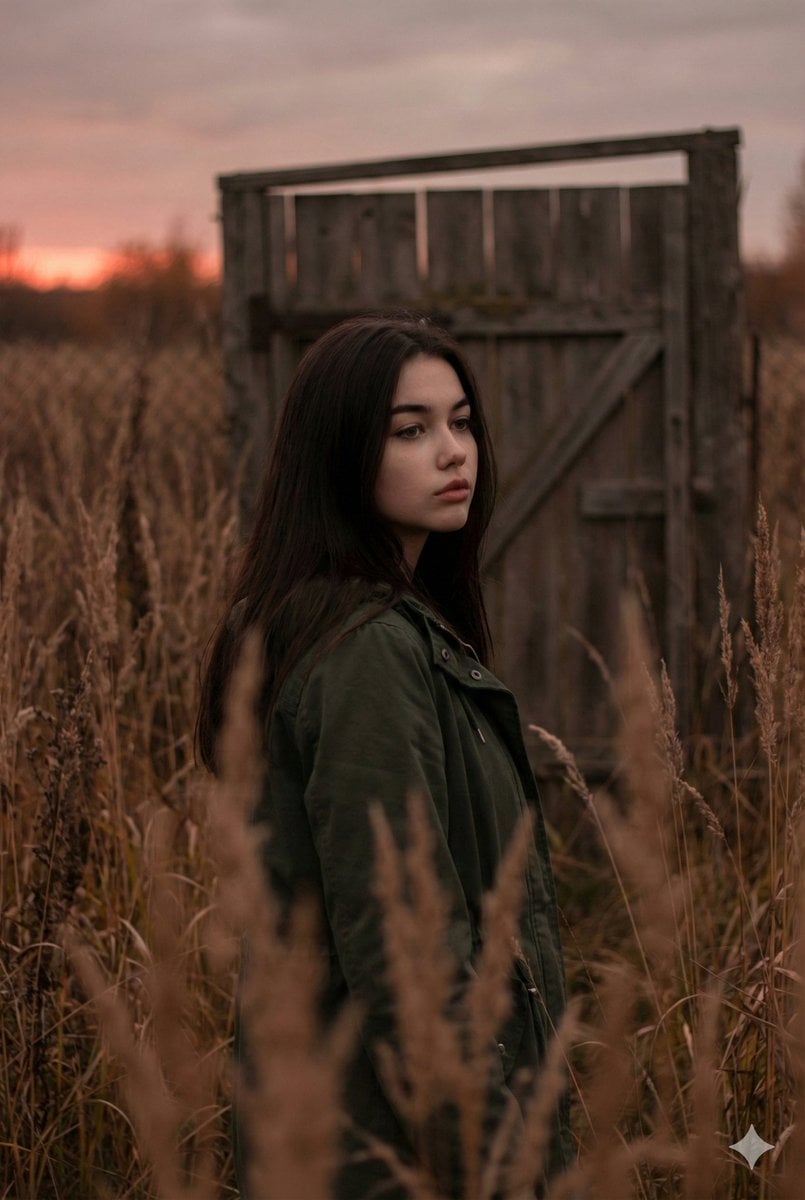
Atmospheric Sunset Portrait Edit Prompt with Identity Preservation
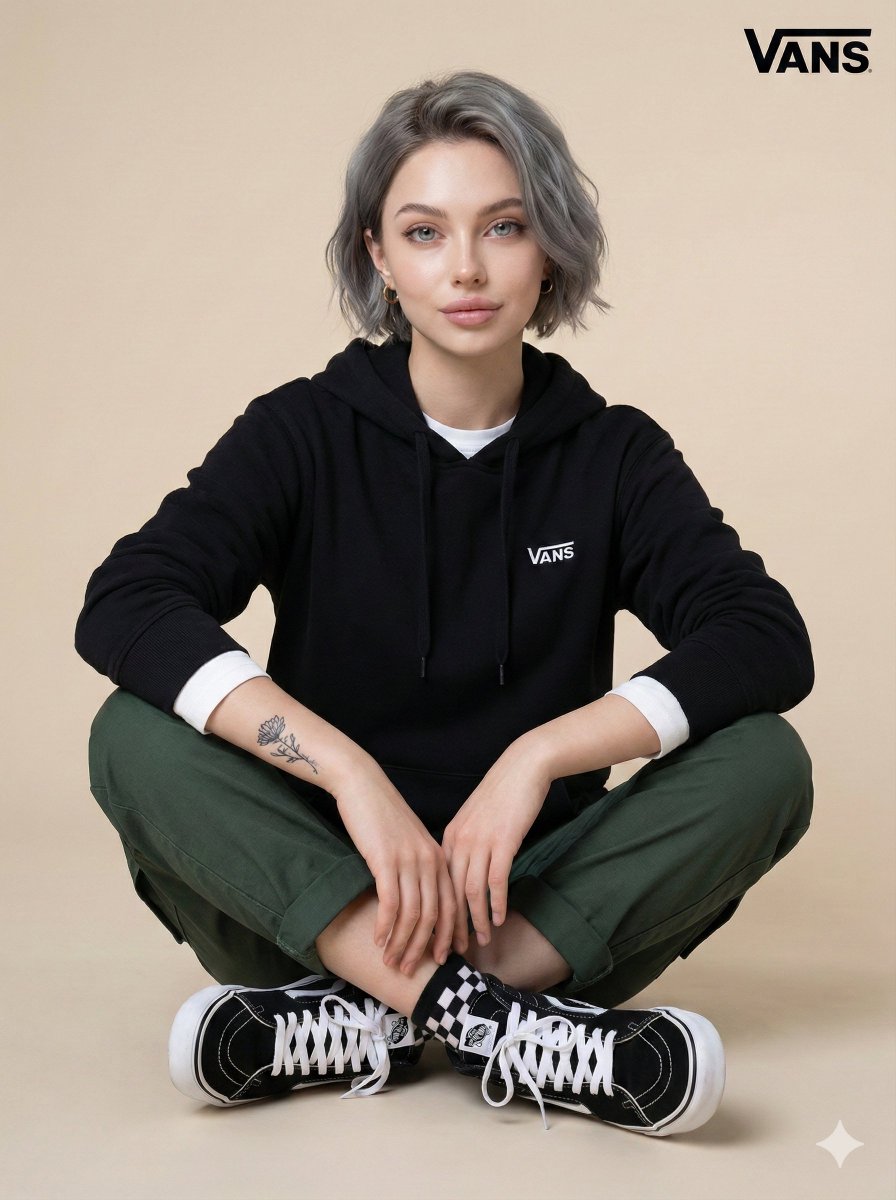
Casual Studio Portrait with Identity Preservation Prompt
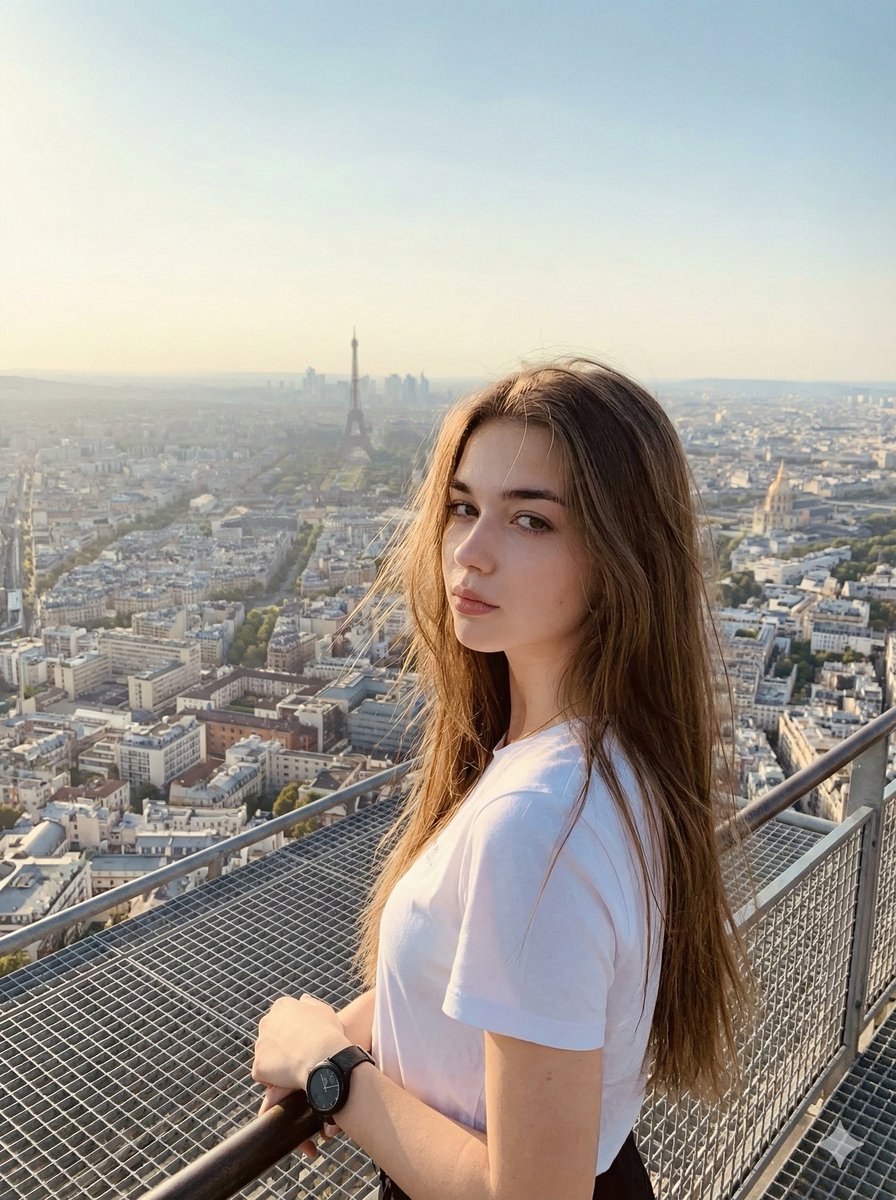
Cinematic Parisian Tower Portrait with Identity Preservation
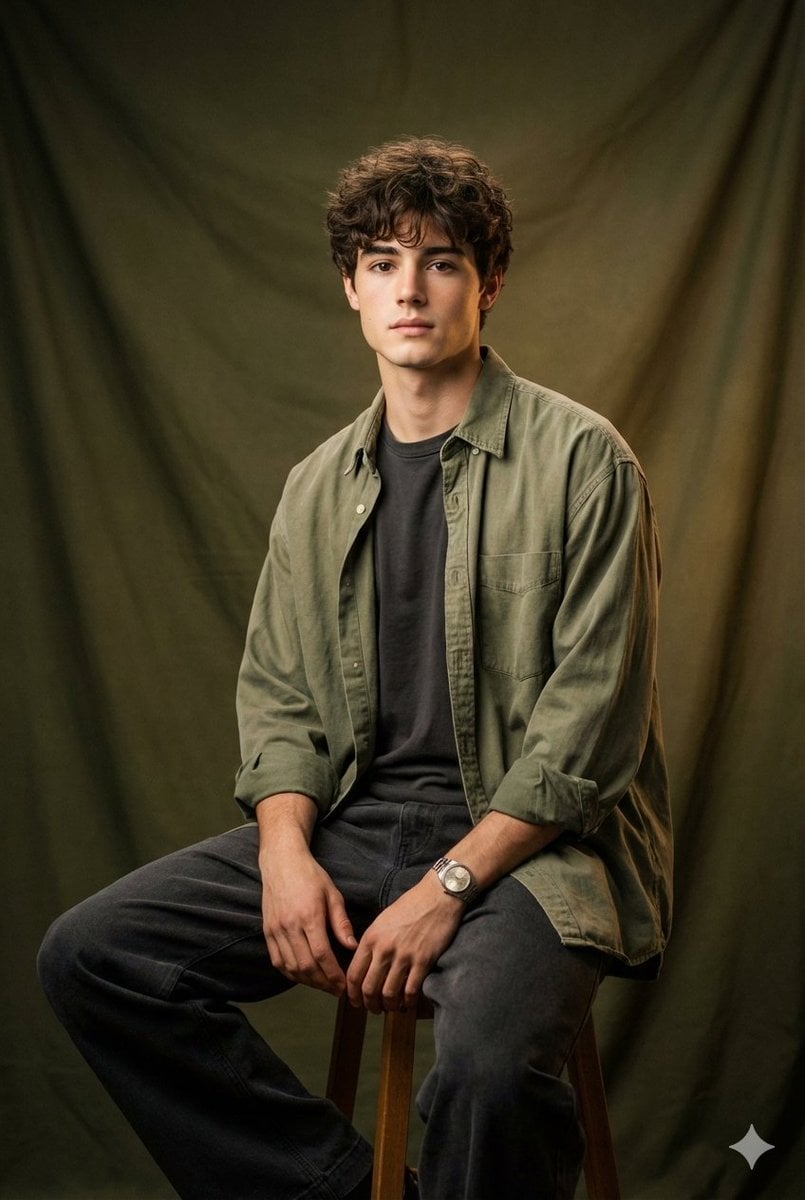
Vintage Studio Portrait with Identity Preservation Prompt

Golden Hour Seaside Portrait with Identity Preservation
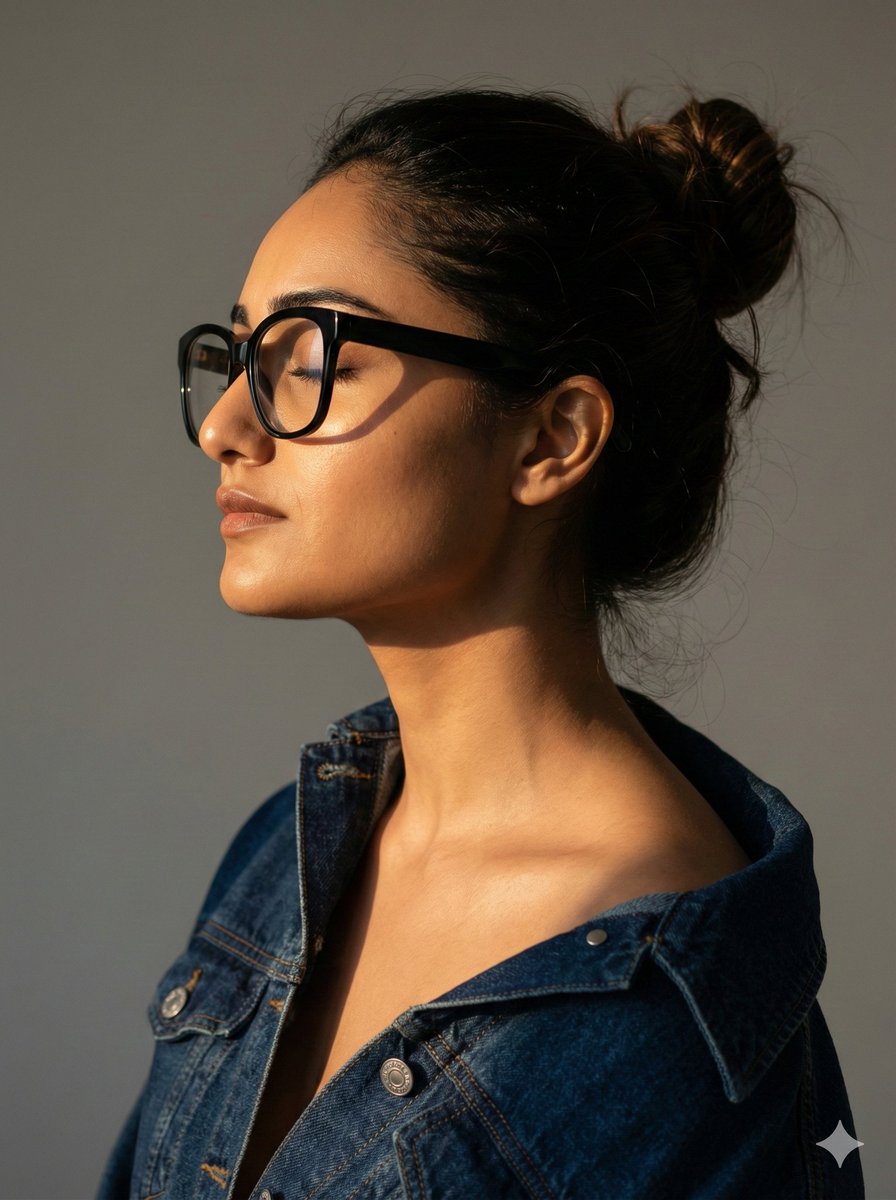
Cinematic Profile Portrait with Identity Preservation
Make it yours
Notebook Pen Doodle Identity Preservation Prompt works as-is. These are the safest ways to change it without losing the look.
Change one field
Copy a single group, rewrite it, and generate again so you can see what that field is doing.
Keep the frame, change the subject
Hold the composition and light of Notebook Pen Doodle Identity Preservation Prompt, then swap wardrobe, props or the person for a new take.
| If the result… | Why | Fix |
|---|---|---|
| The result drifts from the preview | Too many fields changed at once. | Reuse Notebook Pen Doodle Identity Preservation Prompt as-is first, then change one group — subject, light, or setting. |
| The model over-stylizes the scene | The prose prompt leaves finish and camera underspecified. | Add one camera or lighting sentence and stay on Nano Banana 2. |
More Nano Banana 2 templates
Other prompts made for Nano Banana 2.

Photorealistic Leaf Shaped Like a Dragon

K-Pop Idol Portrait Grid for Rapid Selection

Poetic Rain Forest Portrait During Golden Hour

Urban Street Portrait with Cartoon Inner Self Duo

Candid Nighttime Photo with Cat Prompt

High-Concept 3D Diorama Generation Prompt

Cinematic Futuristic Studio Portrait Template

Skincare Editorial Photography Collage Prompt

Hyper-Realistic Commercial Product Photography (Splash Effect)

Hyper-Realistic Nightclub Portrait Prompt
More image prompts
Fresh picks from across the catalog.
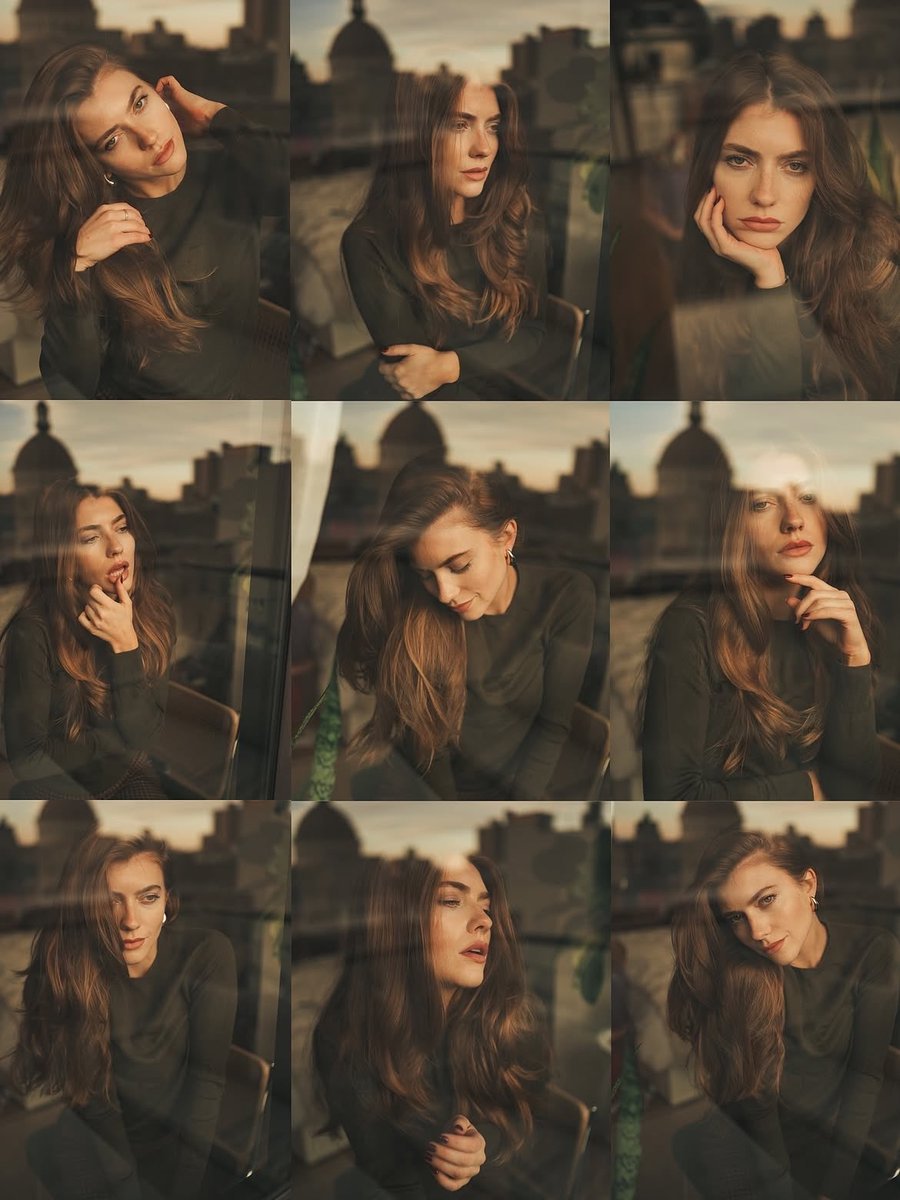
Cinematic Portrait Series by Window at Golden Hour
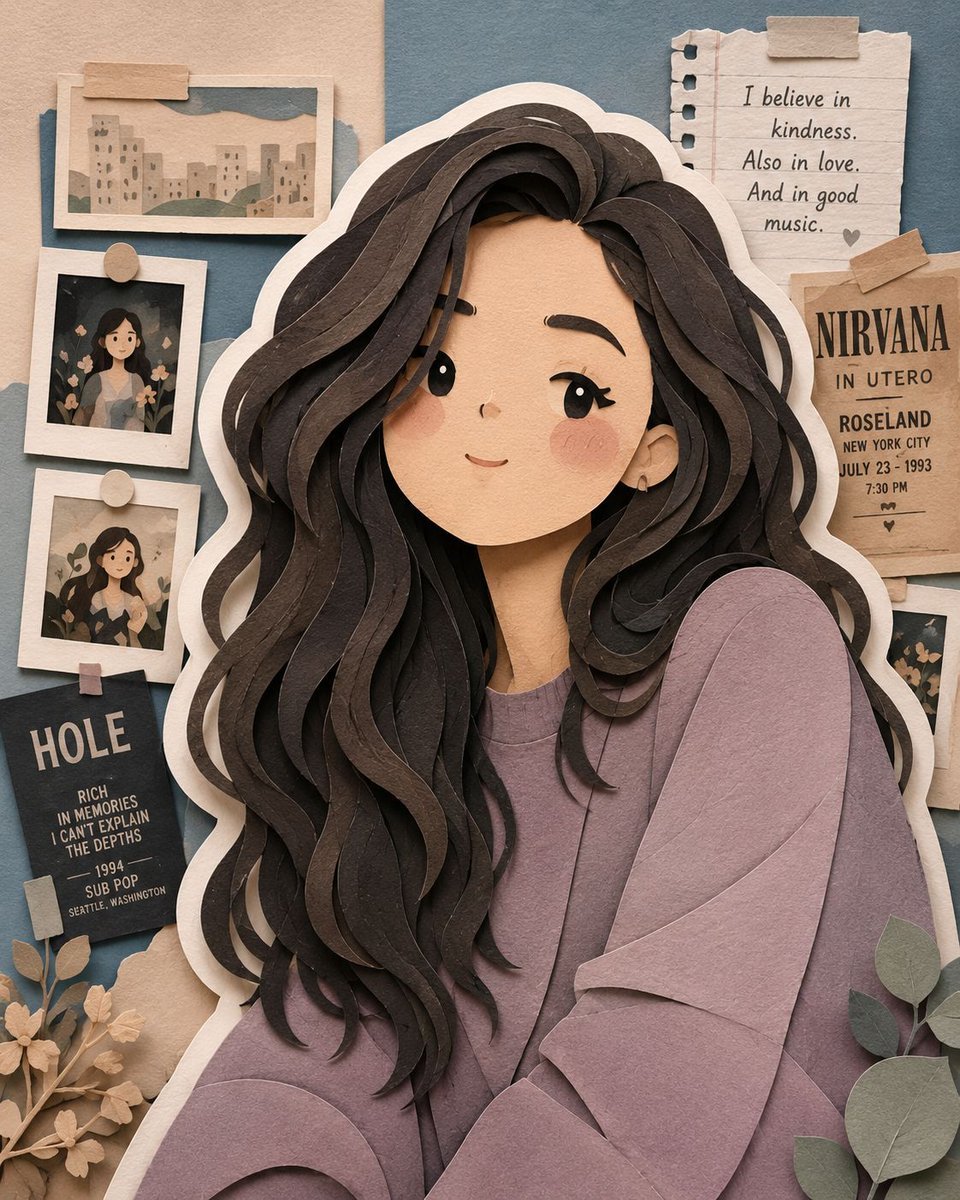
Handcrafted Layered Papercraft Artwork
Abstract Iridescent Swirling Color Mixture
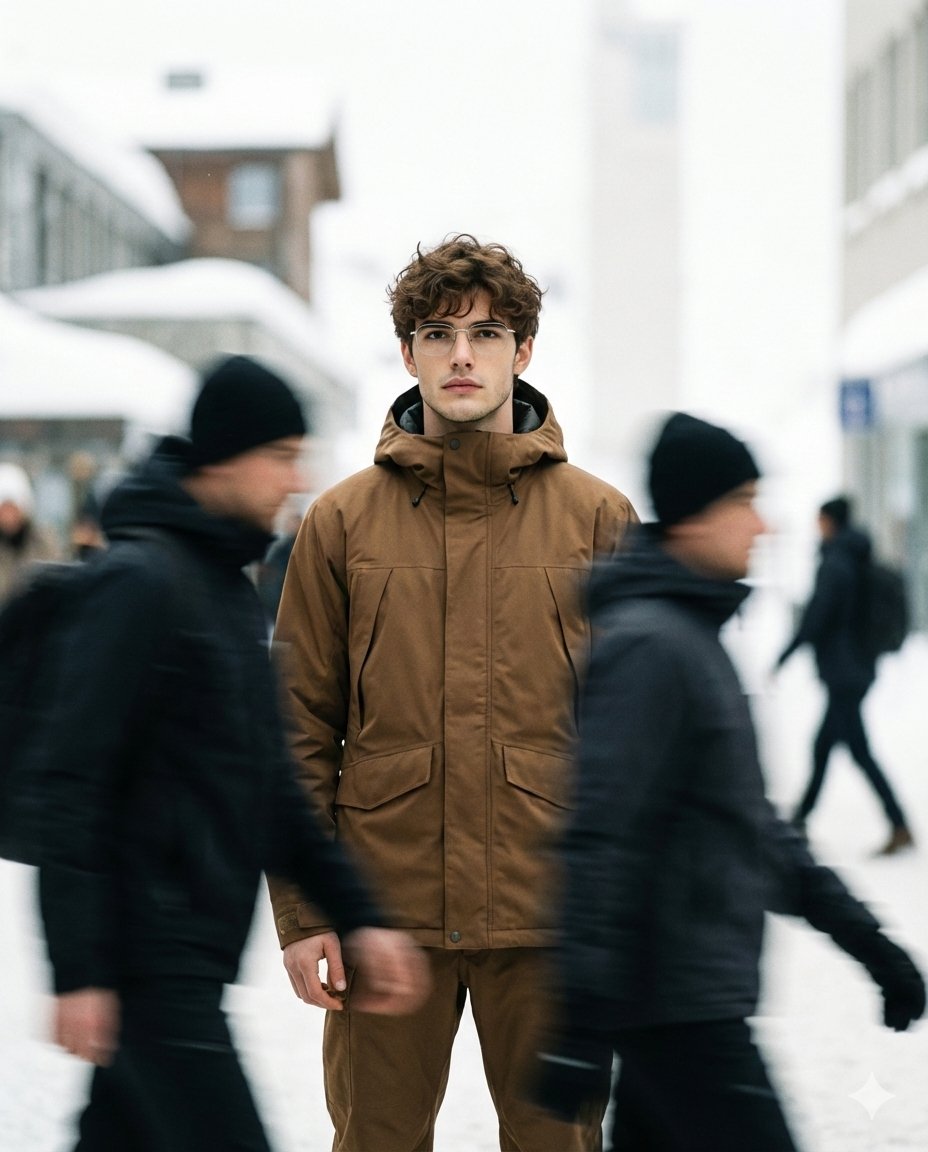
High Fashion Magazine Pictorial with Motion Blur
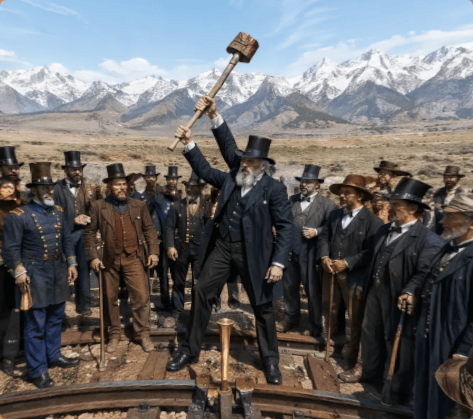
Victorian Railroad Ceremony Scene
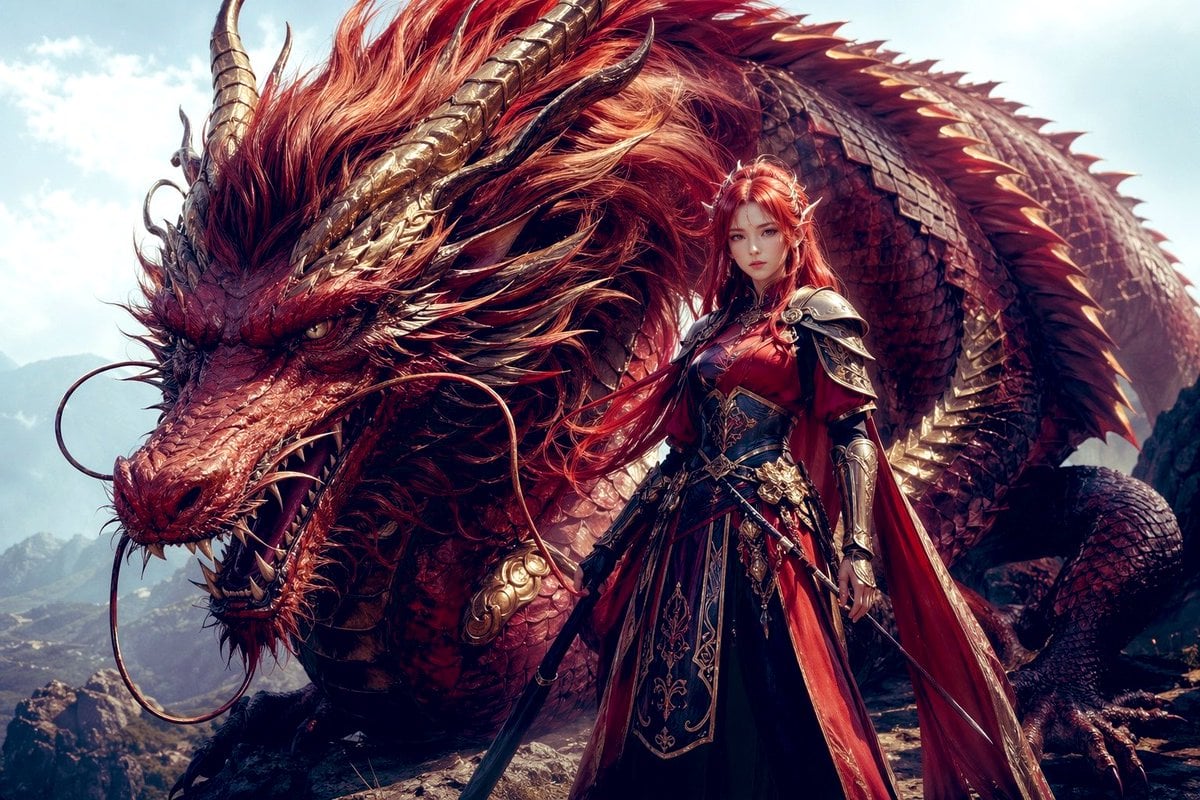
Dragon Knight and Crimson Dragon
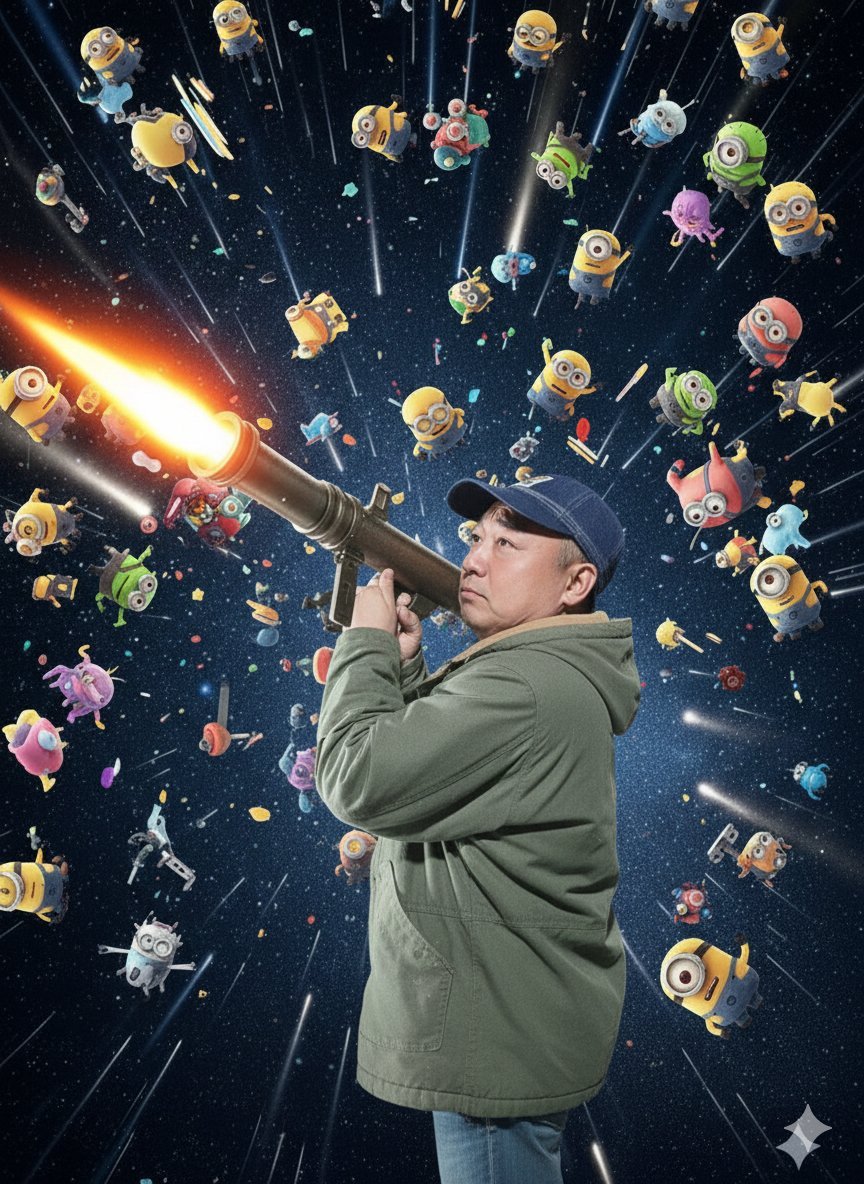
Nano Banana Pro Rocket Launcher Action Prompt

Ultra-realistic Urban Skateboarding Action Scene
Minimalist Symbolic Tattoo Design
Luxury Editorial Fashion Board
Browse template categories
Notebook Pen Doodle Identity Preservation Prompt questions
How do I use the Notebook Pen Doodle Identity Preservation Prompt template?
Add your photo if the template asks for one, edit the prompt if you like — the template's model and format are already selected — and press Generate. Your version opens in PicX Studio.
Can I customize the Notebook Pen Doodle Identity Preservation Prompt template?
Yes. You can change the subject, setting, lighting, mood, format, and available model controls before creating your image.
Is the Notebook Pen Doodle Identity Preservation Prompt template free?
Opening and editing this template is free. Generating uses credits, shown on the Generate button when you are signed in.
Which AI model should I use?
Start with Nano Banana 2, which is the model associated with this template. You can compare another compatible model for a different finish.
Looking for something else? Browse all templates.

Your photo, any look
Thousands of ready templates for every top image and video model, from one credit balance.