
Victorian Railroad Ceremony Scene
Generates a photorealistic 19th-century railroad ceremony with a dramatic central figure, period onlookers, mountains, and a golden spike.
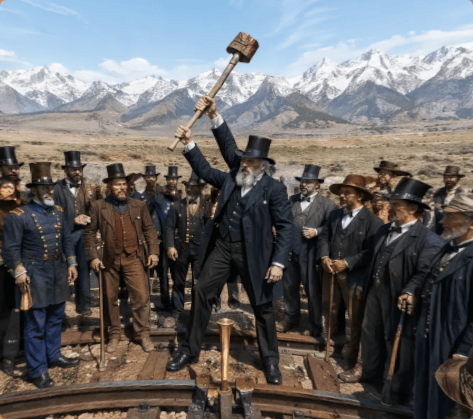
- Prompt included
- Model and format preset
- Free template
The prompt behind this image
Copy the exact prompt behind Victorian Railroad Ceremony Scene, or open it in the studio and make it yours.
Create a photorealistic historical scene in a wide, cinematic 19th-century style: {argument name="central figure" default="an elderly bearded man in a black frock coat and tall top hat"} stands dramatically at the center on a rough wooden railroad track, legs spread in a triumphant pose, raising {argument name="raised object" default="an oversized sledgehammer"} high above his head with both hands as if about to drive the final railroad spike. Around him are exactly 22 visible onlookers, mostly men in Victorian-era suits, waistcoats, bowler hats, top hats, cowboy hats, and one blue military officer uniform, arranged in a semicircle on both sides of the track; several hold canes or walking sticks, and some faces are partly obscured at the edges. In the foreground, steel rails curve inward toward a bright golden ceremonial spike or coupling fixture positioned between the rails. The setting is an open, arid plain with sparse scrub, backed by a majestic range of snow-covered mountains under a clear pale-blue sky with wispy clouds. Use realistic lighting, crisp documentary detail, slightly humorous surreal scale for the raised hammer, natural earth tones, black and brown period clothing, and a sharp focus on the central pose, resembling a staged commemorative photograph of the transcontinental railroad ceremony in {argument name="historical era" default="the late 1800s"}.
How to use Victorian Railroad Ceremony Scene in 3 steps
- 1Upload ImagePNG, JPG or paste
Add your photo
Upload the photo the template builds on. The prompt, model and format are already set.
- 2…a portrait of your subject in softgolden-hour light, 85mm…
Personalize
Edit the subject and creative details for your destination.
- 3Generate
Generate
Press Generate — your image is created in PicX Studio, so you can compare it with the original and refine one variable at a time.
More like this
Templates with the same subject, style or setup. Open one to see its prompt.
Surrealist Desert Tea Ceremony
Traditional Japanese Coming-of-Age Ceremony
Zen Tea Ceremony Robot
Minecraft Voxel Wedding Ceremony
Moonlit Victorian Night Portrait
Victorian Royal Courtyard Fashion Portrait
Botanical Archive Victorian Portrait
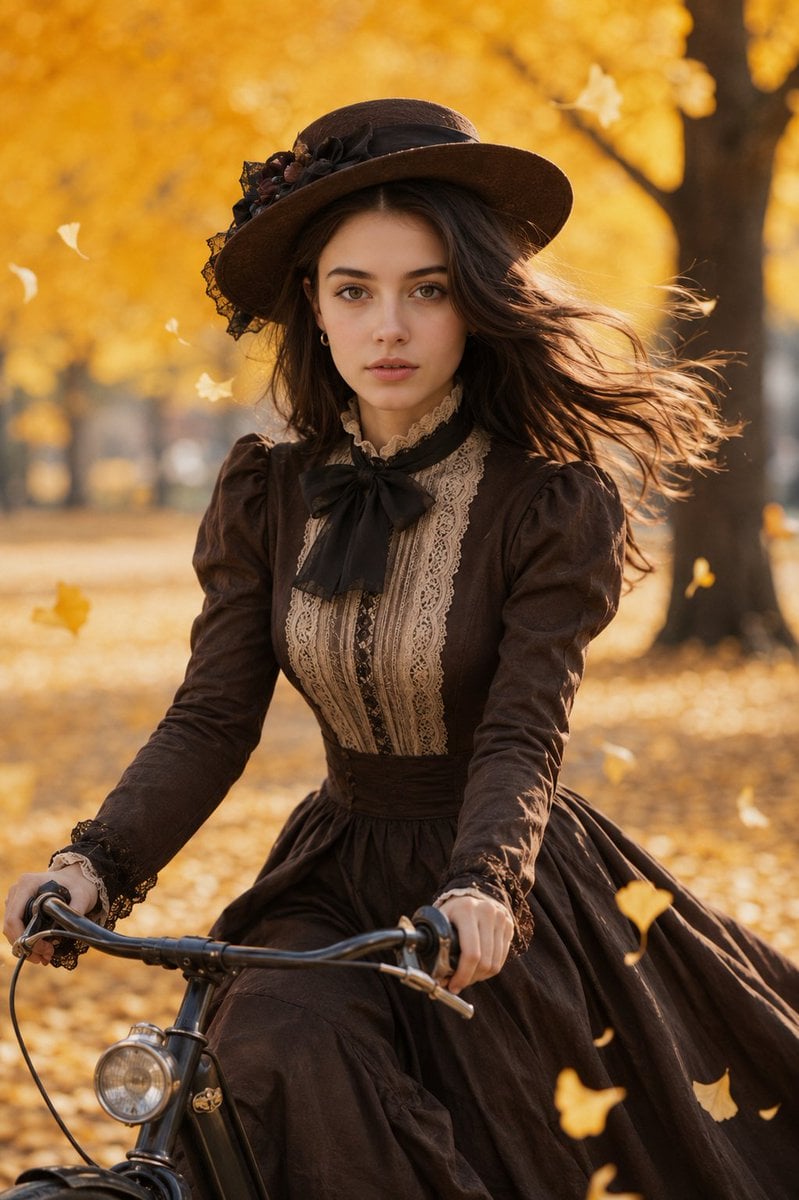
Victorian Woman Riding Vintage Bicycle
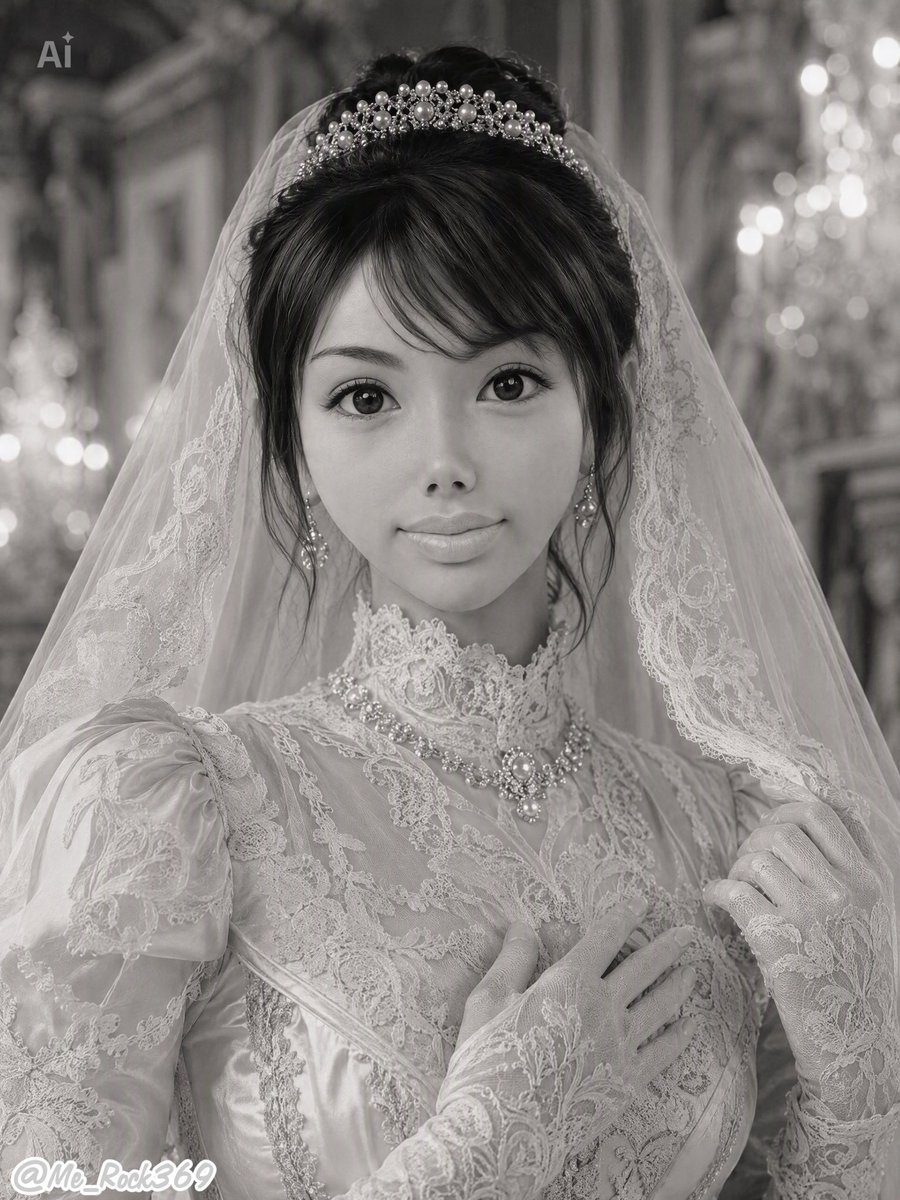
Monochrome Victorian Bridal Portrait
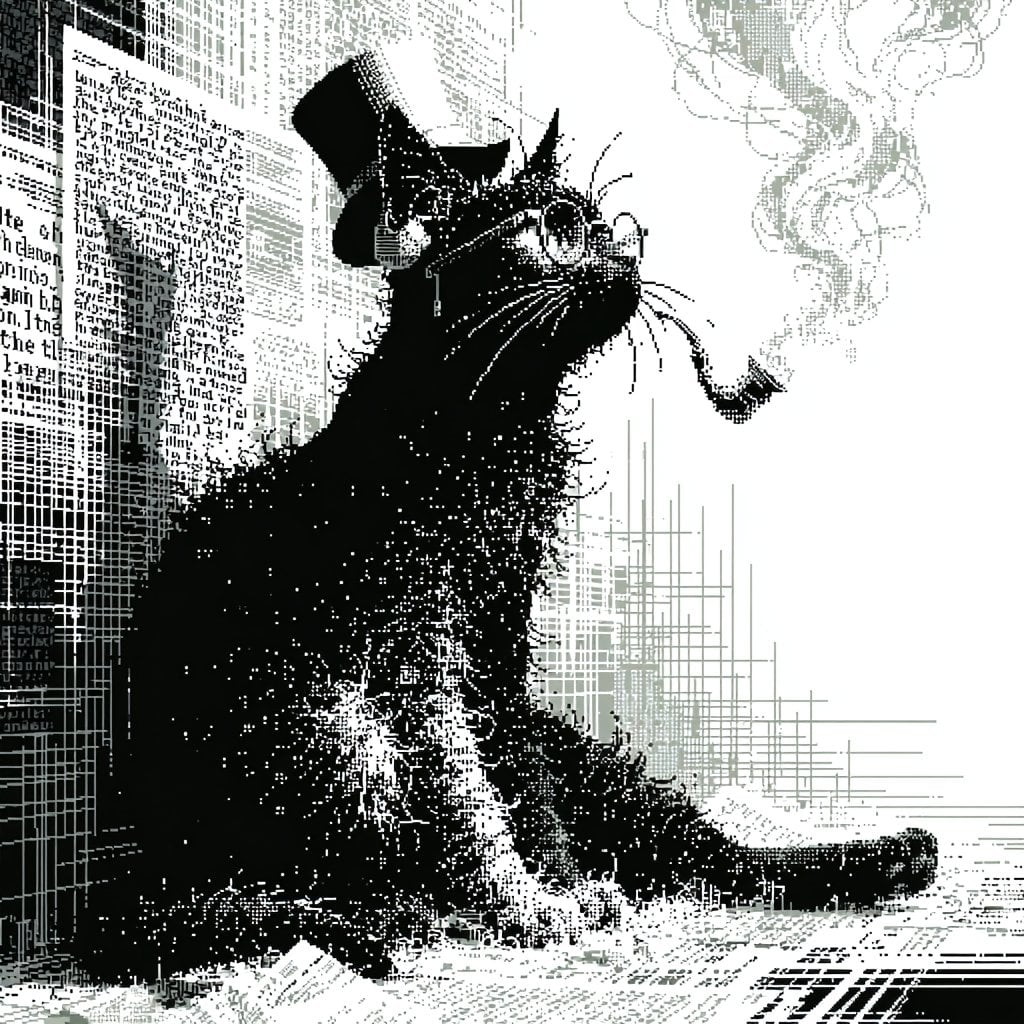
Victorian Pixel Art Smoking Cat
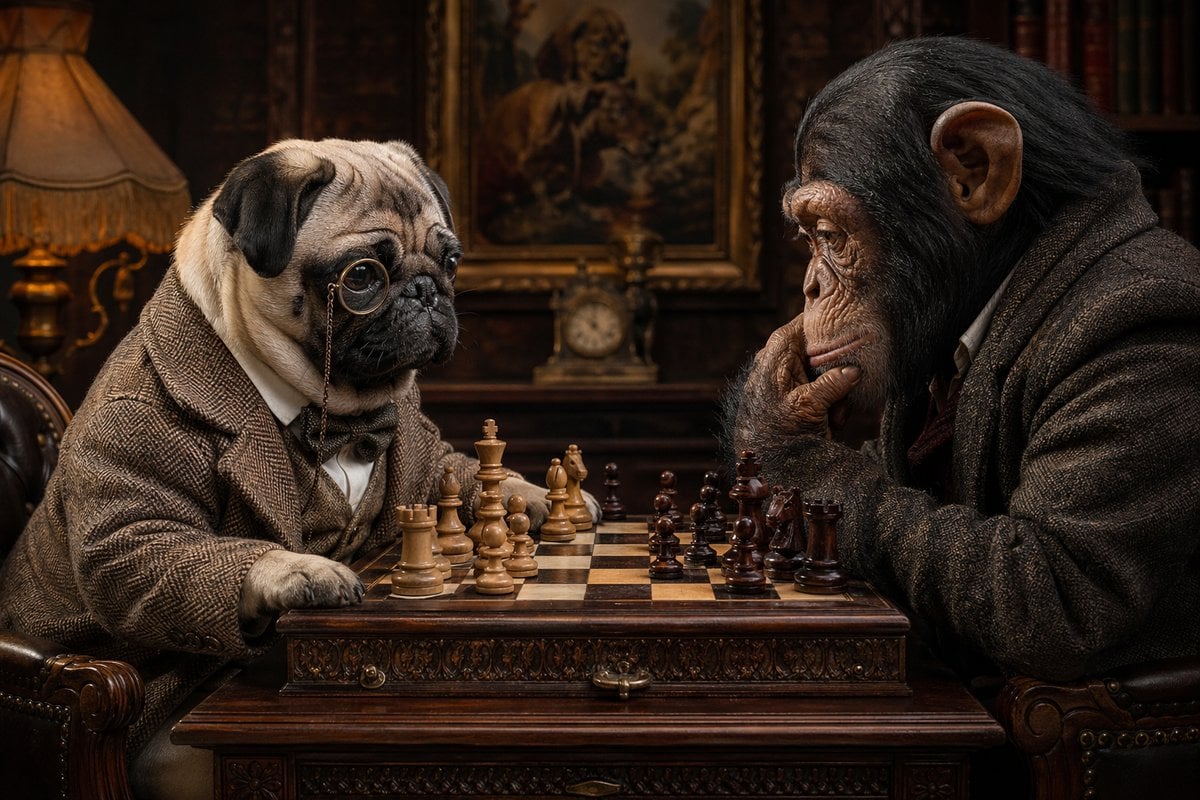
Victorian Animal Chess Match
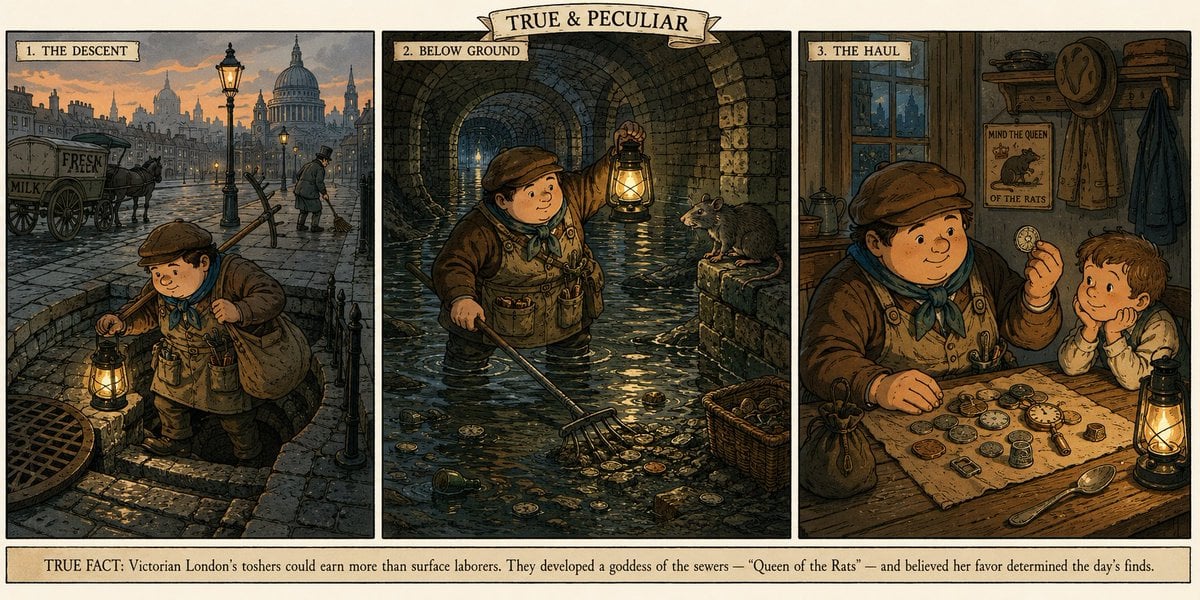
Victorian Tosher Triptych
Make it yours
Victorian Railroad Ceremony Scene works as-is. These are the safest ways to change it without losing the look.
Change one field
Copy a single group, rewrite it, and generate again so you can see what that field is doing.
Keep the frame, change the subject
Hold the composition and light of Victorian Railroad Ceremony Scene, then swap wardrobe, props or the person for a new take.
| If the result… | Why | Fix |
|---|---|---|
| The result drifts from the preview | Too many fields changed at once. | Reuse Victorian Railroad Ceremony Scene as-is first, then change one group — subject, light, or setting. |
| The model over-stylizes the scene | The prose prompt leaves finish and camera underspecified. | Add one camera or lighting sentence and stay on GPT Image 2. |
More GPT Image 2 templates
Other prompts made for GPT Image 2.

Six VTuber Japanese Logo Sheet

Realistic Portrait of Woman and Deer

The Vista Modular Condo Poster

AI Model Routing Comparison Infographic

2.5D Anime Art Board

Isometric Productivity Desk Scene

New York Double Exposure Poster

Four-Panel AI Landscape Comparison

Japanese Tatami Lifestyle Magazine Cover

NESCAFÉ Coffee Map Poster
More image prompts
Fresh picks from across the catalog.
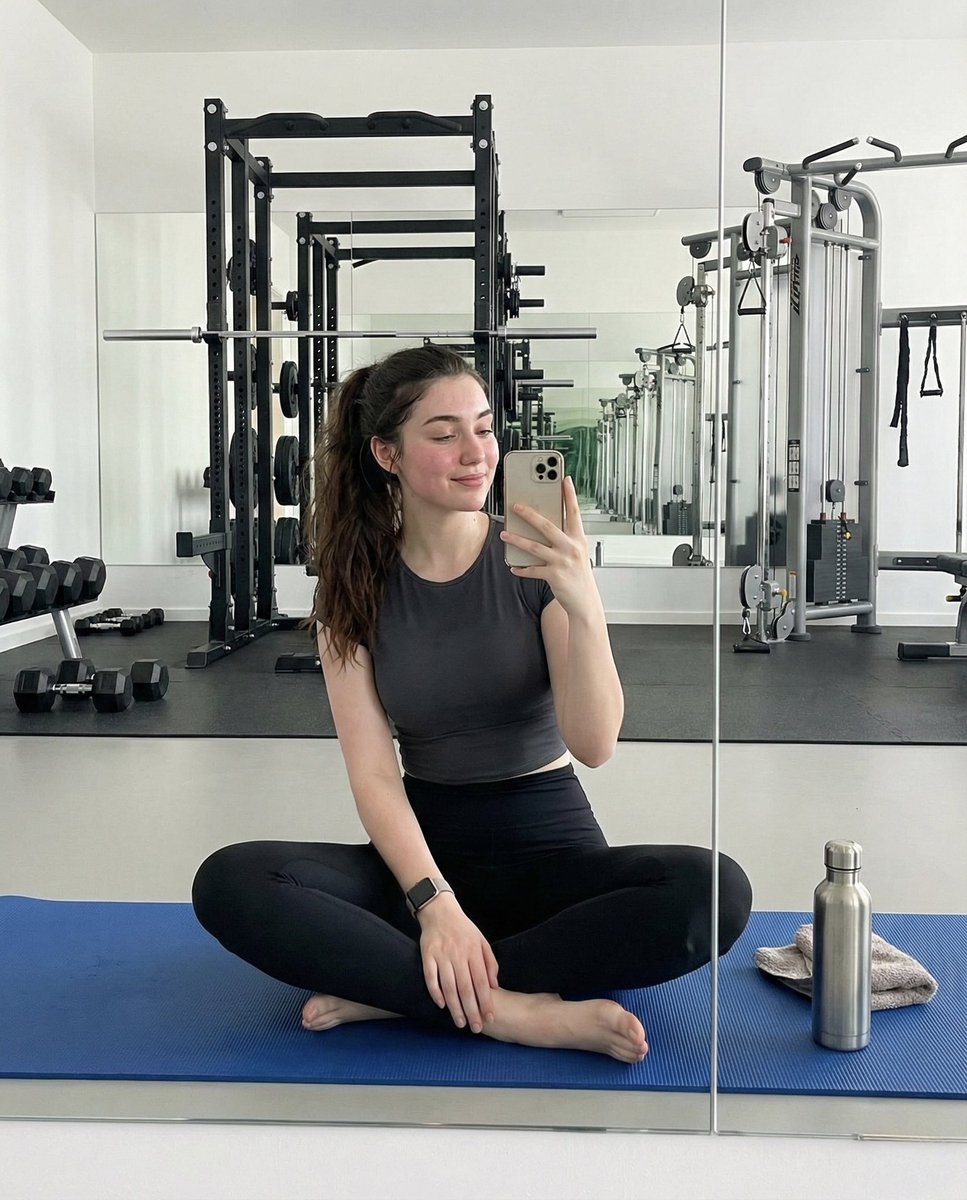
Ultra-Photorealistic Gym Mirror Selfie Prompt
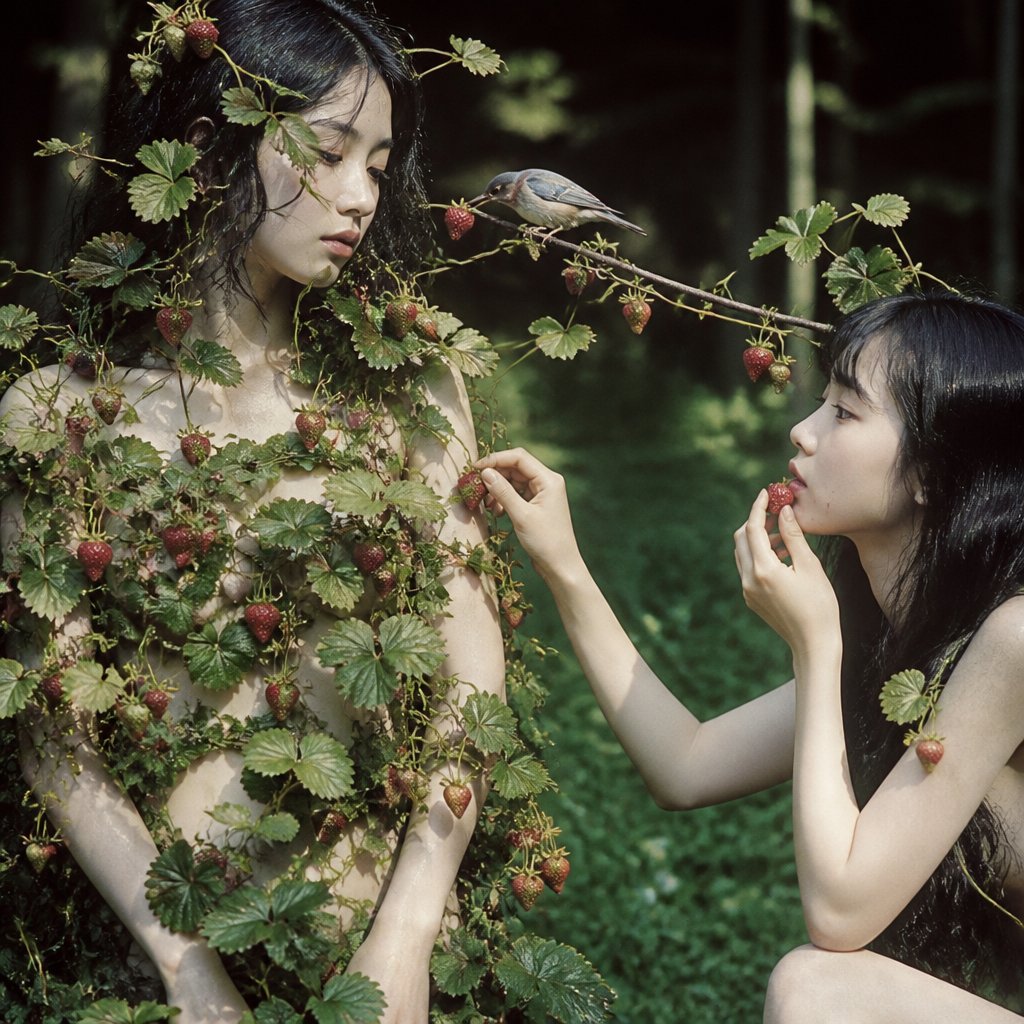
Surreal Strawberry Picking Forest
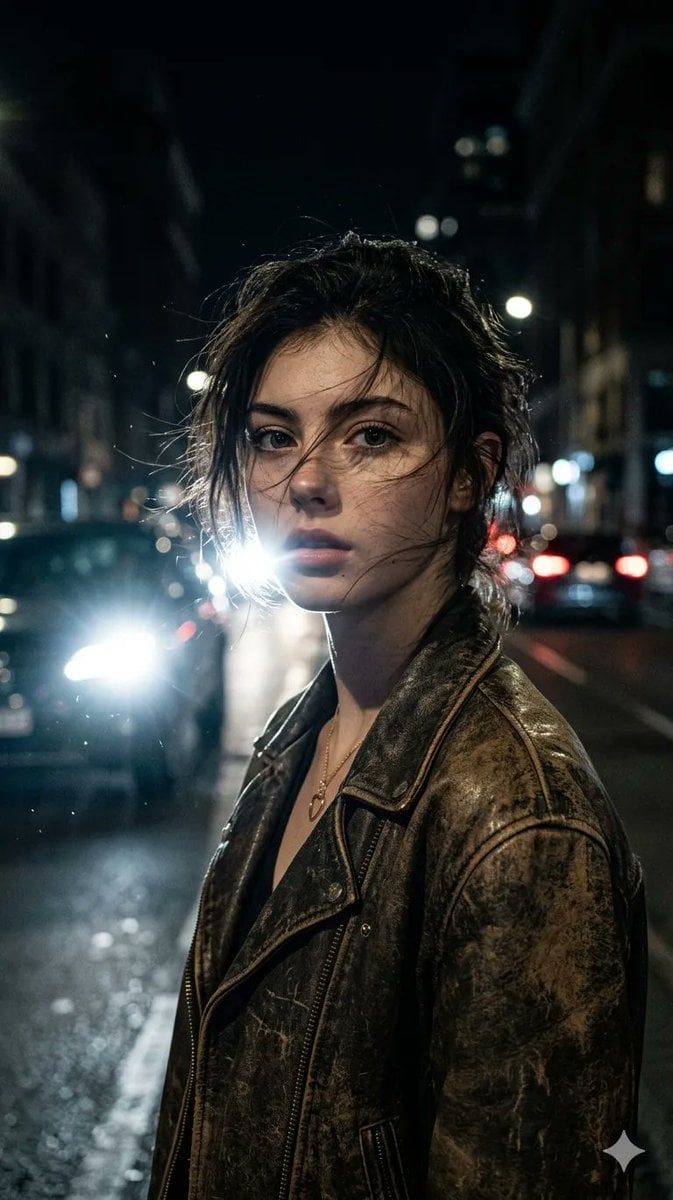
Cinematic Urban Night Portrait
Floating Football Legacy Throne Poster
Steampunk Height Difference Poster
Realistic Size Range Fashion Lineup
Celestial Fantasy Gown Portrait
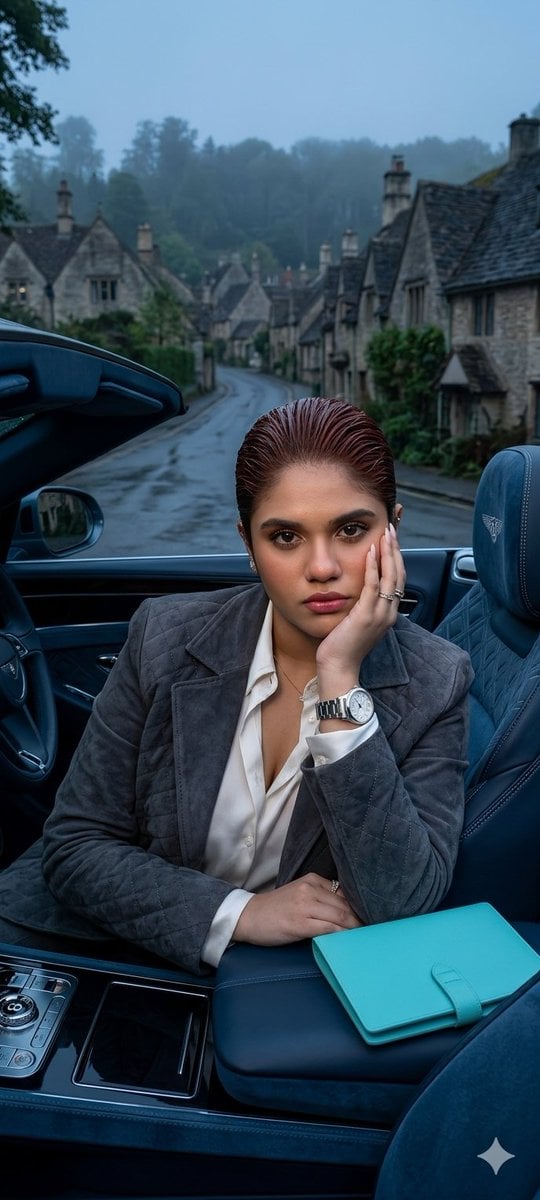
X Oye Samia Hyper Realistic Scene on the Outskirts
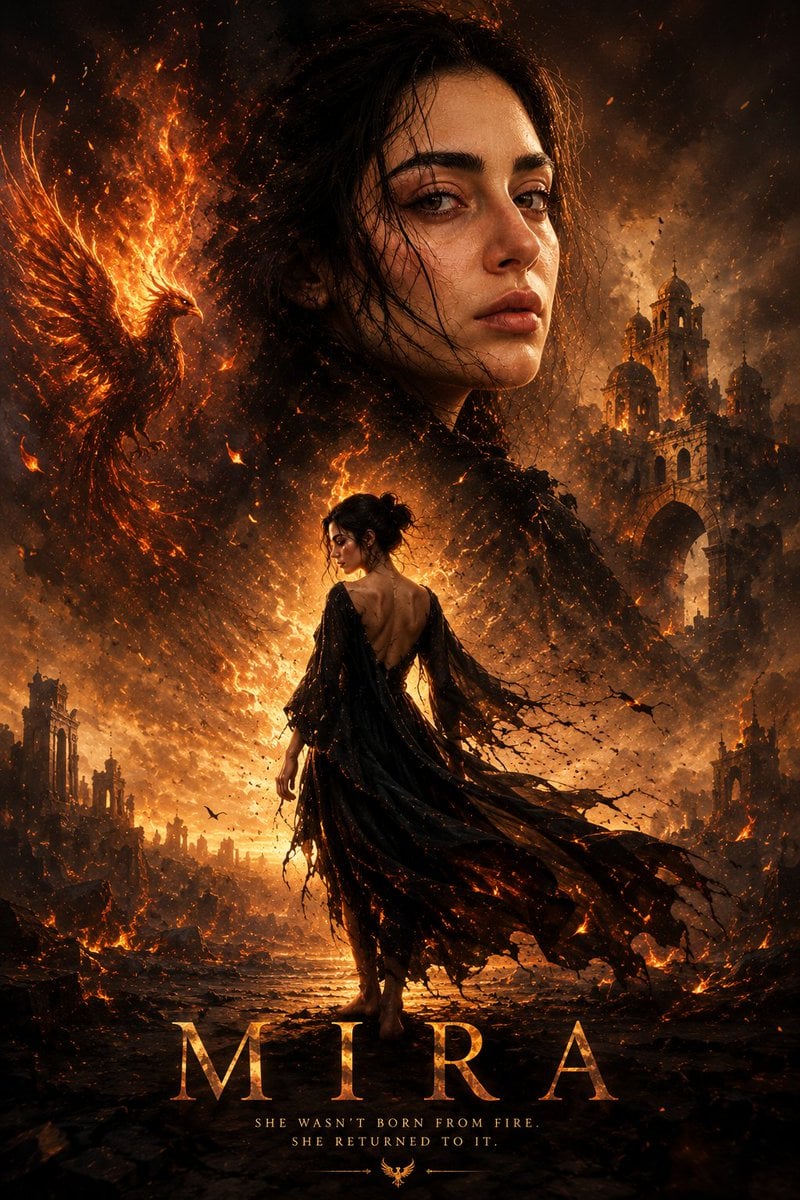
Cinematic Mira Poster Fire Rebirth
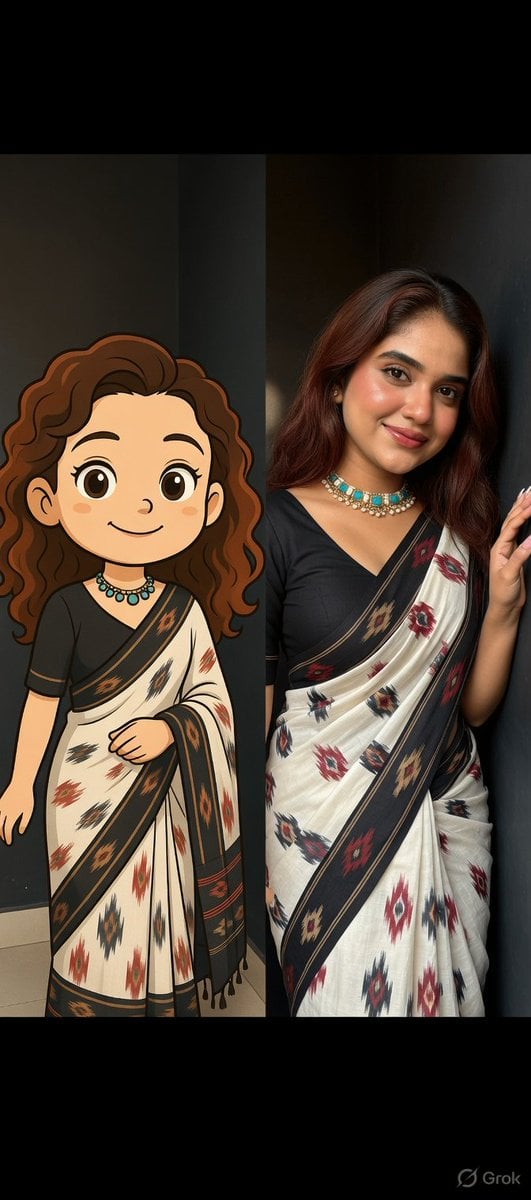
Side-by-Side Portrait of Realistic Woman in Saree and Cartoon Younger Self
Browse template categories
Victorian Railroad Ceremony Scene questions
How do I use the Victorian Railroad Ceremony Scene template?
Add your photo if the template asks for one, edit the prompt if you like — the template's model and format are already selected — and press Generate. Your version opens in PicX Studio.
Can I customize the Victorian Railroad Ceremony Scene template?
Yes. You can change the subject, setting, lighting, mood, format, and available model controls before creating your image.
Is the Victorian Railroad Ceremony Scene template free?
Opening and editing this template is free. Generating uses credits, shown on the Generate button when you are signed in.
Which AI model should I use?
Start with GPT Image 2, which is the model associated with this template. You can compare another compatible model for a different finish.
Looking for something else? Browse all templates.

Your photo, any look
Thousands of ready templates for every top image and video model, from one credit balance.