
Victorian Pixel Art Smoking Cat
A monochrome retro pixel-art prompt for creating a whimsical top-hatted black cat with spectacles and a pipe in a gothic Victorian alley.
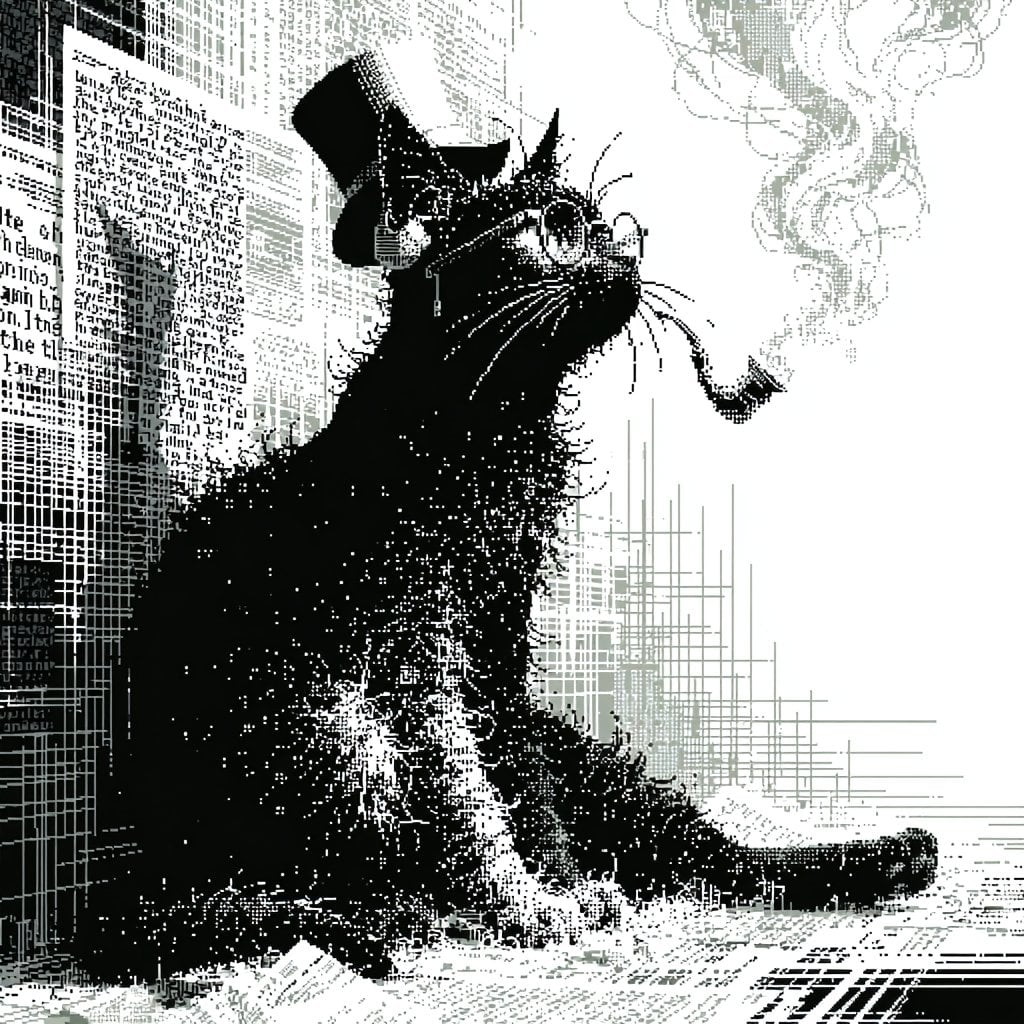
- Prompt included
- Model and format preset
- Free template
The prompt behind this image
Copy the exact prompt behind Victorian Pixel Art Smoking Cat, or open it in the studio and make it yours.
Create a square 1:1 retro monochrome pixel-art illustration in a Victorian newspaper-etching style. The scene shows one oversized black cat sitting upright in an alley or narrow urban street, rendered with dense dithering, stippling, crosshatching, and chunky 1-bit pixel texture. The cat wears two accessories: a tall black top hat tilted slightly backward and round wire-rim spectacles perched on its face. The cat holds one curved smoking pipe in its mouth, extending to the right, with pale gray smoke curling upward in ornate wisps. Use a stark black, white, and muted gray palette only, with no color. The cat should dominate the center-left of the composition, facing up and to the right with a dignified, eccentric expression, long whiskers, shaggy fur, and a curled tail stretched along the lower right. The background is a dense vertical wall of old newspapers, posters, and building facades on the left, made from abstract unreadable text blocks, grid lines, and halftone marks; the right side opens into bright white negative space with faint architectural linework. Add a lightly textured ground plane with scattered paper scraps and hatch marks. Overall mood: whimsical gothic steampunk, like an 8-bit/1-bit retro game splash screen mixed with an antique engraving. Keep all text illegible and decorative, avoid modern objects, avoid smooth gradients, and preserve a crisp pixelated look. Optional customization: make the subject {argument name="animal" default="black cat"}, wearing {argument name="hat" default="tall black top hat"}, with {argument name="accessory" default="round wire-rim spectacles"}, holding {argument name="prop" default="curved smoking pipe"}, in a {argument name="art style" default="monochrome 1-bit Victorian pixel-art etching"}.
How to use Victorian Pixel Art Smoking Cat in 3 steps
- 1Upload ImagePNG, JPG or paste
Add your photo
Upload the photo the template builds on. The prompt, model and format are already set.
- 2…a portrait of your subject in softgolden-hour light, 85mm…
Personalize
Edit the subject and creative details for your destination.
- 3Generate
Generate
Press Generate — your image is created in PicX Studio, so you can compare it with the original and refine one variable at a time.
More like this
Templates with the same subject, style or setup. Open one to see its prompt.

Cat Photobomb Selfie — 0.5x Wide Angle Café Chaos

Surreal Cat Astronaut — Humanoid Face Freefall

Pixel Limited Finale Fireworks

Pixel Limited Garden Maze

Pixel Limited Rooftop Concert

Pixel Limited Bicycle Coast

Pixel Limited Castle Gate

Pixel Limited Kitchen Chaos

Pixel Limited Carnival Ride

Pixel Limited Rainy Bus Stop

Pixel Limited Space Dock

Pixel Limited Cafe Morning
Make it yours
Victorian Pixel Art Smoking Cat works as-is. These are the safest ways to change it without losing the look.
Change one field
Copy a single group, rewrite it, and generate again so you can see what that field is doing.
Keep the frame, change the subject
Hold the composition and light of Victorian Pixel Art Smoking Cat, then swap wardrobe, props or the person for a new take.
| If the result… | Why | Fix |
|---|---|---|
| The result drifts from the preview | Too many fields changed at once. | Reuse Victorian Pixel Art Smoking Cat as-is first, then change one group — subject, light, or setting. |
| The model over-stylizes the scene | The prose prompt leaves finish and camera underspecified. | Add one camera or lighting sentence and stay on GPT Image 2. |
More GPT Image 2 templates
Other prompts made for GPT Image 2.

Six VTuber Japanese Logo Sheet

Realistic Portrait of Woman and Deer

The Vista Modular Condo Poster

AI Model Routing Comparison Infographic

2.5D Anime Art Board

Isometric Productivity Desk Scene

New York Double Exposure Poster

Four-Panel AI Landscape Comparison

Japanese Tatami Lifestyle Magazine Cover

NESCAFÉ Coffee Map Poster
More image prompts
Fresh picks from across the catalog.
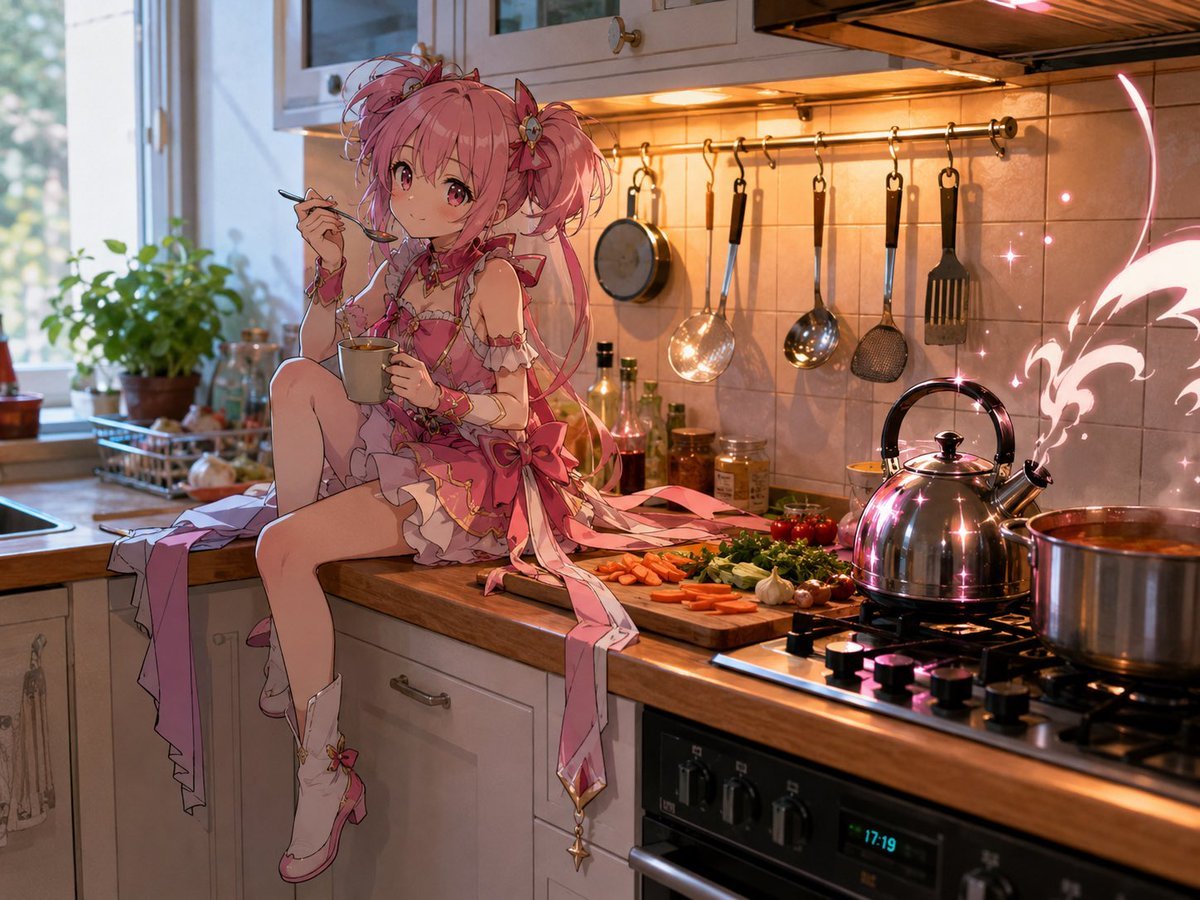
Magical Girl in Cozy Kitchen
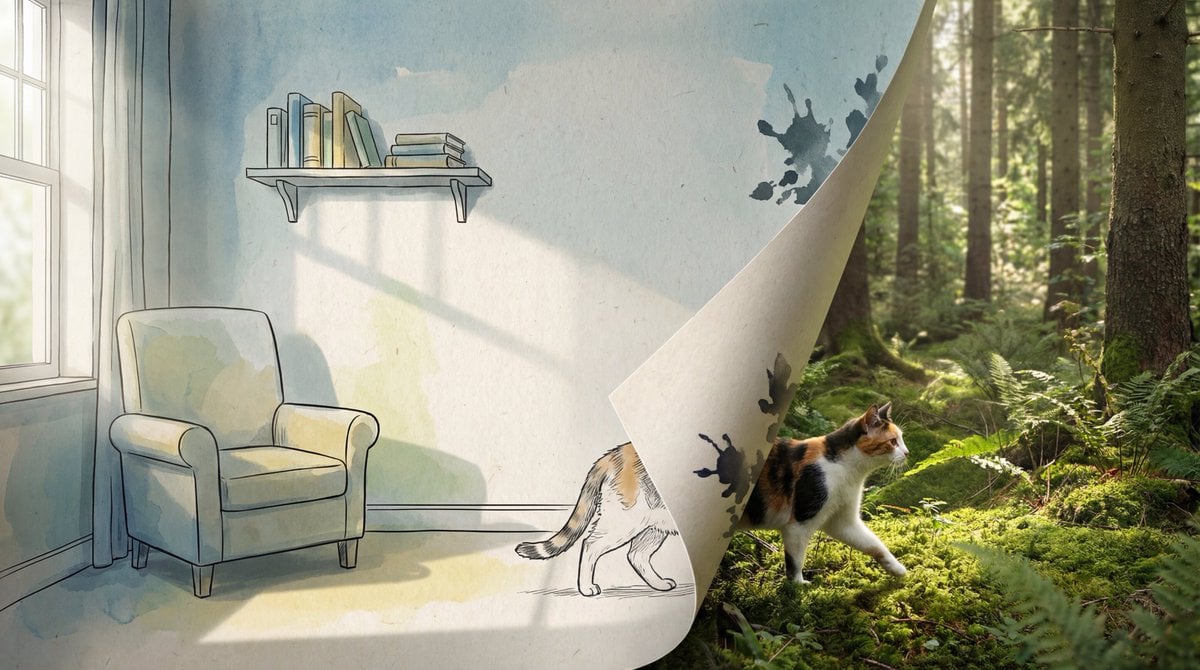
2D/3D Mixed-Dimension Illusion Room
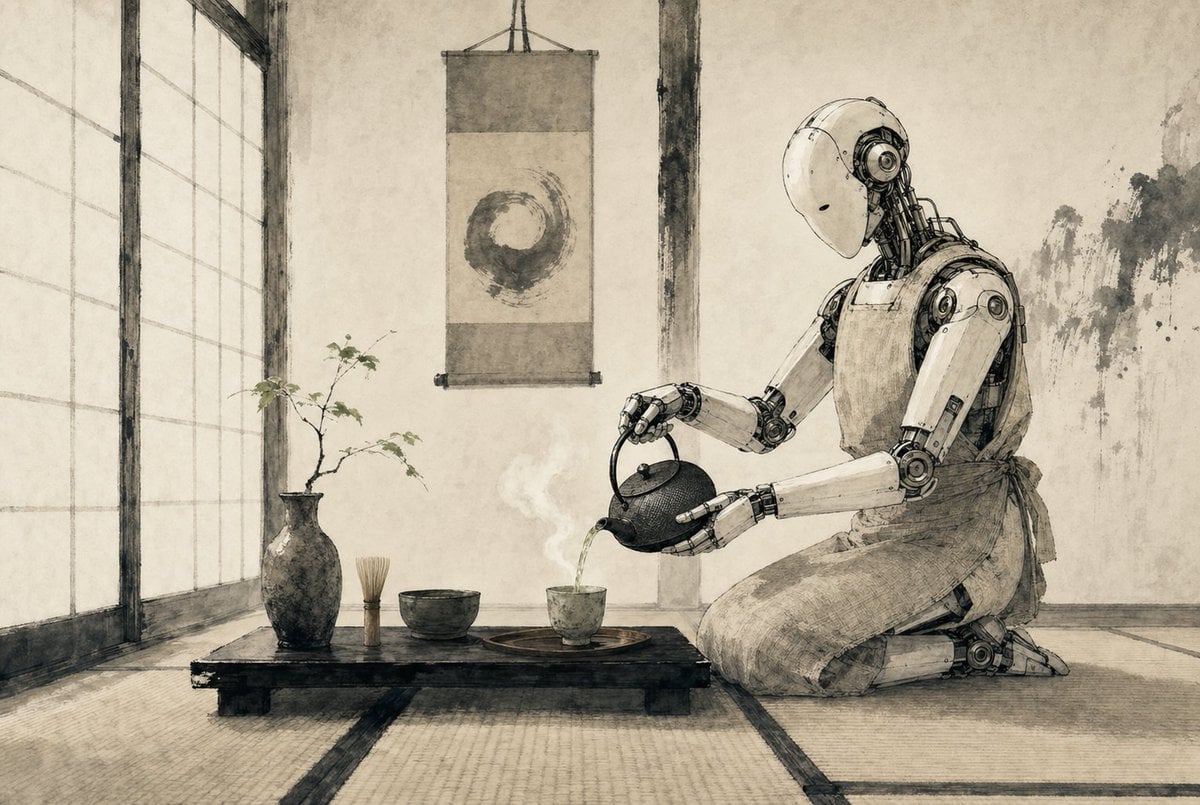
Zen Tea Ceremony Robot
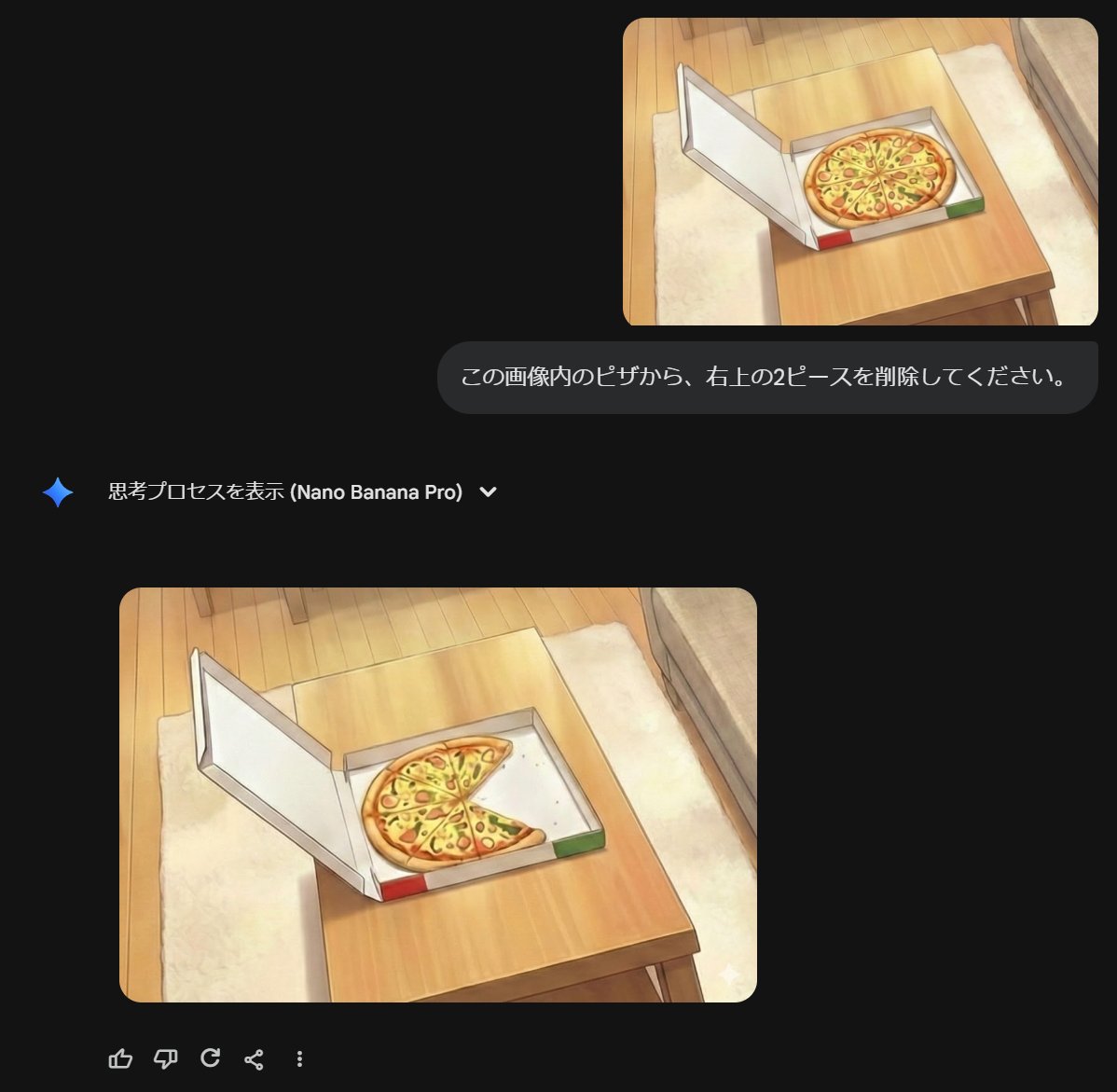
Prompt for Refining Text-Described Images
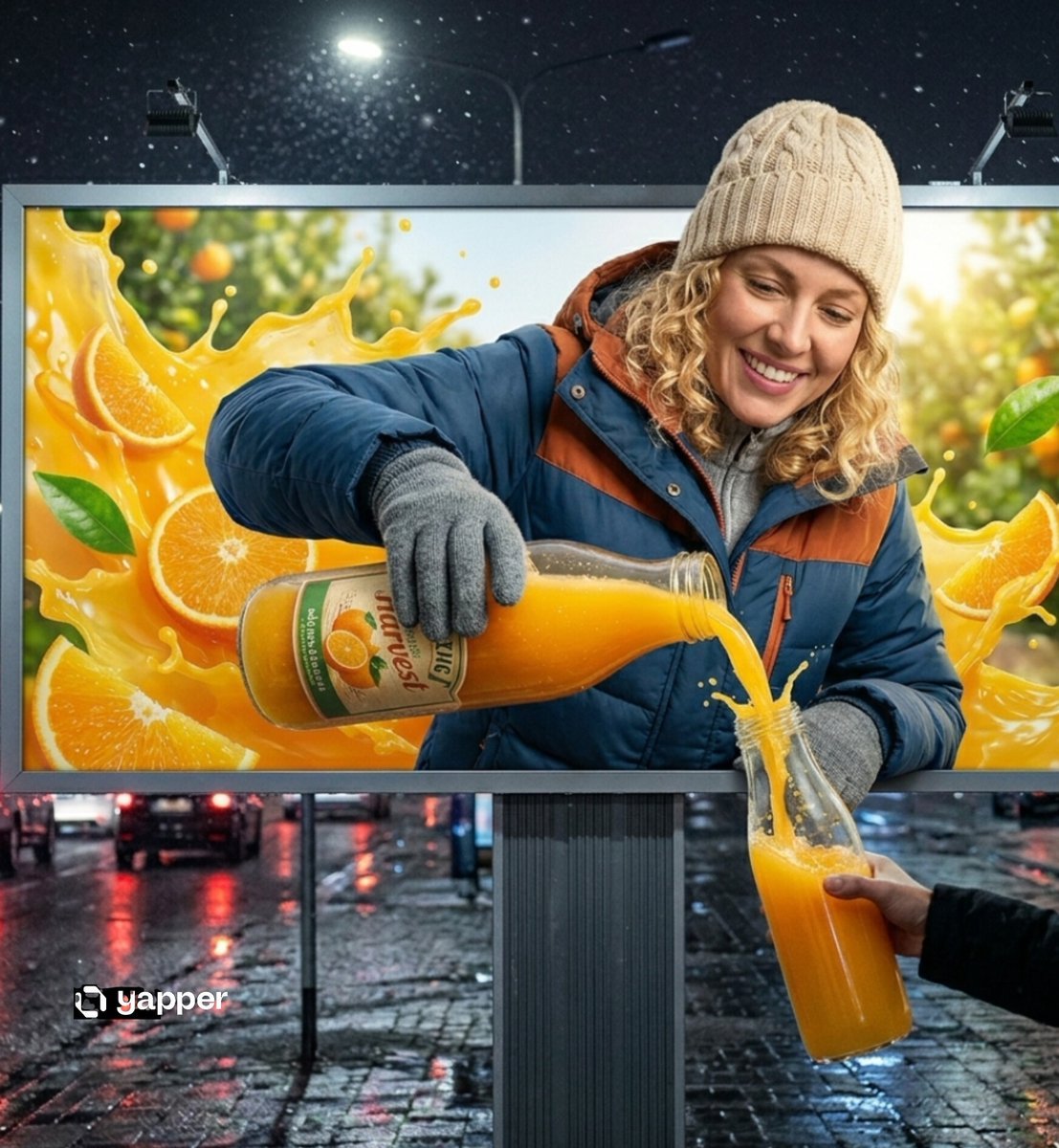
Hyper-realistic 3D Illusion Billboard Advertisement
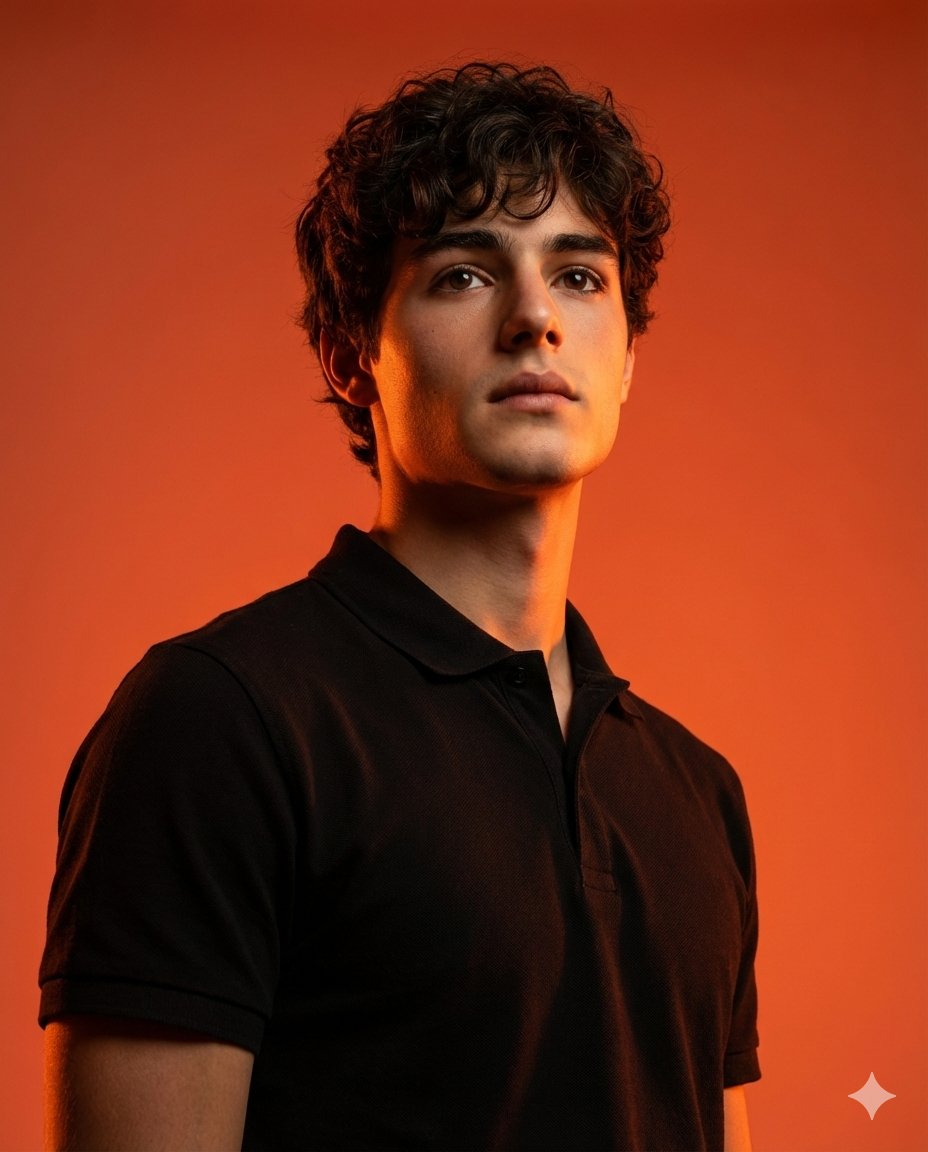
Dramatic Studio Portrait with Reference Photo

Gpt2 E Commerce Main Image 9 Panel Product Tvc Storyboard
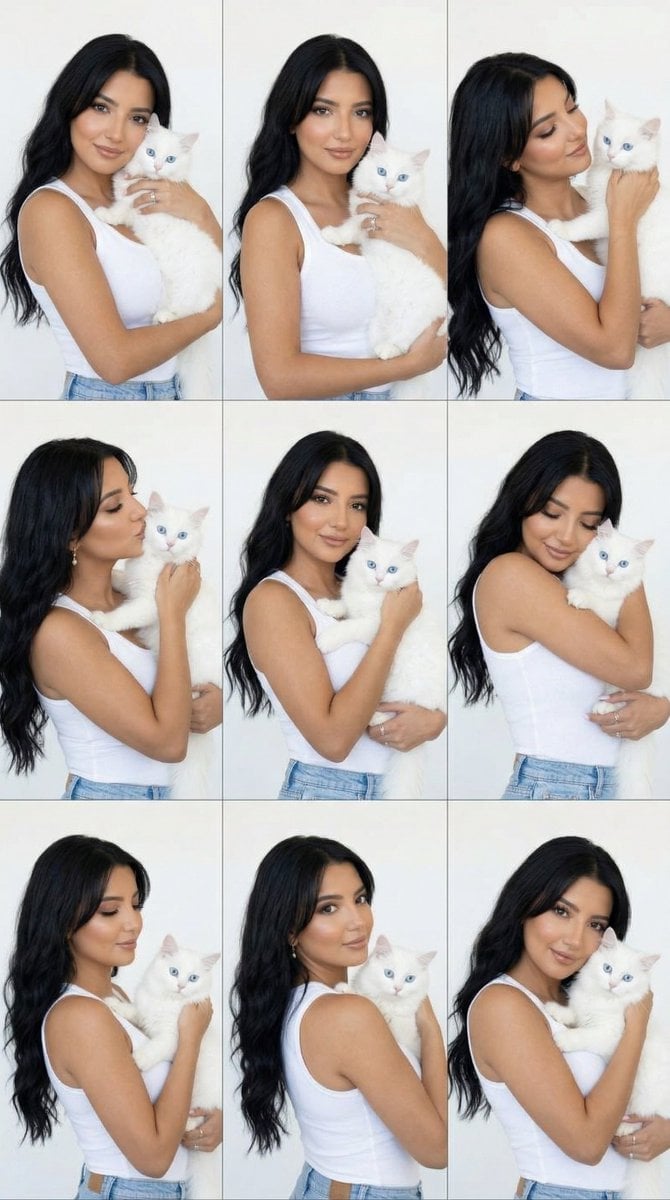
Panel Editorial Grid Portrait with Cat for Nano Banana Pro
Luxury Ad Style Prompt

World Champion Stadium Victory Poster
Browse template categories
Victorian Pixel Art Smoking Cat questions
How do I use the Victorian Pixel Art Smoking Cat template?
Add your photo if the template asks for one, edit the prompt if you like — the template's model and format are already selected — and press Generate. Your version opens in PicX Studio.
Can I customize the Victorian Pixel Art Smoking Cat template?
Yes. You can change the subject, setting, lighting, mood, format, and available model controls before creating your image.
Is the Victorian Pixel Art Smoking Cat template free?
Opening and editing this template is free. Generating uses credits, shown on the Generate button when you are signed in.
Which AI model should I use?
Start with GPT Image 2, which is the model associated with this template. You can compare another compatible model for a different finish.
Looking for something else? Browse all templates.

Your photo, any look
Thousands of ready templates for every top image and video model, from one credit balance.