
Magical Girl in Cozy Kitchen
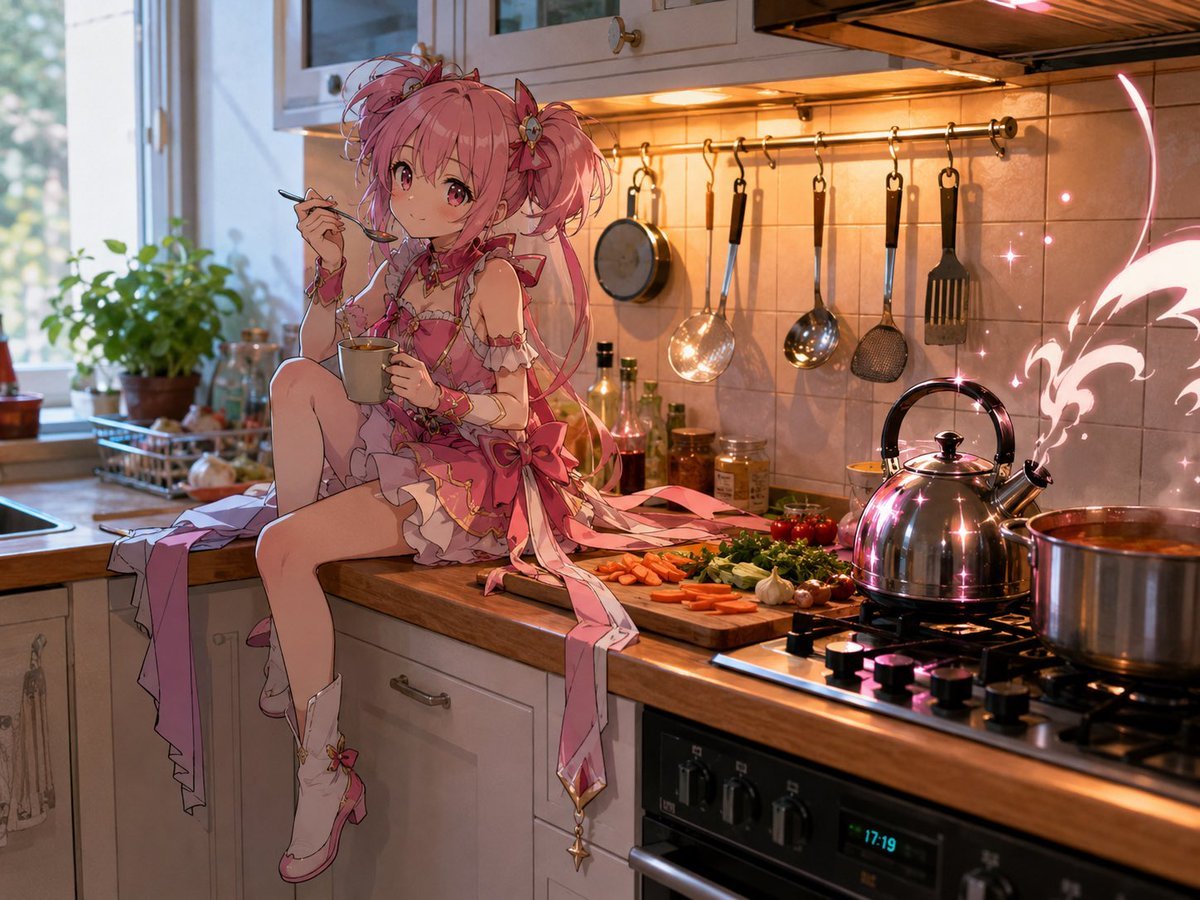
Generates a cinematic anime magical-girl scene in a realistic warm kitchen with cooking details and glowing magical steam.
- Prompt included
- Model and format preset
- Free template
The prompt behind this image
Copy the exact prompt behind Magical Girl in Cozy Kitchen, or open it in the studio and make it yours.
Create a highly detailed cinematic anime illustration of {argument name="character name" default="a pink magical-girl heroine"} sitting sideways on a warm wooden kitchen countertop, holding a gray mug in one hand and a small spoon near her lips as if tasting tea or dessert. She has {argument name="hair color" default="bright pink"} hair in twin high ponytails with messy wisps, ribbons, flower ornaments, large sparkling pink eyes, and a soft curious smile. Her outfit is an ornate frilly {argument name="outfit color" default="pink and white"} magical-girl dress with bows, gold trim, lace ruffles, detached sleeves, thigh-high white boots, long trailing ribbons, and a dangling star charm. The setting is a cozy realistic kitchen at golden hour, with sunlight from a window on the left, potted basil and small bottles near the sink, white cabinets, cream tile backsplash, and warm under-cabinet lighting. Show exactly six hanging kitchen tools on a metal rail behind her: a small pan, a narrow ladle, a large slotted spoon, a shiny round ladle, a mesh skimmer, and a black spatula. On the counter in front of her are chopped vegetables in distinct groups: carrot slices, leafy greens, cherry tomatoes, mushrooms, garlic cloves, and small peppers. On the gas stove at right, include a reflective chrome kettle emitting stylized glowing {argument name="magic color" default="pink"} steam shaped like a wing or flourish, with tiny sparkles around it, plus a large soup pot simmering beside it. Use a blend of photorealistic kitchen environment and polished anime character rendering, rich reflections, shallow depth of field, warm orange highlights, cool daylight shadows, intricate fabric detail, whimsical magical atmosphere, 4:3 composition.
How to use Magical Girl in Cozy Kitchen in 3 steps
- 1Upload ImagePNG, JPG or paste
Add your photo
Upload the photo the template builds on. The prompt, model and format are already set.
- 2…a portrait of your subject in softgolden-hour light, 85mm…
Personalize
Edit the subject and creative details for your destination.
- 3Generate
Generate
Press Generate — your image is created in PicX Studio, so you can compare it with the original and refine one variable at a time.
More like this
Templates with the same subject, style or setup. Open one to see its prompt.

Pixar-Style Chibi Café Morning Scene

Teen Girl Alpine Lake Mountain View
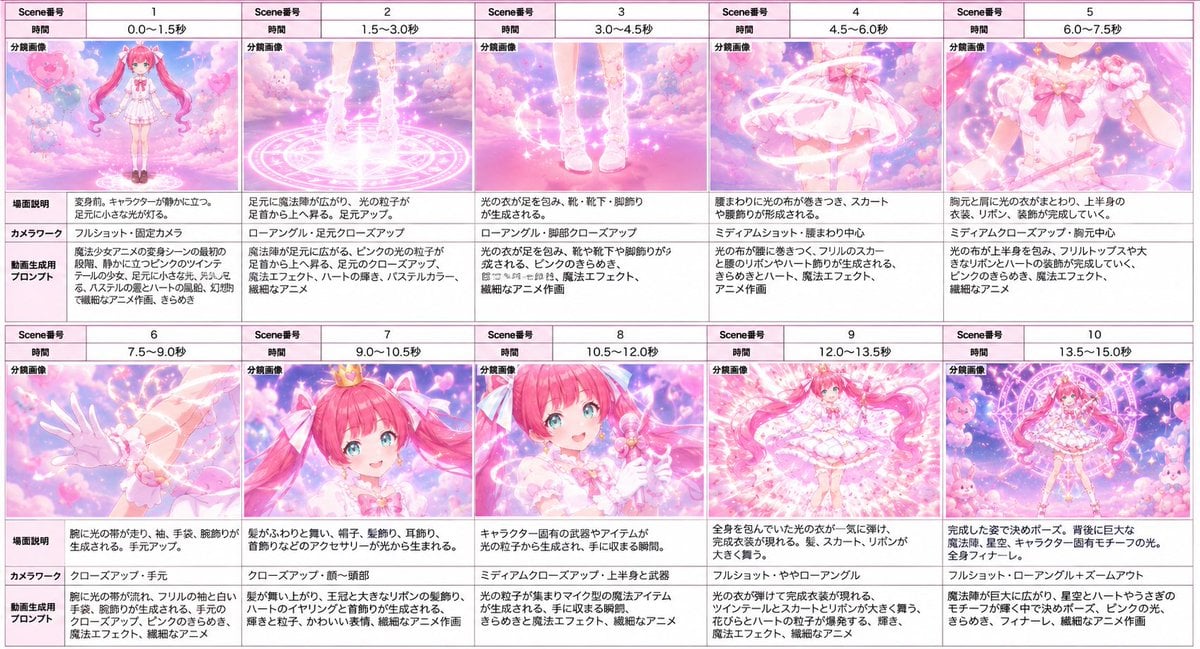
Magical Girl Transformation Storyboard

Magical Girls Dessert Café Scene

Nostalgic Digicam Café Afternoon Portrait
Pixar-Style Chibi Café Morning Scene

Japanese Café Sketch Duo Illustration

Delicate Japanese Café Lifestyle Illustration

Parisian Outdoor Café Silver-Hair Portrait
Japanese Café Sketch Duo Illustration
Delicate Japanese Café Lifestyle Illustration

Pastel Fantasy Pagoda Mountain Landscape
Make it yours
Magical Girl in Cozy Kitchen works as-is. These are the safest ways to change it without losing the look.
Change one field
Copy a single group, rewrite it, and generate again so you can see what that field is doing.
Keep the frame, change the subject
Hold the composition and light of Magical Girl in Cozy Kitchen, then swap wardrobe, props or the person for a new take.
| If the result… | Why | Fix |
|---|---|---|
| The result drifts from the preview | Too many fields changed at once. | Reuse Magical Girl in Cozy Kitchen as-is first, then change one group — subject, light, or setting. |
| The model over-stylizes the scene | The prose prompt leaves finish and camera underspecified. | Add one camera or lighting sentence and stay on GPT Image 2. |
More GPT Image 2 templates
Other prompts made for GPT Image 2.

Six VTuber Japanese Logo Sheet

Realistic Portrait of Woman and Deer

The Vista Modular Condo Poster

AI Model Routing Comparison Infographic

2.5D Anime Art Board

Isometric Productivity Desk Scene

New York Double Exposure Poster

Four-Panel AI Landscape Comparison

Japanese Tatami Lifestyle Magazine Cover

NESCAFÉ Coffee Map Poster
More image prompts
Fresh picks from across the catalog.
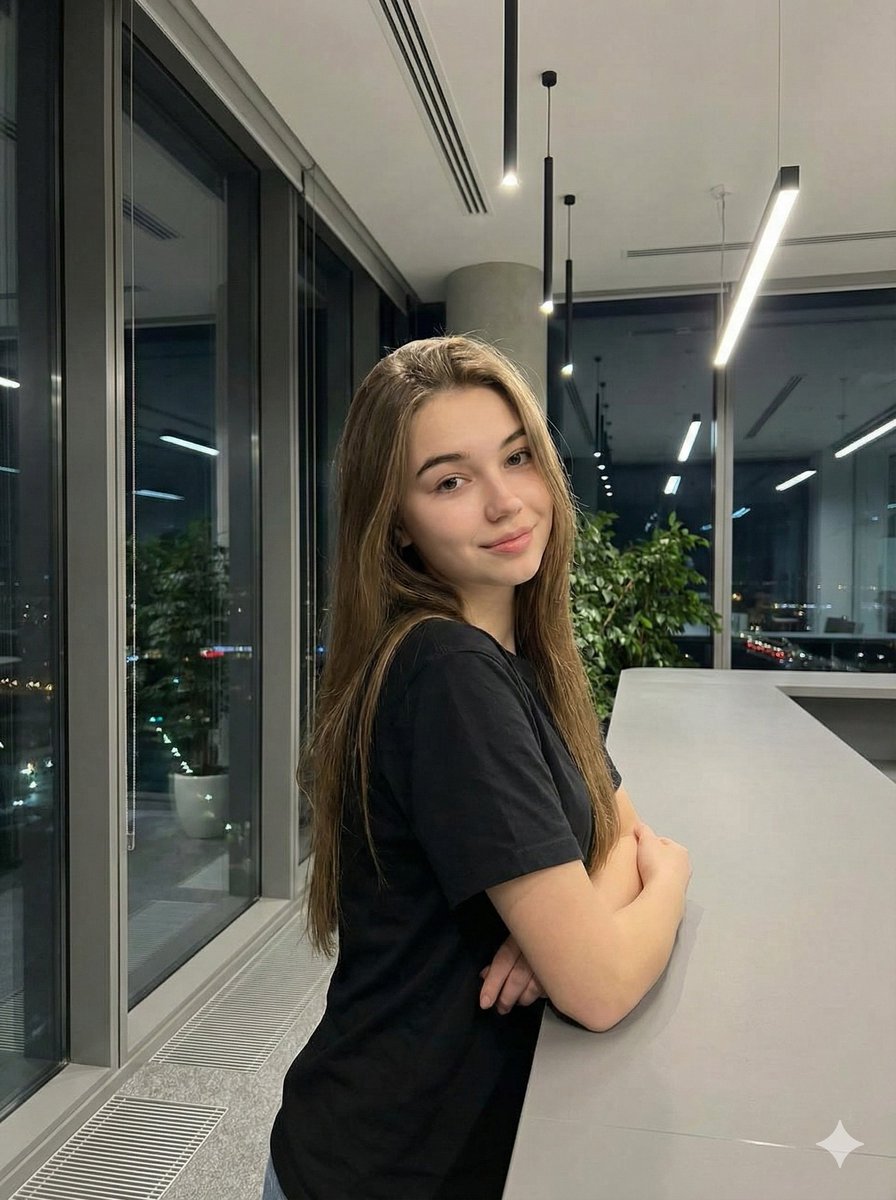
Realistic Corporate Portrait in a Modern Office at Night
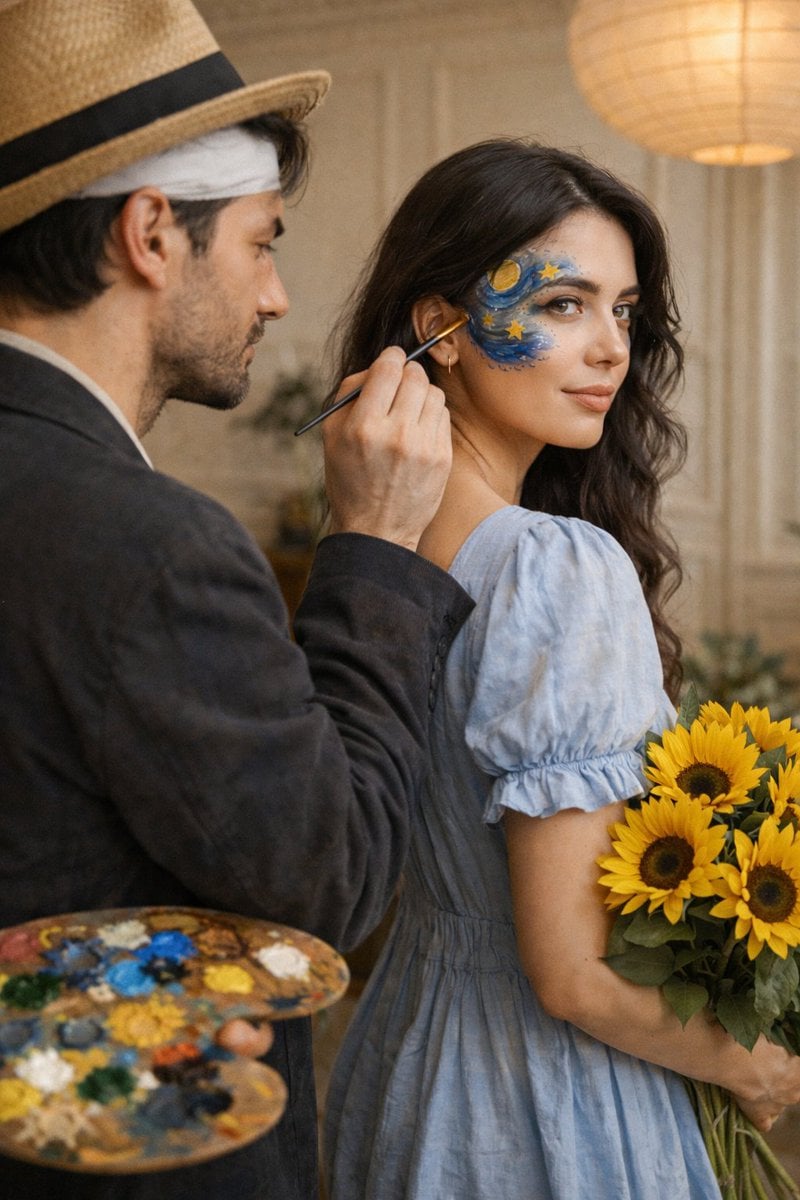
Cinematic Editorial Couple Portrait with Starry Night Face Paint
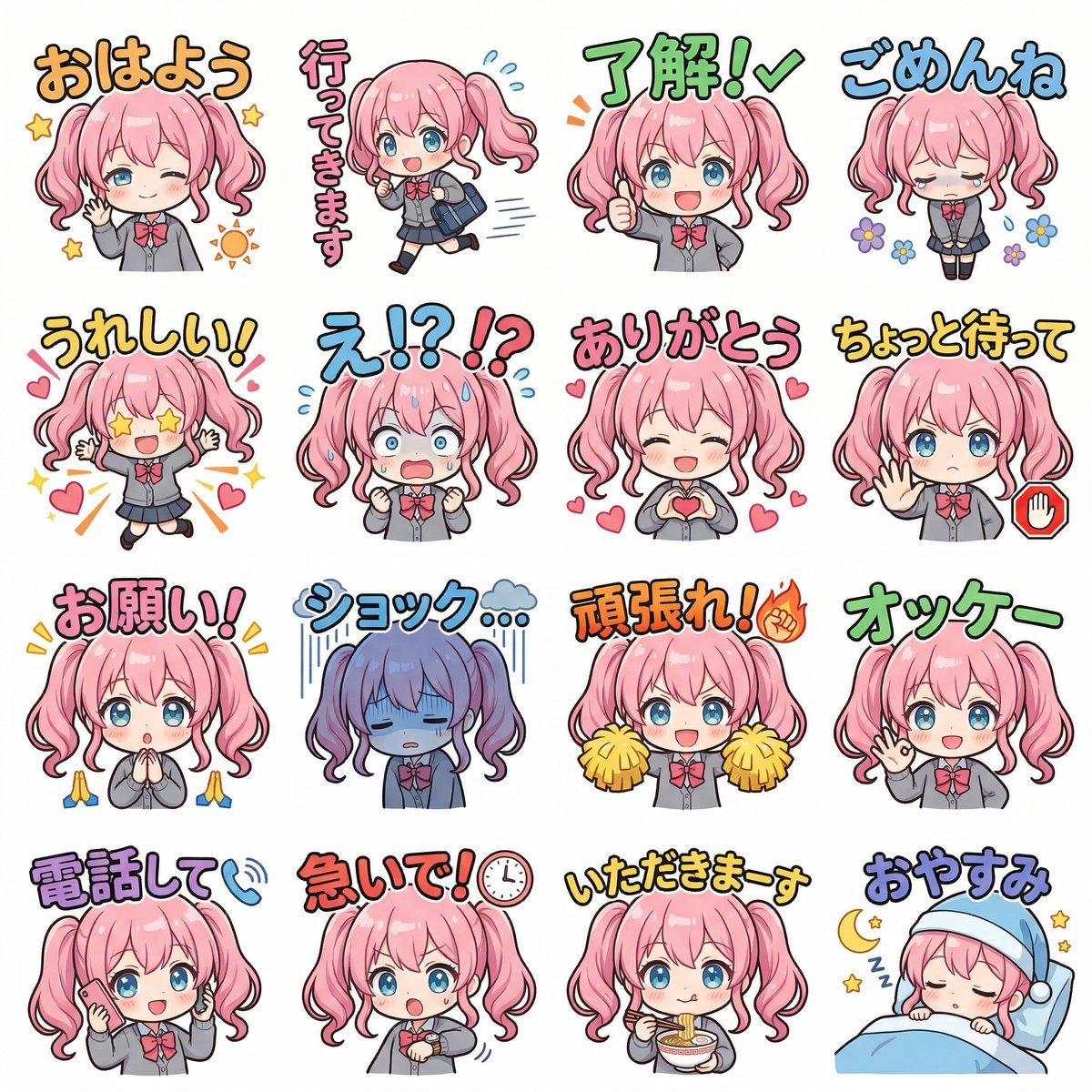
Creating LINE Stickers with Nano Banana 2
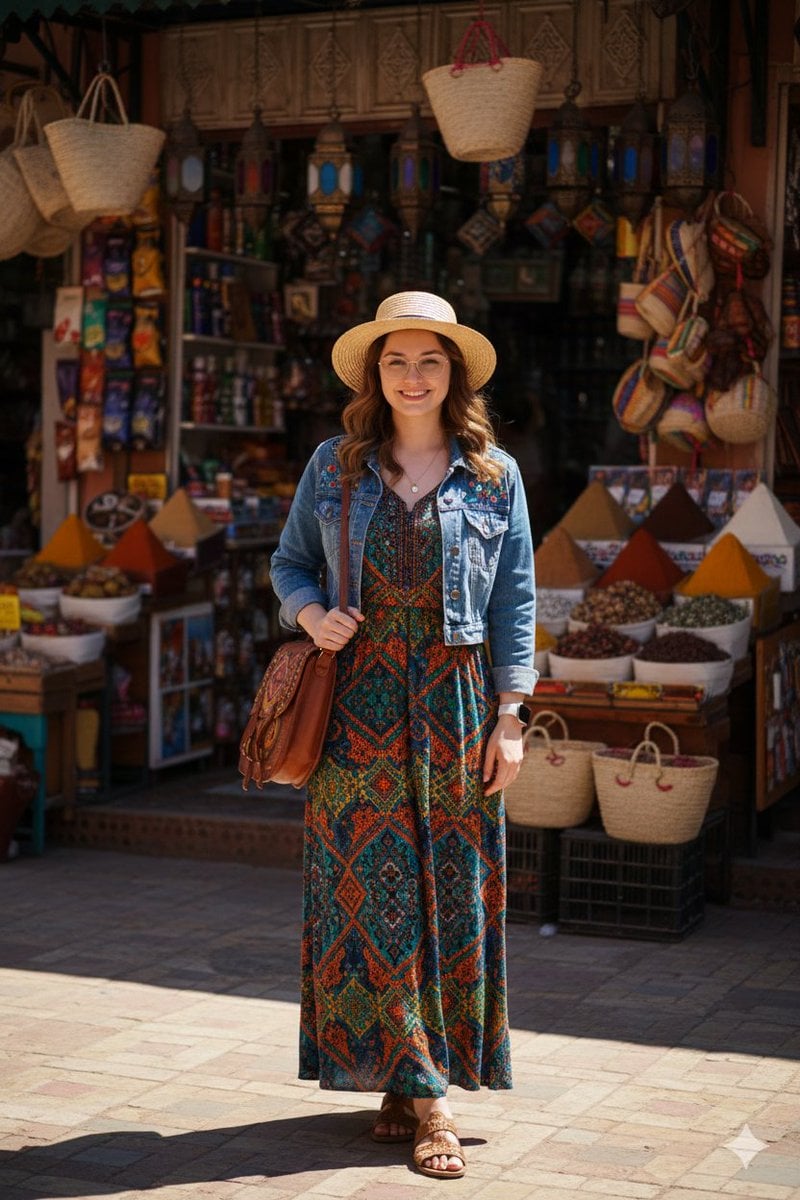
High-Fidelity Moroccan Souk Portrait

Cute 4-Panel School Club Manga
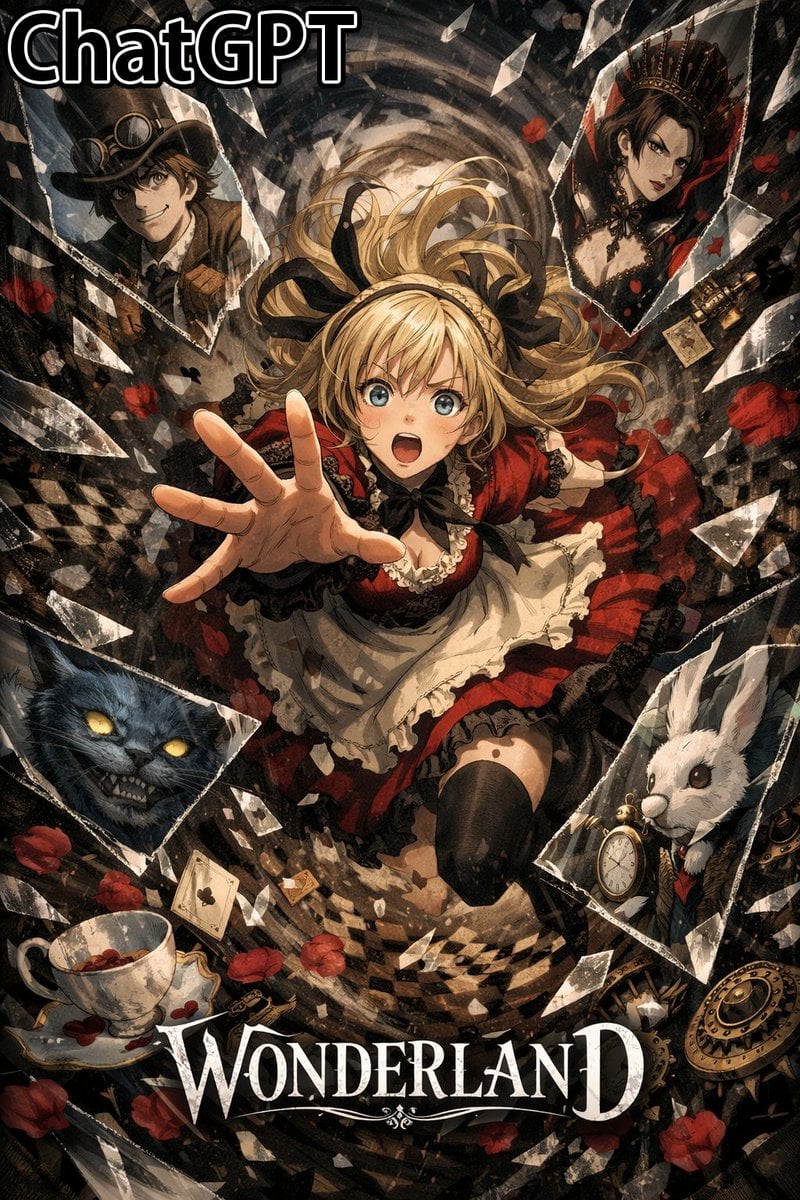
Glass Shard Character Embedding Prompt (Comparison)

Mixed Reality Retail Experience Prompt

Ultra-Realistic Luxury Fitness Photoshoot
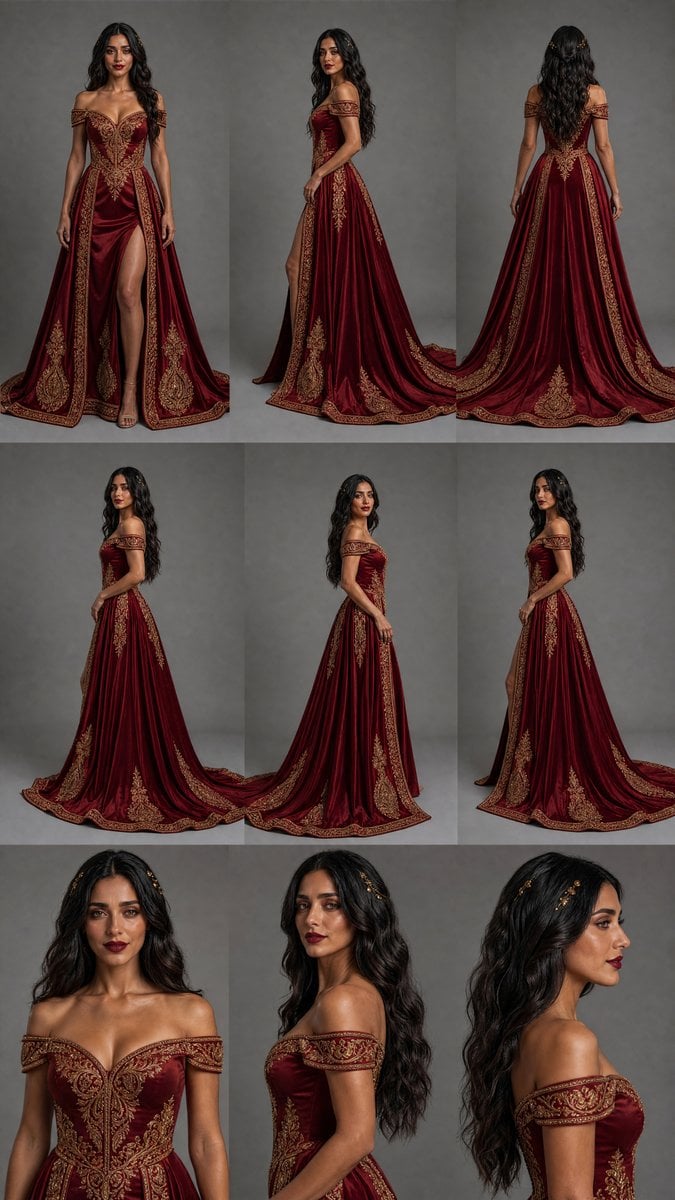
Burgundy Gown Fashion Reference Grid
Crayon Friends Studio Celebration
Browse template categories
Magical Girl in Cozy Kitchen questions
How do I use the Magical Girl in Cozy Kitchen template?
Add your photo if the template asks for one, edit the prompt if you like — the template's model and format are already selected — and press Generate. Your version opens in PicX Studio.
Can I customize the Magical Girl in Cozy Kitchen template?
Yes. You can change the subject, setting, lighting, mood, format, and available model controls before creating your image.
Is the Magical Girl in Cozy Kitchen template free?
Opening and editing this template is free. Generating uses credits, shown on the Generate button when you are signed in.
Which AI model should I use?
Start with GPT Image 2, which is the model associated with this template. You can compare another compatible model for a different finish.
Looking for something else? Browse all templates.

Your photo, any look
Thousands of ready templates for every top image and video model, from one credit balance.