
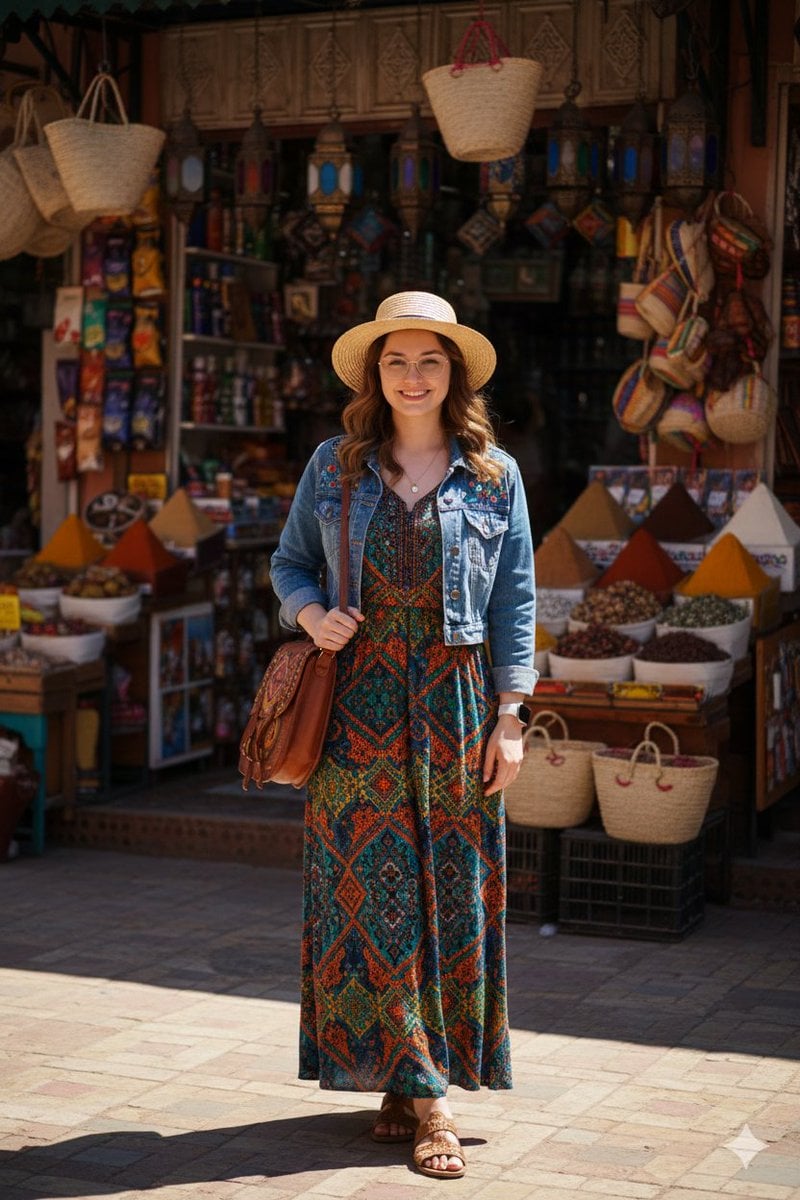
High-Fidelity Moroccan Souk Portrait
A structured JSON prompt for generating a high-fidelity travel photography portrait of a woman in bohemian attire (teal and orange maxi dress, denim jacket) in a Moroccan souk, focusing on natural afternoon sunlight and…
- Prompt included
- Model and format preset
- Free template
The prompt behind this image
Copy the exact prompt behind High-Fidelity Moroccan Souk Portrait, or open it in the studio and make it yours.
"high_fidelity_lifestyle_portrait", "parameters": { "resolution": "8K_UHD", "aspect_ratio": "2:3", "style": "travel_photography", "lighting": "natural_afternoon_sunlight" }, "subject": { "identity": "{argument name="subject identity" default="female with wavy brown hair and gold thin-rimmed glasses"}", "expression": "warm, friendly smile", "pose": "standing straight, facing camera, holding bag strap", "attire": { "base": "{argument name="dress description" default="bohemian teal and orange patterned maxi dress"}", "outerwear": "faded blue denim jacket with floral embroidery on shoulders", "headwear": "wide-brimmed straw sun hat", "footwear": "brown leather strappy sandals", "accessories": ["tan leather crossbody satchel", "white smartwatch", "delicate gold necklace"] } }, "environment": { "location": "open-air Moroccan souk or artisan market", "background_details": [ "hanging wicker baskets and straw bags", "ornate metal lanterns", "mounds of colorful powdered spices", "shelves of bottled goods", "terracotta-colored building walls" ], "ground": "weathered stone brick pavement", "lighting_effects": "dramatic shadows cast on the ground from overhead structures" }
How to use High-Fidelity Moroccan Souk Portrait in 3 steps
- 1
Open
The prompt is already in the box next to the preview, with the template's model and format selected.
- 2…a portrait of your subject in softgolden-hour light, 85mm…
Personalize
Edit the subject and creative details for your destination.
- 3Generate
Generate
Press Generate — your image is created in PicX Studio, so you can compare it with the original and refine one variable at a time.
More like this
Templates with the same subject, style or setup. Open one to see its prompt.

Found Photograph: Us, 1970

80s Couple Studio Portrait

80s Bollywood Star

80s Golden Hour Cinema

Me in 1985

1985 Studio Portrait

Hyper-Realistic Minecraft POV Portrait

Rooftop Fisheye — Cat-Ear Balaclava at Golden Hour

Rainy Café Window Moody Portrait

untitled

2025 Aesthetic Photography

Nano Banana Is So Addictive
Make it yours
High-Fidelity Moroccan Souk Portrait works as-is. These are the safest ways to change it without losing the look.
Change one field
Copy a single group, rewrite it, and generate again so you can see what that field is doing.
Keep the frame, change the subject
Hold the composition and light of High-Fidelity Moroccan Souk Portrait, then swap wardrobe, props or the person for a new take.
| If the result… | Why | Fix |
|---|---|---|
| The result drifts from the preview | Too many fields changed at once. | Reuse High-Fidelity Moroccan Souk Portrait as-is first, then change one group — subject, light, or setting. |
| The model over-stylizes the scene | The prose prompt leaves finish and camera underspecified. | Add one camera or lighting sentence and stay on Nano Banana 2. |
More Nano Banana 2 templates
Other prompts made for Nano Banana 2.

Photorealistic Leaf Shaped Like a Dragon

K-Pop Idol Portrait Grid for Rapid Selection

Poetic Rain Forest Portrait During Golden Hour

Urban Street Portrait with Cartoon Inner Self Duo

Candid Nighttime Photo with Cat Prompt

High-Concept 3D Diorama Generation Prompt

Cinematic Futuristic Studio Portrait Template

Skincare Editorial Photography Collage Prompt

Hyper-Realistic Commercial Product Photography (Splash Effect)

Hyper-Realistic Nightclub Portrait Prompt
More image prompts
Fresh picks from across the catalog.
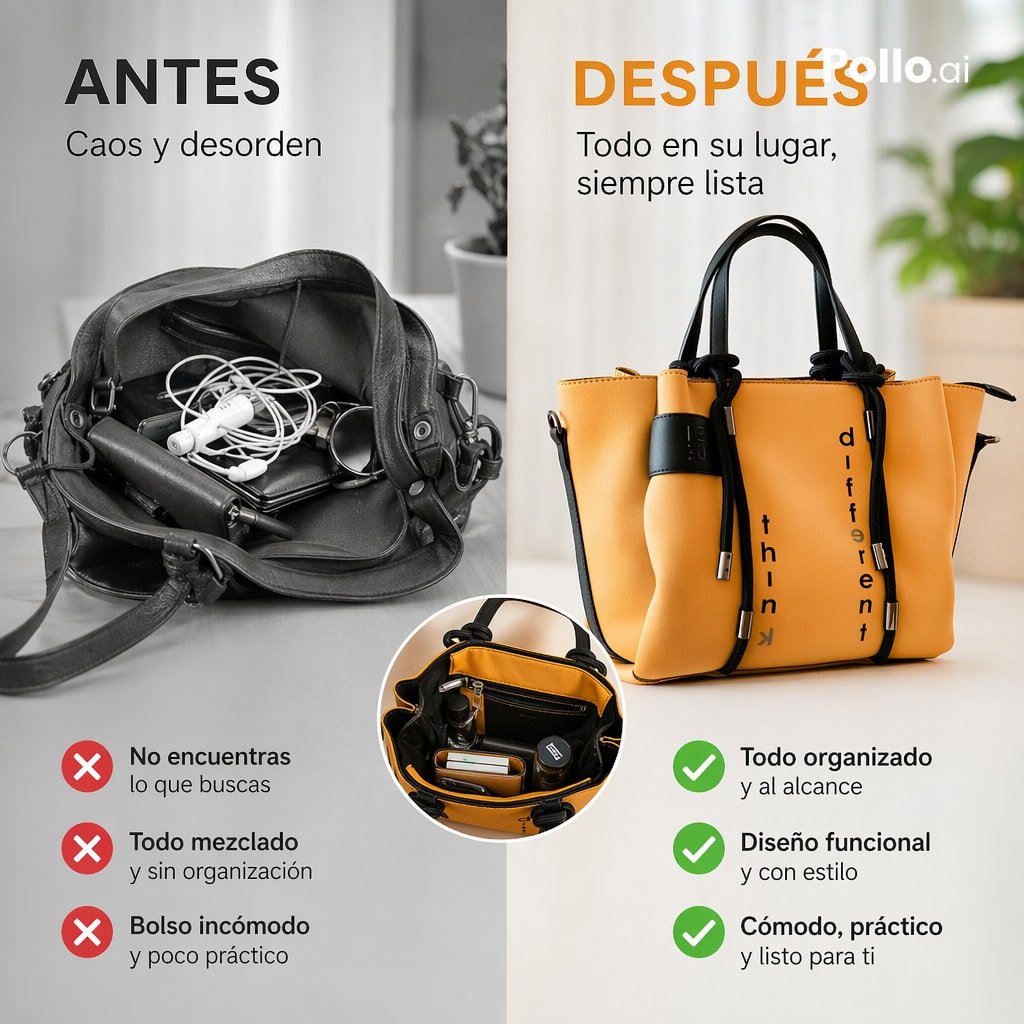
Before and After Handbag Ad
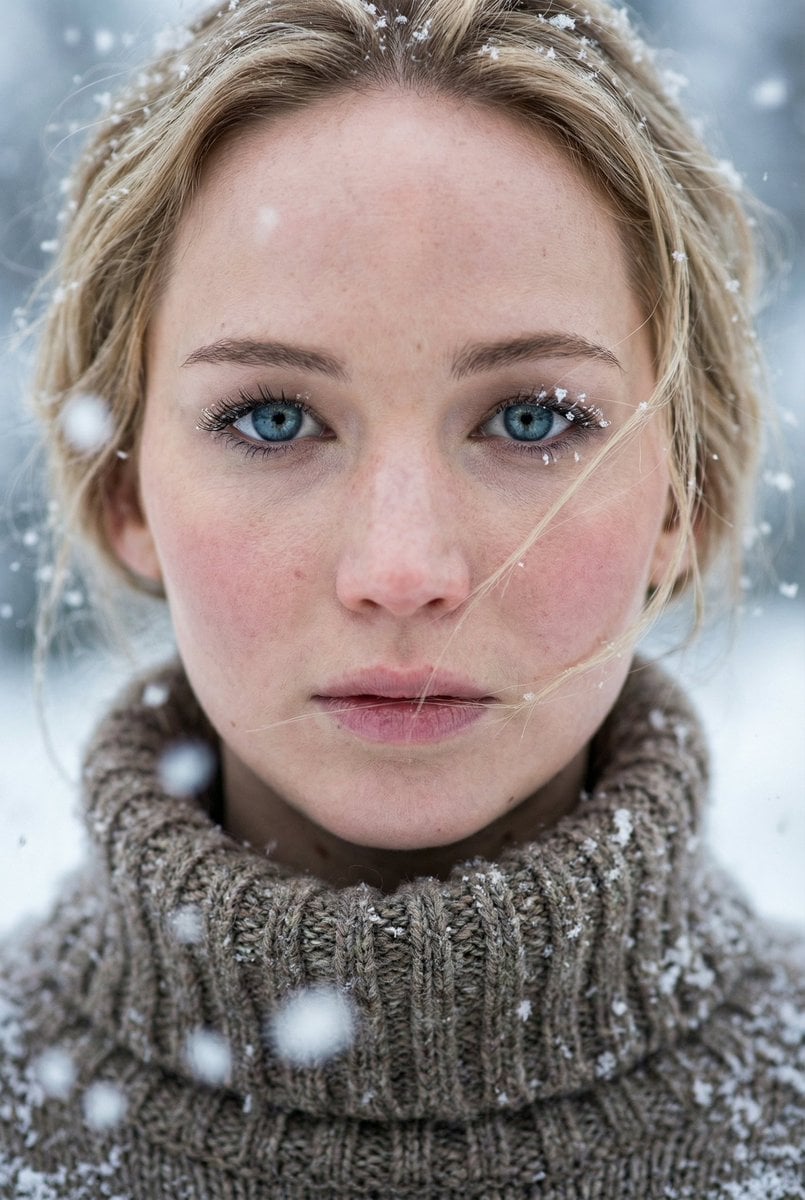
Ultra-Photorealistic Winter Portrait Macro Focus (Jennifer Lawrence)
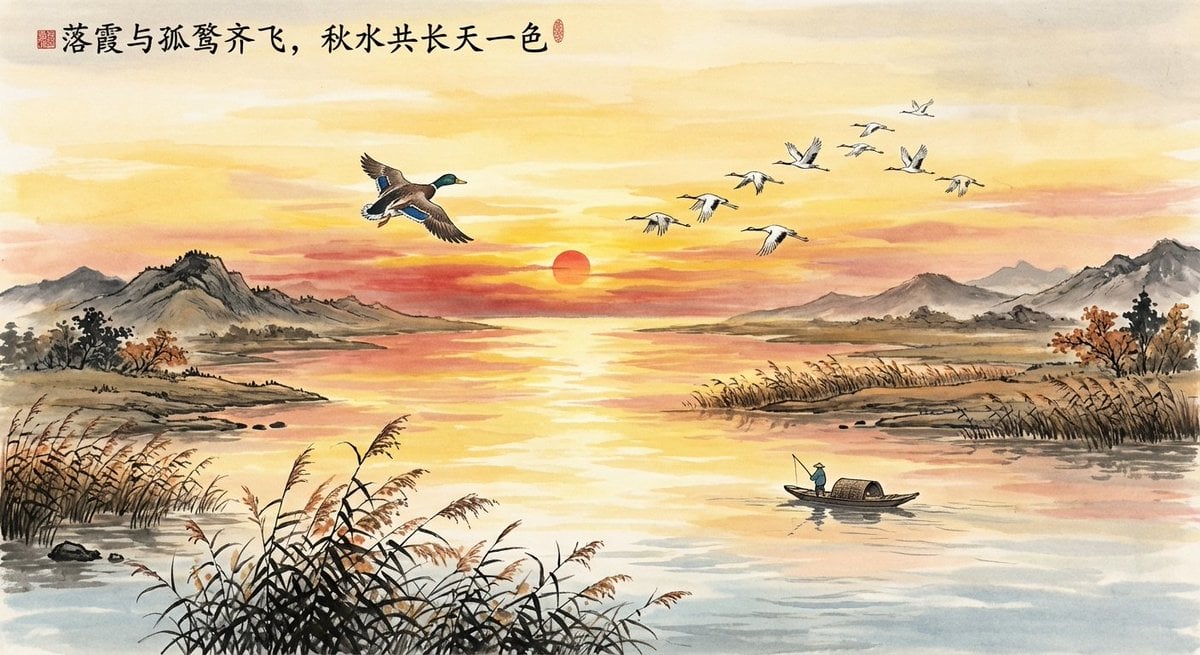
Chinese poetic and crossover character prompts
Smirking Anime Man Close-Up
Aging Progression Grid
Luxury Museum Acrylic Case Visual
Urban Graffiti Brick Wall Portrait
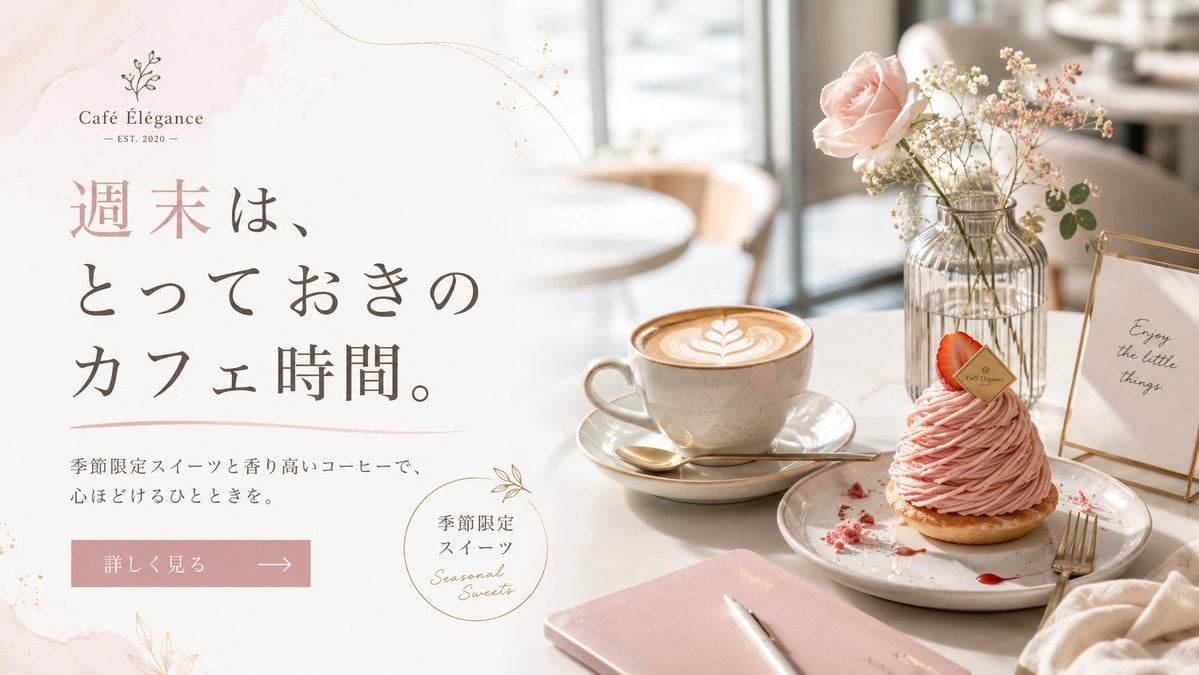
Elegant Café Weekend Banner
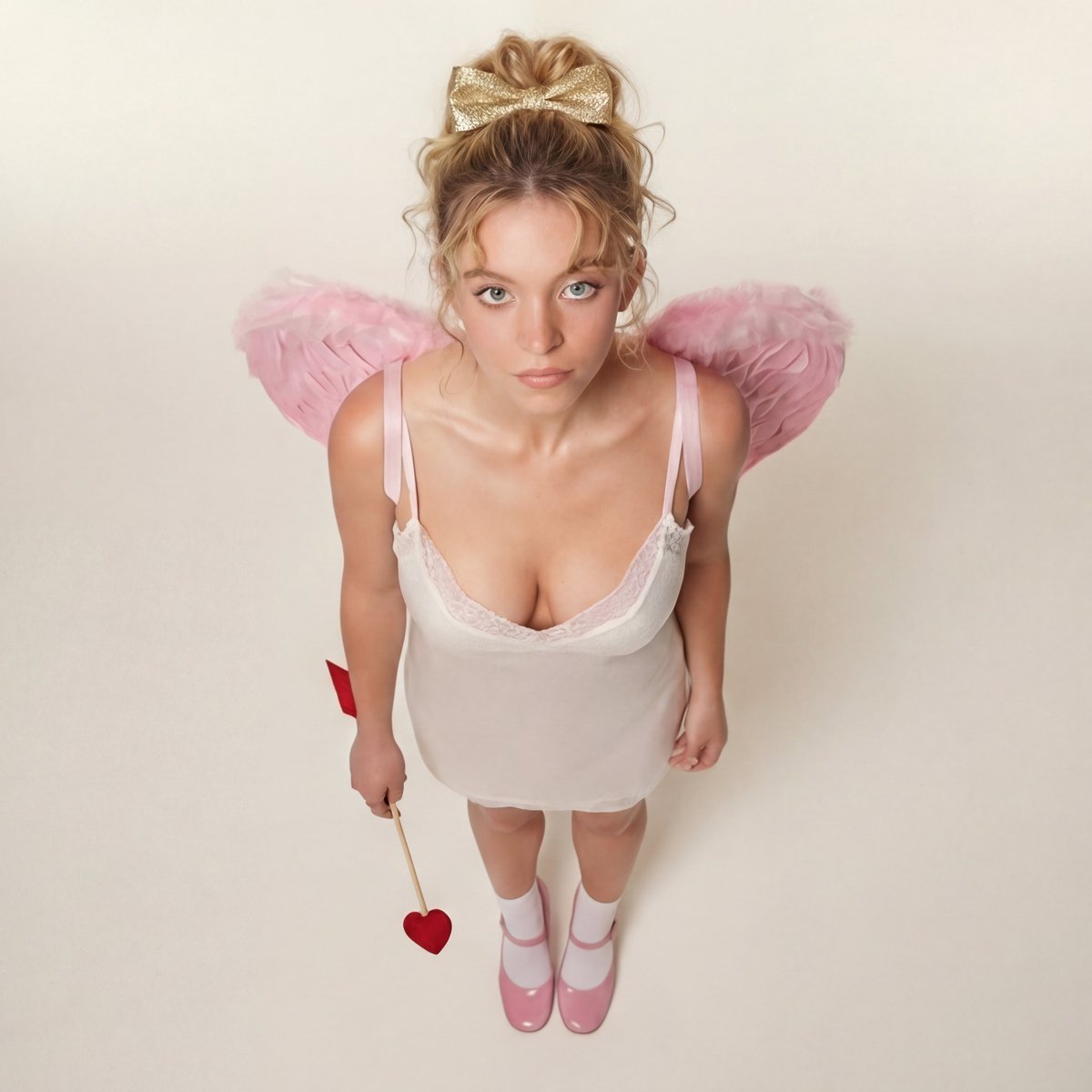
Modern Ethereal Cupid / Coquette Core Portrait
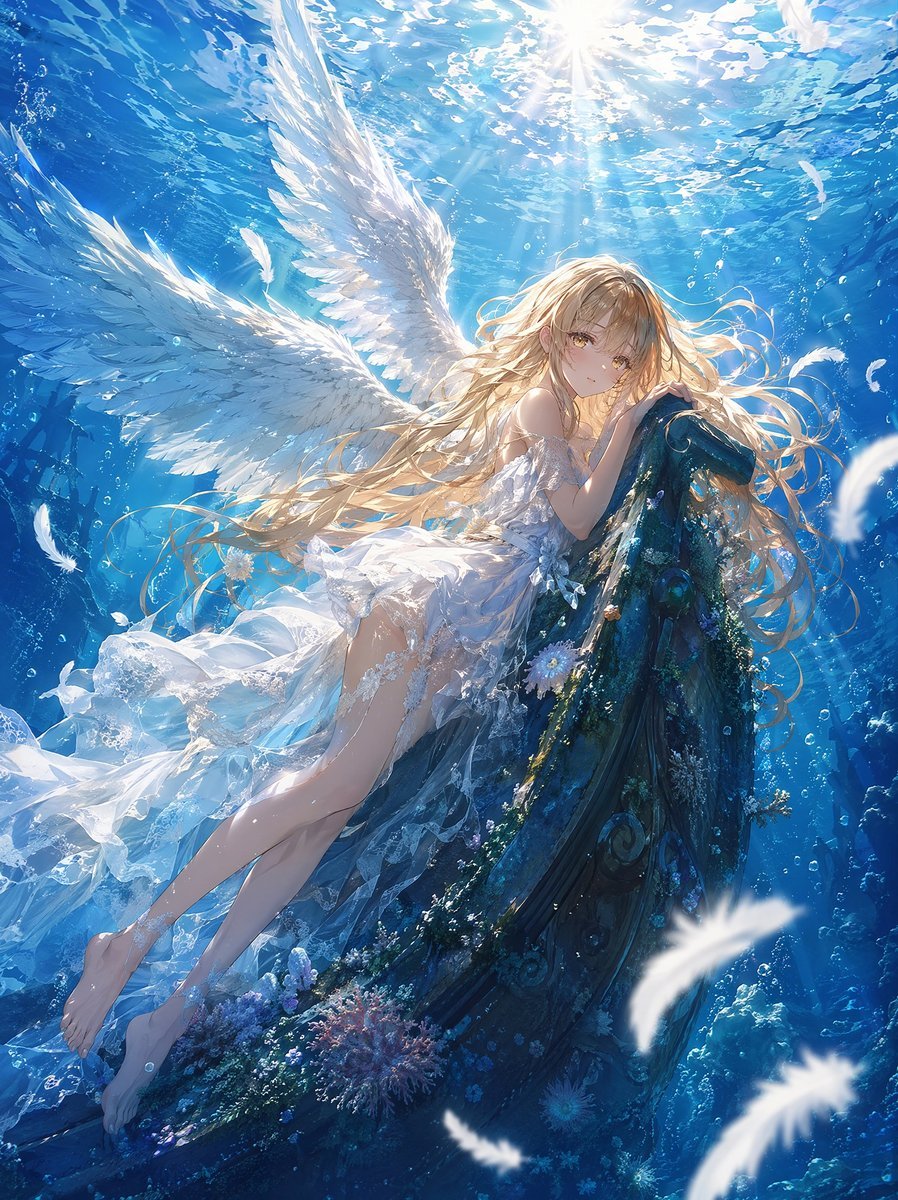
Underwater Angel Fantasy Illustration
Browse template categories
High-Fidelity Moroccan Souk Portrait questions
How do I use the High-Fidelity Moroccan Souk Portrait template?
Add your photo if the template asks for one, edit the prompt if you like — the template's model and format are already selected — and press Generate. Your version opens in PicX Studio.
Can I customize the High-Fidelity Moroccan Souk Portrait template?
Yes. You can change the subject, setting, lighting, mood, format, and available model controls before creating your image.
Is the High-Fidelity Moroccan Souk Portrait template free?
Opening and editing this template is free. Generating uses credits, shown on the Generate button when you are signed in.
Which AI model should I use?
Start with Nano Banana 2, which is the model associated with this template. You can compare another compatible model for a different finish.
Looking for something else? Browse all templates.

Your photo, any look
Thousands of ready templates for every top image and video model, from one credit balance.