
Underwater Angel Fantasy Illustration
A refined anime fantasy prompt for creating an ethereal blonde angel floating underwater among ruins, feathers, sunlight, and coral details.
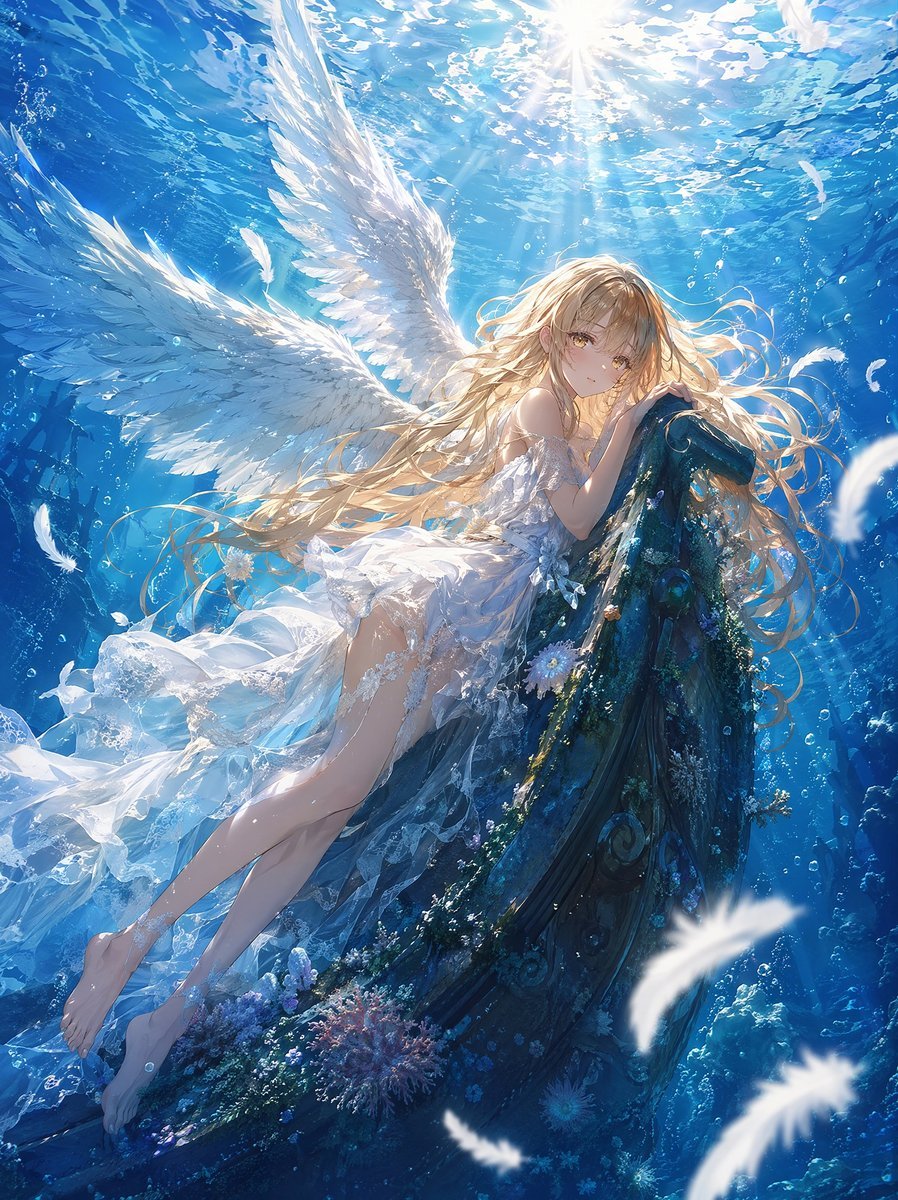
- Prompt included
- Model and format preset
- Free template
The prompt behind this image
Copy the exact prompt behind Underwater Angel Fantasy Illustration, or open it in the studio and make it yours.
Create a highly detailed, polished anime fantasy illustration of a serene underwater angel girl resting against an ancient curved stone structure. The scene shows one young female angel with {argument name="hair color" default="long flowing golden-blonde hair"}, soft amber eyes, delicate pale skin, and a calm melancholic expression, wearing a translucent layered {argument name="dress style" default="white lace dress with ruffled organza and floral details"}. She has exactly two large white feathered wings spread behind her, illuminated by sunlight from the water surface above. Her body floats diagonally from lower left to upper right, bare legs extended, one arm gently hugging the mossy stone arch. The setting is a luminous deep-blue underwater ruin with clear water, bubbles, caustic light rays, drifting fabric, and small marine growth. Include exactly one large curved ancient stone arch or boat-like ruin covered in dark teal moss, coral, tiny white flowers, and ornate spiral carvings. Add many floating white feathers of different sizes around her, with three prominent blurred foreground feathers near the lower right and right edge, plus smaller sharp feathers near the wings. The composition should be vertical, cinematic, and immersive, with the bright sunburst centered near the top, rippling water surface overhead, intense turquoise-to-cobalt blue background, and soft volumetric god rays. Use intricate feather rendering, realistic underwater lighting, sparkling highlights, clean detail retention, no noise, no ink splatter, no text, no watermark, no frame. Style: premium Japanese anime key visual, ethereal fantasy, painterly but crisp, delicate facial features, highly refined fabric transparency, romantic and dreamlike atmosphere. Use {argument name="aspect ratio" default="3:4 vertical"}.
How to use Underwater Angel Fantasy Illustration in 3 steps
- 1Upload ImagePNG, JPG or paste
Add your photo
Upload the photo the template builds on. The prompt, model and format are already set.
- 2…a portrait of your subject in softgolden-hour light, 85mm…
Personalize
Edit the subject and creative details for your destination.
- 3Generate
Generate
Press Generate — your image is created in PicX Studio, so you can compare it with the original and refine one variable at a time.
More like this
Templates with the same subject, style or setup. Open one to see its prompt.

Unfinished Sketch Comes Alive Portrait

Open Travel Journal Overhead Still Life
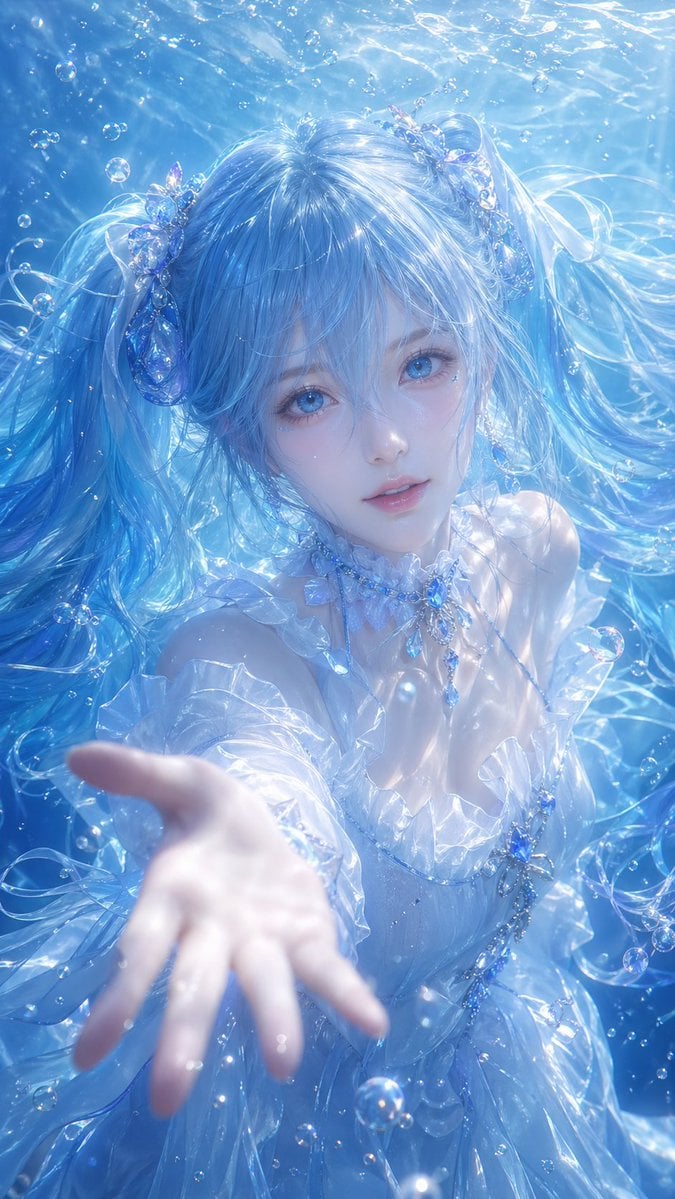
Underwater Fantasy CG Illustration
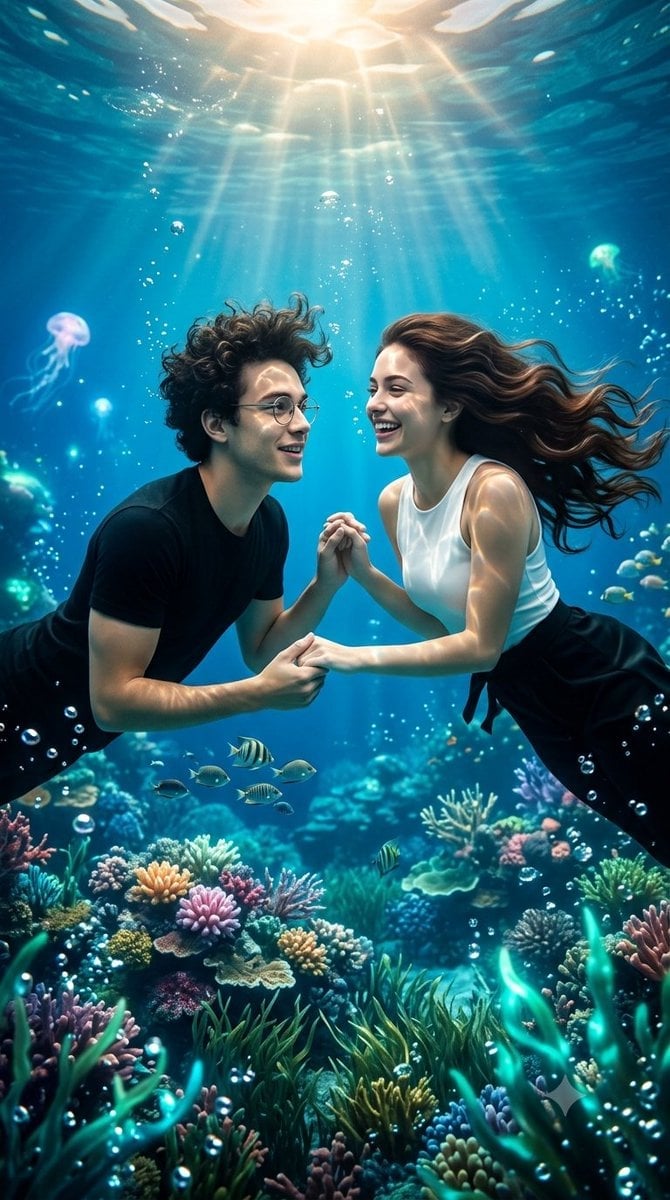
Underwater Fantasy Romance Portrait

Quiet Minimalist Anime Style Guide

Anime Fantasy Celestial Movie Poster

Real Illustration Split Portrait Transition
Quiet Minimalist Anime Style Guide
Anime Fantasy Celestial Movie Poster

Watercolor Café Cheesecake Editorial Illustration
Real Illustration Split Portrait Transition

Bold Side Profile Superhero Poster
Make it yours
Underwater Angel Fantasy Illustration works as-is. These are the safest ways to change it without losing the look.
Change one field
Copy a single group, rewrite it, and generate again so you can see what that field is doing.
Keep the frame, change the subject
Hold the composition and light of Underwater Angel Fantasy Illustration, then swap wardrobe, props or the person for a new take.
| If the result… | Why | Fix |
|---|---|---|
| The result drifts from the preview | Too many fields changed at once. | Reuse Underwater Angel Fantasy Illustration as-is first, then change one group — subject, light, or setting. |
| The model over-stylizes the scene | The prose prompt leaves finish and camera underspecified. | Add one camera or lighting sentence and stay on GPT Image 2. |
More GPT Image 2 templates
Other prompts made for GPT Image 2.

Six VTuber Japanese Logo Sheet

Realistic Portrait of Woman and Deer

The Vista Modular Condo Poster

AI Model Routing Comparison Infographic

2.5D Anime Art Board

Isometric Productivity Desk Scene

New York Double Exposure Poster

Four-Panel AI Landscape Comparison

Japanese Tatami Lifestyle Magazine Cover

NESCAFÉ Coffee Map Poster
More image prompts
Fresh picks from across the catalog.
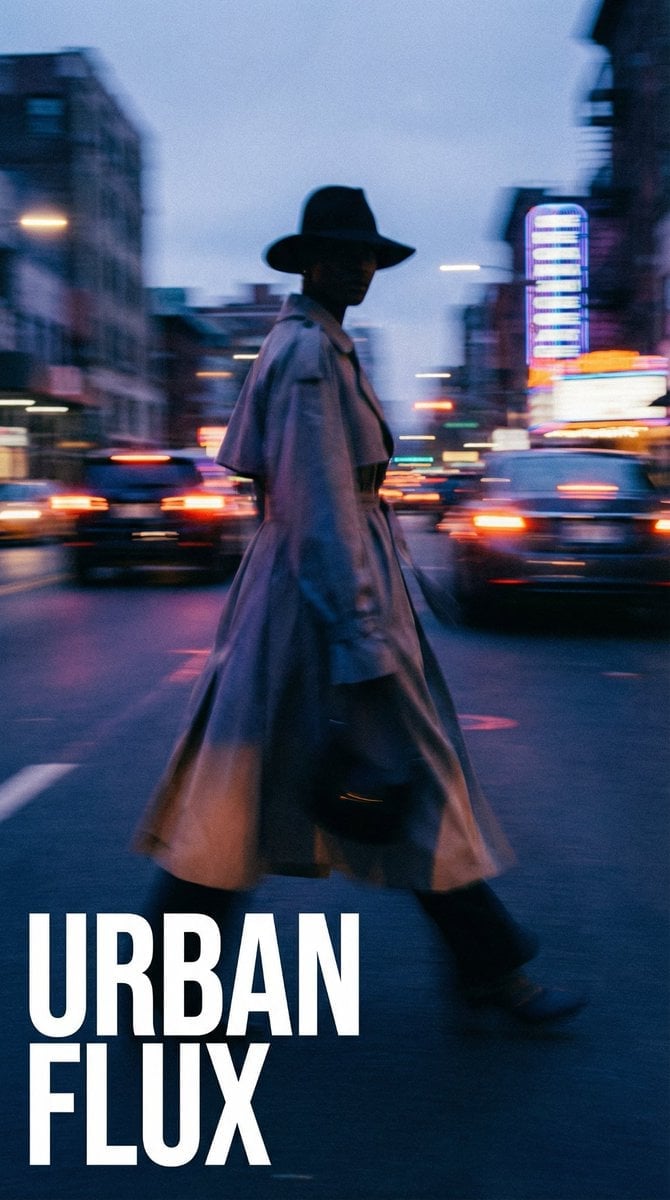
Dynamic Portrait with Cinematic Motion Blur
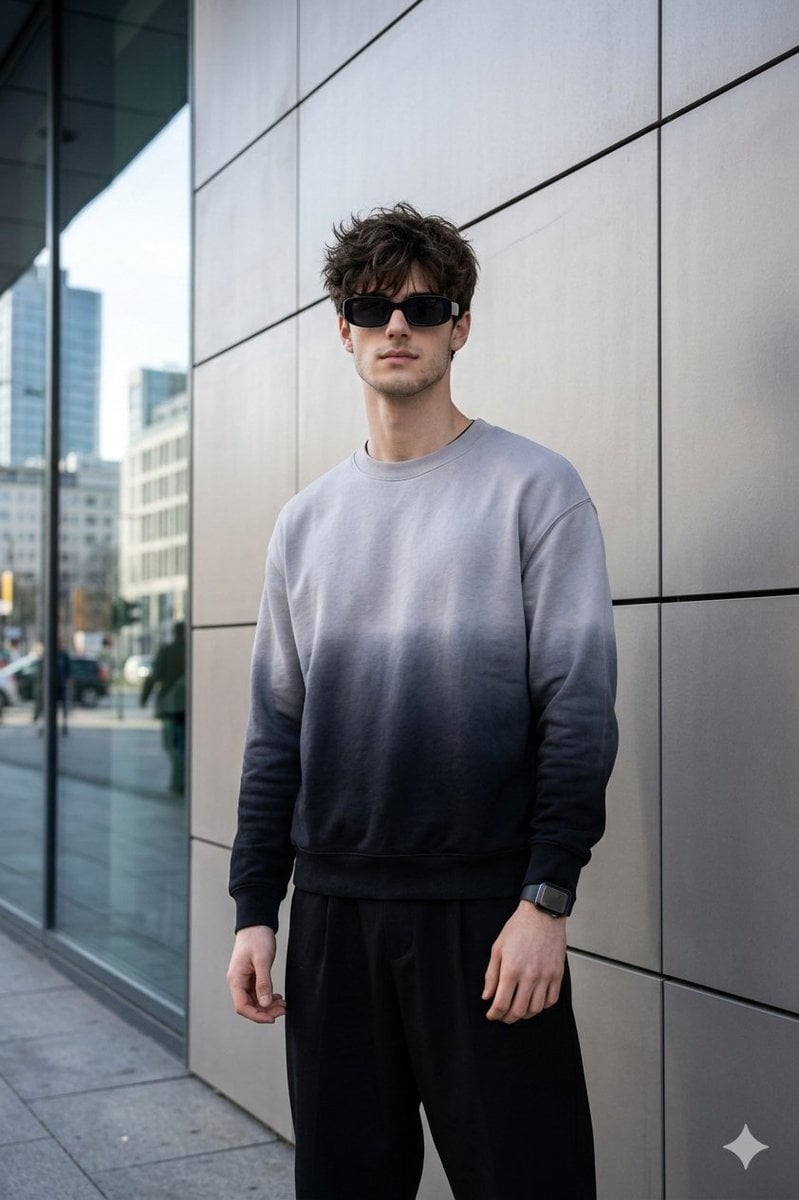
Masterpiece Cinematic Portrait Prompt
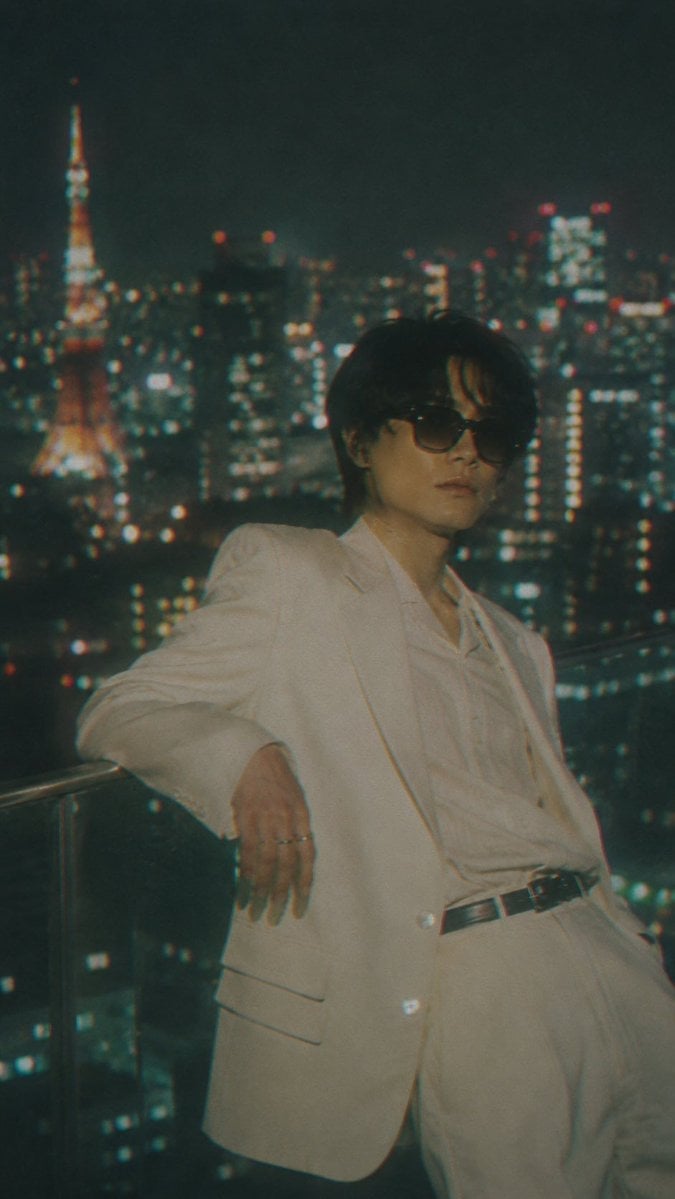
Censored Tokyo Rooftop Night Portrait
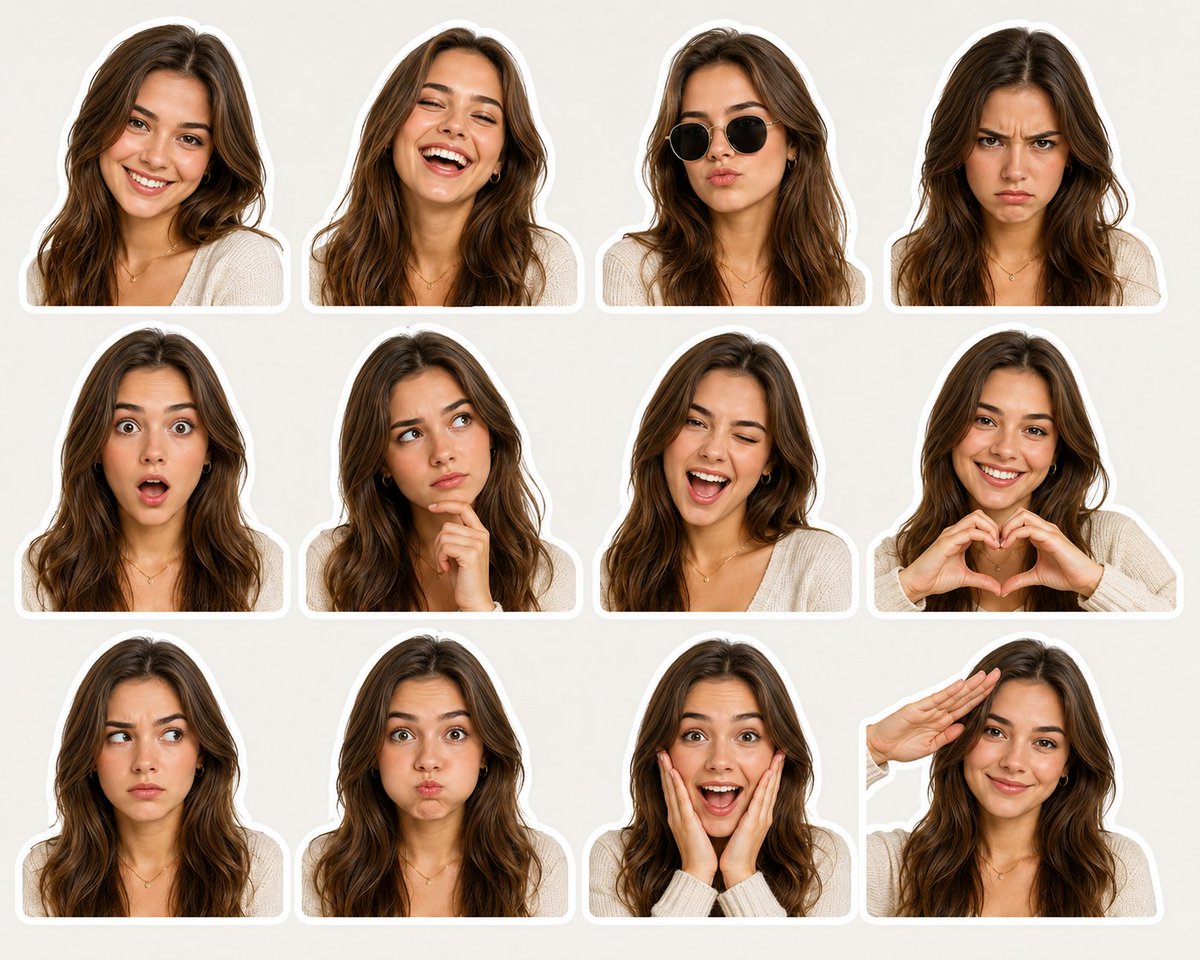
Sticker Pack Facial Expressions Grid
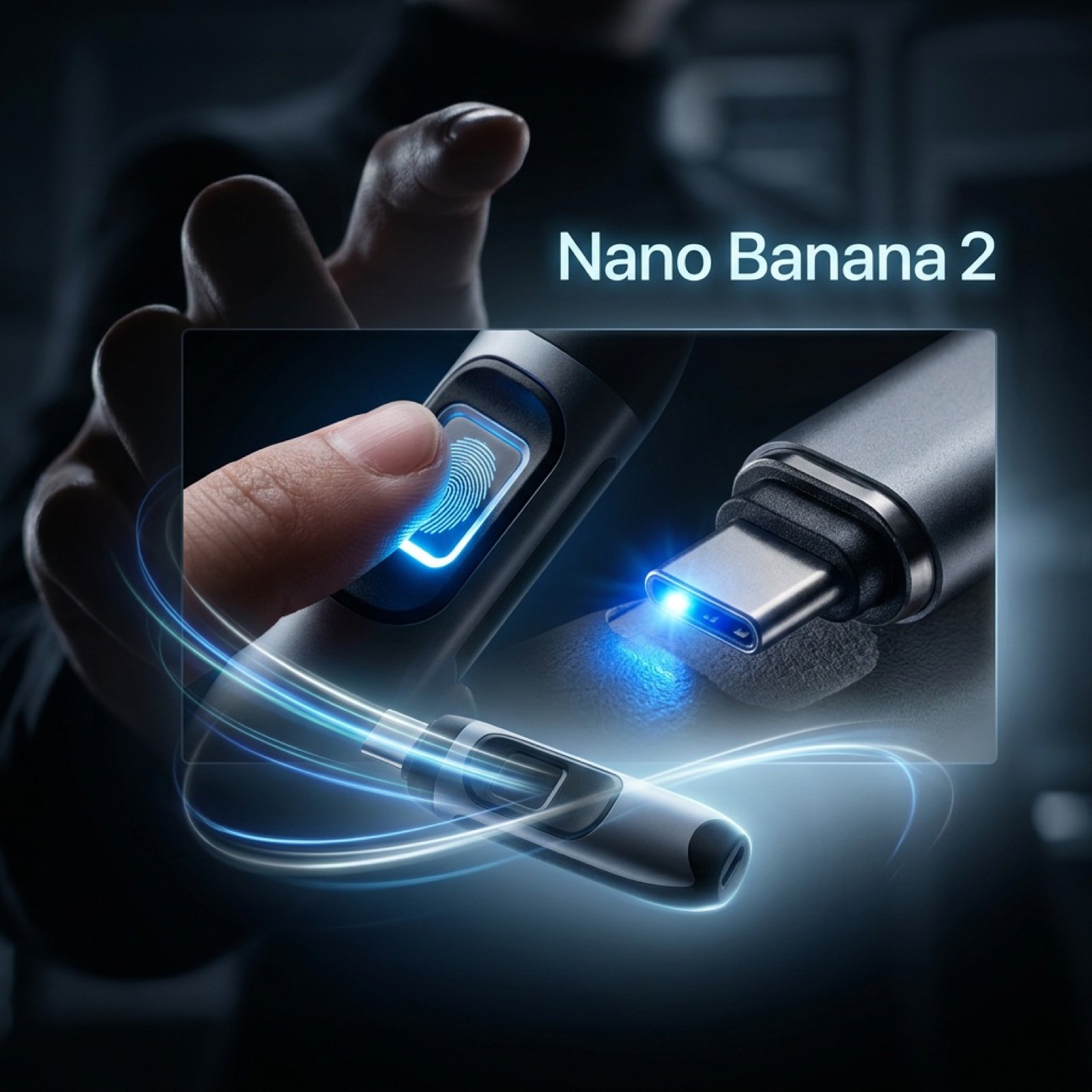
Cinematic Product Video Prompt for 'Nano Banana 2'
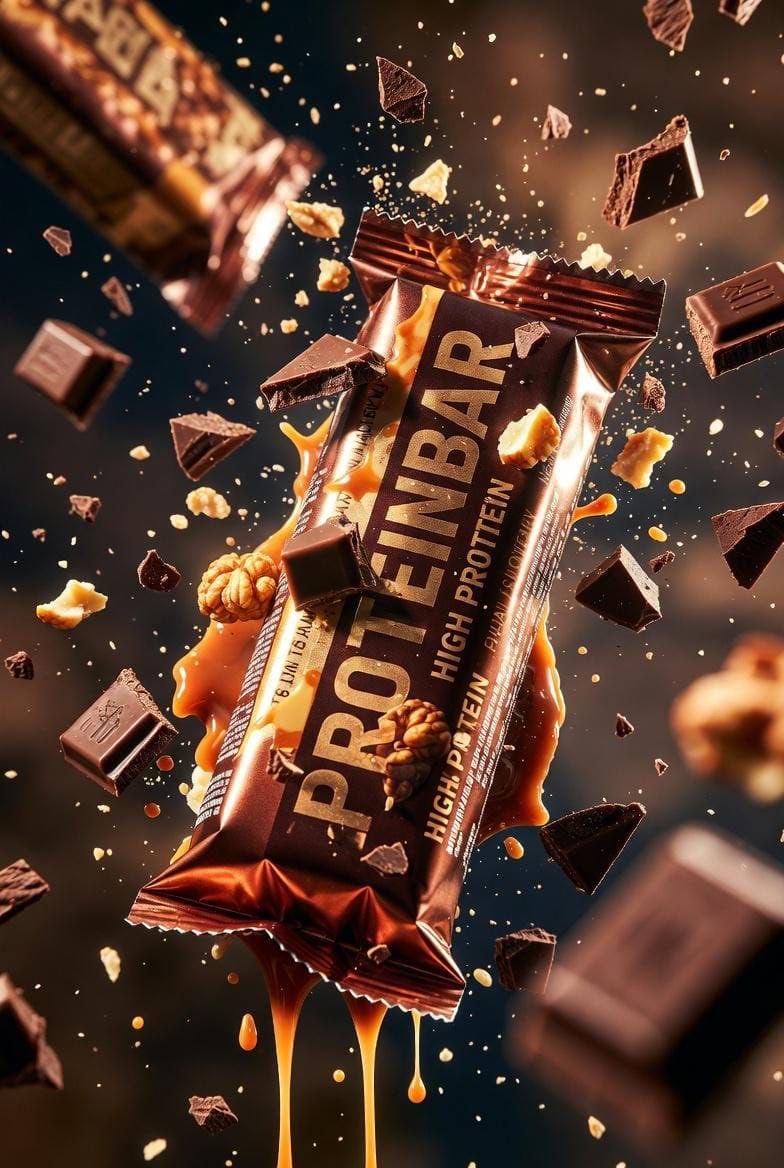
Ultra-cinematic Protein Bar Product Photography
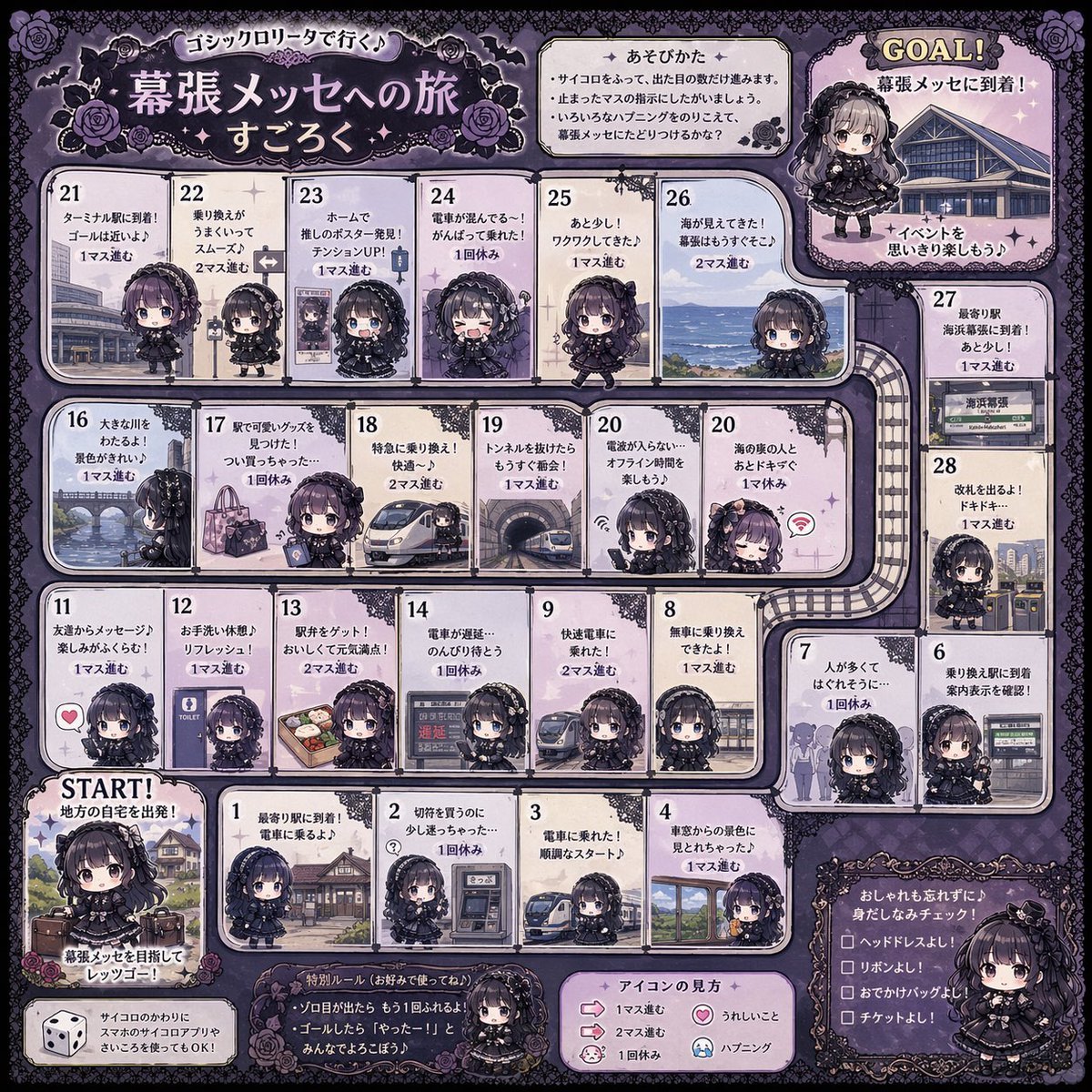
Gothic Lolita board game generator
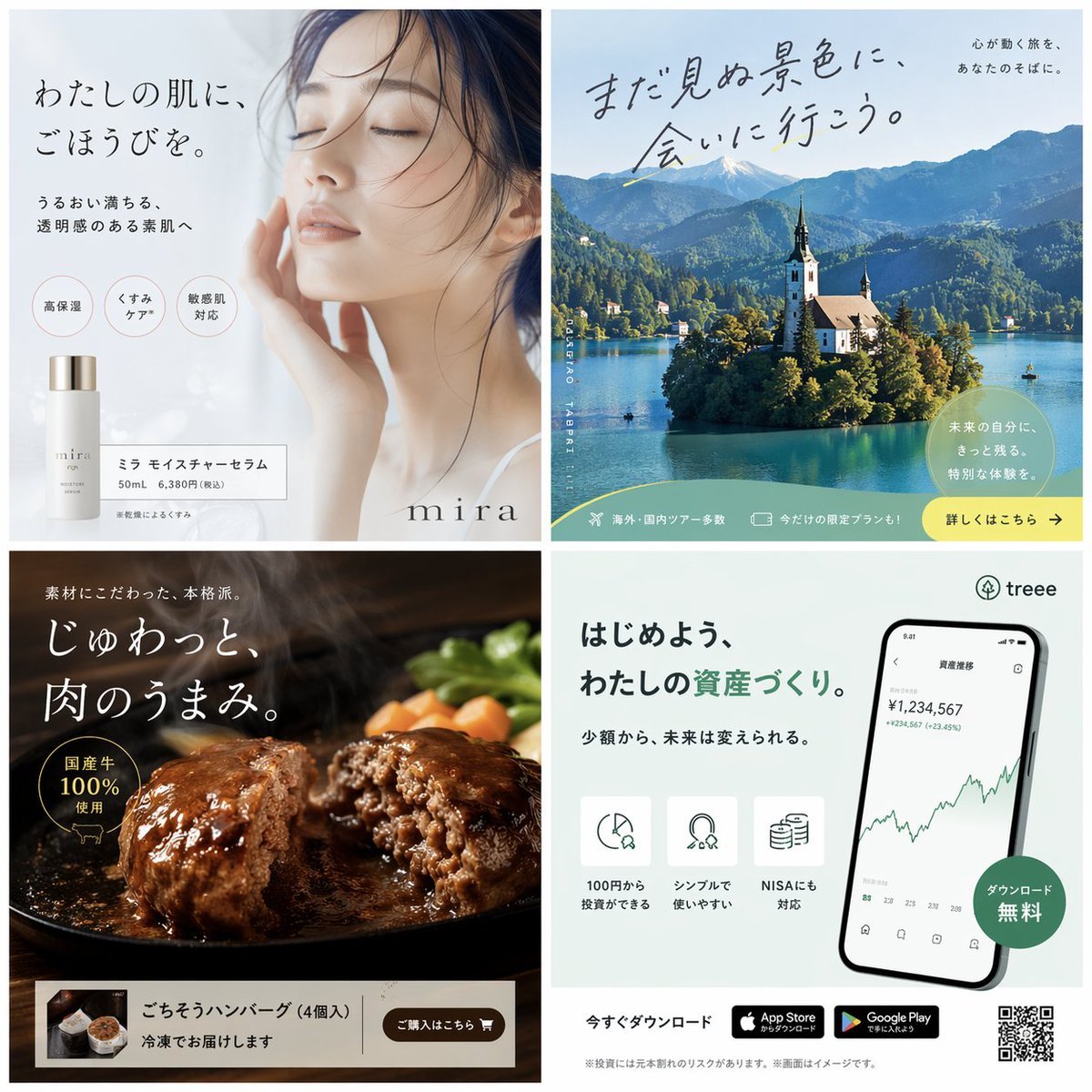
Panel Japanese Advertising Banner Grid

Cute Gamelist App Logo Mockup
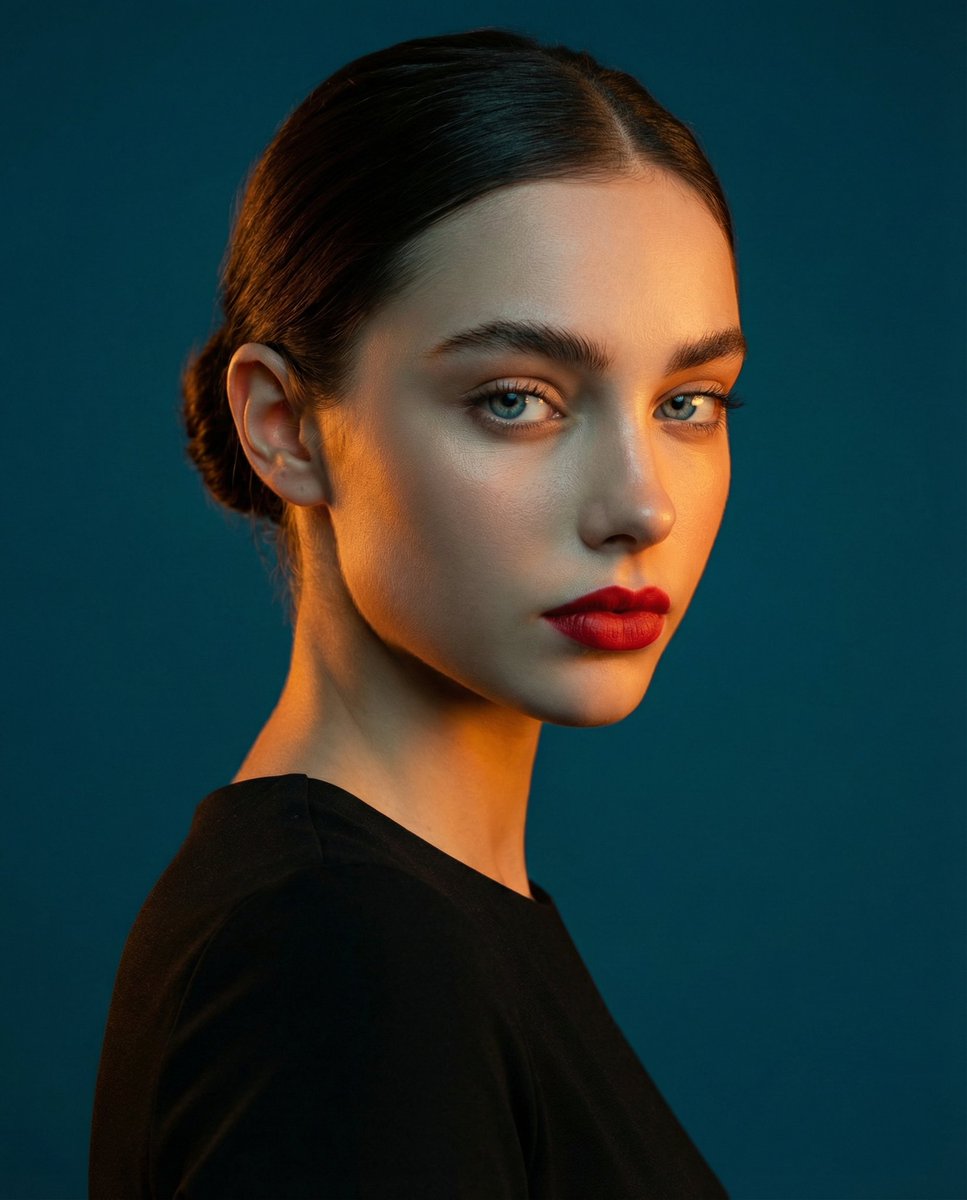
High-Contrast Studio Portrait with Teal and Orange Light
Browse template categories
Underwater Angel Fantasy Illustration questions
How do I use the Underwater Angel Fantasy Illustration template?
Add your photo if the template asks for one, edit the prompt if you like — the template's model and format are already selected — and press Generate. Your version opens in PicX Studio.
Can I customize the Underwater Angel Fantasy Illustration template?
Yes. You can change the subject, setting, lighting, mood, format, and available model controls before creating your image.
Is the Underwater Angel Fantasy Illustration template free?
Opening and editing this template is free. Generating uses credits, shown on the Generate button when you are signed in.
Which AI model should I use?
Start with GPT Image 2, which is the model associated with this template. You can compare another compatible model for a different finish.
Looking for something else? Browse all templates.

Your photo, any look
Thousands of ready templates for every top image and video model, from one credit balance.