
Zen Tea Ceremony Robot
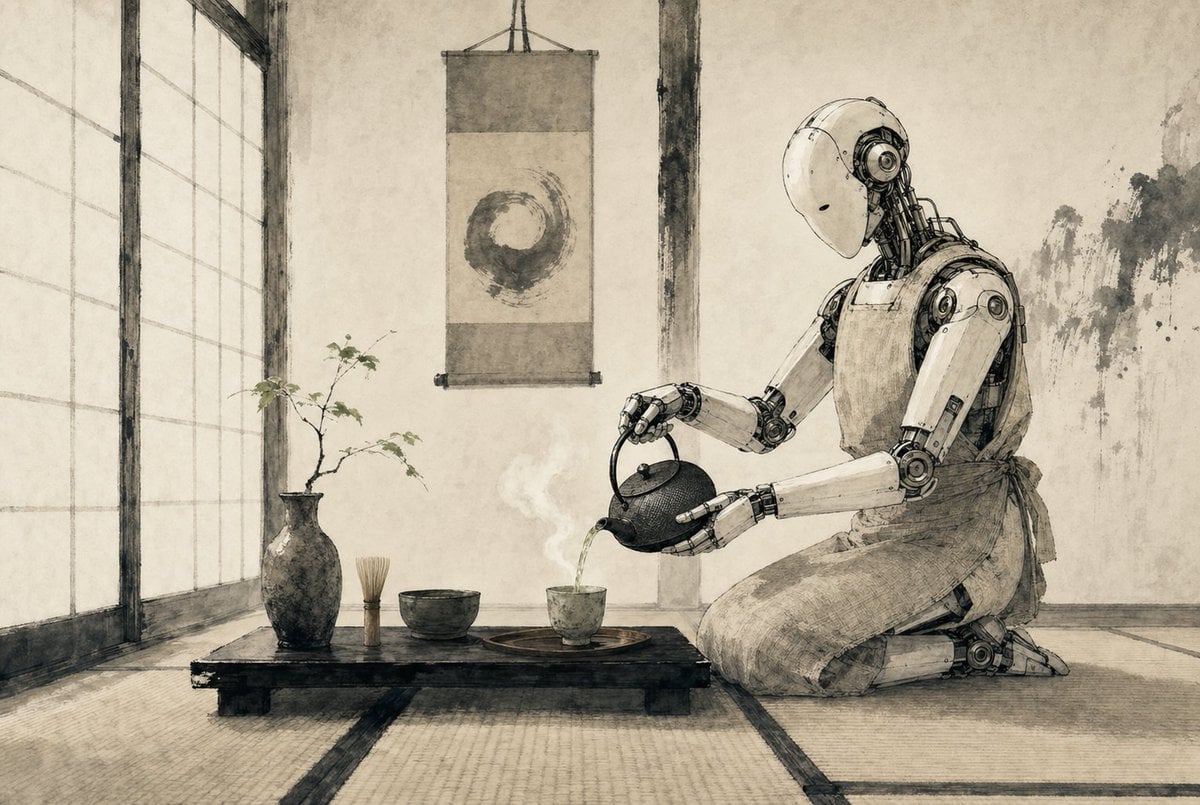
A minimalist sepia ink-style scene of a humanoid robot performing a Japanese tea ceremony, ideal for generating poetic sci-fi editorial art or atmospheric concept imagery.
- Prompt included
- Model and format preset
- Free template
The prompt behind this image
Copy the exact prompt behind Zen Tea Ceremony Robot, or open it in the studio and make it yours.
A serene Japanese tea room rendered as a refined monochrome ink-and-wash illustration on aged parchment, with soft sepia-gray tones, delicate brush textures, and precise hand-drawn linework. On the right side, a humanoid {argument name="robot type" default="service robot"} kneels in seiza on tatami mats, its smooth white shell and exposed mechanical joints depicted with elegant technical detail, gently bowing its head as it pours hot tea from a cast-iron teapot into a small ceramic cup. The robot wears a simple cloth apron tied at the waist, blending traditional tea ceremony etiquette with futuristic machinery. In the center foreground, a low black wooden tea table holds exactly 5 visible tea objects: 1 dark ceramic vase with a thin branch of sparse leaves, 1 bamboo whisk standing upright, 1 tea bowl, 1 small teacup on a round tray, and 1 cast-iron teapot in the robot’s hands. A faint curl of steam rises from the freshly poured tea. Behind the table, a hanging scroll displays a single enso circle painted in expressive brushwork. On the left, tall shoji screens diffuse soft daylight across the room. The walls are plain plaster with subtle wear and ink-like stains, and the overall composition is calm, balanced, minimalist, and contemplative, combining wabi-sabi Japanese aesthetics with quiet science-fiction. Use a wide cinematic composition, eye-level perspective, lots of negative space, and a meditative mood.
How to use Zen Tea Ceremony Robot in 3 steps
- 1Upload ImagePNG, JPG or paste
Add your photo
Upload the photo the template builds on. The prompt, model and format are already set.
- 2…a portrait of your subject in softgolden-hour light, 85mm…
Personalize
Edit the subject and creative details for your destination.
- 3Generate
Generate
Press Generate — your image is created in PicX Studio, so you can compare it with the original and refine one variable at a time.
More like this
Templates with the same subject, style or setup. Open one to see its prompt.
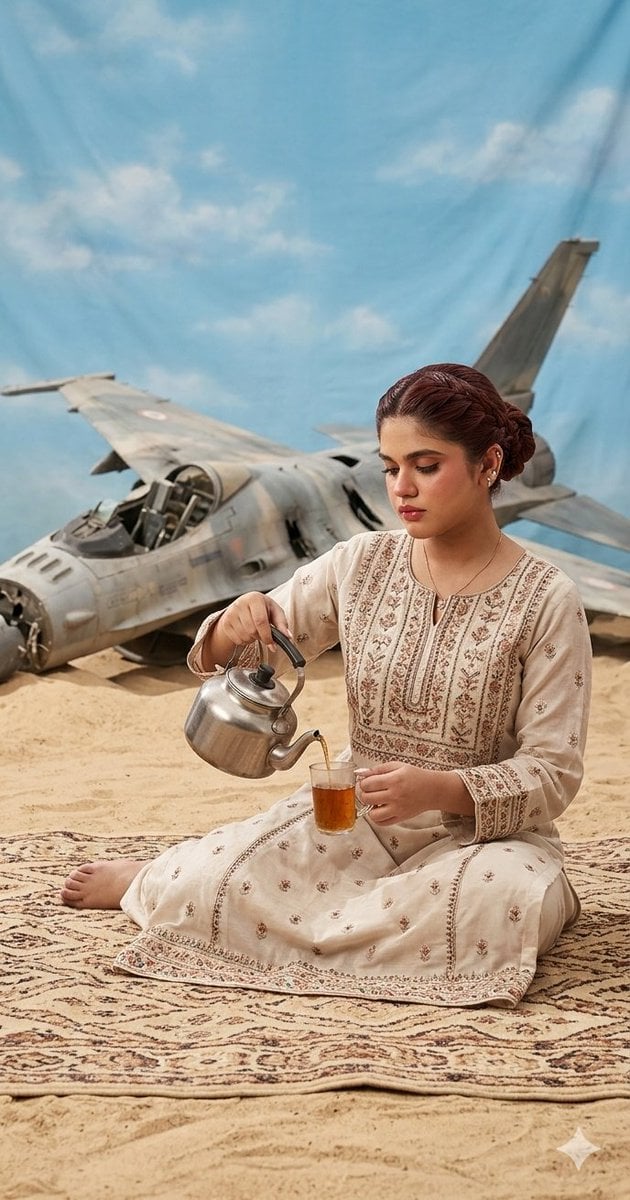
Surrealist Desert Tea Ceremony
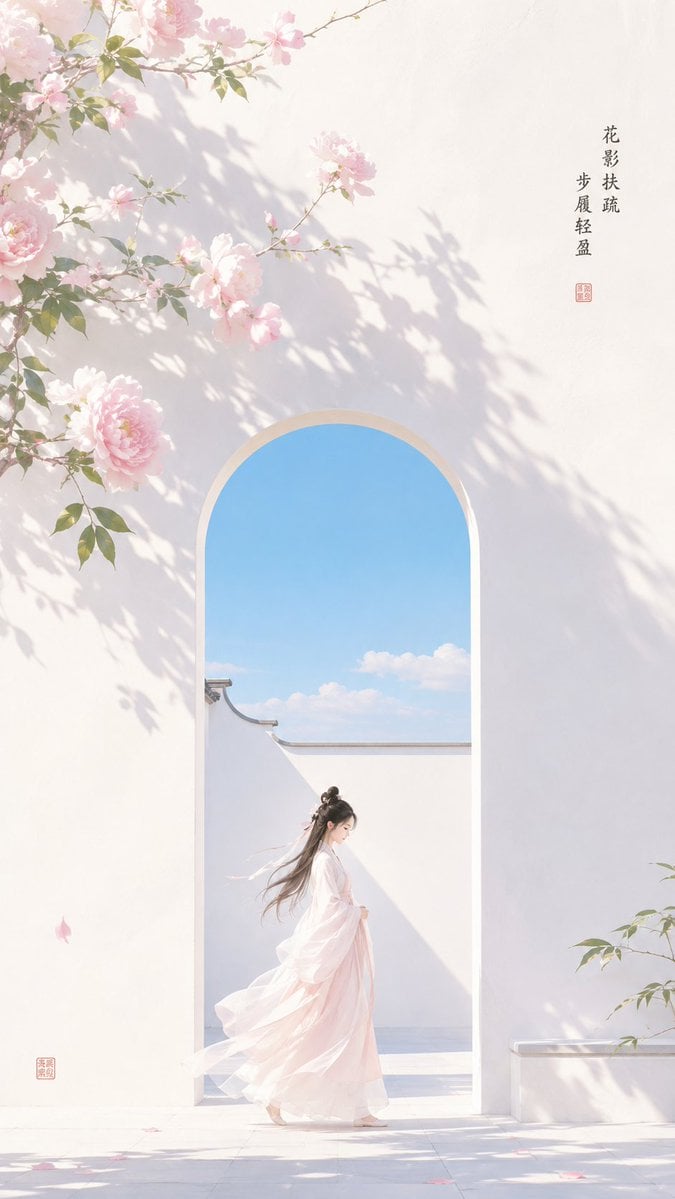
Oriental Zen Shadow Illustration

Oriental Zen Minimalist Wallpaper
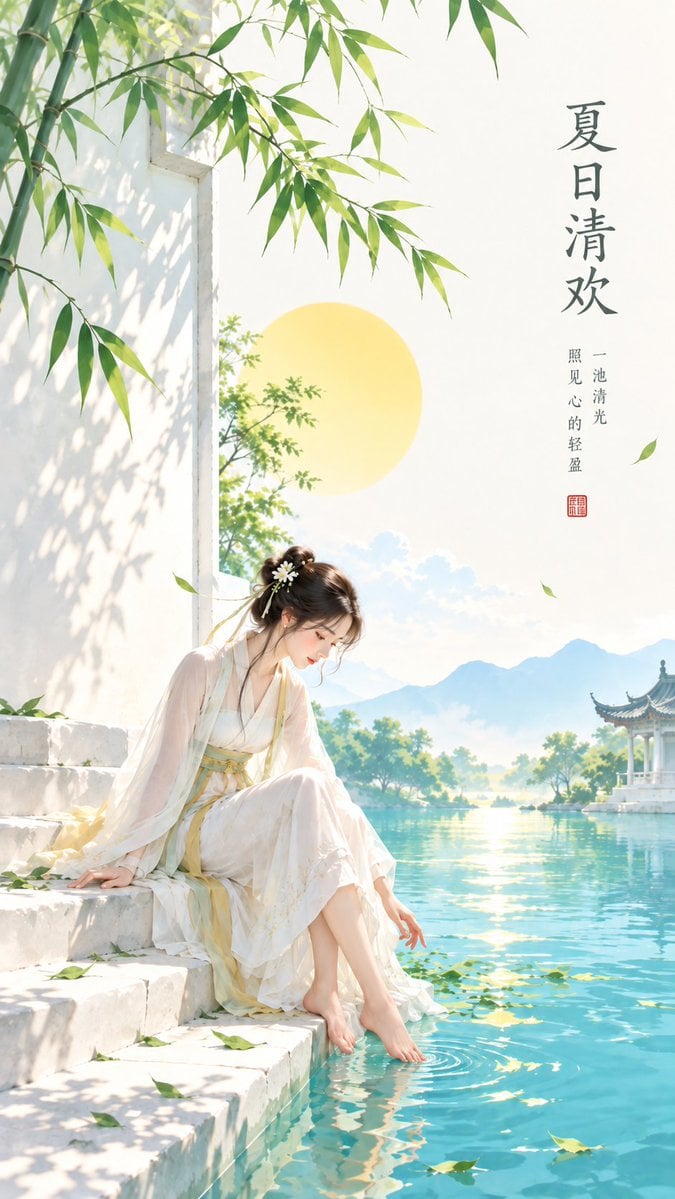
Minimalist Oriental Zen Summer Illustration
Zen Minimalist Aesthetic Wallpaper
Oriental Zen Minimalist Cover Art

Zen Oriental Minimalist Poster

Oriental Zen Minimalist Illustration
Zen Flower Reflection Poster
Zen Aesthetic Minimalist Poster
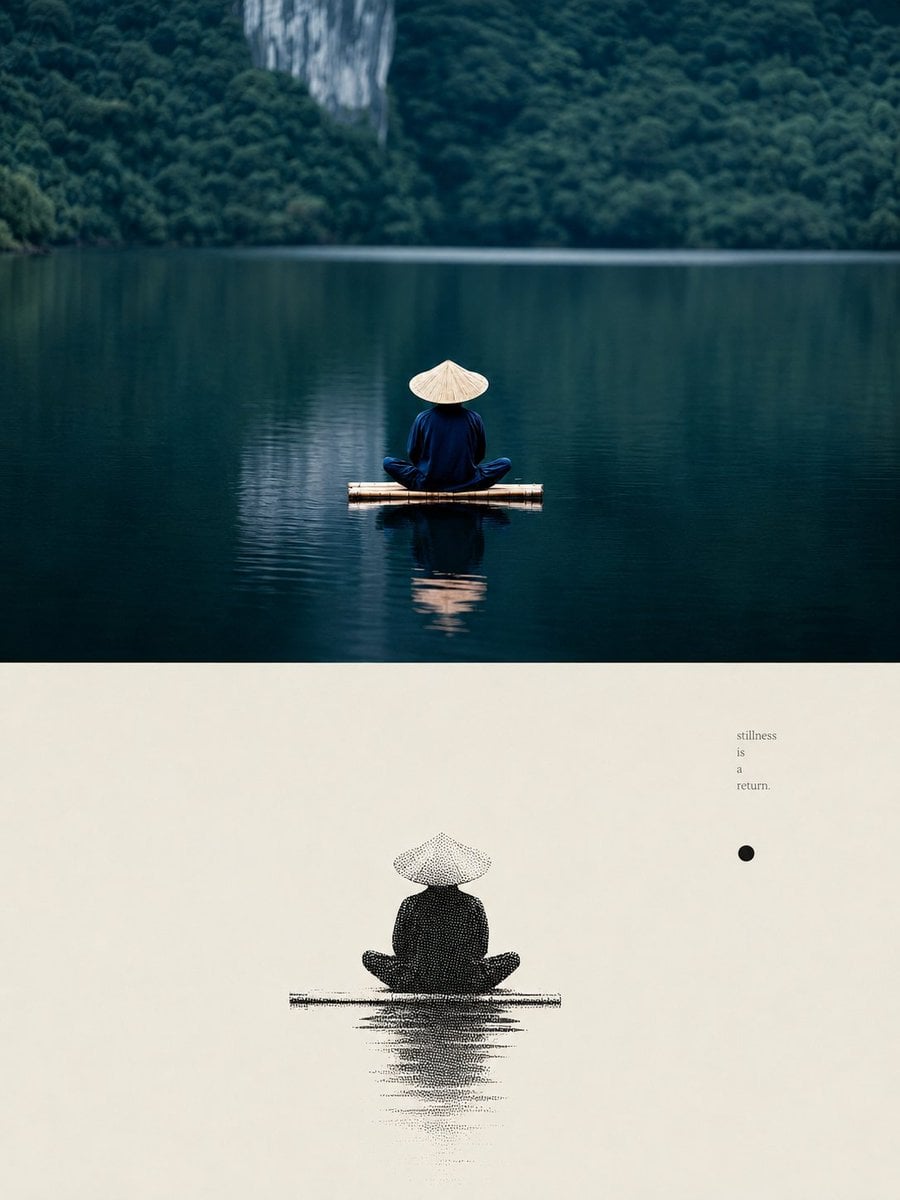
Zen Lake Stillness Poster
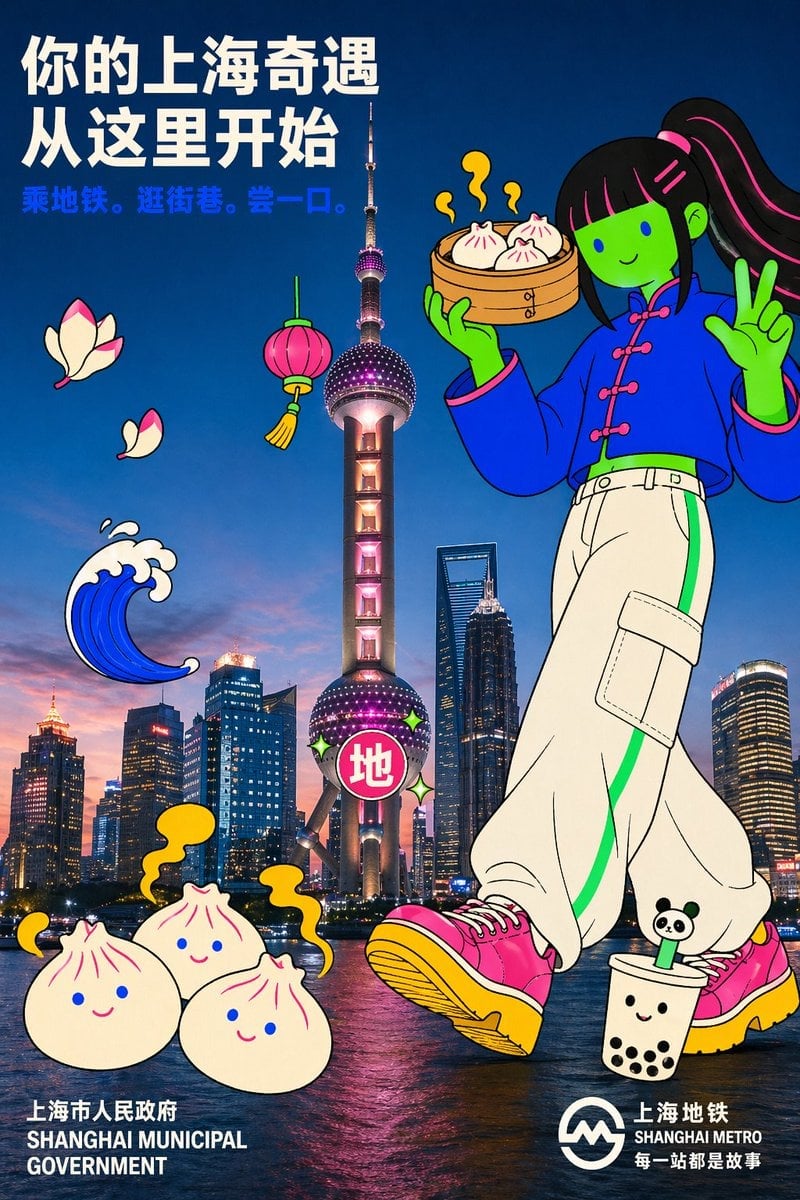
Holding a cartoon xiaolongbao steamer basket up to eye level with one
Make it yours
Zen Tea Ceremony Robot works as-is. These are the safest ways to change it without losing the look.
Change one field
Copy a single group, rewrite it, and generate again so you can see what that field is doing.
Keep the frame, change the subject
Hold the composition and light of Zen Tea Ceremony Robot, then swap wardrobe, props or the person for a new take.
| If the result… | Why | Fix |
|---|---|---|
| The result drifts from the preview | Too many fields changed at once. | Reuse Zen Tea Ceremony Robot as-is first, then change one group — subject, light, or setting. |
| The model over-stylizes the scene | The prose prompt leaves finish and camera underspecified. | Add one camera or lighting sentence and stay on GPT Image 2. |
More GPT Image 2 templates
Other prompts made for GPT Image 2.

Six VTuber Japanese Logo Sheet

Realistic Portrait of Woman and Deer

The Vista Modular Condo Poster

AI Model Routing Comparison Infographic

2.5D Anime Art Board

Isometric Productivity Desk Scene

New York Double Exposure Poster

Four-Panel AI Landscape Comparison

Japanese Tatami Lifestyle Magazine Cover

NESCAFÉ Coffee Map Poster
More image prompts
Fresh picks from across the catalog.
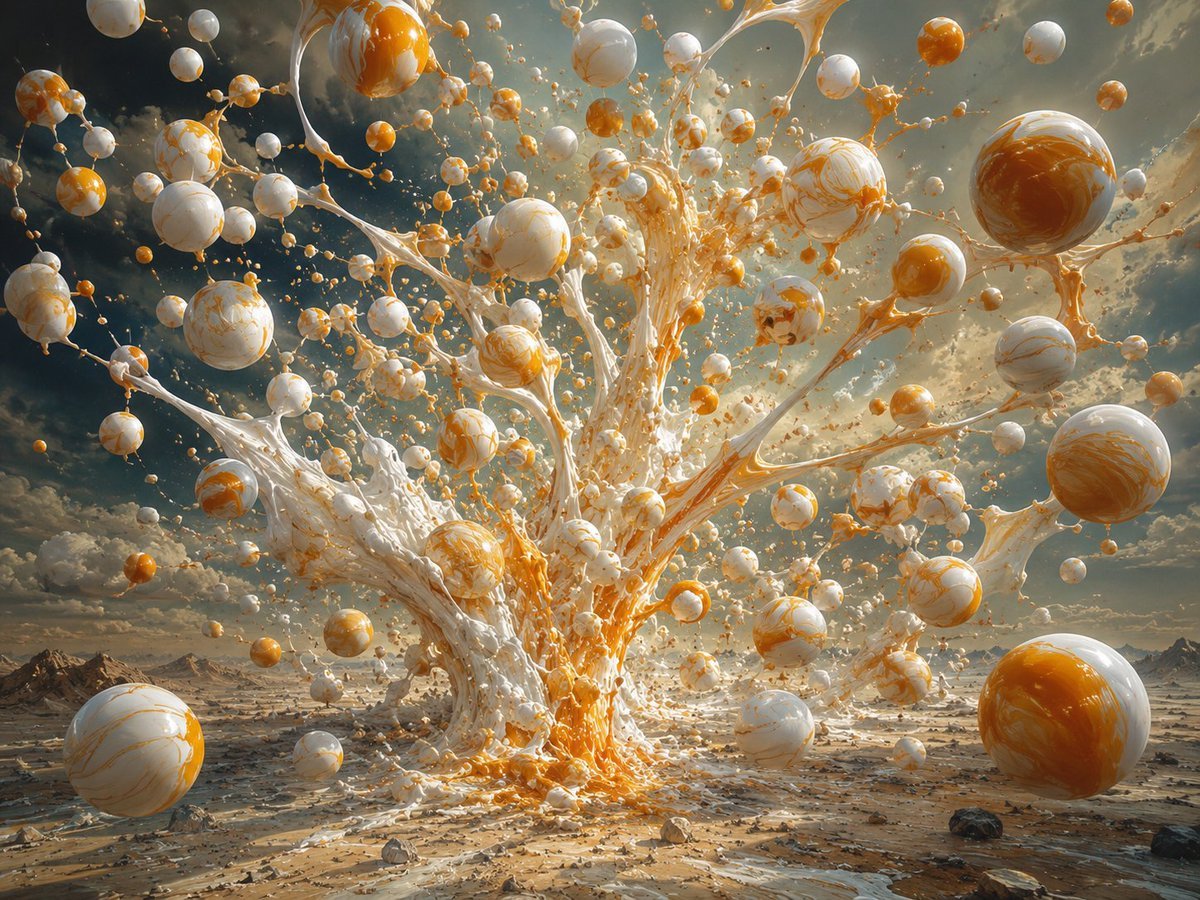
Surreal Orange White Liquid Explosion
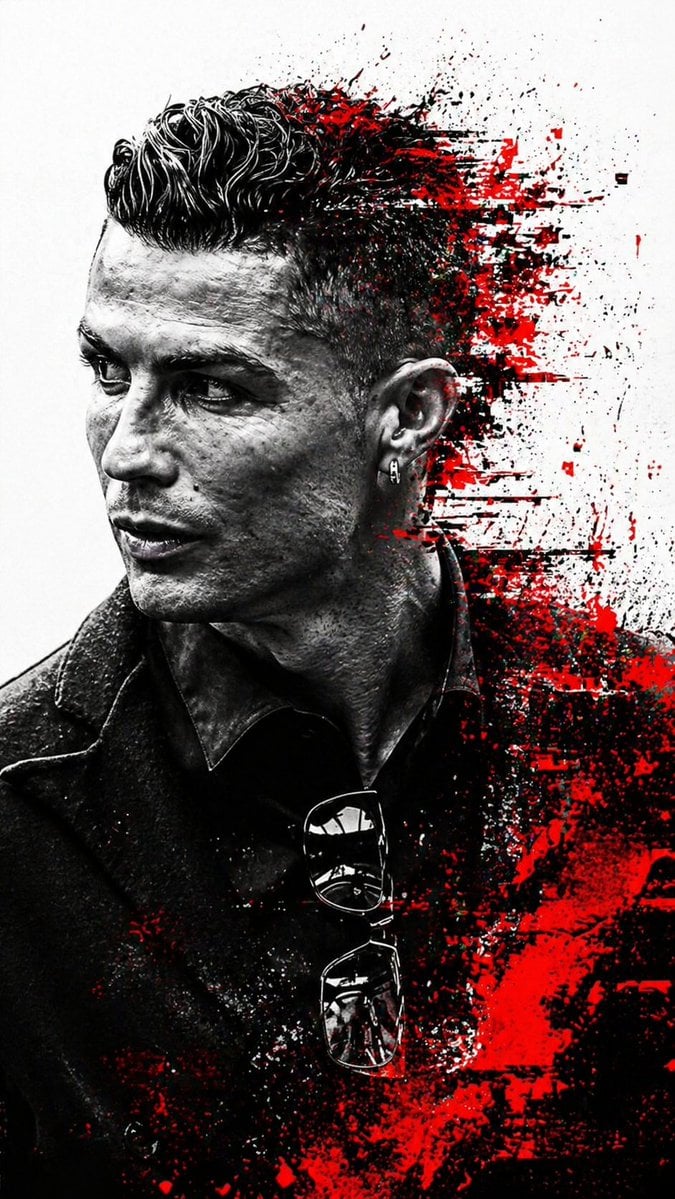
Cyberpunk Glitch Profile Portrait
Y2K Korean Street Editorial Collage

Cartoon to 4K Photo Transformation Prompt
Backlit Silver-Haired Model Portrait
Metallic Nano Puzzle Diorama
Seedance 2.0 Waiting Line Poster
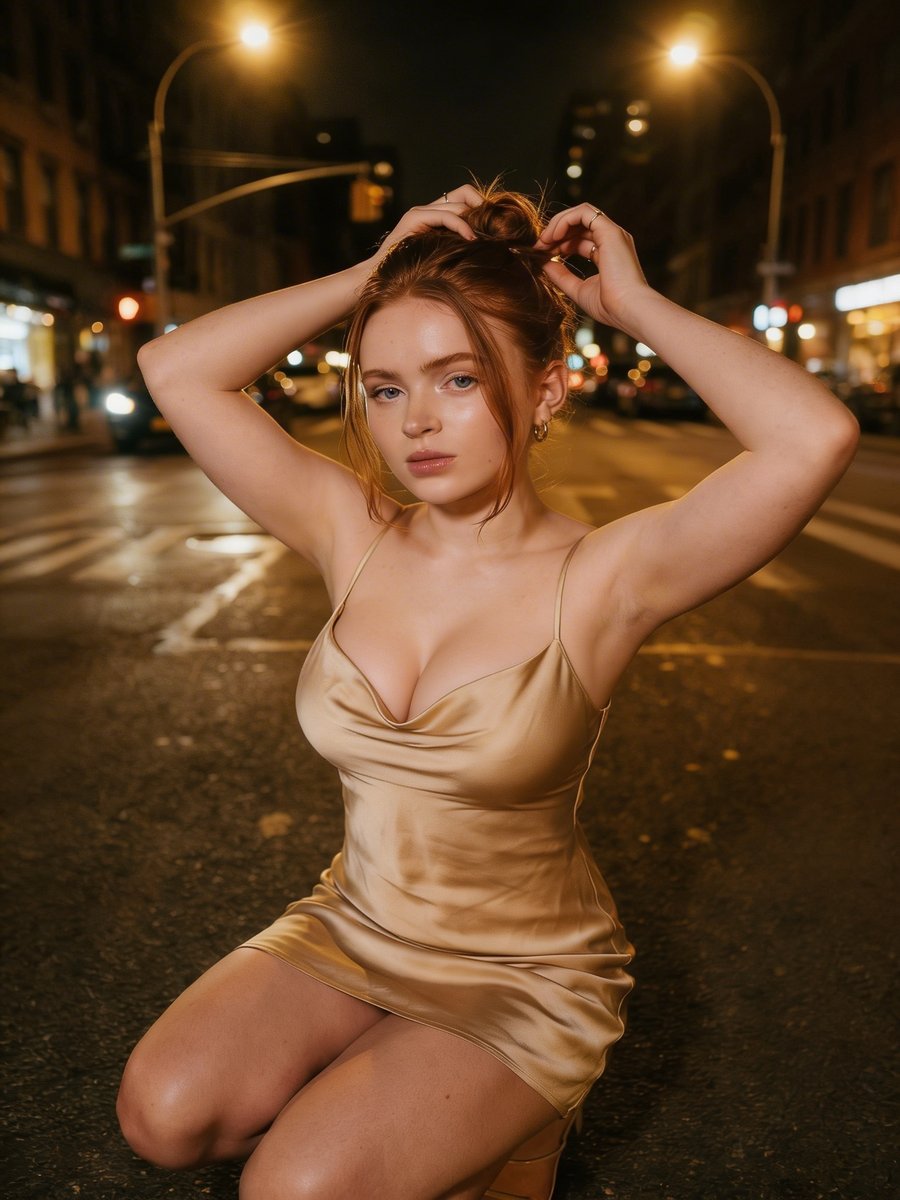
Cinematic Night Street Photography
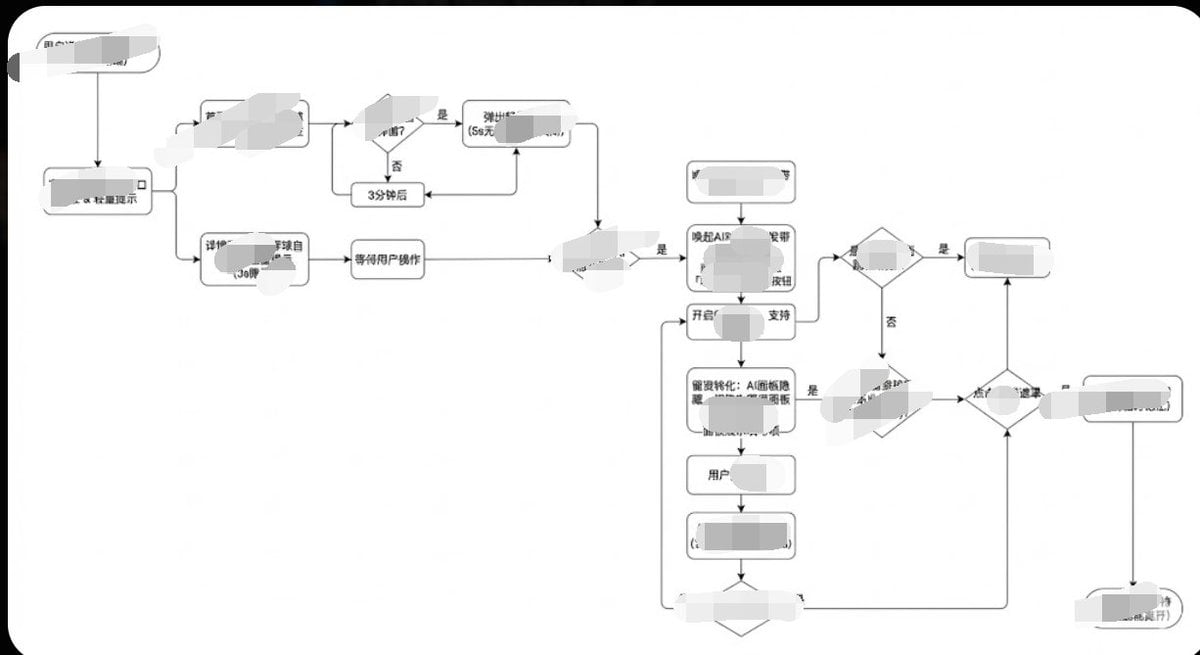
Minimalist Flowchart/Diagram Generation Style Guide
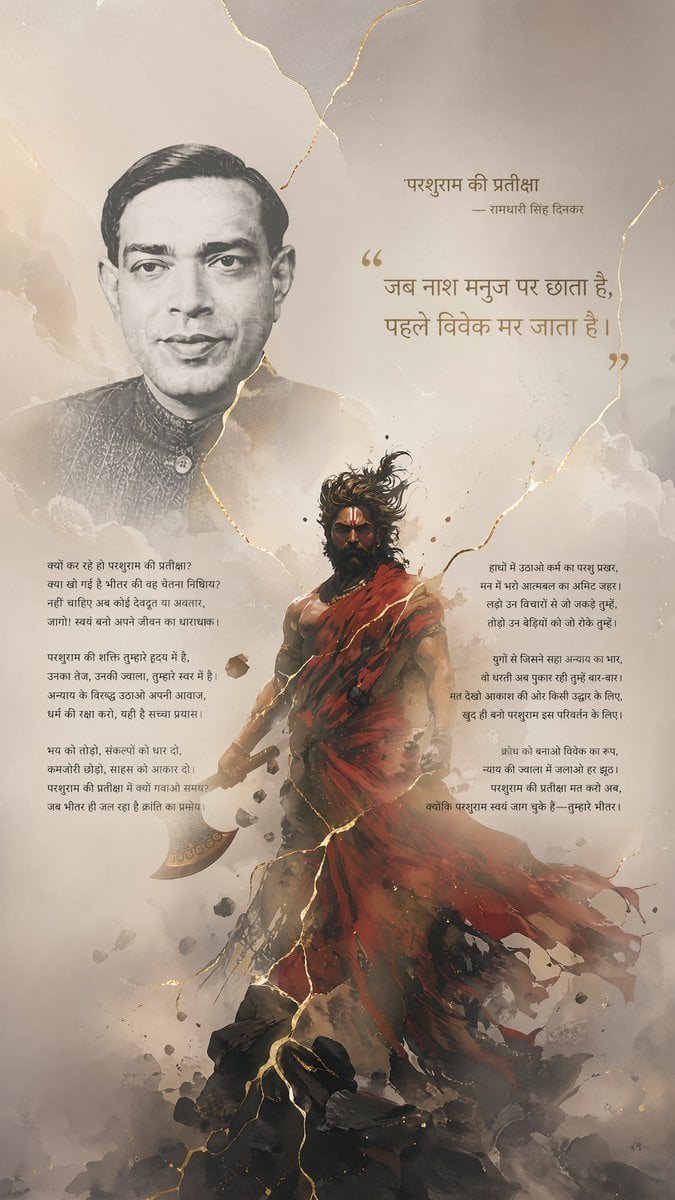
Hindi Poem Poster with Parashurama
Browse template categories
Zen Tea Ceremony Robot questions
How do I use the Zen Tea Ceremony Robot template?
Add your photo if the template asks for one, edit the prompt if you like — the template's model and format are already selected — and press Generate. Your version opens in PicX Studio.
Can I customize the Zen Tea Ceremony Robot template?
Yes. You can change the subject, setting, lighting, mood, format, and available model controls before creating your image.
Is the Zen Tea Ceremony Robot template free?
Opening and editing this template is free. Generating uses credits, shown on the Generate button when you are signed in.
Which AI model should I use?
Start with GPT Image 2, which is the model associated with this template. You can compare another compatible model for a different finish.
Looking for something else? Browse all templates.

Your photo, any look
Thousands of ready templates for every top image and video model, from one credit balance.