
Oriental Zen Shadow Illustration
An elegant illustration prompt focusing on light, shadows, and flow, featuring a woman passing by a white wall with floral shadows.
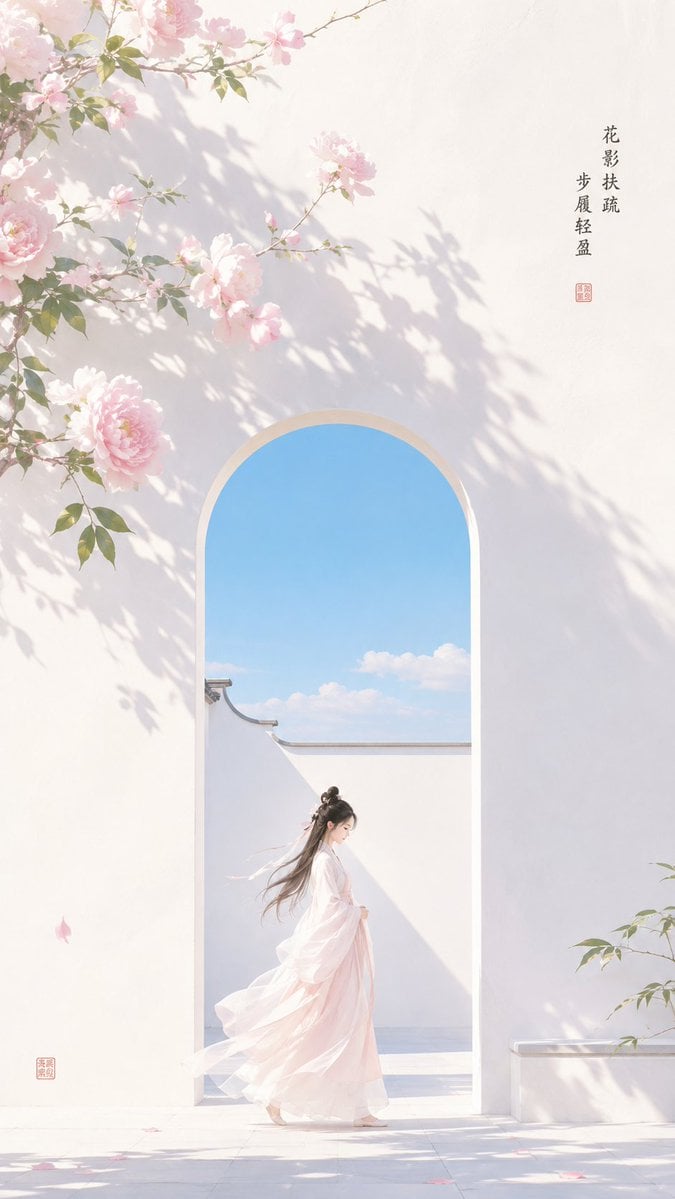
- Prompt included
- Model and format preset
- Free template
The prompt behind this image
Copy the exact prompt behind Oriental Zen Shadow Illustration, or open it in the studio and make it yours.
主题方向:东方禅意极简插画 风格分支:女性审美清透型 主体内容:{argument name="主体" default="一位古风女子从白墙花影下经过,姿态轻盈"} 情绪母题:明净、春夏感、轻盈流动 场景与意象:{argument name="场景" default="白墙、晴空蓝门洞、芍药粉花影、女子、少量叶片"}
How to use Oriental Zen Shadow Illustration in 3 steps
- 1
Open
The prompt is already in the box next to the preview, with the template's model and format selected.
- 2…a portrait of your subject in softgolden-hour light, 85mm…
Personalize
Edit the subject and creative details for your destination.
- 3Generate
Generate
Press Generate — your image is created in PicX Studio, so you can compare it with the original and refine one variable at a time.
More like this
Templates with the same subject, style or setup. Open one to see its prompt.
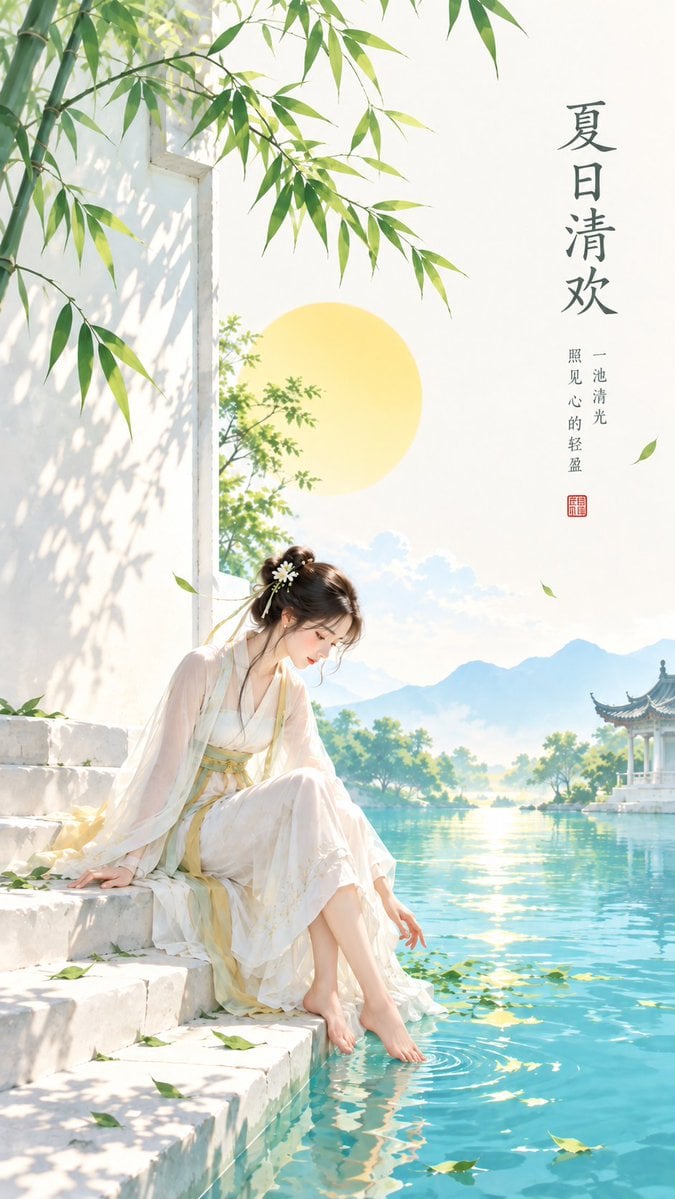
Minimalist Oriental Zen Summer Illustration

Oriental Zen Minimalist Illustration
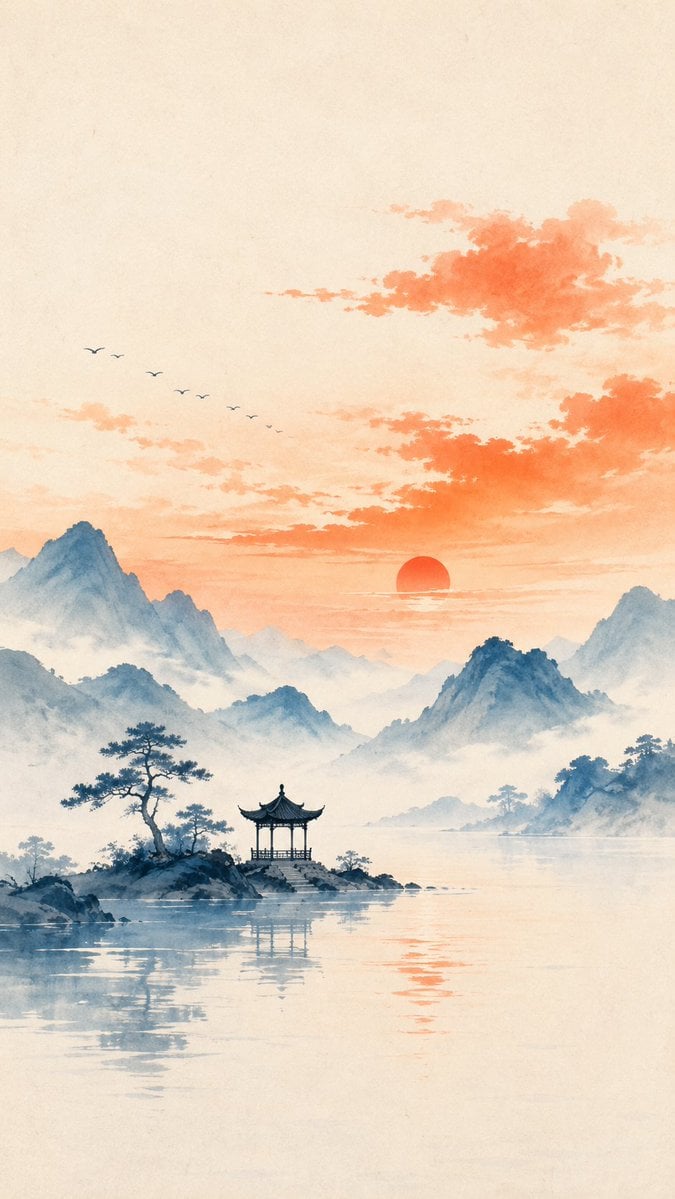
Oriental Zen Minimalist Landscape Illustration
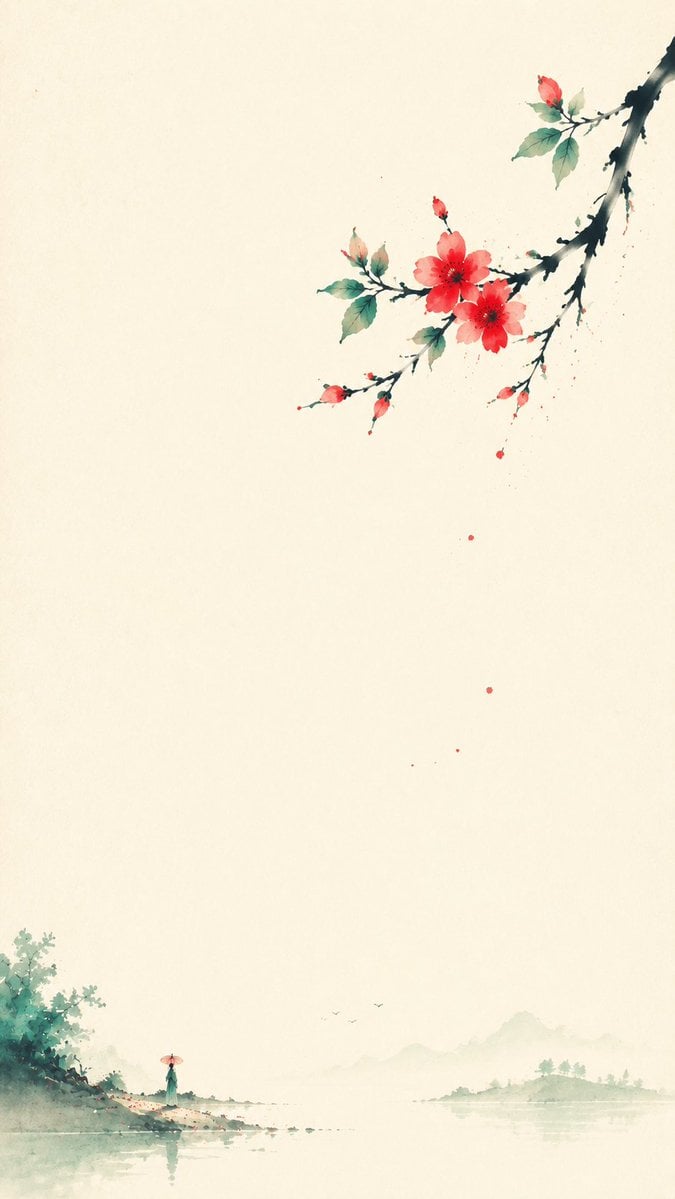
Oriental Zen Minimalist Spring Illustration

Oriental Zen Minimalist Wallpaper
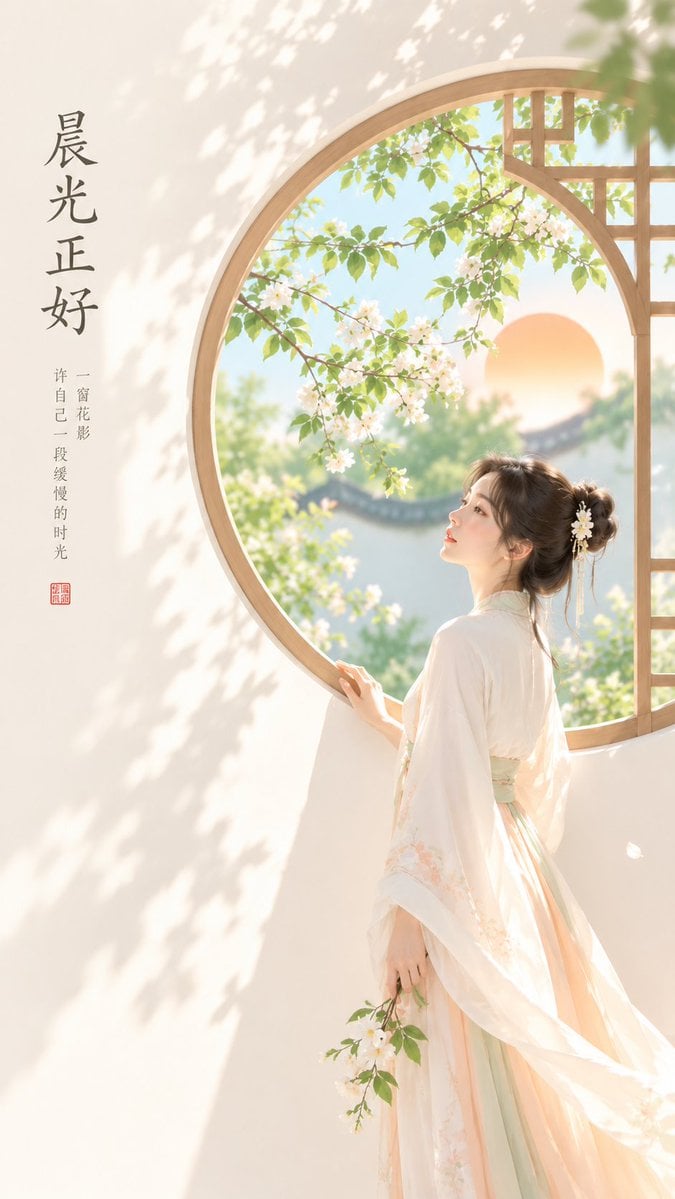
Oriental Zen Minimalist Cover Art

Zen Oriental Minimalist Poster
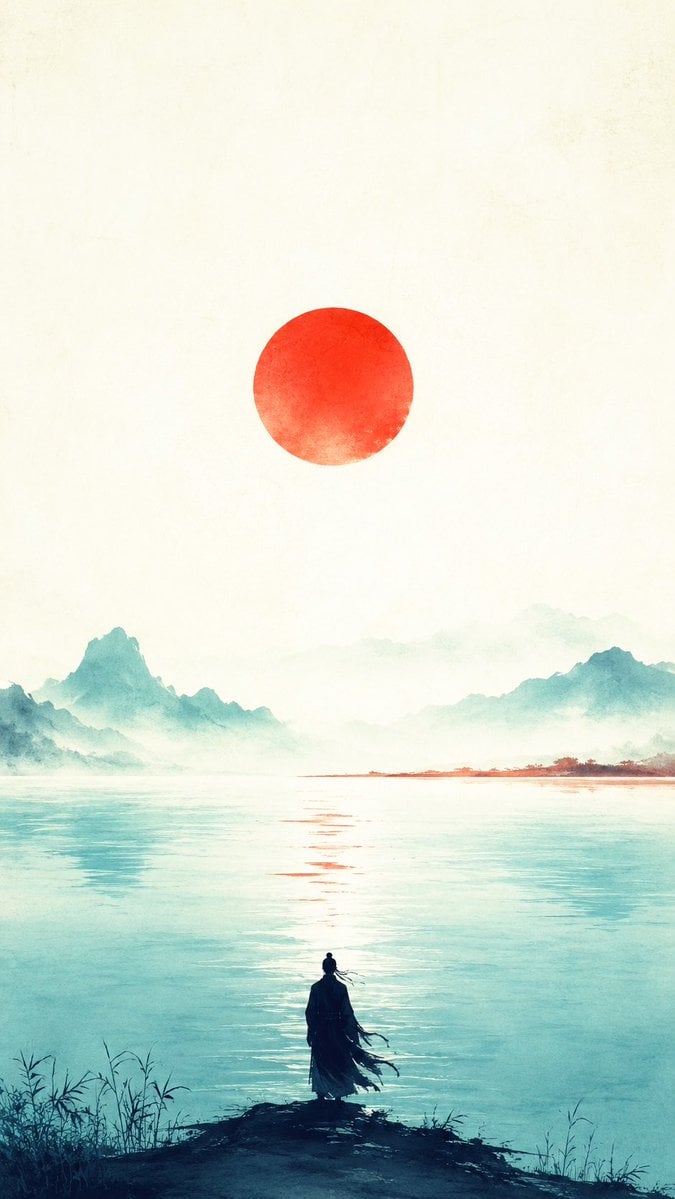
Oriental Zen Minimalist Sunset Poster
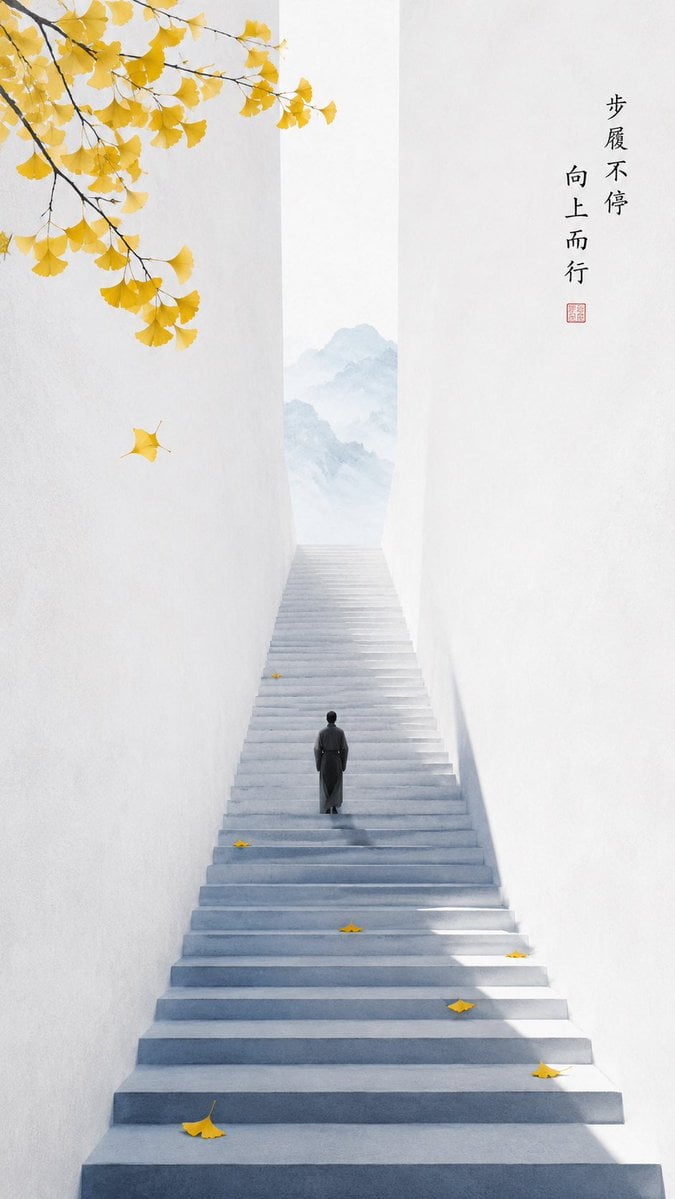
Oriental Zen Minimalist Autumn Wallpaper
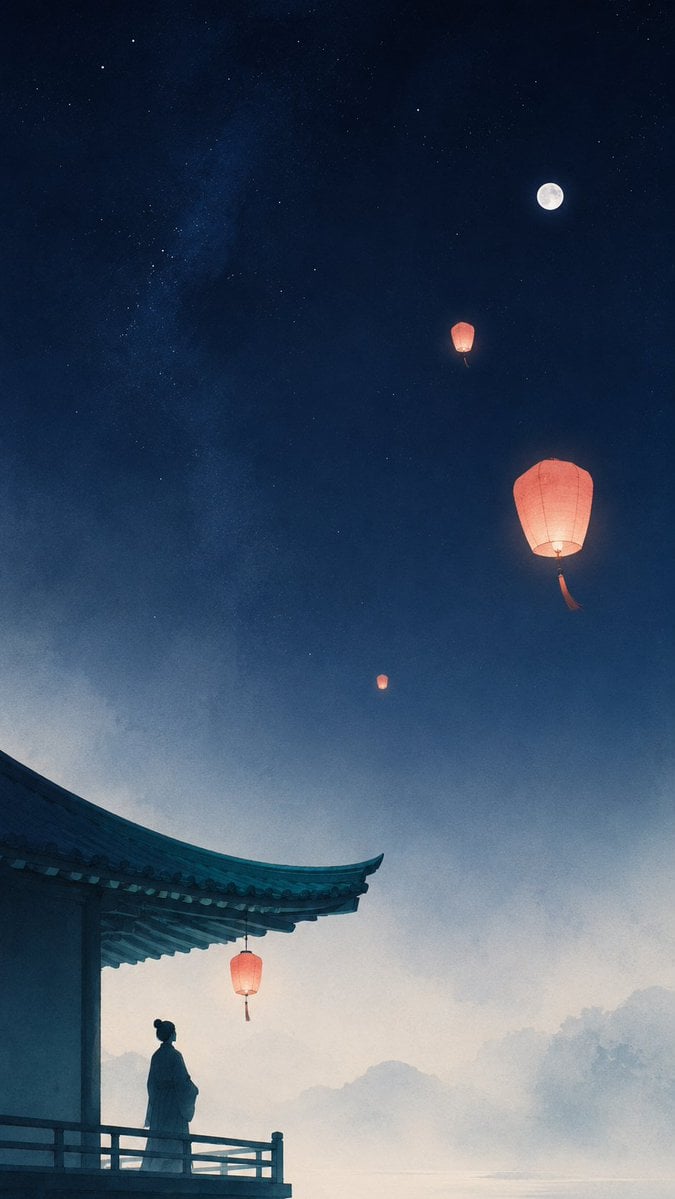
Oriental Zen Sky Lantern Aesthetic Wallpaper
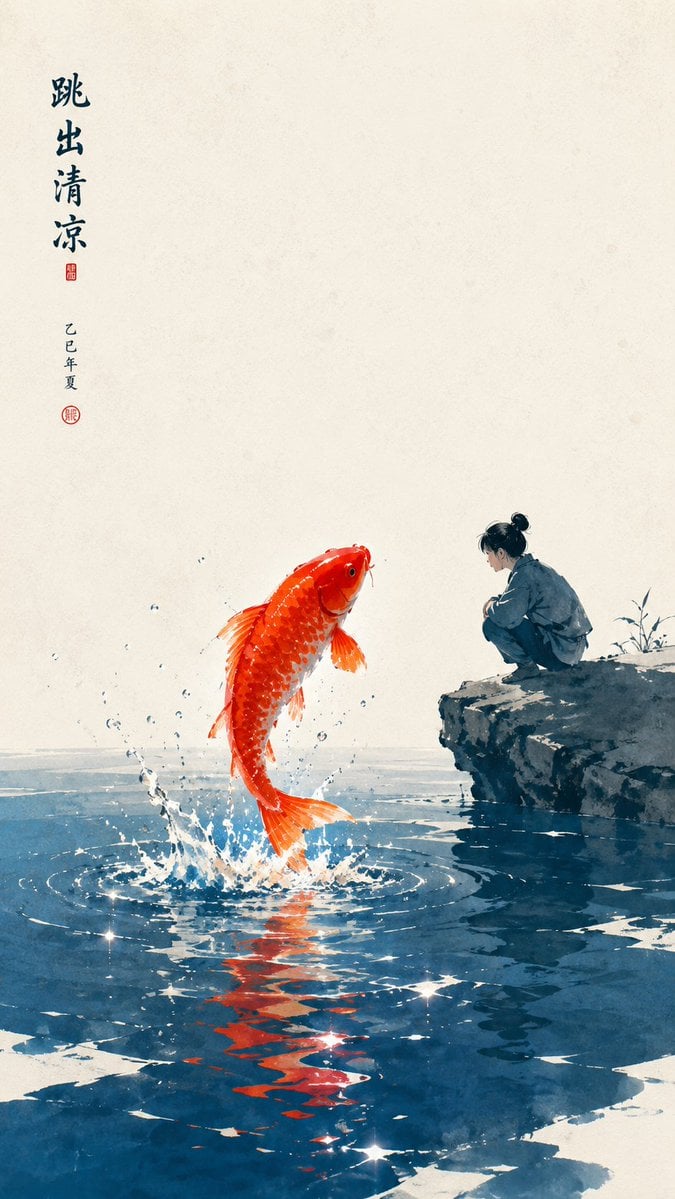
Oriental Zen Minimalist Wallpaper
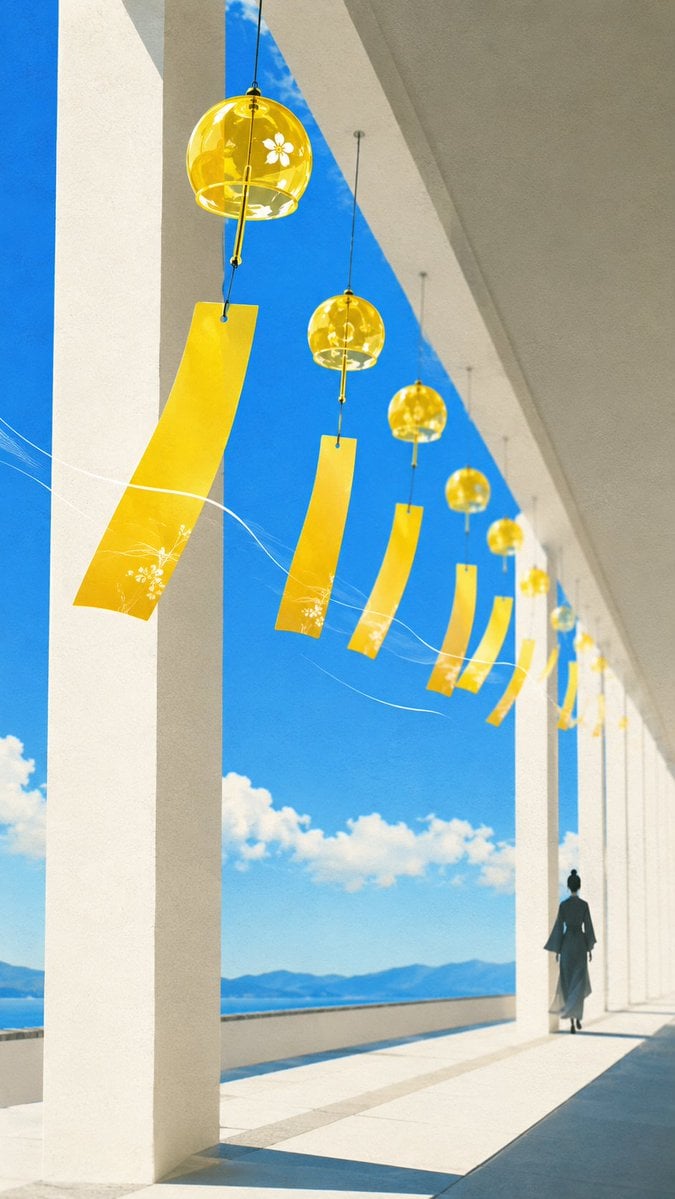
Oriental Zen Summer Wind Chime Poster
Make it yours
Oriental Zen Shadow Illustration works as-is. These are the safest ways to change it without losing the look.
Change one field
Copy a single group, rewrite it, and generate again so you can see what that field is doing.
Keep the frame, change the subject
Hold the composition and light of Oriental Zen Shadow Illustration, then swap wardrobe, props or the person for a new take.
| If the result… | Why | Fix |
|---|---|---|
| The result drifts from the preview | Too many fields changed at once. | Reuse Oriental Zen Shadow Illustration as-is first, then change one group — subject, light, or setting. |
| The model over-stylizes the scene | The prose prompt leaves finish and camera underspecified. | Add one camera or lighting sentence and stay on GPT Image 2. |
More GPT Image 2 templates
Other prompts made for GPT Image 2.

Six VTuber Japanese Logo Sheet

Realistic Portrait of Woman and Deer

The Vista Modular Condo Poster

AI Model Routing Comparison Infographic

2.5D Anime Art Board

Isometric Productivity Desk Scene

New York Double Exposure Poster

Four-Panel AI Landscape Comparison

Japanese Tatami Lifestyle Magazine Cover

NESCAFÉ Coffee Map Poster
More image prompts
Fresh picks from across the catalog.

Nightlife Fashion Portrait in Luxury Car
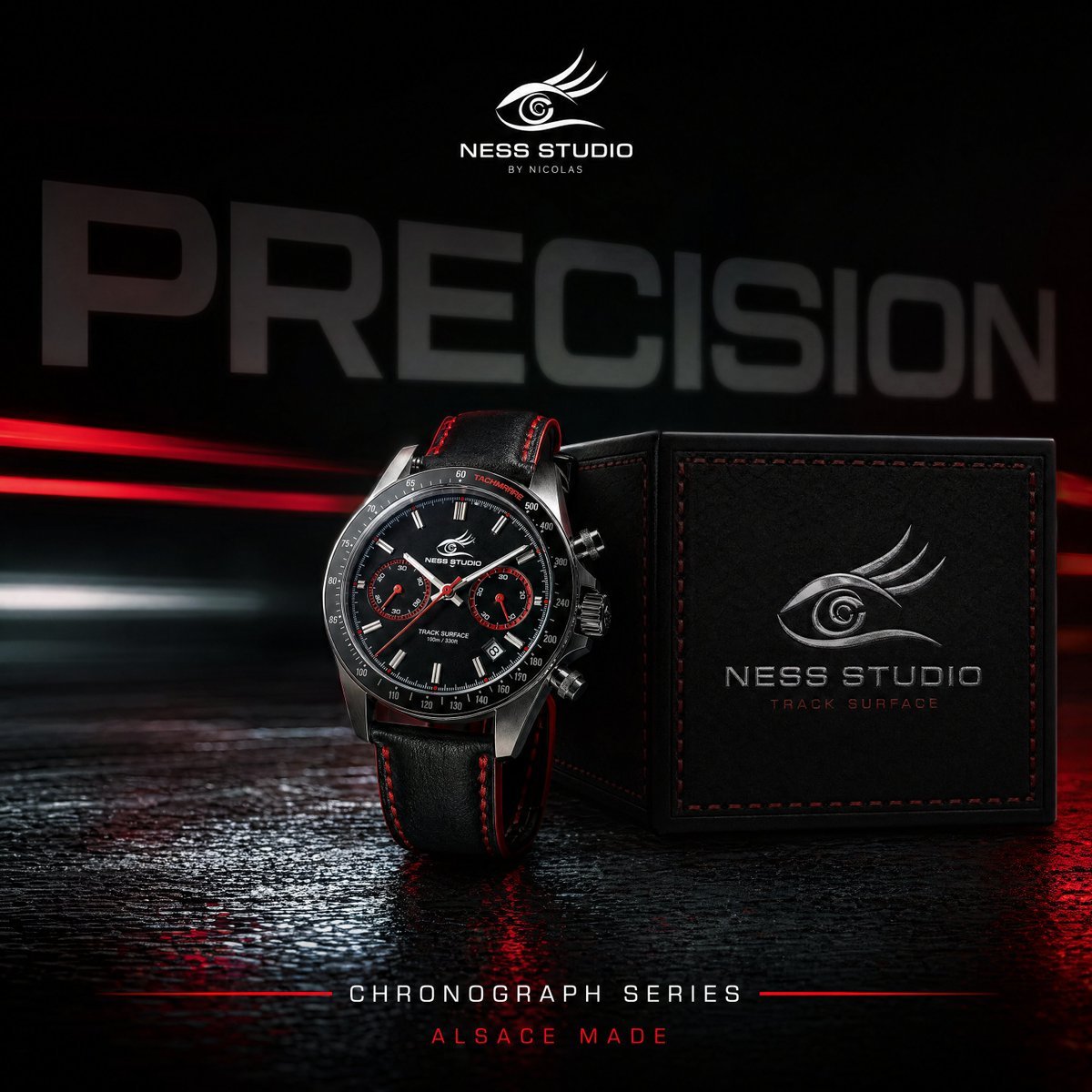
Gpt2 Product Marketing Luxury Chronograph Watch Ad
Video Thumbnail Interpretation Prompt
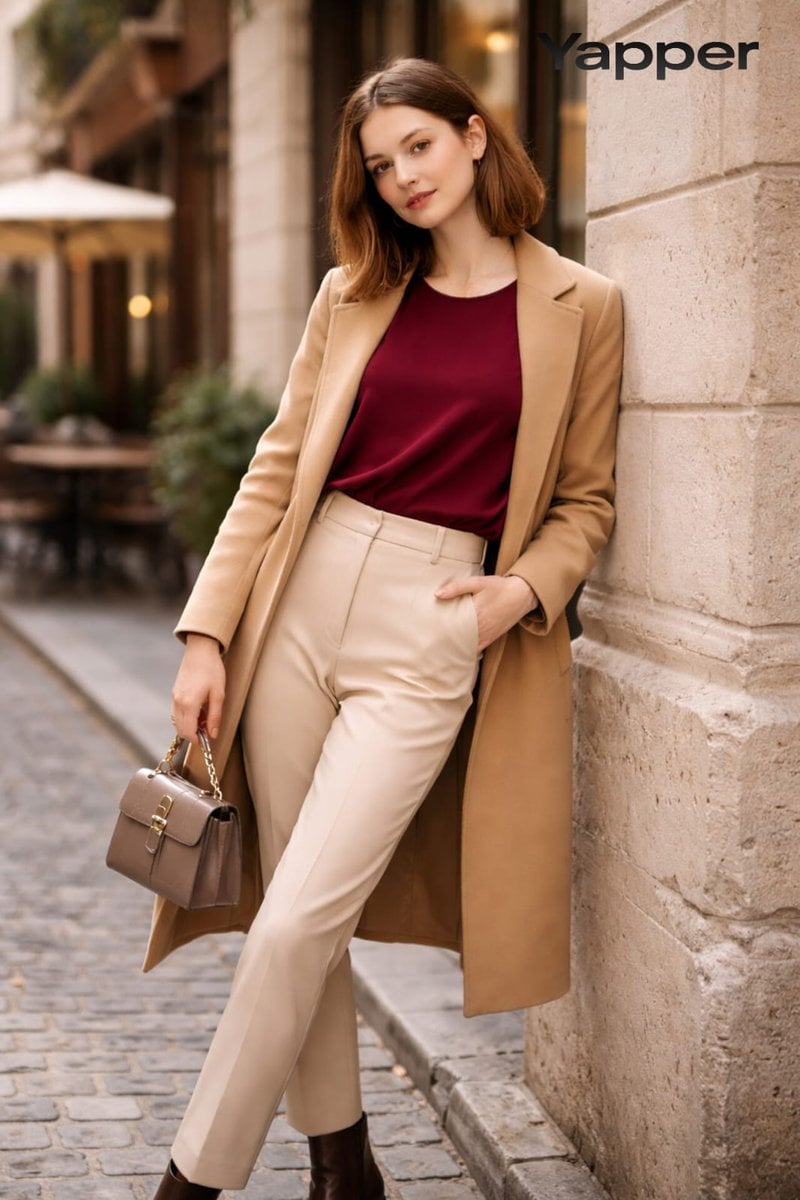
High-Fashion Street Portrait Prompt for Nano Banana Pro
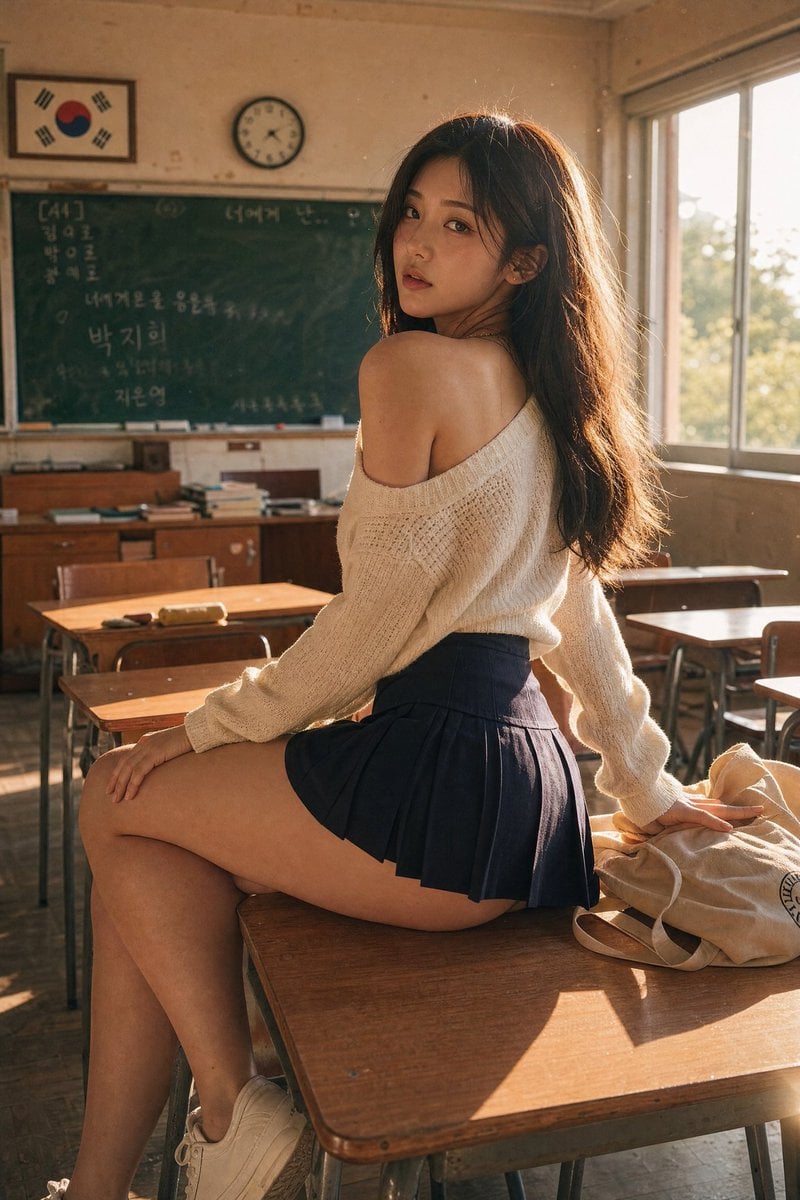
Realistic Korean School Classroom Portrait
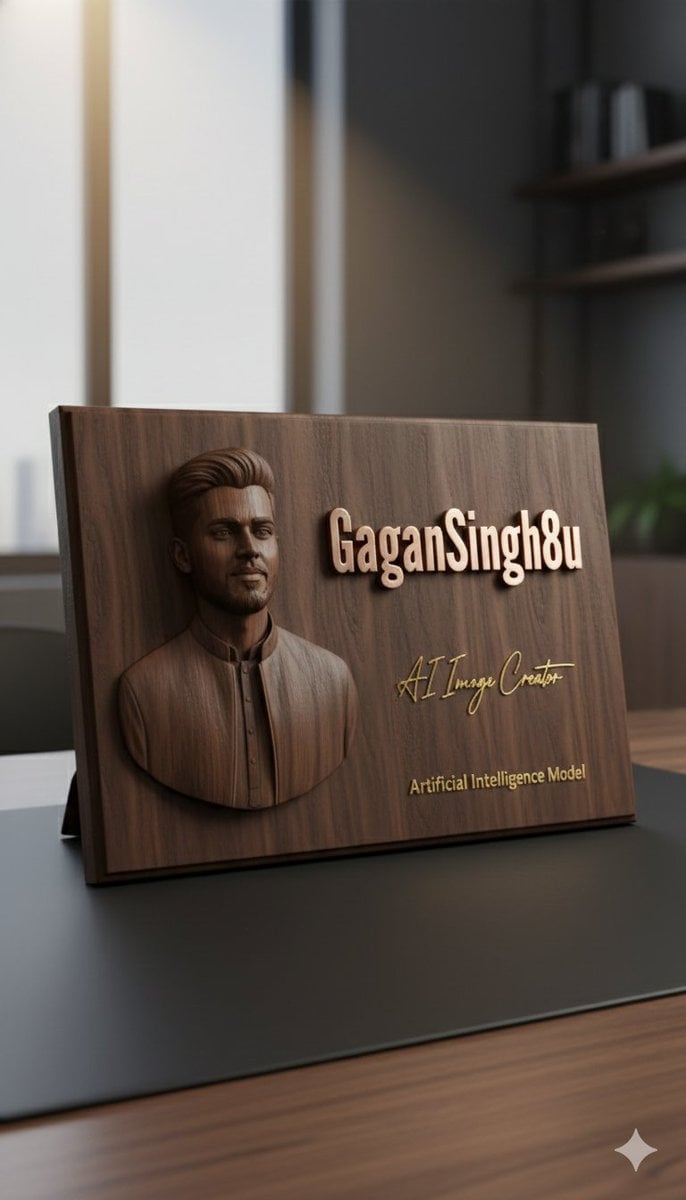
3D Embossed Executive Plaque Mockup from Reference Image
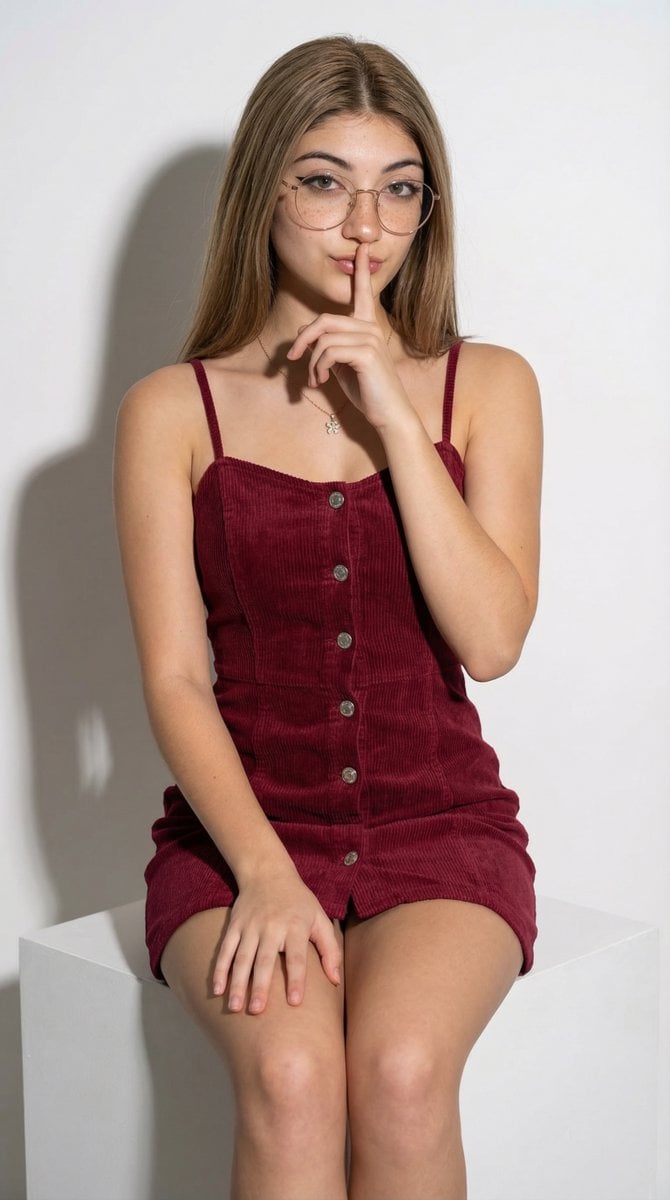
High-Fashion Corduroy Mini Dress Studio Portrait Prompt
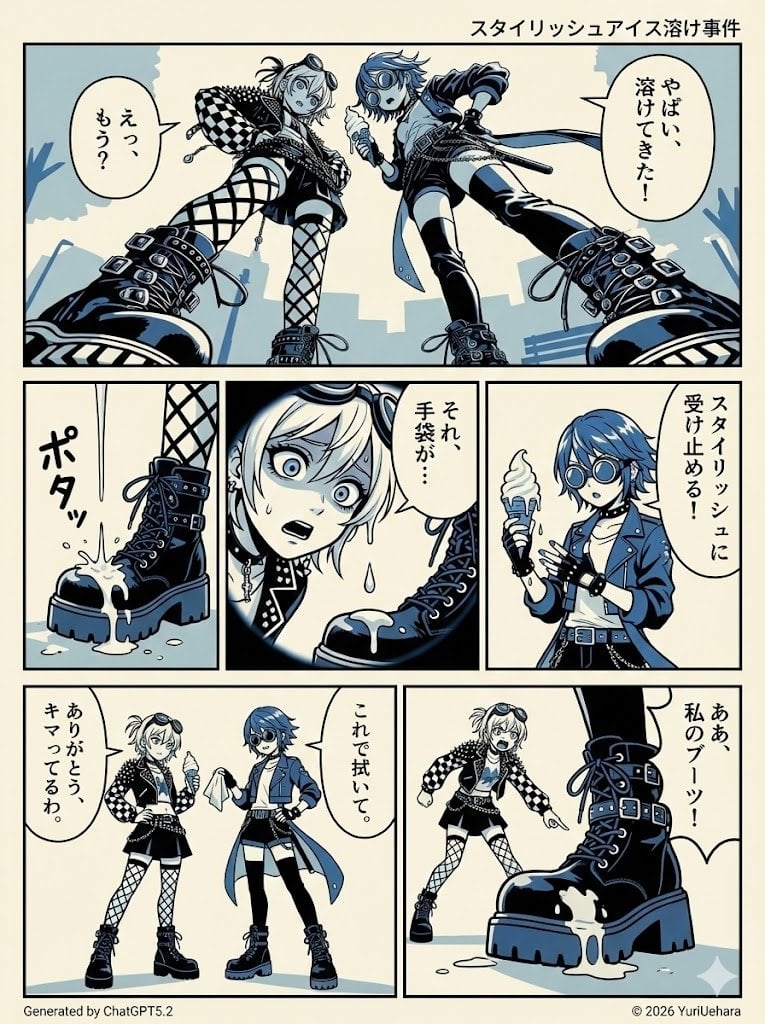
Identical Prompt Comparison (Nano Banana Pro vs. ChatGPT)
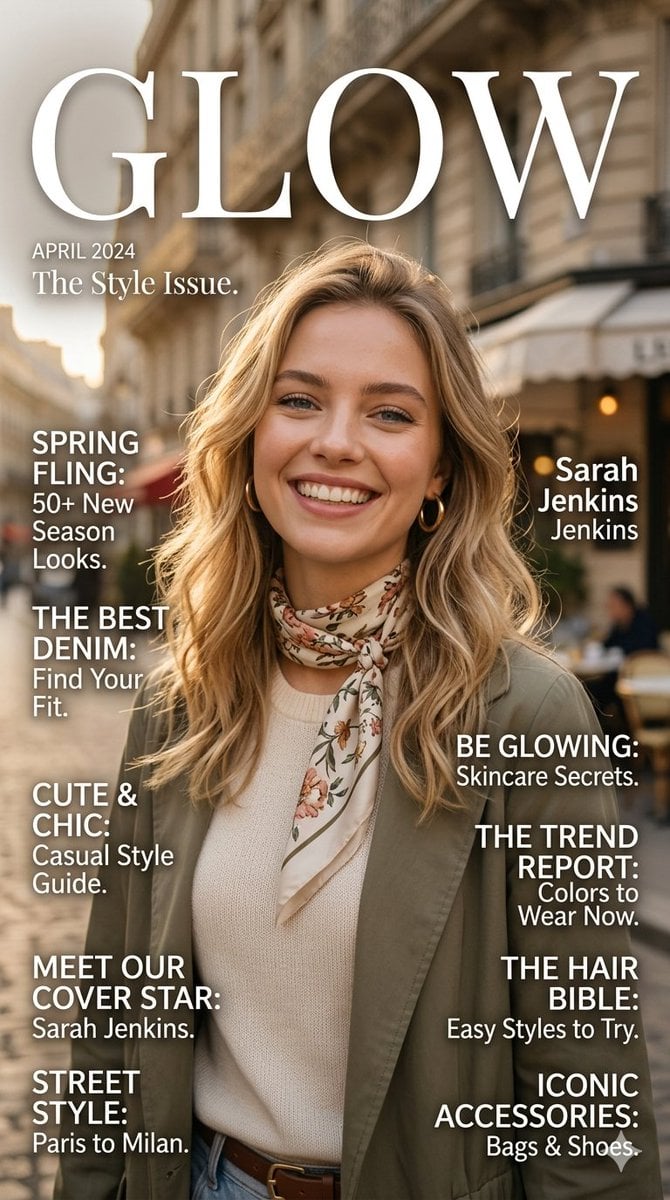
Glow Fashion Magazine Cover Prompt
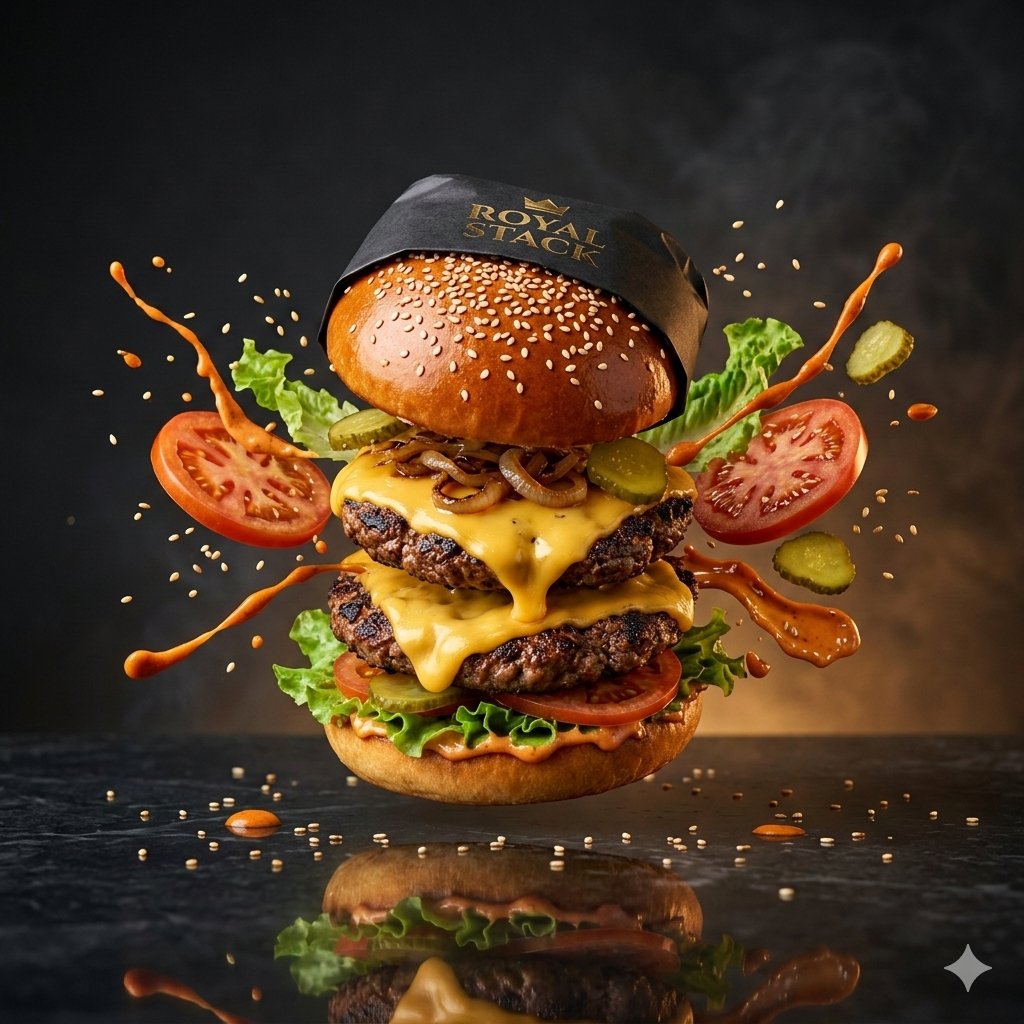
High-Speed Commercial Luxury Burger Photography
Browse template categories
Oriental Zen Shadow Illustration questions
How do I use the Oriental Zen Shadow Illustration template?
Add your photo if the template asks for one, edit the prompt if you like — the template's model and format are already selected — and press Generate. Your version opens in PicX Studio.
Can I customize the Oriental Zen Shadow Illustration template?
Yes. You can change the subject, setting, lighting, mood, format, and available model controls before creating your image.
Is the Oriental Zen Shadow Illustration template free?
Opening and editing this template is free. Generating uses credits, shown on the Generate button when you are signed in.
Which AI model should I use?
Start with GPT Image 2, which is the model associated with this template. You can compare another compatible model for a different finish.
Looking for something else? Browse all templates.

Your photo, any look
Thousands of ready templates for every top image and video model, from one credit balance.